

Enterprise organizations deal with form challenges that basic tools simply can't solve. When you're processing thousands of submissions monthly, managing complex approval chains, maintaining HIPAA or SOC 2 compliance, and integrating with legacy systems, you need more than a consumer-grade form builder. The right enterprise solution transforms how your organization captures information, qualifies leads, and moves critical business processes forward.
We evaluated platforms based on scalability, security certifications, integration capabilities, and features that matter specifically to enterprise teams. Whether you're replacing paper-based processes or upgrading from a tool that's hit its limits, these nine solutions represent the strongest options for enterprise organizations in 2026.
1. Orbit AI
Best for: High-growth teams needing intelligent lead qualification built into conversion-optimized forms
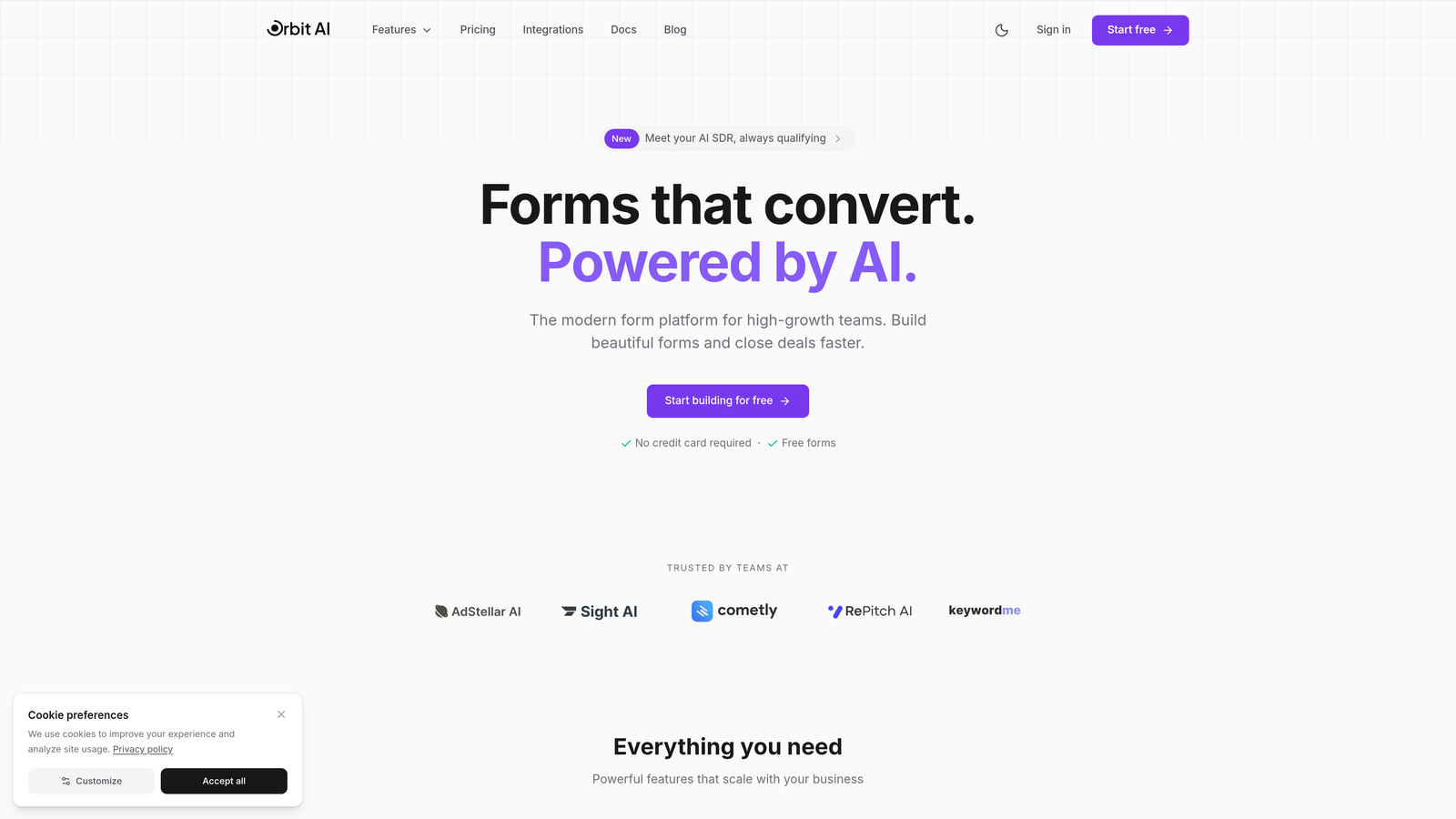
Orbit AI brings artificial intelligence directly into the form-building process, automatically qualifying and scoring leads as they submit.
Where This Tool Shines
The platform's AI engine analyzes responses in real-time, routing high-value prospects to sales immediately while nurturing others through automated sequences. This eliminates the manual lead scoring process that slows down most enterprise sales teams.
The modern interface focuses on conversion optimization, not just data collection. Forms feel contemporary and load quickly, which directly impacts completion rates—a critical factor when you're driving paid traffic to lead capture pages.
Key Features
AI-Powered Lead Qualification: Automatically scores and routes leads based on response patterns and data points you define.
Intelligent Form Routing: Directs submissions to the right team members based on qualification criteria, geography, or custom logic.
Conversion-Optimized Designs: Pre-built templates designed specifically to maximize form completion rates.
Native CRM Integrations: Connects directly with Salesforce, HubSpot, and 15+ platforms without middleware.
Built-In Analytics: Track conversion rates, drop-off points, and lead quality metrics without external tools.
Best For
Enterprise teams focused on lead generation and conversion optimization who want AI capabilities without complex implementation. Particularly strong for organizations running significant paid advertising campaigns where form conversion rates directly impact ROI.
Pricing
Custom enterprise pricing available based on submission volume and feature requirements. Contact their sales team for specific quotes.
2. Formstack Enterprise
Best for: Regulated industries requiring HIPAA, GDPR, and SOC 2 compliance with document automation
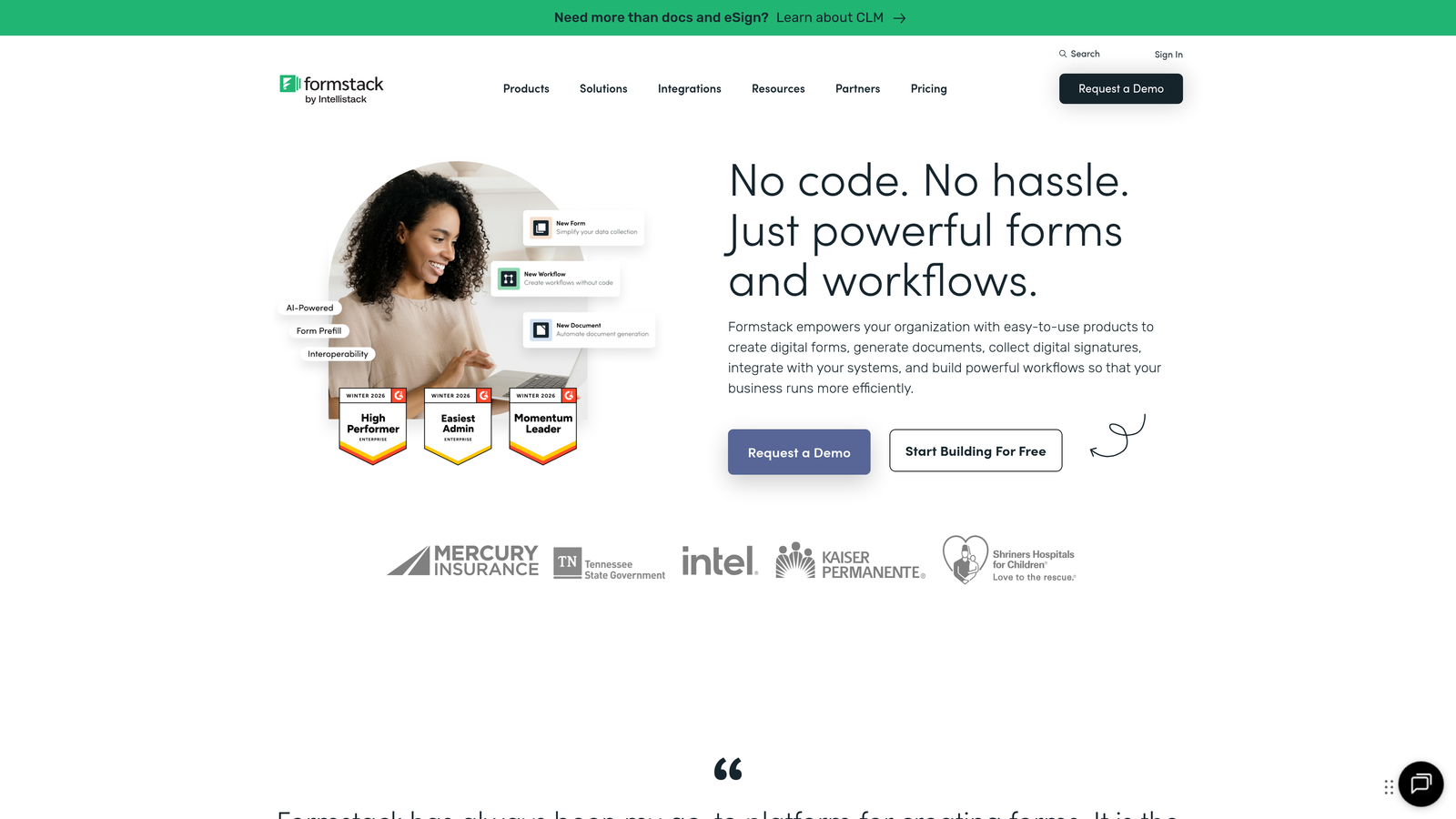
Formstack Enterprise combines forms, document generation, and electronic signatures into a comprehensive workplace productivity platform.
Where This Tool Shines
Healthcare, financial services, and government organizations choose Formstack for its compliance certifications and audit trails. The platform maintains detailed logs of every form submission, approval, and document generation event—critical for regulated environments.
The document automation feature stands out. Forms automatically generate contracts, reports, or compliance documents based on submission data, eliminating manual copying between systems.
Key Features
Compliance Certifications: HIPAA, GDPR, SOC 2 Type II, and PCI DSS compliant with regular third-party audits.
Automated Document Generation: Creates PDFs, Word documents, or custom templates from form data automatically.
Advanced Approval Workflows: Multi-stage approval routing with notifications and escalation rules.
Electronic Signatures: Built-in e-signature functionality without requiring separate tools.
Dedicated Success Manager: Enterprise accounts include a customer success manager for onboarding and optimization.
Best For
Organizations in healthcare, finance, or legal sectors that need comprehensive compliance features alongside document generation capabilities. Ideal when forms feed directly into contract or report creation workflows.
Pricing
Enterprise plans start around $500 monthly, with custom pricing for large deployments requiring additional compliance features or dedicated infrastructure.
3. Typeform Enterprise
Best for: Organizations prioritizing user experience and brand consistency with conversational form interfaces
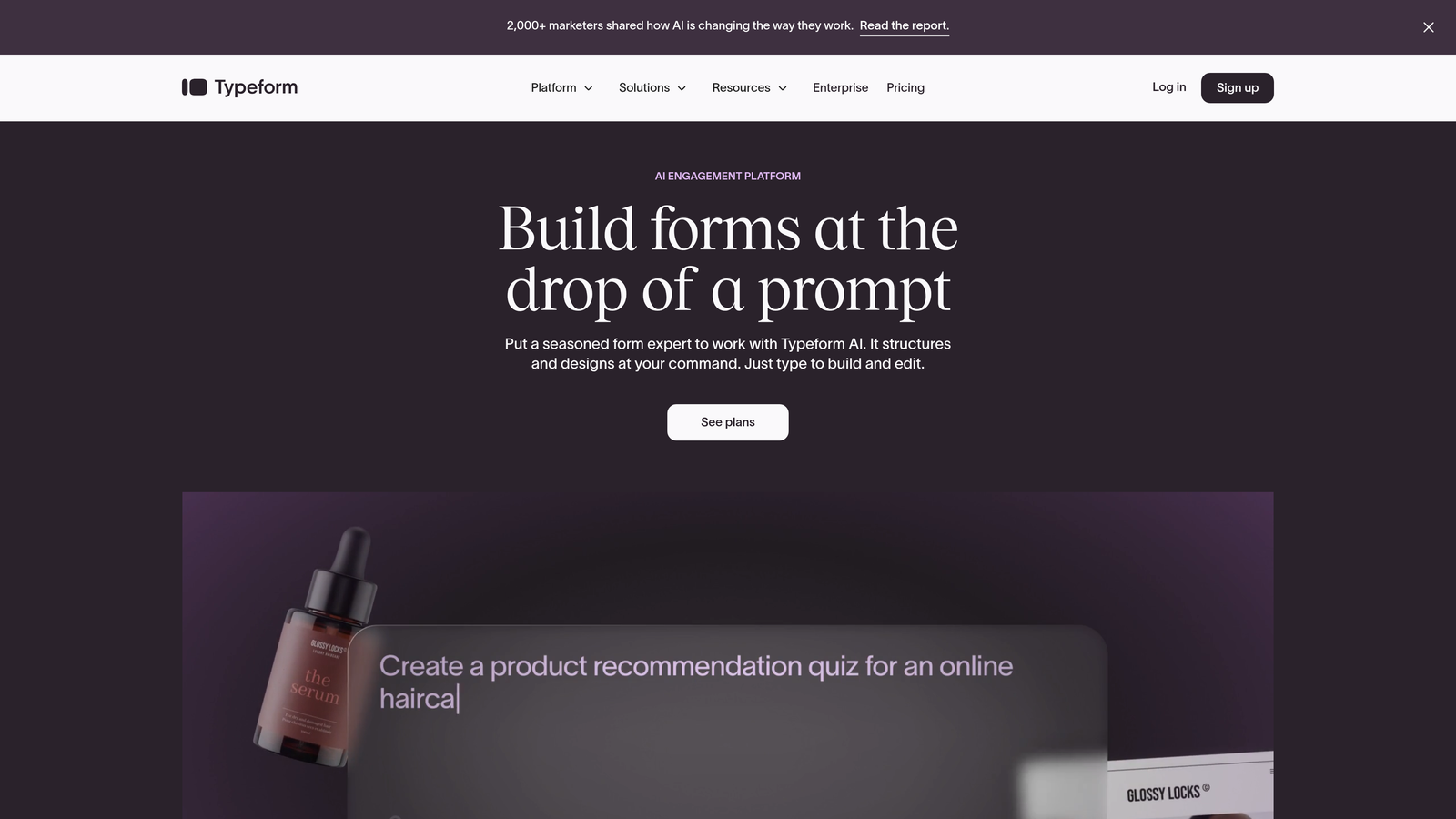
Typeform Enterprise delivers forms that feel more like conversations, displaying one question at a time to maximize engagement.
Where This Tool Shines
The conversational interface consistently achieves higher completion rates than traditional multi-field forms. By showing one question at a time, respondents stay focused and feel less overwhelmed—particularly valuable for longer surveys or complex intake processes.
Branding capabilities go deep. Enterprise customers can white-label the entire experience, customize every visual element, and even remove Typeform branding completely. This matters when forms represent your brand directly to customers.
Key Features
Conversational Interface: One-question-at-a-time display that increases completion rates and reduces abandonment.
Advanced Branding Options: Complete white-label capabilities with custom domains and zero Typeform branding.
Logic Jumps: Sophisticated conditional branching that creates personalized paths based on previous answers.
Rich Media Integration: Embed videos, images, and GIFs directly into questions for engaging experiences.
SSO and Team Management: SAML-based single sign-on with granular permission controls for large teams.
Best For
Marketing teams, customer experience departments, and consumer-facing organizations where form completion rates and brand experience directly impact business outcomes. Particularly strong for customer feedback, lead qualification, and event registration.
Pricing
Enterprise pricing starts around $1,000 monthly, scaling based on response volume and number of team members.
4. Jotform Enterprise
Best for: Organizations with diverse form needs across multiple departments requiring extensive templates and integrations
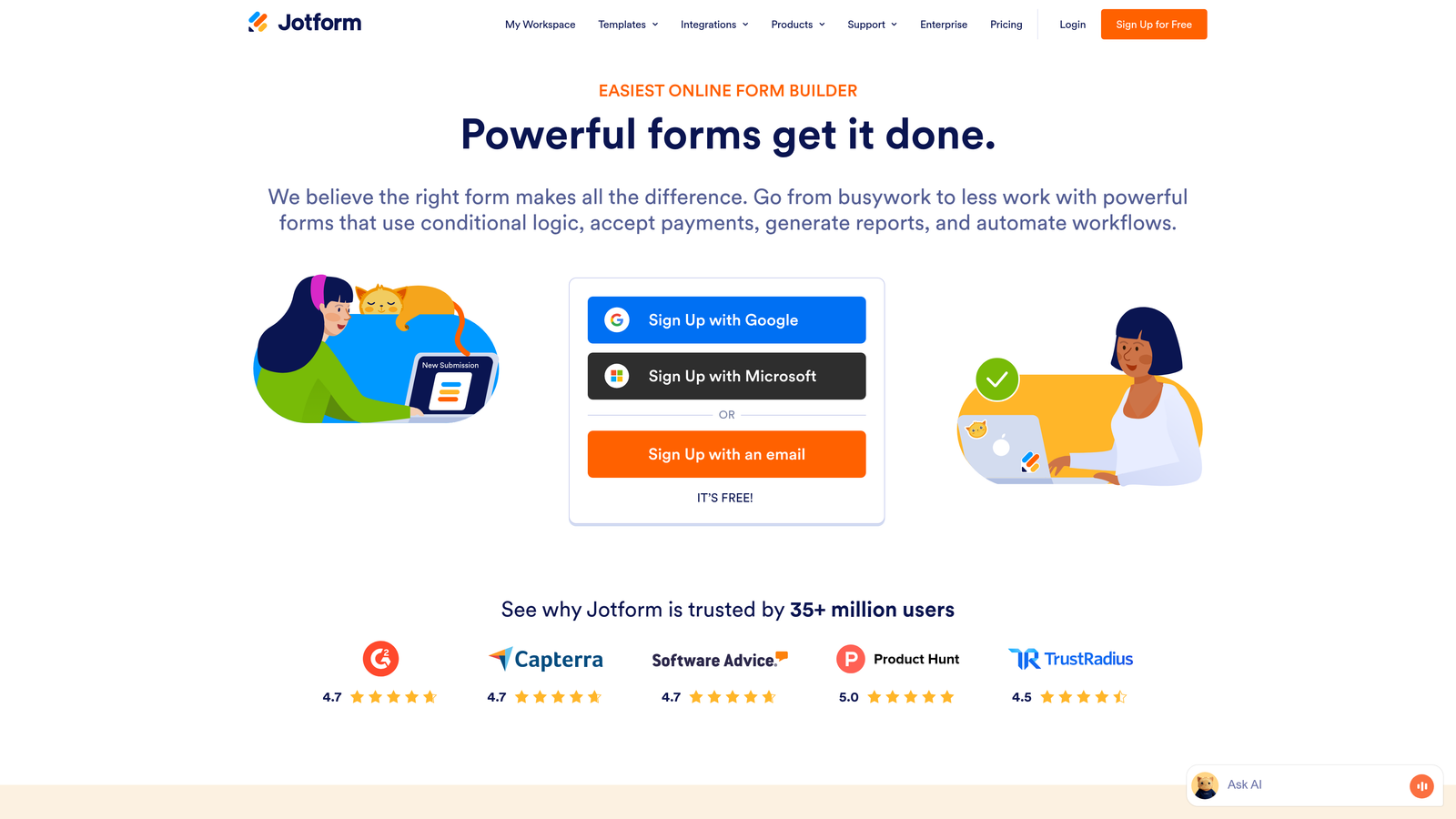
Jotform Enterprise offers over 10,000 pre-built templates alongside unlimited forms and submissions for large organizations.
Where This Tool Shines
The template library solves the "starting from scratch" problem. Whether you need event registration, job applications, order forms, or feedback surveys, there's likely a template that gets you 80% of the way there.
Jotform Tables transforms form data into spreadsheet-like databases where teams can collaborate, filter, and analyze submissions without exporting to external tools. This bridges the gap between data collection and data management.
Key Features
10,000+ Templates: Pre-built forms for virtually every use case, customizable to your needs.
Local Data Residency: Choose where your data is stored geographically to meet regional compliance requirements.
Unlimited Submissions: No caps on form responses, regardless of volume.
Jotform Tables: Built-in database functionality for managing and analyzing form data collaboratively.
Approval Workflows: Route submissions through multi-stage approval processes with e-signature capabilities.
Best For
Large organizations with decentralized teams where different departments need different types of forms. The extensive template library and unlimited submission model work well when form usage varies significantly across the organization.
Pricing
Enterprise plans with custom pricing typically start around $300 monthly, scaling based on user count and advanced feature requirements.
5. Microsoft Power Apps
Best for: Microsoft 365 organizations needing deep integration with Dynamics, SharePoint, and the broader Microsoft ecosystem
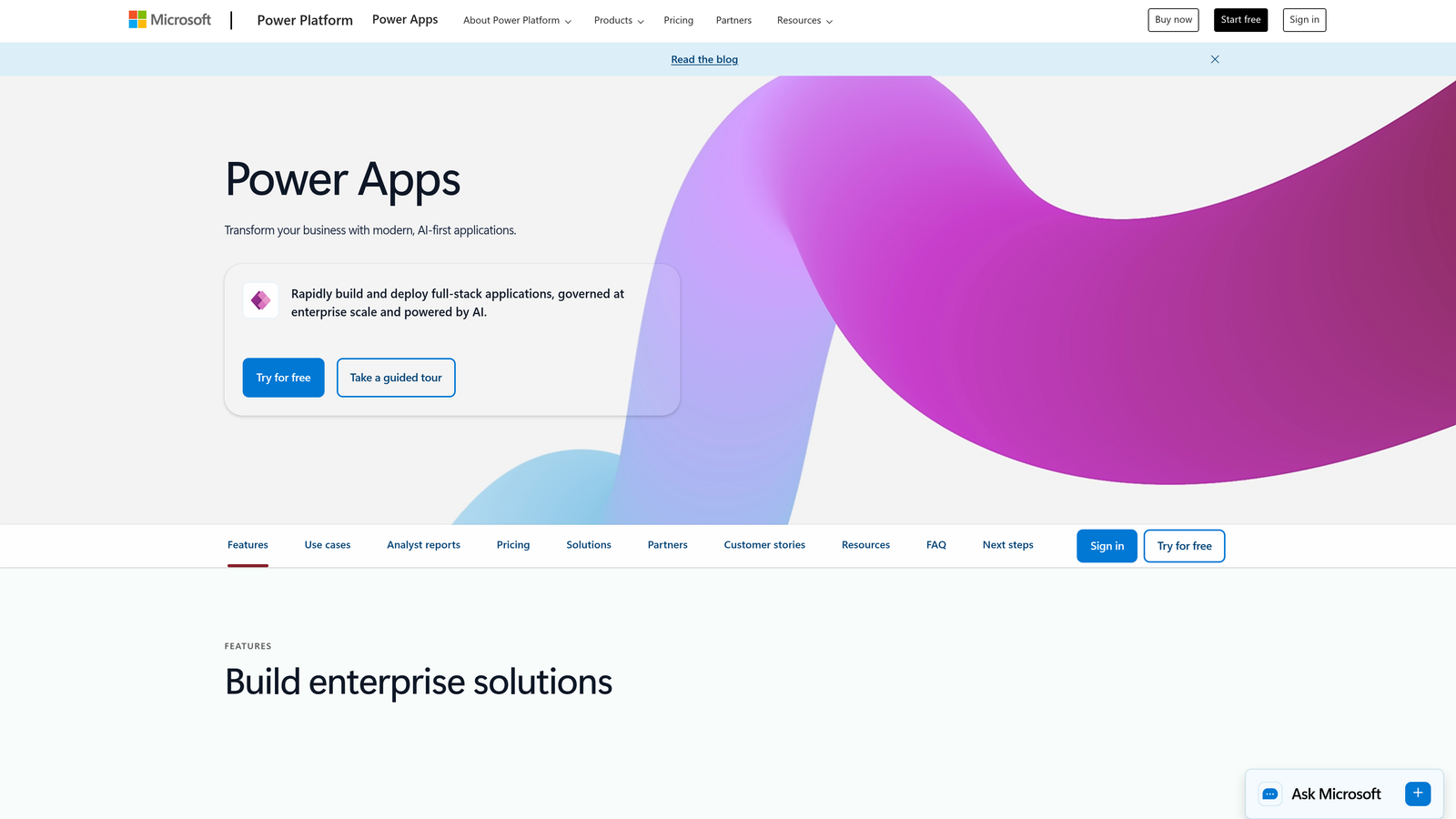
Microsoft Power Apps is a low-code platform that enables IT teams to build custom form applications beyond what traditional form builders offer.
Where This Tool Shines
If your organization runs on Microsoft 365 and Dynamics, Power Apps integrates at a level competitors can't match. Forms access SharePoint lists, Dynamics records, and Azure Active Directory natively, without API connections or middleware.
The platform extends beyond simple forms into full custom applications. When your requirements grow beyond data collection into workflows, dashboards, or mobile apps, Power Apps handles it within the same environment.
Key Features
Microsoft Ecosystem Integration: Native connections to SharePoint, Dynamics, Teams, and all Microsoft 365 services.
AI Builder: Add intelligent form processing, object detection, and prediction models to your applications.
Custom App Development: Build complete business applications that go beyond traditional form functionality.
Power Automate Integration: Create sophisticated workflows triggered by form submissions without code.
Enterprise Security: Leverages Azure Active Directory and Microsoft's enterprise-grade security infrastructure.
Best For
Organizations heavily invested in the Microsoft ecosystem, particularly those using Dynamics 365 for CRM or ERP. Best suited for IT teams comfortable with low-code development rather than business users seeking drag-and-drop simplicity.
Pricing
Per-user licensing starts at $20 per user monthly. App-based licensing available for scenarios where many users access a single application.
6. Cognito Forms
Best for: Finance and operations teams requiring advanced calculations, payment processing, and complex conditional logic
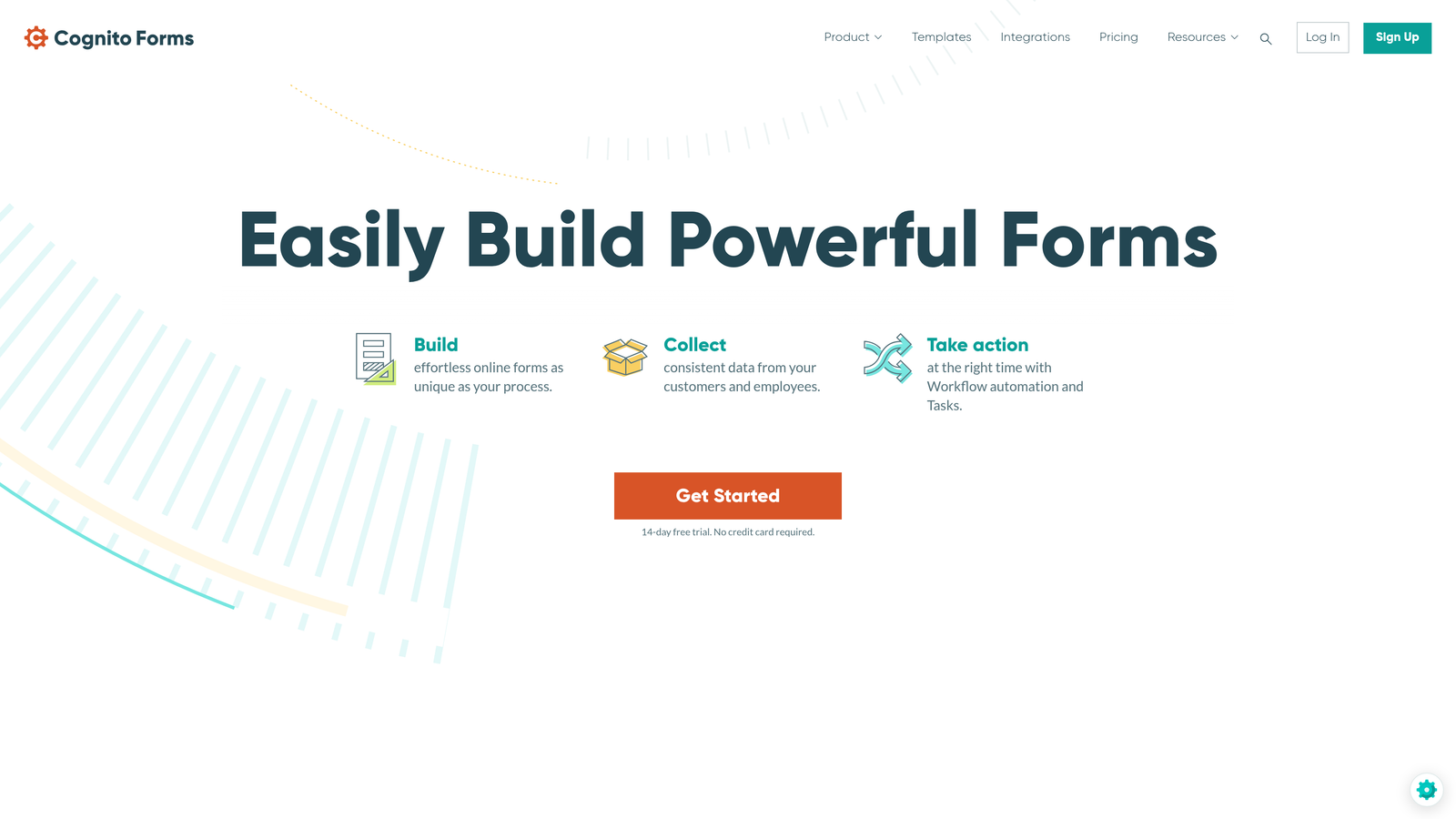
Cognito Forms specializes in forms with sophisticated calculation fields and integrated payment collection.
Where This Tool Shines
The calculation engine handles complex formulas that update in real-time as users complete forms. This makes it ideal for quote requests, order forms, or registration processes where pricing depends on multiple variables.
Payment processing integrates directly without redirecting users to external checkout pages. Forms accept Stripe, PayPal, or Square payments while maintaining a seamless user experience—critical for reducing cart abandonment.
Key Features
Advanced Calculations: Build complex formulas using field values, creating dynamic pricing or scoring systems.
Integrated Payments: Accept credit cards and digital payments directly within forms using major processors.
Repeating Sections: Let users add multiple items or entries within a single form submission.
Workflow Automation: Route submissions through approval processes with conditional notifications.
Data Encryption: Field-level encryption for sensitive information with compliance features.
Best For
Organizations collecting payments through forms, particularly those with variable pricing based on user selections. Strong fit for event registration, order processing, or any scenario requiring mathematical calculations within forms.
Pricing
Team plan at $24 monthly for smaller deployments. Enterprise pricing available for organizations requiring advanced features, higher submission volumes, or dedicated support.
7. FormAssembly
Best for: Salesforce-centric organizations requiring native CRM integration alongside healthcare or financial compliance
FormAssembly was built specifically for Salesforce environments, offering deeper integration than generic form builders.
Where This Tool Shines
The Salesforce integration goes beyond basic data mapping. Forms can prefill with existing Salesforce data, update multiple objects simultaneously, and trigger Salesforce workflows—all without custom code or middleware.
Compliance certifications span HIPAA, GDPR, and PCI DSS with a dedicated security team managing ongoing compliance requirements. Healthcare and financial organizations choose FormAssembly when regulatory requirements are non-negotiable.
Key Features
Native Salesforce Integration: Bidirectional data sync with field mapping, prefill, and workflow triggers.
Comprehensive Compliance: HIPAA, GDPR, and PCI DSS certified with regular audits and documentation.
Multi-Step Forms: Break long forms into multiple pages with save-and-resume functionality.
Approval Workflows: Route submissions through approval chains before data enters Salesforce.
Dedicated Compliance Team: Security specialists manage certifications and assist with compliance requirements.
Best For
Salesforce customers in regulated industries, particularly healthcare providers, financial services firms, and organizations handling sensitive personal data. The combination of deep Salesforce integration and compliance certifications addresses a specific but critical market need.
Pricing
Enterprise plans start around $500 monthly, with additional costs for compliance add-ons and higher submission volumes.
8. Pega Platform
Best for: Enterprise-scale digital transformation requiring complex case management and AI-powered process automation
Pega Platform is a low-code application development platform where forms are one component of broader business process automation.
Where This Tool Shines
This isn't a form builder—it's an enterprise platform that happens to include sophisticated form capabilities. Organizations undertaking major digital transformation initiatives choose Pega when forms must integrate with complex case management, decisioning engines, and omnichannel customer experiences.
The AI-powered decisioning engine can dynamically adjust form fields, routing, and follow-up actions based on real-time analysis of user behavior and business rules. This level of sophistication matters when processing millions of transactions.
Key Features
AI-Powered Automation: Machine learning models optimize processes and predict outcomes in real-time.
Case Management: Track complex workflows that extend far beyond initial form submission.
Omnichannel Deployment: Deploy the same form logic across web, mobile, and other channels.
Real-Time Decisioning: AI engine makes routing and process decisions based on sophisticated business rules.
Enterprise Scalability: Architecture designed to handle millions of transactions with high availability requirements.
Best For
Large enterprises with significant IT resources undertaking major process automation initiatives. Pega makes sense when forms are part of complex customer journeys requiring case management, not standalone data collection.
Pricing
Enterprise licensing model with custom pricing based on deployment scale, user count, and implementation complexity. Expect significant investment beyond software licensing for implementation and customization.
9. Adobe Experience Manager Forms
Best for: Marketing-focused enterprises prioritizing omnichannel experiences within the Adobe ecosystem
Adobe Experience Manager Forms delivers adaptive forms that work seamlessly across devices while integrating with Adobe's marketing and analytics tools.
Where This Tool Shines
The adaptive form technology automatically adjusts layout, fields, and interactions based on device, screen size, and user behavior. This ensures consistent experiences whether users access forms on desktop, tablet, or mobile.
Integration with Adobe Analytics and Adobe Target enables sophisticated form optimization. A/B test different form versions, personalize fields based on visitor segments, and analyze drop-off patterns—all within the Adobe ecosystem.
Key Features
Adaptive Forms: Automatically optimize form layout and behavior for any device or screen size.
Adobe Integration: Native connections to Adobe Analytics, Target, and other Experience Cloud products.
Automated PDF Conversion: Transform existing PDF forms into interactive web forms automatically.
Document Generation: Create official records and documents from form submissions.
Headless Delivery: Separate form logic from presentation for deployment across multiple channels.
Best For
Organizations already invested in Adobe Experience Cloud who need forms integrated with their broader marketing technology stack. Particularly valuable for companies managing complex customer journeys across multiple touchpoints.
Pricing
Part of Adobe Experience Cloud with enterprise licensing. Custom pricing based on deployment requirements and other Adobe products in use.
Finding Your Best Fit
The right enterprise form solution depends on your specific requirements, not features lists. Start by identifying your non-negotiables: compliance certifications, specific integrations, submission volume, or budget constraints.
If you're deeply embedded in a specific ecosystem—Microsoft, Salesforce, or Adobe—prioritize platforms built for that environment. The integration depth will save countless hours compared to forcing generic tools to work with your existing systems.
For organizations where lead quality directly impacts revenue, AI-powered qualification becomes a game-changer. Start building free forms today and see how intelligent form design can elevate your conversion strategy while delivering the modern experience your high-growth team needs.
Consider your team's technical capabilities honestly. Low-code platforms like Power Apps and Pega offer tremendous flexibility but require development resources. If your team needs to create forms quickly without IT involvement, specialized form builders deliver faster time-to-value.
Most importantly, evaluate based on your actual use cases. Request demos that show your specific scenarios—whether that's complex approval workflows, payment collection, or multi-step lead qualification. The platform that handles your real requirements smoothly is the right choice, regardless of feature comparisons.


