

Gravity Forms built its reputation as the go-to WordPress form plugin, and for good reason. But as businesses grow, the cracks start to show. It's locked to WordPress, the interface hasn't kept pace with modern design expectations, and the real cost only becomes clear once you start stacking paid add-ons. For teams focused on lead quality, not just lead volume, the lack of built-in qualification features is a genuine gap.
The good news is the form builder market has expanded significantly. Whether you're still on WordPress or building a platform-agnostic stack, there are strong alternatives worth evaluating. The tools below were selected based on ease of use, conversion optimization capabilities, integration depth, pricing transparency, and how well they serve growing teams. Here are the top Gravity Forms alternatives worth considering in 2026.
1. Orbit AI
Best for: High-growth teams that need AI-powered lead qualification built into every form.
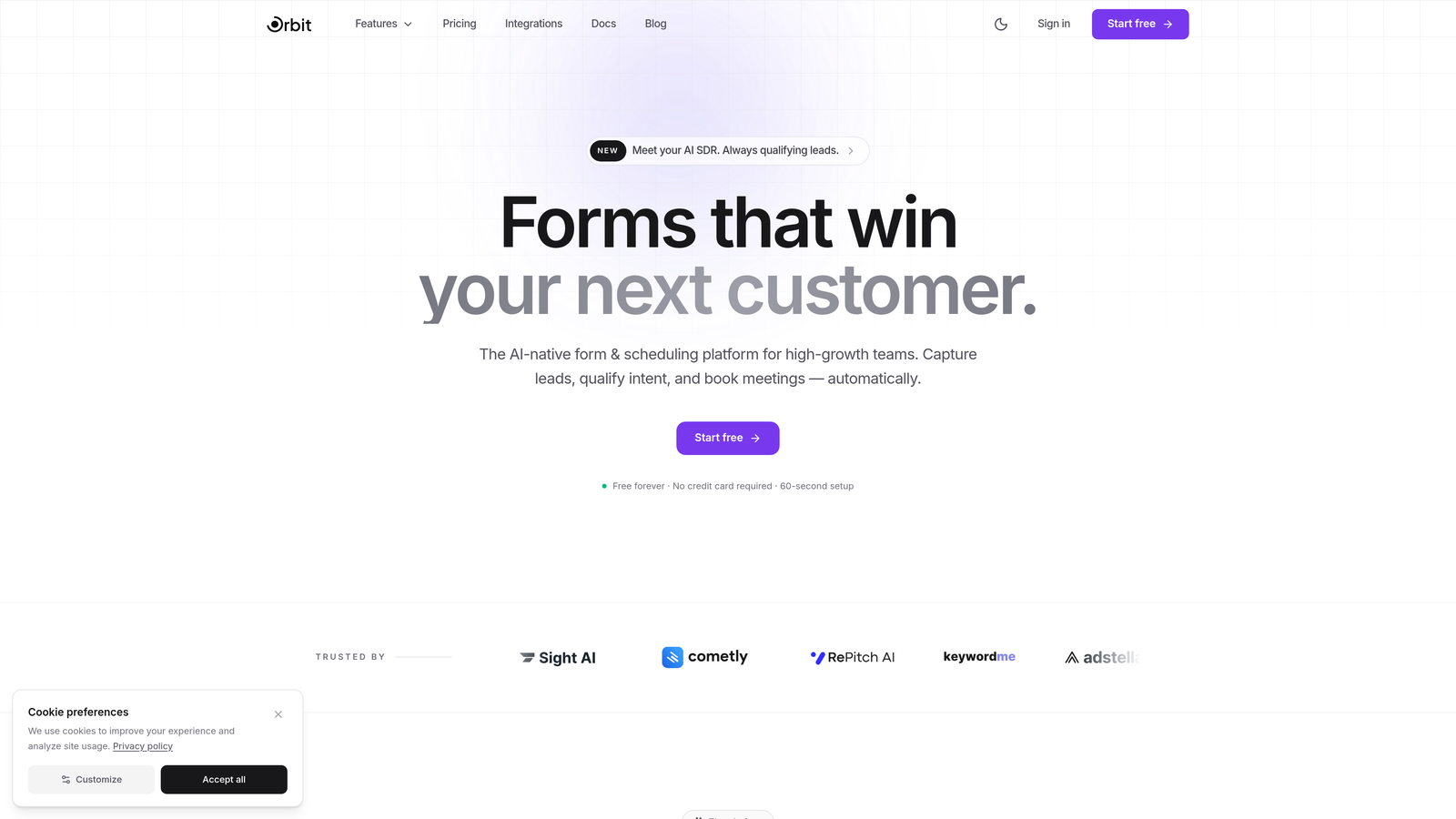
Orbit AI is an AI-powered form builder platform designed specifically for businesses that care about lead quality, not just submission volume.
Where This Tool Shines
Most form builders stop at data collection. Orbit AI goes a step further by qualifying leads at the point of capture, scoring and filtering prospects before they ever reach your CRM or sales team. For high-growth teams running paid campaigns or managing large inbound volumes, this changes the economics of lead generation entirely.
The platform pairs that intelligence with genuinely modern form design. You get conversion-optimized templates built for lead generation, not generic contact forms repurposed from a template library. The result is a tool that serves both your marketing team's need for beautiful, high-converting forms and your sales team's need for better-qualified pipeline.
Key Features
AI Lead Scoring and Qualification: Automatically evaluates and scores leads at the point of form submission, so your team focuses on the right prospects.
Conversion-Optimized Templates: Purpose-built templates designed around lead generation goals, not generic use cases.
Conditional Logic and Multi-Step Forms: Guide respondents through personalized form paths that increase completion rates and gather richer data.
Modern No-Code Design: Create visually polished forms without touching a line of code, keeping your brand consistent across every touchpoint.
CRM and Marketing Integrations: Connect to popular CRMs and marketing platforms so qualified leads flow directly into your existing workflow.
Best For
Orbit AI is the strongest fit for SaaS companies, marketing agencies, and growth-focused businesses that treat lead quality as a core metric. If you're running demand generation programs and want your forms to do more than collect names and emails, this is where the platform earns its place.
Pricing
Visit orbitforms.ai for current plan details. A free building option is available to get started.
2. Typeform
Best for: Teams that want high engagement and completion rates through a conversational form experience.
Typeform is a conversational form builder known for its one-question-at-a-time format that keeps respondents focused and engaged.

Where This Tool Shines
Typeform's signature experience is its biggest differentiator. By presenting one question at a time, it reduces cognitive load and creates a rhythm that feels more like a conversation than a data collection exercise. This approach tends to produce stronger completion rates, particularly for longer forms like surveys or multi-step qualification flows.
The design quality is consistently high, and the branding customization options give marketing teams the control they need to keep forms on-brand. Where Typeform falls short is in built-in lead intelligence. It's excellent at capturing data beautifully but doesn't natively score or qualify what comes in.
Key Features
Conversational One-Question Interface: Presents questions individually to reduce abandonment and improve the respondent experience.
Logic Jumps and Branching: Personalizes the form path based on previous answers, creating tailored experiences for different segments.
Design Customization: Strong branding controls including custom fonts, colors, and background images.
Native Integrations: Connects with HubSpot, Zapier, Slack, Salesforce, and many other platforms.
Best For
Typeform works well for marketing teams running surveys, product research, or top-of-funnel lead capture where the respondent experience is a priority. It's less suited for teams that need built-in qualification logic or advanced workflow automation.
Pricing
Free plan available with limited responses. Paid plans start at approximately $25/month, with higher tiers unlocking more responses and advanced features.
3. Jotform
Best for: Teams that need a versatile, template-rich form builder with built-in payment processing.
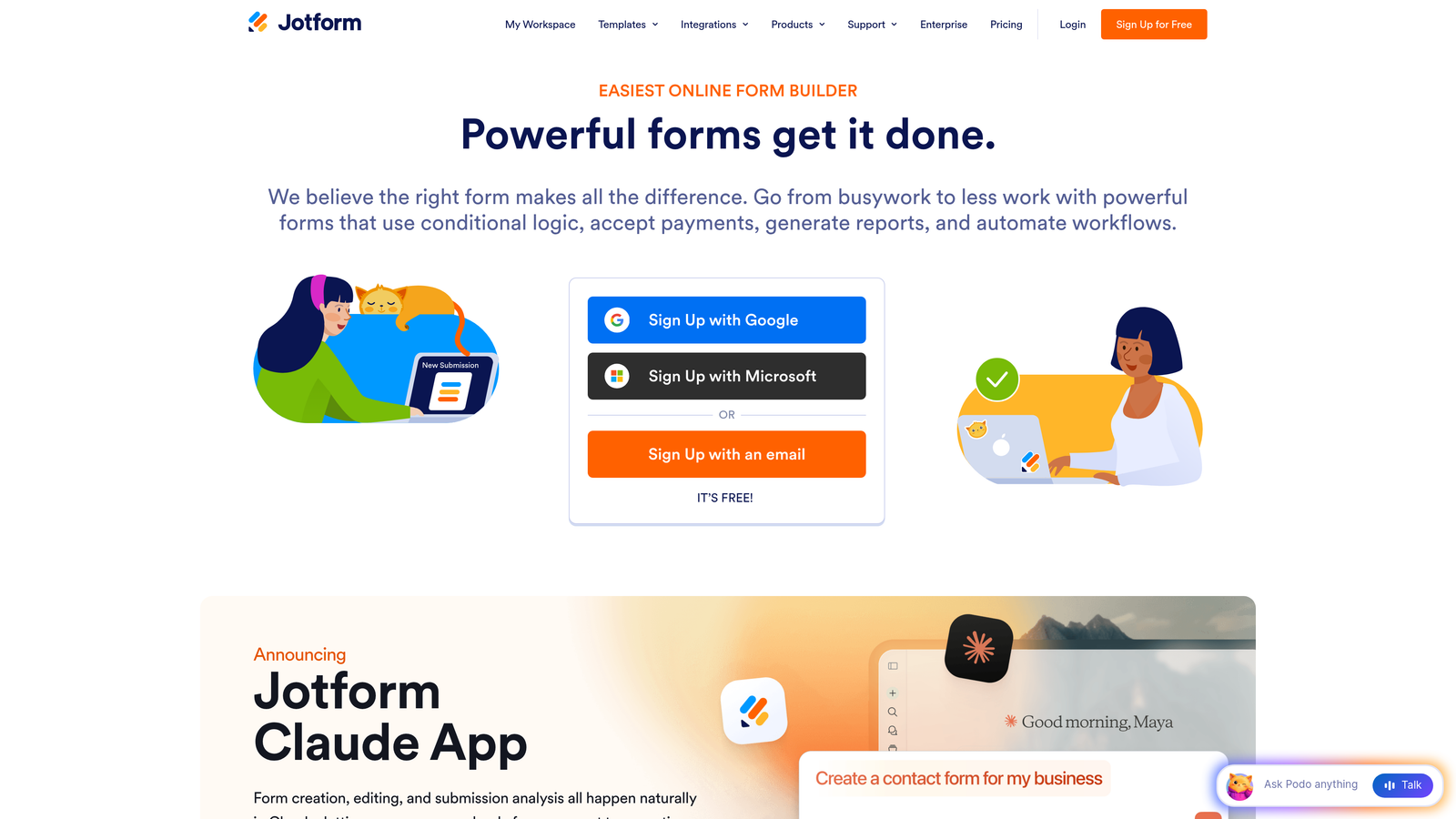
Jotform is a no-code form builder offering one of the largest template libraries in the market alongside strong conditional logic and native payment integrations.
Where This Tool Shines
Jotform's depth is its defining characteristic. With over 10,000 templates spanning virtually every industry and use case, teams can get to a working form in minutes. The platform handles everything from simple contact forms to complex registration flows, payment collection, and HIPAA-compliant data capture.
Jotform Tables adds a layer of submission management that many competitors lack, letting teams organize and act on form data without immediately pushing everything to an external tool. It's a workhorse platform that prioritizes breadth over elegance.
Key Features
10,000+ Templates: Covers nearly every industry and use case, dramatically reducing setup time for new forms.
Built-In Payment Processing: Native integrations with Stripe, PayPal, and Square for collecting payments directly through forms.
Advanced Conditional Logic: Drag-and-drop builder with robust logic rules for creating dynamic form experiences.
Jotform Tables: A built-in database for managing and organizing form submissions without leaving the platform.
HIPAA-Compliant Plans: Available for healthcare and regulated industries that require data compliance.
Best For
Jotform suits teams that need a reliable, feature-complete form builder for a wide range of use cases. It's particularly strong for organizations that collect payments, manage event registrations, or operate in regulated industries.
Pricing
Free plan includes 5 forms and 100 submissions per month. Paid plans start at approximately $34/month with significantly higher limits.
4. WPForms
Best for: WordPress users who want a beginner-friendly, well-integrated form plugin without switching platforms.
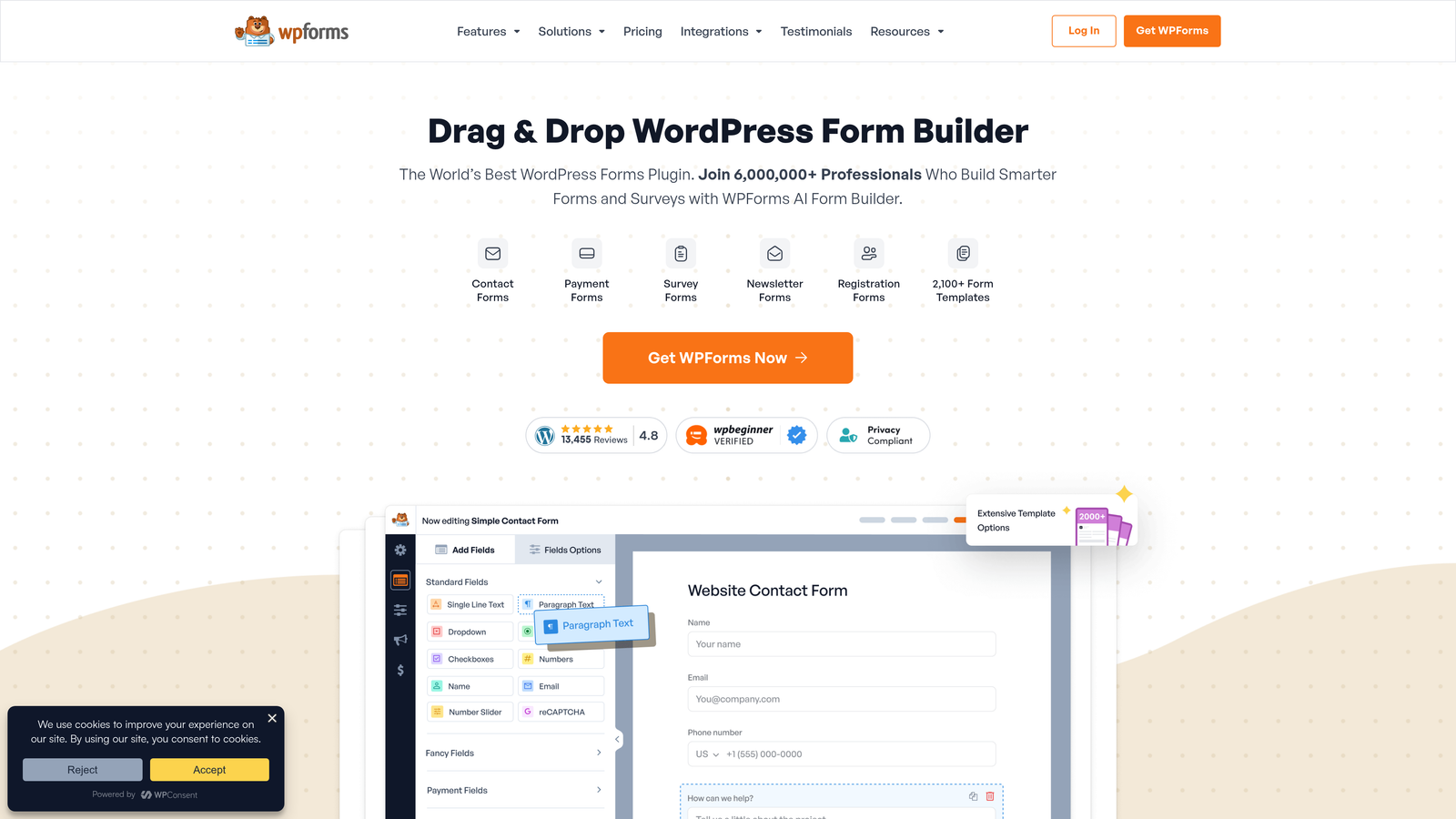
WPForms is a drag-and-drop WordPress form plugin built for ease of use, with strong ecosystem integrations and a clean interface that non-technical users can navigate confidently.
Where This Tool Shines
If you're committed to WordPress and find Gravity Forms overly complex or expensive for your needs, WPForms is the most natural transition. The interface is noticeably cleaner and the learning curve is gentler, making it accessible for marketing teams that don't want to rely on developers for form updates.
The plugin's integration with major email marketing platforms is solid, and its spam protection tools are effective out of the box. The trade-off is that it remains WordPress-only, so it doesn't help teams that are moving toward a platform-agnostic stack.
Key Features
Intuitive WordPress Builder: Drag-and-drop interface designed specifically for WordPress, requiring no coding knowledge.
Pre-Built Templates: Ready-to-use templates for contact forms, registration, payment collection, and more.
Conditional Logic and Multi-Page Forms: Supports dynamic form paths and multi-step experiences to reduce abandonment.
Spam Protection: Built-in CAPTCHA, honeypot, and anti-spam tools to keep submissions clean.
Email Marketing Integrations: Connects natively with Mailchimp, AWeber, Drip, and other popular platforms.
Best For
WPForms is the right choice for small to mid-sized businesses running WordPress sites that want a simpler, more affordable alternative to Gravity Forms without leaving the WordPress ecosystem.
Pricing
A free Lite version is available. Paid plans start at approximately $49.50/year, making it one of the more affordable WordPress form options.
5. Formstack
Best for: Enterprise teams that need form building connected to document generation, e-signatures, and process automation.
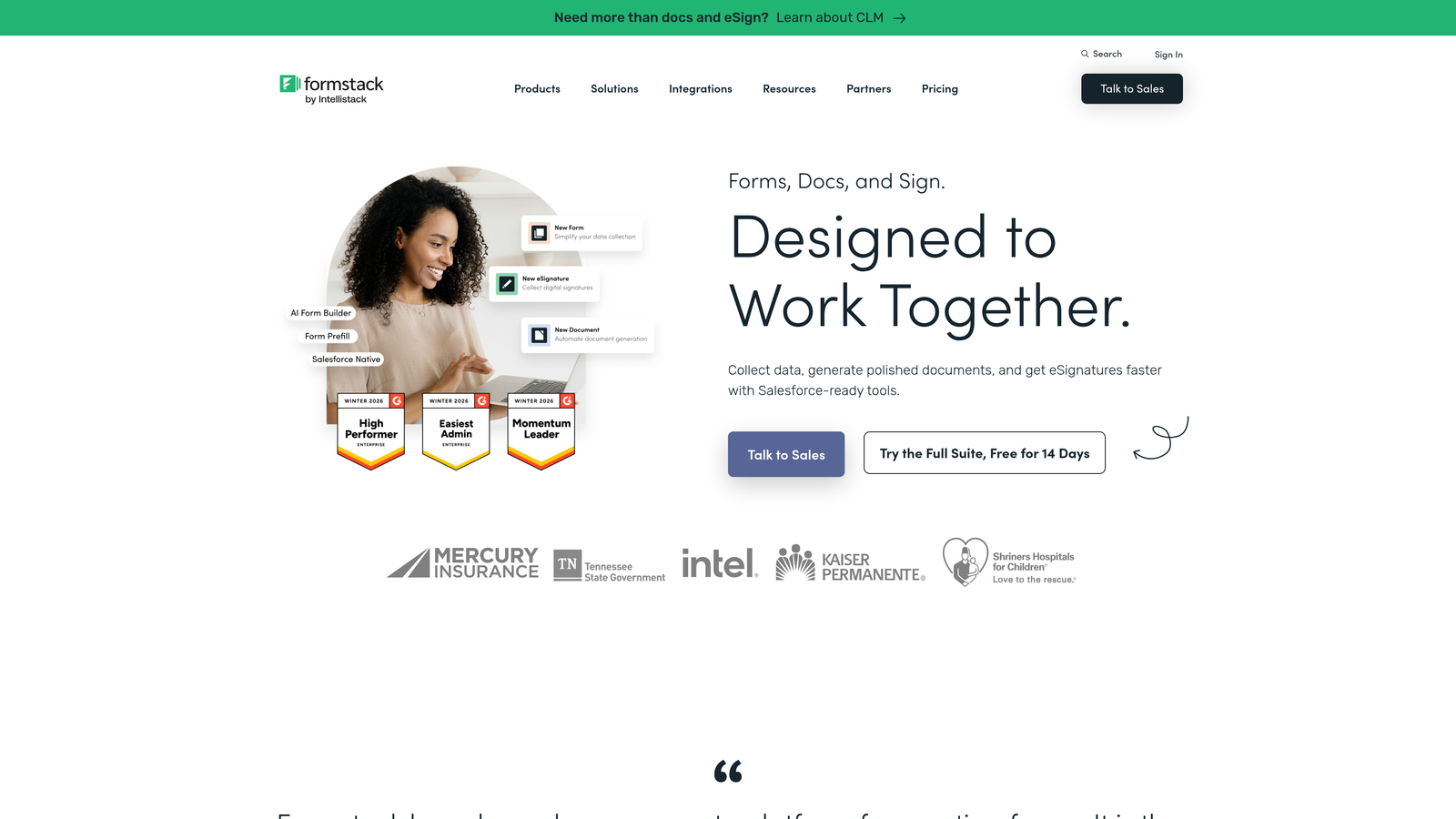
Formstack is an enterprise-grade form and workflow platform that extends beyond data collection into full process automation, document generation, and compliance management.
Where This Tool Shines
Formstack's value proposition is clearest for organizations where a form submission triggers a chain of downstream processes. Think onboarding workflows, contract generation, approval routing, or compliance documentation. The platform connects form data to document templates and e-signature collection in a way that most form builders simply don't attempt.
Its compliance credentials are also notable. HIPAA, GDPR, and SOC 2 options make it viable for regulated industries where data handling requirements eliminate many lighter-weight alternatives. The trade-off is complexity and cost, which can be overkill for teams with straightforward form needs.
Key Features
Workflow Automation and Routing: Automatically routes form submissions through approval workflows and business processes.
Document Generation: Creates documents from form submission data, reducing manual data entry downstream.
E-Signature Collection: Built-in signature capture for contracts, agreements, and compliance forms.
Compliance Options: HIPAA, GDPR, and SOC 2 support for regulated industries and enterprise requirements.
A/B Testing: Built-in form optimization testing to improve conversion rates over time.
Best For
Formstack is best suited for mid-market and enterprise organizations with complex, multi-step operational processes where forms feed into larger workflows. It's less suited for lean teams focused purely on lead capture.
Pricing
Plans start at approximately $50/month billed annually. Enterprise pricing is available for larger organizations with advanced needs.
6. Tally
Best for: Startups and small teams that want a generous free tier with no feature gating.
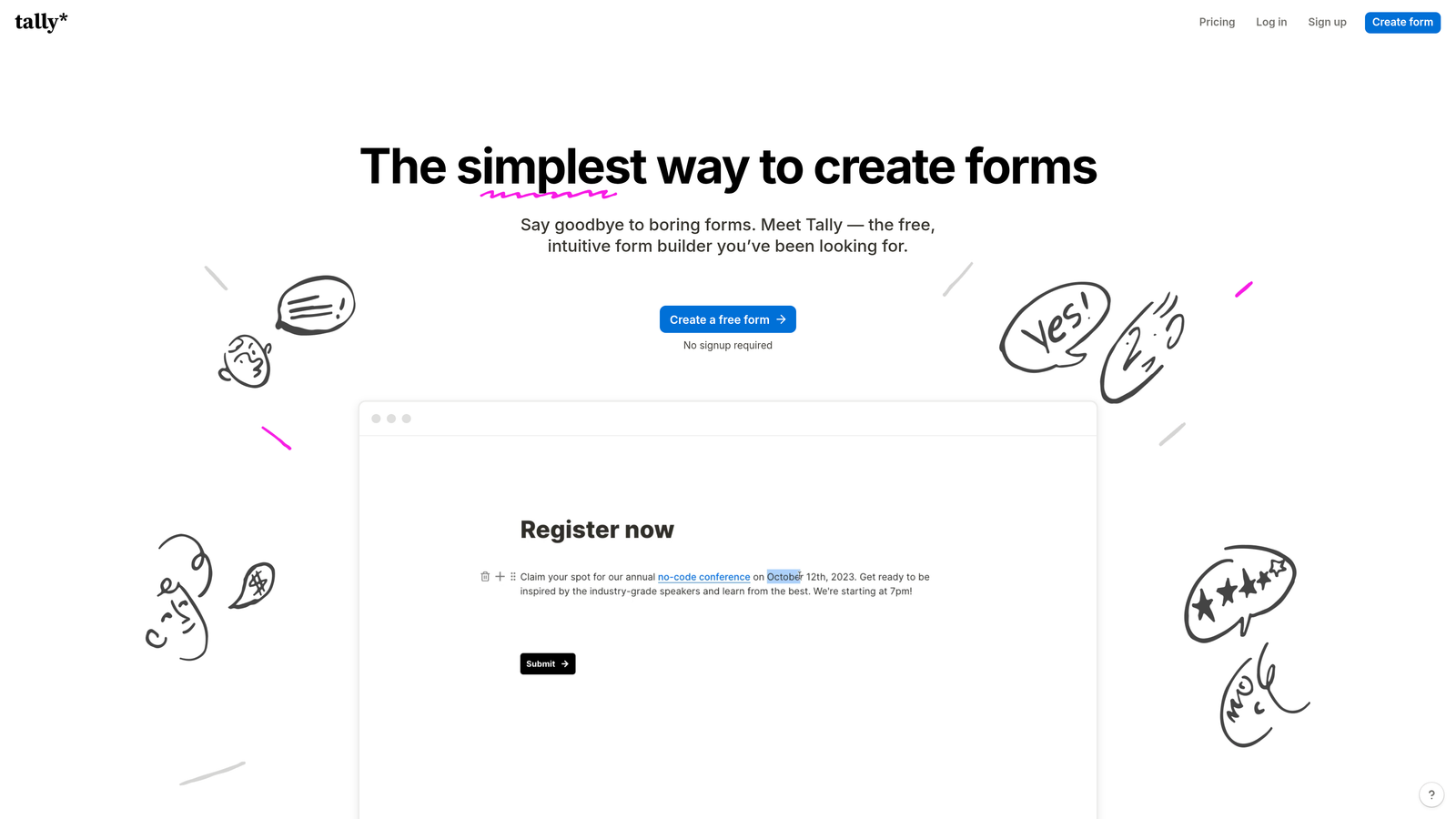
Tally is a free-first form builder with a clean, Notion-style block editor that makes form creation fast and intuitive, with unlimited forms and submissions on the free plan.
Where This Tool Shines
Tally's free tier is genuinely generous in a market where most tools aggressively limit free usage. Unlimited forms and unlimited submissions without paying anything makes it an easy choice for early-stage teams or side projects where budget is a real constraint.
The block-based editing experience feels modern and familiar, especially for teams already using Notion for documentation. It handles conditional logic, hidden fields, and calculations without requiring a paid upgrade, which is unusual in this category. The platform is less feature-rich than enterprise alternatives, but for straightforward use cases, it punches well above its price point.
Key Features
Unlimited Free Forms and Submissions: No artificial limits on the free plan, making it genuinely usable without a paid subscription.
Notion-Style Block Editor: Familiar, intuitive editing experience for teams already comfortable with block-based tools.
Conditional Logic and Calculations: Available on the free tier, unlike many competitors that gate these behind paid plans.
Custom Branding: Available on the Pro plan for teams that need white-labeled or fully branded form experiences.
Integration Options: Connects via webhooks, Zapier, and native connectors to popular tools.
Best For
Tally is an excellent fit for early-stage startups, freelancers, and small teams that need capable forms without committing to a monthly subscription. It's less suited for teams with advanced lead qualification or enterprise compliance needs.
Pricing
Free plan with unlimited forms and submissions. Pro plan is approximately $29/month, adding custom branding and additional features.
7. HubSpot Forms
Best for: Teams already using HubSpot CRM who want native, zero-friction form-to-contact sync.
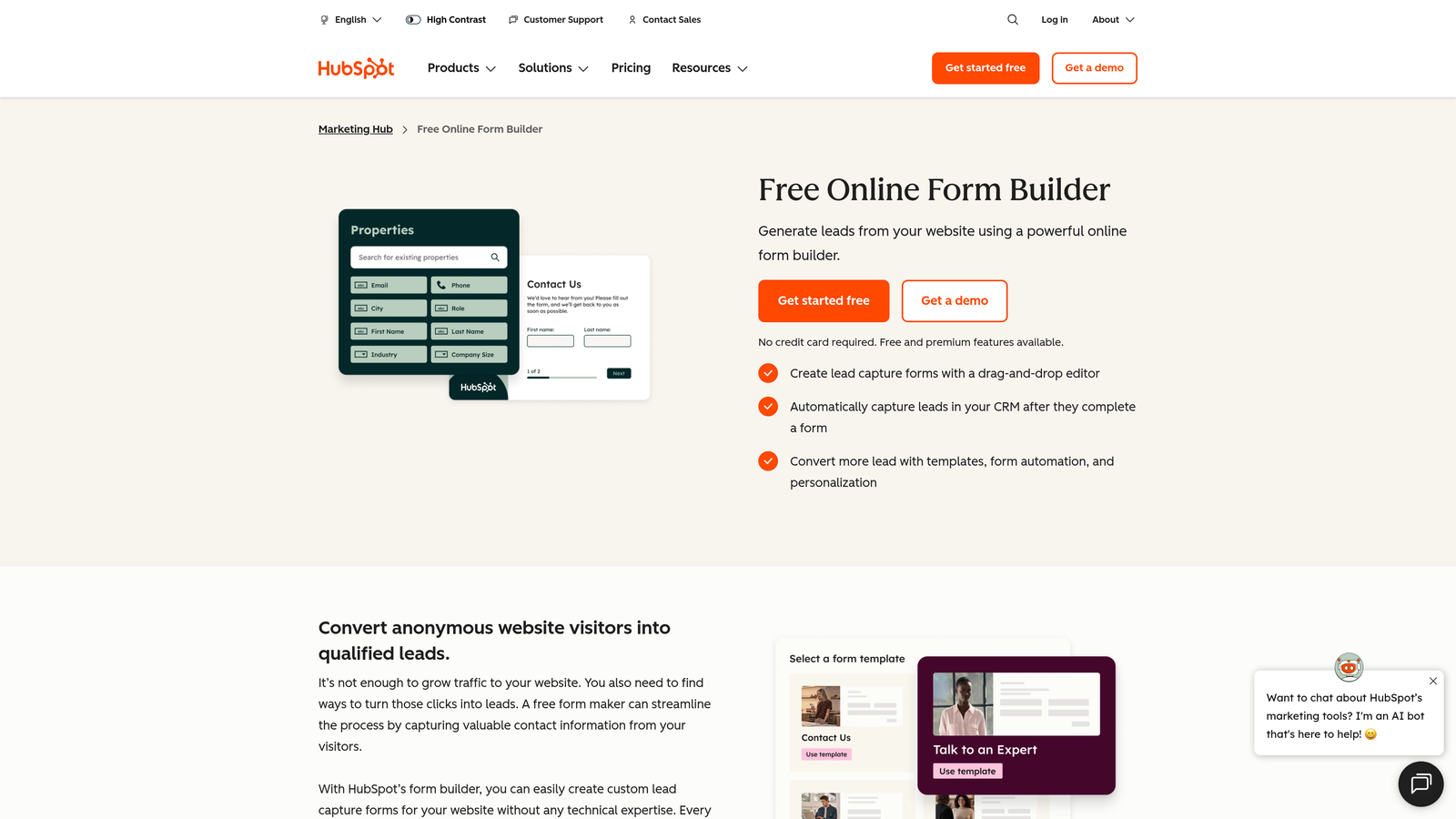
HubSpot Forms is a free form builder natively integrated with HubSpot CRM, automatically syncing every submission to contact records without any manual configuration.
Where This Tool Shines
For teams running their marketing and sales operations inside HubSpot, the native integration removes a layer of friction that third-party form tools introduce. Submissions automatically create or update contact records, trigger workflows, and feed directly into reporting. There's no Zapier zap to maintain, no field mapping to configure, and no sync lag to worry about.
Progressive profiling is a standout feature. Rather than asking the same questions repeatedly, HubSpot Forms can surface new fields for known contacts, gradually building richer profiles over time. This is particularly valuable for nurture programs and account-based marketing workflows.
Key Features
Native CRM Integration: Every submission automatically creates or updates a HubSpot contact record, with no middleware required.
Progressive Profiling: Shows different fields to returning visitors, progressively enriching contact data over time.
Smart Form Logic: Dependent fields and conditional logic for more relevant, personalized form experiences.
Embedded and Pop-Up Options: Deploy forms as page embeds, standalone pages, or pop-ups with targeting rules.
Free with HubSpot CRM: Available at no additional cost for teams on HubSpot's free CRM tier.
Best For
HubSpot Forms is the obvious choice for teams already invested in the HubSpot ecosystem. For teams not using HubSpot, the value proposition is weaker, as the form builder itself is relatively basic compared to dedicated alternatives.
Pricing
Free with HubSpot's free CRM. Advanced features and higher limits are available in Marketing Hub, starting at approximately $20/month.
8. Paperform
Best for: Teams that want forms that look and feel like custom-designed landing pages.
Paperform is a content-first form builder that blends form functionality with landing page design, creating visually rich experiences that go well beyond standard form aesthetics.
Where This Tool Shines
Paperform's editing experience is genuinely different. You build forms the way you'd write a document, interspersing questions with text, images, and rich media. The result is forms that read like branded content rather than data collection interfaces. For businesses where brand experience matters at every touchpoint, this approach is a meaningful differentiator.
The platform also handles payments, bookings, and product catalogs natively, making it useful for service businesses that need a single tool to handle inquiry, scheduling, and payment collection in one flow.
Key Features
Content-First Editor: Build forms that read like designed pages, with text, images, and questions mixed naturally.
Built-In Payment Processing: Native integrations with Stripe, Square, and Braintree for seamless payment collection.
Conditional Logic and Calculations: Dynamic form paths and calculation fields for pricing, quotes, and scoring.
Custom Themes and Branding: Full control over visual design to match your brand identity on every form.
Scheduling and Booking: Built-in booking and calendar integrations for service-based businesses.
Best For
Paperform suits creative agencies, service businesses, and brands that prioritize visual polish and want their forms to function as branded experiences rather than utilitarian data entry points.
Pricing
Plans start at approximately $24/month, with higher tiers unlocking more submissions and advanced features.
9. Cognito Forms
Best for: Budget-conscious teams that need advanced calculation fields and payment processing without high monthly costs.
Cognito Forms is an affordable form builder with powerful calculation capabilities, payment processing, and workflow features that compete with tools at significantly higher price points.
Where This Tool Shines
Cognito Forms earns its place on this list through its calculation engine. Complex pricing calculators, quote generators, and repeating section fields are handled with a depth that most form builders don't match at this price tier. For teams that need forms to do real math, whether calculating order totals, membership fees, or service quotes, Cognito is worth serious consideration.
The platform also takes compliance seriously, offering data encryption and HIPAA-compliant options at a price point that makes it accessible for smaller organizations in regulated industries. The interface is functional rather than flashy, but the feature-to-cost ratio is hard to argue with.
Key Features
Advanced Calculation Fields: Build complex pricing calculators, quote generators, and dynamic totals directly in forms.
Repeating Sections: Allow respondents to add multiple entries within a single form, useful for order forms and registrations.
Payment Processing: Stripe, PayPal, and Square integrations with no transaction fees on paid plans.
Conditional Logic and Multi-Page Forms: Dynamic form paths and multi-step experiences for better completion rates.
Workflow and Approval Features: Built-in approval processes for forms that require internal review before action.
Best For
Cognito Forms is a strong choice for small businesses, nonprofits, and budget-conscious teams that need powerful form functionality, particularly around calculations and payments, without paying enterprise-level pricing.
Pricing
Free plan available with basic features. Paid plans start at approximately $15/month, making it one of the most affordable options with this level of functionality.
Which Tool Is Right for Your Business?
The best Gravity Forms alternative depends entirely on what you're trying to accomplish. There's no single winner here, but there are clear fits for different situations.
Still on WordPress and want simplicity: WPForms is the most natural upgrade. It's familiar, affordable, and purpose-built for the WordPress ecosystem without the complexity of Gravity Forms.
Need enterprise workflow automation: Formstack handles the complex, multi-step operational processes that simpler tools can't touch, particularly when forms feed into document generation, approvals, and compliance workflows.
Looking for the best free option: Tally's unlimited free tier is genuinely hard to beat for early-stage teams or low-volume use cases. HubSpot Forms is also free and compelling if you're already in the HubSpot ecosystem.
Prioritizing design and respondent experience: Typeform and Paperform both excel here, each with a distinct approach. Typeform leans into conversational flow; Paperform leans into visual richness.
Focused on lead quality and conversion optimization: This is where Orbit AI stands apart. If your team cares about what happens to leads after they submit a form, not just whether they submit it, the built-in AI qualification and lead scoring changes how your forms contribute to pipeline. Most tools on this list capture data well. Orbit AI helps you act on it intelligently.
For high-growth teams running serious lead generation programs, the form builder you choose is a conversion asset, not just a data collection tool. Start building free forms today and see how intelligent form design can elevate your conversion strategy. When your forms qualify leads automatically while delivering a modern, polished experience, every campaign performs better from the first click.


