

Your contact form is often the first real interaction prospects have with your business—and most companies are wasting that opportunity with static, one-size-fits-all forms. Smart contact form solutions use AI, conditional logic, and intelligent routing to transform passive data collection into active lead qualification. The right tool doesn't just capture information; it engages visitors, qualifies leads in real-time, and routes high-intent prospects to your sales team instantly.
We evaluated dozens of platforms based on AI capabilities, ease of use, integration options, and conversion optimization features. Here are the nine solutions that stand out for teams serious about turning form submissions into revenue.
1. Orbit AI
Best for: High-growth teams needing AI-powered lead qualification at the point of capture
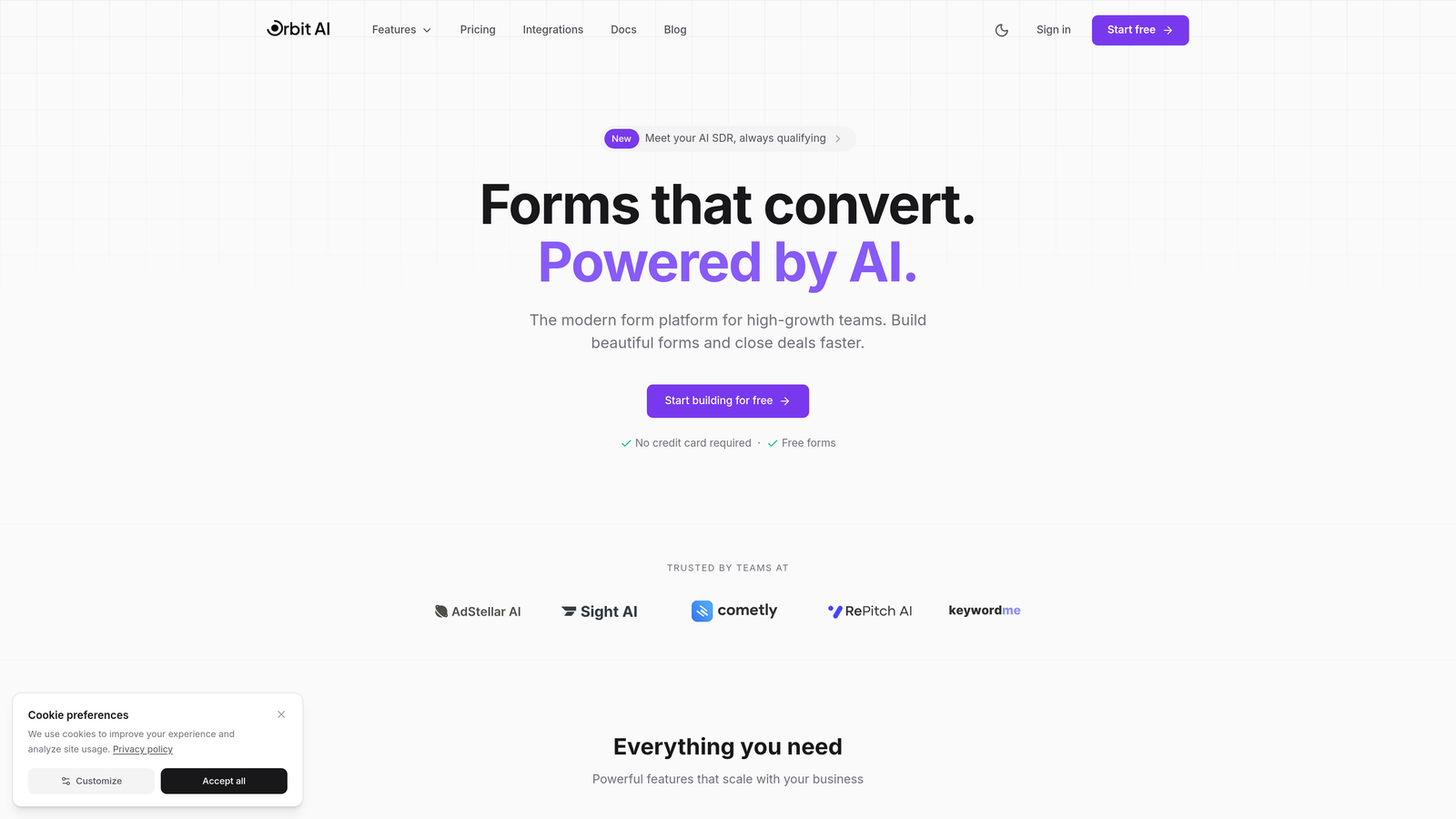
Orbit AI is an intelligent form builder that qualifies leads in real-time through conversational experiences that adapt based on prospect responses.
Where This Tool Shines
Unlike traditional form builders that simply collect data, Orbit AI actively works to understand lead quality as prospects fill out your forms. The platform uses AI to analyze responses and assign qualification scores instantly, so your sales team knows which leads deserve immediate attention.
The conversational approach feels natural rather than interrogative. Forms adapt their questions based on previous answers, creating personalized experiences that gather more useful information while maintaining higher completion rates than static alternatives.
Key Features
AI-Powered Lead Qualification: Automatically scores and qualifies leads based on their responses, routing high-intent prospects to sales immediately.
Conversational Form Experiences: Forms adapt dynamically to user responses, creating personalized paths that gather better qualification data.
Native CRM Integrations: Connects seamlessly with major CRMs and marketing tools to ensure qualified leads flow directly into your existing workflows.
Real-Time Lead Routing: Instantly directs qualified prospects to the right team members based on criteria you define.
Conversion-Optimized Design: Beautiful, modern form templates built specifically to maximize completion rates and lead quality.
Best For
Orbit AI works best for high-growth B2B teams and SaaS companies where lead quality matters as much as quantity. If your sales team struggles with unqualified leads or you need intelligent routing based on prospect fit, this platform delivers the automation and intelligence to scale your lead generation effectively.
Pricing
Free tier available for teams getting started. Paid plans begin at $29/month with expanded AI capabilities and integration options.
2. Typeform
Best for: Creating beautiful, engaging conversational forms with one-question-at-a-time format
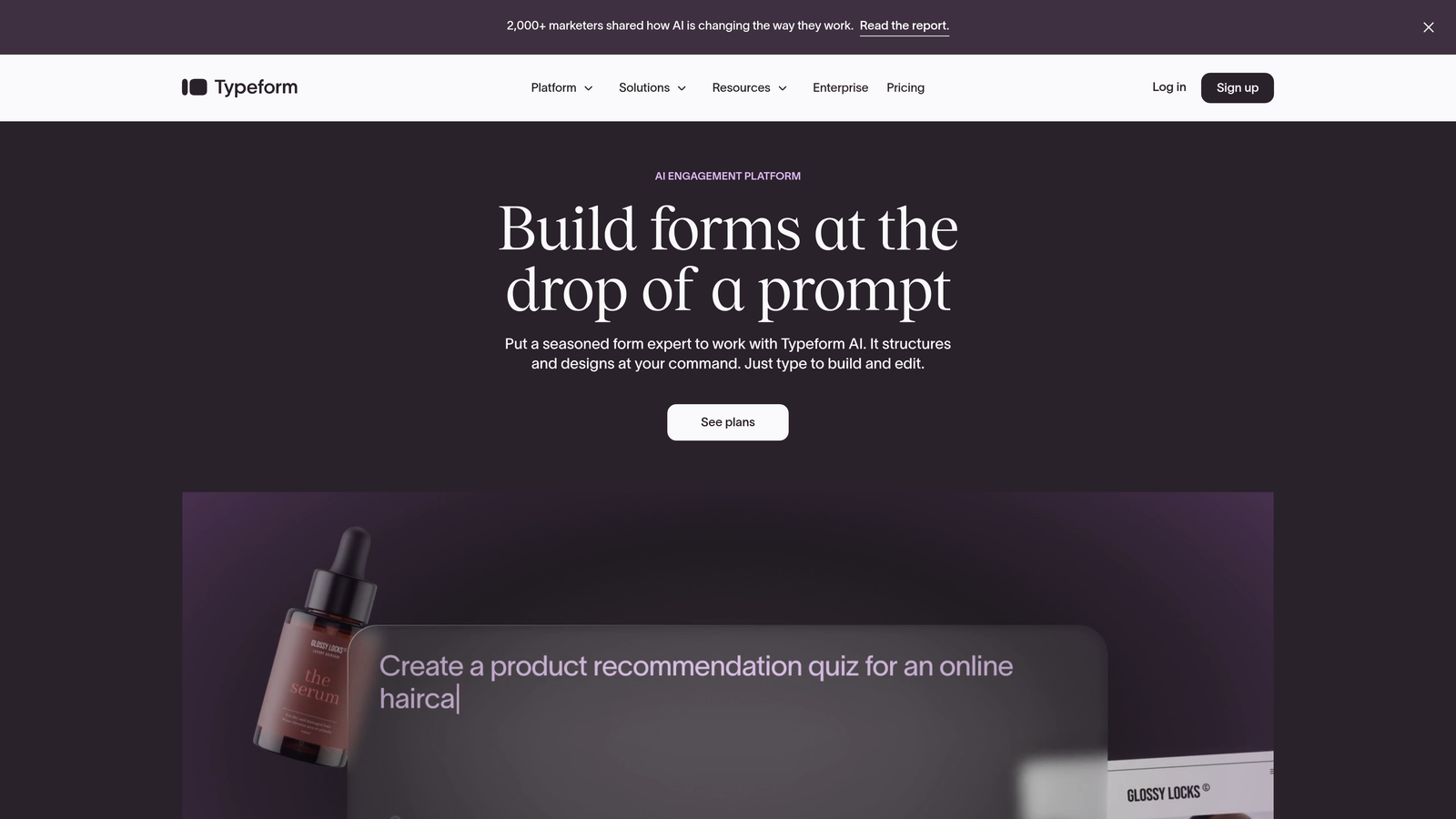
Typeform is the pioneering conversational form builder known for its distinctive one-question-at-a-time approach that significantly boosts completion rates.
Where This Tool Shines
Typeform transformed form design by making data collection feel like a conversation rather than an interrogation. The signature one-question-at-a-time format reduces cognitive load and creates a focused experience that guides respondents smoothly through your questions.
The platform excels at creating visually stunning forms that reflect your brand. With extensive customization options for colors, fonts, images, and videos, you can build forms that feel like natural extensions of your website rather than generic embeds.
Key Features
One-Question-at-a-Time Format: Signature conversational interface that presents questions individually, dramatically improving completion rates.
Logic Jumps: Create personalized question paths based on previous answers to gather relevant information efficiently.
Built-In Calculator: Perform calculations and lead scoring directly within forms to qualify prospects automatically.
Rich Media Embedding: Add videos, images, and GIFs to create engaging, interactive form experiences.
Strong Integration Ecosystem: Connects with hundreds of tools including major CRMs, email platforms, and analytics solutions.
Best For
Typeform is ideal for marketing teams prioritizing user experience and brand consistency. If you need forms that feel premium and engaging while gathering qualification data through intelligent branching logic, this platform delivers the polish and functionality to match high-end brands.
Pricing
Free tier available with basic features. Basic plan starts at $25/month, with Plus and Business tiers offering advanced logic and integrations.
3. HubSpot Forms
Best for: Teams already using HubSpot who need seamless CRM integration and progressive profiling
HubSpot Forms is the native form builder within the HubSpot ecosystem, offering deep integration with CRM and marketing automation capabilities.

Where This Tool Shines
The progressive profiling feature sets HubSpot Forms apart. Instead of asking returning visitors the same questions repeatedly, the system remembers what it already knows and asks new questions each time. This approach builds comprehensive contact profiles over multiple interactions without frustrating prospects with redundant questions.
Smart fields automatically adapt based on whether HubSpot recognizes the visitor. Known contacts see pre-filled information they can update, while new visitors provide initial details. This intelligence creates smoother experiences while maintaining data accuracy.
Key Features
Progressive Profiling: Automatically varies questions across visits to build complete contact profiles without repetition.
Smart Fields: Pre-populate known contact information and adapt form fields based on visitor recognition.
Native CRM Integration: Seamless data flow into HubSpot CRM with automatic contact creation and updates.
Conditional Logic: Show or hide fields based on previous answers to create personalized form experiences.
Built-In Analytics: Track form performance, conversion rates, and A/B test variations directly within HubSpot.
Best For
HubSpot Forms makes perfect sense for companies already invested in the HubSpot ecosystem. If you're running marketing automation, email campaigns, and CRM through HubSpot, the native form builder eliminates integration headaches and leverages your existing contact database intelligently.
Pricing
Free with HubSpot CRM, including basic form functionality. Advanced features like progressive profiling require Marketing Hub starting at $800/month.
4. Jotform
Best for: Businesses needing extensive template variety and payment processing capabilities
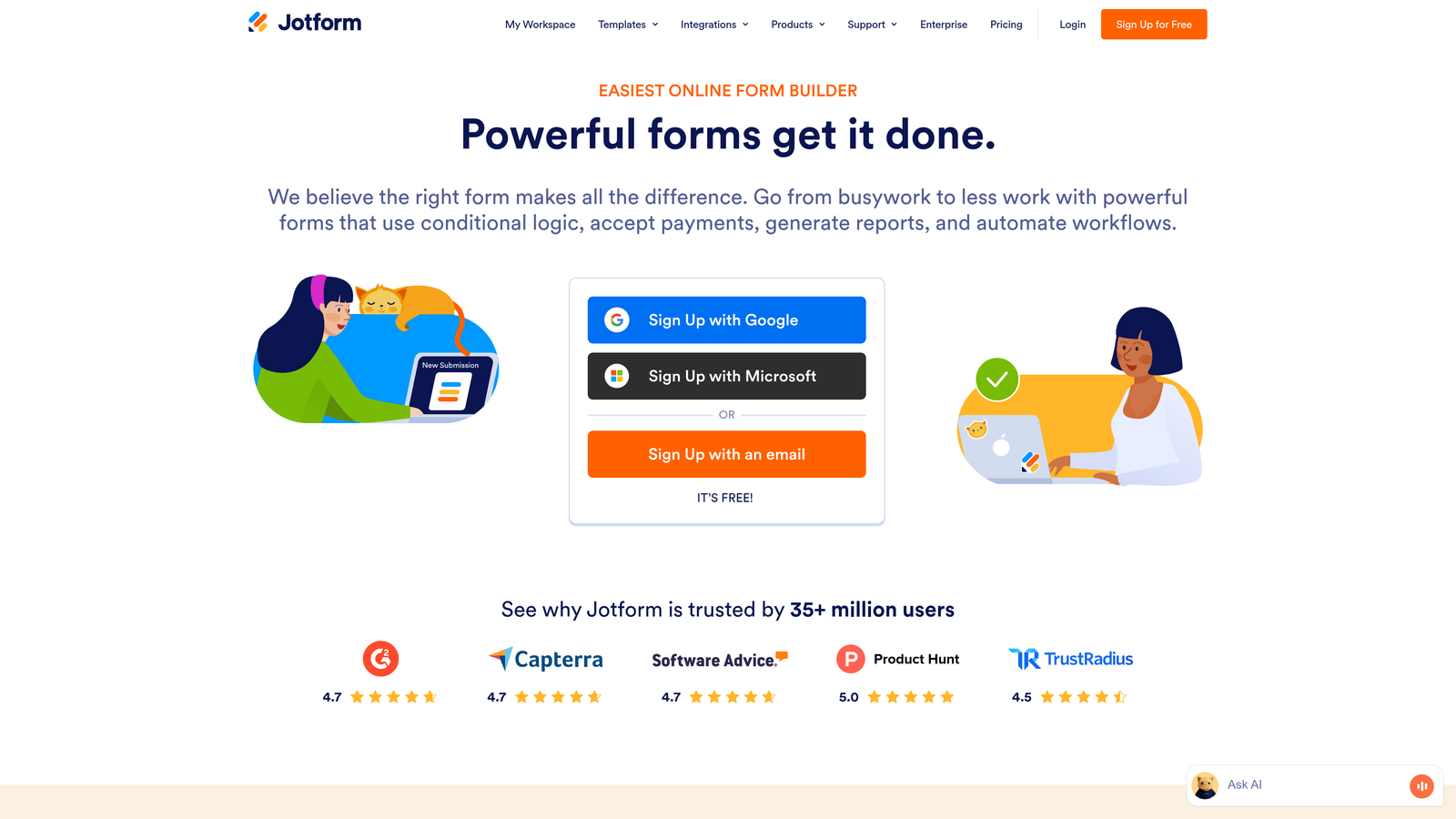
Jotform is a versatile form builder offering over 10,000 templates, robust conditional logic, and comprehensive payment integration options.
Where This Tool Shines
With more than 10,000 pre-built templates, Jotform covers virtually every form use case imaginable. Whether you need registration forms, order forms, surveys, or lead capture, there's likely a template that gets you 80% of the way there before customization.
The platform's payment processing capabilities are particularly strong. Support for 30+ payment gateways including Stripe, PayPal, Square, and Authorize.net makes Jotform excellent for order forms, event registrations, and any scenario requiring upfront payment collection alongside data gathering.
Key Features
10,000+ Templates: Massive library of pre-built forms covering every industry and use case to accelerate creation.
Advanced Conditional Logic: Create complex branching paths and show/hide fields based on multiple conditions.
30+ Payment Gateways: Process payments directly through forms with extensive processor options and subscription support.
HIPAA Compliance: Enterprise plans offer HIPAA-compliant forms for healthcare and sensitive data collection.
Jotform Tables: Organize and manage form submissions in spreadsheet-style databases with collaboration features.
Best For
Jotform works well for small to medium businesses needing versatility across multiple form types. If you run various forms for different purposes or need robust payment processing alongside lead capture, the template library and payment features provide excellent value.
Pricing
Free tier includes 5 forms with 100 monthly submissions. Bronze plan starts at $34/month for unlimited forms and increased submission limits.
5. Paperform
Best for: Creating branded landing pages with embedded forms, scheduling, and payments
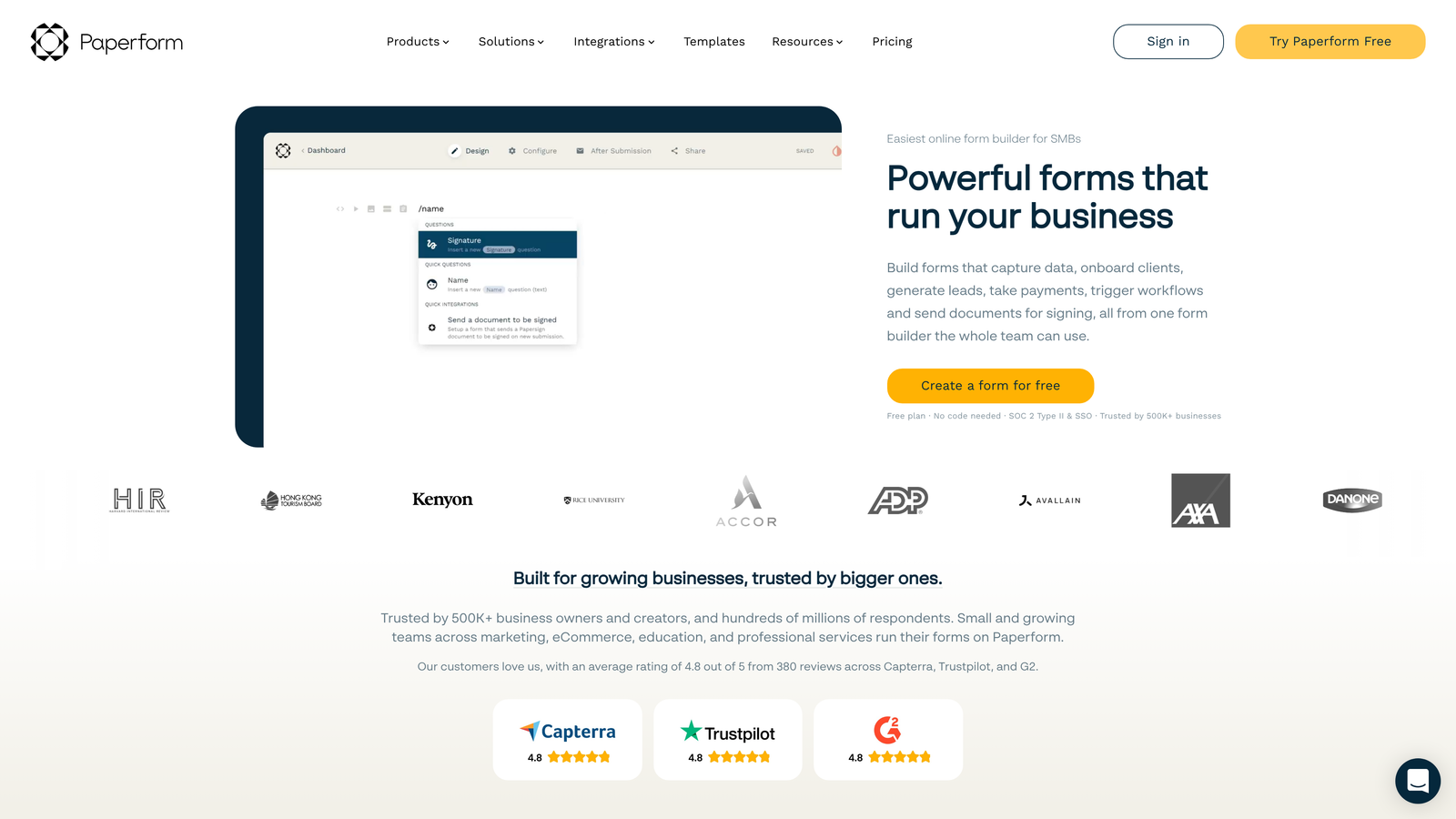
Paperform is a unique form builder that functions as both a form creator and landing page builder, offering document-style designs with built-in scheduling and payment capabilities.
Where This Tool Shines
Paperform's document-style approach lets you create forms that read like web pages rather than traditional question lists. You can mix form fields with text, images, videos, and formatting to create cohesive landing experiences that convert visitors without requiring separate page builders.
The built-in scheduling functionality eliminates the need for separate booking tools. Collect lead information and schedule appointments in a single flow, reducing friction for prospects who want to book consultations or demos immediately after expressing interest.
Key Features
Document-Style Pages: Create branded form experiences that function as complete landing pages with rich formatting.
Built-In Scheduling: Integrate appointment booking directly into forms without third-party scheduling tools.
Native Payment Processing: Accept payments through Stripe and PayPal with support for one-time and recurring charges.
Advanced Calculations: Perform complex calculations for pricing, scoring, and conditional logic based on user inputs.
Custom Success Pages: Design branded confirmation pages or redirect to specific URLs based on form responses.
Best For
Paperform excels for service businesses and consultants who need to combine lead capture with scheduling. If your conversion process involves booking appointments or collecting payments alongside contact information, the all-in-one approach simplifies your tech stack.
Pricing
Essentials plan starts at $24/month with unlimited forms and submissions. Pro tier adds advanced features and team collaboration.
6. Formstack
Best for: Enterprise teams requiring advanced compliance, security, and workflow automation
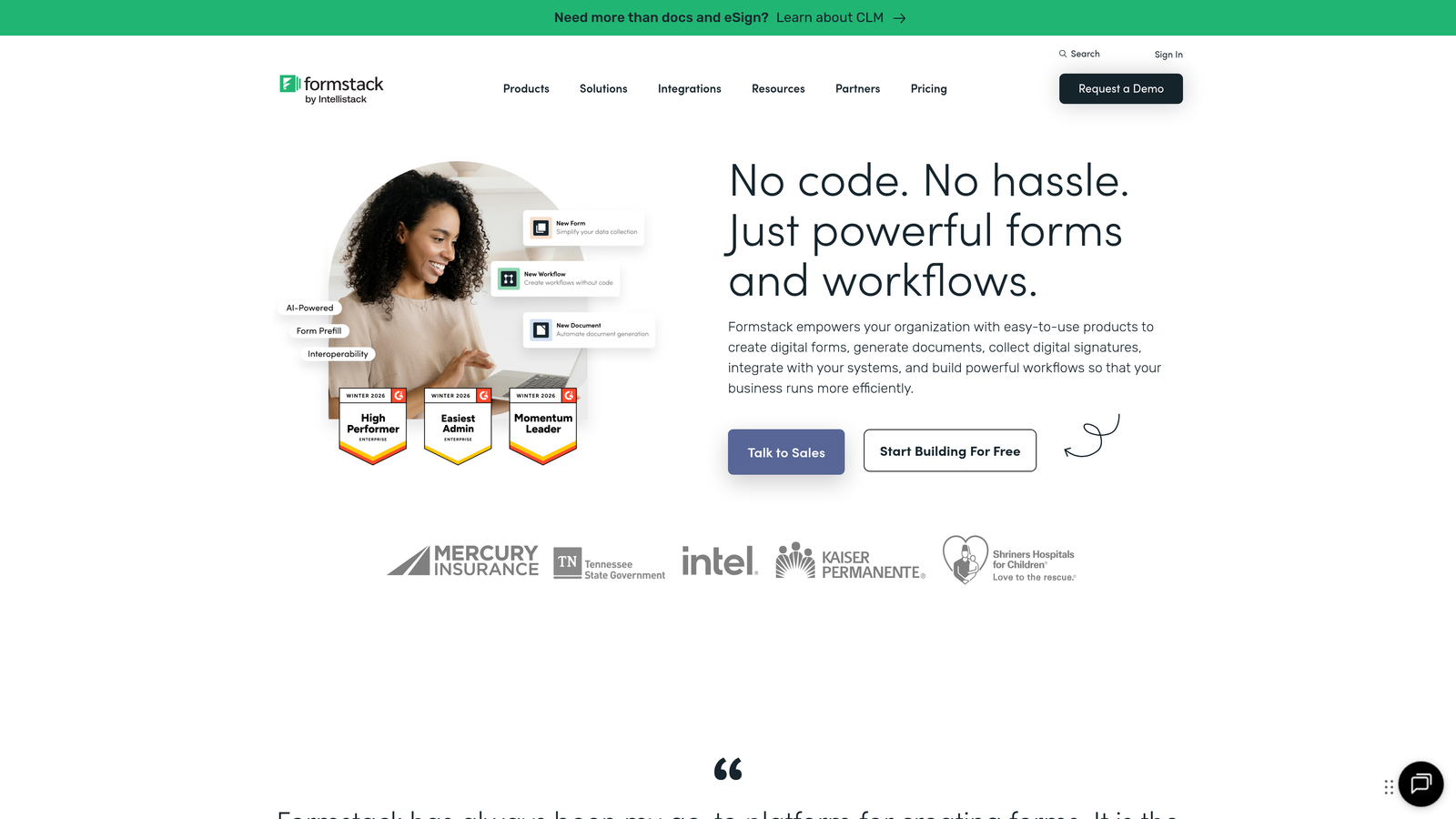
Formstack is an enterprise-grade form solution offering advanced workflow automation, approval processes, and comprehensive compliance certifications.
Where This Tool Shines
Formstack's workflow and approval routing capabilities go far beyond basic form submission. You can build multi-step approval processes where submissions route through various stakeholders based on complex criteria, with automated notifications and status tracking throughout.
For organizations in regulated industries, Formstack provides HIPAA, GDPR, and SOC 2 compliance certifications. The platform includes enterprise security features like advanced encryption, SSO integration, and detailed audit logs that meet strict compliance requirements.
Key Features
Advanced Workflow Routing: Create complex approval processes with multi-step routing based on form data and business rules.
Compliance Certifications: HIPAA, GDPR, and SOC 2 compliance with enterprise-grade security and encryption.
Electronic Signatures: Collect legally binding signatures directly within forms through integrated e-signature functionality.
Offline Form Capabilities: Enable field teams to collect data without internet connectivity, syncing when connection resumes.
Enterprise Security: SSO integration, advanced user permissions, and detailed audit trails for regulated environments.
Best For
Formstack serves enterprise organizations and regulated industries where compliance and security are non-negotiable. If you need forms that meet strict regulatory requirements or complex internal approval workflows, the platform delivers the governance and control enterprise teams require.
Pricing
Starter plan begins at $50/month. Enterprise pricing available for larger organizations requiring advanced compliance and security features.
7. Tally
Best for: Budget-conscious teams wanting unlimited forms with surprisingly powerful features
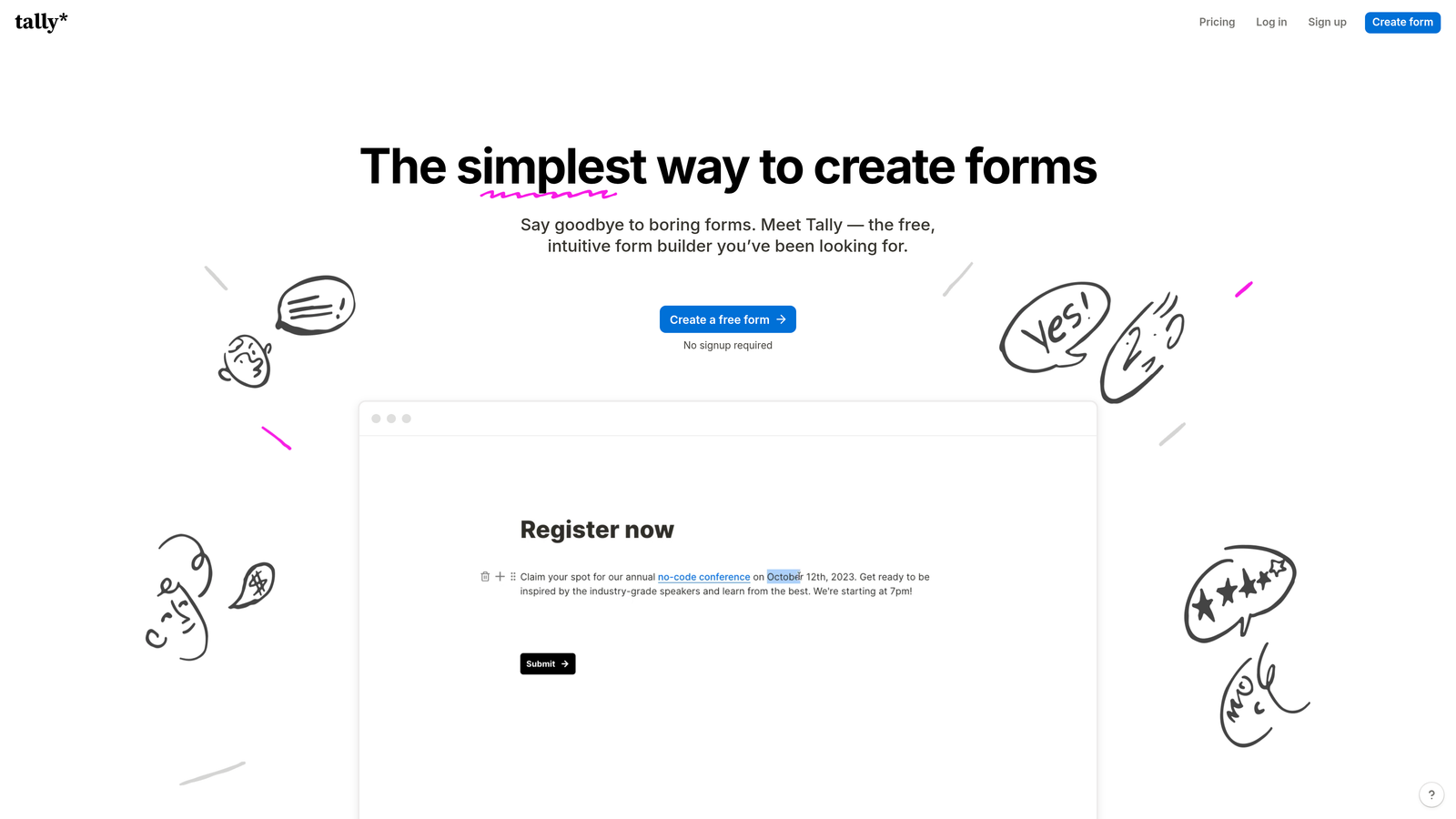
Tally is a simple, Notion-like form builder offering unlimited forms on its free tier with conditional logic, calculations, and file uploads.
Where This Tool Shines
Tally's free tier is remarkably generous. Unlimited forms with unlimited submissions means small teams and startups can build comprehensive form systems without monthly costs, a rarity in the form builder space where most platforms limit free users to a handful of forms.
The Notion-inspired interface makes form building intuitive for teams already familiar with block-based editors. You build forms by adding question blocks and arranging them visually, with no learning curve if you've used modern document editors.
Key Features
Unlimited Free Forms: Create unlimited forms with unlimited submissions on the free plan, exceptional for budget-conscious teams.
Notion-Like Interface: Intuitive block-based editor that feels familiar to users of modern document tools.
Conditional Logic: Show or hide questions based on previous answers to create personalized form paths.
Calculations and Scoring: Perform math operations and lead scoring directly within forms.
File Uploads and Signatures: Collect documents and electronic signatures without third-party integrations.
Best For
Tally works beautifully for startups, small businesses, and solo entrepreneurs who need professional form functionality without monthly costs. If you're bootstrapping or testing ideas before investing in premium tools, the unlimited free tier provides surprising capability.
Pricing
Free tier includes unlimited forms and submissions. Pro plan at $29/month adds custom domains, file upload limits, and priority support.
8. Cognito Forms
Best for: Complex pricing forms and applications requiring advanced calculation logic
Cognito Forms is a calculation-focused form builder ideal for order forms, registration forms, and applications requiring mathematical logic.
Where This Tool Shines
The calculation engine in Cognito Forms is exceptionally powerful. You can build complex pricing forms that calculate totals based on multiple variables, apply discounts conditionally, and show real-time pricing as prospects make selections. This makes it excellent for event registrations, product orders, and quote requests.
Repeating sections let users add multiple items dynamically within a single form. Someone registering multiple attendees or ordering various products can add entries as needed, with calculations updating automatically across all items.
Key Features
Advanced Calculation Engine: Perform complex mathematical operations, conditional pricing, and real-time total calculations.
Repeating Sections: Allow users to add multiple entries dynamically for registrations, orders, or multi-item submissions.
Payment Integration: Accept payments through Stripe, PayPal, and Square with support for complex pricing logic.
Workflow Routing: Route submissions through approval processes based on form data and business rules.
Affordable Pricing: Competitive pricing structure that provides strong value for small teams and growing businesses.
Best For
Cognito Forms excels for businesses needing order forms, event registrations, or applications with complex pricing structures. If you need to calculate totals based on multiple selections, apply conditional discounts, or handle variable pricing, the calculation capabilities deliver exactly what you need.
Pricing
Free tier available for individual users. Pro plan starts at $15/month, offering excellent value for small teams.
9. Fillout
Best for: Teams using Notion or Airtable who need native database integration
Fillout is a modern form builder with native Notion and Airtable integrations, perfect for teams with database-centric workflows.
Where This Tool Shines
Fillout's native integration with Notion and Airtable eliminates the middleware typically required to connect forms with these popular databases. Form submissions flow directly into your Notion databases or Airtable bases, maintaining your existing organizational structure without complex automation tools.
The pre-fill capability is particularly powerful for teams with existing databases. You can create forms that pull information from Notion or Airtable to pre-populate fields, letting users update records rather than creating duplicates. This works excellently for membership updates, profile edits, or progressive data collection.
Key Features
Native Notion and Airtable Integration: Direct database connections without third-party automation tools or API complexity.
Multi-Page Forms: Break long forms into multiple pages with progress indicators to improve completion rates.
Conditional Logic: Create branching question paths based on previous answers for personalized experiences.
Scheduling and Payments: Built-in appointment booking and payment collection alongside form submissions.
Database Pre-Fill: Pull existing data from Notion or Airtable to pre-populate forms for updates and edits.
Best For
Fillout is ideal for teams already managing operations in Notion or Airtable. If your CRM, project management, or customer database lives in these platforms, native form integration eliminates data silos and maintains your single source of truth.
Pricing
Free tier available with basic features. Starter plan begins at $15/month with expanded submissions and advanced capabilities.
Making the Right Choice
The best smart contact form solution depends on your specific workflow and goals. For teams prioritizing AI-powered lead qualification and conversion optimization, Orbit AI delivers intelligent forms that actively engage and qualify prospects at the point of capture. If you're already invested in HubSpot, their native forms offer seamless CRM integration with progressive profiling that builds contact intelligence over time.
Typeform remains the gold standard for beautiful, conversational experiences that feel premium and on-brand. Teams watching their budget will find Tally's unlimited free tier surprisingly capable, while Cognito Forms provides exceptional value for businesses needing complex calculations and pricing logic.
For enterprise teams in regulated industries, Formstack delivers the compliance certifications and security features that meet strict requirements. And if your operations run through Notion or Airtable, Fillout's native integration eliminates the middleware headache.
Whatever you choose, the key is moving beyond static forms to solutions that actively work to convert visitors into qualified leads. The difference between a basic contact form and an intelligent one often determines whether prospects become customers or abandon your funnel entirely.
Transform your lead generation with AI-powered forms that qualify prospects automatically while delivering the modern, conversion-optimized experience your high-growth team needs. Start building free forms today and see how intelligent form design can elevate your conversion strategy.


