

Google Forms is an undisputed staple for quick polls and basic data gathering. It's free, familiar, and integrated into the Google ecosystem, making it the default choice for many. However, for growth-focused teams in marketing, sales, and operations, relying on this simple tool often means hitting a hard ceiling. When you need to do more than just collect information, when you need to convert visitors, qualify leads, and automate complex workflows, the limitations become a significant bottleneck.
The lack of sophisticated design customization, minimal conditional logic, and basic analytics can leave your forms feeling generic and disconnected from your brand. For B2B SaaS companies, digital agencies, and sales teams, this translates to a poor user experience and lost opportunities. You need a solution that can handle secure, GDPR-ready lead capture, integrate seamlessly with your CRM, and provide actionable insights, not just raw data. Many businesses realize the limitations of basic tools when it comes to comprehensive data collection. To truly harness your data, exploring diverse research data collection methods becomes crucial, and the form builder you choose is central to that strategy.
This comprehensive guide is built to help you navigate the landscape of powerful Google Form alternatives. We'll move beyond surface-level feature lists to provide a detailed, practical breakdown of the 12 best platforms available. Each review includes pros and cons, specific use-case recommendations, pricing analysis, and screenshots to help you visualize the experience. From AI-powered lead qualification with tools like Orbit AI to enterprise-grade data management, you'll find the ideal solution to elevate your data collection from a simple task to a core part of your growth engine.
1. Orbit AI: Best for AI-Powered Lead Qualification and Conversion
Orbit AI reinvents the form-building process, positioning itself as a powerful Google Forms alternative for teams focused on revenue generation. Its core differentiator is an integrated AI Sales Development Representative (SDR) that transforms a simple submission into a fully qualified lead. Instead of just collecting data, the AI enriches each entry with firmographic information, scores the lead based on your ideal customer profile, and identifies sales-ready opportunities in real-time.
This platform is engineered for businesses where lead quality and speed are paramount. The high-performance visual builder allows marketing teams to create beautiful, fast-loading forms that enhance user experience and maximize completion rates. The drag-and-drop interface, combined with pre-built templates, ensures that even non-technical users can launch sophisticated lead capture funnels quickly.
Key Features and Use Cases
- AI SDR for Lead Qualification: Automatically enriches and scores leads, sending only the most promising contacts to your sales team. This is ideal for B2B SaaS companies needing to filter high-intent prospects from general inquiries.
- Real-Time Analytics: Monitor form performance, visualize drop-off points, and A/B test elements to continuously improve your conversion funnel.
- Extensive Integrations: Connect directly with over 50 essential tools, including Salesforce, HubSpot, and Slack, to create seamless marketing and sales workflows.
Orbit AI is built for collaboration, offering unlimited team members on all plans and ensuring GDPR readiness for secure data handling.
- Pros:
- Dramatically shortens the sales cycle by delivering pre-qualified leads.
- Superior user experience boosts form completion rates.
- Actionable insights from real-time analytics for continuous optimization.
- Cons:
- As a newer platform, its template library may be less extensive than older competitors.
- Pricing for advanced, high-volume tiers may require direct consultation.
Website: https://orbitforms.ai
2. Typeform: Best for Conversational & Brand-Centric Surveys
Typeform is a renowned Google Forms alternative celebrated for its design-first, conversational approach. Its core philosophy is to make forms more human by presenting questions one at a time, creating a sleek, interactive experience that boosts engagement. Instead of a static list of fields, users interact with a dynamic interface that feels more like a conversation, significantly improving completion rates for surveys, quizzes, and feedback forms.
This platform is engineered for marketers and creators who prioritize brand experience and user engagement. Typeform’s visually appealing interface and extensive customization options allow teams to create beautiful forms that align perfectly with their brand identity. The intuitive builder, combined with a vast template library, makes it simple to launch everything from sophisticated customer feedback surveys to engaging lead capture forms without writing a single line of code.
Key Features and Use Cases
- Conversational One-Question-at-a-Time Flow: Ideal for market research, NPS surveys, and job applications where a positive respondent experience is crucial to gathering thoughtful data. It uses logic jumps and answer piping to create personalized paths.
- Extensive Template Library & Integrations: Quickly start projects with pre-built templates and connect to tools like Mailchimp, HubSpot, and Slack to automate workflows.
- AI-Powered Form Building & Analysis: On its Business plan, Typeform leverages AI to help you generate forms from a simple prompt and summarize response data, speeding up the entire creation and analysis process.
While Typeform excels at user experience, those seeking alternatives might explore other options, as discussed in this comparison of Typeform alternatives.
- Pros:
- Superior, polished user experience that often increases form completion rates.
- Strong integration ecosystem and a large library of professional templates.
- Highly customizable to match brand aesthetics.
- Cons:
- Response limits on all plans can be restrictive for high-volume needs.
- Removing Typeform branding and accessing advanced features requires more expensive tiers.
- Can be pricier than simpler builders for basic use cases.
Website: https://www.typeform.com
3. Jotform: Best All-in-One Data Collection Toolkit
Jotform stands out as a mature and feature-rich Google Forms alternative that has evolved far beyond simple data collection. It provides a comprehensive suite of tools including forms, tables, approval workflows, e-signatures, and even a no-code app builder. This integrated ecosystem makes it an excellent choice for businesses looking to centralize and automate their entire data management process, from initial capture to final action.
The platform is engineered for versatility, serving everyone from small businesses to large enterprises with complex compliance needs. Its drag-and-drop form builder is intuitive yet powerful, offering thousands of templates and widgets for customization. Users can easily accept payments, collect legally binding signatures, and generate custom PDF reports from submissions, all within a single, unified environment.
Key Features and Use Cases
- All-in-One Solution: Combines forms, e-signatures, tables (spreadsheet-database hybrid), and automated approval flows. Ideal for HR departments managing onboarding or finance teams processing expense claims.
- Extensive Template and Widget Marketplace: Access over 10,000 form templates and hundreds of widgets to add unique functionality like dynamic calculations or appointment scheduling.
- Compliance and Enterprise Features: Offers HIPAA-ready options for healthcare providers and robust admin controls, custom domains, and SSO for large organizations needing centralized management.
Jotform's scalability allows it to support mission-critical operations in regulated industries while remaining accessible for everyday business tasks.
- Pros:
- Comprehensive toolkit covers forms, data management, workflows, and e-signatures.
- Scales to meet the needs of regulated industries with strong compliance features.
- Vast library of templates and widgets accelerates development.
- Cons:
- The free plan includes prominent Jotform branding on all forms.
- Pricing can become complex with multiple products, user tiers, and add-ons.
Website: https://www.jotform.com
4. Formstack Forms: Best for Workflow Automation and Regulated Industries
Formstack Forms positions itself as a powerful Google Forms alternative for organizations that need more than simple data collection. Its strength lies in a workflow-first approach, designed for process-heavy environments where forms are just the beginning of a larger operational sequence involving approvals, document generation, and compliance. It is engineered for businesses in regulated fields like healthcare, finance, and legal that require robust governance and automation.
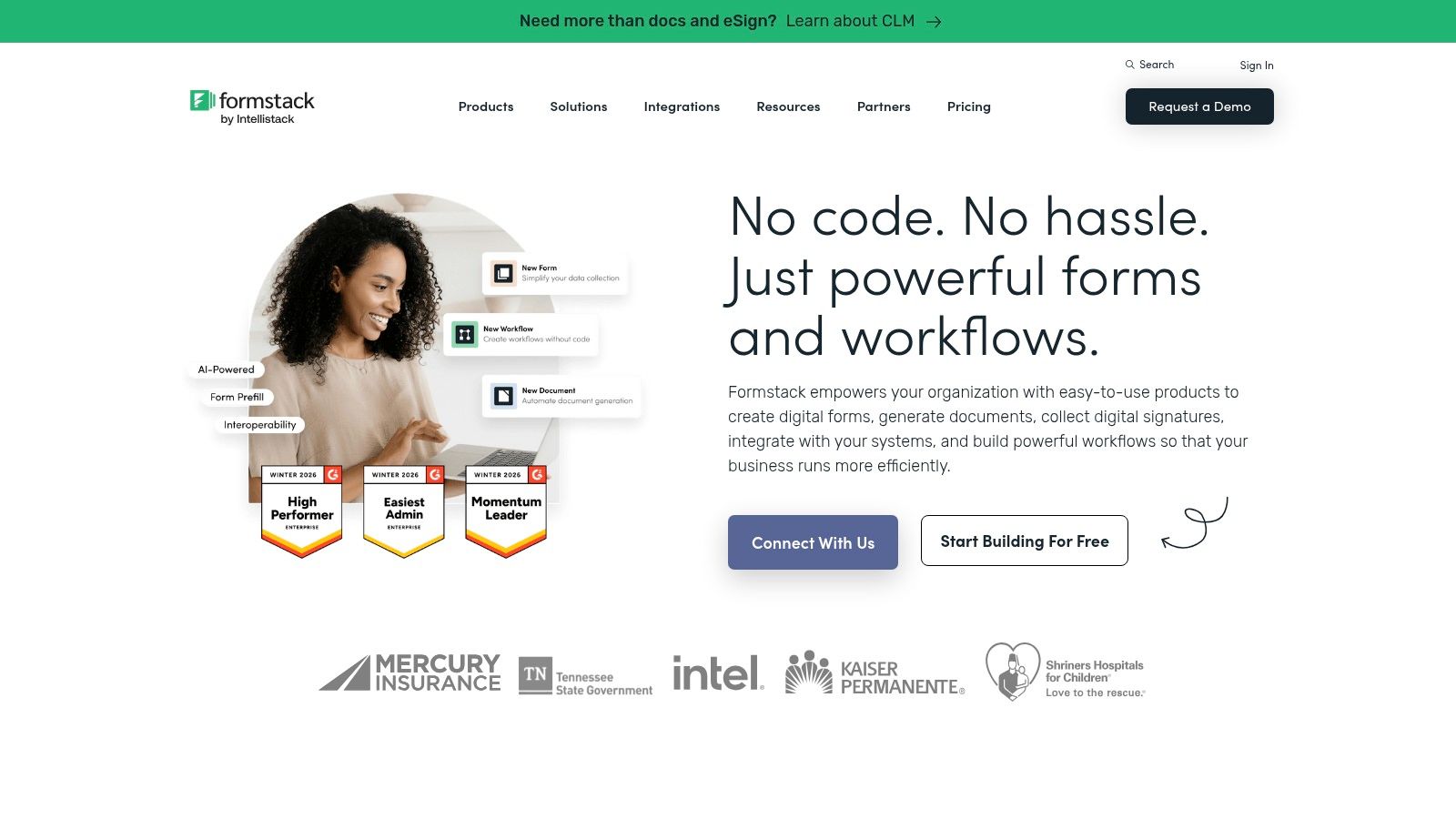
This platform excels at integrating forms with other business processes. Its no-code builder allows users to create complex forms with conditional logic, dynamic pre-filling of data, and automated task routing. The ability to bundle Forms with Formstack’s Documents and Sign products creates an all-in-one solution for generating contracts, onboarding new employees, or processing applications without manual intervention.
Key Features and Use Cases
- Robust Workflow Automation: Build multi-step approval workflows directly within the form builder. This is ideal for HR departments managing leave requests or finance teams handling expense reimbursements.
- Salesforce-Native Packages: Offers a native-to-Salesforce version that provides deep integration, allowing teams to update records and trigger actions within Salesforce seamlessly.
- Compliance and Admin Controls: Features like HIPAA compliance, GDPR readiness, and granular user permissions make it a secure choice for organizations handling sensitive data.
Formstack is built for team-based operations, providing the tools needed to manage, secure, and automate critical business processes from a centralized platform.
- Pros:
- Excellent for automating complex, multi-step business workflows.
- Strong compliance features suitable for regulated industries.
- Deep integration capabilities, especially with its Salesforce-native option.
- Cons:
- The entry price is higher than many SMB-focused form builders.
- Access to its most powerful workflow features often requires higher-tier Suite or Enterprise plans.
Website: https://www.formstack.com
5. Paperform: Best for Branded, Content-Rich Forms
Paperform distinguishes itself by blending the simplicity of a document editor with the power of a form builder, making it an excellent Google Forms alternative for creating beautiful, branded experiences. Its unique, free-text editor allows you to build forms that feel more like dynamic landing pages, complete with rich media, formatted text, and custom layouts. This approach is ideal for businesses that want to maintain strong brand consistency and engage users beyond simple data fields.
The platform is engineered for versatility, enabling users to sell products, schedule appointments, and capture leads all within a single, elegant interface. Unlike more rigid builders, Paperform’s page-like format supports a more conversational and visually appealing flow, which can significantly improve user engagement and completion rates for surveys, event registrations, and payment forms.
Key Features and Use Cases
- Flexible Page-Like Editor: Design forms with custom layouts, styled text, images, and videos. This is perfect for creative agencies, event organizers, and consultants who need visually compelling registration or order forms.
- Integrated Payments and Bookings: Directly accept payments via Stripe, Braintree, and PayPal, or schedule appointments without needing third-party tools.
- Advanced Calculations and Logic: Create complex order forms, quizzes, and calculators. You can learn more about how a form builder with conditional logic can streamline these processes.
Paperform offers unlimited forms on all plans, making it a cost-effective choice for teams with diverse needs.
- Pros:
- Highly flexible and intuitive design for creating beautiful, on-brand forms.
- Combines form building, payments, and scheduling in one platform.
- Generous feature set, including unlimited forms and logic, even on lower-tier plans.
- Cons:
- The integration library is smaller than some competitors.
- Response and submission quotas are tied to specific pricing plans.
Website: https://paperform.co
6. Wufoo: Best for Simple, Reliable Data Collection
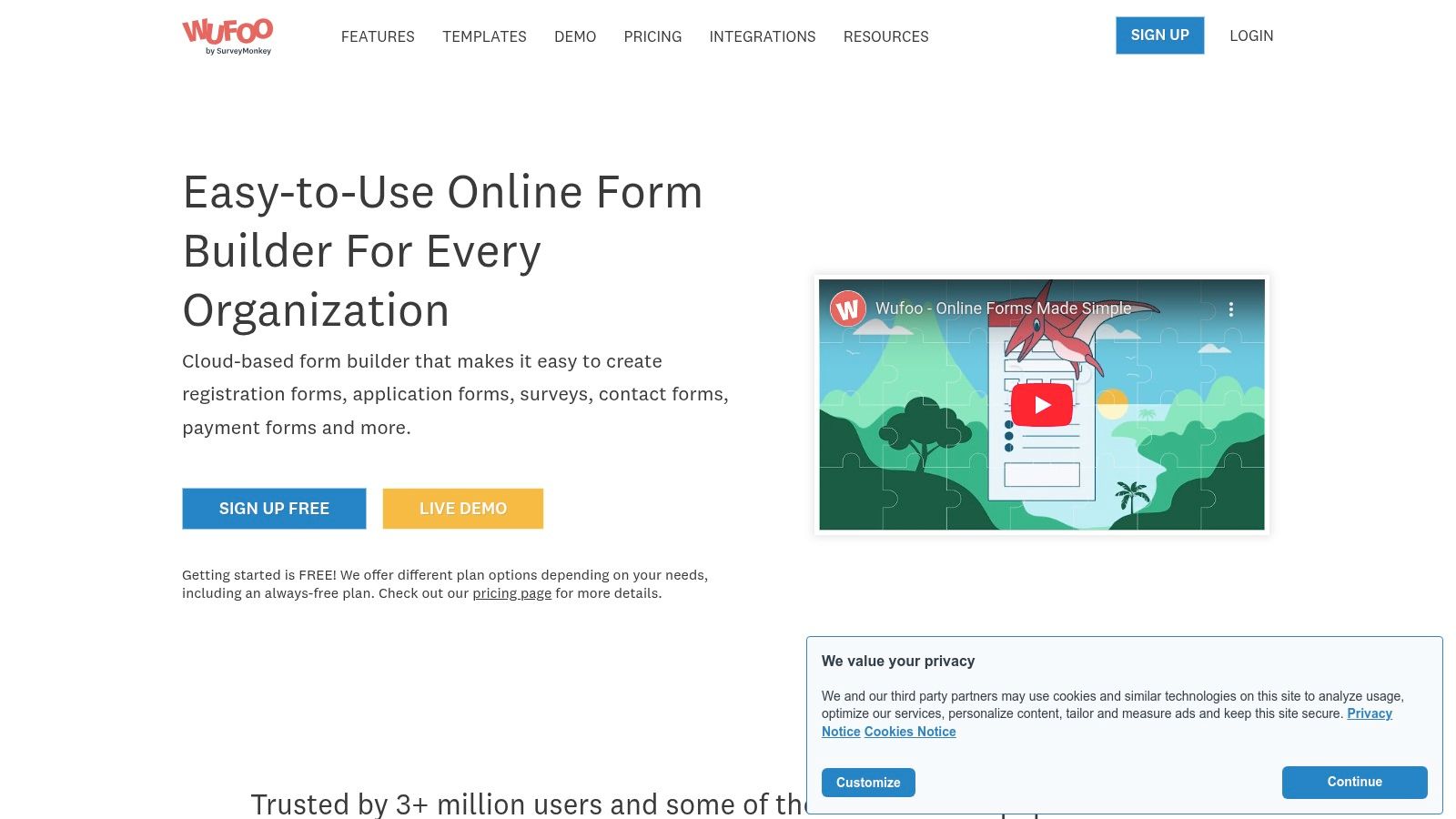
Wufoo is a veteran in the form-building space, establishing itself as a reliable and straightforward Google Forms alternative for users who need to deploy functional forms quickly. Its strength lies in its simplicity and dependability, offering a no-fuss solution for event registrations, simple surveys, and contact forms. The platform has been a go-to choice for years due to its easy-to-learn interface and consistent performance.
While its user interface may feel dated compared to more modern builders, Wufoo's core functionality is solid. It provides a drag-and-drop builder, a library of pre-made templates, and the ability to accept payments, making it a versatile tool for small businesses, non-profits, and educators who prioritize function over cutting-edge design.
Key Features and Use Cases
- Drag-and-Drop Builder: Quickly assemble forms with various field types, including file uploads and conditional logic, to create dynamic user experiences. This is perfect for detailed application forms or custom feedback surveys.
- Payment Integration: Accept payments directly through your forms via integrations with Stripe, PayPal, and other gateways, ideal for simple order forms or event ticket sales.
- Reporting and Analytics: Generate custom reports, export data easily, and track form performance with Google Analytics integration to understand user engagement.
- Extensive Template Library: Get started immediately with hundreds of templates for different industries and purposes, from lead generation to human resources.
Wufoo offers a dependable API for developers and ensures a stable platform for essential data collection tasks without a steep learning curve.
- Pros:
- Extremely easy to learn and deploy, making it great for beginners.
- Proven reliability and a long track record in the industry.
- Supports payment processing and basic analytics out of the box.
- Cons:
- The UI and form designs are less modern than newer competitors.
- Pricing can become costly as entry limits and feature requirements increase.
Website: https://www.wufoo.com
7. Tally: Best for Generous Free Features and Simplicity
Tally is a refreshing and modern Google Forms alternative that has rapidly gained popularity, especially among startups, creators, and small businesses. Its primary differentiator is an exceptionally generous free tier, offering unlimited forms and submissions without feature gates on core functionality like conditional logic, payment collection, and file uploads. This makes it an ideal platform for anyone needing powerful form capabilities without an immediate budget.
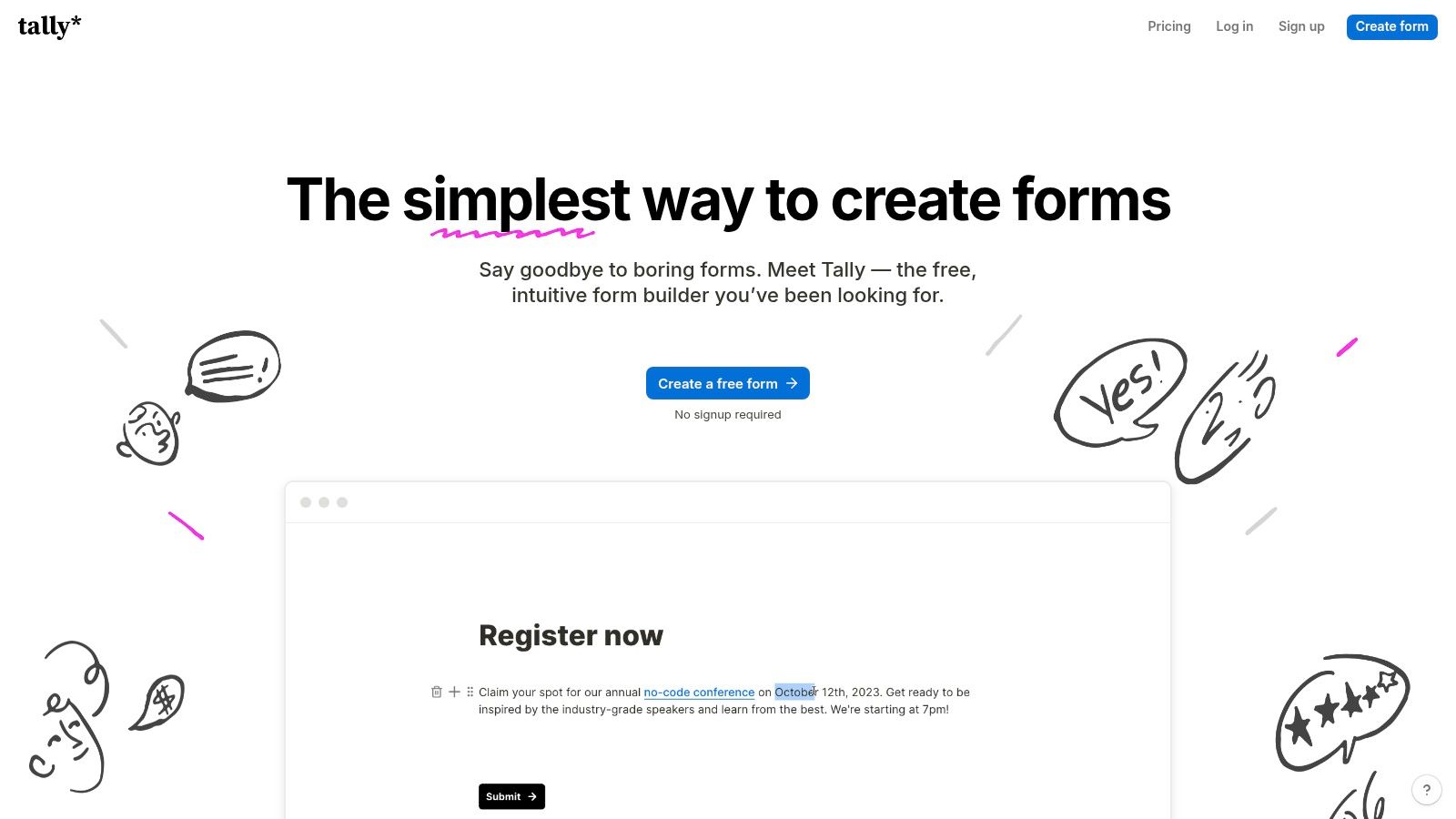
The platform is designed for speed and ease of use, operating much like a simple document editor. Users can type "/" to add different blocks, from standard questions to advanced fields, creating a seamless and intuitive building experience. While the free plan includes Tally branding, affordable paid tiers unlock custom domains, team collaboration, and partial submission tracking, allowing the tool to scale alongside a growing project or business.
Key Features and Use Cases
- Unlimited Free Forms and Responses: Build and deploy as many forms as needed without hitting a paywall, perfect for user feedback surveys, event registrations, and simple contact forms.
- Advanced Features for Free: Access conditional logic, payment integrations (Stripe), and file uploads without a paid subscription, empowering complex data collection from day one.
- Simple Embeds and Minimal Learning Curve: The "Notion-like" editor is incredibly intuitive, and forms can be easily embedded on any website, making it great for lean teams that need to move fast.
Tally excels at providing robust functionality with a clean, user-friendly interface that doesn't overwhelm new users.
- Pros:
- Outstanding free plan value for experimentation and small projects.
- Minimal learning curve and versatile, easy-to-use embedding options.
- Clean and modern user interface enhances the form-building experience.
- Cons:
- Advanced security and governance features are reserved for higher-priced tiers.
- Fewer native integrations compared to more established enterprise competitors.
Website: https://tally.so
8. Fillout: Best for Deep Integration with Data Tools
Fillout has rapidly become a favorite Google Forms alternative for teams whose workflows live inside platforms like Airtable, Notion, and Google Sheets. Its key strength lies in its native, two-way integrations that treat these applications not just as destinations for data, but as the source of truth. You can pull data from a base to pre-fill form fields, create dynamic, linked records, and update existing entries, all from a sleek, modern interface.
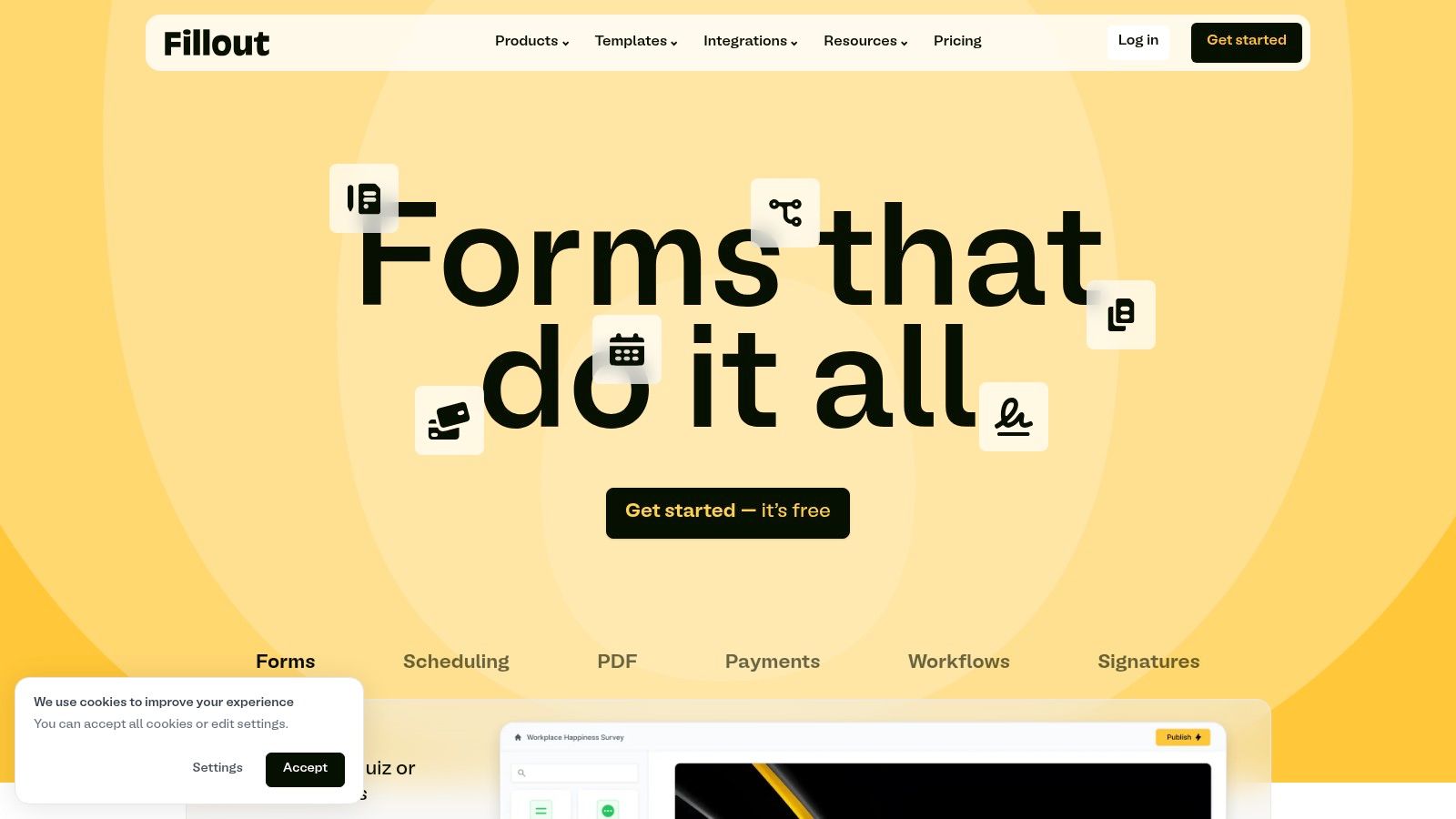
This platform is designed for users who want to build powerful internal tools, client portals, and complex data collection systems without writing code. The builder is intuitive yet packed with advanced logic, and its generous free tier makes it accessible for small projects and individual users. As teams grow, Fillout scales with features like custom domains, CSS styling, and bundled plans that include unlimited seats for forms and apps.
Key Features and Use Cases
- Deep Data Tool Integrations: Directly connect to Airtable, Notion, Google Sheets, and more to create forms that read and write data in real time. Perfect for creating custom inventory management systems or dynamic customer feedback portals.
- Advanced Customization: Higher-tier plans unlock custom CSS, custom domains, and the ability to capture partial submissions, allowing for complete brand alignment and data recovery.
- Generous Team Plans: Offers team bundles with unlimited seats, making it a cost-effective solution for growing organizations that need to provide form-building access across departments.
Fillout is API-friendly, empowering developers to build highly custom workflows while providing a simple interface for non-technical team members.
- Pros:
- Best-in-class integrations with Airtable, Notion, and Sheets.
- Generous free plan and competitive pricing for advanced branding features.
- Unlimited seats on many plans encourages widespread team adoption.
- Cons:
- Some enterprise-grade features, like Google Address Autocomplete, are locked behind the highest tier.
- Detailed pricing information is sometimes split across different help and comparison pages.
Website: https://www.fillout.com
9. Cognito Forms: Best for Advanced Conditional Logic and Workflows
Cognito Forms stands out as a powerful Google Forms alternative for users who need to build complex, logic-driven processes. Its primary strength lies in its advanced conditional logic and workflow capabilities, allowing you to create dynamic forms that change based on user input, calculate values in real-time, and route submissions through multi-step approval processes. This makes it ideal for applications beyond simple data collection, such as order forms, registration systems, and internal HR requests.
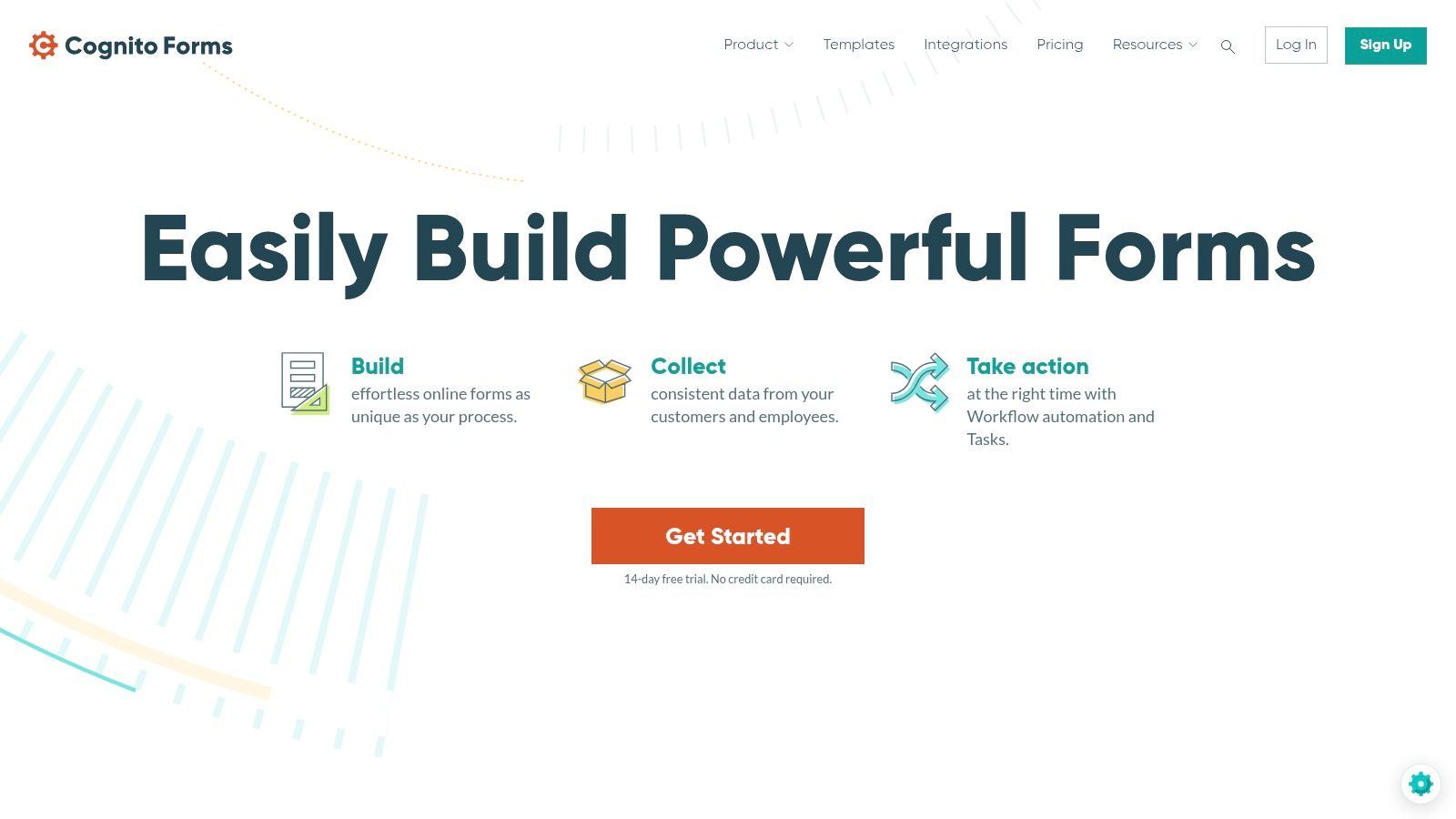
The platform is designed for practicality, offering unlimited forms on all plans, including the free tier. Paid plans introduce payment integrations and expand on entries and storage, with clear, predictable limits that make scaling straightforward. While its user interface is more functional than flashy, it provides the robust tools necessary for building sophisticated data-gathering solutions without a steep learning curve.
Key Features and Use Cases
- Advanced Conditional Logic: Show, hide, or require fields based on user answers, creating a tailored experience. This is perfect for detailed applications or multi-path surveys.
- Workflow and Approval Automation: Automatically route form submissions to different team members for review and approval, streamlining internal processes like expense reports or vacation requests.
- Integrated Payments and Calculations: Securely accept payments through Stripe, PayPal, and Square on paid tiers, and perform complex calculations directly within the form.
Cognito Forms delivers significant power at a competitive price point, with sensible limits on entries and storage that grow with your needs.
- Pros:
- Competitive pricing for access to advanced logic and workflow features.
- Clear, sensible entry and storage limits make planning easy.
- Unlimited forms on all plans provide excellent value.
- Cons:
- Collaboration features, like adding guests, can increase costs at scale.
- The user interface is less design-forward compared to more premium tools.
Website: https://www.cognitoforms.com
10. HubSpot Forms: Best for Integrated CRM and Marketing Automation
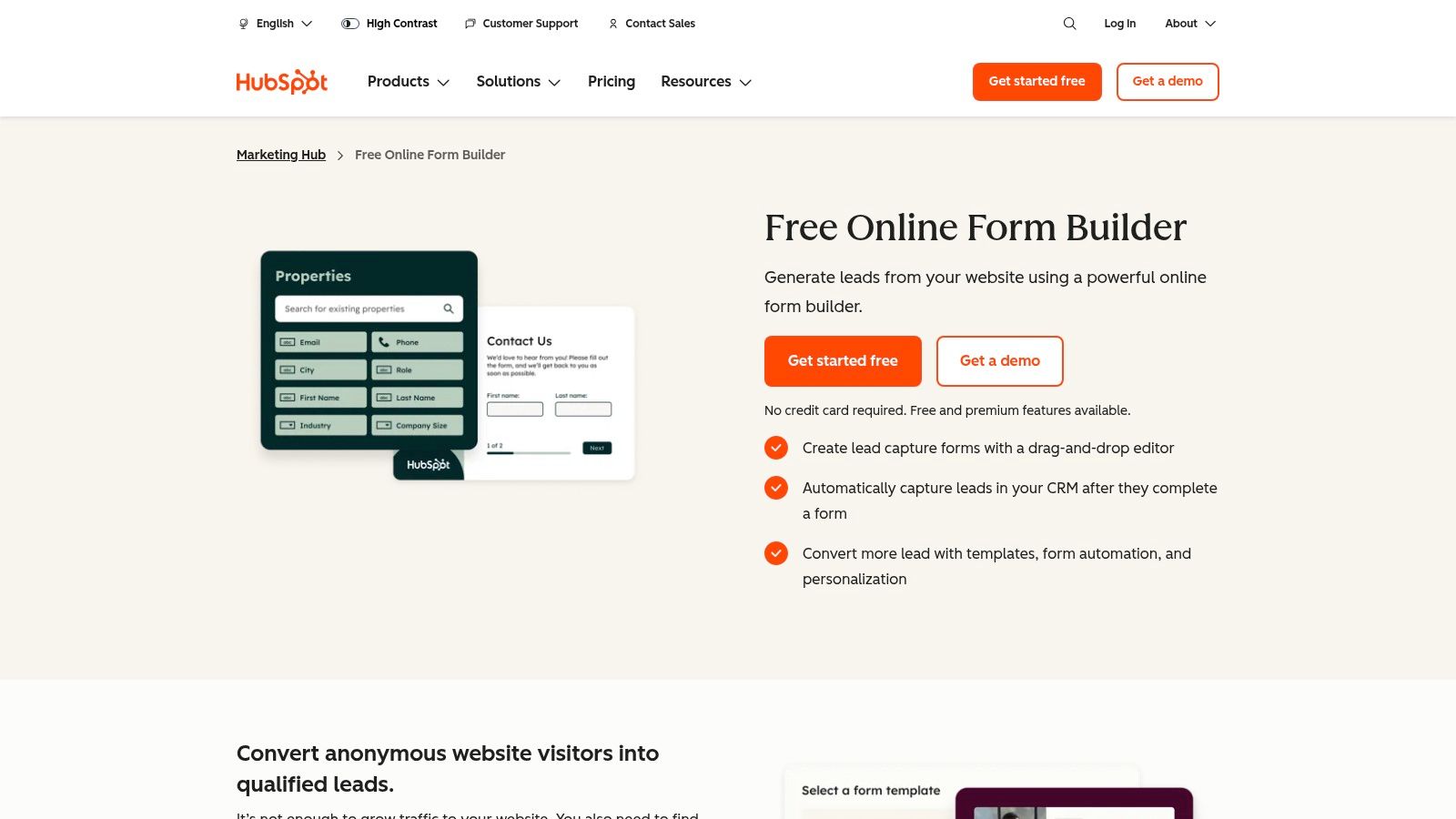
For businesses already invested in the HubSpot ecosystem, HubSpot Forms is a powerful and seamless Google Forms alternative. Its primary strength lies in its native integration with the HubSpot CRM, Marketing Hub, and Sales Hub. Instead of collecting data in a silo, every submission automatically creates or updates contact records, providing a complete view of each lead's journey and interactions with your brand.
This direct connection eliminates the need for third-party connectors like Zapier, ensuring data integrity and enabling immediate follow-up actions. The form builder is intuitive, offering standalone pages, pop-ups, and embedded forms that can be customized to match your site's branding. It’s designed for marketers who need to tie form submissions directly to campaigns, lead nurturing sequences, and sales pipelines without manual data entry.
Key Features and Use Cases
- Native CRM Sync and Reporting: Automatically syncs all form data to the HubSpot CRM, making it perfect for sales and marketing teams needing a single source of truth for contact information and campaign attribution.
- Automation and Targeting: Trigger automated email follow-ups, add contacts to specific lists, and use smart fields to create personalized experiences for returning visitors. This helps in understanding how to qualify sales leads more effectively.
- Multiple Form Types: Create standalone, embedded, and collected forms to capture leads from various touchpoints across your website and digital properties.
While the free tools are generous, advanced features like dependent fields and branding removal are locked behind paid Marketing Hub plans.
- Pros:
- Unbeatable native integration with the HubSpot CRM and marketing suite.
- Scales from a robust free plan to enterprise-level marketing automation.
- Simplifies lead management and campaign attribution.
- Cons:
- Can be overkill if you only need a simple form builder without the full HubSpot stack.
- Costs can increase significantly as your contact list and feature needs grow.
Website: https://www.hubspot.com/products/marketing/forms
11. Microsoft Forms: Best for Integrated Microsoft 365 Workflows
Microsoft Forms is the default form-building tool for organizations deeply embedded in the Microsoft ecosystem, making it a convenient Google Forms alternative for users of Microsoft 365. Its primary advantage is its seamless integration with other Microsoft products like Excel, SharePoint, and Teams. If your team already operates within this suite, creating and distributing surveys or quizzes is incredibly straightforward.
The platform is designed for simplicity and efficiency, allowing users to create basic surveys, polls, and quizzes with minimal effort. Data collection is streamlined, with real-time results available directly within the interface and a one-click option to export all responses to an Excel spreadsheet for deeper analysis. This native connection removes the need for third-party connectors or complex data export processes.
Key Features and Use Cases
- Native Microsoft 365 Integration: Easily embed forms in SharePoint pages, share them as polls in Microsoft Teams meetings, or trigger Power Automate flows from submissions. This is perfect for internal data collection, employee feedback, or simple event registrations.
- Real-Time Results & Excel Export: View responses as they come in with automatically generated charts or export all data to a structured Excel file for sorting, filtering, and analysis.
- Simple Quizzes and Surveys: The interface is clean and easy to use for creating basic forms with branching logic, making it suitable for educational quizzes or internal company surveys.
For more advanced needs, Microsoft also offers Customer Voice, a more robust enterprise feedback management solution that builds on the Forms foundation.
- Pros:
- Included at no extra cost with most Microsoft 365 business and education subscriptions.
- Effortless sharing and collaboration within the Microsoft ecosystem.
- Direct and simple integration with Excel for data analysis.
- Cons:
- Cannot be purchased as a standalone product.
- Customization, branding, and advanced features are limited compared to dedicated form builders.
- Less suitable for public-facing, marketing-focused lead capture campaigns.
Website: https://forms.office.com
12. Airtable Forms: Best for Direct-to-Database Data Collection
Airtable Forms offers a unique proposition as a Google Forms alternative by integrating form functionality directly into its powerful database-spreadsheet hybrid platform. Instead of being a standalone tool, forms are a "view" of an existing Airtable base. This means any submission is instantly populated as a new record in your table, ready for immediate use within Airtable's rich ecosystem of views, automations, and interfaces.
This approach is ideal for teams that already use Airtable as a central source of truth for projects, customer data, or operational workflows. Rather than exporting data or setting up complex integrations, the data intake process is seamless. While Google Forms often requires workarounds to get data from Sheets into other systems, Airtable's method eliminates that step entirely, a significant advantage for operational efficiency. For a deeper dive into moving data from spreadsheet-like structures, explore these tips on converting a Google Sheet to a form.
Key Features and Use Cases
- Direct-to-Base Submissions: Each form entry automatically becomes a structured record in an Airtable base, perfect for internal bug reporting, project intake requests, or simple event registrations where data needs to be sorted and managed immediately.
- Integration with Airtable Universe: Submitted data can instantly trigger Airtable Automations, appear in Interfaces for dashboarding, or be manipulated in different views (like Kanban or Calendar).
- Customizable Form Fields: Form fields are directly tied to your base's field types, ensuring data consistency from the point of entry. Paid plans add features like restricted share links for enhanced security.
Airtable Forms excels at streamlining internal data collection and is a powerful choice for teams deeply invested in its platform.
- Pros:
- Simplifies operational workflows with direct-to-database intake.
- Excellent for teams centralizing data management within Airtable.
- Submitted data is immediately actionable through automations and interfaces.
- Cons:
- Form design and logic capabilities are lightweight compared to dedicated builders.
- Pricing is based on collaborators and record limits, which can become costly.
Website: https://www.airtable.com
Top 12 Google Form Alternatives Comparison
| Product | Core features | UX & performance | Target audience | Key differentiator | Pricing |
|---|---|---|---|---|---|
| Orbit AI | Visual builder, AI SDR qualification, templates, 50+ integrations, real-time analytics | Fast, mobile-friendly, high-converting; clean UX | High-growth sales & marketing teams | Continuous AI lead qualification + smart scoring | Free starter; paid tiers (contact sales) |
| Typeform | Conversational card-style forms, logic jumps, templates, integrations, AI on Business | Polished, design-forward; high completion rates | Marketers, researchers, brand teams | Conversational UX and rich templates | Free tier; paid plans with response caps; Business for AI |
| Jotform | Drag-and-drop, e-sign, PDFs, payments, 100+ integrations, HIPAA options | Feature-rich; highly flexible (heavier UI) | SMBs to enterprises, regulated industries | All-in-one forms + workflows + compliance | Free (branding); paid tiers & enterprise plans |
| Formstack Forms | No-code builder, approvals, documents, Salesforce-native, workflow automation | Business-grade, governance-focused | Regulated/process-heavy orgs & enterprises | Strong governance and Salesforce-native options | Higher entry price; Suite/Enterprise for advanced features |
| Paperform | Page-like forms, logic, payments, bookings, strong theming | Branded, content-rich experiences | Creators, SMEs needing branded capture | Web-page style forms for commerce & content | Straightforward paid plans; response quotas apply |
| Wufoo | Drag-and-drop, rules/logic, file uploads, payments, analytics | Quick to deploy; reliable but older UI | Simple form needs & fast deployment | Speed and simplicity for basic use cases | Free tier; limits scale with price |
| Tally | Unlimited forms/responses (fair use), logic, payments, file uploads | Fast, minimal learning curve | Startups, creators, small projects | Generous free tier and simplicity | Generous free tier; affordable paid upgrades |
| Fillout | Strong Airtable/Sheets/Notion integrations, API, custom CSS, domains | Sleek modern UI; integration-first | Teams using Airtable/Sheets/Notion | Deep data-tool integrations and customization | Free tier; Starter/Pro/Business tiers |
| Cognito Forms | Advanced conditional logic, workflows, approvals, clear entry/storage limits | Powerful logic-focused UI; less design-forward | Teams needing complex logic & predictable pricing | Competitive pricing for advanced workflows | Free tier; paid tiers increase limits |
| HubSpot Forms | Embedded/standalone forms, native CRM sync, automation, attribution | Integrated within HubSpot; seamless reporting | HubSpot customers and marketing teams | Native CRM sync & marketing automation | Free to enterprise; costs scale with contacts/seats |
| Microsoft Forms | Surveys/quizzes, branching, Excel export, Teams/SharePoint integration | Simple, basic analytics; included in M365 | Organizations using Microsoft 365 | Included with M365; easy sharing in MS ecosystem | Included with Microsoft 365 subscriptions |
| Airtable Forms | Form views that write to bases, automations, interfaces | Lightweight form UX; direct-to-database | Teams centralizing data in Airtable | Direct-to-database intake for instant workflows | Included with Airtable plans; limits by records/collaborators |
Choosing the Right Google Form Alternative for Your Goals
The journey away from the familiar simplicity of Google Forms can feel daunting, but as we've explored, the landscape of google form alternatives is rich with powerful, specialized tools designed to solve specific business challenges. While Google Forms excels at basic data collection, its limitations in customization, advanced logic, and workflow automation become apparent as your needs scale. The key takeaway is this: the "best" alternative is not a one-size-fits-all answer but a strategic choice aligned with your primary objectives.
Your decision process should begin with a clear definition of your primary use case. Are you aiming to transform anonymous website traffic into a predictable pipeline of sales-qualified leads? Or is your main goal to create beautiful, engaging surveys for customer feedback? Perhaps you need a robust solution for complex internal processes like applications or registrations. Each of these goals points toward a different tool on our list.
From Data Collection to Strategic Growth
Moving beyond Google Forms is a shift in mindset from simple data collection to strategic data activation. The right tool doesn't just gather information; it acts as a catalyst for your business processes.
- For Lead Qualification & Sales Pipeline: If your goal is to generate and qualify leads efficiently, a standard form is no longer enough. This is where AI-driven solutions like Orbit AI create a significant competitive advantage. By engaging visitors in real-time, asking qualifying questions, and routing only the best-fit leads to your sales team, it fundamentally changes the lead capture dynamic from passive to active. This is the new frontier for growth and marketing teams focused on pipeline quality over quantity.
- For Brand Experience & Engagement: For creatives, marketers, and brand-focused companies, the visual and interactive experience is paramount. Tools like Typeform and Paperform excel here, turning mundane forms into delightful, conversational interactions that reflect your brand's personality and keep users engaged.
- For All-in-One Utility & Power Users: If you need a versatile workhorse that can handle everything from simple contact forms to complex payment processing and HIPAA-compliant data collection, Jotform and Formstack are powerful contenders. Their vast template libraries and extensive integration capabilities make them the Swiss Army knives of the form-building world.
- For Simplicity & Generous Free Tiers: Startups and small teams on a budget will find incredible value in platforms like Tally and Fillout. They offer a surprising amount of power, including advanced logic and integrations, without the steep price tag, proving that you don't need to break the bank to access sophisticated features.
A Practical Framework for Making Your Choice
Before you commit to a new platform, follow these actionable steps to ensure a smooth and successful transition:
- Define Your "Must-Have" Features: Make a list of non-negotiable functionalities. Is it CRM integration, payment gateways, conditional logic, or AI-powered qualification?
- Evaluate Your Technical Stack: How will this new tool fit into your existing ecosystem? Check for native integrations with your CRM (like HubSpot or Salesforce), marketing automation platform, and communication tools (like Slack).
- Consider the User Experience (Both Yours and Theirs): The form builder should be intuitive for your team to use, but equally important is the experience you create for your respondents. Is it mobile-friendly, accessible, and fast?
- Start with a Trial: Nearly every tool on this list offers a free trial or a freemium plan. Use it to build a real-world form for a specific use case. Test its core features, check its integrations, and see if it truly solves your problem.
Ultimately, the best google form alternative is one that not only replaces the functionality you're leaving behind but also unlocks new opportunities for efficiency, engagement, and growth. It's an investment in better data, smarter workflows, and a more professional user experience. By carefully evaluating your goals against the unique strengths of these platforms, you can select a tool that will become a true strategic asset for your team.
Tired of sifting through unqualified leads from static forms? See how Orbit AI uses an AI-powered chat interface to qualify your website visitors in real-time and book meetings directly on your sales team's calendar. Transform your lead capture process by visiting Orbit AI and starting your free trial today.


