

The right form builder can be the difference between a campaign that generates quality leads and one that just generates noise. Forms are the bridge between your traffic and your pipeline, and in 2026, the best ones do far more than collect email addresses.
Modern marketers need conversion optimization, conditional logic, CRM syncing, analytics, and ideally some intelligence built in. If you're still using a basic drag-and-drop builder with no lead qualification or A/B testing, you're leaving pipeline on the table. To help you improve your form conversion rates and build a smarter marketing stack, we've rounded up the top rated form builders built specifically for marketing teams. Whether you're a solo growth marketer or running forms for a marketing agency, there's a tool here for you.
Selection criteria: ease of use, marketing-specific features (A/B testing, conditional logic, lead scoring), integration ecosystem, design flexibility, and pricing value.
1. Orbit AI
Best for: High-growth marketing teams that want AI-powered lead qualification built into every form.
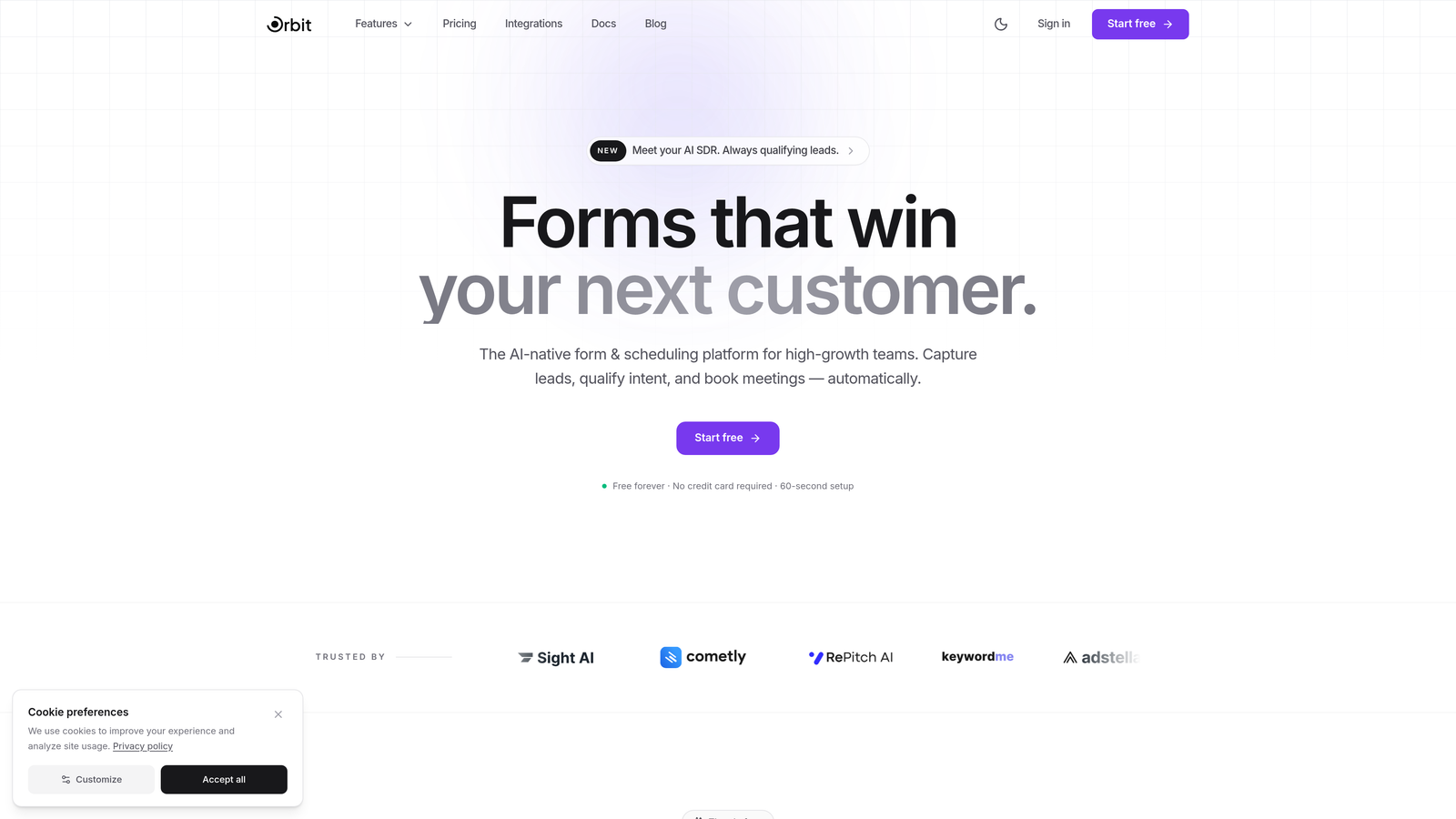
Orbit AI is an AI-powered form builder platform designed for marketers who care about lead quality, not just lead volume.
Where This Tool Shines
Most form builders stop at data collection. Orbit AI goes further by embedding lead qualification intelligence directly into the form experience. Instead of dumping every submission into your CRM and hoping your sales team can sort through them, Orbit AI scores and qualifies leads in real time as respondents move through the form.
The platform is built with conversion optimization at its core. Templates are designed around marketing use cases, the conditional logic is dynamic and behavior-driven, and the design output looks polished enough to stand on its own as a landing page. For teams running high-volume lead gen campaigns, this combination of quality filtering and conversion focus is genuinely differentiated.
Key Features
AI-Powered Lead Scoring: Built-in lead qualification scores prospects automatically based on their responses, so your team focuses on the leads most likely to convert.
Conversion-Optimized Templates: Pre-built form templates designed specifically for marketing use cases, from lead gen to demo requests to webinar signups.
Dynamic Conditional Logic: Forms adapt in real time based on respondent behavior, creating a personalized experience without extra development work.
CRM and Marketing Automation Integrations: Seamless connections to the tools already in your marketing stack, so qualified leads flow directly into your workflows.
Modern Brand Customization: Beautiful, fully brandable form design that doesn't look like a generic embed on your landing page.
Best For
Orbit AI is the strongest fit for growth-stage SaaS teams, demand generation marketers, and any team running paid campaigns where lead quality is as important as lead volume. If you're tired of handing your sales team a pile of unqualified submissions, this is built for you.
Pricing
Visit orbitforms.ai for current plan details. A free tier is available to get started.
2. Typeform
Best for: Marketers who want a conversational, high-engagement form experience with strong brand customization.
Typeform is a conversational form builder known for its one-question-at-a-time format that drives higher completion rates than traditional forms.

Where This Tool Shines
Typeform's signature experience feels less like filling out a form and more like having a conversation. That format works particularly well for longer surveys, onboarding flows, and lead capture forms where you need respondents to stay engaged through multiple questions.
The design quality is consistently excellent, and the branding customization options give marketers real control over how their forms look and feel. Logic jumps let you branch the experience based on answers, which keeps the form relevant without overwhelming respondents with irrelevant questions.
Key Features
One-Question-at-a-Time Format: The conversational flow keeps respondents focused and typically improves completion rates compared to traditional multi-field forms.
Highly Customizable Branding: Fonts, colors, backgrounds, and imagery can all be tailored to match your brand identity.
Logic Jumps and Conditional Branching: Route respondents to different questions or outcomes based on their answers.
Native Marketing Integrations: Connects directly with tools like HubSpot, Mailchimp, Salesforce, and Slack.
Video and Image Embedding: Add rich media directly within the form to provide context or increase engagement.
Best For
Typeform works well for marketers running surveys, lead qualification flows, or any form where respondent experience matters. It's especially strong for B2C brands and consumer-facing campaigns where polish and engagement are priorities.
Pricing
Free plan available with limited responses. Paid plans start at around $25/month, with higher tiers unlocking more responses and advanced logic features.
3. HubSpot Forms
Best for: Inbound marketing teams already using HubSpot CRM who want native, zero-friction form-to-CRM integration.
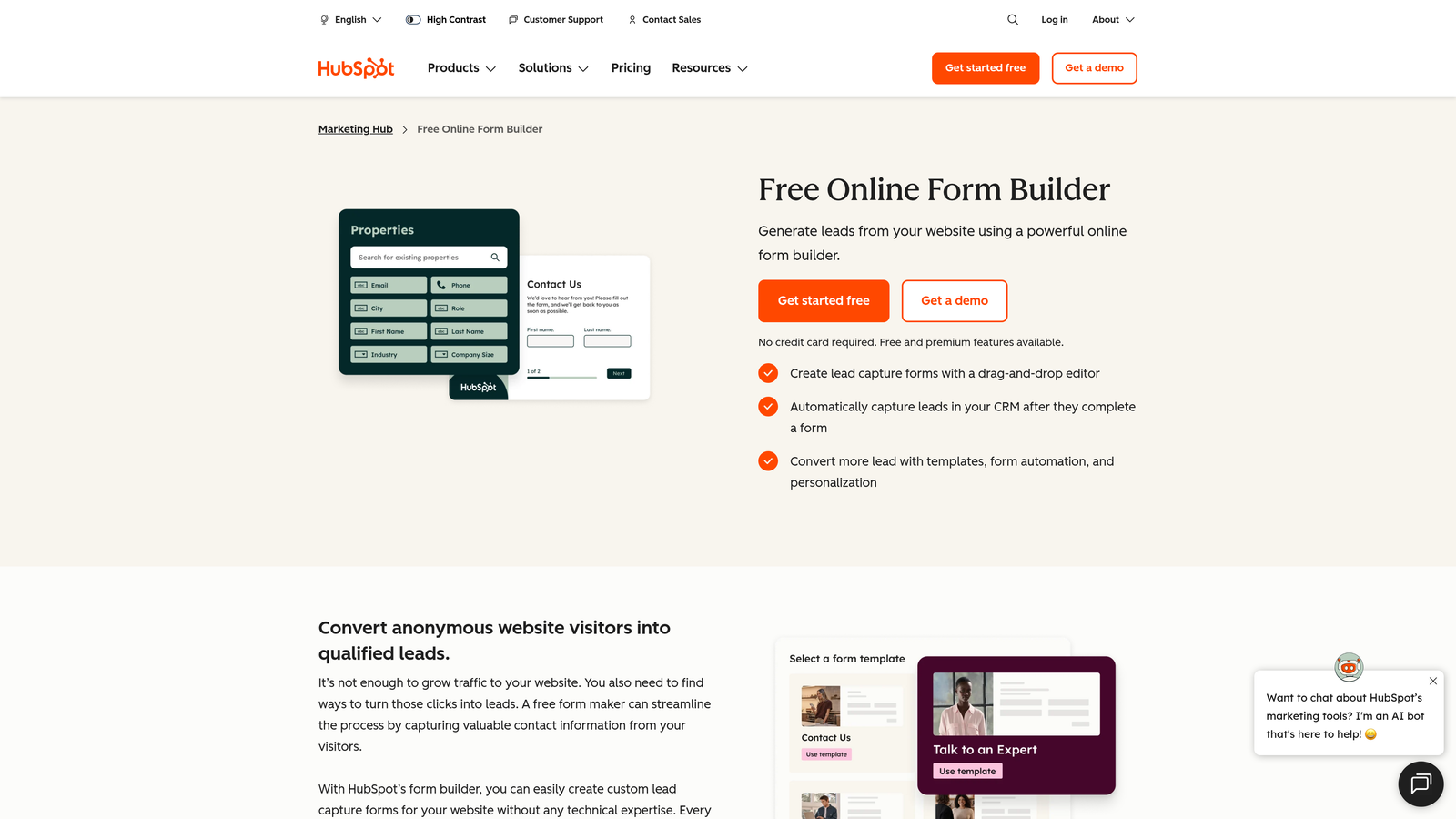
HubSpot Forms is a native form builder within the HubSpot ecosystem, designed to feed contact data directly into your CRM with zero manual work.
Where This Tool Shines
If your team lives in HubSpot, the native form builder is hard to beat for sheer operational efficiency. Every submission automatically creates or updates a contact record, triggers workflows, and feeds into your reporting. There's no Zapier zap to maintain, no field mapping to configure, and no data syncing to worry about.
Progressive profiling is the standout marketing feature: returning visitors see different fields than new ones, so you gradually build richer contact profiles without asking the same questions twice. For content-heavy inbound strategies with multiple form touchpoints, this is genuinely valuable.
Key Features
Native CRM Integration: Submissions automatically create or update contact records in HubSpot with no additional setup required.
Progressive Profiling: Returning visitors see new fields instead of fields you already have data for, building richer profiles over time.
Smart Fields: Fields adapt based on what HubSpot already knows about a contact, reducing friction for known leads.
Built-In Analytics: Form performance data lives inside HubSpot alongside the rest of your marketing reporting.
Free Tier: Available within the free HubSpot CRM with no time limit.
Best For
Teams already using HubSpot as their CRM and marketing automation platform. If you're not in the HubSpot ecosystem, the forms are less compelling as a standalone tool.
Pricing
Free with HubSpot CRM. Advanced marketing features including automation and reporting start in Marketing Hub at around $20/month, scaling up significantly for enterprise tiers.
4. Jotform
Best for: Marketing teams that need a versatile, template-rich form builder for a wide range of use cases without a steep learning curve.
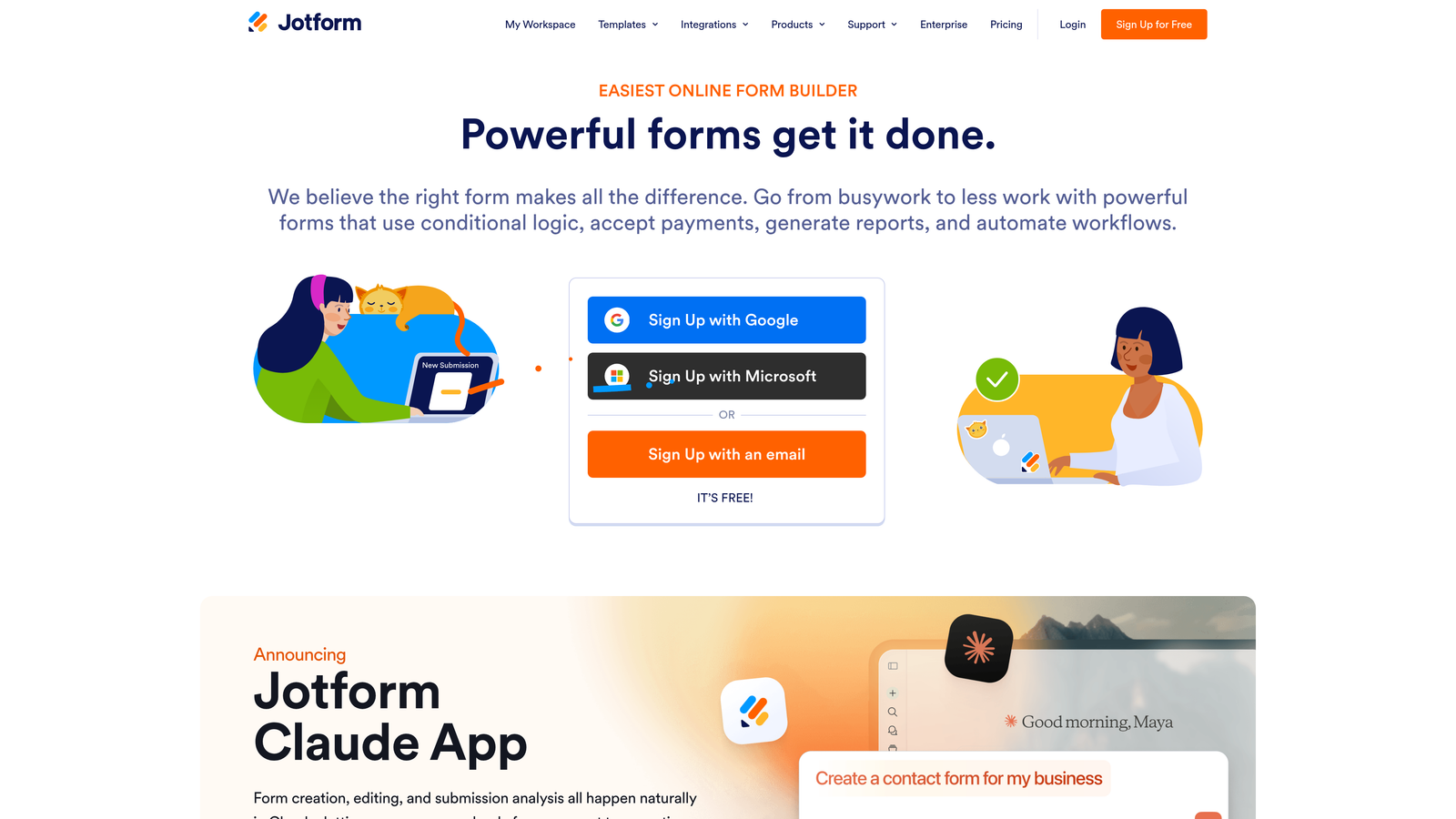
Jotform is a highly versatile form builder with one of the largest template libraries available and a robust free plan that's genuinely useful.
Where This Tool Shines
Jotform's depth is its biggest asset. With over 10,000 pre-built templates spanning virtually every industry and use case, you can go from zero to a functional form in minutes. It handles everything from simple lead capture to complex multi-step forms with conditional logic, payment collection, and data management.
For marketing teams that need to spin up forms quickly across multiple campaigns, the template library and intuitive drag-and-drop builder make Jotform one of the fastest tools to get productive with. Jotform Tables adds a lightweight data management layer that's useful for smaller teams without a dedicated CRM.
Key Features
10,000+ Templates: Pre-built forms across virtually every industry, making it easy to find a starting point for any campaign type.
Drag-and-Drop Builder with Conditional Logic: Build complex form flows without writing a line of code.
Payment Collection: Accept payments directly through forms via Stripe, PayPal, and other processors.
Jotform Tables: A spreadsheet-style view for managing and organizing form submission data.
HIPAA Compliance Option: Available for teams in regulated industries like healthcare marketing.
Best For
Marketing teams that need flexibility across many different form types, especially those running campaigns in regulated industries or needing payment functionality built into their forms.
Pricing
Free plan supports up to 5 forms and 100 monthly submissions. Paid plans start at around $34/month with higher form and submission limits.
5. Unbounce Smart Forms
Best for: Performance marketers running paid campaigns who want AI-optimized landing pages and forms in one platform.
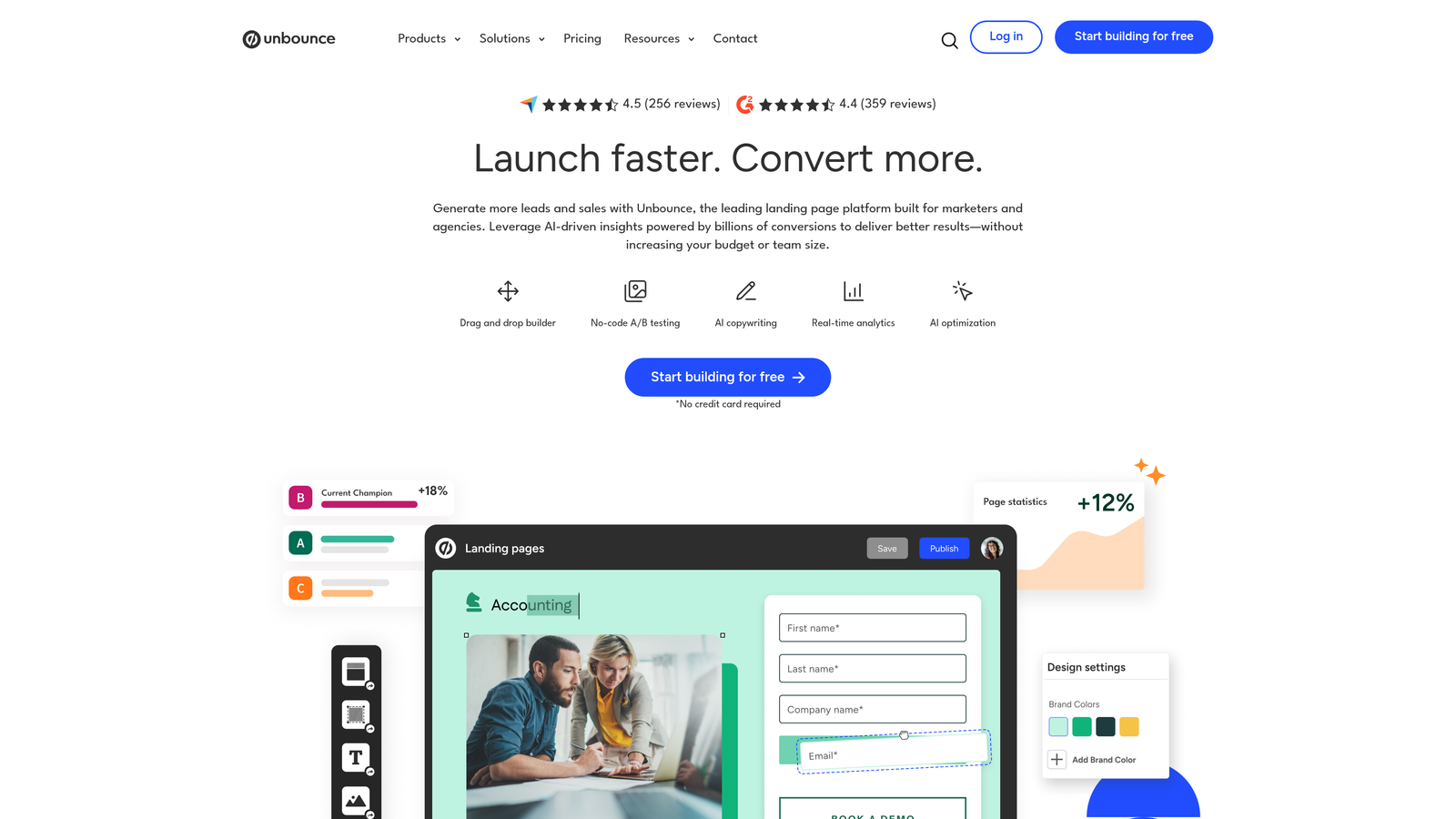
Unbounce is a landing page and form builder platform with AI-powered optimization built in, designed specifically for conversion-focused paid media campaigns.
Where This Tool Shines
Unbounce's differentiator is Smart Traffic, an AI feature that automatically routes visitors to the landing page variant most likely to convert based on their attributes. For marketers running A/B tests on paid campaigns, this removes much of the manual optimization work and accelerates finding the winning variant.
Because forms live inside landing pages on Unbounce, you get a unified environment for the entire conversion experience. You're not embedding a third-party form on a landing page builder and hoping the styling matches. Everything is built and tested together, which simplifies the workflow for performance marketing teams.
Key Features
Smart Traffic AI: Automatically routes visitors to the highest-converting page variant based on their profile and behavior.
Drag-and-Drop Landing Page Builder: Build full landing pages with embedded forms in a single platform.
Built-In A/B Testing: Run split tests on both page design and form elements without needing a separate testing tool.
Pop-Up and Sticky Bar Forms: Capture leads with overlay and persistent bar formats beyond standard embedded forms.
CRM and Marketing Integrations: Connects with Salesforce, HubSpot, Mailchimp, and other major platforms.
Best For
Performance marketers and paid media teams who want landing page and form optimization in one tool. Less suited for teams that only need standalone forms without full landing page functionality.
Pricing
Plans start at around $74/month. The higher price point reflects the full landing page platform, not just form functionality.
6. Gravity Forms
Best for: WordPress-based marketing teams that need advanced form functionality with deep extensibility and developer control.
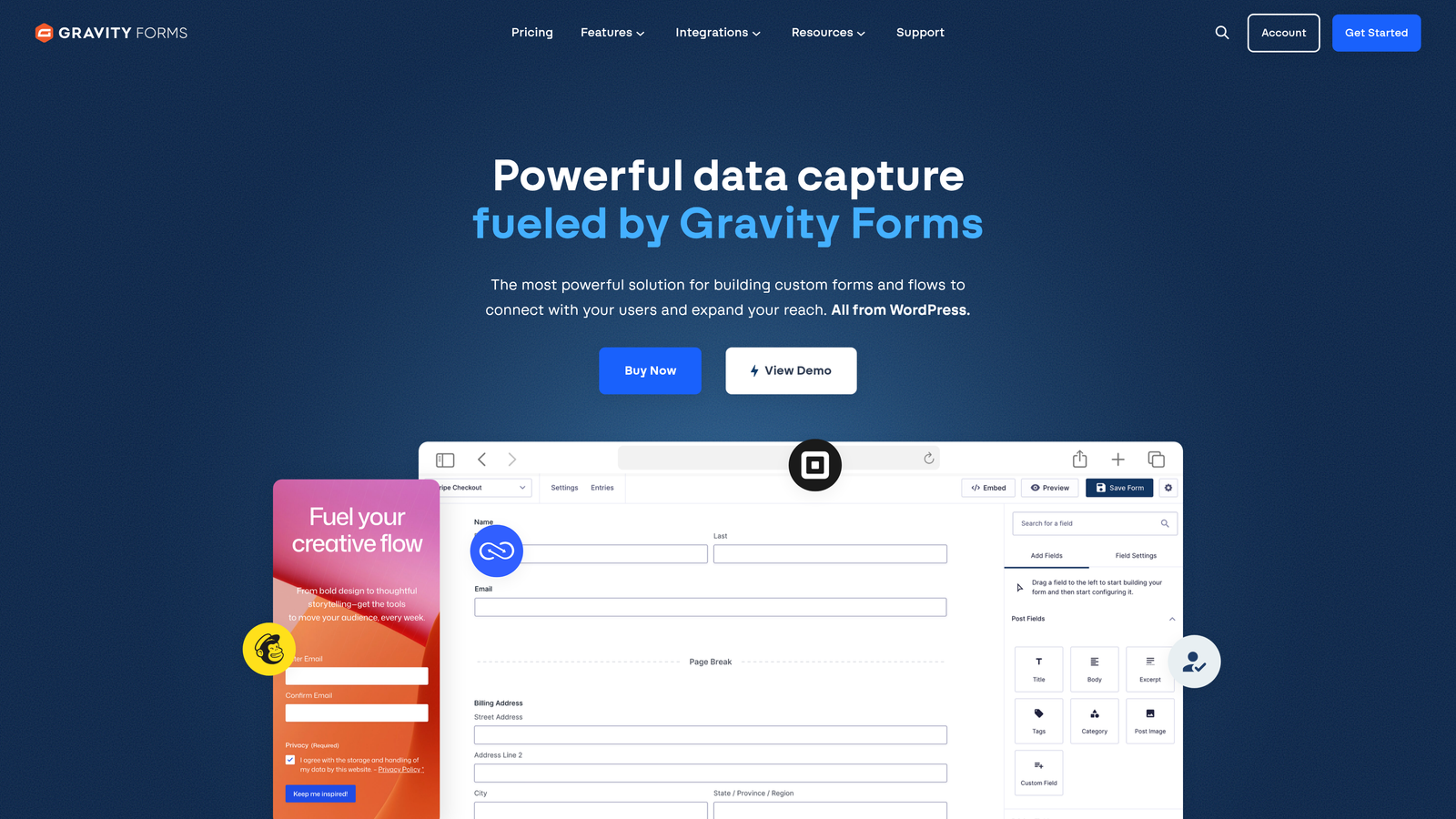
Gravity Forms is the go-to premium WordPress form plugin for teams that need robust form logic, extensive integrations, and developer-level customization.
Where This Tool Shines
If your marketing site runs on WordPress and you need serious form functionality, Gravity Forms has been the industry standard for good reason. The add-on ecosystem is extensive, covering integrations with major CRMs, email marketing platforms, payment processors, and marketing automation tools. You can build almost any form workflow imaginable without leaving WordPress.
The developer-friendly architecture, with hooks, filters, and a REST API, means your engineering team can extend and customize it to fit very specific requirements. For WordPress shops that need both marketing flexibility and technical depth, it's hard to outgrow.
Key Features
Deep WordPress Integration: Works natively with the WordPress block editor and shortcodes, fitting naturally into any WordPress site architecture.
Extensive Add-On Ecosystem: Official and third-party add-ons for payments, CRM, email marketing, user registration, and more.
Advanced Conditional Logic: Show or hide fields, sections, and pages based on user input with granular control.
Entry Management: View, manage, and export form submissions directly within the WordPress admin.
Developer-Friendly Architecture: Hooks, filters, and REST API for custom integrations and functionality extensions.
Best For
WordPress-based marketing teams and agencies that need advanced form logic, payment processing, or custom integrations, and have at least some developer resources available.
Pricing
Starts at $59/year for a single site license. Higher tiers unlock additional add-ons and multi-site support.
7. Formstack
Best for: Marketing operations teams that need forms as part of a broader workflow automation and document management system.
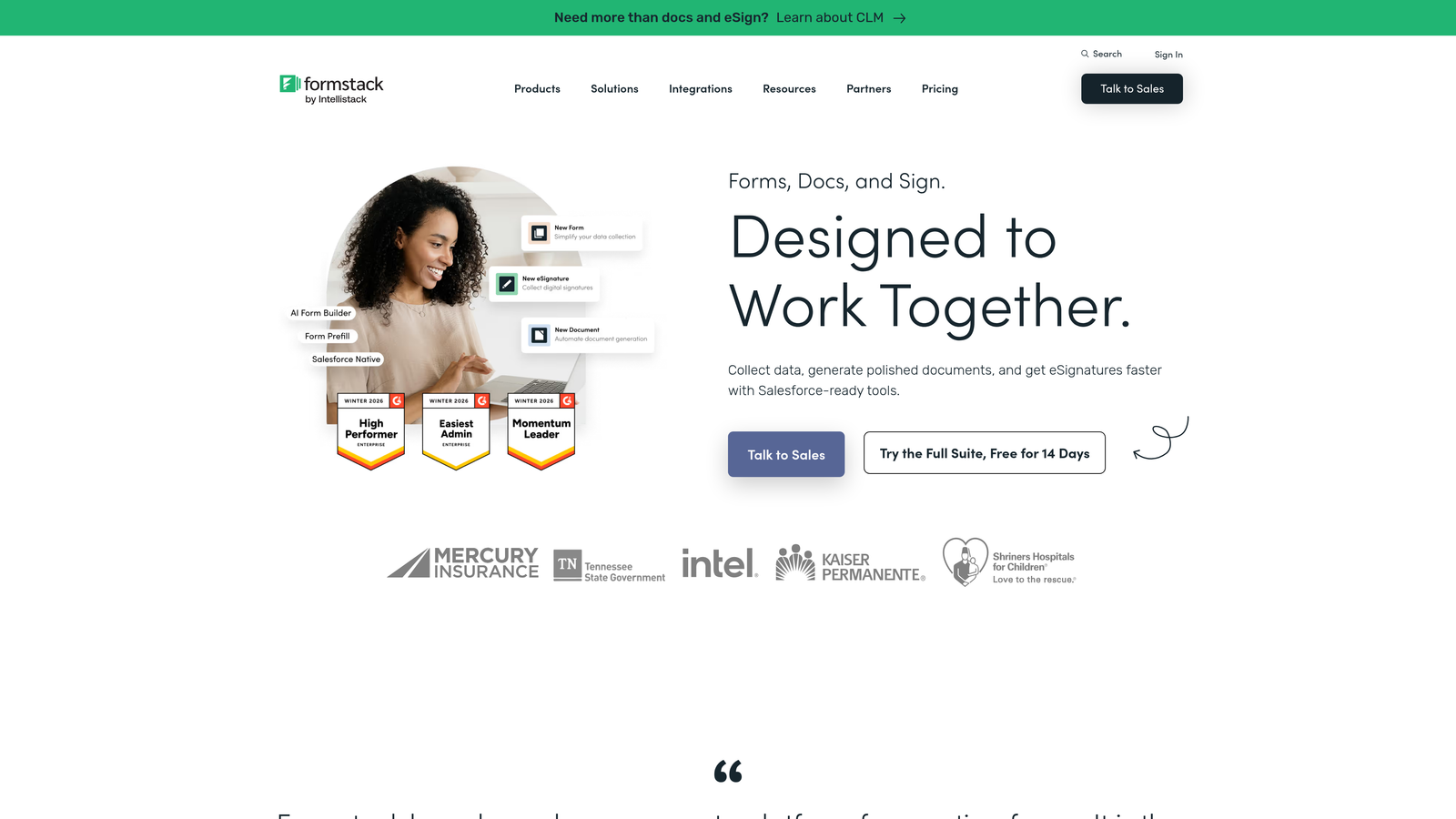
Formstack is a workflow-focused platform that extends well beyond form building into document generation, e-signatures, and end-to-end process automation.
Where This Tool Shines
Formstack is built for teams where forms are just one piece of a larger operational workflow. If your marketing process involves collecting data, generating a document, getting a signature, and triggering a downstream process, Formstack handles all of it in one platform. That breadth is genuinely useful for marketing operations teams managing complex, multi-step workflows.
The Salesforce-native integration is a standout for enterprise marketing teams running on Salesforce. Rather than syncing data between systems, Formstack can operate directly within the Salesforce environment, which reduces data latency and integration maintenance.
Key Features
Full Workflow Suite: Forms, documents, and e-signatures in one platform for end-to-end process automation.
Conditional Logic and Calculations: Build smart forms with dynamic fields and calculated values based on user input.
A/B Testing: Test form variants to optimize conversion rates within the platform.
Salesforce-Native Option: Operate directly within Salesforce for teams that live in that ecosystem.
Compliance-Ready: HIPAA, GDPR, and other compliance frameworks supported for regulated industries.
Best For
Marketing operations teams at mid-market and enterprise companies where forms connect to broader document and workflow processes, particularly those using Salesforce as their CRM.
Pricing
Starts at around $50/month for the forms product. Full suite pricing is higher and scales with features and users.
8. Paperform
Best for: Marketers who want forms that feel like landing pages, with rich content blocks, inline media, and built-in payment processing.
Paperform is a form builder that blends form fields with rich content pages, letting marketers create form experiences that look and feel like standalone landing pages.
Where This Tool Shines
Paperform sits in an interesting niche: it's more designed than a typical form builder but less complex than a full landing page tool. You can mix text, images, videos, and form fields in any order on the page, which opens up creative possibilities that most form builders don't allow. Think of it as a form builder for marketers who care about storytelling and context alongside data collection.
The built-in payment processing via Stripe, Square, and Braintree makes it a practical choice for marketers selling products, event tickets, or services directly through a form-style page without needing a separate e-commerce setup.
Key Features
Rich Content Blocks: Freely mix text, images, and video with form fields to create a narrative form experience.
Built-In Payment Processing: Accept payments via Stripe, Square, and Braintree directly within the form.
Conditional Logic and Calculations: Dynamic fields and calculated outputs based on respondent input.
Custom Success Pages: Fully customizable confirmation pages and redirect options after submission.
Broad Integration Support: Zapier and direct integrations connect Paperform to thousands of apps in your marketing stack.
Best For
Marketers who want form experiences that feel more like branded content pages, or those who need payment collection built directly into a form-style workflow without a full e-commerce platform.
Pricing
Plans start at around $24/month. Higher tiers unlock more submissions, custom domains, and advanced features.
9. Tally
Best for: Lean marketing teams or early-stage companies that need unlimited forms and submissions without paying for a premium tool.
Tally is a minimalist, Notion-inspired form builder with an exceptionally generous free tier that includes unlimited forms and unlimited submissions at no cost.
Where This Tool Shines
Tally's free plan is genuinely remarkable compared to the industry standard. While most tools cap free users at a handful of forms or a few hundred monthly submissions, Tally removes those limits entirely. For bootstrapped teams, early-stage startups, or marketers who need a quick, clean form without a budget line, that's a significant advantage.
The block-based editor feels familiar to anyone who uses Notion, which lowers the learning curve considerably. The output is clean and minimal, which works well for brands that want their forms to feel unobtrusive and professional without heavy design customization.
Key Features
Unlimited Free Forms and Submissions: No caps on the free plan, making it one of the most generous free tiers in the category.
Block-Based Editor: A clean, Notion-inspired editing experience that's intuitive for teams already familiar with that format.
Conditional Logic and Hidden Fields: Smart form behavior without needing a paid plan.
Custom Thank-You Pages and Redirects: Control what happens after a submission without paying for a premium tier.
Flexible Integrations: Zapier, webhooks, and native integrations connect Tally to your existing marketing tools.
Best For
Early-stage startups, lean marketing teams, and individual marketers who need functional, well-designed forms without a monthly software budget. Also useful as a quick prototyping tool before committing to a more feature-rich platform.
Pricing
Free for most features with no submission limits. Tally Pro is $29/month and adds custom branding, custom domains, and team collaboration features.
Which Form Builder Fits Your Marketing Stack?
With nine strong options on this list, the right choice comes down to where you are in your marketing journey and what you need forms to actually do for your business.
If lead quality is your primary challenge, and you're running campaigns where unqualified submissions waste your sales team's time, Orbit AI is the clear standout. The built-in AI lead scoring and qualification is a feature set you won't find natively in most form builders, and for high-growth teams focused on conversion optimization, that intelligence layer is genuinely valuable.
For teams already deep in the HubSpot ecosystem, HubSpot Forms is the path of least resistance with its native CRM integration and progressive profiling. If you're a performance marketer running paid campaigns, Unbounce gives you landing pages and forms in one optimized environment. WordPress shops with developer resources will find Gravity Forms hard to beat for extensibility. And if budget is the constraint, Tally's unlimited free tier gives you a surprisingly capable starting point.
Here's a quick use-case guide to help you decide:
AI-powered lead qualification: Orbit AI
Conversational, high-engagement forms: Typeform
HubSpot-native CRM integration: HubSpot Forms
Maximum template variety: Jotform
Paid campaign landing page optimization: Unbounce
WordPress-based teams: Gravity Forms
Marketing operations and workflow automation: Formstack
Form-meets-landing-page design: Paperform
Free tier with no submission limits: Tally
Once you've chosen your tool, the next step is making sure your forms are doing the qualification work your team needs. Learn how to qualify leads with forms and explore proven tactics to increase form submissions without sacrificing lead quality.
Transform your lead generation with AI-powered forms that qualify prospects automatically while delivering the modern, conversion-optimized experience your high-growth team needs. Start building free forms today and see how intelligent form design can elevate your conversion strategy.


