

Your webinar registration form is doing more work than you think. It's not just a gate between "interested" and "registered" — it's the first real conversion point in your event funnel, and it sets the tone for everything that follows. A clunky, generic form drives drop-off. A smart, well-designed one qualifies your audience before they even show up.
The right webinar registration form platform goes beyond collecting names and email addresses. It integrates with your webinar hosting tool, fits your brand, feeds your CRM, and ideally tells you something useful about each registrant before the event begins. If you're running webinars as a serious lead generation channel, your registration experience deserves the same attention you give your landing pages.
To build this list, we evaluated platforms on ease of use, conversion optimization features, integrations with tools like Zoom, GoToWebinar, and Webex, customization flexibility, analytics depth, and pricing. Whether you need a standalone form builder or an all-in-one webinar solution, there's something here for every team. You might also find it useful to explore how to improve form conversion rates and what makes a strong lead capture form before you dive in.
1. Orbit AI
Best for: High-growth teams that want webinar registration to double as a lead qualification engine.
Orbit AI is an AI-powered form builder platform built specifically for teams that treat every form submission as a conversion opportunity, not just a data collection step.
Where This Tool Shines
What separates Orbit AI from traditional form builders is its built-in lead qualification layer. As registrants fill out your form, the platform scores and segments them automatically, so your sales or marketing team walks into the webinar knowing exactly who's worth following up with first. That's a meaningful shift from the typical "export a CSV after the event" workflow.
The form design itself is built around reducing friction. Conditional logic lets you create personalized registration flows that ask the right questions to the right people, without overwhelming anyone with a wall of fields. For teams running webinars as a pipeline driver, this combination of smart qualification and clean UX is hard to replicate with generic tools.
Key Features
AI-Powered Lead Qualification: Automatically scores registrants based on their responses, surfacing high-intent leads before the event even starts.
Conditional Logic: Build personalized registration flows that adapt based on each respondent's answers, reducing drop-off and improving data quality.
Conversion-Optimized Design: Forms are built with minimal friction in mind, with clean layouts and smart field ordering that keeps completion rates high.
Webinar and CRM Integrations: Connects with popular webinar platforms and CRM tools so registrant data flows where it needs to go automatically.
Real-Time Analytics: Track form performance, drop-off points, and completion rates in real time to continuously improve your registration experience.
Best For
Orbit AI is ideal for B2B SaaS teams, demand generation marketers, and growth-focused organizations that run webinars as a core part of their lead generation strategy. If you want your registration form to qualify prospects, not just collect them, this is the platform built for that job.
Pricing
Visit orbitforms.ai for current pricing plans. The platform is designed to be accessible for growing teams at various stages.
2. Typeform
Best for: Teams that want a conversational, on-brand registration experience with high engagement rates.
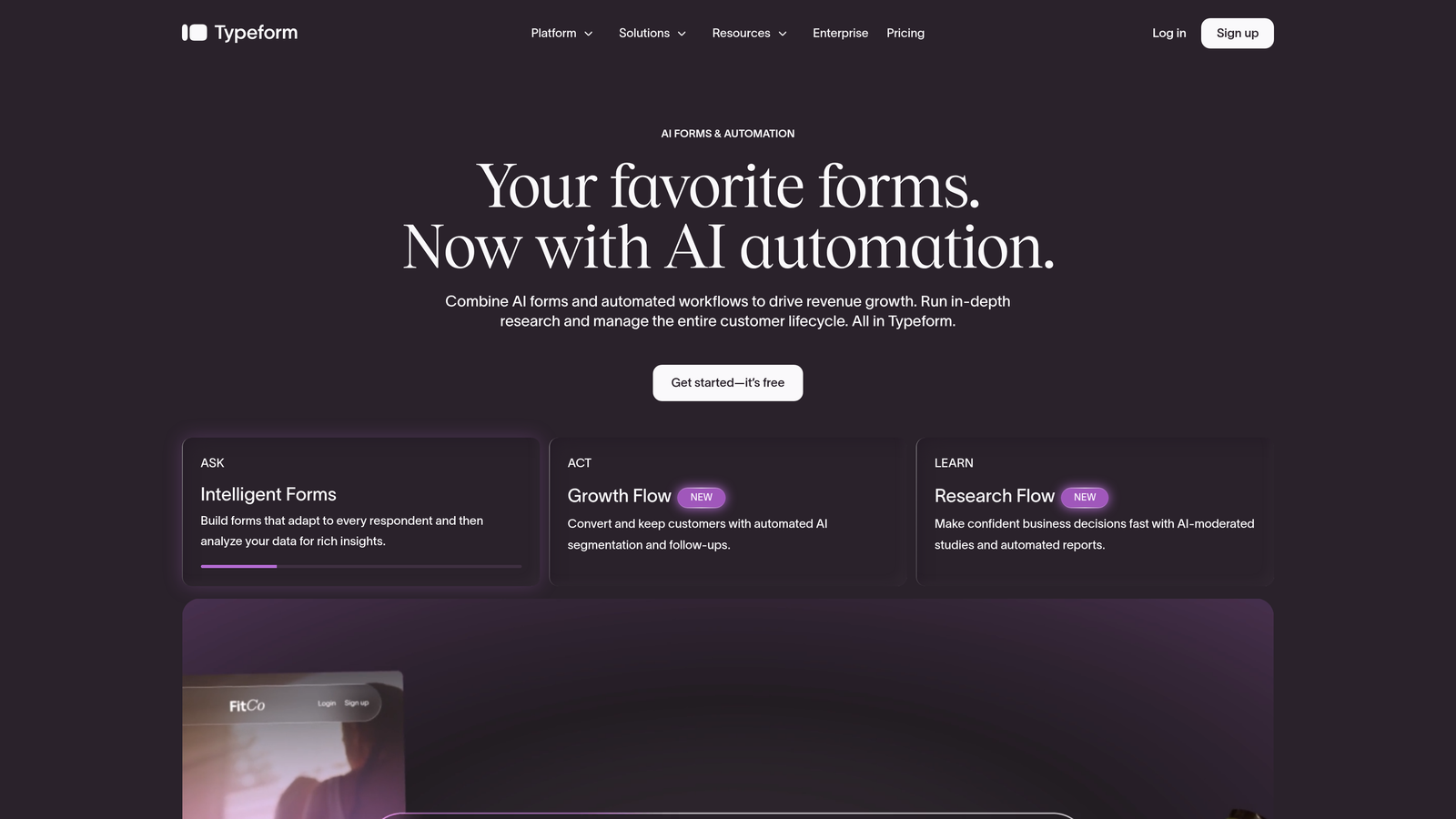
Typeform is a conversational form builder known for its one-question-at-a-time interface that turns a standard registration form into an interactive experience.
Where This Tool Shines
Typeform's biggest strength is how it feels to fill out. Instead of presenting a long list of fields, it walks registrants through questions one at a time, which tends to feel less intimidating and more engaging. For webinars where brand perception matters, this creates a polished first impression.
The logic jump system is genuinely powerful. You can branch registrants into different question paths based on their answers, which means a form can serve multiple audience segments without feeling generic to any of them.
Key Features
Conversational One-Question UI: Displays one field at a time for a more engaging, less overwhelming registration experience.
Logic Jumps and Branching: Route registrants through tailored question paths based on their previous answers.
Strong Design Customization: Match your brand with custom fonts, colors, backgrounds, and imagery.
Zapier and HubSpot Integrations: Connect to hundreds of tools including webinar platforms and CRMs through native integrations and Zapier.
Embeddable Forms: Embed directly on your website or use Typeform's standalone hosted pages.
Best For
Typeform works well for marketing teams that prioritize brand experience and want higher engagement on their registration forms. It's a strong choice when the audience experience matters as much as the data collected.
Pricing
Free plan available with basic features. Paid plans start at around $25/month, with higher tiers unlocking more responses, logic features, and integrations.
3. Demio
Best for: Teams that want registration, hosting, and follow-up all handled in one platform without stitching tools together.
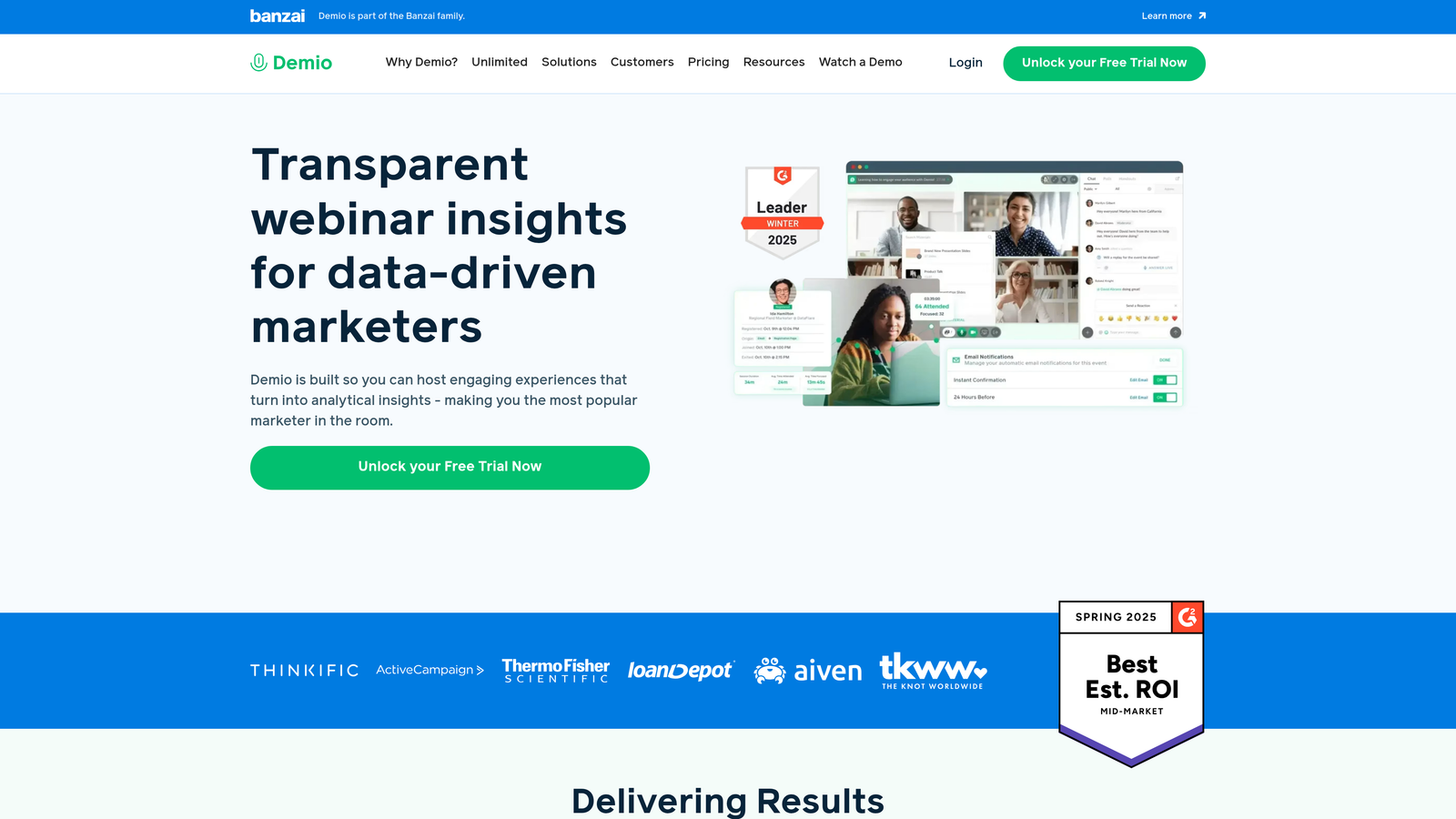
Demio is an all-in-one webinar platform with native registration pages, automated email sequences, and replay pages built right in.
Where This Tool Shines
If your biggest pain point is managing multiple tools, Demio eliminates a lot of that complexity. Registration pages, email reminders, the live event, and post-event follow-up all live in one place. There's no Zapier chain to maintain and no risk of data falling through the cracks between platforms.
Demio also tracks registrant-to-attendee conversion natively, so you can see how well your registration page is actually driving attendance, not just sign-ups. That's a metric many standalone form tools can't surface without additional setup.
Key Features
Native Registration Pages: Built-in, branded registration pages that are ready to go without a separate form tool.
Automated Email Sequences: Confirmation, reminder, and follow-up emails are all handled within the platform.
On-Demand and Automated Webinars: Supports live, automated, and on-demand webinar formats from the same dashboard.
Custom Branding: Apply your logo, colors, and messaging to registration and event pages.
Registrant-to-Attendee Analytics: Track the full funnel from sign-up to attendance within a single dashboard.
Best For
Demio is best for teams that host webinars regularly and want a single platform to manage the entire experience. It's particularly well-suited for marketing teams running product demos, educational content, or automated evergreen webinars.
Pricing
Plans start at around $59/month. Pricing scales based on the number of attendees and features like automated webinars and advanced analytics.
4. Jotform
Best for: Teams that want a fast, template-driven setup with deep integration options including payments and calendar tools.
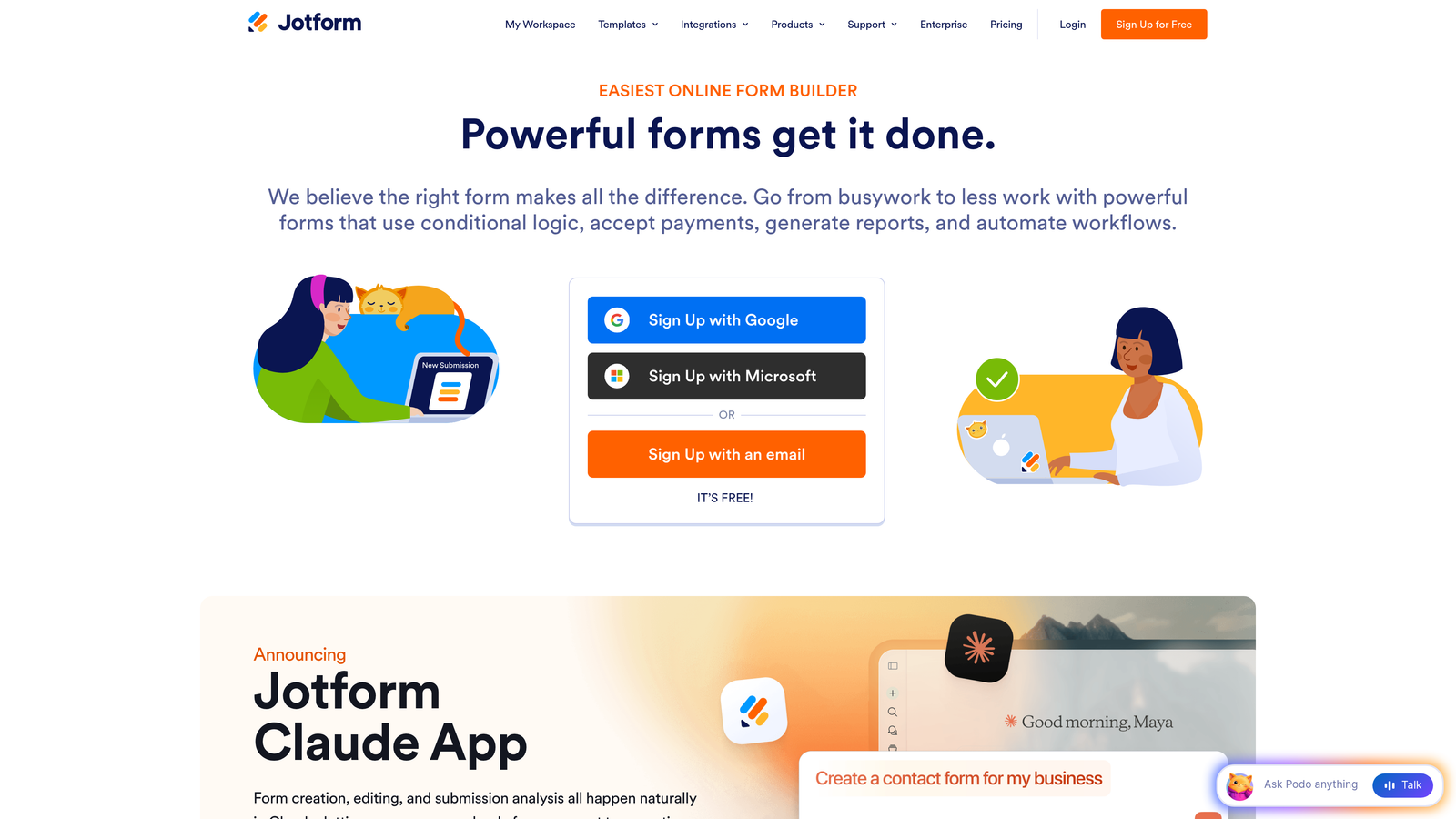
Jotform is a template-rich form builder with thousands of pre-built options, including webinar registration forms with built-in payment and scheduling capabilities.
Where This Tool Shines
Jotform's template library is genuinely impressive. If you need a webinar registration form up in under ten minutes, you can find a pre-built template that's close to what you need and customize from there. The drag-and-drop builder is intuitive enough that non-technical users can handle it without help.
For teams running paid webinars, Jotform's built-in payment integrations are a significant advantage. You can collect registration fees directly through the form without needing a separate checkout tool.
Key Features
Extensive Template Library: Thousands of templates including webinar-specific registration forms ready to customize.
Drag-and-Drop Builder: Visual form editor with conditional logic, no coding required.
Zoom and GoToWebinar Integrations: Connect directly to popular webinar platforms and Google Calendar for automated event management.
Payment Collection: Accept registration fees through Stripe, PayPal, and other payment processors built into the form.
HIPAA-Compliant Options: Available for healthcare organizations that need compliant data handling on their registration forms.
Best For
Jotform is a strong fit for teams that need a versatile, fast-to-deploy solution. It's especially useful for organizations running paid webinars or those in regulated industries with compliance requirements.
Pricing
Free plan available with generous limits. Paid plans start at around $34/month, with higher tiers offering more submissions, storage, and advanced features.
5. HubSpot Forms
Best for: HubSpot users who want webinar registrant data to flow directly into their CRM and marketing automation workflows.
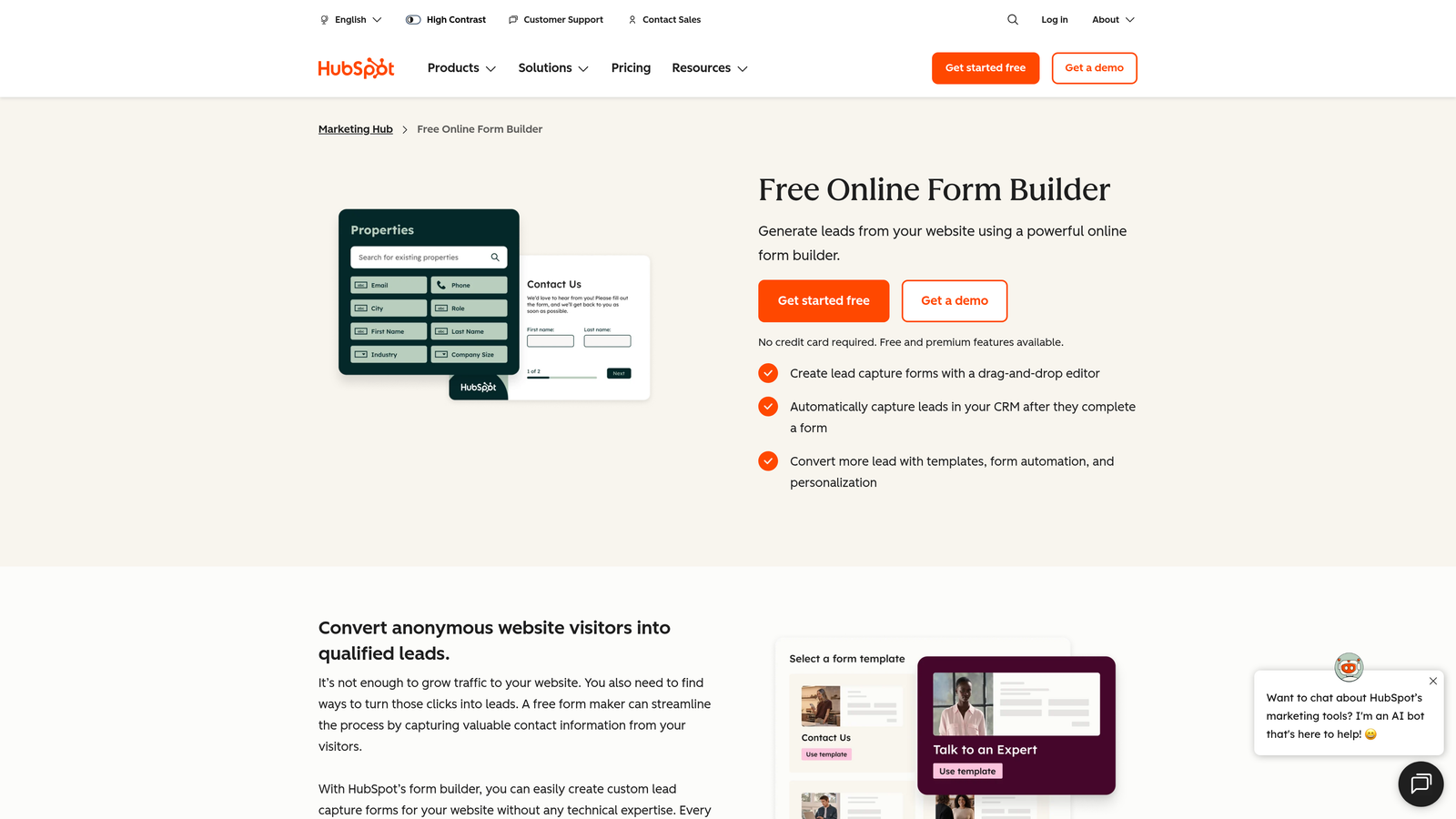
HubSpot Forms is a CRM-connected form builder that turns every webinar sign-up into a tracked contact with full marketing context attached.
Where This Tool Shines
If your team already lives in HubSpot, the forms tool is an obvious choice for webinar registration. Every submission automatically creates or updates a contact record, triggers workflows, and feeds into your pipeline without any manual data transfer. The integration is native and deep, not bolted on through a third-party connector.
Progressive profiling is a standout feature. Instead of asking the same questions every time, HubSpot Forms can show new fields to returning visitors, gradually building a richer contact profile across multiple interactions without friction.
Key Features
Direct CRM Integration: Every form submission creates or updates a HubSpot contact record automatically.
Progressive Profiling: Show new fields to returning visitors to collect more data over time without repeating questions.
Automated Workflow Triggers: Kick off email sequences, lead assignments, or pipeline updates the moment someone registers.
Smart Fields: Adapt the form based on what HubSpot already knows about the visitor, reducing unnecessary friction.
A/B Testing: Test different form variants to optimize conversion rates over time.
Best For
HubSpot Forms is the clear choice for teams already using HubSpot as their CRM and marketing automation platform. It's less compelling as a standalone tool, but within the HubSpot ecosystem it's hard to beat for webinar registration workflows.
Pricing
Basic forms are included free with HubSpot CRM. Advanced features are part of Marketing Hub, with plans starting at around $20/month at the Starter tier.
6. Livestorm
Best for: Teams running video-first events who want polished registration pages and built-in registrant behavior analytics.
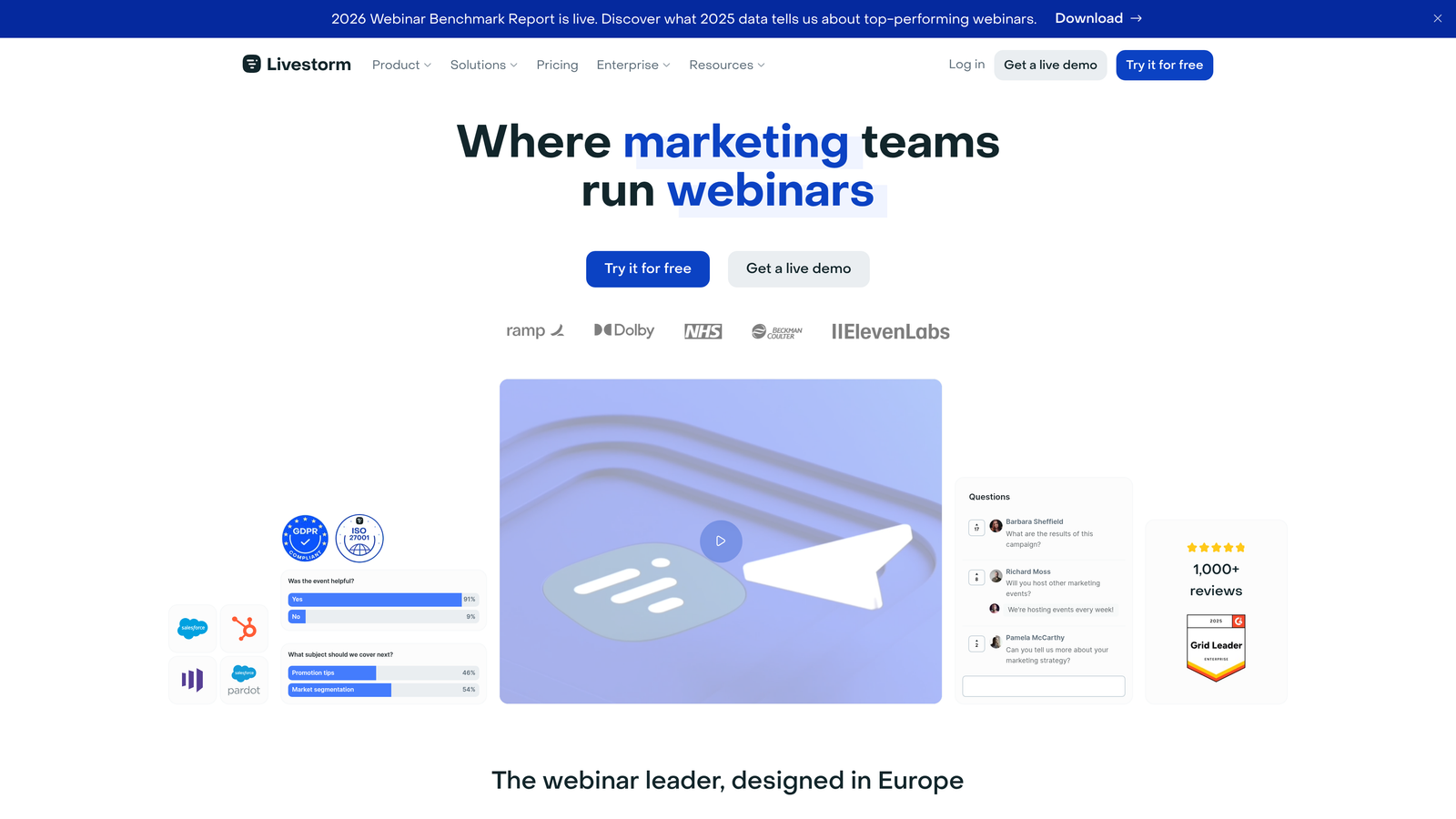
Livestorm is a video engagement platform with branded registration pages, automated email sequences, and detailed analytics on how registrants interact before, during, and after your event.
Where This Tool Shines
Livestorm's registration experience is clean and professional out of the box. The platform handles the full event lifecycle, from the registration page through post-event follow-up emails, without requiring you to connect a separate form tool or email platform. For teams that want to look polished without a lot of setup work, that's a real time saver.
The analytics dashboard goes beyond basic attendance numbers. You can see how registrants engaged with your event, which helps you understand the quality of your audience, not just the quantity.
Key Features
Branded Registration and Event Pages: Customizable pages that match your brand without requiring design work.
Built-In Email Automation: Reminders, confirmations, and post-event follow-ups are handled natively within the platform.
Multi-Format Support: Runs webinars, virtual events, and on-demand content from the same interface.
Registrant Behavior Analytics: Track engagement metrics from registration through to post-event activity in one dashboard.
CRM and Marketing Tool Integrations: Connects with HubSpot, Salesforce, Pipedrive, and other tools to sync registrant data.
Best For
Livestorm is well-suited for marketing and customer success teams running regular webinars, virtual events, or product demos who want a polished, all-in-one solution with strong analytics built in.
Pricing
Free plan available for up to 30 contacts per event. Paid plans start at around $79/month, with pricing scaling based on event size and feature access.
7. Gravity Forms
Best for: WordPress-based teams that need deep customization, self-hosted data, and developer-friendly flexibility.
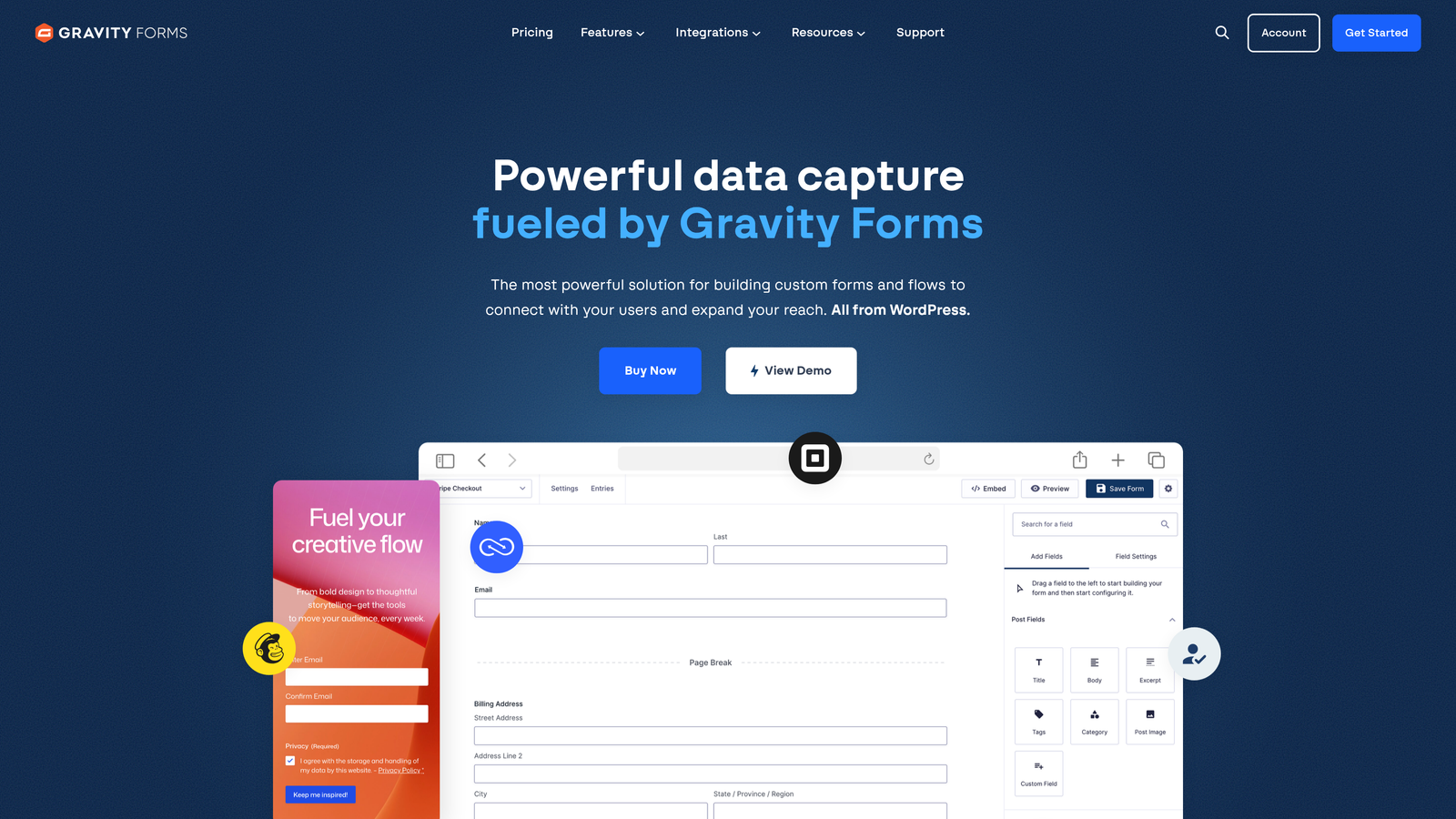
Gravity Forms is a WordPress-native form plugin that gives developers and technical teams complete control over their registration forms without relying on external platforms.
Where This Tool Shines
For teams running their marketing on WordPress, Gravity Forms is the gold standard for complex, customized forms. Because it's self-hosted, all registrant data stays on your own servers, which matters for organizations with strict data privacy or compliance requirements. There are no third-party servers handling your audience information.
The add-on ecosystem is extensive. You can connect to CRMs, email marketing platforms, payment processors, and webinar tools through official and community-built add-ons, giving you a highly tailored setup without building from scratch.
Key Features
WordPress-Native Architecture: Runs entirely within your WordPress installation with no external platform dependencies.
Extensive Add-On Ecosystem: Official and third-party add-ons for CRMs, payments, email marketing, and webinar integrations.
Advanced Conditional Logic: Multi-page forms with sophisticated branching logic for complex registration flows.
Self-Hosted Data: All form data stays on your own servers, supporting privacy and compliance requirements.
Developer-Friendly: Custom hooks, filters, and an active developer community for building highly tailored solutions.
Best For
Gravity Forms is the right choice for WordPress teams with technical resources who need complete customization and data control. It's less suited for non-technical users or teams not already on WordPress.
Pricing
Starts at $59/year for a single site license. Higher tiers unlock additional add-ons and multi-site licensing.
8. Paperform
Best for: Teams that want their registration page to look and feel like a designed landing page, not a generic form.
Paperform is a form builder that creates visually rich registration pages with embedded media, rich text, and product blocks, functioning as a hybrid between a landing page and a form.
Where This Tool Shines
Paperform occupies an interesting space: it's more visually expressive than a standard form builder but easier to manage than a full landing page tool. You can embed images, video, and rich text directly into the form itself, which lets you sell the webinar while collecting registrations on the same page.
For paid webinars, the built-in payment processing is a clean solution. Registrants can pay and register in a single flow without being redirected to a separate checkout page, which reduces drop-off at a critical moment.
Key Features
Landing-Page-Style Design: Embed rich media, text blocks, and visual content alongside your form fields for a more compelling registration experience.
Built-In Payment Processing: Collect registration fees directly through the form with Stripe and other payment integrations.
Scheduling Integrations: Connect with calendar tools for event-based registration and automatic calendar invites.
Custom Thank-You Pages: Redirect registrants to a custom confirmation page or URL after submission.
Conditional Logic and Calculations: Build dynamic forms that adapt based on responses and calculate values automatically.
Best For
Paperform is a great fit for marketers and small teams that want a visually impressive registration experience without hiring a designer or managing a full landing page tool. It's particularly strong for paid webinars and events where presentation matters.
Pricing
Plans start at around $24/month. Higher tiers include more submissions, custom domains, and additional integrations.
9. Zoho Forms
Best for: Teams already in the Zoho ecosystem who want tight integration with Zoho CRM, Zoho Meeting, and Zoho Campaigns at an affordable price point.
Zoho Forms is a budget-friendly form builder with deep native integration across the Zoho product suite, making it a natural fit for organizations already running on Zoho tools.
Where This Tool Shines
If your team uses Zoho Meeting for webinars and Zoho CRM for contact management, Zoho Forms closes the loop between registration and follow-up without needing any third-party connectors. The native integrations are tight, reliable, and require minimal setup compared to building the same workflow through Zapier.
The pricing is also genuinely competitive. For smaller teams or organizations with budget constraints, Zoho Forms delivers a solid feature set, including conditional logic, multi-page forms, and approval workflows, at a price point that undercuts most alternatives on this list.
Key Features
Zoho Ecosystem Integration: Native connections to Zoho CRM, Zoho Meeting, Zoho Campaigns, and other Zoho apps for a seamless workflow.
Approval Workflows: Route form submissions through approval processes before confirming registration, useful for gated or invite-only webinars.
Mobile-Responsive Forms: Forms work well on all devices, with offline data collection support for field teams.
File Upload and Multi-Page Support: Collect documents and build multi-step registration flows for more complex events.
Generous Free Tier: The free plan includes meaningful functionality, making it accessible for teams just getting started.
Best For
Zoho Forms is the obvious choice for organizations already invested in the Zoho ecosystem. It's also worth considering for budget-conscious teams that need solid form functionality without a large monthly commitment.
Pricing
Free plan available with core features. Paid plans start at around $10/month, making it one of the most affordable options on this list.
Choosing the Right Platform for Your Next Webinar
The best webinar registration form platform depends on where your biggest friction point actually is. Are you losing people at the form itself? Struggling to qualify registrants before the event? Spending too much time stitching tools together after the fact? Each of those problems points to a different solution.
For teams running webinars as a serious lead generation channel, the registration form is increasingly where the real work happens. Tools like Orbit AI bring AI-powered qualification into the registration flow itself, so you're not just collecting contacts but actively sorting them by intent and fit before you've said a single word on camera.
If you're already deep in a specific ecosystem, the integrated options make the most sense. HubSpot Forms for HubSpot shops, Zoho Forms for Zoho users, Gravity Forms for WordPress teams with technical resources. If you want everything handled in one place including hosting, registration, and follow-up, Demio and Livestorm are the strongest all-in-one choices.
For teams that prioritize design and brand experience, Typeform and Paperform both deliver registration pages that feel intentional rather than generic. And if you need fast deployment with minimal setup, Jotform's template library gets you there quickly.
The common thread across the best-performing webinar funnels is treating registration as a conversion optimization problem, not just a logistics step. That means testing your form, reducing unnecessary fields, and using the data you collect to improve both attendance rates and post-event follow-up quality.
Start building free forms today and see how intelligent form design can transform your webinar registration from a passive data collection step into an active part of your lead qualification strategy. Your next webinar audience deserves a registration experience that works as hard as you do.


