

SurveyMonkey is excellent at what it was built for: collecting survey responses and feedback at scale. But if your goal is lead capture, qualification, and conversion, you'll quickly run into its limitations. Conditional logic is restricted on lower tiers, CRM integrations are basic, and there's no concept of lead scoring baked into the platform.
High-growth teams need more than a response collector. They need forms that branch intelligently based on answers, sync contacts directly to their CRM, and help separate high-intent leads from casual browsers the moment someone hits submit.
The good news: the form builder market has matured significantly, and there are purpose-built tools that treat lead capture as a first-class feature. This list covers the top alternatives, selected based on lead capture capabilities, conditional logic, integration ecosystems, pricing, and how well each tool fits fast-moving teams. Whether you're a lean startup or a scaling SaaS company, there's an option here built for how you actually work.
1. Orbit AI
Best for: High-growth teams that want AI-powered lead qualification built directly into their forms
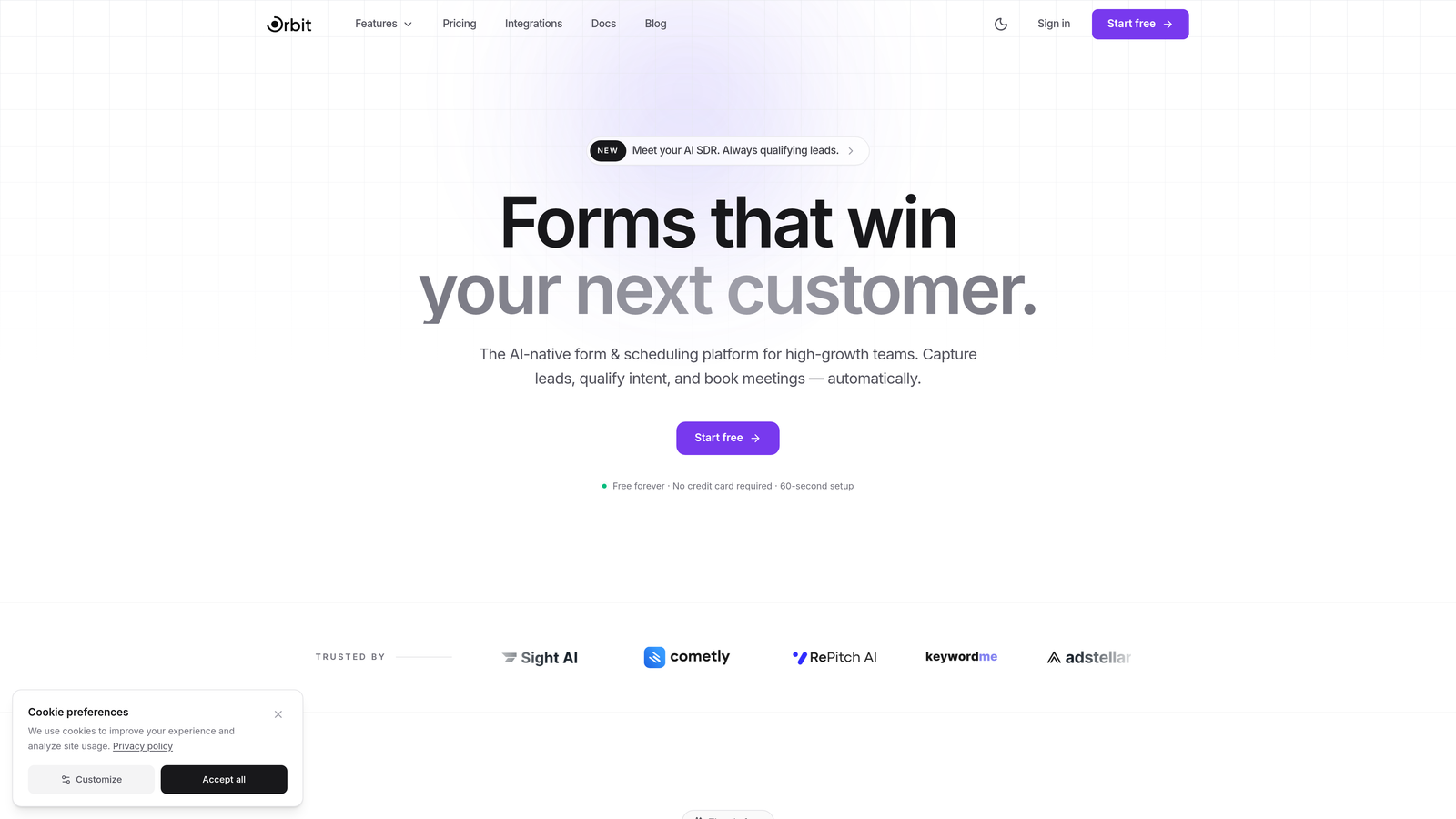
Orbit AI is an AI-powered form builder platform designed specifically for lead capture and automatic lead qualification.
Where This Tool Shines
Most form builders collect data and pass it along. Orbit AI goes a step further by qualifying leads as they come in, using AI to score and segment prospects based on their responses. For teams that are tired of manually sorting through form submissions to find the high-intent leads, this changes the workflow entirely.
The platform is also built with conversion in mind from the ground up. Templates are designed around lead capture best practices, not generic data collection, so you're starting from a stronger baseline before you've even customized anything.
Key Features
AI-Powered Lead Qualification: Automatically scores and qualifies leads based on form responses, so your sales team focuses on the right prospects first.
Conversion-Optimized Templates: Pre-built form templates designed specifically for lead capture flows, not generic survey use cases.
Conditional Logic and Smart Branching: Show or hide fields based on previous answers to create personalized, relevant form experiences.
CRM and Marketing Automation Integrations: Connect directly to your existing stack to ensure leads flow into the right pipelines automatically.
Modern, Mobile-Responsive Design: Forms that look polished on every device, reflecting the brand quality that high-growth teams expect.
Best For
SaaS companies, growth teams, and marketing teams that need forms to do more than collect responses. Particularly valuable for teams running high-volume lead generation campaigns where manual qualification creates a bottleneck.
Pricing
Visit orbitforms.ai for current plan details and to explore available tiers.
2. Typeform
Best for: Engaging, conversational lead capture flows that reduce drop-off on longer forms
Typeform is a conversational form builder that presents one question at a time, keeping respondents engaged through multi-step lead capture sequences.

Where This Tool Shines
Typeform's signature one-question-at-a-time interface creates a fundamentally different experience from a traditional form. Instead of presenting a wall of fields, it guides respondents through a flow that feels closer to a conversation. This approach tends to work well for longer qualification sequences where a standard form would see significant drop-off.
The design quality is consistently high, and the embedding options are flexible: you can drop forms inline, trigger them as popups, or use sliders. For teams that care about the visual experience of their lead capture process, Typeform delivers.
Key Features
Conversational One-Question-at-a-Time UX: Presents each question individually to maintain focus and improve completion rates on longer flows.
Logic Jumps and Branching: Route respondents to different questions based on their answers for personalized qualification paths.
Native CRM Integrations: Connects directly with HubSpot, Salesforce, Zapier, and other major platforms for seamless lead routing.
Flexible Embed Options: Deploy forms as embedded content, popups, or sliders depending on your page layout and conversion goals.
Video and Image Embedding: Add rich media directly within the form flow to provide context or reinforce messaging mid-form.
Best For
Marketing teams running product demos, consultation requests, or multi-step qualification flows where keeping respondents engaged through the entire sequence is critical.
Pricing
Free plan available with limited responses; paid plans start at approximately $25/month for additional responses, logic features, and branding control.
3. HubSpot Forms
Best for: Teams already using HubSpot CRM who want native, zero-friction lead capture
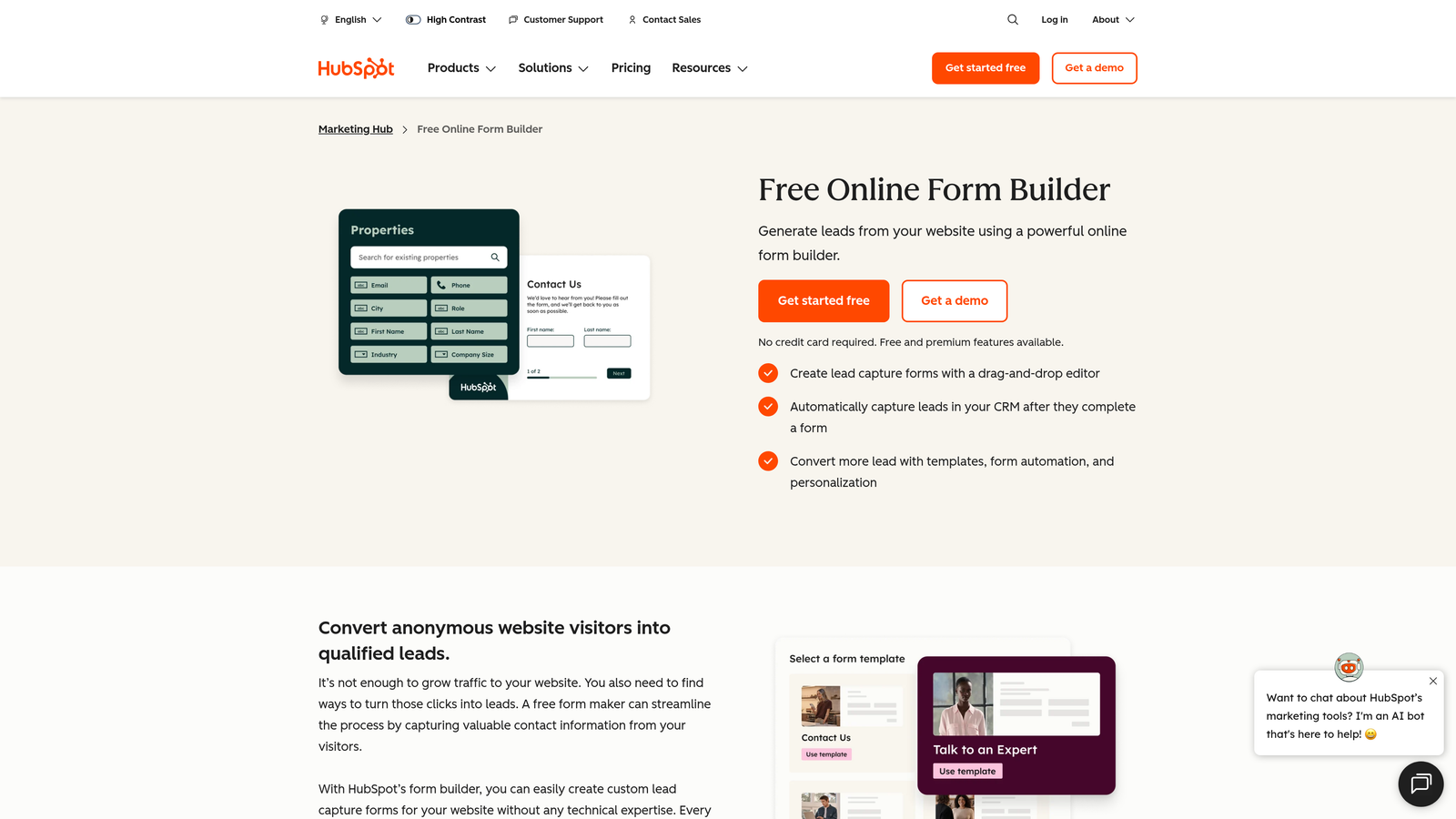
HubSpot Forms is a free form builder that integrates natively with HubSpot CRM, automatically creating and updating contact records on every submission.
Where This Tool Shines
If your team lives in HubSpot, using any other form builder creates unnecessary friction. HubSpot Forms eliminates the integration layer entirely: every submission maps directly to your CRM, triggers workflows, and enrolls contacts in sequences without any additional configuration. The data just flows.
Progressive profiling is the standout feature for lead capture specifically. Instead of asking returning visitors the same questions they've already answered, HubSpot Forms shows new fields to collect additional data over multiple touchpoints. Over time, you build richer contact profiles without overwhelming anyone on a single form.
Key Features
Native HubSpot CRM Integration: Every submission automatically creates or updates a contact record, with no third-party connector required.
Progressive Profiling: Shows new fields to returning visitors to gradually collect more data across multiple form interactions.
Smart Fields and Dependent Dropdowns: Adapt the form experience based on what you already know about a contact or what they select.
Automated Follow-Up Emails: Trigger confirmation or nurture emails immediately upon form submission using HubSpot's workflow engine.
Free Core Features: The essential form builder is available on HubSpot's free CRM tier with no time limit.
Best For
Companies already invested in the HubSpot ecosystem. If you're using HubSpot for CRM, email marketing, or sales, using HubSpot Forms is the path of least resistance for clean, connected lead capture.
Pricing
Core form features are free with HubSpot CRM. Advanced capabilities like A/B testing and additional automation are included in Marketing Hub paid tiers.
4. Jotform
Best for: Teams that need a versatile, template-rich form builder with payment collection built in
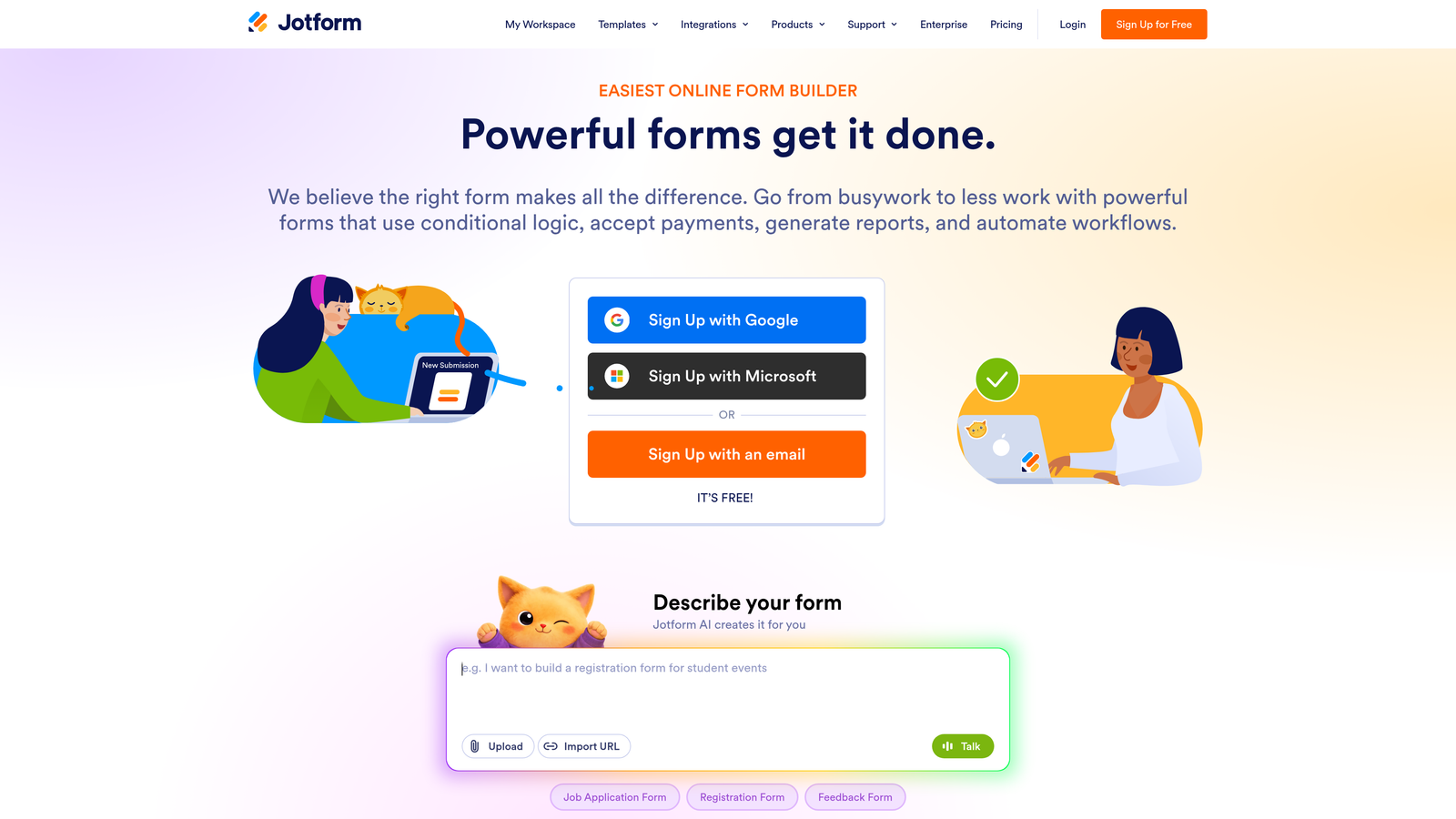
Jotform is a drag-and-drop form builder with one of the largest template libraries available, plus native payment integrations and a robust free tier.
Where This Tool Shines
Jotform's template library is genuinely impressive. With over 10,000 templates spanning industries and use cases, most teams can find a starting point that's close to what they need and customize from there. This dramatically reduces the time from "I need a lead capture form" to having something live.
The ability to collect payments directly within forms makes Jotform a strong fit for teams that combine lead capture with product demos, event registrations, or paid consultations. Rather than redirecting to a separate checkout flow, everything happens in one form experience.
Key Features
10,000+ Form Templates: An extensive library covering nearly every industry and use case, providing strong starting points for lead capture forms.
Drag-and-Drop Builder with Conditional Logic: Build complex branching forms without writing code, using an intuitive visual editor.
Integrated Payment Collection: Accept payments via Stripe, PayPal, and Square directly within forms, with no redirect required.
Jotform Tables: A built-in spreadsheet-style interface for managing and reviewing form submissions without exporting data.
HIPAA-Compliant Plan: Available for healthcare and regulated industries that require compliant data collection practices.
Best For
Small to mid-sized teams that need a flexible, all-purpose form builder. Particularly useful when combining lead capture with payment collection or when operating in a regulated industry.
Pricing
Free plan supports up to 5 forms; paid plans start at approximately $34/month with higher submission limits and advanced features.
5. Tally
Best for: Startups and lean teams that need unlimited forms without a monthly bill
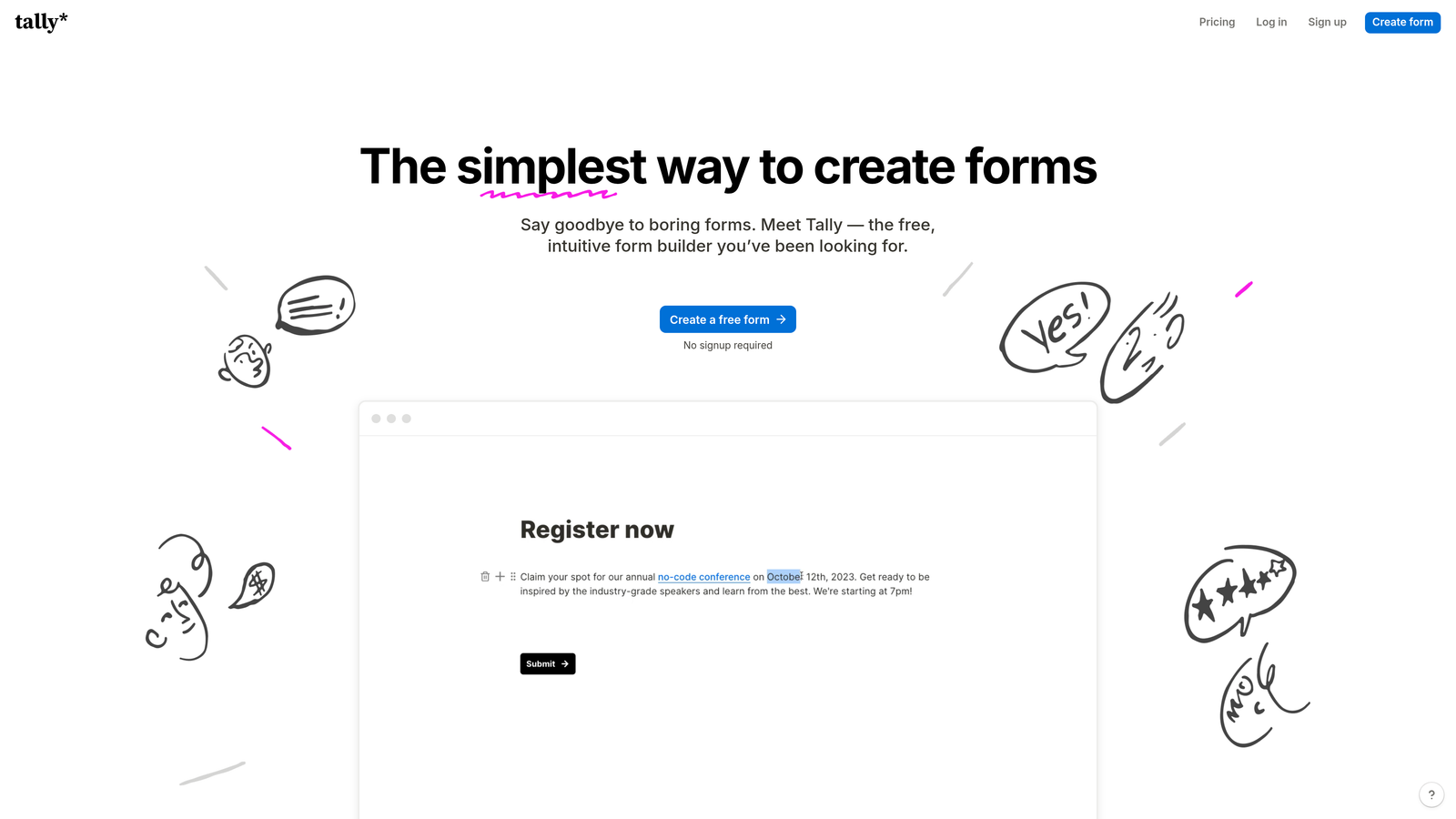
Tally is a Notion-inspired form builder offering unlimited forms and submissions on its free plan, with a clean block-based editing experience.
Where This Tool Shines
Tally's free plan is genuinely generous in a way that most form builders aren't. Unlimited forms, unlimited submissions, conditional logic, and hidden fields are all available without paying anything. For early-stage teams or individual operators who need solid lead capture without ongoing software costs, this is hard to beat.
The block-based editor will feel immediately familiar to anyone who uses Notion. Building a form feels less like configuring a tool and more like writing a document, which lowers the learning curve significantly for non-technical team members.
Key Features
Unlimited Free Forms and Submissions: No caps on the number of forms or responses collected, even on the free plan.
Notion-Style Block Editor: An intuitive, document-like editing experience that's quick to learn and easy to use without training.
Conditional Logic and Hidden Fields: Build branching flows and pass contextual data through hidden fields on the free tier.
Flexible Integrations: Connect to other tools via Zapier, webhooks, and a growing set of native integrations.
Custom Domains and Branding: White-label options and custom domain support are available on the paid Tally Pro plan.
Best For
Founders, solopreneurs, and early-stage startups that need capable lead capture forms without committing to a monthly subscription. Also a strong option for internal forms and workflows.
Pricing
Free plan is highly capable; Tally Pro is available at $29/month for custom branding, domains, and priority support.
6. Zuko (formerly Leadformly)
Best for: Teams that want to optimize existing lead capture forms using behavioral analytics
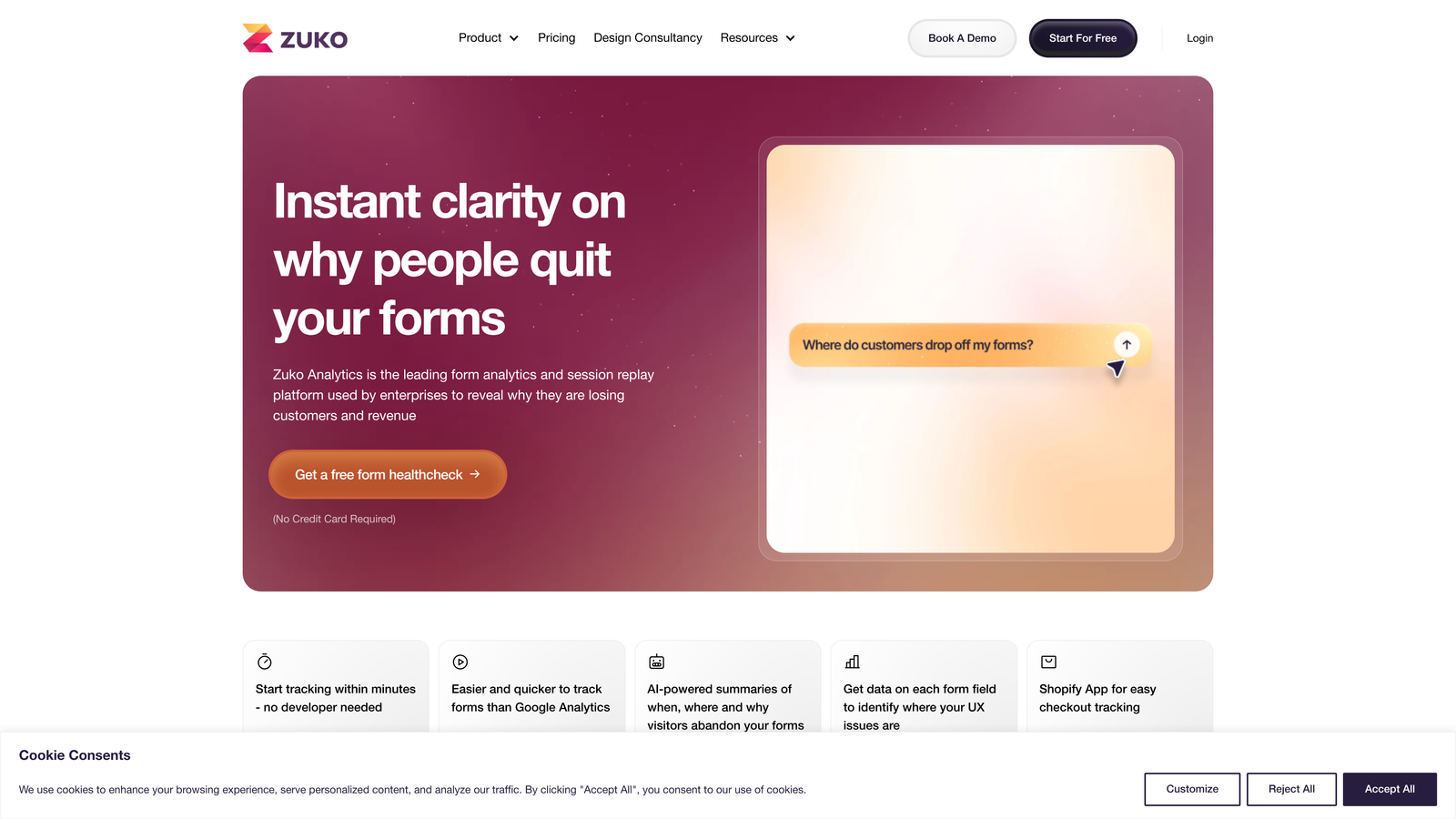
Zuko is a form analytics platform that tracks field-level behavior to help teams identify exactly where respondents drop off and why.
Where This Tool Shines
Zuko takes a different approach than the other tools on this list. Rather than replacing your existing forms, it layers analytics on top of them. You get field-by-field visibility into where people hesitate, abandon, or make errors, which turns vague "our form isn't converting" intuition into actionable data.
For teams that have already invested in a form builder and don't want to rebuild everything, Zuko is a compelling complement. It's particularly useful when you have high-traffic lead capture pages and even small conversion improvements translate into meaningful volume gains.
Key Features
Field-Level Drop-Off Tracking: See exactly which fields cause respondents to abandon the form, so you know where to focus optimization efforts.
Session-Level Behavior Insights: Analyze individual form sessions to understand hesitation patterns and error-prone fields.
A/B Testing Guidance: Use analytics data to inform which form variations to test, rather than guessing at what to change.
Works With Existing Forms: Integrates with your current form setup without requiring a platform migration or rebuild.
Multi-Step Funnel Visualization: Map drop-off across each step of a multi-page form to identify the highest-impact optimization opportunities.
Best For
Growth and conversion teams running high-volume lead capture campaigns who want data-driven insight into form performance. Best used alongside a form builder rather than as a standalone solution.
Pricing
Plans start at approximately $100/month, priced based on the number of form sessions tracked per month.
7. Gravity Forms
Best for: WordPress sites that need deep customization and a powerful add-on ecosystem
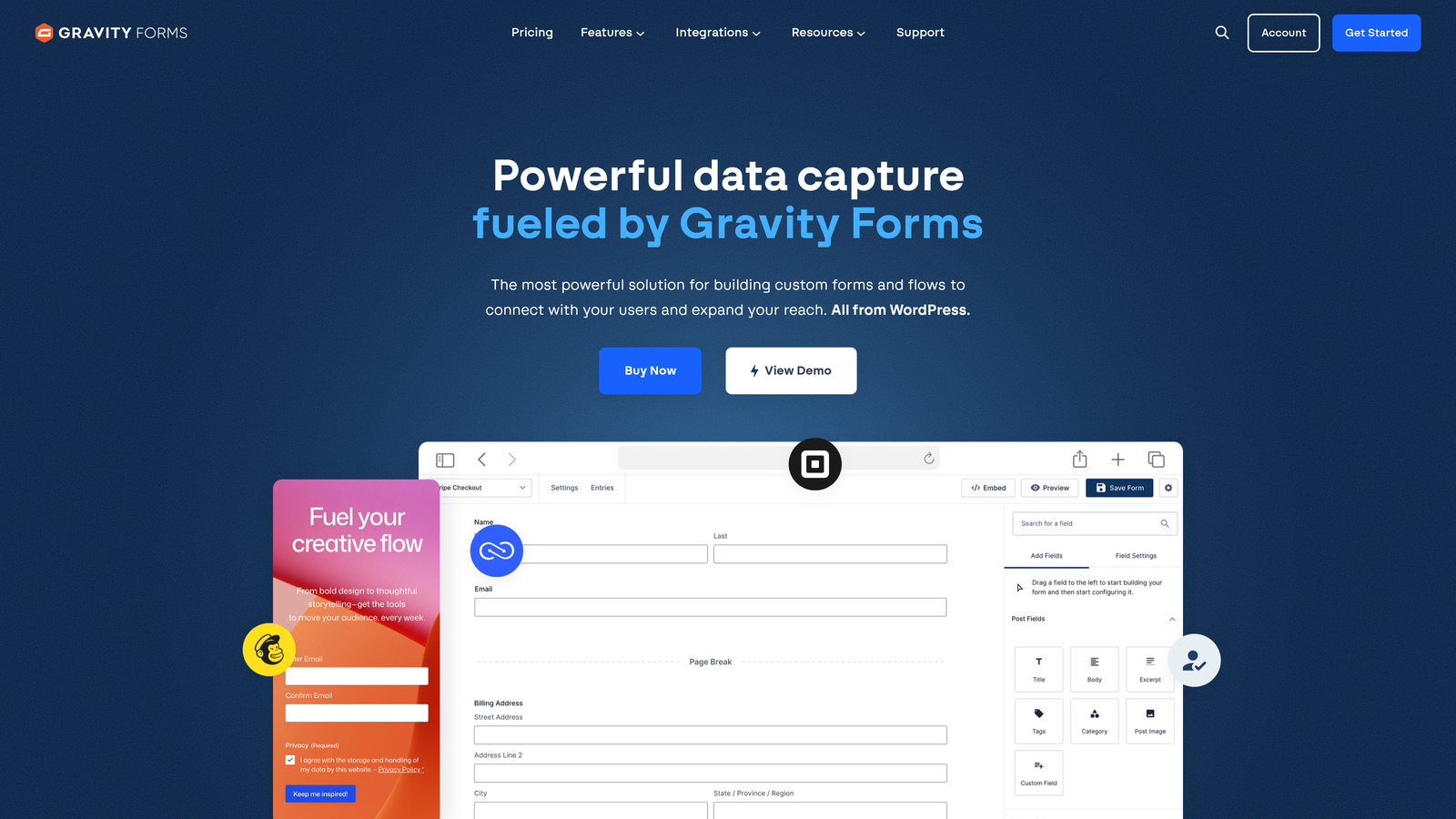
Gravity Forms is the leading WordPress form plugin, offering server-side processing, extensive developer hooks, and a broad marketplace of integrations.
Where This Tool Shines
For teams running WordPress, Gravity Forms is the standard for a reason. It processes form data server-side, which means submissions stay within your WordPress environment rather than passing through a third-party platform. For companies with data residency requirements or a preference for keeping infrastructure in-house, this matters.
The add-on marketplace is extensive. Whether you need to connect to a specific CRM, payment processor, or email marketing platform, there's likely a Gravity Forms add-on for it. And for developers, the hook and filter system makes custom functionality straightforward to implement.
Key Features
WordPress-Native Architecture: Server-side processing keeps form data within your WordPress instance, with no external platform dependency.
Extensive Add-On Marketplace: Hundreds of official and third-party add-ons covering CRM, payment, email marketing, and workflow integrations.
Conditional Logic and Multi-Page Forms: Build complex, branching multi-step forms natively within the WordPress admin.
Developer-Friendly API and Hooks: Full access to hooks, filters, and a REST API for custom functionality and integrations.
Partial Entries and Save-and-Continue: Allow respondents to save progress and return later, reducing abandonment on longer forms.
Best For
WordPress-powered businesses that need a highly customizable form solution with full control over data and infrastructure. Ideal for development teams comfortable working within the WordPress ecosystem.
Pricing
Annual licenses start at $59/year for the Basic plan, with higher tiers unlocking additional add-ons and multi-site usage.
8. Paperform
Best for: Teams that want forms that read like landing pages, with rich content mixed into the flow
Paperform is a form and landing page hybrid that lets teams blend written content, images, and video alongside form fields in a single seamless experience.
Where This Tool Shines
Most form builders treat content and fields as separate concerns. Paperform lets you mix them freely, so you can include a product description, an embedded video, or a pricing breakdown right alongside the fields you're asking respondents to fill out. This makes it particularly effective for forms that need to sell or educate while capturing information.
The built-in payment processing means teams can run complete lead-to-purchase flows within a single Paperform, without routing users to a separate checkout page. For product-led growth teams or service businesses running discovery-to-booking flows, this reduces friction meaningfully.
Key Features
Rich Content and Form Field Mixing: Combine text blocks, images, and video with form fields in a single document-style layout.
Built-In Payment Processing: Collect payments directly within the form experience, supporting multiple payment providers.
Conditional Logic and Calculations: Show or hide fields based on responses, and perform real-time calculations for pricing or scoring.
Custom Success Pages and Redirects: Control exactly what happens after a form is submitted, including personalized thank-you experiences.
3,000+ Integrations: Connect to your stack via direct integrations and Zapier for broad compatibility with marketing and CRM tools.
Best For
Service businesses, consultants, and product teams that need forms to function as lightweight landing pages. Strong fit when the form itself needs to communicate value, not just collect data.
Pricing
Essentials plan starts at approximately $24/month; higher tiers include additional submissions, custom domains, and advanced features.
9. Formstack
Best for: Enterprise teams that need forms, documents, and e-signatures in a unified compliance-ready platform
Formstack is an enterprise-grade workflow platform that combines form building with document generation and e-signature capabilities in one integrated suite.
Where This Tool Shines
Formstack is built for organizations where a form submission isn't the end of the process, it's the beginning of a workflow. Once a lead submits a form, Formstack can automatically generate a proposal document, route it for internal approval, and collect an e-signature, all within the same platform. For enterprise sales and operations teams, this kind of end-to-end automation is genuinely valuable.
Compliance is another area where Formstack stands out. HIPAA, GDPR, and SOC 2 options are available, making it one of the few form platforms suitable for healthcare, legal, and financial services teams without requiring significant additional configuration.
Key Features
Forms to Documents to E-Signatures: An end-to-end workflow connecting lead capture, document generation, and signature collection in one platform.
Advanced Conditional Logic and Prefill: Build sophisticated form logic and pre-populate fields using known contact data for a smoother experience.
Enterprise Compliance Options: HIPAA, GDPR, and SOC 2 compliance configurations available for regulated industries.
Salesforce-Native App: Build and manage forms directly within Salesforce for teams that operate primarily inside that CRM.
Approval Workflows and Routing: Route submissions through defined approval chains before data moves downstream in your process.
Best For
Mid-market and enterprise organizations in regulated industries or with complex post-submission workflows. Particularly strong for Salesforce-centric teams that want form data to live natively in their CRM.
Pricing
Plans start at approximately $50/month; enterprise pricing is available for larger teams and organizations with advanced compliance requirements.
Which Tool Is Right for Your Team
The right choice here depends less on which tool is "best" and more on what your team actually needs. Here's a quick way to cut through the options.
If budget is the primary constraint, Tally is the clear winner. Unlimited forms and conditional logic on a free plan is genuinely rare, and it's capable enough for most early-stage lead capture needs.
If your site runs on WordPress and you need deep customization with full data control, Gravity Forms is the standard for good reason. The add-on ecosystem means you can connect to almost anything.
If your team is already invested in HubSpot, skip the integration layer entirely and use HubSpot Forms. Progressive profiling alone makes it worth using if you're running ongoing inbound campaigns.
If you're scaling lead generation and need forms that do more than collect responses, Orbit AI is built for exactly that scenario. AI-powered lead qualification means your sales team spends time on the right prospects, not sorting through unqualified submissions. The conversion-optimized templates and smart branching give you a head start on building forms that actually perform.
For complex enterprise workflows with compliance requirements, Formstack covers the full spectrum from lead capture to signed contract without leaving the platform.
The common thread across all these alternatives is that they treat lead capture as a real use case, not an afterthought. SurveyMonkey serves its purpose well for surveys and feedback. But if you're trying to qualify and convert leads at scale, you need a tool built with that goal in mind.
Start building free forms today and see how intelligent form design can elevate your conversion strategy. Orbit AI was built for high-growth teams that want to capture, qualify, and convert leads without adding complexity to their stack.


