

Nonprofits face a form-building challenge unlike almost any other type of organization. In a single week, your team might need a donation page that inspires generosity, a volunteer sign-up that reduces drop-off, an event registration that handles complex logistics, and a grant application that collects detailed program information. All of this, ideally, without a dedicated developer or a bloated software budget.
The right form builder can streamline these workflows, improve donor conversion, and free up your team to focus on mission-critical work. The wrong one creates friction, loses data, and costs more than it should. To help you cut through the noise, we evaluated these tools based on nonprofit pricing and discounts, ease of use for non-technical staff, payment and donation processing, CRM integrations, and overall flexibility for the variety of forms nonprofits need every day.
1. Orbit AI
Best for: Nonprofits prioritizing donor conversion, lead qualification, and modern form experiences
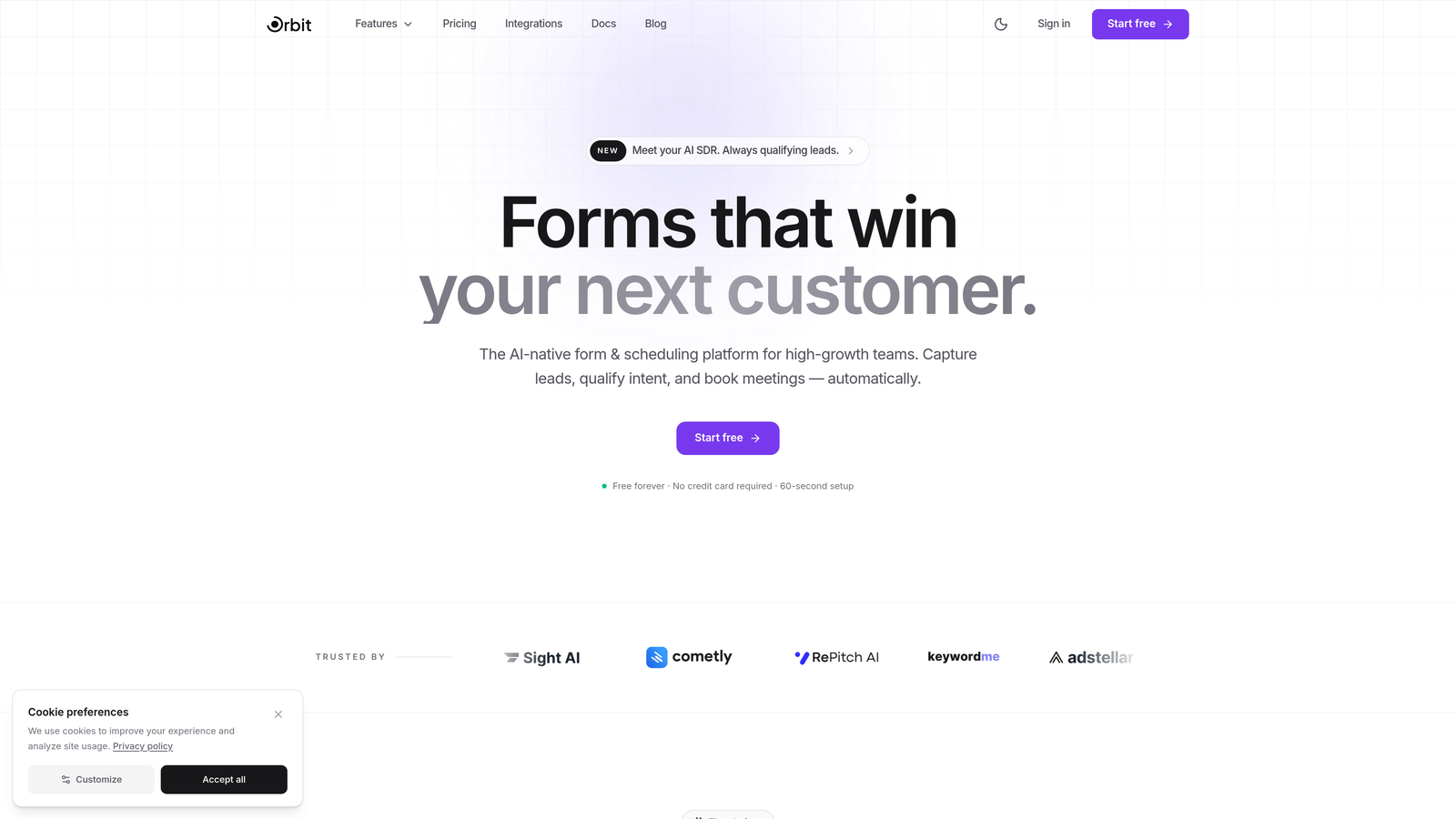
Orbit AI is an AI-powered form builder designed for teams that want every form to work harder, qualifying respondents intelligently while delivering a seamless, conversion-optimized experience.
Where This Tool Shines
What sets Orbit AI apart from traditional form builders is its AI-powered lead qualification layer. Rather than dumping every submission into a spreadsheet and leaving your team to sort through responses manually, Orbit AI helps you identify and prioritize your most engaged donors, qualified volunteers, and high-intent prospects automatically. For a nonprofit managing outreach at scale, that kind of intelligent triage can be transformative.
The conversational form experience is another standout. Instead of presenting respondents with a wall of fields, Orbit AI guides them through a dynamic, one-step-at-a-time flow that reduces abandonment. Conditional logic and adaptive fields adjust in real time based on responses, so donors and volunteers only ever see what's relevant to them.
Key Features
AI-Powered Lead Qualification: Automatically scores and prioritizes form submissions so your team focuses on the most engaged donors and volunteers first.
Conversational Form Flow: Guides respondents through forms step by step, reducing friction and improving completion rates.
Conditional Logic and Dynamic Fields: Forms adapt in real time based on user input, creating personalized experiences without complex setup.
Conversion-Optimized Design: Modern, beautiful form templates built specifically to maximize engagement and response rates.
Built for High-Growth Teams: Designed to scale with organizations expanding their outreach, campaigns, and donor acquisition efforts.
Best For
Nonprofits that are actively scaling their donor acquisition, volunteer recruitment, or community outreach programs. Particularly well-suited for growth-focused teams that want smarter data collection and are ready to move beyond basic form tools toward AI-assisted qualification.
Pricing
Visit orbitforms.ai for current pricing and plan details, including options suited for nonprofit teams.
2. JotForm
Best for: Nonprofits wanting a template-rich builder with built-in payment processing
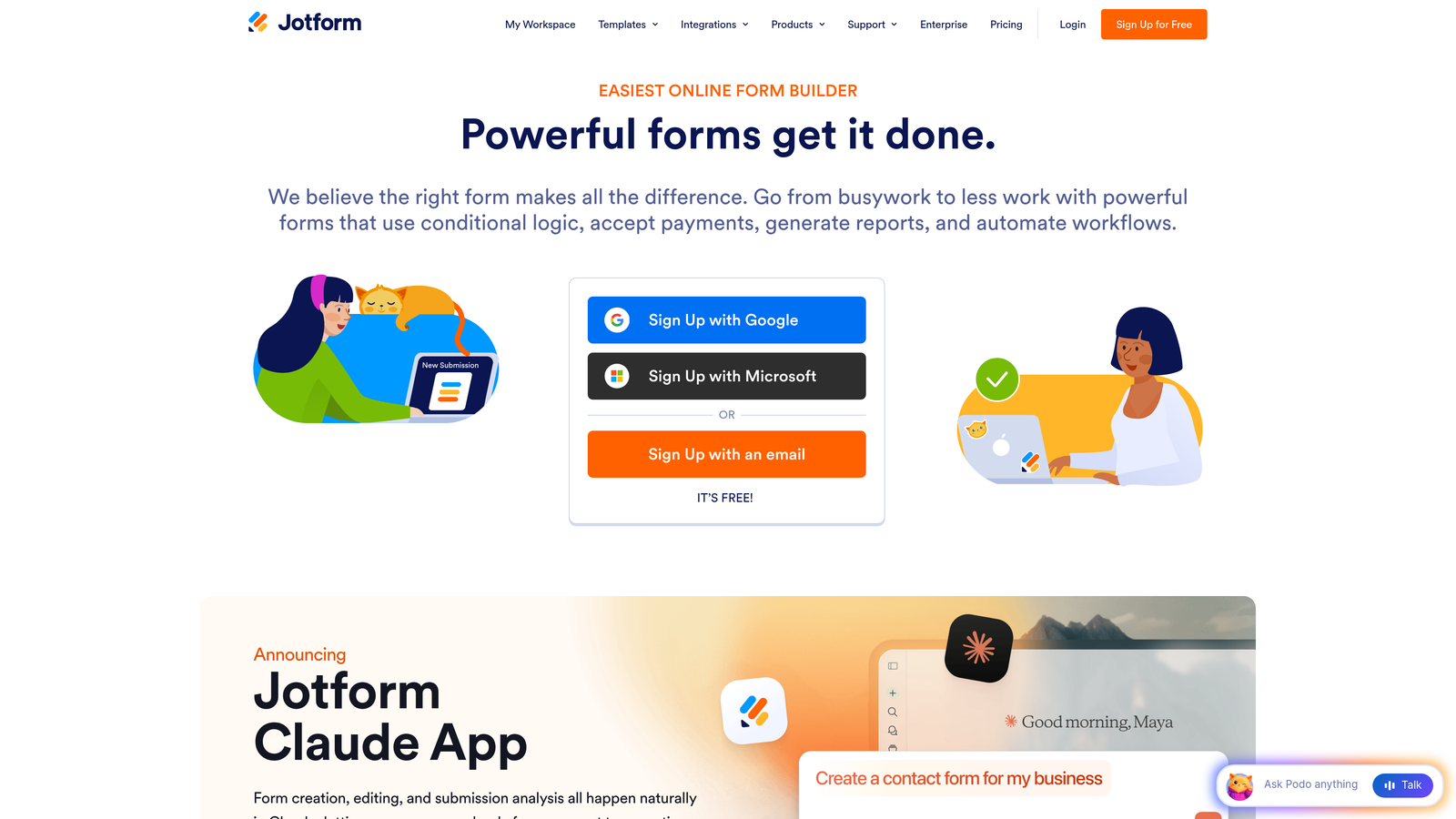
JotForm is one of the most widely used drag-and-drop form builders, offering a massive template library, native payment integrations, and a formal nonprofit discount program.
Where This Tool Shines
JotForm's library of over 10,000 templates includes hundreds specifically designed for nonprofits, covering everything from donation pages and volunteer applications to event registrations and grant submissions. For a small nonprofit team without design resources, this head start is genuinely valuable.
The built-in payment processing via Stripe, PayPal, and Square means you can collect donations directly through your forms without a separate payment tool. Combined with the 50% nonprofit discount on paid plans, JotForm becomes one of the most cost-effective full-featured options on this list.
Key Features
10,000+ Templates: Hundreds of nonprofit-specific templates for donations, events, volunteers, and more.
50% Nonprofit Discount: Formal discount program that cuts paid plan pricing roughly in half for qualifying organizations.
Built-In Payment Processing: Native integrations with Stripe, PayPal, and Square for direct donation collection.
No-Code Builder: Drag-and-drop interface accessible to non-technical staff.
CRM and Email Integrations: Connects with popular platforms including Salesforce, HubSpot, and Mailchimp.
Best For
Small to mid-sized nonprofits that need a reliable, template-driven solution with built-in payment processing and don't want to stitch together multiple tools. Especially useful for organizations running frequent events or campaigns.
Pricing
Free tier available. Paid plans start at approximately $34/month, with the nonprofit discount bringing this to around $17/month for qualifying organizations.
3. Google Forms
Best for: Nonprofits operating on zero budget needing basic data collection
Google Forms is a free, no-frills form builder included with Google Workspace, offering simplicity and accessibility for organizations with minimal technical resources.
Where This Tool Shines
The price point is the headline feature: Google Forms is completely free for nonprofits enrolled in Google Workspace for Nonprofits, which Google provides at no cost to qualifying organizations. If your team already lives in Google Docs and Sheets, the workflow integration is seamless. Responses automatically populate a Google Sheets spreadsheet, making data management straightforward.
Real-time collaboration means multiple team members can build and edit forms simultaneously, which is useful for committees or distributed teams. The interface is clean and approachable enough that anyone on your staff can create a functional form in minutes.
Key Features
Completely Free: Available at no cost through Google Workspace for Nonprofits.
Real-Time Collaboration: Multiple team members can build and edit forms simultaneously.
Automatic Google Sheets Integration: Responses flow directly into a spreadsheet for easy data management.
Simple Interface: Minimal learning curve, accessible to all staff regardless of technical skill.
Basic Conditional Logic: Supports simple branching and skip logic for more tailored form experiences.
Best For
Nonprofits with very limited budgets, basic data collection needs, or organizations already using Google Workspace. Less suited for donation processing or complex multi-step workflows.
Pricing
Free through Google Workspace for Nonprofits. No paid tiers or upsells within Google Forms itself.
4. Typeform
Best for: Nonprofits prioritizing beautiful donor-facing experiences and high completion rates
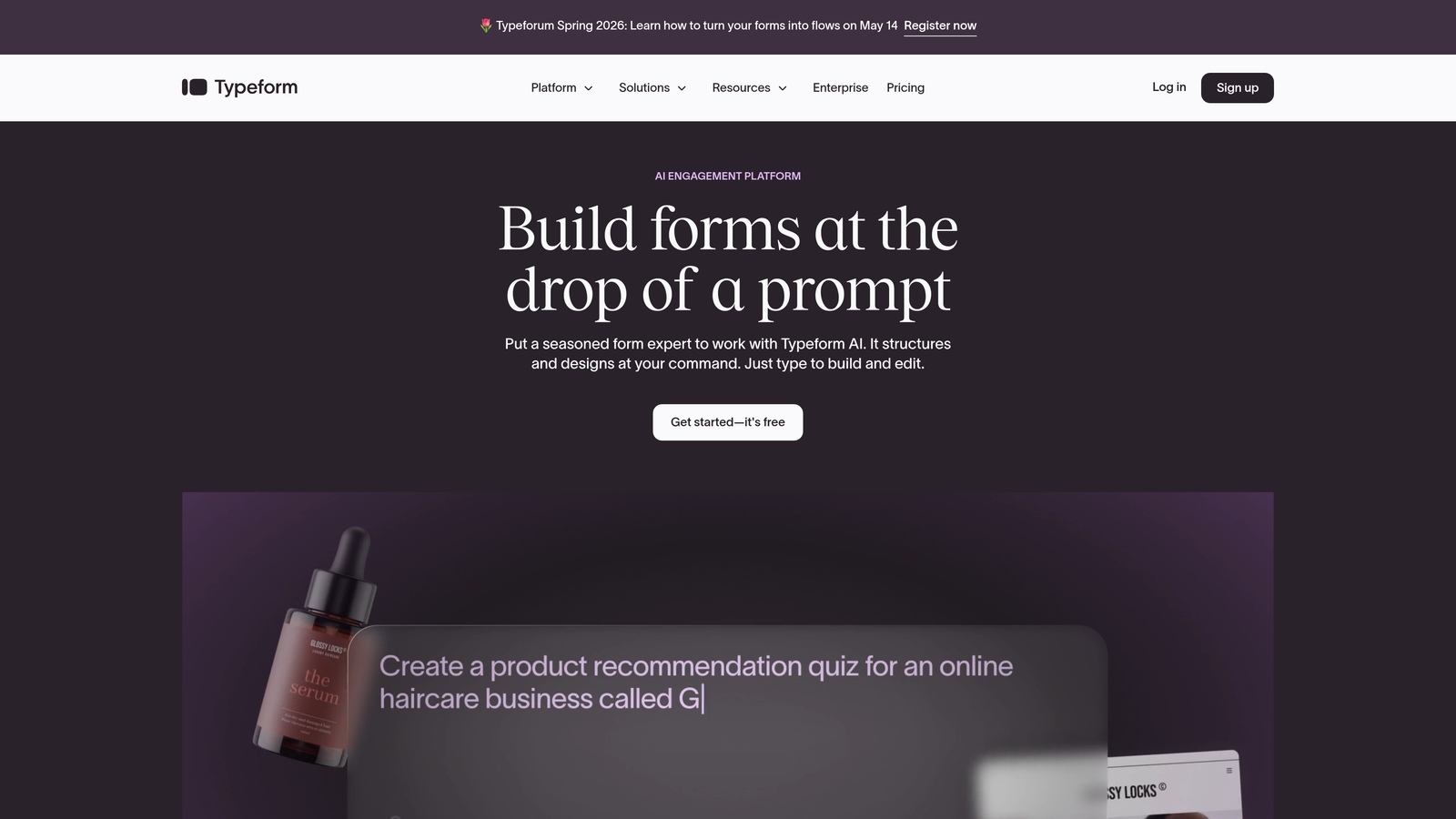
Typeform is a design-forward form builder known for its conversational, one-question-at-a-time format that creates engaging, low-friction form experiences.
Where This Tool Shines
Typeform's signature format presents one question at a time, which tends to feel less overwhelming than a traditional multi-field form. For donor-facing pages or volunteer applications where first impressions matter, this approach creates a more polished, modern experience that reflects well on your organization's brand.
The design customization options are extensive. You can match forms to your nonprofit's visual identity with custom fonts, colors, and imagery. Logic jumps allow forms to branch based on answers, so a major donor and a first-time volunteer see entirely different paths through the same form.
Key Features
Conversational Format: One-question-at-a-time presentation reduces cognitive load and form abandonment.
Design Customization: Deep branding options including fonts, colors, backgrounds, and imagery.
Logic Jumps and Calculated Fields: Dynamic branching and calculations for personalized form flows.
Integrations: Connects with HubSpot, Salesforce, Mailchimp, and many other platforms.
Nonprofit Discount: Available on request for qualifying organizations.
Best For
Nonprofits that want to make a strong visual impression with donor surveys, volunteer intake forms, or campaign landing pages. Teams that prioritize form aesthetics and respondent experience alongside functionality.
Pricing
Free tier available with limitations. Paid plans start at approximately $25/month. Nonprofit discounts may be available on request.
5. Formstack
Best for: Enterprise nonprofits needing advanced workflows and deep Salesforce integration
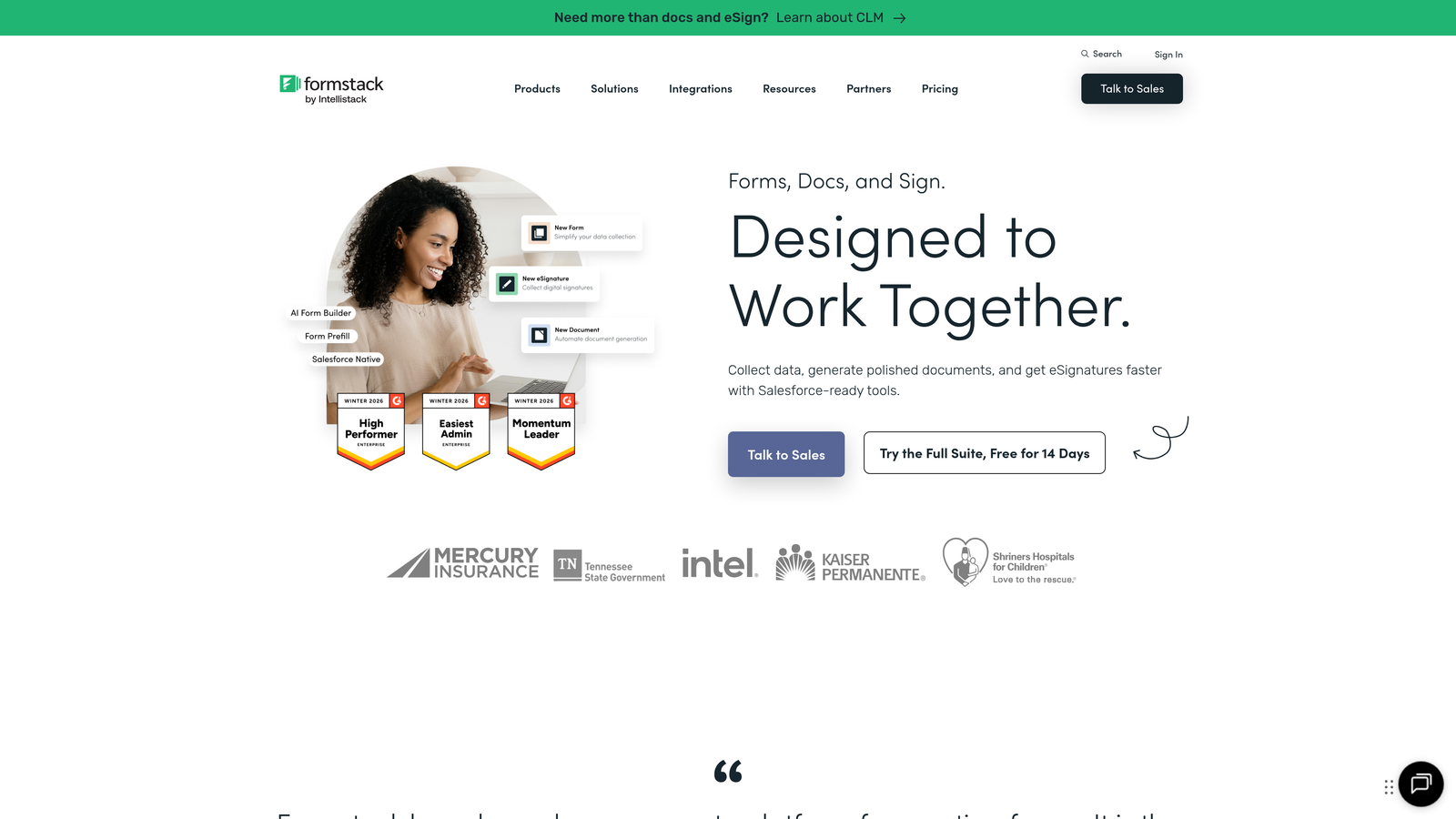
Formstack is an enterprise-grade form and workflow automation platform built for organizations that need more than just data collection, including approval chains, document generation, and compliance features.
Where This Tool Shines
Formstack's native Salesforce Nonprofit Cloud integration is a major differentiator for organizations running their donor and program management in Salesforce. Form submissions can map directly to Salesforce objects, eliminating manual data entry and keeping your CRM clean and current.
For health-focused nonprofits or those handling sensitive beneficiary data, Formstack's HIPAA-compliant form options provide a level of data protection that most general-purpose builders don't offer. The approval workflow features are also genuinely useful for grant applications or internal request processes that require sign-off before action.
Key Features
Advanced Workflow Automation: Multi-step approval chains and routing for complex organizational processes.
Native Salesforce Nonprofit Cloud Integration: Direct data mapping to Salesforce objects without middleware.
HIPAA Compliance: Suitable for health-focused nonprofits handling sensitive medical or beneficiary data.
Document Generation: Automatically creates documents from form submission data.
Multi-Page Forms and Conditional Logic: Handles complex, lengthy forms with dynamic branching.
Best For
Mid-to-large nonprofits running Salesforce, organizations with complex internal approval workflows, or health and human services nonprofits requiring HIPAA-compliant data handling.
Pricing
Plans start at approximately $50/month. Nonprofit discounts are available on request. This is a premium tool with pricing that reflects its enterprise feature set.
6. Cognito Forms
Best for: Budget-conscious nonprofits needing payment processing without the premium price tag
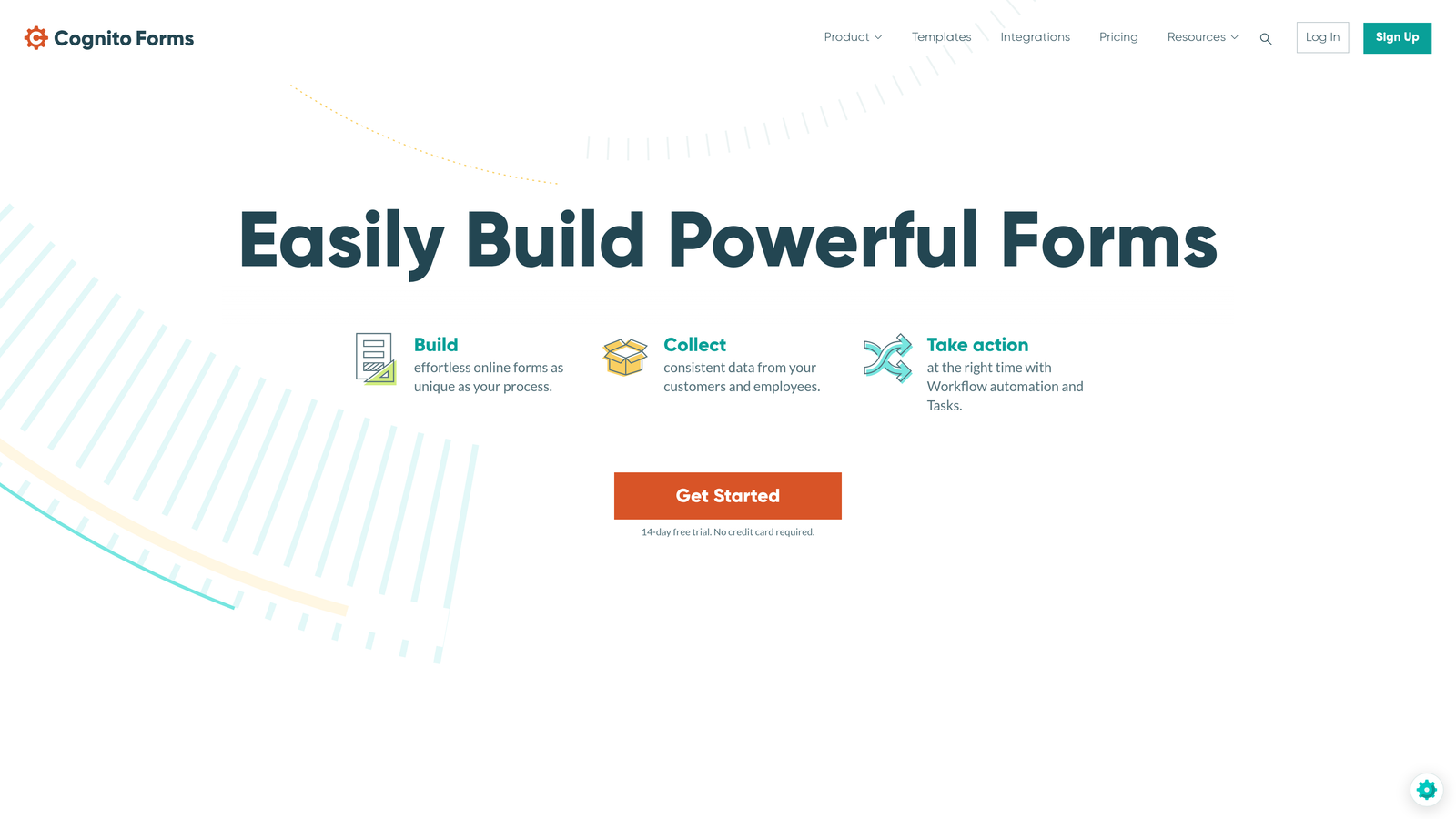
Cognito Forms is a surprisingly capable form builder that punches well above its price point, offering free payment processing and calculation fields that most competitors reserve for higher tiers.
Where This Tool Shines
The standout feature is payment processing on the free tier. Most form builders require a paid subscription before you can collect payments, but Cognito Forms includes this capability at no cost. For a nonprofit running occasional donation drives or event registrations without a dedicated software budget, this is a meaningful advantage.
Calculation fields allow you to build forms that dynamically compute totals, which is useful for variable donation amounts, event pricing with multiple ticket types, or membership fee calculations. Repeating sections are another practical feature, letting registrants add multiple participants to a single event registration form.
Key Features
Free Payment Processing: Collect donations and payments on the free tier, which is rare among competitors.
Calculation Fields: Dynamically compute totals for variable donation amounts or tiered pricing.
Repeating Sections: Allow registrants to add multiple participants within a single form submission.
Conditional Logic and Multi-Page Forms: Supports complex form structures without requiring premium plans.
Data Encryption and Compliance Features: Basic security and compliance tools included.
Best For
Small nonprofits that need payment-enabled forms without a significant monthly commitment. Also well-suited for event registrations with variable participant counts or multi-item donation forms.
Pricing
Free tier includes payment processing. Paid plans start at $15/month, making this one of the most affordable full-featured options available.
7. Givebutter
Best for: Nonprofits wanting an all-in-one fundraising platform built specifically for the sector
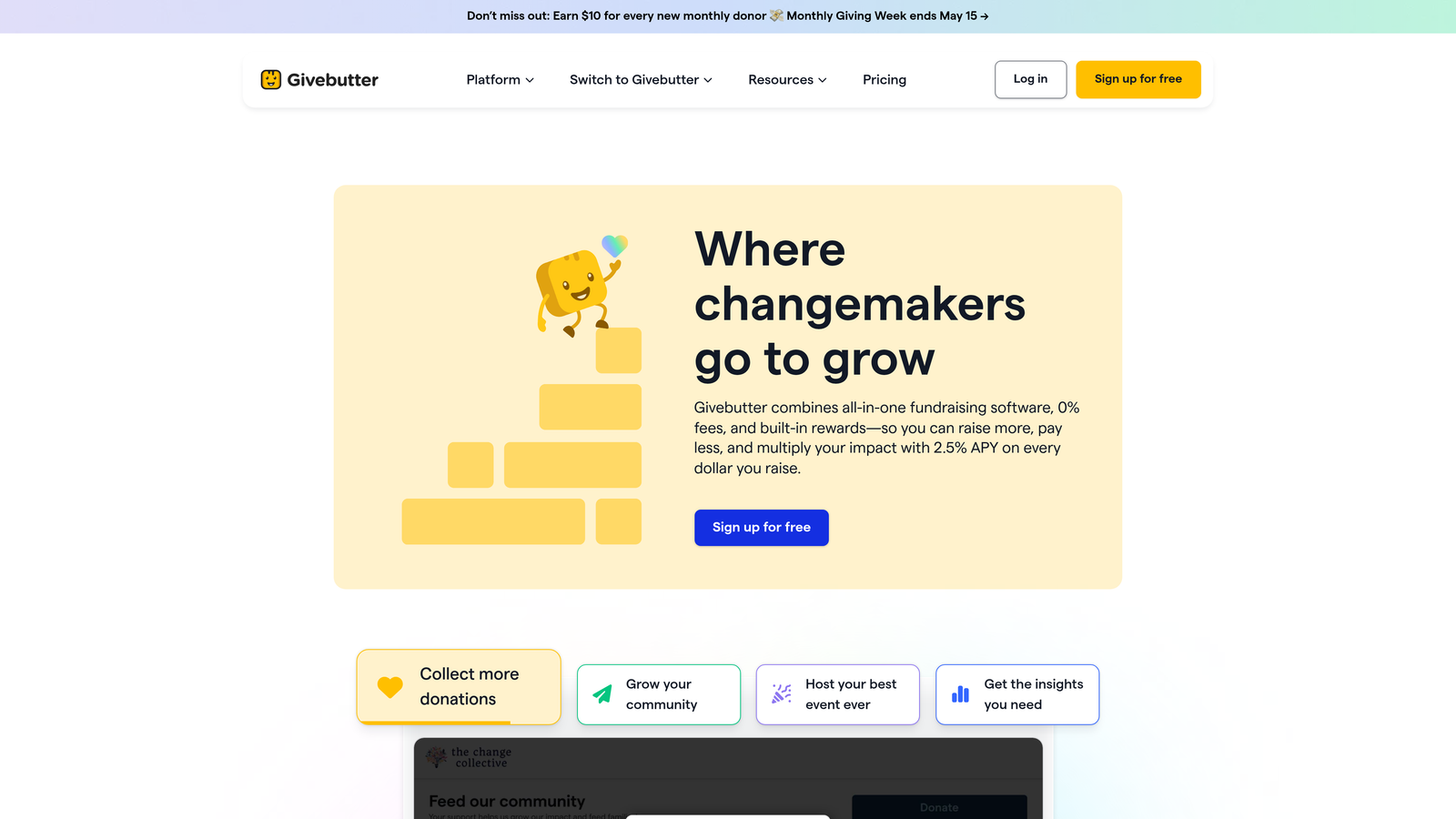
Givebutter is a purpose-built nonprofit fundraising platform that combines donation forms, peer-to-peer campaigns, event ticketing, and a built-in donor CRM in a single free tool.
Where This Tool Shines
Unlike general-purpose form builders adapted for nonprofit use, Givebutter was designed from the ground up for nonprofit fundraising. Every feature, from the donation form layout to the peer-to-peer campaign tools, is built around the specific workflows and goals of mission-driven organizations. That focus shows in the product experience.
The free model is genuinely free. Givebutter sustains itself through optional tips that donors can choose to add at checkout, with no mandatory platform fees. For a small nonprofit watching every dollar, this structure can be significantly more economical than paying monthly platform fees on top of payment processing costs.
Key Features
Purpose-Built for Nonprofits: Every feature designed around nonprofit fundraising workflows, not adapted from a general tool.
Free Platform Model: No mandatory fees; platform is sustained by optional donor tips at checkout.
Peer-to-Peer Fundraising: Built-in tools for supporter-led campaigns and team fundraising.
Event Ticketing and Registration: Handles event management alongside donation collection.
Built-In Donor CRM: Tracks donor history, communication, and engagement within the platform.
Best For
Small to mid-sized nonprofits focused primarily on fundraising who want a comprehensive platform without a monthly fee. Particularly strong for organizations running peer-to-peer campaigns or events alongside standard donation forms.
Pricing
Free platform. Donors have the option to add a tip to cover platform costs. Standard payment processing fees apply through connected payment processors.
8. Gravity Forms
Best for: WordPress-based nonprofits needing powerful, self-hosted form capabilities
Gravity Forms is a robust WordPress plugin that gives nonprofits full control over their form data, with an extensive add-on ecosystem and deep CMS integration for organizations already running on WordPress.
Where This Tool Shines
If your nonprofit website runs on WordPress, Gravity Forms integrates directly into your existing infrastructure. Because it's self-hosted, all form data stays on your own server, which is an important consideration for organizations with strict data governance requirements or donor privacy commitments.
The add-on ecosystem is one of the most extensive in the market, covering payment gateways, CRM connections, email platforms, and specialized functionality like user registration and post creation. For a technically capable team or an organization with a WordPress developer, Gravity Forms offers a level of customization that hosted SaaS tools simply can't match.
Key Features
Self-Hosted WordPress Plugin: Full data control with form data stored on your own server.
100+ Add-Ons: Extensive ecosystem covering payments, CRMs, email tools, and custom functionality.
Payment Processing: Stripe, PayPal, and Square integrations via add-ons.
Conditional Logic and Multi-Page Forms: Handles complex form structures natively.
Developer-Friendly API: Robust hooks and filters for custom development and deep integration.
Best For
Nonprofits already running on WordPress who want powerful, self-hosted form capabilities. Best suited for organizations with at least basic technical resources or a developer relationship. Less ideal for teams without WordPress experience.
Pricing
Starts at $59/year for a single site license. Additional add-ons may require higher-tier plans. One of the most cost-effective options for WordPress sites on an annual basis.
9. 123FormBuilder
Best for: Compliance-focused nonprofits handling sensitive data with strict regulatory requirements
123FormBuilder is a security-focused form builder with HIPAA, GDPR, and PCI DSS compliance options, making it well-suited for nonprofits operating in regulated sectors or handling sensitive beneficiary information.
Where This Tool Shines
Compliance is where 123FormBuilder genuinely differentiates itself. For health-focused nonprofits, social services organizations, or any nonprofit collecting sensitive personal data, the ability to build HIPAA-compliant forms without a custom development project is a significant operational advantage. GDPR tools and PCI DSS compliance for payment data round out a comprehensive security posture.
The visual workflow builder for form routing is a practical feature for nonprofits managing multi-department intake processes. A single form submission can be routed to different staff members or departments based on response content, reducing manual handoffs and improving response times.
Key Features
HIPAA, GDPR, and PCI DSS Compliance: Enterprise-grade compliance options for regulated data handling.
Nonprofit Discount Program: Formal discount program for qualifying organizations.
Visual Workflow Builder: Route form submissions to the right team members automatically based on responses.
Payment Processing and Conditional Logic: Full-featured form building alongside compliance tools.
Data Encryption and Access Controls: Granular security settings to protect sensitive respondent data.
Best For
Nonprofits in health, social services, or any sector with regulatory compliance requirements. Also well-suited for organizations handling sensitive beneficiary data that need documented compliance processes for audits or funders.
Pricing
Free tier available. Paid plans start at $19.99/month. Nonprofit discounts are available for qualifying organizations.
Choosing the Right Form Builder for Your Nonprofit
Every nonprofit on this list has different needs, and the best tool depends on where your biggest friction points are right now. Here's a quick breakdown to help you match tool to use case.
For AI-powered donor qualification and conversion optimization: Orbit AI is the clear choice. Its intelligent qualification layer and conversational form experience are purpose-built for organizations that want their forms to do more than just collect data. If you're scaling donor acquisition or volunteer recruitment, this is where to start.
For template variety and built-in payment processing: JotForm offers the broadest library of nonprofit-ready templates combined with native payment integrations and a formal 50% nonprofit discount. It's a reliable workhorse for teams running frequent campaigns and events.
For zero-budget basics: Google Forms delivers exactly what it promises: free, functional, and deeply integrated with Google Workspace. It won't win design awards, but it gets the job done for internal surveys and simple data collection.
For beautiful donor-facing experiences: Typeform's design-forward approach and conversational format make it a strong choice when first impressions matter, particularly for major donor surveys or high-visibility campaigns.
For complex workflows and Salesforce integration: Formstack is the enterprise option, built for organizations running Salesforce Nonprofit Cloud and needing approval chains, document generation, and HIPAA compliance in a single platform.
For affordable payment-enabled forms: Cognito Forms offers payment processing on its free tier, making it uniquely cost-effective for small nonprofits that need to collect donations without a monthly subscription.
For all-in-one fundraising: Givebutter is the only purpose-built fundraising platform on this list, and its free model makes it particularly compelling for organizations focused primarily on donation campaigns and peer-to-peer fundraising.
For WordPress-based nonprofits: Gravity Forms gives you self-hosted control, a massive add-on ecosystem, and deep CMS integration at a very reasonable annual cost.
For compliance-heavy organizations: 123FormBuilder's HIPAA, GDPR, and PCI DSS compliance options make it the right fit for nonprofits in regulated sectors where data protection isn't optional.
If you're ready to move beyond static forms and start qualifying donors and volunteers intelligently, start building free forms today with Orbit AI and see how AI-powered form design can transform your nonprofit's lead generation and conversion strategy.


