

Modern form builders have come a long way from simple drag-and-drop editors that spit out a basic contact form. Today's smart form builders use conditional logic, AI-powered lead qualification, dynamic fields, and real-time analytics to turn passive data collection into active conversion engines.
For high-growth teams, the stakes are higher than ever. It's not just about collecting responses. It's about collecting the right responses from the right people, then routing that data intelligently into your sales and marketing workflows.
This guide covers the top smart form builders worth considering in 2026, evaluated on AI and smart capabilities, conditional logic depth, integration ecosystem, analytics, and pricing flexibility. Whether you're optimizing lead quality, automating workflows, or building complex onboarding flows, there's a tool here that fits your goals.
1. Orbit AI
Best for: High-growth teams that want AI-powered lead qualification built directly into the form experience.
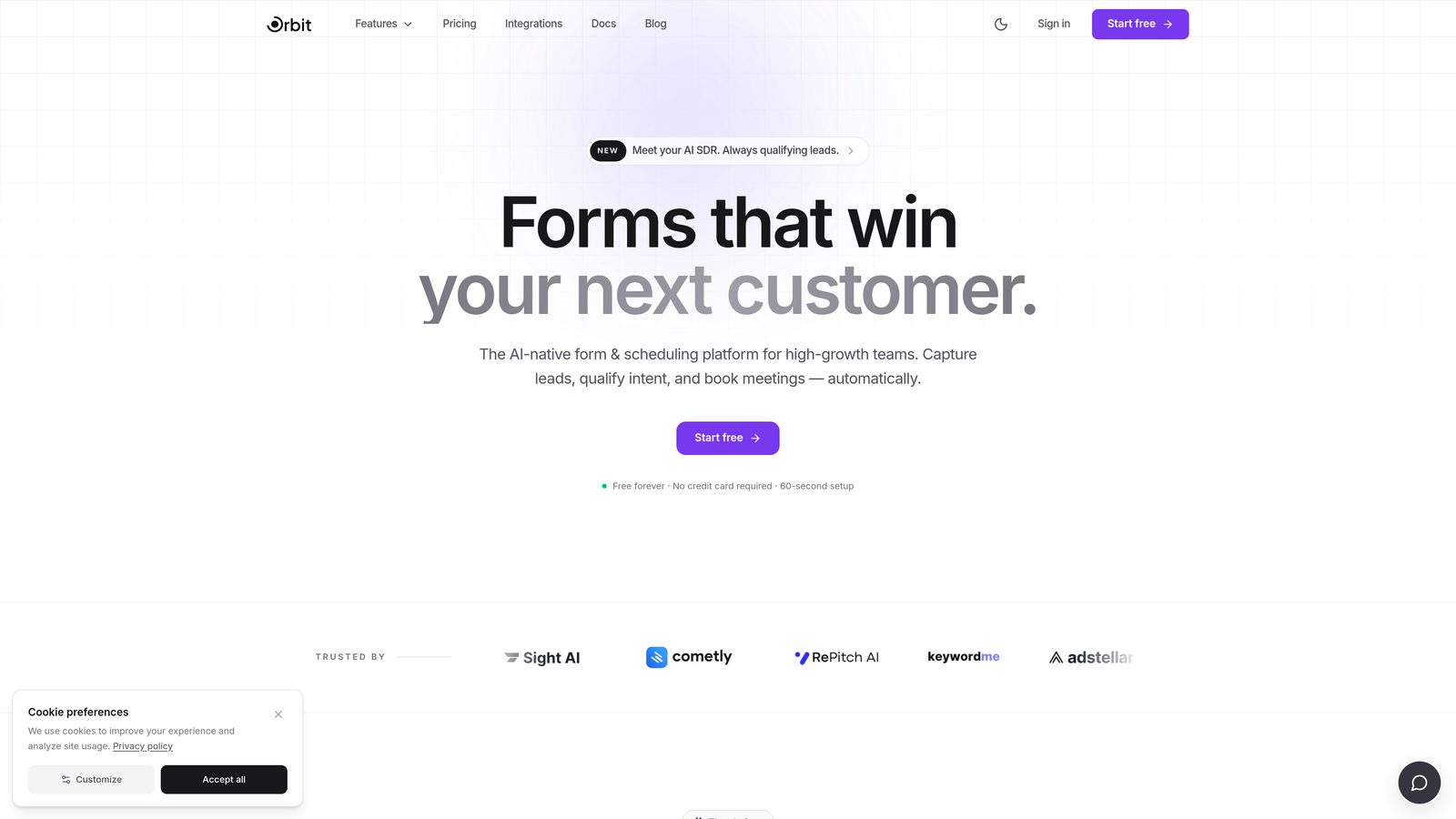
Orbit AI is an AI-powered form builder platform designed to qualify leads in real time and create conversion-optimized forms for teams that care about lead quality, not just lead volume.
Where This Tool Shines
What separates Orbit AI from most form builders is that lead qualification isn't a post-submission add-on. It's baked into the form itself. As prospects move through the form, the AI scores and qualifies them in real time, so your sales team receives leads that are already ranked by quality before anyone picks up the phone.
The platform is clearly built with conversion in mind. Templates are designed around lead generation best practices, and the smart conditional logic adapts questions dynamically based on how a user responds, creating a personalized experience that keeps completion rates high.
Key Features
AI-Powered Lead Qualification: Scores and qualifies leads automatically during the form experience, not after it.
Conversion-Optimized Templates: Pre-built templates designed specifically for lead generation with high completion rates in mind.
Smart Conditional Logic: Adapts questions in real time based on user responses, creating a tailored path for each respondent.
CRM and Marketing Integrations: Routes qualified leads seamlessly into your existing CRM and marketing stack.
Modern Form Design: Clean, beautiful interfaces that reduce friction and keep respondents engaged through to submission.
Best For
Sales and marketing teams at high-growth SaaS companies, agencies, and B2B businesses where lead quality is the primary metric. If your current form builder collects leads but doesn't help you prioritize them, Orbit AI fills that gap directly.
Pricing
Visit orbitforms.ai for current plan details and to explore the free tier.
2. Typeform
Best for: Teams that prioritize respondent experience and want a conversational, one-question-at-a-time interface.
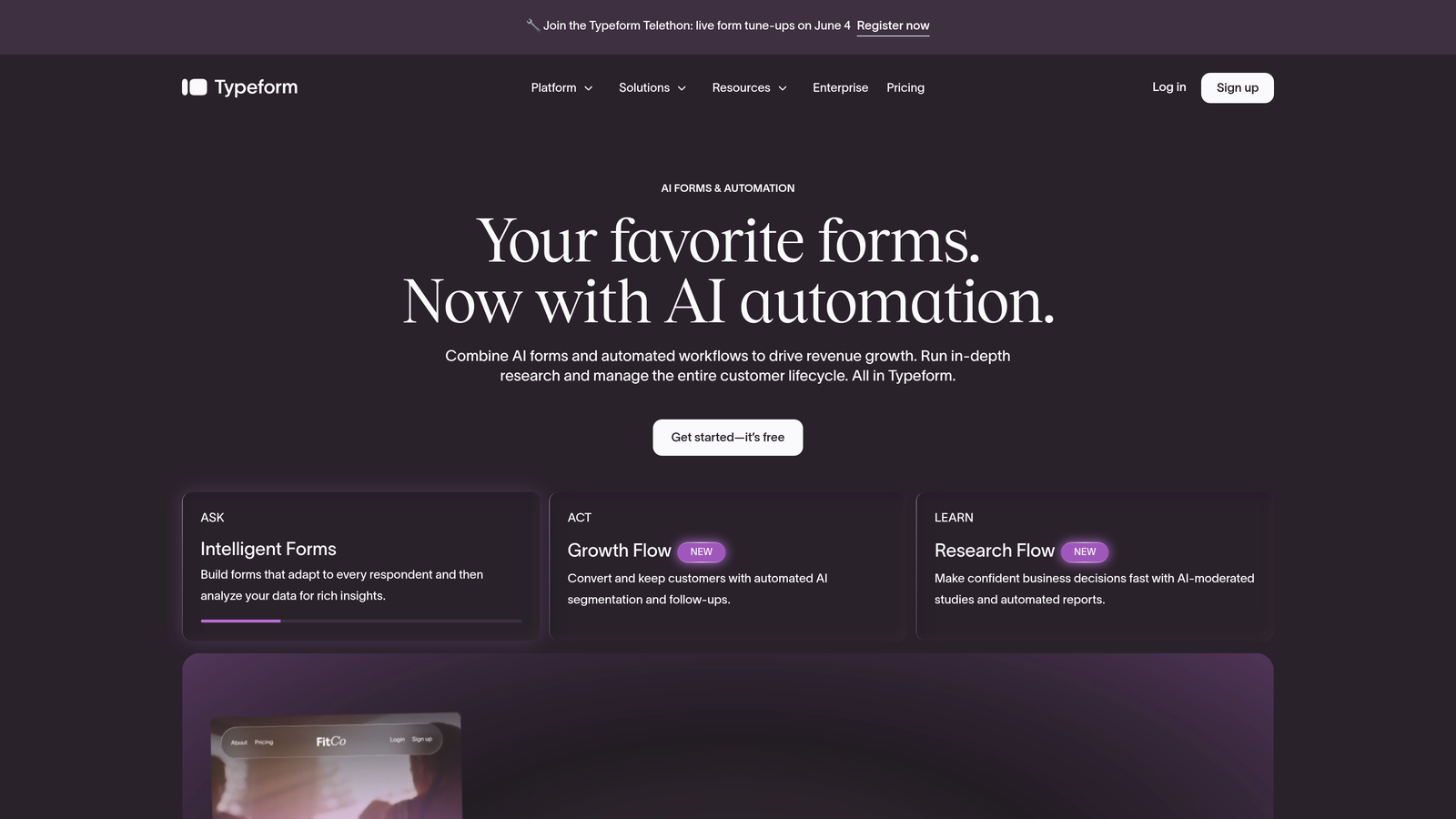
Typeform is a conversational form builder known for its polished, distraction-free interface and powerful logic branching capabilities.
Where This Tool Shines
Typeform's defining feature is its conversational format. Instead of presenting a wall of fields, it walks respondents through one question at a time, which typically improves engagement and completion rates for longer forms. It feels less like filling out a form and more like having a conversation.
The logic jumps are genuinely flexible, letting you build personalized paths based on previous answers. The calculator field feature is a standout for teams building pricing estimators, lead scoring quizzes, or assessment tools without needing a developer.
Key Features
Conversational UI: One-question-at-a-time format that reduces cognitive load and improves completion rates.
Logic Jumps and Branching: Build personalized question paths based on any previous answer.
Calculator Fields: Perform scoring, pricing, or calculations directly within the form experience.
Native Integrations: Connects with Zapier, HubSpot, Google Sheets, Slack, and dozens of other tools.
Hidden Fields: Pass UTM parameters and attribution data through the form for tracking purposes.
Best For
Marketing teams, consultants, and product teams building lead gen forms, surveys, or interactive quizzes where the respondent experience is a top priority. Less ideal for teams needing complex workflow automation or enterprise compliance features.
Pricing
Free plan available with limited responses; paid plans start at approximately $25 per month.
3. Jotform
Best for: Teams that need a versatile, all-in-one form builder with payment collection and approval workflows.
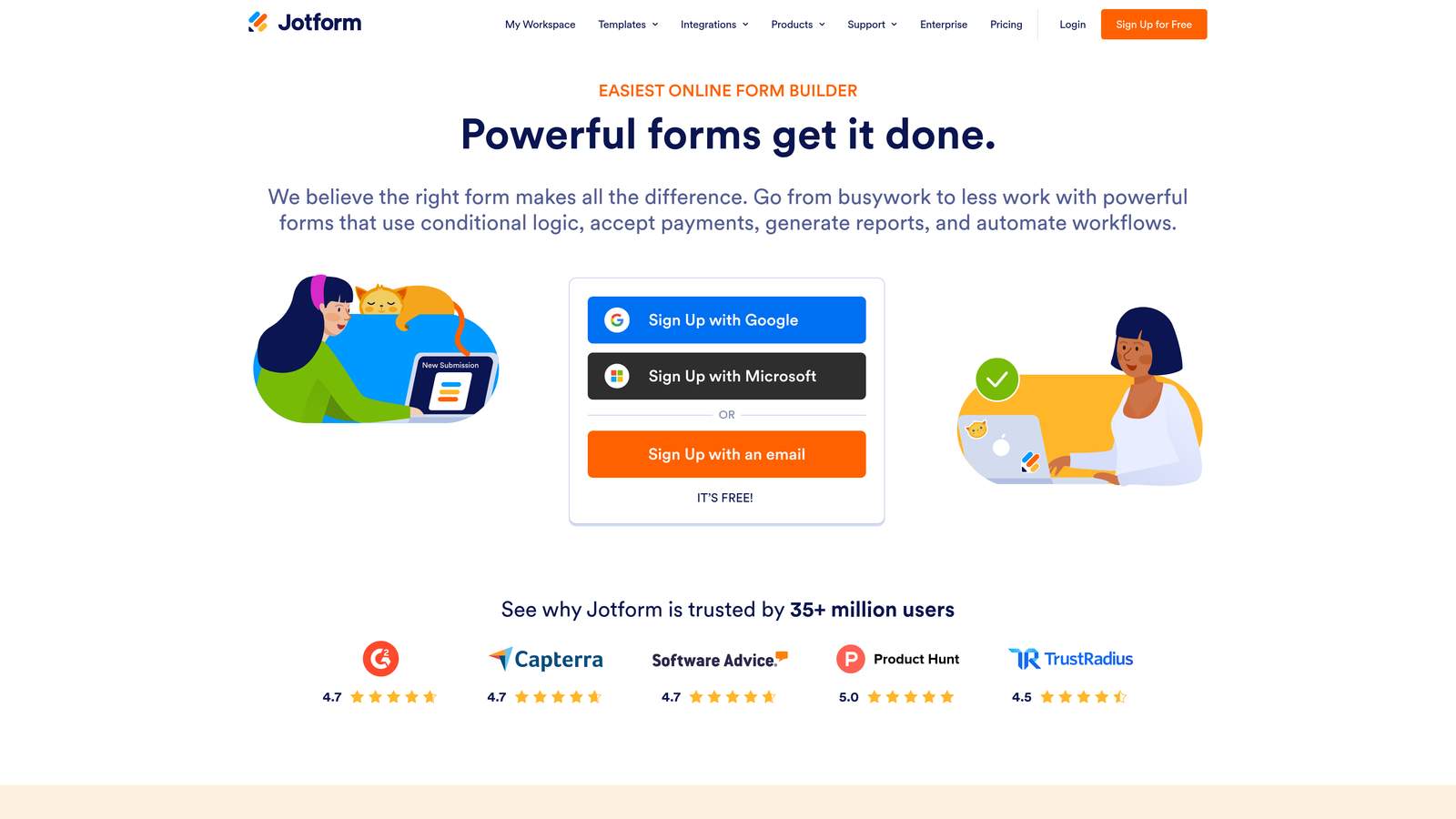
Jotform is a no-code form builder with one of the largest template libraries available, covering everything from lead capture to payment collection and internal approval workflows.
Where This Tool Shines
Jotform's depth is its biggest advantage. With over 10,000 templates spanning virtually every industry and use case, it's rare to start a form project from scratch. The built-in payment processing across PayPal, Stripe, and Square makes it a strong choice for businesses collecting fees, deposits, or product orders alongside form data.
The approval workflow functionality is genuinely useful for operations teams. You can route submissions through multi-step review processes and assign forms to specific team members, which most form builders don't offer natively.
Key Features
10,000+ Templates: Pre-built forms across industries, significantly reducing setup time.
Conditional Logic: Show or hide fields dynamically based on previous responses.
Built-In Payment Processing: Accept payments via PayPal, Stripe, and Square without third-party tools.
Approval Workflows: Route submissions through review and approval chains with team assignments.
Jotform Tables: Manage and organize form submissions as a structured database within the platform.
Best For
Small to mid-sized businesses, nonprofits, and operations teams that need a broad feature set without heavy development resources. Particularly strong for use cases combining data collection with payment or internal approval processes.
Pricing
Free plan supports up to 5 forms; paid plans start at approximately $34 per month.
4. HubSpot Forms
Best for: Teams already using HubSpot CRM who want forms deeply integrated into their marketing and sales workflows.
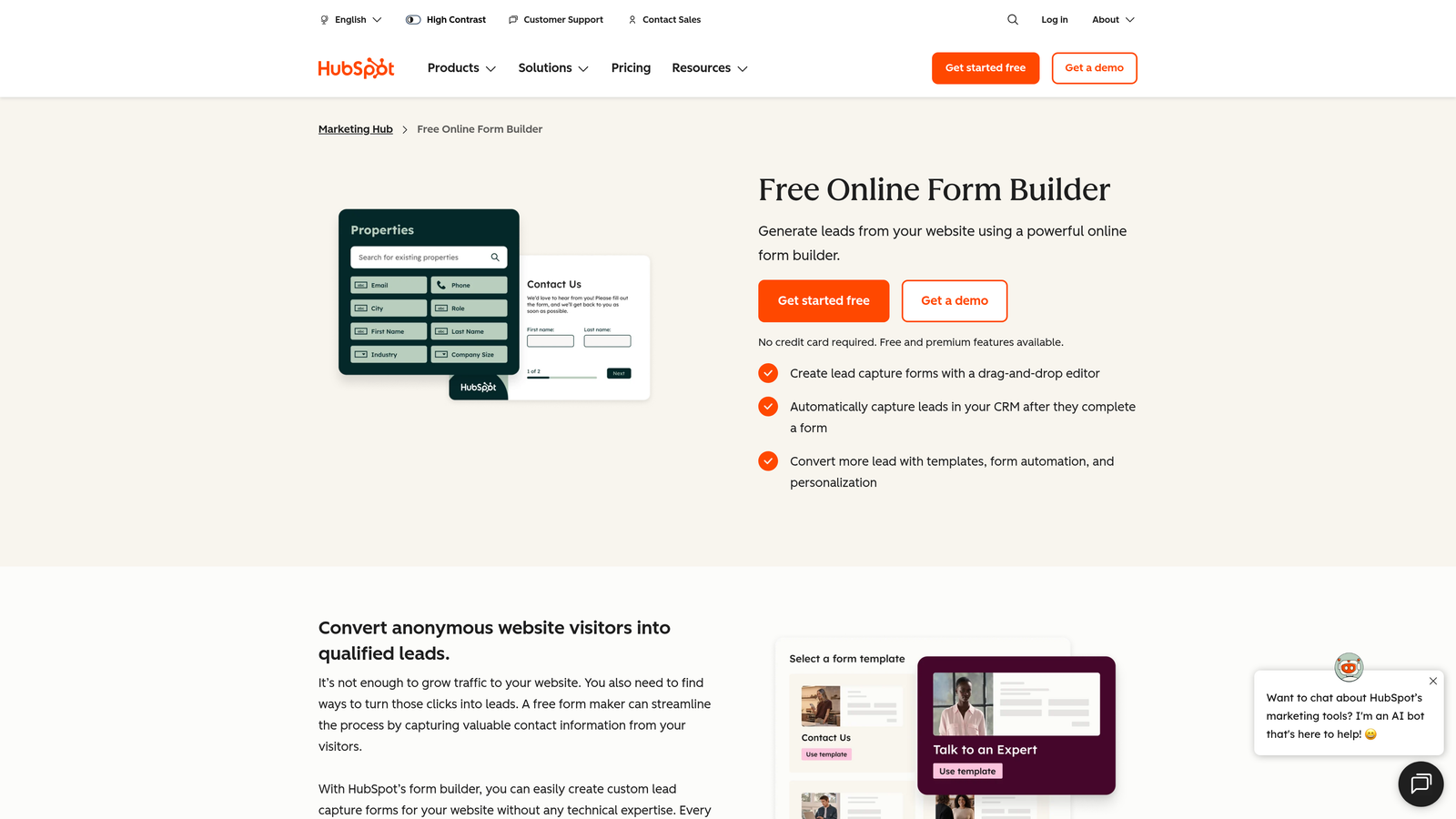
HubSpot Forms is a CRM-native form builder with progressive profiling, smart fields, and automatic lead routing tied directly into HubSpot's marketing and sales ecosystem.
Where This Tool Shines
If your team lives in HubSpot, this tool is a natural fit. The progressive profiling feature is particularly smart: it recognizes returning contacts and replaces fields they've already filled out with new questions, so you're always collecting fresh data without annoying repeat visitors with the same form.
The automatic lead routing is another strong point. Based on form responses, leads can be assigned to specific sales reps, enrolled in workflows, or tagged with lifecycle stages instantly, without manual intervention.
Key Features
Progressive Profiling: Automatically swaps fields for known contacts to collect new information on each visit.
Smart Fields: Adapt based on existing CRM data to avoid redundant questions.
Automatic Lead Routing: Assigns leads to reps and triggers workflows based on form responses.
Full Journey Analytics: Ties form performance to the complete customer lifecycle within HubSpot.
Free Tier: Core form functionality available within the free HubSpot CRM.
Best For
Marketing and sales teams that are already invested in the HubSpot ecosystem. If you're not using HubSpot as your CRM, the value proposition drops significantly compared to standalone form builders.
Pricing
Free with HubSpot CRM; advanced features available in Marketing Hub Starter at approximately $20 per month.
5. Paperform
Best for: Teams that want form-landing page hybrids combining rich content, payments, and scheduling in a single document-style experience.
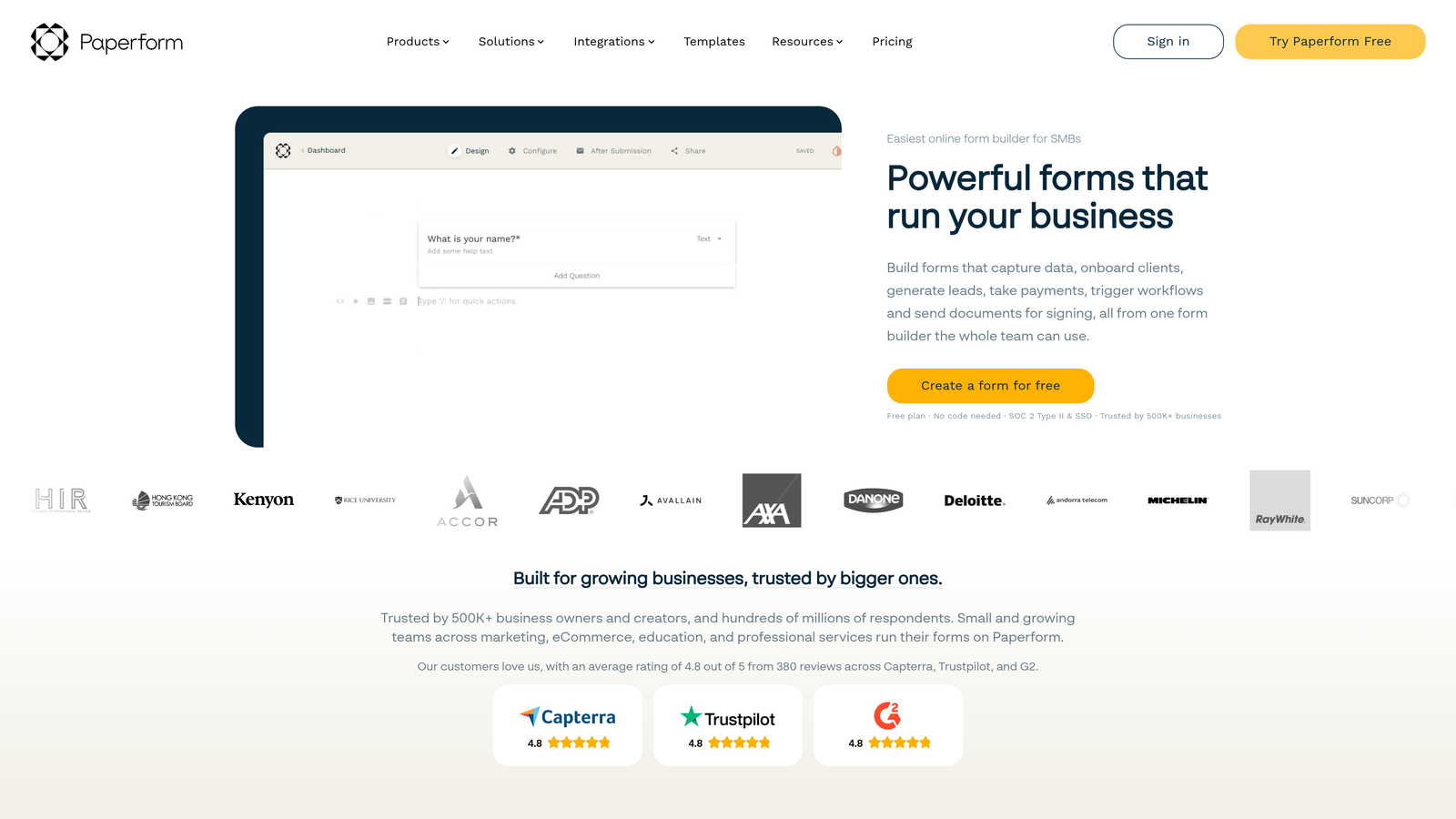
Paperform is a document-style form builder that blends text, images, conditional logic, payments, and scheduling into forms that feel more like branded landing pages than traditional data collection tools.
Where This Tool Shines
Paperform's document-style editor is genuinely different from the competition. You can mix rich text, images, and form fields freely within the same canvas, which makes it ideal for creating intake forms, proposals, or booking pages that carry your brand identity throughout.
The built-in scheduling and booking capabilities are a nice addition that removes the need for a separate Calendly-style tool for teams with simpler scheduling needs. Combined with product catalogs and payment collection, it covers a lot of ground in a single platform.
Key Features
Document-Style Editor: Mix text, images, and form fields freely in a rich content canvas.
Conditional Logic: Show/hide fields and branch across pages based on user responses.
Built-In Payments and Product Catalogs: Sell products or collect fees directly within the form.
Scheduling and Booking: Native booking capabilities without needing a third-party scheduler.
Custom Success Pages: Control exactly what respondents see after submission, including redirects.
Best For
Freelancers, agencies, and small business owners who want a polished, branded form experience that doubles as a lightweight landing page. Strong for intake forms, booking pages, and simple e-commerce order forms.
Pricing
Plans start at approximately $24 per month; no free plan available.
6. Formstack
Best for: Enterprise teams needing advanced workflow automation, document generation, e-signatures, and compliance features.
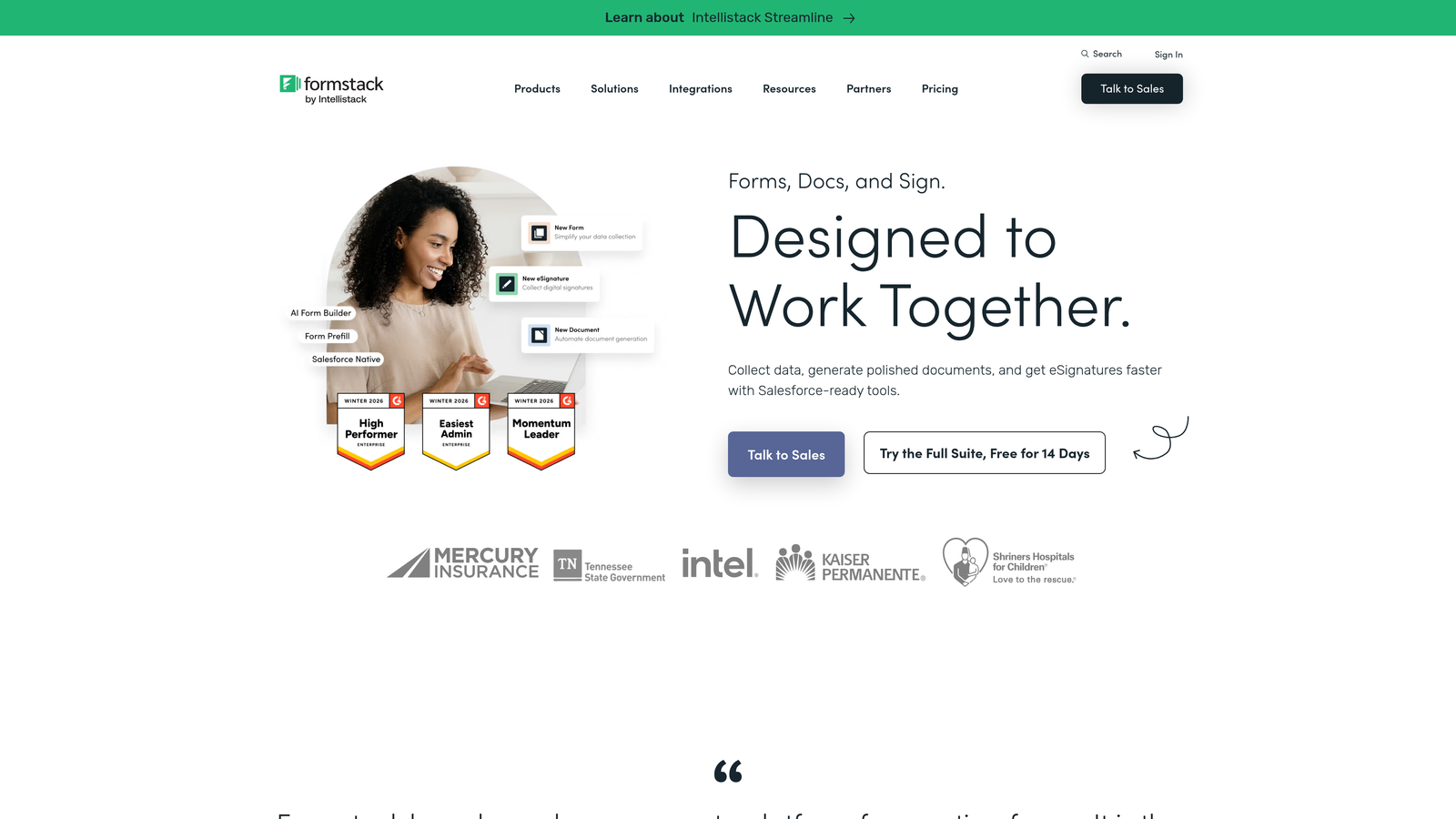
Formstack is an enterprise-grade form and workflow platform built for organizations that need more than data collection, including routing, approvals, document generation, and regulatory compliance.
Where This Tool Shines
Formstack is built for complexity. Its conditional logic supports multi-rule conditions that go well beyond simple show/hide behavior, making it suitable for sophisticated intake processes in healthcare, legal, and financial services. The HIPAA compliance options make it one of the few form builders appropriate for handling protected health information.
The Formstack Documents and Formstack Sign integrations extend the platform into a full document workflow suite. You can collect data via form, auto-populate a document template, and collect an e-signature, all within the same system.
Key Features
Advanced Conditional Logic: Multi-rule conditions for complex branching and field visibility scenarios.
Workflow Automation: Routing, approval chains, and automated notifications based on submission data.
Document Generation: Auto-populate document templates from form data via Formstack Documents.
E-Signature Collection: Collect legally binding signatures through Formstack Sign.
HIPAA Compliance: Enterprise security and compliance options for regulated industries.
Best For
Mid-market and enterprise organizations in regulated industries such as healthcare, legal, and finance that need workflow automation, document management, and compliance built into their form processes.
Pricing
Plans start at approximately $50 per month; the full workflow suite is priced separately and scales up significantly for enterprise use.
7. Tally
Best for: Budget-conscious startups and indie teams that want generous free-tier features without paywalling core functionality.
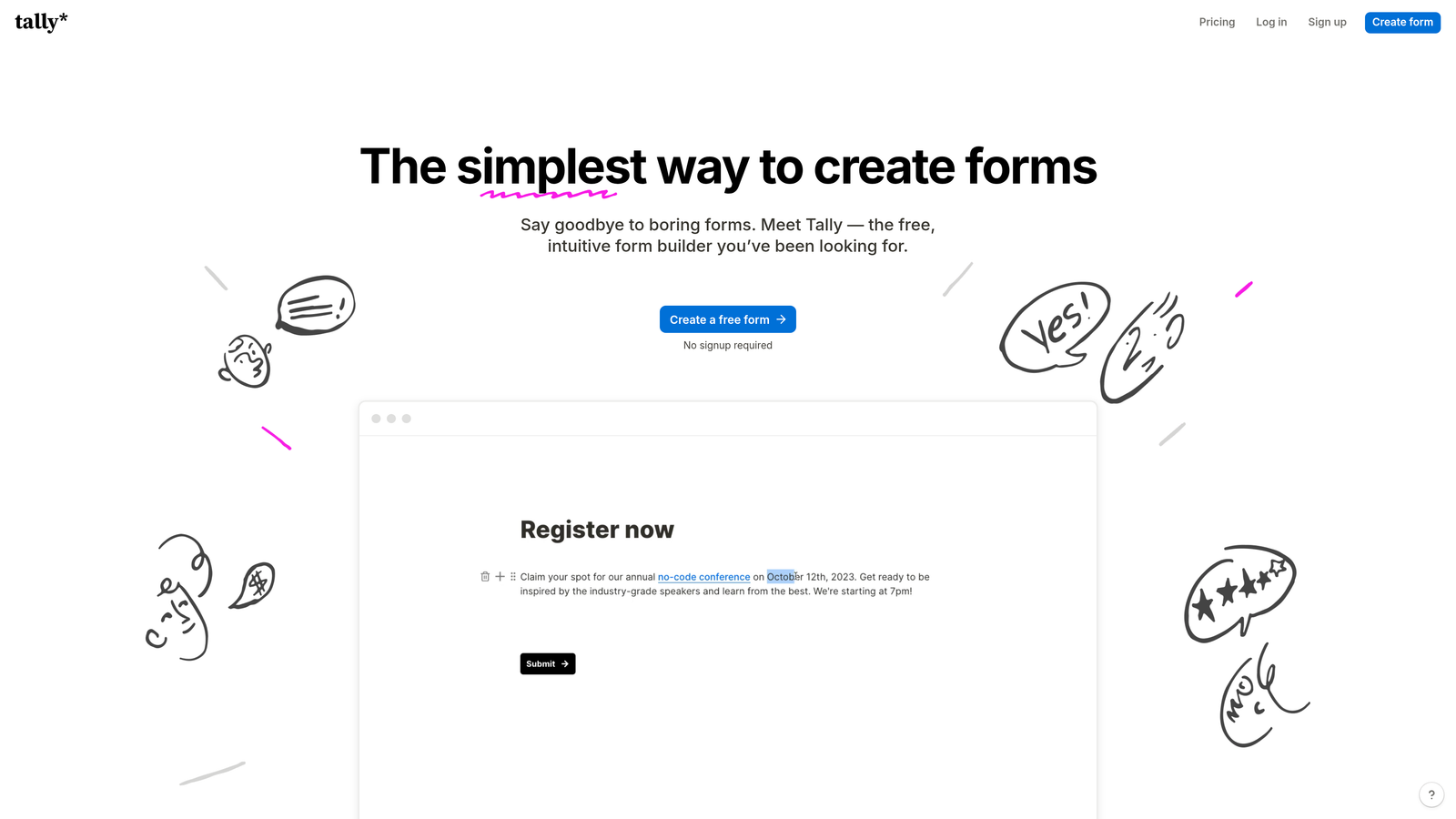
Tally is a free-first form builder offering unlimited forms, conditional logic, file uploads, and integrations on its free plan, making it one of the most accessible options in the market.
Where This Tool Shines
Tally's free plan is genuinely generous in a market where most competitors lock conditional logic, integrations, or submission limits behind paid tiers. Unlimited forms and submissions with conditional logic and hidden fields included at no cost is a real differentiator for early-stage teams watching their tool spend.
The Notion-like block-based editor makes it fast to build forms without a learning curve. It won't win any awards for AI-powered features, but for teams that need solid, functional forms quickly and affordably, Tally delivers.
Key Features
Unlimited Free Forms and Submissions: No artificial caps on the free plan for forms or responses.
Conditional Logic Included Free: Build branching logic without upgrading to a paid tier.
Block-Based Editor: Notion-style interface that's fast to learn and use.
File Uploads and Calculations: Collect files and perform basic calculations on the free plan.
Integrations via Webhooks and Native Connectors: Connect to your existing tools without paying for premium tiers.
Best For
Startups, solopreneurs, and small teams that need functional, conditional-logic-enabled forms without a monthly subscription. Also a strong choice for internal tools, feedback forms, and lightweight lead capture where budget is a constraint.
Pricing
Free plan is very generous; Pro plan at approximately $29 per month adds custom domains and branding removal.
8. Fillout
Best for: Teams working with Airtable, Notion, or Smartsheet who need forms that read from and write directly to their existing databases.
Fillout is a database-connected form builder with deep native integrations for Airtable, Notion, Smartsheet, and Google Sheets, plus conditional logic, scheduling, and record pre-filling capabilities.
Where This Tool Shines
Fillout's core strength is its two-way database connectivity. Most form builders push data into a spreadsheet or CRM after submission. Fillout can pre-fill forms from existing database records and update those records directly on submission, which is a meaningful workflow upgrade for teams managing data in Airtable or Notion.
The built-in scheduling fields add Calendly-style booking without a third-party integration, and the multi-page branching keeps longer forms manageable for respondents.
Key Features
Native Database Integrations: Deep connections with Airtable, Notion, Smartsheet, and Google Sheets for two-way data sync.
Pre-Fill From Existing Records: Populate form fields automatically from your database before the respondent sees the form.
Record Updates on Submission: Update existing database records directly from form submissions, not just create new ones.
Built-In Scheduling: Calendly-style booking fields integrated natively into the form flow.
Conditional Logic and Multi-Page Branching: Build personalized, multi-step form paths based on responses.
Best For
Operations teams, project managers, and no-code builders who use Airtable, Notion, or Smartsheet as their source of truth and want forms that interact directly with that data rather than creating parallel data silos.
Pricing
Free plan available; paid plans start at approximately $19 per month.
9. Feathery
Best for: Developer-heavy teams that need a visual form builder with full custom code extensibility for complex onboarding and signup flows.
Feathery is a developer-friendly form builder that combines a no-code visual editor with support for custom CSS, JavaScript, API calls, and a React SDK for teams that need more control than standard form builders allow.
Where This Tool Shines
Feathery sits at the intersection of no-code convenience and developer flexibility. Non-technical team members can build and iterate on forms using the visual editor, while developers can drop in custom code, call external APIs mid-flow, or render forms headlessly using the React SDK. That combination is rare and genuinely useful for product teams building complex onboarding or KYC flows.
The pre-built components for authentication, payments, and file uploads accelerate development significantly, and the multi-step flow builder with progress tracking handles the kind of lengthy onboarding sequences that would be painful to build in most form tools.
Key Features
Custom CSS and JavaScript Support: Full styling and logic customization beyond what the visual editor provides.
API Call Integration: Trigger external API calls at any point within the form flow.
Multi-Step Flows with Progress Tracking: Build lengthy onboarding sequences with visible progress indicators.
Pre-Built Components: Ready-to-use components for auth, payments, and file uploads to speed up development.
React SDK and Headless Mode: Embed forms inside React applications or render them completely headlessly for full design control.
Best For
Product and engineering teams at SaaS companies building complex onboarding flows, KYC processes, or multi-step signup sequences where standard form builders hit their limits. Not the right fit for non-technical teams or simple lead capture use cases.
Pricing
Free plan available; paid plans start at approximately $49 per month.
Which Smart Form Builder Is Right for You?
The right choice here depends entirely on what "smart" means for your specific workflow. These tools aren't all competing for the same use case, and matching the tool to your primary goal will matter more than any feature checklist.
For AI-driven lead qualification: Orbit AI is the clear choice. If your goal is to capture and prioritize leads intelligently, with scoring built into the form itself rather than bolted on afterward, it's purpose-built for exactly that.
For conversational respondent experience: Typeform remains the benchmark. Its one-question-at-a-time format and polished UI are hard to match when completion rates and respondent engagement are your primary concerns.
For CRM-native teams: HubSpot Forms makes the most sense if you're already in the HubSpot ecosystem. Progressive profiling and automatic lead routing are genuinely powerful when tied to your existing contact data.
For budget-conscious startups: Tally offers the most generous free tier in the market. You get conditional logic, unlimited forms, and integrations without spending a dollar.
For developer-heavy teams: Feathery's combination of visual editing and custom code extensibility is unmatched for complex onboarding flows that need both design flexibility and programmatic control.
For teams where Airtable or Notion is the source of truth, Fillout's two-way database sync is a workflow upgrade worth exploring. And for enterprise organizations in regulated industries, Formstack's compliance and document generation capabilities justify the higher price point.
The smartest form builder is the one that aligns with how your team actually works and what you're optimizing for. Start there, and the right tool becomes obvious quickly.
Ready to put AI to work on your lead generation? Start building free forms today and see how intelligent form design, real-time lead qualification, and conversion-optimized templates can elevate the quality of every lead that enters your pipeline.


