

Static forms are conversion killers. When every visitor sees the same generic fields regardless of their industry, company size, or intent, you're leaving qualified leads on the table. Dynamic form creation tools solve this by adapting in real-time—showing relevant questions, hiding unnecessary fields, and creating personalized experiences that feel less like interrogations and more like conversations.
The result? Higher completion rates, better-qualified leads, and data that actually helps your sales team close deals. We evaluated dozens of form builders to find the ones that truly deliver on dynamic functionality. Here are the top tools that stood out for their conditional logic capabilities, integration flexibility, and ability to turn form abandonment into form completion.
1. Orbit AI
Best for: High-growth teams needing AI-powered lead qualification built directly into their forms
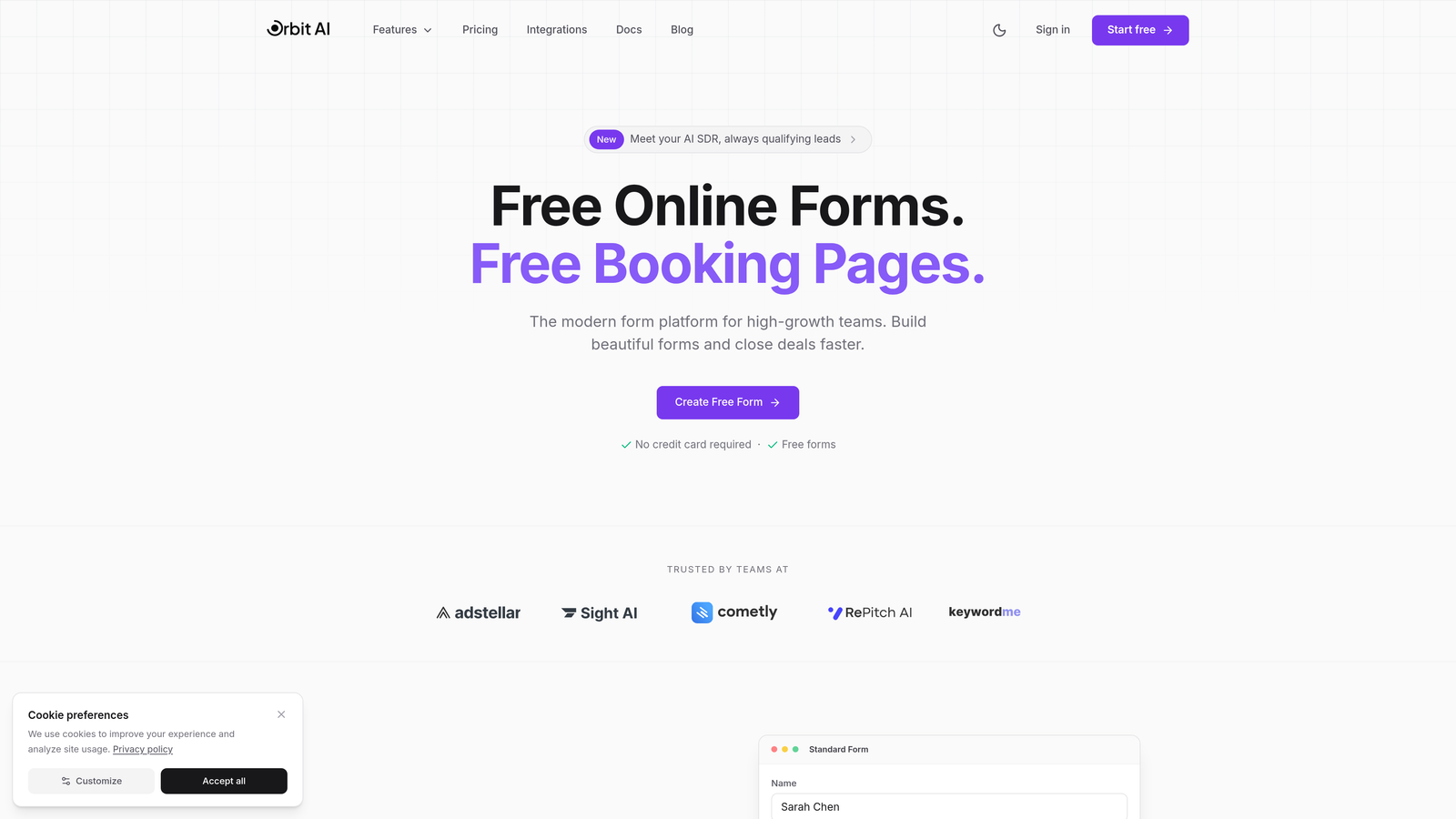
Orbit AI is an AI-powered form builder that combines dynamic form creation with intelligent lead qualification and automated routing.
Where This Tool Shines
While most dynamic form tools stop at conditional logic, Orbit AI goes further by analyzing responses in real-time to qualify leads automatically. The platform doesn't just show different fields based on answers—it actively scores and routes prospects based on their fit.
The conversion-optimized templates are designed specifically for lead capture, not generic data collection. Each template incorporates best practices from high-performing forms, so you're starting with proven frameworks rather than blank canvases.
Key Features
AI-Powered Lead Qualification: The platform analyzes form responses to automatically score and categorize leads based on their answers and behavior patterns.
Dynamic Field Rendering: Forms adapt in real-time based on response patterns, showing only relevant questions to each visitor.
Automated Workflow Triggers: Set up intelligent routing that sends qualified leads directly to sales while nurturing lower-intent prospects through marketing.
Native CRM Integrations: Connect directly to major CRMs and sales tools without relying on middleware or complex API configurations.
Conversion-Optimized Templates: Pre-built form templates designed specifically for lead generation with proven completion rates.
Best For
Growth-focused B2B teams that need more than basic conditional logic. If you're drowning in unqualified form submissions or struggling to route leads effectively, the AI qualification layer makes a measurable difference in sales team efficiency.
Pricing
Free tier available for testing core functionality. Paid plans start at $29/month with advanced AI features and higher submission limits on upper tiers.
2. Typeform
Best for: Creating conversational, one-question-at-a-time experiences that feel like natural conversations
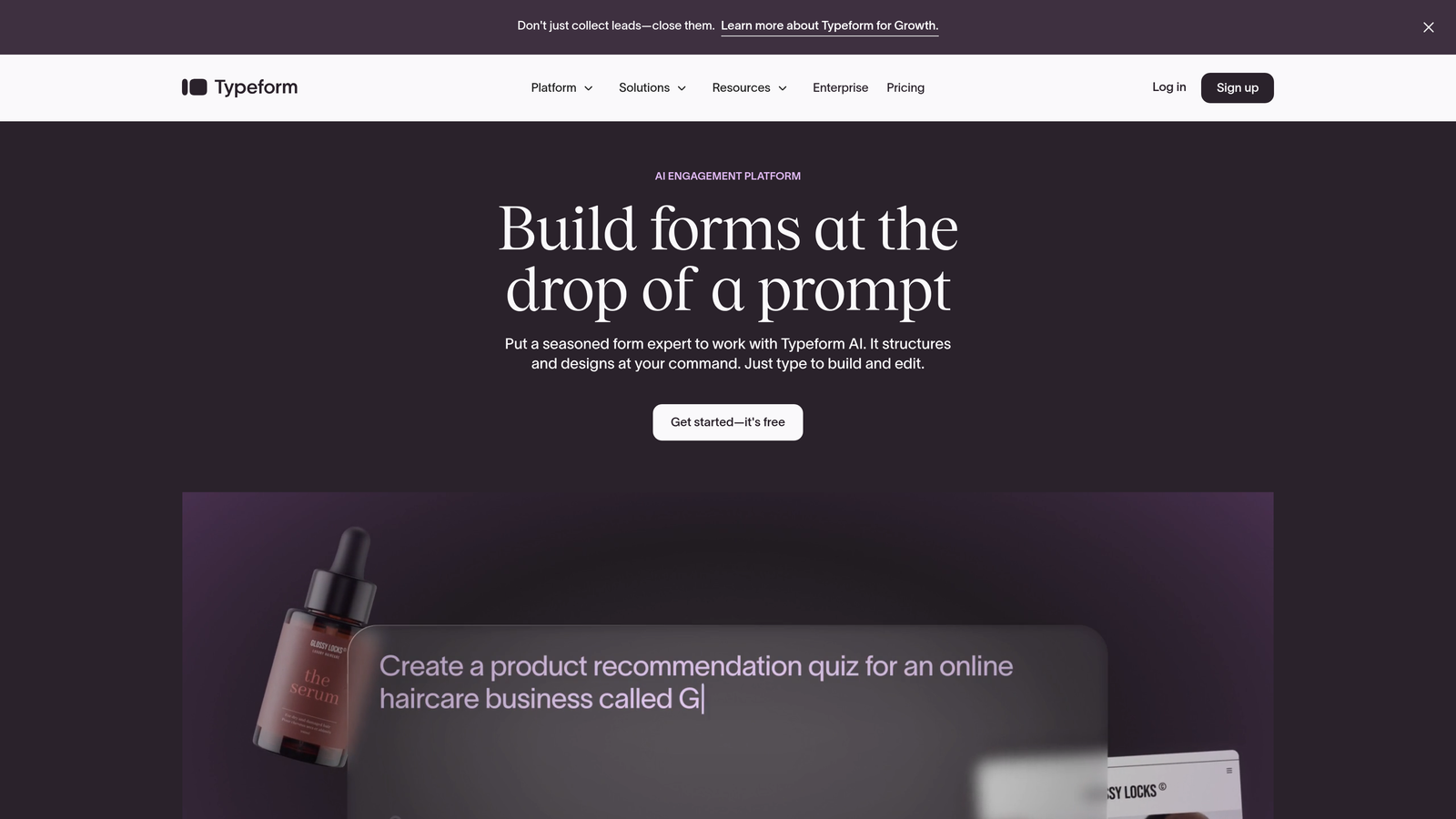
Typeform is a conversational form builder known for its engaging user interface and question-by-question progression.
Where This Tool Shines
Typeform pioneered the conversational form format, and they've refined it to near-perfection. Instead of overwhelming visitors with a wall of fields, you present one question at a time. This approach significantly reduces the psychological friction of form completion.
The logic jump functionality feels natural within this conversational flow. Based on someone's answer to "What's your company size?", you can route them through completely different question paths—enterprise prospects get asked about procurement processes while small businesses skip straight to implementation timelines.
Key Features
Logic Jumps: Create branching paths that route respondents through different question sequences based on their answers.
Hidden Fields: Track UTM parameters, referral sources, or any data passed via URL to personalize the experience without asking redundant questions.
Calculator Feature: Build dynamic scoring systems that tally points based on responses—perfect for assessments or quote generators.
Rich Media Integration: Embed videos, images, and GIFs directly into questions to create more engaging experiences.
Native Marketing Integrations: Connect to email platforms, CRMs, and analytics tools without middleware.
Best For
Teams prioritizing engagement and completion rates over data density. If you're collecting information where the experience matters as much as the data—customer feedback, event registrations, lead magnets—Typeform's conversational approach delivers measurably higher completion rates.
Pricing
Free tier includes basic features with Typeform branding. Basic paid plan starts at $25/month, removing branding and adding logic jumps.
3. Jotform
Best for: Teams needing extensive template variety and multi-level conditional logic without coding
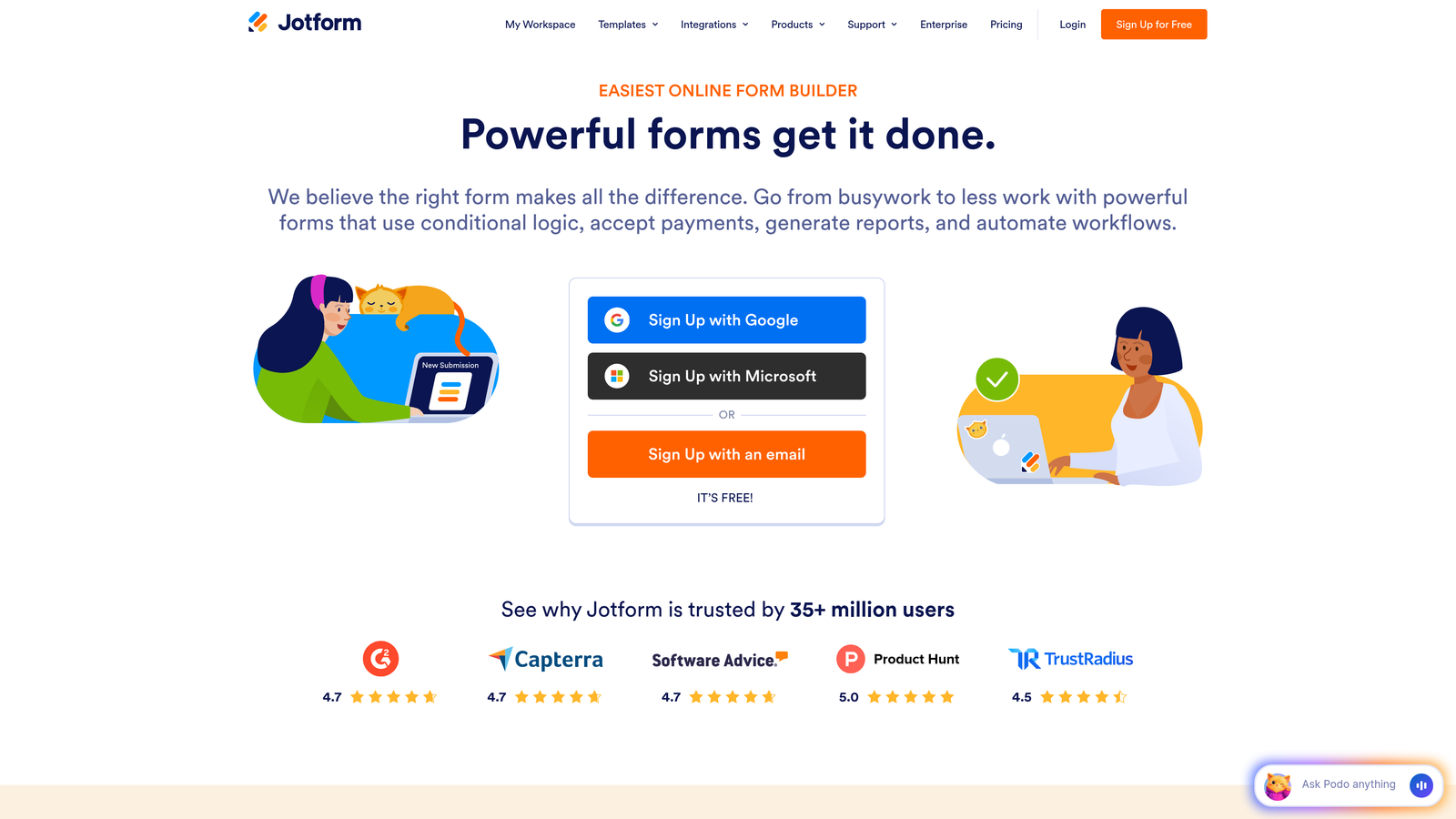
Jotform is a versatile form builder with one of the largest template libraries and robust conditional logic capabilities.
Where This Tool Shines
With over 10,000 templates, Jotform covers virtually every use case imaginable. But these aren't just static templates—many include pre-configured conditional logic for common scenarios. Need a patient intake form that shows different medical history questions based on the chief complaint? There's a template for that.
The conditional logic builder handles complex scenarios without requiring technical knowledge. You can nest conditions multiple levels deep—showing Section C only if Question 5 was "Yes" AND Question 12 was above a certain threshold.
Key Features
Multi-Level Conditional Logic: Build complex branching scenarios with nested conditions and multiple trigger points without touching code.
10,000+ Templates: Massive library covering everything from event registrations to HIPAA-compliant medical forms, many with dynamic elements pre-configured.
Smart PDF Generation: Automatically generate customized PDFs from form submissions with conditional sections based on responses.
Approval Workflows: Route submissions through multi-step approval processes with conditional paths based on form content.
HIPAA Compliance: Healthcare-grade security and compliance features for organizations handling protected health information.
Best For
Organizations with diverse form needs across departments. If you're supporting HR, operations, sales, and customer service teams—all with different requirements—Jotform's template breadth and flexible conditional logic handle the variety without forcing you into multiple platforms.
Pricing
Free tier supports basic forms with limited submissions. Bronze plan starts at $34/month with increased limits and advanced features.
4. Formstack
Best for: Enterprise teams requiring advanced conditional logic, document automation, and compliance features
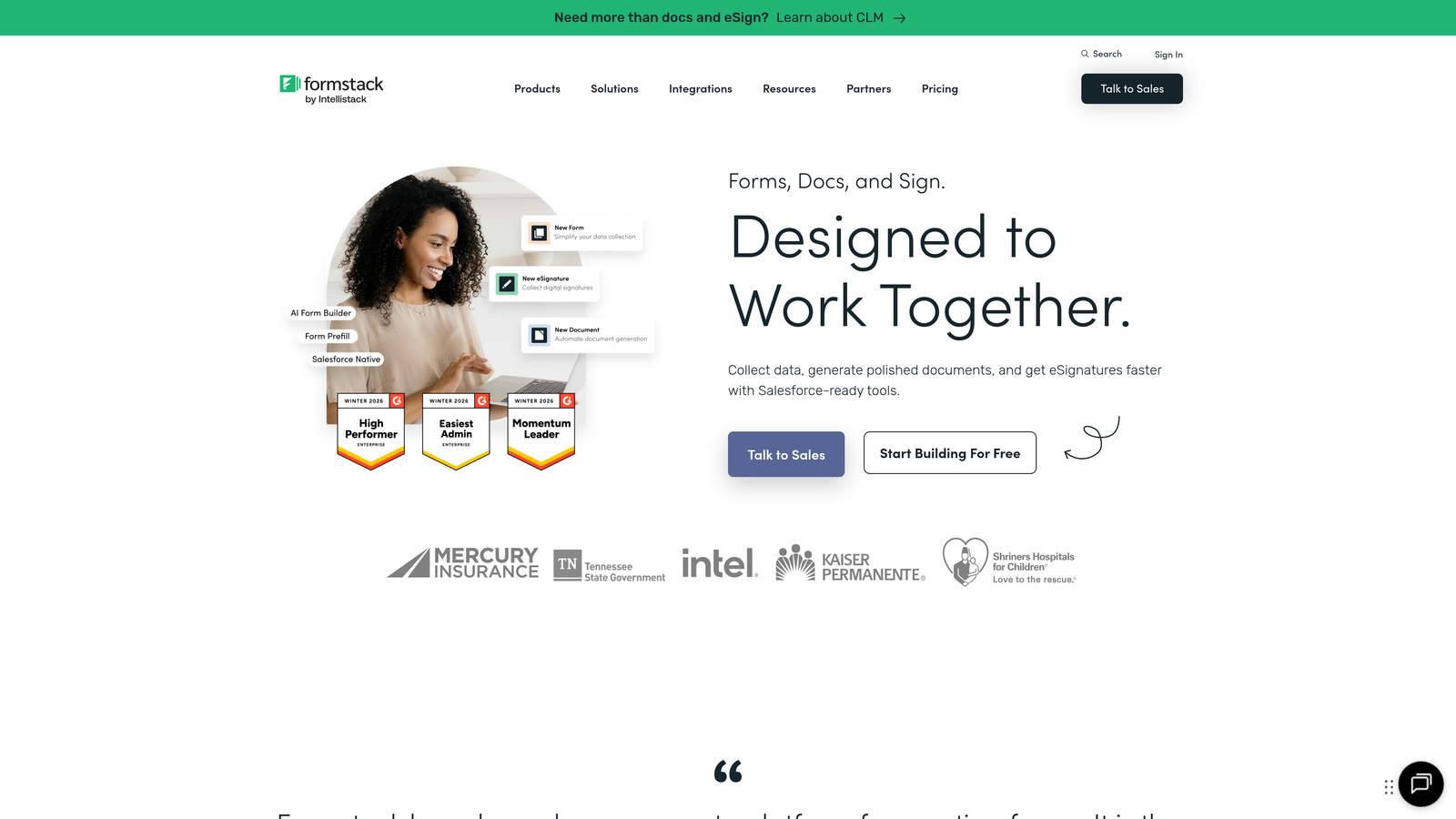
Formstack is an enterprise-focused form platform with sophisticated conditional logic and document generation capabilities.
Where This Tool Shines
Formstack handles the complex conditional scenarios that make other platforms buckle. You can build forms with deeply nested logic—showing different field sets based on combinations of previous answers, pre-populated data, and even time-based conditions.
The document generation feature transforms form data into polished contracts, proposals, or reports with conditional sections. If a prospect selects "Enterprise" tier, the generated proposal includes different pricing tables and service level agreements than someone selecting "Starter."
Key Features
Advanced Conditional Logic: Create sophisticated branching with nested rules, multiple conditions, and complex trigger combinations.
Document Generation: Automatically produce customized documents from form submissions with conditional content sections.
Electronic Signatures: Integrated e-signature functionality for contracts and approvals generated from form data.
Field Pre-Population: Pull data from connected systems to pre-fill fields, reducing friction and ensuring data consistency.
SOC 2 Compliance: Enterprise-grade security with audit trails, role-based access, and compliance certifications.
Best For
Regulated industries and enterprise organizations where compliance, audit trails, and complex approval workflows are non-negotiable. Financial services, healthcare, and government contractors find Formstack's security posture and conditional logic depth worth the premium pricing.
Pricing
Forms product starts at $50/month. Enterprise pricing available for organizations needing advanced security and compliance features.
5. Tally
Best for: Budget-conscious teams wanting powerful conditional logic without subscription costs
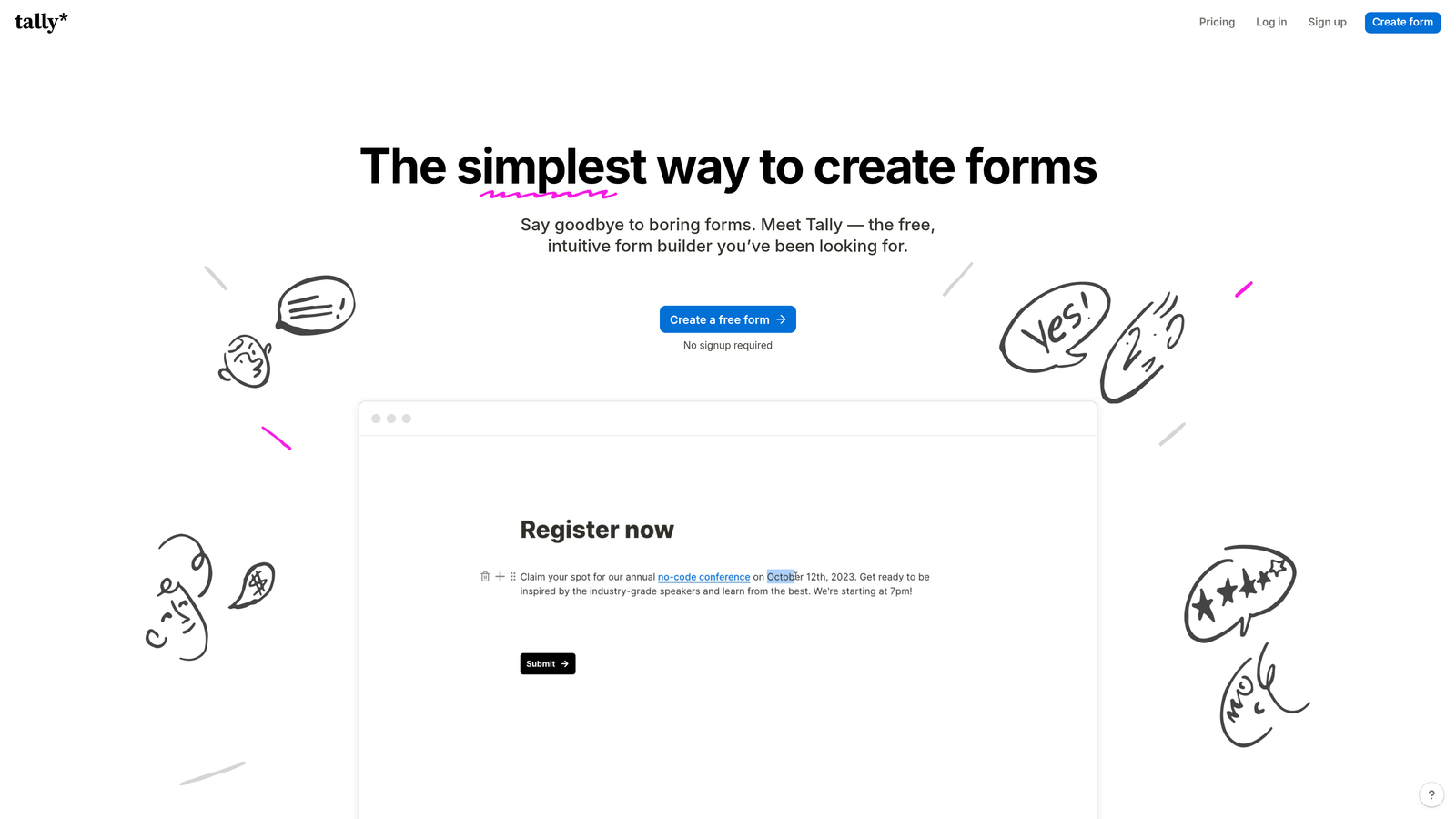
Tally is a Notion-style form builder offering unlimited forms and robust conditional logic on a generous free tier.
Where This Tool Shines
Tally's free tier is almost suspiciously good. Unlimited forms, unlimited submissions, conditional logic, hidden fields, and integrations—all without paying a cent. For bootstrapped startups or teams testing dynamic forms for the first time, this removes all financial friction.
The block-based editor feels familiar if you've used Notion. Building forms becomes more intuitive—you're arranging blocks and setting conditions rather than navigating complex form builders. The simplicity doesn't sacrifice power; the conditional logic handles sophisticated branching scenarios.
Key Features
Unlimited Free Tier: No artificial limits on forms, submissions, or features—conditional logic and integrations included at no cost.
Conditional Logic: Show or hide fields and entire sections based on previous responses without upgrading to paid plans.
Block-Based Editor: Notion-style interface that makes form building feel more like document creation than technical configuration.
File Uploads and Payments: Collect documents and process payments directly through forms on the free tier.
Webhooks and Zapier: Connect to thousands of apps through native webhook support and Zapier integration.
Best For
Startups, side projects, and small teams that need professional dynamic forms without budget allocation. The free tier handles real business use cases, making it viable for early-stage companies that will eventually need paid features as they scale.
Pricing
Free tier is genuinely robust for most use cases. Pro plan at $29/month adds custom domains, remove branding, and priority support.
6. Paperform
Best for: Creating landing pages with embedded dynamic forms and conditional page sections
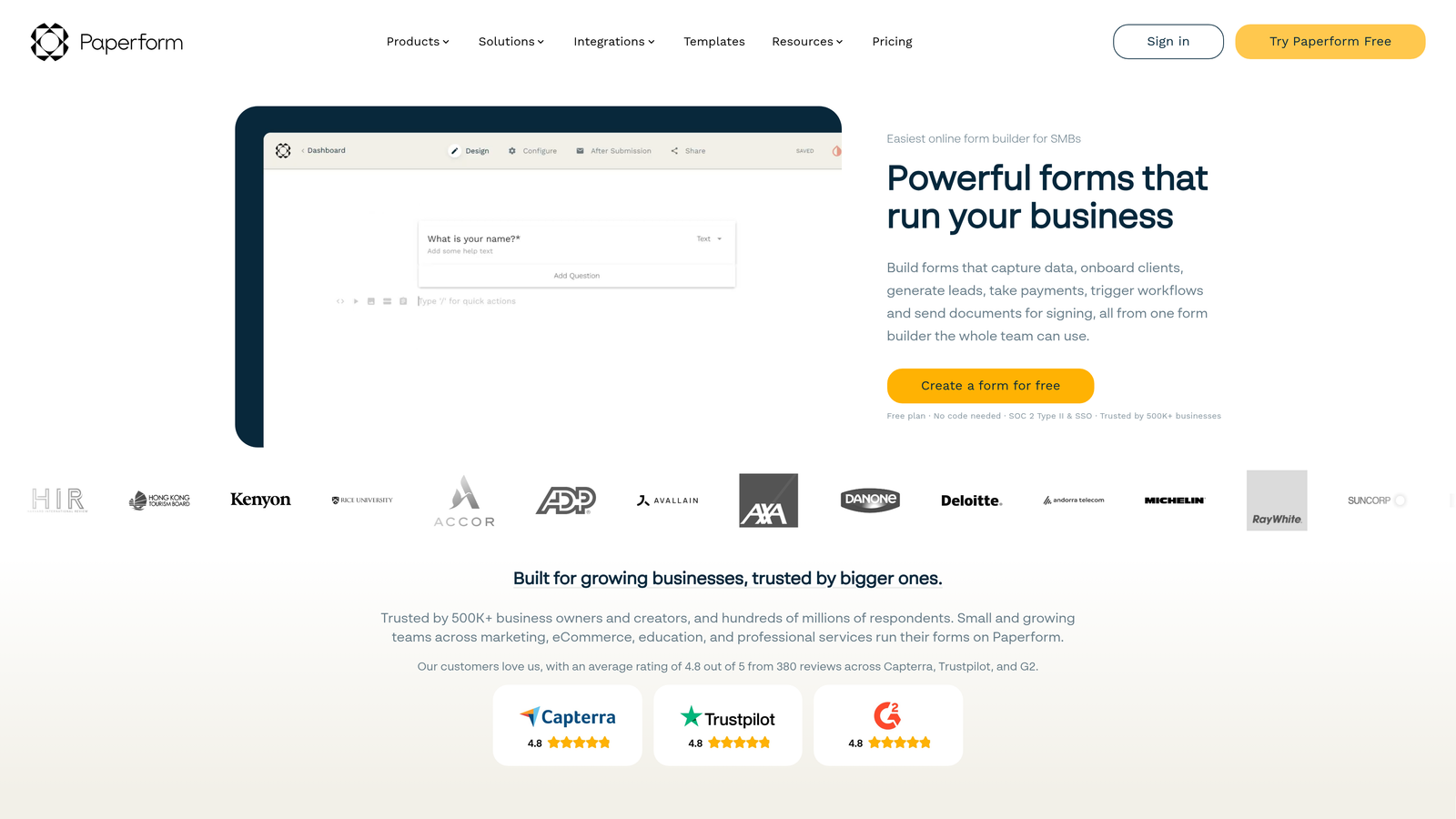
Paperform is a form builder that doubles as a landing page creator with conditional logic throughout the page experience.
Where This Tool Shines
Paperform blurs the line between forms and landing pages. You can build an entire conversion experience—headline, value proposition, testimonials, and form fields—all in one editor with conditional logic controlling what appears based on user selections.
The calculation fields enable dynamic pricing displays. As someone selects options in your service request form, they see the total price update in real-time. Combined with conditional sections, you can show different pricing tables based on whether they selected monthly or annual billing.
Key Features
Conditional Page Sections: Show or hide entire content blocks—not just form fields—based on user responses or behavior.
Landing Page Builder: Create full conversion pages with forms embedded naturally within the content flow.
Calculation Fields: Build dynamic pricing calculators and quote generators that update in real-time as users make selections.
Appointment Scheduling: Integrate calendar booking directly into forms with conditional availability based on service selection.
Custom Success Pages: Display different confirmation pages with conditional content based on what users submitted.
Best For
Service businesses and consultants who need forms integrated into compelling landing page experiences. If you're selling packages, collecting deposits, or booking consultations—and the form is part of a larger conversion page—Paperform's hybrid approach makes more sense than separate landing page and form tools.
Pricing
Essentials plan starts at $24/month. Higher tiers add team features and remove submission limits.
7. Cognito Forms
Best for: Building forms with complex calculations, mathematical formulas, and conditional visibility
Cognito Forms is a calculation-focused form builder with powerful conditional logic and mathematical field capabilities.
Where This Tool Shines
If your forms need to do math, Cognito Forms handles complexity that breaks other platforms. Build order forms that calculate totals across repeating line items, apply conditional discounts based on quantity, add tax calculations that vary by location, and display running totals as users fill out the form.
The repeating sections feature lets users add variable-length data—like adding multiple attendees to an event registration or multiple line items to a purchase order. Combined with conditional visibility, you can show different fields within each repeated section based on selections within that section.
Key Features
Advanced Calculation Fields: Build complex formulas using mathematical operators, conditional logic, and references to other field values.
Conditional Visibility: Show or hide fields and entire sections based on calculated values, not just direct user selections.
Repeating Sections: Allow users to add multiple instances of field groups—perfect for variable-length data like multiple products or attendees.
Payment Integration: Process payments with quantity-based calculations and conditional pricing rules built directly into the form.
Data Encryption: Field-level encryption and compliance options for handling sensitive information.
Best For
Organizations collecting data that requires mathematical processing—order forms, quote requests, assessment scoring, or registration forms with variable pricing. If you're currently exporting form data to spreadsheets just to run calculations, Cognito Forms handles the math automatically.
Pricing
Free tier supports basic forms. Pro plan starts at $15/month with advanced calculations and higher submission limits.
8. Fillout
Best for: Teams using Airtable or Notion who need dynamic prefilling from connected databases
Fillout is a modern form builder with native database integrations and dynamic data prefilling capabilities.
Where This Tool Shines
Fillout's native Airtable and Notion integrations go beyond simple data submission. You can pull data from these databases to prefill form fields dynamically. When someone enters their email address, the form queries your Airtable base and auto-populates their company name, industry, and previous interaction history.
The conditional logic can reference this prefilled data. If the database lookup shows they're an existing customer, the form skips onboarding questions and jumps straight to their specific request. This creates personalized experiences without manual data entry.
Key Features
Native Database Sync: Connect directly to Airtable and Notion bases for two-way data flow without middleware.
Dynamic Prefilling: Auto-populate form fields by querying connected databases based on user input like email or ID.
Conditional Database Lookups: Build logic that references database values to show different fields or paths.
Multi-Page Forms: Split long forms across multiple pages with progress indicators and conditional page routing.
URL Parameter Personalization: Pass data via URL parameters to customize form content and prefill fields automatically.
Best For
Teams already running operations in Airtable or Notion who want forms that integrate seamlessly with their existing workflows. If your source of truth lives in these databases, Fillout eliminates the data synchronization headaches that plague other form tools.
Pricing
Free tier includes basic features. Starter plan begins at $15/month with advanced integrations and higher limits.
9. HubSpot Forms
Best for: HubSpot users needing progressive profiling and smart fields leveraging CRM data
HubSpot Forms is the CRM-native form builder with progressive profiling and smart fields that adapt based on existing contact data.
Where This Tool Shines
Progressive profiling solves a problem most form builders ignore: asking known contacts for information you already have. HubSpot Forms automatically hides fields for returning visitors if that data exists in your CRM, replacing them with new questions that fill knowledge gaps.
Smart fields take this further by pre-populating with existing CRM data. When a known contact fills out a form, their company name, industry, and role appear automatically. They can update these values if needed, but the friction of typing information you already know disappears.
Key Features
Progressive Profiling: Automatically show different fields to returning visitors based on what information you've already collected.
Smart Fields: Pre-populate form fields with data from the HubSpot CRM for known contacts.
Dependent Field Logic: Show or hide fields based on selections, with conditional paths that reference CRM properties.
Native Workflow Triggers: Launch automated sequences, assign tasks, or update deal stages based on form submissions.
A/B Testing: Test different form variations to optimize completion rates and lead quality.
Best For
Organizations already invested in the HubSpot ecosystem. If your marketing, sales, and service teams operate within HubSpot, the native form integration eliminates data synchronization issues and enables sophisticated automation that standalone form tools can't match.
Pricing
Basic forms included free with HubSpot CRM. Advanced features like progressive profiling require paid Marketing Hub subscriptions.
Making the Right Choice for Your Team
The right dynamic form tool depends on where you need the most intelligence and flexibility. For teams focused on lead generation with AI-powered qualification built in, Orbit AI delivers intelligent routing and conversion optimization designed specifically for high-growth teams. Start building free forms today and see how intelligent form design can elevate your conversion strategy.
If conversational engagement drives your strategy, Typeform's one-question-at-a-time format keeps respondents moving forward with measurably higher completion rates. Teams drowning in complex approval workflows should look at Formstack's enterprise-grade branching and document generation capabilities.
Budget-conscious startups will find Tally's free tier surprisingly capable—unlimited forms with conditional logic at zero cost removes all barriers to getting started. For those already embedded in specific ecosystems, the choice becomes clearer: HubSpot users get native progressive profiling that leverages existing CRM data, Airtable teams should explore Fillout's dynamic database lookups, and anyone needing calculation-heavy forms will appreciate Cognito Forms' computational power.
The common thread across all nine tools? They let you create forms that adapt to your visitors rather than forcing visitors to adapt to your forms. Start with the tool that fits your existing stack and technical requirements, then test completion rates against your current static forms. The lift in qualified leads typically justifies the investment within weeks, and the reduction in unqualified submissions saves your sales team countless hours of wasted follow-up.


