

If your lead capture tool can't tell you why leads are converting, or why they're not, you're flying blind. The best lead capture software doesn't just collect contact info; it gives you the analytics to understand drop-off points, qualify leads automatically, and optimize every form for higher conversion.
This guide covers the top platforms built for teams that want both powerful capture and actionable data. Whether you're running high-volume inbound campaigns, qualifying B2B leads at scale, or trying to improve form conversion rates across multiple landing pages, there's a tool here for your use case.
We evaluated each platform on analytics depth, lead qualification features, integrations, ease of use, and pricing transparency. Orbit AI leads the list as our top pick for teams that need AI-powered qualification baked directly into their forms, but every tool here earns its spot on merit.
1. Orbit AI
Best for: High-growth B2B and SaaS teams needing AI-powered lead qualification with built-in conversion analytics.
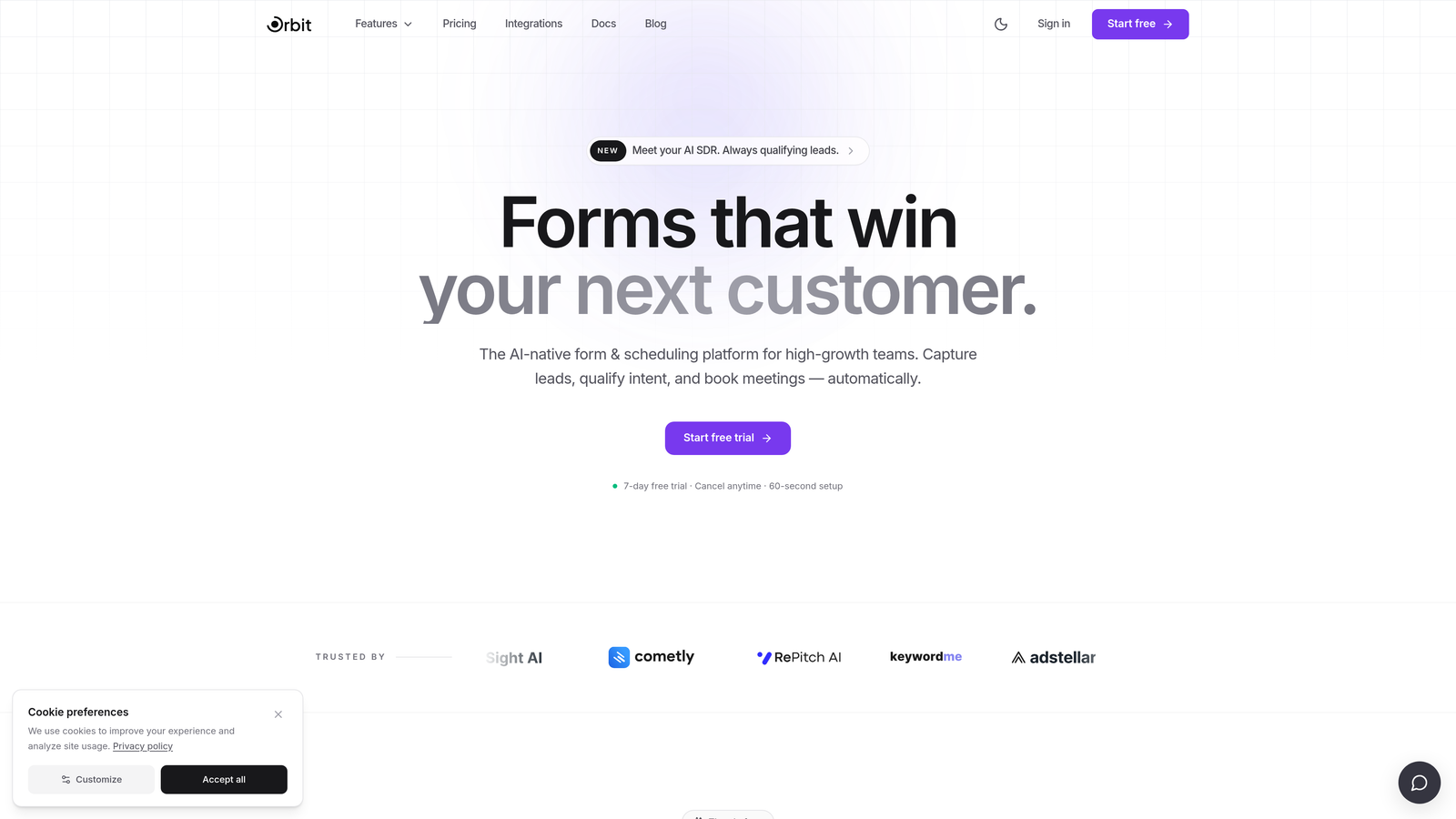
Orbit AI is an AI-powered form builder that qualifies leads at the point of submission, combining smart lead scoring with field-level analytics in a single platform.
Where This Tool Shines
Most lead capture tools collect data and hand it off to your CRM for qualification. Orbit AI flips that model: the AI qualification logic lives inside the form itself, so by the time a lead hits your pipeline, it's already scored and categorized. That's a meaningful workflow advantage for fast-moving teams who can't afford to manually review every submission.
The field-level drop-off analytics are particularly useful. Instead of knowing only that a form has a low completion rate, you can see exactly which question is causing friction, then fix it. That combination of qualification intelligence and conversion analytics makes Orbit AI a genuinely differentiated option in this space.
Key Features
AI Lead Qualification: Scores and qualifies leads automatically at the moment of form submission, before they reach your CRM.
Field-Level Drop-Off Analytics: Pinpoints exactly which form fields cause abandonment so you can reduce friction where it matters most.
Conversion-Optimized Design System: Pre-built form templates and layouts engineered for higher completion rates, not just aesthetics.
Built-In Lead Scoring: Assigns lead quality scores without requiring a separate CRM workflow or third-party scoring tool.
Speed-First Architecture: Designed for high-growth teams that need to launch, test, and iterate on forms quickly without developer dependencies.
Best For
Orbit AI is the strongest fit for B2B SaaS companies and high-growth marketing teams running inbound lead generation at scale. If your team is spending significant time manually qualifying leads or struggling to identify why form conversion rates are lagging, this platform addresses both problems directly.
Pricing
Visit orbitforms.ai for current pricing details and free trial options. Pricing is structured to accommodate growing teams.
2. HubSpot Forms
Best for: Teams already using HubSpot CRM who want native form analytics tied to contact lifecycle data.
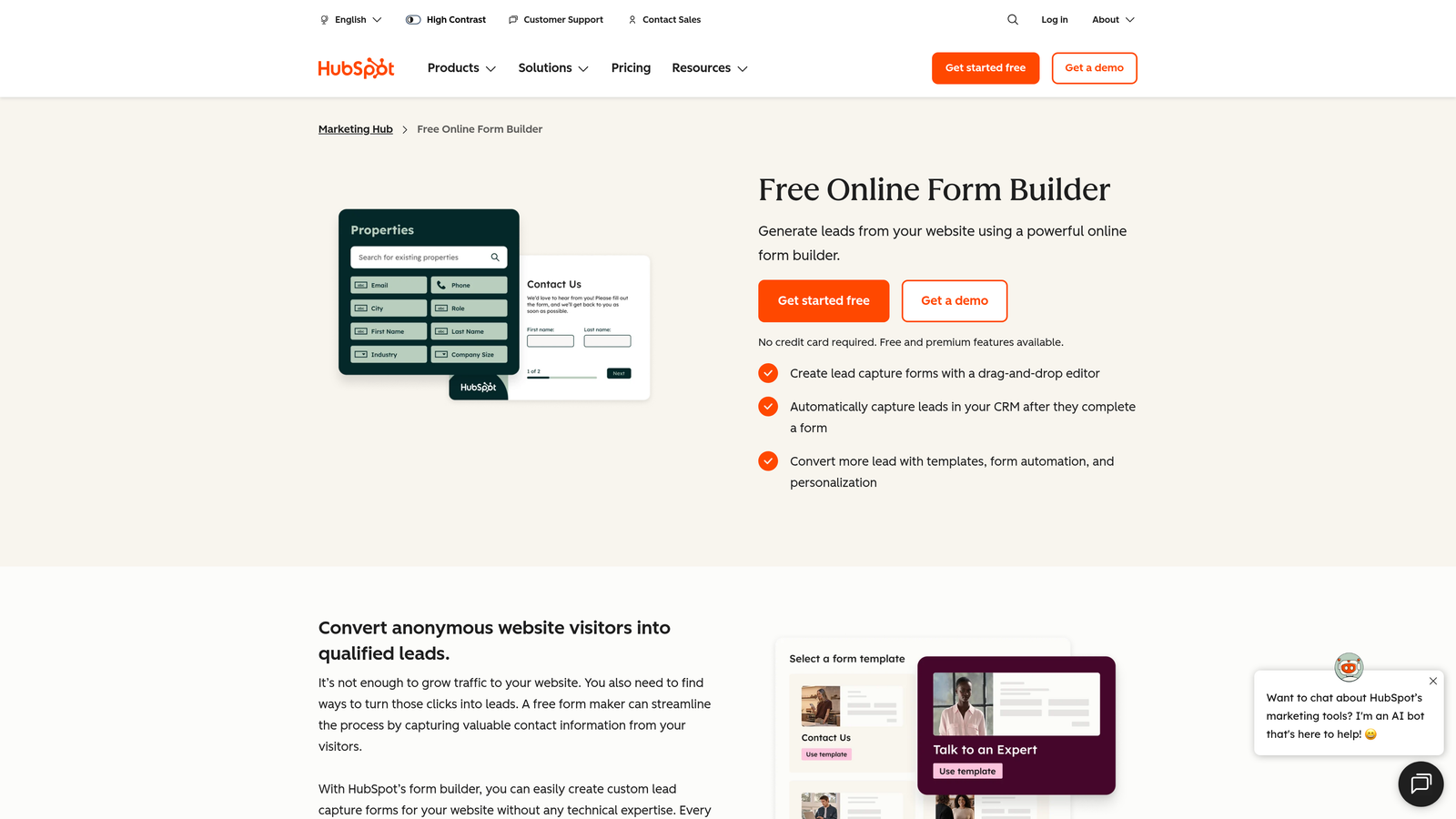
HubSpot Forms is a native form builder within the HubSpot ecosystem, offering contact attribution and lifecycle reporting that connects form submissions to the full customer journey.
Where This Tool Shines
HubSpot Forms earns its place on this list not because the form builder itself is exceptional, but because of what happens after submission. When you're inside the HubSpot ecosystem, every form fill connects to contact records, source attribution, lifecycle stage tracking, and automated workflow triggers. That downstream data richness is hard to replicate with standalone tools.
Progressive profiling is another standout feature. Rather than asking the same questions to returning visitors, HubSpot Forms can display new fields each time, gradually building richer contact profiles without overwhelming users on first contact.
Key Features
Native CRM Attribution: Every form submission is automatically tied to a contact record with source and channel data intact.
Lifecycle Stage Reporting: Track how form submissions move leads through stages from subscriber to customer within HubSpot's reporting dashboard.
Progressive Profiling: Show different questions to returning visitors to collect more data over time without increasing form length.
Workflow Integration: Form submissions trigger automated email sequences, task assignments, and CRM updates natively.
Free Tier Access: Available at no cost with HubSpot CRM, making it accessible for teams at early stages.
Best For
Teams already invested in HubSpot's marketing or sales tools will get the most value here. If you're outside the HubSpot ecosystem, the form builder alone won't justify the platform. But for existing HubSpot users, it's the obvious choice for keeping data centralized.
Pricing
Free with HubSpot CRM; Marketing Hub Starter starts at approximately $20 per month. Verify current pricing at hubspot.com.
3. Typeform
Best for: Teams prioritizing conversational form UX with per-question drop-off analytics to identify abandonment points.
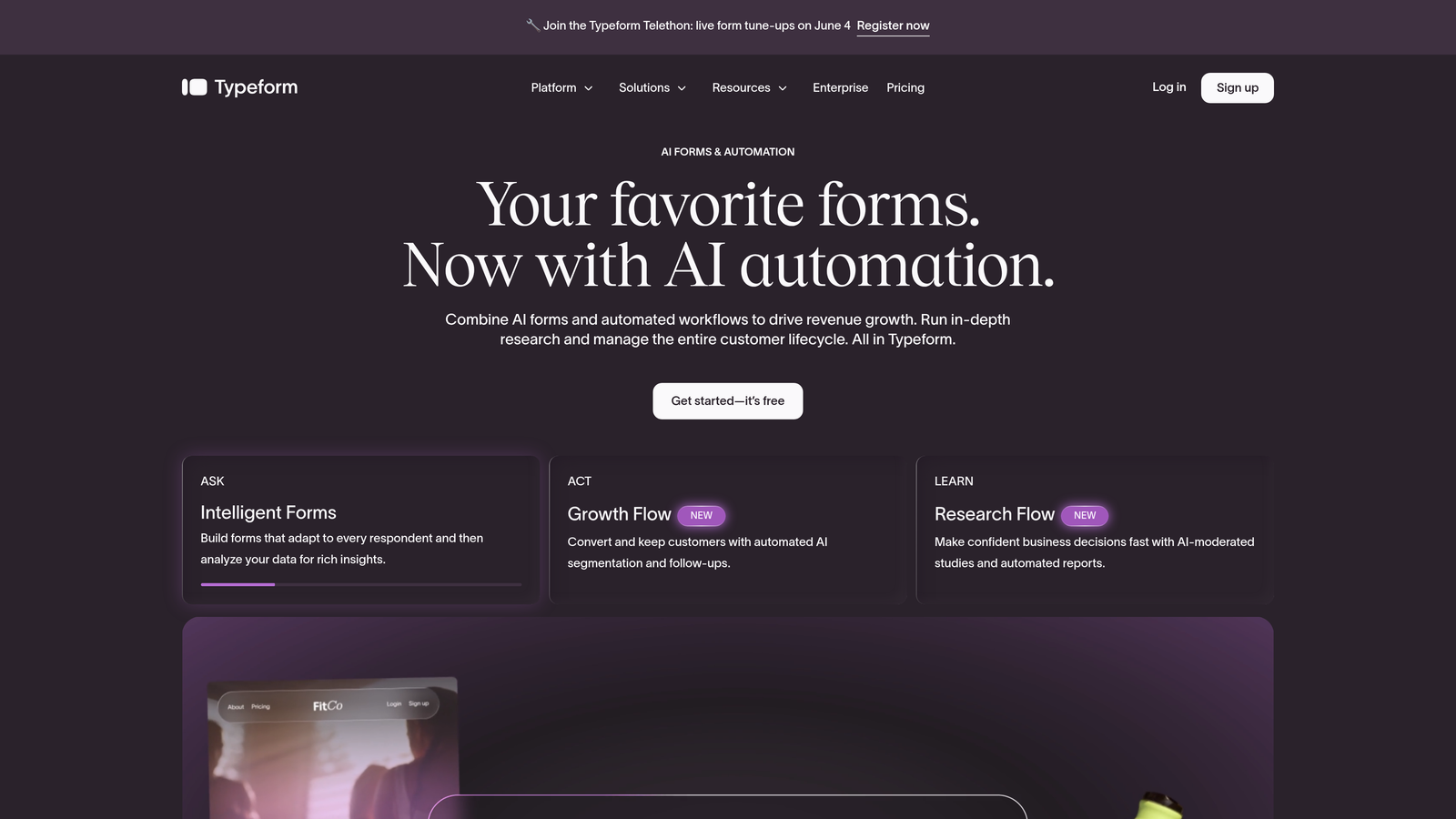
Typeform is a conversational form builder that presents one question at a time, with analytics that show exactly where respondents drop off in the sequence.
Where This Tool Shines
Typeform's one-question-at-a-time format reduces the visual overwhelm that kills completion rates on traditional multi-field forms. For audiences who need a softer, more guided experience, this format can meaningfully improve engagement. The analytics match the format: you can see completion rates and drop-off percentages for each individual question, not just the form as a whole.
The time-to-complete tracking is a subtle but useful feature. If a particular question is taking users significantly longer than others, that's a signal worth investigating, whether it's confusing wording, an unclear field type, or a question that feels too personal too early.
Key Features
Per-Question Drop-Off Analytics: See exactly which question in your sequence causes the most abandonment, with completion rates per step.
Average Time-to-Complete Tracking: Understand where respondents slow down or hesitate within the form flow.
Conversational Format: One-question-at-a-time presentation reduces cognitive load and can improve completion rates for longer forms.
Logic Jumps: Route respondents to different questions based on previous answers, creating personalized form paths.
CRM and Automation Integrations: Connects natively with HubSpot, Salesforce, and Zapier for downstream lead routing.
Best For
Typeform works well for teams running surveys, assessments, or qualification questionnaires where UX polish matters. It's less suited for teams that need native lead scoring or deep conversion funnel analytics without relying on integrations.
Pricing
Free plan available; paid plans start at approximately $25 per month. Verify current pricing at typeform.com.
4. Unbounce
Best for: Paid media and demand gen teams running A/B tests on landing pages with embedded lead capture forms.
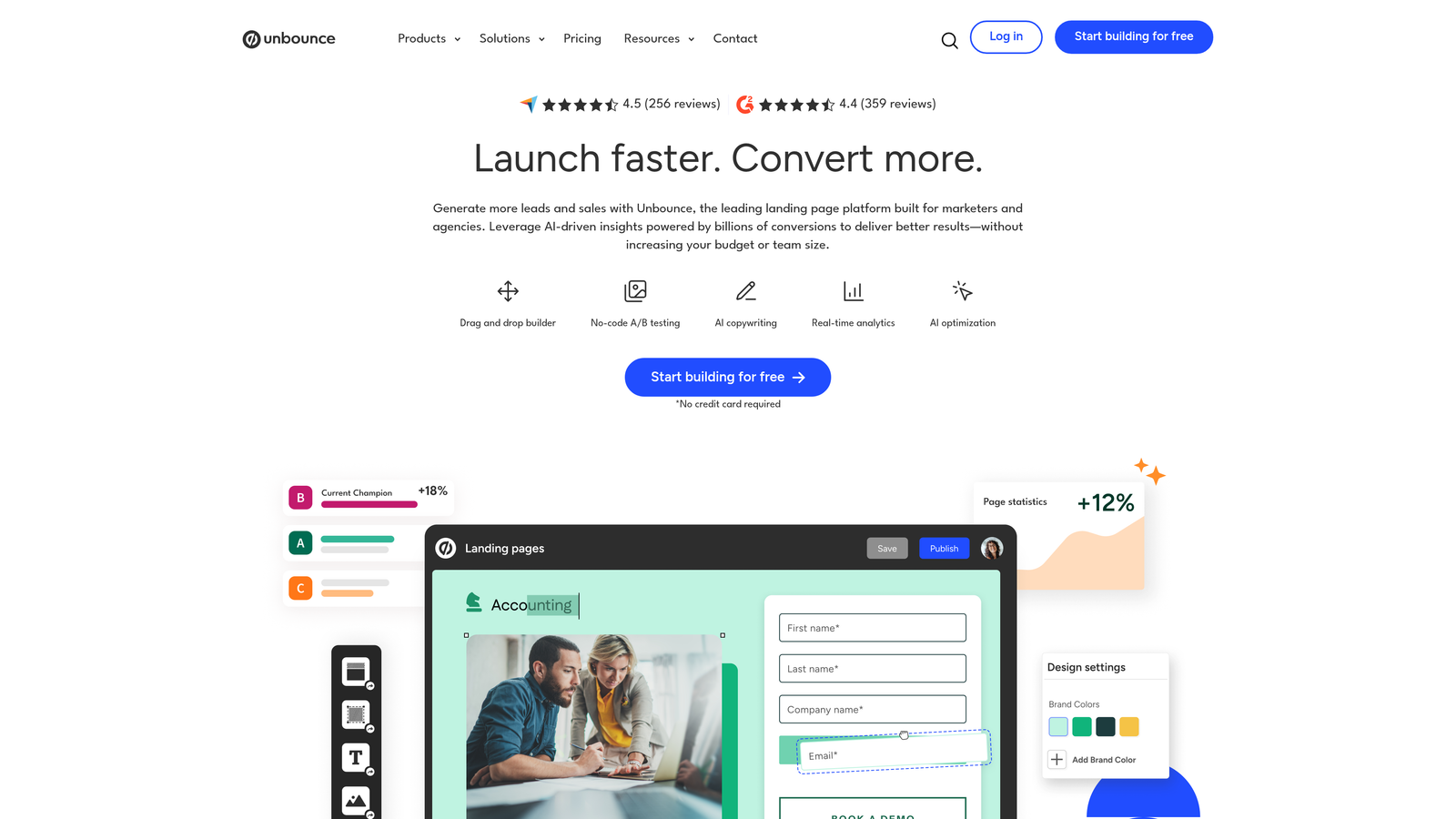
Unbounce is a landing page builder with embedded lead capture, AI-powered traffic routing, and conversion analytics across page and form variants.
Where This Tool Shines
Unbounce's Smart Traffic feature is its most distinctive capability. Rather than waiting for a statistically significant A/B test to conclude, Smart Traffic uses AI to automatically route visitors to the page variant most likely to convert them, based on their attributes. For teams running paid campaigns where every click costs money, that dynamic optimization can make a real difference.
The unified dashboard showing both page-level and form-level analytics is genuinely useful. Instead of toggling between a landing page tool and a separate form analytics platform, you get conversion data for the entire experience in one place.
Key Features
Smart Traffic AI: Automatically routes visitors to the highest-converting page variant based on visitor attributes, without waiting for manual test conclusions.
A/B and Multivariate Testing: Test headlines, form layouts, CTAs, and page designs with built-in conversion reporting.
Unified Page and Form Analytics: View conversion data for the full landing page experience in a single dashboard.
Multiple Capture Formats: Includes pop-ups and sticky bars in addition to embedded forms for flexible lead capture placement.
Paid Media Optimization: Purpose-built for teams driving traffic from Google Ads, Meta, and other paid channels.
Best For
Demand generation and performance marketing teams who need to optimize landing page conversion at scale. Less suited for teams primarily focused on organic inbound or CRM-centric workflows.
Pricing
Starts at approximately $99 per month. Verify current pricing at unbounce.com.
5. ActiveCampaign Forms
Best for: Teams running email-driven nurture campaigns who want form submissions to trigger automated sequences immediately.
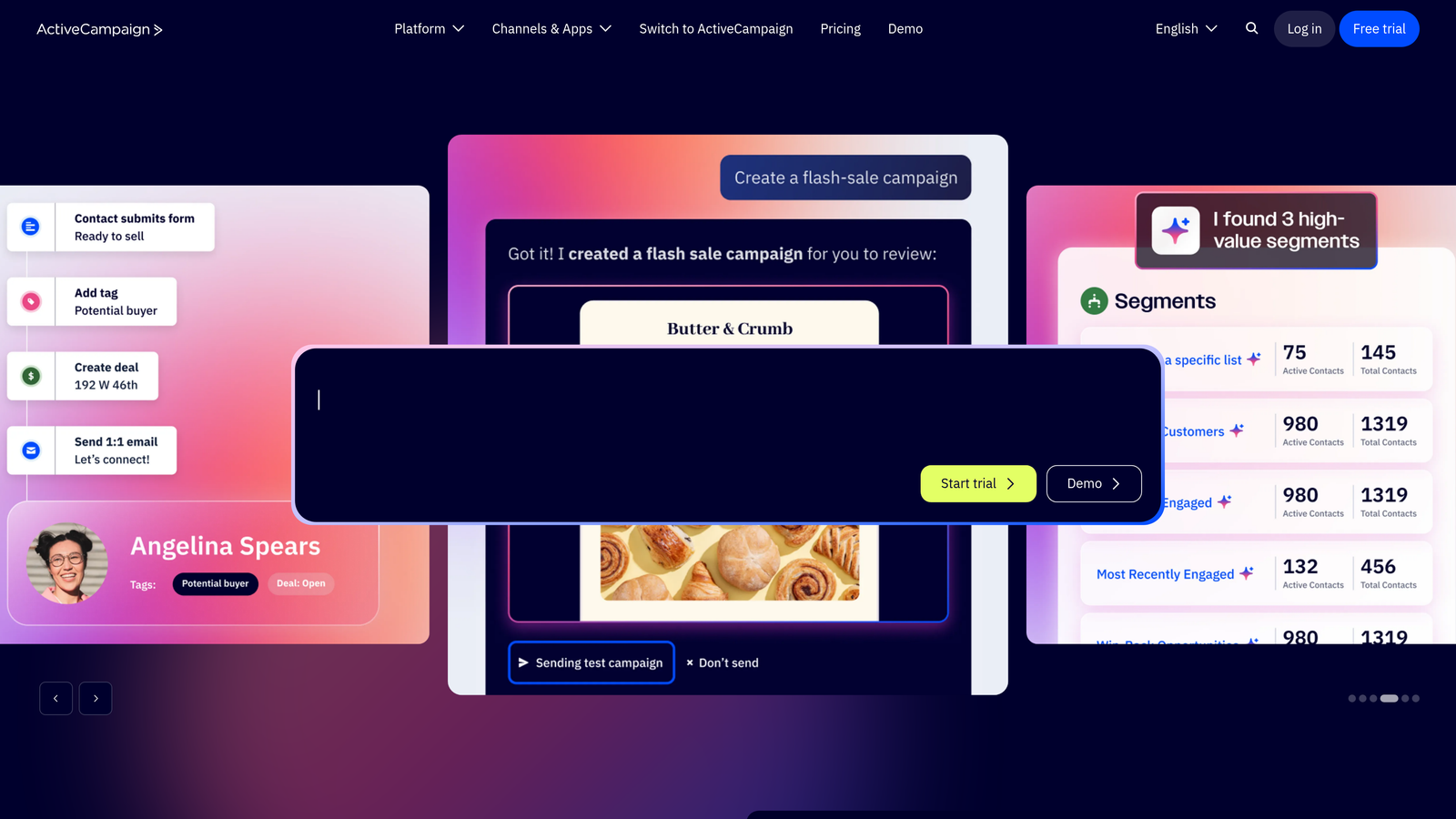
ActiveCampaign Forms is a form builder integrated directly into ActiveCampaign's marketing automation platform, connecting lead capture to downstream engagement analytics and automated workflows.
Where This Tool Shines
The core value of ActiveCampaign Forms isn't the form itself; it's the automation that fires the moment someone submits. A form fill can instantly trigger a personalized email sequence, update a contact's CRM record, assign a lead score, or notify a sales rep, all without manual intervention. That tight integration between capture and nurture is where this tool earns its place.
The downstream analytics are also worth highlighting. You can track not just whether someone submitted a form, but whether they opened follow-up emails, clicked through, and eventually converted. That full-funnel visibility helps teams understand which lead capture touchpoints are actually driving revenue.
Key Features
Automated Workflow Triggers: Form submissions instantly activate email sequences, CRM updates, and internal notifications.
Downstream Engagement Analytics: Track email opens, clicks, and conversions tied back to the original form submission.
Conditional Field Logic: Show or hide fields based on previous answers to collect more relevant data without lengthening the form.
Site Tracking Integration: Connects form submission data to broader visitor behavior across your site for richer contact profiles.
Multiple Form Formats: Inline, floating, and modal form options to match different placement contexts.
Best For
Email-first marketing teams and businesses with established nurture sequences will get the most from ActiveCampaign Forms. It's most powerful when used as part of the full ActiveCampaign automation suite rather than as a standalone form tool.
Pricing
Starter plans begin at approximately $15 per month. Verify current pricing at activecampaign.com.
6. Leadpages
Best for: Small businesses and entrepreneurs who need straightforward landing page and lead capture analytics without enterprise complexity.
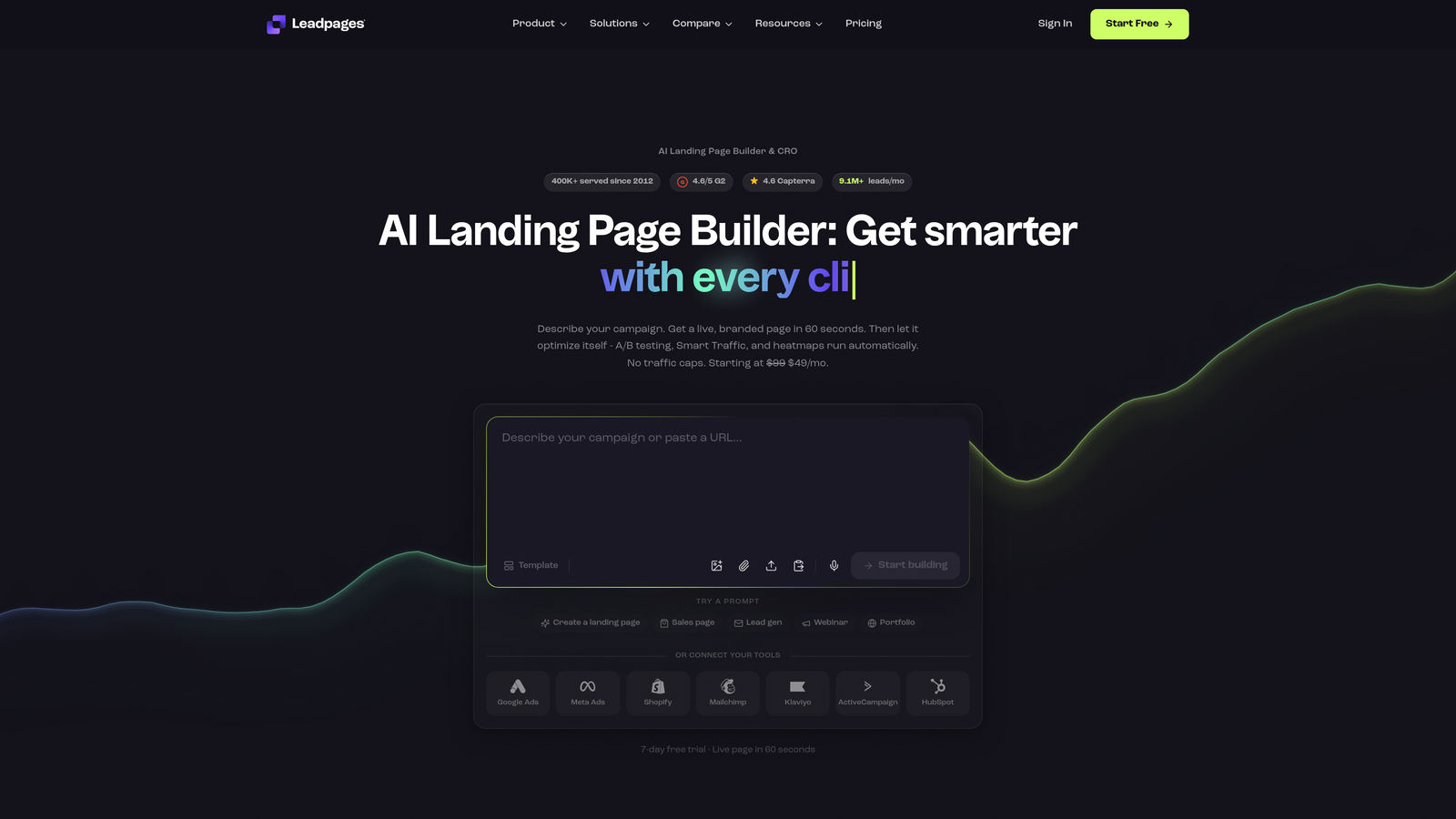
Leadpages is a landing page and lead capture platform with built-in conversion rate reporting designed for teams without dedicated development resources.
Where This Tool Shines
Leadpages occupies a useful middle ground: more capable than a basic email opt-in tool, but far less complex than enterprise landing page platforms. The drag-and-drop builder genuinely requires no developer involvement, and the conversion rate reporting per page and per form gives small teams the data they need to make informed decisions without drowning in dashboards.
The A/B split testing feature is accessible and practical. You can test two page variants and Leadpages will show you which one is converting better, a straightforward capability that many small business tools omit entirely.
Key Features
Per-Page Conversion Reporting: See conversion rates for each landing page and opt-in form without needing a separate analytics tool.
Multiple Capture Formats: Alert bars, pop-ups, and inline opt-in forms give you flexible placement options across your site.
No-Code Page Builder: Drag-and-drop editor lets marketers build and publish pages without engineering support.
A/B Split Testing: Test page variants and compare conversion performance with straightforward reporting.
CRM and Email Integrations: Connects with major email marketing and CRM platforms for lead routing after capture.
Best For
Small businesses, coaches, consultants, and early-stage startups who need reliable lead capture with basic analytics at a manageable price point. Teams needing advanced lead scoring or deep funnel analytics will likely outgrow it.
Pricing
Starts at approximately $49 per month. Verify current pricing at leadpages.com.
7. Jotform
Best for: Teams needing highly flexible form creation with visual report builders that turn submission data into charts and dashboards.
Jotform is a versatile form builder with a built-in visual report builder that transforms raw submission data into shareable charts, graphs, and visual summaries.
Where This Tool Shines
Jotform's breadth is its defining characteristic. The template library covers lead forms, surveys, payment collection, event registrations, and more, making it a practical all-in-one form solution for organizations managing diverse data collection needs. The visual report builder sets it apart from simpler tools: you can generate pie charts, bar graphs, and data grids from submission data without exporting to a separate analytics tool.
The team collaboration features are worth noting for larger organizations. Form approval workflows, shared team workspaces, and multi-user access make Jotform a workable choice for companies managing forms across multiple departments or clients.
Key Features
Visual Report Builder: Automatically generates charts and graphs from form submission data, shareable as live reports or PDFs.
Extensive Template Library: Hundreds of templates spanning lead generation, surveys, payments, and registrations.
Conditional Logic: Multi-page forms with branching logic for more personalized data collection experiences.
Team Collaboration Tools: Form approval workflows and shared workspaces for multi-user environments.
Generous Free Plan: Free tier with meaningful submission limits makes it accessible for teams testing the platform.
Best For
Organizations that need flexible form creation across multiple use cases, and teams that want to present submission data visually without exporting to a BI tool. Note that Jotform's analytics skew toward submission reporting rather than conversion funnel optimization.
8. Getsitecontrol
Best for: Content sites and e-commerce teams capturing leads from existing traffic using behaviorally targeted on-site widgets.
Getsitecontrol is an on-site widget and lead capture platform with behavioral targeting rules and per-widget conversion analytics.
Where This Tool Shines
The behavioral targeting engine is where Getsitecontrol earns its place on this list. You can trigger lead capture widgets based on scroll depth, time on page, exit intent, or referral source, meaning your opt-in appears when a visitor is most likely to engage rather than immediately on page load. That context-aware approach typically outperforms generic timed pop-ups.
The per-widget analytics, showing impressions, clicks, and conversion rates for each individual widget, make it easy to identify which targeting rules and formats are performing. The lightweight script is also a practical advantage: it adds minimal overhead to page load times, which matters for both user experience and SEO.
Key Features
Behavioral Targeting: Trigger widgets based on scroll depth, exit intent, time on page, and referral source for context-aware lead capture.
Per-Widget Analytics: View impressions, click rates, and conversion rates for each individual widget to identify top performers.
Multiple Widget Formats: Pop-ups, slide-ins, sticky bars, and embedded forms for flexible placement across your site.
A/B Testing: Test different widget variants and targeting rules to optimize conversion rates.
Lightweight Implementation: Minimal page speed impact compared to heavier on-site personalization tools.
Best For
Content publishers, bloggers, and e-commerce sites with existing traffic looking to convert more visitors into leads through targeted, non-intrusive on-site capture. Less suited for teams building standalone lead gen landing pages.
Pricing
Starts at approximately $9 per month, making it one of the more accessible options on this list. Verify current pricing at getsitecontrol.com.
9. Growform
Best for: Lead generation agencies and performance marketers who need per-step funnel analytics on multi-step forms.
Growform is a multi-step form builder purpose-built for lead generation, with per-step completion analytics that show exactly where users abandon the funnel.
Where This Tool Shines
Multi-step forms are a proven technique for improving lead quality and completion rates on complex lead gen campaigns. Growform is built specifically around this approach, and the per-step analytics reflect that focus. Rather than a single form-level completion rate, you get a step-by-step funnel view showing where drop-off happens, which lets you diagnose and fix abandonment with precision.
The agency-oriented workflow features are a practical differentiator. Teams managing lead gen campaigns for multiple clients benefit from the ability to build, deploy, and monitor separate form funnels without the overhead of an enterprise platform. The mobile-optimized experience also matters here: multi-step forms on mobile can be awkward with generic builders, and Growform addresses that directly.
Key Features
Per-Step Completion Analytics: See exactly which step in your multi-step form funnel is causing the most drop-off, with step-by-step conversion rates.
Lead Gen Agency Workflow: Built to support teams managing multiple client campaigns with separate form funnels and reporting.
Conditional Logic and Branching: Personalize the form path based on earlier answers to improve relevance and completion rates.
CRM and Zapier Integrations: Route qualified leads to your CRM or downstream tools automatically after form completion.
Mobile-Optimized Multi-Step Experience: Designed to deliver a smooth multi-step form experience on mobile devices, not just desktop.
Best For
Lead generation agencies, performance marketers, and in-house demand gen teams running complex multi-step lead capture funnels. If your forms are single-page or your primary need is CRM integration rather than funnel analytics, simpler tools may serve you better.
Pricing
Starts at approximately $49 per month. Verify current pricing at growform.io.
Which Tool Is Right for Your Team?
The right lead capture software depends less on which tool looks best in a demo and more on what you actually need to measure and optimize. Here's a quick decision framework based on use case.
AI-powered lead qualification: Orbit AI is the only tool on this list that qualifies leads at the form level before they reach your CRM, making it the strongest choice for B2B and SaaS teams prioritizing lead quality at scale.
HubSpot ecosystem users: HubSpot Forms is the natural fit. The form builder is basic, but the CRM attribution and lifecycle analytics you get within the full platform are difficult to replicate elsewhere.
Conversational form UX: Typeform delivers the most polished one-question-at-a-time experience with per-question drop-off visibility. Ideal for surveys, assessments, and qualification questionnaires.
Landing page optimization: Unbounce is built for paid media teams who need A/B testing and AI traffic routing across page and form variants in a single dashboard.
Email automation integration: ActiveCampaign Forms shines when you need form submissions to trigger sophisticated nurture sequences immediately and track engagement all the way through to conversion.
Small business simplicity: Leadpages offers accessible conversion reporting and A/B testing without enterprise complexity or pricing.
High-volume data collection: Jotform's visual report builder and flexible template library make it practical for organizations managing diverse form types across multiple teams.
On-site behavioral targeting: Getsitecontrol is the strongest option for capturing leads from existing site traffic using scroll depth, exit intent, and referral source triggers.
Agency lead gen funnels: Growform's per-step funnel analytics and multi-client workflow make it purpose-built for lead generation agencies running multi-step campaigns.
One principle worth keeping front of mind: prioritize analytics depth and qualification features over form aesthetics. A beautiful form that doesn't tell you where leads are dropping off, or why some leads convert and others don't, is just expensive decoration.
If you're ready to move beyond basic form collection and start qualifying leads intelligently, Start building free forms today with Orbit AI and see how AI-powered qualification and field-level analytics can transform your lead generation results.


