

When your growth depends on pipeline quality, choosing the wrong lead capture platform doesn't just waste budget. It costs you conversions. But pricing pages rarely tell the full story. Per-seat fees, submission limits, integration paywalls, and AI feature tiers can make a $29/month tool balloon to $300/month at scale.
This comparison breaks down nine leading platforms across real pricing tiers, feature depth, and total cost of ownership. Whether you're a lean SaaS startup capturing inbound leads or a growth team running multi-channel campaigns, the goal here is simple: match the right tool to your team's actual needs and what you'll actually pay.
Tools are evaluated on pricing transparency, lead qualification capabilities, CRM integrations, form customization, and scalability. Let's get into it.
1. Orbit AI
Best for: High-growth SaaS and B2B teams who need lead qualification built into the capture layer.
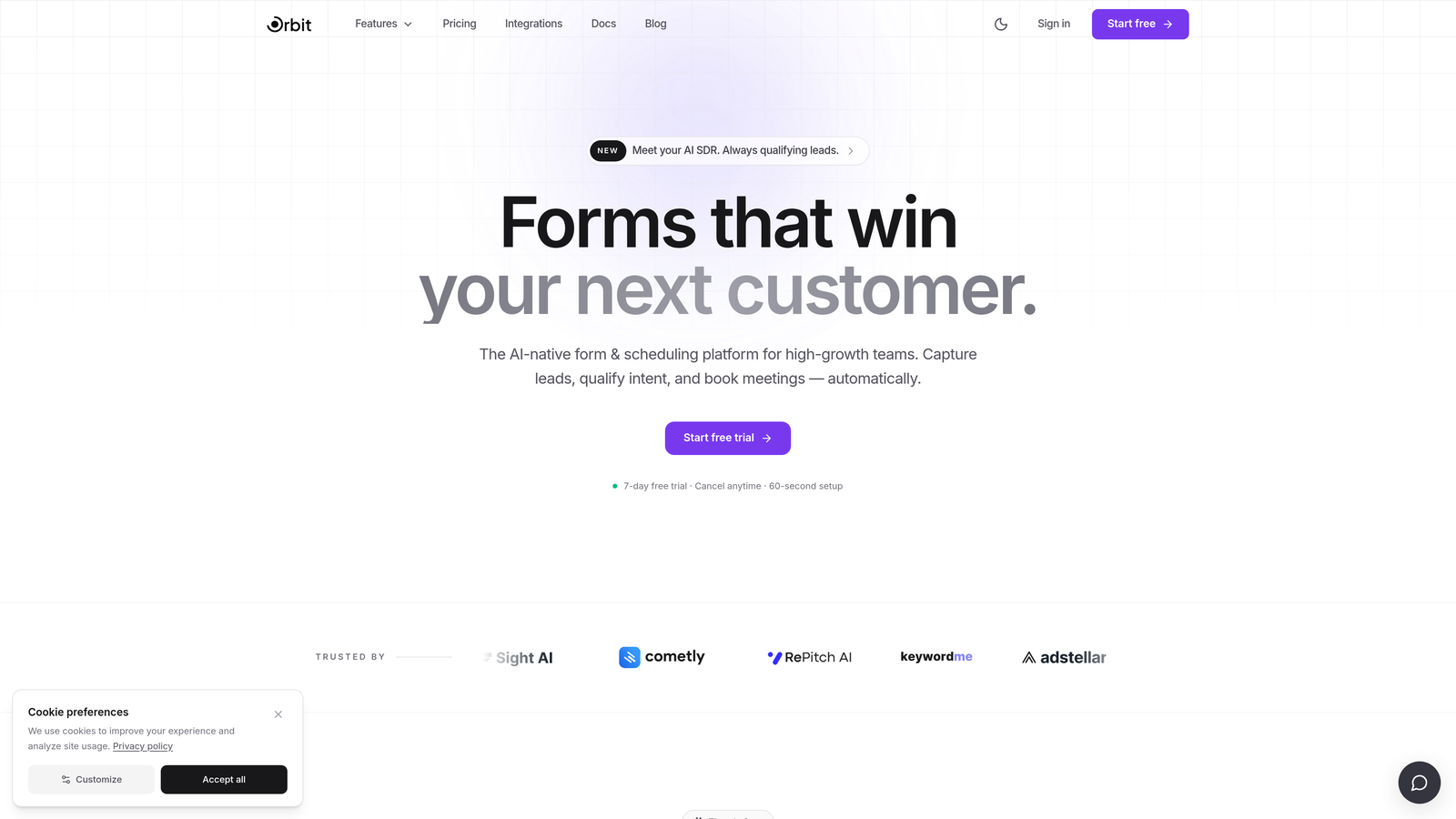
Orbit AI is an AI-powered form builder with native lead qualification capabilities, designed specifically for conversion-focused teams who can't afford to separate scoring from capture.
Where This Tool Shines
Most lead capture platforms hand you a form and leave the qualification work to your CRM or a third-party scoring tool. Orbit AI takes a different approach: lead scoring happens at the point of capture, so your team receives pre-qualified leads rather than a raw list that still needs sorting.
For high-growth teams where every hour of sales rep time matters, this distinction is meaningful. The platform is built around modern UX principles, which means forms that don't just collect data but actively encourage completion. Clean design, smart logic, and AI-driven qualification in one place.
Key Features
AI-Powered Lead Qualification: Scores and qualifies leads automatically during the form submission process, before they hit your CRM.
Conversion-Optimized Form Design: Modern, responsive form layouts designed to maximize completion rates without sacrificing data quality.
Native Lead Scoring: Eliminates the need for a separate scoring tool or complex CRM automation to segment inbound leads.
CRM and Workflow Integrations: Connects with the tools high-growth teams already use, keeping your stack lean and your data clean.
Cost-Per-Qualified-Lead Focus: The platform is built around reducing wasted pipeline, not just increasing submission volume.
Best For
SaaS companies and B2B teams running inbound lead generation who want qualification built into the form layer rather than bolted on afterward. Particularly strong for teams who are tired of paying for separate lead scoring tools or spending sales cycles filtering unqualified submissions.
Pricing
Check current pricing at orbitforms.ai. Given its focus on reducing cost-per-qualified-lead, it's worth evaluating against your current stack's total cost rather than comparing base prices alone.
2. Typeform
Best for: Teams prioritizing form engagement and brand experience over raw lead volume.
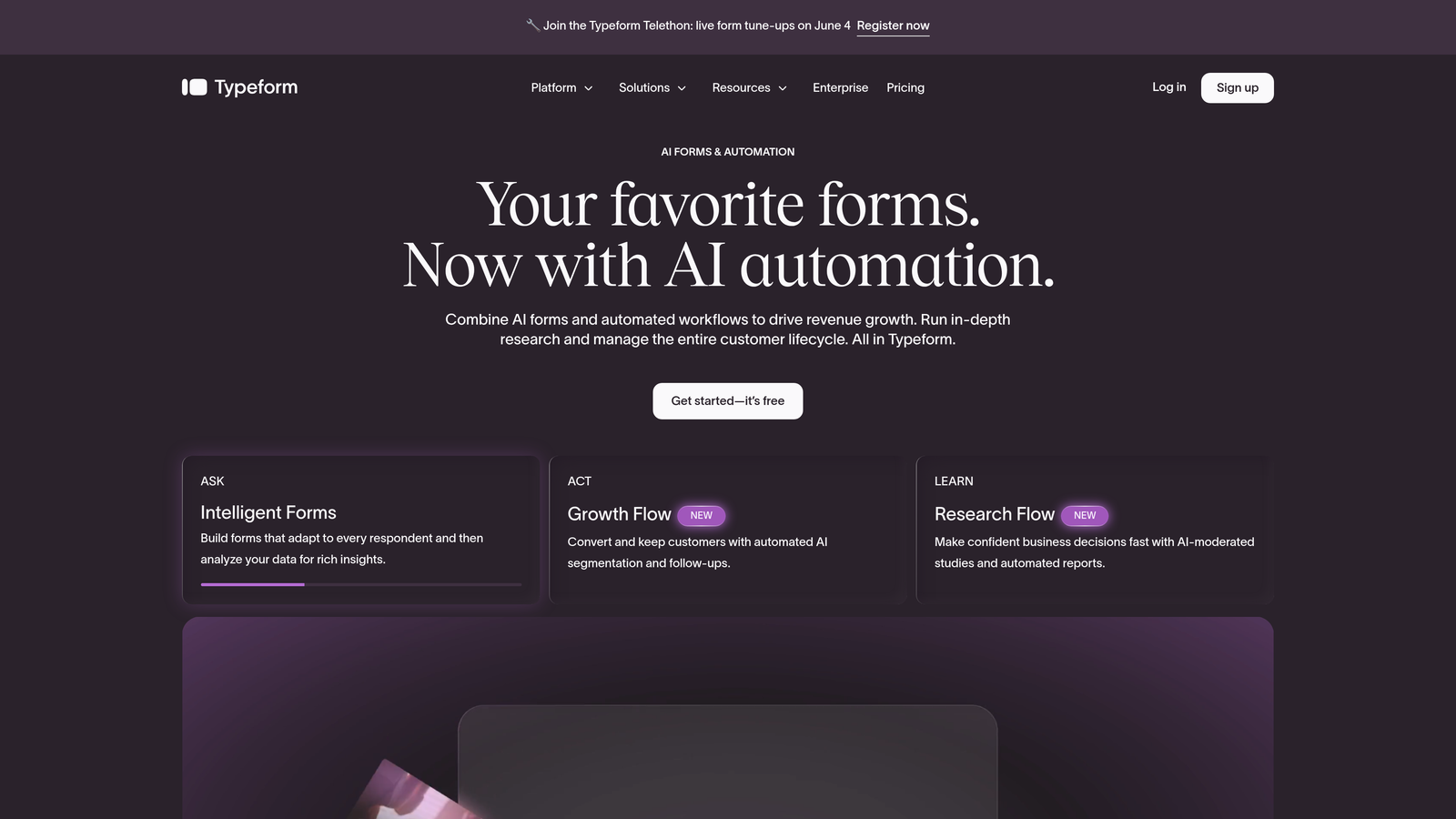
Typeform is a conversational form builder known for its one-question-at-a-time format that drives higher engagement and completion rates.
Where This Tool Shines
Typeform's signature format works because it feels less like a form and more like a conversation. For top-of-funnel content offers, surveys, or any touchpoint where first impressions matter, this approach consistently outperforms traditional multi-field forms in completion rate.
The trade-off is pricing structure. Typeform's response-based model means costs scale with volume, and core features like conditional logic and integrations are gated behind paid tiers. Teams that need high monthly submission volumes should model their actual costs carefully before committing.
Key Features
Conversational One-at-a-Time UX: Each question appears individually, reducing form abandonment and improving perceived simplicity.
Brand Customization: Strong visual design controls including custom fonts, colors, and background imagery on paid plans.
Logic Jumps and Conditional Branching: Route respondents through different question paths based on prior answers (available on paid tiers).
Integration Library: Connects with Salesforce, HubSpot, Slack, and hundreds of other tools via native connectors and Zapier.
Response-Based Pricing: Costs are tied to monthly response volume, which requires careful planning at scale.
Best For
Marketing teams focused on brand-aligned lead capture experiences, survey-heavy workflows, or any scenario where form completion rate is the primary metric. Less ideal for high-volume lead gen where per-response pricing adds up quickly.
Pricing
Free tier available with limited responses and branding. Paid plans start around $25 to $29/month, scaling to $99/month or more for Business. Verify current pricing at typeform.com.
3. HubSpot Forms
Best for: Teams already operating within the HubSpot ecosystem who want zero-friction CRM sync.
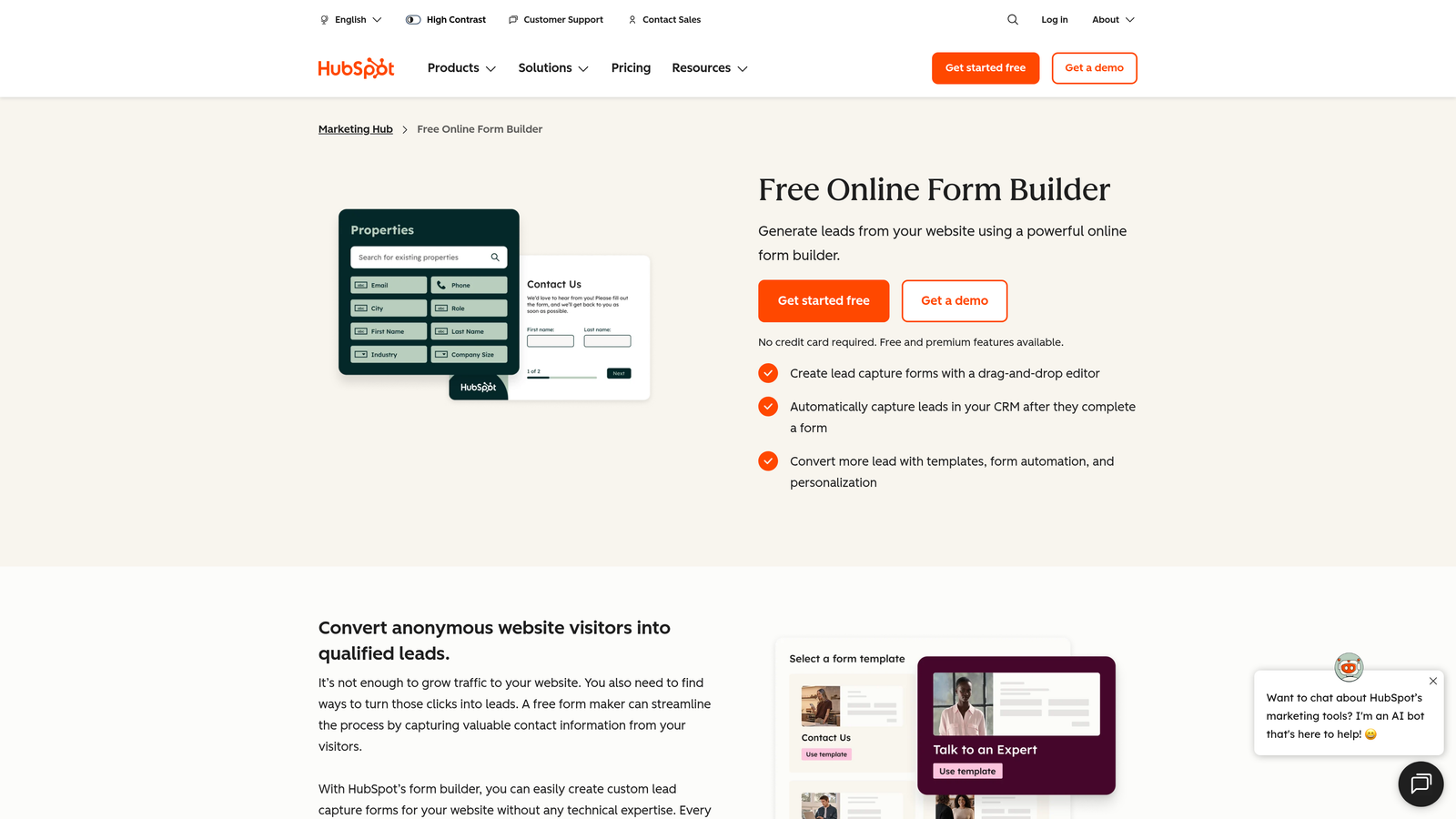
HubSpot Forms is a native form builder included within HubSpot's CRM platform, offering seamless lead sync for teams already invested in the HubSpot stack.
Where This Tool Shines
If your team already lives in HubSpot, the forms tool is genuinely excellent. There's no integration to configure, no field mapping to maintain, and no risk of data dropping between systems. Every submission creates or updates a contact record automatically, and progressive profiling means returning visitors aren't asked questions HubSpot already knows the answers to.
The catch is that the most powerful features, including smart forms, advanced segmentation, and deeper automation triggers, are tied to Marketing Hub paid tiers. For teams not already paying for HubSpot, the total cost equation changes significantly.
Key Features
Free with HubSpot CRM: No additional cost for basic forms if you're already using HubSpot's free CRM tier.
Progressive Profiling: Automatically swaps out questions for known contacts, gathering new data on each visit without repetition.
Smart Forms: Adapt based on existing CRM data, creating a personalized capture experience for returning leads.
Automatic Contact Record Creation: Every submission flows directly into your CRM with no manual import required.
Marketing Hub Integration: Unlocks advanced nurture workflows, lead scoring, and automation on paid tiers.
Best For
Teams already using HubSpot CRM or Marketing Hub who want native forms without adding another tool to their stack. For teams not already paying for HubSpot, the cost of accessing advanced features makes this a less competitive standalone option.
Pricing
Free with HubSpot's free CRM. Advanced features require Marketing Hub, which starts around $800/month for the Pro tier. Verify current pricing at hubspot.com.
4. Unbounce
Best for: Paid acquisition teams who need landing pages and lead capture managed in a single platform.
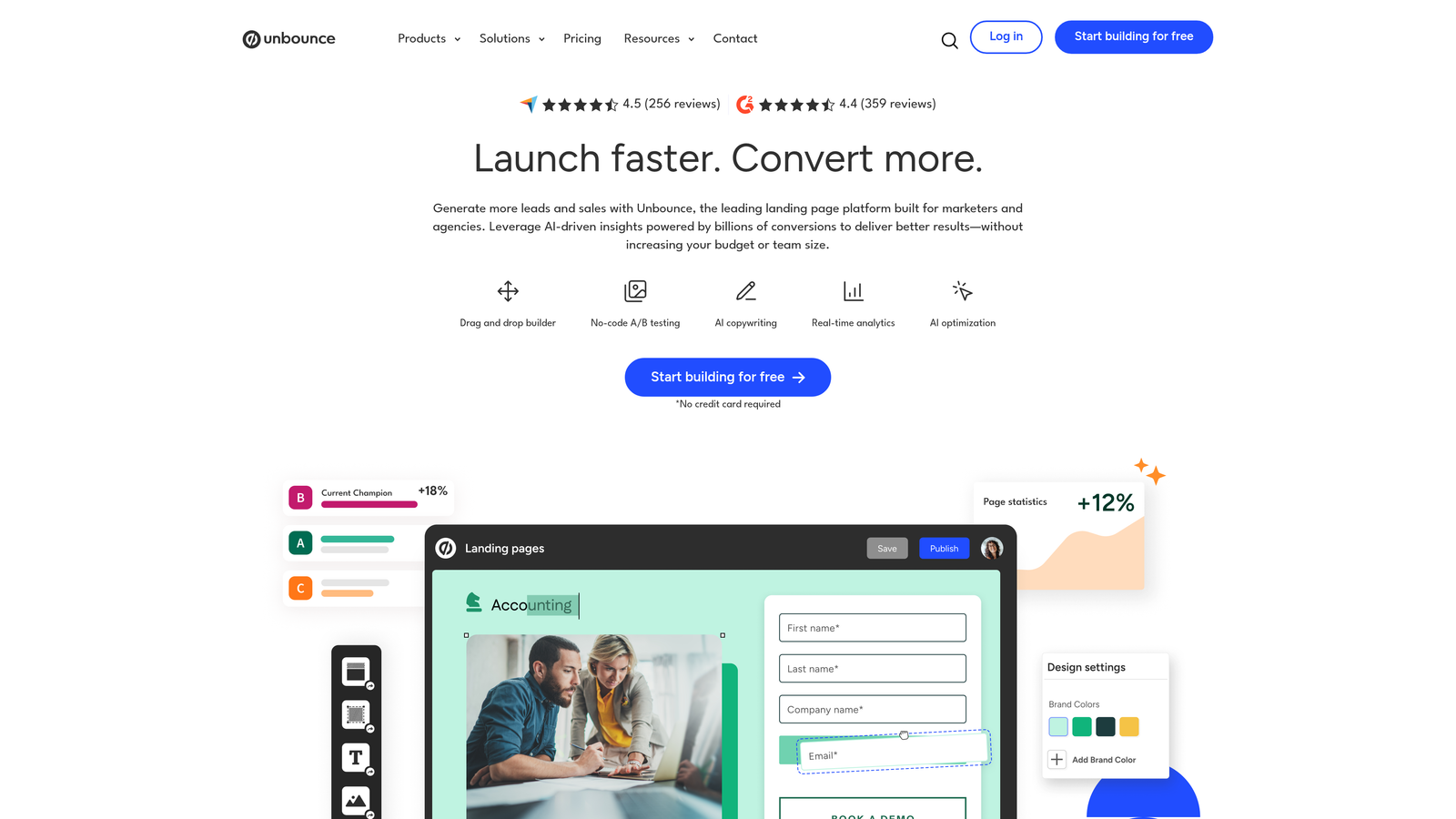
Unbounce is a landing page builder with integrated lead capture forms, featuring AI-powered traffic routing designed to maximize conversion rates across variants.
Where This Tool Shines
Unbounce isn't primarily a form tool. It's a conversion platform where forms happen to be one component. The real value is in combining landing page creation, A/B testing, and AI Smart Traffic in a single workflow. For teams running paid campaigns, this eliminates the friction of stitching together a page builder, a form tool, and a testing platform.
AI Smart Traffic automatically routes visitors to the landing page variant most likely to convert for their profile, which can meaningfully improve campaign performance without manual testing cycles. The cost is higher than standalone form tools, but the scope is also broader.
Key Features
AI Smart Traffic: Automatically directs visitors to the highest-converting page variant based on their attributes.
Drag-and-Drop Page Builder: Build and embed forms within fully customized landing pages without developer support.
A/B Testing: Built-in split testing across page variants without requiring a separate tool.
Popups and Sticky Bars: Additional capture formats beyond embedded forms for multi-touchpoint campaigns.
CRM and Email Integrations: Connects with Salesforce, HubSpot, Mailchimp, and other major platforms.
Best For
Performance marketing teams running paid acquisition campaigns who want landing page creation and lead capture in one platform. Overkill for teams who only need forms; excellent value for teams managing high-volume paid traffic.
Pricing
Plans start around $74 to $99/month for the Build plan. Verify current pricing at unbounce.com, and pay attention to per-conversion pricing structures on some plans if you're running high-volume campaigns.
5. Jotform
Best for: Teams needing high-volume, multi-purpose forms across diverse use cases without heavy per-submission costs.
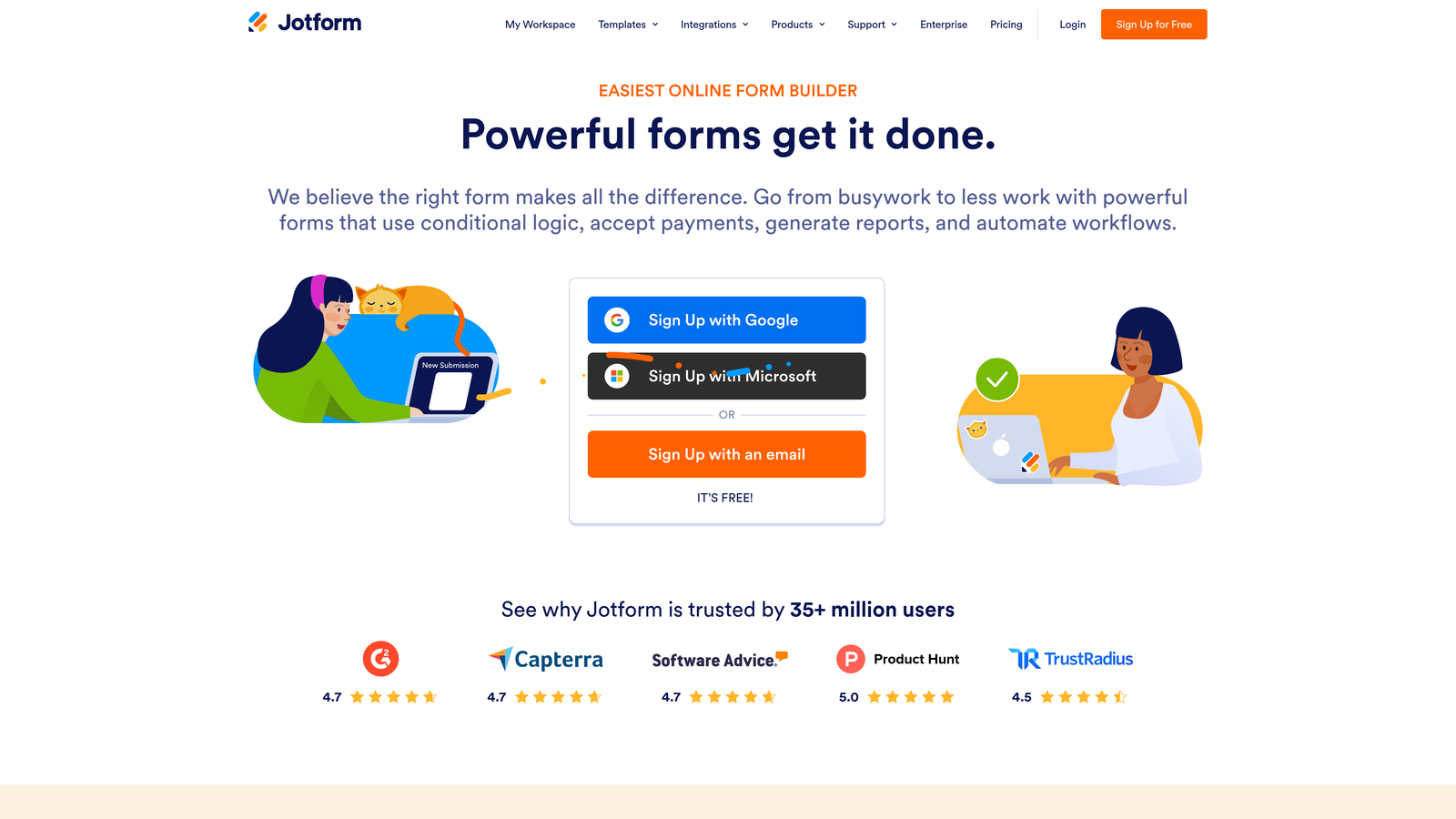
Jotform is a versatile form builder with an extensive template library and broad integration support, suited for teams that need forms to do many different jobs.
Where This Tool Shines
Jotform's breadth is its biggest advantage. With a large template library spanning industries and use cases, teams can deploy forms quickly without starting from scratch. Payment collection, e-signatures, file uploads, and scheduling can all be handled within the same platform, which reduces the need for multiple point solutions.
For teams with diverse form needs across departments, such as HR, sales, operations, and marketing, Jotform often works out cheaper than maintaining separate tools for each function. The submission limits on paid tiers are generally generous, making it a reasonable choice for moderate-to-high volume capture.
Key Features
Extensive Template Library: Thousands of pre-built form templates across industries, reducing setup time significantly.
Generous Submission Limits: Paid tiers offer higher submission allowances than many competitors at similar price points.
Payment and E-Signature Support: Collect payments, signatures, and file uploads natively without additional tools.
Broad Integration Library: 100+ native integrations plus Zapier connectivity for connecting to virtually any CRM or email platform.
Team Collaboration: Multi-user access and collaboration features available on higher tiers.
Best For
Teams with diverse form needs across multiple departments, or those who need payment collection and e-signatures alongside lead capture. Not the strongest choice if lead qualification and scoring are primary requirements.
Pricing
Free tier available with submission limits. Paid plans start around $34/month (Bronze), scaling through Silver, Gold, and Enterprise. Verify current pricing at jotform.com.
6. Leadpages
Best for: Small businesses and solopreneurs who want predictable, flat-rate pricing with unlimited pages and leads.
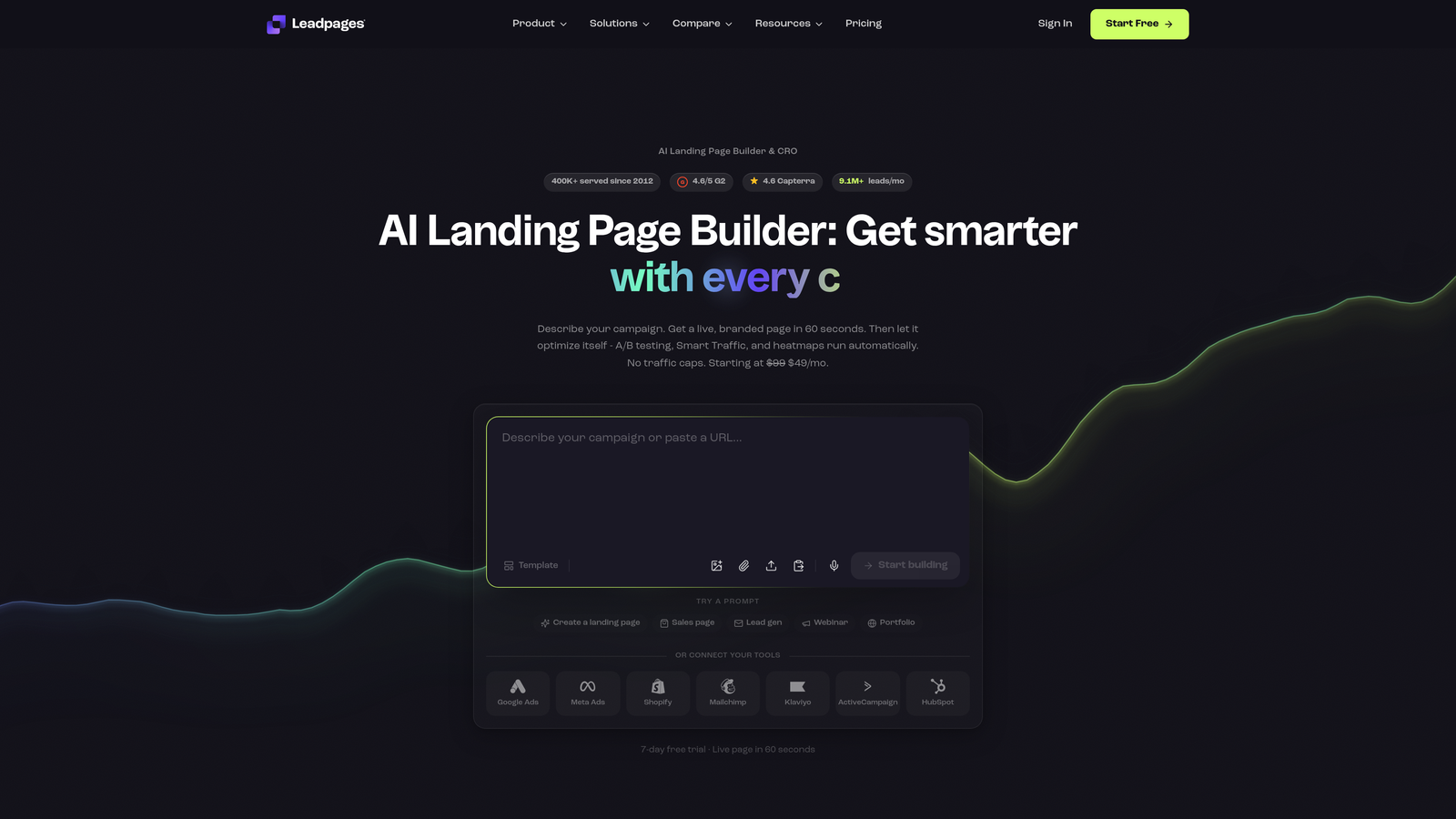
Leadpages is a landing page and lead capture platform with flat-rate pricing, offering unlimited pages and leads on all paid plans.
Where This Tool Shines
In a market where costs often scale with volume, Leadpages' flat-rate model is genuinely refreshing. You pay the same whether you capture 100 leads or 10,000 in a month. For teams with unpredictable traffic spikes or seasonal campaigns, this removes a significant source of billing anxiety.
The platform covers the essentials well: drag-and-drop page building, mobile-responsive templates, built-in lead notifications, and opt-in forms. It's not the most sophisticated tool for lead qualification or CRM automation, but for straightforward capture workflows it delivers consistent value at a predictable price.
Key Features
Flat-Rate Unlimited Pricing: Unlimited landing pages and leads on all paid plans, regardless of traffic volume.
Drag-and-Drop Builder: Mobile-responsive templates with a straightforward visual editor requiring no coding skills.
Built-In Lead Notifications: Instant email alerts and opt-in form management without additional tools.
A/B Split Testing: Available on the Pro plan for optimizing page and form performance.
Best For
Small businesses, consultants, and early-stage teams who want simple, reliable lead capture with no per-lead or per-page cost surprises. Teams needing advanced qualification, scoring, or CRM automation will likely outgrow it.
Pricing
Standard plan around $37 to $49/month; Pro around $74 to $99/month. Verify current pricing at leadpages.com.
7. Paperform
Best for: Teams that need forms, payments, bookings, and content experiences managed in a single flexible interface.
Paperform is a flexible form builder with a document-style editor that blends rich content, payments, bookings, and lead capture in a single interface.
Where This Tool Shines
Paperform occupies a distinctive niche. Its document-style editor lets you mix written content, images, and form fields in a single page, which makes it well-suited for forms that need to educate or inform respondents as they complete them. Think intake forms, onboarding questionnaires, or proposal-style capture pages.
Native payment processing, booking capabilities, and calculation fields add functional depth that most form builders require third-party integrations to match. For agencies managing multiple client accounts, the Agency plan provides a centralized workspace for form management across clients.
Key Features
Document-Style Editor: Mix content and form fields in a single page, creating richer, more informative capture experiences.
Native Payment Processing: Accept payments via Stripe, PayPal, and Braintree without additional integrations.
Booking and Scheduling: Built-in appointment booking capabilities alongside standard form capture.
Conditional Logic and Calculations: Advanced branching and field calculation logic for complex form workflows.
Agency Plan: Manage multiple client form workspaces from a centralized account.
Best For
Agencies, consultants, and teams that need forms to do more than collect data. Particularly strong when forms need to incorporate content, collect payments, or manage bookings alongside lead capture.
Pricing
Essentials plan around $24/month; Agency plan around $159/month. Verify current pricing at paperform.io.
8. ActiveCampaign Forms
Best for: Teams running sophisticated email nurture workflows who want form capture and automation in a unified system.
ActiveCampaign Forms is a lead capture tool built into ActiveCampaign's marketing automation platform, designed for teams where form submission is the start of a complex nurture journey.
Where This Tool Shines
ActiveCampaign's forms are most powerful when you're already using the platform for email marketing and automation. A form submission can instantly trigger a segmented automation sequence, update contact tags, and initiate a multi-step nurture workflow without any third-party integration. The depth of conditional logic tied to contact behavior is genuinely impressive for teams running sophisticated campaigns.
Site tracking connects form submissions to a contact's full behavioral history, giving your team context that standalone form tools simply can't provide. The trade-off is that forms aren't the main event here. You're paying for the broader automation platform, and the value scales with how much of that platform you actually use.
Key Features
Automation Triggers: Form submissions directly activate segmented email sequences, contact tagging, and workflow branching.
Behavioral Conditional Logic: Deep logic tied to contact history, not just current form answers.
Site Tracking: Connects form submissions to a contact's full on-site behavioral journey.
Multiple Form Formats: Inline, floating, and modal form types for flexible placement across your site.
Contact List-Based Pricing: Costs scale with your contact database size rather than submission volume.
Best For
Teams already using or planning to use ActiveCampaign for email marketing and automation. The forms tool is a strong complement to the platform but offers limited standalone value compared to dedicated form builders.
Pricing
Lite plans start around $15 to $29/month for small contact lists, scaling with contact volume. Verify current pricing at activecampaign.com.
9. Google Forms
Best for: Internal data collection, early-stage teams, or any scenario where budget is zero and requirements are basic.
Google Forms is a free, no-frills form builder from Google, best suited for simple data collection rather than serious lead generation pipelines.
Where This Tool Shines
There's no faster path from "I need a form" to "the form exists" than Google Forms. It's free, requires no setup, has no submission limits, and automatically pipes responses into Google Sheets. For internal surveys, event registrations, or basic data collection where brand experience doesn't matter, it gets the job done without friction.
The ceiling is low, though. There's no native CRM integration, no lead scoring, no conditional logic beyond basic branching, and no meaningful customization. For teams serious about lead generation, Google Forms is a starting point, not a strategy.
Key Features
Completely Free: No cost, no submission limits, no paid tiers to navigate.
Google Sheets Integration: Responses automatically populate a connected spreadsheet for easy review and export.
Basic Question Types: Multiple choice, short answer, dropdowns, and simple branching logic cover most basic needs.
No Native CRM Integration: Connecting to a CRM requires Zapier, Make, or manual export workflows.
Google Workspace Included: Available to anyone with a Google account, including all Workspace subscribers.
Best For
Early-stage startups, internal teams, or any scenario where budget is zero and capture requirements are straightforward. Not suitable for teams where lead quality, qualification, or CRM sync are priorities.
Pricing
Free with any Google account. Included in all Google Workspace plans at no additional cost.
Which Platform Is Right for Your Team?
Nine platforms, nine different value propositions. Here's how to cut through the noise and match the right tool to your actual situation.
Best value at scale: Orbit AI earns this position for teams where lead quality matters as much as volume. When you factor in the cost of separate lead scoring tools, CRM cleanup, and wasted sales cycles on unqualified leads, a platform that qualifies at the point of capture changes the total cost equation significantly.
Best free or low-cost entry: Google Forms for truly zero-budget scenarios. For teams ready to invest a small amount, ActiveCampaign's Lite tier or Paperform's Essentials plan offer meaningful capability without significant financial commitment.
Best for CRM-heavy teams: HubSpot Forms wins here if you're already in the HubSpot ecosystem. The seamless sync, progressive profiling, and smart form capabilities are difficult to replicate with any external tool at the same level of native integration.
Best for conversion-focused growth teams: Orbit AI is purpose-built for this. If your primary goal is improving the quality and conversion rate of inbound leads rather than simply collecting more submissions, the AI-powered qualification layer is a meaningful differentiator.
One final note on total cost of ownership: the cheapest base price rarely reflects what you'll actually pay at scale. Factor in per-seat fees, submission overages, integration costs, and the price of separate tools you won't need if your form platform handles qualification natively.
If you're ready to stop sorting through unqualified submissions and start capturing leads that are already pre-scored for your sales team, start building free forms today and see what AI-powered lead qualification looks like in practice.


