

Not all form builders are created equal. If your forms are still static, one-size-fits-all fields collecting unqualified leads, you're leaving serious revenue on the table. Intelligent form builder platforms go beyond basic input collection: they adapt to user responses, qualify leads in real time, route submissions automatically, and integrate deeply with your growth stack.
Whether you're a SaaS team running high-volume lead gen campaigns or an agency optimizing conversion funnels for clients, the right platform can fundamentally change what your forms do for your business. This guide covers the best intelligent form builder platforms in 2026, evaluated on AI capabilities, lead qualification features, UX quality, integration depth, and pricing.
We've included options for teams of all sizes, from early-stage startups to enterprise revenue teams, so you can find the right fit without wading through endless feature comparisons.
1. Orbit AI
Best for: High-growth SaaS and B2B teams that need forms to qualify leads, not just collect them.
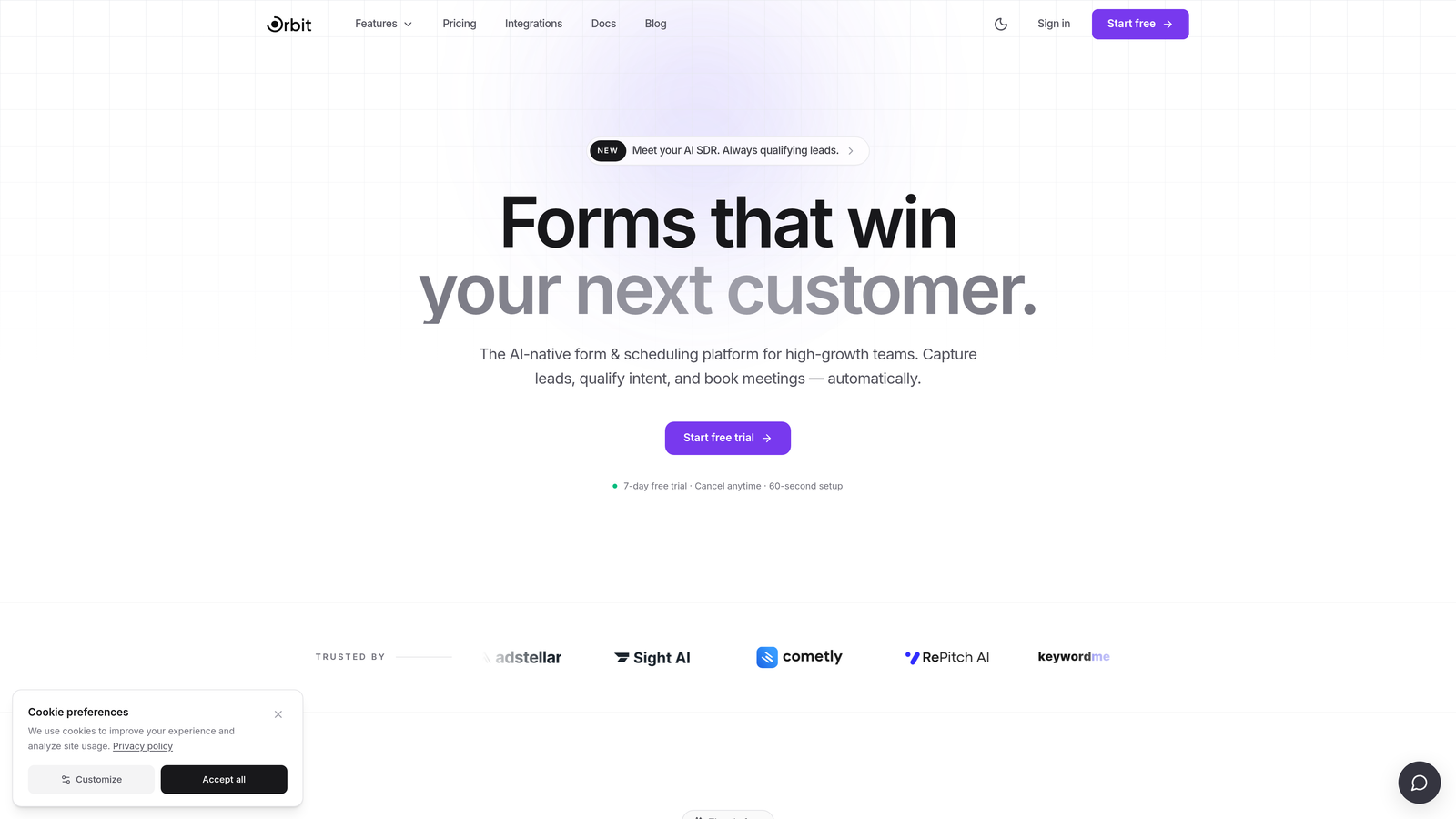
Orbit AI is an AI-powered form builder platform built specifically for teams where lead quality matters as much as lead volume.
Where This Tool Shines
What separates Orbit AI from most form builders is where the intelligence lives. Rather than bolting on lead scoring as an afterthought in a downstream CRM workflow, Orbit AI embeds qualification directly into the form experience itself. As a prospect moves through your form, the AI is already evaluating their responses in real time.
This means your sales team receives pre-qualified leads with context, not just a raw list of email addresses. For high-growth teams where speed-to-qualified-lead is a competitive advantage, that distinction matters a lot.
Key Features
AI-Powered Lead Qualification: Scores leads based on form responses in real time, so qualification happens before the submission ever hits your CRM.
Conversion-Optimized Templates: Pre-built templates designed specifically for B2B and SaaS lead gen use cases, with conversion-focused defaults baked in.
Conditional Logic and Dynamic Fields: Forms adapt to each respondent's answers, creating a personalized path that feels relevant rather than generic.
Lead Routing by Score: Automatically routes submissions based on qualification score, so high-intent leads reach the right rep immediately.
Modern Form UI: Clean, polished design that maximizes completion rates without requiring design resources to customize.
Best For
Orbit AI is the strongest fit for SaaS companies, B2B demand gen teams, and growth marketers who need their forms to do more than collect data. If lead quality and real-time qualification are core priorities, this platform was built with your use case in mind.
Pricing
Visit orbitforms.ai for current pricing tiers. Multiple plans are available to match different team sizes and usage volumes.
2. Typeform
Best for: Teams that want a conversational, dialogue-style form experience to improve completion rates.
Typeform is a well-established conversational form platform known for its distinctive one-question-at-a-time interface.

Where This Tool Shines
Typeform's core insight is that forms feel less intimidating when they resemble a conversation. By presenting one question at a time, the experience feels more like a dialogue than a data extraction exercise, which tends to reduce abandonment on longer forms.
The platform has also introduced AI-assisted form creation features in recent product iterations, letting you generate form structures from a prompt. It's a mature platform with a broad integration library, making it a reliable choice for marketing, research, and product teams.
Key Features
Conversational Interface: One-question-at-a-time format creates a more engaging, less overwhelming form experience for respondents.
Logic Jumps and Branching: Personalize the form path based on previous answers to keep questions relevant.
Wide Integration Library: Connects natively with HubSpot, Salesforce, Zapier, and many other tools in the modern growth stack.
Rich Media in Questions: Embed video and images directly within questions to add context or brand personality.
AI-Assisted Form Creation: Generate form structures using AI to speed up the build process.
Best For
Typeform works well for marketing teams, researchers, and product teams running surveys, NPS campaigns, or top-of-funnel lead gen forms where the conversational experience is a priority. Teams that need deep, native AI lead qualification may want to evaluate platforms built specifically around that use case.
Pricing
A free plan is available with limited features. Paid plans start at approximately $25/month, though you should verify current pricing directly on Typeform's website as tiers evolve.
3. HubSpot Forms
Best for: Teams already operating within the HubSpot ecosystem who want zero-friction CRM data flow.
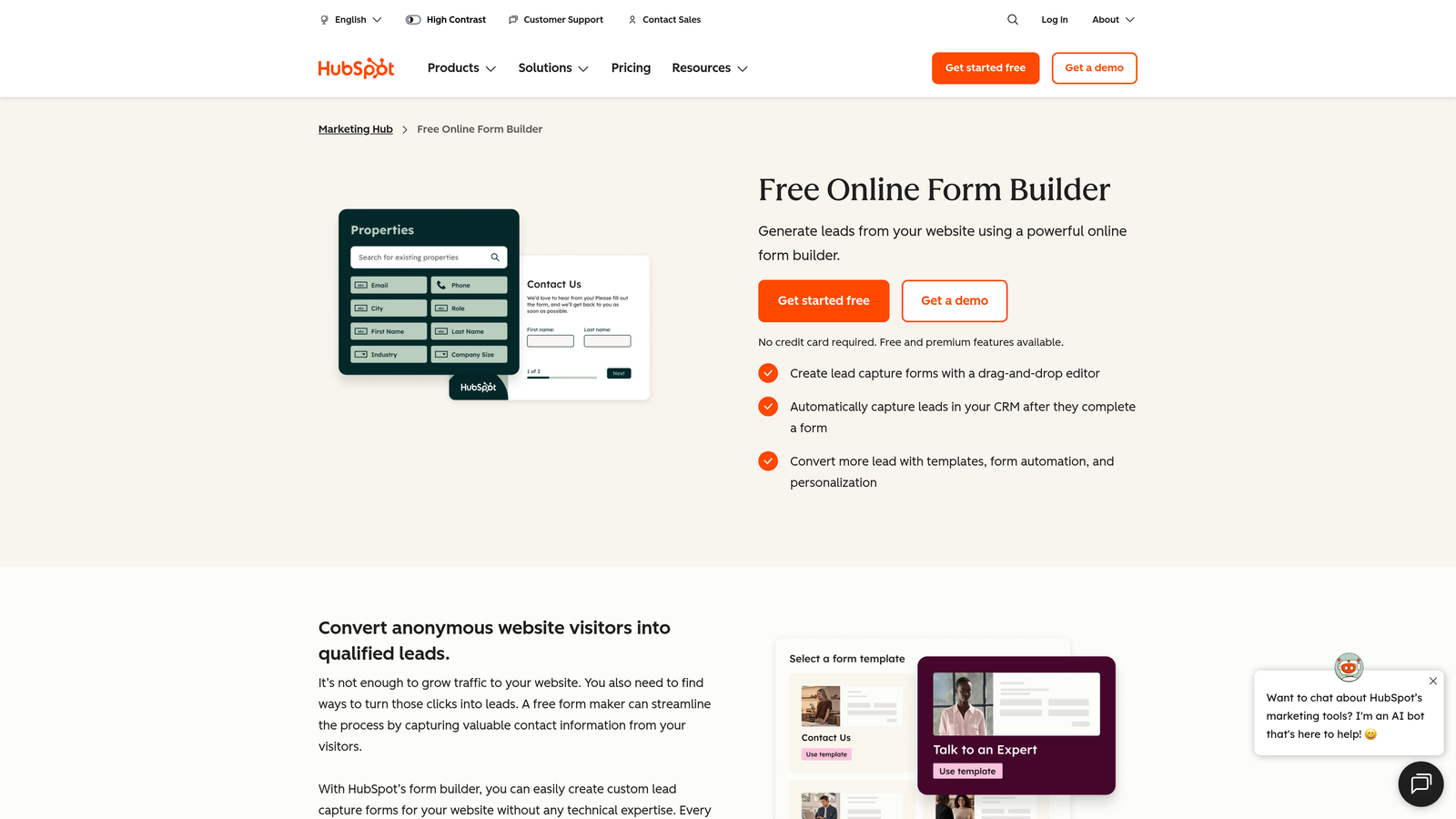
HubSpot Forms is a native form builder embedded directly in the HubSpot platform, designed to feed data seamlessly into HubSpot CRM and marketing workflows.
Where This Tool Shines
If your team lives in HubSpot, the case for HubSpot Forms is simple: there's no integration to manage. Submissions go directly into contact records, trigger workflows, and enroll leads in sequences without any middleware. That operational simplicity is genuinely valuable.
The standout intelligent feature here is progressive profiling. Rather than showing the same fields to every visitor, HubSpot Forms can display different fields to contacts it already recognizes, gradually enriching their record over multiple touchpoints without asking for information it already has.
Key Features
Native HubSpot CRM Sync: Form submissions flow directly into contact records with no integration configuration required.
Progressive Profiling: Shows different fields to known contacts, enriching records incrementally across sessions.
Workflow Enrollment on Submission: Automatically trigger HubSpot workflows the moment a form is submitted.
Embedded and Pop-Up Options: Deploy forms inline on pages or as pop-ups based on visitor behavior.
Free Tier Access: Available at no cost with HubSpot's free plan, making it accessible for teams just getting started.
Best For
HubSpot Forms is the right choice for teams already committed to HubSpot as their CRM and marketing platform. As a standalone form builder evaluated independently, it's more limited. Its value is almost entirely tied to the HubSpot ecosystem around it.
Pricing
Free with HubSpot's free plan. Advanced form features and workflow capabilities require paid HubSpot tiers. Verify current plan details at hubspot.com.
4. Jotform
Best for: Operations-heavy teams managing diverse form types across multiple departments or workflows.
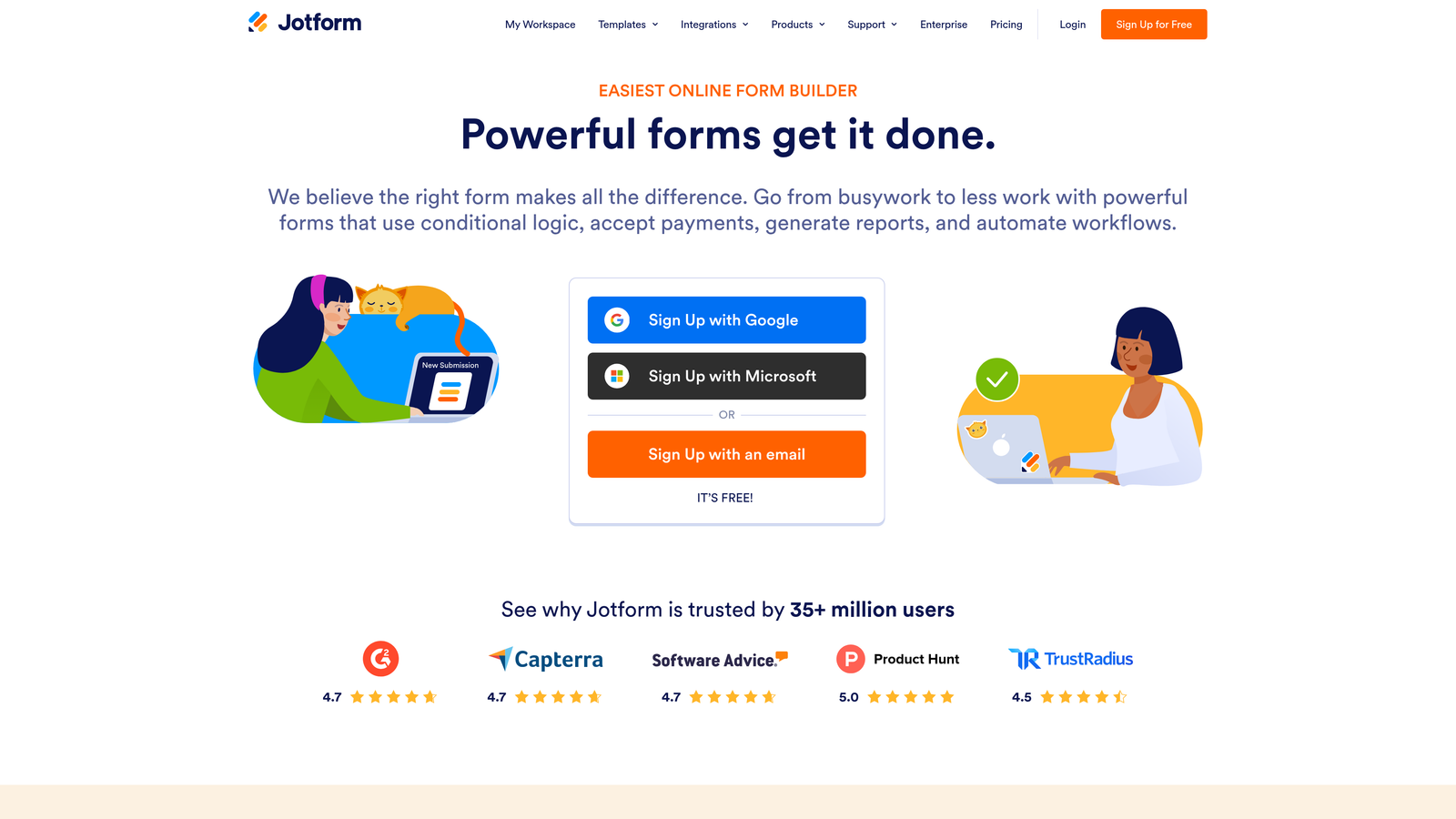
Jotform is a versatile form builder with one of the largest template libraries in the category, plus built-in workflow automation, approvals, and payment collection.
Where This Tool Shines
Jotform's breadth is its defining characteristic. With thousands of pre-built templates spanning use cases from HR onboarding to event registration to payment collection, it's built for teams that need to spin up many different form types quickly. The built-in approval workflow and multi-step routing features make it particularly useful for internal processes.
Jotform has also introduced an AI form builder that can generate form structures from a description, which speeds up the creation process for teams managing high form volume. It's less focused on lead qualification specifically, but very capable as a general-purpose form platform.
Key Features
Massive Template Library: Thousands of pre-built templates across dozens of use case categories, reducing build time significantly.
Built-In Approval Workflows: Multi-step routing and approval flows for internal processes without needing a separate tool.
Native Payment Collection: Accept payments via Stripe, PayPal, and Square directly through form submissions.
Broad Integration Library: Connects with hundreds of apps across CRM, marketing, and productivity categories.
AI Form Builder: Generate form structures quickly from a text description to accelerate the creation process.
Best For
Jotform is well-suited for operations teams, HR departments, event coordinators, and businesses that need to manage many different form types in one place. It's less specialized for high-growth B2B lead gen, but highly capable for operational and administrative use cases.
Pricing
A free plan is available. Paid plans start at approximately $34/month, scaling with submission volume. Verify current pricing at jotform.com.
5. Tally
Best for: Budget-conscious teams that want a modern, clean form experience without paying for features they won't use.
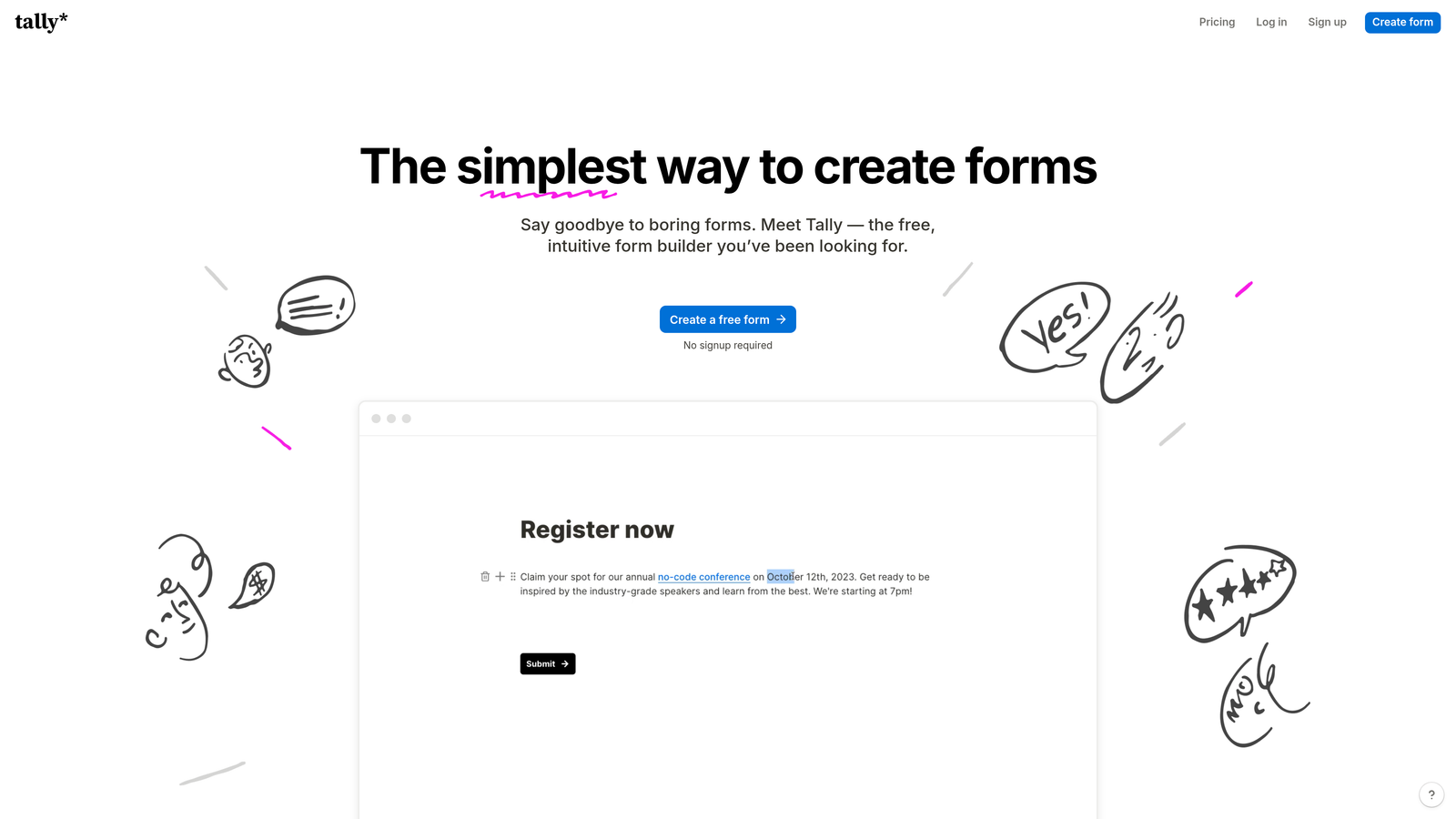
Tally is a Notion-inspired form builder with a fast, intuitive block editor and one of the most generous free tiers in the entire category.
Where This Tool Shines
Tally's editor is genuinely a pleasure to use. If you've spent time in Notion, the building experience will feel immediately familiar: block-based, clean, and fast. You can build a well-structured form in minutes without wrestling with a complex interface.
What really sets Tally apart at the entry level is the free plan: unlimited forms and unlimited responses, which is rare in this category. For early-stage teams or individuals who want a modern form tool without a monthly commitment, Tally is hard to beat on value.
Key Features
Notion-Like Block Editor: Intuitive, block-based interface that makes form building fast and approachable for any team member.
Unlimited Free Tier: Unlimited forms and responses on the free plan, as of current information (verify at tally.so).
Conditional Logic: Branch form paths based on respondent answers to keep the experience relevant.
Flexible Embedding: Embed forms anywhere with a simple code snippet, including websites and landing pages.
Integration Support: Growing native integration library plus Zapier connections for broader automation.
Best For
Tally is an excellent choice for early-stage startups, freelancers, and small teams who want a clean, modern form experience without the cost. Teams that need advanced AI lead qualification or deep CRM integration will likely outgrow it, but as a starting point it delivers strong value.
Pricing
Generous free tier with unlimited forms and responses. A Pro plan is available for additional features. Verify current pricing at tally.so.
6. Fillout
Best for: Teams building complex multi-step qualification flows or onboarding sequences with database integrations.
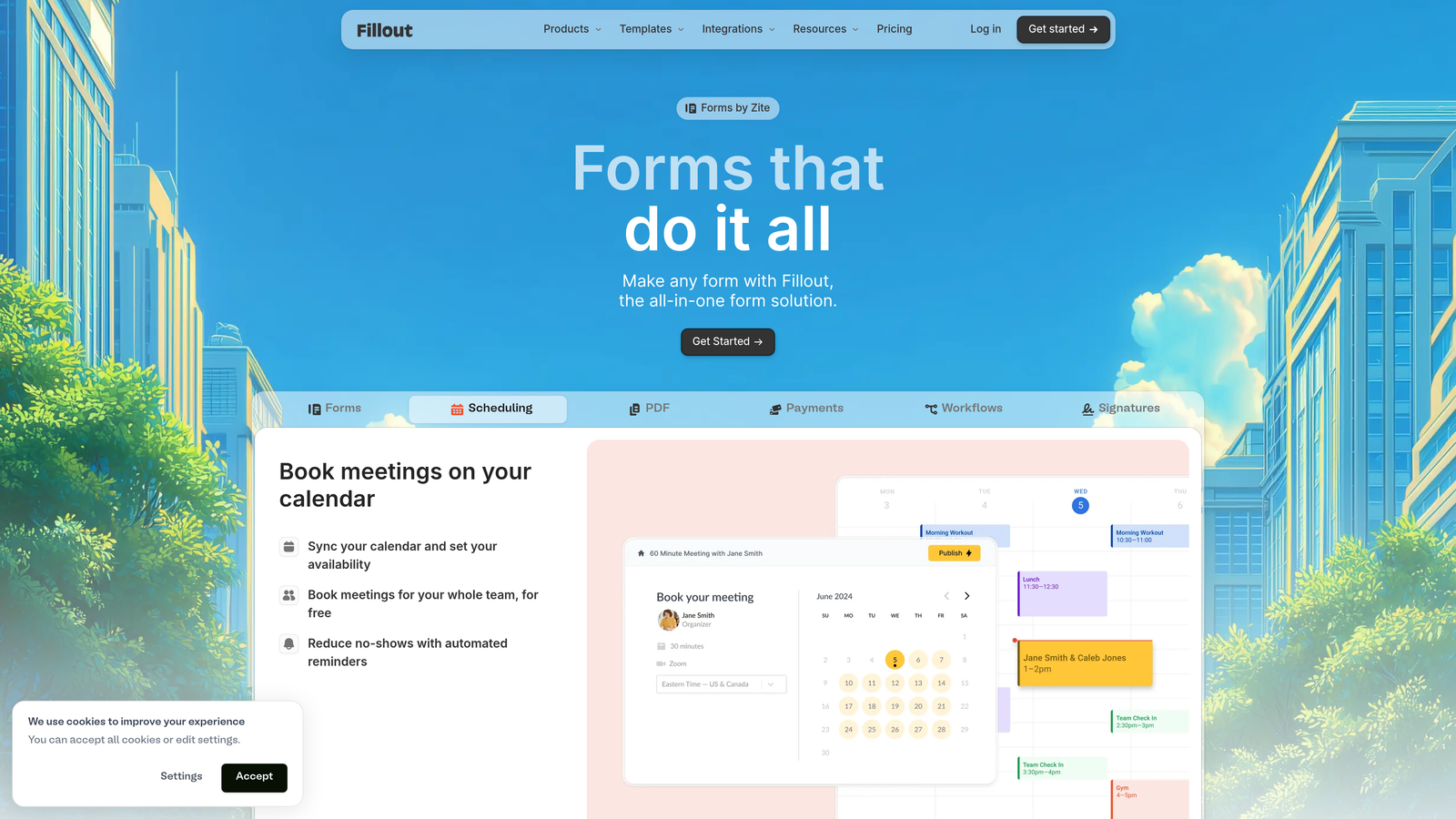
Fillout is a newer-generation form builder gaining traction for its powerful conditional logic, multi-step form support, and native integrations with tools like Notion and Airtable.
Where This Tool Shines
Fillout has carved out a strong position for teams building more complex form flows, particularly those using Notion or Airtable as their operational database. The native integrations mean form responses can populate directly into your existing data structures without middleware, which is a meaningful time saver for product and ops teams.
The conditional logic capabilities are notably strong for a platform at this price point, making it a solid option for teams building multi-branch qualification or onboarding flows without the complexity of enterprise tools.
Key Features
Advanced Conditional Logic: Build complex, multi-branch form flows that adapt dynamically based on respondent inputs.
Native Notion and Airtable Integration: Connect forms directly to your existing databases without relying on Zapier.
AI-Assisted Form Building: Generate form structures using AI to speed up creation for common use cases.
Multi-Step and Multi-Page Support: Structure longer forms across multiple steps to improve completion rates.
Clean Builder Interface: Modern, intuitive editor that doesn't require a steep learning curve.
Best For
Fillout is a great fit for product teams, operations teams, and growth marketers who work heavily in Notion or Airtable and need forms that connect directly to those environments. It's also a strong option for teams that need sophisticated conditional logic at a competitive price point.
Pricing
A free plan is available. Paid plans are competitively priced. Verify current tiers at fillout.com before making a decision.
7. Paperform
Best for: Brand-forward teams that want forms to feel like polished, on-brand landing pages.
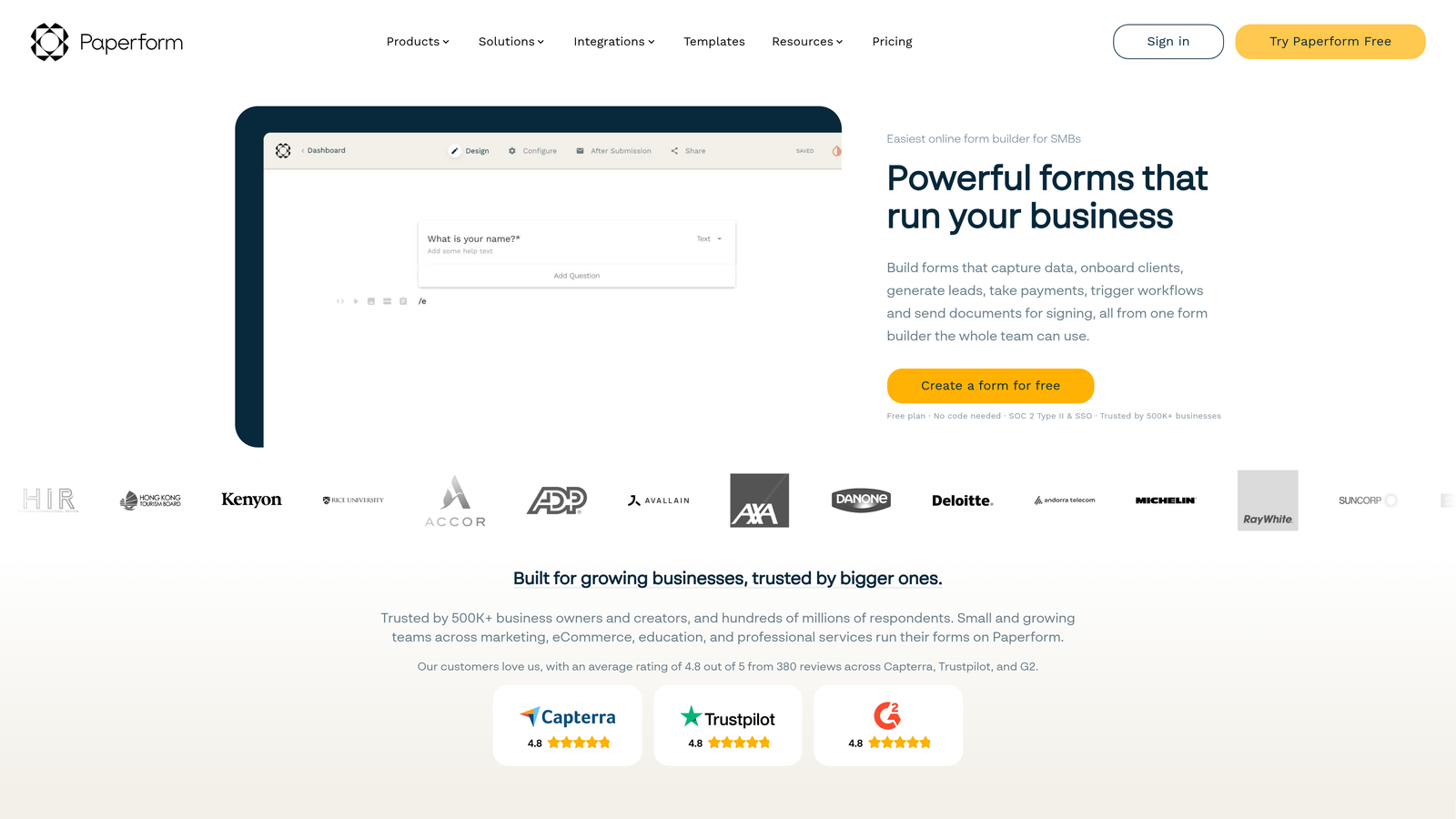
Paperform is a design-forward form builder that lets teams embed rich text, images, and video directly in forms, creating experiences that feel closer to a branded landing page than a traditional form.
Where This Tool Shines
Most form builders treat design as secondary to function. Paperform inverts that priority. The platform gives you genuine design flexibility: rich text blocks, embedded images and video, custom fonts, and full color control, all without writing code. The result is forms that can authentically reflect your brand identity.
Beyond aesthetics, Paperform handles conditional logic, calculation fields, payment collection, and booking integrations, making it capable for a range of use cases where visual presentation matters as much as data collection.
Key Features
Rich Media Embedding: Place text, images, and video alongside form fields to create context-rich, branded experiences.
Deep Visual Customization: Full control over colors, fonts, and layout without requiring any coding knowledge.
Conditional Logic and Calculations: Build branching paths and calculated fields for more dynamic form experiences.
Payment and Booking Integration: Accept payments and schedule appointments directly through form submissions.
Strong Template Library: A well-curated set of templates for creative, service-based, and e-commerce use cases.
Best For
Paperform is ideal for creative agencies, consultants, coaches, and brand-conscious businesses where the visual quality of the form experience is a priority. It's less specialized for high-volume B2B lead qualification, but excellent for teams where brand presentation in the form itself matters.
Pricing
Paid plans start at approximately $24/month. No free plan is available, though a trial period is offered. Verify current pricing at paperform.co.
8. Formstack
Best for: Enterprise teams and regulated industries that require HIPAA compliance, SSO, and audit trails.
Formstack is an enterprise-grade form platform built for organizations where compliance, security, and auditability are non-negotiable requirements.
Where This Tool Shines
Formstack occupies a distinct position in this category: it's built for environments where a data breach or compliance failure carries serious consequences. Healthcare organizations, financial services firms, and other regulated industries need form infrastructure that meets HIPAA, GDPR, and enterprise security standards. Formstack delivers that infrastructure.
Beyond compliance, Formstack offers workflow automation, document generation, and Salesforce integration, making it a capable operational platform for enterprise teams managing complex, multi-stakeholder processes.
Key Features
HIPAA-Compliant Data Handling: Purpose-built for regulated industries where form data must meet strict privacy and security standards.
Enterprise SSO and Security Controls: Advanced access management and security features required by large organizations.
Workflow Automation and Document Generation: Automate multi-step processes and generate documents directly from form submissions.
Audit Trails: Full submission history and audit logging for compliance reporting requirements.
Salesforce and Enterprise CRM Integration: Deep integration with Salesforce and other enterprise CRM platforms.
Best For
Formstack is the right choice for healthcare organizations, financial services companies, legal firms, and any enterprise operating in a regulated environment. It's significantly overbuilt for early-stage startups, but exactly right for teams where compliance is a hard requirement.
Pricing
Enterprise pricing applies. Contact Formstack directly for current rates and to discuss which plan fits your organization's needs.
9. involve.me
Best for: Teams using interactive quizzes, assessments, or calculators as lead magnets with outcome-based routing.
involve.me is an interactive content platform that combines form logic with quiz funnels, assessments, and calculators, making it well-suited for outcome-based lead generation strategies.
Where This Tool Shines
involve.me sits at an interesting intersection between form builder and interactive content tool. If your lead generation strategy involves a quiz, a self-assessment, a product recommendation engine, or a calculator, involve.me gives you the infrastructure to build those experiences with lead capture baked in.
The platform's scoring and outcome logic lets you route respondents to different result pages based on their answers, which is powerful for personalized lead nurturing. A prospect who completes a "What solution is right for you?" assessment and lands on a tailored result page is already further along the qualification journey than someone who simply filled out a contact form.
Key Features
Quiz Funnels and Assessments: Build outcome-based quiz experiences with lead capture integrated naturally into the flow.
Calculator and Scoring Logic: Create interactive calculators and scored assessments that serve as high-value lead magnets.
Conditional Branching and Result Pages: Route respondents to personalized outcome pages based on their quiz or assessment answers.
CRM and Email Marketing Integrations: Connect with email marketing platforms and CRM tools to continue nurturing captured leads.
Flexible Embedding: Embed interactive experiences on any website, landing page, or within marketing campaigns.
Best For
involve.me is an excellent fit for content marketers, demand gen teams, and SaaS companies that use interactive content as a core lead generation channel. If your strategy relies on quizzes, assessments, or calculators as top-of-funnel assets, it's one of the most capable platforms in this space.
Pricing
A free plan is available. Paid plans scale based on pageviews and usage volume. Verify current pricing at involve.me.
Choosing the Right Platform for Your Team
The right intelligent form builder depends almost entirely on what "intelligent" means for your specific use case. Here's a quick way to think through the decision.
If lead qualification and conversion optimization are your primary goals, Orbit AI was built specifically for that outcome. The AI lead scoring happens inside the form flow, not after the fact, which is a meaningful architectural difference for revenue-focused teams.
If conversational UX and broad integrations are the priority, Typeform remains a strong, well-supported choice with a large ecosystem around it.
If you're already in HubSpot, HubSpot Forms is the path of least resistance. The integration value alone justifies it for committed HubSpot users.
If compliance is non-negotiable, Formstack is the clear choice for regulated industries that can't compromise on HIPAA and enterprise security requirements.
If interactive content is your lead gen strategy, involve.me gives you quiz funnels, assessments, and calculators with lead capture built in, which no traditional form builder matches.
For teams earlier in their journey, Tally offers a genuinely generous free tier with a modern experience, while Fillout is worth a close look for anyone building complex flows on top of Notion or Airtable.
The broader trend is clear: static, one-size-fits-all forms are becoming a competitive disadvantage. The platforms on this list all move in the direction of personalization, automation, and intelligence, but they do it in different ways for different buyers.
If you're a high-growth team where lead quality is the metric that matters most, start with a platform that treats qualification as a first-class feature rather than an afterthought. Start building free forms today with Orbit AI and see how intelligent form design can elevate your conversion strategy, from the first field to the final routing decision.


