

Static forms are conversion killers. When visitors land on a wall of fields, most bail before they've even typed their name — and your pipeline quietly takes the hit. Interactive form builders flip that dynamic entirely, turning data collection into a guided, responsive experience that feels more like a conversation than a chore.
But not all interactive builders are created equal. Some are built for surveys, others for lead gen, and a few are genuinely designed to qualify and convert at scale. This list cuts through the noise so you can find the right fit fast.
We evaluated nine tools on interactivity depth, lead qualification capabilities, conditional logic, integrations, and overall conversion focus. Whether you're a SaaS team running high-velocity lead gen or a marketing agency managing multiple clients, there's a pick here for your stack. Before diving in, it's worth checking out our guide on how to improve form conversion rates and form submission rate benchmarks to sharpen your baseline.
1. Orbit AI
Best for: High-growth SaaS and B2B teams that need AI-powered lead qualification built into the form itself.
Orbit AI is an AI-native form builder that scores, segments, and routes leads in real time as they complete your form.
Where This Tool Shines
Most form builders collect data and hand it off. Orbit AI does something different: it qualifies leads during the form experience itself, not after. As a respondent moves through the form, the AI scores and segments them based on their answers, so your sales team receives a pre-qualified lead rather than a raw submission.
This is a genuine gap in the market. Legacy tools require you to bolt on a separate scoring tool or manually set up complex CRM workflows. Orbit AI handles that logic natively, which makes it especially valuable for high-growth teams where speed-to-follow-up directly impacts conversion.
Key Features
AI-Powered Lead Qualification: Scores and segments leads in real time as they complete the form, with no third-party integration required.
Conditional Logic and Branching: Delivers personalized form paths based on each respondent's answers, reducing irrelevant questions and drop-off.
Conversion-Optimized Templates: Purpose-built for lead gen and demand gen use cases, not generic data collection.
Real-Time Lead Routing: Automatically routes qualified leads to the right rep or CRM workflow the moment a form is submitted.
No-Code Customization: Clean, modern form design that non-technical marketers can build and iterate on without developer support.
Best For
Orbit AI is built for SaaS marketing teams, demand gen leads, and B2B revenue teams who treat their forms as a qualification layer, not just a data entry point. If your pipeline depends on fast, accurate lead routing, this is the tool designed for that job.
Pricing
Visit orbitforms.ai for current plan details. Pricing is subject to change, so always verify directly with the vendor.
2. Typeform
Best for: Teams that want a polished, conversational form experience with strong brand customization.
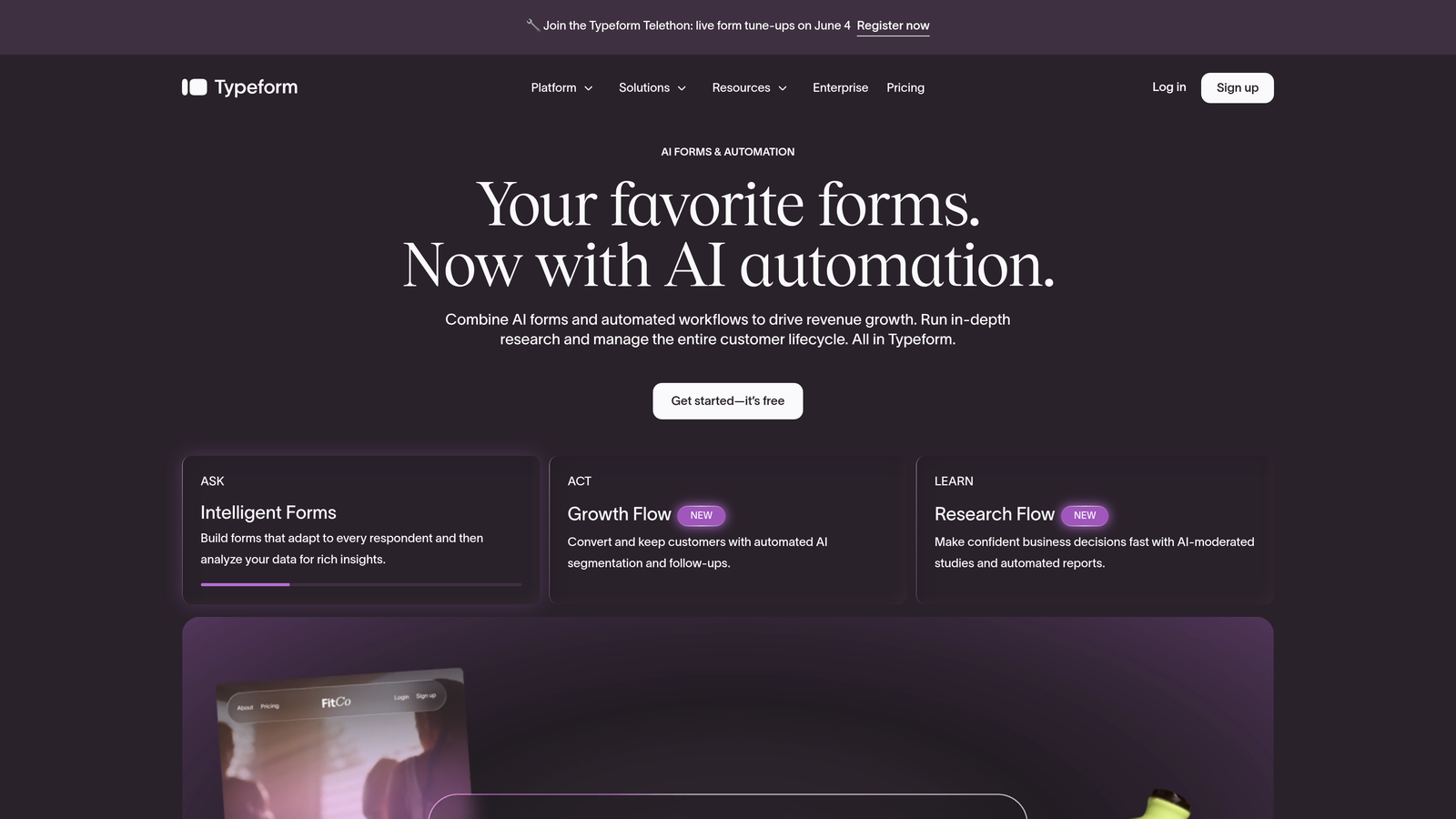
Typeform is the original conversational form builder, known for its one-question-at-a-time format and visually refined design.
Where This Tool Shines
Typeform's core insight was simple but powerful: asking one question at a time reduces cognitive load and keeps respondents engaged. That format still holds up, and the platform has built a loyal following among brand-conscious marketing teams who want their forms to feel like an extension of their visual identity.
Logic jumps and conditional branching are solid, and the integration library is wide. Where Typeform can feel limiting is in native lead qualification depth — it's excellent at collecting data beautifully, but the intelligence layer typically lives downstream in your CRM or automation tool. If you're exploring alternatives, our Typeform alternatives guide covers the landscape in more detail.
Key Features
Conversational One-Question Flow: Presents one question at a time to reduce drop-off and maintain respondent focus.
Brand Customization: Extensive control over fonts, colors, imagery, and overall visual presentation.
Logic Jumps: Conditional branching that adapts the form path based on previous answers.
Video Questions: Supports rich media including video within the form experience.
Integration Library: Native connections to HubSpot, Salesforce, Zapier, and many other tools.
Best For
Marketing teams and agencies that prioritize brand experience and respondent engagement over deep qualification logic. Works well for surveys, onboarding flows, and lead capture where design impression matters.
Pricing
Free plan available. Paid plans start at approximately $25/month. Verify current pricing at typeform.com before committing.
3. Jotform
Best for: Teams that need a highly versatile, all-purpose form builder with broad template coverage and built-in payments.
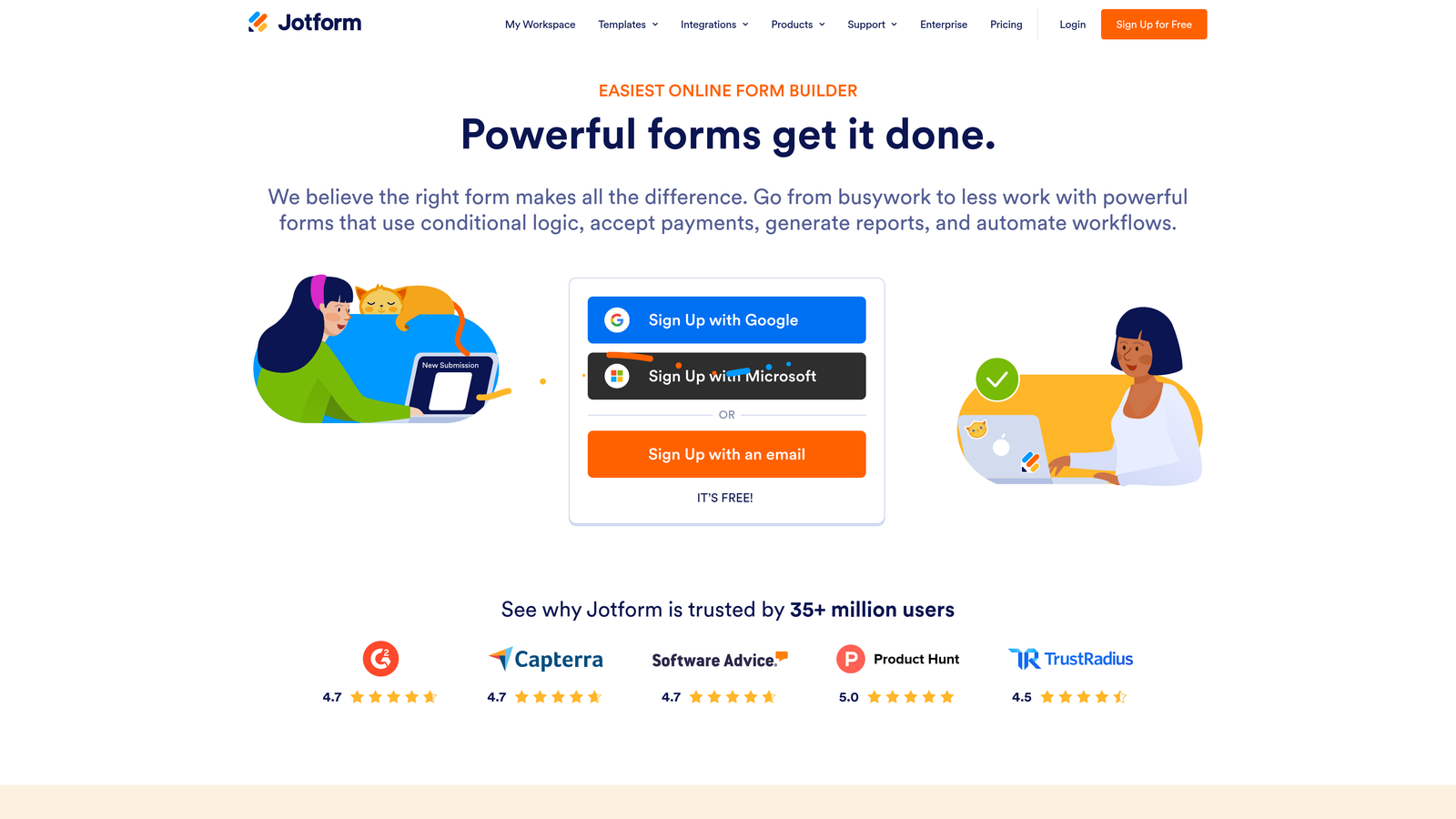
Jotform is a feature-rich form builder with thousands of templates, native payment processing, and one of the widest integration ecosystems available.
Where This Tool Shines
Jotform's strength is breadth. Whatever you need a form to do, there's likely a template for it and a native feature to support it. From e-signatures to approval workflows to payment collection, the platform is built to handle complex operational use cases without requiring heavy custom development.
It's less focused on conversion optimization or lead qualification than tools like Orbit AI, but for teams that need a reliable, flexible workhorse that handles many form types across a business, Jotform is hard to beat on versatility alone.
Key Features
10,000+ Templates: Covers virtually every industry and use case, from HR forms to event registrations to customer surveys.
Built-In Payment Processing: Native support for Stripe, PayPal, and Square without third-party workarounds.
E-Signature and Approvals: Handles document signing and multi-step approval workflows natively.
Conditional Logic: Calculation fields and conditional display rules for more dynamic form behavior.
Extensive Integrations: Connects with hundreds of third-party tools across CRM, project management, and marketing platforms.
Best For
SMBs and operations teams that need a single platform to handle diverse form use cases across departments. Also strong for agencies managing varied client needs from one account.
Pricing
Free plan available. Paid plans start at approximately $34/month. Verify current pricing at jotform.com before publishing or purchasing.
4. Outgrow
Best for: Content marketers building top-of-funnel interactive assets like calculators, quizzes, and assessments.
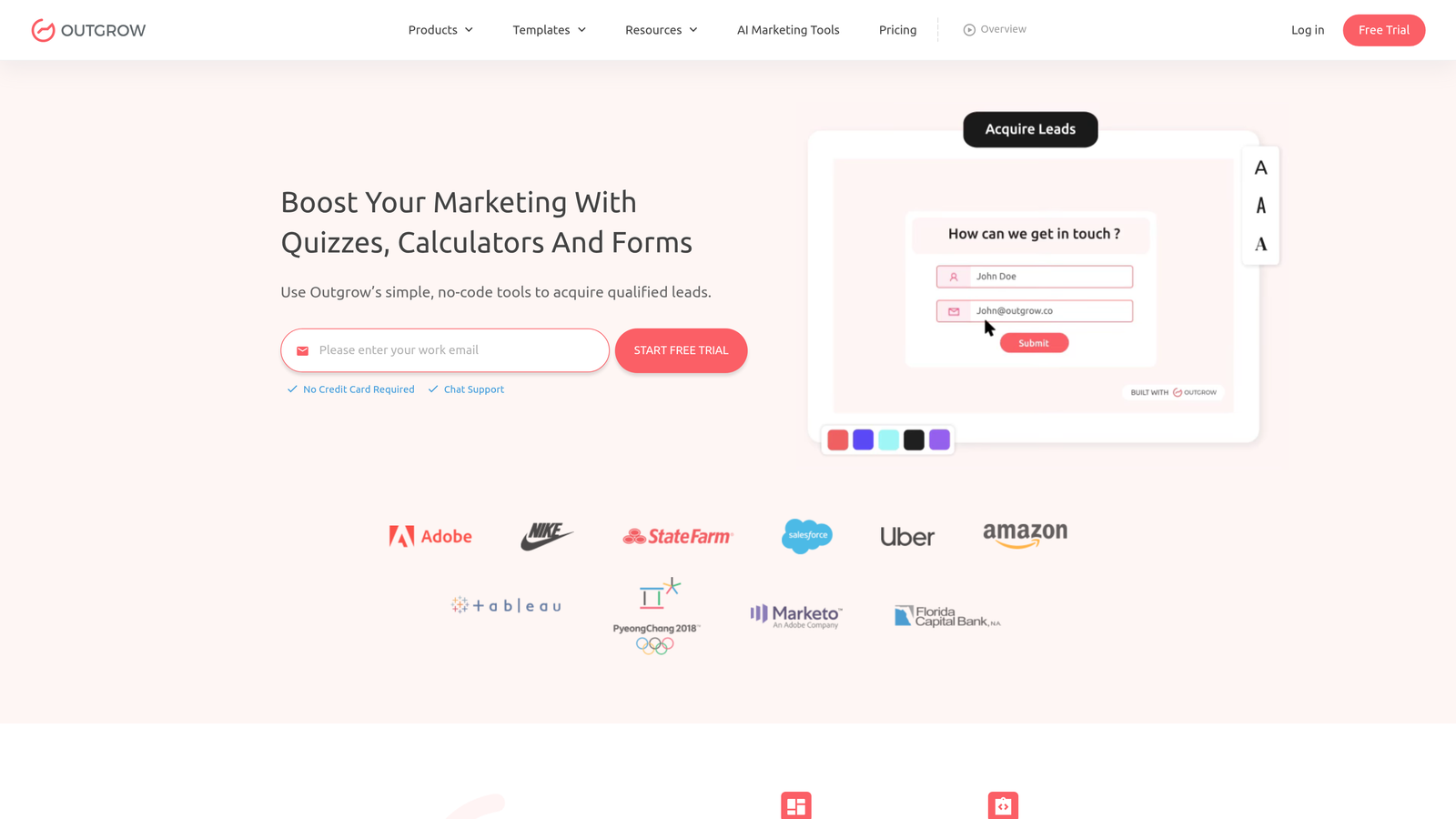
Outgrow is an interactive content platform that extends well beyond forms into ROI calculators, graders, product recommenders, and assessment tools.
Where This Tool Shines
Outgrow occupies a distinct category: it's less about collecting form submissions and more about delivering value to a visitor before asking for their contact details. An ROI calculator or a personalized assessment creates a natural reason for someone to engage and then convert, making the lead capture feel earned rather than extracted.
For demand gen teams and content marketers who want interactive assets that generate leads through utility, Outgrow fills a gap that traditional form builders don't address. The tradeoff is that it's more complex to build than a standard form, and the learning curve reflects that.
Key Features
ROI Calculators and Graders: Build value-delivery tools that generate leads by showing prospects their potential results.
Product Recommendation Quizzes: Personalized outcome pages based on respondent answers, ideal for e-commerce and SaaS.
Lead Capture Gates: Collect contact information within the interactive experience at the point of highest engagement.
Engagement Analytics: Tracks performance by content type, including completion rates and conversion by outcome.
Embeddable Anywhere: Widgets that drop into any website, landing page, or blog post.
Best For
Content marketers, demand gen teams, and agencies building top-of-funnel interactive assets. Particularly strong for B2B brands where ROI or assessment tools align with buyer education.
Pricing
Plans start at approximately $14/month. Verify current pricing at outgrow.co, as plans and tiers change frequently.
5. Involve.me
Best for: Teams building multi-step quiz funnels with personalized outcomes and built-in lead segmentation.
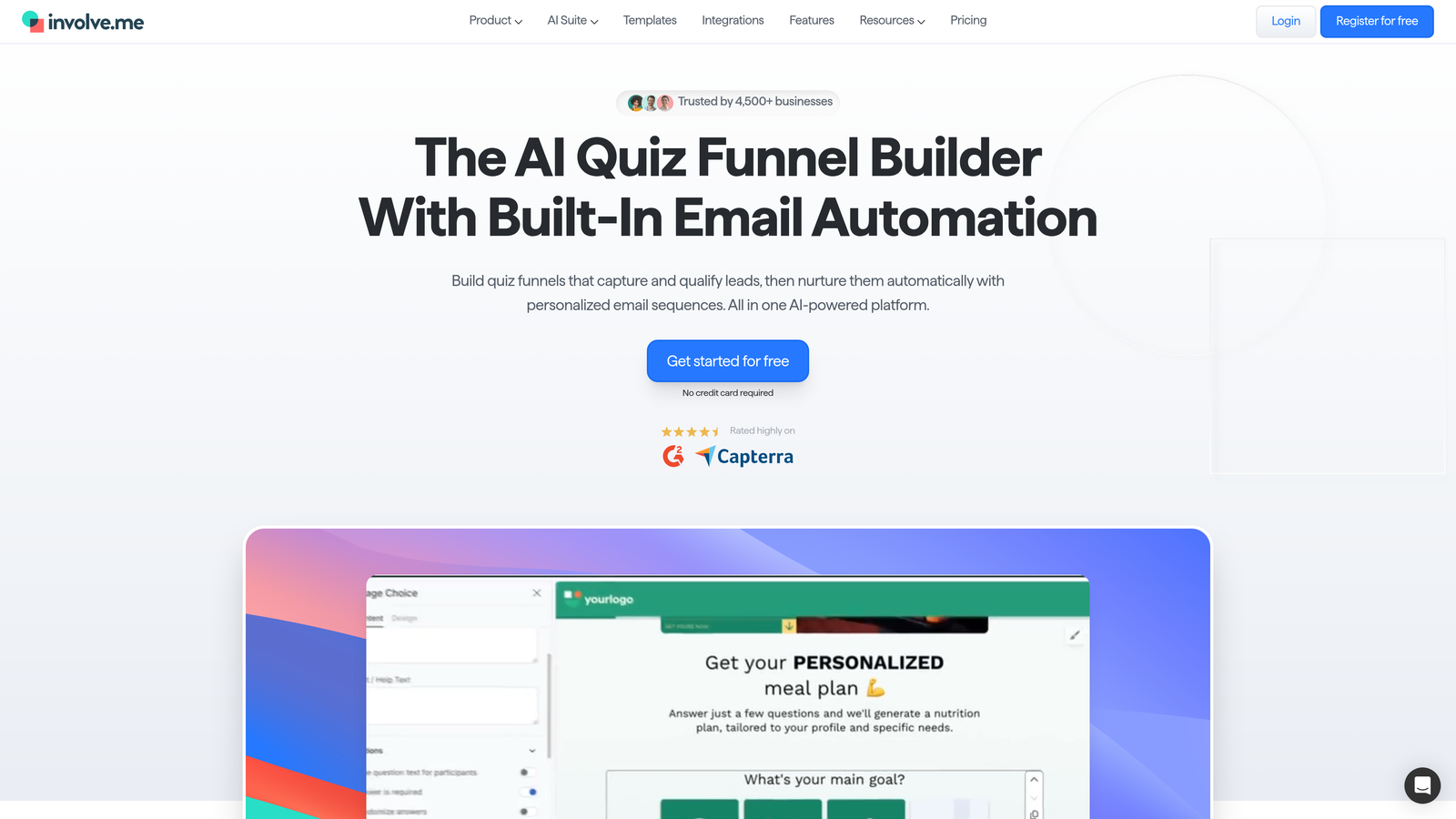
Involve.me is a multi-step funnel builder that combines quizzes, surveys, forms, and calculators into branching, personalized experiences designed for lead segmentation.
Where This Tool Shines
Involve.me sits at the intersection of form builder and funnel builder. The platform's branching logic and personalized outcome pages make it particularly effective for lead segmentation — you can route different respondent profiles to different outcomes, offers, or follow-up sequences based on how they answer.
Built-in lead scoring adds another layer, letting you prioritize follow-up without needing a separate scoring setup in your CRM. It's a strong choice for teams that want the quiz funnel format without building everything from scratch in a general-purpose tool.
Key Features
Multi-Step Funnel Builder: Combines quizzes, forms, and surveys into a single branching experience.
Personalized Outcome Pages: Delivers different results pages based on individual respondent answers.
Built-In Lead Scoring: Scores and segments leads natively without requiring a third-party integration.
Payment and Scheduling: Accepts payments and appointment bookings within the same funnel flow.
Flexible Deployment: Works as embeddable widgets or standalone pages with custom domains.
Best For
Marketing teams running quiz funnels for lead segmentation, agencies building personalized lead gen experiences for clients, and SaaS teams that want to qualify leads through an engaging multi-step flow.
Pricing
Free plan available. Paid plans start at approximately $19/month. Confirm current pricing at involve.me before committing.
6. Tally
Best for: Startups and indie teams that want a clean, powerful form builder with a generous free tier.
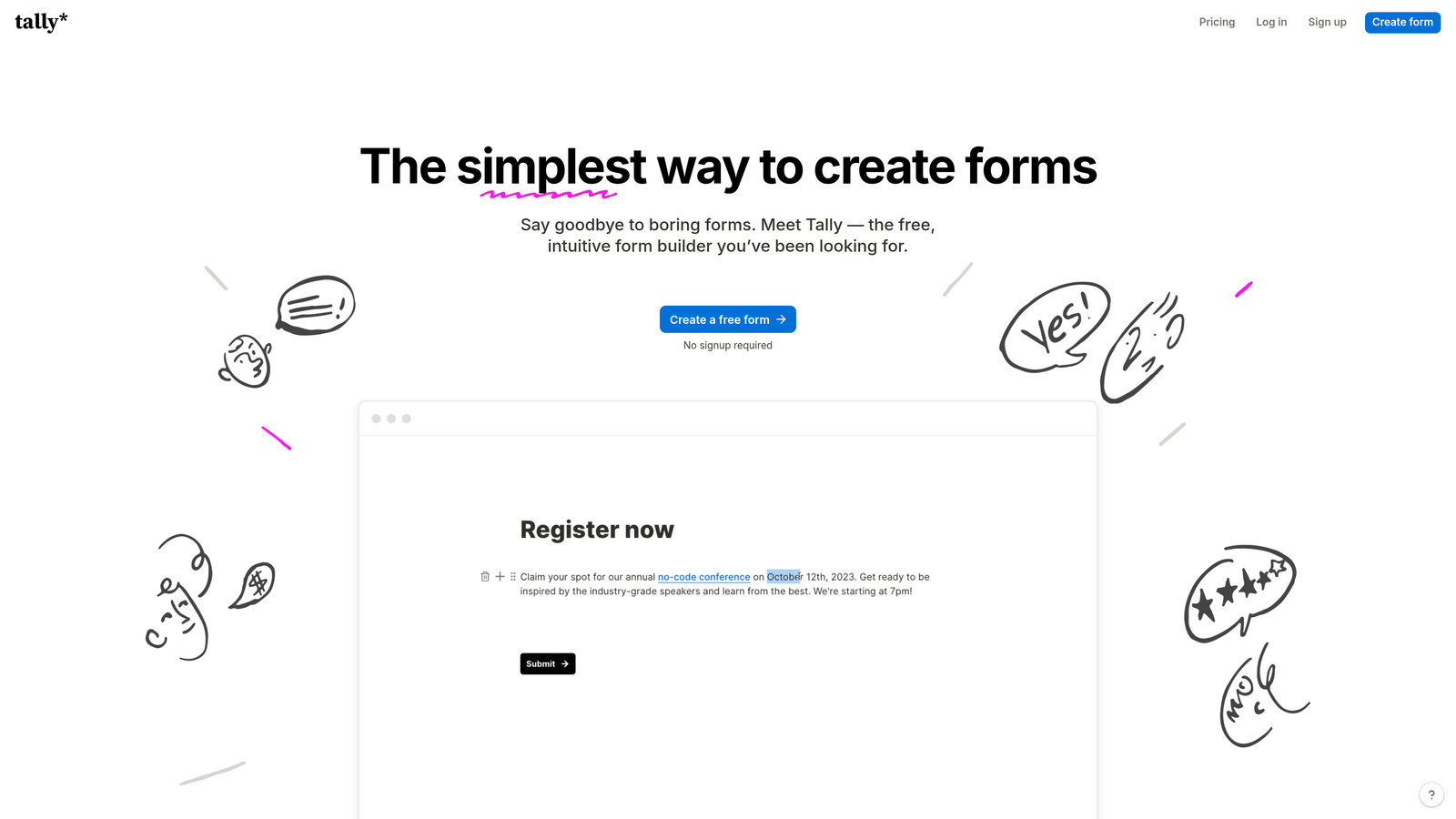
Tally is a Notion-inspired, minimalist form builder with a surprisingly capable free plan and intuitive block-based editor.
Where This Tool Shines
Tally's appeal is its simplicity and accessibility. The block editor feels immediately familiar to anyone who uses Notion, which dramatically reduces the time from "I need a form" to "the form is live." The free plan includes unlimited forms and unlimited responses, which is genuinely rare in this category and makes it a standout for budget-conscious teams.
Conditional logic, multi-page forms, and a clean respondent experience are all included without needing a paid plan. It's not the tool for complex lead qualification or enterprise workflows, but for teams that need fast, good-looking forms without friction, Tally punches well above its price point.
Key Features
Notion-Like Block Editor: Fast, intuitive form building that requires no learning curve for teams already familiar with block-based tools.
Generous Free Plan: Unlimited forms and unlimited responses on the free tier, with no submission caps.
Conditional Logic: Multi-page forms with branching logic available even on free accounts.
Distraction-Free Design: Clean, minimal respondent experience that keeps focus on the questions.
Automation Support: Zapier integration and native connections for basic workflow automation.
Best For
Startups, indie makers, and small teams that need reliable forms without a budget. Also a solid choice for internal forms, feedback collection, or quick-turnaround projects where speed matters more than advanced qualification features.
Pricing
Free plan available with unlimited forms and responses. Pro plan approximately $29/month. Verify current pricing at tally.so.
7. SurveyMonkey
Best for: Enterprise teams running formal research programs that need robust analytics, compliance, and audience access.
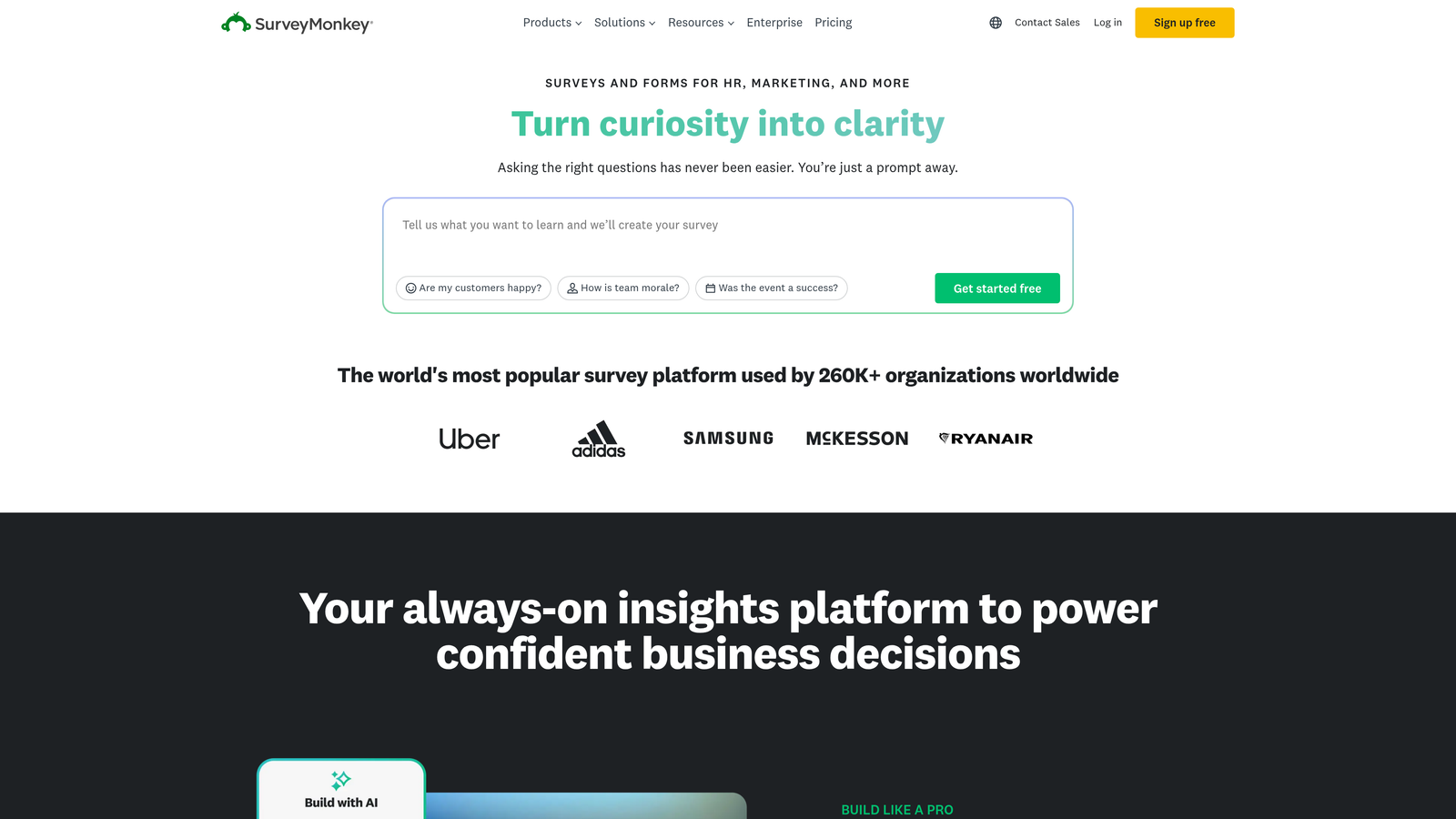
SurveyMonkey is an enterprise-grade survey platform built for research rigor, with deep analytics, built-in audience panels, and strong compliance credentials.
Where This Tool Shines
SurveyMonkey is the platform of choice when the goal is research-grade data rather than conversion. The built-in audience panel lets teams recruit external respondents for market research without sourcing them separately, which is a capability most form builders simply don't offer.
Cross-tab reporting, NPS templates, and enterprise security certifications make it the natural fit for HR, market research, and customer insights teams. It's not optimized for lead gen or conversion, but if your forms are instruments of measurement rather than pipeline, SurveyMonkey is in its element.
Key Features
Advanced Survey Logic: Sophisticated question types and skip logic for research-grade survey design.
Built-In Audience Panel: Access to external respondent pools for market research without third-party sourcing.
Robust Analytics: Cross-tab reporting, trend analysis, and data export options for deep insight work.
Enterprise Compliance: Security certifications and data governance features required by larger organizations.
Research Templates: NPS, employee engagement, and market research templates built for specific research methodologies.
Best For
Enterprise research teams, HR departments running engagement surveys, and market research programs that need compliance, analytics depth, and access to external respondent panels.
Pricing
Free plan available. Paid plans start at approximately $25/month. Enterprise pricing is separate. Verify current pricing at surveymonkey.com.
8. HubSpot Forms
Best for: Teams already using HubSpot CRM who want native forms with progressive profiling and seamless workflow triggers.
HubSpot Forms is the native form builder included with HubSpot CRM, featuring progressive profiling, smart fields, and direct workflow integration.
Where This Tool Shines
If your team lives in HubSpot, this is the path of least resistance. The progressive profiling feature is genuinely smart: it only asks for information a contact hasn't already provided, so returning visitors see different fields rather than being asked to fill in details you already have. That alone improves repeat conversion rates meaningfully.
The native bi-directional CRM sync and automatic workflow enrollment on submission make HubSpot Forms a tight part of the revenue engine for HubSpot-first organizations. The honest caveat is that its value drops significantly outside the HubSpot ecosystem — it's a native tool, not a standalone product.
Key Features
Progressive Profiling: Dynamically shows only fields a contact hasn't previously filled in, reducing friction for returning visitors.
Native CRM Sync: Bi-directional sync with HubSpot CRM with no integration setup required.
Smart Fields: Fields that adapt based on what HubSpot already knows about a contact.
Automatic Workflow Enrollment: Triggers HubSpot workflows the moment a form is submitted.
Flexible Deployment: Embeds on any website or deploys as a standalone HubSpot page.
Best For
HubSpot-first marketing and sales teams who want their forms to be a native part of their CRM and automation stack. Not the right choice for teams on other CRM platforms.
Pricing
Free with HubSpot CRM. Advanced features require paid HubSpot Marketing Hub tiers. Verify current HubSpot pricing at hubspot.com.
9. Paperform
Best for: Creative teams who want a form that looks and functions like a landing page, with built-in payments and scheduling.
Paperform is a document-style form builder that blends forms and landing pages in one editor, with native support for payments, appointments, and rich media.
Where This Tool Shines
Paperform's freeform editor is its defining feature. Rather than building inside a rigid form container, you're essentially designing a web page that happens to include form fields. Images, video, GIFs, and descriptive text sit alongside your questions, creating an experience that feels more like a branded landing page than a data collection tool.
For creative teams, coaches, or small businesses that want a single tool to handle form, landing page, payment, and booking without stitching together multiple platforms, Paperform is a genuinely elegant solution. It's less focused on lead qualification logic, but the design flexibility and built-in commerce features are hard to match at its price point.
Key Features
Document-Style Editor: Freeform layout that blends form fields with rich text, images, and video for a landing page feel.
Rich Media Support: Embed images, video, and GIFs directly within the form experience.
Built-In Payments and Commerce: Native product selling, payment collection, and appointment booking without third-party tools.
Conditional Sections: Show or hide entire content sections based on respondent answers.
Custom Domain Pages: Standalone form pages with custom domain support for a fully branded experience.
Best For
Creative teams, coaches, consultants, and small businesses that want a beautiful, standalone form-page experience with built-in commerce. Strong for product launches, event registrations, and intake forms that need to impress.
Pricing
Plans start at approximately $24/month. No free plan. Verify current pricing at paperform.co before committing.
Which Tool Is Right for Your Team?
Here's the honest quick-reference breakdown. If lead qualification and conversion are your north star, Orbit AI is built for exactly that — it's the only tool on this list that qualifies leads natively within the form experience itself. If you want a beautiful conversational format with strong brand control, Typeform remains a benchmark in that category.
For sheer template breadth and operational versatility, Jotform wins. Content marketers building top-of-funnel assets should look seriously at Outgrow or Involve.me, both of which turn engagement into lead capture through value delivery. Budget-conscious teams will find Tally surprisingly powerful, especially on the free plan.
Enterprise research programs belong on SurveyMonkey. HubSpot Forms is the obvious call if you're already running your revenue stack through HubSpot. And Paperform is the pick for creative teams who want a form that looks like a landing page without hiring a designer.
The right tool ultimately depends on what "engagement" means to your team: a beautiful UX, a qualified lead, or a completed sale. Most high-growth teams eventually find they need a form builder that does more than collect data. It needs to think.
For more on building a complete strategy around your forms, explore how conversational landing pages can amplify your form results, or see how to qualify leads automatically once you've picked your tool. Ready to see what AI-powered forms can do for your pipeline? Start building free forms today and discover what intelligent form design can do for your conversion strategy.


