

If your forms look like they were built in 2012, your leads can tell. Today's high-growth teams need form tools that do more than collect data: they need to qualify leads, adapt to user behavior, and convert visitors into pipeline. The right modern form tool can be the difference between a cluttered inbox and a clean, prioritized lead queue.
This guide covers the best modern form tools for businesses in 2026, evaluated on design quality, smart logic capabilities, lead qualification features, integrations, and pricing. Whether you're a SaaS team optimizing a demo request flow or an agency managing forms for multiple clients, there's a tool here built for your use case.
We've included Orbit AI at the top because it's our product and because it genuinely leads on AI-powered lead qualification. Every other tool on this list earned its spot on merit.
1. Orbit AI
Best for: High-growth SaaS and B2B teams that need AI-powered lead qualification built directly into their forms.
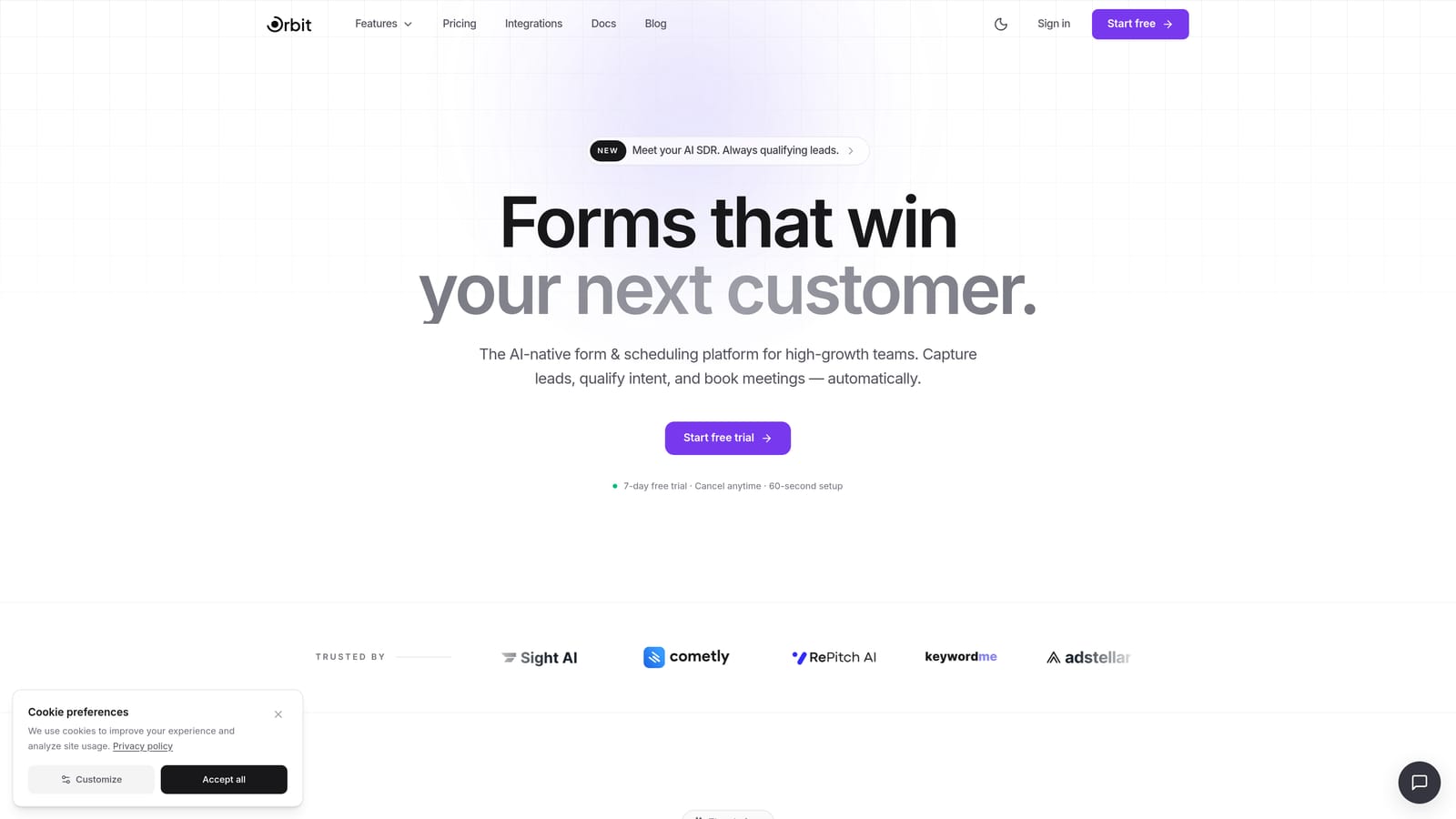
Orbit AI is an AI-powered form builder that goes beyond data collection to score and route leads automatically at the form level.
Where This Tool Shines
Most form tools hand you a spreadsheet and call it a day. Orbit AI is built around a fundamentally different premise: your form should do the qualification work before a lead ever reaches your sales team. That means less time triaging inbound, and more time talking to the right people.
The design output is genuinely modern. Conversion-optimized templates are built specifically for SaaS and B2B use cases, so you're not starting from a generic contact form and hacking it into something that fits your funnel. Non-technical users can publish polished, high-converting forms without writing a line of code.
Key Features
AI-Powered Lead Qualification and Scoring: Orbit AI scores and qualifies leads at the form level, automatically surfacing high-intent prospects and filtering out noise before it reaches your CRM.
Conversion-Optimized Templates: Pre-built templates designed specifically for SaaS and B2B use cases, including demo requests, onboarding flows, and gated content forms.
Conditional Logic and Dynamic Field Branching: Show or hide fields based on previous answers, creating personalized form paths that feel relevant to each respondent.
CRM and Sales Tool Integrations: Connect directly to the tools your sales team already uses so qualified leads flow into your pipeline without manual intervention.
No-Code Modern Design: Clean, contemporary form aesthetics that reflect well on your brand without requiring design or development resources.
Best For
Orbit AI is the strongest fit for SaaS companies, B2B teams, and growth-focused businesses where lead quality matters as much as lead volume. If your sales team is spending time sorting through unqualified submissions, this tool is built to solve that specific problem.
Pricing
Check orbitforms.ai for current plans and pricing. A free starting option is available for teams ready to explore the platform.
2. Typeform
Best for: Teams that want a conversational, one-question-at-a-time form experience to maximize completion rates.
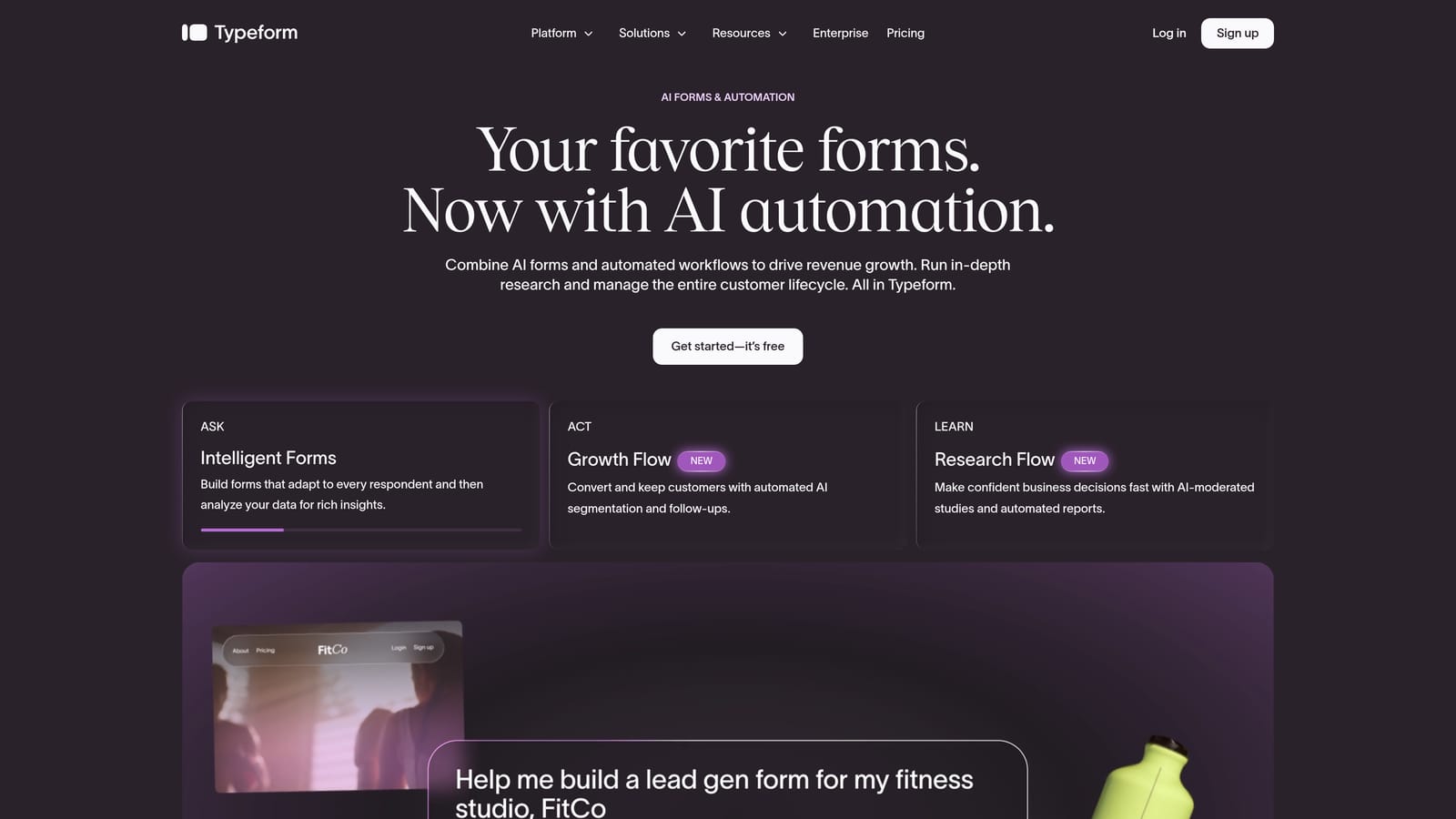
Typeform is a conversational form builder known for its engaging, branded experience that presents one question at a time to reduce respondent drop-off.
Where This Tool Shines
Typeform essentially invented the conversational form format, and it remains one of the best at executing it. The one-question-at-a-time UX removes the visual overwhelm of a traditional multi-field form, which tends to translate into higher completion rates, particularly for longer surveys and qualification flows.
Its integration ecosystem is one of the most mature in the category. Native connections to HubSpot, Salesforce, and Slack mean that form responses can flow directly into your existing stack without relying entirely on middleware. The visual customization options also make it easy to create forms that feel like an extension of your brand rather than a generic embed.
Key Features
Conversational One-Question-at-a-Time Format: Presents each question individually to reduce friction and improve the respondent experience, especially on mobile.
Logic Jumps and Hidden Fields: Route respondents through different question paths based on their answers, and pre-populate fields with known data to personalize the experience.
Wide Integration Ecosystem: Native integrations with HubSpot, Salesforce, Slack, and many other tools, plus broad Zapier and Make compatibility.
Custom Branding and Themes: Full control over colors, fonts, and background imagery to match your brand identity.
Video and Image Support: Embed rich media directly within form questions to add context or make surveys more engaging.
Best For
Typeform is a strong choice for marketing teams running lead gen campaigns, product teams collecting user feedback, and any use case where respondent experience and completion rate are the primary metrics. It's less optimized for teams that need deep lead scoring or qualification logic out of the box.
Pricing
A free tier is available with basic functionality. Paid plans start at approximately $25 per month, though pricing changes regularly. Verify current plans at typeform.com.
3. Tally
Best for: Startups and small teams that need genuinely modern forms without spending anything to get started.
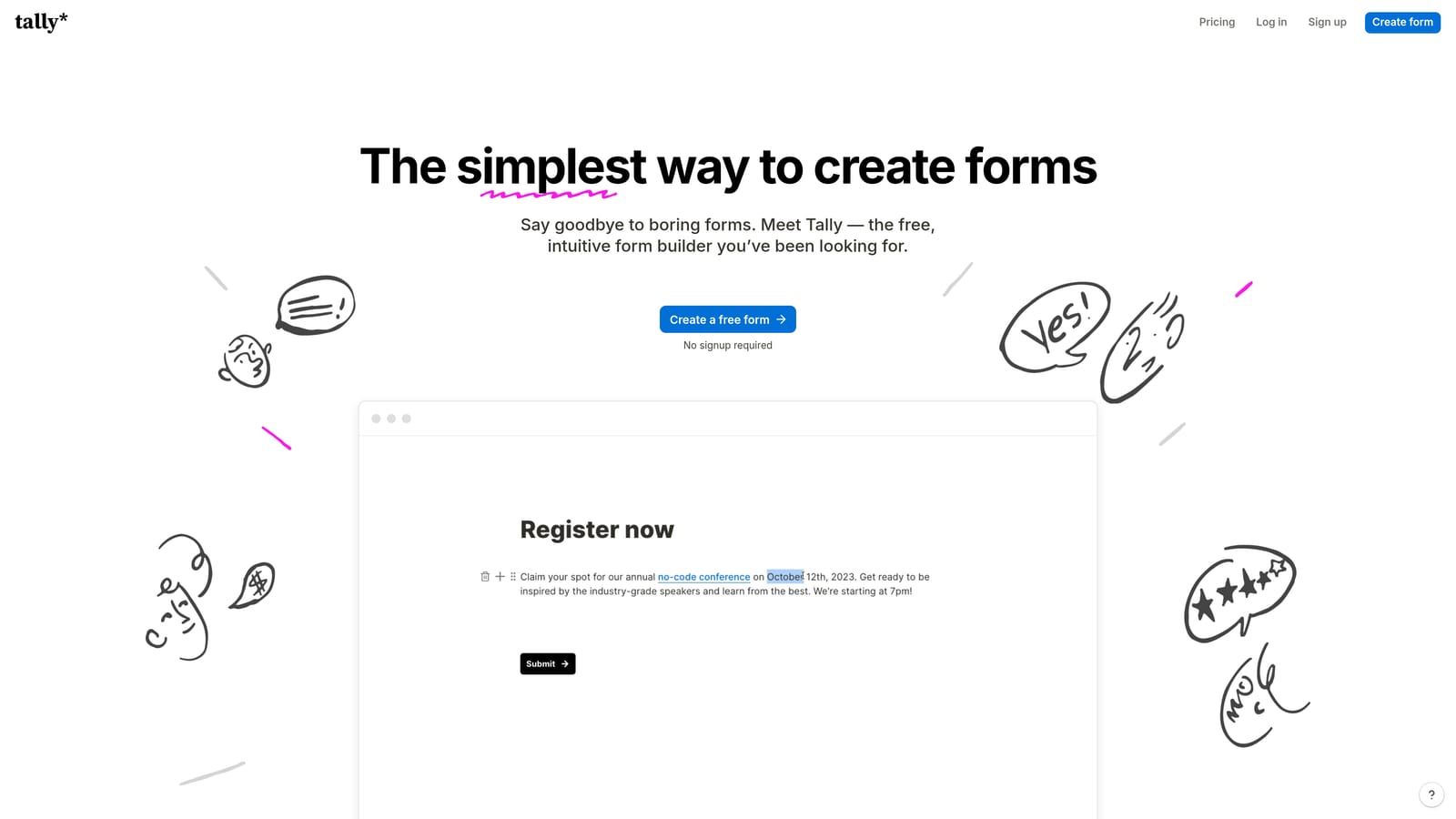
Tally is a free-first, Notion-inspired form builder with a surprisingly powerful feature set that punches well above its price point.
Where This Tool Shines
Tally's free tier is one of the most generous in the category. Unlimited forms and unlimited responses on the free plan means small teams can build and publish professional-looking forms without hitting a paywall every time they scale up usage. That's genuinely rare in a market where most tools throttle free users aggressively.
The block-based editor will feel immediately familiar to anyone who uses Notion. It's intuitive, fast, and produces clean, minimal output that fits modern brand aesthetics without requiring any design work. For teams that want to ship forms quickly without overthinking them, Tally removes almost all friction from the process.
Key Features
Generous Free Tier: Unlimited forms and unlimited responses on the free plan, making it accessible for bootstrapped teams and early-stage startups.
Block-Based Editor: A Notion-style editing experience that makes building forms feel natural and fast for teams already comfortable with modern productivity tools.
Conditional Logic, Calculations, and File Uploads: Core smart form features that many tools reserve for paid tiers are available at no cost in Tally.
Payment Collection via Stripe: Accept payments directly through forms without needing a separate e-commerce setup.
Clean, Minimal Design Aesthetic: Forms look contemporary and uncluttered out of the box, with no heavy customization required.
Best For
Tally is the go-to for startups, indie makers, and small teams that want polished, functional forms without a budget. It's less suited for enterprise compliance requirements or teams that need sophisticated lead routing and scoring capabilities.
Pricing
The free plan is genuinely functional for most small team use cases. A Pro plan unlocks advanced features including custom domains and priority support. Verify current pricing at tally.so.
4. Paperform
Best for: Service businesses and SMBs that want forms to function more like branded landing pages than traditional data-capture fields.
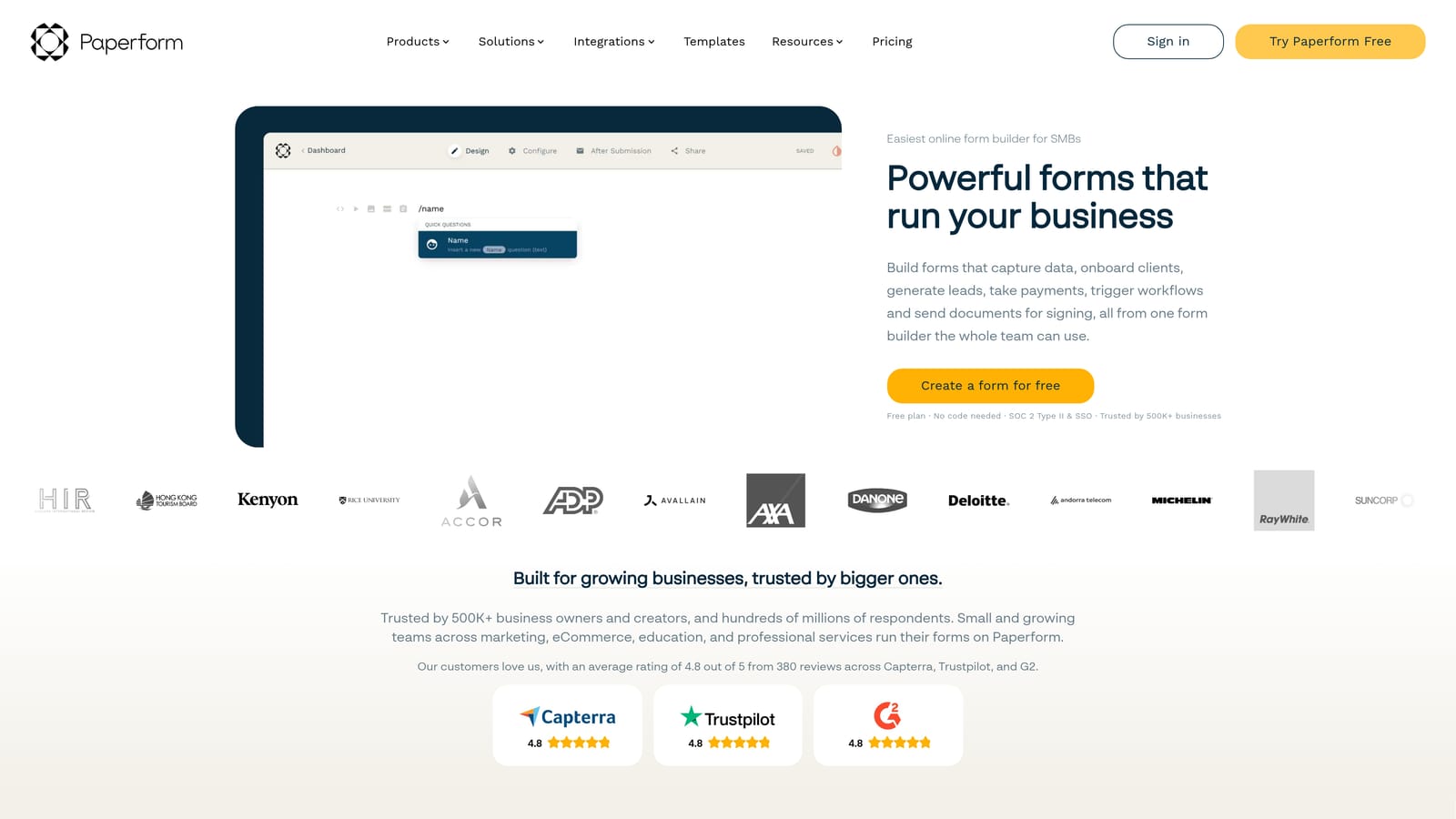
Paperform is a freeform editor that blends form fields with rich content, making forms feel like polished branded documents rather than clinical input screens.
Where This Tool Shines
Paperform's core differentiator is its freeform editing approach. Rather than placing form fields on a blank canvas, you build a document-like page where text, images, video, and form fields coexist naturally. The result is forms that feel more like curated experiences than data entry tasks, which tends to work well for service businesses where context and persuasion matter.
The platform also handles transactional use cases well. Payment collection, scheduling integrations, and conditional logic are all built in, making it possible to run a full booking or sales flow through a single Paperform without stitching together multiple tools. For small businesses that want to consolidate their tech stack, that breadth is genuinely useful.
Key Features
Freeform Editor Mixing Text, Media, and Form Fields: Build forms that read like landing pages, with copy, images, and video woven naturally between input fields.
Payment Collection and E-Commerce Support: Accept payments, manage product listings, and handle order forms without a separate platform.
Scheduling and Booking Integrations: Connect to calendar tools to handle appointment booking directly within the form flow.
Conditional Logic and Calculated Fields: Show different content based on responses and perform real-time calculations, useful for quote builders and pricing estimators.
Strong Visual Customization Options: Extensive control over typography, color, layout, and branding to match any visual identity.
Best For
Paperform is best suited for coaches, consultants, agencies, and SMBs that want forms which also serve a persuasive or informational function. It's less focused on B2B lead qualification and more on general-purpose business workflows.
Pricing
There is no permanent free tier. Paid plans start at approximately $24 per month. Verify current pricing at paperform.co before committing.
5. Jotform
Best for: Organizations that need a broad template library, enterprise compliance features, and support for complex workflows including e-signatures and PDF generation.
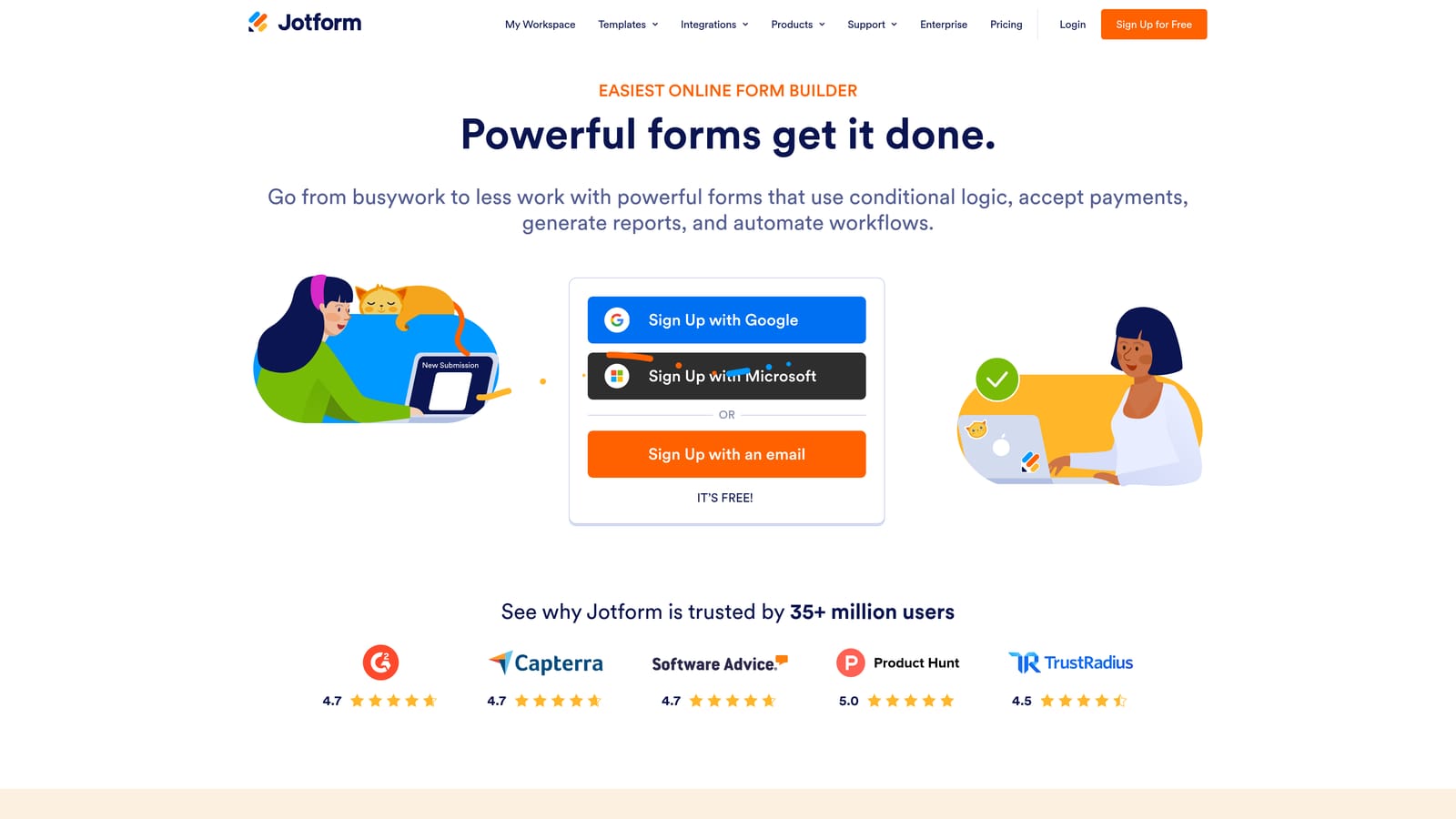
Jotform is one of the most established form platforms available, with extensive use-case coverage and compliance capabilities that make it a reliable choice for regulated industries and larger organizations.
Where This Tool Shines
Jotform's depth is its defining characteristic. The template library is enormous, covering industries from healthcare and legal to education and nonprofits, which means most teams can find a starting point close to their specific use case rather than building from scratch. That breadth extends to its feature set: payments, e-signatures, PDF generation, approval workflows, and conversational AI forms are all available within a single platform.
The compliance story is particularly strong. HIPAA, GDPR, and SOC 2 compliance options make Jotform one of the few form tools that can operate confidently in regulated environments. For healthcare organizations, financial services firms, or any team handling sensitive data, that compliance coverage is often a deciding factor.
Key Features
Massive Template Library: Thousands of templates spanning dozens of industries, giving teams a fast starting point for almost any form use case. Verify the current count at jotform.com.
HIPAA, GDPR, and SOC 2 Compliance Options: Enterprise-grade data handling for regulated industries where compliance is non-negotiable.
E-Signatures, PDF Generation, and Approval Workflows: Handles complex document and process workflows beyond simple data collection.
Jotform AI: A newer feature that enables conversational AI-driven form experiences, adding a layer of interactivity to traditional form structures.
Payment Integrations with Major Processors: Connect to Stripe, PayPal, Square, and other payment providers to collect transactions directly through forms.
Best For
Jotform is a strong fit for larger organizations, regulated industries, and teams that need a single platform to cover a wide range of form-based workflows. Smaller teams may find the interface more complex than they need, and the design aesthetic is less contemporary than newer entrants in the category.
Pricing
A free tier is available with meaningful functionality. Paid plans scale based on submission volume and feature access. Verify current pricing at jotform.com.
6. Formstack
Best for: Enterprise operations teams that need forms, document generation, and e-signatures unified in a single workflow automation platform.
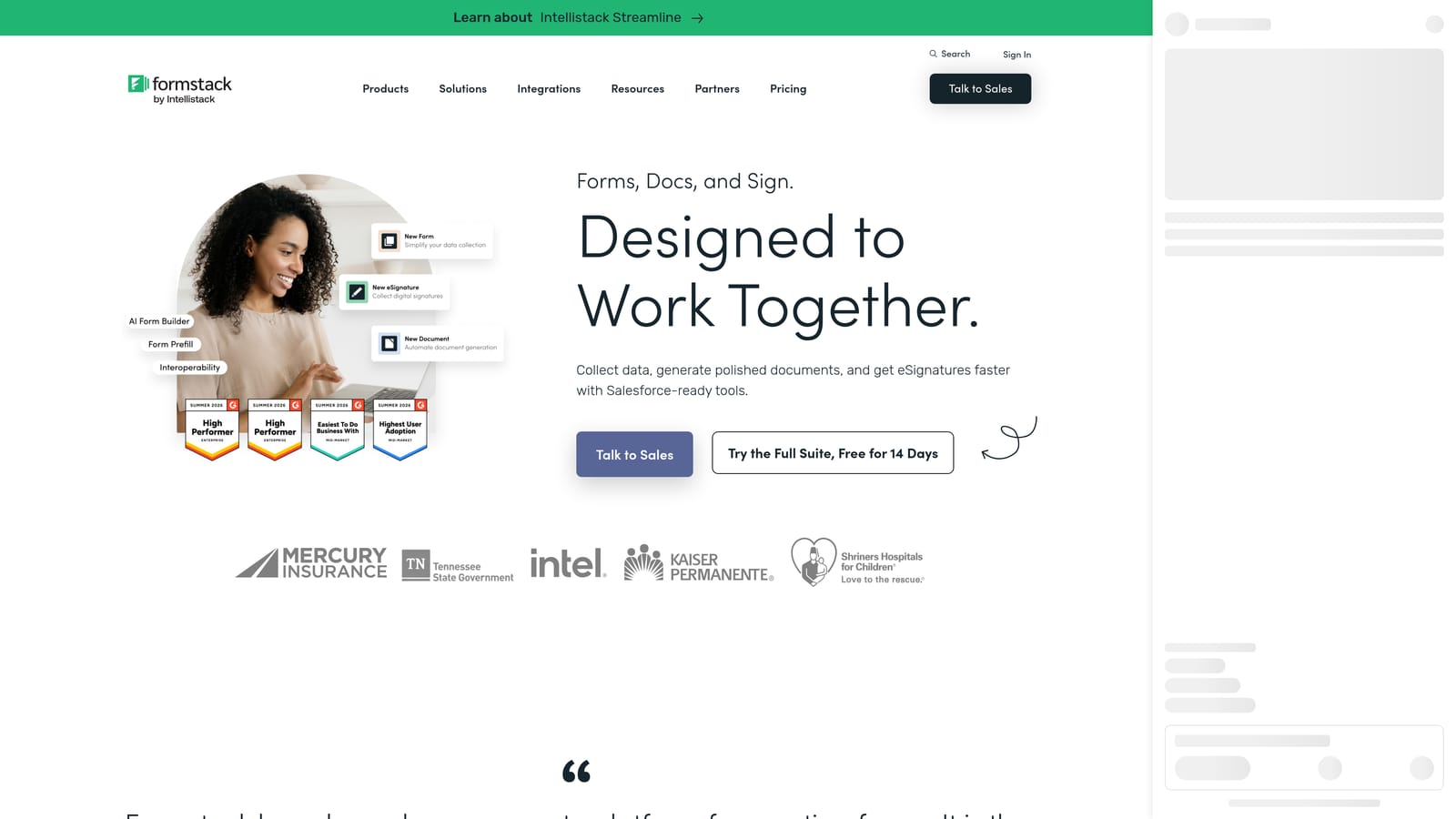
Formstack is an enterprise-grade platform that combines forms with document generation and e-signature collection, designed for teams that need deep workflow automation rather than just a form builder.
Where This Tool Shines
Formstack is less a form builder and more a workflow automation suite that starts with forms. The platform's real value emerges when you combine Formstack Forms with Formstack Documents, which auto-generates contracts, proposals, or reports from form data, and Formstack Sign, which handles e-signature collection. For RevOps, HR, and legal teams that need to move data through complex approval chains, that end-to-end capability is difficult to replicate with lighter tools.
The Salesforce integration is notably deep. For organizations where Salesforce is the system of record, Formstack can push and pull data in ways that go well beyond what most form tools support, making it a natural fit for sales operations and customer success teams that live inside that ecosystem.
Key Features
Advanced Workflow Automation and Data Routing: Build multi-step approval workflows that route form submissions based on field values, team assignments, or conditional rules.
Formstack Documents: Automatically generate populated documents, contracts, and reports from form submission data without manual data entry.
Formstack Sign: Collect legally binding e-signatures as part of an integrated workflow, eliminating the need for a separate e-signature tool.
Deep Salesforce Integration: Bidirectional data sync with Salesforce for teams that need forms to interact with their CRM at a deeper level than standard integrations allow.
Compliance and Data Security Features: Enterprise-grade security controls and compliance options for organizations with strict data governance requirements.
Best For
Formstack is built for enterprise operations teams in RevOps, HR, legal, and finance where workflow complexity justifies the platform's higher price point and steeper learning curve. It's overkill for small teams or anyone primarily focused on front-end form design and lead capture aesthetics.
Pricing
Formstack is priced at the enterprise tier, reflecting its workflow automation depth. No permanent free tier is available. Verify current plans and pricing at formstack.com.
Which Tool Is Right for Your Team?
The honest answer is that the best modern form tool depends almost entirely on what you actually need forms to do. Here's a quick way to think through the decision.
AI lead qualification is your priority: Orbit AI is the clear choice. No other tool on this list qualifies and scores leads at the form level with the same focus on B2B and SaaS conversion workflows.
You want the best free option available: Tally's free tier is genuinely hard to beat. Unlimited forms, unlimited responses, and modern design output make it the strongest no-cost starting point in the category.
Conversational UX and completion rates are your focus: Typeform pioneered this format for a reason. Its one-question-at-a-time experience and mature integration ecosystem make it a reliable choice for lead gen and survey flows.
You want forms that feel like branded landing pages: Paperform's freeform editor produces the richest, most document-like form experiences, making it ideal for service businesses and SMBs that want forms to do persuasive work alongside data collection.
High submission volume and compliance are non-negotiable: Jotform's template depth, compliance certifications, and workflow features make it the most capable general-purpose platform for regulated industries and larger teams.
Your team needs end-to-end workflow automation: Formstack's combination of forms, document generation, and e-signatures is purpose-built for enterprise operations teams that need more than a front-end form builder.
For high-growth teams where lead quality and conversion rate are the metrics that matter most, the calculus is straightforward. Transform your lead generation with AI-powered forms that qualify prospects automatically while delivering the modern, conversion-optimized experience your team needs. Start building free forms today and see how intelligent form design can change what lands in your pipeline.


