

You don't need to write a single line of code to build forms that convert. Whether you're launching a lead gen campaign, qualifying inbound prospects, or collecting customer feedback, the right form builder makes it fast, visual, and surprisingly powerful — no developer required.
The challenge? Not all "no-code" tools are created equal. Some are genuinely beginner-friendly; others hide complexity behind a clean interface. This list cuts through the noise.
We evaluated each tool on ease of use, design quality, conditional logic, integrations, and pricing — with a specific eye toward what high-growth teams and non-technical marketers actually need. For deeper context on building forms that perform, see our guides on how to build effective web forms and multi-step form best practices.
1. Orbit AI
Best for: High-growth teams that need AI-powered lead qualification built directly into their forms
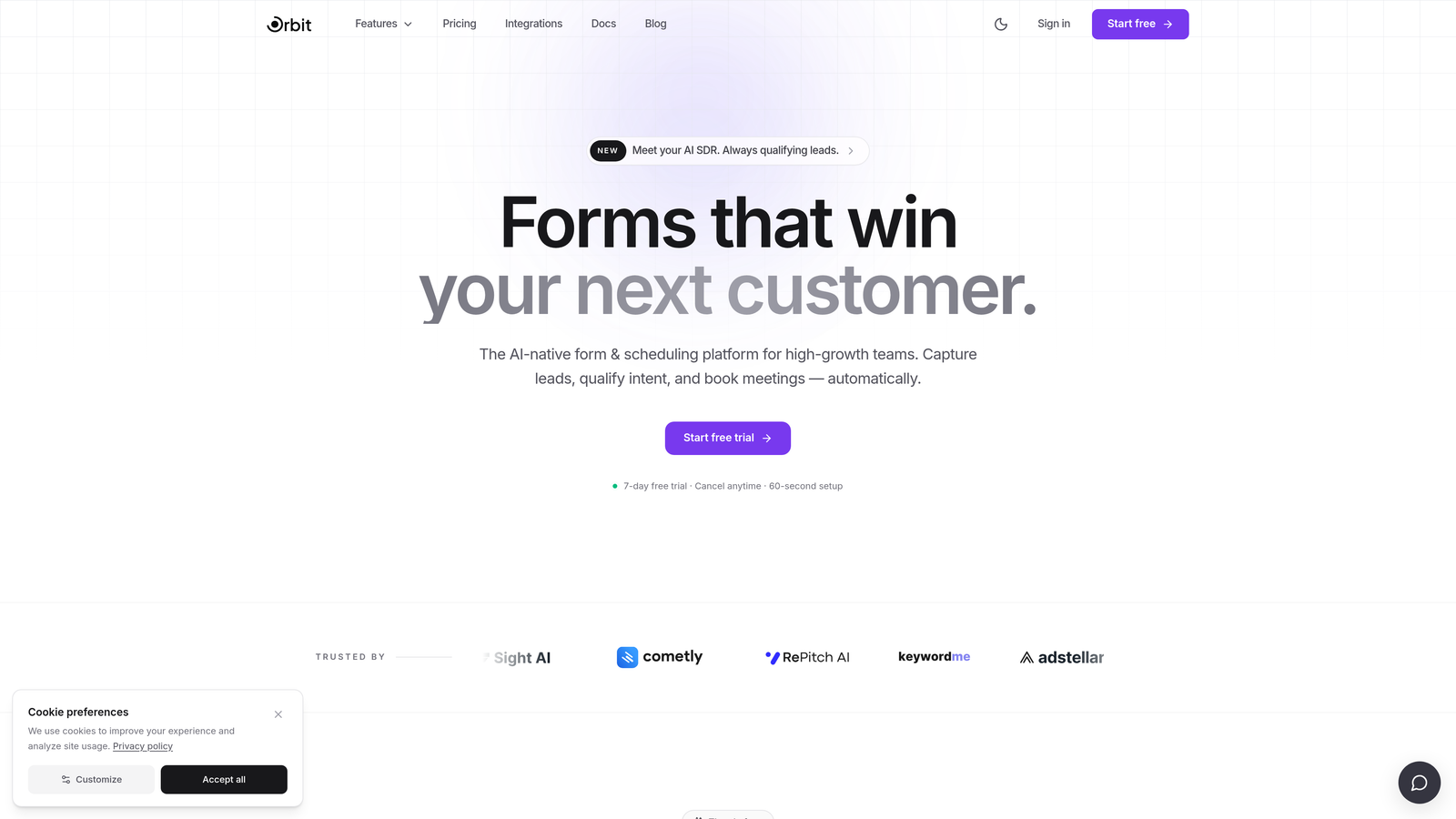
Orbit AI is an AI-powered form builder that goes beyond data collection to qualify and score leads automatically based on form responses.
Where This Tool Shines
Most form builders hand you a list of responses and leave the qualification work to your sales team. Orbit AI takes a different approach: the intelligence is built into the form itself. As prospects move through the form flow, the AI scores and qualifies them in real time, so your team receives leads that are already ranked by fit and intent.
The builder itself is clean and modern, with conversion-optimized templates designed specifically for lead generation. Conditional logic and smart branching work without any coding knowledge, making it accessible to marketers and ops managers who want sophisticated form behavior without a developer in the loop.
Key Features
AI-Powered Lead Qualification: Automatically scores and qualifies leads based on their form responses, reducing manual triage for sales teams.
Conversion-Optimized Templates: Pre-built templates designed with lead generation in mind, not just generic data collection.
Conditional Logic and Smart Branching: Build multi-path form experiences that adapt to each respondent's answers, without writing a single line of code.
Modern Drag-and-Drop Builder: Intuitive visual editor with strong design defaults, so forms look polished out of the box.
CRM and Marketing Automation Integrations: Connects with the tools your growth stack already relies on, keeping data flowing where it needs to go.
Best For
Orbit AI is the strongest fit for SaaS companies, marketing teams, and high-growth businesses where lead quality matters as much as lead volume. If your sales team is spending time manually sorting through unqualified submissions, this is the tool that addresses that problem at the source.
Pricing
Visit orbitforms.ai for current pricing details and free trial options. Pricing is designed to scale with growing teams.
2. Typeform
Best for: Teams that want a polished, conversational form experience with strong brand presence
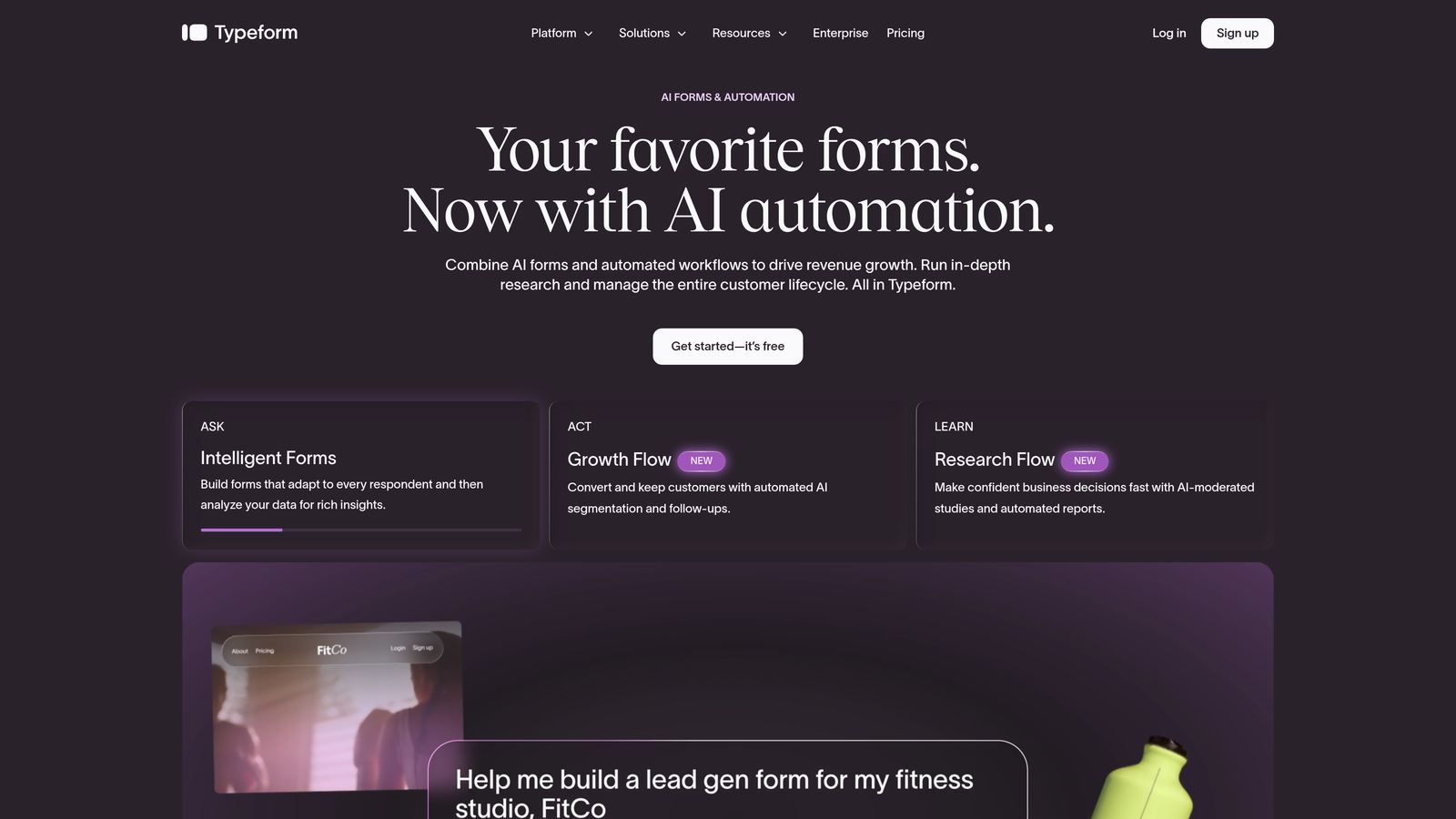
Typeform is a conversational form builder known for its one-question-at-a-time format that keeps respondents engaged and reduces drop-off.
Where This Tool Shines
Typeform essentially invented the conversational form category. By presenting one question at a time, it creates an experience that feels less like filling out a form and more like answering a few quick questions. The result is typically higher completion rates compared to traditional long-form layouts, particularly for surveys and marketing forms.
The design quality is genuinely excellent for a no-code tool. Templates are brand-forward and visually refined, and the editor makes it easy to customize colors, fonts, and imagery without touching CSS. It's a go-to for marketing teams that care about how their forms reflect the brand.
Key Features
Conversational One-Question UX: Presents questions sequentially to reduce cognitive load and keep respondents moving through the form.
Conditional Logic and Branching: Build dynamic paths based on previous answers, creating personalized form experiences without code.
Polished Design Templates: A library of visually refined templates that are easy to customize to match your brand.
Native CRM Integrations: Connects natively with HubSpot, Salesforce, Slack, and other common tools in the marketing stack.
Video and Image Embedding: Embed rich media directly within questions to add context or personality to your forms.
Best For
Typeform suits marketing teams, agencies, and product teams that prioritize respondent experience and brand consistency. It's particularly effective for surveys, NPS forms, and top-of-funnel lead capture where engagement matters.
Pricing
Free plan available with limited responses. Paid plans start from approximately $25 per month. Costs scale with response volume and feature access.
3. Tally
Best for: Lean teams and indie builders who need unlimited, functional forms at zero cost
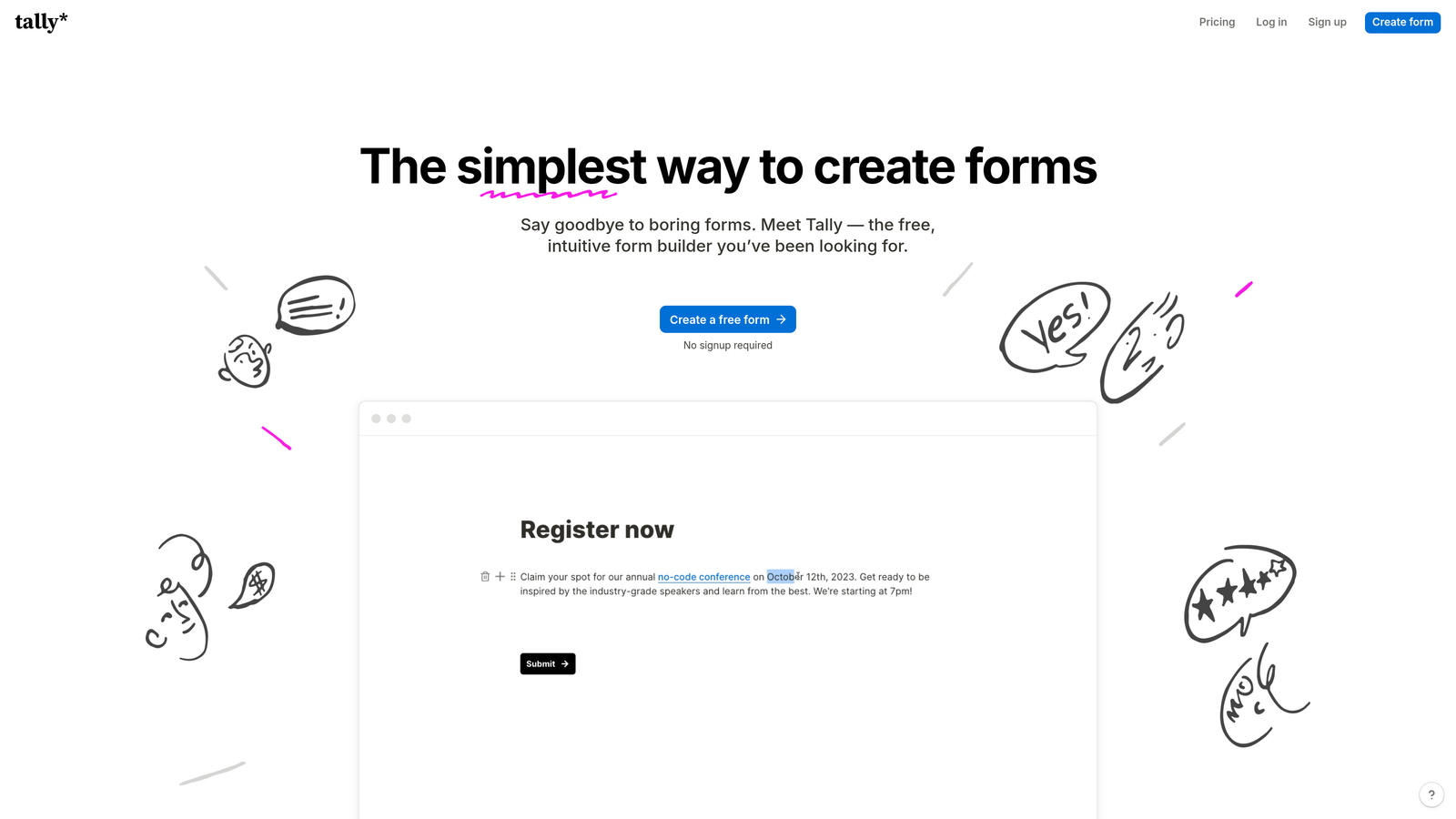
Tally is a Notion-style block-based form builder with a genuinely generous free tier that raised expectations across the entire form builder market.
Where This Tool Shines
Tally's free tier is the headline: unlimited forms and unlimited responses, with no per-submission pricing. For bootstrapped teams, early-stage startups, or anyone who needs functional forms without a budget commitment, this is a meaningful differentiator. Most competitors cap free usage at a relatively low submission count.
The block-based editor will feel immediately familiar to anyone who uses Notion or Google Docs. Building a form is as simple as typing and selecting block types, which keeps the learning curve low. It supports conditional logic, file uploads, and even payment collection, making it more capable than its minimalist interface might suggest.
Key Features
Block-Based Editor: Intuitive Notion-style interface that makes form creation feel like writing a document rather than configuring a tool.
Unlimited Forms and Responses (Free Tier): No submission caps on the free plan, which is a genuine rarity in this category.
Conditional Logic and File Uploads: Supports branching logic, file collection, and payment processing without requiring a paid plan.
Lightweight Embed: Embed forms anywhere with a clean snippet that doesn't slow down your page.
Zapier and Make Integrations: Connect to your broader automation stack for data routing and workflow triggers.
Best For
Tally is ideal for solo founders, indie hackers, small teams, and anyone who wants capable, clean forms without paying for features they don't need. It's also a smart starting point for teams evaluating whether they need a more advanced tool.
Pricing
Free tier is genuinely unlimited for core functionality. Tally Pro starts from approximately $29 per month and unlocks advanced features like custom domains, branding removal, and priority support.
4. Paperform
Best for: Small businesses and agencies that want forms to look and feel like branded landing pages
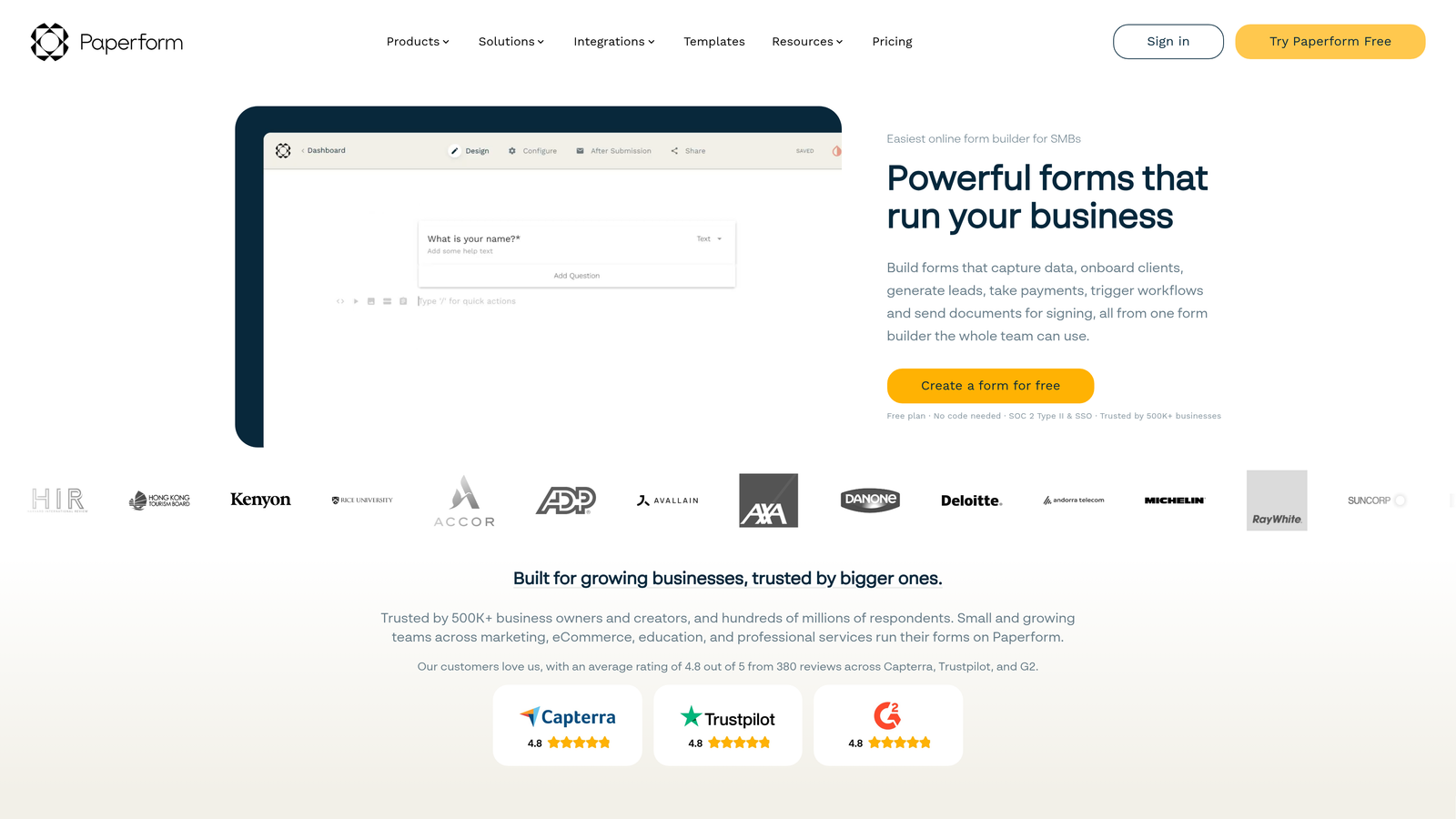
Paperform is a freeform document-style editor that lets non-developers build forms that look like polished branded pages, complete with built-in payments and calculation fields.
Where This Tool Shines
Paperform takes a different structural approach from most form builders. Instead of a rigid grid or block system, you write freely, placing questions, images, and text wherever you want on the page. The result feels more like a styled landing page than a traditional form, which works particularly well for client-facing forms, order pages, and intake flows where presentation matters.
The built-in payment processing and calculation fields set it apart from simpler tools. If you need a form that calculates a quote, generates a custom price, or collects payment on submission, Paperform handles all of that natively without needing a third-party workaround.
Key Features
Freeform Document Editor: Place questions and content freely on the page for a landing page aesthetic rather than a traditional form layout.
Built-In Payment Processing: Accept payments via Stripe and PayPal directly through the form, without additional integrations.
Calculation Fields: Build dynamic pricing estimators, quote calculators, and scoring logic using formula-based fields.
Conditional Sections and Logic: Show or hide entire sections based on previous answers to keep forms focused and relevant.
300+ Integrations: Connect via native connectors and Zapier to a wide range of CRMs, email tools, and project management platforms.
Best For
Paperform is a strong fit for coaches, agencies, consultants, and small business owners who want forms that feel on-brand and handle transactions or custom pricing logic. Less suited for teams that need deep analytics or high-volume lead qualification.
Pricing
No permanent free tier. Plans start from approximately $24 per month, with a 14-day free trial available to test the platform before committing.
5. Jotform
Best for: Teams in regulated industries that need compliance-ready forms with extensive template coverage
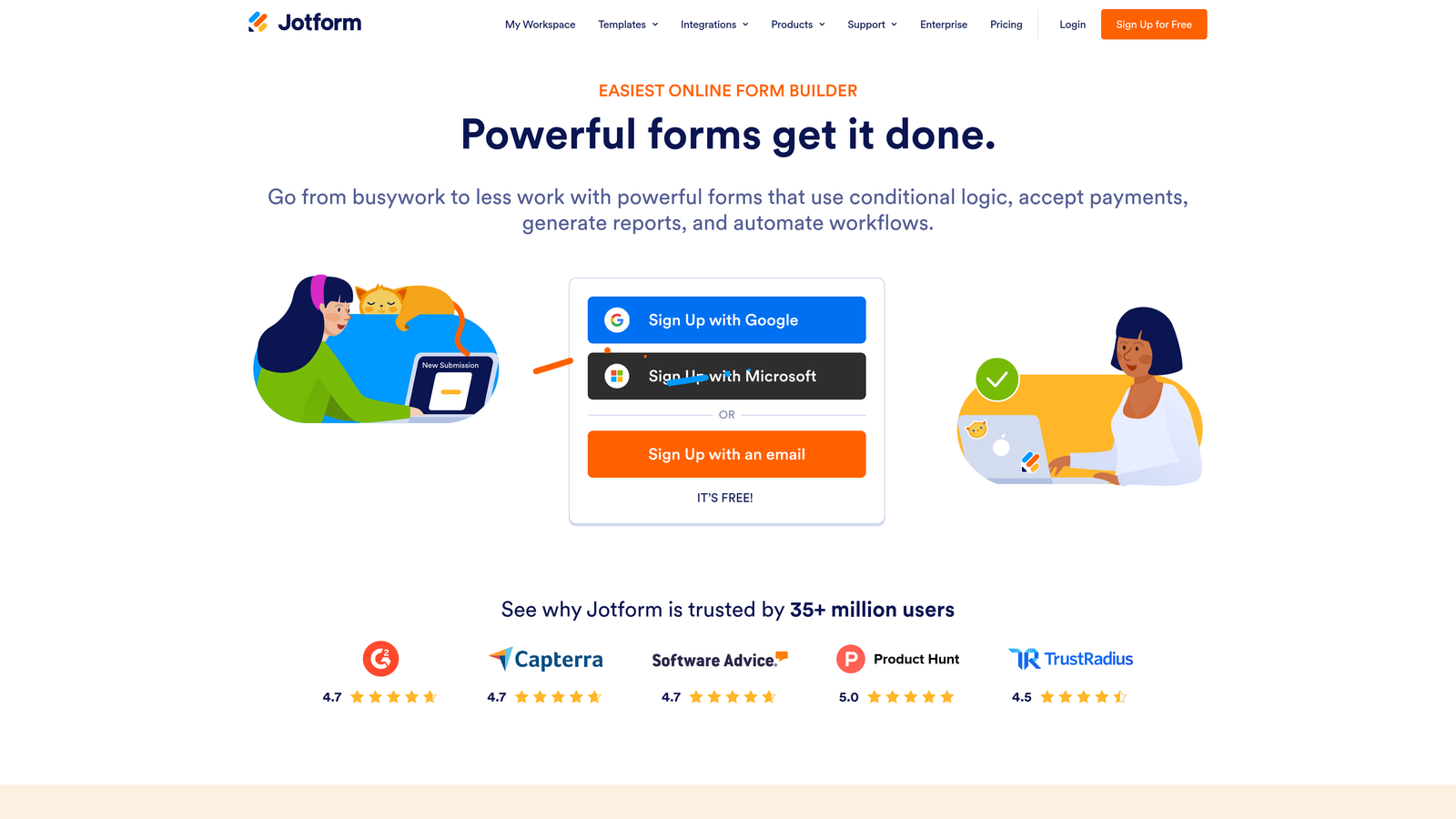
Jotform is one of the most established form builders on the market, offering thousands of templates and strong compliance features for teams operating in regulated environments.
Where This Tool Shines
Jotform's template library is one of the broadest in the category, covering industries from healthcare and education to legal, real estate, and e-commerce. For non-developers who want to start from something rather than a blank canvas, this is a significant advantage. The chances are high that a template close to your use case already exists.
Compliance is another genuine differentiator. Jotform offers HIPAA-compliant forms and supports GDPR requirements, which matters for teams in healthcare, finance, or any context where data handling is subject to regulatory scrutiny. Jotform AI Forms also introduced AI-assisted form creation to speed up the initial setup process.
Key Features
10,000+ Templates: An extensive library covering virtually every industry and use case, giving non-developers a strong starting point.
HIPAA and GDPR Compliance: Built-in compliance options for teams operating in regulated industries where data privacy is critical.
AI-Assisted Form Creation: Use AI to generate a form draft based on a description, reducing initial setup time.
Built-In Payments, E-Signatures, and Approvals: Handle transactions, collect signatures, and build approval workflows without leaving the platform.
Extensive Integration Library: Connects with a wide range of CRMs, payment processors, project management tools, and more.
Best For
Jotform is well-suited for healthcare providers, educational institutions, legal teams, and any organization that needs compliance-ready forms alongside a deep template library. It's also a solid general-purpose option for teams that want everything under one roof.
Pricing
Free plan available with limited monthly submissions. Paid plans start from approximately $34 per month, with higher tiers unlocking more submissions, storage, and compliance features.
6. Formstack
Best for: Mid-market and enterprise teams with complex internal workflows that extend beyond form collection
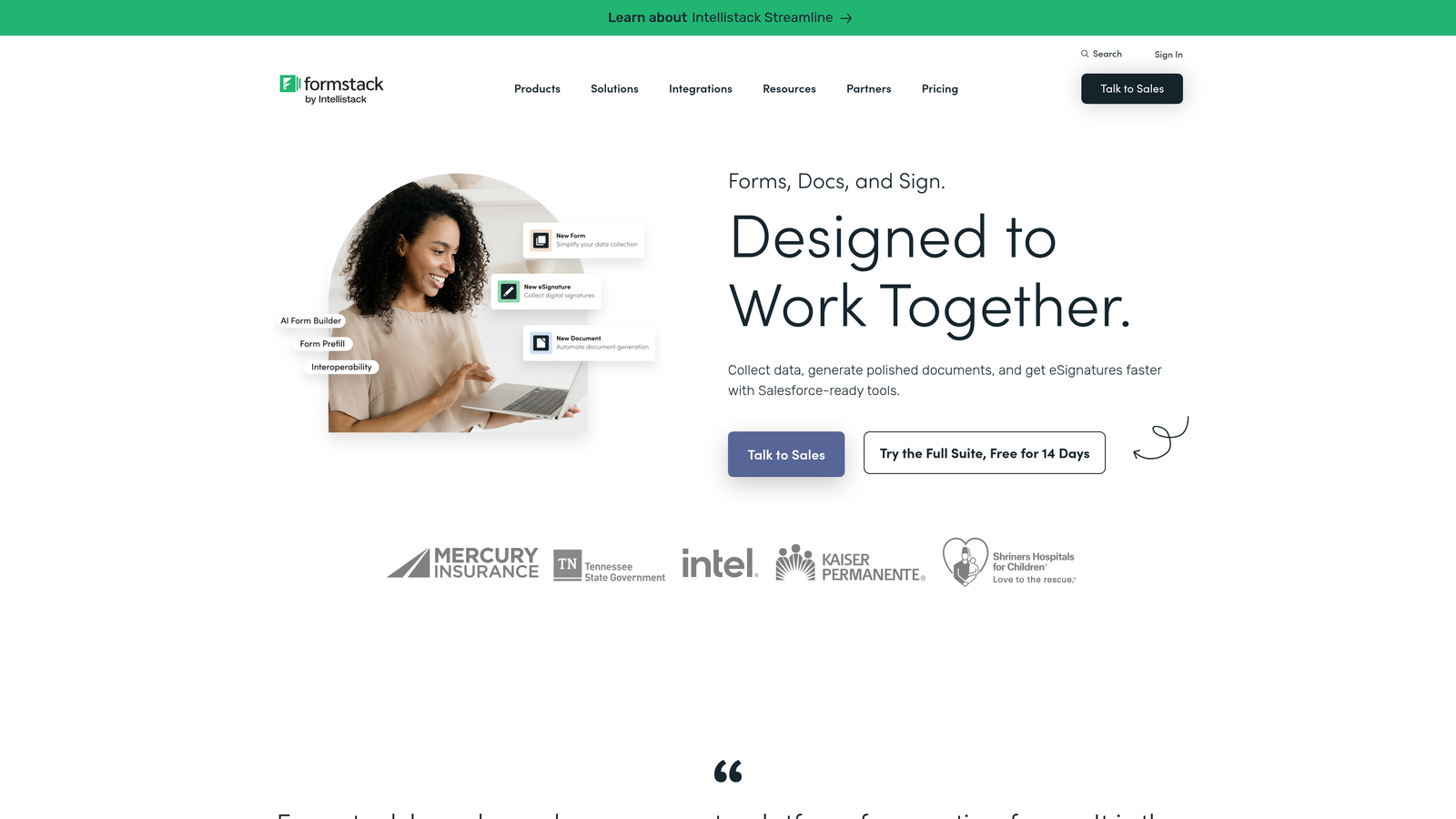
Formstack is a workflow-oriented platform that combines form building with document generation, e-signatures, and approval routing for teams with sophisticated operational processes.
Where This Tool Shines
Formstack is less about making beautiful public-facing forms and more about powering the internal processes that happen after a form is submitted. If your organization needs form submissions to trigger document generation, route approvals, collect e-signatures, and sync with Salesforce, Formstack handles that entire chain natively without stitching together multiple tools.
It's worth noting that Formstack sits at a higher complexity and price point than the other tools on this list. It's not the most beginner-friendly option, and the interface reflects its enterprise positioning. But for ops-heavy teams that have outgrown simpler tools, the workflow depth is genuinely valuable.
Key Features
Advanced Conditional Logic and Prefill: Build sophisticated form paths and pre-populate fields with existing data to reduce friction for returning users.
Formstack Documents: Automatically generate populated documents, contracts, and reports from form submission data.
Formstack Sign: Collect legally binding e-signatures as part of the form and document workflow, without a separate tool.
Approval Workflows and Data Routing: Route submissions through multi-step approval chains and direct data to the right teams automatically.
Salesforce-Native Integration: Deep Salesforce integration makes it a strong choice for CRM-heavy sales and operations teams.
Best For
Formstack suits mid-market and enterprise teams, particularly in sales operations, HR, and compliance-heavy functions, where forms are the starting point for longer internal workflows. It's less appropriate for lean teams or those primarily focused on external lead generation.
Pricing
Plans start from approximately $83 per month. Enterprise pricing is available. Given the price point, Formstack is best evaluated by teams with specific workflow automation needs that justify the investment.
Which Tool Is Right for Your Team?
The right form builder depends on what you're actually trying to accomplish, not just how easy the editor is to use.
If lead quality is your primary concern and you're building forms for a high-growth sales or marketing function, Orbit AI is the standout choice. The AI-powered qualification layer solves a problem that no other tool on this list addresses natively: it doesn't just collect leads, it ranks them for your team automatically.
If respondent experience and brand aesthetics are the priority, Typeform delivers the most polished conversational format. For teams on a tight budget who need capable, unlimited forms without paying anything, Tally is hard to beat. Paperform is the go-to when forms need to look and function like branded landing pages with built-in payments.
For compliance-heavy environments with diverse template needs, Jotform is the most established and well-rounded option. And if your organization needs forms to trigger complex downstream workflows including document generation and approvals, Formstack is built for that level of operational depth.
The common thread across every strong choice here is that non-developers are no longer limited to basic form tools. The category has matured, and the best platforms give you real power without requiring a single line of code.
Transform your lead generation with AI-powered forms that qualify prospects automatically while delivering the modern, conversion-optimized experience your high-growth team needs. Start building free forms today and see how intelligent form design can elevate your conversion strategy.


