

When your brand has a distinct visual identity, a generic-looking form can quietly kill conversions. Prospects notice when the form they're filling out looks nothing like the product they just signed up to try. Custom CSS support gives you the power to make forms feel like a seamless extension of your product, not an afterthought bolted on from a third-party tool.
Whether you need pixel-perfect styling for a SaaS onboarding flow or a branded lead capture experience, the right form builder should get out of your way and let you design freely. This guide covers the best form builders with genuine CSS customization capabilities in 2026, evaluated on styling flexibility, ease of use, native features, and how well they serve high-growth teams focused on lead generation and conversion.
Every tool on this list offers real CSS control, not just a theme picker with a few color swatches.
1. Orbit AI
Best for: High-growth SaaS and marketing teams who want branded forms with built-in lead qualification.
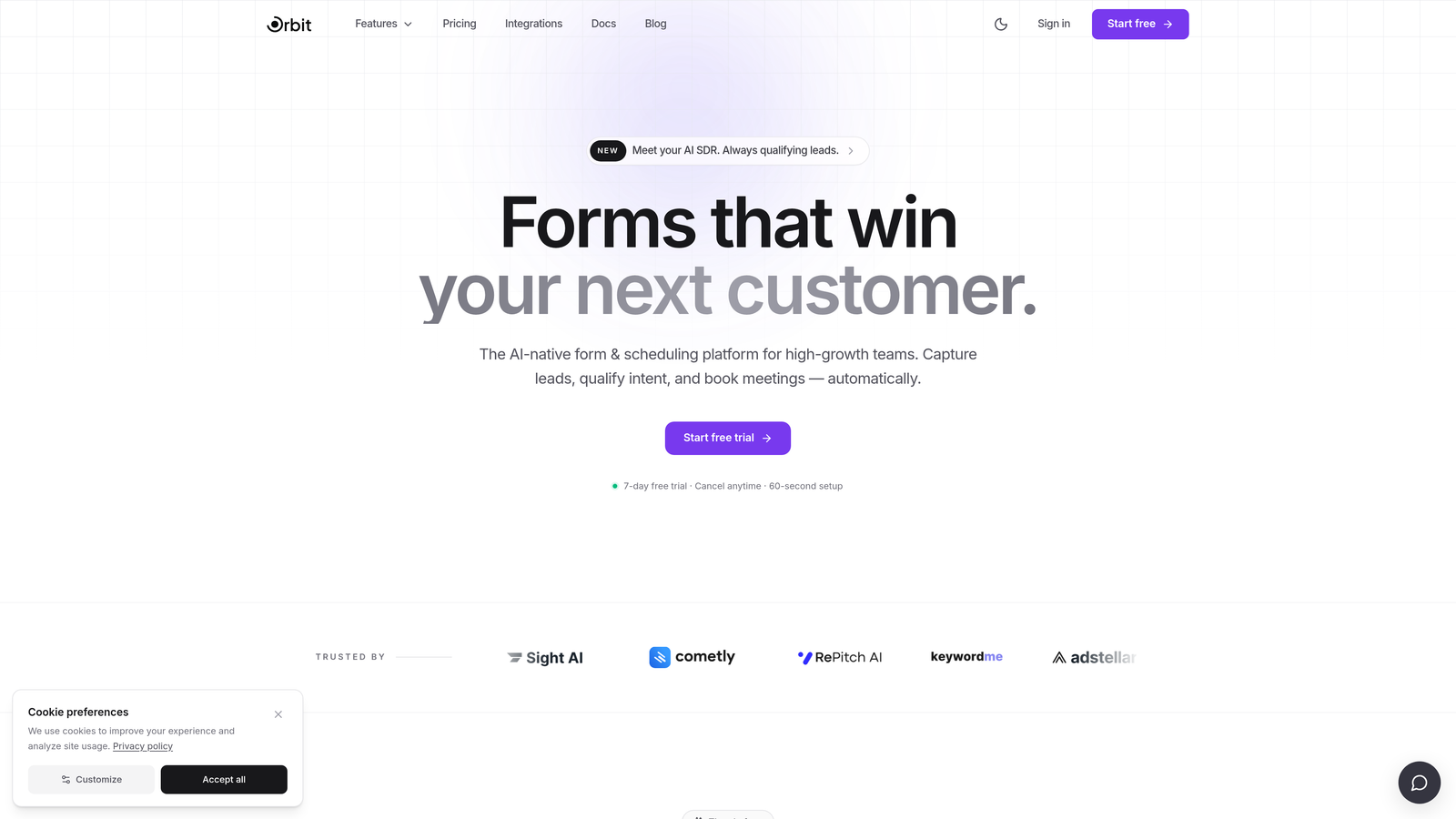
Orbit AI is an AI-powered form builder that combines full custom CSS styling with intelligent lead qualification to turn every form into a conversion asset.
Where This Tool Shines
Orbit AI is built around a specific premise: forms aren't just data collection tools, they're the first moment of qualification in your funnel. While most form builders treat CSS as a cosmetic add-on, Orbit AI pairs visual control with AI-driven lead scoring so your forms look on-brand and work smarter at the same time.
The builder interface is clean and modern, designed so marketing and growth teams can move fast without pulling in a developer for every styling change. When you do need to go deeper, full CSS access is there. It's a rare combination of design freedom and conversion intelligence in a single platform.
Key Features
Full Custom CSS Support: Apply granular CSS styling at the form, field, and element level for pixel-perfect brand alignment across every touchpoint.
AI-Powered Lead Qualification: Orbit AI scores and routes leads automatically based on form responses, so your team focuses on the right prospects without manual triage.
Conversion-Optimized Templates: Pre-built templates designed specifically for SaaS onboarding, demo requests, and lead capture — not generic contact forms.
Intuitive Builder Interface: A modern drag-and-drop experience that handles most design tasks without requiring developer involvement.
Built-In Analytics: Track form performance, submission rates, and drop-off points directly within the platform to continuously improve conversion.
Best For
Orbit AI is the strongest fit for SaaS companies, growth teams, and marketing teams who want forms that match their design system and qualify leads automatically. If you're running paid acquisition campaigns or high-volume lead gen, the AI qualification layer adds meaningful value that other form builders simply don't offer.
Pricing
Check orbitforms.ai for current pricing plans. A free starting option is available for teams ready to explore the platform.
2. Typeform
Best for: Teams who want a polished, conversational form experience with CSS control on higher-tier plans.
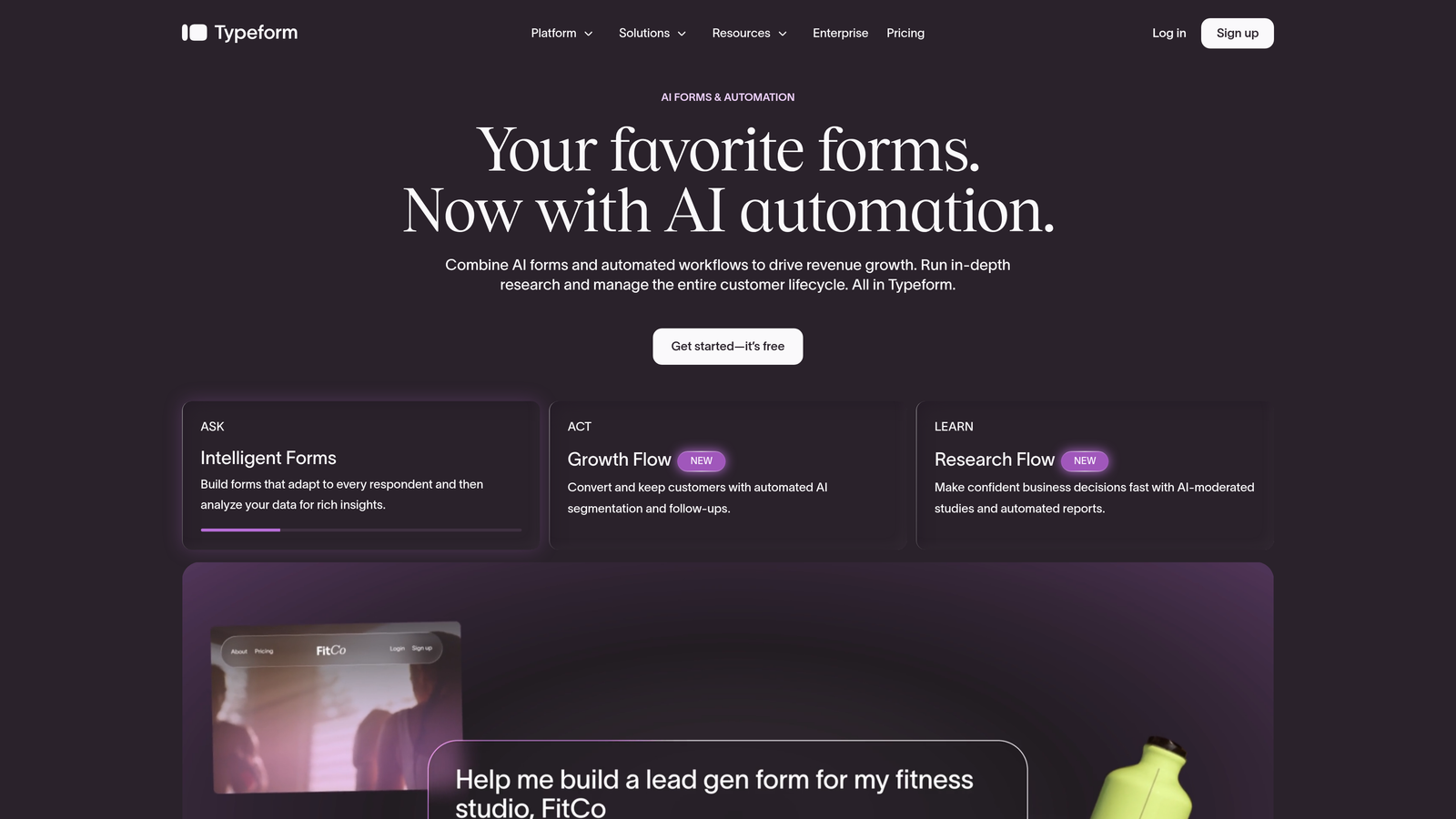
Typeform is a conversational form builder known for its engaging one-question-at-a-time format and strong native design system.
Where This Tool Shines
Typeform's biggest strength is the experience it creates for respondents. The one-question-at-a-time format feels less like filling out a form and more like having a conversation, which can meaningfully improve completion rates for longer surveys and qualification flows. The out-of-the-box design quality is among the best in the category.
Custom CSS becomes available on the Business plan and above, unlocking deeper brand alignment for teams that need to go beyond Typeform's native theme controls. For teams already investing in the higher tiers for integrations and logic features, the CSS access is a useful addition rather than the primary reason to upgrade.
Key Features
Conversational UX: One-question-at-a-time format creates an engaging, low-friction experience that can improve form completion rates.
Custom CSS (Business Plan+): Apply custom styles to override native design elements and align forms with your brand system.
Native Theme Customization: Strong built-in design controls for teams who don't need full CSS access.
Integration Ecosystem: Connects with HubSpot, Salesforce, Zapier, and a wide range of marketing and CRM tools.
Logic Jumps and Conditional Branching: Dynamic form flows that adapt based on respondent answers, useful for qualification and segmentation.
Best For
Typeform works well for marketing, research, and product teams that prioritize respondent experience and already operate at a plan tier that includes CSS access. It's less ideal for teams where CSS customization is the primary requirement but budget is a constraint, since that feature sits behind a significant plan upgrade.
Pricing
A free plan is available; CSS customization requires the Business plan or above. Verify current pricing at typeform.com.
3. Jotform
Best for: Teams that need a feature-rich builder with a built-in CSS editor and a massive template library.
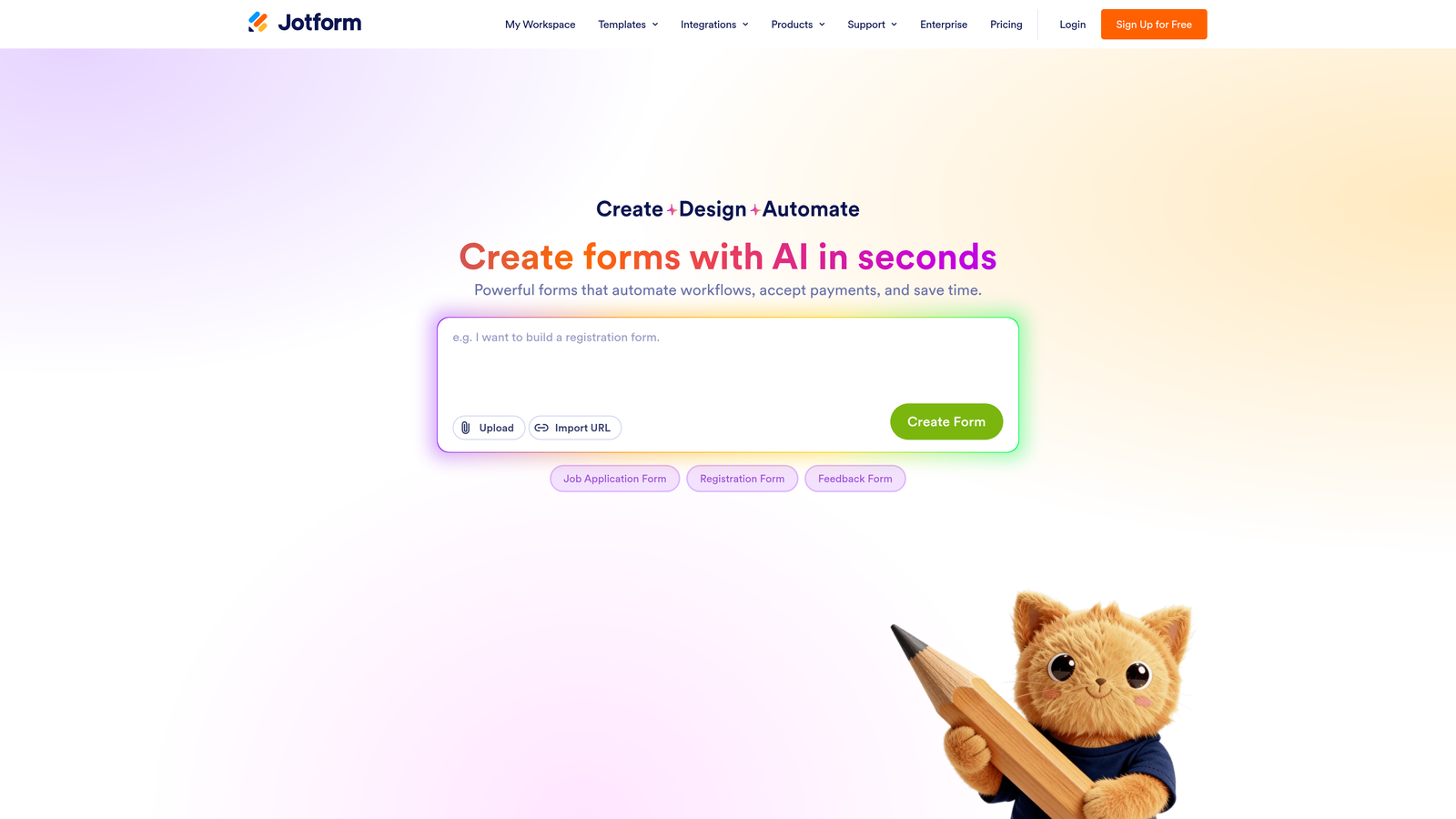
Jotform is one of the most comprehensive form builders available, offering a built-in CSS editor alongside an extensive field type library and thousands of templates.
Where This Tool Shines
Jotform's CSS editor is directly integrated into the form builder interface, which makes it more accessible than tools that require embedding workarounds to apply custom styles. You can target individual fields, labels, buttons, and containers without leaving the platform. For teams that need granular visual control alongside complex form logic, that combination is genuinely useful.
The breadth of Jotform's feature set is also notable. Payment integrations, HIPAA-compliant plans, multi-page forms, and a library of over 10,000 templates mean you're unlikely to hit a ceiling on what you can build. The tradeoff is that the interface can feel dense, particularly for teams that want a fast, lightweight experience.
Key Features
Built-In CSS Editor: A dedicated CSS panel within the builder for granular styling of form elements, fields, and containers.
Extensive Field Types: Over 100 field types covering everything from standard inputs to e-signatures, file uploads, and payment fields.
10,000+ Templates: One of the largest template libraries in the market, spanning industries and use cases.
Native Payment Integrations: Supports Stripe, PayPal, Square, and other payment processors directly within forms.
HIPAA-Compliant Plans: Available for healthcare and regulated industries that require data compliance controls.
Best For
Jotform is a strong choice for teams that need a wide feature set alongside CSS control, particularly those in regulated industries or teams building complex multi-step forms with payment collection. It's also a practical option for agencies managing forms across multiple clients, given the template depth and flexibility.
Pricing
A free plan is available with Jotform branding; paid plans remove branding and expand submission limits. Verify current pricing at jotform.com.
4. Paperform
Best for: Design-conscious teams who want forms that look like landing pages, with CSS available as an advanced option.
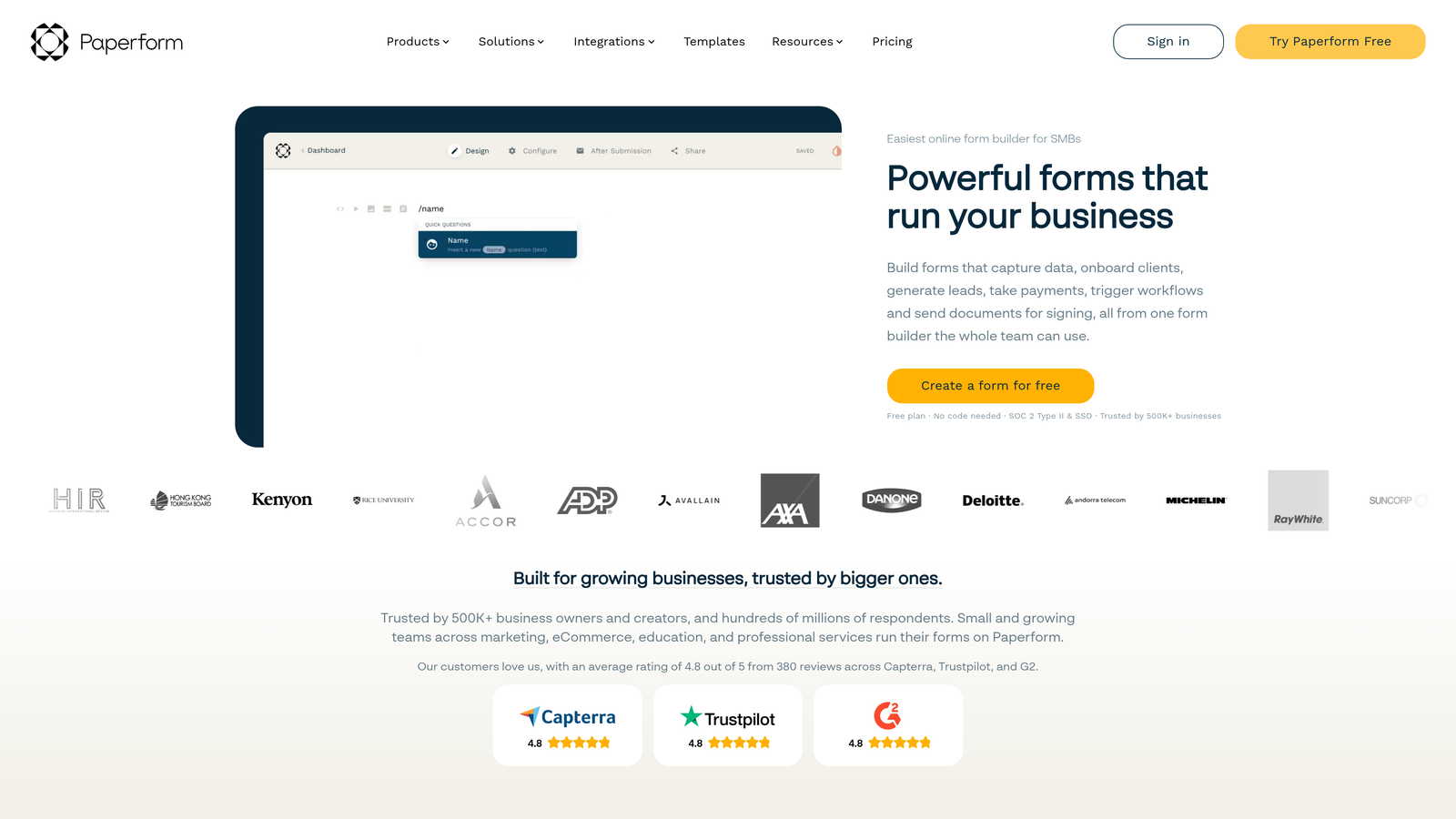
Paperform is a design-forward form builder with a document-style editor that produces visually rich, branded forms without heavy developer involvement.
Where This Tool Shines
Paperform takes a different approach to form design than most tools on this list. Instead of a traditional field-by-field builder, it uses a document-style editor that lets you mix text, images, and form fields freely. The result is forms that feel more like polished landing pages than standard data collection interfaces, which can work well for sales, service, and creative teams.
Custom CSS is available for teams that need to go beyond Paperform's already-strong built-in design controls. It functions as a developer escape hatch rather than the primary styling mechanism, which suits teams where most users work visually but the occasional technical customization is needed.
Key Features
Document-Style Editor: A freeform editor that blends text, media, and form fields to create landing-page-quality form experiences.
Custom CSS Access: Available for teams that want to extend beyond the native design system with precise style overrides.
Built-In Payment Processing: Native integrations with Stripe, PayPal, and Braintree for forms that collect payment directly.
Conditional Logic and Branching: Question branching that adapts the form flow based on respondent inputs.
No-Code Friendly with a Developer Escape Hatch: Most design tasks are handled visually; CSS is available when deeper control is needed.
Best For
Paperform suits creative agencies, service businesses, and product teams that want visually impressive forms without starting from scratch in CSS. If payment collection is part of your form workflow, the native processing integrations make it particularly practical. Teams that need CSS as their primary styling method may find the document-style editor limiting compared to tools with dedicated CSS editors.
Pricing
No free plan is available; a trial is offered. Verify current pricing at paperform.co.
5. Tally
Best for: Developer-friendly teams and budget-conscious builders who want clean HTML output and CSS flexibility on a generous free plan.
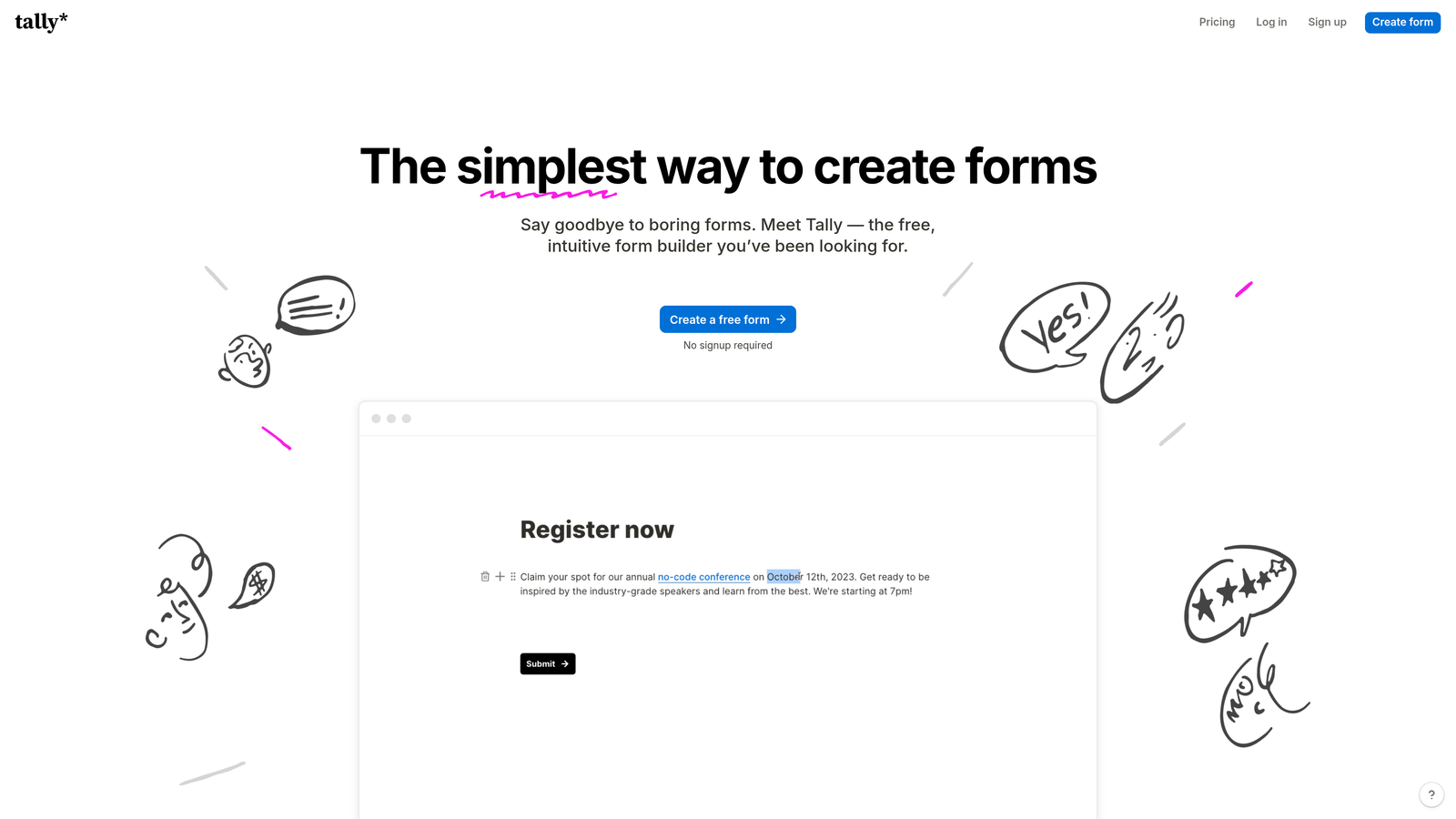
Tally is a minimalist, Notion-inspired form builder with a notably generous free plan and a developer-friendly approach to custom CSS through embeds and custom code injection.
Where This Tool Shines
Tally's approach to CSS customization is different from tools with dedicated style editors. It produces clean, minimal HTML output that's straightforward to target with custom stylesheets, and it supports CSS injection via embed parameters and custom code blocks. For developers or technically confident marketers, this approach offers a high degree of flexibility without the overhead of a complex builder.
The free plan is genuinely competitive, offering unlimited forms and submissions where most other tools impose strict limits. This makes Tally an attractive starting point for early-stage teams or projects where budget is a real constraint. The tradeoff is that advanced features like deep conditional logic and native payment processing are less robust than what Jotform or Paperform offer.
Key Features
Custom CSS via Embed Parameters: Apply custom styles through embed code and custom code blocks, giving developers direct control over form appearance.
Clean HTML Output: Minimal, well-structured HTML that makes external CSS targeting predictable and straightforward.
Generous Free Plan: Unlimited forms and submissions on the free tier, which stands out in a category where limits are common.
Block-Based Editor: A fast, Notion-style editing experience for quick form creation without a steep learning curve.
Zapier and Make Integrations: Connects to popular automation platforms for workflow routing and CRM syncing.
Best For
Tally is best suited for developers, technical marketers, and early-stage teams that want CSS flexibility without a paid plan commitment. It's a practical choice when form volume is high but budget is limited, or when you want clean HTML to style from scratch rather than overriding an opinionated design system.
Pricing
A free plan is available with unlimited forms; a Pro plan unlocks advanced features. Verify current pricing at tally.so.
6. Formstack
Best for: Enterprise teams that need CSS theming alongside advanced workflow automation and compliance features.
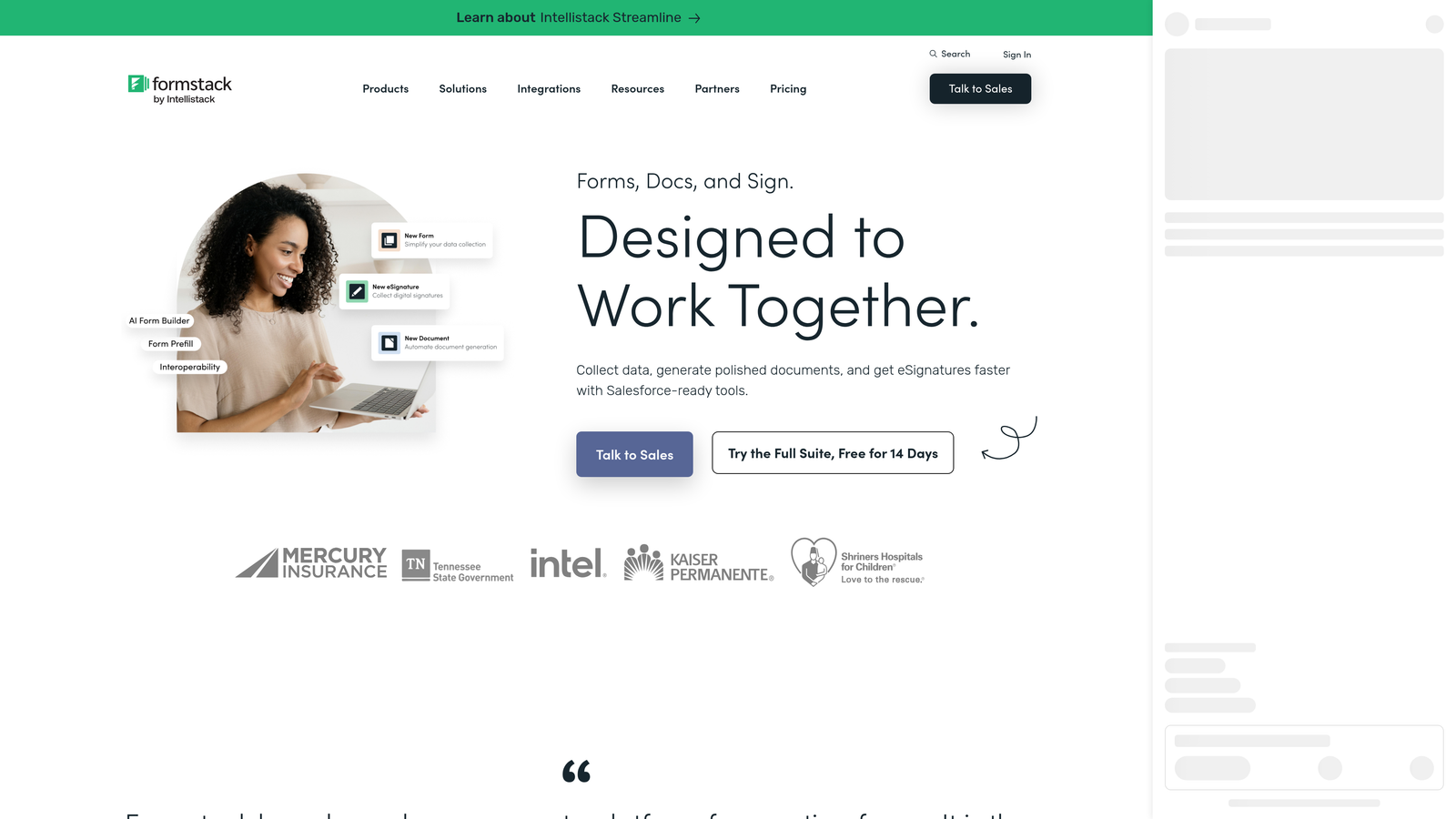
Formstack is an enterprise-grade form and workflow platform with CSS theming support, multi-step approval routing, and built-in compliance capabilities for regulated industries.
Where This Tool Shines
Formstack sits at a different level of the market than most tools on this list. Where other builders focus on individual form creation, Formstack is built around form-driven workflows: routing submissions through approval chains, generating documents, collecting e-signatures, and managing processes across teams. CSS theming allows enterprise organizations to maintain brand consistency across all form touchpoints at scale.
The compliance capabilities are a meaningful differentiator for regulated industries. HIPAA and GDPR features are built into the platform rather than bolted on, which matters for healthcare, finance, and legal teams where data handling requirements are non-negotiable. This is a platform for organizations with complex operational needs, not teams looking for a lightweight form builder.
Key Features
CSS Theming: Apply consistent brand styling across all forms in the organization through CSS theme controls.
Advanced Workflow Automation: Multi-step approval routing and workflow logic that goes well beyond standard form-to-email notifications.
HIPAA and GDPR Compliance: Built-in compliance features for regulated industries that require strict data handling controls.
Document Generation and E-Signatures: Create documents from form submissions and collect legally binding signatures within the same platform.
Enterprise SSO and User Management: Centralized user access controls and single sign-on for large teams and organizations.
Best For
Formstack is the right choice for enterprise buyers in regulated industries who need form-driven workflow automation alongside brand-consistent styling. It's significantly more complex and expensive than consumer-grade tools, so it's best evaluated by teams with operational complexity that justifies the investment rather than teams primarily looking for design flexibility.
Pricing
Enterprise-oriented pricing applies. Verify current plans at formstack.com.
Which Tool Is Right for Your Team
Every tool on this list offers genuine CSS customization, but the right choice depends on what you need beyond the styling layer.
If you're a SaaS or marketing team focused on lead generation and conversion, Orbit AI is the standout option. It's the only tool here that combines full CSS control with AI-powered lead qualification, which means your forms aren't just on-brand but actively working to qualify and route prospects. For high-growth teams running paid acquisition or inbound lead gen, that combination is hard to replicate with other tools.
For teams that prioritize respondent experience and are already on a higher-tier plan, Typeform's conversational format and CSS access make it a strong contender. Jotform is the best pick when feature breadth matters most, particularly for complex multi-page forms, payment collection, or regulated industries. Paperform suits design-conscious teams who want landing-page-quality forms without starting from a blank CSS canvas.
Tally is the clear choice for developer-friendly teams or early-stage companies that want CSS flexibility without a budget commitment. And Formstack belongs in the conversation only when enterprise workflow automation and compliance are genuine requirements alongside brand consistency.
The bottom line: match the tool to your team's actual workflow. A form builder that looks great but doesn't integrate with your CRM or qualify your leads is still leaving conversion value on the table.
Transform your lead generation with AI-powered forms that qualify prospects automatically while delivering the modern, conversion-optimized experience your high-growth team needs. Start building free forms today and see how intelligent form design can elevate your conversion strategy.


