

When a lead submits your form, every minute of delay costs you conversion potential. A slow or misdirected notification doesn't just create friction — it lets warm leads go cold before anyone picks up the phone or fires off an email.
A robust form notification system ensures the right person gets alerted instantly, whether that's a sales rep, a support agent, or an automated workflow. But not all notification systems are built the same. Some tools send a basic email and call it done. Others route, qualify, and prioritize submissions before anyone even opens their inbox.
This guide covers the best form notification systems available in 2026, evaluated on speed, routing intelligence, integration depth, and how well they support lead-focused teams. We've limited this list to tools with native form-building and notification capabilities — no bolt-on plugins or third-party patchwork setups required.
1. Orbit AI
Best for: High-growth SaaS and B2B teams that want notifications tied to lead quality, not just submission volume.
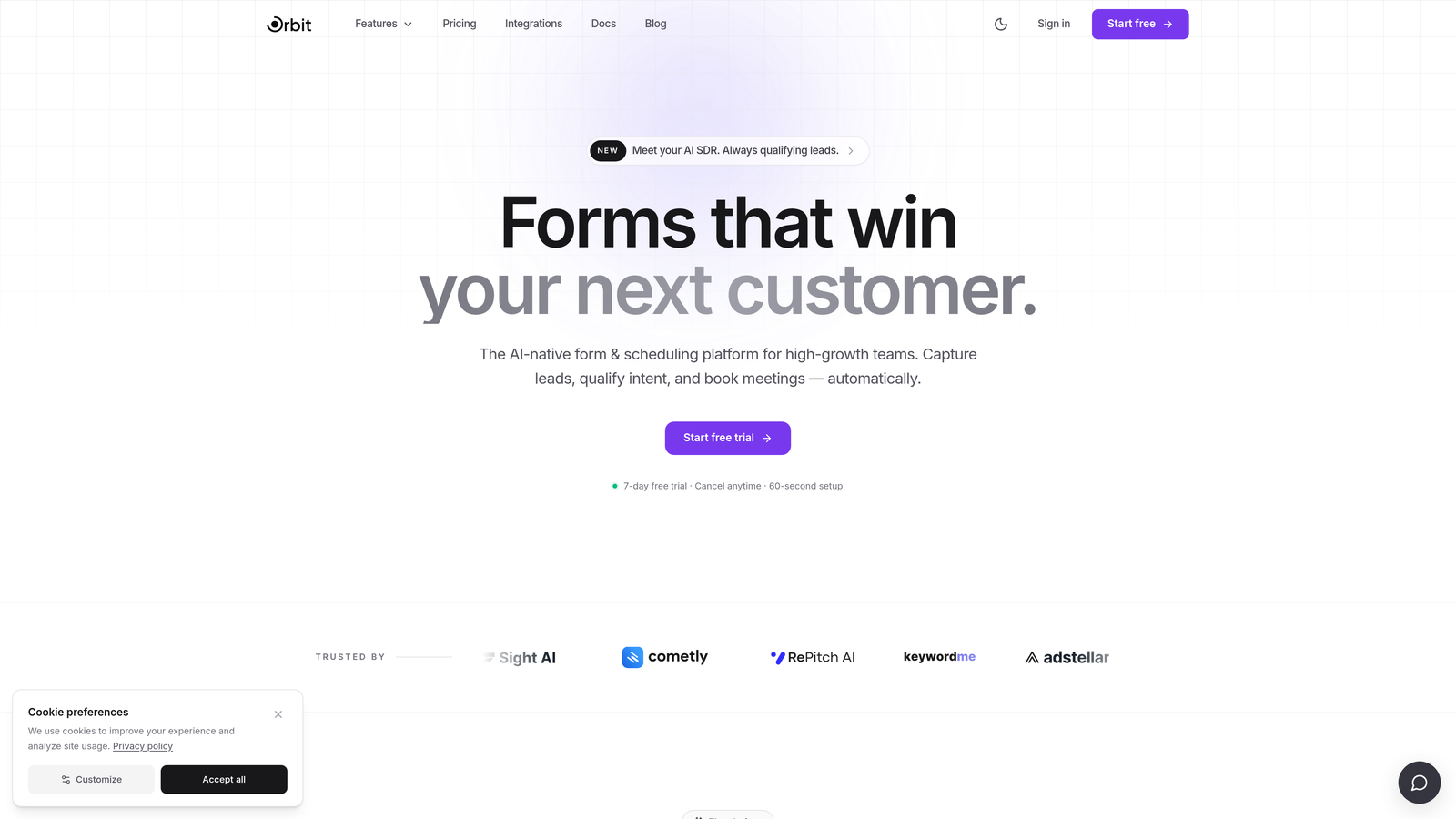
Orbit AI is an AI-powered form builder that qualifies leads at the point of submission and triggers smart notifications based on lead score rather than raw form events.
Where This Tool Shines
Most form notification systems treat every submission the same. Orbit AI takes a fundamentally different approach: its AI qualification layer scores each submission before any alert fires, so your sales team receives notifications that already carry context. A rep opening a notification from Orbit AI knows whether they're looking at a high-priority enterprise lead or an early-stage inquiry before they even click through.
This matters enormously for high-growth teams managing volume. When your forms are generating dozens or hundreds of submissions per day, intelligent triage isn't a nice-to-have — it's the difference between a responsive pipeline and a cluttered inbox that nobody trusts.
Key Features
AI-Powered Lead Qualification: Scores each submission automatically before triggering notifications, so alerts carry lead quality context from the start.
Smart Notification Routing: Routes alerts based on lead score, custom field values, or defined criteria — ensuring the right rep gets the right lead.
Conversion-Optimized Form Design: Modern, mobile-friendly templates built specifically to maximize completion rates on lead gen and demo request flows.
CRM and Sales Tool Integrations: Connects to your existing pipeline tools for seamless handoff once a qualified lead notification fires.
High-Growth Workflow Design: Purpose-built for B2B SaaS and lead generation teams that care about lead quality as much as lead volume.
Best For
Orbit AI is the strongest fit for SaaS companies, B2B marketers, and growth teams running high-volume lead generation campaigns. If your team's performance is measured by pipeline quality rather than raw submission counts, the AI qualification layer changes how your entire notification workflow operates.
Pricing
Visit orbitforms.ai for current pricing and plan details. A free option is available to get started.
2. Typeform
Best for: Teams that prioritize a polished respondent experience alongside functional notification workflows.
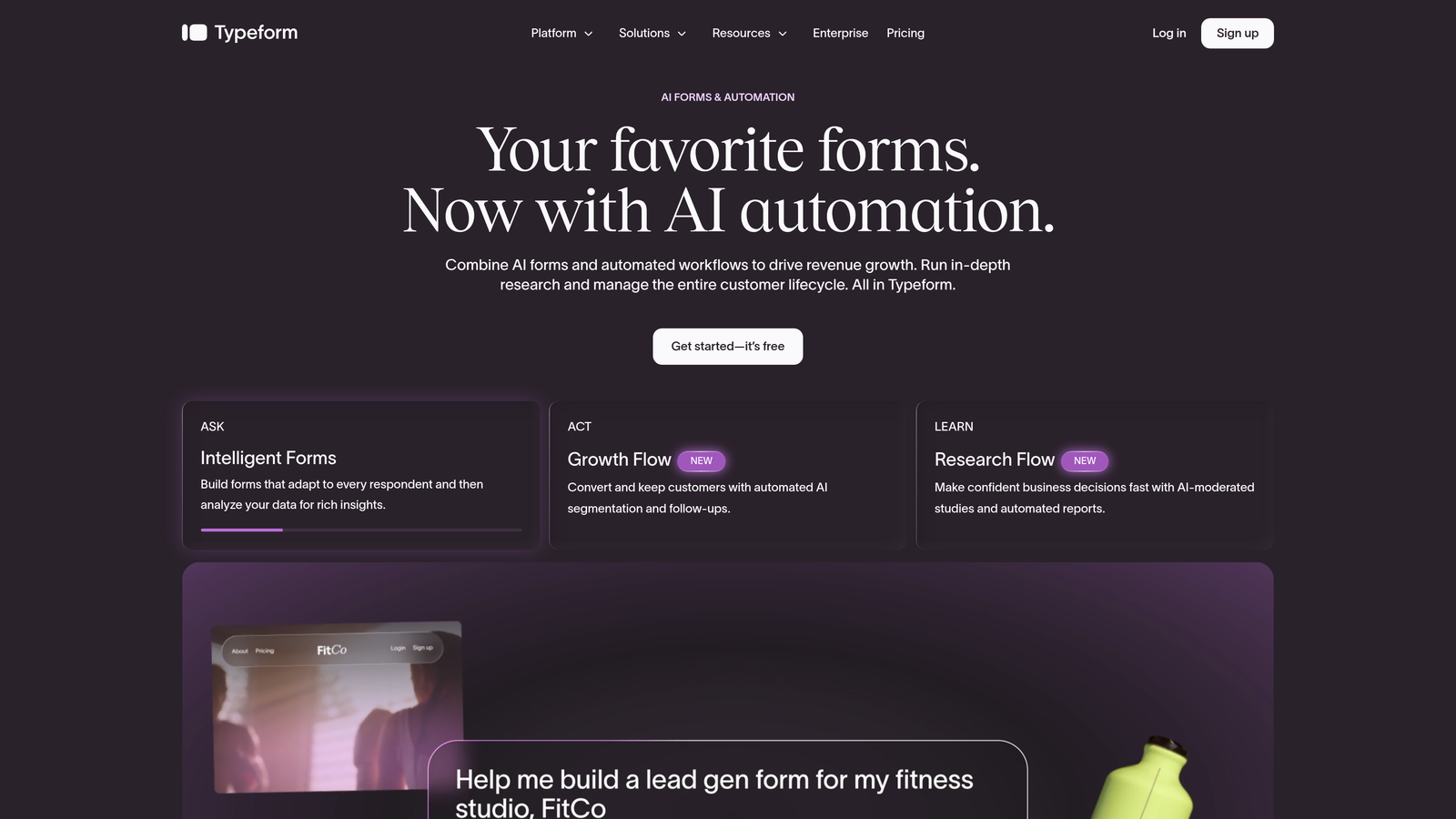
Typeform is a conversational form builder with strong brand recognition, known for its engaging, one-question-at-a-time format and clean notification setup.
Where This Tool Shines
Typeform's notification system covers the essentials well: email alerts to the form owner on each submission, plus customizable auto-responder emails for respondents. Where it extends its reach is through native integrations with Slack, HubSpot, and Salesforce, which allow teams to push submission data into the tools their sales and support teams already live in.
The tradeoff is that conditional notification routing — sending different alerts based on what a respondent answered — typically requires Zapier or a native CRM integration rather than being available out of the box. For teams with straightforward notification needs and strong integration stacks, this is rarely a blocker.
Key Features
Email Notifications: Instant alerts to the form owner on every new submission, with customizable notification content.
Respondent Auto-Responders: Automated confirmation emails to respondents with fully customizable messaging.
Native CRM Integrations: Direct connections to HubSpot, Salesforce, and Slack for routing submissions into live workflows.
Zapier Support: Extended notification routing and automation via Zapier for teams with more complex needs.
Conditional Form Logic: Branching logic on the form itself, though conditional notification routing relies on third-party tools.
Best For
Typeform works well for marketing teams, agencies, and mid-market companies that want a high-quality respondent experience and are comfortable using integrations to handle routing. It's less suited for teams that need deep native conditional notification logic without additional tooling.
Pricing
A free tier is available. Paid plans start at approximately $25/month. Verify current pricing at typeform.com.
3. Jotform
Best for: Teams that need deep conditional notification logic without leaving the native platform.
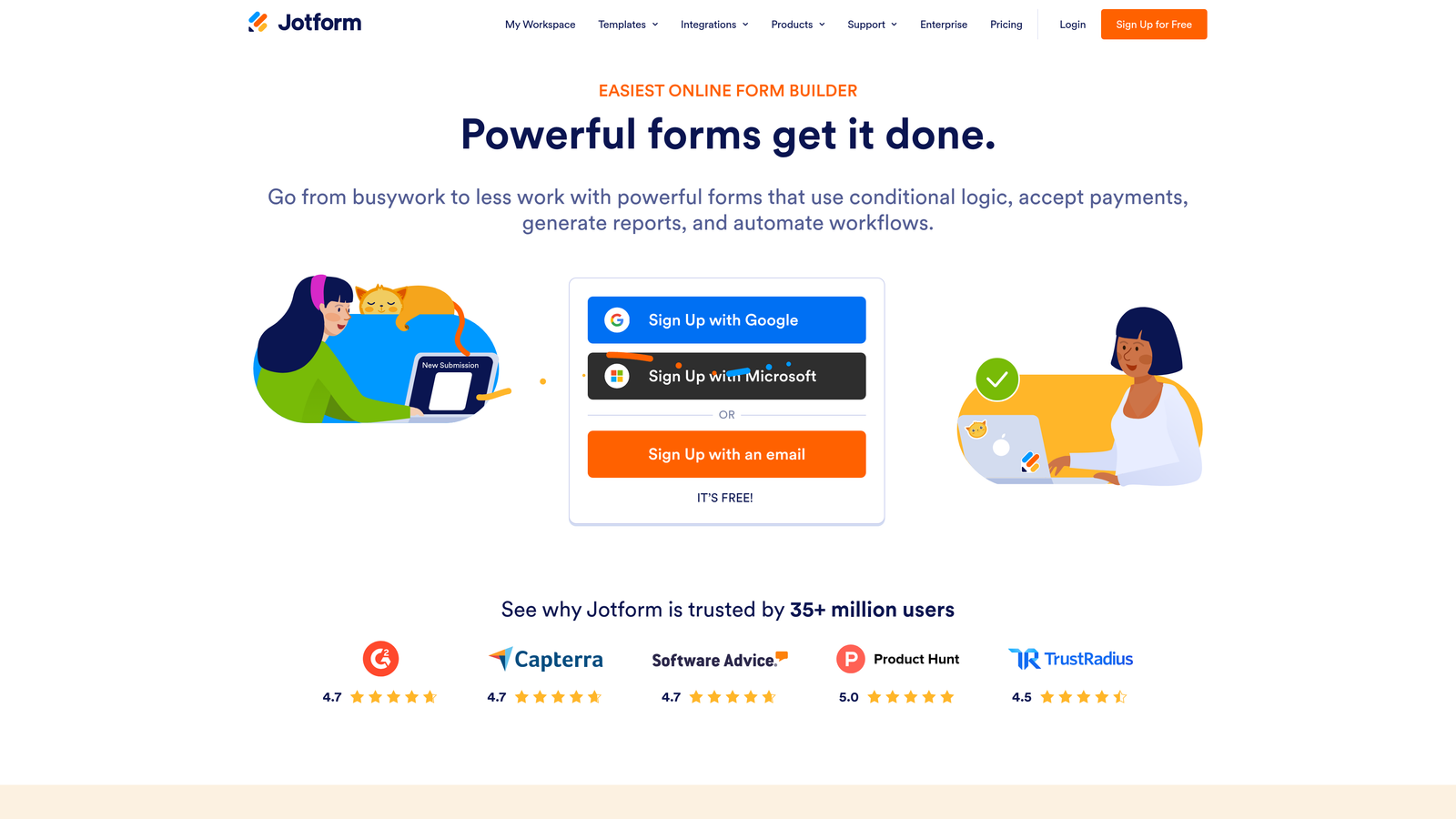
Jotform is a feature-rich form builder with one of the most configurable native notification systems available in its category.
Where This Tool Shines
Jotform's notification engine is genuinely powerful out of the box. You can set up multiple notification recipients per form, define conditional rules that route alerts based on specific field values, and build fully customized auto-responder emails — all without touching a third-party automation tool. For teams that need to route leads by department, product interest, territory, or any other field, this native flexibility is a significant advantage.
The breadth of Jotform's integration library also stands out. With over 100 native integrations, submissions can flow into CRMs, spreadsheets, Slack channels, and project management tools simultaneously. The platform leans more utilitarian than design-forward, but for notification logic depth, it's hard to match at this price point.
Key Features
Conditional Email Notifications: Route alerts to different recipients based on specific field values — by department, location, product interest, and more.
Multiple Recipients Per Form: Send notifications to several team members simultaneously or conditionally based on submission content.
Customizable Auto-Responders: Fully personalized confirmation emails for respondents, with dynamic field insertion.
PDF Submission Attachments: Include a formatted PDF of the submission directly in notification emails for quick review.
100+ Native Integrations: Connect to Slack, Salesforce, Google Sheets, and dozens more without requiring Zapier.
Best For
Jotform is ideal for operations teams, agencies managing multiple clients, and any organization that needs sophisticated conditional routing without investing in a separate automation platform. It's particularly strong for multi-department workflows where different submissions need to reach different people.
Pricing
A free tier is available. Paid plans start at approximately $34/month. Verify current pricing at jotform.com.
4. Paperform
Best for: Teams that want conditional notification logic and clean form design without a steep learning curve.
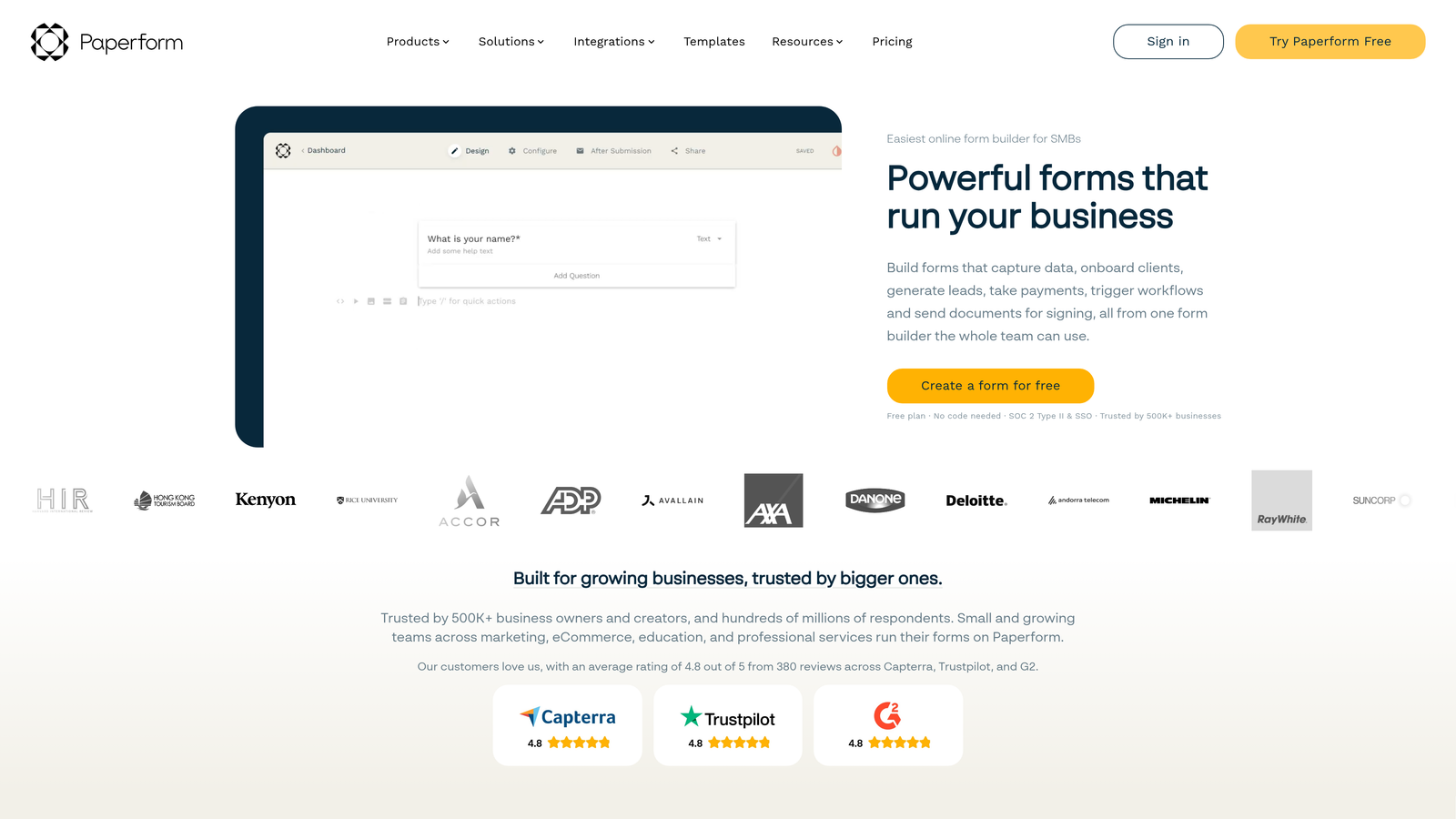
Paperform is a design-forward form builder with built-in automation and flexible per-submission notification rules that strike a practical balance between aesthetics and function.
Where This Tool Shines
Paperform sits in an interesting position: it offers more native automation than most design-focused tools, but without the complexity of an enterprise platform. Notification rules can be set per submission with conditional triggers, meaning you can fire different alerts depending on what a respondent selected. Native Slack and email integrations handle the most common routing scenarios without needing to leave the platform.
The form design experience is genuinely strong. Templates are modern and mobile-optimized, and the builder is intuitive enough that non-technical users can set up conditional notifications without frustration. For growing teams that want both form quality and notification intelligence, Paperform covers both without requiring a tool for each.
Key Features
Conditional Notification Rules: Set per-submission notification triggers based on form responses, enabling smart routing without third-party tools.
Native Slack and Email Integrations: Instant alerts to Slack channels or email recipients directly from the platform.
Built-In Automation: Post-submission actions including follow-up emails, data routing, and workflow triggers are available natively.
Zapier Support: Extended routing and workflow automation for more complex notification setups.
Mobile-Optimized Design: Clean, customizable form templates with a strong mobile experience for respondents.
Best For
Paperform is a strong fit for small to mid-sized teams, consultants, and growing businesses that want conditional notification logic alongside high-quality form design. It's particularly appealing for teams that find Jotform too utilitarian but need more native notification depth than Typeform provides.
Pricing
No permanent free tier is available. Plans start at approximately $24/month. Verify current pricing at paperform.co.
5. Formstack
Best for: Enterprise teams that need structured approval workflows, audit trails, and compliance-ready notification records.
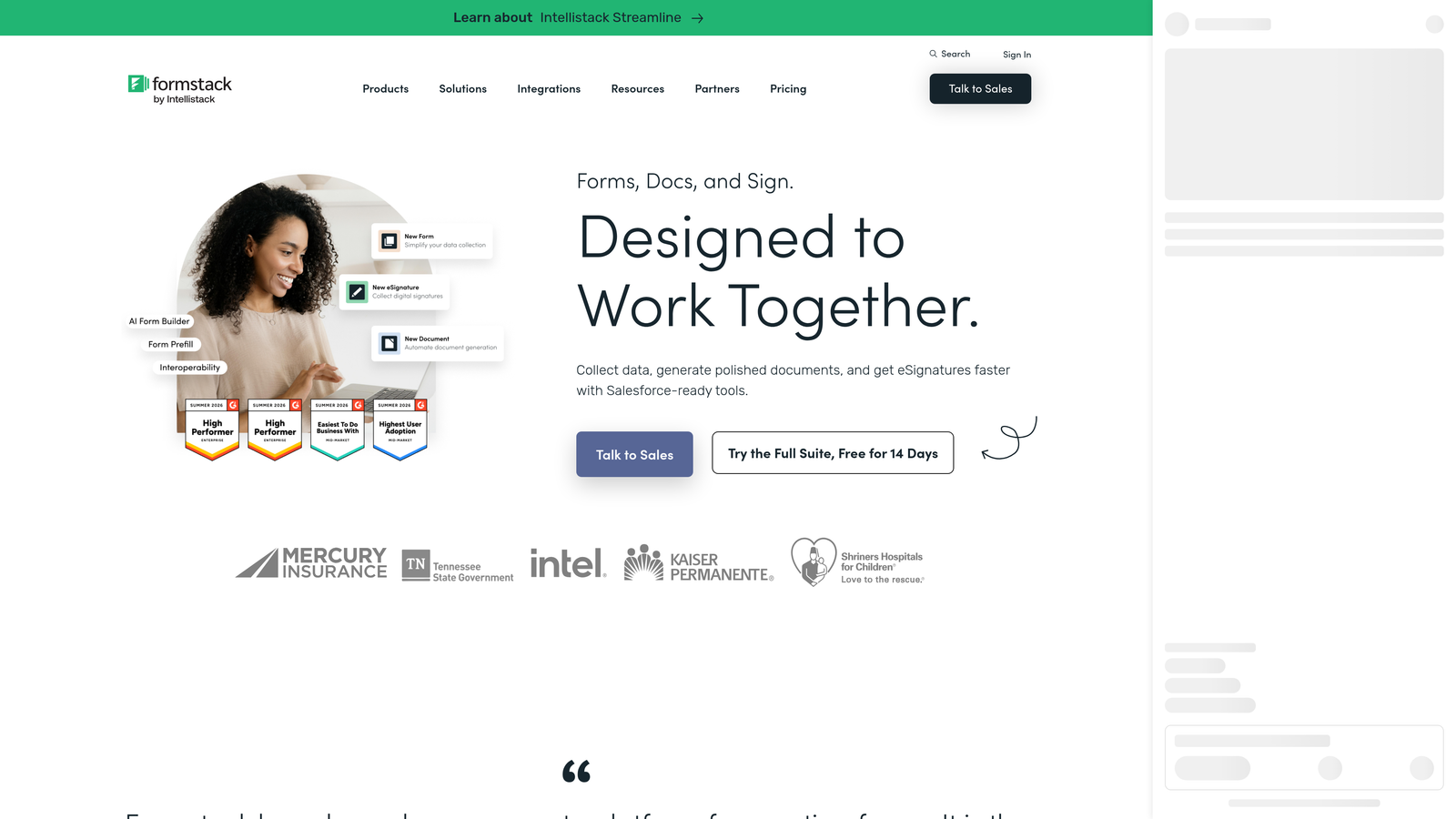
Formstack is an enterprise-grade form and workflow platform where notifications are part of a broader governed process rather than a standalone feature.
Where This Tool Shines
Formstack goes well beyond submission alerts. Its notification system supports multi-step approval workflows, meaning a form submission can trigger a chain of notifications that require sequential sign-offs before any action is taken. Escalation paths, conditional routing, and audit trails for notification delivery and response make it the right choice when notifications need to fit into structured, accountable processes.
For organizations in regulated industries, Formstack's HIPAA-compliant notification options are a meaningful differentiator. The deep Salesforce integration also makes it a natural fit for enterprise teams where CRM hygiene is non-negotiable. The tradeoff is cost and complexity — Formstack is built for organizations that need its governance features, not lean teams looking for quick setup.
Key Features
Approval Workflow Notifications: Multi-step routing that requires sequential sign-offs, not just one-time submission alerts.
Conditional Routing with Escalation: Complex notification paths with escalation logic for time-sensitive or high-priority submissions.
Audit Trails: Full records of notification delivery, opens, and responses for compliance and accountability purposes.
Deep Salesforce Integration: Enterprise-grade CRM handoff with field mapping and workflow synchronization.
HIPAA-Compliant Notifications: Notification options that meet compliance requirements for healthcare and other regulated industries.
Best For
Formstack is built for larger organizations, healthcare teams, financial services firms, and any enterprise environment where notifications need to fit into governed, multi-stakeholder workflows. It's overkill for small teams but genuinely differentiated for complex organizational structures.
Pricing
Business plans start at approximately $83/month. Verify current pricing at formstack.com.
6. Tally
Best for: Lean teams that need reliable, zero-cost form notifications without complex setup.
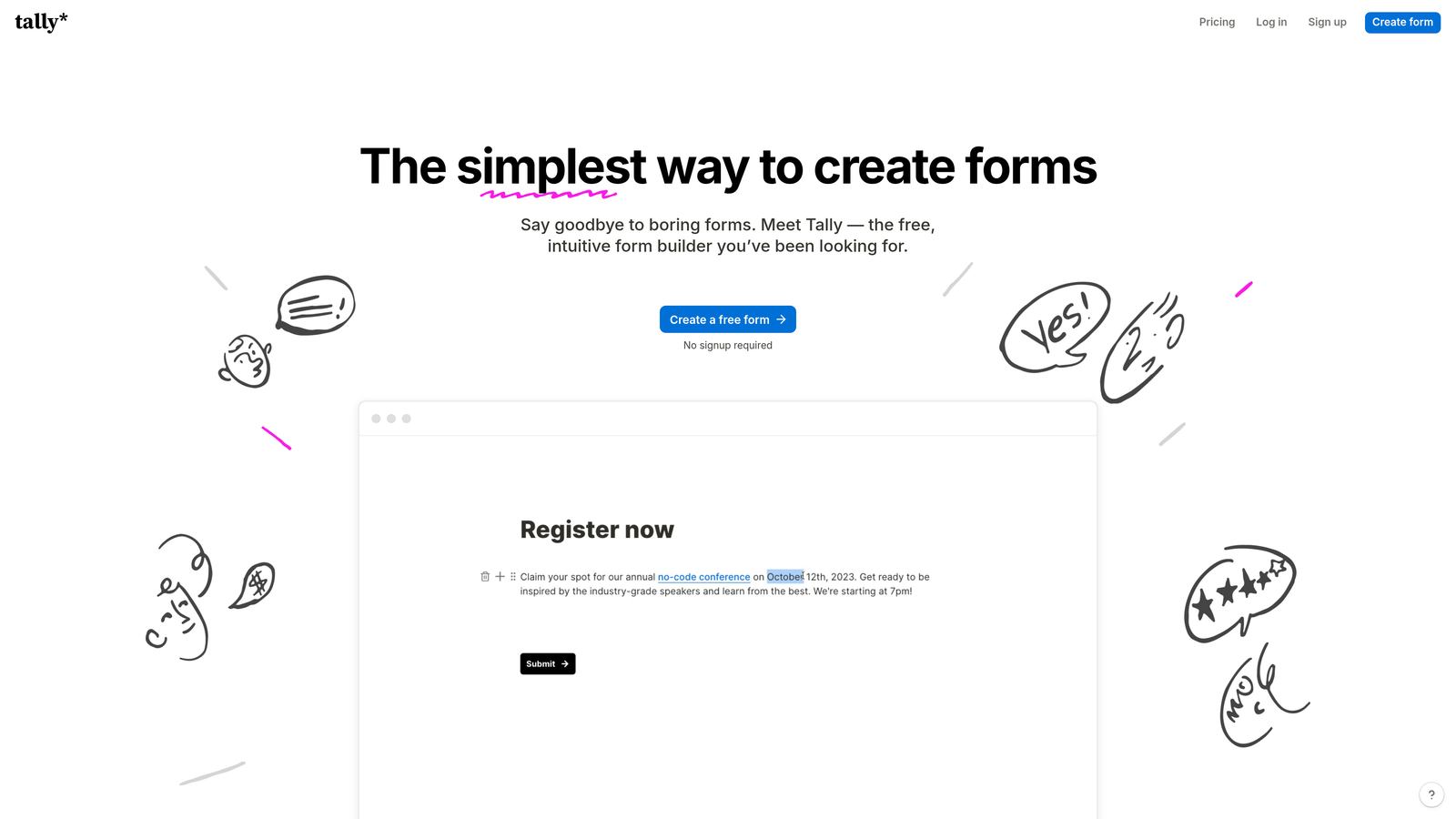
Tally is a free-first form builder with a minimal, clean notification setup that covers the essentials without requiring any configuration overhead.
Where This Tool Shines
Tally's appeal is its simplicity and its pricing. Email notifications fire on every submission with no setup required beyond entering a recipient address. Respondent confirmation emails are included, and the free tier comes with no submission limits — a meaningful differentiator in a category where competitors often cap free usage at a few hundred submissions per month.
For more advanced routing, Tally relies on Zapier and Make integrations rather than native conditional logic. This means lean teams with straightforward notification needs get everything they require for free, while teams with more complex workflows will need to layer on an automation tool. It's an honest tradeoff that Tally makes no attempt to obscure.
Key Features
Instant Email Notifications: Automatic alerts to the form owner on every new submission, active from the moment a form is published.
Respondent Confirmation Emails: Basic confirmation messages to form respondents after submission.
Zapier and Make Integrations: Connect to hundreds of tools for custom routing, CRM handoff, and extended notification workflows.
No Submission Limits on Free Tier: Collect unlimited responses without hitting a paywall, making it genuinely viable for ongoing use at no cost.
Simple Setup: No conditional notification logic natively, which keeps the configuration experience fast and friction-free.
Best For
Tally is the right choice for freelancers, early-stage startups, and lean internal teams that need reliable form notifications without budget or complexity. Teams that outgrow its native notification capabilities can extend it through automation tools, but those with routing requirements from day one will likely hit its limits quickly.
Pricing
A generous free tier is available with no submission limits. The Pro plan starts at approximately $29/month. Verify current pricing at tally.so.
Which Form Notification System Is Right for Your Team?
The right choice here depends almost entirely on what your team actually needs from a notification — and how much intelligence you want baked into that alert before it reaches anyone's inbox.
If you're running lead generation campaigns and your team's performance is measured by pipeline quality, Orbit AI is the standout option. The AI qualification layer means notifications carry context from the moment they fire, so your reps aren't sorting through raw submissions — they're responding to scored, prioritized leads. That distinction compounds quickly at volume.
For enterprise environments with structured approval processes and compliance requirements, Formstack is the most purpose-built solution. It's the only tool on this list that treats notifications as part of a governed workflow rather than a standalone feature.
Typeform and Paperform both serve the mid-market well. Typeform wins on respondent experience and brand polish; Paperform edges ahead on native conditional notification logic. Jotform is the go-to when you need deep conditional routing without leaving the native platform or paying for a separate automation tool. And Tally remains the most accessible starting point for lean teams that need reliable basics at no cost.
The right form notification system isn't just about getting an email. It's about getting the right alert to the right person at the right moment. For high-growth teams, that distinction directly impacts pipeline velocity and conversion rates.
Ready to see what intelligent form notifications look like? Start building free forms today and explore how AI-powered lead qualification can transform the way your team responds to every submission.


