

Every event lives or dies by its registration process. A clunky signup form that asks too much, loads too slowly, or drops data into a spreadsheet nobody checks can quietly kill attendance before you've even sent the first reminder email. The right event signup form builder removes that friction entirely.
This list covers standout options for 2026, evaluated on ease of use, customization, conditional logic, integrations, and how well they handle real event registration workflows. Whether you're running a scrappy startup launch or a multi-track enterprise summit, there's a tool here built for your scale.
For teams that also care about lead quality — not just headcount — pay close attention to which tools go beyond simple data capture to help you understand who's actually registering.
1. Orbit AI
Best for: High-growth B2B teams that want event signups to qualify leads automatically
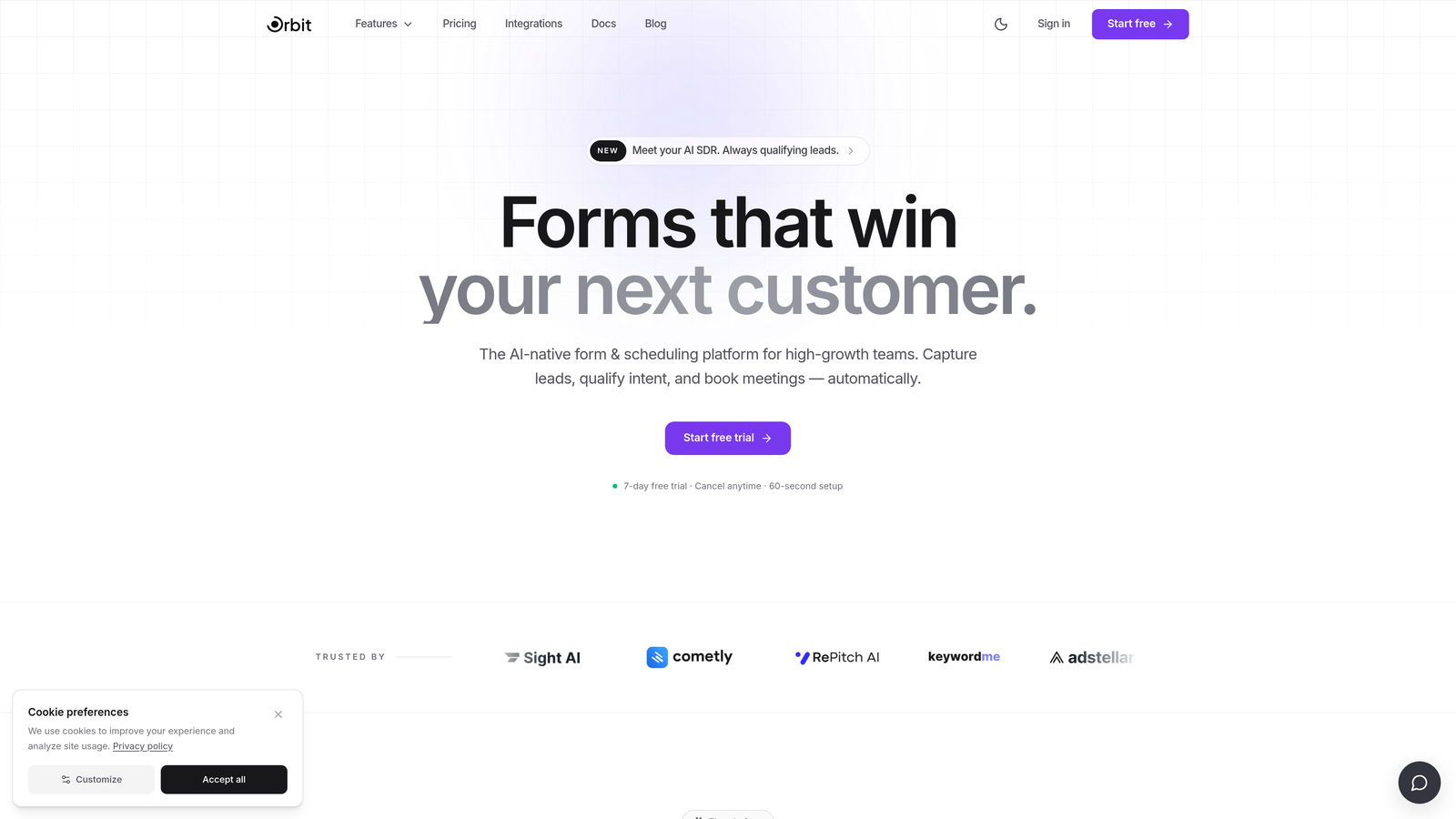
Orbit AI is an AI-powered form builder designed for teams that treat event registration as a lead generation opportunity, not just a headcount exercise.
Where This Tool Shines
Most form builders collect registration data and stop there. Orbit AI goes further by scoring and segmenting registrants automatically as they move through the form, giving your sales and marketing teams a prioritized list before the event even starts. That's a meaningful shift for B2B teams running webinars, product demos, or invite-only launches where registrant quality matters as much as volume.
The platform pairs that intelligence layer with conversion-optimized design: mobile-responsive templates, clean UX, and conditional logic that creates personalized registration paths based on how attendees answer. It's built for teams that want beautiful forms and smarter data, without needing to bolt on a separate qualification tool.
Key Features
AI Lead Qualification: Automatically scores and segments registrants based on their responses, so you know who to prioritize before the event kicks off.
Conversion-Optimized Templates: Modern, mobile-responsive form designs built to reduce drop-off and improve completion rates.
Conditional Logic: Create branching registration paths that adapt based on attendee answers, keeping forms relevant and focused.
CRM and Marketing Integrations: Connect with the tools your team already uses for seamless post-event follow-up and nurture workflows.
Form Analytics: Track form performance and registrant quality data in one place, not just raw submission counts.
Best For
SaaS companies, B2B marketing teams, and growth-focused organizations running events where lead quality matters. Particularly strong for webinars, product launches, and invite-only experiences where post-event follow-up needs to be targeted and timely.
Pricing
Visit orbitforms.ai for current pricing plans. A free starting option is available.
2. Typeform
Best for: Brand-conscious teams that want polished, conversational registration experiences
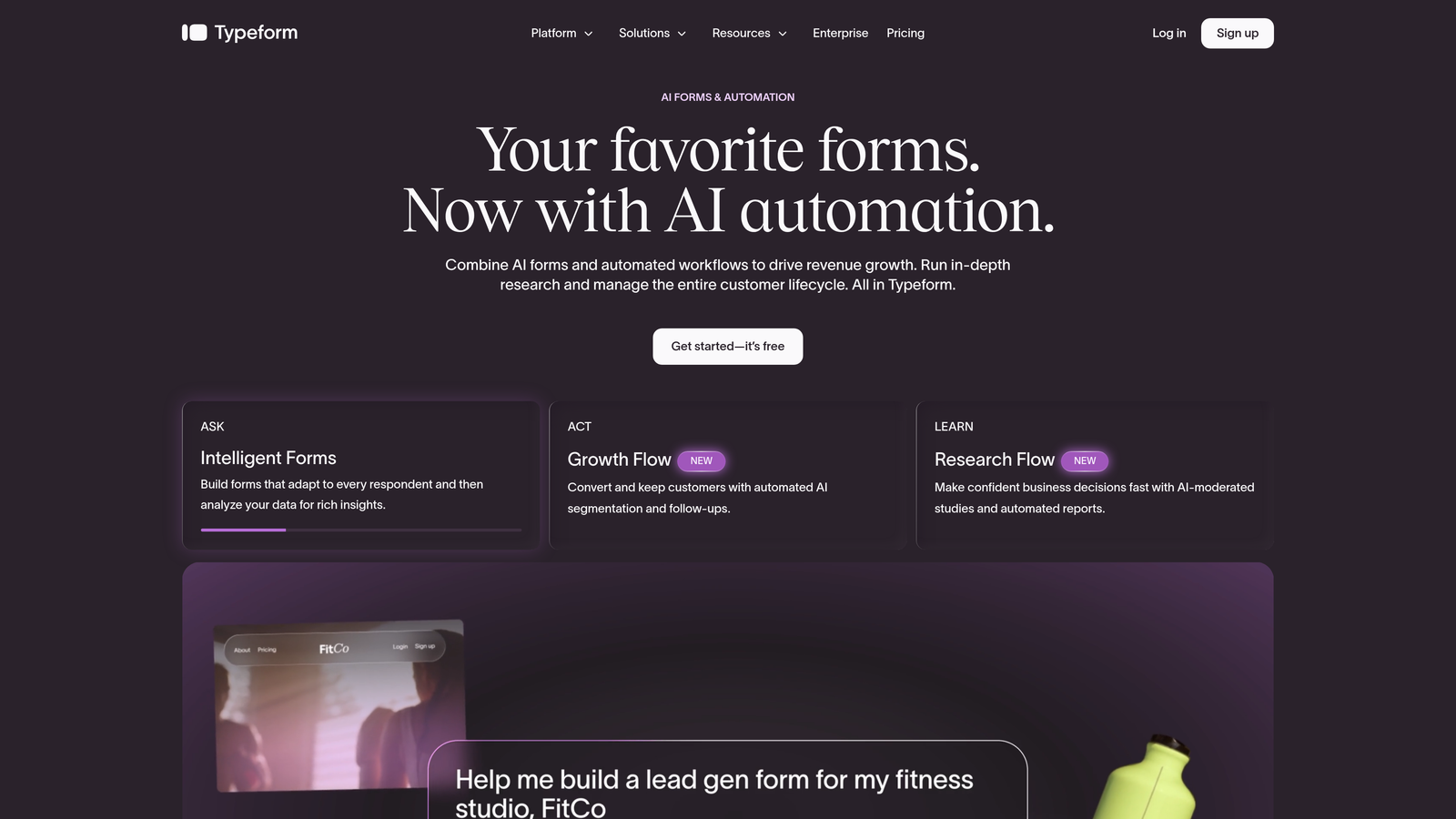
Typeform is a conversational form builder known for its one-question-at-a-time interface that makes even lengthy event registration forms feel approachable and engaging.
Where This Tool Shines
Typeform's signature format presents one question at a time, which reduces the visual overwhelm of a long registration form. For events that need to collect detailed attendee information — dietary preferences, session selections, company size — this approach keeps completion rates healthy by making the process feel more like a conversation than a form.
The visual design quality is genuinely strong. Custom themes, brand colors, and polished transitions make Typeform a go-to for teams where the registration experience needs to reflect a premium brand. Logic Jumps allow you to build branching flows so attendees only see questions relevant to them.
Key Features
Conversational Format: One-question-at-a-time interface reduces perceived form length and keeps attendees engaged through completion.
Logic Jumps: Branching conditional logic creates personalized registration paths based on attendee responses.
Integration Library: Connects with HubSpot, Mailchimp, Salesforce, Zapier, and a wide range of marketing and CRM tools.
Custom Branding: Fully customizable themes, fonts, and colors for on-brand event experiences.
Built-in Analytics: Response tracking and drop-off analysis to understand where registrants abandon the form.
Best For
Marketing teams at mid-size to large companies, agencies, and brand-forward organizations that want their registration experience to feel as polished as the event itself. Works well for conferences, workshops, and multi-session events with complex attendee segmentation needs.
Pricing
Free tier available. Paid plans start around $25/month — verify current pricing at typeform.com.
3. Jotform
Best for: Paid events and gated registrations that need built-in payment processing
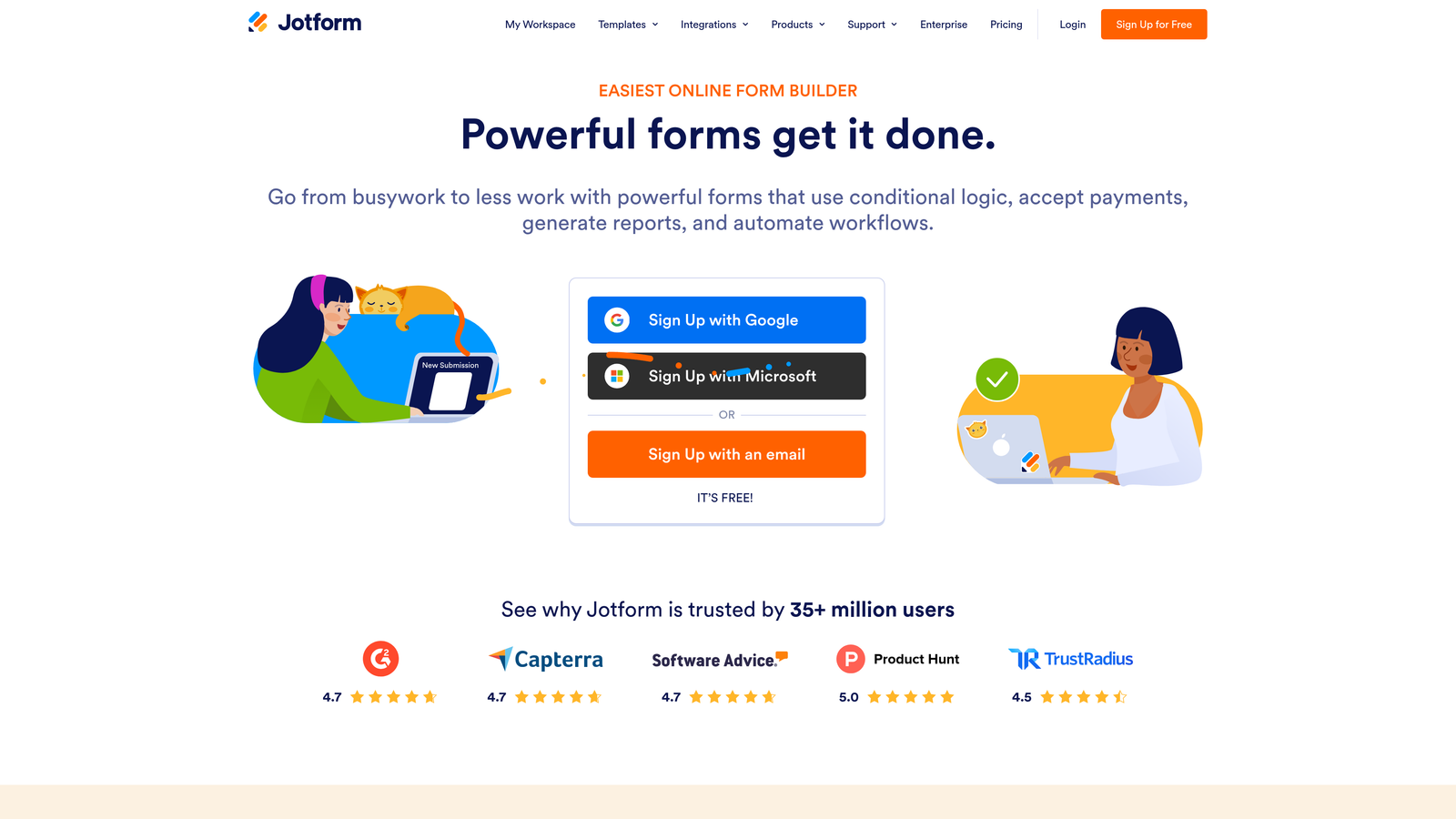
Jotform is one of the most feature-complete form builders available, with a massive template library, built-in payment processing, and approval workflows that make it particularly strong for paid or invite-only events.
Where This Tool Shines
If your event charges a registration fee, Jotform handles the entire transaction without requiring a separate payment tool. Native integrations with Stripe, PayPal, and Square mean attendees can pay directly inside the form, and organizers receive payment confirmation alongside registration data. That's a significant workflow simplification for smaller teams running ticketed events.
The approval workflow feature is equally useful for gated events. You can set up a review process where registrations require manual or automated approval before confirmation emails go out — useful for invite-only summits, beta launches, or any event where you're controlling who gets access.
Key Features
Template Library: Over 10,000 templates including dedicated event registration forms for a wide range of event types.
Built-in Payments: Native integrations with Stripe, PayPal, and Square for collecting registration fees directly in the form.
Approval Workflows: Multi-step approval processes for gated or invite-only event registrations.
Integration Ecosystem: Connects with major CRMs, email marketing platforms, and productivity tools.
Automated Emails: Send confirmation and reminder emails automatically after registration is submitted or approved.
Best For
Event organizers running paid events, invite-only experiences, or any registration flow that requires a review step before confirmation. Also a strong fit for teams that want a large template library to get started quickly without building from scratch.
Pricing
Free tier available. Paid plans vary — verify current pricing at jotform.com.
4. Paperform
Best for: Teams that want a registration page and form in a single, self-contained document
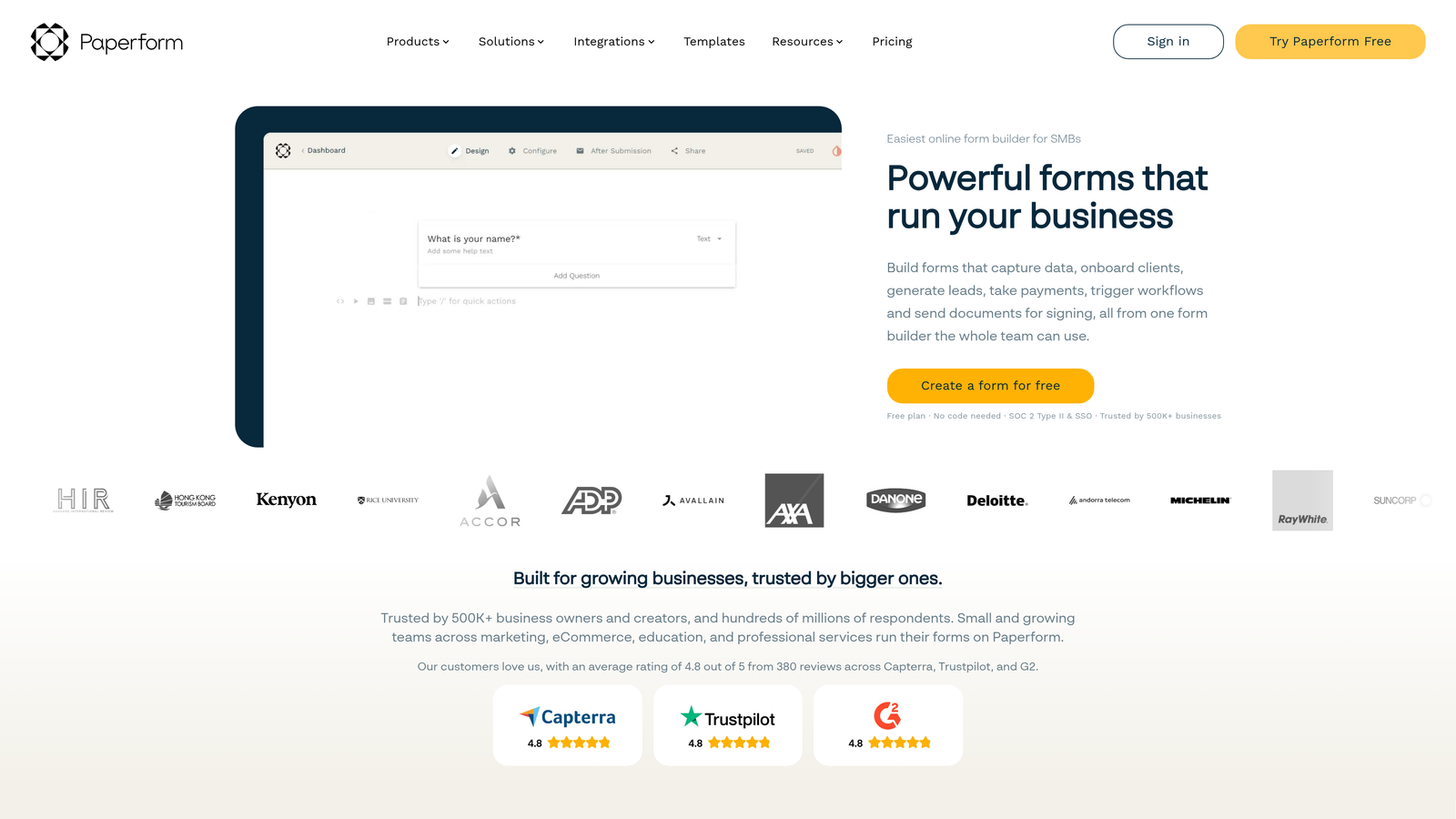
Paperform is a document-style form builder that lets you blend written content, images, video, and form fields into one polished page, effectively acting as both a landing page and registration form simultaneously.
Where This Tool Shines
The core differentiator here is the editor experience. Rather than building a form in isolation, Paperform lets you write event copy, embed speaker images or a promo video, and drop in registration fields all on the same canvas. For smaller teams or solo organizers who don't want to maintain a separate landing page and form, this is a meaningful time-saver.
The output is visually flexible and more editorial in feel than most form builders. If your event registration needs to tell a story before asking someone to sign up — think premium workshops, paid courses, or community events — Paperform gives you the creative control to do that without a web designer.
Key Features
Document-Style Editor: Mix event copy, images, video, and form fields on a single page for a combined landing page and registration experience.
Standalone Event Page: Functions as a complete event page without requiring a separate page builder or website.
Payment Collection: Supports paid registrations with built-in payment options.
Conditional Logic: Show or hide fields based on attendee responses for personalized registration flows.
Integrations: Connects with Zapier, Slack, and major marketing tools for automated follow-up workflows.
Best For
Solo organizers, small teams, creators, and anyone running events where the registration page needs to do some storytelling before the form. Particularly useful when you don't have a dedicated landing page tool in your stack.
Pricing
No permanent free tier. Paid plans available — verify current pricing at paperform.co.
5. Tally
Best for: Teams that need clean, simple event signup forms built fast with a generous free tier
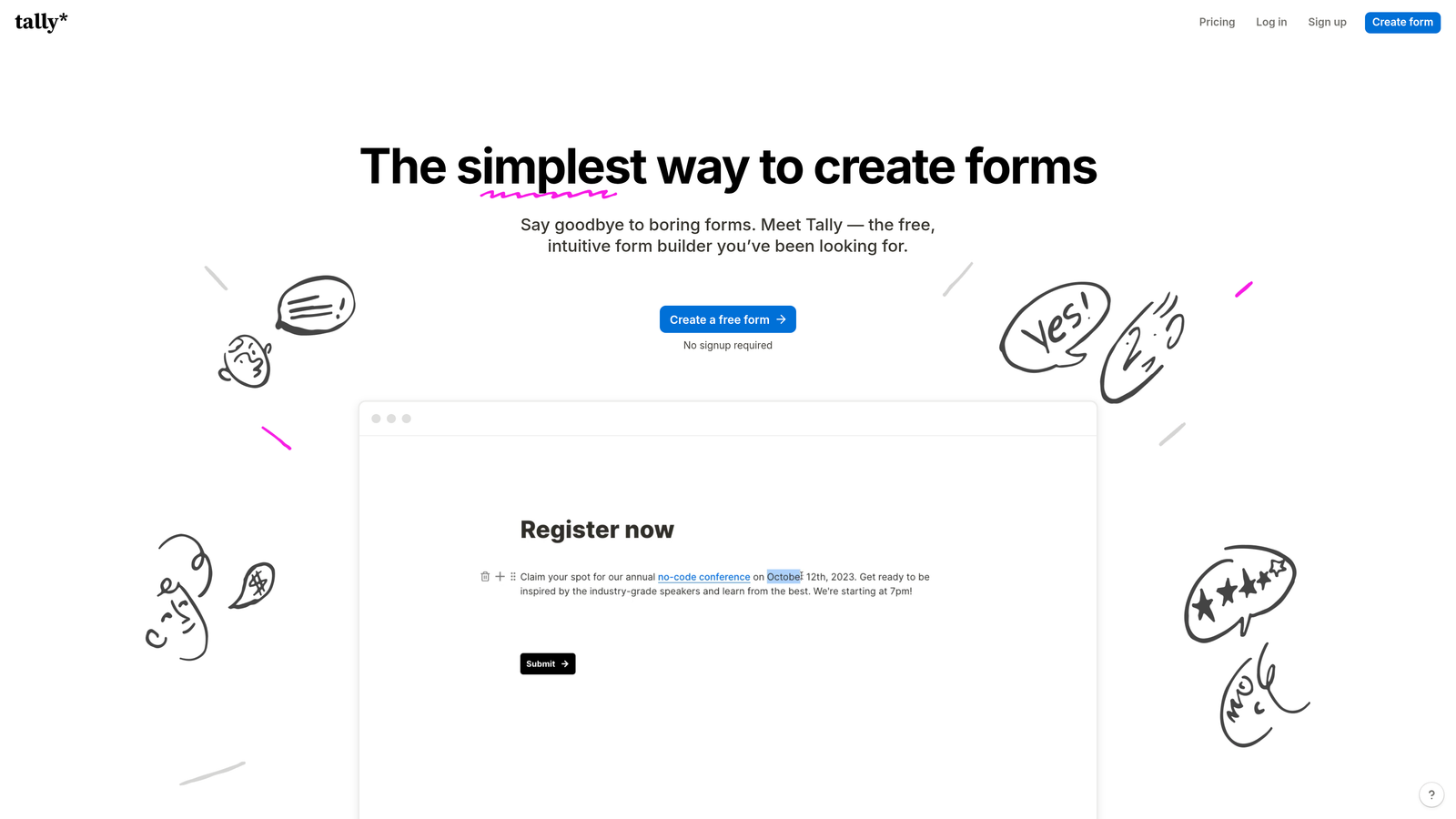
Tally is a Notion-inspired form builder with a minimal block-based editor and one of the most generous free tiers in the market, including no forced branding on forms.
Where This Tool Shines
Tally's biggest appeal is how quickly you can go from nothing to a published event signup form. The block editor will feel immediately familiar to anyone who uses Notion, which means almost zero learning curve for teams already in that ecosystem. You can build a clean, professional registration form in minutes without touching any settings menus or template libraries.
The free tier is genuinely useful. Unlike many competitors that add their own branding to free-plan forms, Tally lets you publish unbranded forms at no cost. For startups and lean teams running occasional events, that's a real advantage. The tradeoff is that Tally is best suited for simpler registration flows — complex multi-step workflows or deep CRM automation will push you toward other tools on this list.
Key Features
Block-Based Editor: Notion-style interface with minimal learning curve — build forms the same way you'd write a document.
Unbranded Free Tier: Publish forms without Tally branding, even on the free plan — unusual in this category.
Conditional Logic: Show or hide fields based on responses for basic personalized registration paths.
Flexible Embedding: Embed forms inline, as a popup, or as a full-page experience anywhere you need them.
File Uploads and Integrations: Supports file uploads and connects with major tools via native integrations and Zapier.
Best For
Startups, indie organizers, and lean teams running straightforward events that need a fast, clean signup form without a budget commitment. Also a strong fit for teams already deep in the Notion ecosystem who want a consistent editing experience.
Pricing
Free tier available with no branding restrictions. Pro plan available — verify current pricing at tally.so.
6. Formstack
Best for: Enterprise organizations managing large-scale events with complex registration and compliance requirements
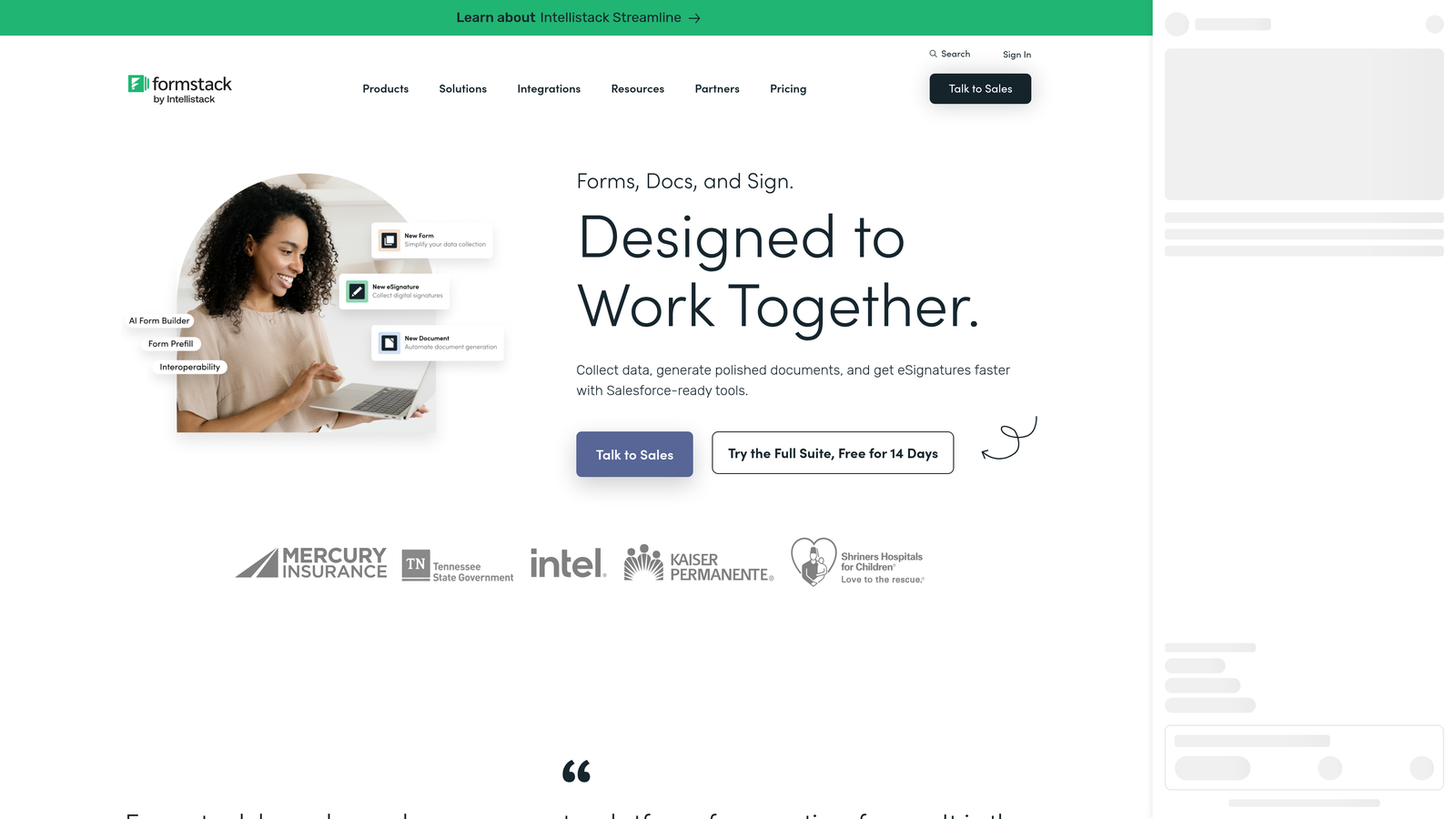
Formstack is an enterprise-grade form and workflow automation platform built for organizations that need far more than basic data collection from their event registration process.
Where This Tool Shines
Where most form builders stop at data collection, Formstack extends into full workflow automation. Multi-step approval chains, data routing rules, and e-signature capabilities make it suited for large events where registration triggers a series of internal processes — venue confirmations, compliance checks, attendee agreements, or departmental notifications.
The compliance toolkit is a genuine differentiator for regulated industries. HIPAA and GDPR support means healthcare organizations, financial services firms, and large enterprises can run event registrations without creating separate compliance workflows. If your event requires attendees to sign a waiver or agreement, Formstack handles that natively within the same platform.
Key Features
Workflow Automation: Advanced multi-step approval chains that trigger automatically based on registration data.
Compliance Controls: Built-in HIPAA and GDPR support for organizations operating in regulated industries.
E-Signatures: Collect signatures on event agreements, waivers, or consent forms directly within the registration flow.
Data Routing: Sophisticated conditional logic for routing registrant data to the right teams, systems, or workflows automatically.
Enterprise Integrations: Deep connections with Salesforce, Microsoft, and other enterprise platforms your organization likely already uses.
Best For
Large enterprises, healthcare organizations, financial institutions, and any team running high-volume events that require compliance controls, multi-department approval workflows, or legally binding attendee agreements. Not the right fit for small teams or simple registration needs.
Pricing
Higher price point suited to enterprise budgets. Verify current plans at formstack.com.
Which Event Signup Form Builder Is Right for You?
The honest answer is that most of these tools can handle a basic event registration form. The real differences emerge when you consider what happens after someone hits submit — and how much the form itself contributes to your broader goals.
For teams running B2B events where registrant quality drives pipeline, Orbit AI stands apart. The built-in AI lead qualification layer means your sales team walks into post-event follow-up with scored, segmented leads rather than a raw CSV. That's a fundamentally different starting point, and one that compounds in value the more events you run.
If brand presentation is the priority and you need polished, conversational registration flows, Typeform delivers consistently strong results. For paid events or gated registrations, Jotform's built-in payment processing and approval workflows remove significant operational friction. Paperform is the smart pick when your event page and registration form need to live in one place. Tally wins on speed and simplicity, especially for lean teams with a limited budget. And Formstack is the clear choice when enterprise compliance, e-signatures, and multi-department workflows are non-negotiable.
The best event signup form builder isn't always the one with the most features — it's the one that matches your event type, your team's workflow, and what you plan to do with registrant data after the event ends. If that last part matters to your team, the AI-powered qualification capabilities built into Orbit AI are worth exploring seriously.
Transform your lead generation with AI-powered forms that qualify prospects automatically while delivering the modern, conversion-optimized experience your high-growth team needs. Start building free forms today and see how intelligent form design can elevate your conversion strategy.


