

Static surveys that ask every respondent the same questions are a conversion killer. Logic branching transforms a generic form into a personalized conversation that feels relevant, moves faster, and captures better data. For high-growth teams focused on lead qualification and conversion optimization, the right branching logic can mean the difference between a form that qualifies leads on autopilot and one that quietly leaks pipeline.
This guide covers the best survey tools with logic branching available in 2026, evaluated on the depth of their conditional logic, ease of setup, integrations, and suitability for growth-focused teams. Whether you're routing enterprise leads to sales, segmenting customers for onboarding flows, or qualifying prospects before a demo, there's a tool on this list built for your use case.
For complementary strategies, see our guides on multi-step form best practices and how to qualify leads automatically.
1. Orbit AI
Best for: AI-powered lead qualification and conversion-optimized branching for B2B and SaaS teams
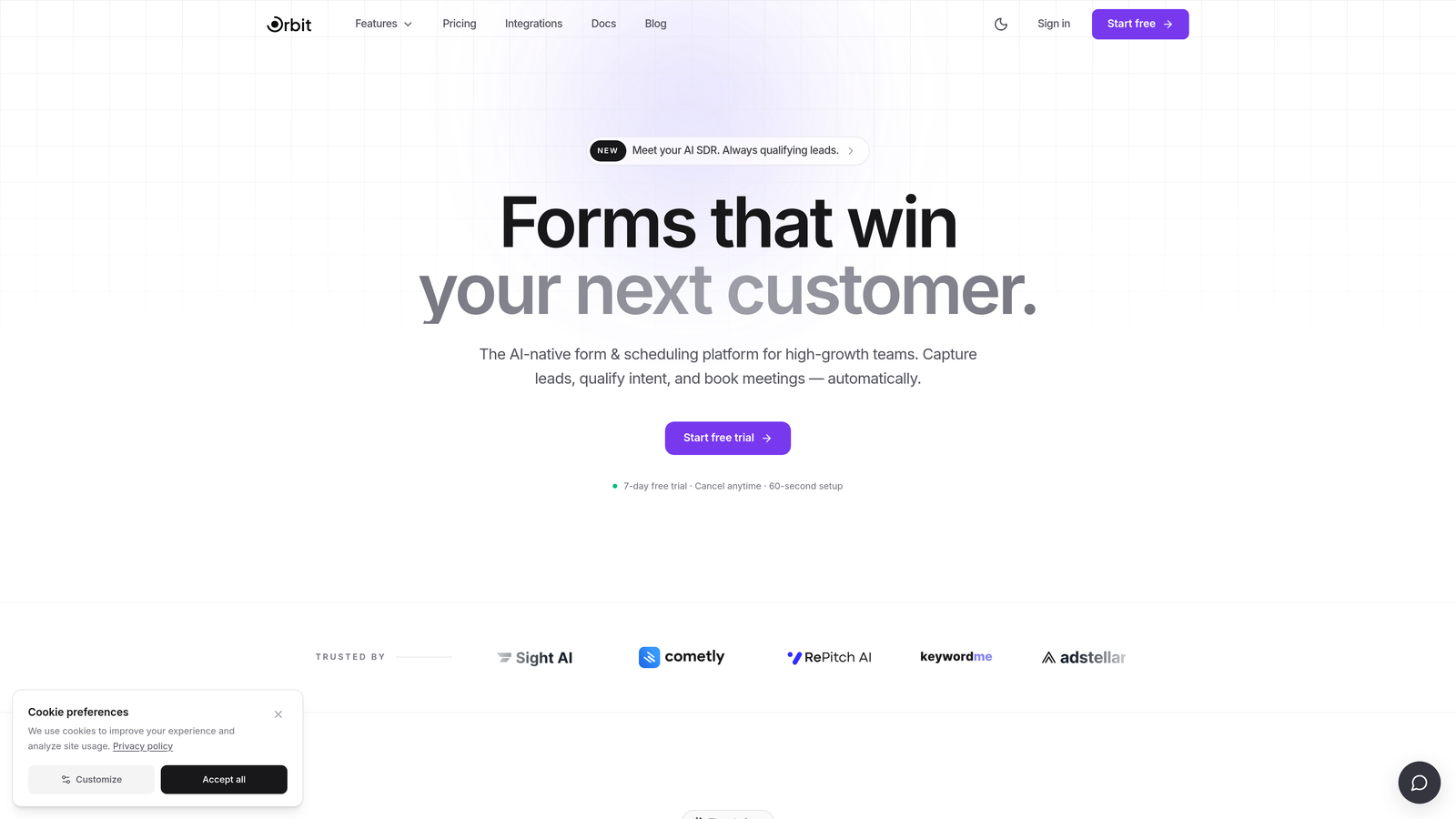
Orbit AI is an AI-powered form builder that layers intelligent lead qualification directly on top of conditional branching logic.
Where This Tool Shines
Most form tools treat logic branching as a routing mechanism: answer A leads to question B, answer C skips to question D. Orbit AI goes a step further. Branching paths are paired with AI-driven lead scoring, so the form isn't just personalizing the respondent experience, it's actively evaluating and qualifying leads as they move through it. For B2B teams running demo request flows or inbound qualification, this is a meaningful distinction.
The UI is modern and clean, which matters more than people admit. A conversion-optimized form needs to look trustworthy and feel frictionless. Orbit AI is built with that design-first philosophy from the ground up, making it a natural fit for high-growth SaaS teams who care about brand perception as much as pipeline quality.
Key Features
AI-Driven Lead Qualification: Scores and qualifies leads in real time as respondents move through branching paths, surfacing high-intent prospects automatically.
Dynamic Question Routing: Conditional logic routes respondents based on their answers, creating a personalized experience that feels like a conversation rather than a checklist.
Lead Scoring with Branching: Scoring logic works in tandem with branching paths, so your CRM receives qualified, segmented leads rather than raw form submissions.
Conversion-Optimized Design: Clean, modern form UI designed to reduce drop-off and improve completion rates across devices.
Built for B2B and SaaS Workflows: Tailored for teams who need pipeline quality, not just data volume, making it well-suited for demo requests, onboarding surveys, and prospect qualification flows.
Best For
High-growth SaaS and B2B teams who want branching logic paired with intelligence, not just routing. Ideal for marketing and revenue operations teams building demo request flows, lead qualification funnels, or onboarding surveys where lead quality is the primary metric.
Pricing
Paid plans available. Check orbitforms.ai for current pricing details and available tiers.
2. Typeform
Best for: Polished conversational surveys where respondent experience is the top priority
Typeform is a conversational form builder known for its one-question-at-a-time UX and Logic Jumps for conditional branching.

Where This Tool Shines
Typeform's signature format, presenting one question at a time in a full-screen layout, creates a survey experience that feels more like a dialogue than a data collection exercise. For customer research, NPS surveys, or brand-forward lead capture, this format tends to drive strong engagement and completion rates.
Logic Jumps allow branching based on answers, calculated scores, or hidden fields, giving you solid routing flexibility. The integration ecosystem is broad, with native connections to HubSpot, Salesforce, and Zapier covering most common CRM and automation workflows. Worth noting: deeper branching logic features are typically gated behind higher-tier plans, so teams with complex multi-condition requirements should review the plan tiers carefully before committing.
Key Features
Logic Jumps: Conditional branching based on answer choices, scores, or hidden field values for personalized question paths.
One-Question-at-a-Time Format: Conversational, distraction-free UX that typically improves respondent engagement.
CRM Integrations: Native connections to HubSpot, Salesforce, and broad Zapier support for workflow automation.
Design Customization: Strong brand theming options including custom fonts, colors, and background media.
Rich Media Embedding: Video and image embedding within questions for more engaging survey experiences.
Best For
Teams prioritizing respondent experience and brand polish, particularly for customer research, NPS, and lead capture where form aesthetics directly impact conversion. Less suited for highly complex multi-condition branching at scale without upgrading to higher-tier plans.
Pricing
Free plan available. Paid plans start at approximately $25/month. Verify current pricing at typeform.com.
3. Jotform
Best for: Complex multi-condition branching logic with extensive template coverage
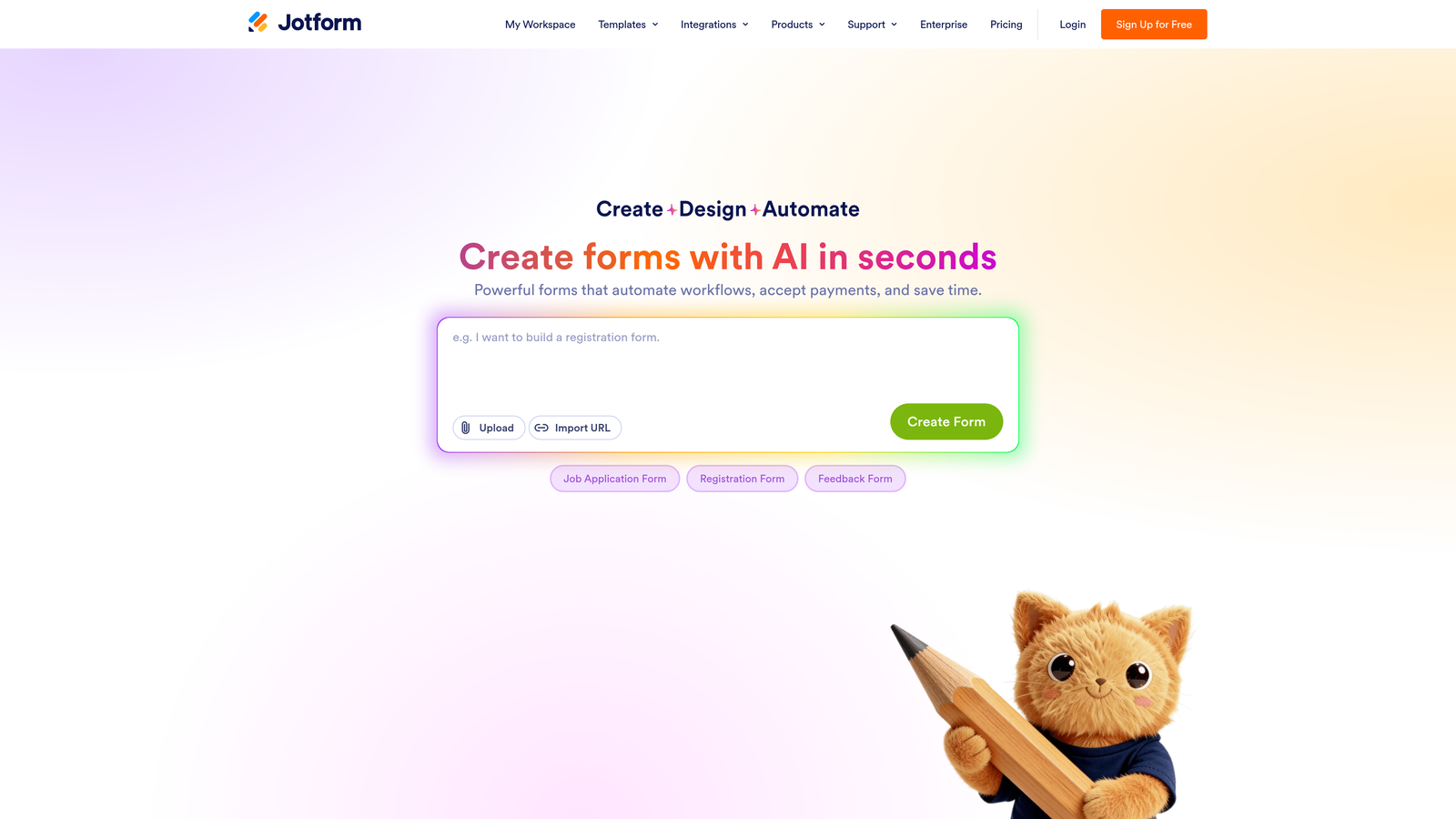
Jotform is a feature-rich form builder with one of the most flexible conditional logic engines in this category.
Where This Tool Shines
If conditional logic depth is your primary evaluation criterion, Jotform is hard to beat. You can build multi-condition rules that show or hide individual fields, entire pages, or form sections based on combinations of answers. Calculation fields add another layer, allowing you to trigger branching based on computed scores rather than just raw answer choices.
The 10,000-plus template library is genuinely useful for teams who want a starting point rather than building from scratch. The enterprise tier adds HIPAA compliance and white-labeling, which broadens its appeal into healthcare and regulated industries. The trade-off is complexity: the feature depth that makes Jotform powerful can make it feel heavy for teams with straightforward needs.
Key Features
Multi-Condition Branching Rules: Show or hide fields, pages, and sections using AND/OR logic across multiple conditions simultaneously.
Calculation-Based Conditions: Trigger branching based on calculated scores, not just direct answer choices, enabling quiz-style and scoring-based routing.
10,000+ Templates: One of the largest template libraries available, covering industries from healthcare to e-commerce.
HIPAA-Compliant Enterprise Tier: Enterprise plan supports regulated industries with compliance certifications and white-labeling.
Webhook and Integration Support: Extensive third-party integration options plus webhook support for custom workflow connections.
Best For
Teams who need maximum conditional logic flexibility, particularly those building complex multi-page forms, scoring-based qualification flows, or industry-specific forms in regulated sectors. Strong choice when template variety and logic depth matter more than a streamlined UI.
Pricing
Free plan available. Paid plans start at approximately $34/month. Verify current pricing at jotform.com.
4. Paperform
Best for: Document-style forms combining rich text editing with section-based conditional logic
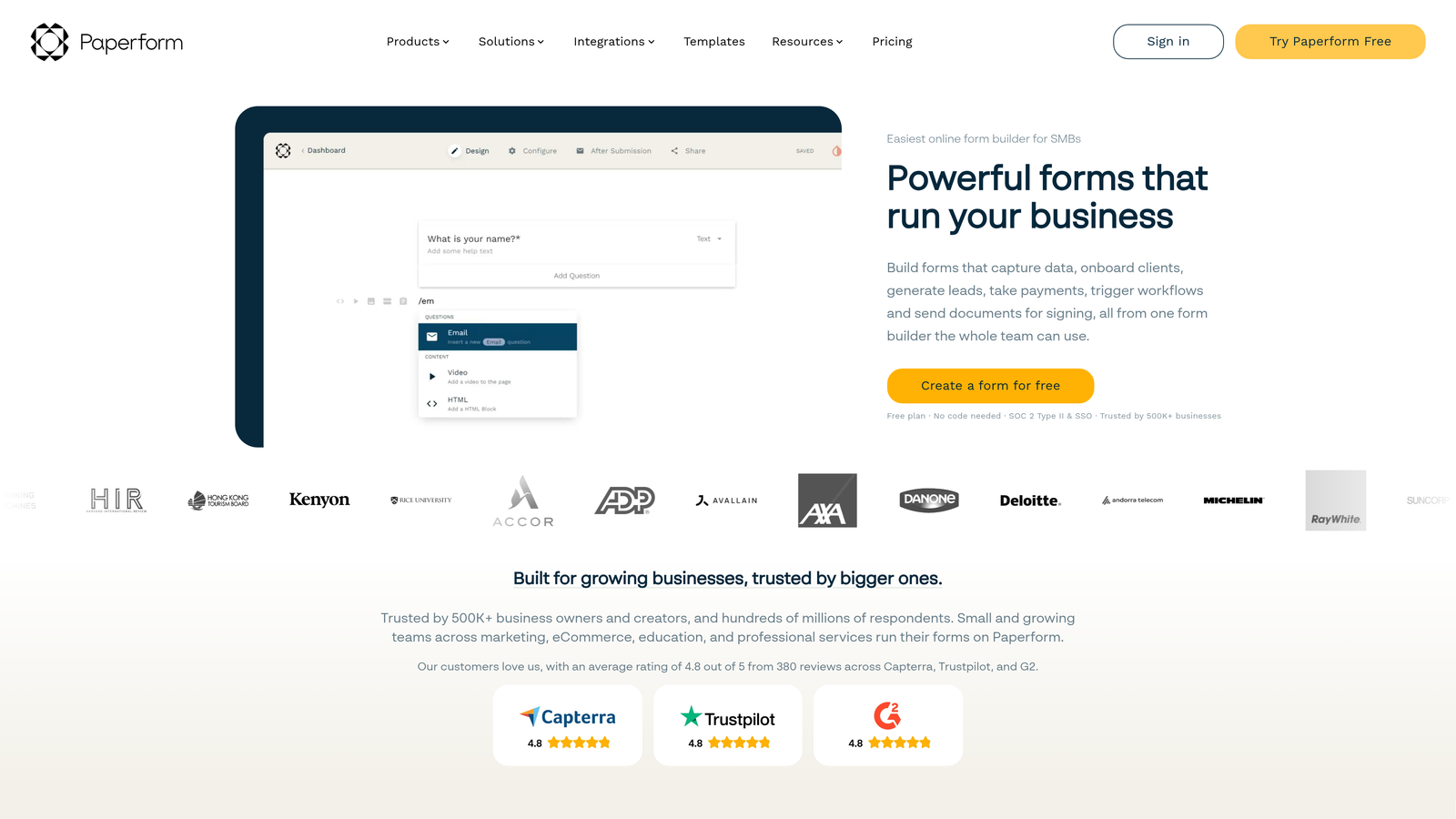
Paperform is a form builder that blends rich text editing with conditional logic, creating forms that feel more like guided documents than traditional surveys.
Where This Tool Shines
Paperform's "digital paper" approach sets it apart visually. You write form content the same way you'd write a document, mixing prose, headers, and images alongside form fields. This makes it particularly effective for forms where context and explanation matter, such as onboarding questionnaires, service intake forms, or detailed needs-assessment surveys.
Conditional logic operates at the section and page level, showing or hiding blocks of content based on respondent answers. Calculation fields pair well with this, enabling score-based routing where the path a respondent takes depends on their cumulative answers rather than a single choice. The analytics dashboard is clean and straightforward, giving you form performance data without needing a separate analytics tool.
Key Features
Section and Page Branching: Show or hide entire sections based on respondent answers, keeping the form relevant without overwhelming users.
Calculation Fields: Score-based conditional routing that branches based on computed values across multiple answers.
Rich Text Editor: Write forms like documents, mixing copy, images, and form fields in a natural, readable layout.
Built-In Payments: Product and payment fields included natively, useful for service providers combining intake forms with transactions.
Analytics Dashboard: Clean built-in analytics for tracking form views, completions, and drop-off without third-party tools.
Best For
Small businesses, agencies, and service providers who want forms that feel thoughtfully designed and context-rich. A strong fit when the form experience needs to educate or guide respondents, not just collect answers.
Pricing
Paid plans start at approximately $24/month. Verify current pricing at paperform.co.
5. Tally
Best for: Free conditional logic for startups and indie builders who don't want to pay for basic branching
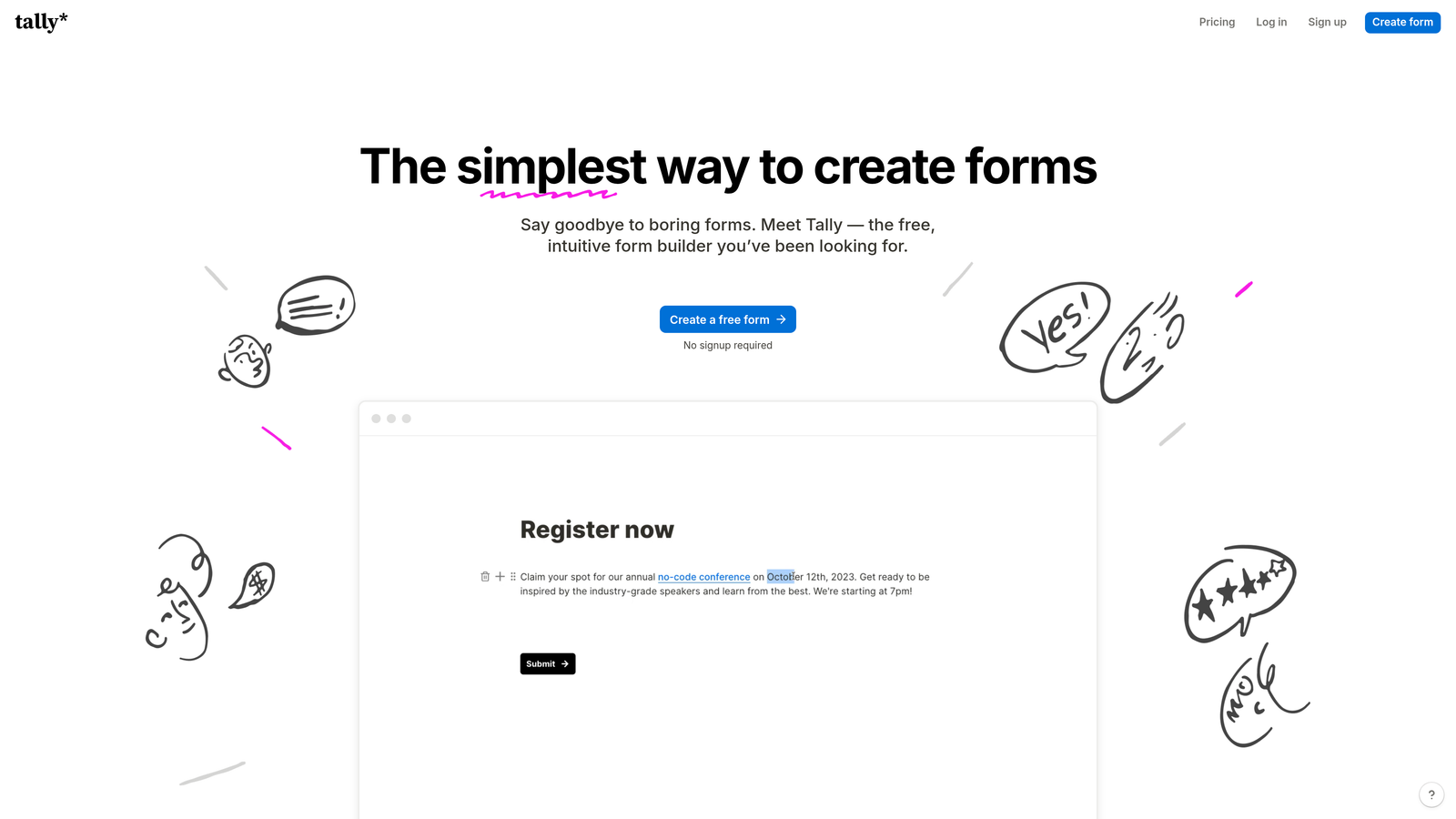
Tally is a Notion-inspired block-based form builder that offers conditional logic on its free plan, a genuine rarity in this space.
Where This Tool Shines
The headline feature here is the free plan. Most tools in this category gate conditional logic behind paid tiers, but Tally includes show/hide block logic at no cost. For early-stage startups, indie builders, or teams testing a new form flow before scaling it, this removes a real barrier to experimentation.
The block-based editor will feel immediately familiar to anyone who uses Notion, which lowers the learning curve considerably. Unlimited forms and responses on the free tier make it genuinely usable for production workflows, not just prototyping. The Pro plan unlocks features like removing Tally branding and accessing more advanced integrations. The trade-off is depth: Tally's conditional logic is solid for straightforward branching but doesn't match Jotform or Orbit AI for complex multi-condition enterprise scenarios.
Key Features
Free Conditional Logic: Show/hide blocks based on respondent answers, available on the free plan without any upgrade required.
Block-Based Editor: Notion-style editing interface that's fast to learn and intuitive for teams already in that ecosystem.
Unlimited Free Forms and Responses: No artificial caps on the free tier, making it viable for real production use.
No-Branding Paid Option: Pro plan removes Tally branding for cleaner embedded form experiences.
Integration Support: Growing native integrations plus Zapier connectivity for connecting to CRMs and automation tools.
Best For
Startups, indie builders, and early-stage teams who need functional conditional logic without a paid plan. Also a strong fit for Notion-heavy teams who want a form tool that matches their existing workflow aesthetic.
Pricing
Generous free plan with unlimited forms and responses. Pro plan at approximately $29/month. Verify current pricing at tally.so.
6. Formstack
Best for: Enterprise teams needing robust conditional logic paired with compliance certifications and approval workflows
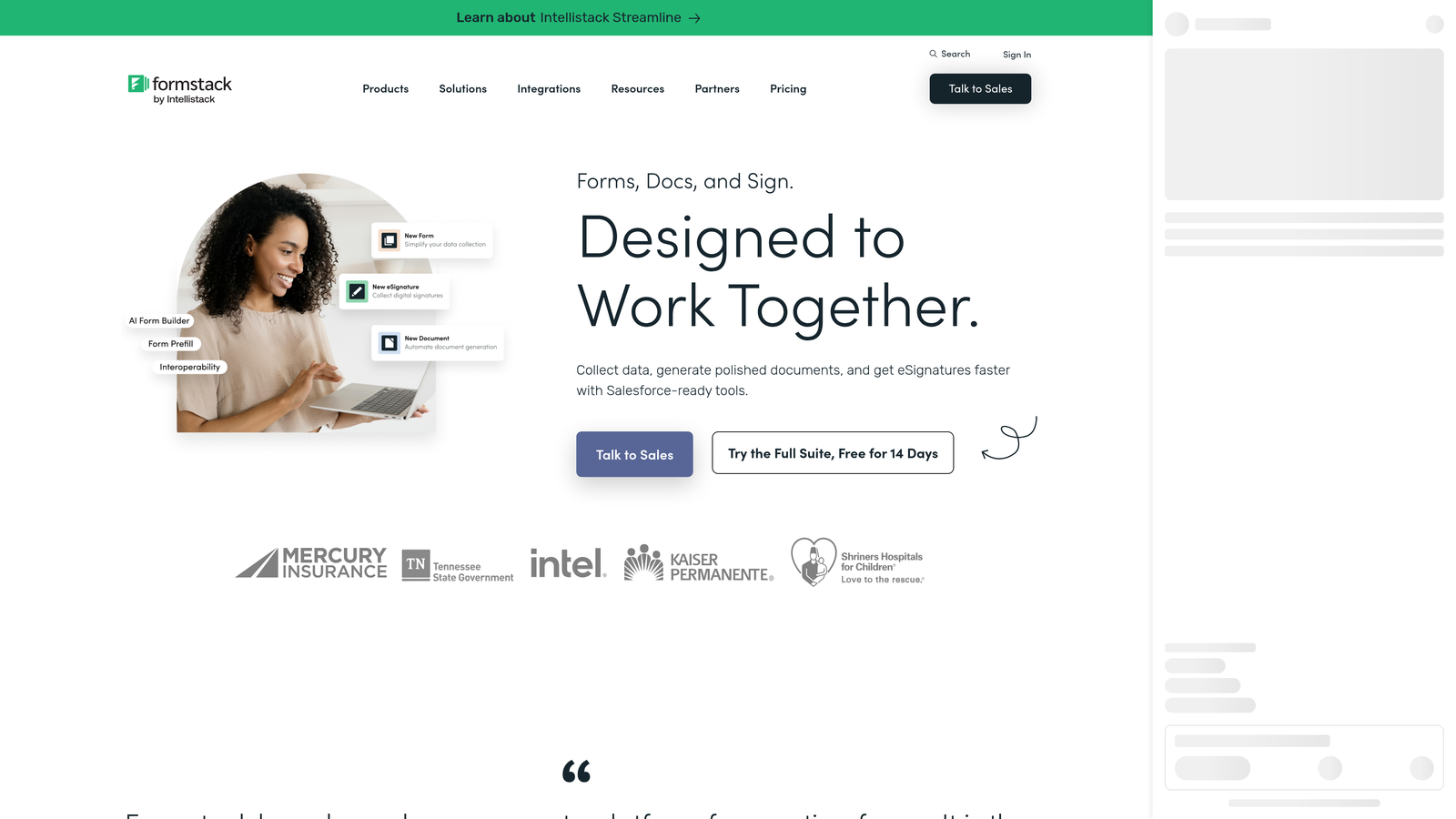
Formstack is an enterprise form and workflow platform where conditional logic is deeply integrated with multi-step approval routing and compliance infrastructure.
Where This Tool Shines
Formstack is built for organizations where forms aren't just data collection tools, they're part of operational workflows. Conditional logic triggers not just question routing but approval workflows, data routing, and downstream process automation. For teams in healthcare, finance, or education where a form submission might need to route through multiple stakeholders before processing, this workflow-native approach is difficult to replicate with lighter tools.
The compliance certifications, covering HIPAA, GDPR, and SOC 2, are built into the platform rather than bolted on as add-ons. Prefill functionality allows forms to pull in existing data from connected sources, which enables smarter branching based on what you already know about a respondent. The pricing reflects the enterprise positioning, so it's best evaluated against the total workflow value it replaces rather than compared directly to mid-market form tools.
Key Features
Advanced Conditional Logic: Multi-condition rules with field calculations enabling complex branching scenarios across large, multi-page forms.
Approval Workflow Routing: Form responses can trigger multi-step approval processes, routing submissions to the right stakeholders automatically.
Compliance Certifications: HIPAA, GDPR, and SOC 2 certifications built into the platform for regulated industry requirements.
Prefill from Existing Data: Pull existing respondent data into forms to enable smarter, context-aware branching from the first question.
Enterprise Data Governance: Audit trails and enterprise-grade data controls for organizations with strict data handling requirements.
Best For
Enterprise teams in regulated industries, particularly healthcare, finance, and education, where conditional logic needs to connect to approval workflows and compliance requirements are non-negotiable. Less suited for lean growth teams who need speed and simplicity over governance infrastructure.
Pricing
Plans start at approximately $83/month. Enterprise pricing available separately. Verify current pricing at formstack.com.
Which Tool Is Right for Your Team?
The right choice depends on what you're actually trying to accomplish with branching logic, not just which tool has the longest feature list.
For lead qualification and conversion optimization: Orbit AI is the standout choice. It's the only tool on this list that combines conditional branching with AI-driven lead scoring, meaning your form doesn't just route respondents, it actively qualifies them. For B2B and SaaS teams where pipeline quality is the metric that matters, that intelligence layer is a genuine differentiator.
For polished respondent experience: Typeform delivers the most refined, brand-forward survey UX. If you're running customer research or high-visibility lead capture where the form experience reflects directly on your brand, it's a strong contender.
For complex multi-condition logic: Jotform offers the deepest conditional logic engine in this group. Teams building elaborate scoring flows, multi-page qualification surveys, or industry-specific forms with many interdependent conditions will find the flexibility they need here.
For document-style forms: Paperform is the natural fit for service providers and agencies who want forms that guide respondents through context-rich content, not just fire questions at them.
For free lightweight branching: Tally punches well above its price point. If you're early-stage or testing a new form concept, the free conditional logic alone makes it worth trying before committing to a paid plan.
For enterprise compliance workflows: Formstack is built for organizations where forms are part of larger operational and compliance infrastructure. If HIPAA, SOC 2, and multi-step approval routing are requirements, it's in a category of its own.
Before choosing, audit your current form completion rates and lead quality. If your forms are generating volume but poor-quality leads, the issue is likely the absence of intelligent branching and qualification logic, not just routing. That's where the gap between a standard form tool and a purpose-built qualification platform becomes most visible.
Transform your lead generation with AI-powered forms that qualify prospects automatically while delivering the modern, conversion-optimized experience your high-growth team needs. Start building free forms today and see how intelligent form design can elevate your conversion strategy.


