

If you've been researching form builders for your team, you've likely landed on the Formstack vs Typeform debate. Both are established platforms with loyal user bases, but they serve fundamentally different use cases, team sizes, and growth goals.
Choosing the wrong one doesn't just cost you money. It costs you conversions, lead quality, and engineering time you can't get back.
This guide isn't a side-by-side feature table you could find anywhere. Instead, it's a strategic framework: seven decision-making strategies that help high-growth teams evaluate these tools against what actually matters. Lead qualification depth, conversion performance, integration flexibility, and long-term scalability are the real filters worth applying.
Whether you're a marketing ops manager, a growth lead, or a founder tired of duct-taping your lead capture stack together, these strategies will help you cut through the noise. And because no comparison is complete without acknowledging the broader market, we'll also flag where modern AI-powered alternatives like Orbit AI may outperform both platforms for teams with serious conversion goals.
1. Evaluate Each Platform Against Your Primary Use Case
The Challenge It Solves
The most common mistake teams make when evaluating form builders is starting with features rather than use cases. Formstack and Typeform are built on fundamentally different design philosophies, and picking the wrong one for your core workflow creates friction that no amount of workarounds will fully resolve.
The Strategy Explained
Formstack is widely recognized as an enterprise-focused platform. Its strengths lie in workflow automation, document generation, and compliance-heavy data collection. If your primary need is internal operations, regulated industry data capture, or multi-department approval workflows, Formstack's architecture is built with those priorities in mind.
Typeform, by contrast, is built around conversational UX. Its one-question-at-a-time format is particularly effective for surveys, quizzes, and top-of-funnel lead capture where engagement and completion rate are the primary metrics. It's a tool designed to feel less like a form and more like a conversation.
The mistake is evaluating both platforms on the same criteria when they're optimized for different outcomes. A broader form builder comparison for businesses can help you see how these platforms stack up across a wider competitive field.
Implementation Steps
1. Write down your single most important use case before opening either platform's feature page. Lead generation, internal ops, payment collection, and compliance-driven data capture each point toward different tools.
2. Map secondary use cases separately. If you need one tool to handle both enterprise workflows and high-conversion lead capture, acknowledge that tension upfront rather than discovering it post-deployment.
3. Review each platform's own positioning documentation, not just third-party comparisons. Both Formstack and Typeform are transparent about their target customers and core strengths on their product pages.
Pro Tips
Talk to your sales, marketing, and ops teams before evaluating tools. What feels like a single "form builder" need often fragments into three or four distinct use cases the moment you ask the right questions. Alignment on primary use case prevents post-purchase regret more reliably than any feature comparison.
2. Stress-Test Lead Qualification Capabilities Before You Commit
The Challenge It Solves
For B2B teams, form submissions are only valuable if they translate into qualified pipeline. Many teams discover after deployment that their form tool routes every submission identically, leaving sales to manually sort leads that should have been scored and segmented automatically.
The Strategy Explained
Both Formstack and Typeform offer conditional logic, but neither provides native AI-powered lead scoring as a core feature. Typeform's Logic Jumps allow for conditional routing based on answers, which can approximate basic qualification branching. Formstack offers conditional logic and some workflow routing capabilities, particularly useful for routing submissions to different teams or triggering follow-up workflows.
However, true lead scoring, the kind that weighs firmographic data, behavioral signals, and response patterns to produce a qualified lead score, requires third-party integrations with platforms like HubSpot or Salesforce for either tool. That integration layer introduces complexity, potential data gaps, and additional cost that high-growth teams often underestimate. Teams evaluating their options should review dedicated lead scoring software comparison resources to understand what native scoring capabilities actually look like.
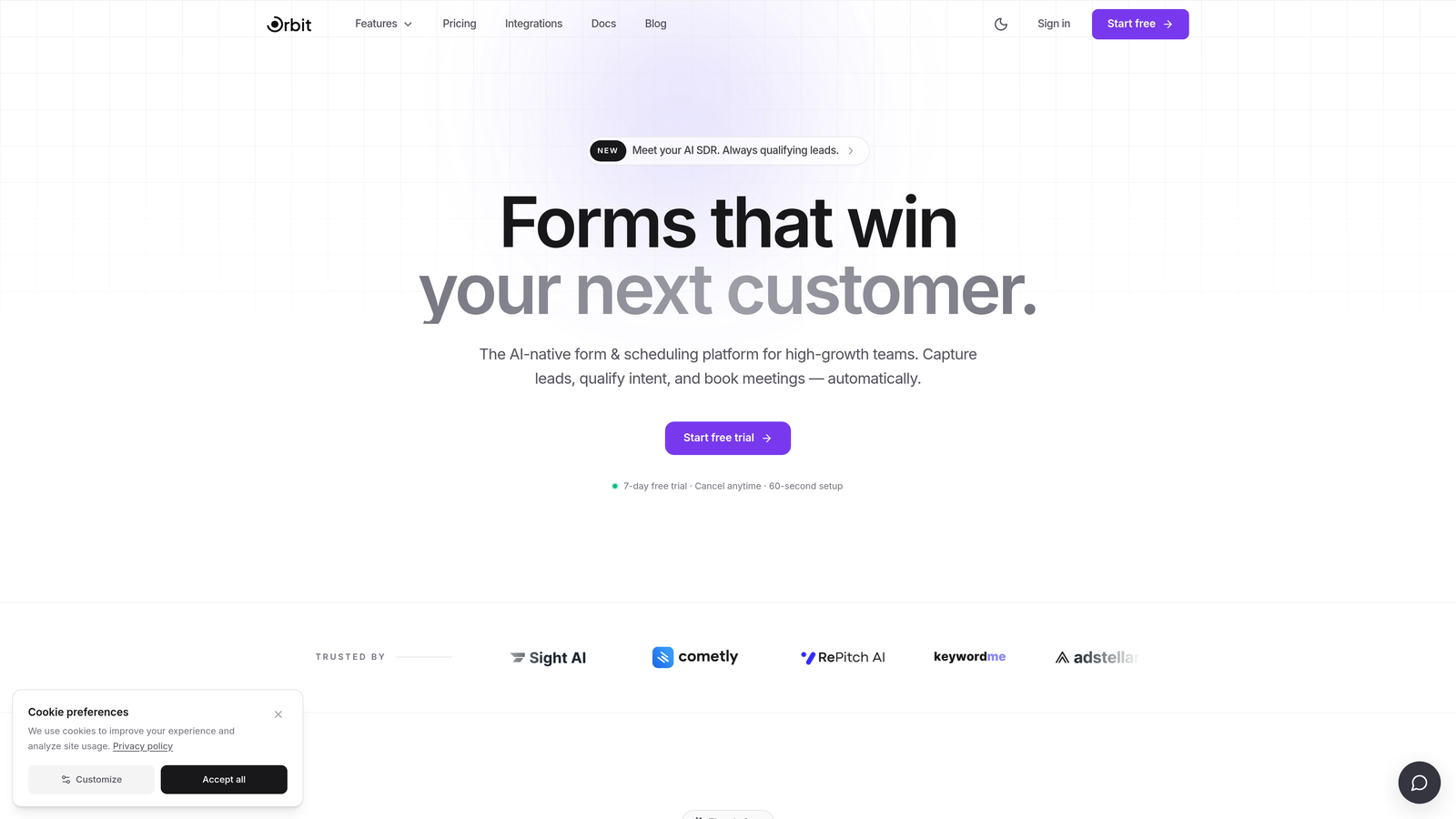
This is an area where purpose-built AI form platforms like Orbit AI offer a meaningful structural advantage, with intelligent lead qualification built into the form experience itself rather than bolted on through integrations.
Implementation Steps
1. Define your lead qualification criteria before evaluating any tool. What firmographic data, intent signals, or response patterns distinguish a qualified lead from an unqualified one?
2. Build a test qualification flow in each platform using their conditional logic tools. Evaluate how many steps it takes to replicate your actual qualification logic.
3. Map the full data handoff from form submission to CRM record. Identify every point where data could be lost, delayed, or mismapped in transit.
Pro Tips
Ask your sales team what information they need to prioritize a lead within the first 60 seconds of receiving it. That answer defines your minimum qualification requirements. If your form tool can't capture and route that data cleanly, no downstream integration will fully compensate.
3. Audit Conversion Optimization Features, Not Just Form Design
The Challenge It Solves
Beautiful templates are easy to find and easy to be impressed by. What's harder to evaluate before deployment is whether a platform's underlying conversion architecture will actually move your completion rates. Teams that optimize for aesthetics often discover that structural UX limitations are costing them submissions at scale.
The Strategy Explained
Typeform's conversational, one-question-at-a-time format is generally associated with higher engagement in survey and quiz contexts. The progressive disclosure approach, presenting one question at a time rather than a wall of fields, is a recognized UX principle that can reduce perceived form length and cognitive load.
Formstack's multi-step form capabilities are more flexible for complex data collection workflows, but the visual experience is more traditional. For lead capture specifically, the mobile UX quality, progress indicators, and abandonment recovery mechanisms of each platform deserve careful scrutiny. Teams focused on maximizing submission rates should explore conversion-focused form tools to benchmark what best-in-class performance looks like.
Neither platform's template library tells you how a form will perform on mobile at 11pm when a prospect is evaluating your product. That requires hands-on testing with your actual audience and use case.
Implementation Steps
1. Identify your three highest-priority conversion metrics: completion rate, time to complete, and lead quality score are a strong starting point for most B2B teams.
2. Test each platform's mobile experience on multiple device types, not just desktop. A significant portion of B2B form completions happen on mobile, and UX degradation on smaller screens directly impacts conversion.
3. Evaluate abandonment recovery options. Does the platform support partial submission capture? Can you trigger follow-up sequences for incomplete forms?
Pro Tips
Don't evaluate form design in isolation from your landing page context. A beautifully designed form embedded in a poorly structured page will underperform a simpler form in an optimized conversion environment. Test the full funnel, not just the form widget.
4. Map Integration Requirements to Your Existing Tech Stack
The Challenge It Solves
Integration gaps between your form tool, CRM, marketing automation platform, and payment processor create data silos that slow pipeline velocity. Teams often discover these gaps after deployment, when fixing them requires engineering resources that weren't budgeted for a "simple form tool" project.
The Strategy Explained
Both Formstack and Typeform offer native integrations with major CRMs and marketing platforms, but the depth of those integrations varies significantly. A native integration that syncs contact records is very different from one that maps custom fields, triggers workflow automation, and maintains bidirectional data sync.
Formstack's integration ecosystem tends to be stronger for enterprise workflow tools, document management systems, and compliance-adjacent platforms. Typeform's integrations are generally well-regarded for marketing automation and analytics tools, with a broad library of Zapier-compatible connections for teams that need flexibility.
The critical question isn't whether an integration exists. It's whether the integration does what your specific workflow requires without requiring custom development to bridge the gaps.
Implementation Steps
1. Document every system that needs to receive data from your form tool. Include your CRM, marketing automation platform, analytics stack, payment processor, and any internal tools.
2. For each integration, define the specific data fields that need to transfer, the direction of sync required, and any workflow triggers that should fire on submission.
3. Verify each integration against your documented requirements by testing in a sandbox environment, not by reading the integration description on a feature page.
Pro Tips
Pay particular attention to how each platform handles custom field mapping. Generic contact sync is easy to achieve with almost any tool. Mapping custom qualification fields, deal stage data, or multi-select responses to your CRM's data model is where integration quality differences become most apparent.
5. Compare Pricing Models Against Your Volume and Growth Trajectory
The Challenge It Solves
A tool that fits your budget today can become a significant cost center six months from now if your form volume scales faster than anticipated. Per-response pricing models and feature tier gating can create unexpected cost spikes precisely when your growth momentum is highest.
The Strategy Explained
Typeform's pricing has historically included per-response limits at lower tiers, which can become expensive for high-volume lead capture campaigns. If you're running paid acquisition at scale and driving significant form traffic, response limits translate directly into pricing pressure at the moments when your campaigns are performing best. A detailed form builder pricing comparison can help you model these cost inflection points before they catch you off guard.
Formstack's pricing is seat and plan-based with feature gating across tiers. For enterprise teams with stable user counts and predictable volume, this model can be more cost-effective. For smaller, fast-growing teams, the jump between feature tiers can feel steep relative to what's unlocked.
Total cost of ownership for either platform should include not just subscription fees but also the cost of any integration middleware, additional seats required as your team grows, and the engineering time required to maintain custom integrations.
Implementation Steps
1. Project your expected monthly form submission volume at current scale and at 3x current scale. Identify where per-response pricing models create cost inflection points.
2. Audit which features are gated behind higher pricing tiers on each platform. Features like advanced logic, API access, and custom branding are often reserved for enterprise plans.
3. Calculate the fully-loaded cost including integration tools, additional seats, and implementation time. Compare this against the value of the pipeline each platform is expected to generate.
Pro Tips
Ask each vendor directly about volume discounts and growth pricing options. Many SaaS platforms have unpublished pricing flexibility for teams that can demonstrate a credible growth trajectory. The number on the pricing page is rarely the final number for a motivated buyer.
6. Assess Data Security and Compliance Requirements Early
The Challenge It Solves
Compliance requirements have a way of surfacing late in procurement processes, after significant evaluation time has already been invested. For teams in regulated industries or those collecting sensitive personal data, compliance posture should function as a hard filter applied at the beginning of evaluation, not a checkbox reviewed at the end.
The Strategy Explained
Formstack explicitly markets HIPAA compliance as a core differentiator, particularly for healthcare, legal, and other regulated industries. Their compliance and security documentation reflects a platform that has invested meaningfully in enterprise-grade data handling, including SOC 2 certification. For teams where HIPAA compliance is non-negotiable, Formstack's documented compliance posture is a significant advantage over most alternatives. Teams evaluating enterprise-grade options should also review an enterprise form builder comparison to understand how compliance capabilities differ across the market.
Typeform offers solid GDPR compliance tooling and is a reasonable choice for teams with European data handling requirements. However, Typeform does not prominently feature HIPAA compliance in their security documentation, which matters significantly for healthcare-adjacent use cases.
If your organization operates in a regulated industry, this distinction alone may resolve the Formstack vs Typeform comparison before you reach any other evaluation criteria.
Implementation Steps
1. Identify your compliance requirements before beginning any platform evaluation. HIPAA, SOC 2, GDPR, CCPA, and FedRAMP each have different implications for which platforms qualify.
2. Review each platform's security documentation directly, not through third-party summaries. Compliance certifications and their scope are documented by the platforms themselves.
3. Involve your legal or compliance team in the evaluation process early. Their requirements may eliminate one or both platforms before you invest significant evaluation time.
Pro Tips
If you're collecting any health-related information, payment data, or sensitive personal information through your forms, assume compliance requirements apply until your legal team confirms otherwise. The cost of a compliance gap discovered post-deployment significantly outweighs the cost of a more rigorous pre-deployment evaluation.
7. Run a Structured Pilot Before Full Deployment
The Challenge It Solves
Feature pages are written to impress, not to reveal limitations. A structured pilot on a real use case with real traffic is the only reliable way to surface the performance gaps, integration friction, and team adoption challenges that don't appear until a tool is in production.
The Strategy Explained
A focused two-week pilot on a single, representative use case will reveal more about a platform's fit than weeks of feature comparison research. The goal isn't to explore every capability. It's to stress-test the specific workflow that matters most to your team under realistic conditions.
Define your success metrics before the pilot begins. Lead quality score, form completion rate, integration reliability, and time-to-CRM-entry are all measurable outcomes that a two-week pilot can surface. Without pre-defined metrics, pilots tend to produce subjective impressions rather than actionable decisions.
If budget and timeline allow, running parallel pilots on both platforms simultaneously with different audience segments produces the most direct comparison data. If that's not feasible, pilot the platform that appears strongest based on your earlier evaluation criteria, and use the results to confirm or challenge that assessment. Teams that have already explored Formstack vs modern alternatives often find that pilot results accelerate their final decision significantly.
Implementation Steps
1. Select a real use case with real traffic for your pilot. A low-stakes internal form won't reveal the conversion and integration performance characteristics you need to evaluate.
2. Define three to five measurable success metrics before the pilot begins. Document your baseline performance with your current solution so you have a meaningful comparison point.
3. Include your sales team in the pilot evaluation. Their assessment of lead quality and CRM data accuracy is as important as the marketing team's assessment of form completion rates.
Pro Tips
Build a simple decision scorecard before your pilot starts. Rate each platform on your defined criteria using a consistent scale. When the pilot ends, the scorecard keeps the decision grounded in pre-defined priorities rather than recency bias toward whichever platform you evaluated most recently.
Putting It All Together
Picking between Formstack and Typeform isn't about which tool has more features. It's about which platform aligns with your conversion goals, tech stack, compliance requirements, and growth trajectory.
Use these seven strategies as a structured evaluation framework rather than relying on feature lists alone. Start with use case alignment, apply compliance requirements as a hard filter, and stress-test lead qualification capabilities before anything else. Then run a structured pilot with pre-defined success metrics to validate your assessment with real data.
If your evaluation reveals that neither platform fully meets your lead qualification and conversion optimization needs, that's a signal worth paying attention to. Modern AI-powered form builders like Orbit AI are purpose-built for high-growth teams that need intelligent lead scoring, beautiful conversational UX, and deep CRM integration without the enterprise pricing overhead.
The right tool won't just collect form submissions. It will actively improve lead quality and accelerate your pipeline. Transform your lead generation with AI-powered forms that qualify prospects automatically while delivering the modern, conversion-optimized experience your high-growth team needs. Start building free forms today and see how intelligent form design can elevate your conversion strategy.


