

If you're collecting payments through your forms, whether for event registrations, product orders, service bookings, or SaaS signups, your form builder's Stripe integration can make or break the experience. A clunky payment flow kills conversions. A seamless one closes deals on autopilot.
This guide covers the best form builders with native Stripe integration, evaluated on payment UX, form logic capabilities, lead qualification features, and overall value. Whether you're a high-growth SaaS team, an agency, or a solo operator, there's a right tool for your workflow.
We've limited this list to tools with genuine, tested Stripe support, not just a Zapier workaround, so you can trust that payments will work reliably out of the box.
1. Orbit AI
Best for: High-growth SaaS teams combining lead qualification with payment collection in a single flow.
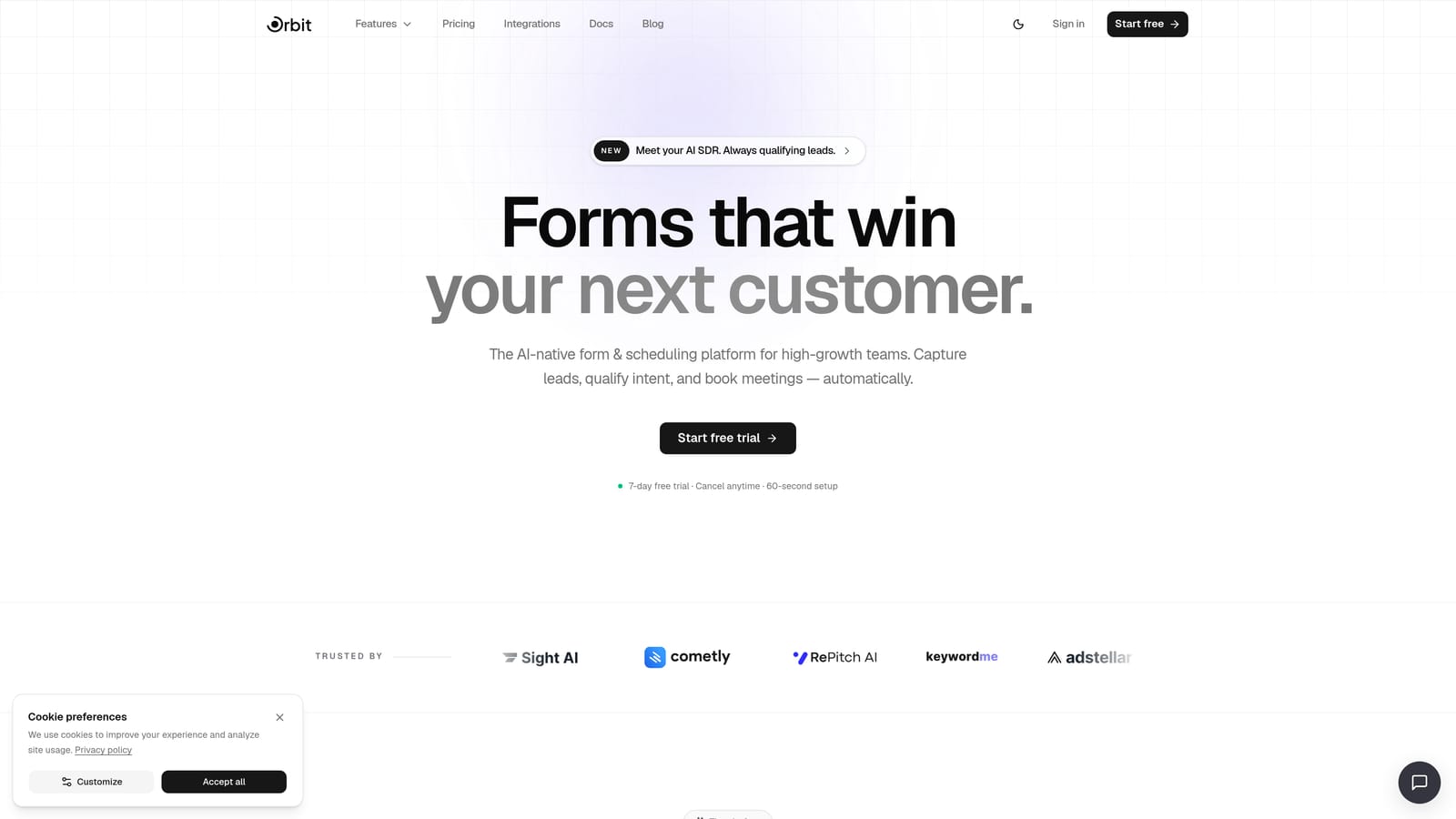
Orbit AI is an AI-powered form builder built specifically for teams that don't just want to collect money, they want to collect the right money from the right people.
Where This Tool Shines
Most form builders treat payment collection as a checkbox feature. Orbit AI treats it as a conversion strategy. The platform layers AI-powered lead qualification directly into the form flow, so you can score, route, or gate payment steps based on how a prospect answers earlier questions. Think of it like a smart sales rep embedded in your form.
For SaaS teams running paid onboarding flows, demo requests with payment holds, or tiered product signups, this combination of qualification and payment is genuinely rare. You're not just processing transactions; you're filtering for quality leads before they ever reach your checkout step.
Key Features
AI-Powered Lead Qualification: Automatically scores and routes leads based on form responses before presenting payment options.
Native Stripe Integration: Collects payments directly within the form flow without redirecting users to an external checkout page.
Conversion-Optimized Design: Modern, clean UI built to minimize friction at every step of the form experience.
Lead Scoring and Routing: Directs high-quality leads to premium offers or payment tiers while filtering out poor fits automatically.
Built for High-Growth Teams: Designed around the workflows of SaaS companies and marketing teams, not generic small business use cases.
Best For
Orbit AI is the strongest choice for SaaS teams, growth marketers, and demand generation teams who want payment collection to be part of a smarter lead funnel, not just a standalone transaction. If you're running paid trials, gated demos, or tiered onboarding flows, this is built for exactly that context.
Pricing
Visit orbitforms.ai/pricing for current plan details. A free tier is available to get started.
2. Typeform
Best for: Teams that want a conversational, low-friction payment experience with strong visual branding.
Typeform is the go-to form builder for teams that prioritize user experience above all else, presenting one question at a time in a format that feels more like a conversation than a form.

Where This Tool Shines
Typeform's signature one-question-at-a-time flow naturally reduces cognitive load, which can make payment forms feel far less intimidating than a traditional multi-field page. For event registrations, service bookings, or order forms where relationship and brand perception matter, this format works well.
The Stripe integration is native on paid plans and handles one-time payments reliably. Where Typeform has limits is in complex payment logic: variable pricing based on conditional answers, subscription billing, or product catalogs are not its strongest suit. It's a polish-first tool, not a payments-first one.
Key Features
Conversational Form UX: One-question-at-a-time format reduces form abandonment and feels engaging rather than transactional.
Native Stripe Integration: Available on paid plans for straightforward one-time payment collection.
Visual Customization: Strong brand theming options including fonts, colors, and background imagery.
Logic Jumps: Conditional branching allows different question paths based on previous answers.
Template Library: Wide range of pre-built templates including order and registration forms.
Best For
Typeform is ideal for agencies, creators, and marketing teams running event registrations, intake forms, or simple product order flows where brand experience matters more than advanced payment logic. If you need subscription billing or complex pricing rules, look elsewhere.
Pricing
A free plan is available with limited responses. Paid plans start at $25/month. Verify current pricing at typeform.com.
3. Jotform
Best for: Teams needing the most comprehensive payment feature set, including subscriptions, coupons, and product catalogs.
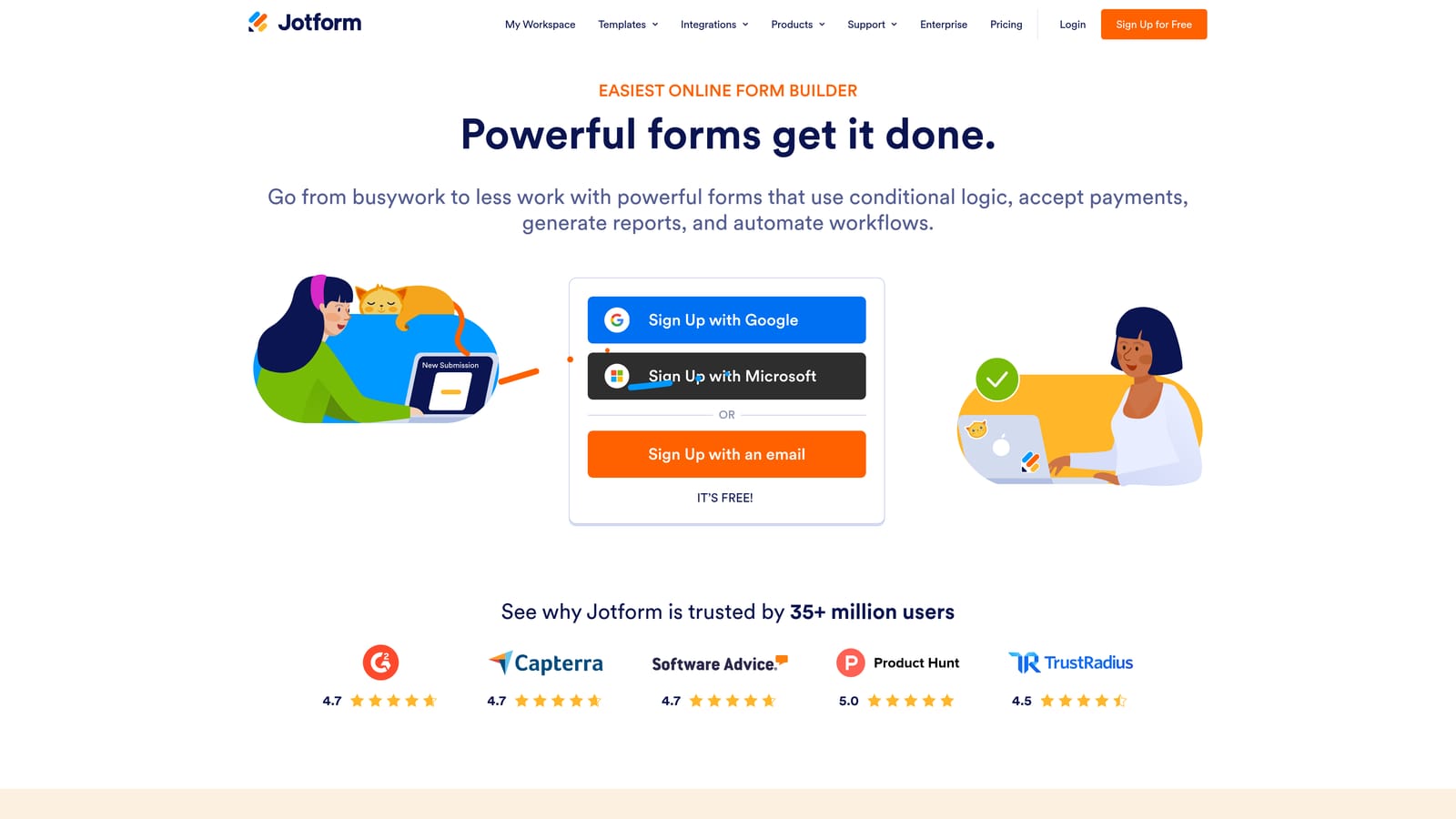
Jotform is arguably the most feature-complete form builder on this list when it comes to payment handling, supporting Stripe alongside multiple other processors with a depth of options few tools can match.
Where This Tool Shines
If your payment form needs to handle subscription billing, coupon codes, tax calculations, shipping fields, and a product catalog with inventory management, Jotform is the tool that covers all of it natively. It's the Swiss Army knife of payment forms. For e-commerce-adjacent use cases, event merchandise, or multi-product service packages, this depth is genuinely useful.
The tradeoff is that Jotform can feel visually dated compared to newer tools, and the interface has a steeper learning curve when you're configuring complex payment setups. But if raw payment capability is your priority, it's hard to beat.
Key Features
Recurring Billing Support: Native Stripe integration supports subscription and recurring payment models, not just one-time transactions.
Product Catalog Management: Build product lists with images, pricing, and inventory tracking directly inside the form.
Coupon Codes and Tax Fields: Apply discounts, calculate taxes, and add shipping fields without third-party tools.
10,000+ Templates: Massive library includes payment-specific templates for nearly every use case imaginable.
Multi-Processor Support: Stripe works alongside PayPal, Square, and other processors, so you're not locked into a single gateway.
Best For
Jotform suits businesses with complex payment requirements: multi-product forms, subscription services, nonprofit donation pages, or any workflow where granular payment control matters more than visual polish or conversational UX.
Pricing
A free plan is available with limited submissions. Paid plans start at $34/month. Verify current pricing at jotform.com.
4. Paperform
Best for: Creators and small businesses who want forms that look and feel like sales pages.
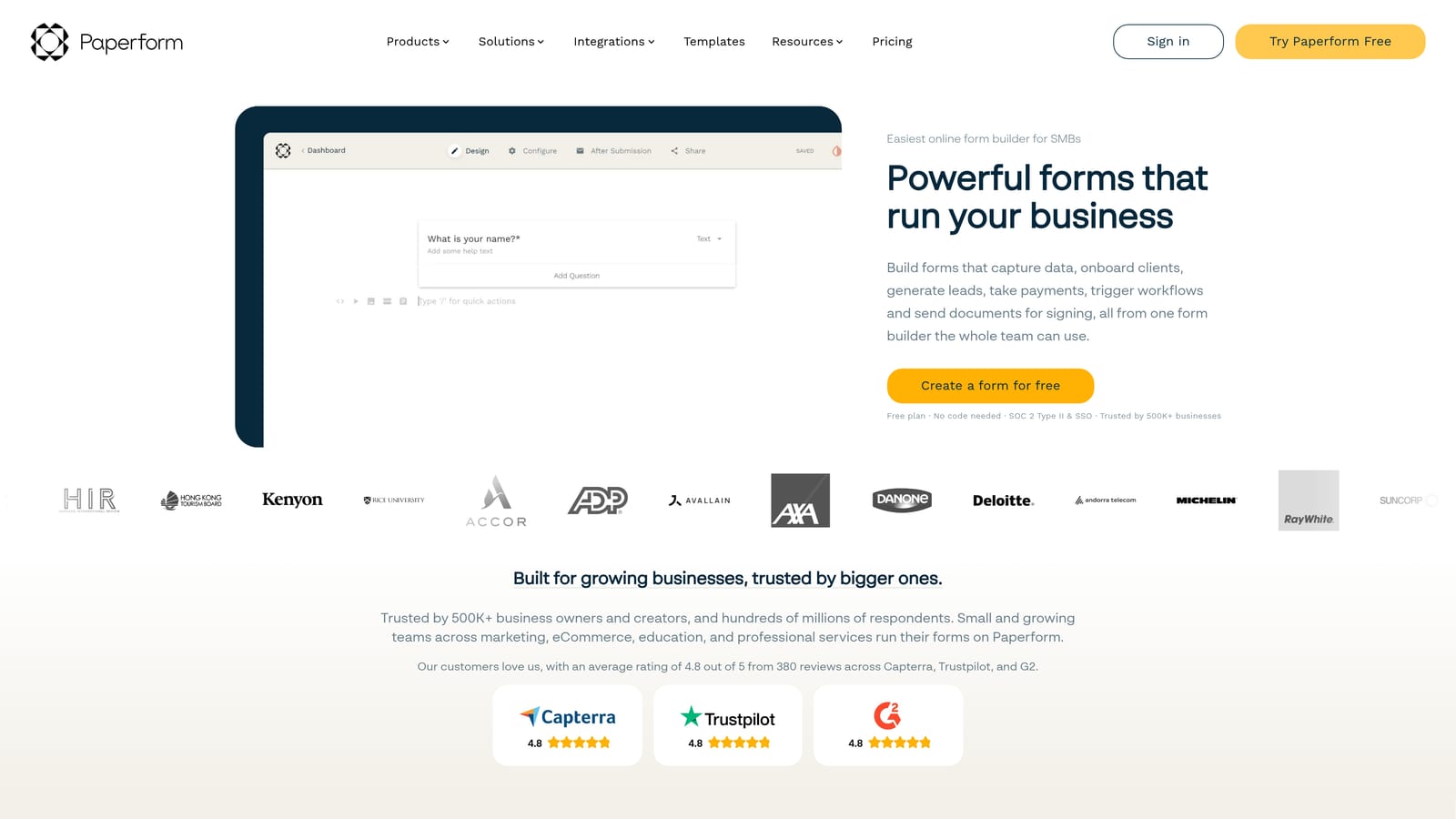
Paperform occupies a unique niche as a hybrid between a form builder and a landing page editor, letting you embed rich text, images, and video alongside your form fields in a single, flowing document.
Where This Tool Shines
Paperform's editor lets you write descriptive copy, embed product images, and add testimonials right next to your form fields, all in one place. The result is a form that reads like a sales page, which works particularly well for coaches, consultants, and creators selling services or digital products without a separate storefront.
The native Stripe integration handles both one-time and recurring payments reliably. Conditional logic and custom calculations allow for some dynamic pricing scenarios. Where Paperform is less suited is high-volume enterprise workflows or teams needing deep CRM integrations and workflow automation.
Key Features
Sales-Page Style Editor: Rich text, media, and form fields coexist in a single document, creating a seamless selling experience.
Native Stripe Integration: Supports one-time and recurring payments with reliable, direct Stripe connectivity.
Custom Calculations: Build dynamic pricing fields that calculate totals based on user inputs and selections.
Conditional Logic: Show or hide fields, sections, or pricing based on previous answers.
No Separate Storefront Needed: Sell products and services entirely within the form without linking to an external shop.
Best For
Paperform is a strong fit for independent creators, coaches, consultants, and small agencies who want a polished, sales-oriented form without the complexity of a full e-commerce platform. It's less suited for high-volume or enterprise-level payment workflows.
Pricing
Paid plans start at $29/month. No permanent free plan is available. Verify current pricing at paperform.co.
5. Tally
Best for: Bootstrapped teams or solo operators who need Stripe payments without paying for a form tool.
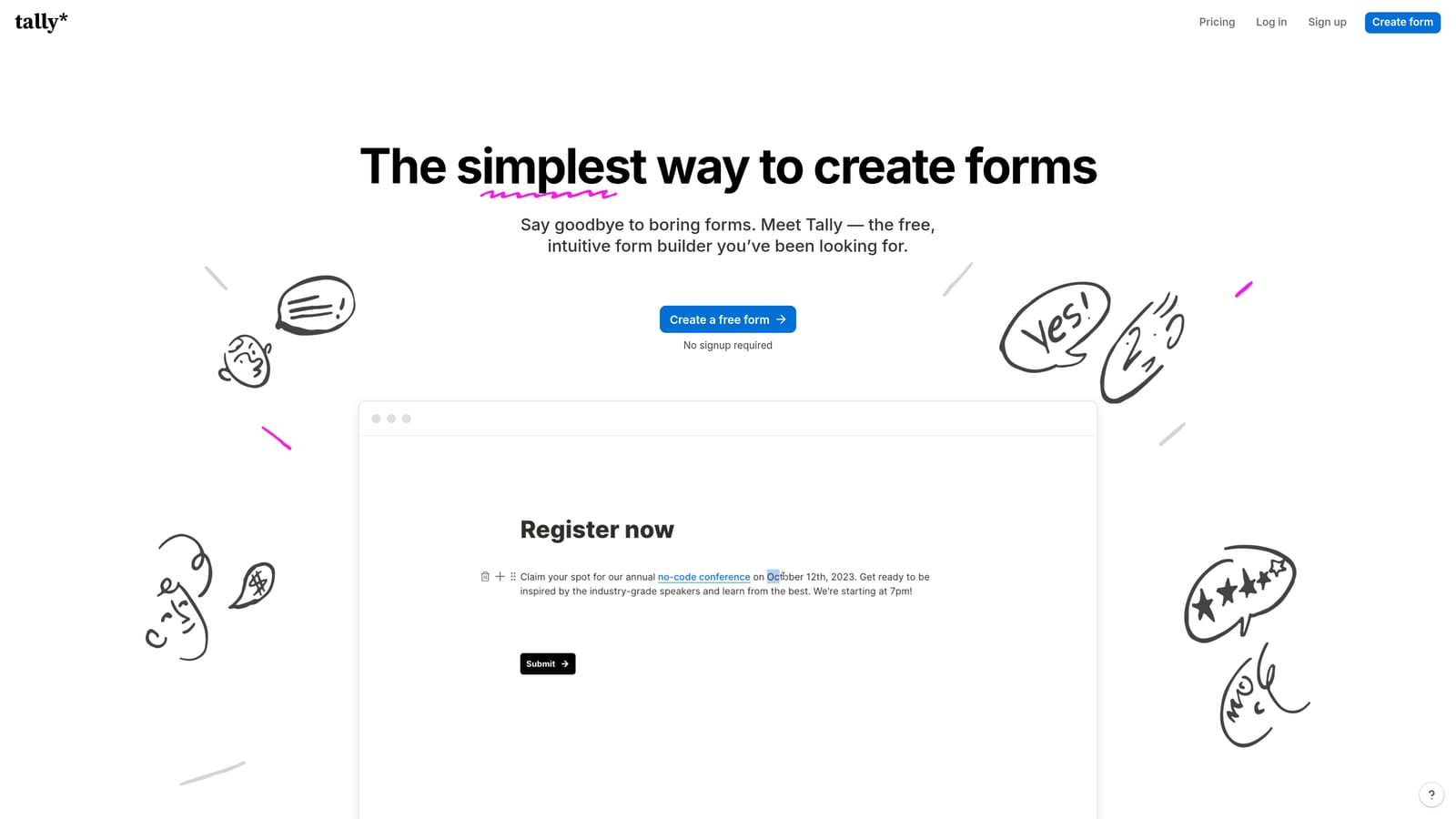
Tally is a free-first form builder with a clean, Notion-inspired editor that punches above its price point, including Stripe integration available even on the free tier.
Where This Tool Shines
Tally's free plan is genuinely generous: unlimited forms, unlimited responses, and Stripe payment collection are all included. The catch on the free tier is a small transaction fee that Tally takes on each payment. Upgrading to the Pro plan removes that fee entirely, making it a practical choice for teams testing payment form concepts before committing to a more feature-rich tool.
The editor is minimal and intuitive, borrowing the block-based feel of Notion. This makes it fast to build forms but also means it lacks the advanced payment features you'd find in Jotform or the conversational UX of Typeform. It's a solid, no-frills option for straightforward payment collection.
Key Features
Stripe on the Free Plan: Collect payments without a paid subscription, though a transaction fee applies on the free tier.
Pro Plan Removes Fees: Upgrading eliminates Tally's transaction cut, making the economics work better at volume.
Notion-Style Editor: Clean, block-based interface that's fast to learn and easy to use.
Unlimited Forms: No artificial caps on how many forms you can create, even on the free plan.
Basic Conditional Logic: Simple branching logic for showing or hiding fields based on responses.
Best For
Tally is the right pick for bootstrapped founders, freelancers, or small teams who want to validate a payment form concept without upfront cost. It's also a good fit for simple, low-volume payment collection where advanced features aren't needed.
Pricing
Free plan available with transaction fees on payments. Pro plan at $29/month removes fees. Verify current pricing at tally.so.
6. Formstack
Best for: Regulated industries and enterprise teams requiring HIPAA compliance and advanced security alongside Stripe payments.
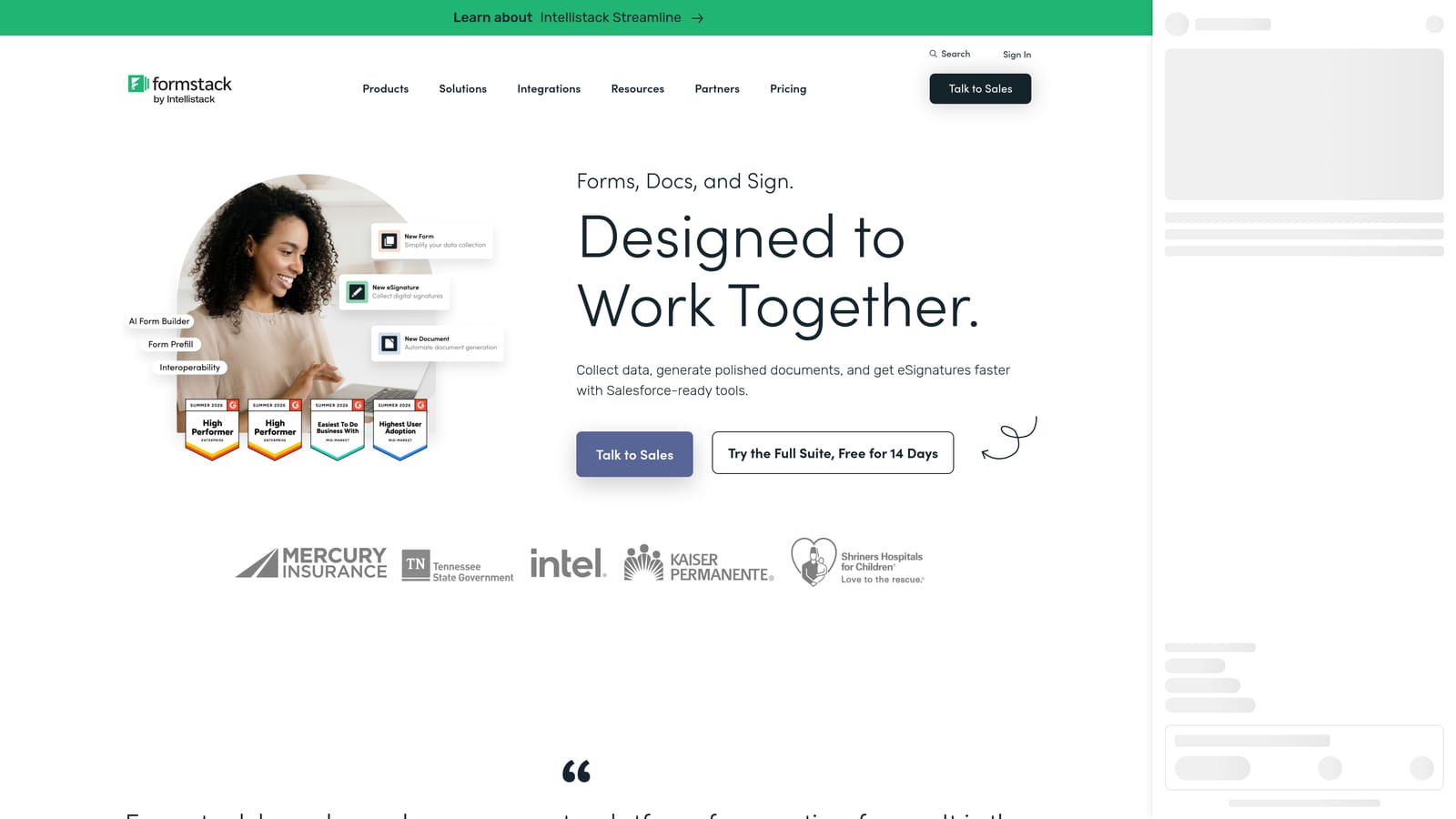
Formstack is an enterprise-grade form builder with strong security credentials, designed for organizations where compliance and data governance are non-negotiable requirements.
Where This Tool Shines
Formstack's differentiator is trust infrastructure. It's HIPAA-compliant and SOC 2 certified, which matters enormously for healthcare, finance, legal, and other regulated industries that need to collect payments within strict data handling frameworks. Most form builders on this list can't make those claims.
Beyond compliance, Formstack offers advanced workflow automation, multi-step approval processes, and deep Salesforce integration, making it a natural fit for enterprise sales and operations teams. The Stripe integration is reliable and enterprise-grade. Where it falls short is in conversion optimization and modern UX: Formstack is built for process and compliance, not for crafting delightful payment experiences.
Key Features
HIPAA Compliance and SOC 2 Certification: Purpose-built for regulated industries that must meet strict data security and privacy standards.
Native Stripe Integration: Enterprise-grade payment collection with robust data encryption and access controls.
Advanced Workflow Automation: Multi-step approval workflows and routing rules for complex organizational processes.
Salesforce Integration: Deep CRM connectivity for enterprise teams managing payment data alongside sales pipelines.
Role-Based Access Controls: Granular permissions for teams managing sensitive form data across large organizations.
Best For
Formstack is the right choice for healthcare organizations, financial services firms, legal teams, and enterprise buyers who need payment collection within a compliant, auditable workflow. If your primary concern is security and process rather than conversion rates, Formstack is built for you.
Pricing
Plans start at $83/month, reflecting the enterprise positioning. Verify current pricing at formstack.com.
Which Tool Is Right for Your Workflow?
Every tool on this list has genuine Stripe integration, but they serve very different needs. Choosing the wrong one means paying for features you'll never use, or missing capabilities that would have made a real difference in your conversion rates.
Here's a quick breakdown by use case to help you land on the right pick:
AI-powered qualification + payments: Orbit AI is the only tool on this list that combines lead scoring with payment collection in a single flow, making it the clear choice for SaaS teams running smart, conversion-optimized funnels.
Conversational UX and brand experience: Typeform's one-question-at-a-time format is hard to beat for teams where form experience is a brand differentiator.
Complex payment logic: Jotform's depth of payment features, subscriptions, coupons, product catalogs, and multi-processor support, makes it the right tool for businesses with genuinely complex transaction requirements.
Sales-page style forms: Paperform is the natural choice for creators and small businesses who want their form to do the selling for them.
Free tier with real Stripe access: Tally is the most accessible starting point for bootstrapped teams testing payment form concepts without upfront cost.
Enterprise compliance: Formstack is the only option on this list with HIPAA and SOC 2 credentials, making it essential for regulated industries.
If you're building a high-growth SaaS product or running a conversion-focused marketing team, the combination of AI-powered qualification and native Stripe integration in a single platform is a meaningful advantage. Start building free forms today and see how intelligent form design can transform your lead generation and payment collection in one seamless flow.


