

Legacy form tools are quietly costing you conversions. The clunky drag-and-drop builders from the early 2010s, static HTML generators, and rigid enterprise form systems that once felt like enough are now actively working against you. Today's users expect app-like experiences, mobile-first design, and forms that feel intelligent rather than transactional.
For high-growth teams still relying on these outdated systems, the problems pile up fast: no conditional logic, broken mobile layouts, zero analytics visibility, and manual lead sorting that slows your entire pipeline. Every friction point in a form is a potential drop-off, and every drop-off is revenue you never recover.
The good news is that the form builder landscape has transformed dramatically. Modern platforms now offer AI-powered lead qualification, real-time routing, conversational UX, and deep CRM integrations that turn forms from passive data collectors into active conversion engines.
This guide covers the top modern form builders purpose-built to replace legacy systems. Selection criteria included modern UX patterns, AI or smart logic capabilities, mobile-first design, analytics depth, integration ecosystems, and pricing flexibility. Whether you're a lean startup or a scaling SaaS team, there's a clear upgrade path here.
1. Orbit AI
Best for: High-growth teams that need AI-powered lead qualification with conversion-optimized form design.
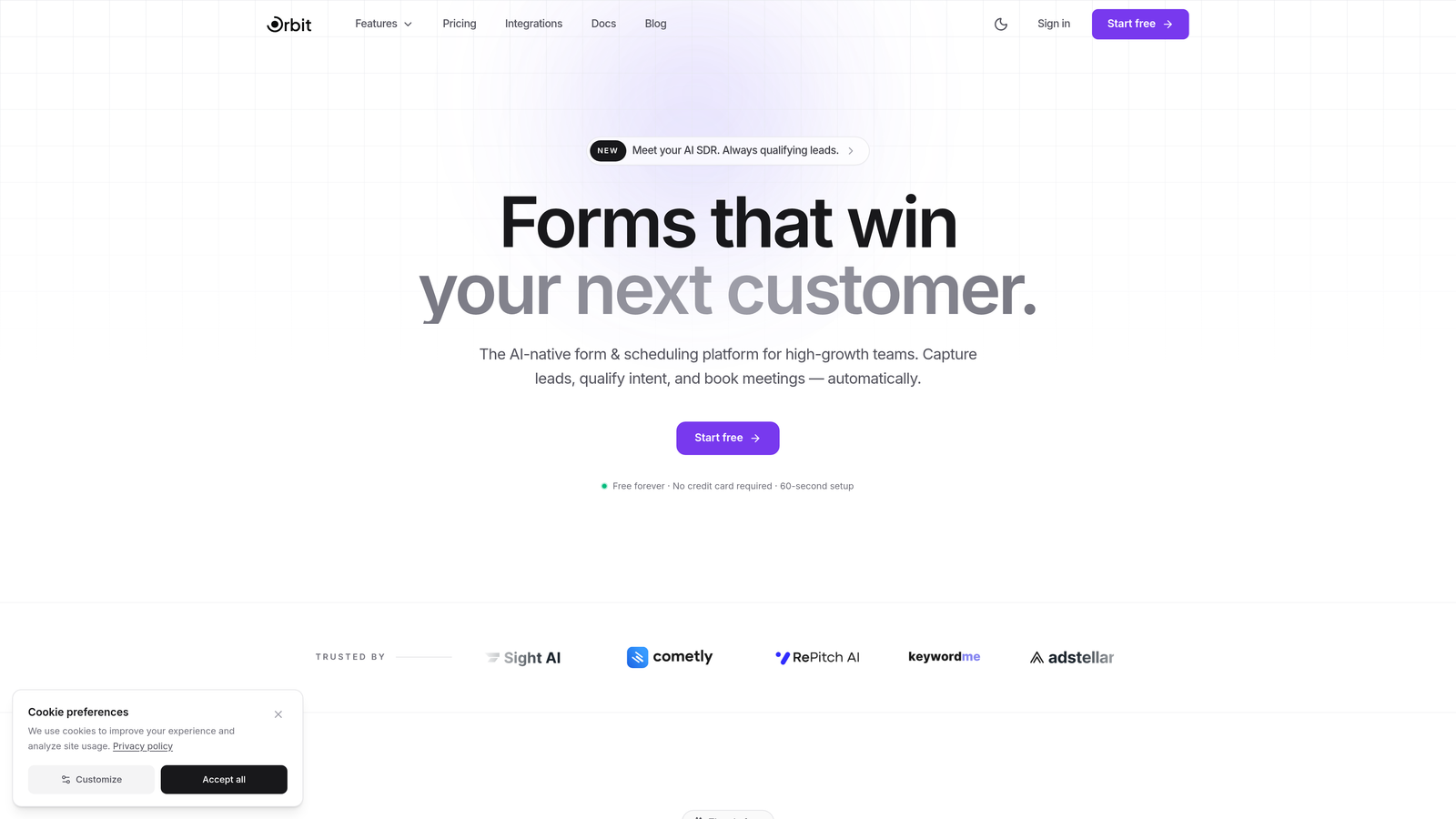
Orbit AI is an AI-powered form builder platform with built-in lead qualification, designed for teams that treat every form submission as a revenue opportunity.
Where This Tool Shines
Orbit AI stands apart from the crowd by treating lead qualification as a first-class feature rather than an afterthought. Instead of collecting submissions and leaving your team to manually sort through them, Orbit AI scores and routes leads in real time, so your sales team always knows which prospects deserve immediate attention.
The platform is also built with conversion in mind from the ground up. Templates are designed around modern UX principles, conditional logic adapts forms dynamically based on user responses, and the mobile-first approach ensures a smooth experience across every device. For teams that have been fighting their legacy tools to achieve these basics, Orbit AI feels like a genuine leap forward.
Key Features
AI-Powered Lead Qualification: Automatically scores and routes leads in real time, so high-intent prospects reach your team faster.
Conversion-Optimized Templates: Pre-built form designs engineered around modern UX patterns to maximize completion rates.
Smart Conditional Logic: Forms adapt dynamically based on user responses, creating a personalized experience without any coding.
CRM and Marketing Automation Integrations: Seamless connections to the tools your team already uses, keeping your pipeline moving without manual data entry.
Beautiful Mobile-First Design: Every form looks and functions perfectly on any device, no design experience required.
Best For
Orbit AI is the natural choice for SaaS companies, growth marketers, and sales-driven teams who need more than a form collector. If your current setup requires manual lead sorting after every submission or your forms look dated on mobile, this platform was built specifically to solve those problems.
Pricing
Visit orbitforms.ai for current pricing plans. A free option is available to get started without commitment.
2. Typeform
Best for: Teams that want a conversational, human-feeling form experience that keeps respondents engaged.
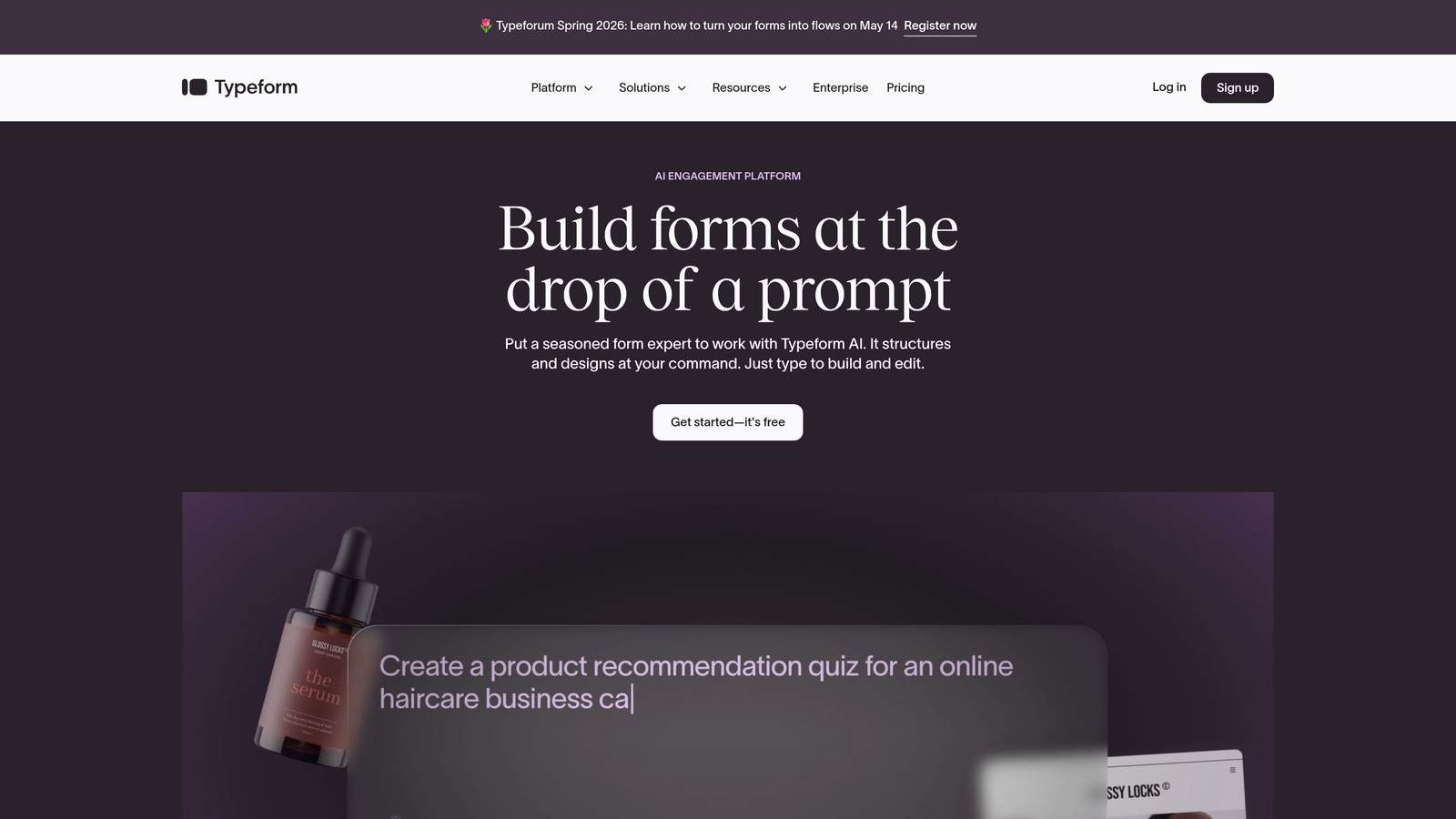
Typeform is a conversational form builder known for its one-question-at-a-time interface that transforms standard data collection into an engaging dialogue.
Where This Tool Shines
Typeform's signature strength is its ability to make forms feel less like forms. By presenting one question at a time with clean visuals and smooth transitions, it reduces the cognitive load that causes drop-offs on traditional multi-field forms. The result is a more natural, survey-like experience that tends to generate higher completion rates for longer forms.
The platform also offers strong brand customization, letting teams match form aesthetics closely to their website or product. Logic jumps allow for genuinely personalized flows where different respondents see entirely different question paths based on their answers.
Key Features
Conversational One-Question Format: Presents questions sequentially to reduce overwhelm and improve completion rates.
Brand Customization: Rich visual design options including custom colors, fonts, backgrounds, and imagery.
Logic Jumps and Branching: Personalized question flows based on previous answers, without any coding.
Native Integrations: Connects with HubSpot, Mailchimp, Slack, Salesforce, and dozens of other popular tools.
Video and Image Embedding: Add rich media directly within forms to provide context or boost engagement.
Best For
Typeform works especially well for lead generation forms, customer surveys, onboarding flows, and brand research where the respondent experience matters as much as the data collected. It's a strong fit for marketing teams and agencies focused on creating polished, on-brand touchpoints.
Pricing
Free plan available with limited responses; paid plans start at approximately $25/month for expanded features and response limits.
3. Jotform
Best for: Teams that need a massive template library and extensive widget options across diverse industries.
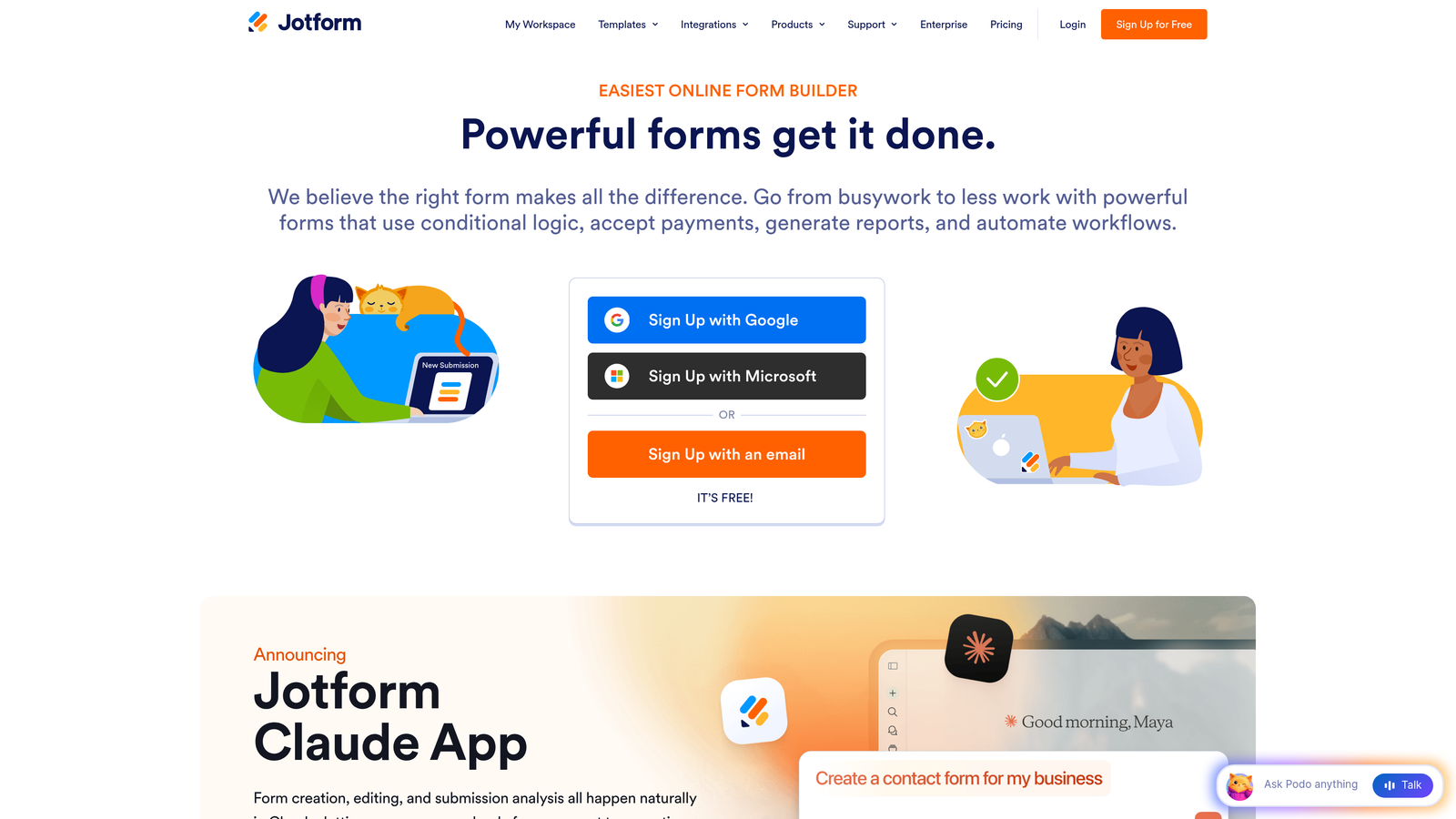
Jotform is a versatile no-code form builder offering one of the largest template libraries on the market, with deep customization and broad integration support.
Where This Tool Shines
When sheer breadth is the priority, Jotform is hard to beat. With over 10,000 pre-built templates spanning industries from healthcare to e-commerce to education, most teams can find a starting point that requires minimal customization. The widget marketplace extends functionality significantly, allowing for features like appointment scheduling, signature collection, and product ordering without custom development.
Jotform also handles payment collection natively through Stripe, PayPal, and Square, making it a practical choice for teams that need to monetize forms directly. Its HIPAA-compliant options make it one of the few builders that healthcare teams can deploy confidently.
Key Features
10,000+ Templates: Pre-built forms across virtually every industry and use case, ready to customize immediately.
Widget Marketplace: Hundreds of add-on widgets that extend form functionality well beyond standard fields.
Native Payment Processing: Accept payments via Stripe, PayPal, and Square directly within forms.
Jotform Tables: A built-in submission management layer that functions like a collaborative spreadsheet for teams.
HIPAA Compliance: Dedicated compliance options for healthcare organizations handling sensitive patient data.
Best For
Jotform suits teams across a wide range of industries, particularly those in healthcare, education, and e-commerce. It's also a practical choice for operations teams that need to build many different form types quickly without relying on a developer.
Pricing
Free plan supports up to 5 forms; paid plans start at approximately $34/month for increased form limits, submissions, and storage.
4. Tally
Best for: Bootstrapped teams and indie makers who need unlimited forms and a clean, Notion-style editing experience for free.
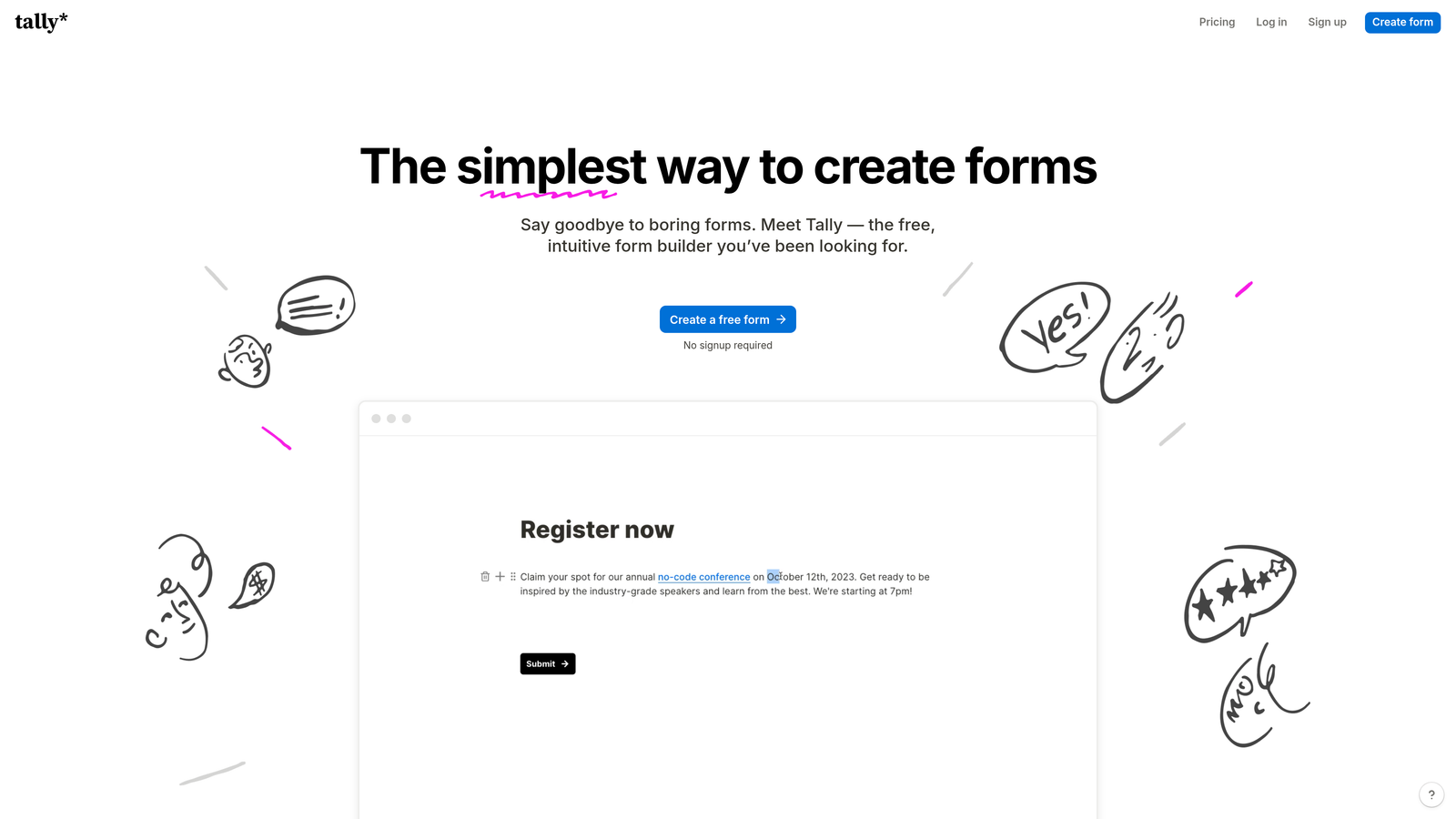
Tally is a minimalist form builder with a block-based interface that offers unlimited forms and submissions on its free tier, making it one of the most generous options in the market.
Where This Tool Shines
Tally's free plan is genuinely remarkable. While most free tiers impose strict limits on submissions or active forms, Tally lets you build and publish unlimited forms with unlimited responses at no cost. The block-based editor will feel immediately familiar to anyone who uses Notion, lowering the learning curve significantly.
Conditional logic and hidden fields are also included on the free plan, which is unusual in this space. For early-stage teams or anyone who wants to test modern form tooling before committing to a paid plan, Tally is one of the most accessible entry points available.
Key Features
Unlimited Free Forms and Submissions: No artificial caps on the free tier, making it accessible for teams at any stage.
Block-Based Editor: Clean, Notion-inspired interface that makes form building intuitive and fast.
Conditional Logic and Hidden Fields: Personalized form flows included at no cost, not locked behind a paywall.
Custom Domains and Branding: Remove Tally branding and use your own domain on paid plans.
Broad Integrations: Connects with Notion, Google Sheets, Airtable, Zapier, and webhooks for flexible workflow automation.
Best For
Tally is ideal for solo founders, small teams, and startups that want modern form capabilities without an immediate budget commitment. It also suits teams already embedded in the Notion ecosystem who want a form builder that feels native to that workflow.
Pricing
Generous free plan with no submission limits; Tally Pro starts at approximately $29/month for custom branding, domains, and advanced features.
5. HubSpot Forms
Best for: HubSpot-centric teams that want forms tightly integrated with their CRM and contact management workflows.
HubSpot Forms is a native form builder built directly into the HubSpot platform, automatically syncing every submission to contact records with zero manual data transfer.
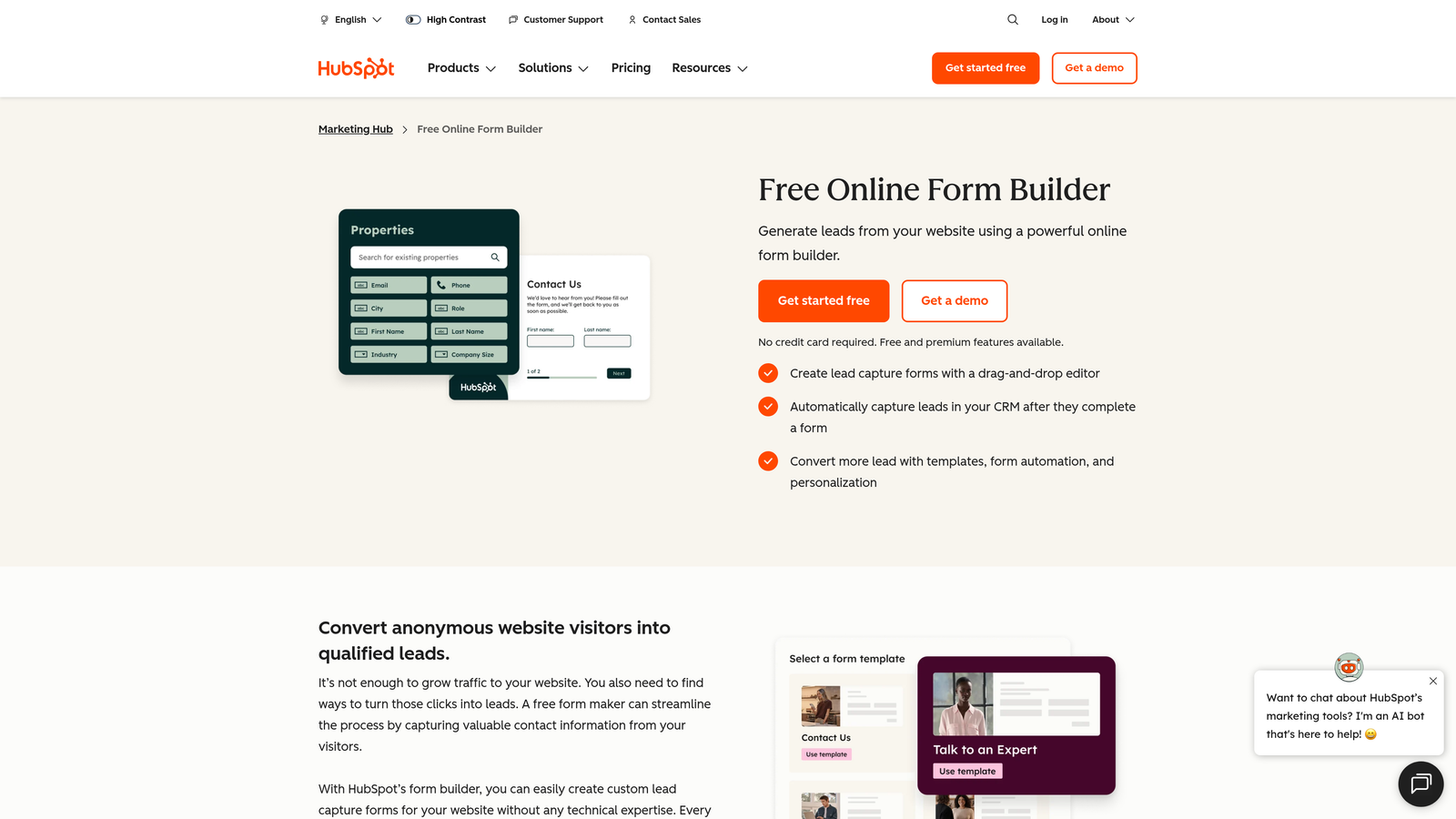
Where This Tool Shines
If your team already lives in HubSpot, the case for using HubSpot Forms is straightforward: every submission instantly becomes a CRM contact, complete with source tracking, deal associations, and enrollment in automated workflows. There's no integration to configure, no field mapping to maintain, and no risk of data falling through the cracks between tools.
Progressive profiling is a standout feature that legacy tools simply don't offer. Instead of asking known contacts the same questions repeatedly, HubSpot Forms surfaces new fields based on what's already in the contact record, making every subsequent form interaction feel smarter and less repetitive for the respondent.
Key Features
Native CRM Sync: Submissions automatically create or update contact records in HubSpot with no manual work.
Progressive Profiling: Dynamically shows new fields to known contacts, gradually enriching data without redundancy.
Smart Fields: Pre-populate fields for known contacts to reduce friction and improve completion rates.
Built-In Analytics: Form performance data tied directly into HubSpot's reporting dashboard for unified visibility.
Free Tier Included: Available within HubSpot's free CRM, making it accessible without any additional subscription.
Best For
HubSpot Forms is the obvious choice for teams already using HubSpot as their CRM or marketing platform. It's less compelling as a standalone tool if you're not in the HubSpot ecosystem, but for those who are, it eliminates significant integration overhead.
Pricing
Free with HubSpot CRM; advanced form features and analytics are available in Marketing Hub paid tiers, which scale based on contact volume and feature requirements.
6. Fillout
Best for: Teams that need deep database integrations with Airtable, Notion, or Smartsheet as the backbone of their workflows.
Fillout is a modern form builder with particularly strong native connections to database and productivity platforms, making it a natural fit for operations-heavy teams.

Where This Tool Shines
Where many form builders treat integrations as an afterthought, Fillout treats them as a core feature. Its native connections to Airtable, Notion, and Smartsheet go beyond simple data export, allowing forms to read from and write to these databases in real time. This opens up use cases like dynamic dropdowns populated from live database records, form updates that modify existing records rather than just creating new ones, and multi-step flows that pull context from prior submissions.
The platform also handles scheduling, payments, and file uploads natively, reducing the need to stitch together multiple tools for complex intake or registration workflows.
Key Features
Native Database Integrations: Deep two-way connections with Airtable, Notion, and Smartsheet for real-time data sync.
Advanced Conditional Logic: Multi-step form flows with complex branching based on user inputs and database values.
Built-In Scheduling and Payments: Handle appointment booking and payment collection without additional third-party tools.
Hidden Field Mapping: Pass URL parameters and hidden values through forms for precise tracking and personalization.
Responsive Embed Design: Embeddable forms that look polished across desktop and mobile contexts.
Best For
Fillout is a strong choice for operations teams, project managers, and no-code builders who rely on Airtable or Notion as their primary data layer and need forms that connect to those systems without workarounds.
Pricing
Free plan available with core features; paid plans start at approximately $15/month, making it one of the more accessible options for teams with database-centric workflows.
7. Paperform
Best for: Teams that want a single page to function as both a form and a landing page, with built-in e-commerce and booking capabilities.
Paperform is a form builder that doubles as a landing page creator, blending rich media, payment processing, and form logic into a single cohesive experience.
Where This Tool Shines
Paperform occupies a unique niche: it's genuinely designed to be a destination page rather than just an embedded element. The rich text editor lets you weave form fields directly into narrative content, images, and media, so the line between a landing page and a form essentially disappears. This makes it particularly effective for product orders, event registrations, and service bookings where context and persuasion matter before the ask.
The built-in calculation and scoring engine is also worth highlighting. Teams building quizzes, assessments, or pricing calculators will find it far more capable than most form builders, without requiring custom development.
Key Features
Landing Page and Form Combined: Rich text editor that blends narrative content and form fields into a single page experience.
Native Payment Processing: Accept payments via Stripe, Braintree, and Square directly within the form page.
Product Catalogs and Booking Fields: Built-in e-commerce and scheduling functionality for service and product-based businesses.
Custom Success Pages and Redirects: Full control over the post-submission experience, including custom thank-you pages and conditional redirects.
Calculations and Scoring: Dynamic scoring logic for quizzes, assessments, and pricing calculators without any code.
Best For
Paperform suits small businesses, consultants, and marketing teams that want to replace both a landing page and a form with a single, polished asset. It's especially practical for service bookings, event registrations, and lead capture pages where context enhances conversion.
Pricing
Plans start at approximately $24/month; there is no free tier, though a trial is available to evaluate the platform before committing.
8. Formsort
Best for: Growth teams that need A/B testing, detailed funnel analytics, and conversion rate optimization built directly into their form platform.
Formsort is a conversion-focused form platform built specifically for growth and product teams who treat form funnels as a core acquisition channel worth optimizing rigorously.
Where This Tool Shines
Most form builders give you submission counts and maybe a completion rate. Formsort goes considerably deeper. Its built-in A/B testing lets you run experiments across form variants, measuring conversion impact with the same rigor you'd apply to landing page tests. Drop-off tracking shows you exactly where respondents abandon a flow, giving you the data needed to make targeted improvements rather than guessing.
The API-first architecture also makes Formsort a natural fit for product and engineering teams who want form logic embedded directly into their application stack rather than bolted on as a third-party widget.
Key Features
Built-In A/B Testing: Run controlled experiments across form variants to measure and improve conversion rates with real data.
Detailed Conversion Analytics: Step-by-step drop-off tracking that identifies exactly where users abandon multi-step flows.
Multi-Step Lead Acquisition Flows: Optimized for complex onboarding and lead capture funnels rather than simple single-page forms.
Custom Styling Controls: Full CSS and theme customization for pixel-accurate brand alignment.
API-First Architecture: Developer-friendly infrastructure for teams embedding form logic directly into their product or pipeline.
Best For
Formsort is built for growth teams at companies where form conversion rates are a tracked KPI and experimentation is part of the culture. It's particularly well-suited to fintech, insurtech, and SaaS companies running high-volume lead acquisition funnels.
Pricing
Custom pricing based on volume and requirements; contact Formsort directly for a quote tailored to your team's needs.
9. Feathery
Best for: Developer teams that need pixel-perfect form control and seamless embedding within SaaS products or web applications.
Feathery is a developer-friendly form builder with a React SDK, offering deep design control and advanced logic for teams building forms as part of a larger product experience.
Where This Tool Shines
Feathery sits at the intersection of no-code convenience and developer-grade control. The React SDK lets engineering teams embed forms directly into web applications with the same flexibility they'd have building from scratch, but without the time investment. Visual logic builders handle complex branching scenarios, while custom CSS support ensures that no design compromise is required to meet brand standards.
The platform also handles some genuinely sophisticated use cases: user authentication, multi-session form completion (where users can save progress and return later), and integrations with Stripe and Plaid for financial product onboarding. These capabilities make it a strong fit for SaaS products where forms are part of the core user journey rather than a marketing touchpoint.
Key Features
React SDK: Seamless embedding into web applications with developer-grade flexibility and control.
Visual Logic Builder: Complex conditional branching built visually, without requiring custom code for standard use cases.
Pixel-Perfect Design Control: Full custom CSS support ensures forms match your product's design system exactly.
User Authentication and Multi-Session Completion: Allow users to save progress and return to forms across sessions, reducing drop-off on long flows.
Stripe, Plaid, and Identity Verification Integrations: Built-in support for financial and identity workflows common in fintech and SaaS onboarding.
Best For
Feathery is the right choice for product and engineering teams building forms as part of a SaaS application, particularly in fintech, insurance, or any vertical where onboarding flows are long, complex, and require identity or payment verification.
Pricing
Free plan available; paid plans start at approximately $49/month, reflecting the platform's positioning toward teams with more complex technical requirements.
Which Tool Is Right for Your Team
The right modern form builder depends on what your legacy tool is failing to deliver. Here's a quick breakdown by use case to help you make the call.
Best for AI lead qualification: Orbit AI is the clear choice for teams that need forms to do more than collect data. Real-time lead scoring and intelligent routing make it the most conversion-focused option in this list, particularly for SaaS and sales-driven teams.
Best conversational UX: Typeform remains the gold standard for forms that feel like a conversation. If respondent experience and brand polish are your primary drivers, it's hard to beat.
Best free option: Tally's unlimited free tier is genuinely exceptional. For bootstrapped teams or anyone testing modern form tooling before committing to a budget, it's the most accessible starting point.
Best for HubSpot users: HubSpot Forms eliminates integration overhead entirely for teams already in the HubSpot ecosystem. The progressive profiling and native CRM sync alone justify the switch from any legacy tool.
Best for developers: Feathery gives engineering teams the control they need to embed forms natively into SaaS products without sacrificing design fidelity or logic complexity.
Best for landing pages: Paperform's hybrid page-and-form approach makes it uniquely suited for service bookings, event registrations, and lead capture pages where context drives conversion.
Best for A/B testing funnels: Formsort is purpose-built for growth teams that treat form conversion rates as a trackable, improvable metric. Its testing and analytics depth is unmatched in this category.
Best template library: Jotform's 10,000+ templates make it the fastest starting point for teams that need to build across many different form types and industries.
Best for database workflows: Fillout's native Airtable, Notion, and Smartsheet connections make it the natural choice for operations teams with database-centric processes.
The first step is auditing your current form stack honestly. If your forms aren't mobile-optimized, lack conditional logic, or require manual lead sorting after every submission, you're leaving conversions behind. Pick one tool from this list that addresses your biggest gap and run a side-by-side test with your existing setup.
If intelligent lead qualification and conversion optimization are your priorities, start building free forms today with Orbit AI and experience the difference that AI-powered form design makes for a high-growth team. Your next form shouldn't just collect data. It should qualify, route, and convert.


