

Your SaaS trial signup form is the gateway between curious visitors and paying customers. A clunky, generic form can tank your conversion rates before prospects even experience your product. The right form builder helps you capture qualified leads, reduce friction, and start the customer relationship on the right foot.
We evaluated dozens of form builders specifically for SaaS trial signups, focusing on conversion optimization features, integration capabilities with common SaaS stacks, and the ability to qualify leads during signup. Here are nine standout options for turning visitors into trial users.
1. Orbit AI
Best for: High-growth SaaS teams prioritizing intelligent lead qualification and conversion optimization
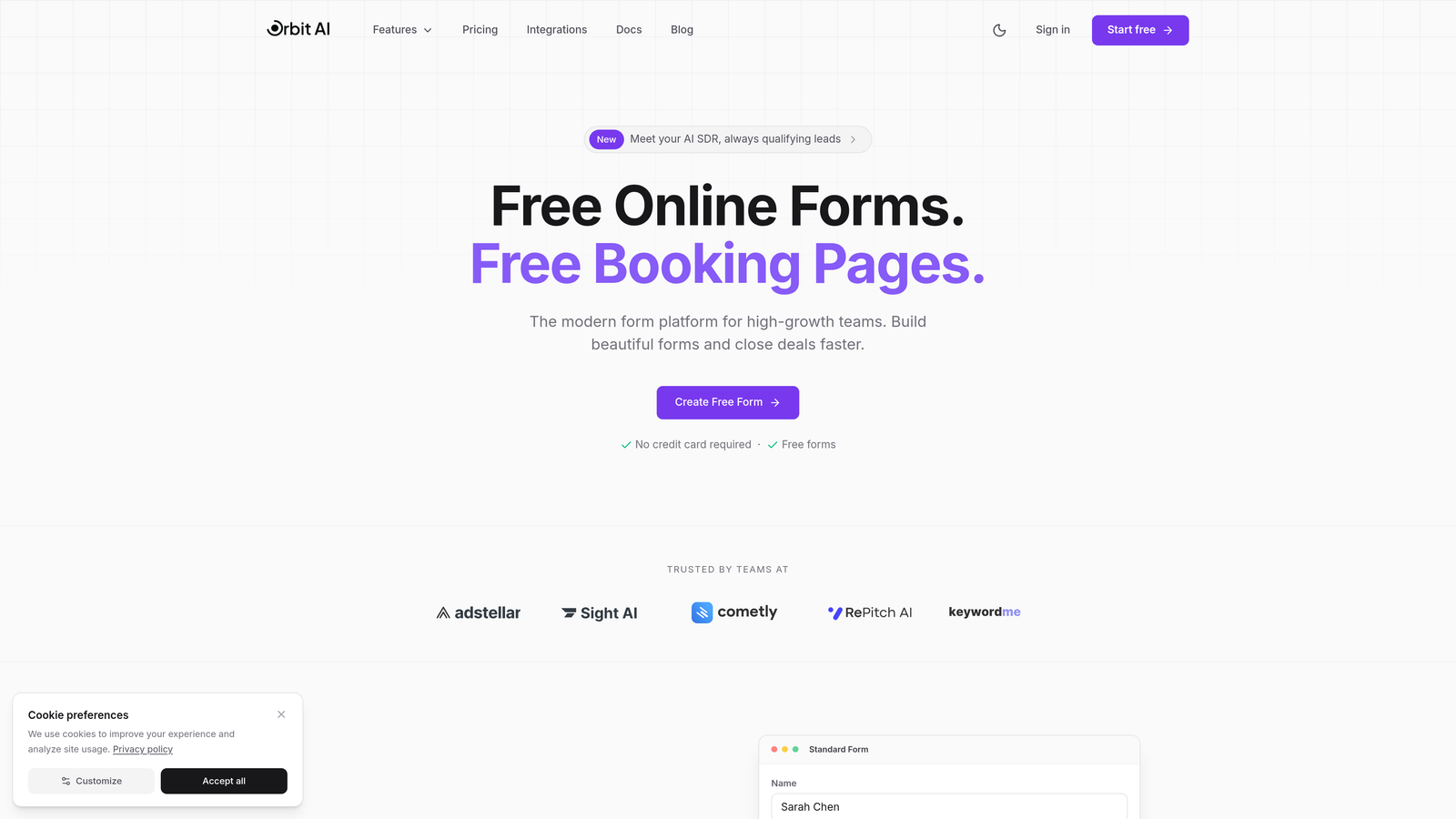
Orbit AI is an AI-powered form builder designed specifically for teams that need to qualify leads while they're filling out trial signup forms.
Where This Tool Shines
The AI qualification engine sets Orbit AI apart. As prospects fill out your trial form, the platform dynamically adjusts questions based on their responses, ensuring you collect the right information without overwhelming users with unnecessary fields.
The real-time lead scoring happens during form completion, meaning your sales team knows exactly which trial signups deserve immediate attention. This transforms your signup form from a simple data collection tool into an intelligent qualification system.
Key Features
AI-Powered Lead Qualification: Automatically scores and qualifies leads during form completion based on their responses.
Dynamic Form Logic: Questions adapt in real-time based on user inputs, creating personalized signup experiences.
Native CRM Integrations: Connects seamlessly with major CRM platforms and marketing automation tools.
Conversion-Optimized Templates: Pre-built SaaS trial templates designed specifically for high conversion rates.
Real-Time Analytics: Track completion rates, drop-off points, and lead quality metrics as they happen.
Best For
Orbit AI works exceptionally well for B2B SaaS companies with high-value products where lead quality matters as much as quantity. If your sales team needs to prioritize which trial users to contact first, the built-in scoring makes that decision automatic.
Pricing
Free tier available for teams getting started. Paid plans begin at $29/month with advanced features for growing teams.
2. Typeform
Best for: Creating engaging, conversational signup experiences that feel less like forms
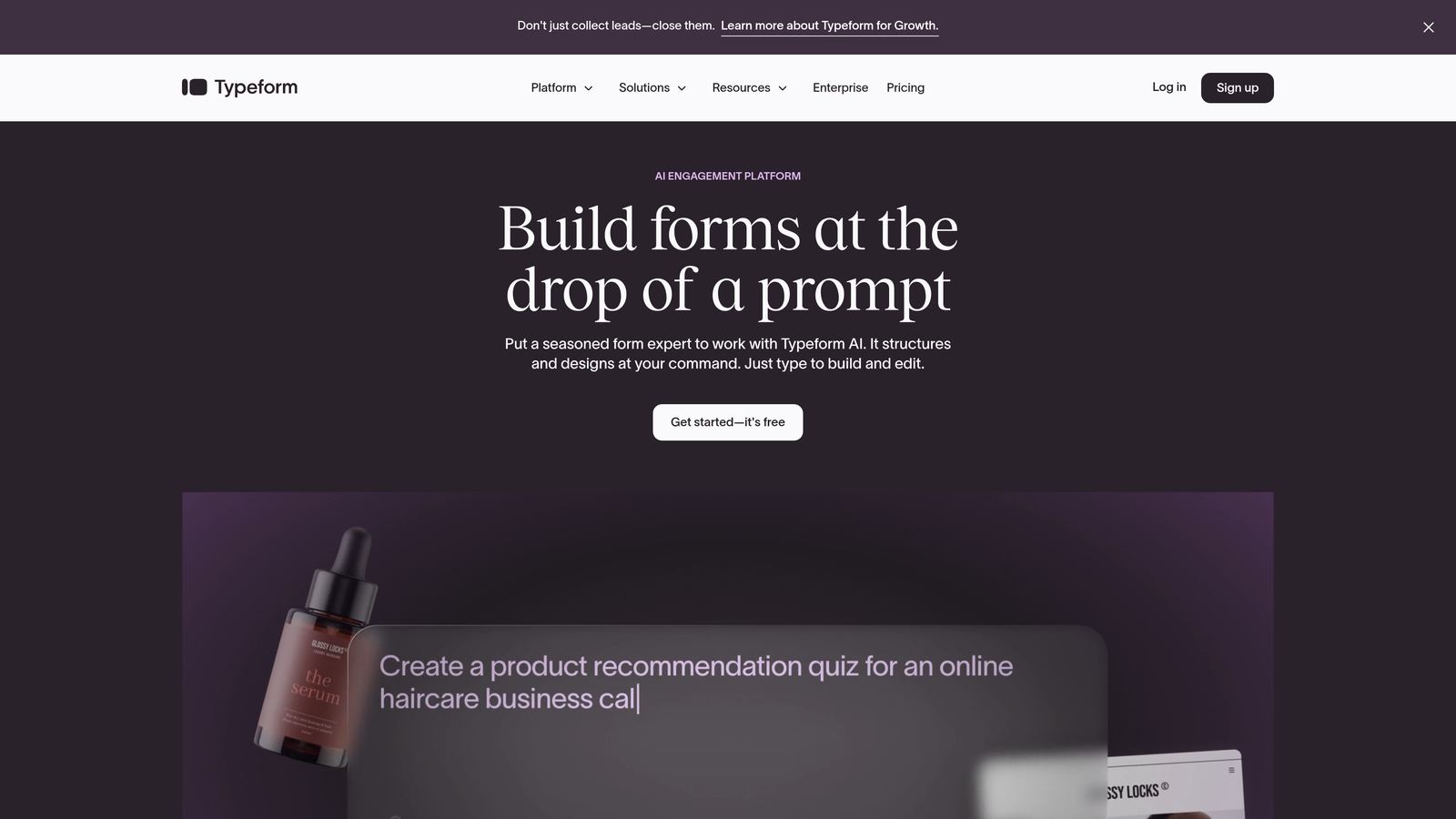
Typeform is a conversational form builder that presents one question at a time, creating an engaging experience.
Where This Tool Shines
The one-question-at-a-time approach reduces cognitive load and makes even lengthy signup processes feel manageable. Users focus on answering the current question without being overwhelmed by seeing ten fields at once.
Brand customization goes deep. You can match every element to your visual identity, creating a signup experience that feels like a natural extension of your product rather than a generic web form.
Key Features
Conversational Interface: One question appears at a time, creating a dialogue-like experience.
Extensive Customization: Control colors, fonts, backgrounds, and layouts to match your brand perfectly.
Logic Jumps: Create conditional paths that show different questions based on previous answers.
Native Integrations: Connects with popular tools like Slack, Google Sheets, HubSpot, and Salesforce.
Video Integration: Embed welcome videos or product demos directly in your signup flow.
Best For
SaaS companies where brand experience and user engagement are critical. If you're targeting consumers or prosumers who expect polished, modern interfaces, Typeform delivers that premium feel.
Pricing
Free tier available with basic features. Paid plans start at $25/month for additional responses and advanced logic.
3. HubSpot Forms
Best for: Teams already using HubSpot CRM who want seamless data flow
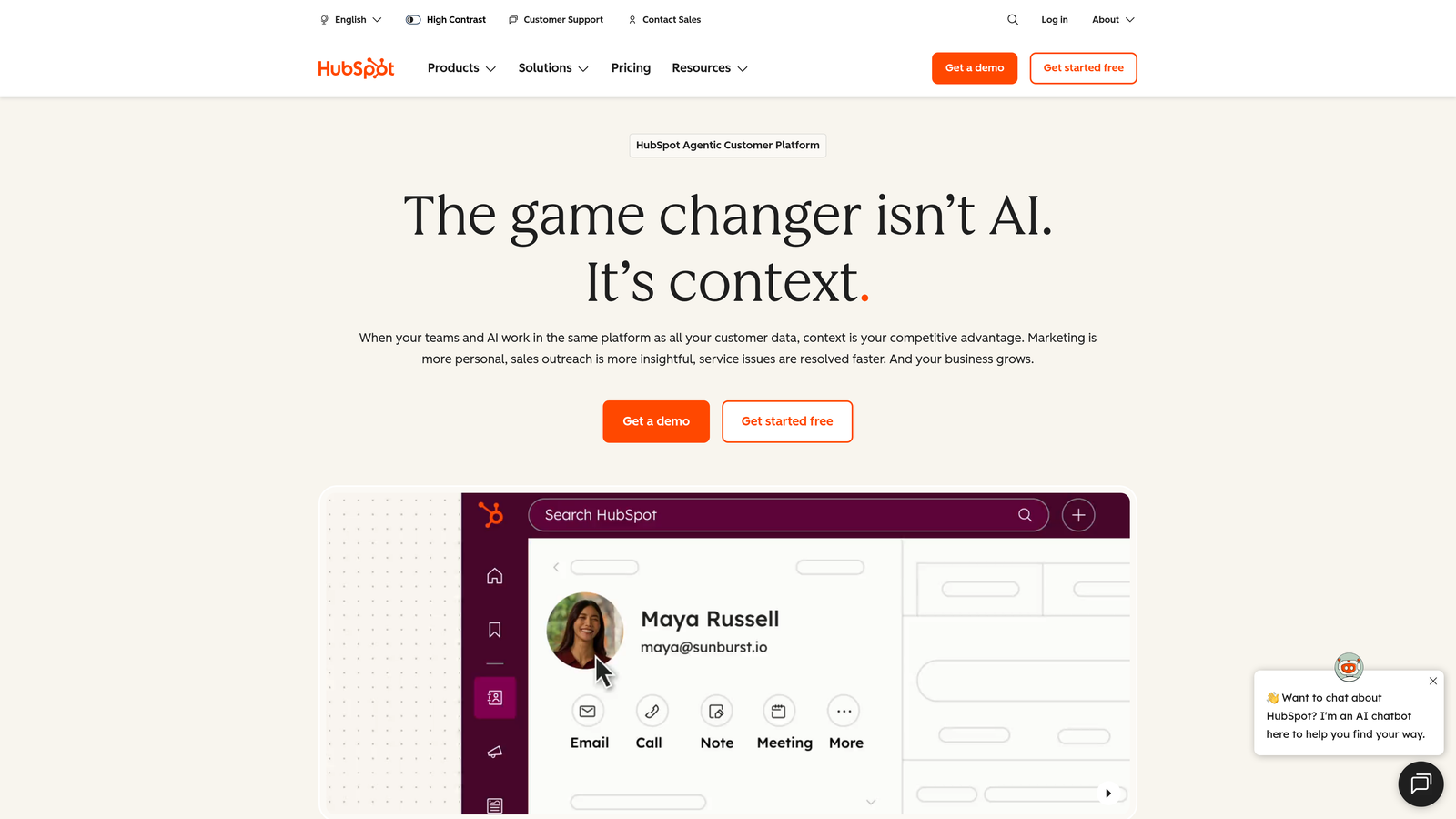
HubSpot Forms is the native form builder within HubSpot's marketing platform, offering deep integration with their CRM.
Where This Tool Shines
Progressive profiling is the standout feature. If someone has already filled out a form on your site before, HubSpot automatically shows different questions on subsequent forms, gradually building a complete profile without asking the same information twice.
The native CRM integration means every form submission instantly creates or updates a contact record with full activity history. Your sales team sees not just the form data, but the entire journey that led to the trial signup.
Key Features
CRM Auto-Sync: Form submissions automatically create or update contact records in HubSpot CRM.
Progressive Profiling: Show different fields to returning visitors to build richer profiles over time.
Smart Fields: Pre-populate known information for contacts already in your database.
Built-In A/B Testing: Test different form variations to optimize conversion rates.
Workflow Triggers: Automatically kick off email sequences or sales tasks when specific forms are submitted.
Best For
Companies already invested in the HubSpot ecosystem. If you're using HubSpot for CRM or marketing automation, their form builder provides the tightest integration and eliminates data sync headaches.
Pricing
Free with HubSpot CRM. Advanced form features available in Marketing Hub starting at $45/month.
4. Jotform
Best for: Teams needing extensive customization options and payment collection capabilities
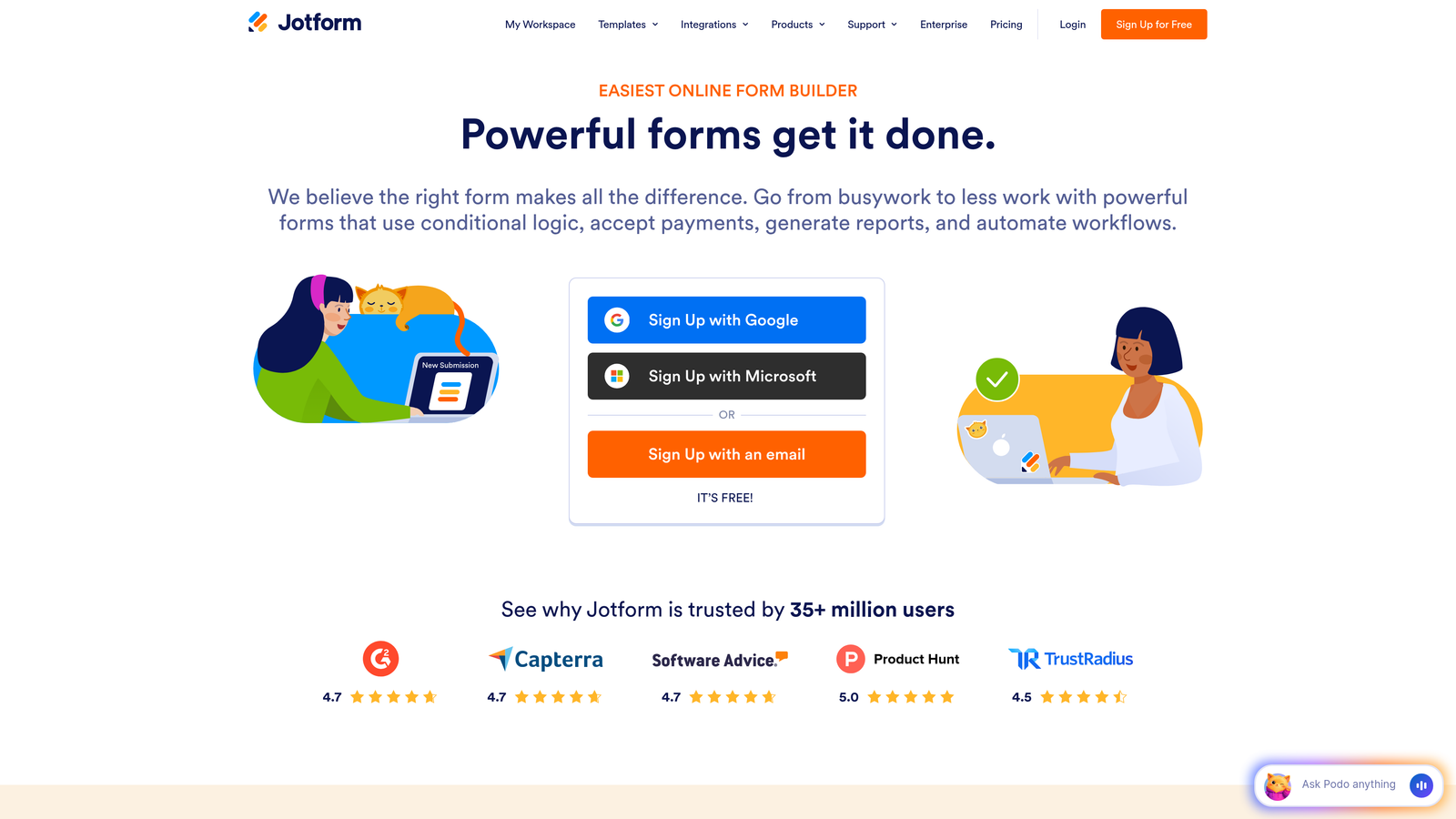
Jotform is a feature-rich form builder offering thousands of templates and widgets for virtually any use case.
Where This Tool Shines
The template library is massive. With over 10,000 pre-built forms including SaaS-specific trial signup templates, you can find a starting point that's already 80% of what you need and customize from there.
The widget ecosystem extends functionality far beyond basic forms. Need to collect payment for paid trials? Want to embed a calendar for onboarding calls? Jotform's widgets handle these scenarios without requiring custom development.
Key Features
10,000+ Templates: Pre-built forms for SaaS trials, demos, and various signup scenarios.
Widget Library: Add calendars, payment processors, file uploads, and more with drag-and-drop.
Conditional Logic: Show or hide fields based on user responses to keep forms relevant.
Payment Integration: Collect payments directly through forms for paid trial tiers.
Form Analytics: Track completion rates and identify where users drop off.
Best For
SaaS companies offering paid trials or requiring payment information upfront. The payment collection capabilities and extensive customization make it versatile for complex signup scenarios.
Pricing
Free tier includes up to 5 forms. Paid plans start at $34/month for unlimited forms and additional features.
5. Tally
Best for: Startups and bootstrapped teams wanting powerful features without the price tag
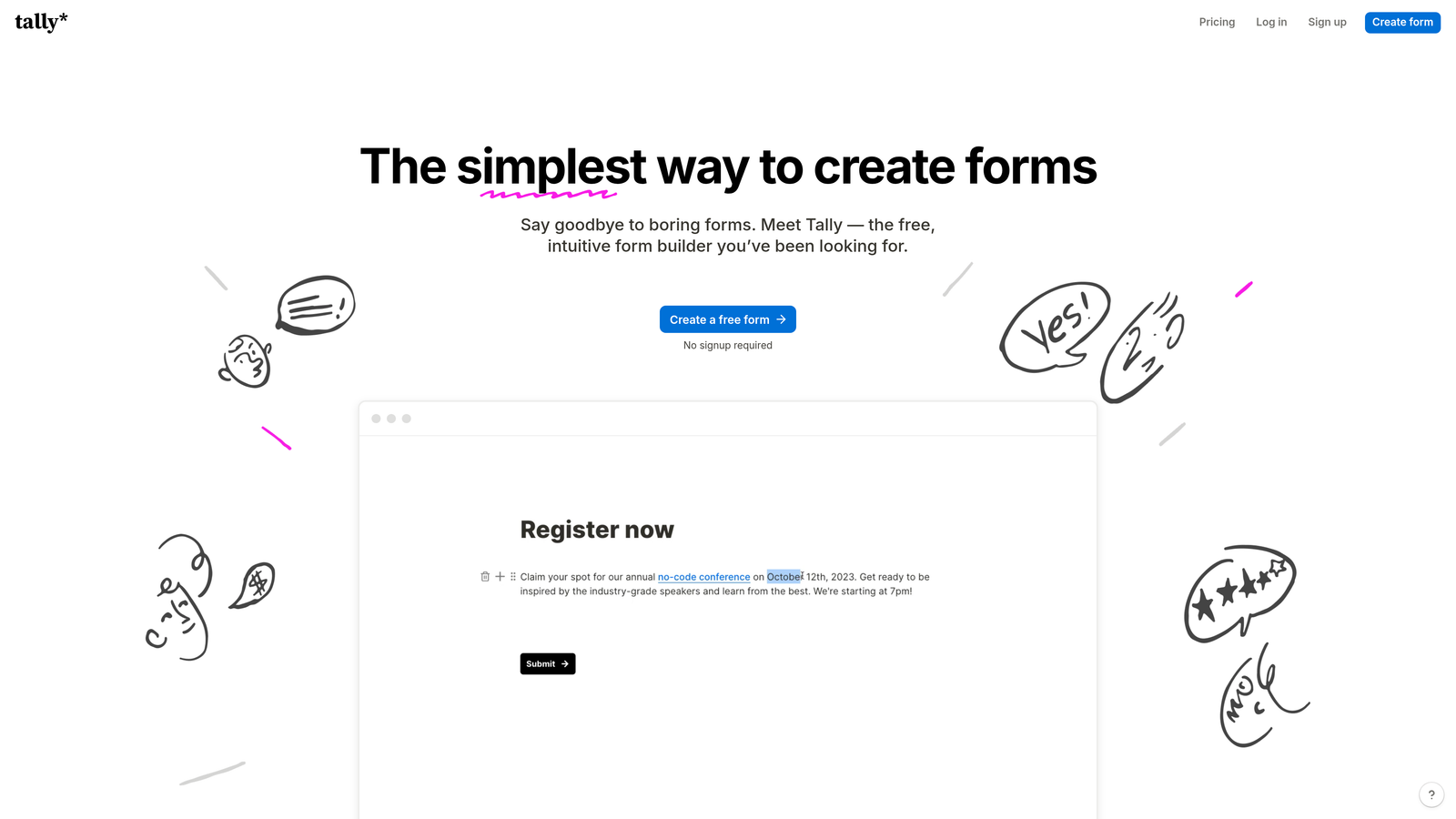
Tally is a simple form builder with a Notion-like interface and an exceptionally generous free tier.
Where This Tool Shines
The free tier is genuinely useful. Unlimited forms and unlimited submissions means you won't hit artificial limits just as your SaaS starts gaining traction. Many competitors restrict you to a handful of forms or cap monthly submissions.
The Notion-style building experience feels familiar if you're already using Notion for documentation or project management. You build forms by typing and selecting blocks, making the creation process fast and intuitive.
Key Features
Unlimited Free Forms: No restrictions on number of forms or monthly submissions on the free plan.
Notion-Style Interface: Block-based building that feels natural and quick to learn.
Conditional Logic: Create dynamic forms that adapt based on user responses.
Hidden Fields: Pass UTM parameters and other tracking data through forms automatically.
Native Integrations: Connect directly with Notion, Slack, Google Sheets, and other tools.
Best For
Early-stage SaaS companies and startups watching their budget. The free tier provides enough functionality to handle trial signups professionally while you validate your product-market fit.
Pricing
Generous free tier with most essential features. Pro plan at $29/month adds custom domains and file uploads.
6. Paperform
Best for: Creating landing-page-style signup experiences with rich media
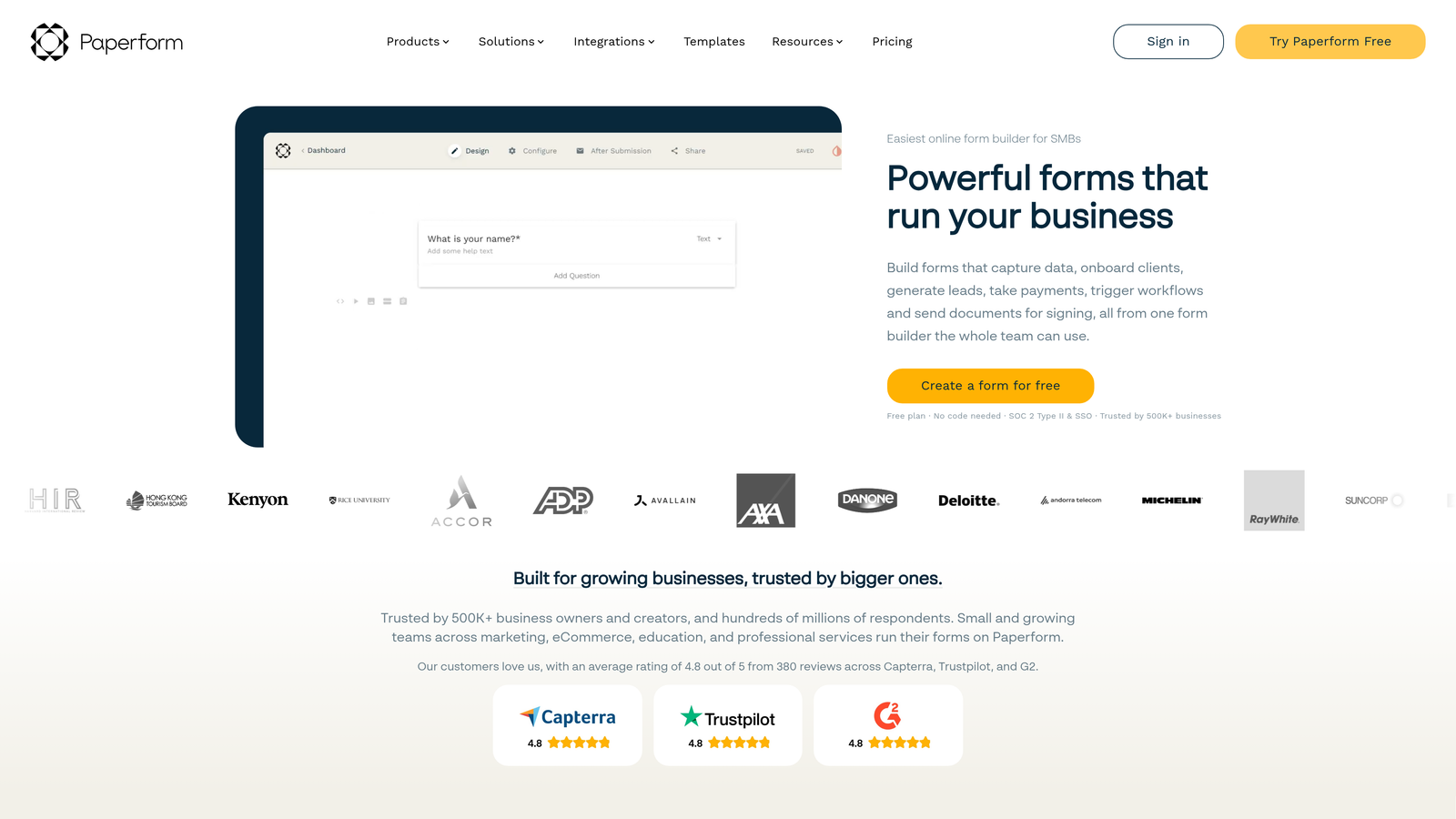
Paperform is a form builder that creates landing-page-style experiences with embedded images, videos, and rich formatting.
Where This Tool Shines
The landing page approach means your signup form can double as a conversion-focused page. Instead of sending traffic to a separate landing page and then to a form, Paperform combines both into a single, scrollable experience.
Rich media embedding lets you showcase your product while collecting information. Embed demo videos, feature screenshots, or customer testimonials right alongside form fields to reinforce value as prospects sign up.
Key Features
Landing Page Design: Create full-page experiences that combine content and form fields seamlessly.
Rich Media Support: Embed videos, images, and formatted text throughout your forms.
Payment Processing: Collect payments for paid trials through Stripe or PayPal integration.
Advanced Logic: Build complex conditional flows and calculations within forms.
Custom Branding: Remove Paperform branding and use custom domains on paid plans.
Best For
SaaS companies running targeted campaigns where you want to combine landing page copy with signup forms. Particularly effective for product launches or specific feature trials where context matters.
Pricing
Plans start at $24/month with 14-day free trial available.
7. Formstack
Best for: Enterprise SaaS requiring advanced security and compliance certifications
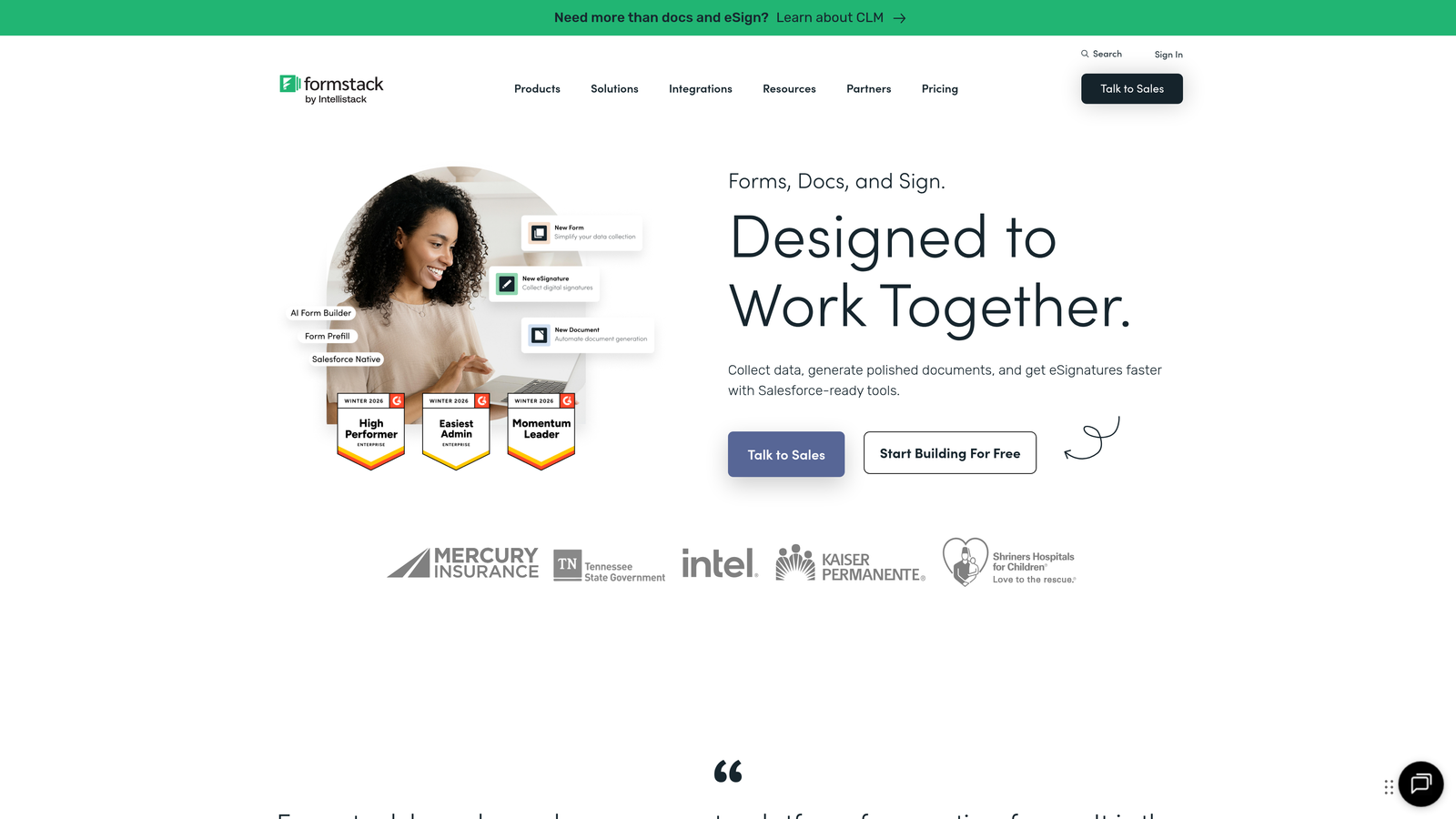
Formstack is an enterprise-grade form platform with robust security features and compliance certifications.
Where This Tool Shines
The compliance certifications matter for regulated industries. If you're building healthcare SaaS or handling sensitive data, Formstack's HIPAA compliance and SOC 2 certification provide the security framework you need.
Workflow automation goes beyond simple integrations. You can build complex multi-step approval processes, route leads to different teams based on criteria, and trigger sophisticated actions without writing code.
Key Features
HIPAA Compliance: Business Associate Agreements and encryption for healthcare data.
SOC 2 Certification: Enterprise-level security controls and regular audits.
Workflow Automation: Build complex routing and approval processes without coding.
E-Signature Capabilities: Collect legally binding signatures during signup.
Advanced Security: Field-level encryption, role-based access, and audit logs.
Best For
Enterprise SaaS companies or those in regulated industries like healthcare, finance, or legal services. The compliance features and security controls justify the higher price point when you need them.
Pricing
Plans start at $50/month. Enterprise pricing available for advanced compliance features.
8. Leadpages Forms
Best for: Running conversion-focused campaigns with integrated landing pages and forms
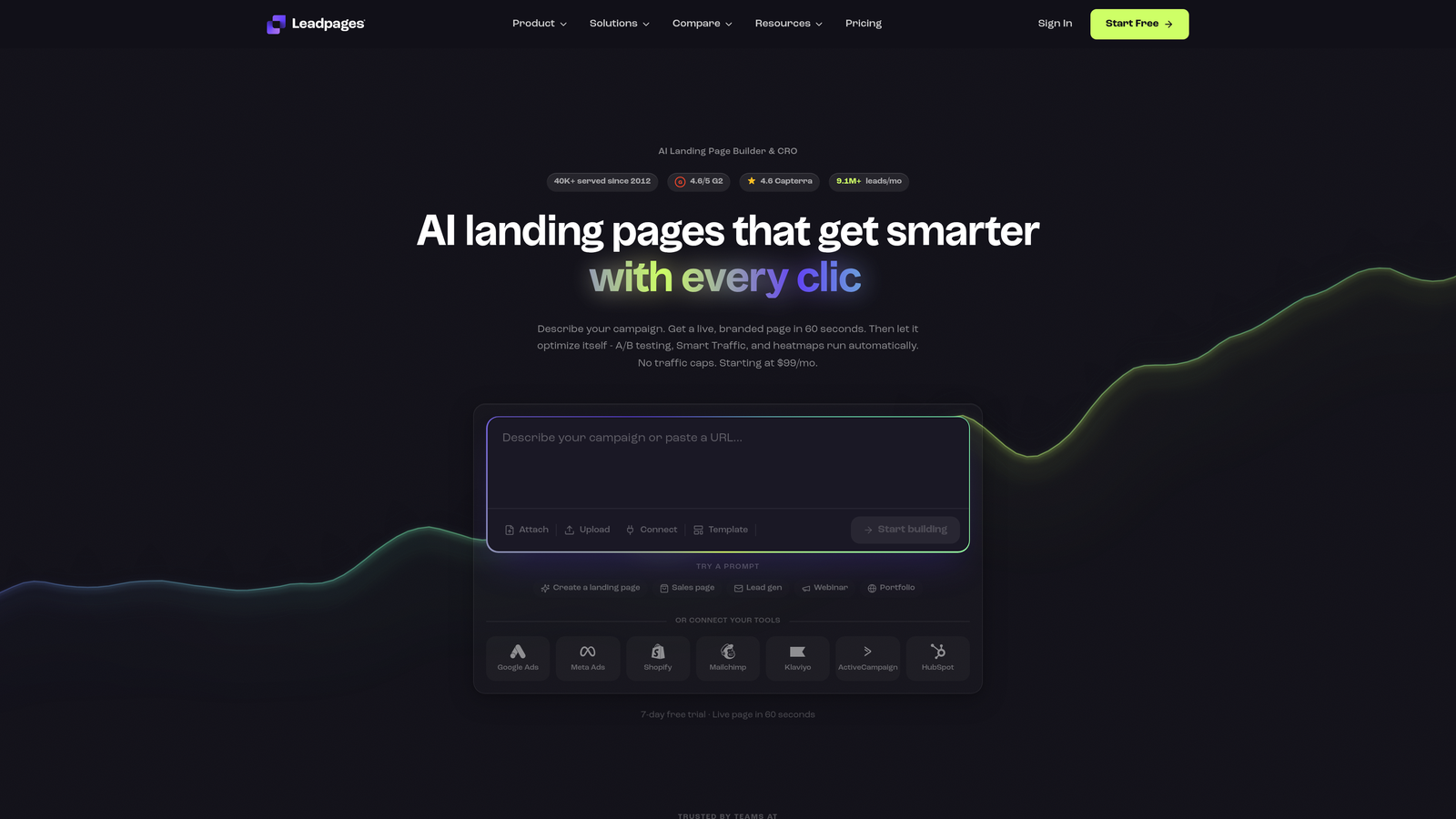
Leadpages combines a landing page builder with form capabilities, designed specifically for conversion optimization.
Where This Tool Shines
The built-in A/B testing makes optimization straightforward. You can test different form layouts, field combinations, and copy variations to systematically improve your trial signup conversion rates.
Pop-up and alert bar forms expand your conversion opportunities beyond standalone pages. Trigger signup forms based on exit intent, scroll depth, or time on page to capture visitors who might otherwise leave without converting.
Key Features
Integrated Landing Pages: Build complete landing page and form experiences in one platform.
Built-In A/B Testing: Test variations systematically to improve conversion rates.
Conversion Templates: Pre-built, tested templates designed specifically for trial signups.
Pop-Up Forms: Trigger forms based on user behavior like exit intent or scroll depth.
Analytics Dashboard: Track conversions, traffic sources, and form performance in one place.
Best For
SaaS companies running paid acquisition campaigns where you need tight control over the entire conversion funnel. The combined landing page and form builder streamlines campaign creation.
Pricing
Plans start at $37/month, which includes both landing page builder and form capabilities.
9. Google Forms
Best for: Basic trial signups when budget is the primary constraint
Google Forms is a free, straightforward form builder with automatic Google Sheets integration.
Where This Tool Shines
The price is unbeatable. Completely free with no limits on forms or responses means you can start collecting trial signups immediately without any financial investment.
The Google Sheets integration happens automatically. Every form submission appears as a new row in a linked spreadsheet, giving you instant access to your data without configuring integrations or exports.
Key Features
Completely Free: No costs, no limits on forms or submissions, no hidden fees.
Automatic Sheets Sync: Responses flow directly into Google Sheets in real-time.
Basic Conditional Logic: Show or hide sections based on previous answers.
Collaborative Editing: Multiple team members can edit forms simultaneously.
Response Validation: Set rules for email formats, number ranges, and required fields.
Best For
Very early-stage startups or side projects where you need something functional immediately without any budget. It works for basic trial signups but lacks the conversion optimization and branding features of paid alternatives.
Pricing
Completely free as part of Google Workspace.
Making the Right Choice
The best SaaS trial signup form builder depends on where you are and what you need most right now.
For AI-powered lead qualification that helps you identify your best prospects automatically, Orbit AI delivers intelligent forms that work harder for high-growth teams. Typeform excels when engagement and brand experience matter most, creating signup flows that feel less like forms and more like conversations. HubSpot Forms makes perfect sense if you're already invested in their ecosystem and want seamless data flow.
Startups watching their budget should consider Tally or Google Forms to start. Both let you collect trial signups professionally without financial commitment, then you can upgrade as you scale and need more sophisticated features.
Whatever you choose, focus on three things: reducing friction in the signup process, qualifying leads effectively so your team knows who to contact first, and integrating seamlessly with your existing stack. Your trial signup form is often the first product experience prospects have with your brand. A clunky form suggests a clunky product. A smooth, intelligent signup process sets the right expectations.
The tools exist to make this easy. Pick one that matches your current needs and growth stage, then optimize relentlessly. Small improvements in conversion rates compound quickly when you're driving consistent traffic to your trial signup.
Start building free forms today and see how intelligent form design can elevate your conversion strategy. Transform your lead generation with AI-powered forms that qualify prospects automatically while delivering the modern, conversion-optimized experience your high-growth team needs.


