

A clunky purchase form doesn't just frustrate buyers. It costs you revenue. Whether someone abandons a checkout because the layout breaks on mobile, the pricing options are confusing, or the form asks for too much upfront, every point of friction is a conversion you didn't get. The right purchase form creation software removes that friction entirely, turning what should be a straightforward transaction into a smooth, confidence-building experience.
The tools in this list were evaluated on ease of use, payment gateway support, customization depth, conversion-focused features, and pricing flexibility. Whether you need AI-powered buyer qualification, complex pricing logic, or simply a free starting point, there's a fit here for your team. If you're also thinking about the broader strategy, check out our guides on how to improve form conversion rates and building effective lead capture forms.
Here are the top purchase form creation software options worth your attention in 2026.
1. Orbit AI
Best for: High-growth teams that want payment collection and buyer qualification in one form.
Orbit AI is an AI-powered form builder that combines conversion-optimized purchase form design with intelligent lead qualification, so your forms don't just collect payments but also score buyer intent.
Where This Tool Shines
Most purchase form tools treat the form as a transaction endpoint. Orbit AI treats it as the start of a sales conversation. The AI-powered qualification layer works inside the form logic itself, meaning you can segment buyers by intent, order size, or product interest without adding a separate tool or manual review step.
The design side is equally strong. Templates are built for conversion, not just aesthetics. Mobile responsiveness is handled automatically, and the conditional logic engine makes it easy to show the right product options, pricing tiers, or upsells based on what a buyer has already selected.
Key Features
AI-Powered Lead Qualification: Embedded qualification logic scores buyer intent directly within the form flow, helping teams prioritize follow-up without additional tools.
Conversion-Optimized Templates: Purchase flow templates are designed with conversion principles built in, reducing drop-off at critical steps.
Dynamic Conditional Logic: Show or hide product options, pricing fields, and upsells based on buyer selections in real time.
Mobile-Responsive Design: Forms adapt automatically to any screen size, critical for buyers completing purchases on mobile devices.
CRM and Payment Gateway Integrations: Connect purchase data directly to your CRM and preferred payment processor for a seamless post-submission workflow.
Best For
Orbit AI is the strongest fit for SaaS companies, agencies, and high-growth teams that want purchase forms to do double duty: collect payment and qualify the buyer simultaneously. If your sales process benefits from knowing buyer intent at the moment of purchase, this is built for that exact use case.
Pricing
Visit orbitforms.ai for current pricing plans. A free starting option is available.
2. Typeform
Best for: Brands that want purchase experiences to feel engaging and conversational rather than transactional.
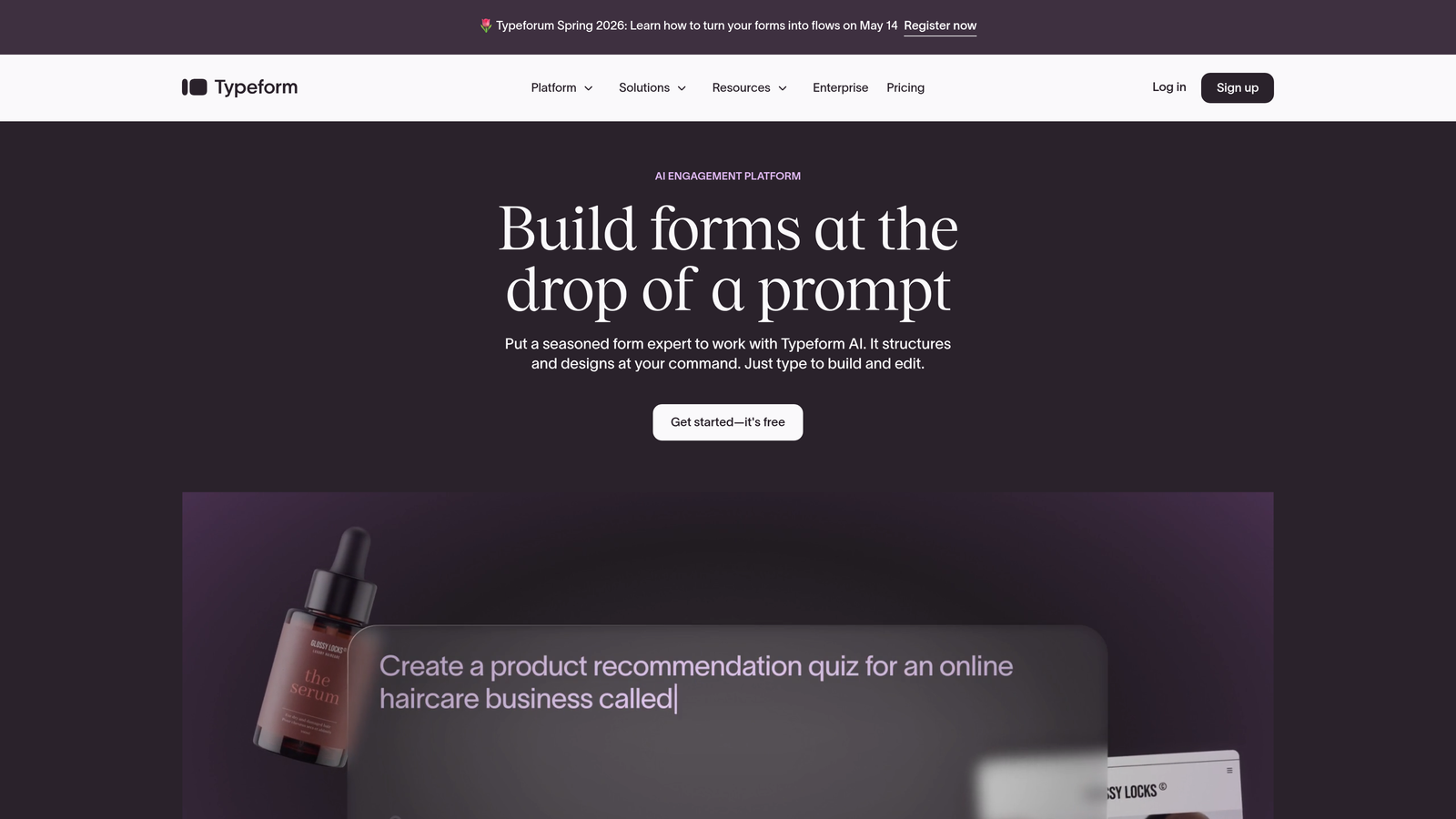
Typeform is a conversational form builder that presents one question at a time, turning what could be a dense checkout form into something closer to a guided experience.
Where This Tool Shines
Typeform's one-question-at-a-time format reduces cognitive load. Buyers aren't staring at a wall of fields; they're moving through a sequence that feels intentional. This format works particularly well for purchase flows with multiple configuration options, where presenting everything at once would overwhelm the buyer.
The design quality is consistently high. Typeform forms are visually polished out of the box, and brand customization is deep enough that the form feels like a natural extension of your product or website rather than a generic checkout widget.
Key Features
Conversational Format: One-question-at-a-time flow reduces abandonment by keeping buyers focused on a single decision at a time.
Stripe Payment Integration: Collect payments directly within the form without redirecting buyers to a separate checkout page.
Logic Jumps and Branching: Route buyers through different purchase paths based on their answers, enabling dynamic product selection or tiered pricing flows.
Brand Customization: Fonts, colors, backgrounds, and imagery are all customizable to match your brand identity precisely.
CRM and Marketing Integrations: Connects with major platforms including HubSpot, Salesforce, Mailchimp, and others for post-purchase follow-up automation.
Best For
Typeform is ideal for direct-to-consumer brands, SaaS teams, and anyone selling a product or service where the buying experience itself is part of the brand. It's less suited to high-volume, speed-focused checkout scenarios where the conversational format might feel slow.
Pricing
Free plan available with limited responses. Paid plans start at around $25/month, with higher tiers unlocking more responses and advanced features.
3. Jotform
Best for: Teams that need maximum payment gateway flexibility and a large library of ready-made templates.
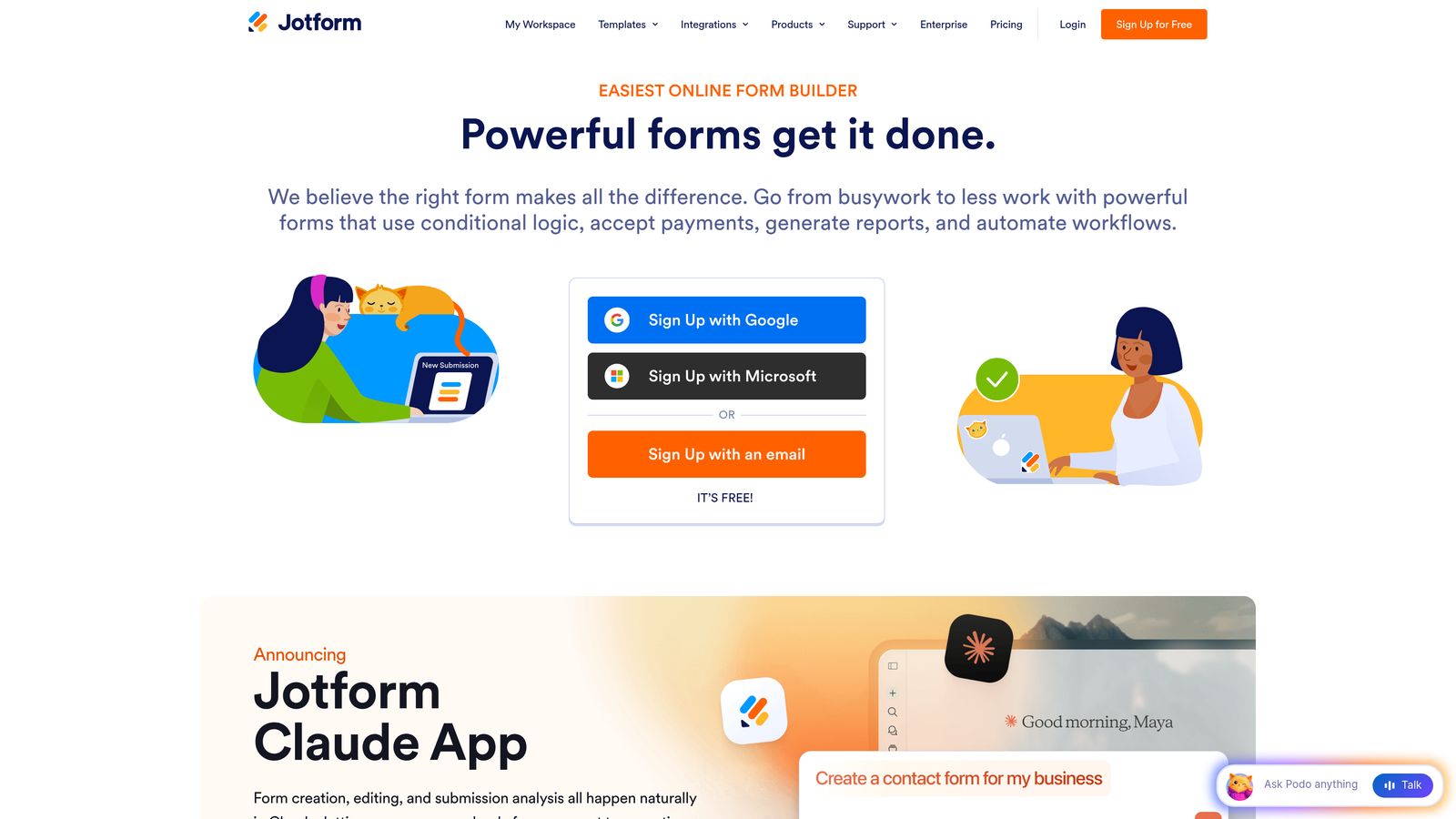
Jotform is one of the most versatile form builders available, with over 100 payment integrations and thousands of templates covering virtually every purchase form scenario imaginable.
Where This Tool Shines
Jotform's breadth is its biggest advantage. If you need to accept payments via Stripe, PayPal, Square, Authorize.Net, Mollie, or dozens of other processors, Jotform supports them all. This makes it particularly valuable for businesses operating in multiple markets or needing to accommodate regional payment preferences.
The template library is genuinely useful, not just numerous. Purchase forms, order forms, product catalogs, and event registration forms with payment collection are all available as starting points, most requiring only minor customization before they're ready to deploy.
Key Features
100+ Payment Gateway Integrations: Supports Stripe, PayPal, Square, and many more, giving teams flexibility to use their preferred processor.
10,000+ Form Templates: Includes a wide range of order and purchase form templates that can be customized with the drag-and-drop builder.
Product Listing Widgets: Display product images, descriptions, and quantity selectors directly within the form for a more complete purchase experience.
Conditional Logic and Calculation Fields: Show relevant fields based on selections and calculate order totals, taxes, or shipping costs automatically.
No-Code Drag-and-Drop Builder: Accessible to non-technical users while still offering enough depth for complex form configurations.
Best For
Jotform suits small businesses, nonprofits, event organizers, and teams that need to get purchase forms live quickly without extensive setup. It's also a strong choice when payment gateway flexibility is a primary requirement.
Pricing
Free plan supports up to 5 forms. Paid plans start at around $34/month, with higher tiers increasing submission limits and unlocking advanced features.
4. Paperform
Best for: Creators and small businesses who want purchase forms that double as branded landing pages.
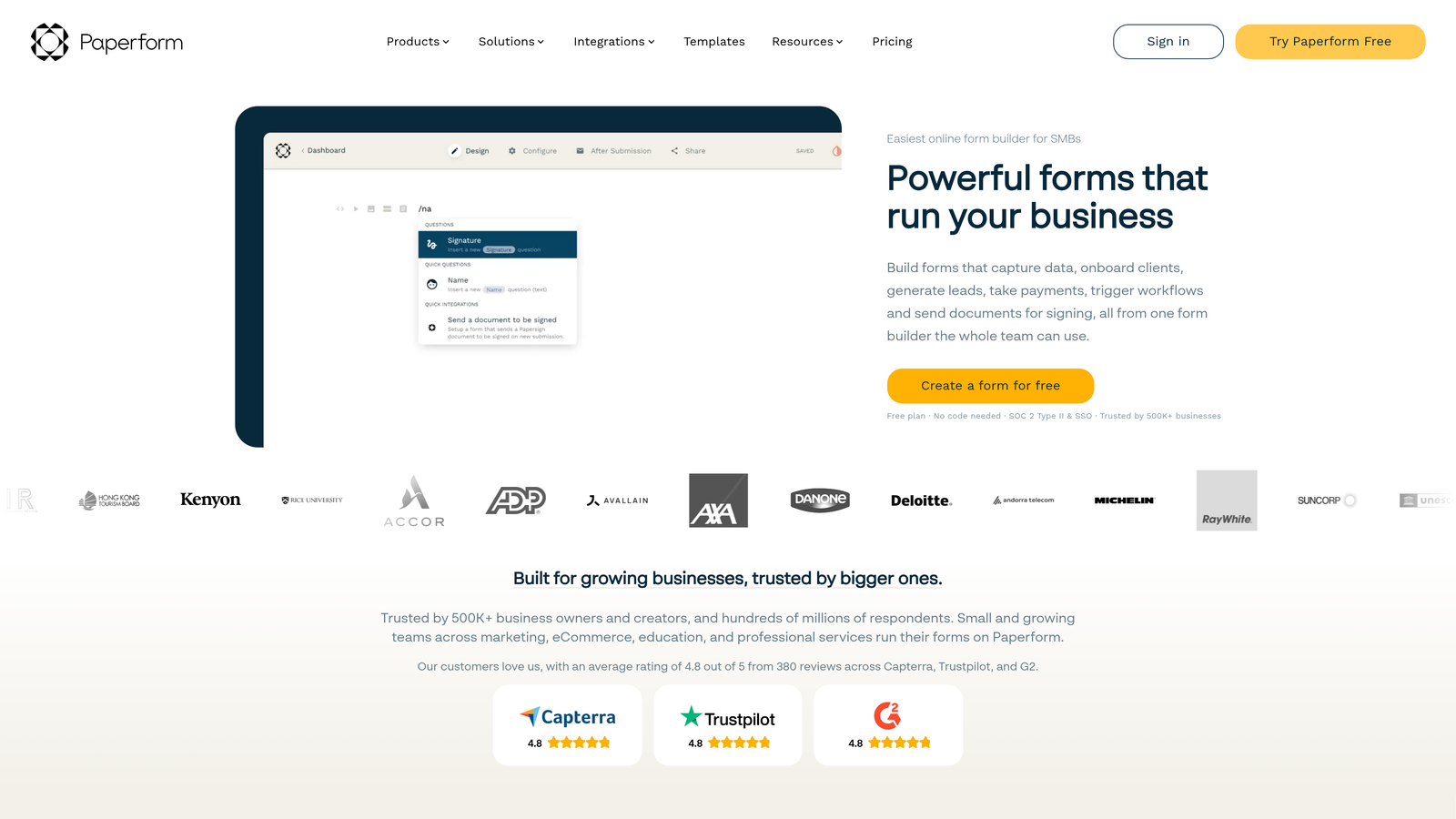
Paperform blurs the line between a form and a landing page, letting you build rich, content-driven purchase experiences with embedded images, video, and narrative text alongside your form fields.
Where This Tool Shines
Paperform is particularly effective when the purchase decision benefits from context. If you're selling a service, a course, or a product that needs some explanation before the buyer commits, Paperform lets you build that context directly into the form page rather than requiring a separate landing page and then a separate form.
The built-in product catalog and inventory management features add practical utility beyond aesthetics. You can list products with images, track stock levels, and handle quantity-based purchases without connecting an external e-commerce system.
Key Features
Landing-Page-Style Forms: Combine images, video, rich text, and form fields on a single page to create a complete purchase experience.
Multiple Payment Processors: Supports Stripe, PayPal, Square, and Braintree for broad payment flexibility.
Built-In Product Catalog: List products with images and manage basic inventory directly within the form builder.
Conditional Logic and Calculations: Dynamic fields and automatic total calculations support complex pricing scenarios.
Custom Success Pages: Redirect buyers to a tailored confirmation page after purchase, with automated email notifications included.
Best For
Paperform is well-suited for independent creators, coaches, consultants, and small e-commerce businesses that want a polished, content-rich purchase page without investing in a full website redesign or separate landing page tool.
Pricing
Plans start at around $24/month, with higher tiers adding more submissions, users, and advanced features.
5. Cognito Forms
Best for: Businesses with complex pricing structures, quantity discounts, or multi-item order calculations.
Cognito Forms is a purchase form builder with a notably powerful calculation engine, making it the go-to choice when pricing logic goes beyond simple flat-rate transactions.
Where This Tool Shines
The calculation engine is genuinely impressive. You can build forms that automatically compute totals based on quantity, apply tiered discounts, calculate taxes by region, and handle multi-item orders with repeating sections. This is the kind of logic that would require custom development in most other tools but is handled through the form builder's interface in Cognito Forms.
Repeating sections deserve special mention. If a buyer needs to add multiple products, each with their own options and quantities, Cognito Forms handles this elegantly without requiring the buyer to submit multiple forms or navigate to a separate cart system.
Key Features
Advanced Calculation Engine: Automatically computes dynamic totals, discounts, taxes, and fees based on buyer inputs without any coding.
Repeating Sections: Allow buyers to add multiple line items to a single order, each with independent options and quantities.
Payment Integrations: Supports Stripe, PayPal, and Square for direct payment collection within forms.
Conditional Logic and Field Visibility: Show or hide fields, sections, and pricing options based on buyer selections.
Quantity-Based Pricing and Discounts: Apply volume discounts or tiered pricing automatically as quantities change.
Best For
Cognito Forms is ideal for B2B sellers, wholesalers, event organizers with tiered ticket pricing, and any business where order total calculations are complex enough to be a real operational challenge.
Pricing
Free plan available with basic features. Paid plans start at around $15/month, making it one of the more affordable options for teams with complex pricing needs.
6. Google Forms
Best for: Teams or individuals who need a zero-cost starting point for basic purchase or order collection.
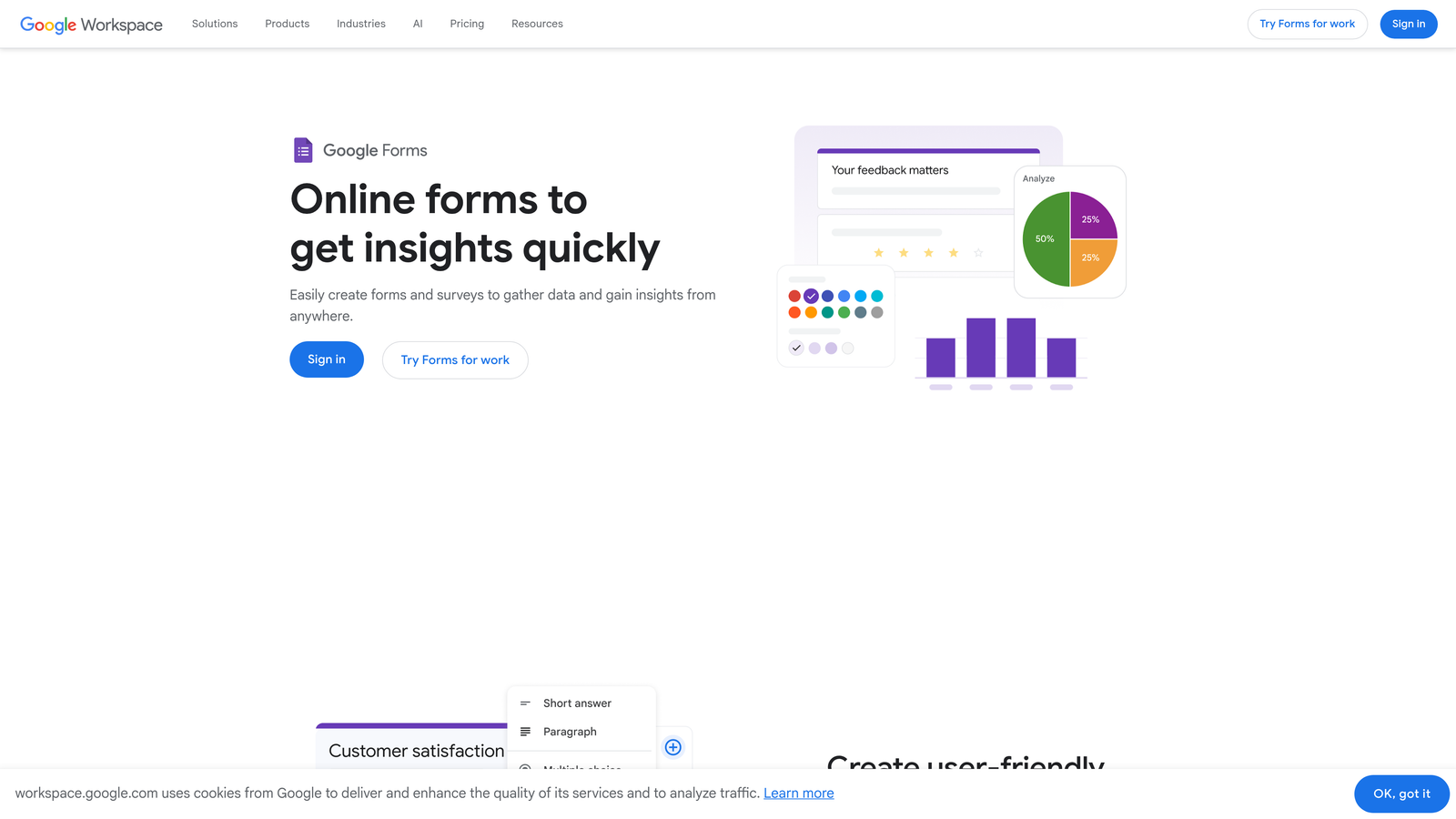
Google Forms is a free, straightforward form builder that can handle basic purchase data collection when paired with third-party payment add-ons.
Where This Tool Shines
The appeal is simple: it costs nothing, requires no account setup beyond a Google account, and integrates automatically with Google Sheets for response tracking. For teams already living in Google Workspace, it removes any friction associated with adopting a new tool entirely.
Real-time collaboration on form design is a genuine advantage for teams. Multiple people can edit and review a form simultaneously, which speeds up the review process for organizations that require sign-off before a purchase form goes live.
Key Features
Completely Free: No form limits, no submission caps, and no paid tiers to navigate.
Google Sheets Integration: Responses populate automatically into a connected spreadsheet for easy tracking and analysis.
Third-Party Payment Add-Ons: Tools like Payable can extend Google Forms with payment collection capabilities, though this requires a separate setup.
Real-Time Collaboration: Multiple team members can work on form design simultaneously within the familiar Google Docs interface.
Simple Drag-and-Drop Builder: Accessible to anyone comfortable with Google's product suite, with no learning curve.
Best For
Google Forms works for internal order collection, simple event registrations with payment handled separately, or very early-stage businesses that need to validate a purchase concept before investing in dedicated software.
Pricing
Free. Payment add-ons may carry separate costs depending on the third-party tool selected.
7. WPForms
Best for: WordPress site owners who want native in-admin form management with payment processing built in.
WPForms is a WordPress-native form builder plugin that brings drag-and-drop purchase form creation directly into the WordPress admin, with payment add-ons for Stripe, PayPal, Square, and Authorize.Net.
Where This Tool Shines
For WordPress-based businesses, WPForms removes the friction of managing forms through a separate platform. Everything lives inside your WordPress dashboard: form design, entry management, payment tracking, and notifications. This keeps workflows consolidated for teams that prefer to manage their entire site from one place.
The order form templates are practical and well-structured. They include product selection, quantity fields, and payment collection in a format that requires minimal customization for most standard purchase scenarios.
Key Features
Deep WordPress Integration: Forms are built, managed, and tracked entirely within the WordPress admin without switching platforms.
Payment Add-Ons: Supports Stripe, PayPal, Square, and Authorize.Net through dedicated add-ons available on higher-tier plans.
Order Form Templates: Pre-built templates for purchase and order forms that include product fields, quantity selectors, and payment collection.
Conditional Logic: Dynamic product options and pricing fields that respond to buyer selections in real time.
Entry Management: View, filter, and export purchase submissions directly from the WordPress dashboard.
Best For
WPForms is the natural choice for WordPress shop owners, bloggers selling digital products, and small businesses whose entire web presence is built on WordPress. It's less relevant for teams not using WordPress as their primary platform.
Pricing
Starts at around $49.50/year for the basic plan. The Pro plan, which includes payment add-ons, is priced at around $199.50/year.
8. 123FormBuilder
Best for: Regulated industries that need purchase form compliance features alongside standard payment collection.
123FormBuilder is an enterprise-focused form builder with strong security and compliance capabilities, making it suitable for healthcare, finance, and other regulated sectors that need to collect purchase data securely.
Where This Tool Shines
Most form builders treat compliance as an afterthought. 123FormBuilder treats it as a core feature. HIPAA compliance, GDPR-readiness, data encryption, and access controls are built into the platform rather than bolted on. For teams in regulated industries, this removes significant risk from the purchase form setup process.
The workflow automation and approval routing features are also notable. Purchase submissions can be routed through internal approval chains before fulfillment begins, which is useful for B2B purchase scenarios where orders require internal sign-off.
Key Features
HIPAA and GDPR Compliance: Built-in compliance features for regulated industries, including data encryption and access controls.
Payment Integrations: Supports Stripe, PayPal, and additional processors for direct purchase collection within forms.
Advanced Security Controls: Data encryption, role-based access, and audit trails for sensitive purchase data.
Workflow Automation and Approval Routing: Route purchase submissions through internal approval chains before processing or fulfillment.
Enterprise CRM Integrations: Connects with Salesforce and other enterprise platforms for purchase data synchronization.
Best For
123FormBuilder is the right fit for healthcare providers, financial services firms, educational institutions, and any enterprise team where data security and regulatory compliance are non-negotiable requirements for purchase form deployment.
Pricing
Free plan available. Paid plans start at around $24/month, with enterprise pricing available for larger organizations with advanced compliance needs.
9. Formstack
Best for: Teams that need purchase forms to trigger full business workflows including approvals, document generation, and e-signatures.
Formstack is a form and workflow automation platform that extends purchase forms into complete business processes, connecting payment collection with approvals, invoicing, and digital signatures in a single system.
Where This Tool Shines
Formstack is for teams where a completed purchase form is the beginning of an internal process, not the end of one. The platform's workflow automation means that when a purchase form is submitted, it can automatically trigger approval routing, generate a PDF invoice or receipt, collect an e-signature, and notify the relevant team members without any manual intervention.
Document generation from form data is a standout capability. Rather than manually creating invoices or contracts after a purchase, Formstack populates pre-built document templates with the buyer's form data automatically, reducing administrative work and the risk of errors.
Key Features
Built-In Workflow Automation: Route purchase submissions through approval chains, notifications, and follow-up tasks automatically after submission.
E-Signature Collection: Collect digital signatures tied to purchase submissions without a separate e-signature tool.
Document Generation: Automatically populate invoice, receipt, or contract templates with purchase form data.
Payment Collection: Supports Stripe, PayPal, and Authorize.Net for direct payment processing within forms.
Advanced Conditional Logic and Prefill: Dynamic form behavior and the ability to prefill fields from existing data sources for returning buyers.
Best For
Formstack is best suited for B2B sales teams, professional services firms, and operations-heavy businesses where a purchase triggers a series of internal steps that currently require manual coordination. If your purchase process involves contracts, approvals, or document generation, Formstack consolidates that into one platform.
Pricing
The Forms plan starts at around $50/month. Workflow and document bundles are priced higher depending on the features included.
Which Purchase Form Software Is Right for You
The right choice depends entirely on what you need your purchase form to accomplish beyond collecting payment information.
If buyer qualification matters as much as payment collection, Orbit AI is the standout option. It's the only tool in this list that builds AI-powered lead scoring directly into the form logic, making it the natural fit for SaaS teams and high-growth businesses that want purchase data and buyer intent signals in one place.
For brand-driven, conversational purchase experiences, Typeform delivers the most polished result. For maximum payment gateway flexibility and template variety, Jotform is hard to beat. If your pricing logic is complex with tiered discounts, multi-item orders, or quantity-based calculations, Cognito Forms handles that more elegantly than almost any other tool at its price point.
WPForms is the clear winner for WordPress-based businesses that want everything managed from their existing dashboard. Formstack suits teams where a completed purchase kicks off a chain of internal processes including approvals, documents, and signatures. 123FormBuilder is the right call when compliance and security are primary requirements. Paperform works well when your purchase form needs to also serve as a landing page. And Google Forms remains a perfectly reasonable starting point when budget is the primary constraint.
Before you finalize your decision, it's worth reviewing how your form design choices affect results. Our guides on how to build effective web forms and how to reduce form friction cover the principles that apply regardless of which platform you choose.
If you're ready to combine beautiful purchase form design with intelligent buyer qualification, start building free forms today with Orbit AI and see how conversion-optimized form design can work harder for your team from the very first submission.


