

Every form on your site is a conversion moment: a chance to capture a lead, close a deal, or lose a prospect forever. Yet many teams still rely on generic form builders that treat every visitor the same way, resulting in high abandonment rates and low-quality submissions that waste sales bandwidth.
The best form builders for high conversion go beyond drag-and-drop fields. They use conditional logic, multi-step flows, AI-powered personalization, and built-in analytics to turn passive visitors into engaged leads. We evaluated dozens of platforms on conversion-focused criteria including design flexibility, conditional logic depth, mobile responsiveness, A/B testing capabilities, integration ecosystems, and pricing.
Here are nine form builders that consistently help high-growth teams maximize their conversion rates.
1. Orbit AI
Best for: High-growth teams that need real-time lead qualification and conversion-optimized form experiences.
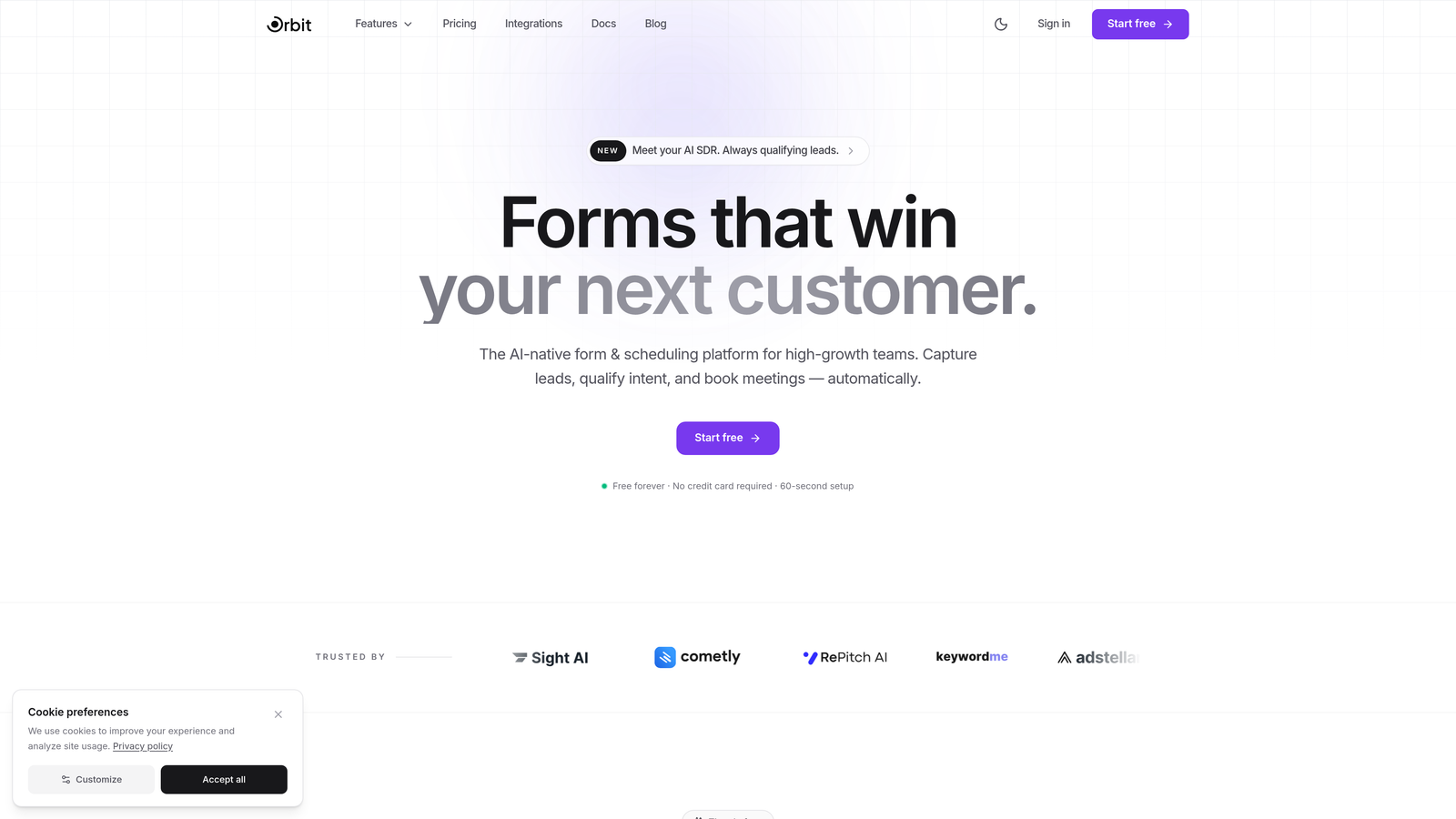
Orbit AI is an AI-powered form builder that qualifies and scores leads in real time, built specifically for teams where conversion quality matters as much as conversion volume.
Where This Tool Shines
Most form builders collect submissions and leave your sales team to sort through them manually. Orbit AI takes a fundamentally different approach by scoring and qualifying leads during the form completion process itself. This means your team receives prioritized, context-rich leads rather than a raw list of names and emails.
The dynamic form flows are particularly powerful for high-growth teams. Forms adapt based on how users respond, asking more relevant follow-up questions and creating a personalized experience that keeps prospects engaged through to submission.
Key Features
AI-Powered Real-Time Lead Scoring: Qualifies and scores leads automatically as they complete the form, so your sales team can prioritize follow-up instantly.
Conversion-Optimized Templates: Purpose-built templates with smart field logic designed to reduce friction and increase completion rates.
Dynamic Form Flows: Forms adapt based on user responses, creating personalized paths that feel relevant rather than generic.
Built-In Analytics Dashboard: Track form performance, drop-off points, and lead quality without needing third-party analytics tools.
CRM and Marketing Integrations: Seamless connections with popular CRMs and marketing platforms to keep your lead data flowing where it needs to go.
Best For
Orbit AI is the strongest choice for B2B SaaS teams, growth marketers, and revenue-focused operators who need forms that do more than collect data. If lead quality and speed-to-lead are priorities for your team, this is the platform built with those outcomes in mind.
Pricing
Free tier available for teams getting started. Paid plans start at a competitive monthly rate. Visit orbitforms.ai for current pricing details.
2. Typeform
Best for: Teams that want a conversational, engaging form experience that naturally boosts completion rates.
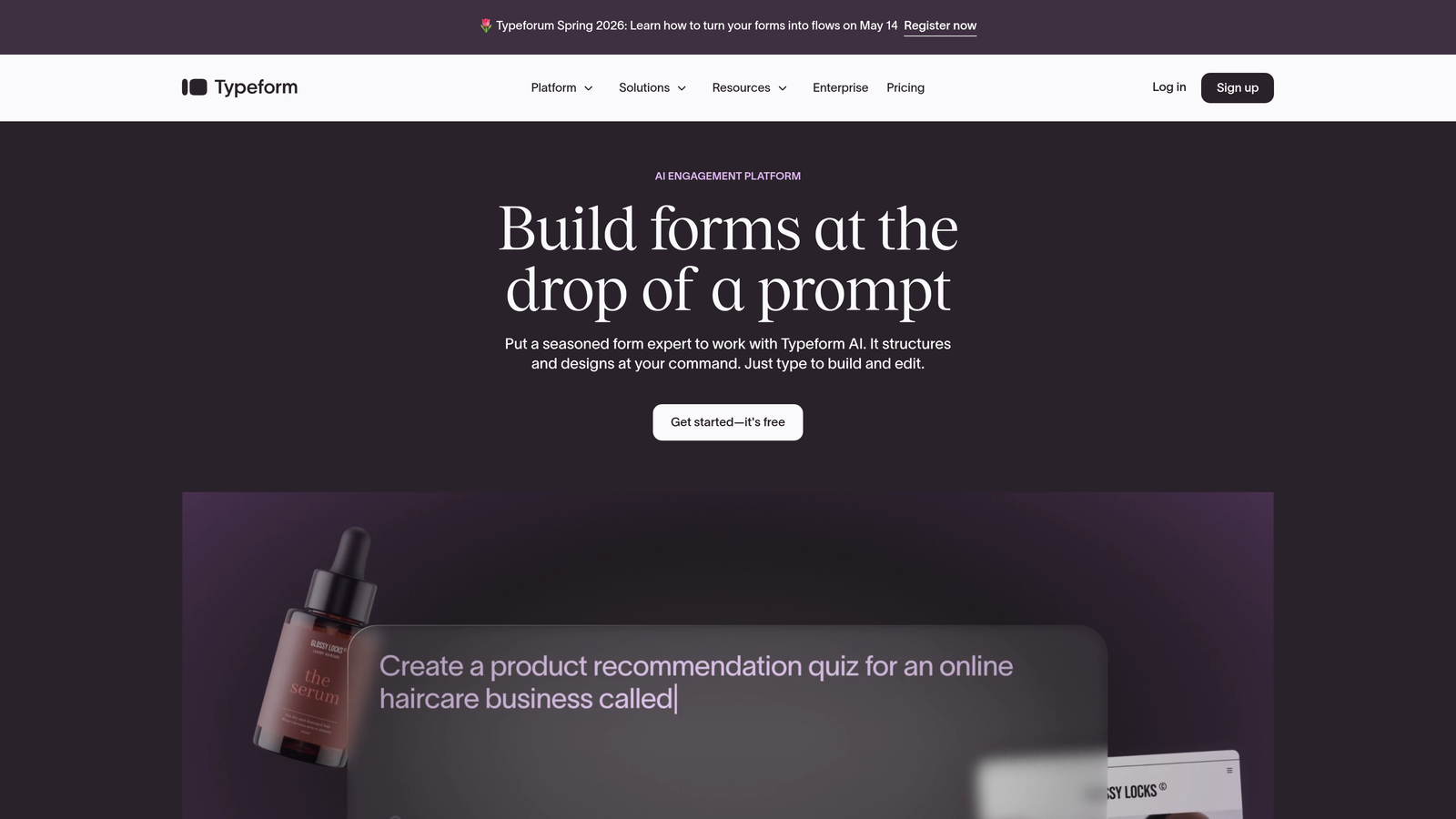
Typeform is a conversational form builder known for its one-question-at-a-time interface that reduces overwhelm and keeps respondents moving forward.
Where This Tool Shines
Typeform's core insight is simple: showing someone a wall of form fields triggers friction. Presenting one focused question at a time feels more like a conversation and less like a chore. This approach tends to work particularly well for longer forms where a traditional layout would cause significant drop-off.
The design quality is genuinely excellent. Typeform forms look polished out of the box, and the brand customization options give marketing teams enough control to make every form feel on-brand without needing a designer.
Key Features
One-Question-at-a-Time UI: Typeform's signature conversational interface keeps respondents focused and engaged throughout the form.
Logic Jumps and Branching: Create personalized form paths that respond to how users answer, increasing relevance and completion.
Design Templates: A library of visually strong templates with deep brand customization options.
Native Integrations: Connects directly with Zapier, HubSpot, Slack, Salesforce, and dozens of other tools.
Video and Image Embedding: Add multimedia directly within form flows to provide context or increase engagement at key steps.
Best For
Typeform is an excellent choice for marketing teams, agencies, and product teams running surveys, lead gen forms, or onboarding flows where engagement and completion rate are the primary metrics. Less ideal for teams that need deep lead scoring or enterprise compliance features.
Pricing
Free plan available with limited responses. Paid plans start from $25/month, scaling with response volume and team features.
3. Jotform
Best for: Teams that need breadth: a huge template library, payment collection, and specialized form types across industries.
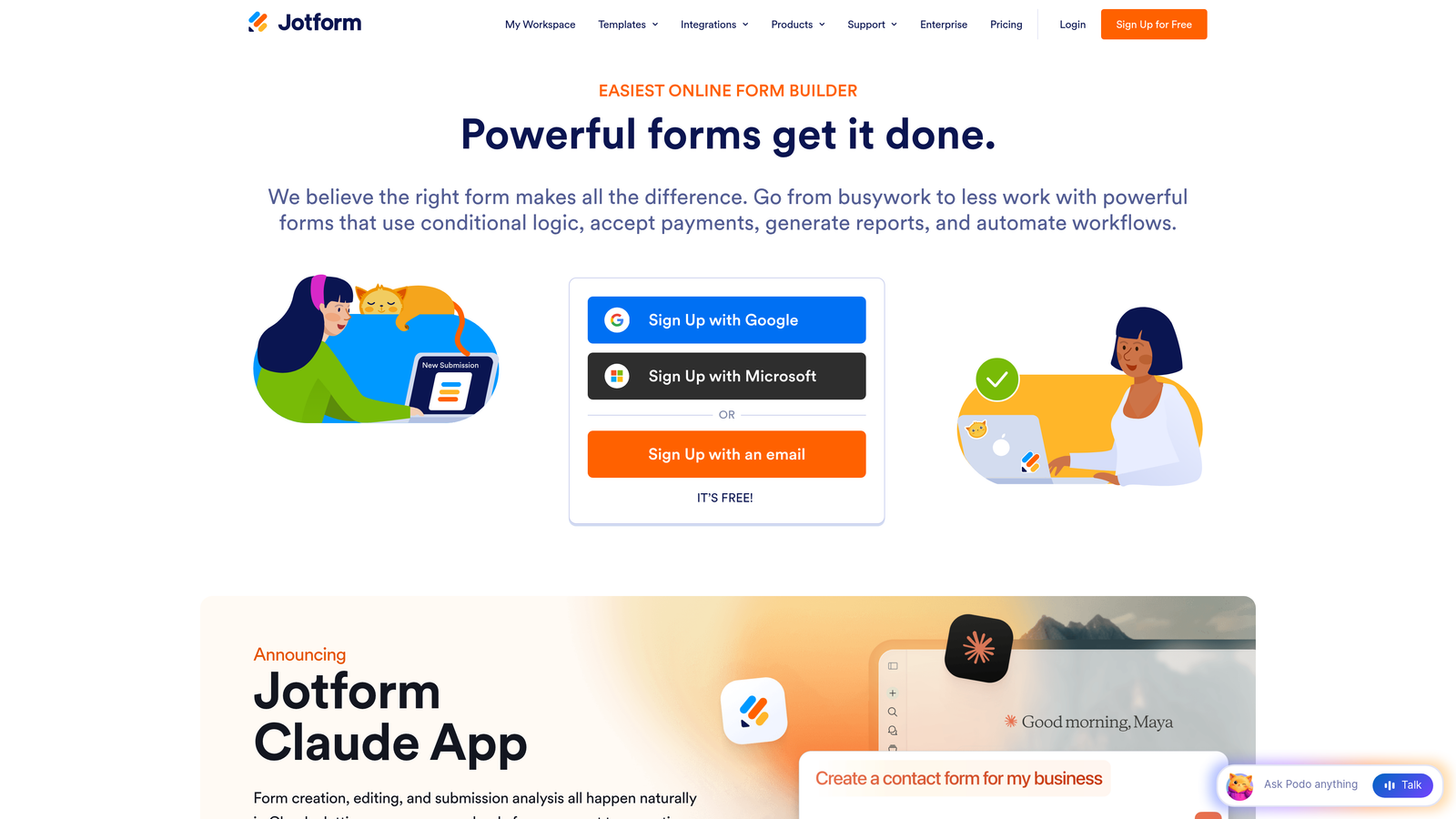
Jotform is a feature-rich form builder offering over 10,000 templates, an extensive widget marketplace, and support for complex multi-page forms.
Where This Tool Shines
If Typeform wins on elegance, Jotform wins on comprehensiveness. The sheer volume of templates means most teams can find a starting point close to what they need, dramatically reducing build time. The widget marketplace extends functionality into areas like digital signatures, appointment scheduling, and advanced calculations.
Jotform also handles payment collection natively, which makes it a practical choice for teams that need to combine lead capture with product orders, event registrations, or service bookings in a single form.
Key Features
10,000+ Templates: The largest template library in this category, spanning industries from healthcare to e-commerce to education.
Drag-and-Drop Builder with Widget Marketplace: Extend core functionality with hundreds of specialized widgets for unique form requirements.
Conditional Logic and Multi-Page Forms: Build branching, multi-step experiences that adapt to user input.
Payment Collection: Native integrations with PayPal, Stripe, and Square for seamless transaction handling within forms.
HIPAA Compliance: Available on higher-tier plans, making Jotform viable for healthcare and sensitive data use cases.
Best For
Jotform suits small businesses, nonprofits, healthcare teams, and operations teams that need a versatile, all-purpose form builder rather than a conversion-specialist tool. The free plan's five-form limit may push growing teams toward paid tiers quickly.
Pricing
Free plan supports up to 5 forms. Paid plans start from $34/month with higher submission limits and advanced features.
4. HubSpot Forms
Best for: Inbound marketing teams already running on the HubSpot ecosystem who want forms deeply connected to their CRM.
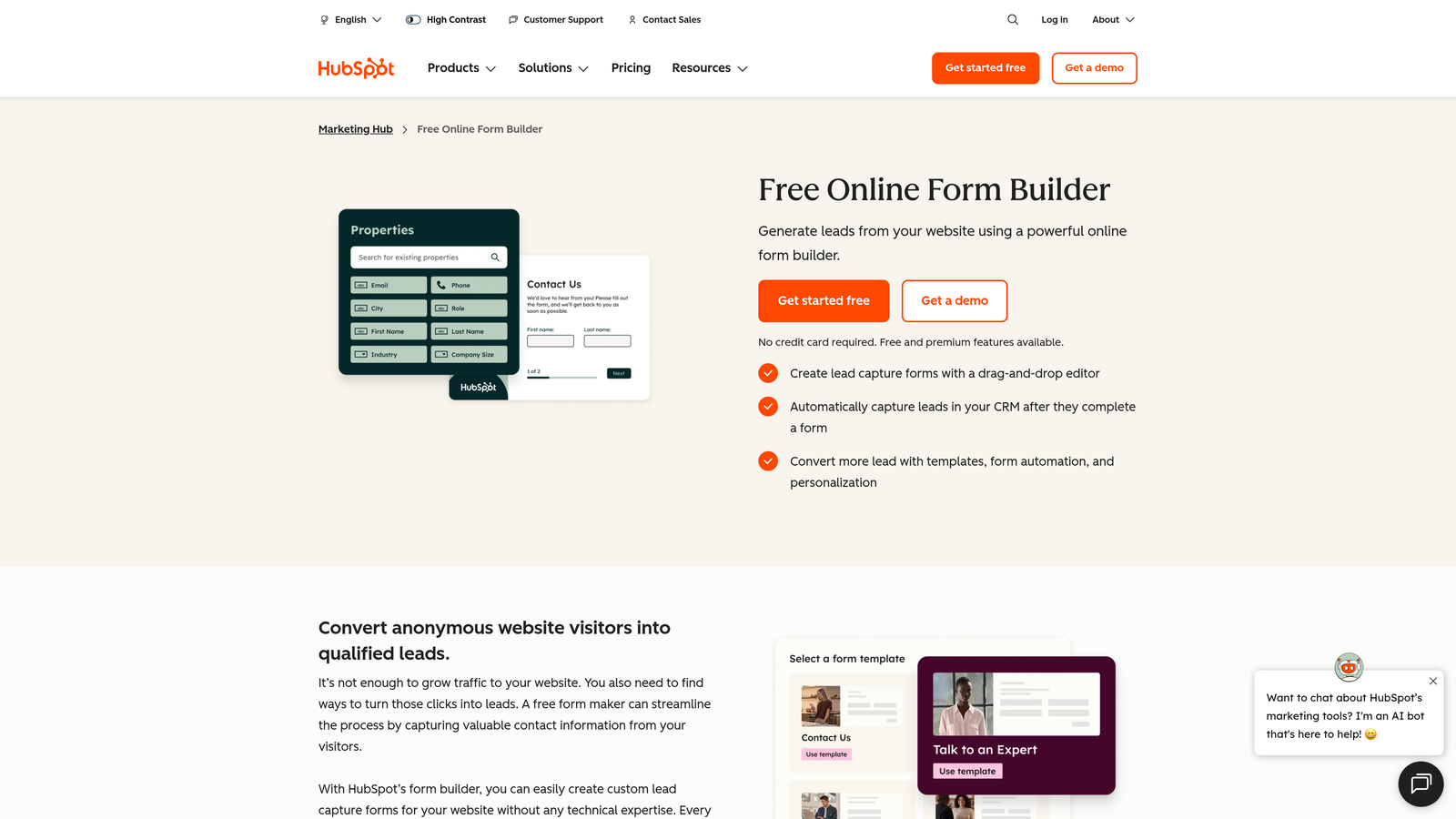
HubSpot Forms is a CRM-native form builder with progressive profiling and smart fields, built to power inbound marketing workflows.
Where This Tool Shines
HubSpot Forms' biggest advantage is integration depth. Every submission automatically creates or updates a contact record, triggers workflows, and feeds into lead scoring, all without any third-party connectors. For teams living inside HubSpot, this eliminates meaningful friction from the lead capture process.
Progressive profiling is a standout feature for B2B teams. Instead of asking returning visitors to fill out the same fields again, HubSpot Forms recognizes them and surfaces new questions, building richer contact profiles over time without increasing form length.
Key Features
Native HubSpot CRM Integration: Submissions flow directly into contact records, deal pipelines, and marketing automation sequences.
Progressive Profiling: Returning visitors see new questions rather than repeated fields, progressively enriching their contact profile.
Smart Fields and Dependent Logic: Show or hide fields based on known contact data or previous responses.
Automatic Lead Scoring: Form submissions feed directly into HubSpot's lead scoring models without manual configuration.
A/B Testing: Run form variant tests within the HubSpot Marketing Hub environment.
Best For
HubSpot Forms is purpose-built for HubSpot customers. If you're not on HubSpot, the value proposition shrinks considerably. The free tier is genuinely useful; advanced features require Marketing Hub subscriptions at significantly higher price points.
Pricing
Free with HubSpot CRM. Advanced marketing features, including A/B testing and smart content, require Marketing Hub plans starting from $800/month.
5. Unbounce Smart Builder
Best for: PPC and performance marketing teams that need landing pages and forms working together with AI-driven traffic optimization.
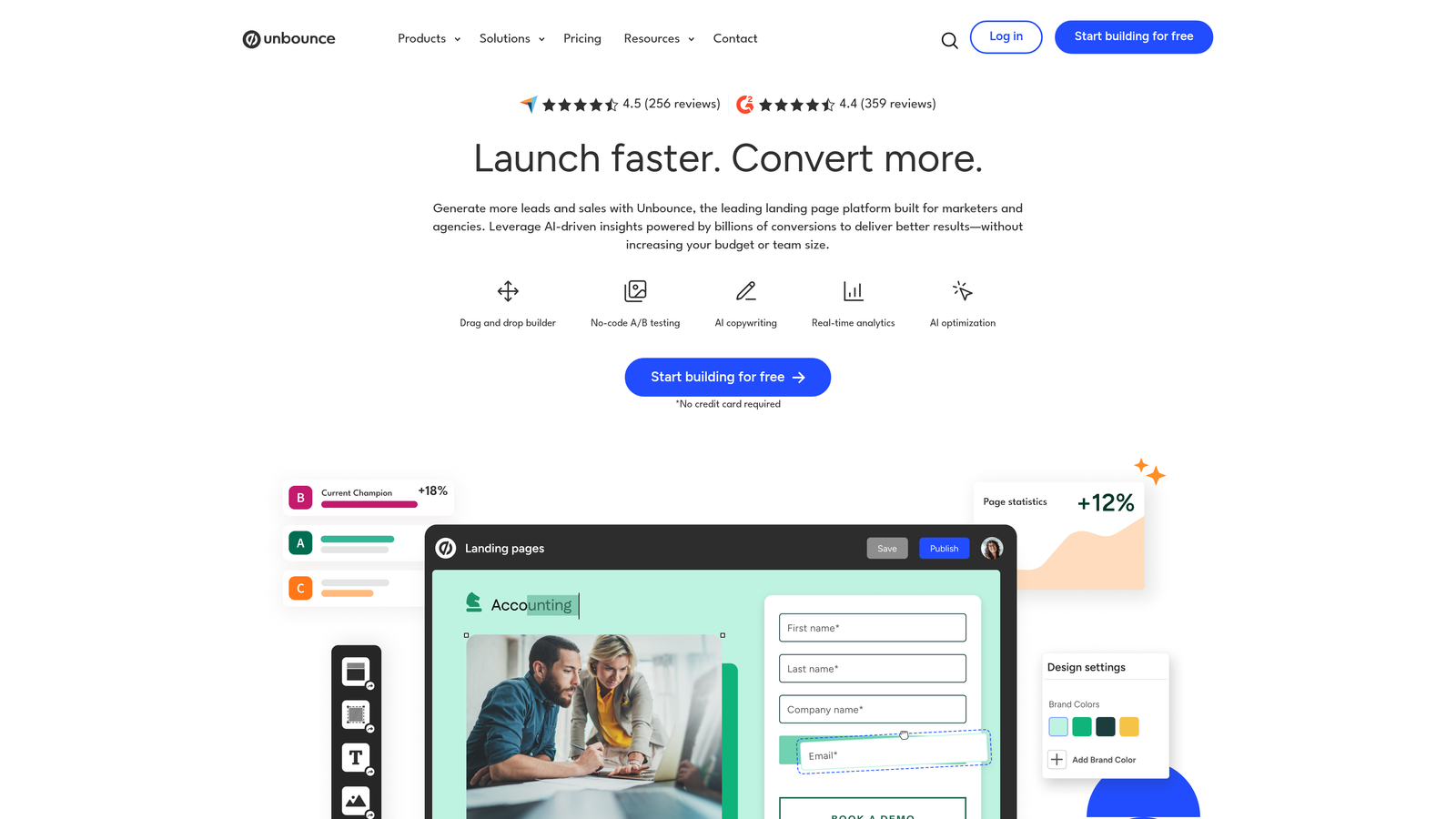
Unbounce Smart Builder is an AI-powered landing page and form platform that uses Smart Traffic to automatically route visitors to the highest-converting page variant.
Where This Tool Shines
Unbounce sits at the intersection of landing page builder and form tool, which makes it uniquely powerful for paid acquisition teams. Rather than optimizing forms in isolation, Unbounce treats the entire landing page experience as the conversion unit and applies AI to optimize it holistically.
Smart Traffic is the headline feature: instead of running a traditional A/B test and waiting for statistical significance, it begins routing individual visitors to their most likely converting variant almost immediately. For teams running paid campaigns, this can meaningfully improve return on ad spend.
Key Features
AI Smart Traffic: Automatically routes visitors to the variant most likely to convert based on their attributes, without waiting for manual test conclusions.
Drag-and-Drop Landing Page Builder: Build full landing pages with embedded forms in a flexible visual editor.
Dynamic Text Replacement: Automatically match landing page and form copy to the keywords or ads that drove each visitor.
Popups and Sticky Bars: Add secondary conversion points across your site without needing a developer.
Broad Integration Support: Connects with major CRMs, email marketing platforms, and analytics tools.
Best For
Unbounce is best suited for performance marketers, agencies managing paid campaigns, and growth teams running frequent landing page experiments. It's less relevant for teams that just need standalone forms without a full landing page context.
Pricing
Plans start from $74/month. Smart Traffic is included across all plans, making the entry-level tier genuinely capable for optimization-focused teams.
6. Leadformly (by Zuko)
Best for: CRO teams and analytics-driven marketers who need granular visibility into exactly where and why forms are losing conversions.
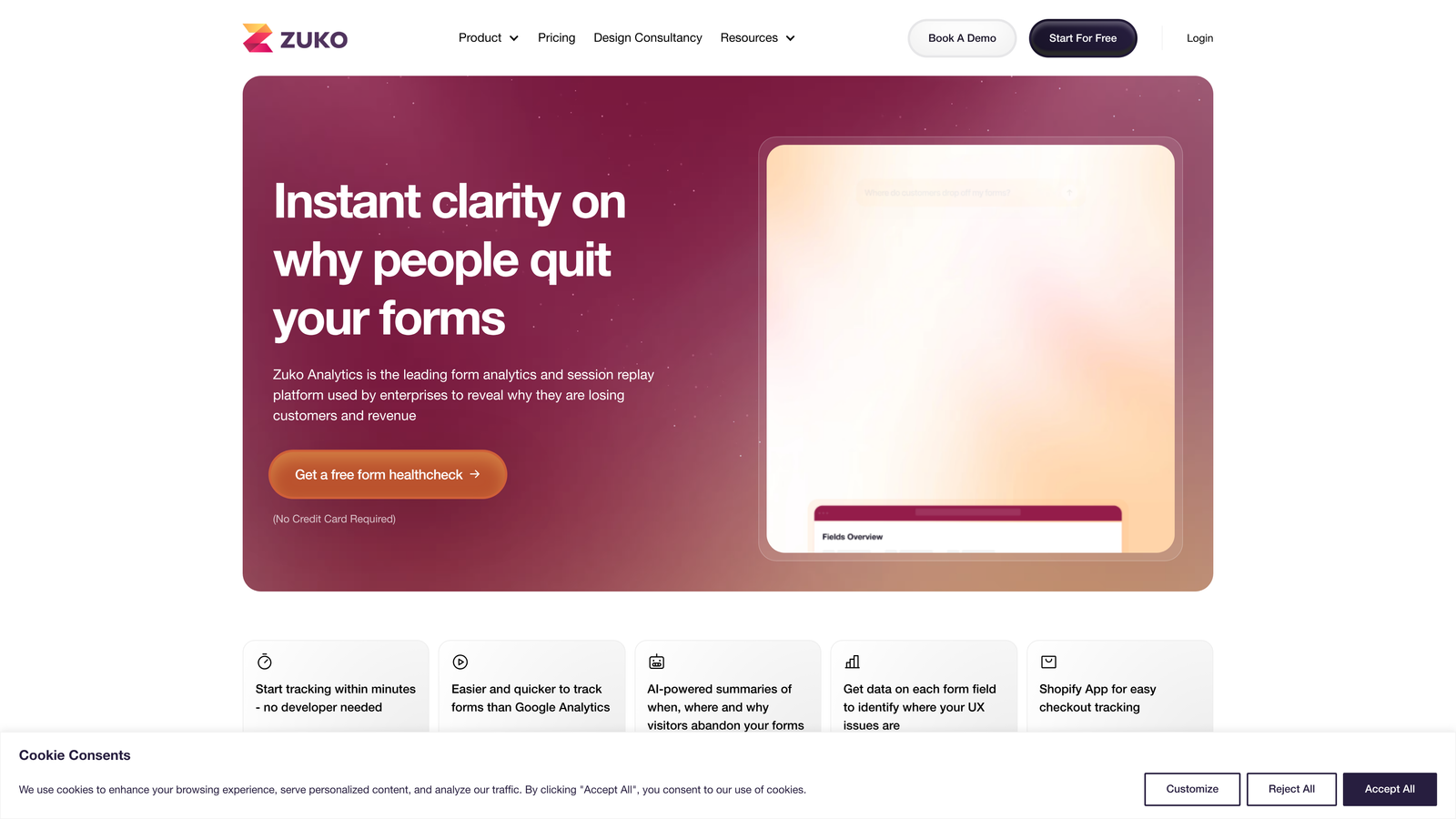
Leadformly, now part of Zuko, is an analytics-first form platform built for teams that want to diagnose and fix form abandonment with precision.
Where This Tool Shines
Most form builders tell you how many submissions you received. Zuko tells you which specific field caused someone to abandon, how long they hesitated before leaving, and how your form performance compares to industry benchmarks. For conversion rate optimization teams, this level of detail is invaluable.
The multi-step form builder is built with conversion principles baked in, but the real differentiator is the feedback loop: build a form, see exactly where it's losing people, iterate, and measure the improvement. This creates a genuine optimization cycle rather than one-time setup.
Key Features
Field-Level Abandonment Analytics: See precisely which fields cause users to drop off, including time-on-field and return rate data.
Multi-Step Form Builder: Create conversion-focused multi-step forms with templates designed around CRO best practices.
A/B Testing: Test form variants with conversion tracking built directly into the workflow.
Benchmarking Data: Compare your form's performance against aggregated norms to understand where you stand relative to similar forms.
Analytics Integrations: Connects with Google Analytics, major CRMs, and marketing platforms for unified reporting.
Best For
Leadformly and Zuko are ideal for CRO specialists, digital agencies, and data-driven marketing teams who treat form optimization as an ongoing discipline rather than a one-time task. The analytics depth justifies the investment for teams running high-traffic lead gen campaigns.
Pricing
Plans vary based on monthly form views. Contact Zuko directly for current pricing tiers that match your traffic volume.
7. Paperform
Best for: Teams that want beautiful, content-rich form experiences that feel more like landing pages than traditional forms.
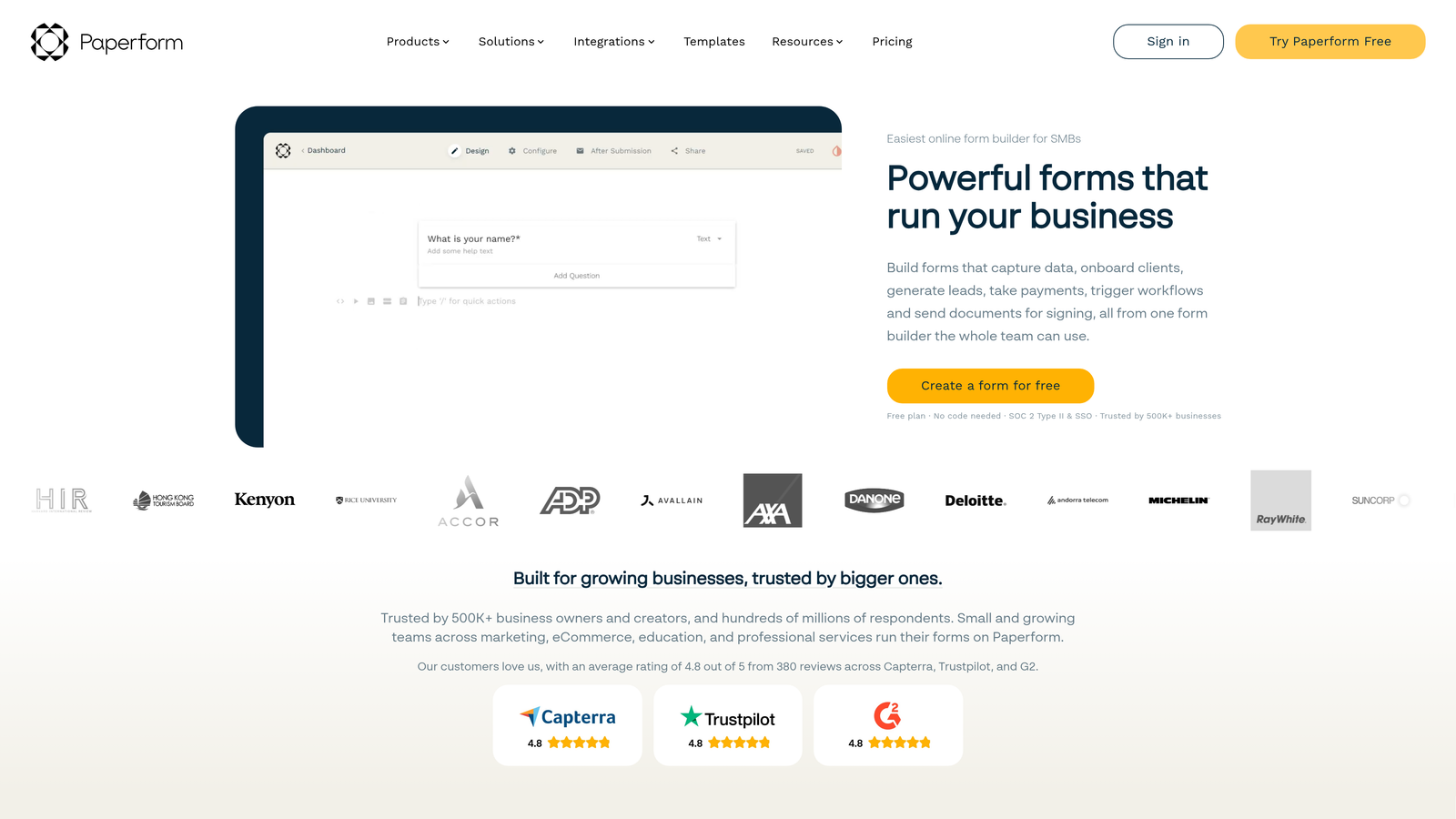
Paperform is a design-forward form builder that blends text, images, video, and form fields into cohesive, visually engaging experiences.
Where This Tool Shines
Paperform's inline editor is genuinely different from most form builders. Rather than a separate design panel, you write content and add form fields in the same flow, creating forms that feel more like a thoughtfully designed page than a clinical data collection tool. This approach works especially well for forms where context matters, such as product orders, service bookings, or application forms.
The built-in payment processing and scheduling capabilities mean Paperform can handle complete transactional workflows without additional tools, making it a strong choice for small businesses and independent operators who want one platform to do several jobs.
Key Features
Inline Content Editor: Mix text, images, video, and form fields in a single seamless editing experience.
Conditional Logic and Calculation Fields: Build dynamic forms that adapt to responses and calculate values like pricing or scores in real time.
Built-In Payment Processing: Accept payments via Stripe, PayPal, Braintree, and Square without third-party plugins.
Custom Success Pages and Notifications: Control the post-submission experience with personalized thank-you pages and automated email responses.
Scheduling and Booking Capabilities: Handle appointment booking and product catalog browsing within the same form environment.
Best For
Paperform is a great fit for consultants, agencies, small businesses, and creative teams who prioritize design quality and need forms that double as lightweight landing pages. It's less suited for enterprise teams needing advanced compliance or deep CRM integration.
Pricing
Plans start from $24/month. A 14-day free trial is available, making it easy to evaluate before committing.
8. Formstack
Best for: Enterprise teams that need advanced compliance, approval routing, and document generation alongside their form workflows.
Formstack is an enterprise-grade form and workflow platform that connects data collection to document generation, e-signatures, and multi-step approval processes.
Where This Tool Shines
Formstack goes well beyond form building. It's a workflow platform where forms are the starting point for complex, multi-step business processes. For teams in regulated industries or organizations with intricate internal approval chains, this depth of workflow automation is difficult to replicate with lighter-weight tools.
The Salesforce-native form builder option is a meaningful differentiator for Salesforce shops. Rather than syncing data between systems, Formstack can build forms that live directly within the Salesforce environment, eliminating integration overhead entirely.
Key Features
Advanced Conditional Logic with Prefill: Route users through complex form paths and pre-populate fields with existing data to reduce friction.
Compliance Capabilities: HIPAA, GDPR, and SOC 2 compliance options for teams operating in regulated environments.
Workflow Automation: Connect form submissions to document generation, e-signature requests, and multi-step approval workflows.
Salesforce-Native Builder: Build and manage forms directly within the Salesforce platform for seamless CRM integration.
Team Collaboration and Approval Routing: Assign form submissions to team members and build structured approval processes.
Best For
Formstack is the right choice for enterprise organizations, healthcare teams, financial services firms, and legal teams that need forms embedded in larger, compliance-sensitive workflows. The pricing and complexity make it overkill for smaller teams with simpler needs.
Pricing
Plans start from $50/month. Enterprise pricing is available for organizations needing advanced compliance, dedicated support, or large-scale deployment.
9. Tally
Best for: Startups, indie makers, and teams that want a generous free plan with a modern, intuitive editing experience.
Tally is a free-first form builder offering unlimited forms and submissions on its free plan, with a Notion-style block editor that makes form creation feel natural.
Where This Tool Shines
Tally's free plan is genuinely remarkable in its generosity: unlimited forms, unlimited submissions, and access to core features including conditional logic and hidden fields, all without paying anything. For early-stage teams or individuals who need capable forms without budget overhead, it's hard to argue with that value proposition.
The block-based editor will feel immediately familiar to anyone who uses Notion. Building a form feels less like configuring a tool and more like writing a document, which reduces the learning curve significantly and makes Tally accessible to non-technical team members.
Key Features
Unlimited Free Forms and Submissions: The free plan includes no caps on forms or response volume, which is genuinely unusual in this market.
Notion-Style Block Editor: An intuitive block-based editing experience that makes form creation fast and accessible for any skill level.
Conditional Logic and Calculator Fields: Build branching forms and add calculation logic without upgrading to a paid plan.
Custom Domains and Branding: Available on the Pro plan for teams that need white-label form experiences.
Integration Ecosystem: Connects with Notion, Google Sheets, Airtable, Slack, and Zapier for flexible data routing.
Best For
Tally is ideal for startups, solo founders, freelancers, and small teams that need solid form functionality without a monthly bill. Teams that need advanced analytics, AI-powered qualification, or enterprise compliance will need to look at other options on this list.
Pricing
Free plan includes full core functionality with unlimited forms and submissions. Pro plan starts at $29/month and adds custom domains, branding removal, and priority support.
Which Form Builder Is Right for Your Team?
The right form builder depends on where conversion happens in your business and what's currently standing in the way of it. Here's a quick way to think about the decision.
If lead quality and qualification speed are your primary challenges, Orbit AI is the purpose-built answer. Its real-time lead scoring and dynamic form flows address the exact problem that most form builders ignore: not just capturing leads, but capturing the right leads and surfacing them to your team immediately.
If engagement and completion rate are your focus, Typeform's conversational interface is the proven choice for reducing drop-off on longer forms. If you need analytics-driven optimization and want to diagnose exactly where your forms are losing people, Leadformly and Zuko offer a level of diagnostic depth that other tools simply don't match.
For teams embedded in the HubSpot ecosystem, HubSpot Forms is the natural extension of your existing stack. For enterprise organizations with compliance requirements and complex approval workflows, Formstack is the serious choice. And if budget is the primary constraint, Tally's free plan delivers more than most paid tools at the entry level.
The common thread across every high-converting form is intentionality: every field, every step, and every moment of friction has been considered and minimized. The best tool is the one that makes that level of intentionality accessible to your team without requiring a developer every time you want to iterate.
If you're ready to move beyond generic form builders, start building free forms today with Orbit AI and see how AI-powered lead qualification can transform what your forms actually deliver for your growth team.


