

Long forms kill conversions. When visitors see 15 fields staring back at them, most bounce before typing a single character. Multi-step forms solve this by breaking complex forms into digestible chunks—showing one question at a time or grouping related fields into logical steps. The psychology is simple: smaller commitments feel easier, progress bars create momentum, and users who start are more likely to finish.
But not all multi-step form builders are created equal. Some offer basic step functionality while others include conditional logic, AI-powered lead qualification, and deep analytics. We evaluated dozens of options based on ease of use, customization depth, integration capabilities, and conversion optimization features to bring you the top multi-step form builders for 2026.
1. Orbit AI
Best for: High-growth teams needing AI-powered lead qualification with conversion-optimized multi-step forms
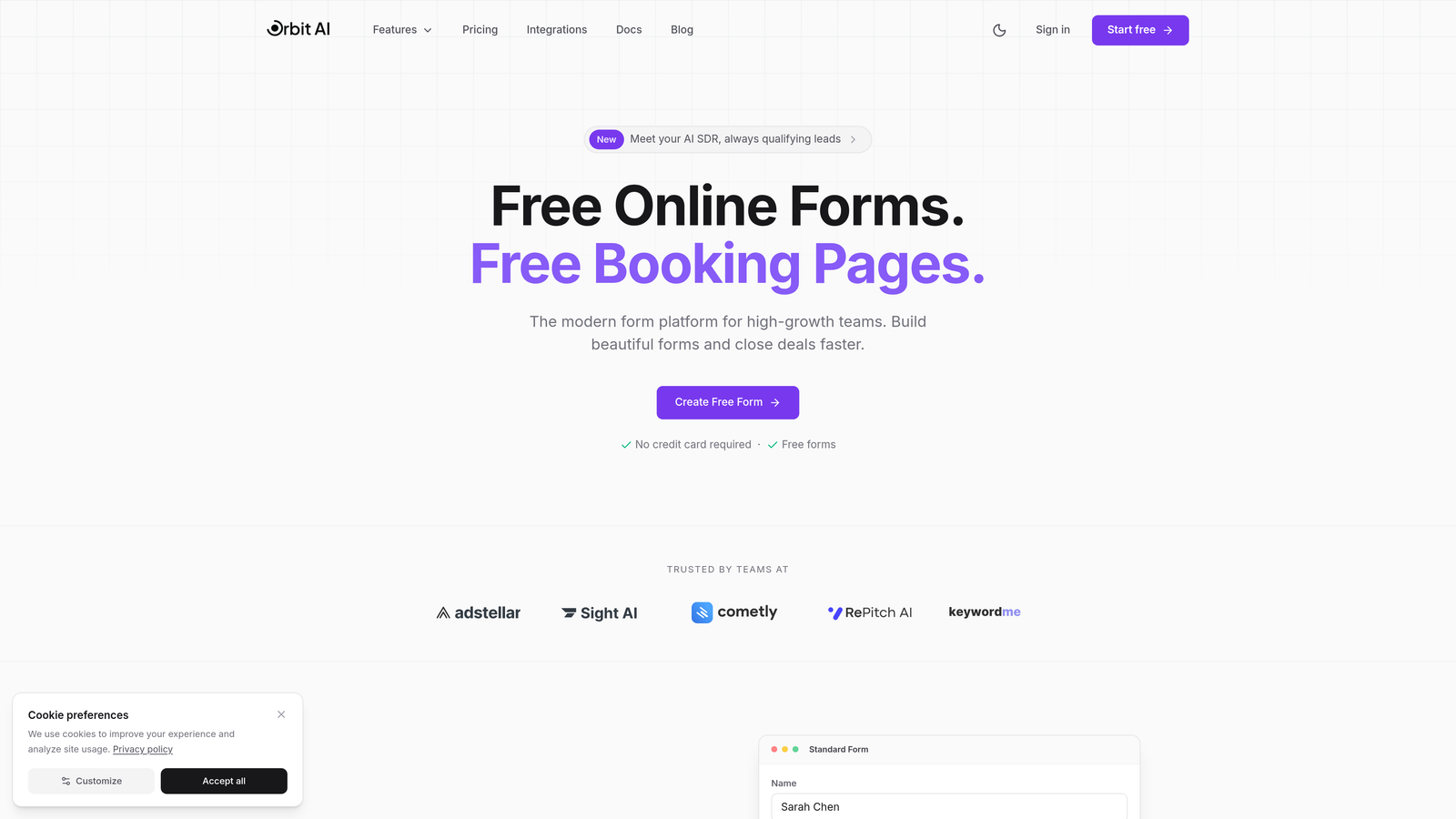
Orbit AI combines beautiful form design with intelligent lead qualification, automatically routing prospects based on their responses while maintaining a modern user experience.
Where This Tool Shines
The AI-powered qualification engine sets Orbit AI apart. Instead of manually segmenting leads after form submission, the platform analyzes responses in real-time and routes prospects to the right sales rep or workflow automatically. This means your high-intent leads get immediate attention while lower-priority submissions follow nurture sequences.
The form builder itself prioritizes conversion optimization. Every template is designed with modern UX principles, featuring clean layouts, strategic progress indicators, and mobile-responsive designs that work flawlessly across devices.
Key Features
AI-Powered Lead Qualification: Automatically scores and routes leads based on response patterns and qualification criteria you define.
Conversion-Optimized Templates: Pre-built multi-step forms designed specifically for lead generation with proven conversion patterns.
Advanced Conditional Logic: Show or hide entire steps based on previous answers, creating personalized form experiences for different audience segments.
Native CRM Integrations: Connect directly to your existing marketing stack without middleware or complex API configurations.
Real-Time Analytics: Track completion rates, drop-off points, and conversion metrics for each step to identify optimization opportunities.
Best For
Growing B2B companies and SaaS teams who need more than basic form functionality. If you're generating significant lead volume and need intelligent routing to maximize sales efficiency, Orbit AI delivers the automation and insights to scale your lead generation without scaling headcount.
Pricing
Free tier available for teams getting started. Paid plans start at competitive rates designed for growing teams, with pricing that scales based on form submissions and advanced features.
2. Typeform
Best for: Creating highly engaging conversational forms with polished, brand-friendly design
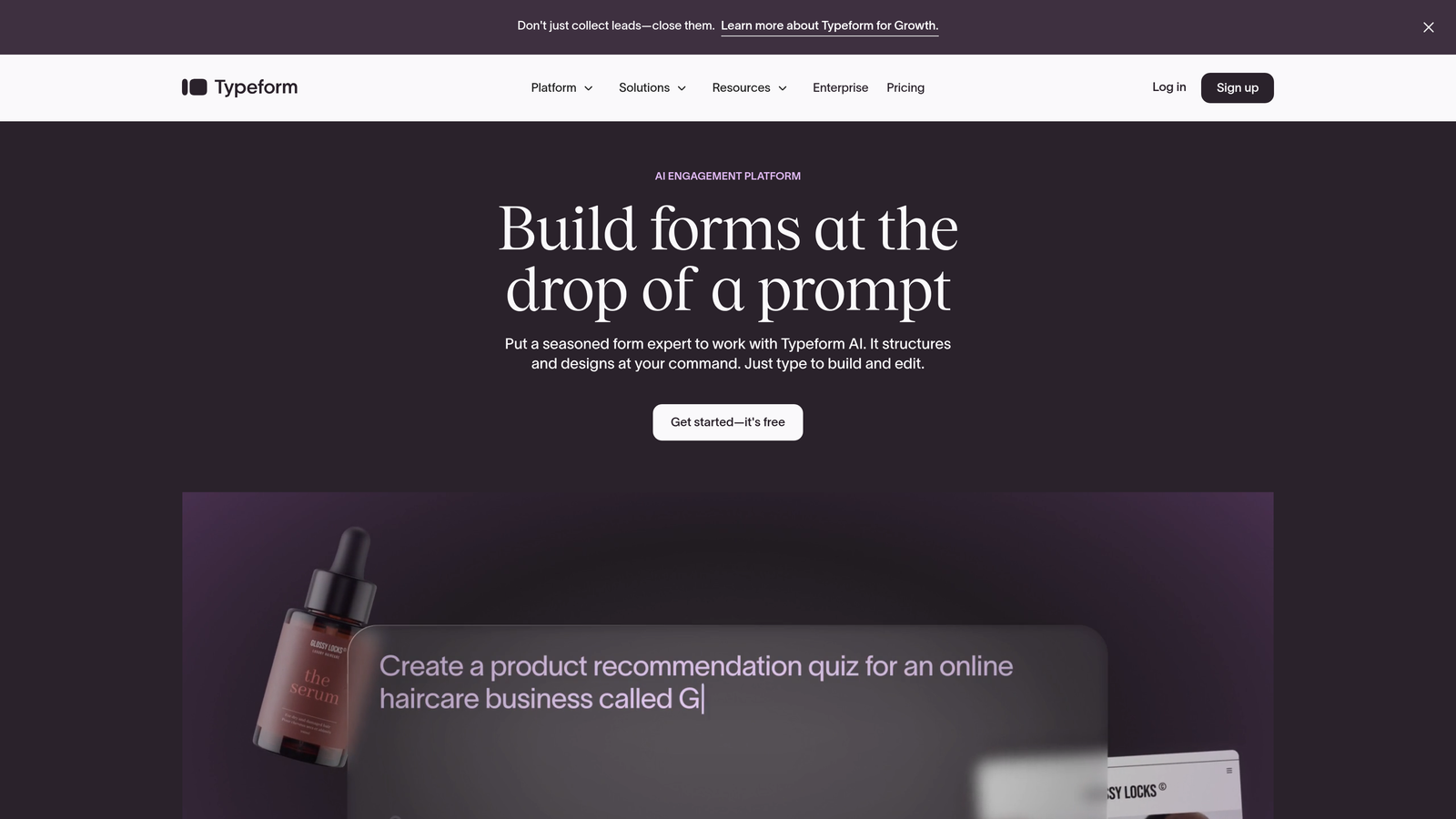
Typeform pioneered the one-question-at-a-time approach, turning traditional forms into conversational experiences that feel more like dialogue than data collection.
Where This Tool Shines
Typeform's conversational interface reduces form anxiety by showing just one question at a time. This approach has become the gold standard for surveys, quizzes, and lead capture forms where engagement matters more than speed. The platform's design capabilities are exceptional—every form looks polished out of the box, with smooth animations and thoughtful transitions that feel premium.
The logic jump functionality lets you create branching paths based on responses, making each form experience feel personalized. Combined with video and image embedding, you can build forms that tell stories while collecting data.
Key Features
Conversational Flow: One-question-at-a-time interface that increases engagement and reduces form abandonment compared to traditional layouts.
Logic Jumps: Branch respondents down different paths based on their answers, creating personalized experiences without building multiple forms.
Rich Media Support: Embed videos, images, and GIFs directly into questions to add context and maintain engagement throughout longer forms.
Design Customization: Extensive branding options including custom colors, fonts, backgrounds, and layouts that match your brand identity.
Integration Library: Connect to hundreds of apps including CRMs, email marketing platforms, and analytics tools through native integrations and Zapier.
Best For
Marketing teams and agencies focused on brand experience and engagement metrics. If your forms are customer-facing and brand perception matters, Typeform's polished interface justifies the investment.
Pricing
Free tier includes basic features with 10 responses per month. Basic plan starts at $25/month with 100 responses, while Plus and Business tiers unlock advanced logic and integrations.
3. Jotform
Best for: Teams needing extensive template variety and robust multi-page form capabilities
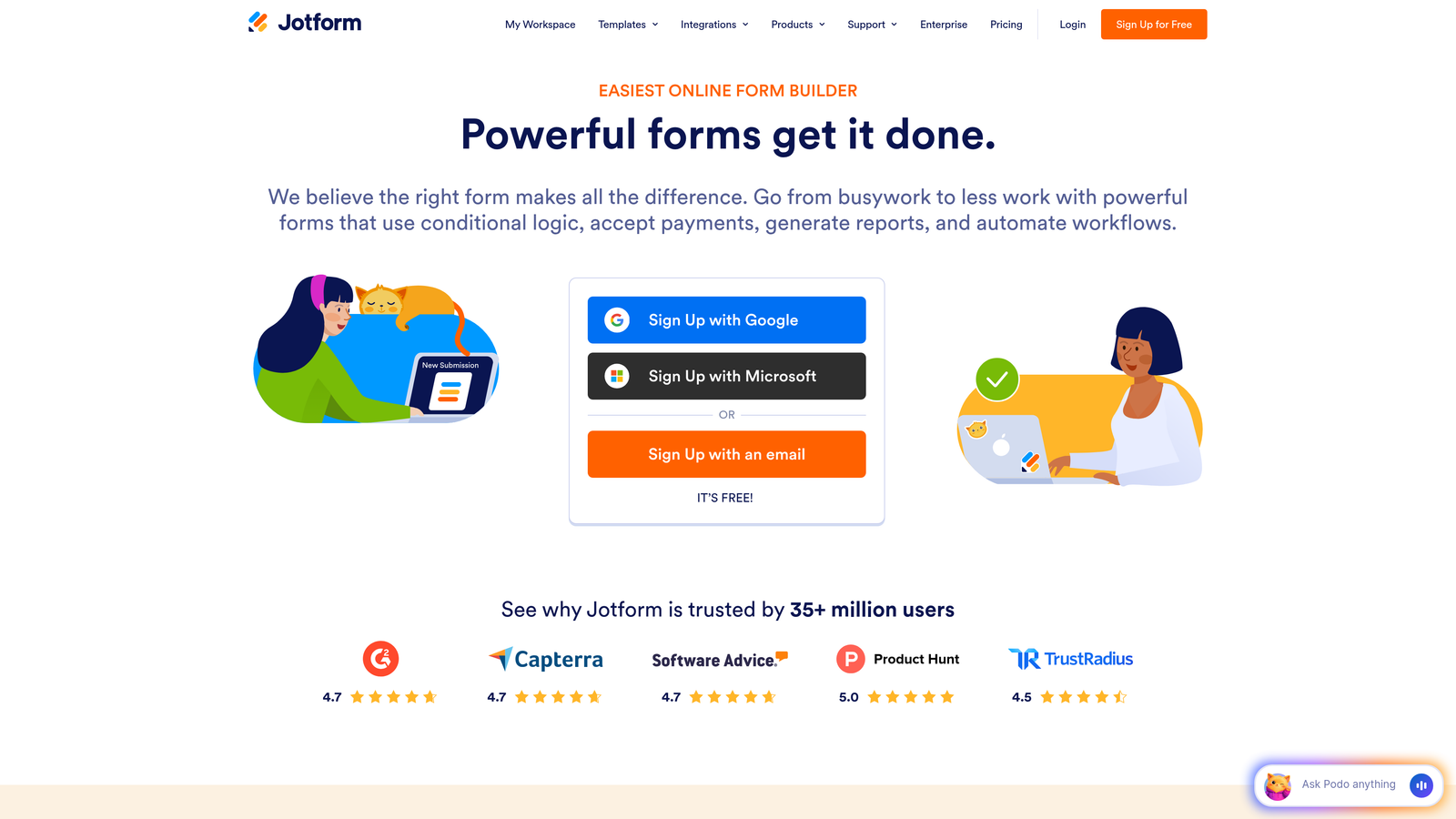
Jotform offers over 10,000 pre-built templates covering virtually every form use case, from event registrations to complex applications.
Where This Tool Shines
The template library is Jotform's superpower. Instead of starting from scratch, you can find a template for your specific industry or use case, customize it, and launch in minutes. The multi-page builder makes it simple to organize long forms into logical sections with progress bars and navigation controls.
For organizations with compliance requirements, Jotform offers HIPAA-compliant plans with encrypted data storage and signed Business Associate Agreements. This makes it a practical choice for healthcare, finance, and other regulated industries.
Key Features
Template Library: Access to 10,000+ professionally designed templates across industries, with filters for multi-page forms and specific use cases.
Drag-and-Drop Builder: Intuitive interface for creating multi-page forms without coding, with visual controls for adding steps and organizing fields.
Conditional Logic: Show or hide fields, pages, and sections based on user responses, plus perform calculations for quotes and pricing.
Payment Integration: Accept payments directly through forms via PayPal, Stripe, Square, and other processors with built-in checkout flows.
HIPAA Compliance: Enterprise plans include encrypted data storage, signed BAAs, and audit logs for healthcare and regulated industries.
Best For
Organizations that need versatility across multiple departments and use cases. The template library and compliance options make Jotform particularly valuable for enterprises with diverse form requirements.
Pricing
Free tier allows 5 forms with 100 monthly submissions. Bronze starts at $34/month for 25 forms, with Silver and Gold tiers adding advanced features and higher limits.
4. Paperform
Best for: Creating standalone landing pages with embedded multi-step forms for conversion-focused campaigns
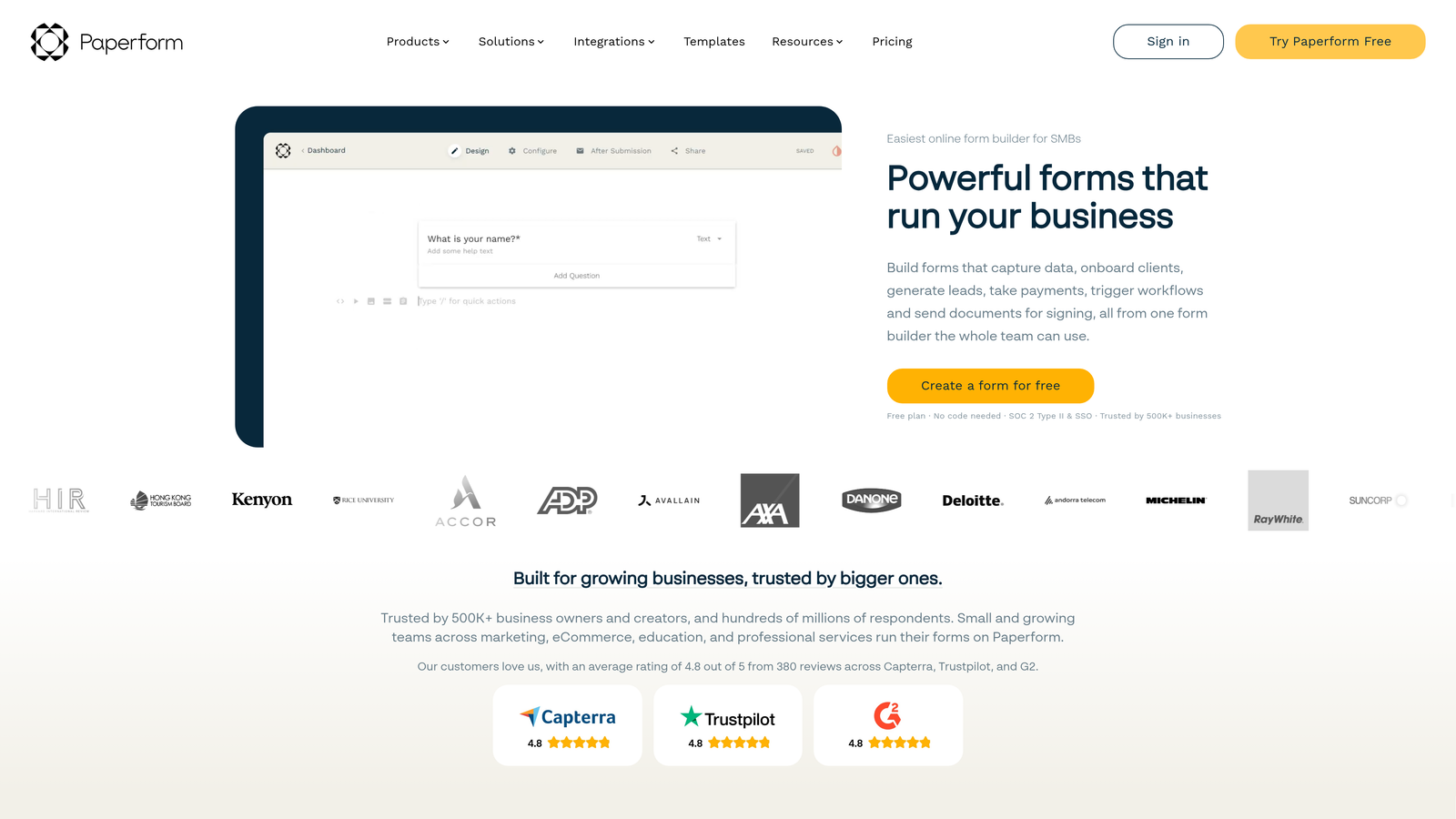
Paperform blends form building with landing page creation, letting you build complete conversion pages without separate tools.
Where This Tool Shines
The document-style editor feels more like writing a landing page than building a form. You type naturally, adding form fields inline with your copy, images, and CTAs. This approach makes it incredibly fast to create forms that double as standalone landing pages—perfect for product launches, event registrations, or lead magnets.
The conditional logic extends beyond simple field visibility. You can show or hide entire sections, adjust pricing based on selections, and create complex calculations for quotes and bookings. Combined with appointment scheduling integration, Paperform handles complete conversion workflows in one tool.
Key Features
Document-Style Editor: Build forms by typing naturally and inserting fields inline, making form creation feel more like content creation.
Landing Page Capabilities: Create complete conversion pages with forms embedded in rich content, eliminating the need for separate landing page builders.
Advanced Conditional Logic: Control visibility of sections, calculate pricing dynamically, and create branching experiences based on user inputs.
Calculations and Pricing: Build quote calculators, pricing tables, and dynamic totals that update based on user selections.
Appointment Scheduling: Integrate calendar booking directly into forms for consultations, demos, and service bookings.
Best For
Marketing teams running conversion-focused campaigns who want to combine landing pages and forms in a single tool. If you're constantly building new lead generation pages, Paperform's speed and flexibility become significant advantages.
Pricing
Essentials starts at $24/month with unlimited forms and submissions. Pro tier at $44/month adds advanced features and removes Paperform branding.
5. Fillout
Best for: Teams using Notion or Airtable as their primary database who need native form integration
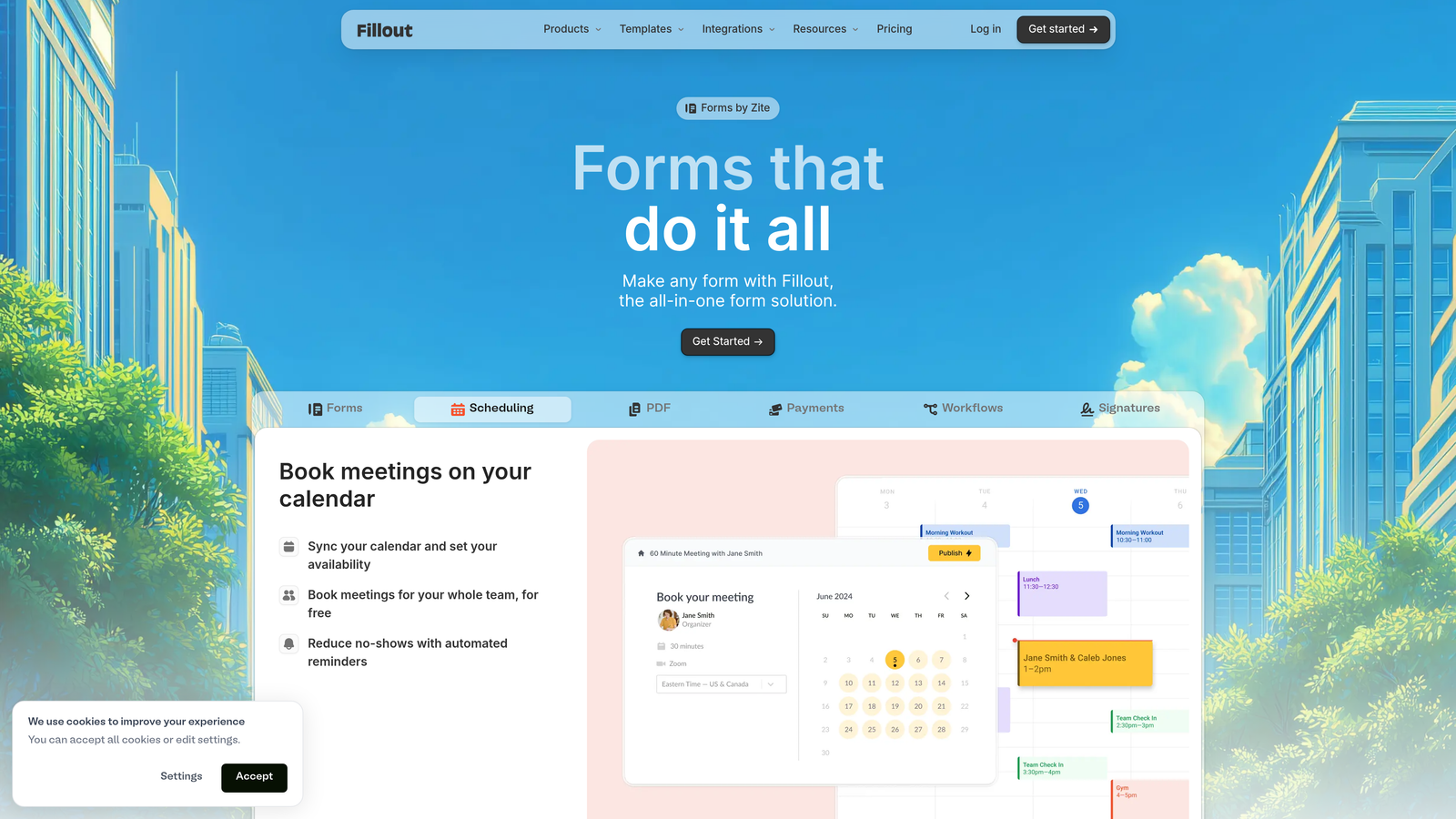
Fillout specializes in database-native forms, syncing submissions directly to Notion databases and Airtable bases without middleware.
Where This Tool Shines
If your team lives in Notion or Airtable, Fillout eliminates the integration headache. Forms sync directly to your existing databases, creating new entries or updating records automatically. This native approach means no Zapier workflows, no API configuration, and no data transformation—just clean, direct database writes.
The interface itself mirrors Notion's minimalist design philosophy. Building multi-step forms feels intuitive if you're already comfortable with Notion's block-based editing, and the resulting forms maintain that clean, modern aesthetic.
Key Features
Native Notion Integration: Sync form submissions directly to Notion databases, creating or updating pages based on form responses.
Airtable Sync: Connect forms to Airtable bases with field mapping and automatic record creation for database-centric workflows.
Multi-Step Support: Break long forms into multiple pages with progress tracking and conditional navigation between steps.
Conditional Logic: Show or hide fields and entire sections based on previous answers to create personalized form experiences.
Modern Interface: Clean, minimalist design that matches Notion's aesthetic and maintains brand consistency for Notion-first teams.
Best For
Teams that have standardized on Notion or Airtable for project management and database needs. The native integration eliminates technical overhead and keeps all data in your existing workspace.
Pricing
Free tier available with generous limits for small teams. Pro plan starts at $15/month per user with unlimited forms and advanced features.
6. Tally
Best for: Budget-conscious teams needing unlimited forms with solid multi-step functionality on a free tier
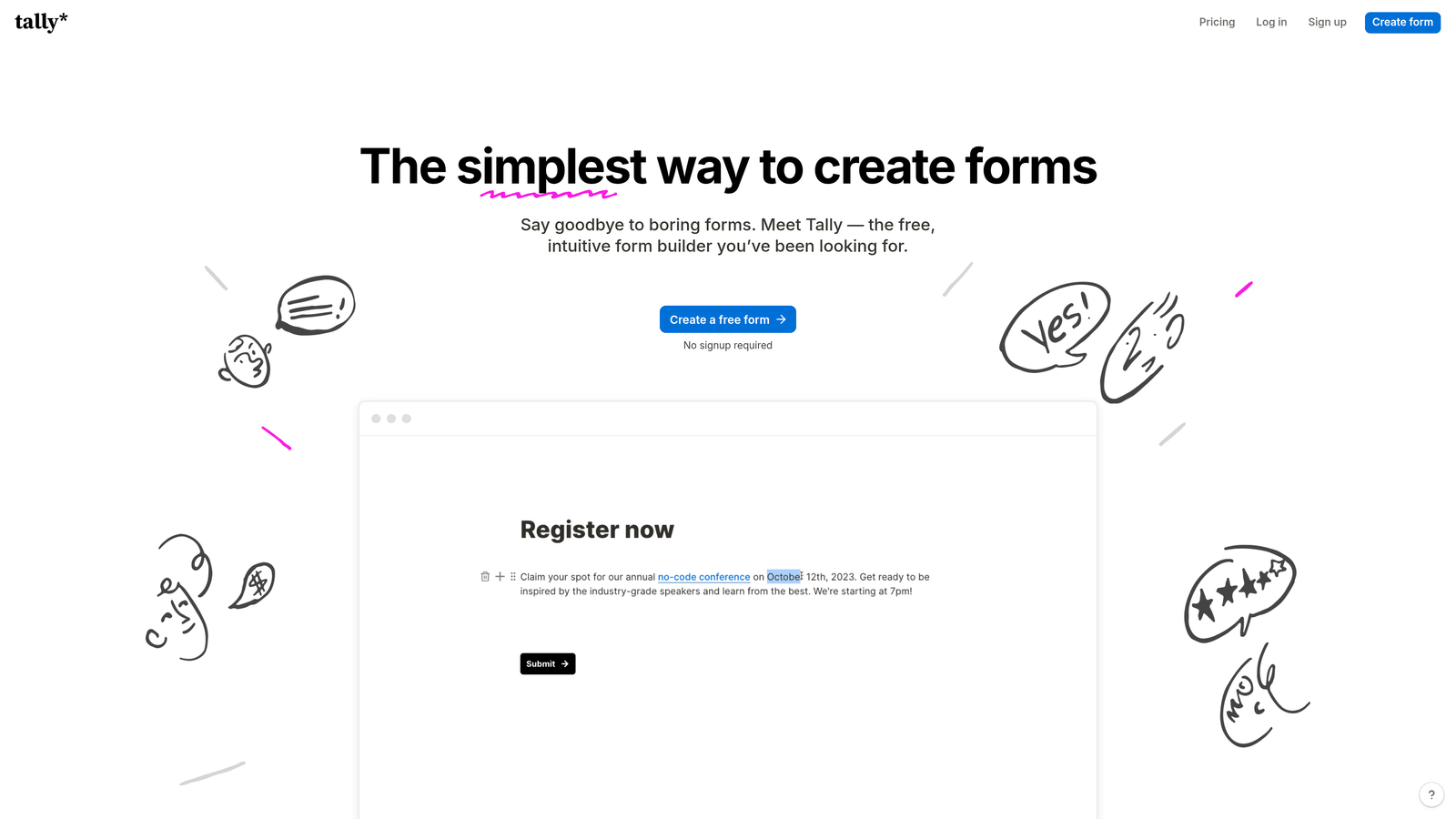
Tally breaks the traditional freemium model by offering unlimited forms and submissions on its free plan, making it accessible for startups and small teams.
Where This Tool Shines
The value proposition is straightforward: you get unlimited forms, unlimited submissions, and multi-page support without paying anything. For teams just getting started or running multiple campaigns on tight budgets, this removes the usual constraint of form limits and submission caps.
The editing experience borrows from Notion's block-based approach, making it familiar for teams already using similar tools. You build forms by adding blocks, organizing them into pages, and connecting them with conditional logic—all with a clean interface that doesn't feel compromised despite being free.
Key Features
Unlimited Free Forms: No artificial limits on form count or monthly submissions on the free tier, removing budget constraints for growing teams.
Multi-Page Forms: Create forms with multiple steps, progress bars, and navigation controls without upgrading to paid plans.
Conditional Logic: Show or hide questions based on previous answers to create branching paths and personalized experiences.
File Uploads: Accept document uploads, images, and other files directly through forms with generous storage limits.
Notion-Like Editor: Block-based editing interface that feels familiar and intuitive for teams comfortable with modern productivity tools.
Best For
Startups, nonprofits, and small teams with limited budgets who still need professional multi-step forms. The free tier provides enough functionality for most use cases without forcing upgrades.
Pricing
Free tier includes unlimited forms and submissions with Tally branding. Pro plan at $29/month removes branding and adds advanced customization options.
7. Formstack
Best for: Enterprise organizations requiring advanced workflows, approval processes, and compliance certifications
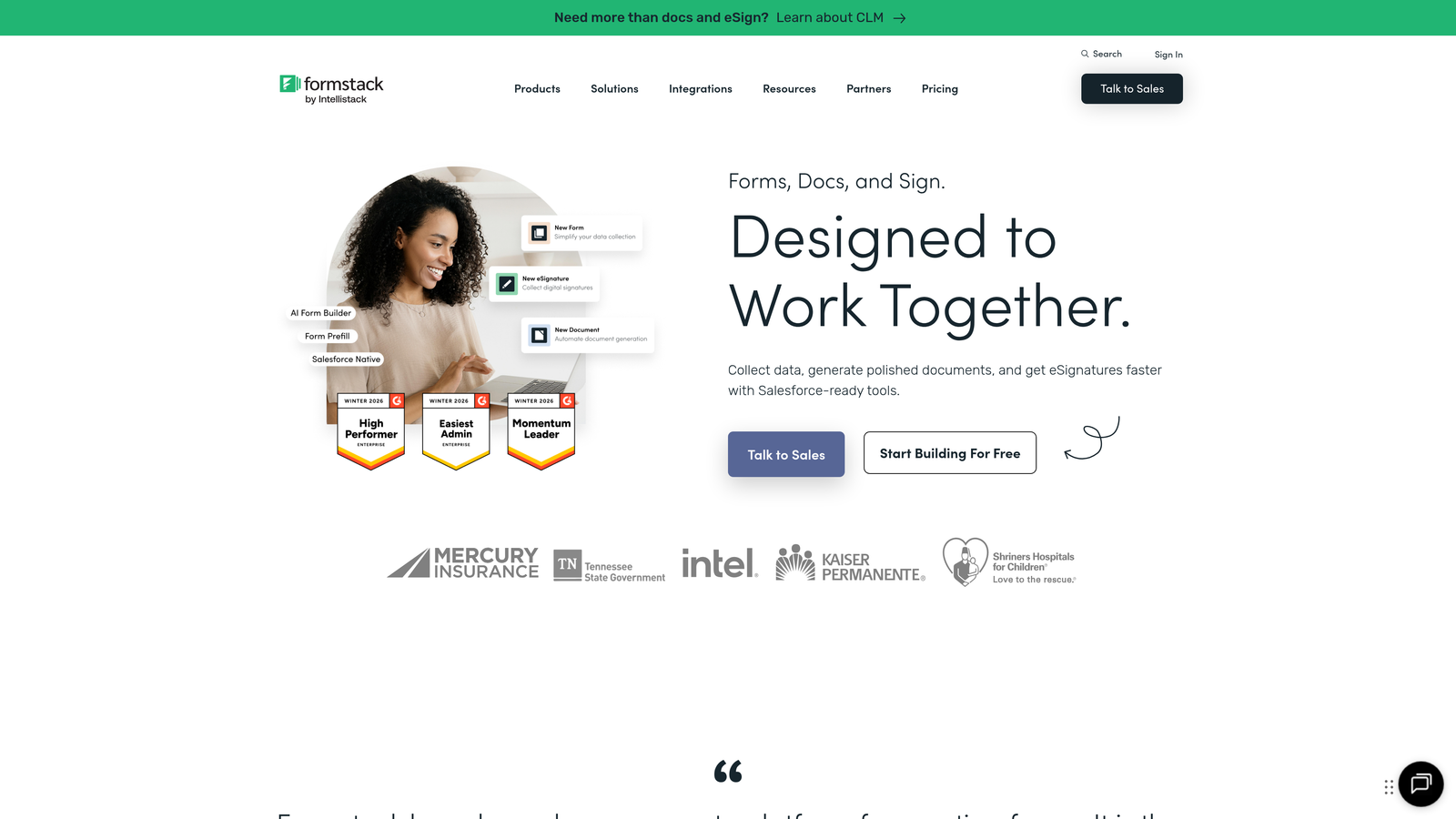
Formstack focuses on enterprise needs with workflow automation, approval routing, and certifications for regulated industries.
Where This Tool Shines
Formstack treats forms as the starting point for complex business processes. Beyond basic data collection, you can route submissions through approval workflows, trigger automated actions based on responses, and integrate with enterprise systems through robust APIs. This makes it valuable for internal processes like expense approvals, HR onboarding, and compliance documentation.
The compliance certifications are enterprise-grade. HIPAA compliance includes signed BAAs and encrypted data storage, while GDPR features provide data processing agreements and consent management. For organizations in healthcare, finance, or government sectors, these certifications aren't optional—they're requirements.
Key Features
Workflow Automation: Route form submissions through multi-step approval processes with email notifications and status tracking.
Advanced Conditional Logic: Create complex branching paths, calculations, and dynamic field populations based on user roles and responses.
Compliance Certifications: HIPAA, GDPR, and SOC 2 Type II compliance with signed agreements and audit trails for regulated industries.
Digital Signatures: Collect legally binding e-signatures within forms for contracts, agreements, and approval workflows.
Enterprise Security: SSO integration, role-based access controls, and detailed audit logs for security-conscious organizations.
Best For
Enterprise organizations with complex internal workflows and strict compliance requirements. The higher price point makes sense when regulatory compliance and workflow automation are business-critical.
Pricing
Starter plan begins at $50/month with basic features. Enterprise pricing available with custom workflows, dedicated support, and compliance certifications.
8. Cognito Forms
Best for: Forms requiring advanced calculations and payment collection within multi-step workflows
Cognito Forms specializes in calculation-heavy forms, making it ideal for quotes, registrations, and order forms with dynamic pricing.
Where This Tool Shines
The calculations engine is remarkably powerful. You can build complex formulas that update in real-time as users fill out forms, calculating totals, applying discounts, adding taxes, and showing final prices before submission. This makes Cognito Forms particularly valuable for event registrations with tiered pricing, service quotes with multiple options, or product orders with configurable features.
The repeating sections feature lets users add multiple line items—perfect for order forms where customers select various products or services. Combined with built-in payment processing, you can collect money directly through forms without redirecting to external checkout pages.
Key Features
Advanced Calculations: Build complex formulas with conditional logic, mathematical operations, and real-time updates as users interact with forms.
Payment Processing: Accept credit card payments through Stripe or PayPal with built-in checkout flows and receipt generation.
Multi-Page Forms: Organize long forms into multiple steps with progress indicators and conditional page visibility.
Conditional Sections: Show or hide entire form sections based on user selections, creating streamlined experiences for different scenarios.
Repeating Sections: Allow users to add multiple line items, attendees, or products within a single form submission.
Best For
Organizations that need to collect payments or generate quotes through forms. Event organizers, consultants, and service providers benefit from the calculation capabilities and payment integration.
Pricing
Free tier available for basic forms with limited features. Pro plan starts at $15/month with advanced calculations and payment processing.
9. HubSpot Forms
Best for: Teams already using HubSpot CRM who need native integration and progressive profiling
HubSpot Forms integrates directly with HubSpot's CRM and marketing automation platform, enabling sophisticated lead nurturing workflows.
Where This Tool Shines
The native CRM integration means every form submission automatically creates or updates contact records in HubSpot, triggering workflows, updating deal stages, and enriching contact profiles without manual data entry. If you're already invested in the HubSpot ecosystem, this seamless connection eliminates integration headaches.
Progressive profiling is particularly powerful for repeat visitors. Instead of asking for information you already have, HubSpot Forms can show different questions to known contacts, gradually building complete profiles without frustrating users with redundant fields. This improves conversion rates while gathering more comprehensive data over time.
Key Features
Native CRM Integration: Automatic contact creation and updates in HubSpot CRM with complete submission history and interaction tracking.
Progressive Profiling: Show different form fields to known contacts, gradually collecting information without asking redundant questions.
Multi-Step Forms: Break long forms into multiple pages with conditional logic and progress tracking for improved completion rates.
Marketing Automation: Trigger email sequences, workflow actions, and lead scoring based on form submissions and field values.
Contact Enrichment: Automatically append company data and contact information to form submissions using HubSpot's database.
Best For
Companies already using HubSpot CRM or considering the platform for marketing automation. The forms are free with HubSpot's CRM, making them accessible for teams starting their inbound marketing journey.
Pricing
Free with HubSpot CRM including basic form features. Advanced capabilities like progressive profiling and automation require paid Marketing Hub tiers starting at $45/month.
Making the Right Choice
The right multi-step form builder depends on your specific workflow and goals. For AI-powered lead qualification and conversion optimization, Orbit AI delivers intelligent routing alongside beautiful design that resonates with high-growth teams. Typeform remains the gold standard for conversational experiences when brand perception and engagement matter most. Jotform offers unmatched template variety for organizations with diverse use cases across departments.
Budget-conscious teams should explore Tally's generous free tier, which removes the usual constraints of form limits and submission caps. Enterprise organizations with compliance needs will find Formstack's workflow capabilities and certifications essential for regulated industries. If you're already invested in HubSpot, the native forms eliminate integration complexity while enabling sophisticated marketing automation.
Start by identifying your primary use case. Lead generation forms need different features than payment collection, internal workflows, or customer surveys. Consider whether you need AI-powered qualification, native database integrations, or compliance certifications—these specialized capabilities often justify higher price points when they match your requirements.
Most platforms offer free trials or free tiers. Test your top two choices with a real form that mirrors your actual use case. Pay attention to the editing experience, mobile responsiveness, and how easily submissions integrate with your existing tools. The form builder you'll actually use consistently matters more than the one with the longest feature list.
Transform your lead generation with AI-powered forms that qualify prospects automatically while delivering the modern, conversion-optimized experience your high-growth team needs. Start building free forms today and see how intelligent form design can elevate your conversion strategy.


