

Long, intimidating forms kill conversions. When users land on a page and see an endless wall of fields, many abandon before even starting. Research consistently shows that breaking forms into digestible steps dramatically improves completion rates—users feel less overwhelmed and more committed as they progress through each stage.
Multi-step form software transforms the data collection experience from a chore into a guided journey. Instead of confronting visitors with everything at once, these tools create a sense of progress and momentum that keeps people engaged.
But with dozens of options available, finding the right tool for your specific needs can be challenging. We evaluated these tools based on ease of use, customization options, conditional logic capabilities, integration ecosystems, and pricing value. Whether you're capturing leads, qualifying prospects, or onboarding customers, here are the top multi-step form builders worth your attention in 2026.
1. Orbit AI
Best for: High-growth teams that need intelligent lead qualification built into their forms
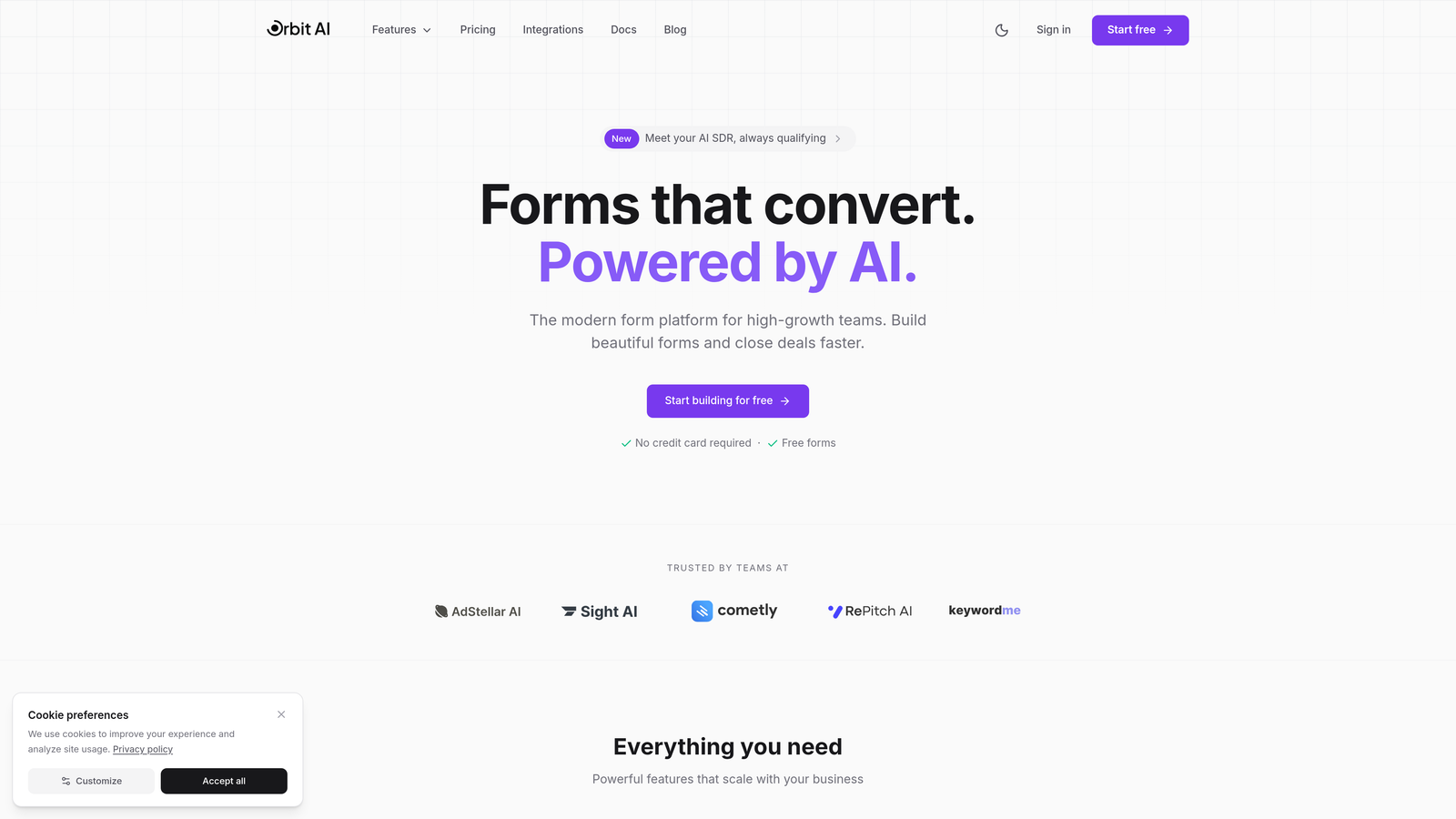
Orbit AI is an AI-powered form builder that doesn't just collect information—it qualifies leads automatically while adapting questions based on responses for maximum conversion optimization.
Where This Tool Shines
The standout feature is how Orbit AI uses artificial intelligence to dynamically adjust the form experience in real-time. As someone fills out your form, the tool analyzes their responses and adapts subsequent questions accordingly, creating a personalized journey for each prospect.
This intelligent approach means you're not just collecting data—you're qualifying leads automatically. The built-in lead scoring happens behind the scenes, so your sales team receives prioritized, qualified prospects instead of raw form submissions that need manual review.
Key Features
AI-Powered Lead Qualification: Automatically scores and qualifies leads based on their responses without manual intervention.
Dynamic Multi-Step Logic: Forms adapt in real-time based on user inputs, creating personalized experiences that improve completion rates.
Conversion-Focused Analytics: Built-in analytics show exactly where users drop off and which form variations drive the highest conversions.
Modern Form Designs: Pre-built templates designed specifically for conversion optimization, not just aesthetics.
Seamless Integrations: Connects directly with your CRM and marketing automation tools to ensure qualified leads flow into your existing workflows.
Best For
Orbit AI works exceptionally well for B2B companies and high-growth teams that need to qualify leads at scale. If your sales team spends significant time sorting through form submissions to identify the best prospects, the AI qualification features can reclaim those hours while improving lead quality.
Pricing
Free tier available with core features. Paid plans start at competitive rates designed for growing teams that need advanced qualification and analytics capabilities.
2. Typeform
Best for: Creating conversational, visually striking forms with a one-question-at-a-time approach
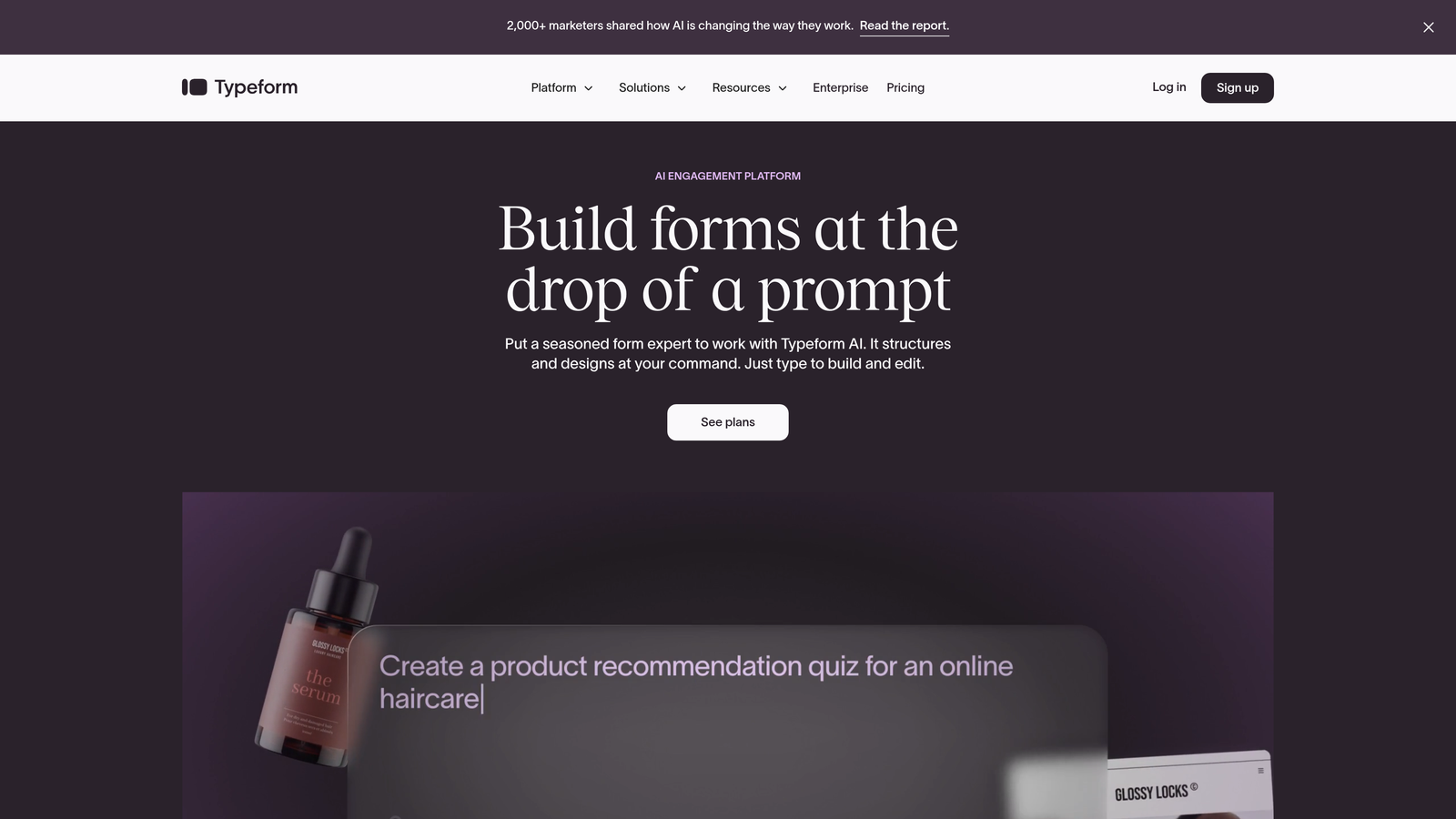
Typeform is the conversational form builder that popularized the one-question-per-screen format, creating an engaging experience that feels more like a conversation than a form.
Where This Tool Shines
Typeform's signature approach shows one question at a time, which reduces cognitive load and creates a sense of momentum as users progress. The interface feels modern and interactive, with smooth transitions between questions that make the experience feel less transactional.
The design flexibility is impressive. You can fully customize the visual appearance to match your brand, embed videos and images throughout the form, and create an experience that stands out from typical web forms.
Key Features
One-Question-Per-Screen Format: The conversational approach reduces form abandonment by showing only one field at a time.
Brand Customization: Complete control over colors, fonts, backgrounds, and visual elements to match your brand identity.
Logic Jumps: Create branching paths that show different questions based on previous answers.
Rich Media Embedding: Add videos, images, and GIFs throughout your forms to create engaging experiences.
Integration Ecosystem: Connects with hundreds of tools including Salesforce, HubSpot, Google Sheets, and Slack.
Best For
Typeform excels for customer feedback surveys, event registrations, and lead capture forms where user experience is paramount. Marketing teams that prioritize brand consistency and engagement will appreciate the design flexibility.
Pricing
Free plan with limited responses. Basic starts at $25/month, Plus at $50/month, and Business at $83/month for advanced features and higher response limits.
3. Jotform
Best for: Teams needing versatile forms with extensive templates and robust customization options
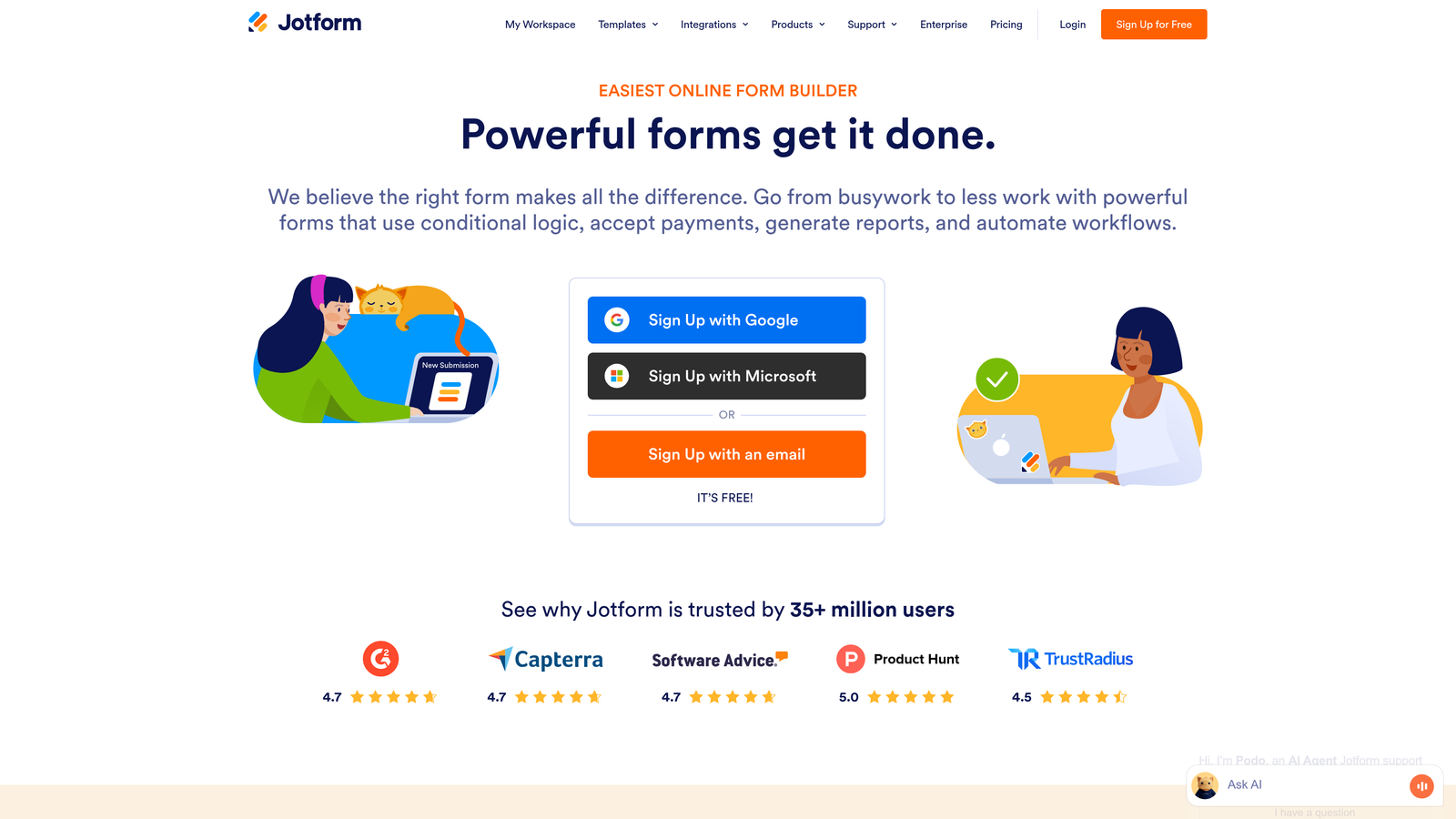
Jotform is a comprehensive form builder offering over 10,000 templates and powerful multi-step capabilities that work for virtually any use case.
Where This Tool Shines
The template library is genuinely useful—not just generic forms but industry-specific templates for healthcare intake forms, event registrations, job applications, and more. This means you can start with something close to your needs and customize from there rather than building from scratch.
The drag-and-drop builder is intuitive while still offering advanced features like conditional logic, form calculations, and payment processing. Jotform handles complex requirements without becoming overwhelming.
Key Features
10,000+ Templates: Pre-built forms for virtually every industry and use case to accelerate form creation.
Drag-and-Drop Builder: Intuitive interface that makes complex form creation accessible without coding.
Conditional Logic: Show or hide fields based on user responses to create dynamic, personalized forms.
Payment Integrations: Accept payments directly through forms with connections to PayPal, Square, Stripe, and other processors.
HIPAA Compliance: Enterprise plans include HIPAA-compliant forms for healthcare organizations handling protected health information.
Best For
Jotform works well for organizations that need forms for multiple departments—HR for job applications, sales for lead capture, operations for internal requests. The template variety and compliance options make it particularly strong for healthcare, education, and nonprofit sectors.
Pricing
Free for up to 5 forms. Bronze starts at $34/month, Silver at $39/month, and Gold at $99/month with increasing form limits and advanced features.
4. Leadpages Forms
Best for: Landing page campaigns where forms are part of a complete lead generation strategy
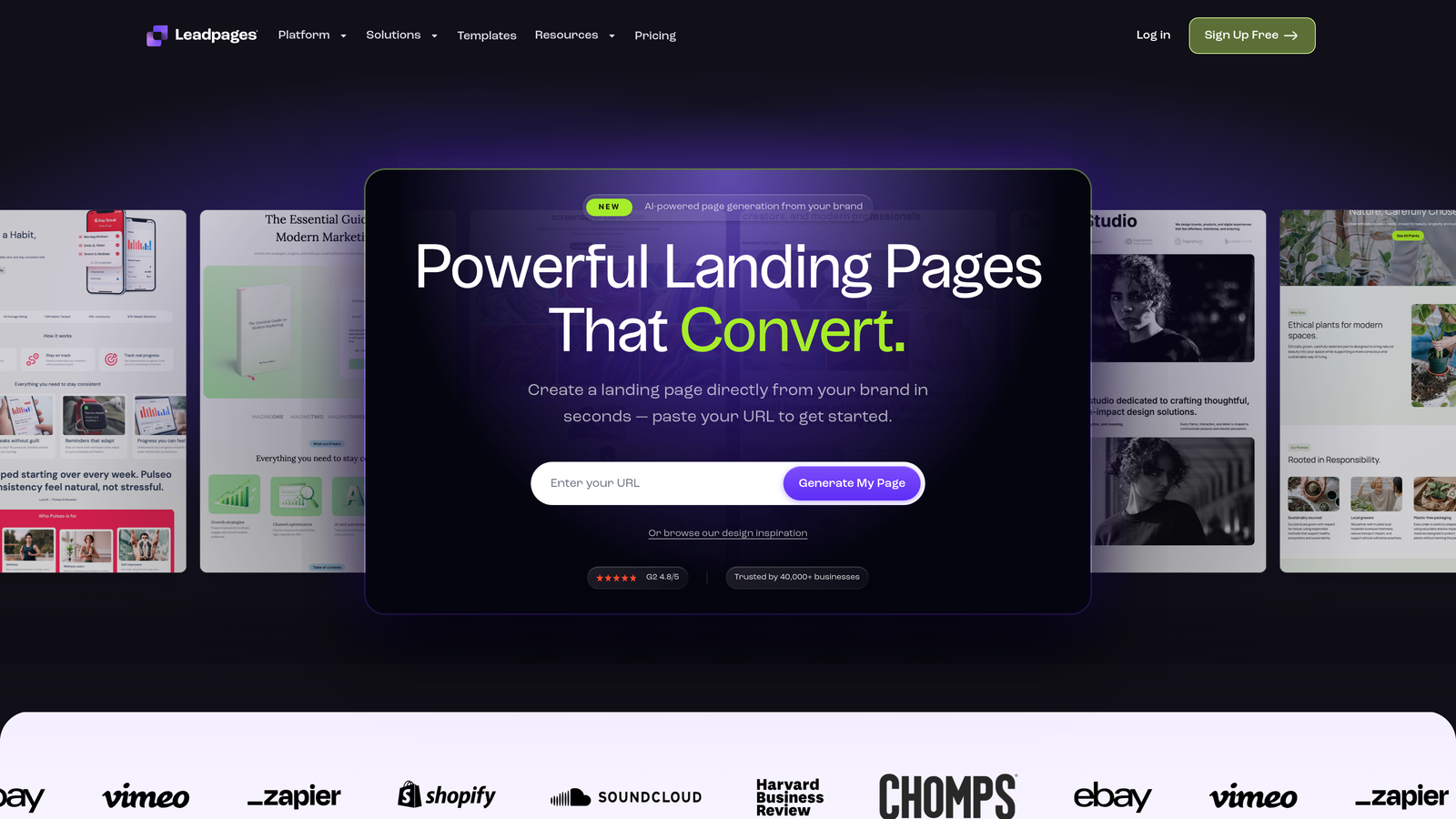
Leadpages is primarily a landing page builder, but its native form functionality includes powerful multi-step capabilities designed specifically for lead generation campaigns.
Where This Tool Shines
The integration between landing pages and forms is seamless because they're built as a unified platform. You're not embedding a third-party form into your landing page—the form is native to the page, which improves loading speed and creates a cohesive experience.
The A/B testing capabilities are built directly into the platform, so you can test different form variations without needing separate tools. Lead routing automatically sends different types of leads to appropriate team members based on their responses.
Key Features
Native Landing Page Integration: Forms and pages work together seamlessly for faster loading and better conversion tracking.
Pop-Up and Alert Bar Forms: Multiple form types including exit-intent pop-ups and sticky alert bars to capture leads at different engagement points.
Built-In A/B Testing: Test different form variations directly within the platform to optimize conversion rates.
Lead Routing: Automatically distribute leads to different team members based on form responses or qualification criteria.
Conversion-Optimized Templates: Landing page templates specifically designed to maximize form completion rates.
Best For
Leadpages makes the most sense for marketing teams running paid advertising campaigns or content marketing initiatives where landing pages and forms work together. If you're building complete campaign funnels rather than standalone forms, the unified approach saves time.
Pricing
Standard plan at $37/month and Pro at $74/month when billed annually. Both include unlimited forms with increasing landing page limits and features.
5. Paperform
Best for: Beautiful forms that combine data collection with e-commerce and booking functionality
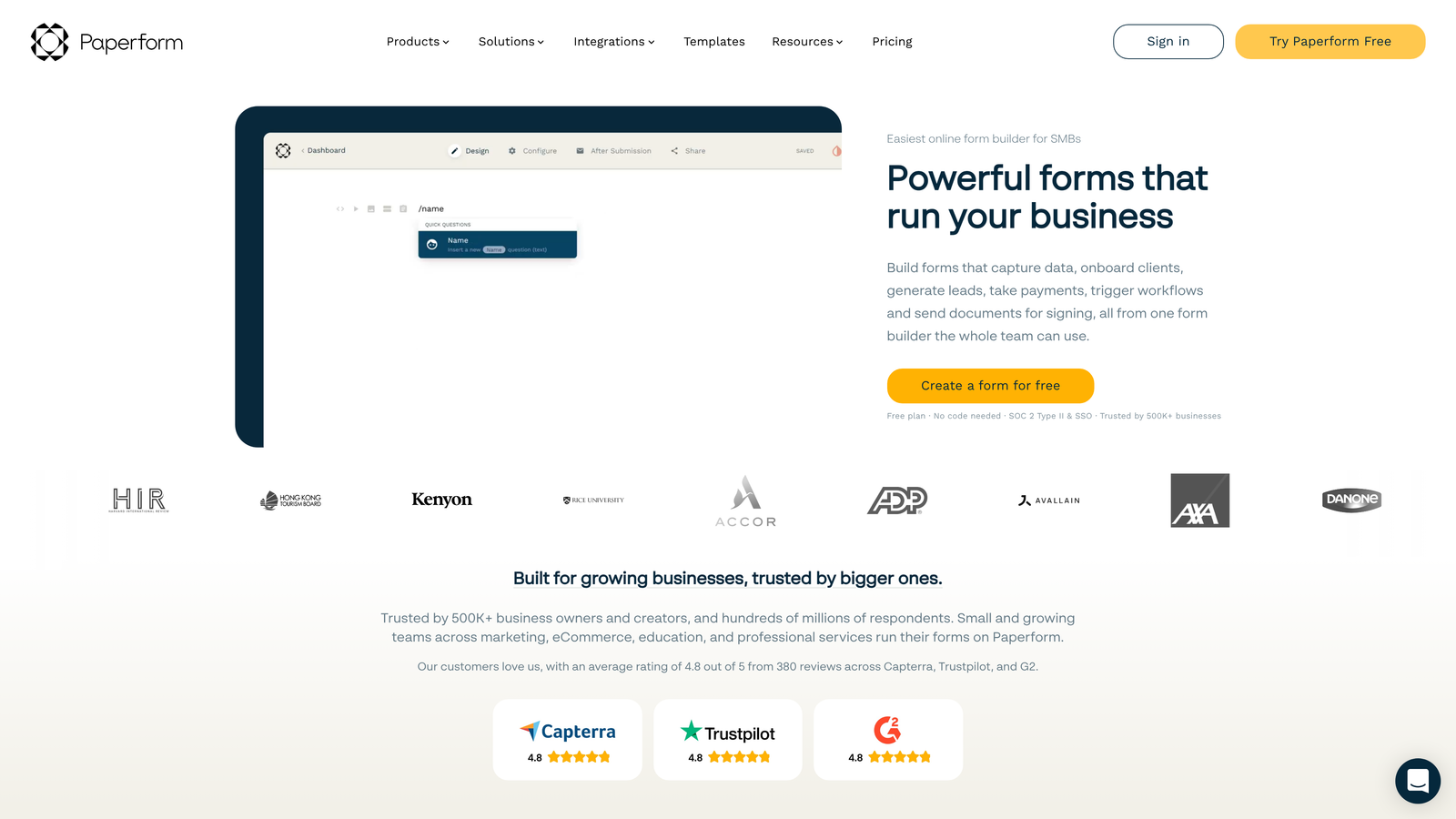
Paperform is a document-style form builder that creates forms resembling elegant web pages rather than traditional form layouts.
Where This Tool Shines
The document-style approach makes forms feel less like data entry and more like reading a well-designed webpage. You can mix form fields with rich text, images, videos, and formatting to create an experience that guides users through the process naturally.
The built-in payment processing and appointment scheduling make Paperform particularly versatile. You can create order forms that calculate totals, booking forms that check availability, or registration forms that collect payments—all without connecting external tools.
Key Features
Document-Style Experience: Forms that look and feel like elegant web pages rather than traditional form layouts.
Built-In Payment Processing: Accept payments directly through Stripe or PayPal without additional integrations.
Appointment Scheduling: Embed booking calendars directly into forms with automatic availability checking.
Advanced Calculations: Create dynamic pricing, quotes, and calculations based on user selections.
Custom Branding: Remove Paperform branding and add custom domains to make forms feel like part of your website.
Best For
Paperform excels for service businesses that need to combine information collection with booking or payment. Consultants, coaches, event planners, and creative professionals will appreciate how forms can handle scheduling and transactions in one place.
Pricing
Essentials at $24/month, Pro at $49/month, and Business at $99/month with increasing submission limits and advanced features.
6. Formstack
Best for: Enterprise organizations requiring advanced workflows, approvals, and compliance features
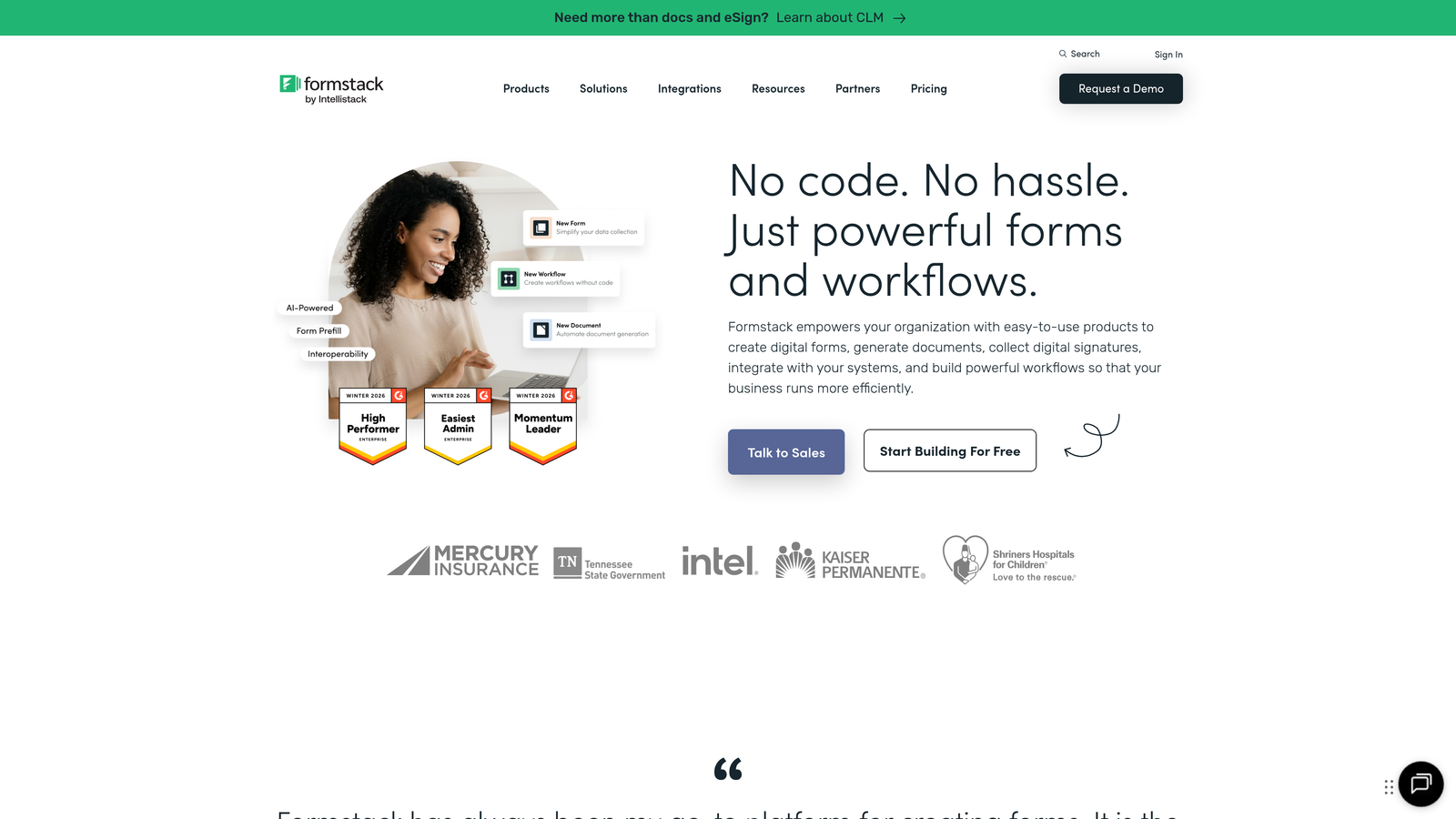
Formstack is an enterprise-grade form platform built for organizations that need sophisticated workflow automation, approval routing, and strict compliance capabilities.
Where This Tool Shines
Formstack's workflow automation goes far beyond basic form submissions. You can create approval chains where submissions route to different stakeholders based on specific criteria, with automatic escalation if approvals don't happen within set timeframes.
The compliance features are comprehensive. HIPAA and GDPR compliance aren't add-ons—they're built into the platform architecture. Electronic signature capabilities mean you can collect legally binding signatures directly within forms without separate tools.
Key Features
Advanced Workflow Automation: Create complex approval chains and routing logic that mirrors your organizational processes.
Approval Routing: Submissions automatically route to appropriate approvers with escalation rules and notification systems.
HIPAA and GDPR Compliance: Enterprise-grade security and compliance features built into the platform foundation.
Electronic Signatures: Collect legally binding signatures directly within forms without third-party tools.
Enterprise Security: Advanced encryption, SSO integration, and audit trails for regulated industries.
Best For
Formstack is designed for enterprise organizations, healthcare systems, financial services, and any business operating in regulated industries. If your forms need to integrate with complex approval processes or meet strict compliance requirements, the enterprise features justify the higher price point.
Pricing
Forms product starts at $50/month for basic plans. Enterprise pricing for the full platform with advanced features requires custom quotes based on organizational needs.
7. Tally
Best for: Individuals and small teams wanting unlimited forms without cost barriers
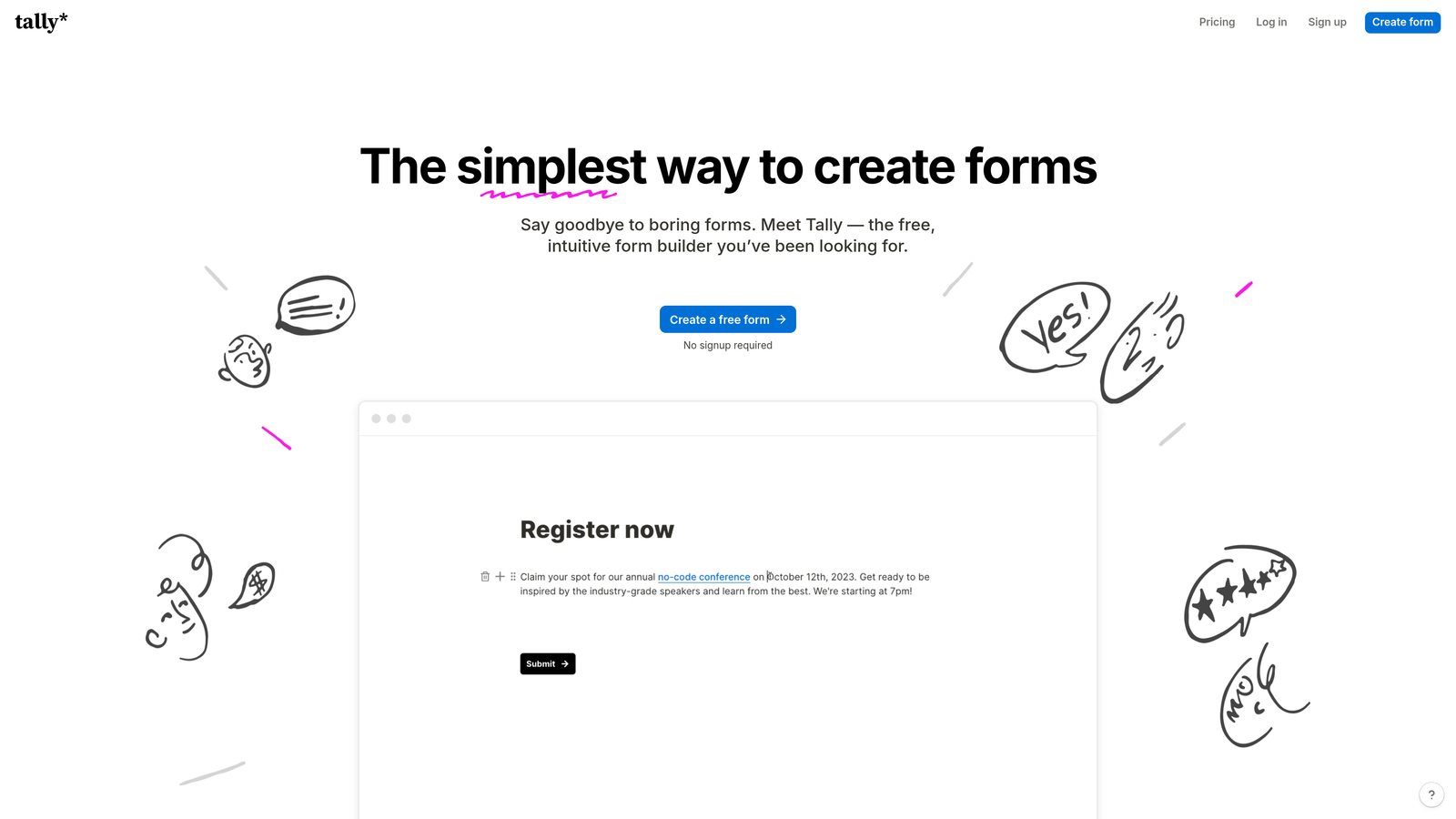
Tally is a minimalist form builder with a Notion-like editing experience and an exceptionally generous free tier that includes unlimited forms and responses.
Where This Tool Shines
The free plan is genuinely functional—not a trial or limited demo. You get unlimited forms, unlimited responses, and no Tally branding. For small teams or individuals, this removes the typical cost barrier that forces you to ration forms or upgrade prematurely.
The Notion-like interface will feel immediately familiar if you use Notion for documentation. You build forms using slash commands and blocks, which makes the creation process fast and intuitive without traditional drag-and-drop builders.
Key Features
Unlimited Forms on Free Plan: Create as many forms as needed without hitting artificial limits or paywalls.
Notion-Like Editing: Build forms using familiar slash commands and block-based editing for faster creation.
Conditional Logic: Show or hide questions based on previous answers even on the free plan.
Custom Domains: Connect your own domain to forms for professional branding.
No Branding Required: Remove Tally branding even on free plans for a clean, professional appearance.
Best For
Tally works well for solopreneurs, startups, and small teams that need functional forms without budget constraints. The unlimited free tier makes it ideal for experimentation and projects where form volume is unpredictable.
Pricing
Free with generous limits including unlimited forms and responses. Pro plan at $29/month adds advanced features like file uploads, custom redirects, and priority support.
8. HubSpot Forms
Best for: HubSpot users who need forms that automatically sync with CRM contacts and workflows
HubSpot Forms is the native form builder within HubSpot's CRM and marketing platform, designed to work seamlessly with the broader HubSpot ecosystem.
Where This Tool Shines
The CRM integration is automatic because forms are part of the same platform. When someone submits a form, HubSpot instantly creates or updates their contact record, logs the interaction, and triggers any workflows you've configured—no Zapier connections or API configurations needed.
Progressive profiling is particularly powerful for companies that interact with the same prospects multiple times. Instead of asking for the same information repeatedly, forms automatically hide fields you've already collected and show new questions, gradually building complete contact profiles.
Key Features
Native CRM Integration: Forms automatically create contacts and sync data without third-party integrations.
Progressive Profiling: Automatically hide previously collected fields and show new questions to gradually build complete profiles.
Smart Form Fields: Pre-populate fields with known information for returning visitors to reduce friction.
Automatic Contact Creation: New submissions instantly become CRM contacts with complete interaction history.
Marketing Automation Triggers: Form submissions automatically trigger email sequences, task creation, and workflow enrollment.
Best For
HubSpot Forms makes the most sense if you're already using HubSpot CRM or considering it. The value comes from the ecosystem integration—using HubSpot Forms with a different CRM means you're not leveraging the main advantages.
Pricing
Free with HubSpot CRM including basic form functionality. Advanced features like progressive profiling and A/B testing require Marketing Hub starting at $45/month.
9. Cognito Forms
Best for: Forms requiring complex calculations, quotes, or mathematical operations
Cognito Forms is a calculation-focused form builder designed for order forms, quotes, registrations, and any scenario requiring mathematical operations within forms.
Where This Tool Shines
The calculation engine is sophisticated. You can create formulas that reference other fields, perform conditional calculations, apply discounts based on selections, calculate taxes, and display running totals as users fill out the form. This makes it possible to build quote generators and order forms that show accurate pricing in real-time.
Repeating sections allow users to add multiple items to a single submission—think order forms where customers can add multiple products, or registration forms where one person can register multiple attendees. The calculations update automatically as sections are added.
Key Features
Advanced Field Calculations: Create complex formulas that reference other fields and perform mathematical operations in real-time.
Payment Processing: Accept payments through Stripe, PayPal, or Square with automatic calculation of totals and taxes.
Repeating Sections: Allow users to add multiple items or entries within a single form submission.
Conditional Logic: Show or hide fields and sections based on user responses or calculated values.
Data Encryption: Automatically encrypt sensitive data at rest for forms handling confidential information.
Best For
Cognito Forms excels for businesses selling products or services through forms—custom orders, event registrations with multiple ticket types, quote requests, or any scenario where pricing needs to calculate dynamically based on user selections.
Pricing
Free for individuals with limited features. Pro at $15/month, Team at $35/month, and Enterprise at $99/month with increasing submission limits and advanced capabilities.
Making the Right Choice
The best multi-step form software depends on what you're trying to accomplish. If lead qualification is your priority and you need forms that intelligently adapt to each prospect, Orbit AI's AI-powered approach delivers qualified leads automatically while optimizing for conversions. For teams prioritizing visual design and conversational experiences, Typeform's one-question-at-a-time format creates engaging forms that feel less transactional.
Budget-conscious teams will appreciate Tally's unlimited free tier, while HubSpot users should leverage the native CRM integration that eliminates manual data transfer. Organizations in regulated industries need Formstack's compliance features and workflow automation, and businesses selling through forms benefit from Cognito Forms' calculation capabilities.
Think about your specific workflow. Do you need forms to integrate with existing landing pages? Leadpages handles that natively. Need to combine forms with booking and payments? Paperform covers all three. Working with templates across multiple departments? Jotform's extensive library saves time.
The common thread across successful implementations is starting with a clear goal. Are you optimizing for completion rates, lead quality, data accuracy, or operational efficiency? Define success metrics before choosing a tool, then select the platform that best supports those specific outcomes.
Transform your lead generation with AI-powered forms that qualify prospects automatically while delivering the modern, conversion-optimized experience your high-growth team needs. Start building free forms today and see how intelligent form design can elevate your conversion strategy.


