

When your team is evaluating form tools, the Typeform vs Tally debate comes up fast. Both are popular, both have vocal advocates, and both have real limitations that rarely get discussed upfront.
Typeform built its reputation on conversational, one-question-at-a-time forms with a polished aesthetic. Tally carved out a niche as a free, Notion-inspired alternative with a no-frills builder that gets the job done quickly. On the surface, they seem like opposite ends of a spectrum. In practice, the right choice depends entirely on what you're actually trying to accomplish.
Are you building a lead qualification funnel? Running a customer satisfaction survey? Creating a multi-step onboarding flow? Each use case exposes different strengths and weaknesses in both platforms. And if you're on a high-growth team where forms are a core part of your lead generation engine, the stakes are higher than most product comparisons acknowledge.
This guide walks through seven practical strategies for evaluating Typeform and Tally side by side. We'll cover design flexibility, pricing trade-offs, integration depth, conditional logic, lead qualification capabilities, and team scalability. We'll also be honest about where both tools fall short, and when a purpose-built alternative like Orbit AI might be the smarter path for teams focused on conversion optimization.
1. Audit Your Use Case Before Comparing Features
The Challenge It Solves
Most teams jump straight into feature comparisons without first defining what success actually looks like for their forms. The result? Choosing a platform based on what looks impressive in a demo, then discovering it doesn't fit how you actually work. Before you evaluate any tool, you need a clear picture of your primary form use case.
The Strategy Explained
Forms generally fall into four categories: lead generation, surveys and research, onboarding flows, and payment or order collection. Typeform and Tally perform differently across each of these, so your starting point should be an honest audit of which category your most critical forms belong to.
Typeform tends to perform strongest in lead generation and survey contexts where visual polish and conversational flow drive completion rates. Its one-question-at-a-time format creates a guided experience that works well when you need respondents to stay engaged through a longer sequence. Tally performs best for teams that need to create functional forms quickly, particularly internal surveys, feedback collection, or simple intake forms where branding isn't a primary concern.
If your forms exist primarily to qualify leads and route them into a sales workflow, that's a distinct use case that neither platform was originally designed around. Understanding this early saves significant time and budget. You can also read more about why visitors abandon forms to better understand what your audience expects from the form experience before you commit to a platform.
Implementation Steps
1. List every form your team currently uses or plans to build in the next six months.
2. Categorize each form by its primary purpose: lead gen, survey, onboarding, or payments.
3. Identify your highest-priority form type and use it as the primary lens for your platform evaluation.
4. Note any secondary use cases that the platform also needs to support adequately.
Pro Tips
Don't evaluate platforms based on edge cases or forms you might build someday. Evaluate based on your most critical, highest-volume use case first. If a platform nails that use case, you can assess secondary needs from there. If it doesn't, no amount of ancillary features will compensate.
2. Evaluate Design Flexibility for Your Brand Standards
The Challenge It Solves
Form design isn't just aesthetics. UX researchers have consistently linked visual consistency and professional presentation to user trust and form completion. When your form looks off-brand or generic, it creates friction before a respondent has answered a single question. The challenge is understanding what level of design control each platform actually gives you.
The Strategy Explained
Typeform's design system is template-driven and polished by default. You get beautiful starting points, smooth transitions, and a visual experience that feels premium. The trade-off is that customization has limits. You're working within Typeform's design language, and on lower-tier plans, branding options are restricted. Removing Typeform's branding requires a paid plan, and deep custom styling is more constrained than it might appear in demos.

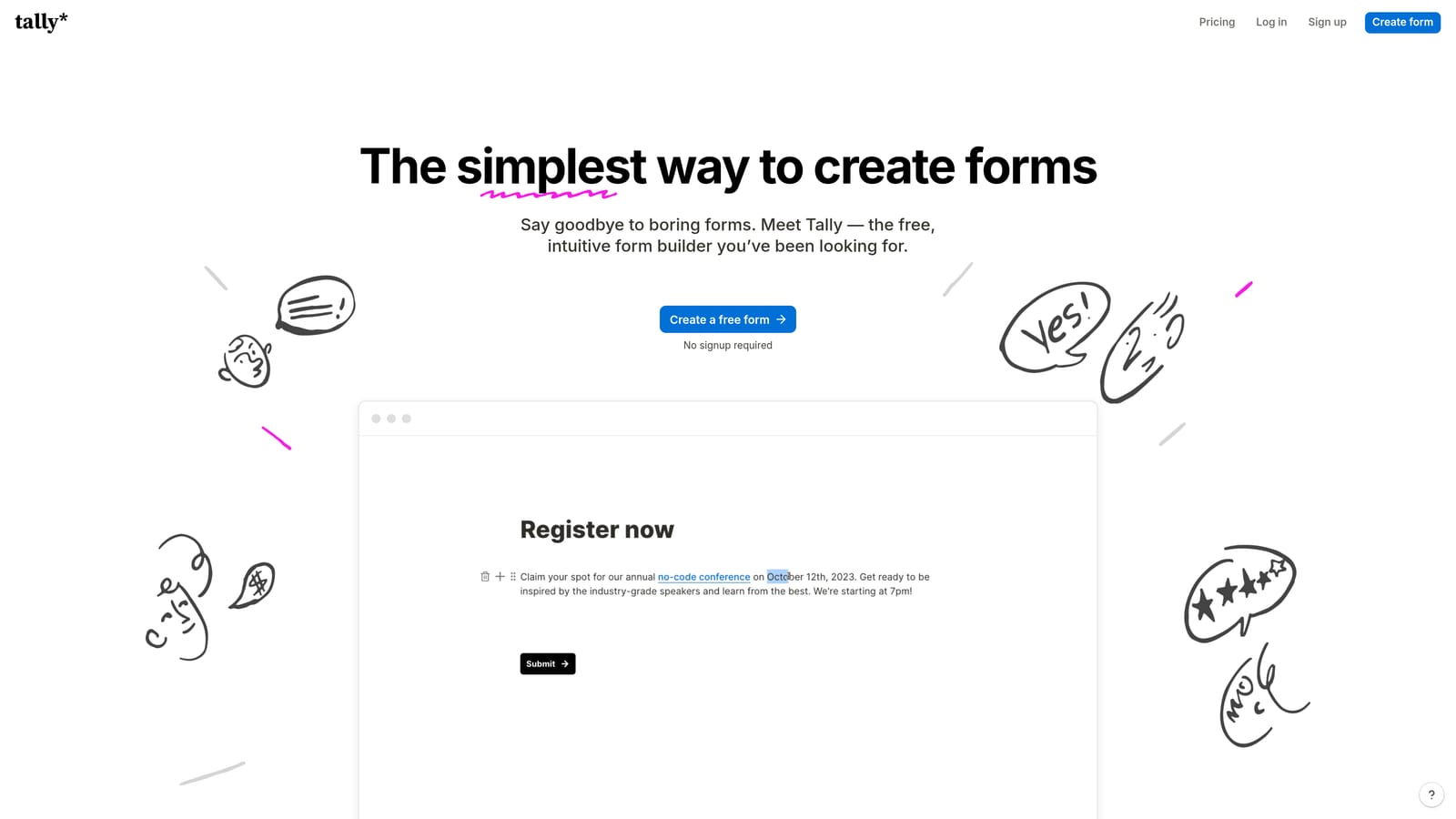
Tally takes the opposite approach. Its document-style interface is minimal by design. Building a form feels like writing a Notion page, which is fast and intuitive but doesn't produce visually rich experiences out of the box. The free tier includes Tally branding, and while the Pro plan removes it, Tally forms will generally look more utilitarian than Typeform's equivalents.
For high-growth teams where the form is a customer-facing touchpoint, this distinction matters. A lead generation form on your pricing page represents your brand. A form that looks generic or carries a third-party logo can undermine the trust you've built elsewhere. Explore Orbit AI's form design capabilities if you're evaluating what modern, conversion-optimized form design looks like as a baseline.
Implementation Steps
1. Pull your brand guidelines: colors, fonts, logo usage, and tone.
2. Build a test form in both Typeform and Tally using your actual brand assets.
3. Compare the output against your brand standards on both desktop and mobile.
4. Identify which platform requires the least workaround to meet your minimum brand requirements.
Pro Tips
Test on mobile specifically. A large portion of form submissions happen on mobile devices, and design limitations often become more apparent on smaller screens. A platform that looks polished on desktop but breaks down on mobile is a conversion problem waiting to happen.
3. Map Out Your Integration and Automation Requirements
The Challenge It Solves
A form that doesn't connect reliably to your CRM, email platform, or sales tools is just a data collection dead end. Integration failures or delays between form submission and CRM entry create gaps in your lead follow-up process. Before choosing a platform, you need to understand not just whether an integration exists, but how it works under real conditions.
The Strategy Explained
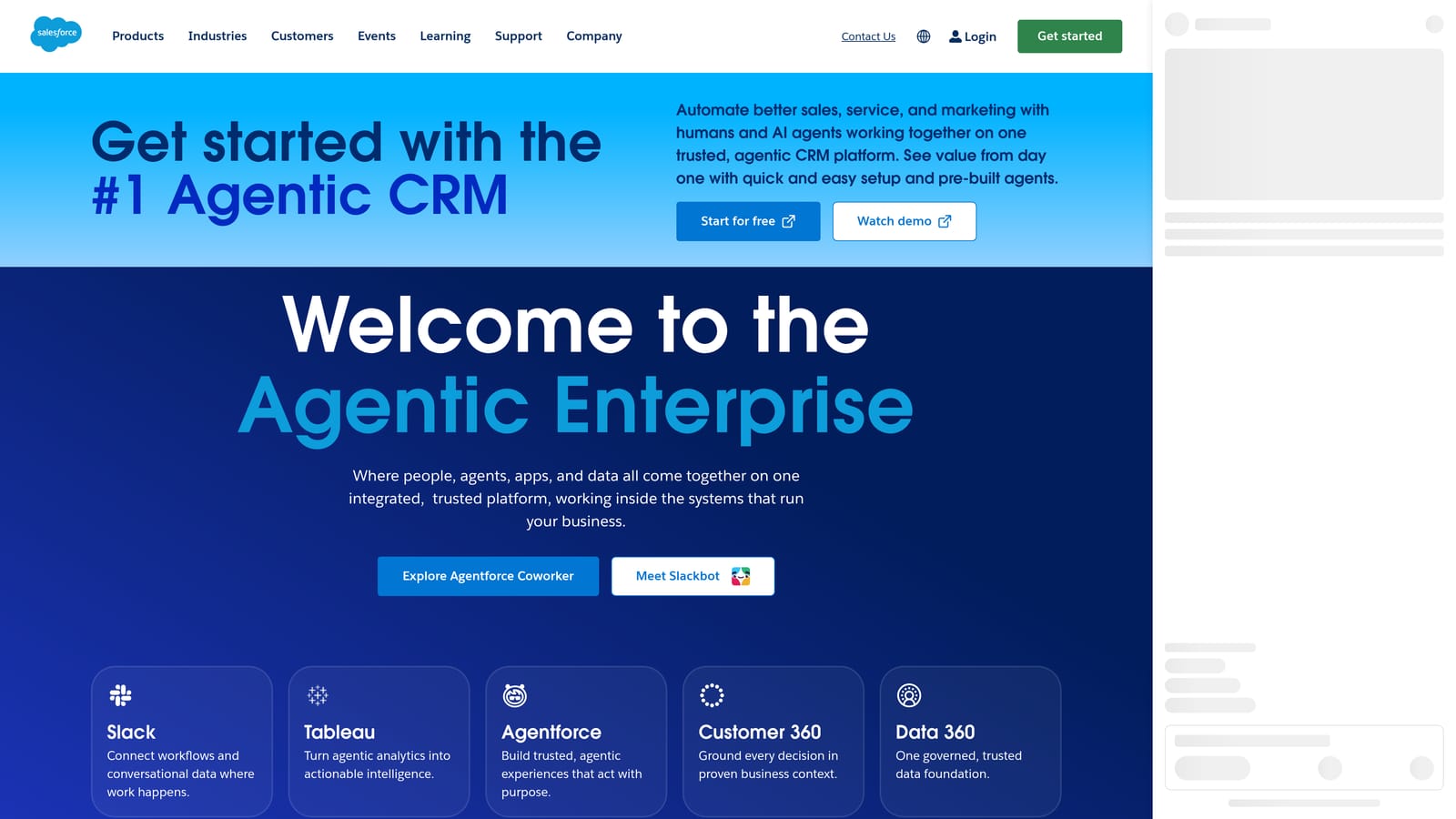
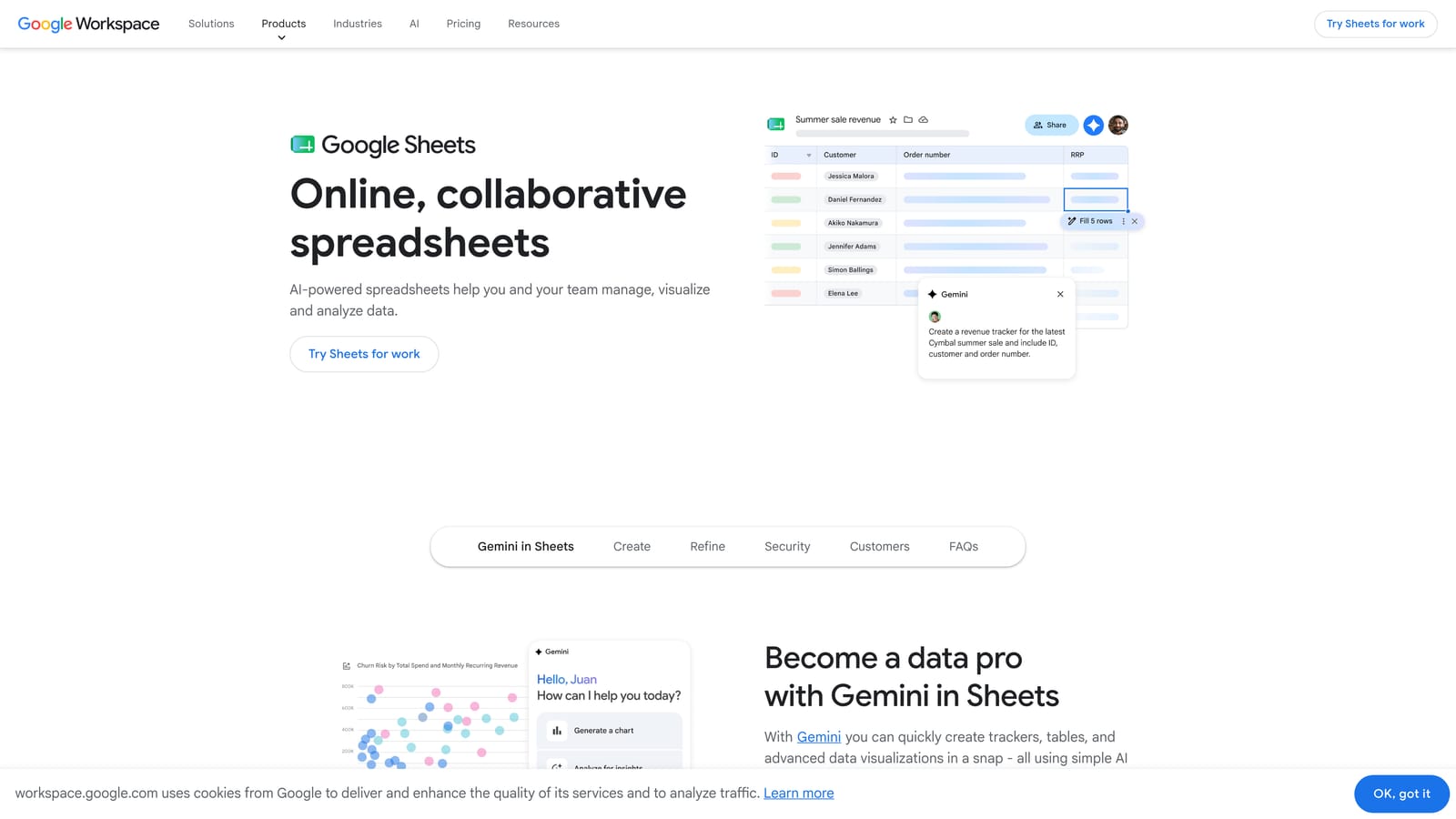
Typeform offers native integrations with several widely used platforms including HubSpot, Salesforce, Mailchimp, and Google Sheets. Native integrations tend to be more reliable and faster than middleware-dependent connections because they don't introduce an additional layer that can fail or introduce latency.


Tally's integration ecosystem is more heavily Zapier-dependent. That's not inherently a dealbreaker, but it does mean your data flow relies on a third-party automation layer. Zapier connections can introduce delays, and they create an additional point of failure. If your Zap breaks, your lead data stops flowing. Teams that have experienced this in production know how disruptive it can be. For a deeper look at this trade-off, read our breakdown of Zapier form automation and when it's the right choice, as well as when to consider a Zapier alternative for form automation.
The practical question isn't just "does this platform integrate with my CRM?" It's "what happens when that integration fails at 2am on a Tuesday, and how do I find out?" Native integrations typically offer better error visibility and more reliable sync behavior than Zapier-based connections.
Implementation Steps
1. List every tool in your current stack that needs to receive form data.
2. Check whether each connection is native or Zapier-dependent for both Typeform and Tally.
3. For Zapier-dependent connections, test the actual Zap under realistic submission volume before committing.
4. Ask each platform's support team what happens when a sync fails and how errors are surfaced.
Pro Tips
Pay attention to field mapping complexity. Some integrations look clean until you try to map custom fields, multi-select answers, or conditional responses to specific CRM properties. Test with your actual form structure, not a simplified demo version. You can also explore Orbit AI's workflow automation features to see what native, conversion-focused automation looks like as a comparison point.
4. Run a True Cost Comparison Across Your Projected Usage
The Challenge It Solves
Sticker price comparisons between form platforms are almost always misleading. The number that matters isn't the monthly plan cost. It's the total cost of ownership at your actual usage volume, including the features you genuinely need unlocked. Teams regularly discover this only after they've committed to a platform and started scaling.
The Strategy Explained
Typeform's pricing model is response-based. You pay more as your submission volume grows, and different plan tiers cap the number of responses you can collect per month. For teams with seasonal campaigns, high-traffic lead gen forms, or rapid growth trajectories, this model can become expensive quickly. The features you actually need for lead generation, such as deeper logic and integrations, are typically gated behind higher-tier plans.
Tally's free tier is genuinely generous compared to most competitors. You get unlimited forms and unlimited responses with Tally branding included. The Pro plan removes branding, adds custom domains, and unlocks additional features at a flat monthly rate. For teams with straightforward needs and limited budget, Tally's pricing model is hard to argue with.
The hidden costs appear in different places for each platform. With Typeform, it's the response ceiling and feature gating. With Tally, it's the cost of Zapier subscriptions needed to make integrations work, the time investment in building workarounds for missing native connections, and the eventual cost of migrating when the platform's limitations become blockers. See Orbit AI's pricing page for a sense of what transparent, conversion-focused pricing looks like for teams that need qualification built in.
Implementation Steps
1. Calculate your current monthly form submission volume across all active forms.
2. Project that volume 12 months out based on your growth targets.
3. Identify which plan tier each platform requires to support that volume with the features you need.
4. Add any third-party tool costs (Zapier plans, CRM connectors) to the total.
Pro Tips
Build the cost model for where you're going, not where you are. A platform that's affordable at your current volume might become your most expensive line item six months from now if your lead gen campaigns scale. Run the numbers at 3x your current volume before making a commitment.
5. Test Conditional Logic Depth for Complex Form Flows
The Challenge It Solves
Conditional logic is often the deciding factor for lead qualification and onboarding forms. A form that asks every respondent the same questions regardless of their previous answers creates a poor experience and collects low-quality data. But building complex branching flows requires a logic engine that can actually handle the depth you need. Many teams discover the limits of a platform's logic only after they've already built their form.
The Strategy Explained
Typeform supports logic jumps on paid plans, allowing you to route respondents to different questions based on their answers. For moderately complex flows, this works well. Where teams tend to hit walls is in deeply nested branching scenarios, multiple simultaneous conditions, or logic that needs to reference answers from earlier in the form to influence later routing decisions. These edge cases are where Typeform's logic can feel constrained.
Tally's conditional logic is functional for straightforward branching. Users have noted that for complex multi-path flows, it can feel less sophisticated than Typeform's implementation. If your form has more than a few branching paths, or if you need logic that compounds across multiple question responses, Tally may require workarounds that add friction to your build process.
The right way to evaluate this isn't to read documentation. It's to stress-test both platforms with your actual use case before building anything production-ready. Form abandonment is closely tied to poor branching experiences that ask irrelevant questions. You can read more about why visitors abandon forms to understand how logic failures contribute to drop-off.
Implementation Steps
1. Map your most complex form flow on paper first, including every branch and condition.
2. Count the number of unique paths a respondent could take from start to finish.
3. Build that exact flow as a test in both Typeform and Tally before committing to either.
4. Have a team member who didn't build the test complete it and flag any logic failures or unexpected routing.
Pro Tips
Test edge cases deliberately. What happens when someone skips a question your logic depends on? What happens when someone goes back and changes an earlier answer? These scenarios reveal logic fragility that won't appear in a clean walkthrough. The platform that handles your messiest edge case gracefully is the one worth trusting with your production forms.
6. Assess Lead Qualification and Data Routing Capabilities
The Challenge It Solves
There's a meaningful difference between a form that collects data and a form that qualifies leads. Most form tools were built for the former. For high-growth teams where sales velocity matters, an unqualified lead that lands in your CRM without context, scoring, or routing creates downstream friction that costs real time and real revenue. Understanding how each platform handles qualification is critical before you build your lead gen stack around it.
The Strategy Explained
Neither Typeform nor Tally was purpose-built for lead qualification. Typeform can collect lead data effectively and route it to your CRM via integrations, but scoring, tagging, and intelligent routing based on response combinations require external tools or custom setups. You're essentially using Typeform as a data collection layer and building qualification logic elsewhere.
Tally faces similar constraints. It's a capable form builder, but lead scoring and automated routing are not native capabilities. Teams that need qualification built into the form experience itself typically end up stitching together Zapier workflows, CRM automation rules, and manual review processes. That works, but it introduces complexity and failure points at every seam.
This is where purpose-built platforms become relevant. Orbit AI was designed with lead qualification as a core feature rather than an afterthought. For teams where the form is the first step in a sales qualification process, having scoring, tagging, and routing built into the form layer means leads arrive in your CRM already contextualized. You can explore Orbit AI's analytics and data routing capabilities to see what that looks like in practice. For a broader look at how generic form tools create lead loss, read our analysis of why forms lose leads.
Implementation Steps
1. Define what a "qualified lead" means for your team: which data points, thresholds, or response combinations indicate a sales-ready prospect.
2. Map out where that qualification logic needs to live: in the form, in your CRM, or in a middleware layer.
3. Test whether Typeform or Tally can implement that logic natively or whether you need additional tooling.
4. Calculate the complexity and cost of the additional tooling required to fill the gap.
Pro Tips
Ask yourself what happens to a lead who doesn't meet your qualification threshold. Does the platform let you route them differently, suppress them from your CRM, or trigger a different follow-up sequence? If the answer requires a complex Zapier workflow to implement, that's a signal that the platform isn't designed for your use case.
7. Factor in Team Collaboration and Scalability
The Challenge It Solves
A form platform that works well for one person building forms independently often breaks down when a team needs to collaborate, maintain permissions, and manage a growing library of forms across multiple campaigns. Choosing a platform based on your current team size without accounting for where you'll be in 12 months is a common and costly mistake.
The Strategy Explained
Typeform's team and collaboration features are tied to plan tier. Higher plans unlock multi-user workspaces, folder organization, and shared form libraries. For growing teams that need to manage dozens of forms across different campaigns or business units, these organizational features matter. The constraint is that accessing them requires a higher-cost plan, and the seat-based pricing can add up as the team grows.
Tally's collaboration capabilities are more limited. It's well-suited for individual users or small teams working independently, but it doesn't offer the same depth of workspace organization or permission controls that larger teams typically need. If your form library is going to grow significantly, or if you need different team members to have different levels of access, Tally may feel limiting sooner than you expect.
Scalability also means asking whether the platform's roadmap is aligned with where your team is going. A platform that meets your needs today but doesn't invest in the features your team will need in 12 months creates a migration problem later. For teams evaluating broader platform options, our roundup of form platform alternatives for modern teams provides useful context on what the current landscape looks like beyond just these two options.
Implementation Steps
1. Map your current team structure: who builds forms, who reviews them, and who needs access to submission data.
2. Project your team size and form volume 12 months out based on hiring plans and campaign roadmap.
3. Identify which collaboration features are non-negotiable: shared workspaces, role-based permissions, form organization, and version history.
4. Evaluate whether each platform's team features are available at a price point that makes sense at your projected scale.
Pro Tips
Don't just evaluate the platform as it exists today. Look at the product changelog and public roadmap. A platform that has been actively shipping team and collaboration features is a better long-term bet than one where those capabilities have been static. The tool you choose today should still be serving your team well when your growth targets are met.
Putting It All Together
Making the right call between Typeform and Tally comes down to honest prioritization. If your team values polished, conversational UX and has the budget to match, Typeform delivers on that promise. If you need fast, functional form creation without heavy branding requirements and want to keep costs low, Tally is genuinely hard to beat on those terms.
But if your primary goal is lead qualification, conversion optimization, and tight integration with your growth stack, both tools show their limits quickly. They were built for different problems than the ones high-growth teams are trying to solve at the form layer.
The framework in this guide gives you a repeatable evaluation process: audit your use case first, pressure-test design and logic capabilities with your actual requirements, calculate real costs at your projected scale, and assess whether the platform's collaboration and qualification features match where your team is headed. Work through each strategy in sequence and you'll arrive at a decision grounded in your actual workflow rather than a product demo.
For teams where forms are a core part of the lead generation engine, it's worth exploring what a purpose-built platform brings to the table. Transform your lead generation with AI-powered forms that qualify prospects automatically while delivering the modern, conversion-optimized experience your high-growth team needs. Start building free forms today and see how intelligent form design can elevate your conversion strategy.


