

Most forms leak leads, and the culprit is rarely traffic. It's the form itself: too many fields, no adaptive logic, a design that screams "built with a free tool in 2014," and zero ability to qualify a respondent before they hit submit. Conversion-optimized forms are a different animal entirely. They adapt to each user, ask smarter questions, and move the right leads forward without friction or drop-off.
This list covers the top form tools built specifically for that job, ranked by how well they actually convert, not just how many field types they support. Selection criteria include AI and smart logic capabilities, design quality, lead qualification features, integration depth, and pricing transparency. Whether you're running a SaaS demo funnel, a B2B lead gen campaign, or a high-volume intake flow, there's a tool here for your stack.
1. Orbit AI
Best for: High-growth teams that need AI-powered lead qualification built directly into the form flow
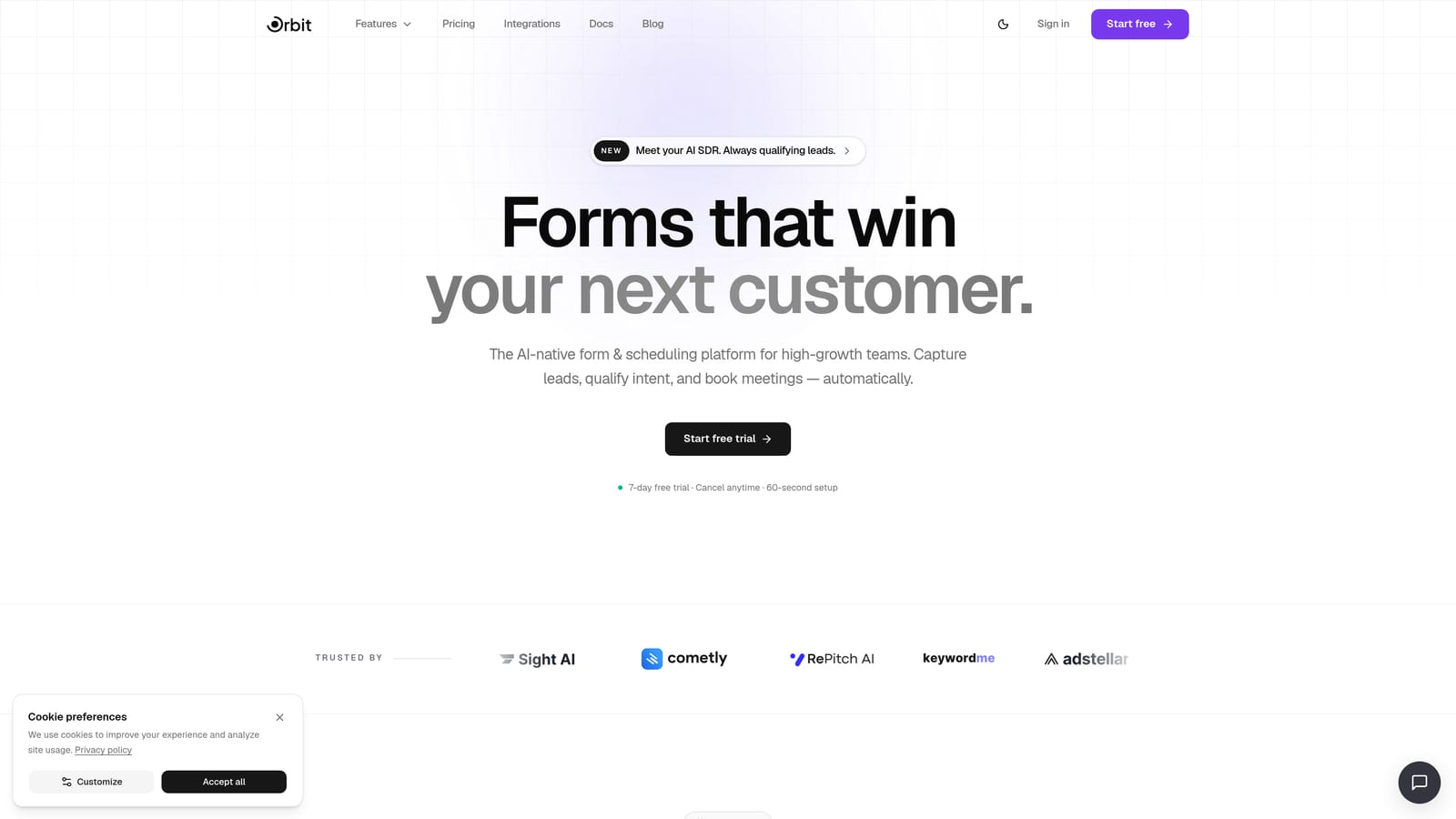
Orbit AI is an AI-powered form builder with built-in lead qualification designed for teams that treat their forms as conversion infrastructure, not just data collection.
Where This Tool Shines
The core differentiator here is timing. Most form tools collect responses and push them to a CRM for qualification later. Orbit AI qualifies leads inside the form itself, in real time, using AI agents that evaluate respondent answers as they're given. That means your sales team receives leads that are already scored and routed, not a raw list to manually sort through.
The platform is purpose-built for conversion optimization, which shows in every layer of the product. From conditional branching that responds intelligently to prior answers, to an analytics dashboard that surfaces where respondents drop off, the entire experience is oriented around pipeline quality, not just form completion.
Key Features
AI Lead Qualification Agents: AI agents evaluate respondent answers in real time and qualify leads within the form flow before submission reaches your CRM.
Conditional Logic and Smart Branching: Questions adapt dynamically based on what respondents have already answered, creating a personalized path that reduces friction and improves completion rates.
Built-in Workflows, Sequences, and Contact Management: Orbit AI includes native automation so you can trigger follow-up sequences, manage contacts, and route leads without bolting on a separate tool.
Conversion Analytics Dashboard: Track form performance, identify drop-off points, and measure conversion rates across your active forms from a single dashboard.
Scheduler Integration: Qualified leads can book a demo or sales call directly from the form completion screen, collapsing the gap between form submission and first conversation.
Best For
Orbit AI is the right fit for SaaS companies, B2B marketing teams, and any growth-focused organization running lead generation funnels where lead quality matters as much as lead volume. If your current process involves manual CRM triage after form submission, this tool directly addresses that bottleneck.
Pricing
Current plans are available at orbitforms.ai/pricing. Pricing is structured around the needs of growing teams, so it's worth reviewing the tiers directly for the most accurate and up-to-date information.
2. Typeform
Best for: Teams prioritizing conversational UX and polished, brand-forward form design
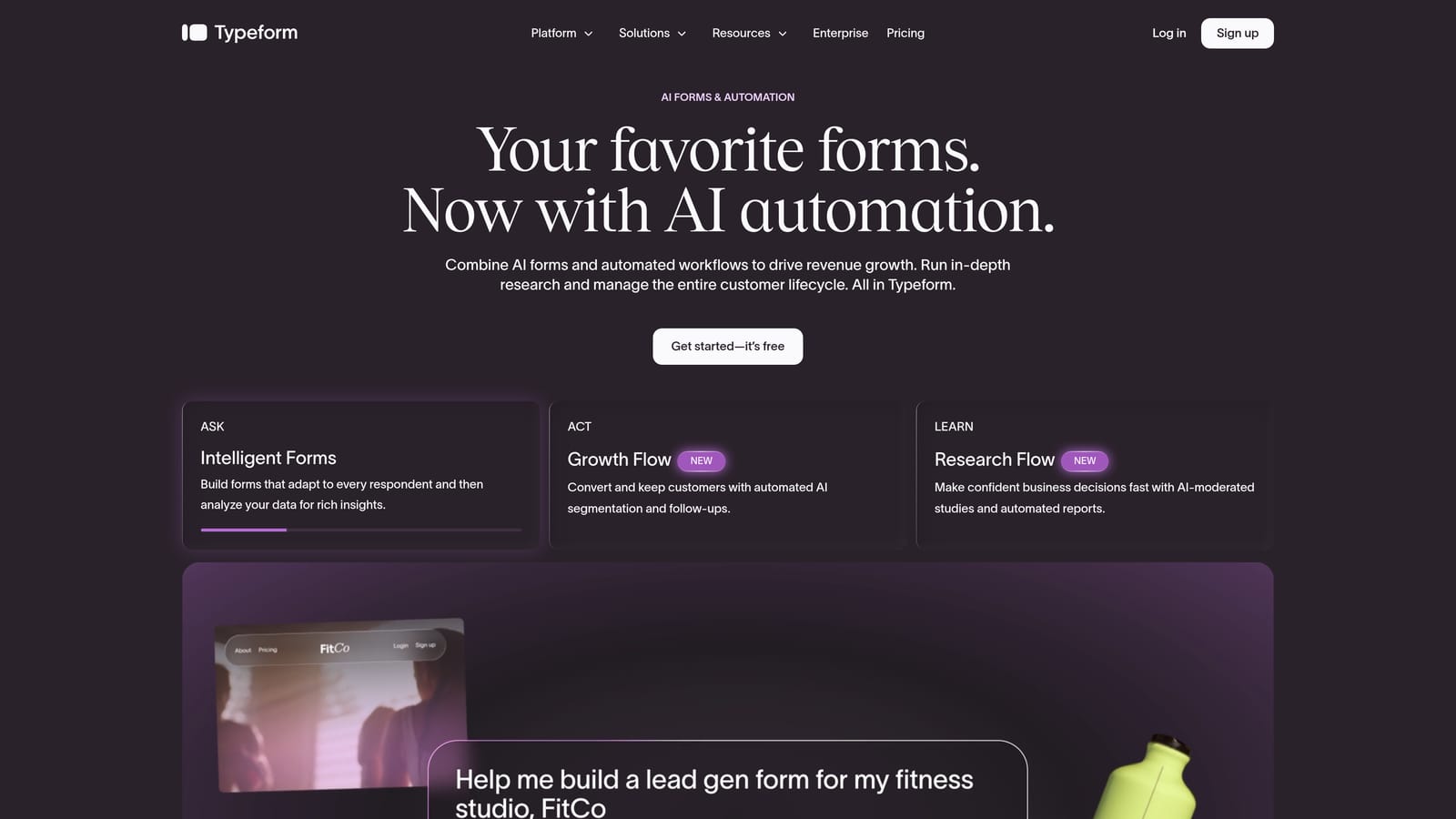
Typeform is a conversational form platform known for its one-question-at-a-time format and strong visual design capabilities.
Where This Tool Shines
Typeform's signature UX, presenting one question at a time rather than a full page of fields, genuinely reduces the perceived effort of completing a form. For lead gen flows where first impressions matter, this approach can meaningfully improve completion rates compared to traditional multi-field forms.
Design customization is another genuine strength. Typeform allows deep brand theming, giving marketing teams the ability to create forms that feel like a natural extension of their website rather than a bolted-on utility. If your brand identity is a conversion asset, Typeform lets you use it.
Key Features
One-Question-at-a-Time Format: Presents questions sequentially to reduce cognitive load and perceived friction for respondents.
Conditional Logic: Personalizes question paths based on prior answers, available on paid plans, allowing for more relevant and targeted form experiences.
Brand Theming and Design Customization: Extensive visual controls for fonts, colors, backgrounds, and layouts to match brand identity precisely.
Integration Ecosystem: Connects with major CRM and marketing platforms including HubSpot, Salesforce, and Zapier for downstream automation.
Built-in Drop-off Analytics: Response tracking and drop-off analysis help identify where respondents are abandoning the form.
Best For
Typeform suits marketing teams and agencies that need visually polished forms for lead gen, NPS surveys, onboarding flows, and brand-sensitive campaigns. It's a strong choice when design quality is a primary conversion lever and the team doesn't need AI-driven qualification baked in.
Pricing
A free tier is available with limited monthly responses. Paid plans scale based on response volume and feature access. Verify current pricing at typeform.com/pricing before committing, as plans and limits change periodically.
3. Paperform
Best for: Marketers who want a single page that functions as both a landing page and a conversion form
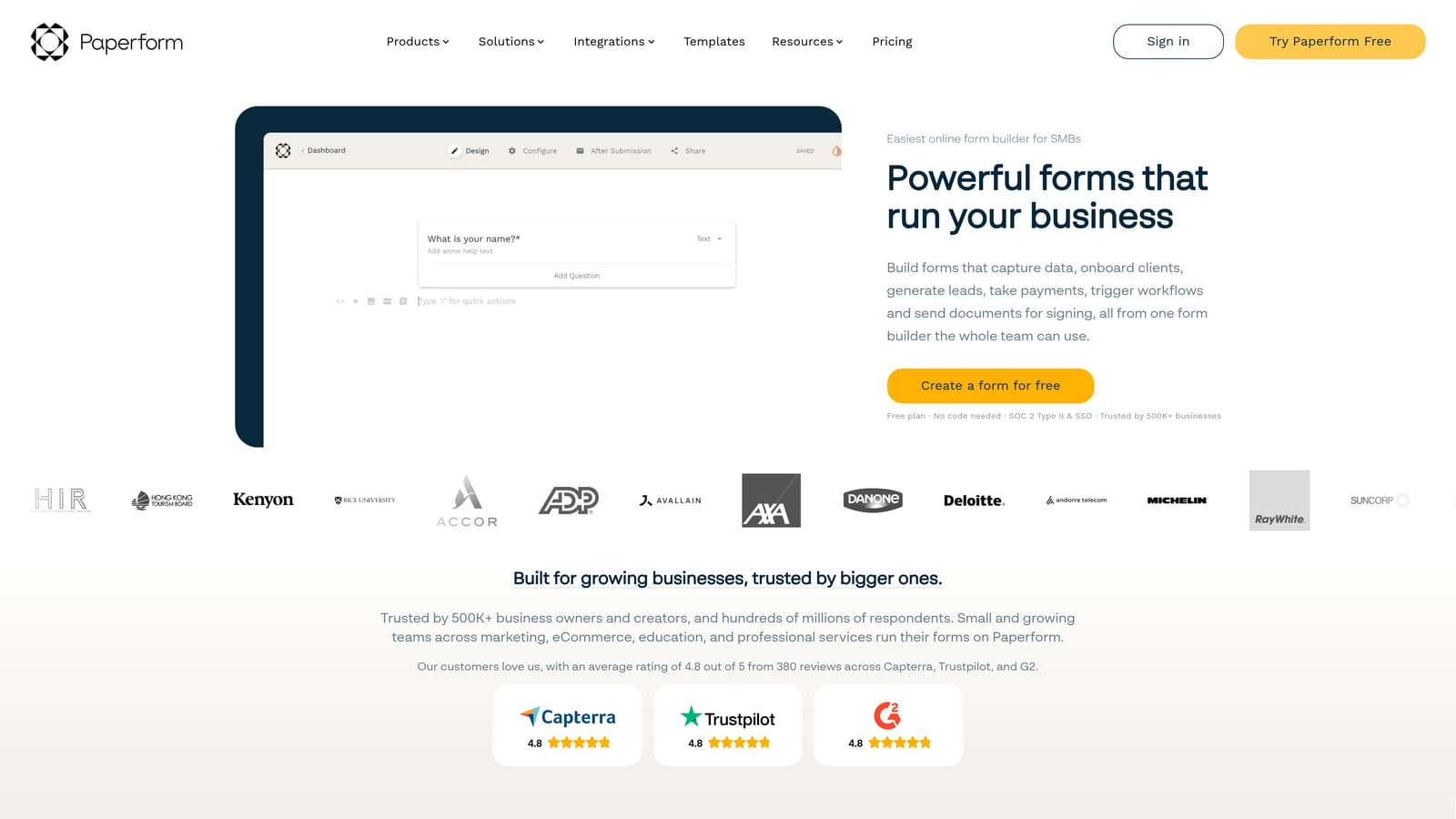
Paperform is a flexible form builder that blends rich content blocks with form fields, letting teams create full conversion pages without a separate landing page tool.
Where This Tool Shines
The core concept is clever: instead of building a landing page and then embedding a form, Paperform treats both as the same document. Marketers can write copy, add images, and embed form fields all in one rich-text editor. For campaign-specific pages where context and conversion need to coexist, this saves meaningful time and reduces the tool stack.
Paperform also handles commerce natively. If your form needs to collect payment, book an appointment, or sell a product, that functionality is built in rather than requiring a third-party integration. This makes it particularly useful for agencies and small marketing teams running varied campaign types.
Key Features
Rich-Text Content and Form Editor: Combines written content, images, and form fields in a single page editor without requiring a separate landing page builder.
Native Payments, Bookings, and Product Sales: Handles transactions and scheduling directly within the form without external payment tool integrations.
Conditional Logic and Calculation Fields: Adapts question paths based on responses and supports calculated outputs like pricing estimates or quiz scores.
Custom Domain Support: Allows campaign-specific form pages to live on a custom domain, reinforcing brand credibility for standalone pages.
Marketing and CRM Integrations: Connects with major platforms for lead routing and follow-up automation.
Best For
Paperform is well-suited for small marketing teams, agencies, and course creators who need a form that doubles as a campaign page. It's especially strong for use cases involving payments, bookings, or quizzes where content context helps drive conversion.
Pricing
Paperform operates on paid plans only with no permanent free tier. Verify current pricing and plan details at paperform.co/pricing.
4. Tally
Best for: Teams that need clean, fast forms deployed with minimal setup and a generous free tier
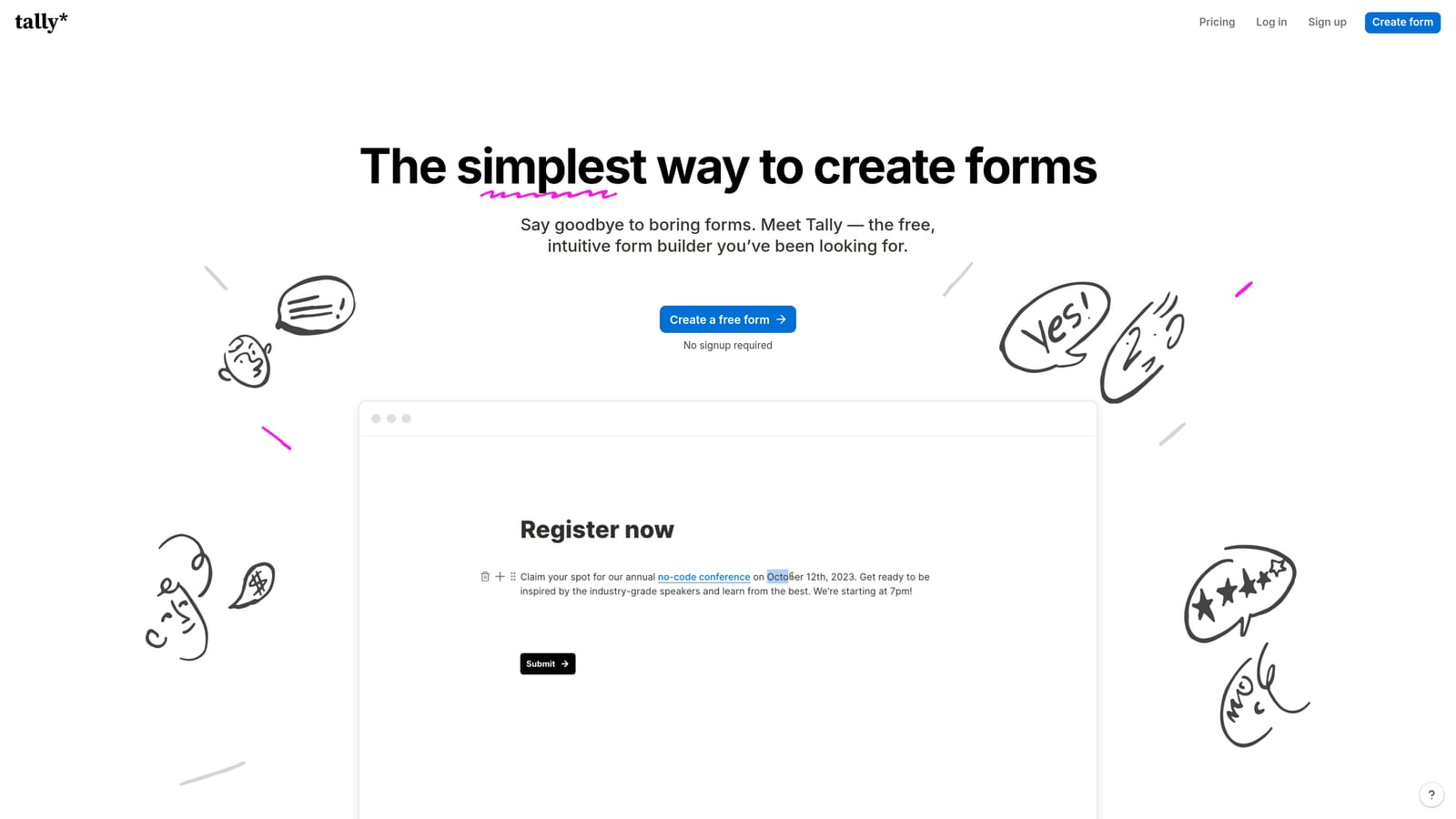
Tally is a lightweight, Notion-inspired form builder designed for fast, clean form creation without the overhead of a complex platform.
Where This Tool Shines
Tally's block-based editor will feel immediately familiar to anyone who uses Notion. Forms come together quickly, the interface is intuitive without a learning curve, and the result is a clean, minimal form that loads fast. For teams that need to get a form live in under an hour, Tally removes almost every obstacle.
The free tier is genuinely notable. Unlimited forms, unlimited responses, and basic conditional logic are all available without paying a cent. This makes Tally a realistic option for early-stage startups, indie makers, and small teams that can't justify a paid form tool budget yet.
Key Features
Notion-Style Block Editor: Intuitive drag-and-drop block interface makes form building fast and accessible without training.
Generous Free Tier: Unlimited forms and unlimited responses on the free plan, which is rare in this category.
Clean Embed Options: Embed forms directly into websites, Notion pages, and other platforms with minimal configuration.
Basic Conditional Logic: Available on both free and paid plans for simple question branching and personalization.
Minimal, Fast-Loading Design: Lightweight aesthetic that prioritizes speed and simplicity over visual complexity.
Best For
Tally is the right pick for early-stage teams, solo operators, and anyone who needs a functional form live quickly without a budget commitment. It's less suited for teams that need AI qualification, advanced analytics, or deep CRM integration, but for straightforward lead capture and surveys, it's hard to beat the value.
Pricing
The free tier is genuinely useful and not artificially limited. A paid plan unlocks branding removal and advanced features. Verify current plan details at tally.so.
5. Jotform
Best for: Teams that need enterprise-grade form capabilities including payments, e-signatures, and complex workflow automation
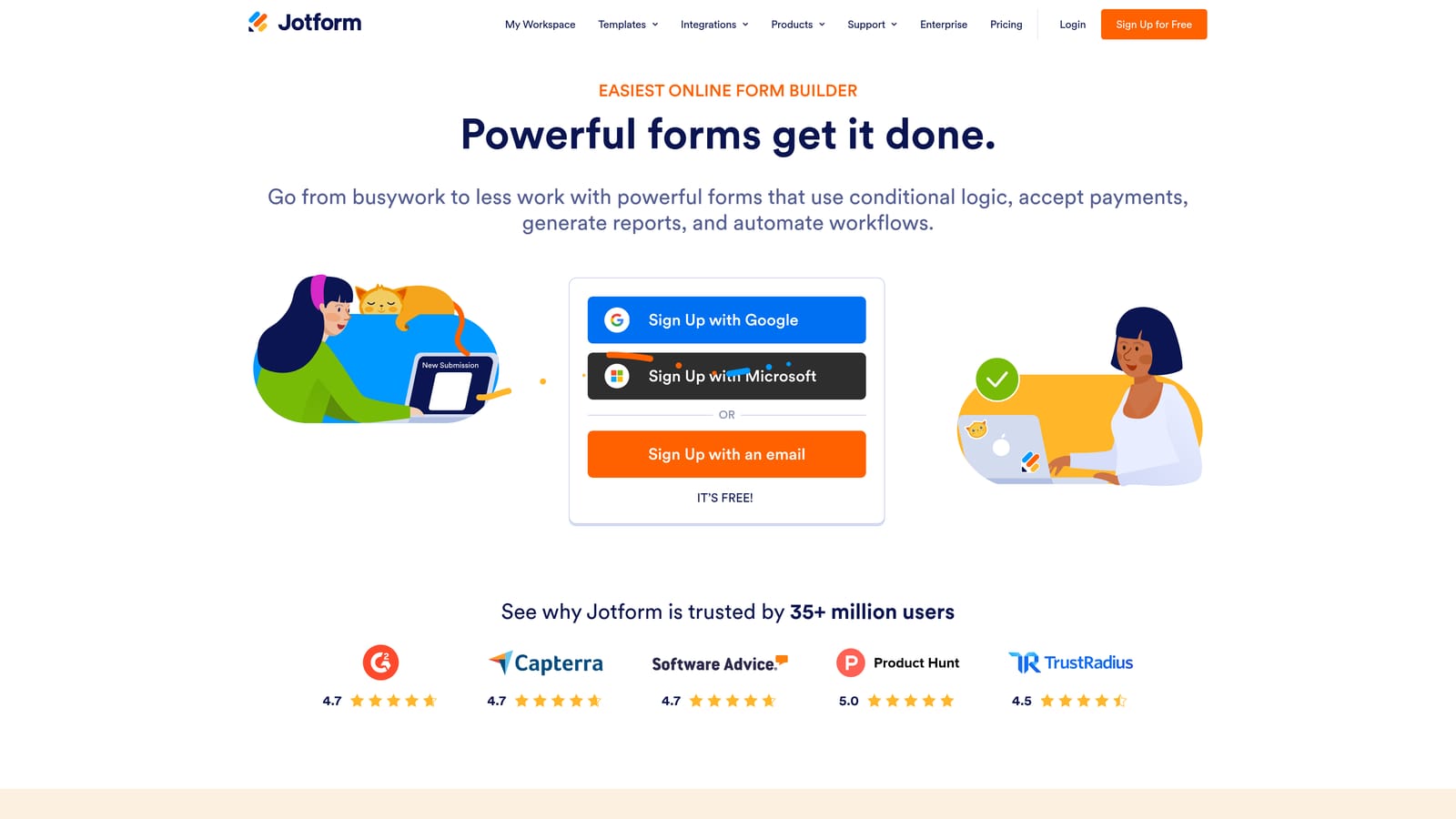
Jotform is one of the most feature-rich form builders available, covering use cases from simple lead capture to complex multi-step approval workflows.
Where This Tool Shines
Jotform's breadth is its defining characteristic. The template library alone covers thousands of use cases across industries, which means most teams can find a starting point rather than building from scratch. For organizations that need forms to handle payments, collect e-signatures, generate PDFs, and route approvals, Jotform consolidates a lot of functionality into a single platform.
It also scales well. Small teams can get started on a free tier, while enterprise organizations can access advanced security controls, increased submission limits, and dedicated support. The range of use cases Jotform can handle makes it a practical choice for organizations that want one form tool to cover multiple departments.
Key Features
Thousands of Pre-Built Templates: Extensive template library spanning industries and use cases, reducing time to deployment for most form types.
Native Payment Integrations: Supports Stripe, PayPal, Square, and other payment processors directly within forms.
Approval Workflows and Multi-Step Routing: Built-in workflow automation for routing form submissions through review and approval processes.
PDF Generation and E-Signature Support: Automatically generate documents from form data and collect legally binding e-signatures.
Broad Integration Ecosystem: Connects with CRM, marketing automation, and operations tools for downstream data routing.
Best For
Jotform suits mid-market and enterprise teams that need a single platform to handle diverse form use cases across departments, from HR intake and legal agreements to payment collection and customer surveys. It's particularly strong where workflow complexity and document generation are requirements.
Pricing
A free tier is available with submission and storage limits. Paid plans scale based on monthly submission volume and storage needs. Verify current tiers at jotform.com/pricing.
6. Formstack
Best for: Regulated industries where HIPAA compliance, document generation, and enterprise security are non-negotiable
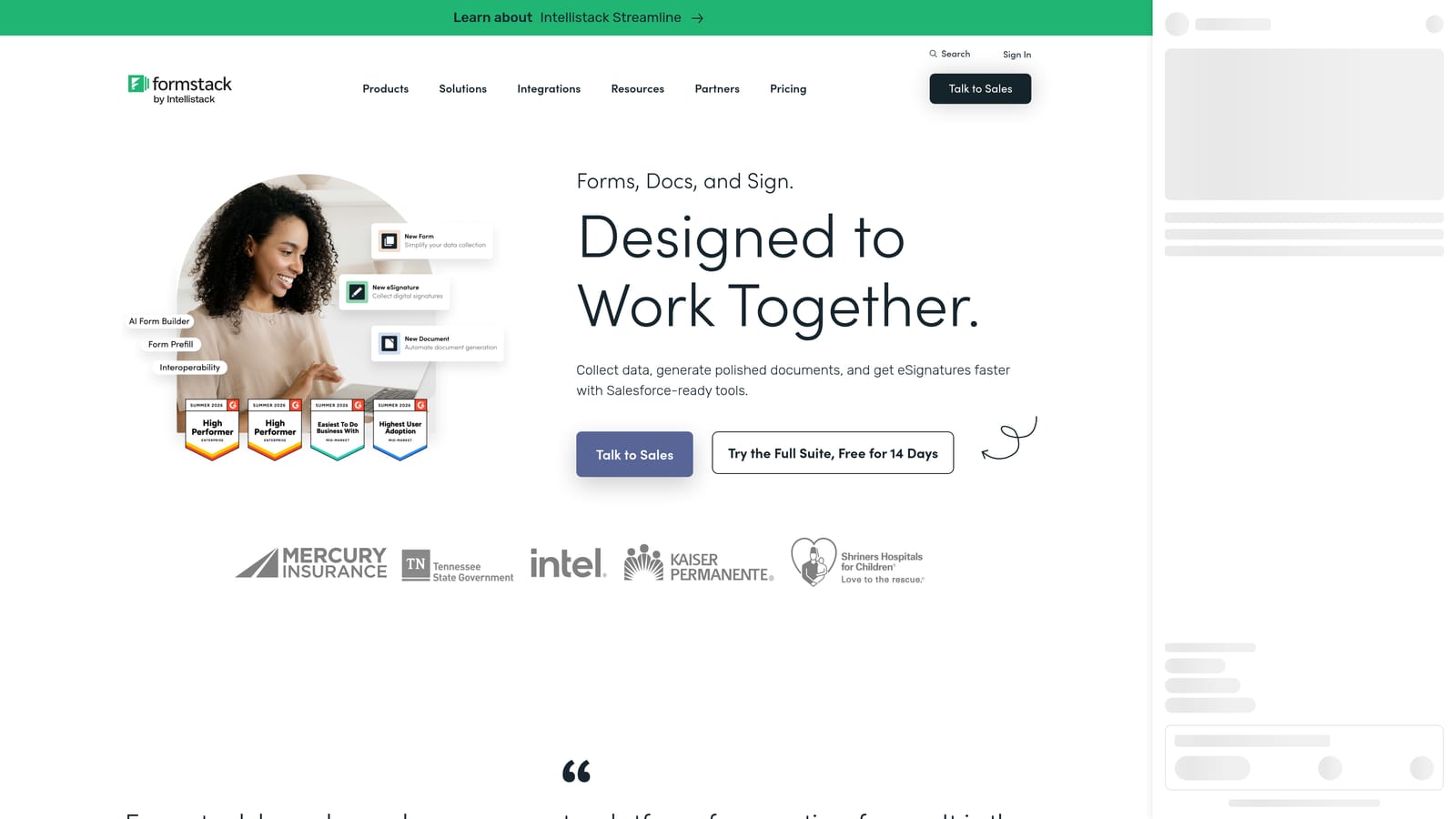
Formstack is an enterprise and compliance-focused form platform built for organizations operating in regulated environments where data handling requirements are strict.
Where This Tool Shines
Formstack's primary differentiator is compliance infrastructure. HIPAA-compliant data collection is built into the platform, making it a practical choice for healthcare organizations, financial services teams, and any industry where data handling is subject to regulatory oversight. This isn't a feature bolted on after the fact; compliance is core to how the platform is architected.
Beyond compliance, Formstack extends into document generation and e-signatures through its broader product suite. For organizations that need forms to trigger automated document creation and signature collection as part of a regulated workflow, Formstack covers that end-to-end without requiring separate tools.
Key Features
HIPAA-Compliant Data Collection: Purpose-built for healthcare and other regulated industries, with the security architecture to support sensitive data handling.
Document Generation: Formstack Documents automates paperwork creation from form data, reducing manual document handling in compliance-heavy workflows.
E-Signature Capabilities: Native e-signature collection built into the platform for regulated agreement and consent workflows.
Compliance-Oriented Workflow Automation: Workflow tools designed with regulated process requirements in mind, not adapted from a general-purpose automation engine.
Enterprise Security and Access Controls: Advanced permissions, audit trails, and security controls appropriate for enterprise and regulated environments.
Best For
Formstack is purpose-built for healthcare organizations, legal teams, financial services firms, and enterprise compliance departments. If your form use case involves sensitive personal data, regulatory reporting, or legally binding document workflows, Formstack is the most purpose-fit option on this list.
Pricing
Formstack operates at an enterprise price point reflecting its compliance infrastructure and feature depth. Verify current plans and tiers at formstack.com/pricing.
Which Tool Is Right for Your Funnel?
The right form tool depends entirely on where your conversion bottleneck actually lives. Here's a quick way to think through the decision.
If your problem is lead quality, not just lead volume, and you need AI-powered qualification happening inside the form before a lead ever reaches your CRM, Orbit AI is the clear starting point. It's built specifically for that job in a way no other tool on this list is.
If brand aesthetics and conversational UX are your primary conversion levers, Typeform delivers a polished, one-question-at-a-time experience that feels premium and on-brand. For teams where fast, lightweight deployment matters and budget is a constraint, Tally's generous free tier gets you live in minutes without compromise on clean design.
If your form needs to function as a standalone campaign page with content, payments, and bookings in one place, Paperform is purpose-built for that. For complex enterprise workflows spanning multiple departments, payment collection, and document generation, Jotform covers the broadest range of use cases. And if regulatory compliance is non-negotiable, Formstack is the only tool on this list architected for that environment from the ground up.
Most teams reading this are losing leads not because their traffic is weak, but because their form is doing too little work. A form that qualifies, routes, and books in real time is a fundamentally different asset than a static field collector.
Start building free forms today and see how AI-driven qualification changes what your forms can do for pipeline. Transform your lead generation with forms that qualify prospects automatically while delivering the modern, conversion-optimized experience your high-growth team actually needs.


