

Single-page forms are quietly killing your conversion rates. When you stack every field onto one screen, visitors see the full commitment upfront and bail before they even start. Multi-step forms break that friction by guiding users through one question at a time, making the process feel lighter, more conversational, and far less intimidating.
The result is higher completion rates, better lead quality, and more data you can actually use. But not every multi-step form builder is built with conversion in mind. Some are built for data collection. Others for compliance. A few for aesthetics alone.
This guide covers the top multi-step form builders purpose-built for conversion. Each tool has been evaluated on ease of building multi-step logic, conditional branching, design flexibility, integrations, and pricing transparency. If you're tired of watching leads drop off mid-form, you're in the right place. For deeper context on why this happens, it's worth reading about why visitors abandon forms and why forms lose leads before you build your next one.
1. Orbit AI
Best for: High-growth teams that want AI-powered lead qualification built directly into the form flow.
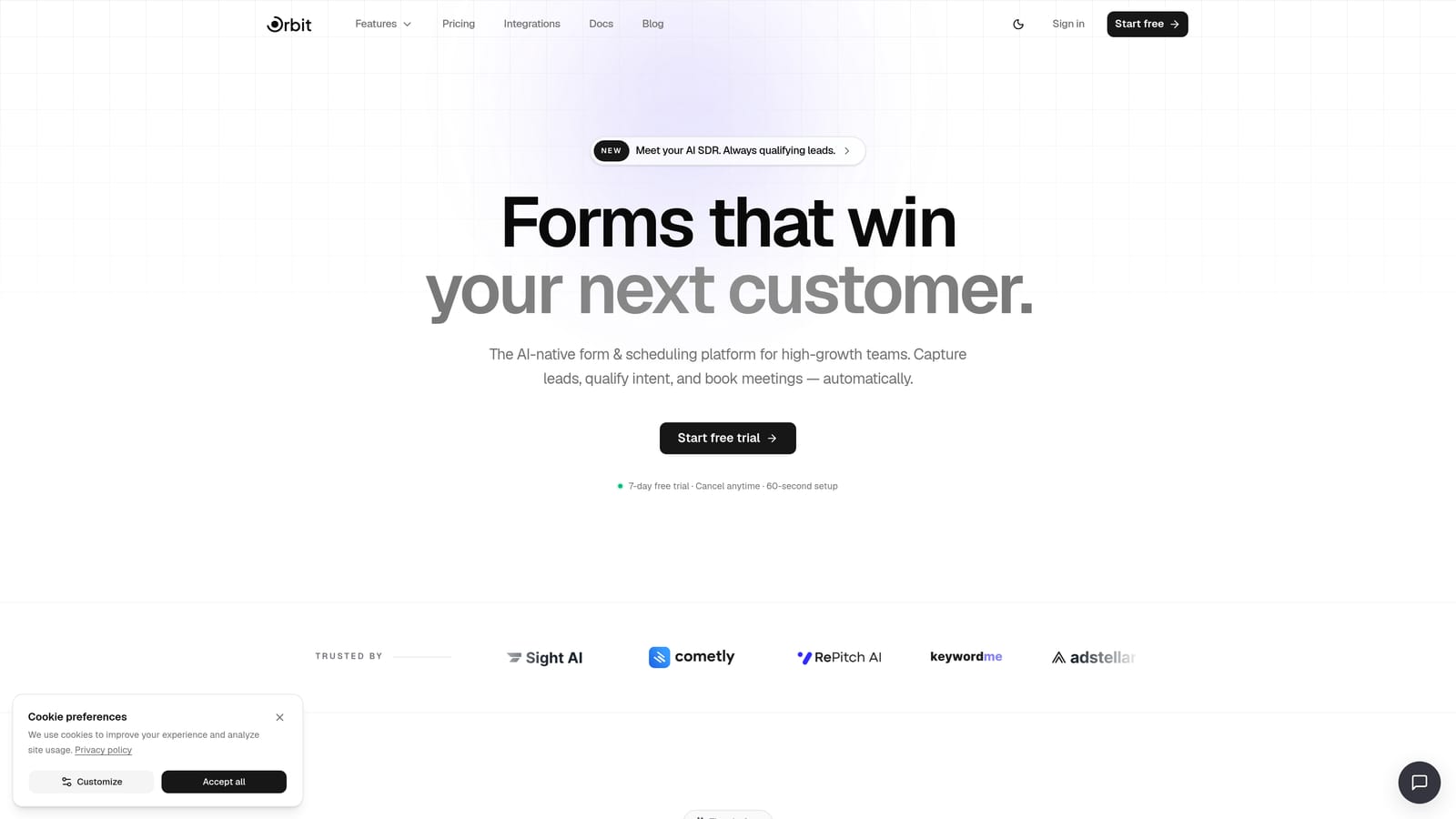
Orbit AI is an AI-powered form builder designed from the ground up for conversion-focused teams who need more than a pretty form.
Where This Tool Shines
Most form builders collect responses and hand them off to your CRM for qualification later. Orbit AI flips that model. Its AI agents operate inside the form itself, qualifying leads, scoring intent, and routing prospects based on their answers in real time. By the time a submission hits your pipeline, you already know who's worth following up with.
The visual multi-step builder makes it straightforward to design branching flows without touching code. Pair that with built-in workflows, sequences, and a scheduler for booking demos directly from form completion, and you have a self-contained lead generation engine rather than just a data capture tool.
Key Features
AI Lead Qualification Agents: AI agents embedded in the form flow qualify and route leads mid-form based on their responses, before they ever reach your CRM.
Visual Multi-Step Builder: A drag-and-drop builder with conditional logic and branching lets you create sophisticated form flows without developer support.
Built-In Workflows and Sequences: Automated follow-up sequences and workflows trigger directly from form completion, keeping leads warm without manual intervention.
Contact Management and Analytics: Native contact management and form analytics mean you don't need to stitch together third-party tools just to understand your funnel.
Scheduler Integration: Prospects can book demos or calls directly from the final step of a form, shortening the time from interest to conversation.
Best For
Orbit AI is the strongest fit for SaaS and B2B teams running lead generation campaigns where qualification matters as much as volume. If your sales team is wasting time on unqualified leads, or if you're managing complex routing logic across multiple segments, the AI layer here solves a problem that no other tool on this list addresses natively.
Pricing
Check current plans at orbitforms.ai/pricing. Orbit AI offers a free starting point so you can build and test before committing.
2. Typeform
Best for: Teams that prioritize a polished, conversational respondent experience above all else.
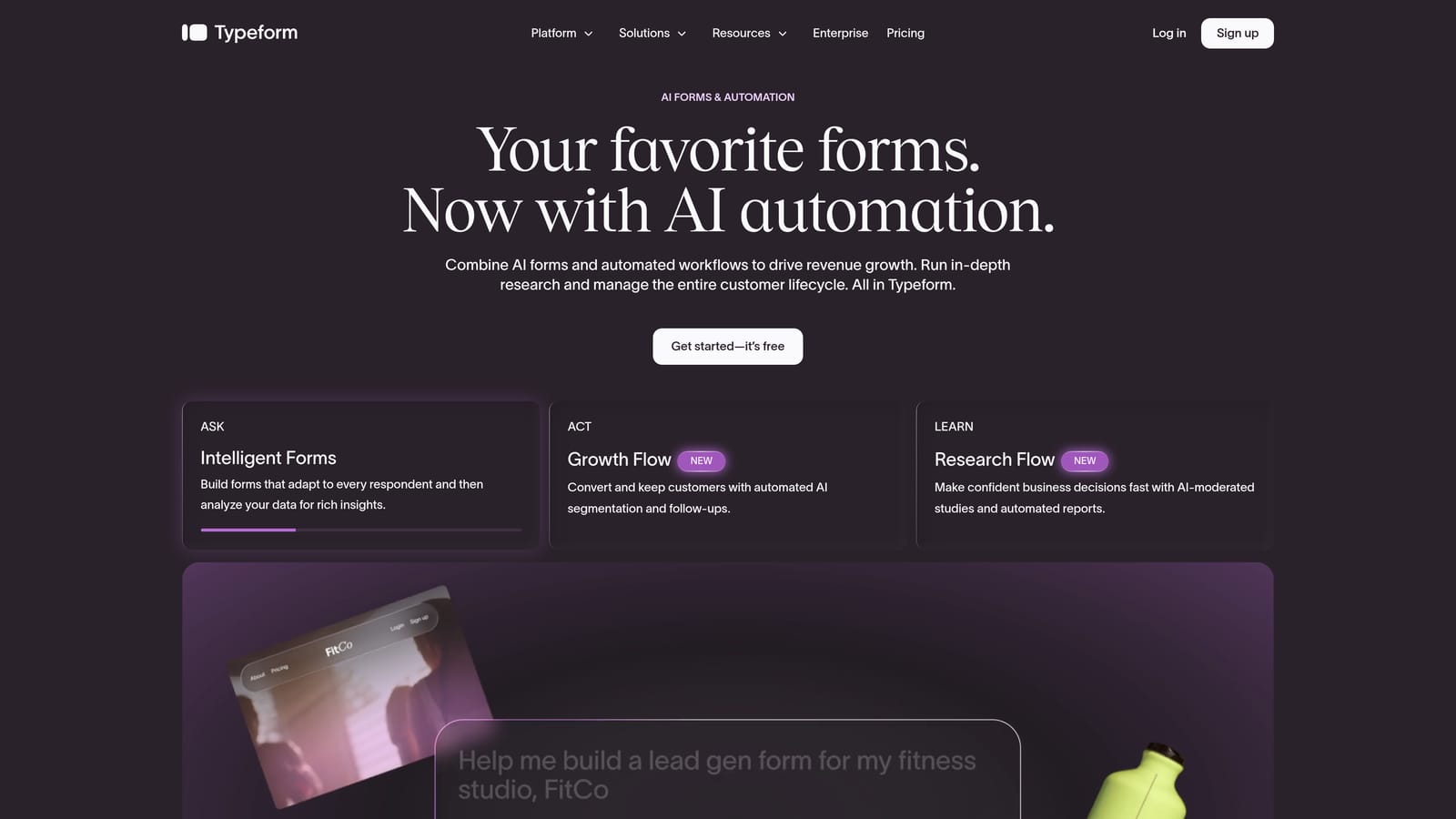
Typeform is the tool that popularized the one-question-at-a-time format, and it remains one of the most recognizable names in the space.
Where This Tool Shines
Every Typeform is inherently multi-step by design. There's no configuration required to break your form into sequential steps because the sequential format is the product. This makes it exceptionally fast to build forms that feel engaging and modern without any extra setup.
The design quality is genuinely excellent. Typeform gives you strong brand customization controls, smooth animations, and a respondent experience that feels closer to a conversation than a data entry task. For teams where first impressions matter, this polish carries real weight.
Key Features
Native Conversational Format: Every form is sequential by default, with one question per screen and smooth transitions between steps.
Logic Jumps: Conditional routing lets you branch respondents to different questions based on their answers, enabling personalized form paths.
Brand Customization: Extensive design controls including fonts, colors, backgrounds, and custom domains to match your brand identity.
Native Integrations: Direct connections to HubSpot, Salesforce, Slack, and dozens of other tools without needing middleware.
Recall Information: Earlier answers can be referenced in later questions, creating a personalized experience that feels genuinely responsive to the user.
Best For
Typeform works best for marketing teams and agencies that prioritize respondent experience and brand consistency. It's a strong choice for surveys, lead capture, and customer research. Teams with high response volumes should evaluate pricing carefully, as costs can scale quickly.
Pricing
A free tier is available with response limits. Paid plans scale by response volume. Check current pricing at typeform.com/pricing.
3. Paperform
Best for: Teams building content-rich forms that function more like landing pages than traditional data capture tools.
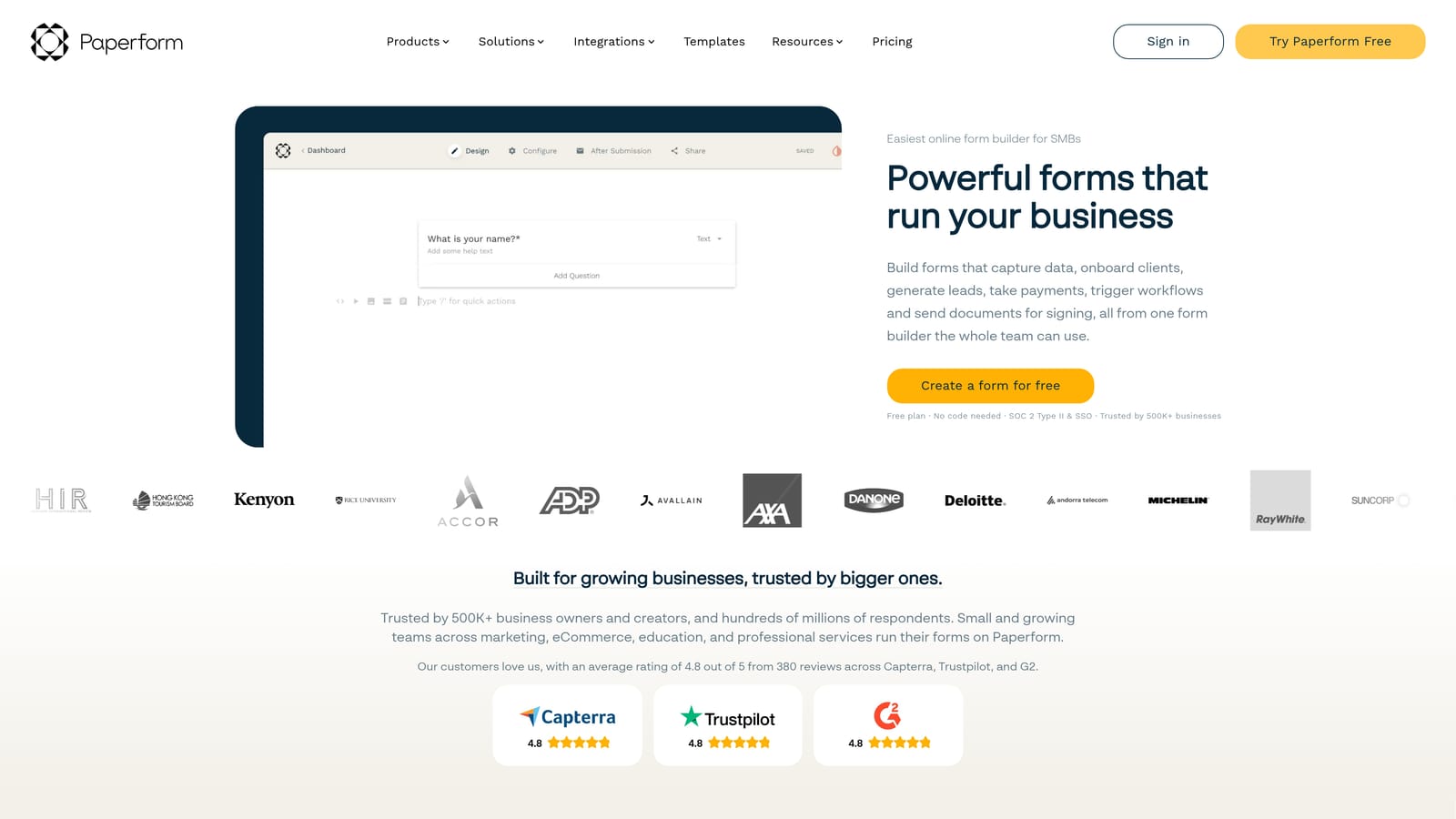
Paperform is a hybrid form and landing page builder that lets you embed rich media alongside form fields within a flowing, multi-step experience.
Where This Tool Shines
The document-style editor is Paperform's defining characteristic. You build forms the way you'd write a document, dropping in text blocks, images, and video alongside your actual form fields. This makes it uniquely suited for forms that need to educate or persuade as they collect information, not just capture data silently.
Built-in payment processing is another standout. If your form flow ends in a purchase rather than a lead submission, Paperform handles that natively without requiring a separate payment tool or complex integration.
Key Features
Document-Style Editor: Build multi-page forms using a rich text editor that supports embedded video, images, and formatted content blocks alongside form fields.
Built-In Payment Processing: Accept payments directly within the form flow, making it a natural fit for product sales, event registrations, and service bookings.
Conditional Sections: Show or hide entire form sections based on previous responses, creating personalized paths through the form.
Custom Domains and Branding: Full control over the form URL and visual identity, including custom domains and white-label presentation.
Integrations: Native connections to popular tools plus Zapier support for extending to the broader software ecosystem.
Best For
Paperform suits teams building forms that double as content experiences: onboarding flows with instructional content, product quizzes, event registrations, or any scenario where context and persuasion matter as much as data collection. It's less focused on lead scoring and qualification logic.
Pricing
Paid plans only with no significant free tier. See current pricing at paperform.co/pricing.
4. Jotform
Best for: Enterprise and regulated-industry teams that need compliance credentials alongside multi-step form capabilities.
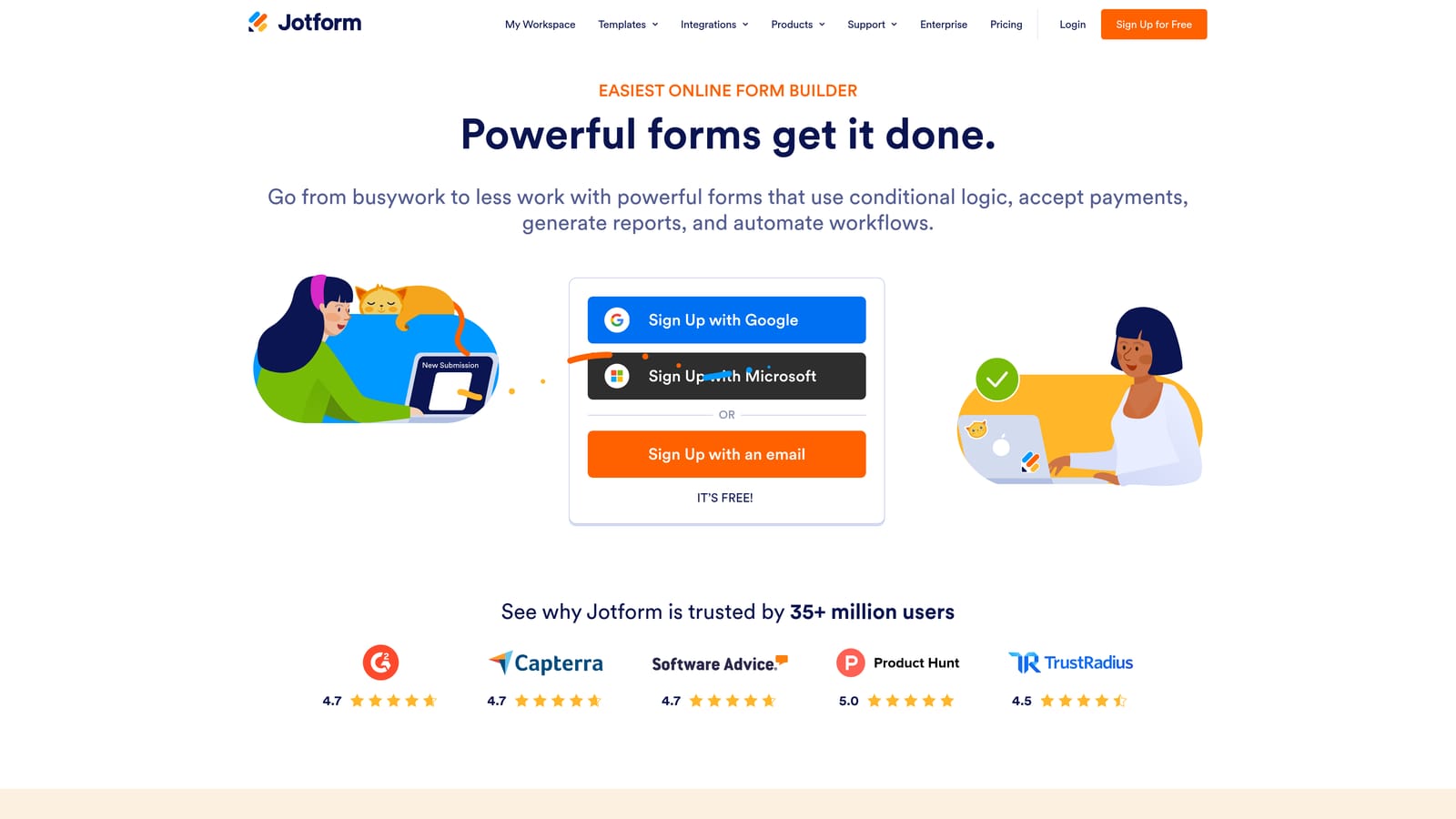
Jotform is one of the most mature form platforms available, with a massive template library and enterprise-grade compliance options that few competitors can match.
Where This Tool Shines
Jotform's depth is its biggest asset. With thousands of templates covering virtually every industry and use case, you can often find a starting point that's 80% of the way to what you need. The Form Wizard layout enables multi-step forms with progress indicators, giving respondents a clear sense of how far they've come and how much remains.
For teams operating in regulated industries, Jotform's compliance credentials are a genuine differentiator. HIPAA-compliant forms, SOC 2 certification, and GDPR controls make it one of the few form builders that can operate in healthcare, finance, and legal contexts without additional compliance overhead.
Key Features
Form Wizard Layout: Multi-step forms with built-in progress indicators that show respondents where they are in the process.
Compliance Options: HIPAA, SOC 2, and GDPR compliance available, making Jotform viable in regulated industries where most competitors cannot operate.
150+ Native Integrations: A broad integration library covering CRMs, payment processors, project management tools, and more.
Approval Workflow Builder: Built-in workflow tools let you route form submissions through internal approval processes without additional software.
Template Library: Thousands of pre-built templates across industries, significantly reducing the time from idea to live form.
Best For
Jotform is the right call for enterprise teams, healthcare organizations, and any business where compliance is non-negotiable. It's also a strong fit for teams that want a proven, stable platform with deep template coverage. Teams focused specifically on conversion optimization may find the interface less streamlined than newer tools.
Pricing
A free tier is available with submission limits. Paid plans scale by submissions and features. See current pricing at jotform.com/pricing.
5. Formstack
Best for: Sales ops teams that need multi-step forms deeply integrated with Salesforce and enterprise workflow automation.
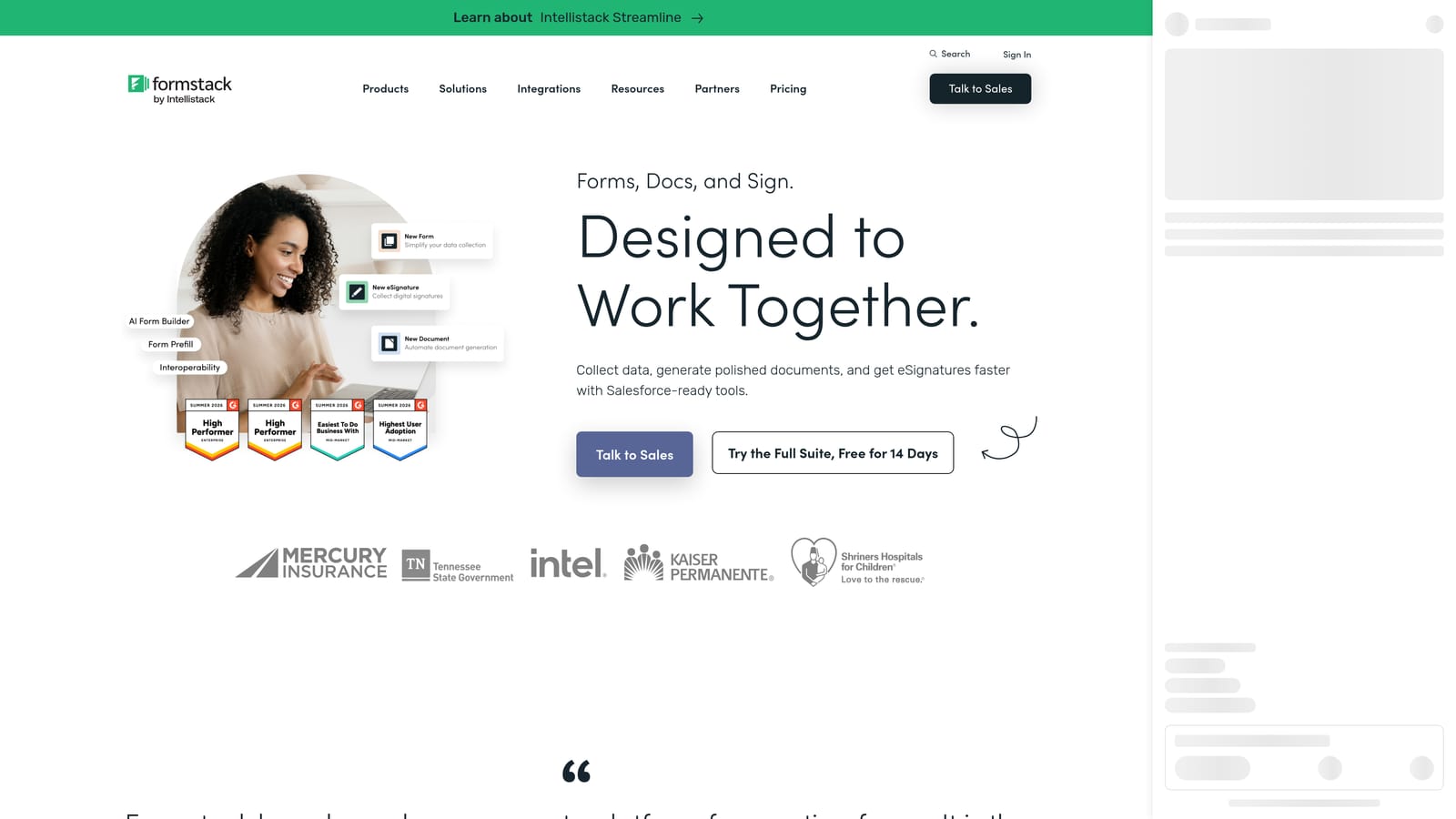
Formstack is an enterprise form and workflow platform with particularly strong CRM integration, making it a natural fit for organizations where forms need to feed directly into complex pipeline workflows.
Where This Tool Shines
Formstack's native Salesforce integration goes well beyond a simple data sync. Form submissions can trigger pipeline updates, create or update records, and initiate workflows directly within Salesforce, without relying on middleware like Zapier. For sales ops teams managing complex CRM configurations, this level of native integration is difficult to replicate with lighter tools.
The higher-tier plans also include document generation and e-signature capabilities, which means Formstack can cover the entire workflow from initial lead capture through to contract execution within a single platform. That's a meaningful consolidation for enterprise teams managing multiple point solutions.
Key Features
Multi-Step Forms with Conditional Logic: Build branching, multi-page forms with conditional routing between steps based on respondent answers.
Native Salesforce Integration: Direct pipeline updates, record creation, and workflow triggers within Salesforce from form submissions, without middleware.
Document Generation and E-Signature: Higher-tier plans include the ability to generate documents and collect electronic signatures, extending the platform beyond data capture.
Workflow Automation: Automated workflows triggered by form submissions route data and tasks to the right people and systems.
Enterprise Security and Compliance: Security controls and compliance features designed for enterprise environments with strict data governance requirements.
Best For
Formstack is built for enterprise sales and operations teams, particularly those running on Salesforce. Smaller teams or those without complex CRM requirements may find the product heavier than they need, and the pricing reflects its enterprise positioning.
Pricing
Enterprise-oriented pricing. See current plans at formstack.com/pricing.
6. Tally
Best for: Individuals and small teams that need fast, clean multi-step forms without a budget.
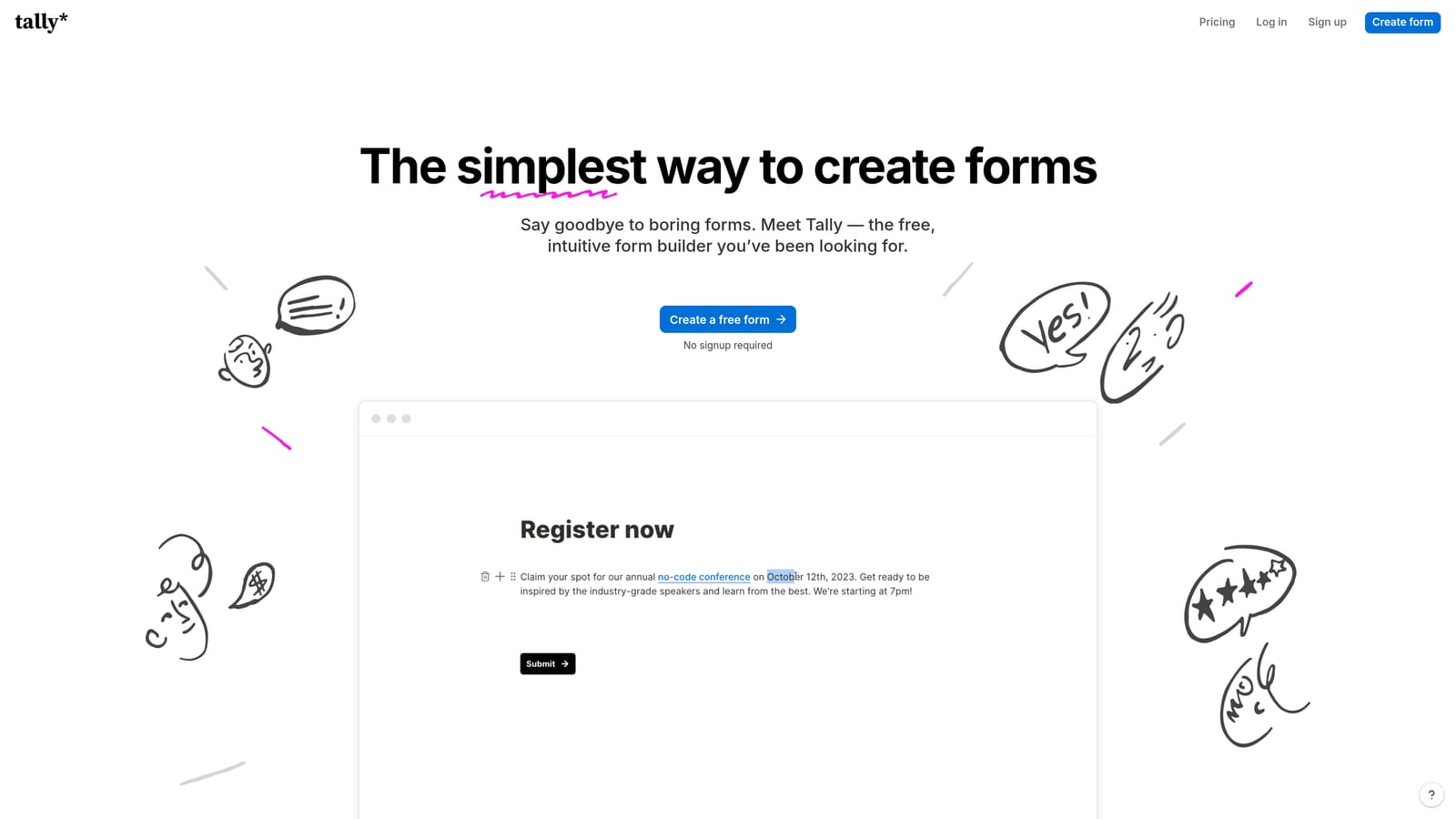
Tally is a Notion-inspired form builder with one of the most generous free tiers in the market, making it a compelling starting point for teams that want to move quickly without a financial commitment.
Where This Tool Shines
The free plan includes unlimited forms and unlimited responses, which is genuinely rare. Most free tiers gate either the number of forms you can create or the number of responses you can receive. Tally removes both restrictions, making it a legitimate option for teams running high-volume form programs on a tight budget.
The block-based editor is clean and fast. Multi-step flows are created by inserting page breaks between sections, which is intuitive and requires no configuration beyond placing the break where you want the step to end. If you're familiar with Notion's interface, you'll feel at home immediately.
Key Features
Unlimited Free Plan: Build unlimited forms and collect unlimited responses on the free tier, with no submission caps or form count restrictions.
Page Break Multi-Step: Create multi-step forms by inserting page breaks between sections, a simple and intuitive approach that requires no special configuration.
Notion-Like Block Editor: A familiar block-based editing experience that makes building forms fast and approachable for non-technical users.
Conditional Logic: Basic branching logic lets you show or hide questions based on earlier answers, enabling simple personalized paths.
Zapier and Make Integrations: Connect form submissions to your broader workflow stack via Zapier and Make for automation beyond the native feature set.
Best For
Tally is the right choice for solo founders, early-stage startups, and small teams that need functional multi-step forms fast and free. Its simplicity is both its strength and its ceiling: teams that need advanced qualification logic, deep analytics, or CRM-native integration will outgrow it quickly.
Pricing
Free plan with unlimited responses. A Pro plan is available for branding removal and advanced features. See current pricing at tally.so/pricing.
Which Tool Is Right for Your Conversion Goals
The right multi-step form builder depends entirely on what you're trying to convert, and what happens after the form is submitted.
If you're running lead generation for a high-growth SaaS or B2B team and qualification is a priority, Orbit AI is the standout choice. The AI qualification layer built into the form itself is a genuine differentiator: it's the only tool on this list that actively works to separate high-intent prospects from low-quality submissions before they reach your CRM. The built-in workflows, sequences, and scheduler make it a complete lead generation system rather than just a form tool.
For teams where respondent experience and brand polish are the primary concern, Typeform remains the benchmark. Its conversational format is proven, and the design quality is difficult to match. Just watch the pricing as response volume grows.
Paperform earns its place for content-rich flows and forms that need to persuade as they collect. Jotform is the clear choice when compliance requirements are non-negotiable. Formstack is purpose-built for enterprise sales ops teams running on Salesforce. And Tally is the fastest, most affordable way to get a clean multi-step form live with no budget.
The broader trend here is worth noting. Form builders started as simple data collection tools. The next frontier is intelligence: forms that don't just capture information but actively qualify, route, and engage leads based on what they're telling you in real time. That's where AI-powered qualification is heading, and it's already available today.
If your team is serious about lead quality and conversion performance, start your free trial today with Orbit AI and see what a form builder with an actual intelligence layer can do for your pipeline.


