

Embedded forms have become the conversion optimization secret weapon for high-growth teams. Unlike standalone landing pages that disrupt user flow with redirects, embedded forms keep visitors engaged on your site while capturing leads at the exact moment of interest. The difference? Seamless integration means higher completion rates and better user experience.
What separates great embedded form builders from basic contact forms? Look for seamless embedding options that work across your tech stack, deep customization that matches your brand without coding, mobile-responsive designs that convert on any device, and intelligent lead qualification features that separate tire-kickers from serious prospects.
We evaluated dozens of embedded form solutions based on conversion optimization capabilities, integration flexibility, customization depth, and lead quality features. Here are the top tools transforming how high-growth teams capture and qualify leads in 2026.
1. Orbit AI
Best for: High-growth teams focused on lead quality and conversion optimization with AI-powered qualification
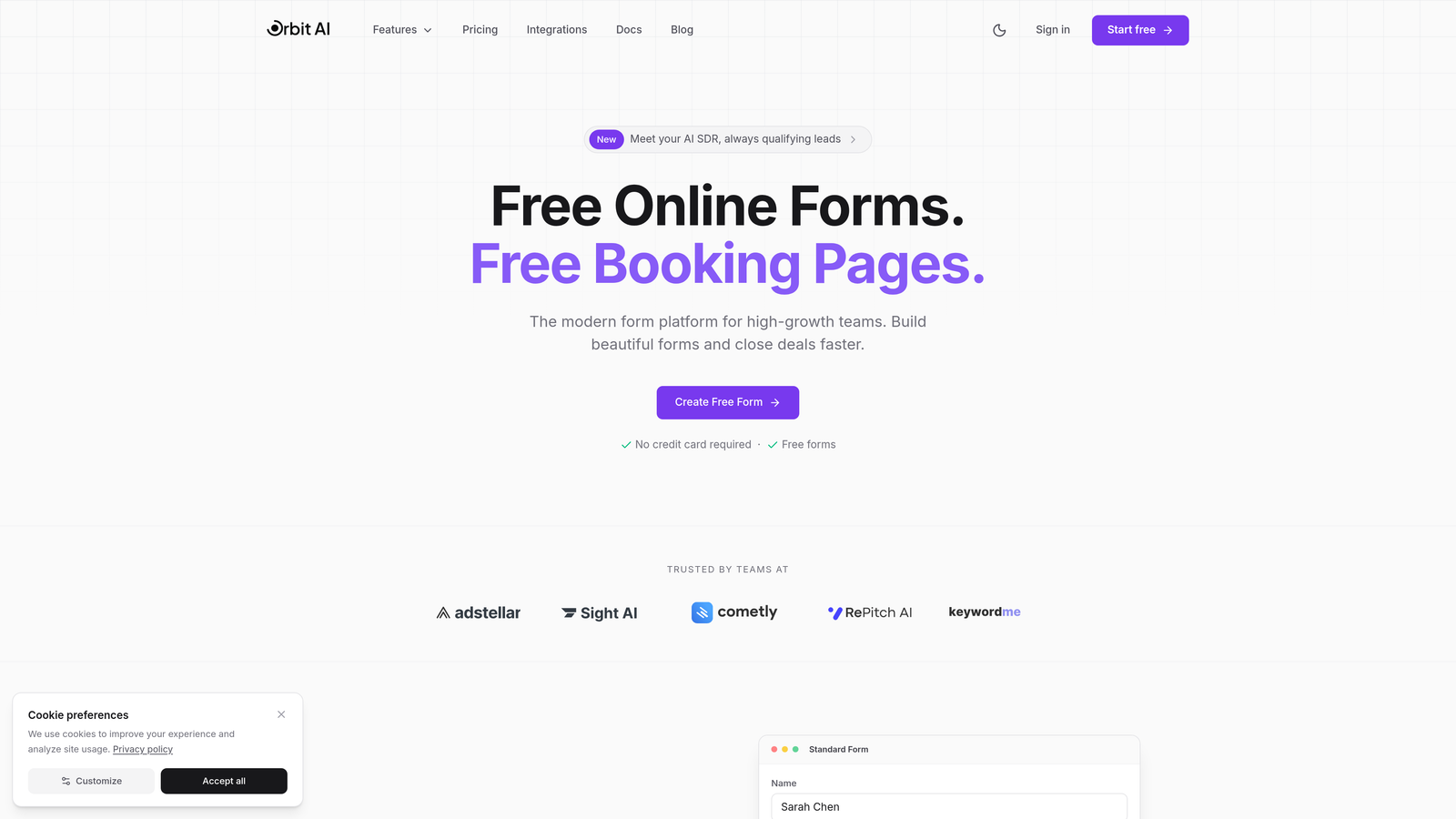
Orbit AI is an AI-powered form builder platform that qualifies leads at the point of capture while delivering conversion-optimized embedded experiences.
Where This Tool Shines
The AI qualification engine is what sets Orbit AI apart. Instead of collecting every form submission and sorting through unqualified leads later, the platform intelligently qualifies prospects as they complete your forms, routing high-value leads directly to sales while nurturing others appropriately.
The platform was built specifically for teams who understand that lead quality matters more than lead quantity. Every template is designed with conversion optimization in mind, combining behavioral psychology principles with modern design aesthetics that feel native to your website.
Key Features
AI-Powered Lead Qualification: Automatically scores and qualifies leads based on responses, routing high-intent prospects to sales immediately.
Conversion-Optimized Templates: Pre-built form templates designed using proven conversion principles and A/B testing insights.
Flexible Embedding Options: Multiple embed methods including inline, popup, slide-in, and full-page options that integrate seamlessly.
Built-In Analytics Dashboard: Track form performance, conversion rates, and lead quality metrics without external analytics tools.
Native CRM Integrations: Connect directly to major CRMs and marketing automation platforms with workflow automation capabilities.
Best For
Ideal for B2B SaaS companies, marketing agencies, and high-growth teams where lead quality directly impacts revenue. Perfect when you need intelligent qualification at scale without manual lead scoring processes.
Pricing
Free tier available for teams getting started. Paid plans start at competitive rates designed for growing teams, with pricing that scales based on form submissions and advanced features.
2. Typeform
Best for: Creating engaging conversational forms with one-question-at-a-time interfaces that boost completion rates
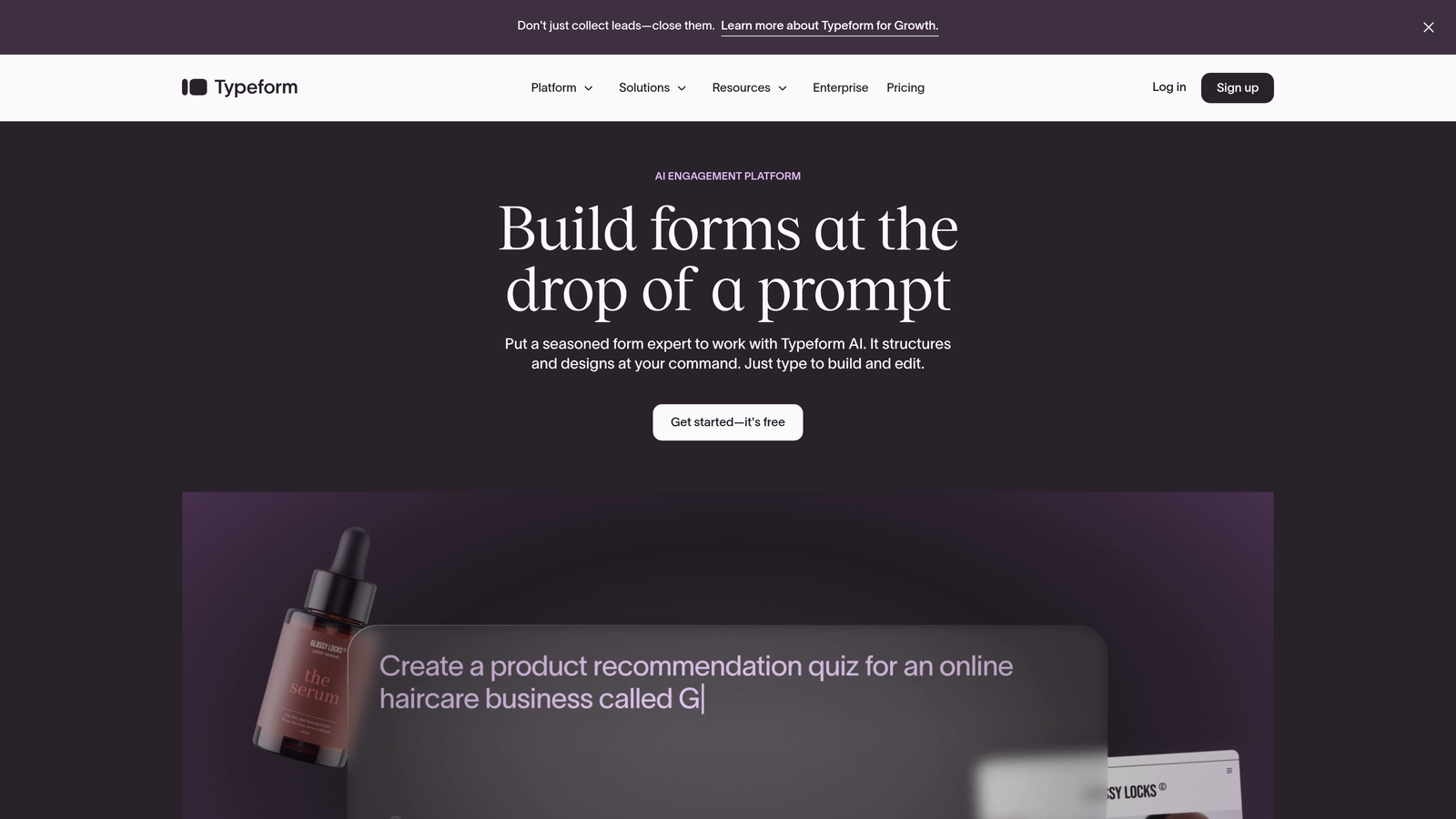
Typeform is a conversational form builder that pioneered the one-question-at-a-time format, making forms feel more like conversations than interrogations.
Where This Tool Shines
Typeform transformed form design by treating each question as a distinct conversation moment. This approach reduces cognitive load and creates a more engaging experience, particularly for longer forms that would feel overwhelming in traditional formats.
The brand customization capabilities are exceptional. You can match Typeform's interface to your brand guidelines so seamlessly that users often don't realize they're interacting with a third-party tool.
Key Features
Conversational Interface: One-question-at-a-time format that feels natural and reduces form abandonment through progressive disclosure.
Visual Customization: Extensive branding options including custom colors, fonts, backgrounds, and button styles that match your website.
Multiple Embed Types: Choose from standard embeds, popups, sliders, and popovers to match different use cases and page layouts.
Logic Jumps: Create dynamic forms that adapt based on previous answers, showing only relevant questions to each respondent.
Rich Media Integration: Embed videos, images, and GIFs directly within forms to create more engaging experiences.
Best For
Marketing teams running surveys, feedback collection, or lead generation campaigns where user experience matters as much as data collection. Particularly effective for consumer-facing brands prioritizing engagement.
Pricing
Free plan available with 10 responses per month. Basic plan starts at $25/month with 100 responses, while Plus at $50/month removes branding and adds advanced features.
3. Jotform
Best for: Teams needing extensive template libraries and widget marketplace for highly customized form functionality
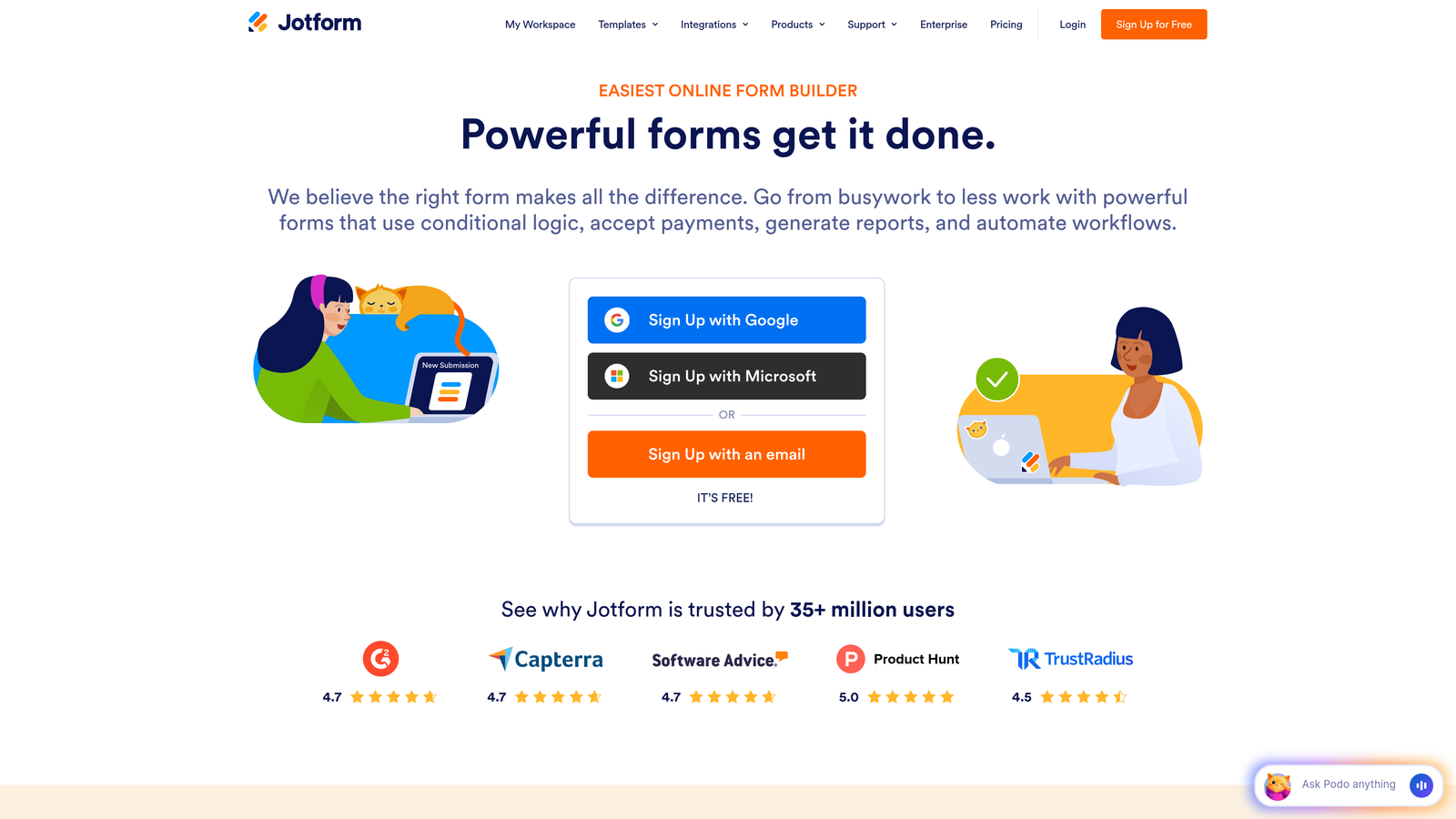
Jotform is a feature-rich form builder offering over 10,000 templates and a marketplace of widgets that extend functionality beyond basic data collection.
Where This Tool Shines
The template library is unmatched in breadth and depth. Whether you're creating event registrations, job applications, or customer intake forms, there's likely a pre-built template that gets you 80% of the way there.
The widget marketplace transforms Jotform from a simple form builder into a versatile data collection platform. Need appointment scheduling? There's a widget. Payment collection? Multiple options available. This extensibility means you rarely hit functional limitations.
Key Features
10,000+ Templates: Industry-specific templates covering virtually every use case from healthcare intake to real estate applications.
Widget Marketplace: Hundreds of widgets adding functionality like signature capture, file uploads, calculations, and third-party integrations.
Flexible Embedding: Multiple embed methods including iframe, lightbox, and direct link options with customizable dimensions.
Payment Processing: Native integrations with PayPal, Stripe, Square, and other processors for collecting payments directly through forms.
Drag-and-Drop Builder: Intuitive visual editor requiring zero coding knowledge while still offering custom CSS for advanced users.
Best For
Small businesses and agencies managing multiple clients who need quick form creation without starting from scratch. Excellent for teams requiring payment collection or complex conditional logic.
Pricing
Free tier includes 5 forms with 100 monthly submissions. Bronze starts at $34/month for 25 forms, while Silver at $39/month adds more submissions and removes Jotform branding.
4. Tally
Best for: Teams wanting unlimited forms with clean, minimal design and Notion-style simplicity on a generous free tier
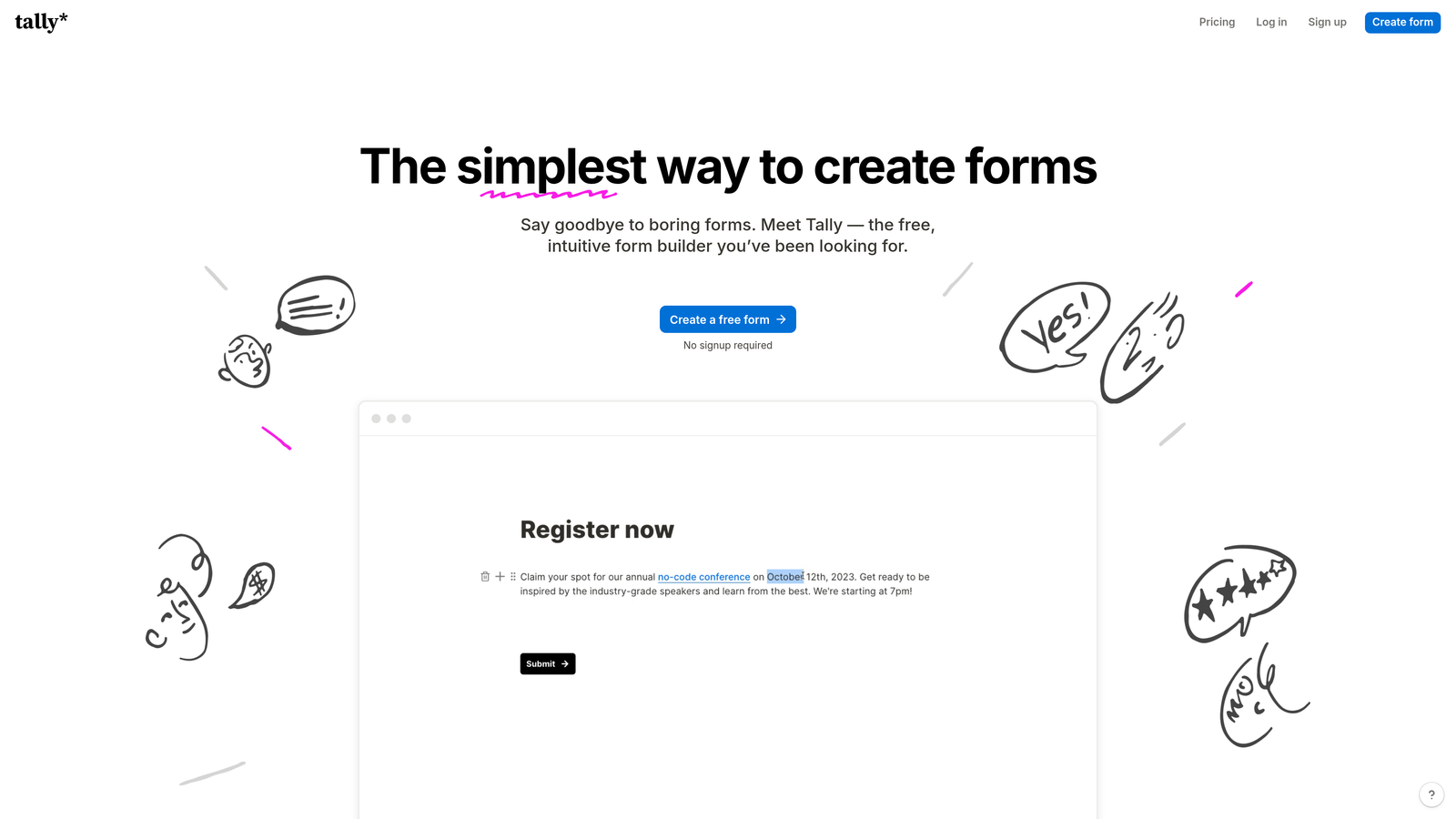
Tally is a minimalist form builder that brings Notion's block-based editing philosophy to form creation with an incredibly generous free plan.
Where This Tool Shines
Tally's free tier is genuinely unlimited. Unlimited forms, unlimited responses, unlimited everything that matters for most teams. This makes it perfect for bootstrapped startups or agencies managing multiple client projects without per-form costs.
The Notion-style interface feels immediately familiar if you're already using block-based editors. Creating forms becomes as intuitive as writing a document, with each form element added as a simple block that you can rearrange with drag-and-drop ease.
Key Features
Unlimited Free Forms: No artificial limits on form count or monthly submissions on the free plan, unlike most competitors.
Block-Based Editor: Notion-inspired interface where you add form fields as blocks, making form building feel like document creation.
Clean Design Aesthetic: Minimalist templates that look modern and professional without customization, though branding options exist.
Simple Embed Generation: One-click embed code creation with responsive iframe that adapts to any container width.
File Uploads and Calculations: Accept file submissions and perform calculations within forms without upgrading to paid plans.
Best For
Startups and small teams prioritizing simplicity over advanced features, or agencies managing multiple client forms without budget for per-form licensing. Great when clean design matters more than extensive customization.
Pricing
Free forever plan includes unlimited forms and responses. Pro plan at $29/month adds custom domains, hidden fields, and removes Tally branding for professional implementations.
5. HubSpot Forms
Best for: Teams already using HubSpot CRM who need native integration with marketing automation and lead scoring
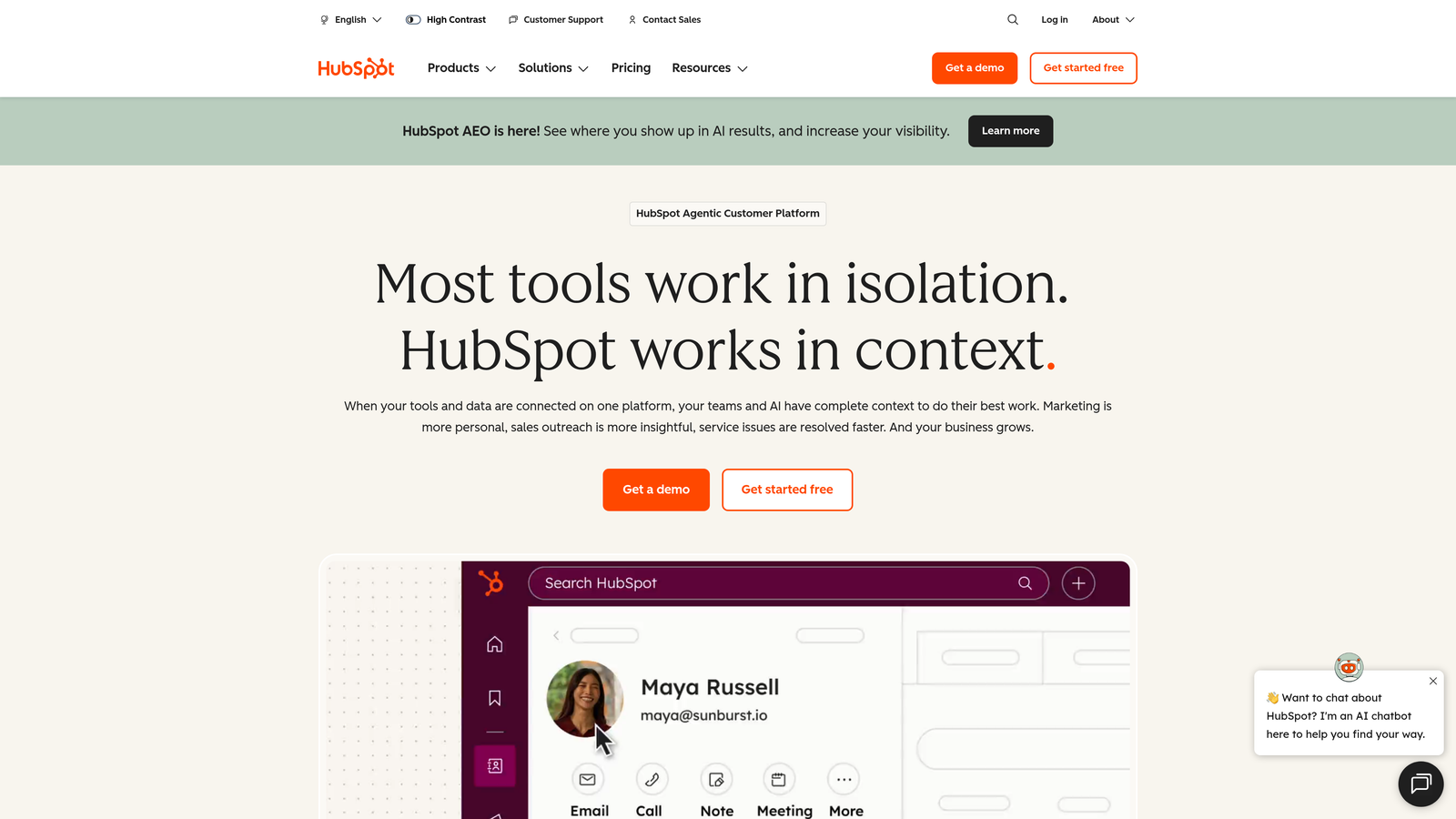
HubSpot Forms is the CRM-native form builder that integrates seamlessly with HubSpot's marketing and sales ecosystem for automated lead management.
Where This Tool Shines
The CRM integration is automatic and intelligent. Every form submission creates or updates a contact record in HubSpot CRM without manual data entry or third-party connectors. This native connection means zero data sync delays and complete visibility into lead interactions.
Progressive profiling is a game-changer for returning visitors. Instead of asking the same questions repeatedly, HubSpot Forms remembers previous responses and asks new questions each time, building richer contact profiles without form fatigue.
Key Features
Native CRM Integration: Automatic contact creation and updates in HubSpot CRM with complete activity history and lead source tracking.
Progressive Profiling: Smart forms that remember previous responses and ask different questions to returning visitors for gradual data enrichment.
Built-In Lead Scoring: Assign point values to form submissions and specific answers to automatically score lead quality.
Marketing Automation Triggers: Launch email sequences, task creation, or workflow automation immediately upon form submission based on responses.
A/B Testing: Test different form variations to optimize conversion rates with built-in statistical analysis and winner declaration.
Best For
Companies already invested in HubSpot's ecosystem who want seamless data flow between forms, CRM, and marketing automation. Ideal when lead nurturing workflows are critical to your conversion strategy.
Pricing
Free with HubSpot CRM including basic forms and contact management. Marketing Hub Starter at $45/month adds advanced form features, automation, and A/B testing capabilities.
6. Paperform
Best for: Creating branded, content-rich embedded experiences with built-in payment processing and booking capabilities
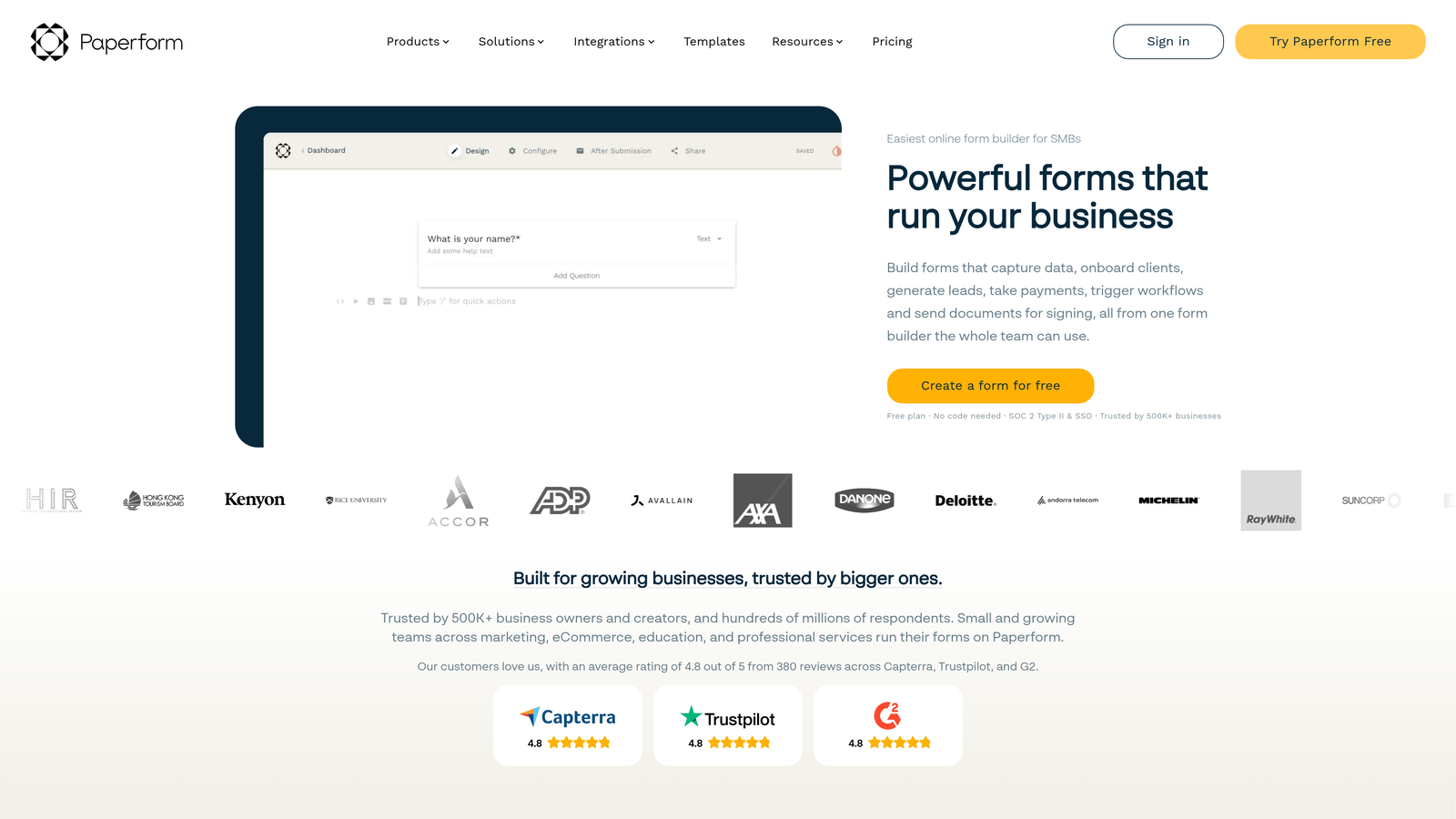
Paperform is a document-style form builder that lets you create forms that feel more like interactive landing pages than traditional data collection tools.
Where This Tool Shines
Paperform treats forms as rich content experiences rather than simple input fields. You can embed images, videos, rich text blocks, and custom HTML alongside form fields, creating experiences that educate and convert simultaneously.
The payment collection capabilities are robust and flexible. Unlike tools that bolt on payment processing as an afterthought, Paperform was built with commerce in mind, supporting Stripe, Square, and Braintree with sophisticated pricing logic and subscription handling.
Key Features
Document-Style Forms: Create forms that look like interactive documents with rich content blocks between form fields for better context.
Payment Collection: Native integration with Stripe, Square, and Braintree for one-time payments, subscriptions, and complex pricing structures.
Advanced Customization: Custom CSS support for pixel-perfect brand matching without limitations of template-based builders.
Conditional Logic: Show or hide fields, sections, or content blocks based on previous answers or calculated values.
Booking and Scheduling: Built-in calendar integration for appointment booking without third-party scheduling tools.
Best For
Service businesses, consultants, and e-commerce brands needing forms that double as sales pages. Perfect when you need payment collection, booking, and rich content in a single embedded experience.
Pricing
Essentials plan at $24/month includes unlimited forms and submissions. Pro plan at $49/month adds custom domains, priority support, and advanced integrations.
7. Fillout
Best for: Teams using Airtable or Notion as databases who need powerful two-way sync with modern form interfaces
Fillout is a modern form builder with native database connections that sync form submissions directly to Airtable, Notion, and other data platforms.

Where This Tool Shines
The Airtable and Notion integrations are genuinely native, not just webhook-based connections. Forms can read from your existing databases to pre-fill information, update records based on submissions, and create new records with complete field mapping control.
The conditional logic builder is exceptionally powerful for a tool at this price point. You can create complex branching scenarios with multiple conditions, calculated fields, and dynamic content that rivals enterprise form builders.
Key Features
Native Database Integration: Direct two-way sync with Airtable and Notion, treating your databases as the source of truth for form data.
Pre-Fill Capabilities: Pull existing data from databases to pre-populate forms for returning users or update scenarios.
Advanced Conditional Logic: Build complex form flows with multiple conditions, calculations, and dynamic field visibility rules.
Modern Interface: Clean, contemporary form design that looks professional without customization effort.
Payment and Scheduling: Accept payments via Stripe and manage appointment bookings within the same form builder.
Best For
No-code teams building on Airtable or Notion who need forms that integrate seamlessly with their existing workflows. Excellent for agencies managing client data in Airtable bases.
Pricing
Free tier available with basic features. Starter plan at $15/month unlocks database integrations, custom domains, and removes Fillout branding for professional deployments.
8. Formstack
Best for: Enterprise teams requiring HIPAA compliance, advanced security, and sophisticated workflow automation
Formstack is an enterprise-grade form builder with compliance features, advanced security controls, and workflow automation for regulated industries.
Where This Tool Shines
HIPAA compliance isn't just a checkbox for Formstack—it's built into the platform's architecture. Healthcare organizations can collect protected health information with confidence, knowing encryption, access controls, and audit trails meet regulatory requirements.
The workflow automation extends beyond simple form submissions into document generation, e-signature collection, and multi-step approval processes. This makes Formstack a complete business process automation platform, not just a form builder.
Key Features
HIPAA-Compliant Forms: Enterprise-grade security with encryption, business associate agreements, and audit logs for healthcare data collection.
Advanced Security Controls: Field-level encryption, IP restrictions, password protection, and SSL certificates for sensitive data handling.
Workflow Automation: Trigger document generation, approval workflows, and task assignments based on form submissions and field values.
E-Signature Integration: Collect legally binding signatures within forms or trigger signature requests as part of automated workflows.
Enterprise SSO: Single sign-on integration with SAML providers for centralized access management and security compliance.
Best For
Healthcare organizations, financial services firms, and enterprises in regulated industries requiring compliance and advanced security. Ideal when form data triggers complex business processes requiring automation.
Pricing
Starter plan at $50/month for basic features. Teams plan at $83/month adds advanced workflows and integrations. Enterprise pricing available for HIPAA compliance and dedicated support.
9. Google Forms
Best for: Teams on tight budgets needing basic embedded forms with unlimited responses and Google Workspace integration
Google Forms is the free, no-frills form builder that offers basic embedding capabilities with the reliability of Google's infrastructure.
Where This Tool Shines
The price point is unbeatable because there isn't one. Completely free with no response limits, no feature gates, and no upgrade pressure makes Google Forms the obvious choice for budget-conscious teams or simple use cases.
Google Sheets integration is automatic and powerful. Every form submission populates a spreadsheet in real-time, giving you instant access to response data with all of Google Sheets' analysis and visualization capabilities.
Key Features
Completely Free: No hidden costs, no response limits, no premium tiers—everything is included at zero cost forever.
Google Sheets Integration: Automatic population of spreadsheet with form responses for real-time data access and analysis.
Basic Conditional Logic: Section branching based on answers allows simple form flows and question skipping.
Simple Embed Code: Standard iframe embedding that works on any website, though customization options are limited.
Google Workspace Collaboration: Share forms with team members, collaborate on design, and manage permissions through familiar Google interfaces.
Best For
Nonprofits, educational institutions, and small teams with minimal budgets who need basic data collection without payment barriers. Perfect for internal forms, surveys, and simple lead capture where advanced features aren't required.
Pricing
Free forever as part of Google's free services. No paid tiers or upgrade paths—what you see is what you get at zero cost.
Making the Right Choice
Your ideal embedded form builder depends entirely on what you're optimizing for. If lead quality matters more than lead quantity, Orbit AI's AI-powered qualification engine ensures your sales team focuses on high-intent prospects instead of sorting through unqualified submissions. The conversion-optimized templates and intelligent routing make it the clear choice for high-growth teams where every lead counts.
For teams prioritizing engagement and user experience, Typeform's conversational interface reduces form abandonment through its one-question-at-a-time approach. Budget-conscious teams should start with Google Forms for basic needs or Tally for unlimited forms with more modern design. Enterprise organizations in regulated industries will find Formstack's HIPAA compliance and security controls worth the investment.
The embedded form builder landscape has evolved beyond simple data collection. Today's best tools qualify leads, trigger automation, and integrate seamlessly with your existing tech stack. The question isn't whether to embed forms on your website—it's which tool will help you convert more visitors into qualified leads.
Consider your primary use case: Are you capturing leads for a high-touch sales process? Orbit AI's qualification capabilities ensure your team spends time on prospects who matter. Running customer surveys? Typeform's engaging interface boosts completion rates. Managing client intake for multiple projects? Jotform's template library speeds up deployment. Already using Airtable as your database? Fillout's native integration eliminates manual data entry.
Transform your lead generation with AI-powered forms that qualify prospects automatically while delivering the modern, conversion-optimized experience your high-growth team needs. Start building free forms today and see how intelligent form design can elevate your conversion strategy.


