

SaaS onboarding is where user activation lives or dies. A clunky, generic form at the start of that journey can quietly tank your conversion rates before a user ever sees your product's value. Whether it's a signup questionnaire, a use-case segmentation step, or a lead qualification checkpoint, the form sets the tone for everything that follows.
The right form builder for SaaS onboarding doesn't just collect data. It guides users intelligently, adapts to their answers, qualifies them for the right path, and fits naturally inside your product experience. That's a very different job than a contact form or a survey tool.
We evaluated each tool below on conditional logic capabilities, integration depth, design flexibility, AI or smart features, and how well they handle the specific demands of onboarding flows. Here are the top form builders worth considering for your SaaS onboarding stack.
1. Orbit AI
Best for: High-growth SaaS teams that want onboarding forms to double as lead qualification engines.
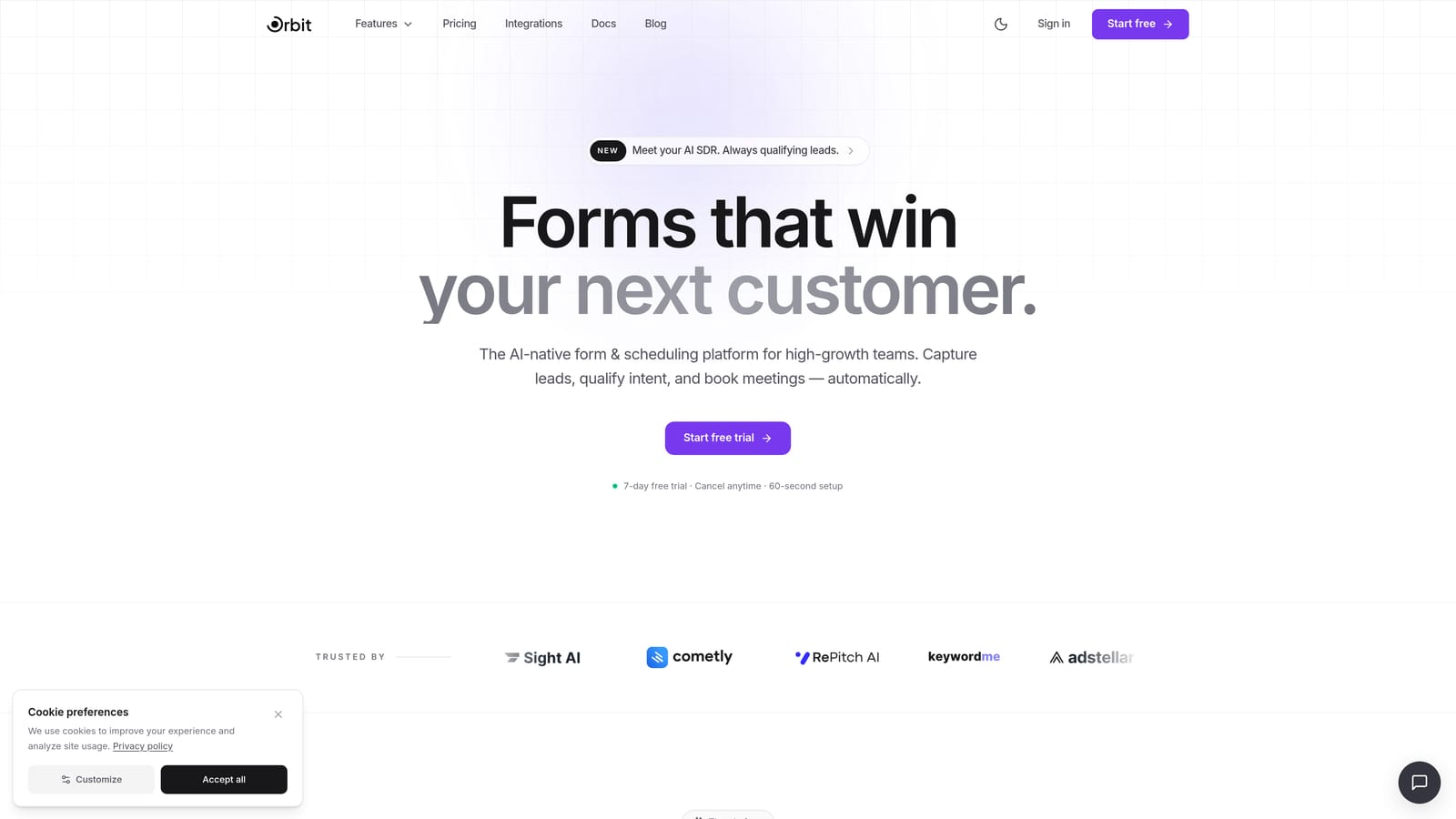
Orbit AI is an AI-powered form builder built specifically for SaaS teams who need onboarding forms that do more than collect data.
Where This Tool Shines
Most form builders treat qualification as an afterthought. Orbit AI bakes it directly into the form experience. As users move through an onboarding flow, the AI layer scores and routes them in real time, so your team knows immediately whether someone is a high-priority lead, a self-serve fit, or a candidate for a sales call. That intelligence happens inside the form itself, not after an export to a spreadsheet.
The design output is clean and modern, built to sit inside a SaaS product UI without looking like it was bolted on from an external tool. For teams where brand consistency matters from the first touchpoint, that's a meaningful difference.
Key Features
AI-Powered Lead Qualification: Scores and routes users automatically as they complete the form, enabling immediate handoff decisions without manual review.
Conversion-Optimized Design: Form layouts built specifically for SaaS onboarding flows, with completion rate and user experience as primary design goals.
Conditional Logic: Personalizes the onboarding path based on user responses, showing only the questions that are relevant to each user's profile.
Brandable, Embeddable Output: Clean design that embeds naturally inside product UIs, matching your brand without custom CSS workarounds.
Built for High-Growth Teams: Prioritizes lead quality over raw volume, making it well-suited to teams with a sales-assisted or product-led growth motion.
Best For
Growth-stage SaaS teams that need onboarding forms to serve both product activation and sales qualification simultaneously. Particularly strong for teams where the onboarding form is a critical handoff point between marketing, product, and sales.
Pricing
Visit orbitforms.ai for current pricing plans. A free starting option is available for teams ready to explore the platform.
2. Typeform
Best for: Teams that want a polished, conversational onboarding experience with strong CRM integrations.
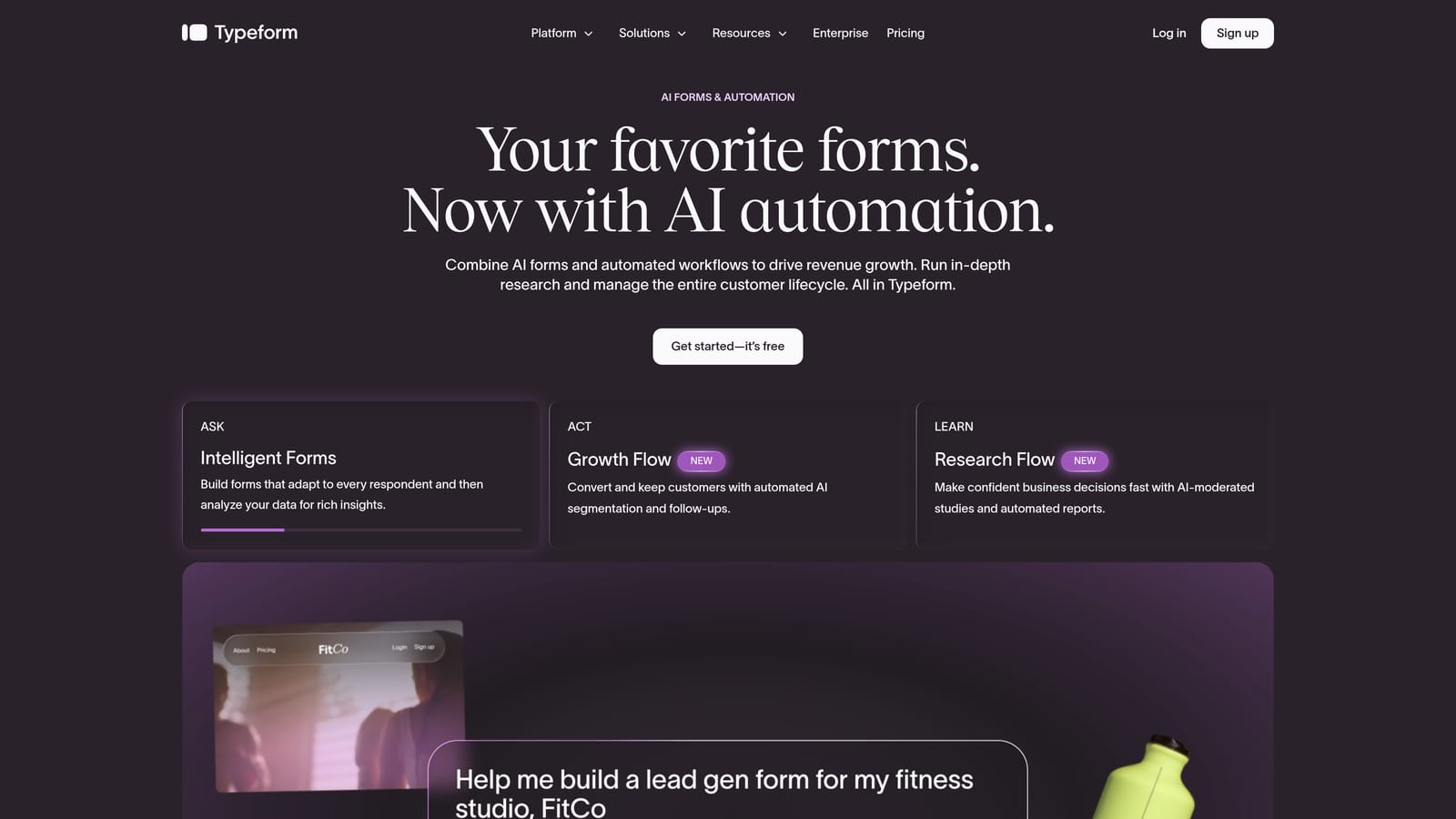
Typeform is a well-established conversational form builder known for its one-question-at-a-time format and clean visual design.
Where This Tool Shines
Typeform's core insight is that showing users one question at a time reduces the psychological weight of a long form. For onboarding flows with many questions, that format can meaningfully improve perceived ease of completion. Users feel like they're having a conversation rather than filling out paperwork.
Its integration ecosystem is mature. Native connections to HubSpot, Salesforce, and Zapier mean that onboarding responses flow directly into the tools your team already uses, without custom engineering work.
Key Features
Conversational Format: One-question-at-a-time presentation designed to reduce form abandonment and improve completion rates.
Logic Jumps: Conditional branching that routes users to different questions based on their previous answers, enabling personalized onboarding paths.
CRM Integrations: Native connections to HubSpot, Salesforce, Zapier, and other tools commonly found in SaaS stacks.
Onboarding Templates: A dedicated template library with onboarding-specific starting points to accelerate setup.
Flexible Embedding: Deploy via popup, slider, or inline embed formats to fit different placement needs.
Best For
Mid-stage SaaS teams that prioritize a polished, brand-consistent form experience and need reliable CRM integration out of the box. Less ideal for teams that need the form itself to perform lead scoring or qualification logic.
Pricing
Free plan available. Paid plans start at approximately $25/month. Verify current pricing at typeform.com.
3. Tally
Best for: Early-stage SaaS teams that need functional, well-designed onboarding forms without a budget commitment.
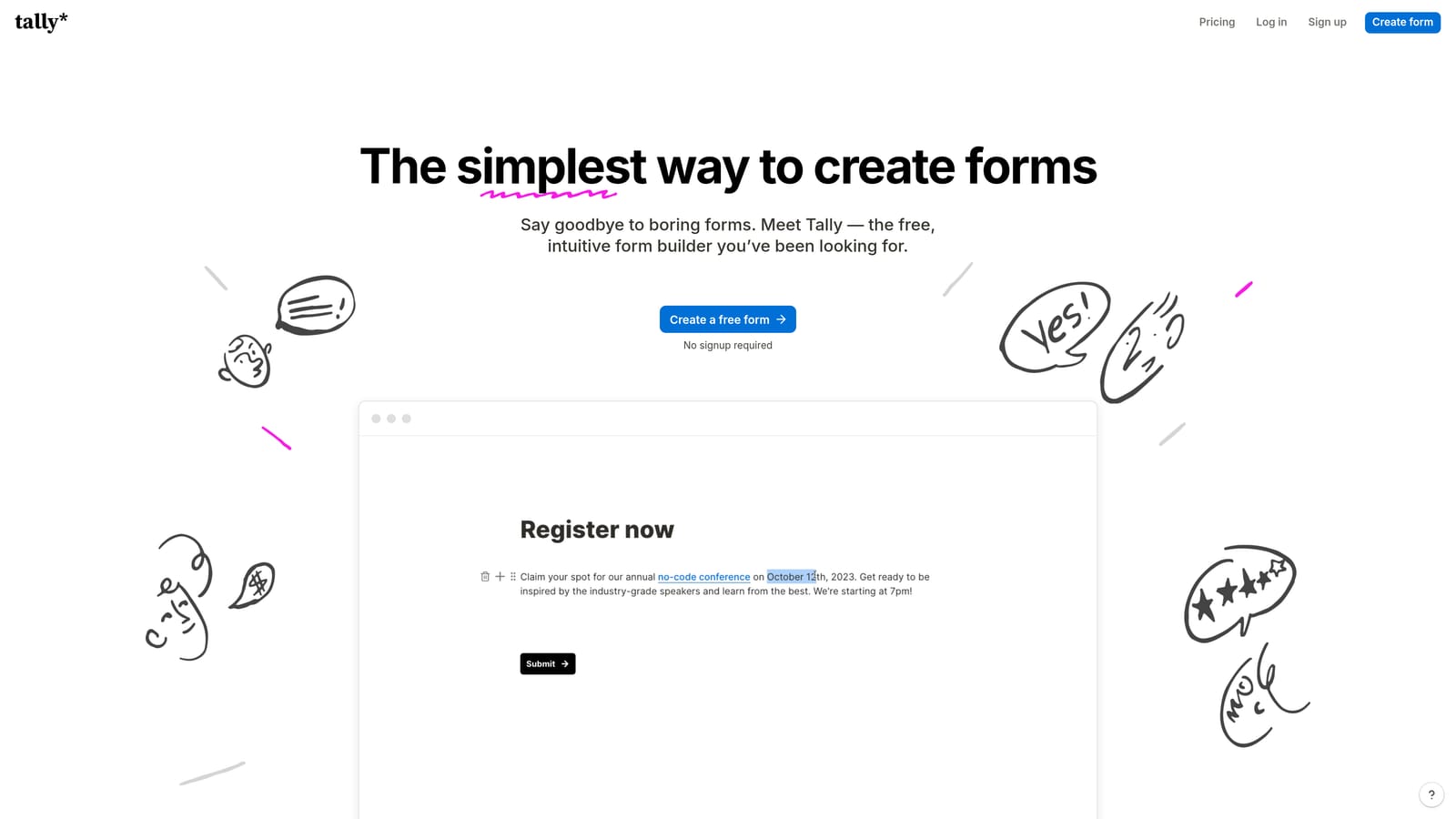
Tally is a free-first form builder with a minimal, Notion-like editor that punches well above its price point for early-stage teams.
Where This Tool Shines
Tally's free plan is genuinely capable. Conditional logic, unlimited forms, and embedding are all included without requiring an upgrade, which is unusual in this category. For a pre-revenue or early-stage SaaS team validating an onboarding flow, that removes a meaningful friction point.
The editor is fast to learn and produces clean, minimal output that suits modern SaaS aesthetics. If your onboarding form needs to look like it belongs in a contemporary product, Tally gets you there without design customization overhead.
Key Features
Generous Free Plan: Conditional logic, unlimited forms, and embedding included at no cost, making it accessible for bootstrapped teams.
Minimal Design Aesthetic: Clean, distraction-free form output that fits naturally with modern SaaS product design.
Webhook and Zapier/Make Integrations: Connects to your existing stack without requiring native integrations for every tool.
Simple Embedding: Embed anywhere with a straightforward snippet, including inside product UIs and landing pages.
Fast Setup: Low learning curve means you can have a functional onboarding form live within an hour.
Best For
Early-stage or bootstrapped SaaS teams that need solid onboarding forms quickly and without budget pressure. Teams that have outgrown Tally's free plan and need AI features, advanced qualification logic, or deeper analytics will want to look at more specialized tools.
Pricing
Free plan is highly capable for most early-stage needs. Pro plan available for advanced features. Verify current pricing at tally.so.
4. Paperform
Best for: SaaS teams with complex onboarding flows that combine questions, plan selection, payments, or scheduling in a single experience.
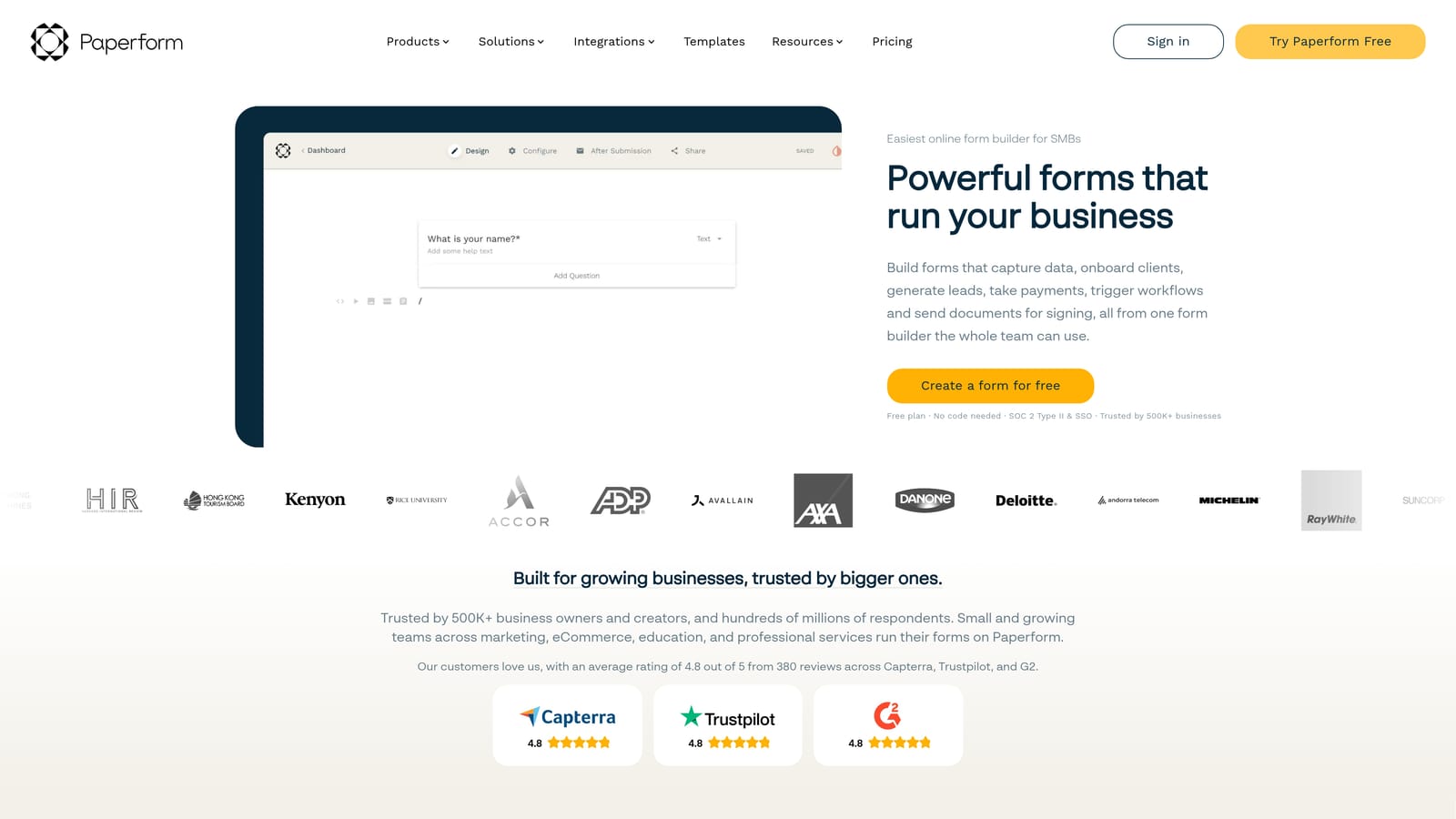
Paperform is a hybrid form and page builder that handles onboarding flows requiring more than a linear sequence of questions.
Where This Tool Shines
Where most form builders are purely transactional, Paperform lets you build onboarding experiences that feel more like a guided landing page. You can embed images, video, and rich text alongside form fields, which is useful when you need to explain a concept or set context before asking a question. That flexibility makes it strong for flows where user education is part of the onboarding step.
The native Stripe integration is particularly relevant for SaaS teams where onboarding includes plan selection and initial payment. Handling that in a single, cohesive experience rather than routing users to a separate checkout reduces drop-off points.
Key Features
Native Payment Processing: Stripe integration lets you collect plan selections and payments directly within the onboarding flow.
Rich Content Embedding: Add images, videos, and text blocks alongside form fields to create context-rich onboarding experiences.
Conditional Logic: Branching paths that adapt the flow based on user responses, similar to other tools in this list.
Scheduling Integration: Book onboarding calls or demos directly within the form experience, reducing handoff friction.
Flexible Layout: Non-linear form structures that go beyond the standard top-to-bottom question sequence.
Best For
SaaS teams with multi-step onboarding flows that include commercial elements like plan selection, payment, or demo booking. Less suited to teams that need a lightweight questionnaire or AI-driven qualification.
Pricing
Paid plans only, starting at approximately $24/month. Verify current pricing at paperform.co.
5. Jotform
Best for: Enterprise SaaS teams with complex data requirements, compliance needs, or a need for extensive integration coverage.
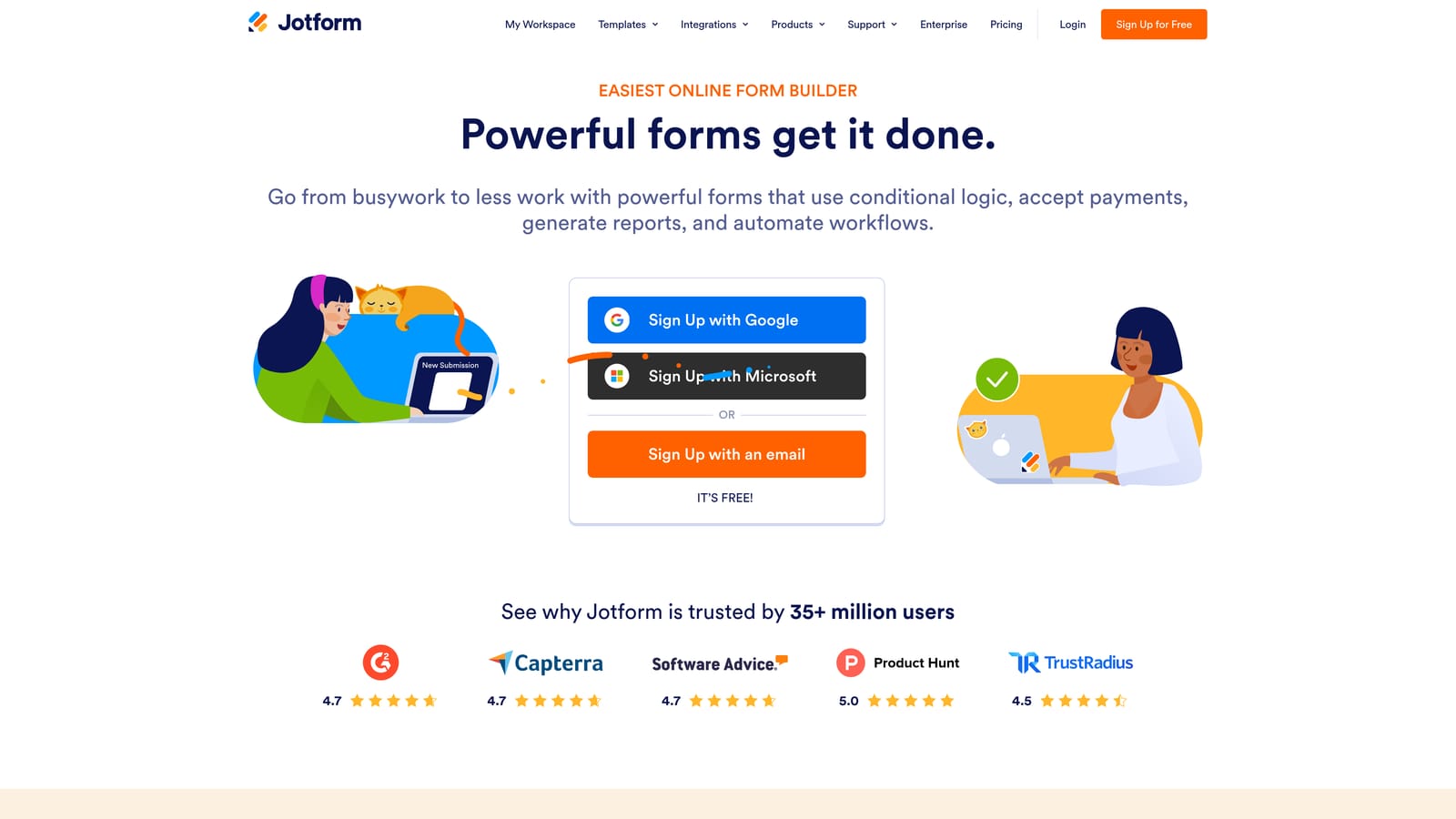
Jotform is one of the most feature-rich form builders available, with an integration library and compliance options that suit enterprise-grade onboarding requirements.
Where This Tool Shines
Jotform's breadth is its defining characteristic. The integration library covers a wide range of CRMs, payment processors, communication tools, and business platforms, making it a practical choice for enterprise SaaS teams that need onboarding data to flow into multiple systems simultaneously. If your stack is complex and your onboarding form needs to touch many of those systems, Jotform likely has the native connection you need.
The HIPAA-compliant plan options make it one of the few form builders that health-tech SaaS teams can use without additional compliance engineering. Jotform AI Agents, a newer feature set, adds conversational automation to form interactions for teams that want to explore that direction.
Key Features
Extensive Integration Library: Broad native connections to CRMs, payment processors, and business tools covering most enterprise SaaS stacks.
HIPAA-Compliant Plans: Available for health-tech SaaS teams operating in regulated environments.
Jotform AI Agents: Automated, conversational form interactions for teams exploring AI-assisted onboarding experiences.
Large Template Library: Onboarding-specific templates that reduce setup time for common use cases.
Advanced Workflow Automation: Route submitted data to different destinations and trigger follow-up actions based on form responses.
Best For
Enterprise SaaS teams with complex integration requirements, compliance constraints, or onboarding flows that need to connect to many internal systems. Lean, product-led growth teams may find the interface heavier than needed for their use case.
Pricing
Free plan available. Paid plans scale with submission volume and feature requirements. Verify current pricing at jotform.com.
6. Formstack
Best for: Enterprise SaaS teams where onboarding triggers internal approval workflows, document generation, or multi-team data routing.
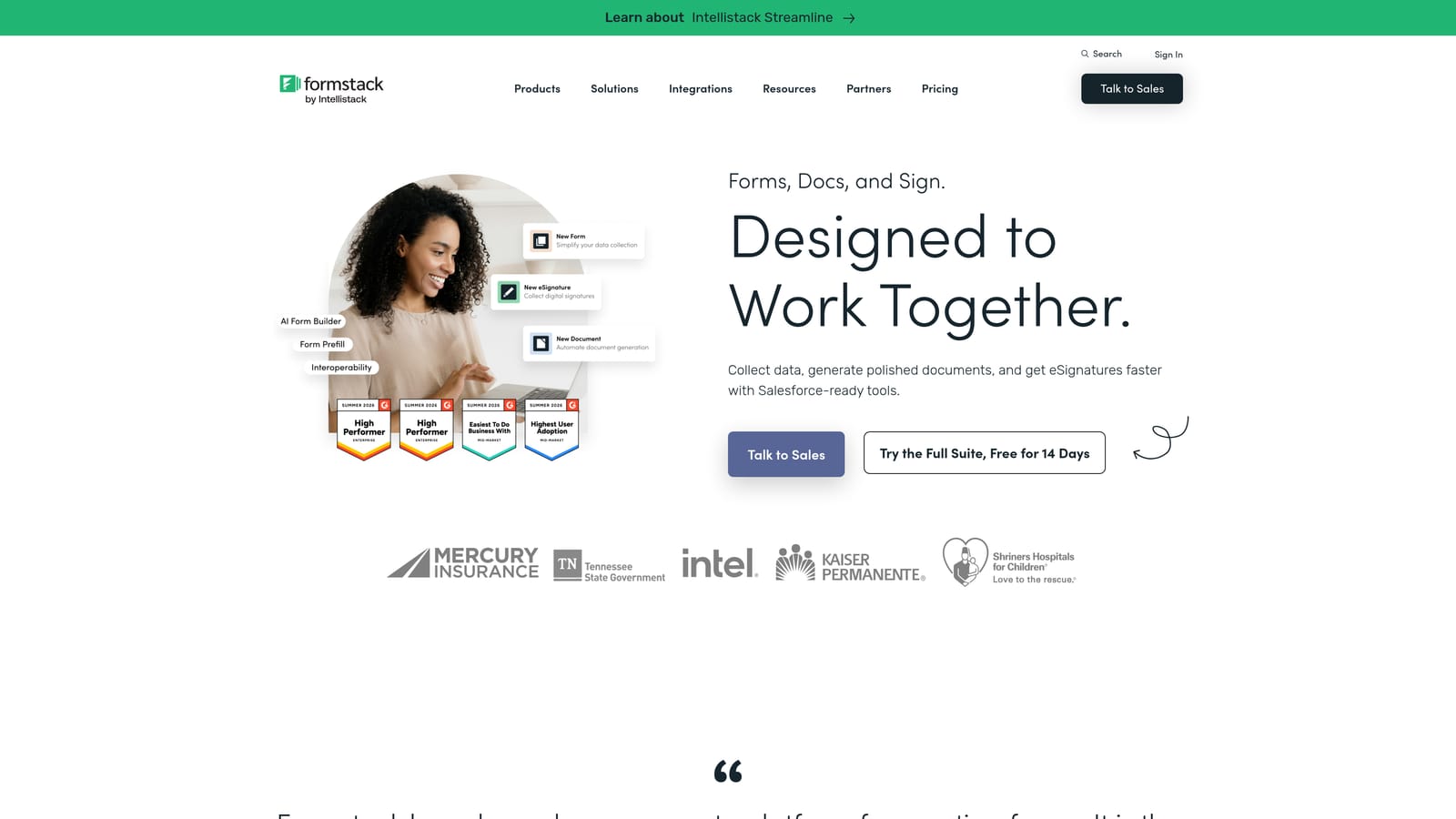
Formstack is an enterprise-grade form and workflow platform that connects onboarding submissions to internal processes, not just data storage.
Where This Tool Shines
Formstack occupies a distinct position in this list: it's less about the form experience itself and more about what happens after submission. For SaaS teams where a new customer onboarding triggers an internal provisioning process, a legal review, or a multi-step account setup workflow, Formstack provides the automation infrastructure to handle that without custom engineering.
The document generation capability is particularly useful for SaaS teams in regulated industries where onboarding involves generating agreements, compliance documentation, or account setup records alongside data collection. That combination of form plus workflow plus document is difficult to replicate with lighter-weight tools.
Key Features
Workflow Automation: Triggers multi-step internal processes from form submissions, including approval chains and data routing across teams.
Document Generation: Creates documents automatically alongside form data collection, useful for contracts or compliance records.
Deep CRM Integration: Native connections to Salesforce and HubSpot for enterprise SaaS teams with established CRM workflows.
Compliance and Audit Trails: Tracks form submission history for regulated industries that require documentation of onboarding steps.
Conditional Logic: Field routing and branching for complex onboarding questionnaires with multiple user paths.
Best For
Enterprise SaaS teams where onboarding is connected to internal operations, compliance requirements, or document workflows. Product-led growth teams or early-stage startups will find this tool over-engineered for their needs.
Pricing
Enterprise pricing model. Verify current plans at formstack.com.
Choosing the Right Tool for Your Team
The best form builder for SaaS onboarding depends heavily on where your team is and what your onboarding flow actually needs to accomplish.
If your onboarding form needs to qualify and route leads intelligently while delivering a conversion-optimized experience, Orbit AI is the strongest fit. It's the only tool in this list built specifically for that combined use case, making it particularly relevant for growth-stage SaaS teams where the onboarding form is a critical junction between acquisition and activation.
For teams that prioritize a polished conversational experience with strong CRM integration out of the box, Typeform remains a reliable choice. Tally is the clear winner for early-stage teams that need functional, well-designed forms without a budget commitment. Paperform earns its place when the onboarding flow is complex and includes commercial steps like payments or scheduling.
At the enterprise end, Jotform covers teams with compliance requirements and broad integration needs, while Formstack is the right tool when onboarding submissions need to trigger internal workflows rather than just land in a database.
A useful way to narrow it down: start with what your onboarding form needs to do beyond collecting answers. If the answer involves qualifying leads, routing users, or fitting inside a modern product UI, that narrows your options quickly. If it involves internal workflows or compliance documentation, that points you in a different direction.
The onboarding moment is too important to leave to a generic tool. Transform your lead generation with AI-powered forms that qualify prospects automatically while delivering the modern, conversion-optimized experience your high-growth team needs. Start building free forms today and see how intelligent form design can elevate your conversion strategy from the very first touchpoint.


