

Long forms kill conversions. When visitors see 15 fields stacked on a single page, most bounce before typing a single character. Multi page form builders solve this by breaking complex forms into digestible steps—showing one question at a time or grouping related fields together. This approach consistently outperforms traditional forms because it reduces cognitive load and creates momentum through progress indicators. Whether you're collecting lead information, processing applications, or running surveys, the right multi page form builder can dramatically improve completion rates. Here are the top tools that stand out for different use cases, budgets, and technical requirements.
1. Orbit AI
Best for: High-growth teams needing AI-powered lead qualification with conversion-optimized multi page forms
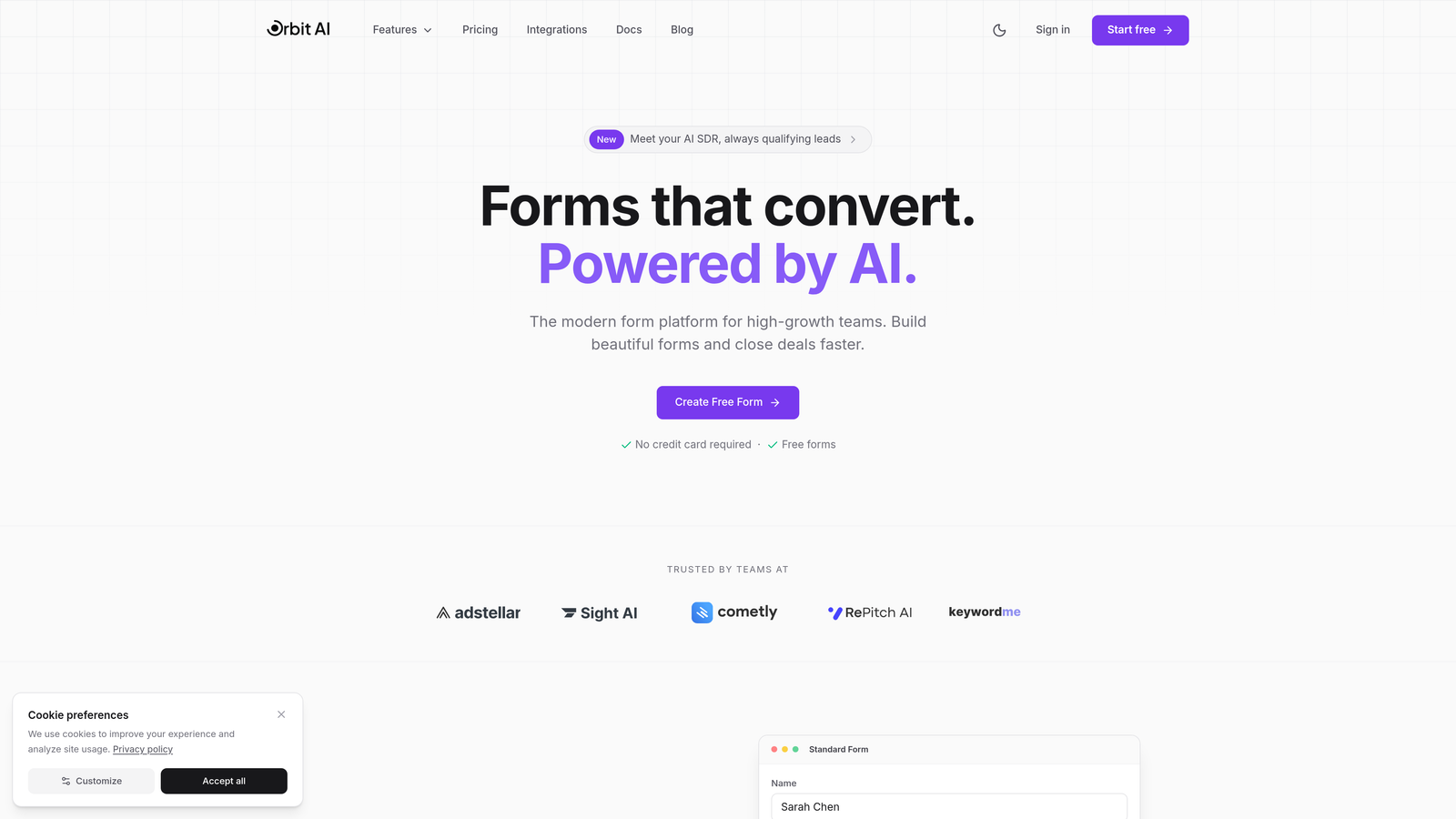
Orbit AI is an intelligent form platform that combines multi page design with AI-driven lead scoring and qualification.
Where This Tool Shines
The standout feature is AI-powered lead qualification that happens automatically as prospects fill out your forms. Instead of treating every submission equally, Orbit AI scores leads in real-time based on their responses and routes high-value prospects directly to your sales team while nurturing others through automated workflows.
The platform is built specifically for teams that need more than just form submissions—they need qualified conversations. The multi page builder creates modern, mobile-responsive forms that feel less like data collection and more like natural conversations with your prospects.
Key Features
AI-Powered Lead Qualification: Automatically scores and routes leads based on response patterns and qualification criteria you define.
Smart Conditional Logic: Adapts form paths dynamically based on how prospects answer, creating personalized experiences without manual setup.
Built-In Analytics: Tracks exactly where prospects drop off in your multi page flows so you can optimize each step for higher conversions.
Native CRM Integrations: Connects directly with HubSpot, Salesforce, and Pipedrive to sync qualified leads into your existing workflows.
Modern Design Templates: Pre-built, conversion-optimized templates that look professional on any device without custom coding.
Best For
Growing B2B teams and SaaS companies that need to qualify leads at scale without overwhelming their sales teams. If you're generating hundreds of form submissions monthly and need to prioritize which prospects deserve immediate attention, Orbit AI's qualification engine saves hours of manual review while ensuring hot leads never slip through the cracks.
Pricing
Free tier available for teams getting started. Paid plans start at competitive rates designed for growing teams that need advanced qualification and integration capabilities.
2. Typeform
Best for: Creating beautiful, conversational one-question-at-a-time experiences with premium design aesthetics
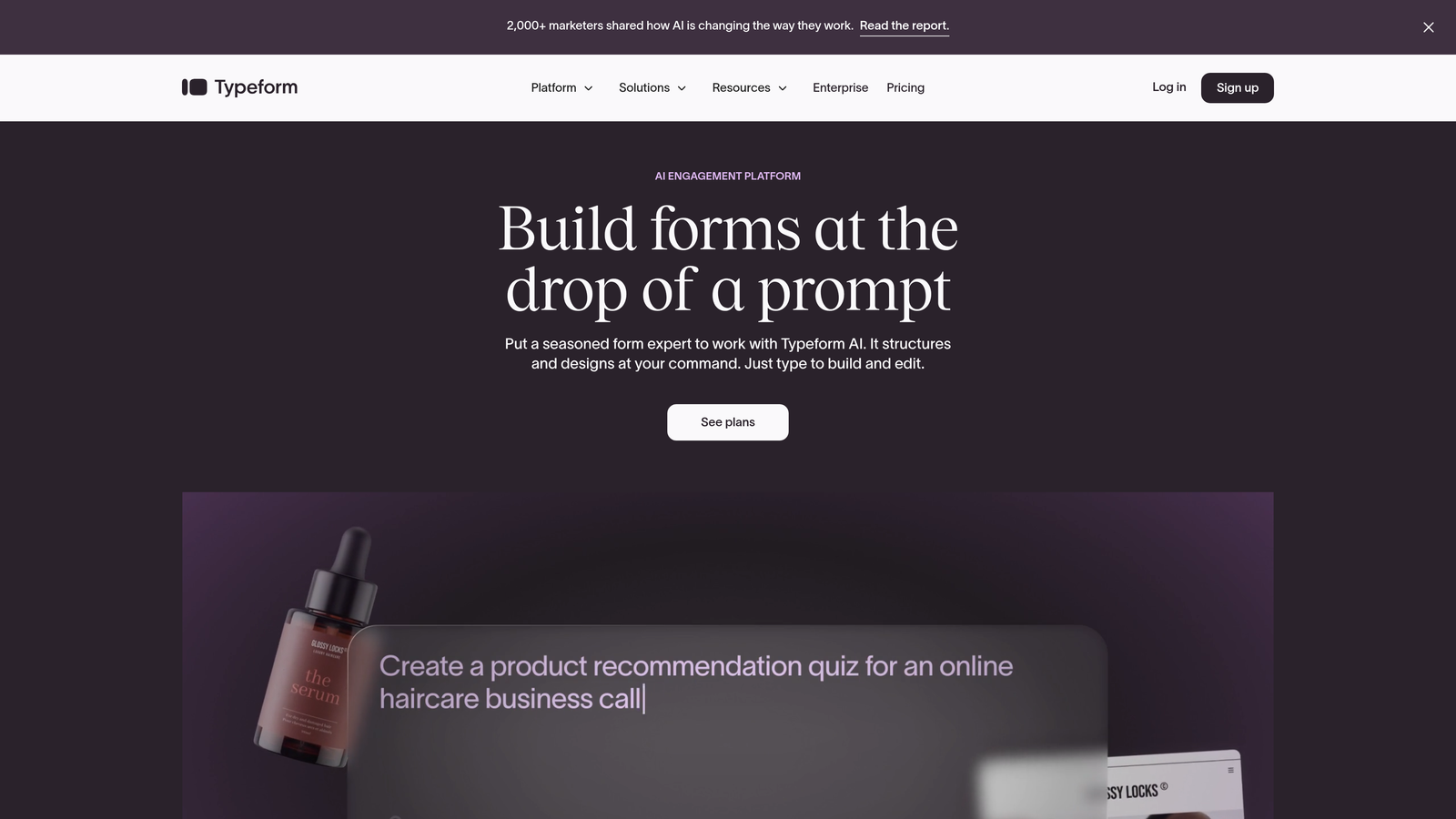
Typeform pioneered the conversational form approach and remains the gold standard for sleek, engaging multi page experiences.
Where This Tool Shines
Typeform's signature one-question-at-a-time interface creates an experience that feels more like a conversation than a form. The full-screen approach eliminates distractions and guides users through each question with smooth transitions and thoughtful animations.
The design flexibility is exceptional. You can customize everything from background images to button colors, and the templates look genuinely premium out of the box. If your brand prioritizes visual polish and user experience, Typeform delivers consistently beautiful results.
Key Features
Conversational Interface: Full-screen, one-question-at-a-time design that creates natural conversation flow and reduces form anxiety.
Premium Themes: Professionally designed templates with extensive customization options for colors, fonts, backgrounds, and branding.
Logic Jumps: Create personalized paths through your form based on previous answers, showing only relevant questions.
Rich Media Embedding: Add videos, images, and GIFs directly within questions to create engaging, multimedia experiences.
Integration Ecosystem: Connects with hundreds of tools via Zapier plus native integrations with major platforms like Google Sheets and Mailchimp.
Best For
Brands and marketers who prioritize design quality and user experience above all else. Particularly strong for customer surveys, event registrations, and lead capture where you want to make a memorable first impression. Works exceptionally well for consumer-facing forms where visual appeal directly impacts completion rates.
Pricing
Free tier allows 10 responses per month. Basic plan starts at $25/month for 100 responses, with higher tiers for increased volume and advanced features.
3. Jotform
Best for: Teams needing extensive template libraries and maximum customization flexibility
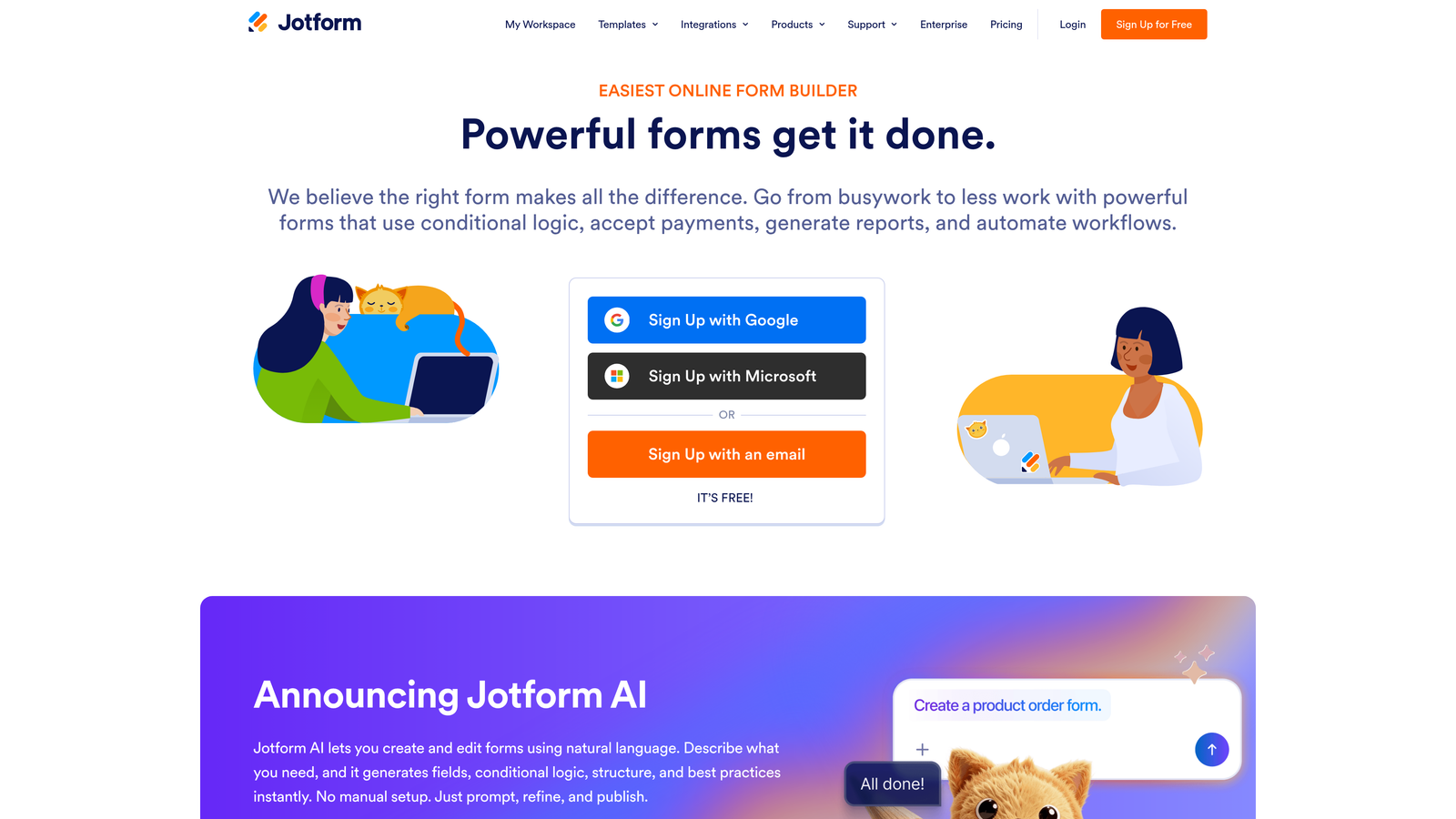
Jotform offers one of the most comprehensive form building platforms with over 10,000 templates and deep customization capabilities.
Where This Tool Shines
The sheer variety is Jotform's superpower. With 10,000+ pre-built templates covering nearly every industry and use case, you'll rarely need to start from scratch. Whether you need a medical intake form, event registration, job application, or donation page, there's likely a template that gets you 80% of the way there.
The drag-and-drop builder makes creating multi page forms straightforward, and the conditional logic engine handles complex branching scenarios. You can build sophisticated workflows without touching code, though custom CSS and JavaScript options exist for advanced users.
Key Features
10,000+ Templates: Industry-specific templates for virtually any use case, from healthcare to education to e-commerce.
Drag-and-Drop Multi Page Builder: Intuitive interface for creating multi-step forms with progress bars and custom navigation.
Advanced Conditional Logic: Show or hide entire pages based on previous answers, with support for complex conditions and calculations.
Payment Processing: Accept payments through 30+ payment gateways including PayPal, Stripe, Square, and Authorize.net.
PDF Generation: Automatically convert submissions into formatted PDFs with e-signature capabilities built in.
Best For
Organizations that need proven templates and comprehensive features without extensive setup time. Particularly valuable for agencies managing forms across multiple clients or industries, where template variety saves significant development time. Strong choice for organizations requiring payment collection or document generation alongside form submissions.
Pricing
Free tier includes 5 forms with 100 monthly submissions. Bronze plan starts at $34/month for 25 forms and 1,000 submissions, scaling up for higher volume needs.
4. Tally
Best for: Budget-conscious teams wanting unlimited forms without sacrificing essential features
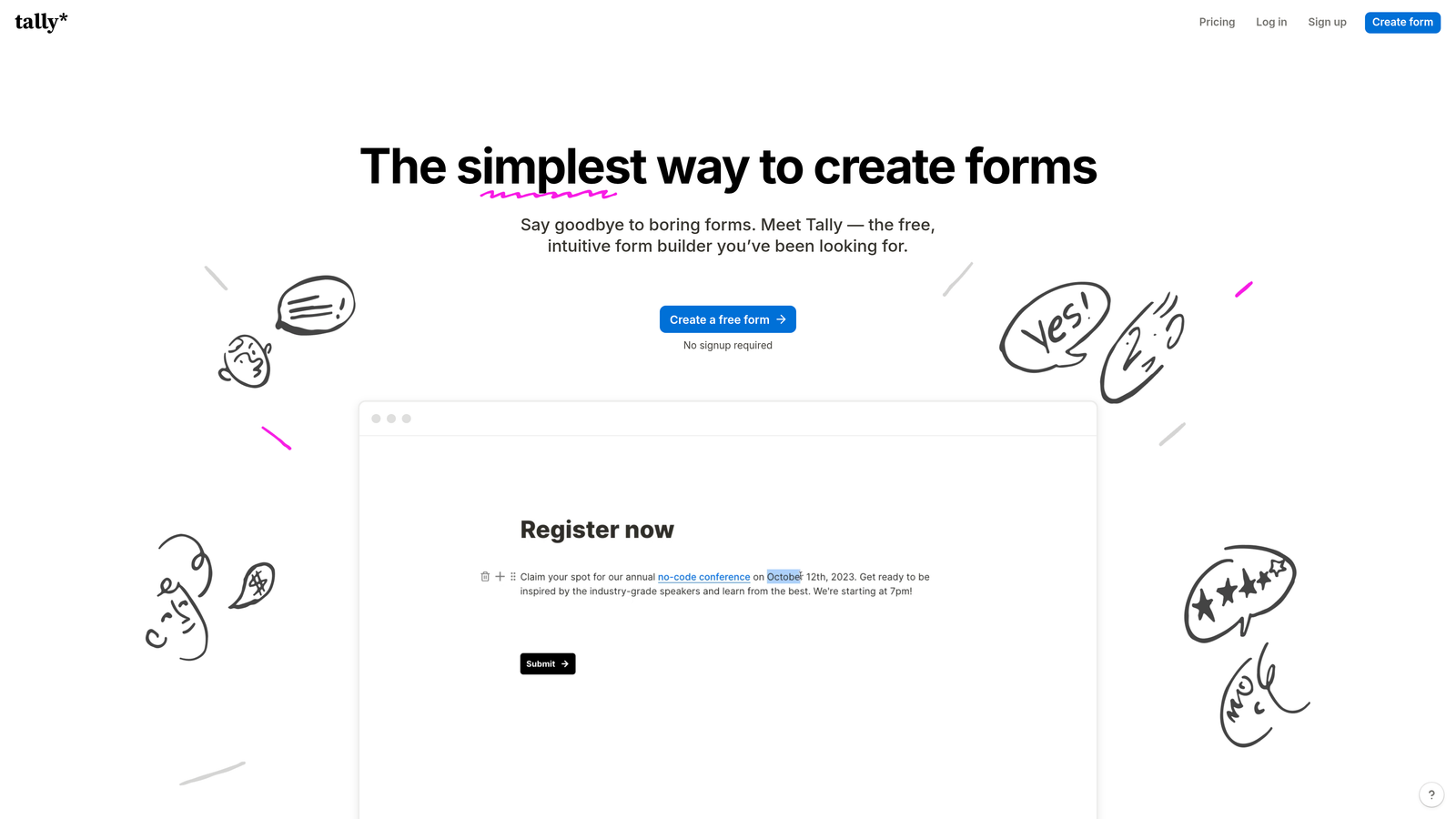
Tally brings a refreshingly simple approach with a Notion-inspired interface and the most generous free tier available.
Where This Tool Shines
Tally's free tier is genuinely usable—unlimited forms, unlimited submissions, and no branding requirements. This isn't a trial or a limited demo; it's a fully functional form builder that many teams never need to upgrade from.
The building experience feels familiar if you've used Notion. You work with blocks that you can drag, duplicate, and rearrange, creating multi page forms that feel clean and distraction-free. The interface prioritizes simplicity without feeling limiting, striking a balance that makes form creation fast and intuitive.
Key Features
Unlimited Free Tier: No caps on forms or submissions, making it ideal for high-volume use cases on tight budgets.
Notion-Style Interface: Block-based building that feels familiar and intuitive, especially for teams already using Notion.
Built-In Conditional Logic: Create branching paths and show/hide fields based on responses without upgrading to paid plans.
Clean Design System: Modern, minimal templates that look professional without customization work.
No Branding on Free Tier: Unlike most competitors, Tally doesn't force "Powered by" badges on free accounts.
Best For
Startups, nonprofits, and small teams that need professional multi page forms without budget for paid tools. Also excellent for individuals running side projects, content creators collecting audience feedback, or anyone testing form ideas before committing to paid platforms. The unlimited free tier makes it perfect for high-volume scenarios like event registrations or community surveys.
Pricing
Free tier is fully functional with unlimited forms and submissions. Pro plan at $29/month adds features like file uploads, custom domains, and payment collection.
5. Paperform
Best for: Creating document-style forms with embedded products, payments, and rich content
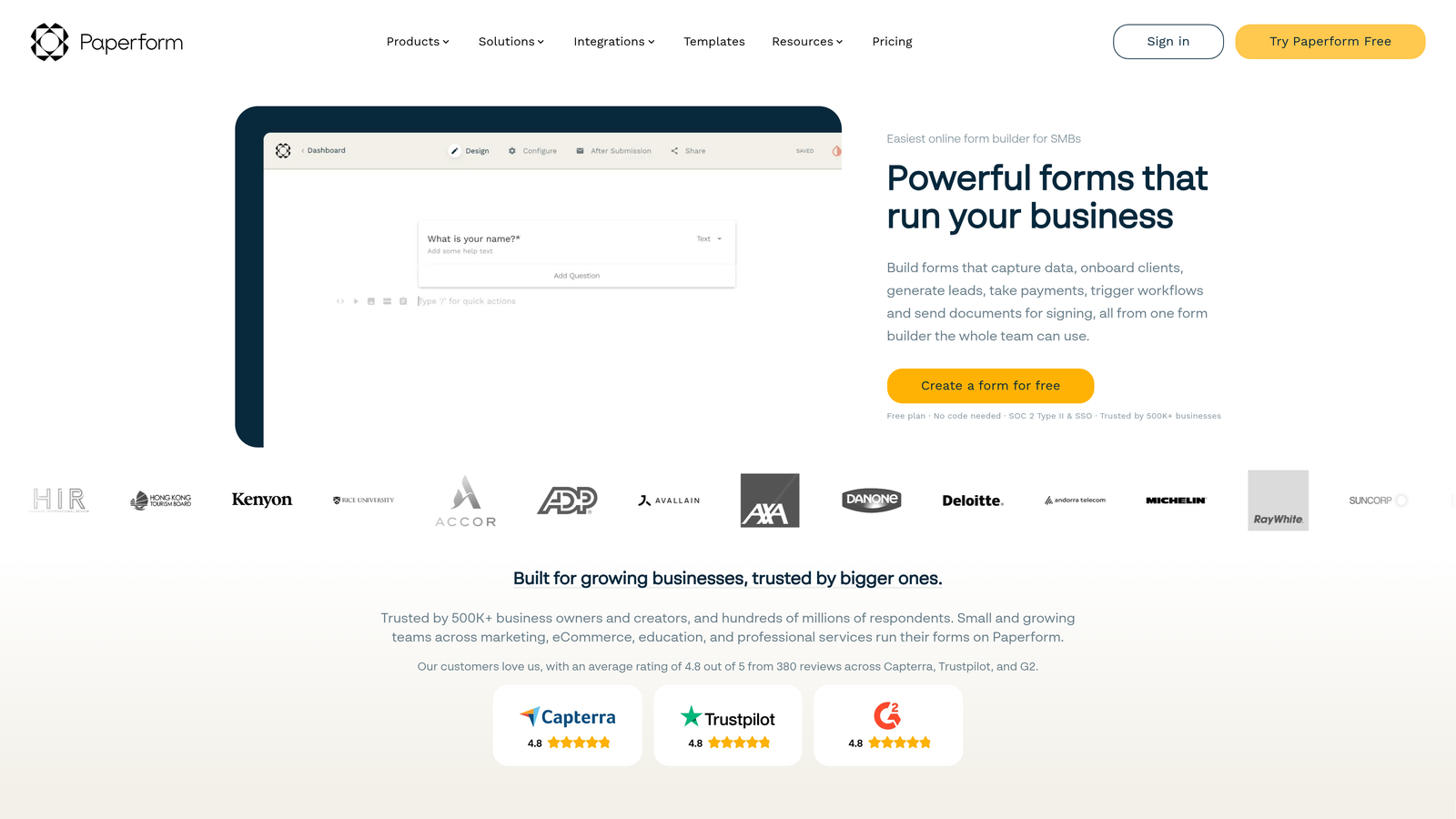
Paperform takes a unique document-first approach that excels at blending content, commerce, and data collection in multi page experiences.
Where This Tool Shines
Paperform feels more like building a landing page than a traditional form. You can embed images, videos, product catalogs, and pricing tables directly within your form flow, creating experiences that educate and sell while collecting information.
The payment capabilities are particularly robust. You can build entire checkout experiences with product options, quantity selectors, calculated pricing, and multiple payment gateways—all within a multi page form. This makes it powerful for selling services, accepting donations, or processing complex orders where you need to collect detailed information alongside payment.
Key Features
Document-Style Editor: Build forms that feel like interactive documents with inline text, images, and formatting between fields.
Built-In Payments: Process payments through Stripe, PayPal, Square, and Braintree with support for subscriptions and installments.
Advanced Calculations: Create dynamic pricing based on selections, quantities, and custom formulas without coding.
Appointment Scheduling: Integrated calendar booking that syncs with Google Calendar and other scheduling tools.
Custom Success Pages: Design unique confirmation experiences or redirect users based on their form responses.
Best For
Service-based businesses, consultants, and e-commerce brands that need to combine information collection with payment processing. Excellent for booking forms that require deposits, product configurators with dynamic pricing, or donation forms that need to explain impact alongside collecting contributions. Works well when you need forms that do double duty as sales pages.
Pricing
Essentials plan starts at $24/month for unlimited forms and submissions. Higher tiers add team features, advanced integrations, and white-label options.
6. Formstack
Best for: Enterprise teams requiring HIPAA compliance, advanced security, and workflow automation
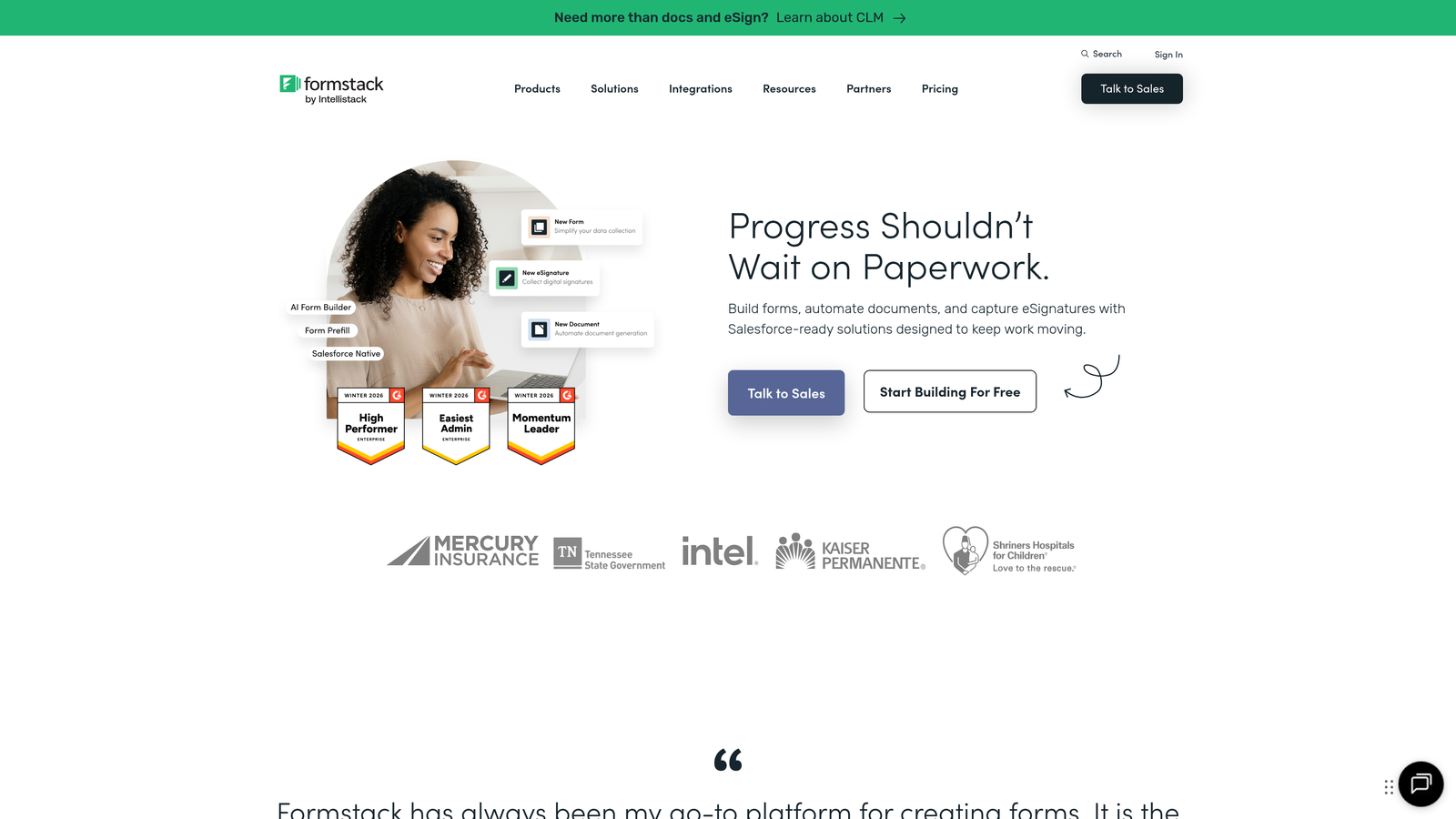
Formstack is an enterprise-grade platform built for organizations with strict compliance requirements and complex automation needs.
Where This Tool Shines
Formstack takes security and compliance seriously in ways that most form builders don't. HIPAA-compliant hosting, SOC 2 Type II certification, and GDPR compliance tools make it suitable for healthcare, financial services, and other regulated industries where data handling isn't optional.
The workflow automation capabilities extend far beyond basic email notifications. You can route submissions through approval processes, trigger document generation, update CRM records, and orchestrate multi-step workflows—all without custom development. For organizations where forms are part of larger business processes, this automation saves significant manual work.
Key Features
Enterprise Compliance: HIPAA, GDPR, and SOC 2 compliance with encrypted data storage and signed Business Associate Agreements.
Workflow Automation: Build approval processes, conditional routing, and multi-step workflows triggered by form submissions.
Digital Signatures: Collect legally binding e-signatures with full audit trails and compliance documentation.
Offline Forms: Continue collecting submissions even without internet connectivity, syncing data when connection restores.
Advanced Analytics: A/B test form variations, track conversion funnels, and analyze completion rates with detailed reporting.
Best For
Healthcare organizations, financial institutions, government agencies, and enterprise teams that handle sensitive data requiring compliance certifications. Also valuable for organizations with complex approval workflows or teams that need offline data collection capabilities for field work. The investment makes sense when compliance violations or manual workflow costs exceed the platform pricing.
Pricing
Starts at $50/month for basic features. Enterprise pricing for compliance features, advanced workflows, and dedicated support varies based on requirements.
7. Fillout
Best for: Teams using Notion or Airtable who need seamless database integration
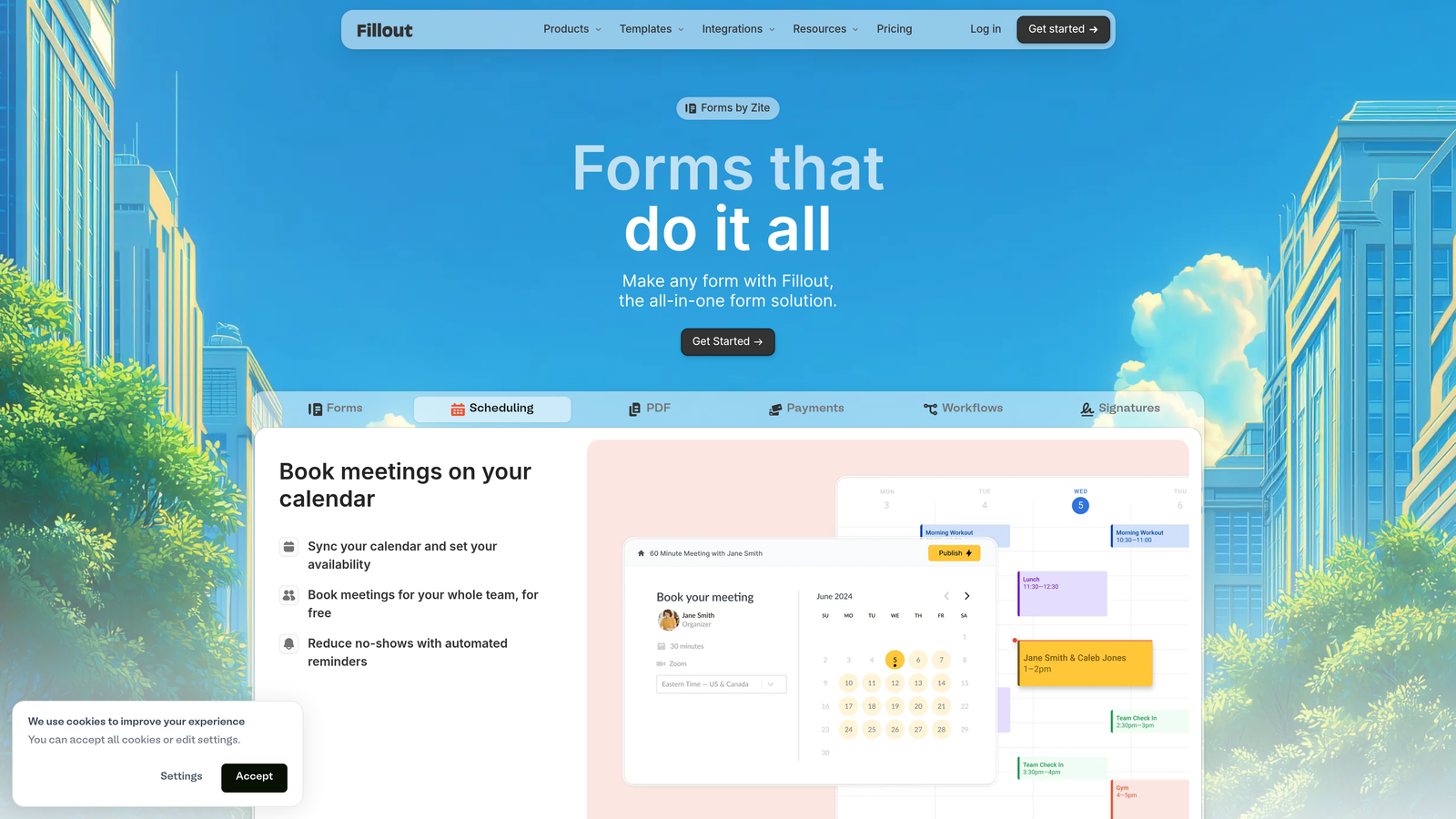
Fillout specializes in native database connections that let you pre-fill forms from existing records and update databases directly from submissions.
Where This Tool Shines
If your team lives in Notion or Airtable, Fillout creates a bridge between your database and form collection that feels native. You can pull data from database records to pre-fill forms, update existing records based on submissions, or create new entries—all without middleware or complex integrations.
This bi-directional sync enables workflows that most form builders can't handle. Think customer portals where users update their own information, inventory systems where staff modify records via forms, or application processes that pull previous submission data to reduce repeated entry.
Key Features
Native Database Integration: Direct connections to Notion and Airtable that sync data bi-directionally without third-party tools.
Pre-Fill Functionality: Populate form fields automatically from existing database records based on unique identifiers.
Record Updates: Allow form submissions to modify existing database entries rather than always creating new records.
Modern Interface: Clean, contemporary design that matches the aesthetic of modern productivity tools.
Payment and Scheduling: Built-in payment processing and calendar scheduling for booking and transaction workflows.
Best For
Teams already managing data in Notion or Airtable who need forms that integrate seamlessly with their existing workflows. Particularly valuable for customer portals, membership management systems, inventory tracking, or any scenario where you need to both read from and write to a central database. Saves significant development time compared to building custom forms or managing data sync manually.
Pricing
Free tier available with basic features. Starter plan at $15/month includes database integrations and removes branding.
8. Cognito Forms
Best for: Organizations needing advanced calculations, repeating sections, and robust features on a budget
Cognito Forms packs enterprise-level calculation and logic capabilities into a platform with a genuinely functional free tier.
Where This Tool Shines
The calculation engine in Cognito Forms handles complexity that would require custom code in most other platforms. You can build dynamic pricing calculators, complex eligibility assessments, or multi-variable formulas that update in real-time as users fill out your multi page forms.
Repeating sections are another standout feature. Users can add multiple entries of the same field group—perfect for applications where you need to collect information about multiple family members, list several work experiences, or add variable quantities of items. This flexibility eliminates the need for rigid "how many?" questions upfront.
Key Features
Advanced Calculations: Build complex formulas using field values, conditional logic, and mathematical operations without coding.
Repeating Sections: Allow users to dynamically add multiple instances of field groups for variable-length data collection.
Payment Processing: Accept payments through Stripe, PayPal, and Square with support for one-time and recurring charges.
Save and Resume: Let users save partially completed forms and return later to finish, reducing abandonment on lengthy applications.
Inventory Tracking: Set quantity limits and track availability for event registrations, product orders, or appointment slots.
Best For
Organizations collecting complex applications, running registration systems with variable pricing, or building calculators and assessments. Particularly strong for educational institutions managing admissions, nonprofits processing grant applications, or businesses with product configurators requiring dynamic pricing. The free tier makes it accessible for small organizations that need powerful features without budget.
Pricing
Free tier includes unlimited forms with 500 entries per month. Pro plan starts at $15/month for increased entries and removes branding.
9. 123FormBuilder
Best for: Healthcare and regulated industries requiring HIPAA-compliant form hosting
123FormBuilder focuses on security and compliance, making it a go-to choice for healthcare providers and organizations handling protected information.
Where This Tool Shines
HIPAA compliance isn't just a checkbox for 123FormBuilder—it's central to their platform architecture. They provide signed Business Associate Agreements, encrypted data transmission and storage, and audit logging that meets healthcare industry requirements.
The platform includes pre-built templates specifically designed for healthcare workflows: patient intake forms, medical history questionnaires, consent forms, and appointment scheduling. These templates incorporate best practices for collecting protected health information while maintaining usability and completion rates.
Key Features
HIPAA-Compliant Hosting: Encrypted data storage with signed BAAs and compliance documentation for healthcare organizations.
Multi-Page Wizard Builder: Intuitive interface for creating step-by-step forms with progress indicators and conditional branching.
Skip Logic: Advanced conditional logic that shows or hides entire pages based on previous responses for personalized experiences.
Encrypted Payments: Secure payment collection with PCI compliance for processing sensitive financial information.
Healthcare Templates: Pre-built forms for common medical workflows including intake, consent, and appointment scheduling.
Best For
Healthcare providers, medical practices, mental health professionals, and any organization collecting protected health information that requires HIPAA compliance. Also suitable for legal firms, financial advisors, and other industries with strict data protection requirements. The compliance features justify the higher pricing when regulatory violations carry significant penalties.
Pricing
Free tier available with basic features. Gold plan starts at $24.99/month. HIPAA-compliant plans require higher-tier subscriptions with additional compliance fees.
Making the Right Choice
Choosing the right multi page form builder comes down to your specific needs and priorities. For teams that need intelligent lead qualification alongside conversion-optimized forms, Orbit AI delivers AI-powered scoring and routing that transforms how you handle incoming prospects. The platform eliminates manual lead review while ensuring your sales team focuses on the highest-value opportunities.
If design and user experience are your top priorities, Typeform remains the leader in creating beautiful, conversational experiences that feel more like dialogue than data collection. Teams needing maximum template variety and customization flexibility will find Jotform's 10,000+ templates and comprehensive feature set hard to beat.
Budget-conscious teams should explore Tally's genuinely unlimited free tier—it's not a trial or limited demo, but a fully functional platform that many organizations never need to upgrade from. For document-style forms that blend content, commerce, and collection, Paperform excels at creating experiences that educate and sell while gathering information.
Enterprise teams in regulated industries will appreciate Formstack's compliance certifications and workflow automation, while Notion and Airtable users should consider Fillout's native database integration that eliminates data sync headaches. Organizations needing advanced calculations and repeating sections will find Cognito Forms delivers enterprise capabilities at accessible pricing, and healthcare providers requiring HIPAA compliance have a solid option in 123FormBuilder.
Start by identifying your primary use case—lead generation, applications, surveys, payments, or compliance. Then match it to the tool that specializes in that area. Most platforms offer free trials or free tiers, so test your top two choices with real forms before committing. Pay attention to how easily you can build the logic you need, how the forms feel on mobile devices, and how smoothly data flows into your existing tools.
Start building free forms today and see how intelligent form design can elevate your conversion strategy. Transform your lead generation with AI-powered forms that qualify prospects automatically while delivering the modern, conversion-optimized experience your high-growth team needs.


