

Your website visitors are ready to convert—but clunky, generic forms are killing your momentum. Every redirect to an external form page, every jarring design mismatch, every friction point in the submission process sends potential leads straight to your competitors. Embedded form builders solve this by letting you integrate beautiful, conversion-optimized forms directly into your pages without breaking the user experience.
The right embedded form tool transforms passive visitors into qualified leads while maintaining your brand aesthetic and page flow. We evaluated dozens of solutions based on embedding flexibility, design customization, integration depth, lead qualification capabilities, and real-world conversion performance. Here are the top embedded form builder tools that actually deliver results for growth-focused teams.
1. Orbit AI
Best for: High-growth teams who want AI-powered lead qualification built into conversion-optimized forms
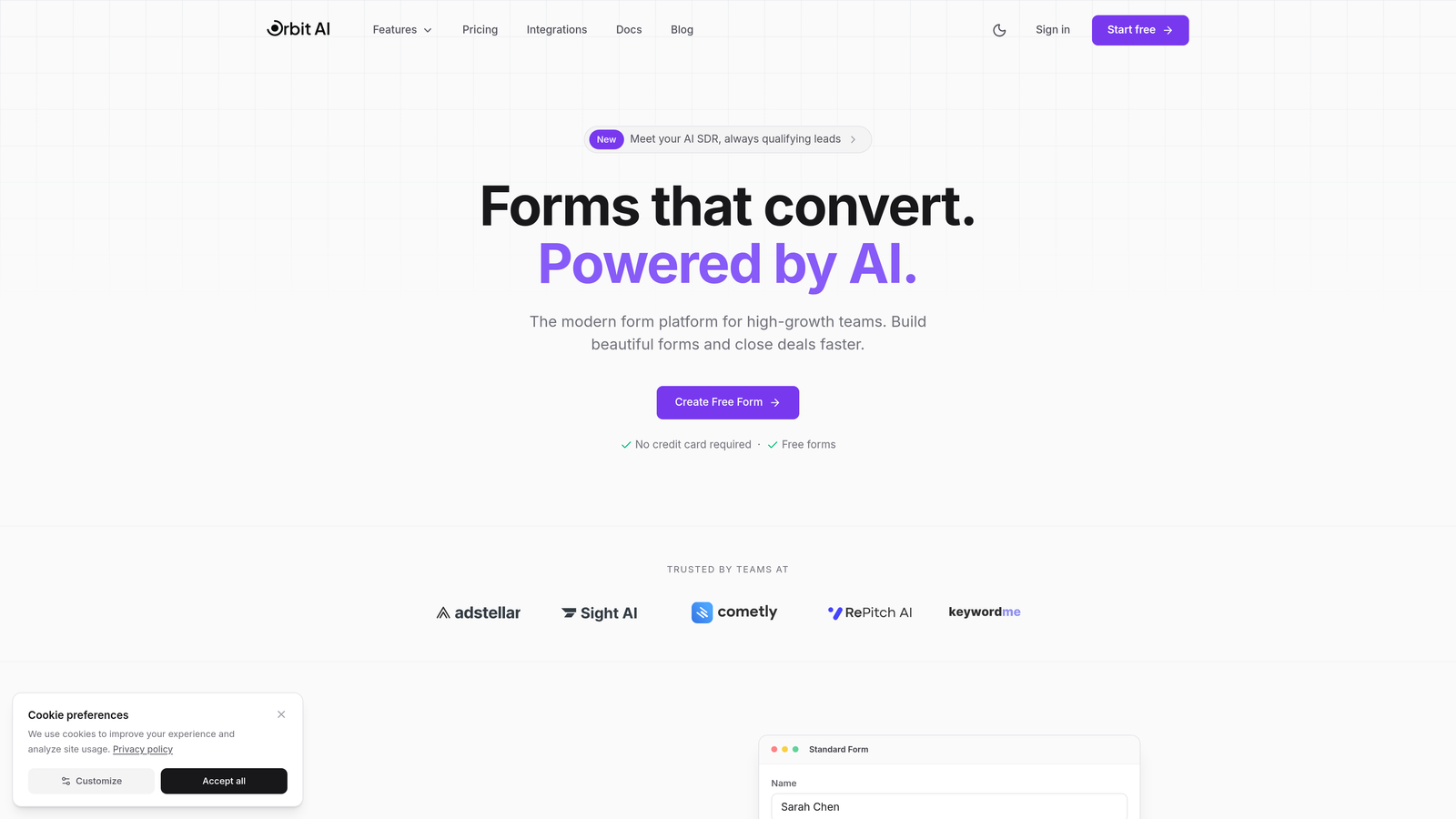
Orbit AI is an AI-powered form builder platform designed specifically for teams focused on lead generation and conversion optimization.
Where This Tool Shines
What sets Orbit AI apart is its intelligent lead qualification system that works automatically as prospects fill out your forms. Instead of collecting raw submissions and sorting them manually later, the AI evaluates responses in real-time to score and prioritize leads based on fit and intent.
The platform combines this intelligence with modern, conversion-optimized form designs that actually look like they belong on contemporary websites. You get flexible embedding options—inline, popup, or slider—so you can match forms to your conversion strategy rather than forcing your strategy around form limitations.
Key Features
AI-Powered Lead Qualification: Automatically scores and qualifies prospects based on their responses, routing high-value leads to sales immediately.
Modern Form Designs: Conversion-optimized templates that match contemporary web aesthetics without requiring design expertise.
Flexible Embedding Options: Deploy as inline forms, popups, or slide-ins depending on your page strategy and conversion goals.
Native CRM Integrations: Direct connections to major CRMs and automation platforms eliminate manual data transfer.
Real-Time Analytics: Track conversion rates, drop-off points, and lead quality metrics to continuously optimize performance.
Best For
Orbit AI works exceptionally well for SaaS companies, B2B service providers, and high-growth teams where lead quality matters as much as lead volume. If you're tired of sorting through unqualified submissions or want to automate the initial qualification process, this platform delivers immediate value.
Pricing
Free tier available to get started. Paid plans begin at competitive rates designed for growing teams, scaling with your lead volume and feature needs.
2. Typeform
Best for: Creating conversational, engaging form experiences with maximum completion rates
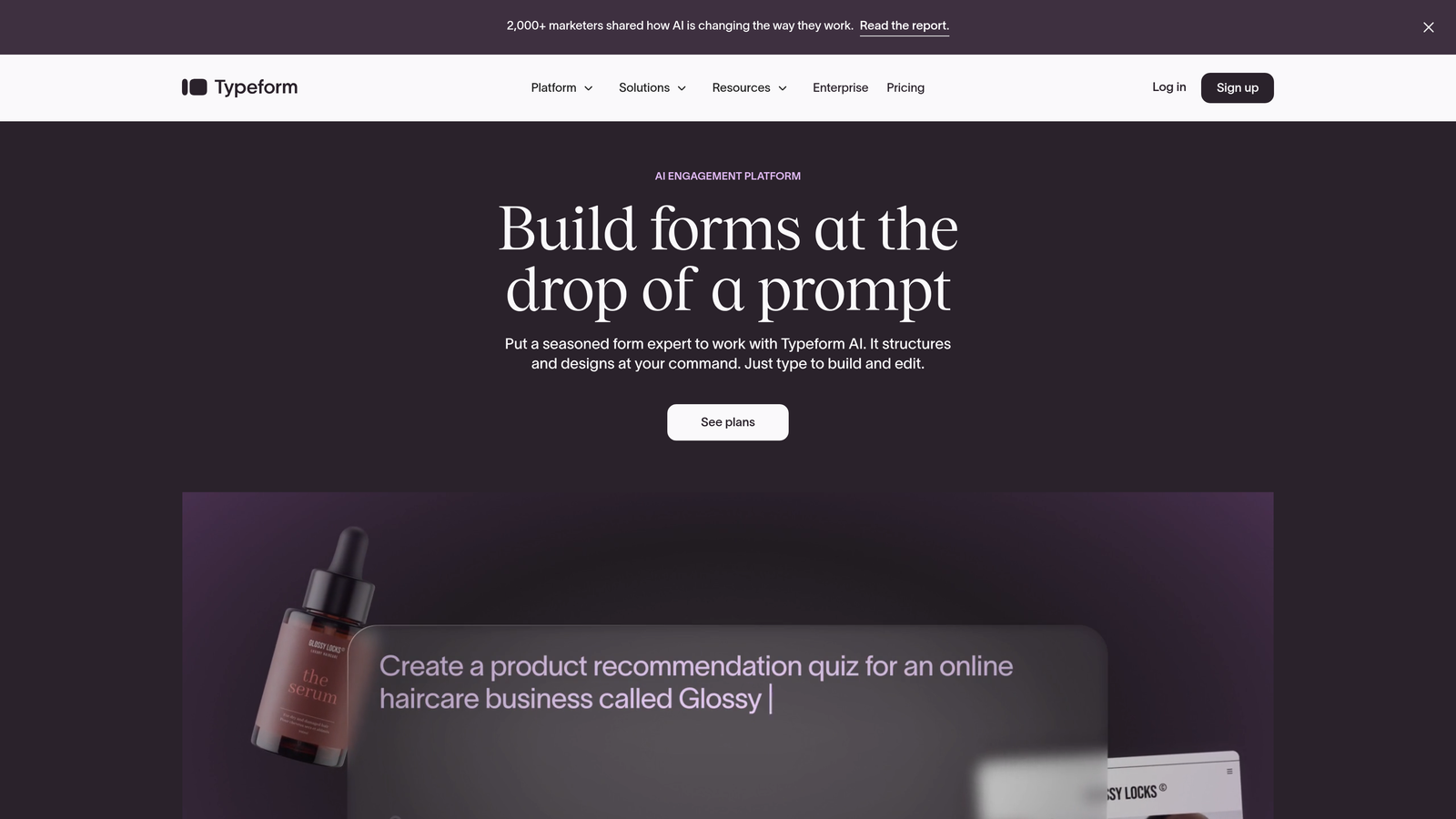
Typeform is a conversational form builder known for its distinctive one-question-at-a-time interface that maximizes engagement and completion rates.
Where This Tool Shines
Typeform revolutionized form UX by treating forms as conversations rather than data collection exercises. The single-question approach reduces cognitive load and feels more like a guided interaction than filling out a traditional form. This design philosophy consistently delivers higher completion rates, especially for longer forms that would intimidate users in traditional layouts.
The platform's beautiful default themes and smooth animations create a premium feel without requiring design work. Users genuinely enjoy filling out Typeform surveys and forms, which translates directly to better conversion metrics for lead capture.
Key Features
Conversational Interface: One-question-at-a-time flow that feels natural and reduces form abandonment significantly.
Beautiful Animations: Smooth transitions and visual feedback create an engaging experience that stands out from generic forms.
Logic Jumps: Branch questions based on previous answers to create personalized form experiences for different user segments.
Rich Media Support: Embed videos, images, and GIFs directly within forms to maintain engagement and provide context.
Integration Ecosystem: Connects with hundreds of tools including CRMs, email platforms, and automation systems.
Best For
Typeform excels for customer research, lead qualification surveys, event registration, and any scenario where form completion rates directly impact business outcomes. Marketing teams love it for creating memorable brand experiences through form interactions.
Pricing
Free plan available with limited responses per month. Basic plan starts at $25/month, with Plus and Business tiers offering advanced features and higher response limits.
3. Jotform
Best for: Teams who need extensive template libraries and deep customization without coding
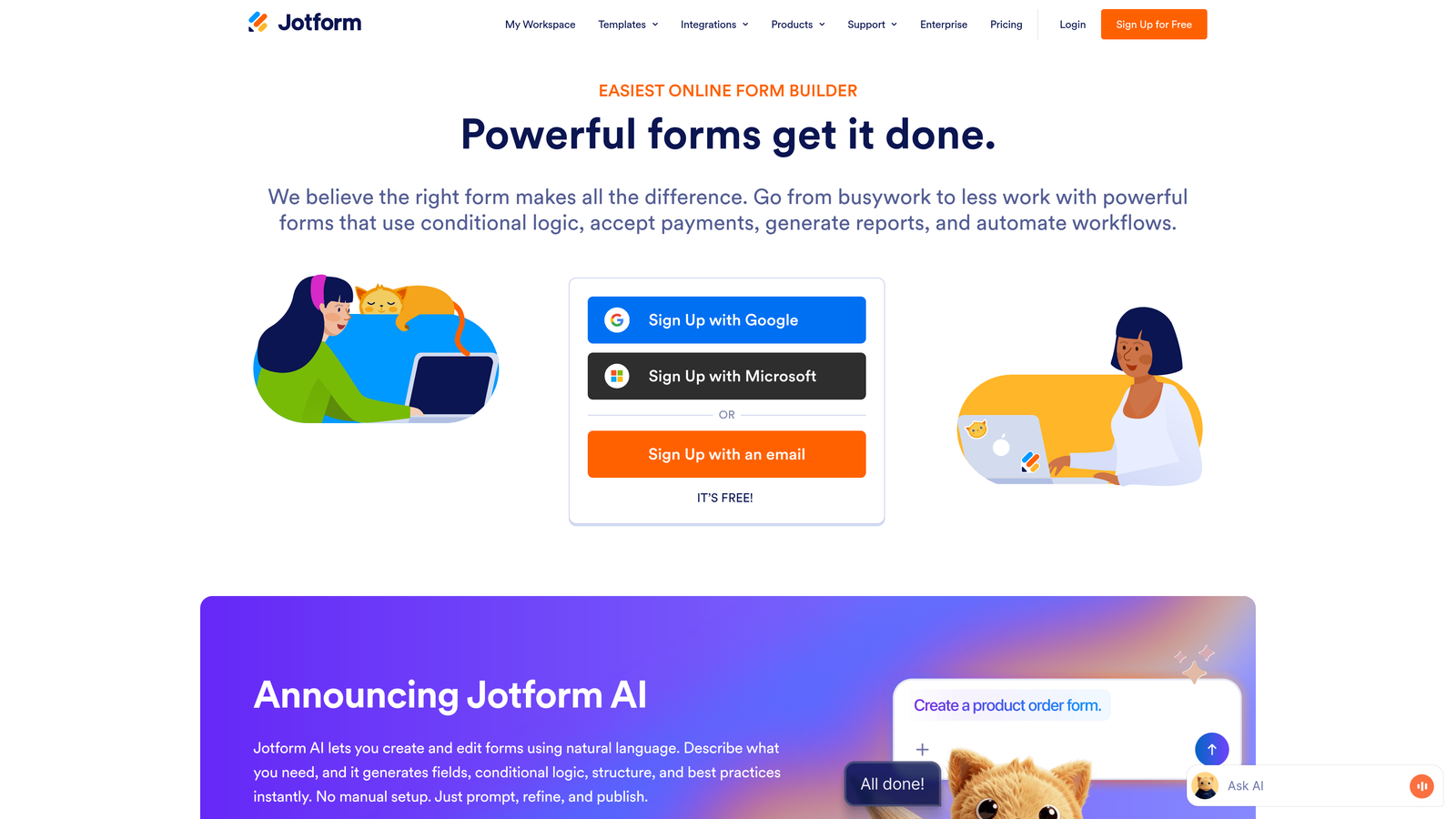
Jotform is a feature-rich form builder offering thousands of pre-built templates and extensive customization options for virtually any use case.
Where This Tool Shines
Jotform's massive template library means you're rarely starting from scratch. With over 10,000 pre-built templates spanning every industry and use case imaginable, you can find something close to your needs and customize from there. This dramatically reduces time-to-launch for new forms.
The drag-and-drop builder includes widgets for advanced functionality—payment processing, appointment scheduling, file uploads, calculations—without requiring technical expertise. You can build sophisticated multi-step forms with conditional logic that rival custom-coded solutions.
Key Features
10,000+ Templates: Pre-built forms for every industry and purpose, from registration to order forms to surveys.
Widget Marketplace: Hundreds of add-on widgets extend functionality for payments, scheduling, signatures, and more.
Conditional Logic: Show or hide fields based on user responses to create dynamic, personalized form experiences.
PDF Generation: Automatically create PDF documents from form submissions for contracts, receipts, or reports.
Payment Integration: Accept payments through Stripe, PayPal, Square, and other processors directly within forms.
Best For
Jotform works well for businesses that need diverse form types—registration, orders, applications, surveys—and want a single platform to handle everything. It's particularly strong for organizations that value having ready-made templates over creating fully custom designs.
Pricing
Free tier includes up to 5 forms with 100 monthly submissions. Bronze plan starts at $34/month, with Silver and Gold tiers offering increased limits and advanced features.
4. Tally
Best for: Budget-conscious teams who want unlimited forms with modern design and generous free features
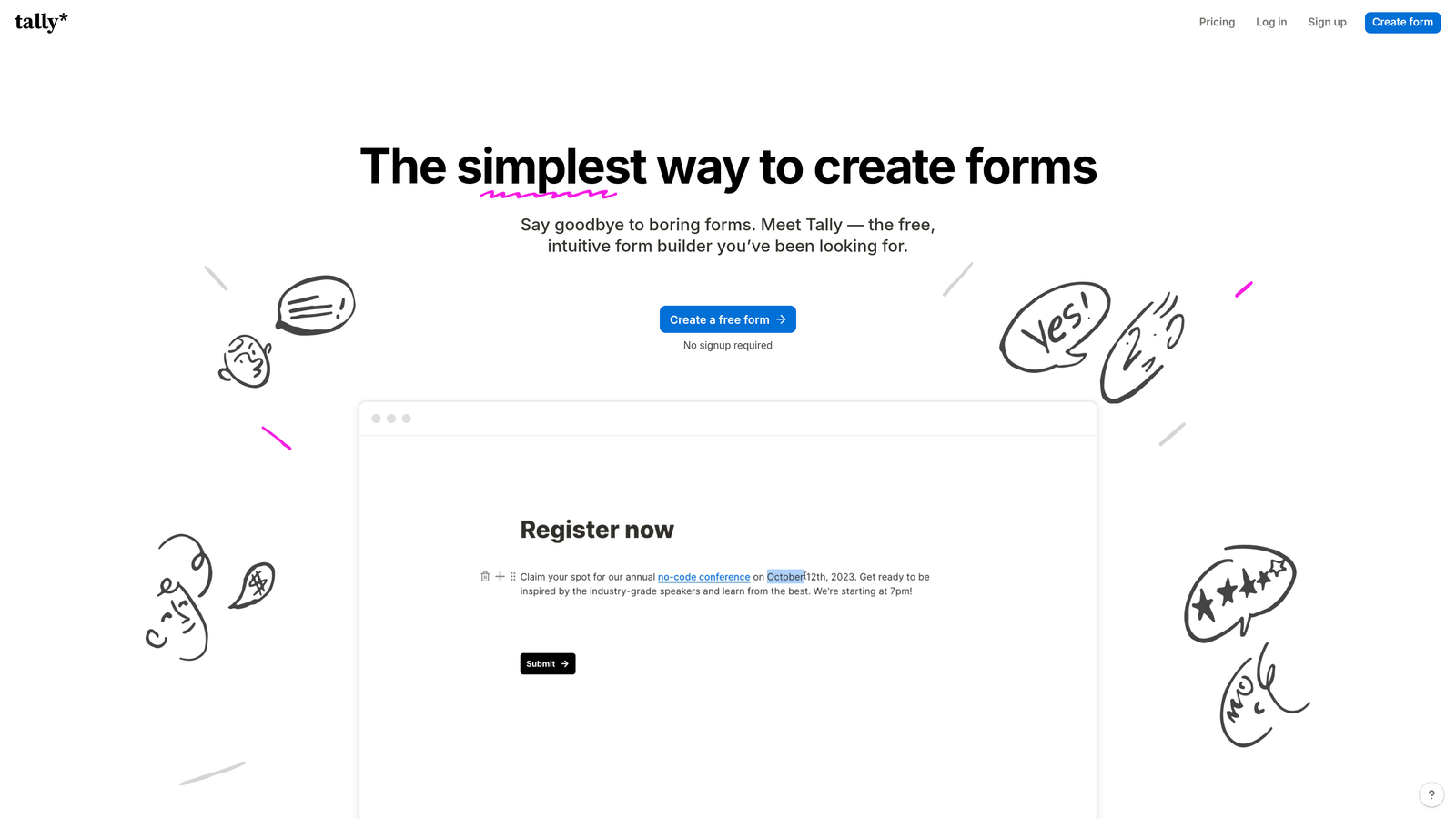
Tally is a minimalist form builder with a Notion-like interface that offers unlimited forms on its free tier.
Where This Tool Shines
Tally's value proposition is refreshingly simple: unlimited forms, unlimited submissions, forever free. This removes the anxiety of hitting submission caps that plague other platforms' free tiers. For startups and small teams, this means you can deploy forms across your entire site without worrying about usage limits.
The Notion-style block-based editor feels familiar to modern teams already using similar tools. Building forms becomes intuitive—just add blocks for different field types, rearrange them, and publish. The resulting forms have a clean, contemporary aesthetic that embeds beautifully into modern websites.
Key Features
Unlimited Free Forms: No artificial limits on form count or submissions in the free tier—genuinely unlimited usage.
Block-Based Editor: Notion-style interface makes form building fast and intuitive without a learning curve.
Clean Embed Design: Forms look modern and professional without customization, matching contemporary web aesthetics.
Conditional Logic Included: Show/hide questions based on responses, available even on the free plan.
Integration Options: Connect via webhooks or Zapier to send data to your existing tools and workflows.
Best For
Tally is ideal for bootstrapped startups, content creators, and small businesses that need professional forms without budget for premium tools. It's also great for teams already using Notion who want a similar editing experience.
Pricing
Free plan with unlimited forms and submissions. Pro plan at $29/month adds file uploads, custom domains, and advanced integrations.
5. Fillout
Best for: Teams using Airtable or Notion who want native database integration with their forms
Fillout is a database-first form builder designed specifically for native integration with Airtable and Notion databases.

Where This Tool Shines
Fillout eliminates the integration middleware that other form builders require when working with databases. Connect directly to your Airtable base or Notion database, and forms automatically sync both ways. This means you can pre-fill forms with existing data, update records through form submissions, and maintain a single source of truth.
The two-way sync opens powerful workflows. Create customer portals where users update their own information, build application processes that modify database records at each stage, or generate forms dynamically based on database content. These capabilities typically require custom development with other platforms.
Key Features
Native Database Sync: Direct two-way integration with Airtable and Notion without middleware or Zapier.
Pre-Fill Functionality: Automatically populate form fields from existing database records for update workflows.
Record Updates: Modify existing database entries through form submissions rather than only creating new records.
Scheduling Integration: Built-in appointment booking that syncs with your calendar and database.
Multi-Page Logic: Create complex multi-step forms with conditional branching based on user responses.
Best For
Fillout excels for teams already running their operations in Airtable or Notion who want forms to integrate seamlessly with their existing workflows. It's particularly valuable for customer portals, application processes, and any scenario requiring bidirectional data flow.
Pricing
Free tier available with core features. Starter plan begins at $15/month for increased submissions and advanced functionality.
6. Paperform
Best for: Creating content-rich landing pages that combine storytelling with embedded form fields
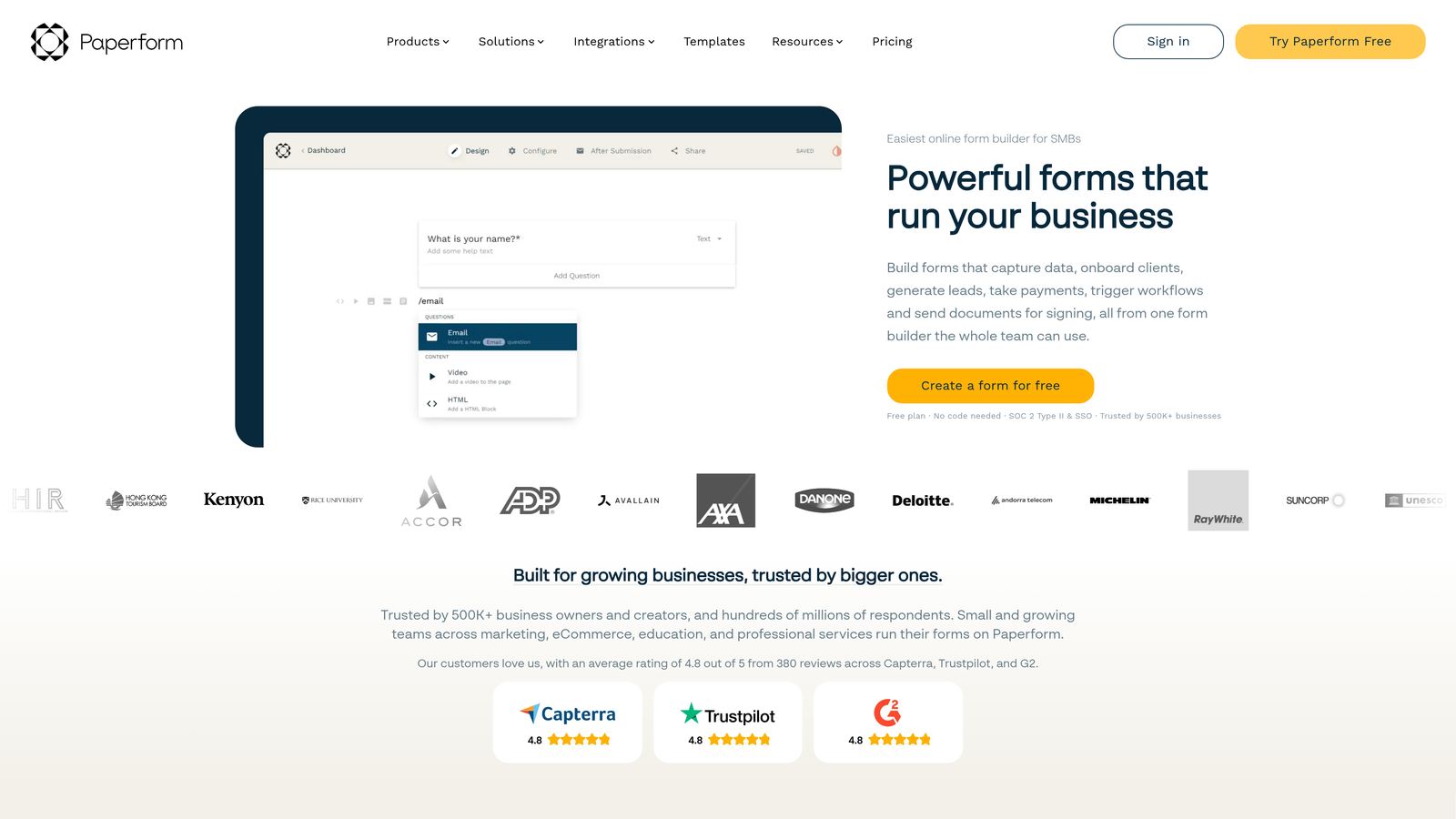
Paperform is a content-first form builder that blends landing page elements with form fields for a cohesive conversion experience.
Where This Tool Shines
Paperform treats forms as content experiences rather than pure data collection. You can weave form fields naturally into rich text, images, videos, and other media to tell a story while capturing information. This approach works exceptionally well for product pages with checkout, event registration with detailed descriptions, or service booking with explanatory content.
The platform includes built-in scheduling and payment processing, turning a single Paperform into a complete conversion funnel. Instead of stitching together separate tools for landing page, form, payment, and scheduling, everything lives in one seamless experience.
Key Features
Rich Content Integration: Mix form fields with text, images, videos, and other media to create engaging conversion experiences.
Product Pages: Build complete product showcases with checkout functionality embedded directly in the form flow.
Conditional Logic: Show different content and fields based on user selections to personalize the experience.
Appointment Scheduling: Native booking functionality connects with Google Calendar and other scheduling tools.
Custom Success Pages: Design unique confirmation experiences that continue engagement after form submission.
Best For
Paperform works beautifully for service businesses, event organizers, course creators, and anyone who needs to provide context and build trust before asking for information or payment. It bridges the gap between landing pages and forms.
Pricing
Essentials plan starts at $24/month. Pro plan at $49/month adds advanced features, integrations, and higher submission limits.
7. Formstack
Best for: Enterprise teams and regulated industries requiring compliance features and advanced security
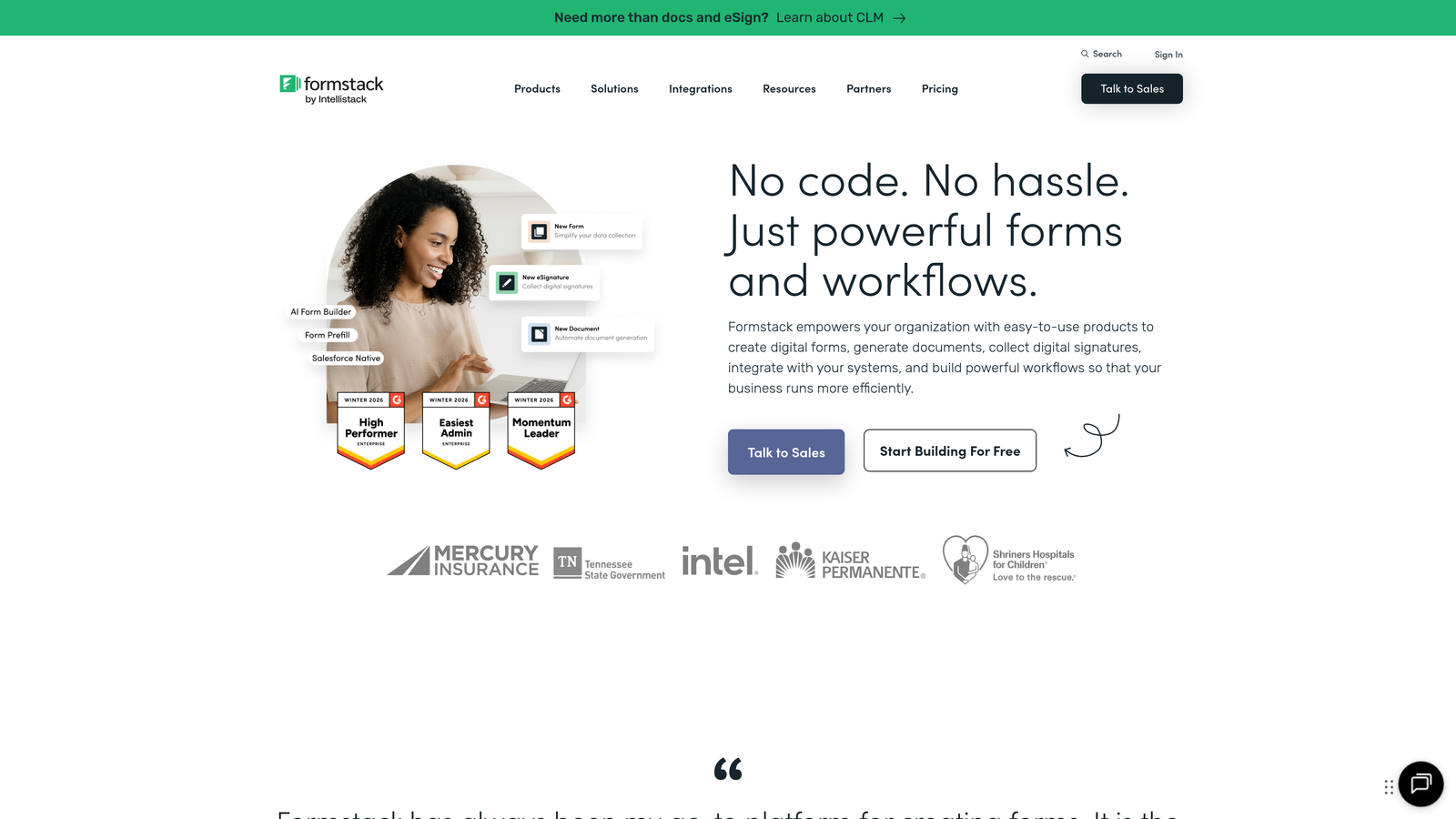
Formstack is an enterprise-grade form builder with built-in compliance features, workflow automation, and advanced security controls.
Where This Tool Shines
Formstack addresses the specific needs of enterprises and regulated industries where compliance isn't optional. HIPAA-compliant forms for healthcare, GDPR controls for European data, and SOC 2 certification for security-conscious organizations come standard. This eliminates the risk and complexity of ensuring form data handling meets regulatory requirements.
Beyond compliance, Formstack's workflow automation capabilities rival dedicated business process management tools. Route submissions through approval chains, trigger document generation, send conditional notifications, and integrate with enterprise systems—all without custom development.
Key Features
Compliance Options: HIPAA, GDPR, and other regulatory compliance built into the platform with proper data handling.
Workflow Automation: Advanced routing, approvals, and conditional actions that automate business processes.
Document Generation: Automatically create PDFs, contracts, or reports from form submission data.
E-Signature Collection: Legally binding electronic signatures integrated directly into form workflows.
Enterprise Security: SSO, role-based access controls, and audit trails for enterprise IT requirements.
Best For
Formstack serves healthcare providers, financial services, government agencies, and large enterprises where data security and compliance are non-negotiable. It's the choice when form data handling requires documentation and accountability.
Pricing
Starter plan begins at $50/month. Teams plan at $83/month adds collaboration features and increased limits. Enterprise pricing available for larger organizations.
8. Cognito Forms
Best for: Order forms and payment collection with advanced calculation capabilities
Cognito Forms is a calculation-focused form builder ideal for order forms, invoicing, and complex payment scenarios.
Where This Tool Shines
Cognito Forms excels at mathematical operations within forms. Calculate totals, apply discounts, compute taxes, and handle complex pricing logic without external tools. This makes it perfect for order forms where pricing depends on multiple variables—quantity discounts, add-on selections, shipping calculations, or custom configurations.
The platform's repeating sections feature lets users add multiple line items to a single submission, functioning like a shopping cart within the form itself. Combined with built-in payment processing through Stripe, PayPal, or Square, you can create complete ordering systems without e-commerce platform overhead.
Key Features
Advanced Calculations: Perform complex math operations, apply formulas, and calculate totals dynamically as users fill forms.
Payment Processing: Native integration with Stripe, PayPal, and Square for secure payment collection.
Repeating Sections: Let users add multiple line items, perfect for order forms and variable-length submissions.
Conditional Logic: Show fields, sections, or pricing based on previous selections to create dynamic forms.
Affordable Pricing: Competitive rates make advanced features accessible to small teams and solo entrepreneurs.
Best For
Cognito Forms works exceptionally well for small businesses selling products or services with variable pricing, event registration with add-ons, donation forms with giving levels, or any scenario requiring calculation logic before payment.
Pricing
Free tier includes 500 entries per month with core features. Pro plan starts at $15/month for unlimited entries and advanced functionality.
9. HubSpot Forms
Best for: Teams already using HubSpot CRM who want native integration and progressive profiling
HubSpot Forms is the native form builder within HubSpot's marketing suite, offering seamless CRM integration and marketing automation triggers.
Where This Tool Shines
HubSpot Forms eliminates integration complexity for teams already running HubSpot. Form submissions automatically create or update CRM contacts, trigger workflows, and feed into your marketing automation—no middleware, no data sync delays, no mapping fields between systems.
Progressive profiling sets HubSpot apart from generic form builders. The system remembers what it already knows about contacts and dynamically adjusts form fields to ask new questions instead of requesting the same information repeatedly. This reduces form friction for returning visitors while continuously enriching contact data.
Key Features
Native CRM Integration: Direct contact creation and updates in HubSpot CRM without integration tools or delays.
Progressive Profiling: Smart fields that adapt based on known contact information to reduce redundancy and friction.
Smart Fields: Pre-populate fields for known contacts to create personalized, frictionless form experiences.
Flexible Embedding: Deploy as embedded forms, popups, or standalone pages depending on conversion strategy.
Automation Triggers: Form submissions automatically trigger email sequences, workflows, and other marketing automation.
Best For
HubSpot Forms makes perfect sense for teams already invested in the HubSpot ecosystem who want forms tightly integrated with their CRM and marketing automation. It's less compelling as a standalone solution but invaluable within the HubSpot platform.
Pricing
Free with HubSpot CRM. Advanced features like progressive profiling and automation triggers require Marketing Hub subscription starting at $45/month.
Making the Right Choice
The best embedded form builder depends entirely on your specific workflow and conversion goals. If you're focused on lead quality over quantity and want AI doing the heavy lifting of qualification, Orbit AI delivers immediate value with its intelligent scoring system built into beautiful, modern forms. Teams prioritizing engagement and completion rates should explore Typeform's conversational approach—the one-question-at-a-time interface consistently outperforms traditional layouts.
Budget-conscious startups and small teams will find Tally's unlimited free tier hard to beat, especially when you need professional results without ongoing costs. For teams already running operations in Airtable or Notion, Fillout's native database integration eliminates the middleware complexity that plagues other solutions. And if you're already invested in HubSpot's ecosystem, their native forms remove integration headaches entirely while enabling progressive profiling that continuously enriches contact data.
Consider your primary use case carefully. Order forms and payment collection? Cognito Forms' calculation capabilities and repeating sections handle complex pricing scenarios beautifully. Need compliance features for healthcare or finance? Formstack's HIPAA and GDPR options are built in, not bolted on. Want to blend storytelling with data collection? Paperform's content-first approach creates cohesive conversion experiences.
The tools on this list represent genuinely different approaches to form building, not just feature variations on the same theme. Start by identifying your biggest pain point—is it lead qualification, completion rates, database integration, compliance requirements, or something else? Then test the tool that addresses that specific challenge. Most offer free trials or free tiers, so you can validate real results with your actual audience before committing.
Transform your lead generation with AI-powered forms that qualify prospects automatically while delivering the modern, conversion-optimized experience your high-growth team needs. Start building free forms today and see how intelligent form design can elevate your conversion strategy.


