

Your WordPress forms are either converting visitors into leads or silently losing them. The difference often comes down to the form builder plugin you choose. With dozens of options flooding the WordPress ecosystem, finding the right balance between design flexibility, conversion features, and ease of use can feel overwhelming.
This guide cuts through the noise with nine form builder plugins that actually deliver results—from AI-powered qualification tools to simple drag-and-drop solutions. Whether you need advanced conditional logic, payment processing, or just beautiful forms that don't slow down your site, you'll find your match here.
1. Orbit AI
Best for: High-growth teams needing AI-powered lead qualification and conversion-optimized forms
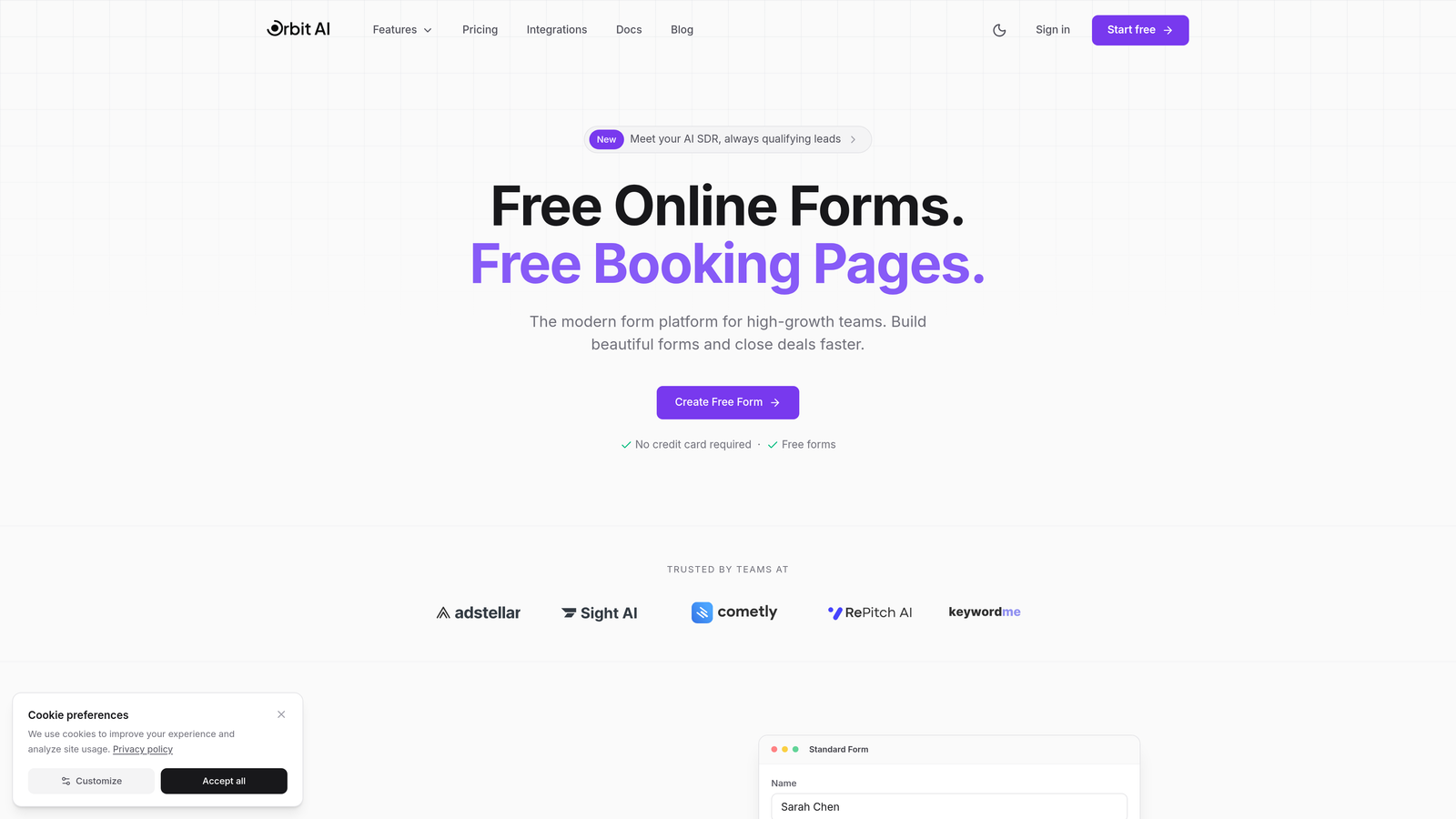
Orbit AI is a modern form builder platform that brings artificial intelligence into your lead generation workflow, automatically qualifying prospects while they fill out your forms.
Where This Tool Shines
The platform's AI-powered lead qualification sets it apart from traditional form builders. As visitors complete your forms, the system analyzes responses in real-time, scoring leads based on your criteria and routing high-value prospects to the right team members instantly.
The conversion-optimized templates are built specifically for high-growth teams who need forms that actually convert. Each template incorporates best practices from thousands of successful forms, giving you a head start on design decisions that impact completion rates.
Key Features
AI Lead Qualification: Automatically scores and qualifies leads based on form responses, eliminating manual sorting and prioritizing your best prospects.
Conversion-Optimized Templates: Pre-built form designs tested for maximum completion rates across industries and use cases.
Intelligent Conditional Logic: Show or hide fields based on previous answers, creating personalized form experiences that feel tailored to each visitor.
Native CRM Integrations: Connect directly with your marketing stack and customer relationship management tools without middleware or complex setup.
Real-Time Analytics: Track conversion rates, completion times, and drop-off points to continuously optimize your form performance.
Best For
This platform excels for SaaS companies, B2B businesses, and marketing teams focused on lead quality over quantity. If you're spending hours manually qualifying leads or struggling with low form completion rates, the AI qualification features can transform your workflow while the modern interface keeps your brand looking professional.
Pricing
Free tier available for getting started. Paid plans begin at competitive rates designed for growing teams, scaling with your lead volume and feature needs.
2. WPForms
Best for: Beginners who want powerful features without a steep learning curve
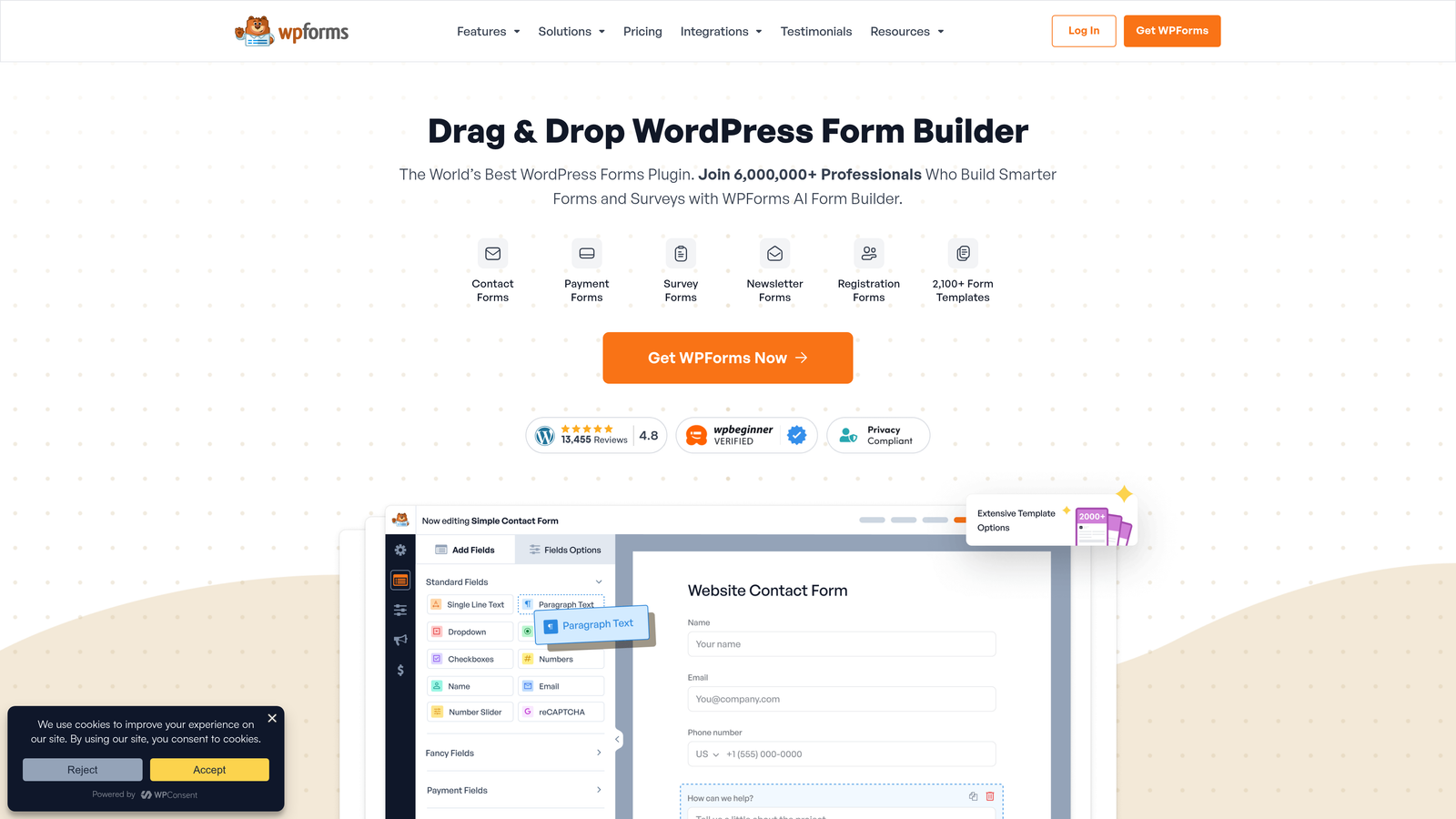
WPForms is a drag-and-drop form builder that combines ease of use with extensive functionality, making it accessible for WordPress users of all skill levels.
Where This Tool Shines
The template library is genuinely impressive. With over 1,800 pre-built forms covering everything from contact forms to payment collection, you'll rarely start from scratch. The live preview feature shows exactly how your form will look as you build it, eliminating the constant save-and-refresh cycle that slows down other builders.
The interface feels intuitive from the first click. Fields snap into place, settings are organized logically, and the entire building experience focuses on getting your form live quickly without sacrificing customization options.
Key Features
Extensive Template Library: Access 1,800+ ready-made form templates for common use cases, from simple contact forms to complex surveys.
Real-Time Preview: See changes instantly as you build, with a live preview that matches your actual form appearance.
Payment Processing: Accept payments through Stripe and PayPal directly in your forms without additional plugins or complicated setup.
Multi-Page Forms: Break long forms into manageable steps with progress indicators that improve completion rates.
Smart CAPTCHA Options: Multiple spam protection methods including Google reCAPTCHA, hCaptcha, and custom question challenges.
Best For
Small business owners, freelancers, and non-technical WordPress users who need professional forms without hiring a developer. If you value simplicity and want something that works immediately after installation, this is your plugin.
Pricing
The Lite version offers basic functionality for free. Pro plans start at $199.50 per year, unlocking advanced features like payment processing and conditional logic.
3. Gravity Forms
Best for: Developers and power users building complex form workflows
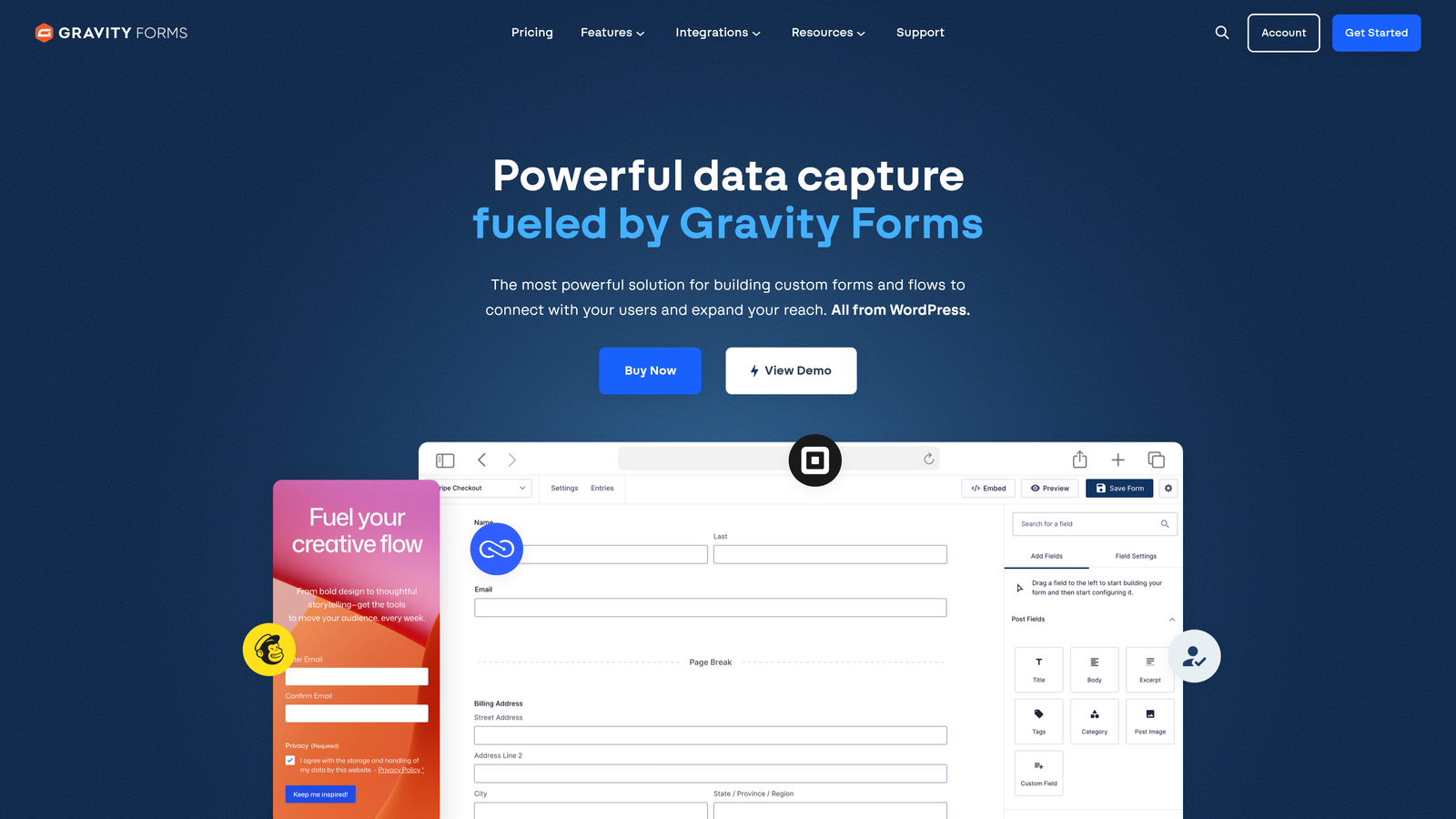
Gravity Forms is the developer's choice for WordPress form building, offering advanced functionality and an extensive add-on ecosystem for virtually any use case.
Where This Tool Shines
The conditional logic capabilities go deeper than most competitors. You can create intricate form flows that adapt based on multiple variables, calculations, and user inputs. This makes it possible to build everything from complex quote calculators to multi-step application processes that feel custom-built.
The add-on marketplace transforms Gravity Forms into whatever you need. Connect to obscure CRM systems, create user registration workflows, or build custom post types from form submissions. The developer community has built solutions for scenarios you didn't know were possible.
Key Features
Advanced Conditional Logic: Create sophisticated form flows with conditions based on multiple fields, calculations, and user roles.
Extensive Add-On Ecosystem: Hundreds of official and third-party add-ons extend functionality for specific integrations and use cases.
User Registration: Create WordPress user accounts directly from form submissions with customizable role assignment.
Partial Entry Tracking: Capture incomplete submissions to understand where users abandon forms and follow up with prospects who didn't finish.
Developer-Friendly Architecture: Extensive hooks, filters, and documentation make customization straightforward for developers.
Best For
Agencies, developers, and businesses with complex form requirements that go beyond simple contact collection. If you need forms that integrate with custom workflows or have specific technical requirements, this plugin provides the flexibility to build exactly what you envision.
Pricing
Basic license starts at $59 annually for a single site. Elite license at $259 per year includes all add-ons and priority support.
4. Formidable Forms
Best for: Building data-driven applications and frontend directories
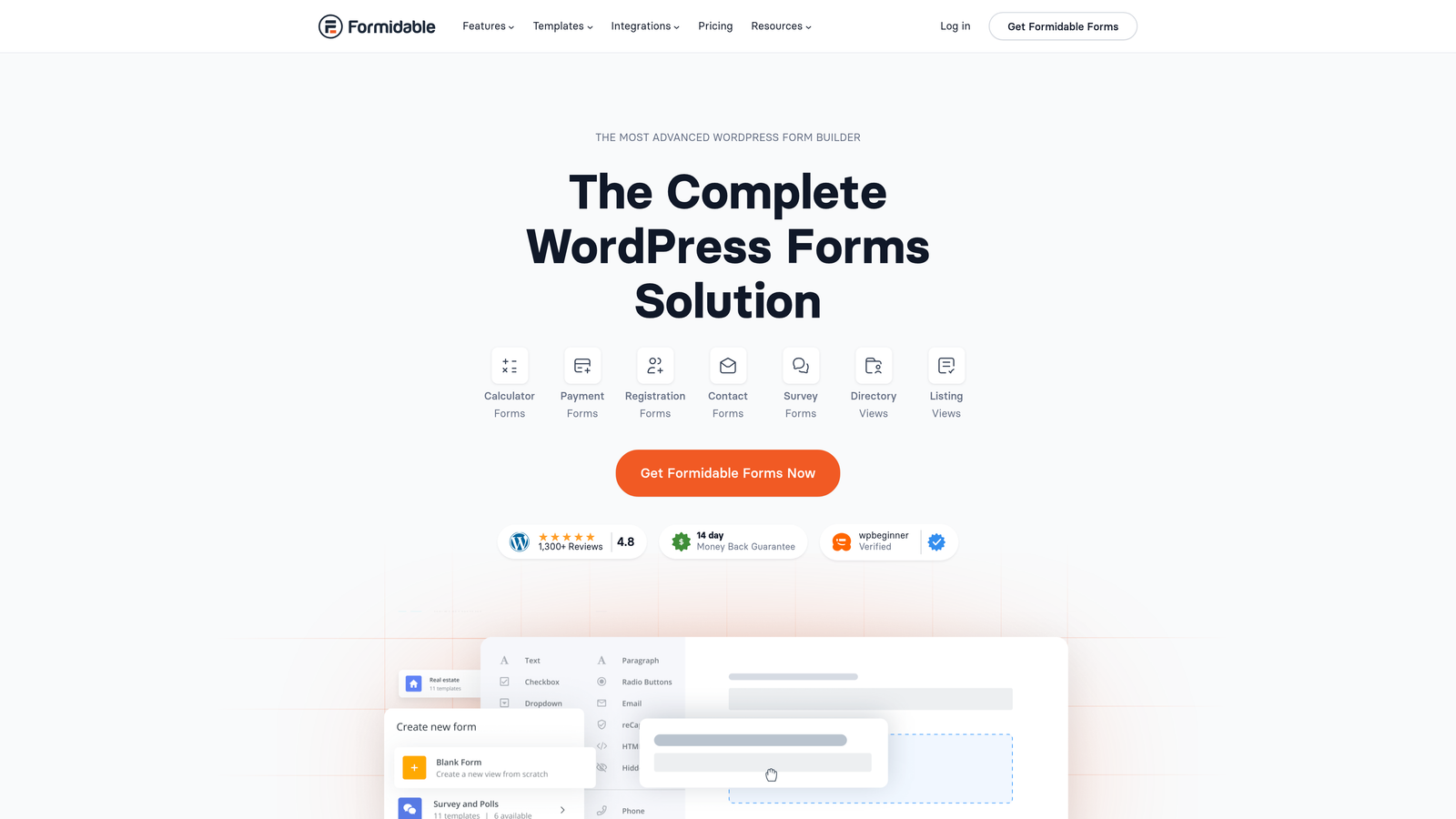
Formidable Forms extends beyond traditional form building into application development territory, letting you create directories, calculators, and data displays directly from form submissions.
Where This Tool Shines
The Views feature transforms how you use form data. Instead of submissions disappearing into your database, you can display them on your frontend as searchable directories, filterable listings, or custom data tables. This makes it possible to build membership directories, product catalogs, or job boards entirely within WordPress.
Advanced calculations handle complex pricing scenarios that would break simpler plugins. Build quote calculators, mortgage estimators, or product configurators with formulas that update in real-time as users adjust their inputs.
Key Features
Frontend Views: Display form submission data on your website as directories, tables, or custom layouts with search and filter capabilities.
Advanced Calculations: Create complex pricing forms, calculators, and estimators with mathematical formulas and conditional pricing rules.
User-Submitted Content: Let visitors create and manage their own listings, posts, or profiles through frontend form submissions.
Repeater Fields: Allow users to add multiple sets of the same fields dynamically, perfect for applications with variable data needs.
Visual Form Styler: Customize form appearance with a visual editor that doesn't require CSS knowledge.
Best For
Businesses building WordPress applications that need to collect, display, and manage structured data. If you're creating a directory site, marketplace, or any platform where user-submitted content needs frontend display, this plugin bridges the gap between forms and applications.
Pricing
Basic plan starts at $39.50 per year. Elite plan at $199.50 annually includes Views and all advanced features.
5. Ninja Forms
Best for: Users wanting flexibility to pay only for features they actually need
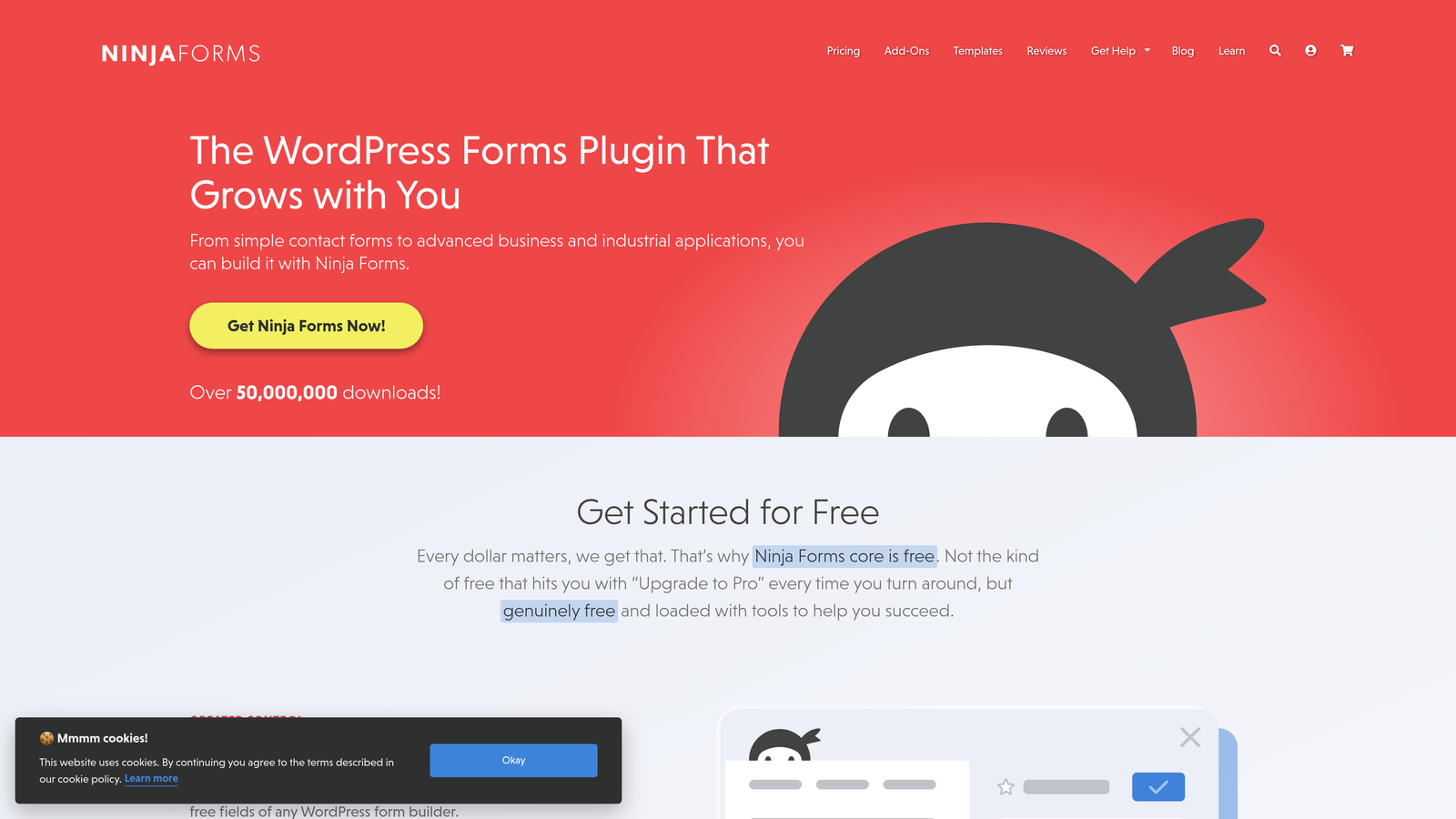
Ninja Forms offers a completely free core plugin with a modular add-on system, letting you build your ideal feature set without paying for functionality you'll never use.
Where This Tool Shines
The free core plugin includes more functionality than many premium competitors. You get conditional logic, multi-step forms, and extensive styling options without spending a dollar. This makes it ideal for testing form strategies before committing to paid features.
The modular approach means you can add payment processing to one form, file uploads to another, and email marketing integration to a third—paying only for the specific capabilities each form requires rather than a one-size-fits-all package.
Key Features
Free Core Functionality: The base plugin includes drag-and-drop building, conditional logic, and multi-step forms at no cost.
Modular Add-On Marketplace: Purchase only the specific integrations and features you need rather than bundled packages.
Multi-Step Forms: Break long forms into steps with progress bars and navigation controls included in the free version.
Conditional Logic: Show or hide fields based on user selections without upgrading to premium plans.
Layout Customization: Extensive styling options and CSS control for matching forms to your brand design.
Best For
Budget-conscious users, startups testing form strategies, and anyone who prefers à la carte pricing over all-inclusive packages. If you know exactly which features you need and don't want to pay for extras, this flexible approach saves money while maintaining quality.
Pricing
Core plugin completely free. Individual add-ons priced separately, or bundled packages starting at $99 per year for commonly needed features.
6. Fluent Forms
Best for: Performance-focused sites where page load speed matters
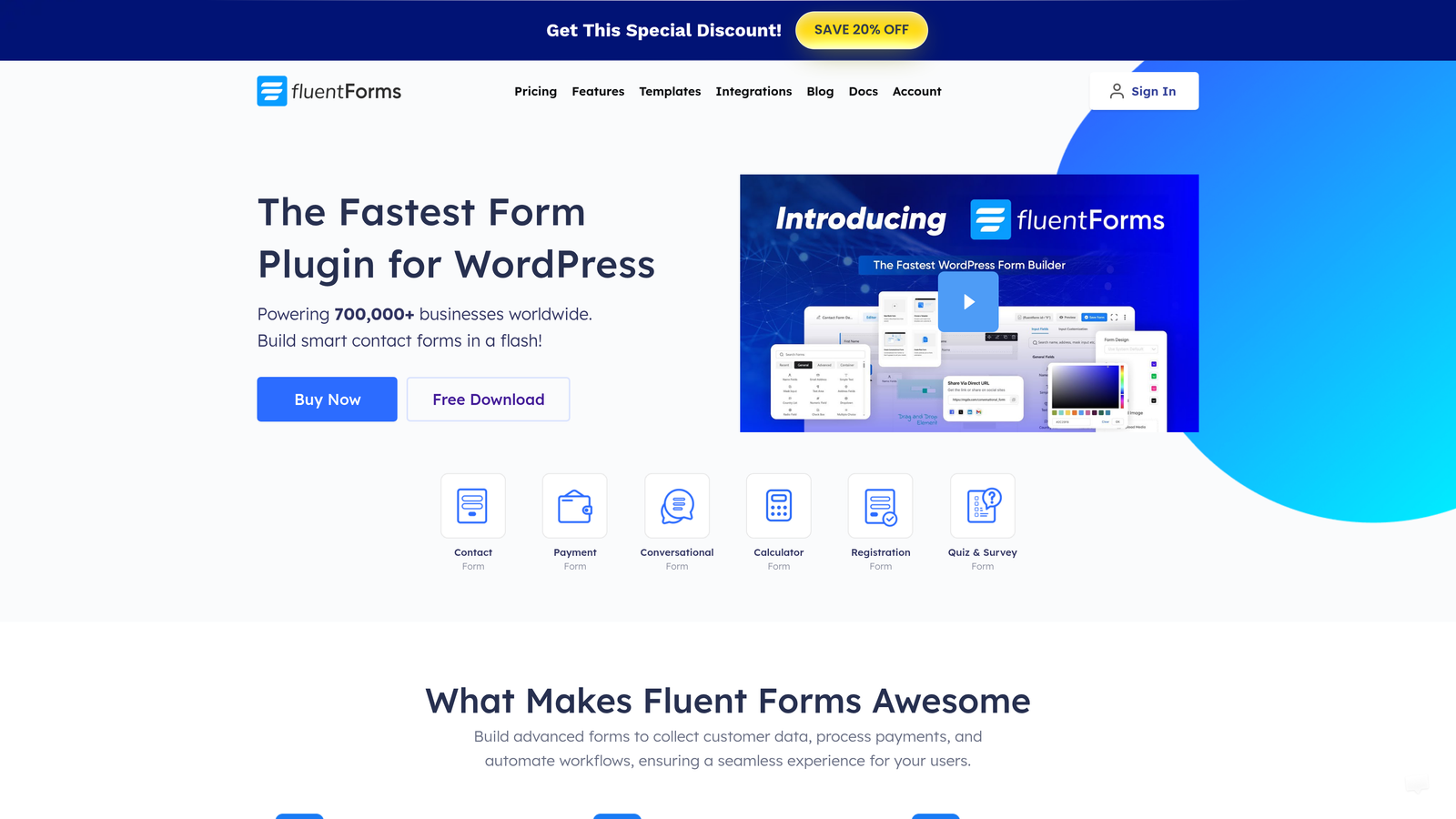
Fluent Forms is a lightweight form builder designed to minimize impact on your site's performance while delivering advanced functionality and conversational form experiences.
Where This Tool Shines
The performance optimization is immediately noticeable. Forms load faster, submissions process quicker, and your site's overall speed metrics stay healthy even with complex multi-step forms. This matters for SEO, user experience, and conversion rates—slow forms lose leads.
The conversational form style option creates engaging one-question-at-a-time experiences similar to Typeform, but hosted directly on your WordPress site. This gives you the benefits of conversational UX without external dependencies or iframe embedding issues.
Key Features
Minimal Performance Impact: Optimized code and smart loading ensure forms don't slow down your pages or hurt Core Web Vitals scores.
Conversational Form Option: Create engaging one-question-at-a-time forms that feel modern and reduce form abandonment.
Advanced Multi-Column Layouts: Design complex form layouts with flexible column structures for professional appearance.
Calculated Fields: Build pricing calculators and quote forms with dynamic calculations based on user inputs.
FluentCRM Integration: Native connection with FluentCRM for seamless email marketing automation and lead nurturing.
Best For
Sites where performance is critical—high-traffic blogs, e-commerce stores, or any WordPress site monitored for speed metrics. If you've struggled with slow-loading forms or want conversational experiences without sacrificing site speed, this plugin solves both challenges.
Pricing
Free version includes core functionality. Pro plans start at $59 annually with advanced features and integrations.
7. Typeform
Best for: Creating engaging conversational experiences with stunning visual design
Typeform is a conversational form platform known for its one-question-at-a-time format and beautiful design, embeddable on WordPress sites through iframe or dedicated plugins.

Where This Tool Shines
The user experience feels fundamentally different from traditional forms. By showing one question at a time with smooth transitions, Typeform creates an almost game-like interaction that keeps users engaged. The completion rates often exceed standard multi-field forms because the experience feels less overwhelming.
The design capabilities go beyond what most WordPress plugins offer. Video backgrounds, custom images for each question, and carefully crafted animations create forms that feel like part of your brand experience rather than functional necessities.
Key Features
Conversational UX: One-question-at-a-time format with smooth transitions creates engaging experiences that improve completion rates.
Logic Jumps: Create personalized form paths where questions adapt based on previous answers for relevant experiences.
Rich Media Questions: Add videos, images, and GIFs to questions for visually engaging forms that stand out.
Native Integrations: Connect directly with popular marketing tools, CRMs, and productivity platforms without middleware.
WordPress Embedding: Embed forms via iframe, popup, or slider using Typeform's WordPress plugin or custom code.
Best For
Brands prioritizing user experience and visual design, surveys and quizzes where engagement matters, and businesses wanting to stand out with memorable form interactions. The trade-off is less tight WordPress integration and external hosting, but the UX benefits often justify these compromises.
Pricing
Free tier allows limited responses. Basic plan starts at $25 per month, with higher tiers for increased responses and advanced features.
8. Forminator
Best for: Getting forms, polls, and quizzes in one free comprehensive solution
Forminator is an all-in-one form solution from WPMU DEV that includes contact forms, polls, quizzes, and payment collection in a single feature-rich free plugin.
Where This Tool Shines
The value proposition is hard to beat. While many plugins charge premium prices for basic features, Forminator includes payment processing, conditional logic, multi-step forms, and even e-signature fields in the free version. This makes it ideal for budget-conscious users who need professional functionality.
The polls and quizzes functionality adds interactive content options beyond standard forms. Create knowledge quizzes for educational sites, personality tests for engagement, or polls for gathering audience opinions—all within the same interface you use for contact forms.
Key Features
Three Tools in One: Build forms, polls, and quizzes from a single plugin interface without installing separate solutions.
Payment Collection: Accept Stripe and PayPal payments directly in your forms without premium upgrades.
Multi-Step Forms: Break complex forms into manageable steps with progress indicators and navigation controls.
E-Signature Support: Collect legally binding digital signatures for contracts, agreements, and consent forms.
GDPR Features: Built-in consent checkboxes and data handling options help maintain compliance with privacy regulations.
Best For
WordPress users wanting maximum functionality without ongoing subscription costs, sites needing both forms and interactive content like polls or quizzes, and anyone already using WPMU DEV services. If budget is tight but requirements are high, this plugin delivers impressive value.
Pricing
Free version includes extensive features. Pro version comes with WPMU DEV membership, which includes hosting, security, and other WordPress tools.
9. Contact Form 7
Best for: Developers and minimalists who want complete code control
Contact Form 7 is a lightweight, no-frills contact form plugin offering full HTML and CSS customization for developers who prefer code over visual builders.
Where This Tool Shines
The plugin stays out of your way. With minimal JavaScript and CSS, it adds almost no performance overhead to your site. This makes it ideal for speed-focused projects where every kilobyte matters and you don't want bloated form builders slowing down your pages.
The code-based approach gives complete control. You write the HTML markup directly, style forms with your own CSS, and integrate with your theme exactly how you want. For developers comfortable with code, this flexibility beats clicking through visual builder interfaces.
Key Features
Minimal Footprint: Extremely lightweight code that adds negligible load to your site's performance metrics.
Full HTML/CSS Control: Write form markup directly for complete customization without visual builder limitations.
AJAX Submissions: Forms submit without page reloads for smooth user experience despite the simple architecture.
Extensible Architecture: Thousands of third-party add-ons available for integrations and additional functionality.
Completely Free: Open source with no premium tiers, upsells, or feature restrictions.
Best For
Developers building custom themes, minimalist sites where performance is paramount, and anyone comfortable editing code who doesn't need visual builders. If you value lightweight solutions and prefer writing markup to dragging fields, this plugin provides the foundation without unnecessary overhead.
Pricing
Completely free and open source with no premium version or paid add-ons from the core team.
Making the Right Choice
The best WordPress form builder depends entirely on your specific needs and technical comfort level. If you're focused on lead quality and need AI-powered qualification to automatically prioritize your best prospects, Orbit AI delivers conversion-focused features built specifically for high-growth teams.
For beginners who want powerful features without complexity, WPForms offers the smoothest onboarding experience with its extensive template library and intuitive interface. Developers building complex workflows will appreciate Gravity Forms' advanced conditional logic and extensive add-on ecosystem.
Budget-conscious users have excellent options too. Ninja Forms lets you pay only for features you actually use, while Forminator provides an impressive free feature set including payment processing and e-signatures. If site performance is your top priority, Fluent Forms delivers conversational experiences without the speed penalty.
Think about your primary use case. Need frontend directories or data-driven applications? Formidable Forms transforms form submissions into searchable listings. Want engaging conversational experiences with stunning design? Typeform creates memorable interactions that stand out. Prefer complete code control with minimal overhead? Contact Form 7 gives developers exactly what they need and nothing they don't.
The WordPress form builder landscape offers solutions for every scenario. The key is matching your specific requirements—whether that's AI qualification, developer flexibility, budget constraints, or performance optimization—with the plugin that excels in those areas. Start building free forms today and see how intelligent form design can elevate your conversion strategy with features that automatically qualify leads while delivering the modern experience your visitors expect.


