

Every form on your website is a potential revenue moment—or a missed opportunity. The difference often comes down to the software powering those forms. Modern form conversion optimization tools go far beyond basic field builders, offering AI-powered personalization, real-time analytics, and smart lead qualification that can dramatically improve your submission rates.
Whether you're struggling with high abandonment rates, poor lead quality, or forms that simply don't convert, the right tool can transform your results. We've tested and evaluated the top form optimization platforms to help you find the perfect fit for your conversion goals.
1. Orbit AI
Best for: High-growth teams needing AI-powered lead qualification and conversion-optimized form experiences
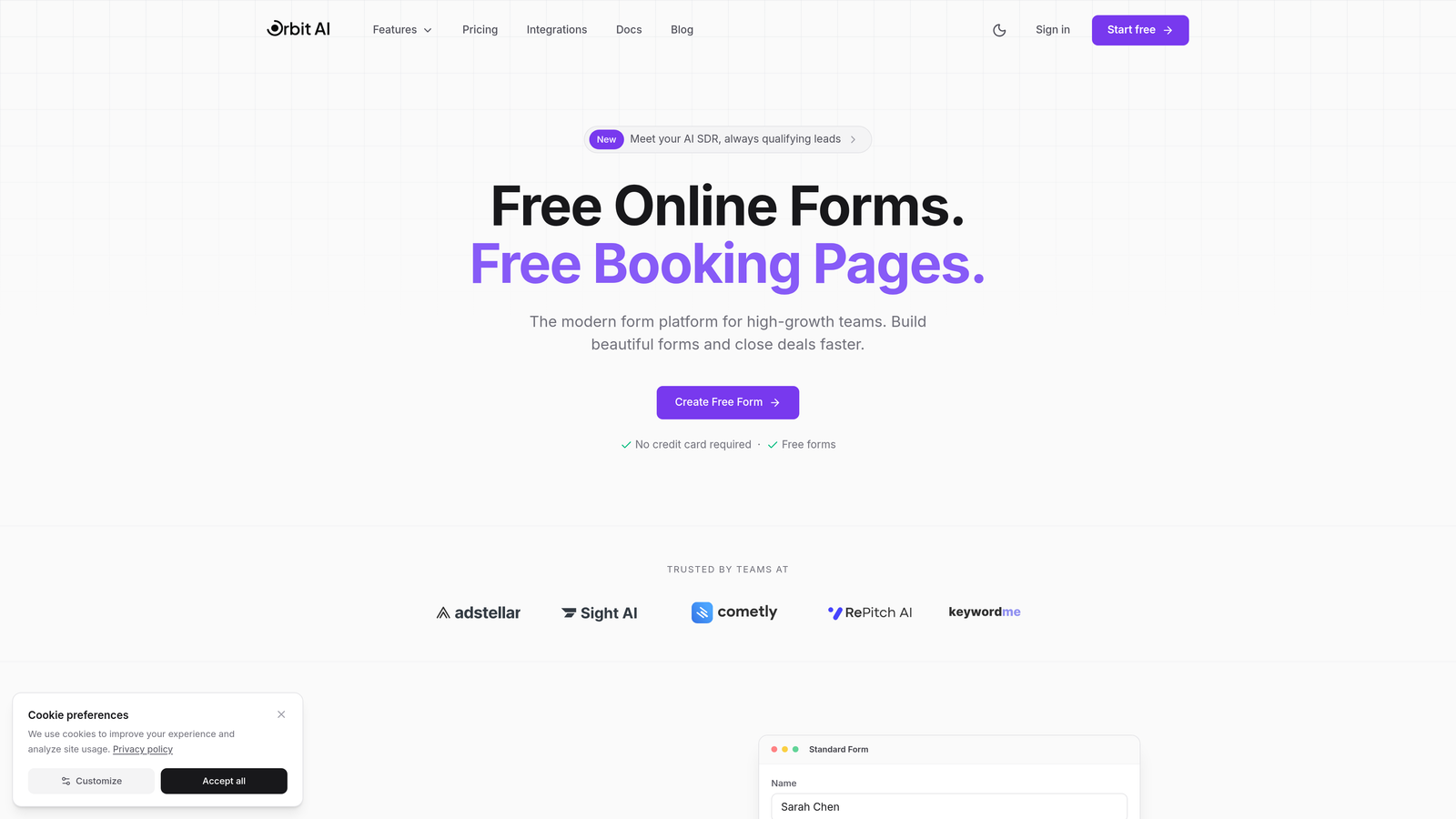
Orbit AI is an intelligent form platform built specifically for teams that need more than just data collection—they need qualified leads.
Where This Tool Shines
Orbit AI stands out by combining beautiful, modern form design with built-in intelligence that automatically scores and qualifies leads as they submit. This means your sales team spends time on high-intent prospects rather than sorting through tire-kickers.
The platform's conversion-optimized templates are designed based on what actually works, not just what looks good. Every element—from field placement to button copy—reflects proven conversion principles that help you capture more qualified submissions.
Key Features
AI-Powered Lead Qualification: Automatically scores and qualifies leads in real-time, routing high-value prospects to sales immediately.
Conversion-Optimized Templates: Pre-built form designs based on conversion best practices that you can customize to match your brand.
Real-Time Analytics: Track submission rates, abandonment points, and conversion metrics to continuously improve performance.
Smart Conditional Logic: Create dynamic forms that adapt based on user responses, showing only relevant fields.
Seamless Integrations: Connect directly to your CRM, email marketing platforms, and sales tools without complex setup.
Best For
Orbit AI is ideal for SaaS companies, B2B businesses, and high-growth teams where lead quality matters as much as quantity. If you're tired of forms that generate volume but not value, this platform delivers the intelligence layer you need.
Pricing
Contact for custom pricing based on your needs. Free trial available to test the platform with your actual forms and workflows.
2. Typeform
Best for: Creating engaging, conversational forms that boost completion rates through one-question-at-a-time design
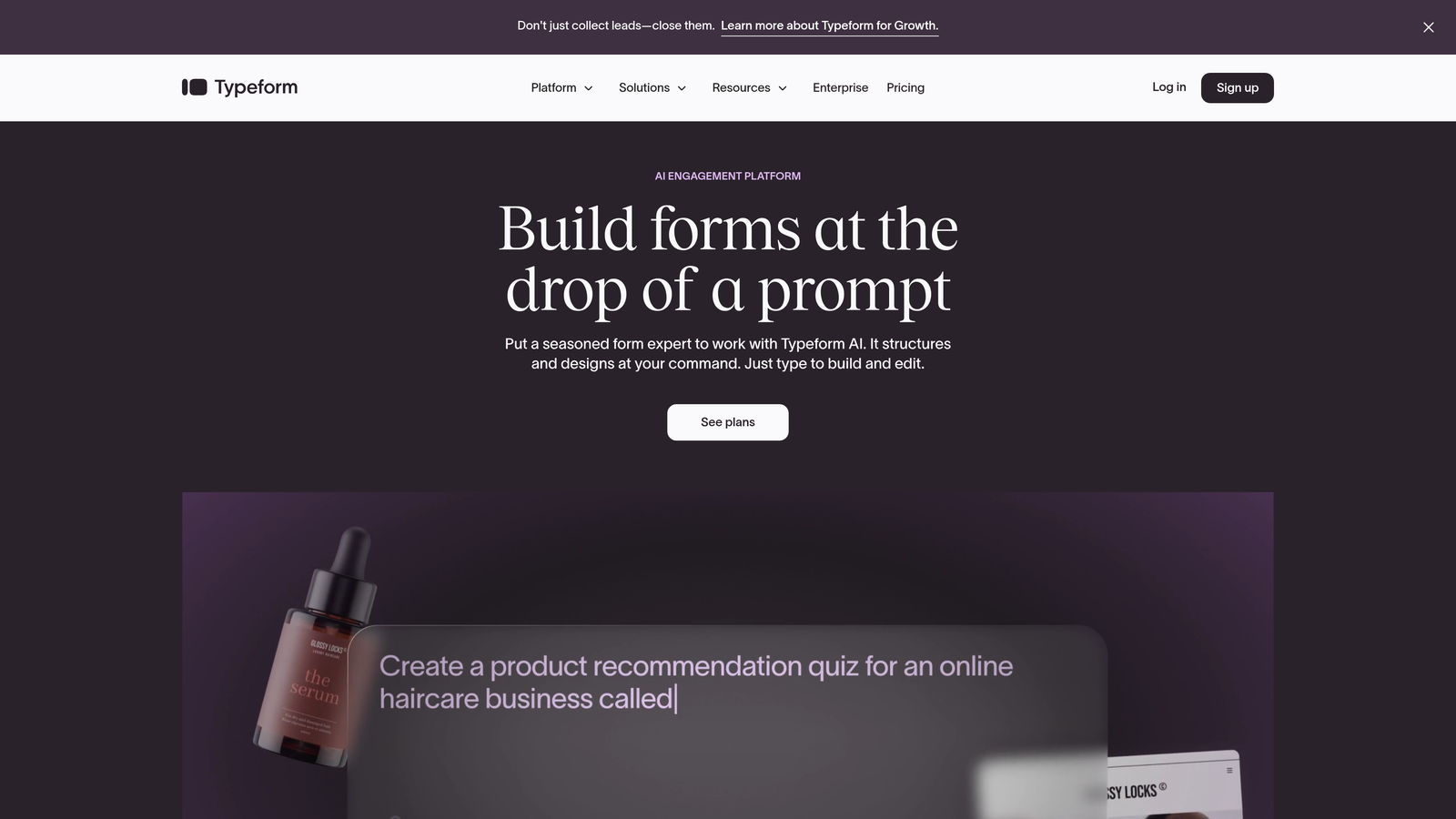
Typeform pioneered the conversational form format that feels more like a dialogue than an interrogation.
Where This Tool Shines
Typeform's signature one-question-at-a-time approach reduces cognitive load and makes long forms feel manageable. Instead of facing a wall of fields, users answer questions sequentially, creating a more engaging experience that typically improves completion rates.
The platform excels at brand customization, letting you create forms that feel native to your website rather than bolted-on widgets. Rich media support means you can incorporate images and videos directly into questions, making forms more dynamic and contextual.
Key Features
Conversational Interface: One-question-at-a-time format that feels natural and reduces form abandonment.
Logic Jumps: Route users through different question paths based on their previous answers for personalized experiences.
Rich Media Questions: Embed images, videos, and GIFs directly into questions for visual context.
Design Customization: Extensive branding options including custom backgrounds, fonts, and button styles.
Integration Library: Connects with hundreds of apps including major CRMs, email platforms, and analytics tools.
Best For
Typeform works best for customer surveys, feedback collection, and lead generation scenarios where user experience matters more than speed. It's particularly effective for consumer brands and creative agencies.
Pricing
Free tier available with basic features. Paid plans start at $25/month with increased responses and advanced logic capabilities.
3. Unbounce Smart Builder
Best for: Marketers who need landing pages and forms with AI-powered conversion optimization built in
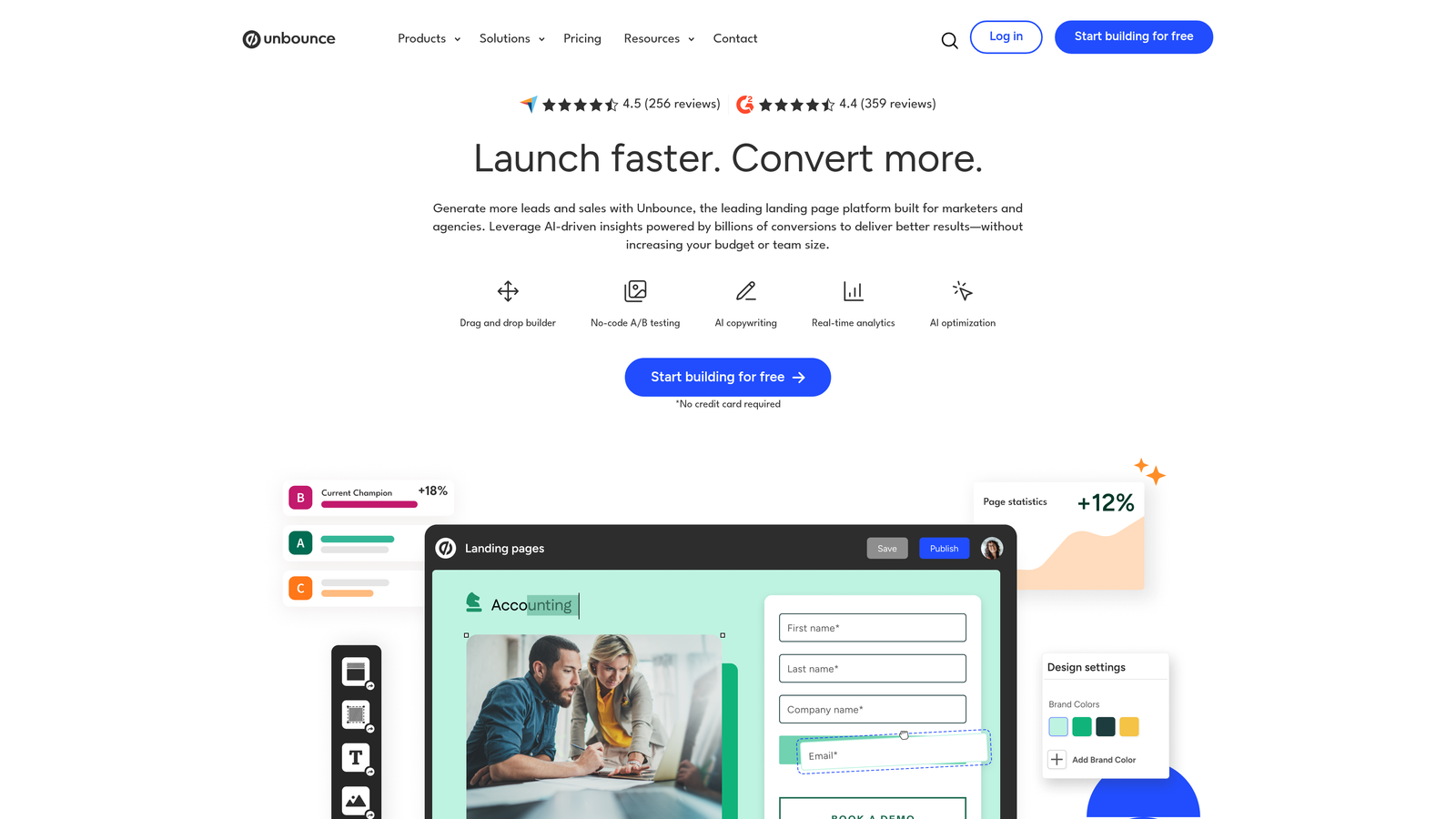
Unbounce Smart Builder combines landing page creation with intelligent form optimization, giving marketers a complete conversion toolkit.
Where This Tool Shines
Unbounce's AI layer actively works to improve your conversion rates by analyzing visitor behavior and automatically routing traffic to better-performing variations. The Smart Traffic feature learns which landing page and form combinations work best for different visitor segments.
The platform's strength is integration—your forms live on landing pages specifically designed for conversion, with every element working together. Dynamic text replacement lets you customize form copy based on the ad or keyword that brought visitors to your page.
Key Features
AI-Powered Smart Traffic: Automatically sends visitors to the landing page variant most likely to convert them.
Integrated Landing Pages: Build forms within conversion-optimized landing pages rather than as standalone elements.
Built-In A/B Testing: Test different form designs, copy, and layouts to identify what drives submissions.
Dynamic Text Replacement: Personalize form headlines and copy based on visitor source or search terms.
Popups and Sticky Bars: Create multiple conversion opportunities beyond standard forms.
Best For
Unbounce is ideal for marketing teams running paid campaigns who need tight integration between ads, landing pages, and forms. It's particularly valuable when you're testing multiple offers or audience segments.
Pricing
Plans start at $99/month, with pricing scaling based on conversion volume and advanced features like Smart Traffic.
4. Leadformly
Best for: Lead generation teams focused on multi-step forms and progressive profiling strategies
Leadformly specializes in multi-step form designs that break complex lead capture into manageable stages.
Where This Tool Shines
Leadformly's multi-step approach tackles a common conversion problem: long forms scare people away. By breaking questions into logical steps with progress indicators, the platform makes extensive lead qualification feel less daunting. Users commit incrementally rather than facing everything upfront.
The built-in lead scoring helps you prioritize follow-up based on form responses. You can assign point values to different answers, automatically flagging high-intent prospects for immediate sales attention while routing others to nurture campaigns.
Key Features
Multi-Step Form Builder: Break long forms into logical steps with visual progress indicators.
Conversion-Optimized Templates: Pre-built form structures designed specifically for lead generation performance.
Progressive Profiling: Collect more information over time from returning visitors without asking the same questions twice.
Lead Scoring: Automatically score leads based on form responses to prioritize sales follow-up.
Analytics Dashboard: Track completion rates by step to identify exactly where prospects drop off.
Best For
Leadformly excels for B2B companies with complex sales processes that require substantial lead qualification. It's particularly effective when you need detailed prospect information but can't sacrifice conversion rates.
Pricing
Plans start at $37/month with unlimited forms and basic features. Higher tiers add advanced integrations and lead scoring capabilities.
5. Formstack
Best for: Enterprise teams needing advanced workflows, compliance features, and sophisticated conditional logic
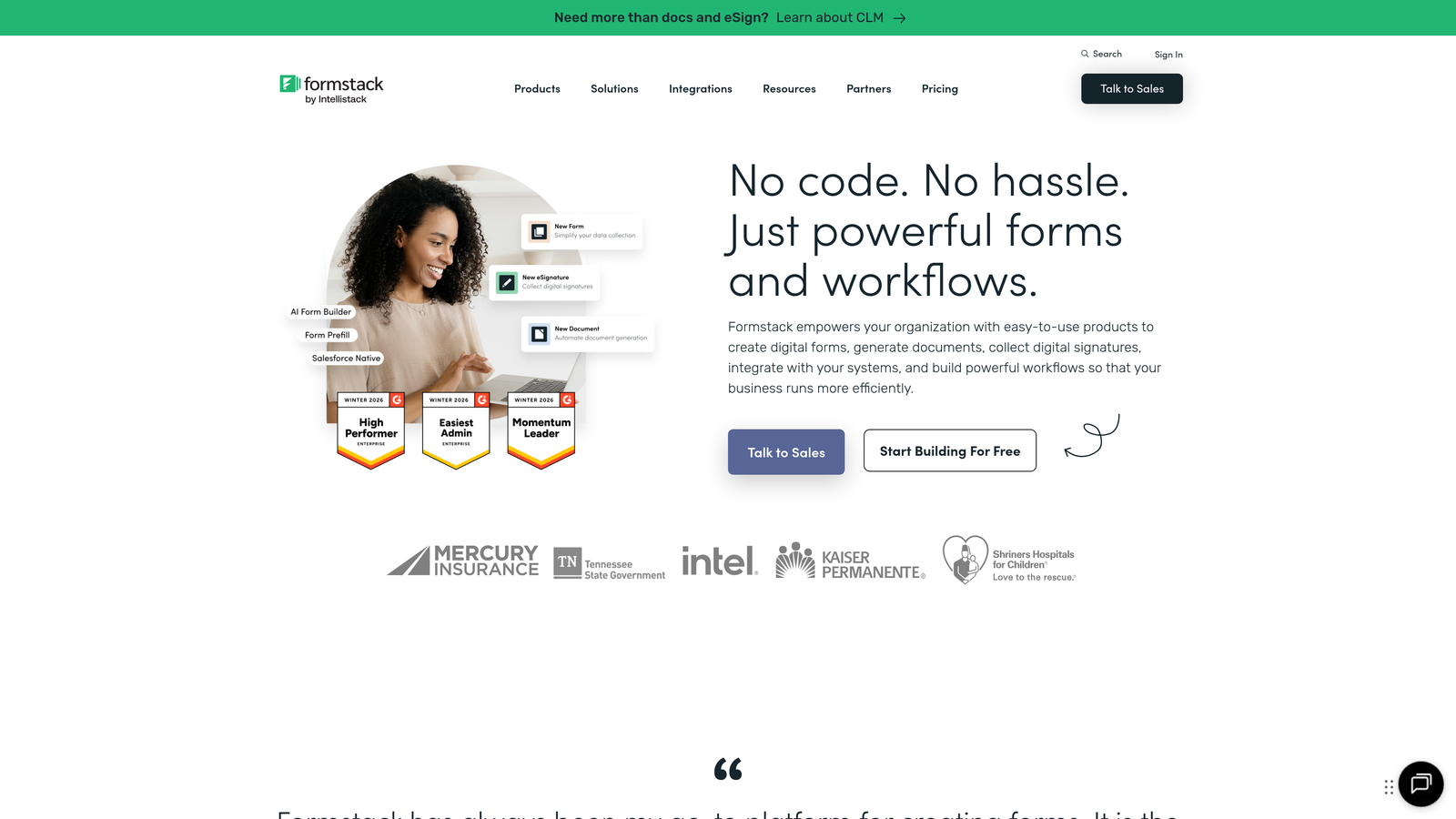
Formstack delivers enterprise-grade form capabilities with the workflow automation and compliance features large organizations require.
Where This Tool Shines
Formstack's workflow engine goes beyond simple form submission—it can trigger approval processes, route data to different systems based on responses, and automate complex business processes. This makes it valuable for organizations where forms feed into larger operational workflows.
The platform's compliance capabilities set it apart for regulated industries. HIPAA-ready forms with audit trails and data encryption mean healthcare, finance, and legal firms can collect sensitive information confidently. Electronic signature integration eliminates the need for separate document signing tools.
Key Features
Advanced Conditional Logic: Create sophisticated form behaviors based on multiple conditions and user inputs.
Workflow Automation: Route submissions through approval processes and trigger actions across connected systems.
HIPAA Compliance: Built-in security and compliance features for handling protected health information.
Electronic Signatures: Collect legally binding signatures directly within forms without additional tools.
Calculation Fields: Perform calculations based on user inputs for quotes, estimates, and dynamic pricing.
Best For
Formstack is ideal for enterprise organizations, healthcare providers, financial services, and any business with complex approval workflows or strict compliance requirements.
Pricing
Plans start at $50/month for basic features. Enterprise pricing available for teams needing compliance, advanced security, and dedicated support.
6. Jotform
Best for: Teams needing quick form deployment with extensive templates and a generous free tier
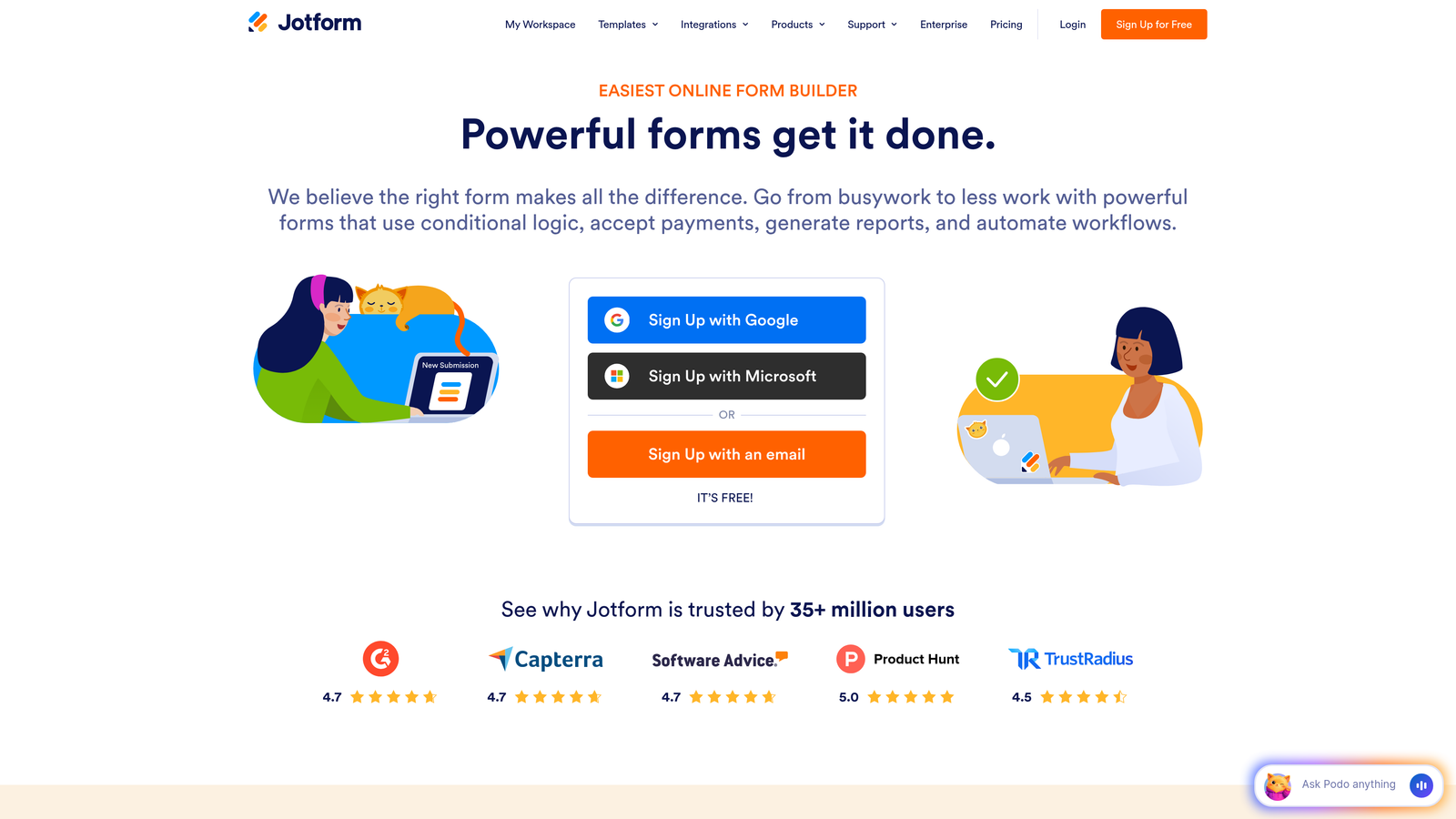
Jotform offers one of the most extensive template libraries in the industry, making it easy to launch professional forms quickly.
Where This Tool Shines
Jotform's massive template collection means you rarely start from scratch. With over 10,000 pre-built forms spanning every industry and use case, you can find something close to your needs and customize from there. This dramatically speeds up deployment for teams creating multiple forms.
The platform's payment integration capabilities make it particularly strong for order forms, registration forms, and donation collection. You can accept payments directly through forms without redirecting users to separate checkout pages, reducing friction in the conversion process.
Key Features
10,000+ Templates: Extensive library covering virtually every form type and industry.
Drag-and-Drop Builder: Intuitive interface that makes form creation accessible to non-technical users.
Payment Integrations: Accept payments through PayPal, Stripe, Square, and other processors directly in forms.
Conditional Logic: Show or hide fields based on user responses for personalized experiences.
Mobile Optimization: Forms automatically adapt to mobile devices for seamless mobile submissions.
Best For
Jotform works well for small businesses, nonprofits, and teams that need to create many different types of forms quickly. The generous free tier makes it accessible for organizations with limited budgets.
Pricing
Free tier available with basic features and Jotform branding. Paid plans start at $34/month, removing branding and adding advanced capabilities.
7. HubSpot Forms
Best for: Teams already using HubSpot CRM who need native integration and progressive profiling
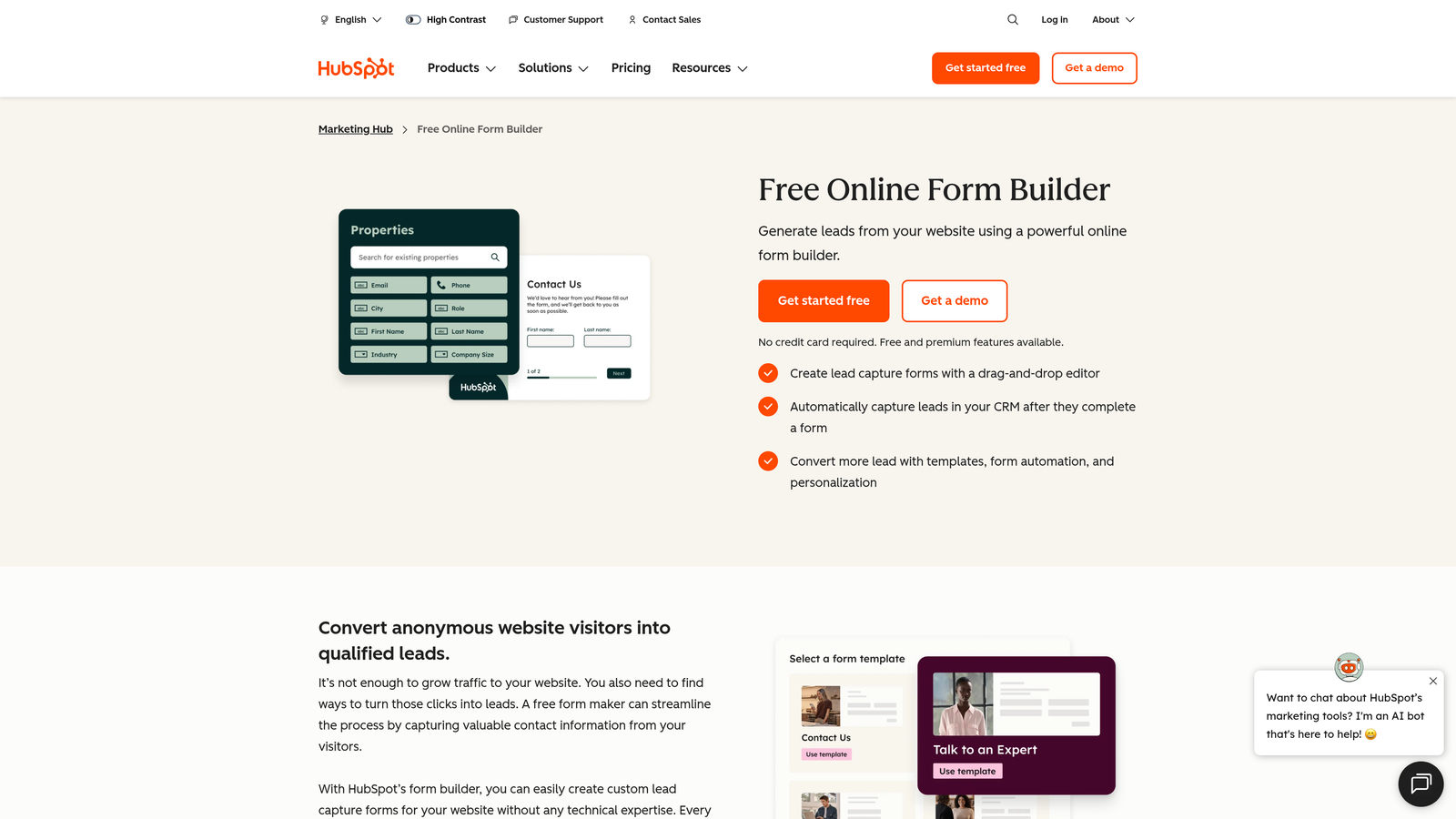
HubSpot Forms delivers seamless CRM integration with intelligent features like smart fields and automatic lead enrichment.
Where This Tool Shines
HubSpot Forms' killer feature is native CRM integration—every submission automatically creates or updates contact records without middleware or complex mapping. Smart fields remember returning visitors, pre-populating information they've already provided and asking new questions instead.
The progressive profiling capability means you can gather detailed prospect information over time without overwhelming people with long forms. Each time someone submits a form, HubSpot shows them new questions, gradually building complete profiles while keeping individual forms short and conversion-friendly.
Key Features
Native CRM Integration: Submissions flow directly into HubSpot CRM with complete contact history and activity tracking.
Smart Fields: Automatically pre-fill known information for returning visitors and show only new questions.
Progressive Profiling: Collect more data over time by showing different questions to contacts who've already submitted forms.
Automatic Lead Enrichment: HubSpot automatically appends company and demographic data to form submissions.
Form Analytics: Track submission rates, view counts, and conversion performance directly in HubSpot's analytics dashboard.
Best For
HubSpot Forms is ideal for businesses already invested in the HubSpot ecosystem. If you're using HubSpot CRM or Marketing Hub, the native integration makes this the obvious choice.
Pricing
Free with HubSpot's free CRM. Advanced features like progressive profiling and smart fields require paid Marketing Hub subscriptions starting at higher tiers.
8. Paperform
Best for: Creating beautifully designed, document-style forms with strong branding and e-commerce capabilities
Paperform takes a unique approach to form building, creating experiences that look more like interactive documents than traditional forms.
Where This Tool Shines
Paperform's document-style interface makes forms feel more approachable and less transactional. Instead of rigid field layouts, you can create flowing, narrative-driven forms that incorporate text, images, and questions in a natural reading format. This works particularly well for applications, bookings, and scenarios where context matters.
The platform's design flexibility is exceptional—you can customize nearly every visual element to match your brand perfectly. Combined with robust e-commerce features, Paperform excels at creating product order forms, event registrations, and booking systems that feel premium and polished.
Key Features
Document-Style Creation: Build forms that read like interactive documents rather than rigid field collections.
Advanced Design Customization: Control fonts, colors, spacing, backgrounds, and layouts with granular precision.
Payment Processing: Accept payments through Stripe, PayPal, and Square with product catalogs and checkout flows.
Conditional Logic: Show or hide content based on responses, creating personalized form experiences.
Booking and Scheduling: Built-in appointment scheduling with calendar integrations and availability management.
Best For
Paperform is ideal for creative businesses, service providers, and brands where aesthetics and user experience are critical. It's particularly strong for event registration, course enrollment, and appointment booking.
Pricing
Plans start at $24/month with unlimited forms and submissions. Higher tiers add advanced integrations, calculations, and priority support.
9. Gravity Forms
Best for: WordPress users needing powerful, developer-friendly forms with extensive customization options
Gravity Forms is the premier WordPress form plugin, offering deep integration with the WordPress ecosystem and extensive developer tools.
Where This Tool Shines
Gravity Forms' native WordPress integration means your forms live directly in your WordPress database and admin interface. There's no external platform to manage, no iframe embeds, and complete control over form data. For WordPress-centric organizations, this native approach simplifies management and improves performance.
The extensive add-on ecosystem extends Gravity Forms into virtually any use case. Need to create user registration forms? There's an add-on. Want to build a directory from form submissions? There's an add-on. The developer-friendly hooks and filters mean custom functionality is achievable without hacking core files.
Key Features
Native WordPress Integration: Forms live directly in WordPress with no external dependencies or third-party hosting.
Extensive Add-On Ecosystem: Hundreds of official and third-party add-ons extend functionality for specific use cases.
Conditional Logic: Show, hide, or require fields based on user selections and previous answers.
Multi-Page Forms: Break long forms into multiple pages with progress indicators and save-and-continue functionality.
Developer Hooks: Extensive API with hooks and filters for custom functionality and integrations.
Best For
Gravity Forms is ideal for WordPress-based businesses, agencies managing client sites, and organizations that need complete control over form data and hosting. It's particularly valuable when you need custom functionality or deep WordPress integration.
Pricing
License-based pricing starts at $59/year for a single site. Higher tiers add priority support and additional add-ons for multi-site deployments.
Making the Right Choice
The best form conversion optimization software depends on your specific needs and existing tech stack. For AI-powered lead qualification combined with modern, conversion-optimized form experiences, Orbit AI delivers intelligent optimization designed specifically for high-growth teams. Start building free forms today and see how intelligent form design can elevate your conversion strategy.
If you need conversational forms that boost engagement through one-question-at-a-time design, Typeform excels at creating experiences that feel more like conversations than interrogations. Marketers running paid campaigns will find Unbounce's integrated landing page and form optimization particularly valuable, especially with AI-powered Smart Traffic routing.
Enterprise teams with complex workflows and compliance requirements should consider Formstack's robust automation and HIPAA-ready features. WordPress users will find Gravity Forms offers the deepest native integration and most developer-friendly customization options. HubSpot users benefit from the seamless CRM integration and progressive profiling that comes with HubSpot Forms.
Start by identifying your biggest conversion bottleneck. Is it form abandonment? Focus on tools with multi-step designs like Leadformly or conversational interfaces like Typeform. Struggling with lead quality? Prioritize platforms with built-in qualification like Orbit AI. Need quick deployment across many use cases? Jotform's template library gets you moving fast.
The right tool transforms forms from data collection exercises into revenue-generating assets. Choose based on where you need the most help, then optimize relentlessly based on what your analytics reveal.


