

Formstack built its reputation as a reliable workhorse for form creation and workflow automation. But as teams grow, the cracks start to show: pricing that jumps steeply with each tier, a UI that feels a few years behind modern tools, and AI capabilities that are more of an afterthought than a core feature. If your team has started asking "is there something better out there?", you're in good company.
This list covers the top Formstack alternatives for teams in 2026, evaluated on collaboration features, ease of use, pricing flexibility, integration depth, and scalability. Whether you need AI-powered lead qualification, a minimalist free tool, or a form builder that plugs directly into your existing data stack, there's an option here for your team.
1. Orbit AI
Best for: High-growth teams that want AI-powered lead qualification built directly into the form experience.
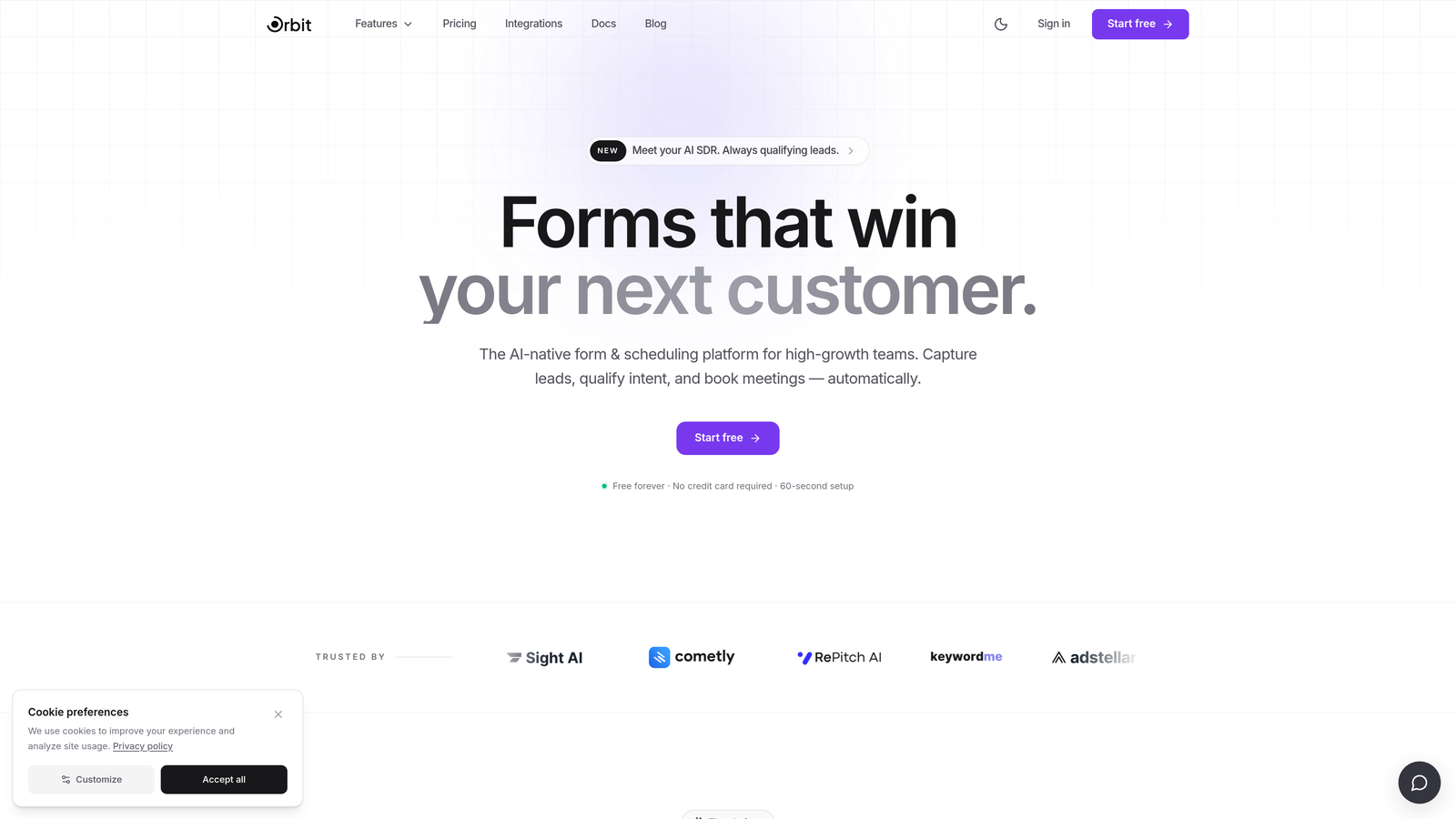
Orbit AI is an AI-powered form builder designed to capture, qualify, and convert leads without requiring a separate scoring tool or complex CRM setup.
Where This Tool Shines
Most form builders collect data and hand it off. Orbit AI does something different: it qualifies leads at the point of capture, using AI to assess and score respondents as they fill out the form. For high-growth teams, this means your sales team gets pre-qualified leads instead of a raw list to sift through manually.
Beyond the AI layer, Orbit AI focuses heavily on conversion optimization. The forms are built to look modern and feel frictionless, which matters when you're trying to maximize the percentage of visitors who actually complete your form. Teams that care about both design quality and lead quality will find this combination genuinely useful.
Key Features
AI Lead Scoring at Capture: Qualifies and scores leads in real time as respondents submit their answers, reducing manual triage downstream.
Conversion-Optimized Templates: Pre-built form templates designed specifically for lead generation and conversion, not just generic data collection.
No-Code Brand Customization: Beautiful, brandable form design that requires zero coding, keeping forms consistent with your visual identity.
CRM and Marketing Integrations: Connects with popular CRMs and marketing tools so qualified leads flow directly into your existing workflows.
Team Collaboration Features: Built with scaling organizations in mind, including collaboration capabilities designed for multi-member teams.
Best For
Orbit AI is the strongest fit for SaaS teams, marketing teams, and growth-focused businesses where lead quality matters as much as lead volume. If your current process involves collecting form submissions and then manually scoring or filtering them, this tool directly addresses that gap.
Pricing
Visit orbitforms.ai for current plan details. A free starting option is available for teams ready to explore the platform.
2. Jotform
Best for: Teams that need a feature-rich, all-purpose form builder with strong workflow and data management capabilities.
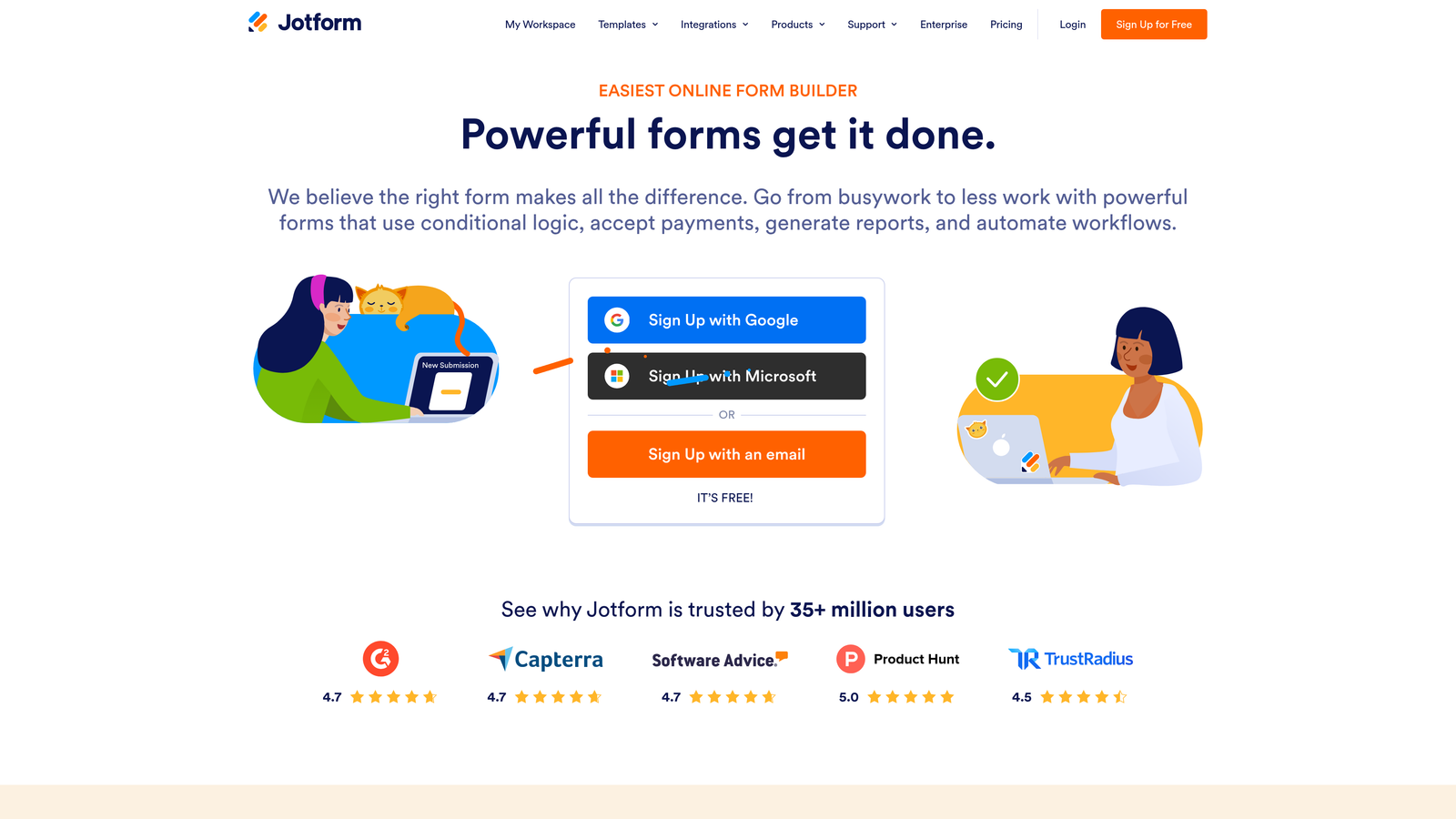
Jotform is one of the most established players in the form builder market, offering an extensive template library and collaborative data management tools.
Where This Tool Shines
Jotform's depth is its biggest selling point. With over 10,000 templates and a robust approval workflow system, teams can build everything from simple contact forms to multi-step onboarding processes. Jotform Tables adds a collaborative spreadsheet layer that lets teams manage and act on form data without jumping to a separate tool.
For teams in regulated industries, Jotform also offers HIPAA-compliant plans, which is a meaningful differentiator. The breadth of integrations (200+) means it connects to almost any stack a team is already running.
Key Features
10,000+ Templates: One of the largest template libraries available, covering nearly every use case imaginable.
Jotform Tables: A built-in collaborative data management layer for organizing and acting on form responses as a team.
Approval Workflows: Route form submissions through multi-step approval processes and assign tasks to team members.
200+ Integrations: Connects with payment processors, CRMs, project management tools, and more.
HIPAA-Compliant Plans: Available for teams in healthcare or other regulated industries with strict data requirements.
Best For
Jotform suits teams that need a reliable, feature-complete form builder and want to avoid stitching together multiple tools. It's particularly strong for operations teams, HR departments, and organizations handling complex multi-step processes.
Pricing
Free plan available. Paid plans start around $39/month, with pricing scaling based on submission volume and team size.
3. Typeform
Best for: Teams that prioritize respondent experience and need higher form completion rates through conversational design.
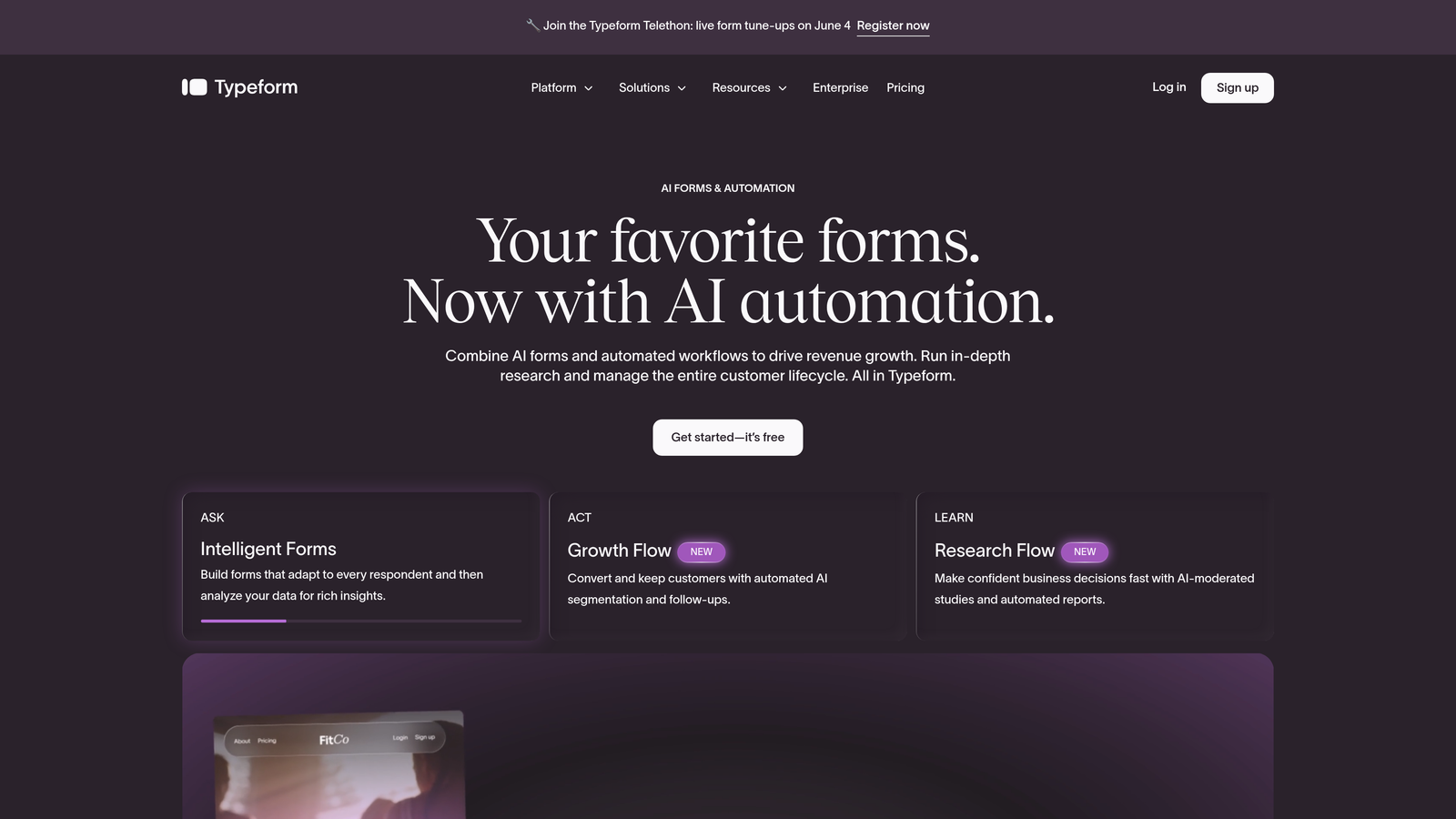
Typeform is the go-to form builder for teams where design and engagement quality are non-negotiable priorities.
Where This Tool Shines
Typeform's one-question-at-a-time format fundamentally changes how respondents experience a form. Instead of staring at a wall of fields, users move through questions at a natural pace, which typically leads to higher completion rates. For customer surveys, brand research, or lead generation where the form experience reflects your brand quality, this matters.
The customization options are genuinely impressive. Teams can embed video, images, and custom themes to create forms that feel like an extension of their product or brand rather than a generic data capture tool.
Key Features
Conversational One-Question Format: Presents one question at a time to reduce cognitive load and improve completion rates.
Advanced Brand Customization: Custom themes, fonts, colors, and media embedding for fully on-brand form experiences.
Logic Jumps and Conditional Branching: Show or skip questions based on previous answers to create personalized form paths.
Native Integrations: Direct connections to HubSpot, Slack, Zapier, and other popular team tools.
Video and Image Embedding: Enrich forms with multimedia content directly within the question flow.
Best For
Typeform is ideal for marketing and brand teams, customer research teams, and any organization where the form is a customer-facing touchpoint that needs to reflect a polished, modern experience.
Pricing
Free plan available. Paid plans start around $29/month, with higher tiers unlocking more responses and advanced features.
4. Cognito Forms
Best for: Teams that need advanced calculations, payment processing, and complex conditional logic without a large budget.
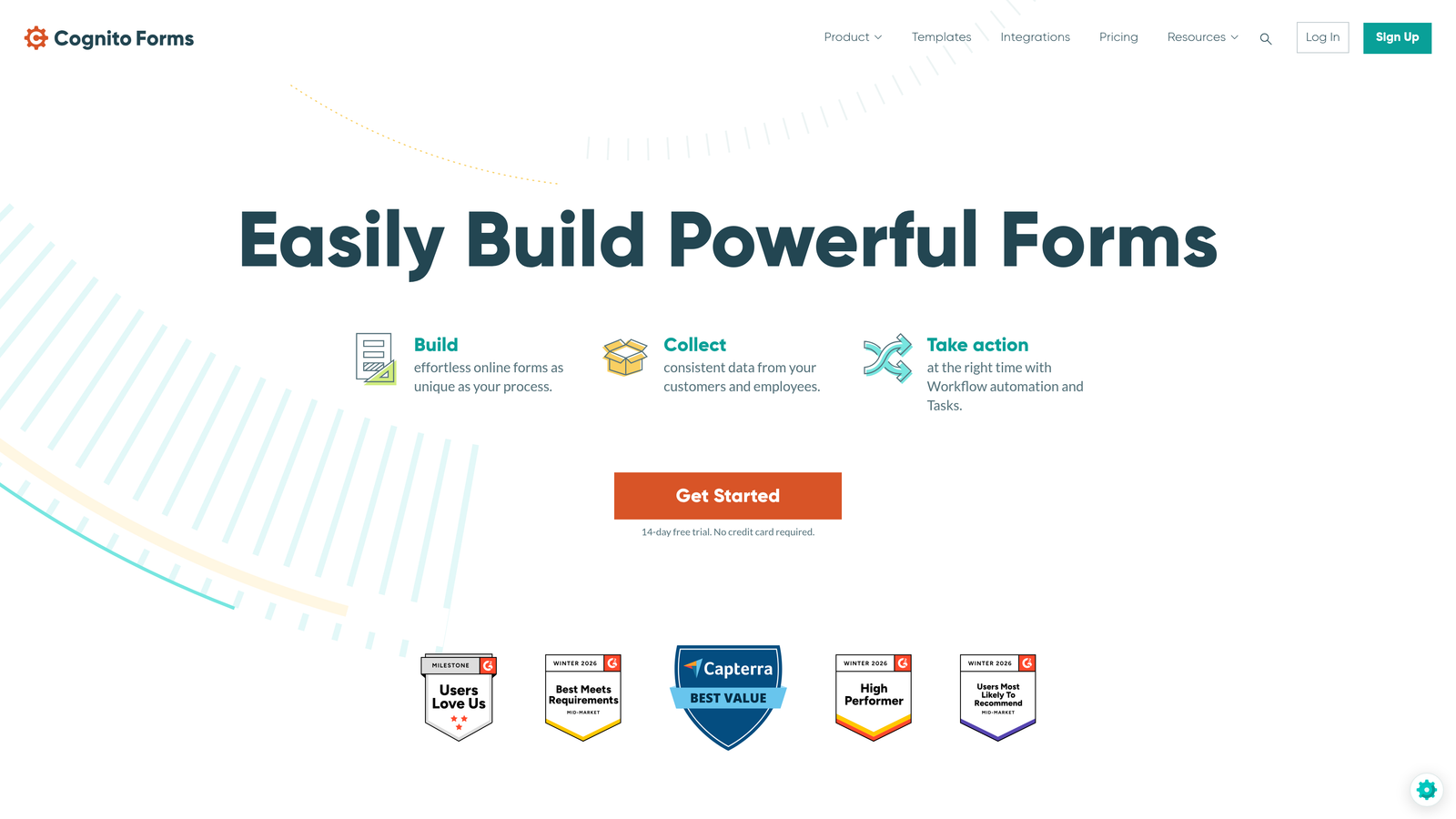
Cognito Forms is a budget-friendly form builder that punches above its price point with genuinely advanced data handling capabilities.
Where This Tool Shines
Cognito Forms handles complexity that many form builders avoid. Calculation fields, quantity selectors, and repeating sections make it possible to build order forms, event registrations, and complex data collection workflows that would require workarounds in simpler tools. Built-in payment processing via Stripe, PayPal, and Square removes the need for a separate payment integration.
For teams managing internal workflows, role-based access and workflow routing let you control who sees which submissions and where they go after capture. This is meaningful for teams that need process control without investing in enterprise-tier software.
Key Features
Advanced Calculation Fields: Build forms with real-time calculations, quantity fields, and dynamic pricing logic.
Built-In Payment Processing: Accept payments via Stripe, PayPal, and Square directly within forms.
Conditional Logic and Multi-Page Forms: Create branching, multi-step form experiences based on respondent input.
Role-Based Access and Workflow Routing: Control permissions and route submissions through defined approval or review processes.
Repeating Sections: Allow respondents to add multiple entries within a single form, ideal for complex data collection scenarios.
Best For
Cognito Forms is a strong choice for operations teams, event managers, and small to mid-size businesses that need advanced form functionality without the premium price tag of enterprise platforms.
Pricing
Free plan available. Paid plans start around $15/month, making it one of the most affordable options on this list with genuine advanced capabilities.
5. Fillout
Best for: Teams that live in Airtable, Notion, or Google Sheets and want forms that sync natively with their existing data infrastructure.
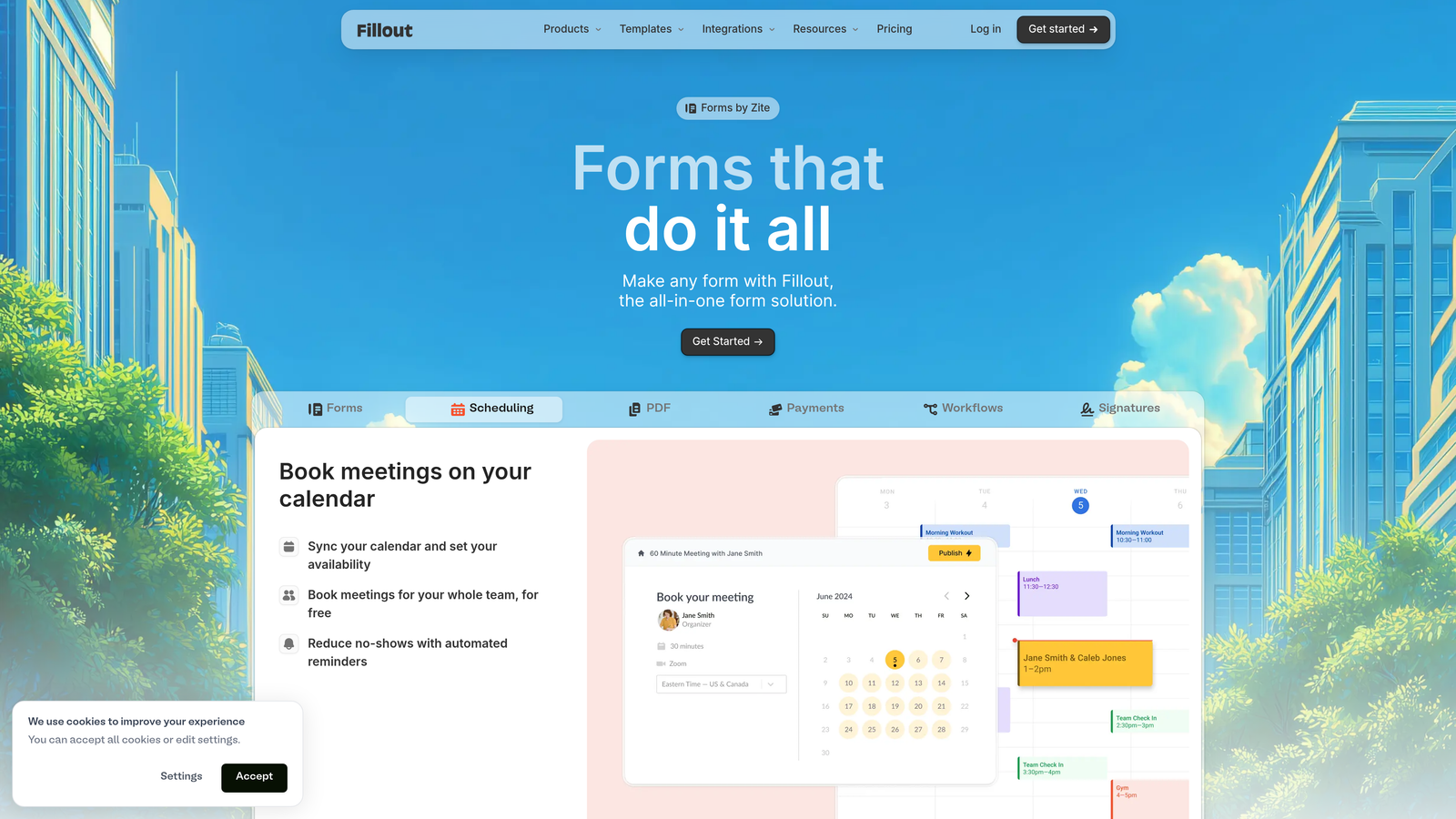
Fillout is a modern form builder built around native integrations with the data tools that contemporary teams already rely on.
Where This Tool Shines
The defining feature of Fillout is how deeply it connects to modern data stacks. Rather than exporting CSVs or setting up Zapier automations, Fillout syncs directly with Airtable, Notion, Google Sheets, and Supabase. For teams that have built their operations around these tools, this removes a significant layer of friction from the form-to-data pipeline.
Fillout also includes scheduling and payment collection as native features, which means teams can handle booking flows, registration forms, and intake processes within a single tool rather than cobbling together multiple services.
Key Features
Native Data Stack Integrations: Direct sync with Airtable, Notion, Google Sheets, and Supabase without requiring middleware.
Conditional Logic and Multi-Step Forms: Build branching, multi-page form experiences tailored to respondent answers.
Scheduling and Payment Collection: Handle bookings and payments natively without additional tools.
Custom URL and Branding: Maintain brand consistency with custom domains and design options.
Form Analytics Dashboard: Track completion rates, drop-off points, and response data in one place.
Best For
Fillout is an excellent fit for product teams, operations teams, and startups that have built their workflows around modern database tools and want their forms to feed directly into that infrastructure.
Pricing
Free plan available. Paid plans start around $19/month, with pricing scaling based on response volume and team features.
6. Tally
Best for: Teams that want a genuinely capable free form builder without feature gating or submission limits.
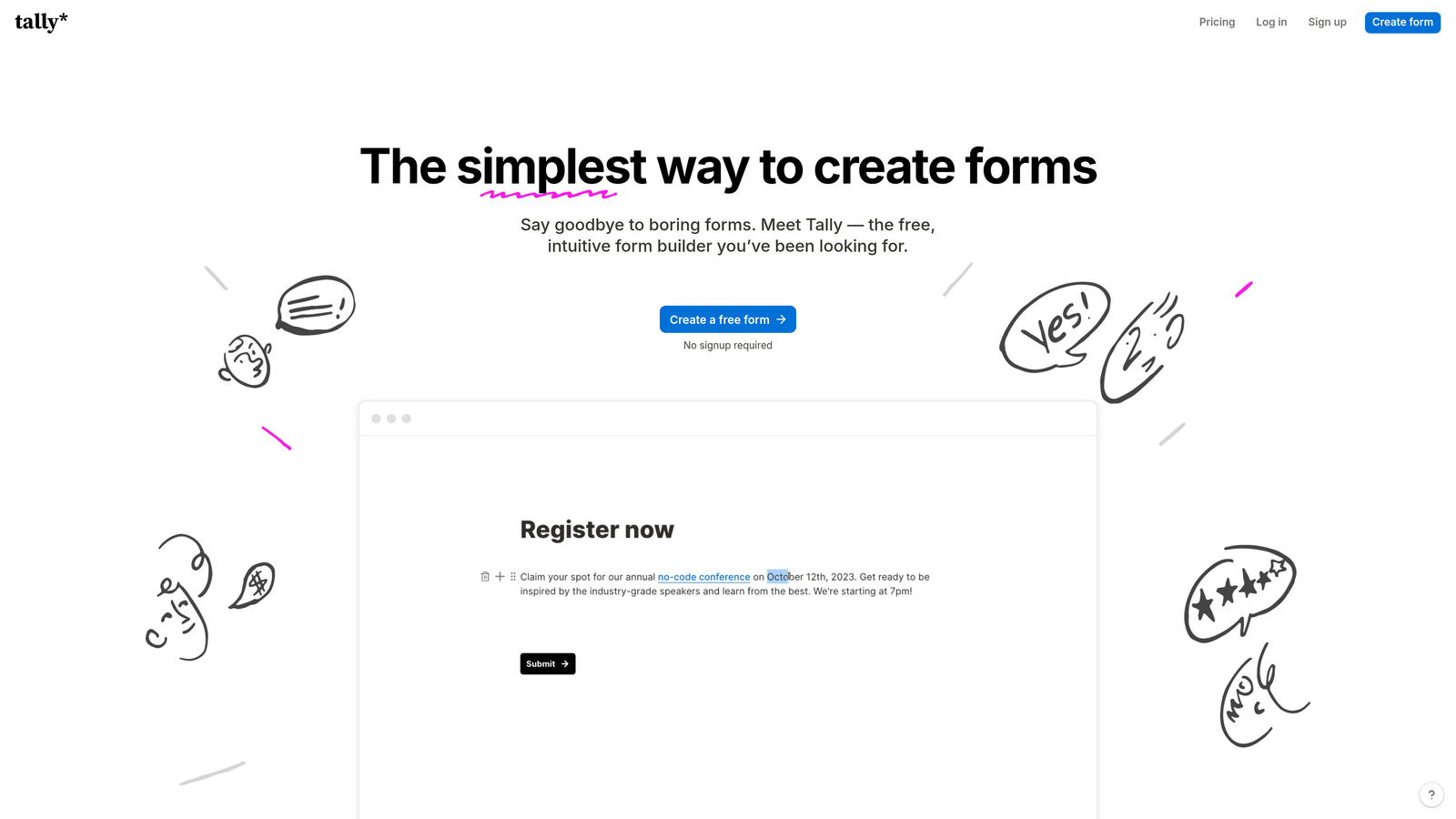
Tally is a minimalist form builder that offers an unusually generous free tier, making it a standout option for budget-conscious teams.
Where This Tool Shines
Tally's free plan is legitimately one of the best in the market. Unlimited forms and unlimited submissions with no feature gating means teams can use the tool seriously without hitting a paywall on core functionality. The Notion-like editor interface makes it immediately familiar to anyone who has used modern productivity tools, keeping the learning curve low.
For teams that need forms but don't want to justify a recurring software cost for something relatively straightforward, Tally fills that gap without compromise. The paid plan adds custom domains and branding for teams that need a more polished external presence.
Key Features
Unlimited Free Forms and Submissions: No caps on the free plan, which is genuinely rare in this category.
Notion-Like Editor: Familiar block-based editing interface that most modern teams will pick up instantly.
Conditional Logic and Calculator Fields: Advanced logic and calculation capabilities available even on the free tier.
Integration Options: Connects via Zapier, webhooks, and native integrations to extend functionality.
Custom Domains on Paid Plans: Upgrade to access branded form URLs and additional customization.
Best For
Tally is ideal for early-stage startups, internal teams, and any organization that needs capable forms without a software budget. It's also a strong choice for teams that want to prototype quickly before committing to a paid platform.
Pricing
Generous free plan with no submission limits. Pro plan starts around $29/month for custom branding and advanced features.
7. Monday.com WorkForms
Best for: Teams already using Monday.com that want form submissions to flow directly into their project management workflows.
Monday.com WorkForms is a form builder natively embedded within the Monday.com work management platform, turning every form submission into an actionable board item.
Where This Tool Shines
The core value proposition here is zero friction between data capture and action. When a form is submitted, it doesn't just land in a spreadsheet or inbox — it becomes an item on a Monday.com board, automatically assigned to the right team member and integrated into existing workflows. For teams managing intake processes, project requests, or client onboarding, this removes an entire manual step.
Real-time response tracking within Monday dashboards means teams can monitor form activity alongside all their other work, keeping everything in one operational view rather than switching between platforms.
Key Features
Direct Monday.com Board Integration: Form submissions automatically create and populate items on your Monday boards.
Automated Task Assignment: Route submissions to the right team members based on form responses and workflow rules.
Conditional Logic: Customize the form experience based on respondent answers.
Real-Time Response Tracking: Monitor submissions and responses within your existing Monday dashboards.
Built-In Analytics and Reporting: Access response data and trends without leaving the Monday ecosystem.
Best For
Monday.com WorkForms is purpose-built for teams already invested in the Monday.com platform. If your team runs projects, tasks, and workflows through Monday, adding WorkForms is a natural extension rather than a new tool to manage.
Pricing
Included with Monday.com plans, which start around $12/seat/month. No separate form builder cost for existing Monday users.
8. Paperform
Best for: Teams that want forms that double as landing pages, blending rich content with data capture in a single experience.
Paperform is a flexible form builder that treats forms as documents, allowing teams to mix text, images, video, and form fields in a single rich page.
Where This Tool Shines
Paperform blurs the line between a form and a landing page in a way that most form builders don't attempt. Teams can build experiences that include context, instructions, brand storytelling, and form fields all in one place. This is particularly useful for onboarding flows, event registrations, or sales intake forms where context improves the quality of responses.
The built-in e-commerce and payment capabilities mean teams can handle product orders, service bookings, and paid registrations without a separate checkout tool. Combined with 3,000+ integrations, Paperform connects to virtually any downstream system.
Key Features
Rich Content Editing: Mix text, images, and video with form fields to create document-like form experiences.
Built-In E-Commerce and Payments: Accept payments and handle orders directly within Paperform without additional tools.
Conditional Logic and Calculation Fields: Dynamic form behavior based on respondent input, including calculated pricing.
3,000+ Integrations: Extensive connectivity via Zapier and direct integrations to downstream tools.
Guided Conversational Mode: Optional one-at-a-time presentation for a more conversational form experience.
Best For
Paperform suits marketing teams, consultants, and service businesses that want forms to function as polished customer-facing experiences rather than plain data capture pages.
Pricing
Plans start around $29/month. No free plan, but a trial is available to evaluate the platform before committing.
9. Google Forms
Best for: Teams already in Google Workspace that need free, collaborative form creation with zero setup overhead.
Google Forms is the no-frills baseline that every team in the Google ecosystem already has access to, completely free.
Where This Tool Shines
Google Forms wins on simplicity and accessibility. Any team member with a Google account can create, share, and collaborate on a form in minutes with no learning curve. Real-time collaborative editing works exactly like Google Docs, making it easy for multiple team members to build and refine forms together without coordination overhead.
The automatic integration with Google Sheets is genuinely useful: every response lands in a live spreadsheet that the whole team can access, filter, and analyze immediately. For internal surveys, event registrations, or quick feedback collection, this pipeline is hard to beat at zero cost.
Key Features
Completely Free: No submission limits, no paid tiers, no feature gating — available to anyone with a Google account.
Real-Time Collaborative Editing: Multiple team members can edit forms simultaneously, just like Google Docs.
Automatic Google Sheets Integration: All responses flow directly into a connected spreadsheet with no setup required.
Basic Conditional Logic: Section branching and question skipping based on respondent answers.
Add-Ons Ecosystem: Extend functionality with third-party add-ons from the Google Workspace Marketplace.
Best For
Google Forms is the right choice for teams that need quick, internal-use forms without any budget or setup investment. It's less suited for external-facing forms where design quality and brand consistency matter.
Pricing
Completely free with any Google account. Included in Google Workspace plans at no additional cost.
Which Tool Is Right for Your Team?
Every tool on this list solves a real problem, but the right choice depends on what your team actually needs rather than a raw feature count.
For AI-powered lead qualification: Orbit AI stands alone here. No other tool on this list embeds lead scoring directly into the form experience, which makes it the clear choice for sales and marketing teams where lead quality is the primary metric.
For the best free option: Tally offers the most capable free tier for teams with budget constraints. Google Forms is the right pick if your team is already deep in Google Workspace and needs something instantly familiar.
For design-forward experiences: Typeform and Paperform both excel at creating forms that feel like extensions of a brand. Typeform wins on conversational flow; Paperform wins on rich content flexibility.
For workflow-connected teams: Monday.com WorkForms is the obvious choice if your team already runs on Monday. Fillout is the better pick if your data infrastructure is built around Airtable, Notion, or Google Sheets.
For the best all-rounder: Jotform covers the most ground in terms of templates, integrations, and built-in workflow tools, making it a solid default for teams that haven't found a specific gap to fill.
The best approach is to match the tool to your team's actual workflow friction rather than chasing the longest feature list. Think about where leads or data get stuck today, and pick the tool that removes that bottleneck most directly.
If your team's core challenge is converting visitors into qualified leads and you want AI doing the heavy lifting at the point of capture, start building free forms today with Orbit AI and see how intelligent form design can elevate your conversion strategy.


