

The form is often the last thing teams optimize, and the first place leads disappear. You can spend weeks perfecting your ad creative, landing page copy, and email nurture sequences, yet if the form itself creates friction, asks the wrong questions in the wrong order, or fails to load cleanly on mobile, all that upstream investment evaporates at the moment of conversion.
Conversion-focused form builders are purpose-built to solve exactly this problem. Unlike generic tools, they bring features like conditional logic, multi-step flows, A/B testing, progressive profiling, and AI-powered lead qualification directly into the form-building experience. The goal is simple: maximize the percentage of visitors who actually complete the form and submit quality information.
This roundup covers the top conversion-focused form builders selected based on four criteria: conversion-specific features beyond basic data collection, ease of use for marketing and growth teams, integration depth with CRMs and automation platforms, and pricing transparency. Whether you are looking to increase form submissions or systematically improve form submission rates, one of these tools belongs in your stack.
1. Orbit AI
Best for: High-growth teams that need AI-powered lead qualification built directly into the form experience.
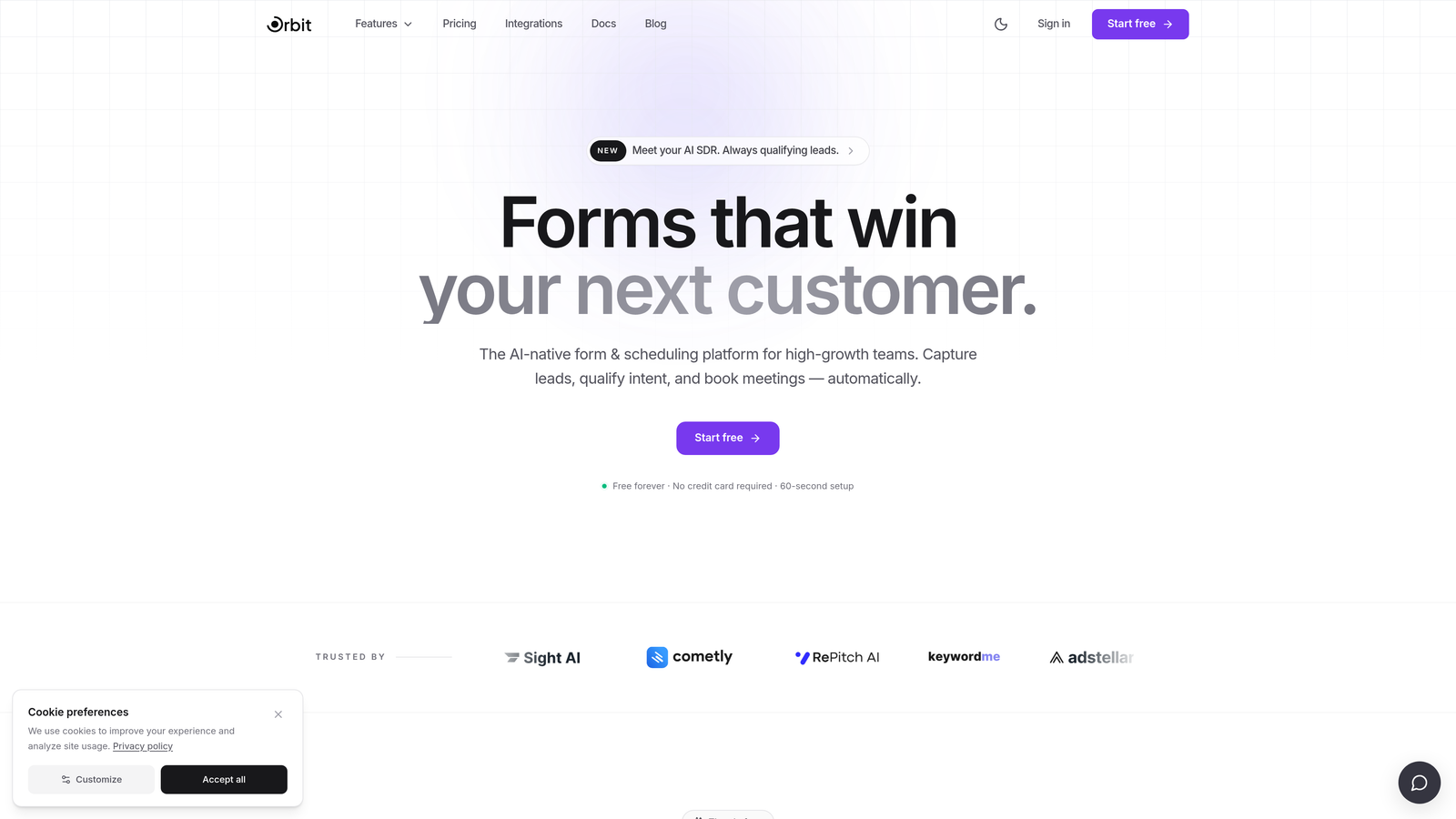
Orbit AI is an AI-powered form builder that scores and qualifies leads in real time as prospects fill out the form, purpose-built for conversion-obsessed growth teams.
Where This Tool Shines
Most form builders collect data and hand it off to your CRM for qualification later. Orbit AI flips that model by qualifying leads during the form interaction itself. As a prospect answers questions, the AI engine scores their responses against your ideal customer profile, giving your sales team instant context the moment a lead lands in the pipeline.
The platform is also built with modern design standards at its core. Forms load fast, render beautifully on mobile, and use smart conditional logic to adapt the experience based on how each respondent answers. The result is a form that feels less like a data collection exercise and more like a guided conversation.
Key Features
AI-Powered Lead Qualification: Scores leads in real time as they fill out the form, so your team knows which submissions to prioritize the moment they arrive.
Conversion-Optimized Templates: Pre-built form templates designed around modern conversion principles, not just aesthetic preferences.
Smart Conditional Logic: Adapts the form path dynamically based on each respondent's previous answers, reducing irrelevant questions and improving completion rates.
CRM and Automation Integrations: Connects seamlessly with popular CRMs and marketing automation platforms to keep your pipeline flowing without manual data entry.
Mobile-First Performance: Forms are engineered for fast loading and clean rendering across devices, critical when a significant share of form interactions happen on mobile.
Best For
Orbit AI is the strongest fit for SaaS companies, B2B marketing teams, and growth-focused businesses that want lead qualification to happen at the point of capture rather than days later in a CRM workflow. If lead quality is as important to you as lead volume, this tool deserves serious consideration.
Pricing
Visit orbitforms.ai for current plans and pricing. A free starting option is available for teams ready to explore the platform.
2. Typeform
Best for: Teams that want a polished, conversational form experience that feels nothing like a traditional form.
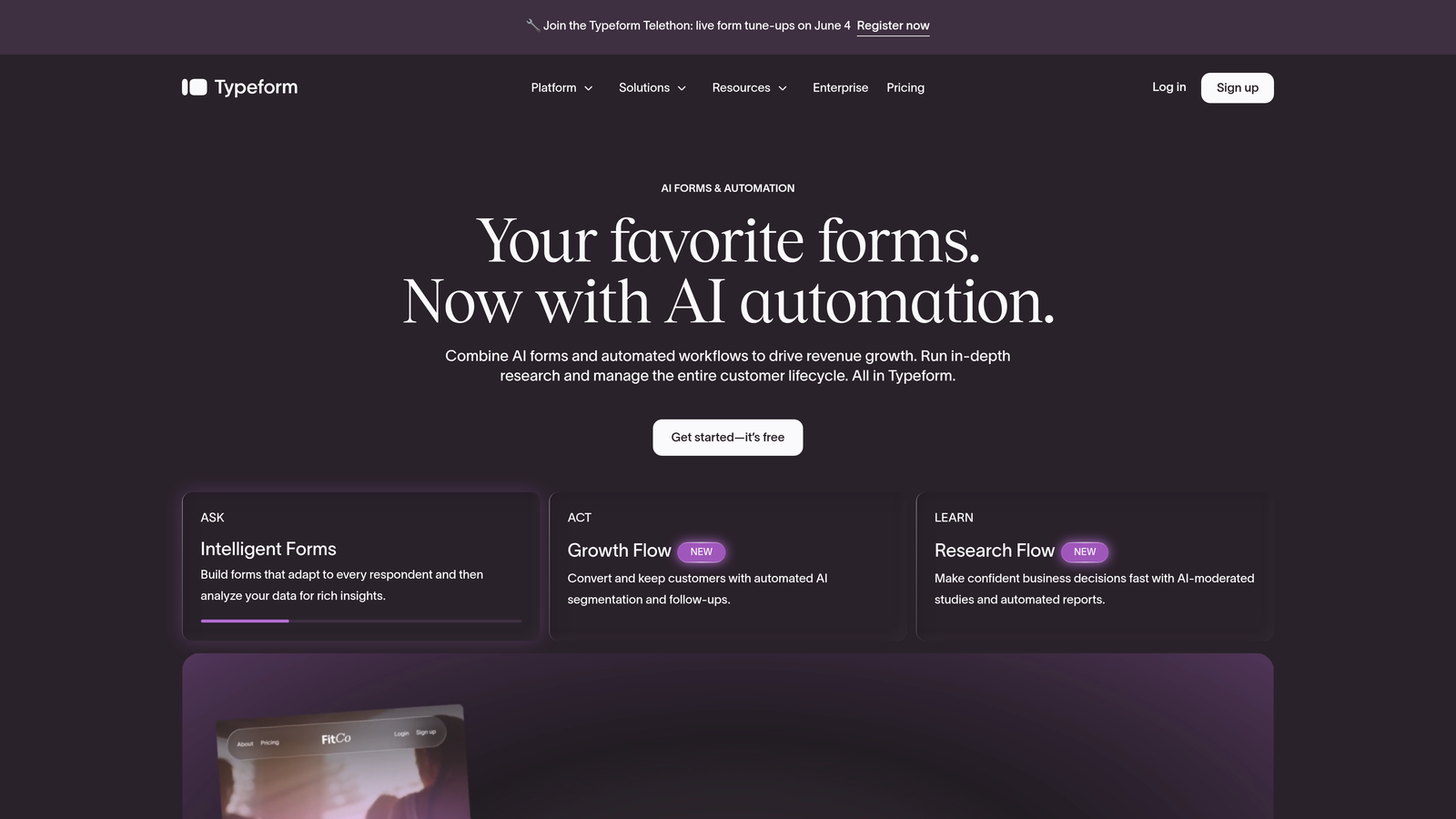
Typeform is the original conversational form builder, presenting one question at a time to reduce cognitive load and keep respondents engaged through to completion.
Where This Tool Shines
Typeform built its reputation on a deceptively simple idea: asking one question at a time makes forms feel less intimidating. The format works particularly well for surveys, onboarding flows, and lead capture forms where user experience directly influences completion rates.
The design quality is genuinely strong. Forms are visually polished out of the box, and the brand-matching customization tools mean your form can feel like a seamless extension of your landing page rather than an embedded widget from a third-party tool.
Key Features
One-at-a-Time Question Format: Presents questions sequentially to reduce overwhelm and maintain respondent momentum through the form.
Logic Jumps and Branching: Routes respondents through personalized paths based on their answers, keeping the experience relevant at every step.
Design Customization: Extensive brand-matching options including fonts, colors, backgrounds, and custom domains.
Native Integrations: Connects with HubSpot, Slack, Google Sheets, Zapier, and a wide range of marketing tools out of the box.
Best For
Typeform is ideal for marketing teams running lead generation campaigns, product teams collecting user feedback, and anyone who wants a form experience that respondents actually enjoy completing. It is less suited to teams with complex multi-field data requirements or tight budgets at scale.
Pricing
Free plan available with limited responses. Paid plans start at approximately $25 per month, with costs increasing based on response volume and advanced features.
3. Unbounce Smart Forms
Best for: PPC and paid social teams that want AI-optimized landing pages and forms working together as a single conversion unit.
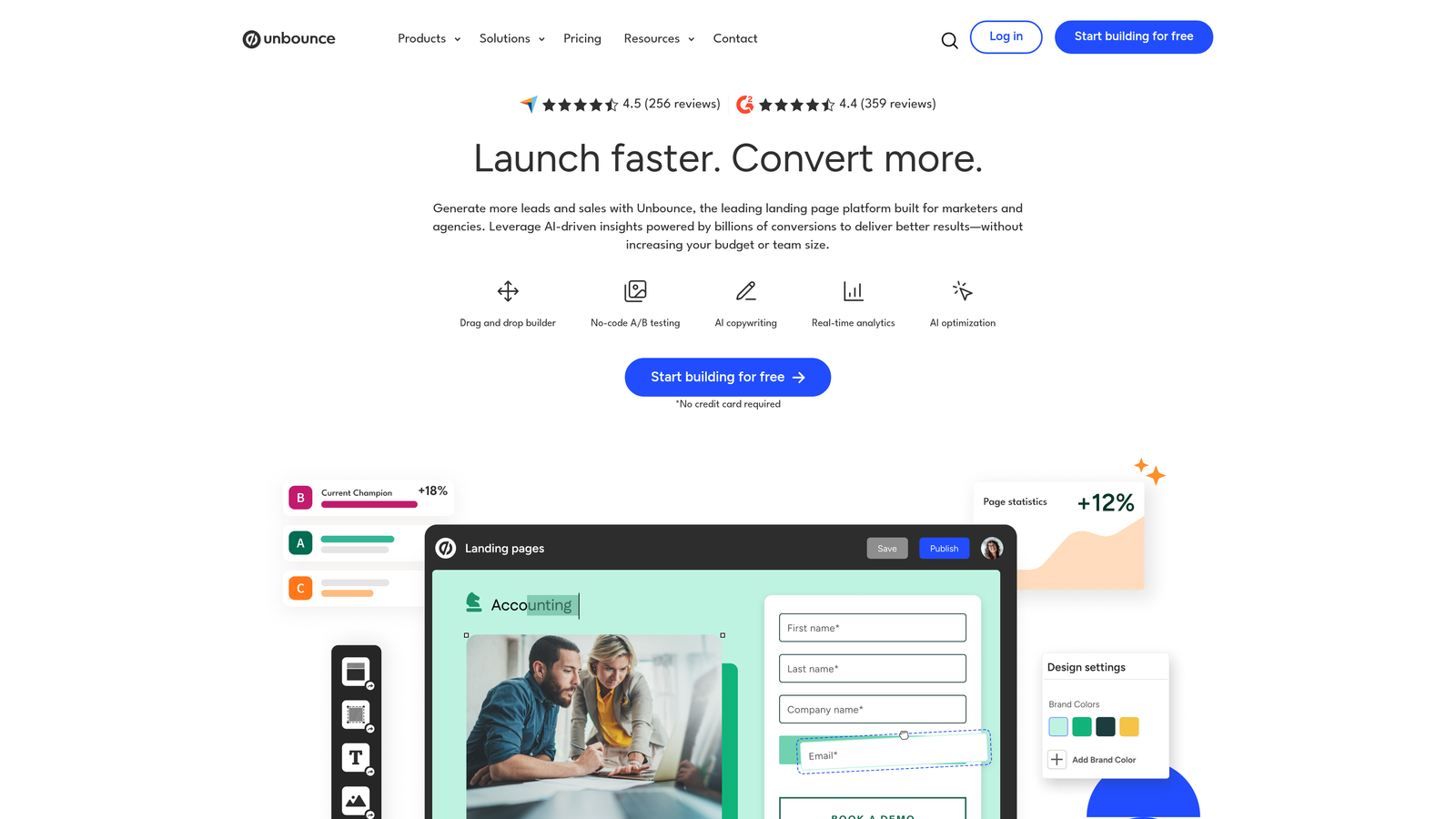
Unbounce is a landing page platform with AI-powered form optimization and Smart Traffic technology that automatically routes visitors toward the highest-converting page and form variant.
Where This Tool Shines
Unbounce's differentiator is Smart Traffic, an AI layer that analyzes visitor attributes and automatically sends each visitor to the variant most likely to convert them. For teams running paid campaigns with diverse audience segments, this kind of automated optimization can meaningfully improve results without requiring constant manual A/B test management.
The tight integration between landing page and form builder is also a genuine advantage. Rather than stitching together a landing page tool and a separate form tool, Unbounce lets you build and optimize both in the same environment.
Key Features
Smart Traffic AI: Automatically routes visitors to the highest-converting page and form variant based on real-time behavioral signals.
Drag-and-Drop Builder: Unified landing page and form builder that eliminates the need to manage two separate tools.
Built-In A/B Testing: Native split testing for both form elements and full page layouts.
Dynamic Text Replacement: Personalizes form and page copy to match the search terms or ad copy that brought each visitor to the page.
Popups and Sticky Bars: Additional form capture surfaces beyond the main page form for capturing visitors at different intent levels.
Best For
Unbounce is built for performance marketing teams running paid campaigns who want landing pages and forms optimized together. It is less suited to teams looking for a standalone form tool or those with limited budgets.
Pricing
Plans start at approximately $99 per month. Higher tiers unlock more conversions, domains, and advanced AI features.
4. Leadformly by Zuko
Best for: CRO teams that want field-level analytics to understand exactly where form abandonment is happening.
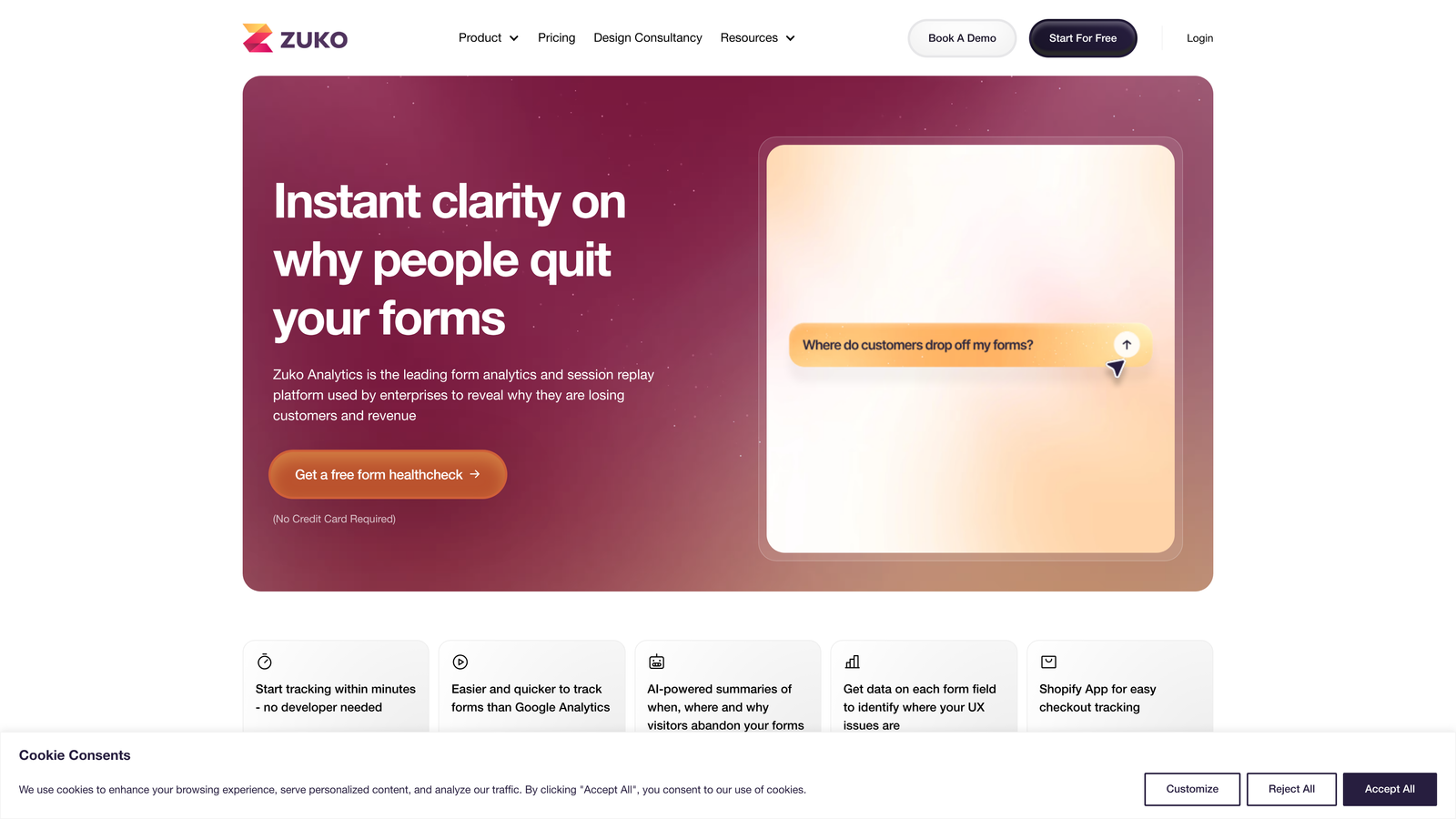
Leadformly by Zuko is an analytics-first form platform that provides granular, field-level data on where users drop off, making it the go-to choice for conversion rate optimization professionals.
Where This Tool Shines
Most form builders tell you your overall completion rate. Zuko tells you which specific field caused someone to abandon. That level of granularity is enormously valuable for CRO teams who need evidence-based decisions rather than gut-feel optimization guesses.
The benchmarking feature is particularly useful. Seeing how your form's field-level completion rates compare to industry averages gives you a clear prioritization framework for where to invest optimization effort first.
Key Features
Field-Level Analytics: Identifies precisely which fields cause users to hesitate, return, or abandon the form entirely.
Industry Benchmarking: Compares your form's conversion metrics against aggregated industry averages for context.
Multi-Step Form Builder: Includes progress indicators that help users understand how far along they are in the form.
A/B Testing: Test form variations against each other with statistical rigor.
Responsive Embeds: Forms embed cleanly across desktop and mobile environments.
Best For
Leadformly by Zuko is purpose-built for data-driven CRO practitioners, growth analysts, and marketing teams who want to make form optimization decisions based on behavioral evidence. It is a specialist tool, not a general-purpose form builder.
Pricing
Zuko analytics starts at approximately $100 per month. Contact Zuko directly for Leadformly builder pricing, as it varies based on form volume and use case.
5. HubSpot Forms
Best for: Teams already running their marketing and sales operations inside the HubSpot ecosystem.
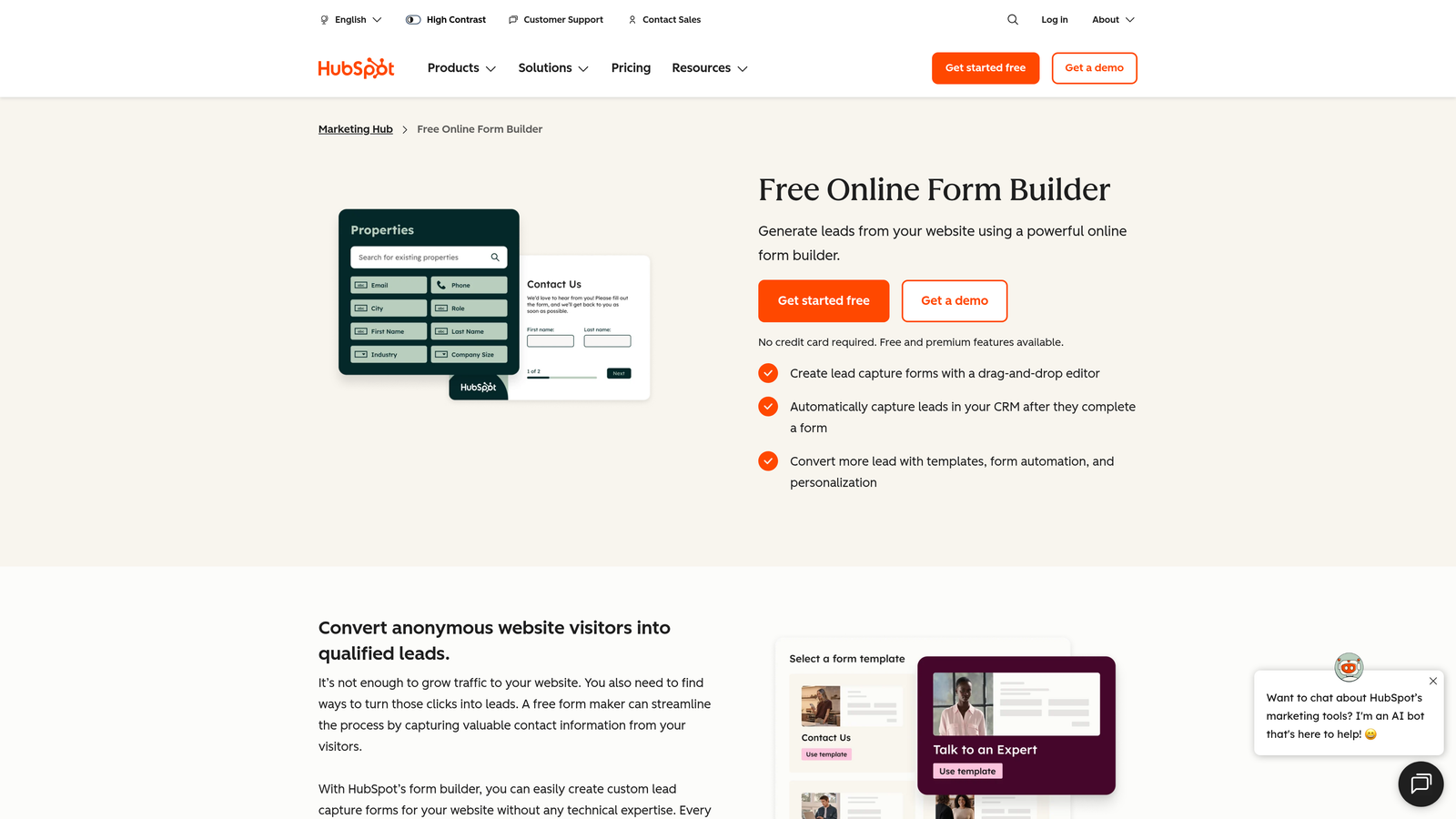
HubSpot Forms is a CRM-native form builder with progressive profiling, smart fields, and deep two-way integration with HubSpot's marketing, sales, and service hubs.
Where This Tool Shines
The progressive profiling capability is genuinely powerful. Rather than showing returning visitors the same fields they already filled out, HubSpot Forms automatically surfaces new questions based on what the CRM already knows about that contact. Over multiple interactions, you build a richer contact profile without ever asking the same question twice.
The CRM integration is not just a data sync. Form submissions automatically trigger lifecycle stage changes, enrollment in workflows, and task creation for sales reps, making HubSpot Forms a core piece of marketing automation rather than just a data collection tool.
Key Features
Progressive Profiling: Shows returning visitors new fields instead of repeating questions already answered, progressively enriching contact records.
Smart Fields: Adapts displayed fields based on existing CRM data for each known contact.
Automatic CRM Sync: Creates and updates contact records, assigns lifecycle stages, and triggers workflow enrollment on submission.
Dependent Fields and Conditional Logic: Builds branching form experiences based on respondent answers.
Free Tier: Core form functionality is included in the free HubSpot CRM plan.
Best For
HubSpot Forms is the obvious choice for teams already using HubSpot as their CRM and marketing platform. If you are outside the HubSpot ecosystem, the integration advantages largely disappear and a standalone tool will likely serve you better.
Pricing
Forms are included free with HubSpot CRM. Advanced features like progressive profiling and smart fields require Marketing Hub Starter, which begins at approximately $20 per month.
6. Jotform
Best for: Teams that need a versatile, template-rich form builder with strong payment processing and a generous free tier.
Jotform is one of the most widely used form builders available, offering over 10,000 templates, native payment integrations, and flexible conditional logic across virtually every industry and use case.
Where This Tool Shines
Jotform's template library is unmatched in breadth. Whatever type of form you need, from lead capture and event registration to healthcare intake and payment collection, there is almost certainly a starting template that gets you 80% of the way there before you write a single custom field.
The native payment processing is a genuine differentiator for teams that want to collect payments or donations directly through their forms without a separate tool. Support for Stripe, PayPal, and Square is built in without requiring a custom integration.
Key Features
10,000+ Templates: The largest template library in the form builder market, spanning virtually every industry and form type.
Native Payment Processing: Built-in integrations with Stripe, PayPal, and Square for direct payment collection within forms.
Conditional Logic and Multi-Page Forms: Branching logic and paginated form flows for more complex data collection needs.
Jotform Tables: A built-in submission management interface for organizing, filtering, and collaborating on form responses.
HIPAA Compliance: Compliant form options available for healthcare organizations handling protected health information.
Best For
Jotform works well for small to mid-sized teams, nonprofits, healthcare organizations, and anyone who values template variety and payment flexibility. It is a strong general-purpose choice, though teams with advanced conversion optimization needs may want a more specialized tool.
Pricing
Free plan includes up to 5 forms and 100 submissions per month. Paid plans start at approximately $34 per month with higher submission limits and advanced features.
7. Formstack
Best for: Enterprise teams that need forms, documents, and e-signatures connected in a single compliant workflow platform.
Formstack is an enterprise-grade workflow platform that connects form collection, document generation, and e-signature capabilities in one environment, with strong compliance features for regulated industries.
Where This Tool Shines
Formstack's strength is workflow automation that extends well beyond the form itself. A form submission can automatically generate a branded document, route it for approval, and collect a legally binding e-signature, all within the same platform. For teams that currently manage these steps across three or four separate tools, that consolidation is significant.
The compliance infrastructure is also enterprise-grade. HIPAA, GDPR, and Section 508 accessibility compliance are built in, making Formstack a viable option for healthcare, legal, financial services, and government organizations where data handling requirements are strict.
Key Features
Advanced Conditional Logic: Includes calculation fields and complex branching for sophisticated data collection workflows.
Forms to Documents to Signatures: End-to-end workflow automation from form submission through document generation and e-signature collection.
A/B Testing and Conversion Tracking: Built-in split testing and conversion analytics for form optimization.
Compliance Features: HIPAA, GDPR, and Section 508 accessibility compliance for regulated industries.
Salesforce-Native Edition: A dedicated Salesforce-native version for deep CRM integration within the Salesforce ecosystem.
Best For
Formstack is best suited for enterprise teams, regulated industries, and organizations that need forms to trigger document and signature workflows. Smaller teams or those with simpler needs will likely find it over-engineered for their use case.
Pricing
Forms-only plans start at approximately $50 per month. Platform bundles that include documents and signatures are available at higher price points.
8. Paperform
Best for: Creators and marketers who want forms that feel like beautifully designed branded landing pages.
Paperform is a design-forward form builder that lets you embed rich content including images, videos, and text blocks between form fields, creating experiences that blur the line between form and landing page.
Where This Tool Shines
Paperform's core differentiator is its content-rich form canvas. Rather than presenting a stripped-down field list, you can build a form that reads like a story, with explanatory text, product images, or video testimonials woven directly between the questions. This approach can meaningfully reduce anxiety around form completion by giving respondents context at the exact moment they need it.
The guided mode adds a conversational layer on top of this rich content experience, stepping users through the form one section at a time while still maintaining the visual richness that makes Paperform distinctive.
Key Features
Rich Content Embedding: Place images, videos, and formatted text blocks between form fields to provide context and reduce friction.
Guided Mode: A step-by-step conversational experience layered over the rich content canvas.
Payment and Booking: Built-in payment collection and appointment booking without requiring third-party integrations.
Custom Success Pages: Redirect logic and fully customizable post-submission experiences.
Brand-Matching Design: Deep theme customization to make forms feel native to your brand environment.
Best For
Paperform is an excellent fit for creators, consultants, boutique agencies, and marketing teams that prioritize visual quality and want their forms to feel like premium brand touchpoints rather than functional utilities.
Pricing
Plans start at approximately $24 per month, with higher tiers unlocking more submissions, custom domains, and advanced features.
9. Involve.me
Best for: Growth teams that want interactive content funnels like quizzes and calculators to generate and qualify leads.
Involve.me is an interactive content platform for building quizzes, calculators, surveys, and payment pages that function as full lead generation funnels rather than traditional forms.
Where This Tool Shines
Involve.me occupies a distinct niche: interactive content as a lead generation mechanism. Instead of asking visitors to fill out a contact form, you give them something valuable, a quiz that reveals their marketing maturity score, a calculator that estimates their ROI, or a product recommendation tool, and capture their contact information as part of the experience.
The outcome-based logic is particularly strong. Based on how someone answers the quiz or calculator, Involve.me can serve a personalized results page with a tailored CTA, making the post-submission experience feel relevant rather than generic.
Key Features
Quiz and Calculator Builders: Purpose-built tools for creating interactive lead generation content, not just standard form fields.
Outcome-Based Logic: Personalizes results pages and CTAs based on each respondent's specific answers and calculated outcomes.
Conversion Analytics: Built-in funnel tracking to see where respondents drop off within the interactive experience.
Native Payment Collection: Accepts payments directly within interactive content flows for product recommendations or service bookings.
Flexible Deployment: Embed in existing pages or deploy as standalone experiences with a dedicated URL.
Best For
Involve.me is ideal for content-driven lead generation strategies, product recommendation flows, and any team that wants to offer genuine value to visitors before asking for contact information. It is less suited to teams that need straightforward contact or application forms.
Pricing
Free plan available with limited projects and responses. Paid plans start at approximately $29 per month, with higher tiers offering more projects, responses, and advanced analytics.
How to Choose the Right Conversion-Focused Form Builder
The right tool depends less on which one has the longest feature list and more on where your specific conversion bottleneck actually lives. Here is a practical framework for making the decision.
If lead quality is your primary challenge: Start with Orbit AI. The built-in AI lead qualification scores prospects in real time during form completion, so your sales team receives context-rich submissions rather than raw, unfiltered data. For high-growth teams where pipeline quality directly impacts revenue, this is a meaningful advantage over tools that simply collect and forward data.
If you need form analytics and CRO depth: Leadformly by Zuko is the specialist choice. Field-level abandonment data and industry benchmarking give CRO teams the evidence they need to prioritize optimization work systematically.
If you are running paid campaigns: Unbounce's unified landing page and form environment, combined with Smart Traffic AI, makes it the natural fit for performance marketing teams who want pages and forms optimized together.
If you are inside the HubSpot ecosystem: HubSpot Forms is the obvious answer. Progressive profiling and automatic CRM sync are hard to replicate with a third-party tool connected via integration.
If interactive content is your lead gen strategy: Involve.me's quiz and calculator builders are purpose-built for exactly this approach and outperform traditional form tools for this specific use case.
For a deeper look at improving lead quality downstream from your form, explore our guide on how to improve lead quality, and for the design principles that underpin high-converting forms, our web form design best practices guide is a strong complement to any tool on this list.
Whatever tool you choose, the shift from a generic form builder to a conversion-focused one is one of the highest-leverage changes a growth team can make. The form is the last touchpoint before a visitor becomes a lead. It deserves the same attention you give everything else in your funnel.
Start building free forms today with Orbit AI and experience how AI-powered lead qualification and conversion-optimized design can transform what your forms actually deliver for your pipeline.


