

Annual billing might not be the most exciting topic in SaaS, but it's one of the most impactful decisions you'll make when choosing a form tool. Committing to a yearly plan typically unlocks meaningful savings compared to month-to-month billing, and it protects you from mid-year price increases that have become increasingly common across the software landscape.
For this guide, we evaluated tools based on pricing transparency, the actual value of their annual discount, which features are accessible on annual tiers, and overall platform quality. Whether you're a solo founder running lean or a scaling team managing hundreds of leads per month, the right annual plan can save you hundreds or even thousands of dollars over the course of a year.
Here are the top form tools worth committing to annually in 2026.
1. Orbit AI
Best for: High-growth teams that need AI-powered lead qualification built directly into their forms.
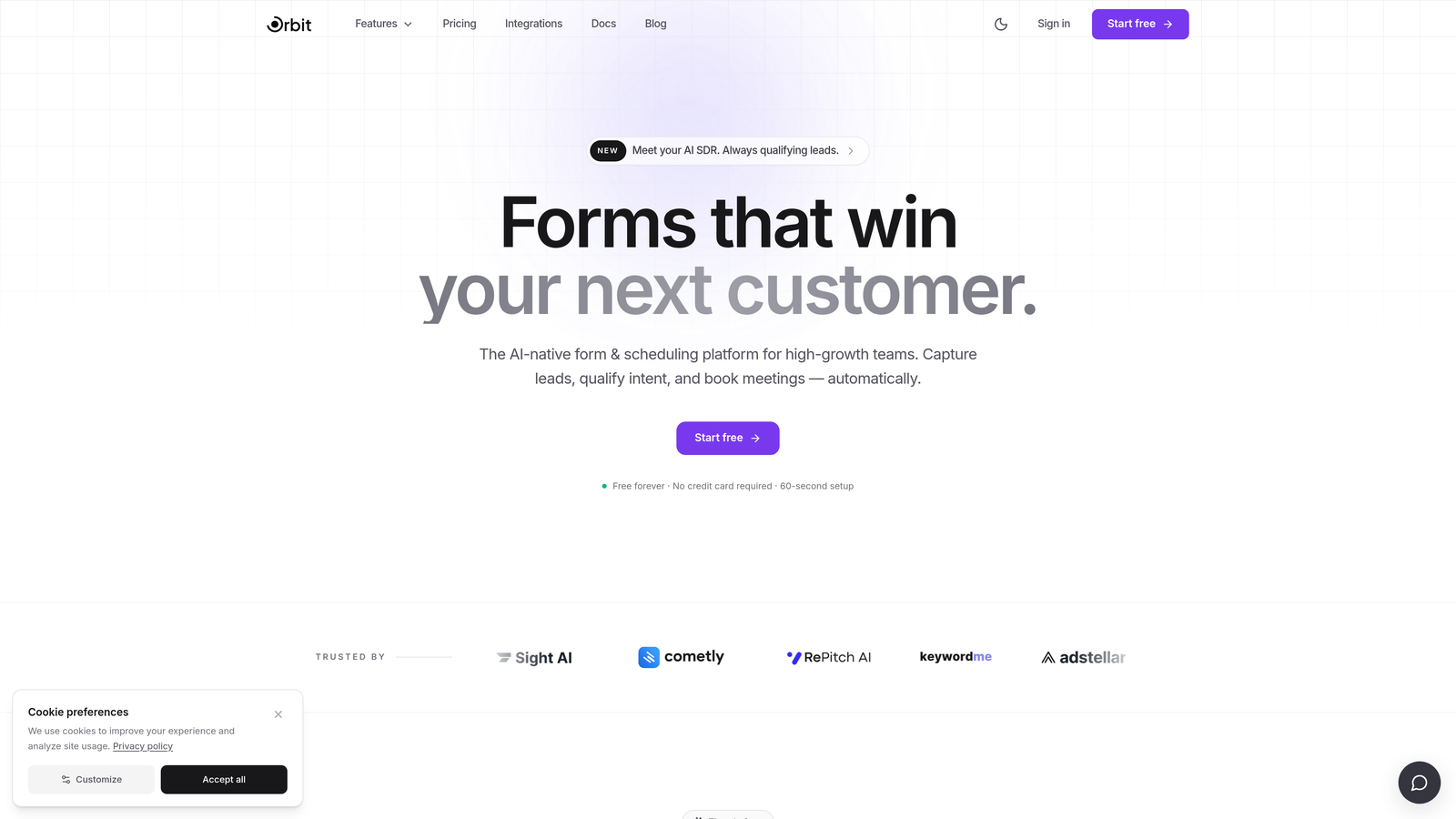
Orbit AI is an AI-powered form builder designed specifically for conversion optimization, with lead scoring and qualification baked into the platform from the ground up.
Where This Tool Shines
Most form builders treat qualification as an afterthought, leaving your team to manually sort through submissions after the fact. Orbit AI flips that model by embedding lead scoring directly into the form experience, so your sales and marketing teams receive pre-qualified leads rather than raw data dumps.
The platform is also built with visual quality in mind. If you've ever cringed at a generic-looking form embedded on an otherwise polished landing page, Orbit AI's design-forward templates solve that problem without requiring a designer to get involved.
Key Features
AI-Powered Lead Qualification: Automatically scores and qualifies leads based on form responses, routing the right prospects to the right team members.
Conversion-Optimized Templates: Pre-built templates designed specifically for marketing and sales use cases, not generic survey scenarios.
Modern Form Design: Visually polished forms that hold up on premium brand experiences without custom CSS work.
Scalable Architecture: Built for teams that are actively growing, with the infrastructure to handle increasing lead volume without forcing disruptive tier upgrades.
High-Growth Team Focus: Feature prioritization reflects the needs of fast-moving marketing and sales teams, not enterprise bureaucracy.
Best For
Orbit AI is the right choice for growth-stage SaaS companies, marketing teams running active lead generation campaigns, and any team that's tired of paying for a form tool and a separate lead scoring tool. If conversion rate and lead quality are KPIs you're measured on, this platform was built with you in mind.
Pricing
Annual plans are available. Visit orbitforms.ai for current pricing details, as rates may be updated.
2. Typeform
Best for: Teams that prioritize conversational UX and strong visual branding in their forms.
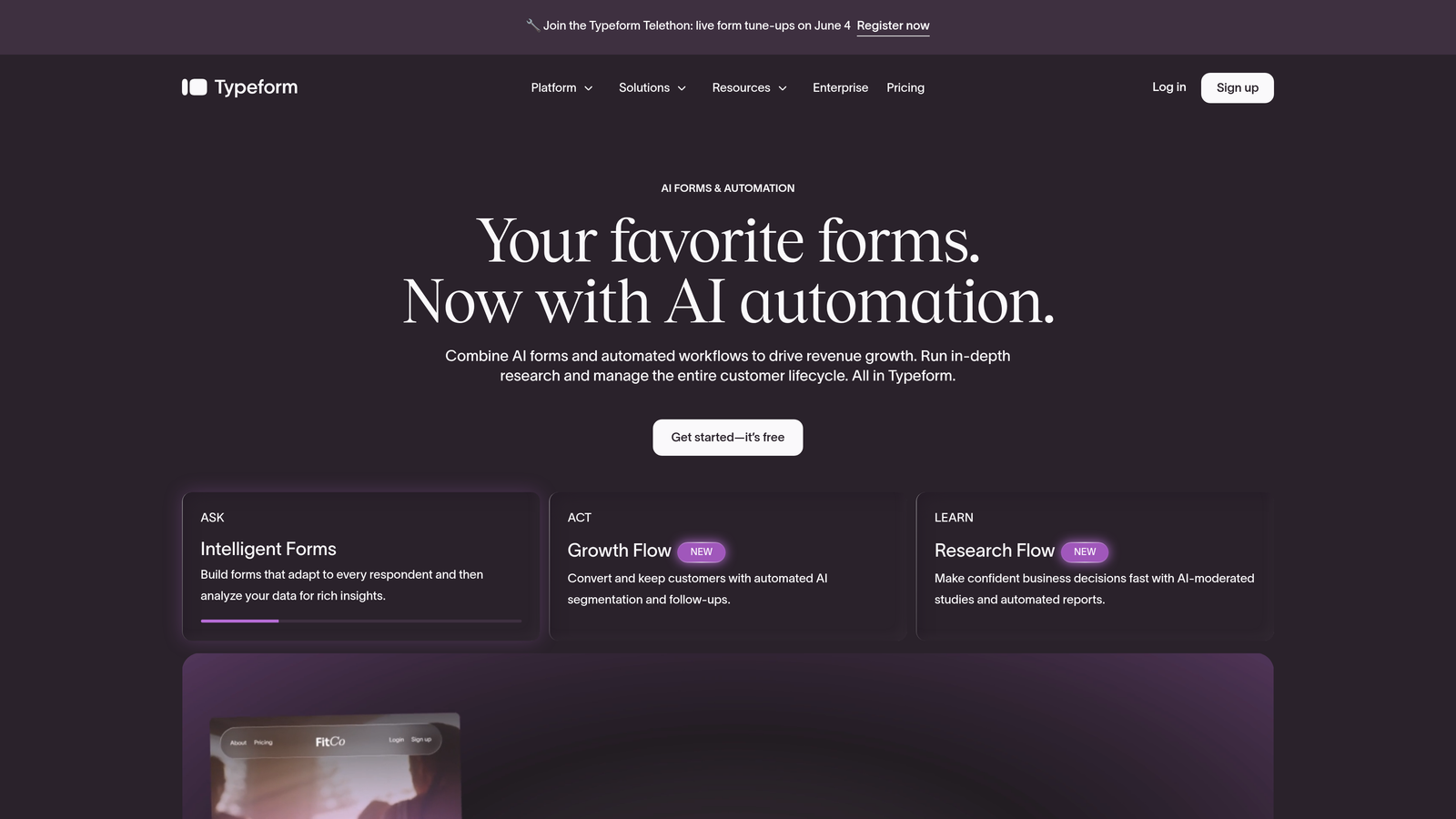
Typeform is a conversational form builder known for its one-question-at-a-time interface and deep design customization options.
Where This Tool Shines
Typeform's signature experience, presenting one question at a time rather than a wall of fields, consistently produces higher completion rates for longer forms. When you need respondents to stay engaged through a multi-step survey or detailed intake form, that UX approach makes a real difference.
The branding customization is also genuinely impressive. You can match fonts, colors, background imagery, and button styles to your brand identity in ways that most form builders simply don't support at equivalent price points.
Key Features
Conversational One-Question UX: Presents questions sequentially to reduce cognitive load and improve completion rates.
Extensive Brand Customization: Full control over fonts, colors, imagery, and layout to match your brand identity.
Logic Jumps and Conditional Branching: Route respondents through personalized paths based on their answers.
Integration Ecosystem: Connects with major CRM, marketing automation, and productivity platforms.
Video and Media Embedding: Supports rich media within forms to create more engaging experiences.
Best For
Typeform works best for marketing teams running brand-sensitive campaigns, companies conducting customer research, and anyone building lead capture forms where completion rate is a critical metric. It's less ideal for teams that need high submission volume on a tight budget, as costs can scale quickly.
Pricing
Annual plans start around $25/month on the Basic tier. Verify current pricing at typeform.com before committing.
3. Jotform
Best for: Teams that need a wide range of form types, payment collection, and compliance features in one platform.
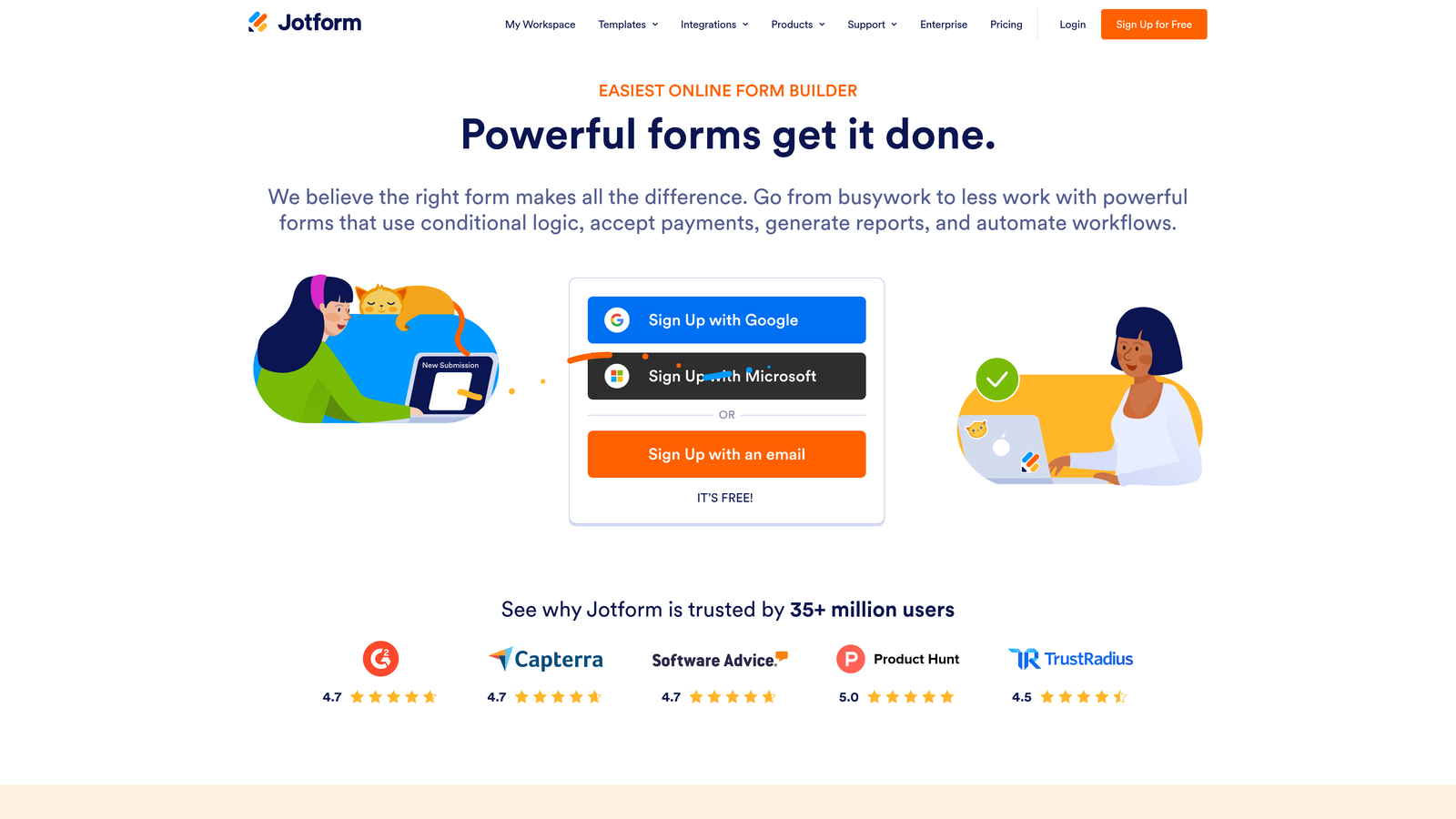
Jotform is a feature-rich form builder with an enormous template library, PDF generation, payment integrations, and HIPAA-compliant plan options.
Where This Tool Shines
Jotform's sheer breadth is its defining characteristic. With over 10,000 templates spanning industries from healthcare to real estate to education, it's rare to encounter a form use case the platform hasn't already considered. This makes it particularly valuable for teams managing multiple departments or client types with diverse needs.
The built-in PDF generation and Jotform Tables submission management tool add layers of utility that most competitors treat as add-ons or integrations. For teams that want to consolidate tools, Jotform often replaces two or three separate products.
Key Features
10,000+ Templates: Industry-specific templates covering nearly every form use case imaginable.
PDF Report Generation: Automatically generate formatted PDF documents from form submissions.
Payment Integrations: Native support for PayPal, Stripe, Square, and other payment processors.
Jotform Tables: A built-in database-style view for managing and organizing form submissions.
HIPAA-Compliant Plans: Available for healthcare organizations with strict data handling requirements.
Best For
Jotform suits agencies managing multiple clients, healthcare organizations needing compliance features, and teams that collect payments through forms. It's also a strong choice for anyone who wants a single platform to handle diverse form needs without extensive custom development.
Pricing
A free tier is available. Annual paid plans start around $34/month on the Bronze tier. Confirm current pricing at jotform.com.
4. Tally
Best for: Solo founders and small teams who want a powerful free tier with a clean, modern editing experience.
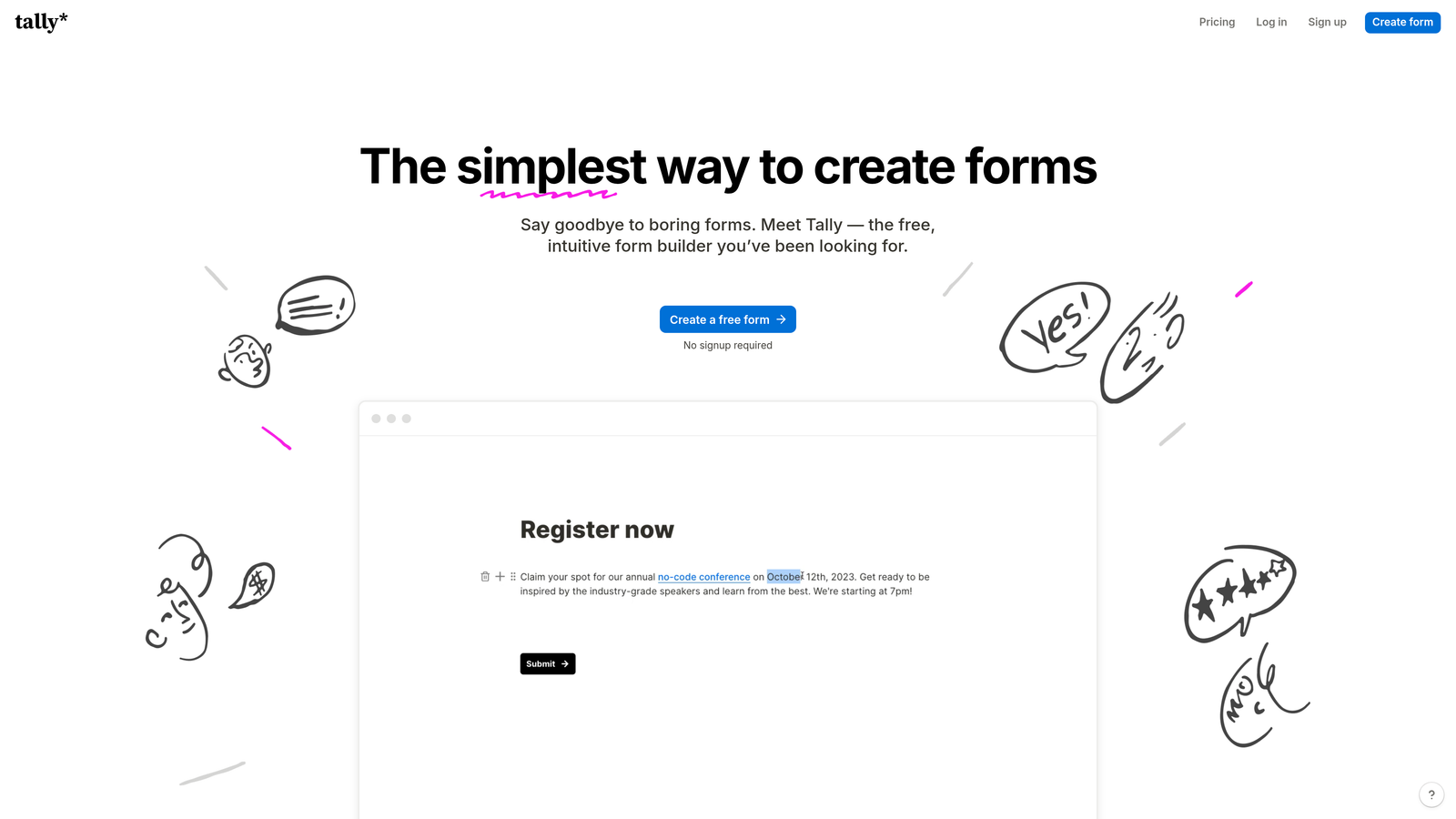
Tally is a minimalist form builder with a Notion-style block editor and one of the most generous free plans available in the form tool market today.
Where This Tool Shines
Tally's free plan is genuinely remarkable: unlimited forms, unlimited submissions, and no Tally branding on responses. For teams that are pre-revenue or running lean, that's a level of access that most competitors reserve for paid tiers. You can run a full lead capture operation on Tally without spending a dollar.
The editing experience also deserves mention. The block-based interface feels intuitive to anyone familiar with Notion or similar tools, dramatically reducing the learning curve for new team members.
Key Features
Unlimited Free Forms and Submissions: No artificial caps on the free plan, which is rare in this category.
Notion-Style Block Editor: Familiar, intuitive editing experience for teams already using modern productivity tools.
Conditional Logic and Calculations: Build dynamic, personalized form flows without upgrading to a paid tier.
Custom Domains and Branding Removal: Available on the Pro annual plan for teams that need white-labeled forms.
Best For
Tally is ideal for early-stage startups, indie makers, and small teams that want professional-quality forms without a software budget. It's also a great fit for anyone who builds forms frequently and values a fast, friction-free editing experience.
Pricing
The free plan is exceptionally generous. Pro annual plans are around $29/month. Verify at tally.so.
5. Paperform
Best for: Small businesses and creators who want forms that double as standalone landing pages with e-commerce capabilities.
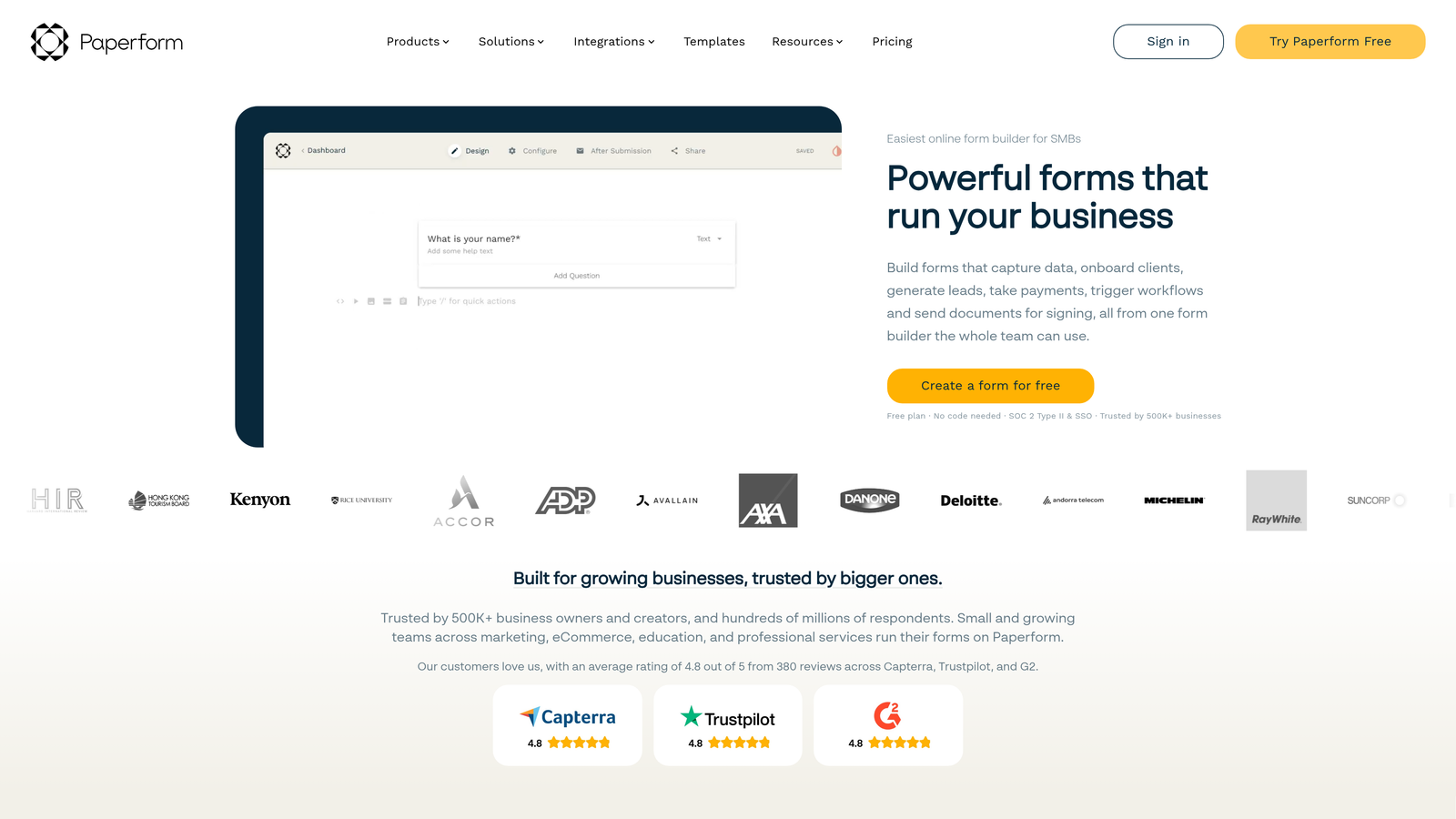
Paperform is a flexible form builder that functions as a landing page creator, with rich media embedding and built-in product and payment fields.
Where This Tool Shines
Paperform sits in an interesting space between form builder and lightweight landing page tool. You can embed video, add rich text blocks, include product images with pricing, and collect payment all within a single form-style page. For small businesses that don't want to maintain a separate landing page builder, that's a compelling value proposition.
The design freedom is also notably higher than most form tools. Paperform pages feel less like forms and more like designed experiences, which tends to improve both completion rates and brand perception.
Key Features
Landing Page Functionality: Forms that serve as complete, shareable landing pages with custom branding and layout.
Rich Media Embedding: Add video, images, and formatted text blocks directly within the form.
E-Commerce Product Fields: Sell products and collect payments natively without a separate checkout tool.
Conditional Logic and Calculations: Dynamic form flows and real-time calculation fields for pricing or scoring.
Best For
Paperform is a strong fit for freelancers, coaches, small e-commerce businesses, and anyone who needs a form that also functions as a lightweight marketing page. It's less suited for enterprise teams needing deep compliance features or complex workflow automation.
Pricing
Annual plans start around $24/month on the Essentials tier. Check current pricing at paperform.co.
6. Formstack
Best for: Mid-market and enterprise teams that need compliance, document generation, and workflow automation in one platform.
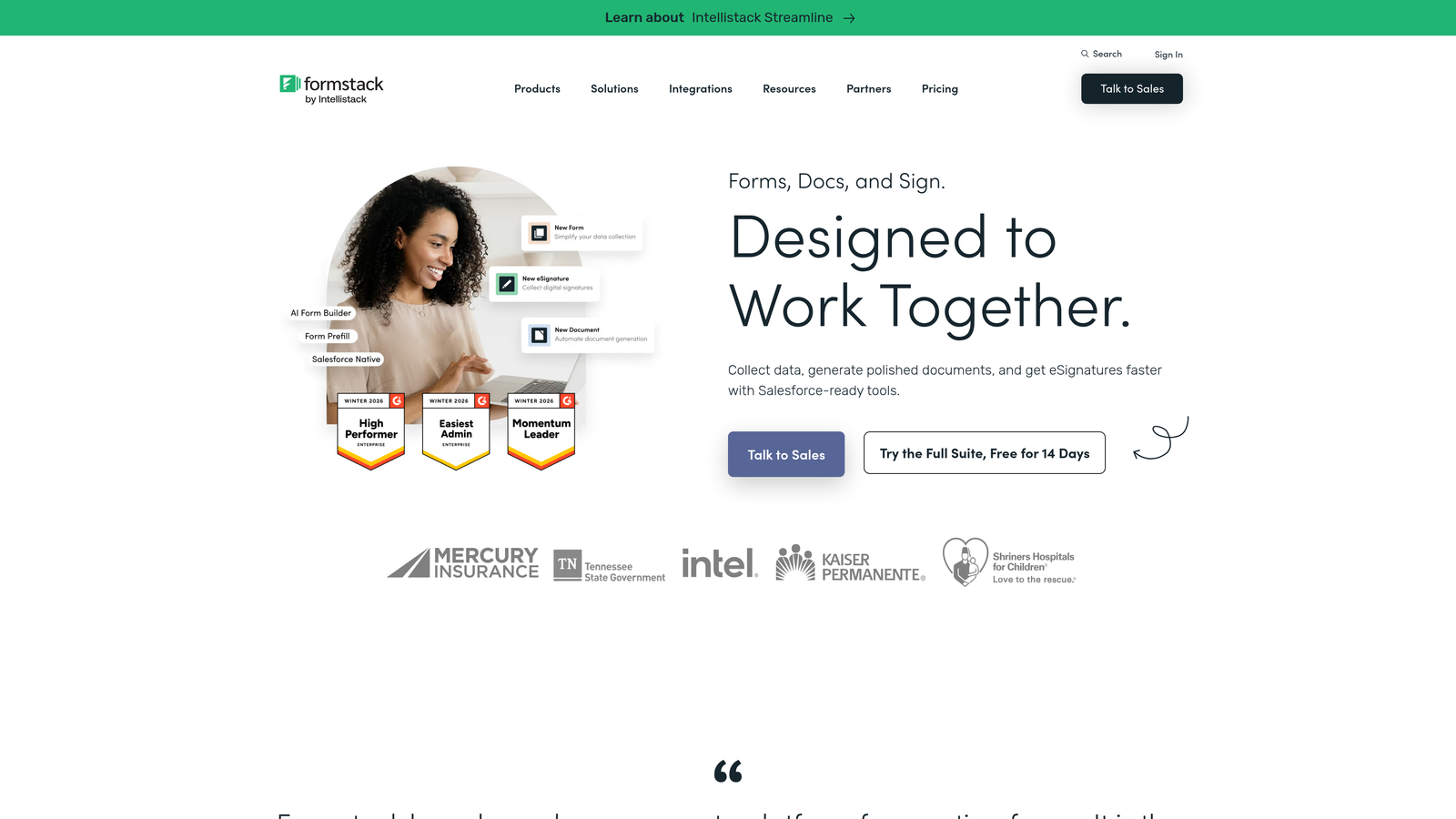
Formstack is an enterprise-grade form and workflow platform with document generation, e-signature collection, and multi-framework compliance support.
Where This Tool Shines
Formstack is built for organizations where forms are part of larger operational workflows, not just data collection endpoints. The approval routing, document generation, and e-signature capabilities mean you can automate entire business processes, from intake to signed contract, without stitching together multiple tools.
The compliance story is also strong. HIPAA, GDPR, and SOC 2 support makes Formstack one of the few form tools that enterprise procurement teams can actually approve without a lengthy security review.
Key Features
Workflow Automation with Approval Routing: Build multi-step approval workflows triggered by form submissions.
Document Generation and E-Signatures: Auto-generate formatted documents and collect legally binding signatures.
Enterprise Compliance: HIPAA, GDPR, and SOC 2 compliance options for regulated industries.
Salesforce and Enterprise Integrations: Deep native integrations with Salesforce and other enterprise platforms.
Best For
Formstack is the right choice for healthcare organizations, financial services teams, legal departments, and any mid-market or enterprise buyer where compliance and workflow automation are non-negotiable requirements. It's overkill for smaller teams with simpler needs.
Pricing
Annual plans start around $50/month on the Starter tier, with pricing varying significantly by tier and add-ons. Verify at formstack.com.
7. Google Forms
Best for: Teams already in the Google Workspace ecosystem that need quick, no-cost internal forms and surveys.
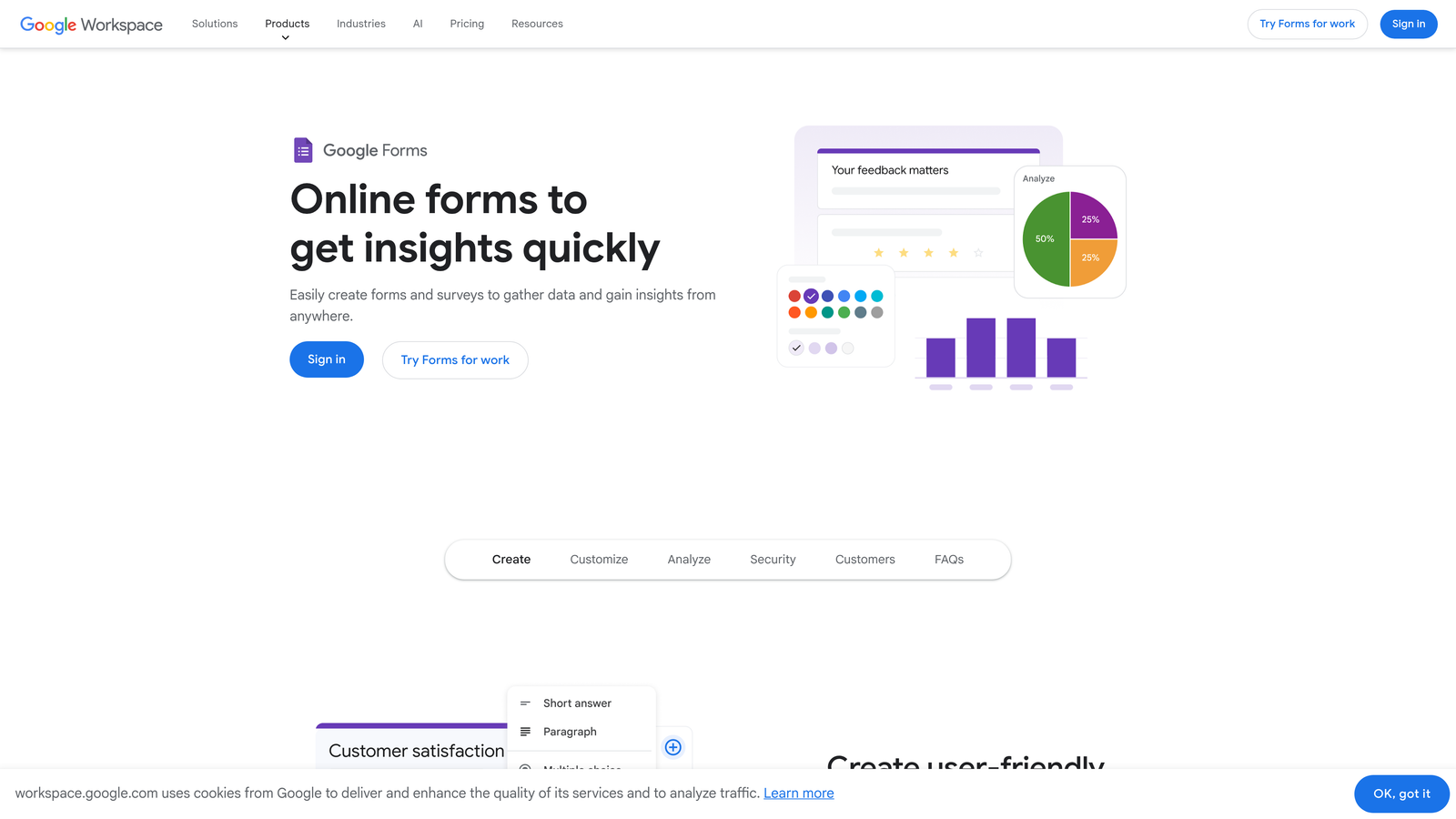
Google Forms is a completely free form builder that integrates natively with Google Sheets and the broader Google Workspace suite.
Where This Tool Shines
There's no faster path from "I need a form" to "the form is live" than Google Forms. The tool requires zero setup, no account creation beyond a Google account, and responses flow automatically into Google Sheets for analysis. For internal use cases, quick surveys, or event registrations where brand presentation isn't a priority, it's hard to beat free.
Collaboration is also frictionless. Any Google account holder can be added as a co-editor, making it a natural fit for teams already living in Google Docs and Sheets.
Key Features
Completely Free: No paid tier required for full core functionality.
Auto-Sync to Google Sheets: Every response automatically populates a linked spreadsheet in real time.
Simple Collaboration: Share editing access with any Google account holder instantly.
Basic Logic and Quiz Features: Conditional section branching and quiz grading for simple use cases.
Best For
Google Forms is ideal for internal teams, educators, event organizers, and anyone who needs a functional form quickly without a budget. It's not the right choice for external-facing lead generation where brand experience, conversion optimization, or advanced logic matter.
Pricing
Free with any Google account. Google Workspace annual plans, which include enhanced storage and admin controls, start at $7.20/user/month. Verify at workspace.google.com.
8. Fillout
Best for: Teams using Airtable, Notion, or Supabase who want forms that write directly to their existing databases.
Fillout is a database-connected form builder with native integrations for popular no-code and developer data platforms.
Where This Tool Shines
Fillout solves a specific and common pain point: you've built your data infrastructure in Airtable or Notion, and you need forms that write directly to those databases without a Zapier middleman. The native integrations are genuinely deep, supporting real-time syncing rather than periodic batch updates.
The platform has also expanded meaningfully beyond its integration story. Scheduling, payment collection, and multi-page form flows make Fillout a capable all-around tool, not just a database connector.
Key Features
Native Airtable, Notion, and Supabase Integrations: Direct database connections without requiring third-party automation tools.
Real-Time Database Syncing: Form responses update your connected database instantly.
Conditional Logic and Multi-Page Forms: Build complex, branching form flows with a visual editor.
Scheduling and Payment Collection: Handle bookings and transactions natively within the form experience.
Best For
Fillout is the natural choice for no-code builders, operations teams managing data in Airtable or Notion, and developers who want a form layer that connects cleanly to their backend. It's particularly strong for teams that want to avoid maintaining complex Zapier workflows just to get form data where it needs to go.
Pricing
A free tier is available. Annual paid plans start around $15/month. Confirm current pricing at fillout.com.
9. HubSpot Forms
Best for: Teams already using HubSpot CRM who want forms that feed directly into their marketing and sales pipeline.
HubSpot Forms is a CRM-integrated form builder where every submission automatically creates or updates a contact record in HubSpot.
Where This Tool Shines
If your team runs on HubSpot, using any other form tool for lead capture means you're adding unnecessary friction to your data flow. HubSpot Forms eliminates that entirely. Every submission creates a contact, maps to deal stages, triggers workflows, and feeds into your reporting without any integration configuration.
The progressive profiling feature is particularly valuable for teams running multiple touchpoints. Rather than asking the same questions repeatedly, HubSpot Forms recognizes known contacts and surfaces only fields you haven't yet captured, improving both completion rates and data completeness over time.
Key Features
Automatic CRM Contact Creation: Every form submission instantly creates or enriches a HubSpot contact record.
Progressive Profiling: Dynamically replaces already-known fields with new questions for returning visitors.
Smart Fields: Adapt form fields based on what HubSpot already knows about a contact.
Marketing Hub Workflow Integration: Trigger automated nurture sequences, notifications, and pipeline updates directly from form submissions.
Best For
HubSpot Forms is the obvious choice for any team already invested in the HubSpot ecosystem. It's less compelling as a standalone tool if you're not using HubSpot CRM, since the core value proposition is the native data integration rather than the form builder itself.
Pricing
Basic forms are free with the free HubSpot CRM. Advanced features require Marketing Hub annual plans starting at $20/month on the Starter tier. Verify at hubspot.com.
Which Form Tool Is Right for Your Annual Plan?
The right choice here depends almost entirely on your team's specific situation, so here's a quick breakdown by use case.
Best for lead generation and conversion optimization: Orbit AI is the standout choice for growth teams. The combination of AI-powered lead qualification, conversion-focused templates, and modern design makes it the only tool in this list built specifically around the problem of turning form submissions into qualified pipeline.
Best free option: Tally wins this category decisively. Unlimited forms and submissions on the free tier, with a clean editing experience, makes it the best starting point for teams not yet ready to commit to annual billing.
Best for enterprise and compliance: Formstack is the clear choice for organizations in regulated industries. The combination of HIPAA compliance, document generation, e-signatures, and Salesforce integration covers the full enterprise workflow.
Best for HubSpot users: HubSpot Forms is the natural fit if your team already runs on HubSpot CRM. The native integration eliminates data friction that any third-party tool would introduce.
Best for database-driven teams: Fillout is the right pick for teams building on Airtable, Notion, or Supabase who want forms that write directly to their data layer.
When evaluating any annual plan commitment, keep three questions in mind. Will this tool scale with your team without forcing a disruptive tier upgrade mid-year? Does the annual plan include all the features you actually need, or are critical capabilities locked behind higher tiers? And what's the cancellation policy if your needs shift?
For high-growth teams where lead quality and conversion rate are the metrics that matter, the answer to those questions points clearly in one direction. Start building free forms today and see how intelligent form design and built-in lead qualification can transform your conversion strategy.


