

You can pour budget into paid ads, nail your SEO, and build a content engine that drives thousands of visitors every month. But if the form sitting at the bottom of your funnel is clunky, confusing, or asks for too much too soon, those visitors quietly leave. Forms are often the last conversion bottleneck that teams overlook, and it's a costly blind spot.
The good news: a new generation of form tools is purpose-built for conversion optimization. Whether you need AI-powered lead qualification, conversational UX that reduces drop-off, deep CRM integration, or robust A/B testing, there's a tool designed for exactly that challenge. If you're already thinking about how to improve form conversion rates or exploring broader conversion rate optimization techniques, the right form tool is one of the highest-leverage changes you can make.
Here are the top conversion optimization form tools worth considering in 2026, evaluated on ease of use, conversion-focused features, integrations, analytics, and pricing flexibility.
1. Orbit AI
Best for: High-growth teams that need AI-powered lead qualification built directly into their forms.
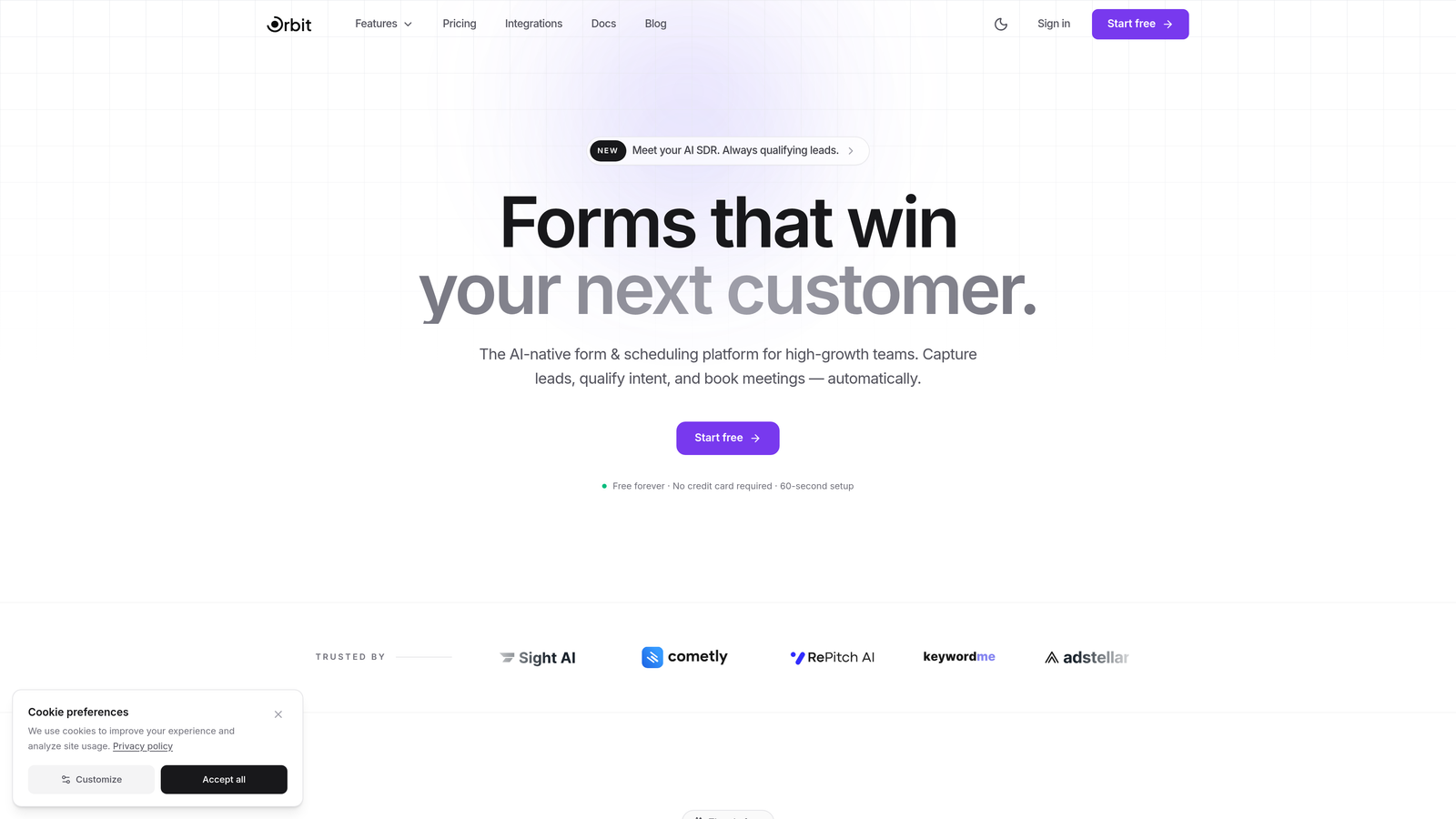
Orbit AI is an AI-powered form builder that combines conversion-optimized design with real-time lead scoring, built specifically for teams where lead quality matters as much as lead volume.
Where This Tool Shines
Most form builders capture data and hand it off. Orbit AI goes a step further by qualifying leads at the point of submission, using AI to score and prioritize prospects before they ever hit your CRM. That means your sales team spends time on leads that are actually ready to convert, not sifting through noise.
The platform also strikes a balance that's genuinely rare: forms that look polished and modern without requiring design expertise, paired with the conditional logic and multi-step flows that drive higher completion rates. It's built for teams that want both beauty and brains in their lead capture.
Key Features
AI-Powered Lead Scoring: Qualifies and scores leads in real time at the moment of form submission, so your pipeline stays clean from the start.
Drag-and-Drop Builder: Modern, intuitive form editor with conversion-focused templates that get you live fast without sacrificing design quality.
Conditional Logic and Multi-Step Flows: Build branching, personalized form experiences that reduce perceived complexity and keep respondents moving forward.
CRM and Marketing Automation Integrations: Connects with the tools your team already uses so qualified leads flow directly into your existing workflows.
Built-In Analytics and Conversion Tracking: Monitor form performance, identify drop-off points, and optimize based on real submission data without needing a separate analytics stack.
Best For
Orbit AI is the strongest fit for SaaS companies, growth marketers, and demand generation teams who need to capture and qualify leads efficiently. If your team is scaling outbound or inbound pipelines and lead quality is a recurring pain point, this is where it earns its keep.
Pricing
Visit orbitforms.ai for current plans and pricing. A free tier is available to get started.
2. Typeform
Best for: Teams that want a conversational, one-question-at-a-time form experience to reduce respondent drop-off.
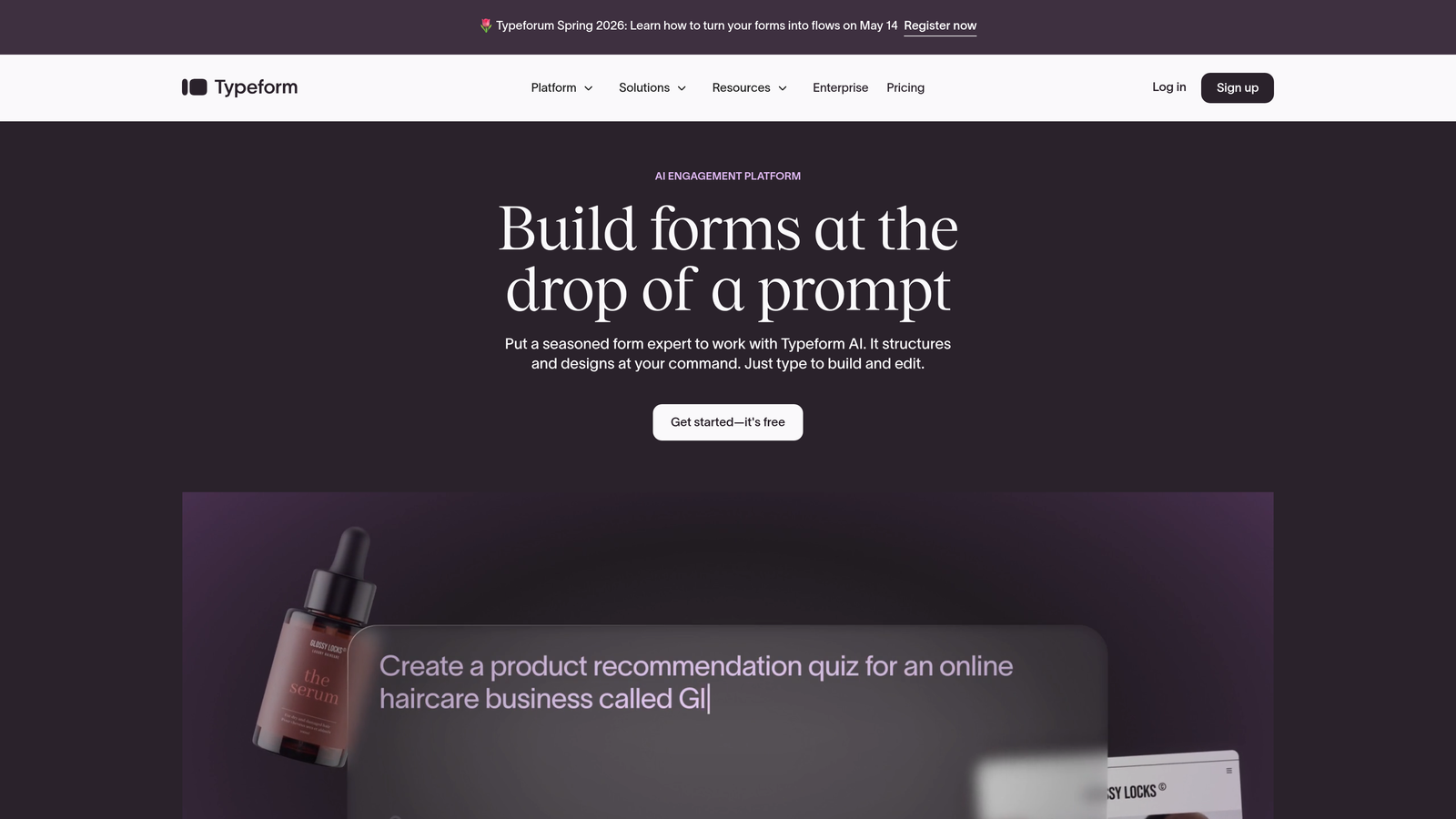
Typeform is a conversational form builder that presents one question at a time, creating an experience that feels more like a dialogue than a data entry form.
Where This Tool Shines
Typeform's core UX philosophy is that showing respondents everything at once is overwhelming. By revealing one question at a time, it creates a focused experience that tends to keep people engaged through to completion. For surveys, lead qualification flows, and onboarding questionnaires, this approach works particularly well.
The logic jump system is genuinely powerful, letting you build branching paths that route respondents through completely different question sequences based on their answers. Combined with clean aesthetics, it's one of the more polished tools on this list.
Key Features
Conversational One-Question Interface: Reduces cognitive load by presenting questions sequentially, which can improve completion rates for longer forms.
Logic Jumps and Branching: Creates personalized form flows based on respondent answers, making forms feel relevant rather than generic.
Native Integrations: Connects with HubSpot, Salesforce, Mailchimp, Slack, and hundreds of other tools via direct integrations and Zapier.
Embedded Forms and Popups: Deploy as embedded forms, full-page experiences, popups, or chat-style widgets depending on your conversion context.
Built-In Analytics: Tracks completion rates, drop-off points, and response data without requiring a separate analytics tool.
Best For
Typeform works well for marketing teams running lead gen campaigns, product teams gathering user research, and anyone who wants a form experience that feels premium and on-brand. It's less suited for high-volume transactional forms where speed matters more than engagement.
Pricing
Free plan available with limited responses. Paid plans start at approximately $25 per month, with higher tiers unlocking more responses and advanced features.
3. Unbounce Smart Builder
Best for: Growth teams running paid campaigns who want AI-optimized landing pages with integrated forms and built-in A/B testing.
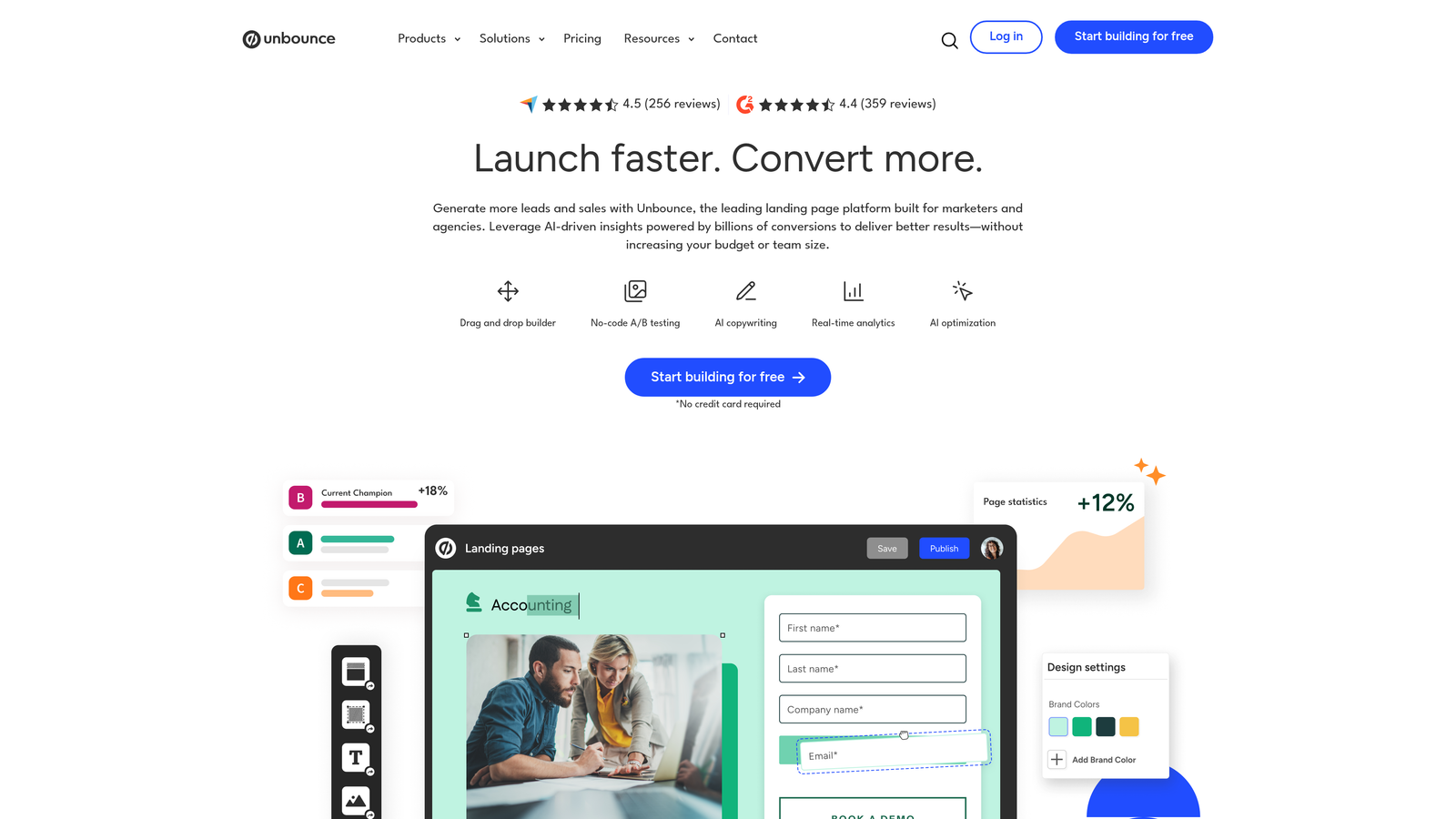
Unbounce is an AI-powered landing page and form builder that uses Smart Traffic to automatically route visitors to whichever page variant is most likely to convert them.
Where This Tool Shines
Where most form tools focus on the form itself, Unbounce thinks about the entire page context. Smart Traffic is the standout feature here: instead of waiting for statistical significance in a traditional A/B test, it starts routing individual visitors to better-performing variants almost immediately using machine learning. For paid traffic campaigns where every click has a cost, that efficiency matters.
The platform also handles popups and sticky bars natively, giving you secondary conversion touchpoints without needing additional tools layered on top.
Key Features
Smart Traffic: AI automatically routes visitors to the highest-converting page variant, reducing the time needed to see optimization gains.
Drag-and-Drop Builder: Build landing pages and forms together in a single editor, keeping your conversion experience cohesive.
Built-In A/B Testing: Run traditional split tests alongside Smart Traffic for full control over your optimization experiments.
Popups and Sticky Bars: Add secondary conversion points to any page without leaving the platform.
CRM and Email Integrations: Connects with HubSpot, Salesforce, Mailchimp, and Zapier for downstream lead management.
Best For
Unbounce is best suited for performance marketers and paid acquisition teams who need to optimize landing page and form combinations together. It's overkill if you just need a standalone form, but ideal if landing page conversion is the primary focus.
Pricing
Plans start at approximately $99 per month. No free plan, but a free trial is typically available.
4. Leadformly
Best for: Lead generation teams that want forms built on conversion research and UX best practices from the ground up.
Leadformly is a conversion-research-driven form builder with built-in analytics and templates designed specifically to maximize lead generation performance.
Where This Tool Shines
Leadformly's differentiator is that its templates and form structures are informed by conversion research rather than generic design trends. The multi-step layout approach is central to this: by breaking longer forms into smaller, progressive steps, it reduces the perceived effort of completing a form and keeps abandonment rates lower.
The built-in analytics dashboard gives you visibility into where respondents drop off at a field level, which is the kind of granular data you need to make meaningful improvements rather than guessing.
Key Features
Conversion-Research-Driven Templates: Forms are structured based on UX and conversion best practices, giving you a head start on optimization.
Built-In Analytics Dashboard: Field-level drop-off data helps you pinpoint exactly where respondents abandon and why.
Multi-Step Form Layouts: Breaks complex forms into manageable steps to reduce friction and improve completion rates.
Conditional Logic and Field Validation: Ensures respondents only see relevant questions and that data quality stays high at submission.
Embeddable Anywhere: Deploy on any website or landing page without platform restrictions.
Best For
Leadformly suits B2B marketers and lead generation specialists who want a tool built with conversion science in mind, particularly for longer or more complex lead capture forms where drop-off is a known challenge.
Pricing
Plans start at approximately $37 per month, scaling with the number of leads captured per month.
5. HubSpot Forms
Best for: Teams already in the HubSpot ecosystem who want native CRM integration with smart, adaptive form fields.
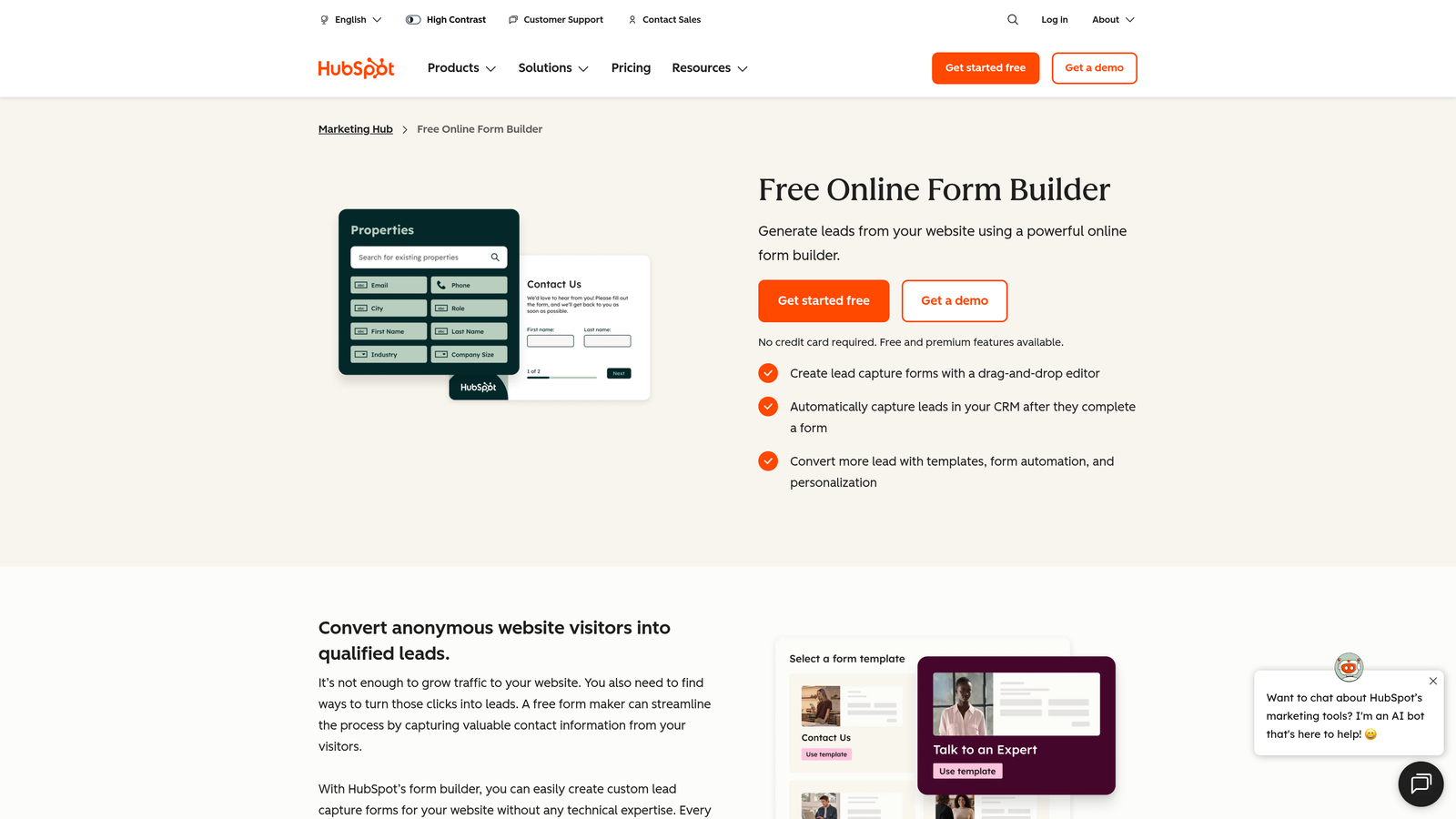
HubSpot Forms is a free form builder deeply integrated with HubSpot's CRM and marketing automation suite, featuring progressive profiling that reduces friction for returning visitors.
Where This Tool Shines
If you're already using HubSpot, its native form builder is hard to beat for ecosystem cohesion. Every submission automatically creates or updates a contact record, triggers workflows, and feeds into your reporting without any configuration overhead. That tight integration removes a lot of the operational friction that comes with third-party form tools.
Progressive profiling is the conversion-focused feature that stands out: instead of showing the same fields to someone who's already in your database, HubSpot dynamically replaces known fields with new questions. You build richer contact profiles over time without asking the same person to fill out the same form twice.
Key Features
Native CRM Integration: Automatically creates and updates contact records in HubSpot on every submission, with zero manual data transfer.
Progressive Profiling: Replaces already-known fields with new questions for returning visitors, reducing friction while enriching contact data.
Smart Fields: Adapt form fields based on what HubSpot already knows about the visitor, personalizing the experience at scale.
Follow-Up Automation: Trigger email sequences, task creation, and pipeline updates automatically from form submissions.
Free Core Functionality: The basic form builder is free with a HubSpot account, making it accessible for teams not yet on paid tiers.
Best For
HubSpot Forms is the obvious choice for teams running their marketing and sales operations inside HubSpot. It's less compelling as a standalone form tool if you're not invested in the broader HubSpot platform.
Pricing
Free plan available. Advanced features like smart fields and progressive profiling are included in Marketing Hub, starting at approximately $20 per month.
6. Jotform
Best for: Teams that need versatility across industries and use cases, with a large template library and built-in payment processing.
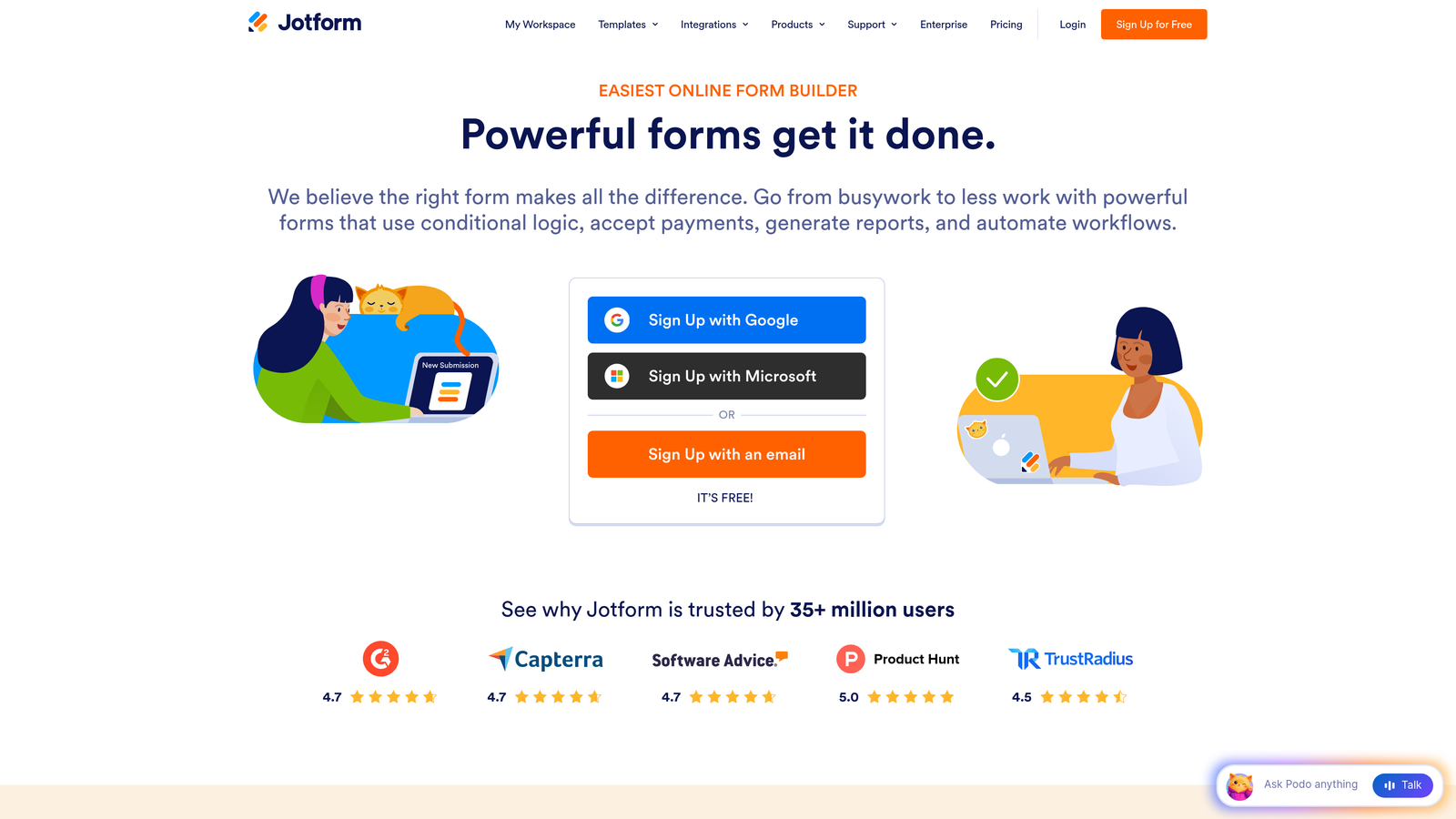
Jotform is a versatile drag-and-drop form builder with over 10,000 templates, native payment integrations, and a generous free tier that makes it accessible for teams of any size.
Where This Tool Shines
Jotform's strength is breadth. Whether you're building a lead capture form, a payment form, an event registration, or a HIPAA-compliant intake form, there's likely a template that gets you 80% of the way there. The template library is genuinely massive, and the drag-and-drop builder is approachable enough that non-technical team members can customize forms without help.
The built-in payment processing is a standout for teams that need to collect payments alongside form data, with support for PayPal, Stripe, and Square without needing separate integrations.
Key Features
10,000+ Templates: One of the largest template libraries available, covering virtually every industry and use case.
Conditional Logic: Show or hide fields based on previous answers to keep forms relevant and streamlined.
Built-In Payment Processing: Accept payments via PayPal, Stripe, and Square directly through form submissions.
Form Analytics and Submission Management: Track views, completions, and submission data from a centralized dashboard.
HIPAA-Compliant Plans: Available for healthcare and regulated industries that need compliant data handling.
Best For
Jotform is a strong fit for small to mid-sized businesses, agencies managing forms for multiple clients, and teams in regulated industries. It's versatile enough to handle almost any form use case, though it's not as conversion-focused as some other tools on this list.
Pricing
Free plan available with up to 5 forms. Paid plans start at approximately $34 per month with higher submission limits and advanced features.
7. Formstack
Best for: Operations and revenue teams that need forms connected to downstream workflows, document generation, and e-signatures.
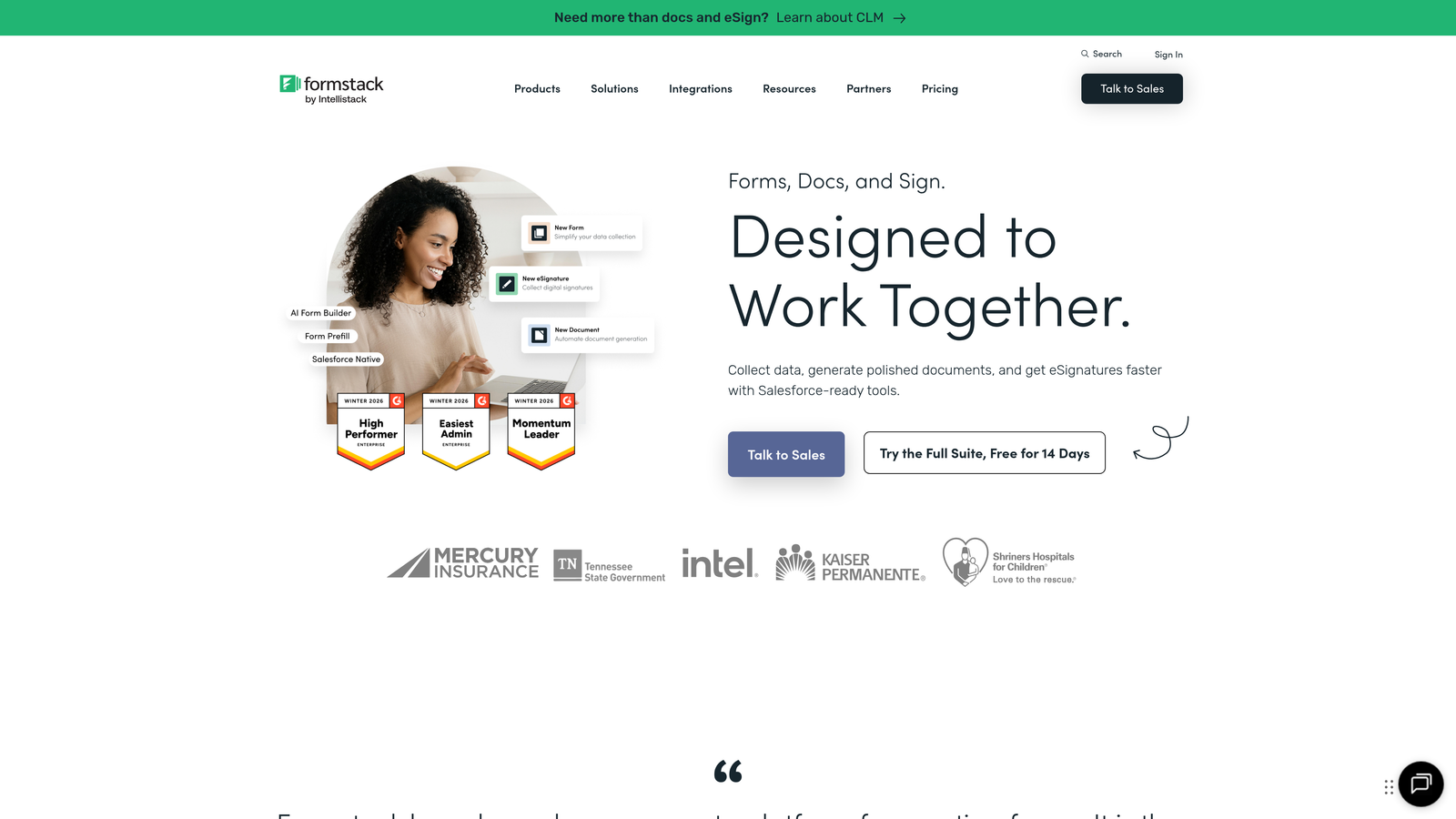
Formstack is a form and workflow automation platform that extends beyond data capture, connecting submissions to document generation, e-signatures, and complex business processes.
Where This Tool Shines
Formstack occupies a different space than most form builders on this list. Where others focus primarily on the capture experience, Formstack is built for what happens after someone submits. Its workflow automation connects form data to document generation and e-signature flows, making it particularly powerful for sales contracts, onboarding processes, and any scenario where a form submission kicks off a multi-step business process.
The Salesforce-native integration is worth noting for enterprise teams: it's not just a connector but a deeply embedded option that works within Salesforce's environment directly.
Key Features
A/B Testing: Built-in split testing lets you test form variations and optimize based on real conversion data.
Workflow Automation: Connect form submissions to approval workflows, notifications, and multi-step business processes automatically.
Document Generation and E-Signatures: Turn form data into branded documents and collect signatures without leaving the platform.
Conditional Logic and Calculation Fields: Build dynamic forms that respond to input and perform calculations in real time.
Salesforce-Native Integration: A deeply embedded Salesforce option for enterprise teams who need forms to live within their CRM environment.
Best For
Formstack is best for mid-market and enterprise teams in sales, operations, or HR who need forms to trigger complex downstream processes. It's more platform than simple form builder, which is a feature if that's what you need.
Pricing
Plans start at approximately $50 per month, with enterprise pricing available for larger deployments.
8. Gravity Forms
Best for: WordPress site owners and developers who need deep customization and a rich add-on ecosystem.
Gravity Forms is a WordPress-native form plugin with an extensive add-on marketplace and developer-friendly architecture that makes it one of the most customizable form solutions available.
Where This Tool Shines
If your site runs on WordPress, Gravity Forms is the gold standard for serious form functionality. It integrates natively with Gutenberg, plays well with virtually every major WordPress theme and page builder, and has an add-on ecosystem that extends its capabilities to payments, CRM connections, e-signatures, and more without needing to leave the WordPress environment.
The developer experience is another genuine strength. Hooks, filters, and a REST API give developers fine-grained control over form behavior that most SaaS form builders simply can't match.
Key Features
Native WordPress Integration: Built for WordPress with Gutenberg block support and seamless compatibility across themes and plugins.
Extensive Add-On Marketplace: Expand functionality with official and community add-ons for payments, CRM, email marketing, and more.
Conditional Logic and Multi-Page Forms: Build complex, branching forms that guide users through personalized paths across multiple steps.
Developer-Friendly Architecture: Hooks, filters, and a REST API give developers complete control over form behavior and data handling.
Annual License Pricing: A one-time annual fee rather than per-submission pricing, which makes costs predictable as volume scales.
Best For
Gravity Forms is the right choice for WordPress developers, agencies building client sites, and WordPress-based businesses that need powerful, customizable forms without per-submission pricing constraints.
Pricing
Annual licenses start at approximately $59 per year, with higher tiers unlocking more add-ons and priority support.
9. Paperform
Best for: Creators and small businesses that want beautifully branded forms that double as micro-landing pages with built-in payments and bookings.
Paperform is a design-forward form and page builder that blends rich content, form fields, payments, and scheduling into fully branded experiences that feel more like landing pages than traditional forms.
Where This Tool Shines
Paperform's free-form editor is genuinely different from most builders. Instead of a structured field list, you write and design freely, mixing text blocks, images, videos, and form fields together in a single canvas. The result is forms that can tell a story or explain context alongside the questions, which works especially well for higher-stakes submissions where trust matters.
The all-in-one nature of the platform is a real convenience factor. Payments, product sales, appointment bookings, and form data collection all live in one tool, which reduces the number of platforms a small team needs to manage.
Key Features
Free-Form Content Editor: Mix text, images, video, and form fields freely in a single canvas for rich, branded form experiences.
Built-In Payments and Bookings: Accept payments, sell products, and manage appointment scheduling without additional tools or integrations.
Conditional Logic and Calculations: Build dynamic forms that adapt to input and perform real-time calculations for quotes, pricing, or scoring.
Custom Branding and Theme Editor: Full control over colors, fonts, and visual design to keep forms on-brand.
750+ Integrations: Connect to downstream tools via direct integrations and Zapier for flexible workflow automation.
Best For
Paperform is ideal for freelancers, consultants, coaches, and small businesses that want a polished, all-in-one solution for forms, payments, and bookings. It's less suited for enterprise teams that need deep CRM integration or advanced analytics.
Pricing
Plans start at approximately $24 per month, with higher tiers offering more submissions and advanced features.
Finding the Right Form Tool for Your Conversion Goals
The right tool depends almost entirely on your specific bottleneck. There's no single winner here because these tools solve different problems for different teams.
If lead quality is your challenge and you need AI-powered qualification built into the capture experience, Orbit AI is the strongest starting point, particularly for SaaS and high-growth teams where pipeline efficiency is critical. If you're running paid campaigns and need to optimize landing pages and forms together, Unbounce's Smart Traffic gives you a meaningful edge. If you're already deep in the HubSpot ecosystem, its native form builder with progressive profiling is hard to justify replacing.
For WordPress-based businesses, Gravity Forms remains the benchmark for customization and developer flexibility. For teams that need forms to trigger complex downstream processes like document generation or e-signatures, Formstack operates at a different level than simple form builders. And if you want a conversational experience that keeps respondents engaged through longer flows, Typeform's one-question-at-a-time UX is still one of the best in class.
A few questions worth asking before you commit to a tool: Does it integrate natively with your CRM, or will you be patching things together with Zapier? Does it give you field-level analytics so you can see where people drop off? And does the pricing model make sense at your expected submission volume?
The best conversion optimization form tools don't just capture data. They qualify, personalize, and streamline the experience from first field to final submission. If your current forms are losing leads that your marketing worked hard to earn, that's a solvable problem. Start building free forms today and see how intelligent form design can elevate your conversion strategy, from the first question to the qualified lead in your pipeline.


