

Mobile traffic now dominates web interactions, making responsive form design essential for capturing leads across every device. A form that looks perfect on desktop but breaks on mobile can cost you conversions and frustrate potential customers. The right responsive form design tool adapts your forms seamlessly to any screen size while maintaining usability and visual appeal.
This guide covers nine tools that excel at creating mobile-friendly, conversion-optimized forms—from AI-powered builders to drag-and-drop solutions. Whether you need simple contact forms or complex multi-step workflows, these tools help you build forms that work beautifully everywhere.
1. Orbit AI
Best for: High-growth teams needing AI-powered lead qualification with conversion-optimized responsive forms
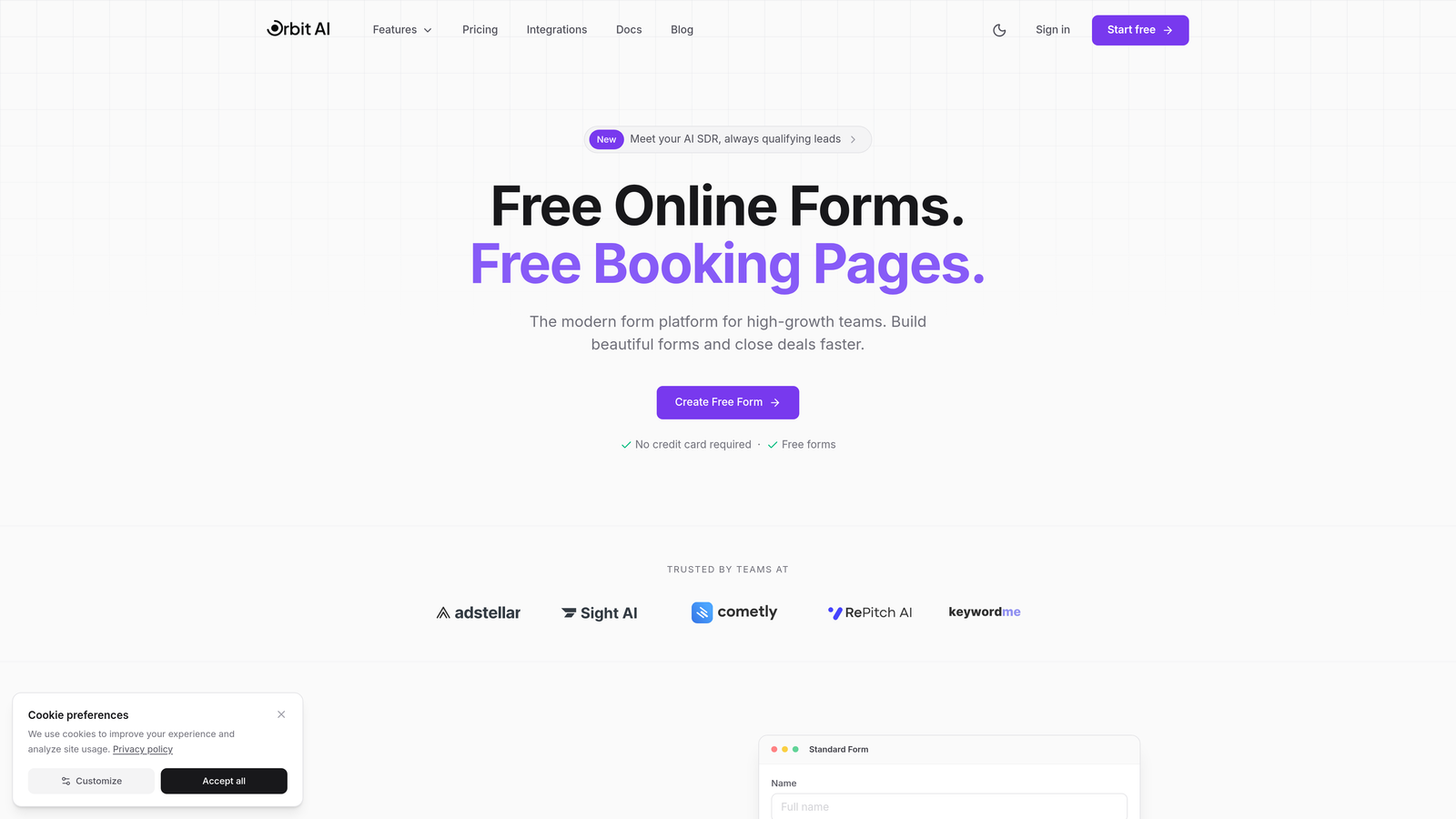
Orbit AI is an AI-powered form builder platform designed specifically for teams focused on growth and conversion optimization.
Where This Tool Shines
Orbit AI stands out by combining intelligent lead qualification with responsive form design. The platform automatically adapts forms to any screen size while using AI to qualify leads in real-time, helping you focus on prospects most likely to convert.
The conversion-focused approach means every form element is optimized for completion rates. Forms load quickly on mobile networks, use touch-friendly inputs, and maintain visual appeal across devices without requiring manual adjustments.
Key Features
AI-Powered Lead Qualification: Built-in intelligence scores and qualifies leads automatically as they complete your forms.
Automatic Responsive Optimization: Forms adapt seamlessly to any device without manual configuration or testing.
Conversion-Focused Templates: Pre-built templates designed specifically to maximize completion rates and lead quality.
Advanced Analytics: Detailed insights into form performance, lead scoring, and conversion patterns across devices.
Seamless CRM Integrations: Connect qualified leads directly to your existing sales and marketing tools.
Best For
Orbit AI works best for high-growth teams, SaaS companies, and businesses where lead quality matters as much as quantity. If you're tired of sorting through unqualified leads and want forms that work as hard as your sales team, this platform delivers.
Pricing
Free tier available for getting started. Paid plans begin at competitive rates designed for growing teams, with pricing that scales as your lead generation needs expand.
2. Typeform
Best for: Creating engaging conversational forms with one-question-at-a-time format
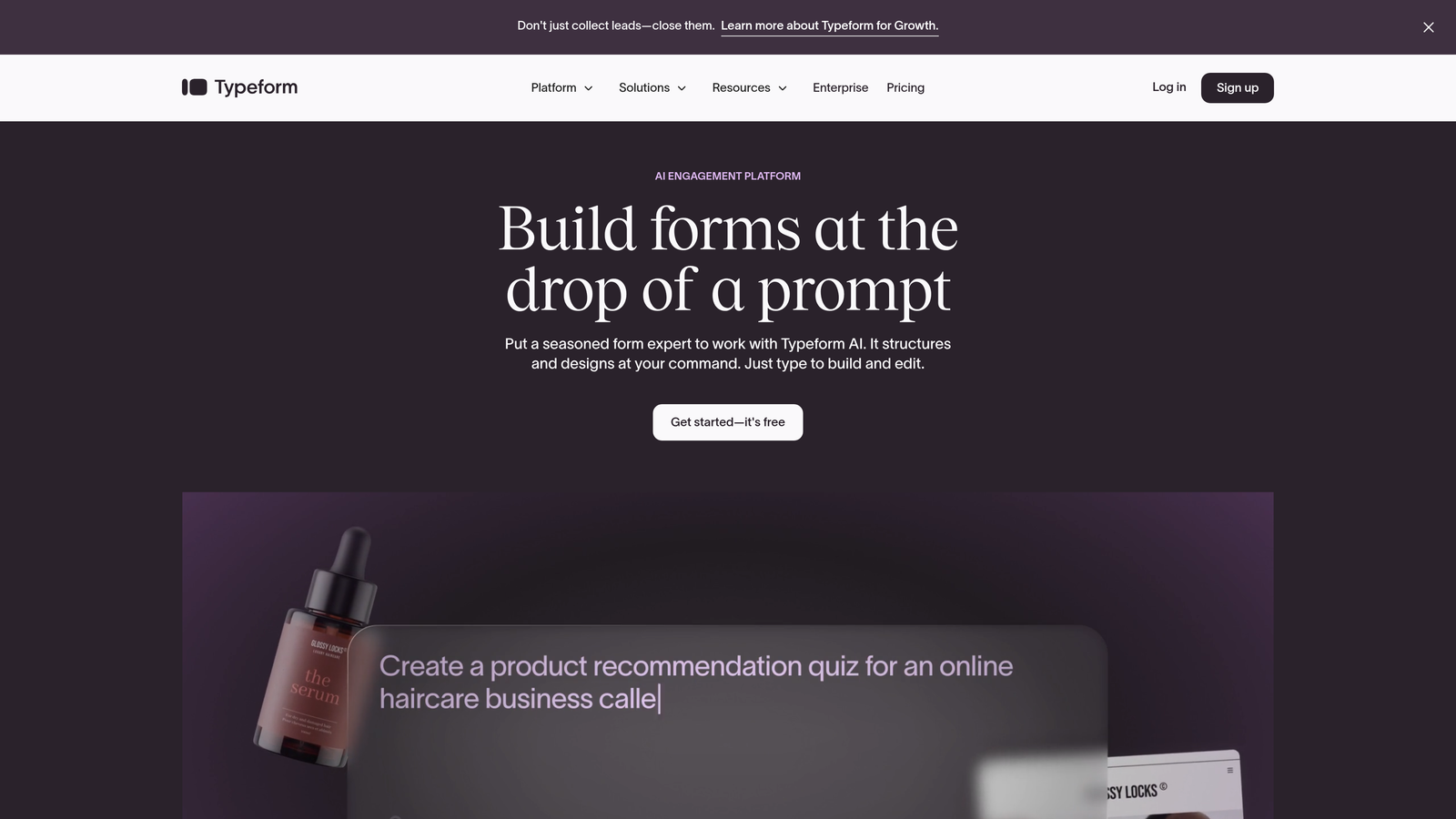
Typeform is a conversational form builder known for its engaging approach that naturally adapts to any screen size.
Where This Tool Shines
Typeform's one-question-at-a-time format feels more like a conversation than a traditional form. This approach works exceptionally well on mobile devices, where users can focus on a single question without scrolling or pinching to zoom.
The platform excels at keeping users engaged throughout longer forms. By breaking complex forms into digestible steps, completion rates often improve compared to traditional multi-field layouts.
Key Features
Conversational Format: One-question-at-a-time interface that feels natural on mobile and desktop alike.
Beautiful Design Templates: Professionally designed templates that look polished without customization effort.
Logic Jumps: Conditional branching that personalizes the form experience based on user responses.
Media Embedding: Add videos and images to create visually rich, engaging form experiences.
Integration Library: Connect to hundreds of third-party tools for seamless workflow automation.
Best For
Typeform works well for businesses prioritizing user experience and engagement. Marketing teams, event organizers, and customer feedback programs benefit from the conversational approach that encourages completion.
Pricing
Free plan available with limited responses per month. Basic plan starts at $25/month with increased response limits and additional features.
3. Jotform
Best for: Teams needing extensive templates and comprehensive form-building features
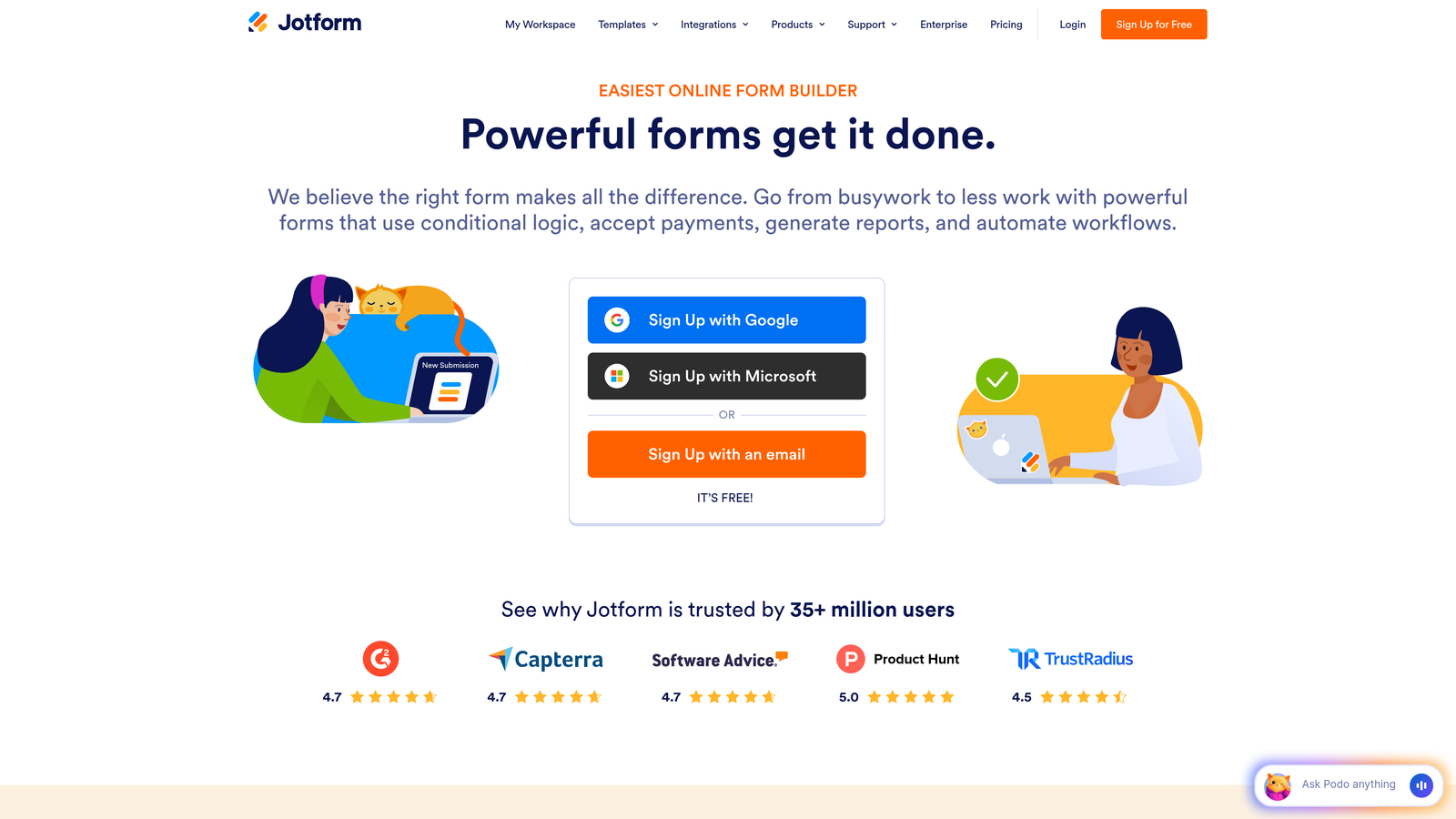
Jotform is a feature-rich form builder offering thousands of templates and a dedicated mobile app for creating forms on the go.
Where This Tool Shines
With over 10,000 templates, Jotform likely has a starting point for whatever form you need to build. The extensive widget library adds functionality beyond basic form fields, from signature capture to appointment scheduling.
The mobile form builder app lets you create and edit forms directly from your phone or tablet. This flexibility helps teams who need to build forms quickly while away from their desks.
Key Features
Template Library: Access to 10,000+ pre-built form templates across industries and use cases.
Mobile Builder App: Create, edit, and manage forms directly from iOS or Android devices.
Widget Marketplace: Hundreds of widgets extend functionality with specialized form elements.
Payment Processing: Built-in integrations with major payment processors for order forms and donations.
Approval Workflows: Route form submissions through custom approval processes for team collaboration.
Best For
Jotform suits businesses needing variety and flexibility. Organizations that create many different types of forms—from surveys to registration forms to payment collection—benefit from the comprehensive feature set.
Pricing
Free plan includes 5 forms with 100 monthly submissions. Bronze plan starts at $34/month for unlimited forms and increased submission limits.
4. Tally
Best for: Budget-conscious teams wanting unlimited forms with a clean, minimalist interface
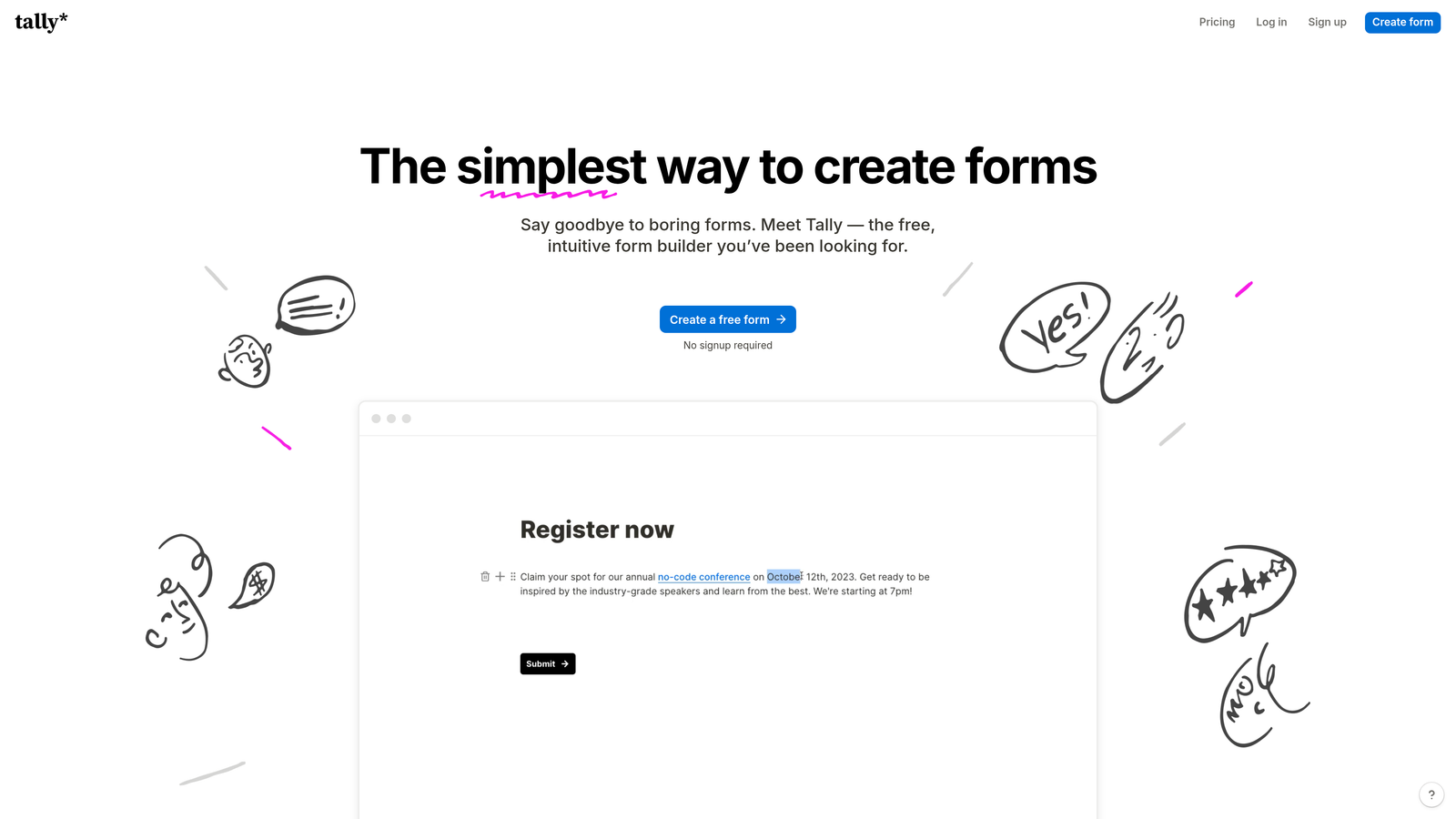
Tally is a minimalist form builder with a Notion-like interface that creates lightweight, fast-loading responsive forms.
Where This Tool Shines
Tally's generous free tier stands out in a market where most tools limit form counts or responses. The unlimited forms on the free plan make it accessible for startups, freelancers, and small teams testing multiple campaigns.
The Notion-style block editor feels familiar if you're already using Notion for documentation. Forms load quickly because the platform prioritizes lightweight code over heavy design elements.
Key Features
Unlimited Free Forms: Create as many forms as needed without hitting artificial limits on the free tier.
Block-Based Editor: Notion-style interface makes form building intuitive and fast.
Lightweight Forms: Fast-loading forms optimized for performance on mobile networks.
Hidden Fields: Pass data invisibly through forms for tracking and personalization.
Webhook Support: Connect forms to automation tools and custom workflows via webhooks.
Best For
Tally works well for bootstrapped startups, content creators, and teams running multiple campaigns who need unlimited forms without monthly costs. The minimalist approach suits users who value speed and simplicity over extensive customization.
Pricing
Generous free tier with unlimited forms and responses. Pro plan at $29/month adds custom branding, file uploads, and priority support.
5. Paperform
Best for: Creating landing page-style forms with rich media and e-commerce capabilities
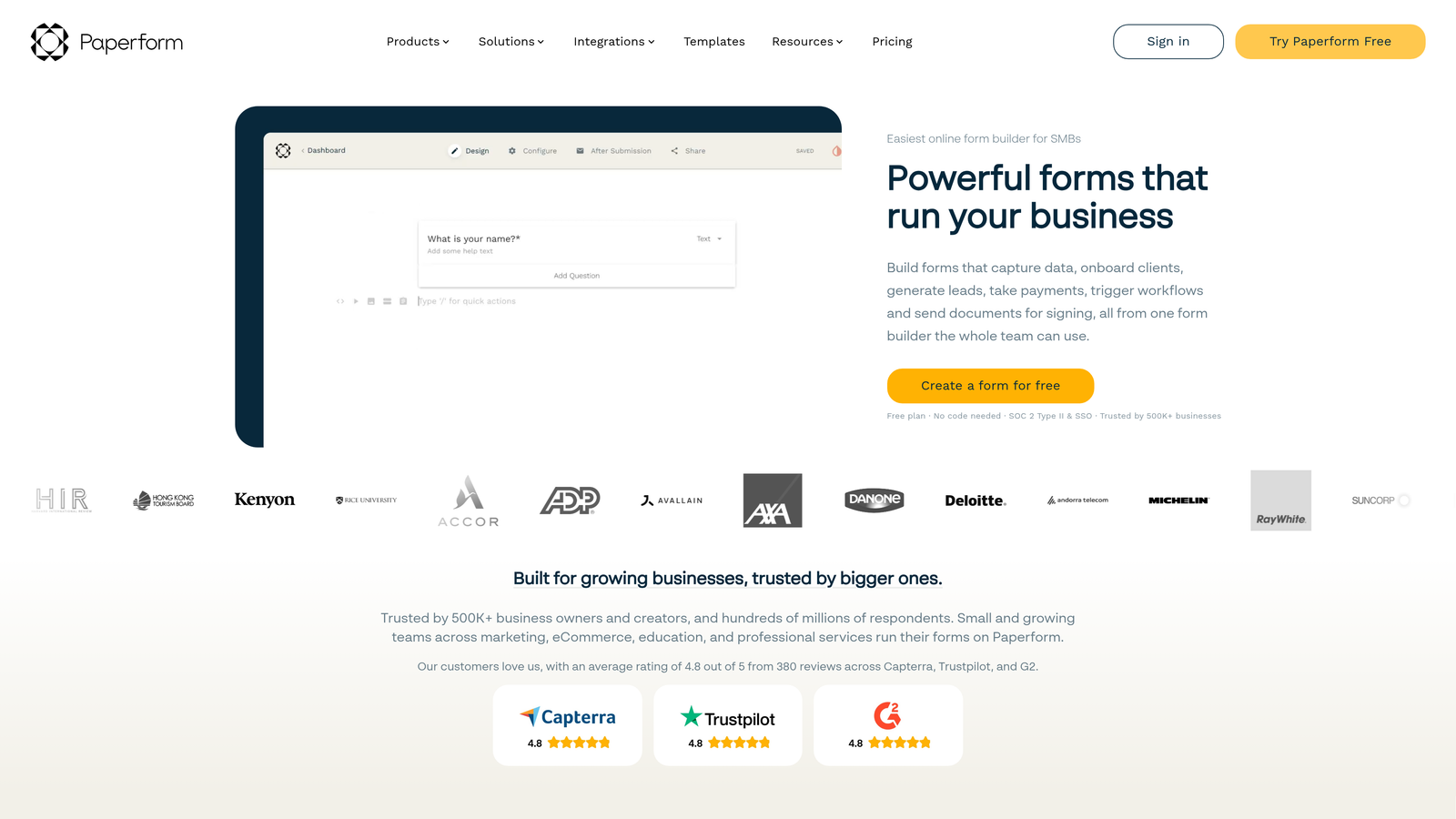
Paperform is a landing page-style form builder that creates responsive, visually rich forms with embedded media.
Where This Tool Shines
Paperform blurs the line between forms and landing pages. You can embed videos, images, and rich text alongside form fields, creating experiences that educate and convert simultaneously.
The e-commerce capabilities let you build product order forms, donation pages, and booking systems that handle payments directly. This all-in-one approach reduces the need for separate landing page and payment tools.
Key Features
Landing Page Design: Create forms that function as complete landing pages with rich content.
Media Embedding: Add videos, images, and formatted text to enhance form experiences.
E-commerce Support: Process payments, sell products, and accept donations directly through forms.
Conditional Logic: Show or hide fields based on user responses for personalized experiences.
Custom Branding: Remove Paperform branding and add your own logo and colors.
Best For
Paperform suits businesses selling products or services through forms, event organizers collecting registration fees, and nonprofits accepting donations. The visual richness works well for brands prioritizing aesthetics alongside functionality.
Pricing
Essentials plan starts at $24/month with unlimited forms and submissions. Higher tiers add advanced features and remove submission limits.
6. Formstack
Best for: Enterprise teams requiring compliance certifications and advanced security
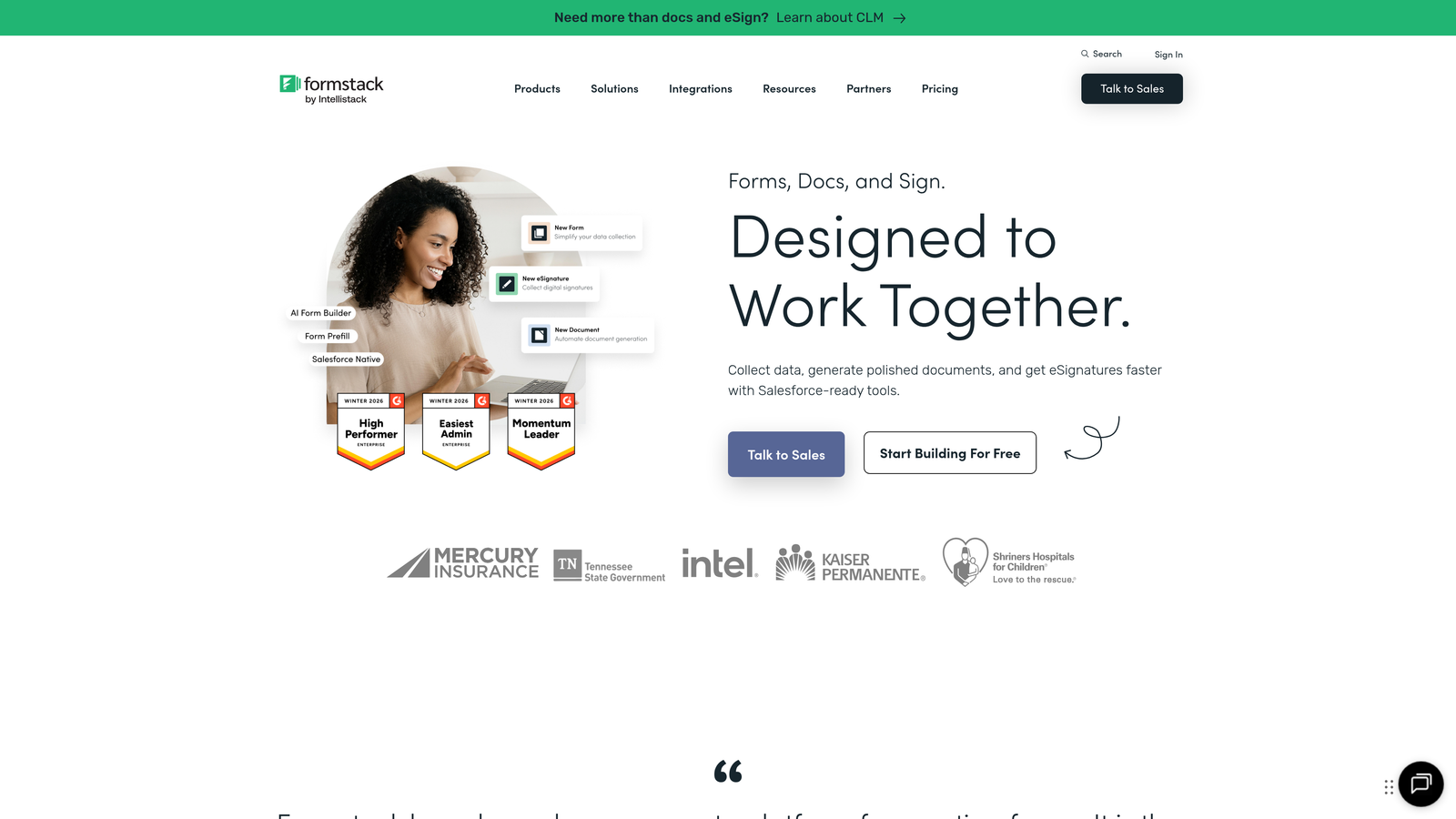
Formstack is an enterprise-grade form builder with advanced security features and compliance certifications for regulated industries.
Where This Tool Shines
Formstack takes security and compliance seriously. HIPAA and GDPR compliance certifications make it suitable for healthcare, finance, and other regulated industries where data protection isn't optional.
The platform handles complex workflows that extend beyond form submission. Document generation, approval routing, and advanced automation help enterprises streamline processes that traditionally required multiple tools.
Key Features
Compliance Certifications: HIPAA and GDPR compliance built-in for regulated industries.
Advanced Conditional Logic: Complex branching and field dependencies for sophisticated form workflows.
Document Generation: Automatically create PDFs and documents from form submissions.
Workflow Automation: Route submissions through approval processes and trigger automated actions.
Enterprise Security: Advanced encryption, SSO support, and audit logs for security-conscious organizations.
Best For
Formstack serves enterprise teams, healthcare organizations, financial services companies, and any business where compliance and security are non-negotiable. The higher price point reflects the advanced capabilities and certifications included.
Pricing
Starter plan at $50/month for basic features. Enterprise pricing available for organizations needing compliance certifications and advanced security.
7. 123FormBuilder
Best for: Drag-and-drop form building with real-time mobile preview
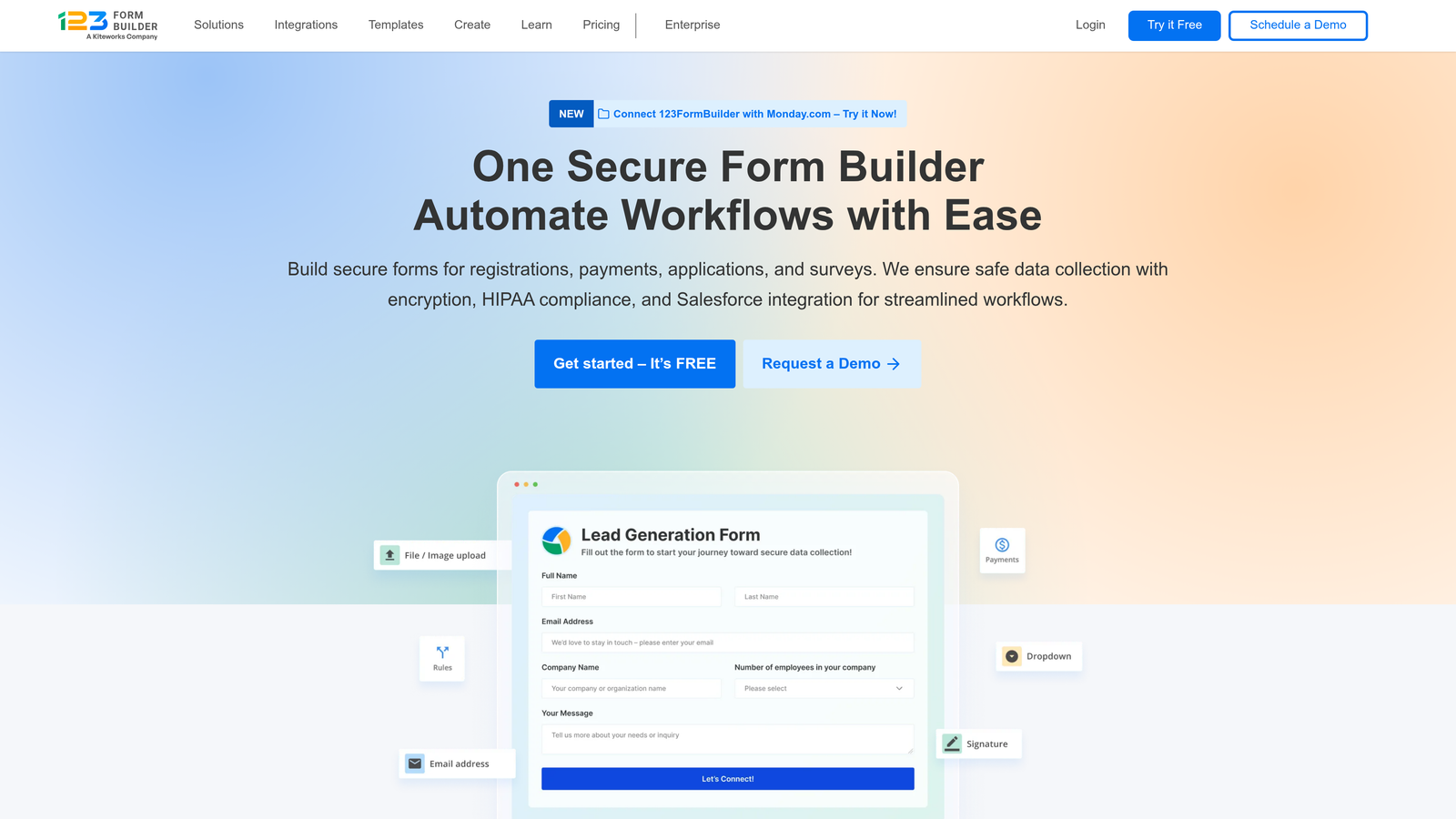
123FormBuilder is a drag-and-drop form builder with customizable responsive themes and real-time mobile preview.
Where This Tool Shines
The drag-and-drop interface makes form building accessible without technical knowledge. You can see exactly how forms will look on different devices through the mobile preview mode before publishing.
Customizable themes provide starting points that you can adjust to match your brand. The workflow automation features help teams route submissions to the right people without manual sorting.
Key Features
Drag-and-Drop Builder: Intuitive interface for building forms without coding knowledge.
Customizable Themes: Pre-designed responsive themes that adapt to your branding needs.
Mobile Preview: Real-time preview showing how forms appear on different device sizes.
Payment Integrations: Accept payments through major processors directly in your forms.
Workflow Automation: Route submissions based on form responses to streamline team processes.
Best For
123FormBuilder works well for small to medium businesses needing straightforward form building with payment capabilities. Marketing teams and customer service departments benefit from the automation features.
Pricing
Free plan available with basic features. Gold plan starts at $24.99/month with increased submission limits and advanced features.
8. Cognito Forms
Best for: Complex forms requiring advanced calculations and payment processing
Cognito Forms is a flexible form builder with strong calculation capabilities and payment processing for complex form needs.
Where This Tool Shines
Cognito Forms handles mathematical calculations better than most form builders. You can create order forms that calculate totals, registration forms with variable pricing, or applications with scoring systems.
Repeating sections let users add multiple entries within a single form submission. This works well for registration forms where one person might register multiple attendees or applications collecting information about multiple items.
Key Features
Advanced Calculations: Perform complex mathematical operations within forms for pricing and scoring.
Payment Processing: Integrated payment acceptance with major processors for orders and registrations.
Repeating Sections: Allow users to add multiple entries of the same information within one submission.
Conditional Logic: Show or hide fields based on user responses and calculated values.
Document Merging: Generate customized documents from form data automatically.
Best For
Cognito Forms suits organizations needing calculation-heavy forms like event registration with variable pricing, order forms with complex pricing rules, or applications requiring scoring. Educational institutions and event organizers find the repeating sections particularly useful.
Pricing
Free plan with unlimited forms and basic features. Pro plan at $15/month adds payment processing and removes branding.
9. Google Forms
Best for: Simple, free form creation with native Google Workspace integration
Google Forms is a free, simple form builder with native responsive design and seamless Google Workspace integration.
Where This Tool Shines
Google Forms removes cost barriers entirely. The completely free tool works for basic form needs without requiring payment or premium features for mobile responsiveness.
The Google Sheets integration automatically organizes responses into spreadsheets where you can analyze, filter, and share data. Real-time collaboration lets multiple team members work on the same form simultaneously.
Key Features
Completely Free: All features available at no cost with a Google account.
Native Responsiveness: Forms automatically adapt to mobile devices without configuration.
Google Sheets Integration: Responses flow directly into spreadsheets for easy analysis.
Real-Time Collaboration: Multiple team members can edit forms simultaneously.
Basic Conditional Logic: Simple branching based on user responses for personalized paths.
Best For
Google Forms works well for surveys, event RSVPs, feedback collection, and internal forms where design customization isn't critical. Schools, nonprofits, and small teams benefit from the zero-cost approach.
Pricing
Completely free with a Google account. No premium tiers or paid features required for responsive forms.
Making the Right Choice
Choosing the right responsive form design tool depends on your specific needs and priorities. For AI-powered lead qualification combined with conversion optimization, Orbit AI delivers intelligent forms built specifically for high-growth teams. The platform handles responsive design automatically while focusing on what matters most—lead quality and conversion rates.
If conversational engagement is your priority, Typeform excels at keeping users engaged across devices with its one-question-at-a-time approach. Teams needing extensive templates and comprehensive features will find Jotform's library and mobile app valuable for managing diverse form needs.
Budget-conscious users can start with Tally's generous free tier or Google Forms for simple projects. Paperform bridges the gap between forms and landing pages for visually rich experiences, while Formstack serves enterprise teams requiring compliance certifications. Cognito Forms handles complex calculations better than most alternatives, and 123FormBuilder offers straightforward drag-and-drop building with mobile preview.
The best approach is to test a few options with your actual use cases. Most platforms offer free trials or free tiers that let you build sample forms and see how they perform on different devices. Pay attention to load times on mobile networks, ease of completion on touch screens, and how well the forms integrate with your existing tools.
Transform your lead generation with AI-powered forms that qualify prospects automatically while delivering the modern, conversion-optimized experience your high-growth team needs. Start building free forms today and see how intelligent form design can elevate your conversion strategy.


