

Form builders seem simple on the surface. You need to collect information, you build a form, done. But if you've ever watched a high-intent lead abandon a clunky, dated form halfway through, you know the stakes are higher than that.
The gap between legacy form tools and modern form builders has never been wider. Legacy platforms were built for data collection. Modern platforms are built for conversion. That distinction matters enormously when your pipeline depends on every submission.
To put this list together, we evaluated tools across five criteria: design flexibility, AI and smart features, integration ecosystem, conversion optimization capabilities, and ease of use for non-technical teams. Legacy tools still earn their place for specific use cases, and we'll be honest about where they shine. But high-growth teams increasingly need platforms built for speed, performance, and intelligent lead handling.
Here are the top form builders worth considering in 2026, whether you're evaluating a first-time setup or deciding whether it's time to leave your legacy tool behind.
1. Orbit AI
Best for: High-growth teams that need AI-powered lead qualification built directly into their forms.
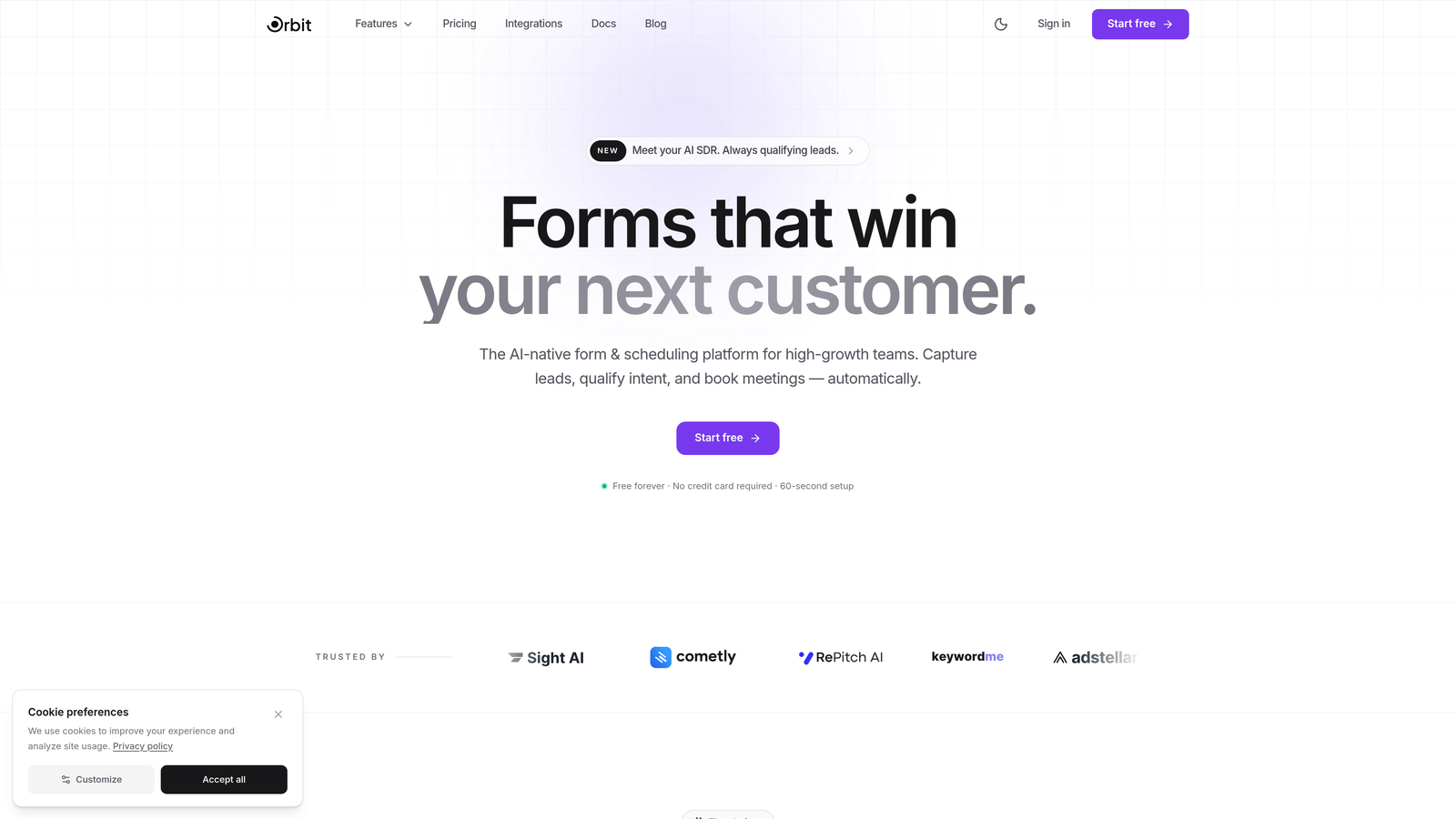
Orbit AI is an AI-powered form builder designed from the ground up for conversion-focused teams who need more than just a data collection tool.
Where This Tool Shines
Most form builders collect submissions and hand them off to your CRM. Orbit AI goes further by qualifying leads in real time as they fill out the form. That means your sales team receives submissions already scored and sorted, not a raw list to manually triage.
The platform is also built with design quality as a first principle. Forms look genuinely polished without requiring a designer, which matters when your form is often the first branded touchpoint a prospect encounters. For teams where conversion rate and lead quality are the primary metrics, this combination is difficult to match.
Key Features
AI-Powered Lead Qualification: Scores and qualifies leads automatically in real time based on form responses, so your team focuses on the right prospects first.
Conversion-Optimized Templates: Pre-built form templates designed with conversion best practices baked in, not just aesthetic design.
Conditional Logic and Dynamic Fields: Forms adapt based on respondent answers, creating a personalized experience that reduces friction and improves completion rates.
CRM and Marketing Integrations: Connects with the tools your team already uses, pushing qualified lead data where it needs to go without manual work.
Analytics Dashboard: Tracks form performance so you can identify drop-off points and optimize continuously.
Best For
SaaS companies, marketing teams, and sales-led organizations that treat lead quality as seriously as lead volume. If you're running demand generation campaigns and need your forms to do more than collect emails, Orbit AI is built specifically for that problem.
Pricing
Visit orbitforms.ai for current pricing plans. A free starting option is available for teams ready to explore the platform.
2. Typeform
Best for: Teams that want a conversational, engaging form experience with strong visual branding.
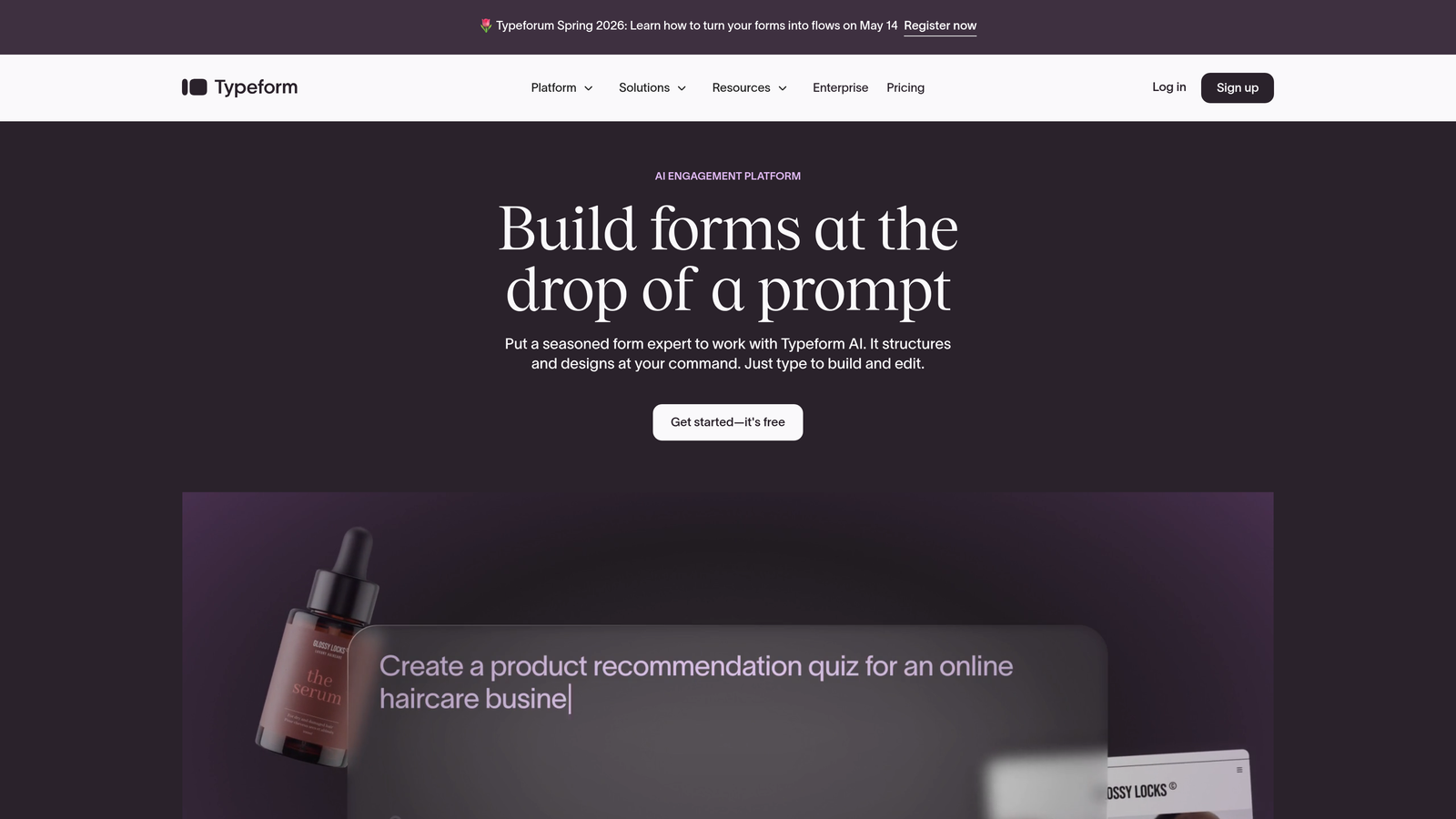
Typeform is a conversational form builder known for its one-question-at-a-time format that turns forms into interactive experiences.
Where This Tool Shines
Typeform's defining feature is its format. Rather than presenting a wall of fields, it guides respondents through questions one at a time, which typically improves completion rates for longer forms. The experience feels less like filling out a form and more like a conversation.
Brand customization is genuinely strong here. You can align forms closely with your visual identity, which makes Typeform a popular choice for customer research, NPS surveys, and lead capture where brand impression matters.
Key Features
Conversational One-Question Format: Presents questions sequentially to reduce cognitive load and improve respondent engagement.
Logic Jumps and Branching: Routes respondents through different question paths based on their answers.
Brand Customization: Extensive control over colors, fonts, backgrounds, and media to match your brand identity.
Native Integrations: Connects directly with popular tools including HubSpot, Salesforce, Slack, and Google Sheets.
Video and Image Embedding: Supports rich media within forms to add context or personality to questions.
Best For
Marketing teams running surveys, lead generation campaigns, or customer research where the experience quality matters as much as the data collected. Less suited for high-volume transactional forms where speed is the priority.
Pricing
Free plan available with limited responses. Paid plans start at around $25/month, with higher tiers unlocking advanced logic and integrations.
3. Jotform
Best for: Teams that need a versatile, template-rich form builder for a wide variety of use cases without writing code.
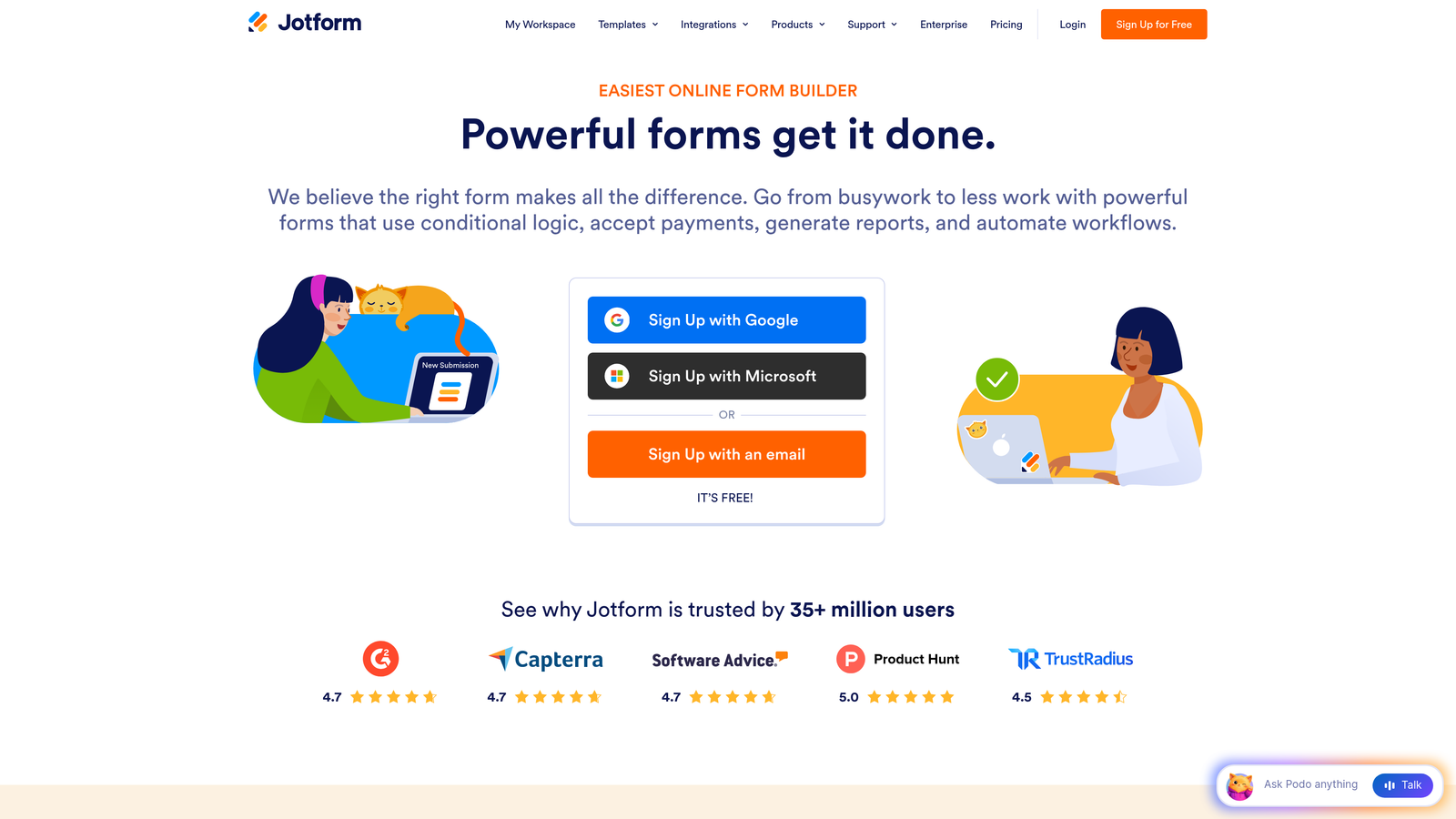
Jotform is a no-code form builder with one of the largest template libraries available, covering industries from healthcare to e-commerce.
Where This Tool Shines
Jotform's breadth is its strongest asset. With over 10,000 templates and a widget marketplace that extends core functionality, it handles an enormous range of form types. Whether you need a simple contact form or a complex multi-step intake process with payment collection, Jotform likely has a starting point for it.
The platform has also expanded meaningfully into workflow territory with Jotform Tables, which gives teams a lightweight database view of submissions without needing a separate tool.
Key Features
10,000+ Templates: Covers virtually every industry and use case, making it easy to start quickly rather than build from scratch.
Drag-and-Drop Builder with Widget Marketplace: Extend core form functionality with hundreds of third-party widgets.
Payment Collection: Native integrations with PayPal, Stripe, Square, and others for selling products or collecting fees directly through forms.
PDF Generation and E-Signatures: Automatically generate PDFs from submissions and collect legally binding signatures.
Jotform Tables: A submission management view that organizes form data in a spreadsheet-style interface.
Best For
Operations teams, small businesses, and agencies managing diverse form needs across multiple clients or departments. Also strong for anyone who needs payment collection or document workflows alongside standard form building.
Pricing
Free plan available for up to 5 forms. Paid plans start at around $34/month with higher submission limits and advanced features.
4. Tally
Best for: Individuals and small teams that want a clean, fast form builder with an exceptionally generous free tier.
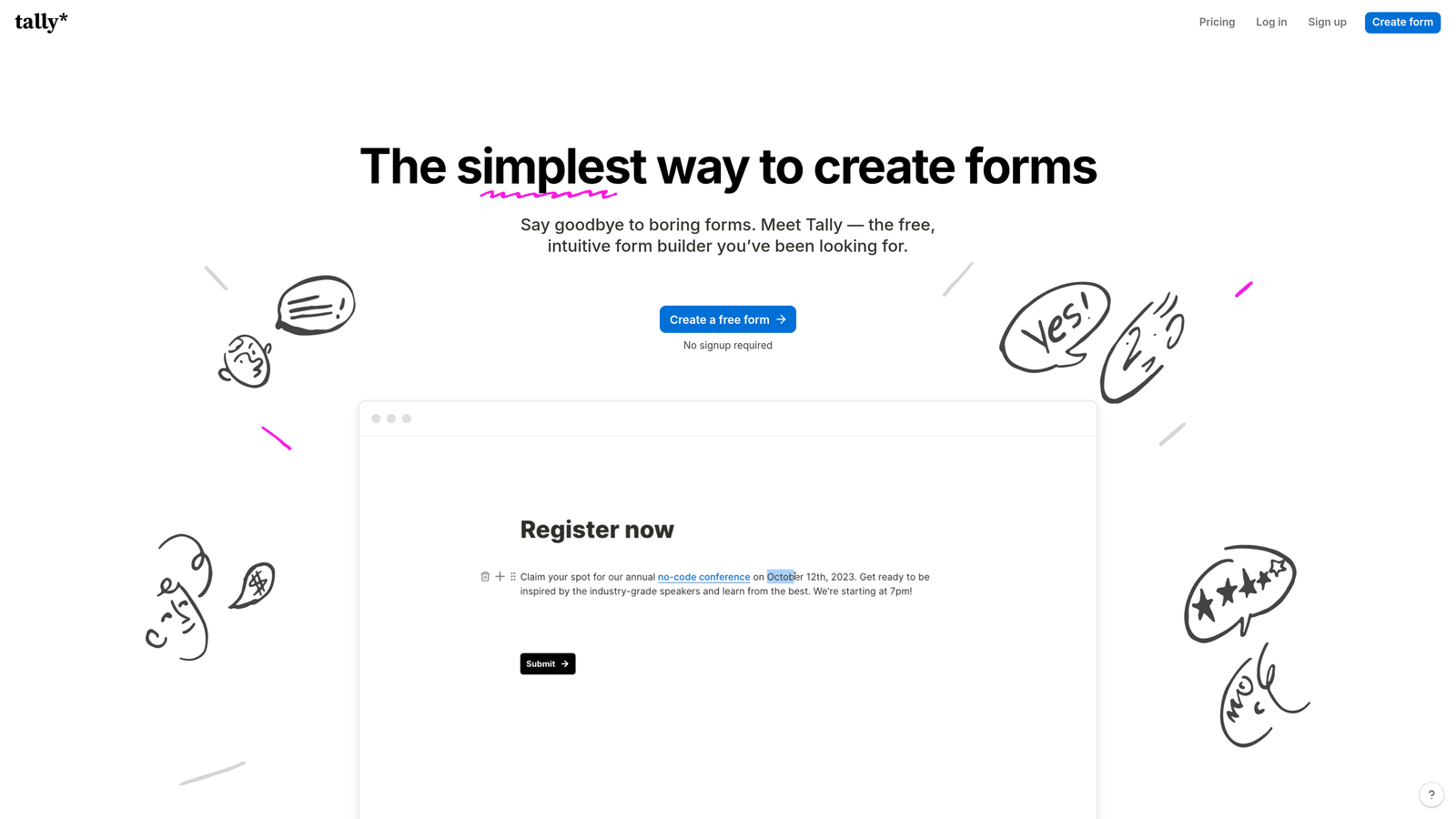
Tally is a minimalist, Notion-style form builder that prioritizes simplicity and accessibility without sacrificing essential functionality.
Where This Tool Shines
Tally's free plan is genuinely remarkable. Unlimited forms and unlimited submissions at no cost makes it one of the most accessible tools on this list, and the block-based editor will feel immediately familiar to anyone who uses Notion. Building a form feels more like writing a document than configuring a tool.
The respondent experience is equally clean. Forms are distraction-free, load quickly, and work well across devices without extra configuration. For teams that just need to get a form live without friction, Tally is hard to beat.
Key Features
Block-Based Notion-Style Editor: Intuitive editing experience that requires no learning curve for teams already familiar with modern productivity tools.
Unlimited Forms and Submissions on Free Plan: No artificial limits that force upgrades for basic use cases.
Conditional Logic and Hidden Fields: Smart form behavior without requiring a paid plan for most use cases.
Native and Zapier/Make Integrations: Connects with common tools through both native connectors and automation platforms.
Clean Respondent Experience: Distraction-free interface that keeps completion rates high.
Best For
Freelancers, early-stage startups, and individual contributors who need functional, good-looking forms without a budget or a learning curve. Teams with more complex conversion optimization needs will likely outgrow it.
Pricing
Free plan with generous limits. Pro plan at $29/month for advanced customization and integrations.
5. HubSpot Forms
Best for: Teams already running their sales and marketing operations inside HubSpot's ecosystem.
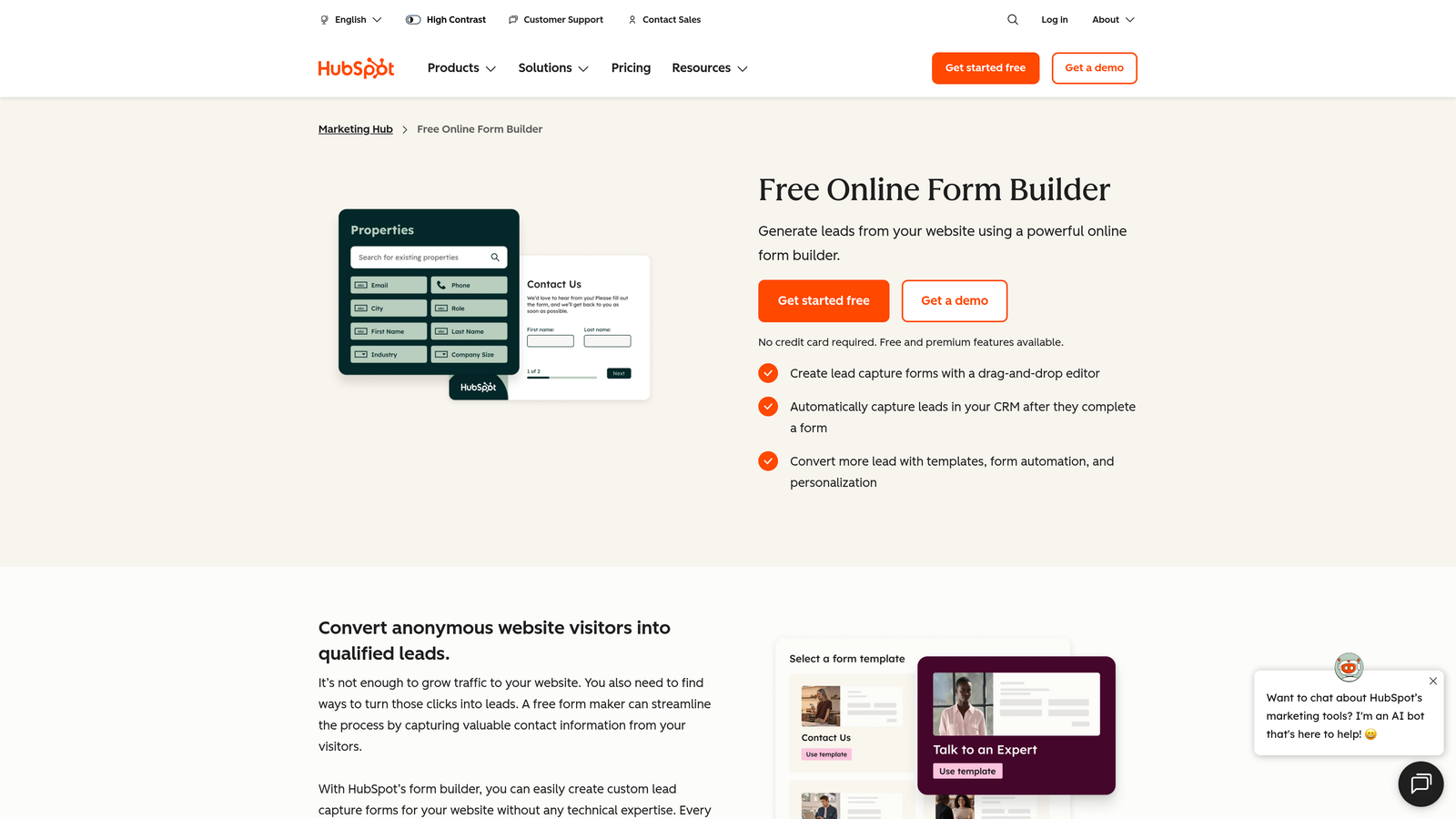
HubSpot Forms is a native form builder deeply integrated into the HubSpot CRM platform, designed to feed directly into HubSpot's broader marketing and sales workflows.
Where This Tool Shines
The core value proposition here is tight CRM integration. When someone submits a HubSpot form, a contact record is created or updated automatically, workflows trigger, and lead nurturing sequences can begin without any manual intervention. For teams already in HubSpot, this eliminates an entire category of integration complexity.
Progressive profiling is a standout feature. Rather than asking the same questions repeatedly, HubSpot Forms can surface new questions for returning visitors, building richer contact profiles over time without increasing form length or friction.
Key Features
Automatic CRM Contact Creation: Every submission instantly creates or updates a contact record in HubSpot without any manual data entry.
Progressive Profiling: Replaces already-known fields with new questions for returning visitors to collect more data without longer forms.
Smart Fields: Adapts form fields based on what HubSpot already knows about the visitor.
Native Workflow Triggers: Automatically enrolls contacts in email sequences, notifications, or other automations on submission.
Embedded and Popup Options: Deploy forms inline on pages or as timed/triggered popups.
Best For
Marketing and sales teams fully committed to the HubSpot ecosystem. If you're not already using HubSpot, the forms tool alone won't justify the platform cost.
Pricing
Free with HubSpot CRM. Advanced form features are included in paid Marketing Hub plans, which scale significantly in cost.
6. Paperform
Best for: Small businesses and creators who want forms that double as branded landing pages with built-in payment processing.
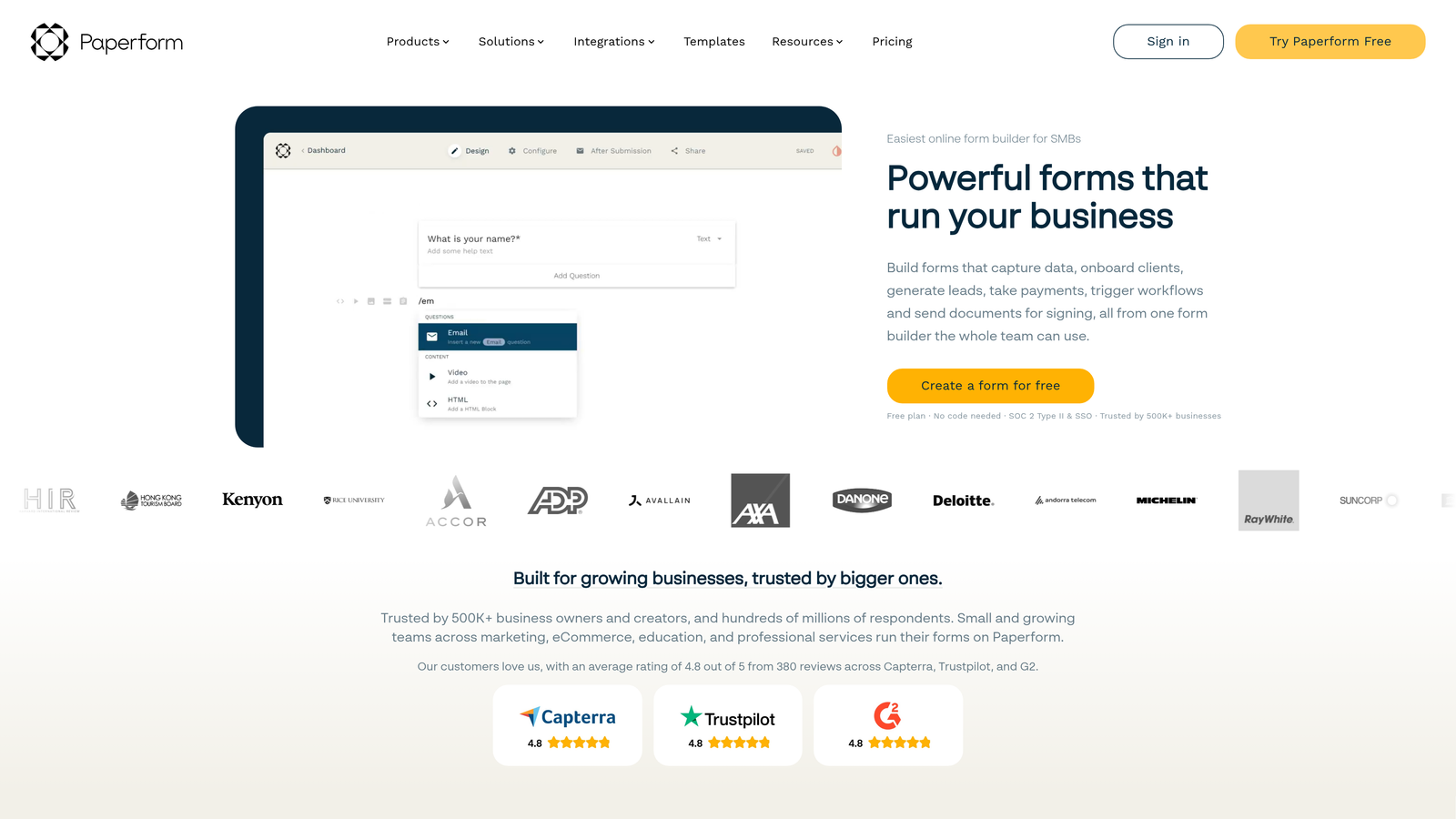
Paperform is a form builder that blurs the line between forms and landing pages, combining rich content editing with commerce and booking capabilities.
Where This Tool Shines
Paperform feels more like a document editor than a traditional form builder. You can weave questions between paragraphs of text, embed images and video, and create an experience that reads like a guided page rather than a form. This makes it particularly effective for onboarding flows, event registrations, and sales-oriented forms where context matters.
Built-in payment processing through Stripe, Square, and Braintree means you don't need a separate tool to sell products, collect deposits, or charge for bookings directly through a form.
Key Features
Rich Text and Media Embedding: Mix form fields with text, images, and video to create contextual, content-rich form experiences.
Built-In Payment Processing: Accept payments through Stripe, Square, and Braintree without a third-party integration.
Calculation Fields: Perform math on form inputs to display dynamic totals, scores, or custom outputs.
Booking and Scheduling: Built-in appointment scheduling capabilities without requiring a separate calendar tool.
Custom Branding and Themes: Full control over visual presentation to match your brand identity.
Best For
Service businesses, coaches, event organizers, and creators who need forms that sell, book, or onboard, not just collect data.
Pricing
Plans start at around $24/month. No free plan, but a 14-day trial is available.
7. Google Forms
Best for: Anyone who needs completely free, no-setup data collection with automatic Google Sheets integration.
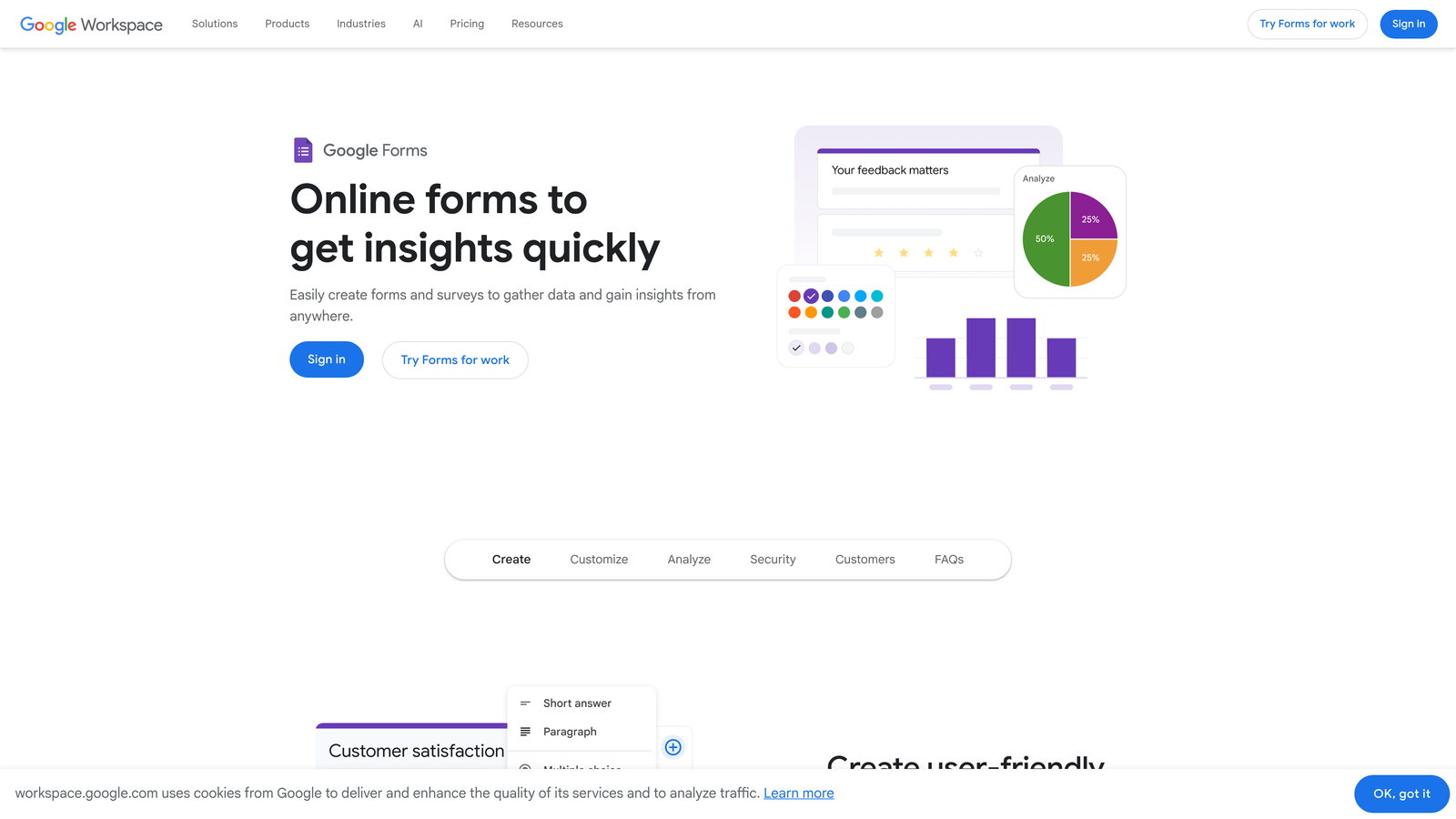
Google Forms is the original no-code form tool, completely free and deeply embedded in the Google Workspace ecosystem.
Where This Tool Shines
There's a reason Google Forms remains widely used despite its age: it's free, it's instant, and it just works. No account setup beyond a Google account, no submission limits, no payment required. For internal surveys, quick data collection, or educational use cases, it's genuinely hard to argue against.
Real-time collaboration on form editing and automatic response collection in Google Sheets means teams already in Google Workspace can build a simple data pipeline without touching any other tool.
Key Features
Completely Free with No Limits: Unlimited forms and submissions at zero cost, forever.
Automatic Google Sheets Integration: Responses flow directly into a connected spreadsheet in real time.
Real-Time Collaboration: Multiple team members can edit the same form simultaneously, like a Google Doc.
Basic Conditional Logic: Route respondents to different sections based on their answers.
Universal Device Accessibility: Works reliably across all devices without any configuration.
Best For
Internal teams, educators, researchers, and anyone who needs basic data collection without budget or technical requirements. Not suitable for teams where conversion rate, brand presentation, or lead quality are priorities.
Pricing
Completely free with any Google account. No paid tiers.
8. Gravity Forms
Best for: WordPress-based websites that need deep form customization with developer-level control.
Gravity Forms is a WordPress-native form plugin that has been a staple for agencies and developers building complex form workflows on WordPress sites.
Where This Tool Shines
Gravity Forms earns its reputation through flexibility. For developers, the hooks and filters system makes it possible to customize almost any aspect of form behavior through code. For non-developers, the add-on marketplace extends functionality significantly, covering payments, CRM connections, user registration, and more.
If your website runs on WordPress and you need forms that integrate deeply with your site's architecture rather than loading as an external embed, Gravity Forms is the natural choice. It's a legacy tool that genuinely earns its position in the right context.
Key Features
Deep WordPress Integration: Operates natively within WordPress rather than as an iframe or external embed.
Extensive Add-On Marketplace: Official and third-party add-ons for payments, CRM, user registration, and more.
Advanced Conditional Logic: Granular control over field visibility, form routing, and notification triggers.
Developer Hooks and Filters: Extensive customization options for developers who need form behavior tailored to specific requirements.
User Registration and Post Creation: Create WordPress user accounts or custom post types directly from form submissions.
Best For
WordPress developers, digital agencies, and technically capable teams managing complex form requirements on WordPress-powered sites. Not practical outside of the WordPress ecosystem.
Pricing
Starts at $59/year for a Basic license covering a single site. Higher tiers unlock the full add-on library.
9. Formstack
Best for: Enterprise teams in regulated industries that need forms, documents, and e-signatures in a single compliant workflow platform.
Formstack is an enterprise workflow platform that extends beyond form building into document generation, e-signatures, and compliance-grade data handling.
Where This Tool Shines
Formstack's differentiator is scope. It's not just a form builder; it's a full document workflow platform. For healthcare organizations, financial services companies, or any team operating under strict compliance requirements, the combination of HIPAA-compliant forms, automated document generation, and legally binding e-signatures in one platform addresses a real operational need.
The Salesforce-native integration option is also worth noting for enterprise sales teams. Rather than syncing through middleware, Formstack can operate directly within Salesforce, which matters for organizations with strict data governance policies.
Key Features
End-to-End Workflow: Combines forms, document generation, and e-signatures in a single connected platform.
HIPAA Compliance and Enterprise Security: Built to meet the data handling requirements of regulated industries.
Conditional Logic and Approval Workflows: Route submissions through multi-step approval processes before finalizing.
Salesforce-Native Integration: Operates directly within Salesforce for teams with strict CRM data requirements.
A/B Testing: Test form variations to optimize conversion rates over time.
Best For
Enterprise organizations in healthcare, legal, financial services, or other compliance-heavy industries where form data connects to document workflows and requires audit trails or regulatory sign-off.
Pricing
Plans start at around $50/month. Enterprise pricing is available for larger organizations with complex requirements.
Choosing the Right Form Builder for Your Team
The right choice depends almost entirely on what you're optimizing for. Here's a quick way to think through it.
If you're a high-growth team where lead quality and conversion rate are the metrics that matter, Orbit AI is the purpose-built option. The combination of AI-powered lead qualification and conversion-optimized design addresses the two biggest gaps in most form strategies simultaneously.
If engagement and brand experience are your priority, Typeform delivers one of the best respondent experiences available. For versatility across diverse use cases, Jotform is the most template-rich option on the list.
If you're already deep in the HubSpot ecosystem, HubSpot Forms is the natural fit. For WordPress-dependent teams with developer resources, Gravity Forms remains the most flexible native option. And for enterprise compliance workflows, Formstack operates at a level the others simply don't match.
The honest question worth asking is this: is your current form tool helping or hurting your conversion rate? Legacy tools were built to collect data, not to optimize for the moment a prospect decides whether to submit. If you're running growth campaigns and your forms still look and behave like they were built in 2015, that gap is costing you leads.
For teams ready to close that gap, start building free forms today with Orbit AI and experience what it looks like when your forms actively qualify and convert, not just collect.


