

Your signup form is often the first real interaction a prospect has with your business. Make it too long, and they bounce. Make it too generic, and qualified leads slip through while tire-kickers flood your inbox. The right signup form software doesn't just collect information—it qualifies leads, reduces friction, and turns casual visitors into engaged prospects.
We evaluated dozens of signup form tools based on what actually matters: ease of use, customization flexibility, integration capabilities, analytics depth, and pricing that scales with your business. Whether you're a startup testing your first landing page or an enterprise managing thousands of form submissions monthly, you'll find a solution here that fits your needs.
Here are the top signup form software tools to boost conversions in 2026.
1. Orbit AI
Best for: High-growth teams that need AI-powered lead qualification built directly into their signup forms
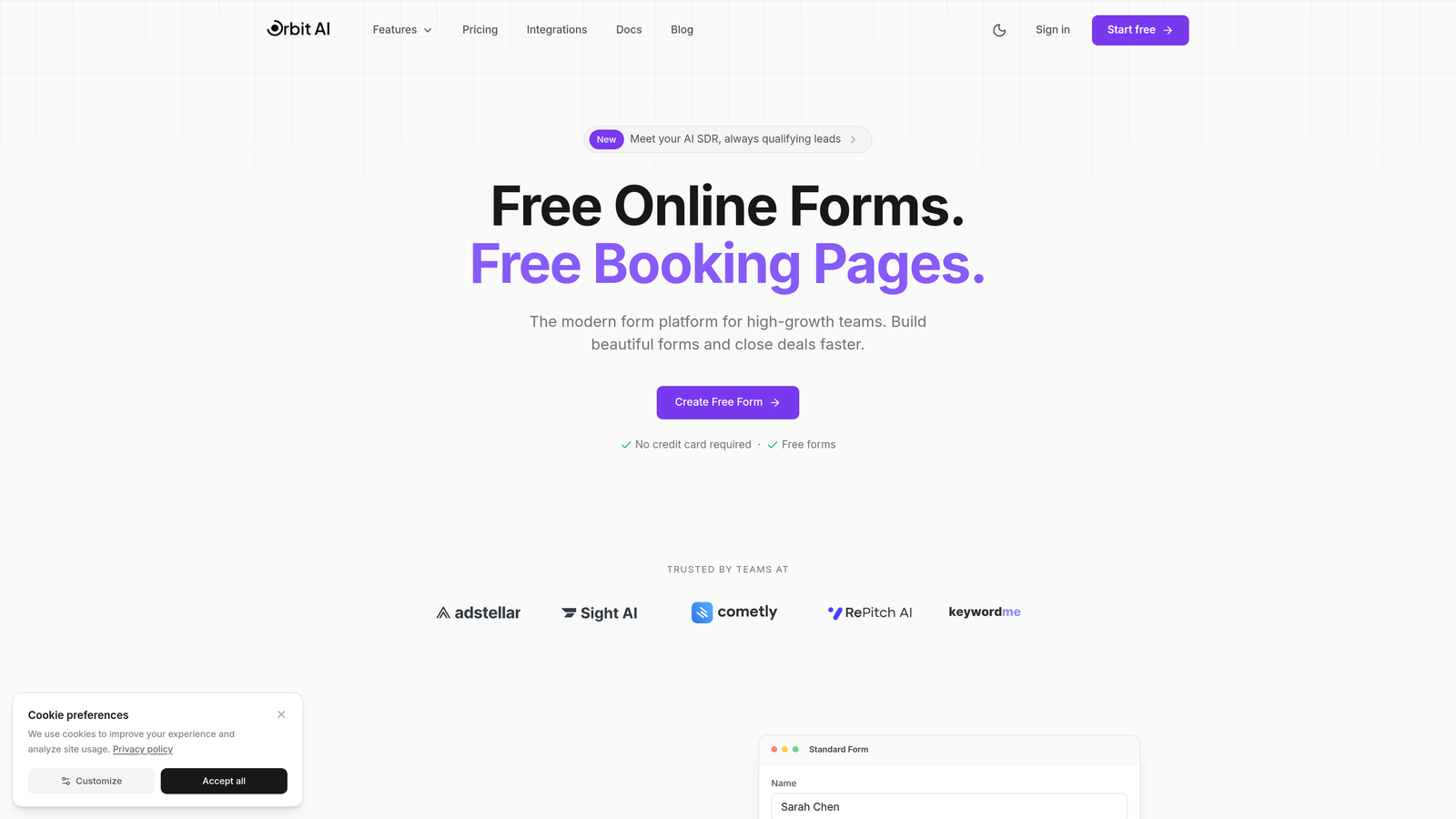
Orbit AI is an AI-powered form builder platform designed specifically for teams serious about lead quality and conversion optimization.
Where This Tool Shines
Orbit AI stands out by solving a problem most form builders ignore: not all leads are created equal. While traditional forms simply collect data, Orbit AI qualifies prospects in real-time as they fill out your form, automatically routing high-value leads to sales and lower-priority submissions to nurture sequences.
The platform's AI engine analyzes responses as users type, scoring lead quality and triggering smart workflows based on qualification criteria you define. This means your sales team spends time on prospects actually ready to buy, while marketing handles early-stage leads appropriately.
Key Features
AI-Powered Lead Qualification: Real-time prospect scoring and intelligent routing based on response patterns and qualification criteria.
Conversion-Optimized Templates: Pre-built form designs tested for maximum completion rates across industries and use cases.
Advanced Analytics Dashboard: Deep insights into form performance, drop-off points, and lead quality metrics that inform optimization decisions.
Native CRM Integrations: Seamless connections to popular CRMs and marketing automation platforms with automatic data syncing.
Conditional Logic and Smart Routing: Dynamic form fields and automated workflows that adapt based on user responses and qualification scores.
Best For
Orbit AI is ideal for B2B companies, SaaS businesses, and high-growth teams where lead quality matters more than quantity. If you're tired of your sales team wasting time on unqualified prospects or your marketing team struggling to identify which leads deserve immediate attention, this platform was built for you.
Pricing
Free tier available for teams getting started. Paid plans start at competitive rates designed for growing teams that need advanced qualification features and higher submission volumes.
2. Typeform
Best for: Creating engaging, conversational signup experiences with beautiful design and one-question-at-a-time flow
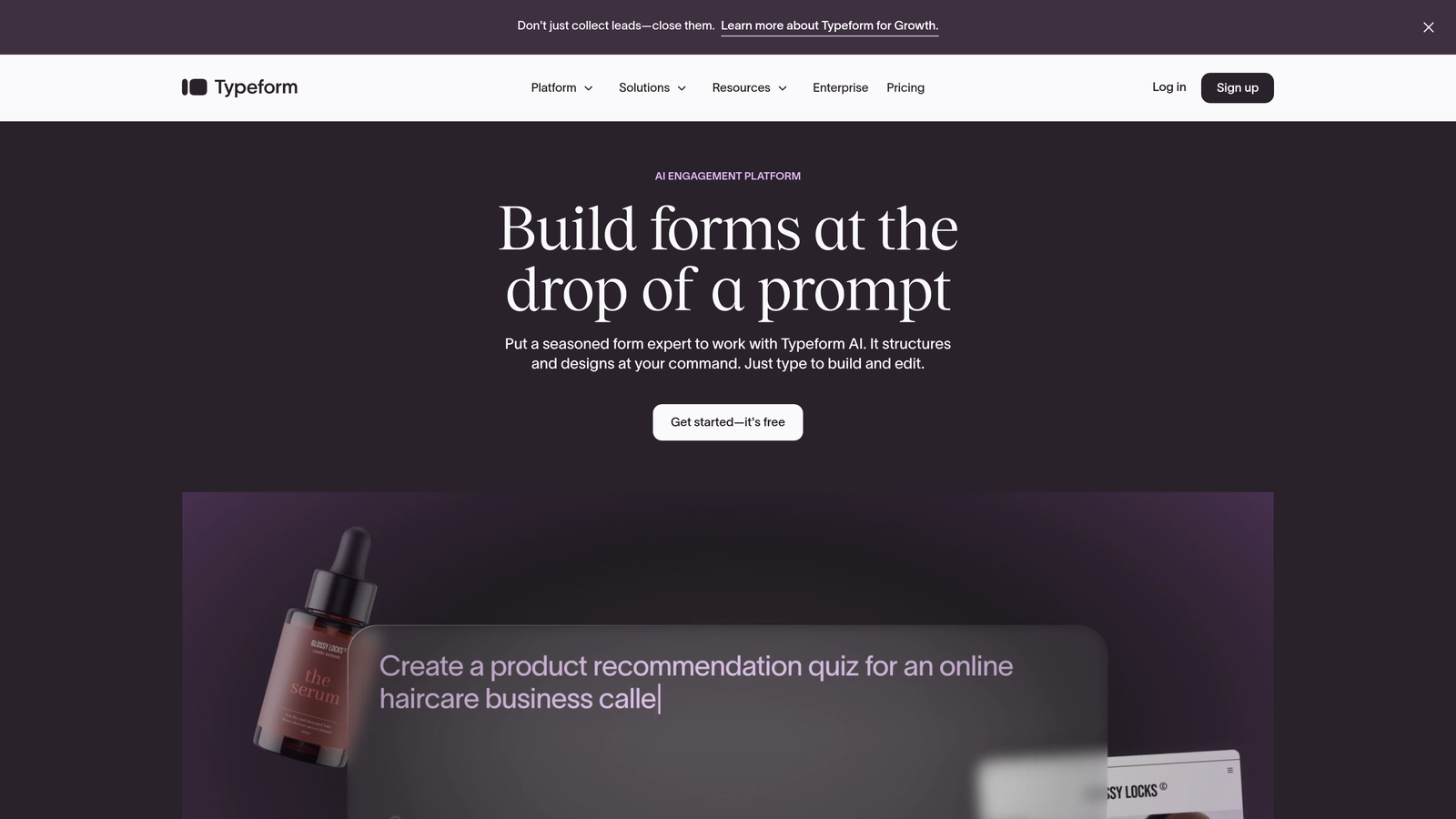
Typeform is a conversational form builder that revolutionized how forms feel by presenting one question at a time.
Where This Tool Shines
Typeform transforms the traditional form experience into something that feels more like a conversation than an interrogation. By showing one question at a time with smooth transitions, it reduces the psychological overwhelm that causes form abandonment. Users don't see a daunting wall of fields—they focus on answering one simple question before moving to the next.
The platform's design-first approach means every form looks polished and professional without requiring design skills. Customization options let you match your brand perfectly, while features like video embedding and image choices make forms feel interactive rather than transactional.
Key Features
Conversational One-Question Format: Progressive disclosure that shows one question at a time, reducing cognitive load and improving completion rates.
Highly Customizable Branding: Complete control over colors, fonts, backgrounds, and layout to match your brand identity perfectly.
Logic Jumps and Branching: Dynamic question paths that adapt based on previous answers, creating personalized experiences for different user segments.
Rich Media Embedding: Add videos, images, and GIFs directly into forms to create engaging, visually compelling experiences.
Extensive Integration Library: Connect to hundreds of tools including CRMs, email platforms, payment processors, and analytics services.
Best For
Typeform works best for consumer-facing brands, creative agencies, and companies where user experience and brand presentation are priorities. If you want signup forms that feel modern and engaging rather than utilitarian, this is your tool.
Pricing
Free plan available with Typeform branding and limited features. Basic plan starts at $25/month, with Plus at $50/month and Business at $83/month for advanced logic and integrations.
3. HubSpot Forms
Best for: Teams already using HubSpot CRM who need native form integration with marketing automation
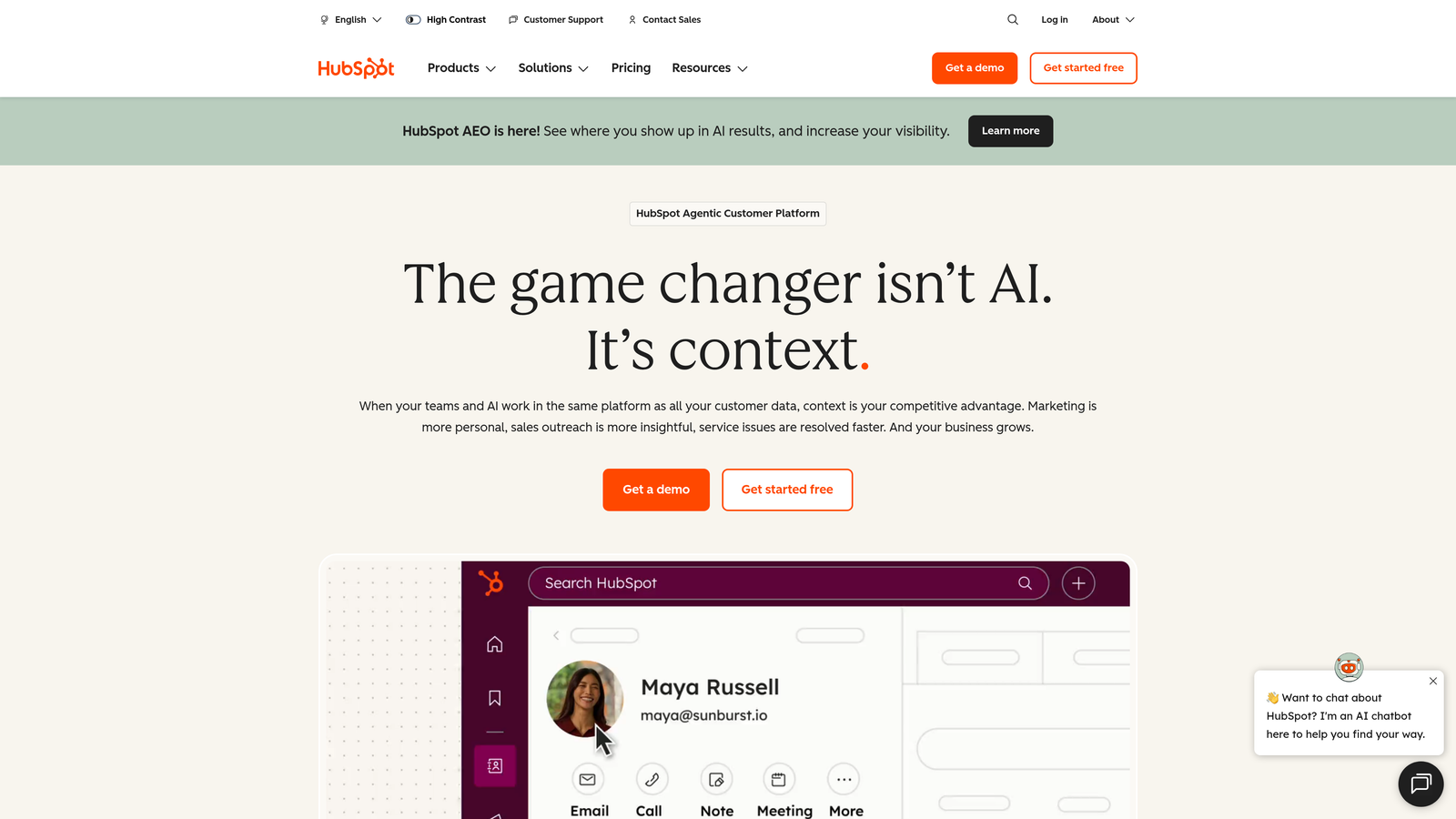
HubSpot Forms is the native form builder within HubSpot's marketing platform, designed for seamless CRM integration.
Where This Tool Shines
If you're already in the HubSpot ecosystem, their native forms tool eliminates the integration headaches that plague most form-to-CRM workflows. Every submission automatically creates or updates contact records with zero manual work or third-party connectors. Progressive profiling means returning visitors see different questions than first-timers, gradually building complete contact profiles without overwhelming anyone with long forms.
Smart fields recognize known contacts and pre-populate their information, reducing friction for repeat visitors. The tight integration with HubSpot's marketing automation means you can trigger workflows, score leads, and segment contacts based on form submissions without leaving the platform.
Key Features
Native HubSpot CRM Integration: Automatic contact creation and updating with every form submission, eliminating manual data entry and sync issues.
Progressive Profiling: Show different questions to returning visitors, gradually collecting complete information without overwhelming first-time users.
Smart Fields: Automatically pre-fill information for known contacts, reducing friction and improving completion rates for repeat visitors.
Multiple Form Types: Create embedded forms, pop-ups, slide-ins, and standalone pages all from the same builder interface.
Built-In Analytics: Track form performance, submission sources, and conversion rates tied directly to contact records and attribution reporting.
Best For
HubSpot Forms is perfect for companies already using HubSpot CRM or considering the platform. If you value tight integration over standalone flexibility, this native solution eliminates technical complexity.
Pricing
Free with HubSpot CRM, including basic form functionality. Advanced features like progressive profiling require Marketing Hub Professional ($800+/month) or Enterprise plans.
4. Jotform
Best for: Teams needing versatility with access to thousands of templates and drag-and-drop simplicity
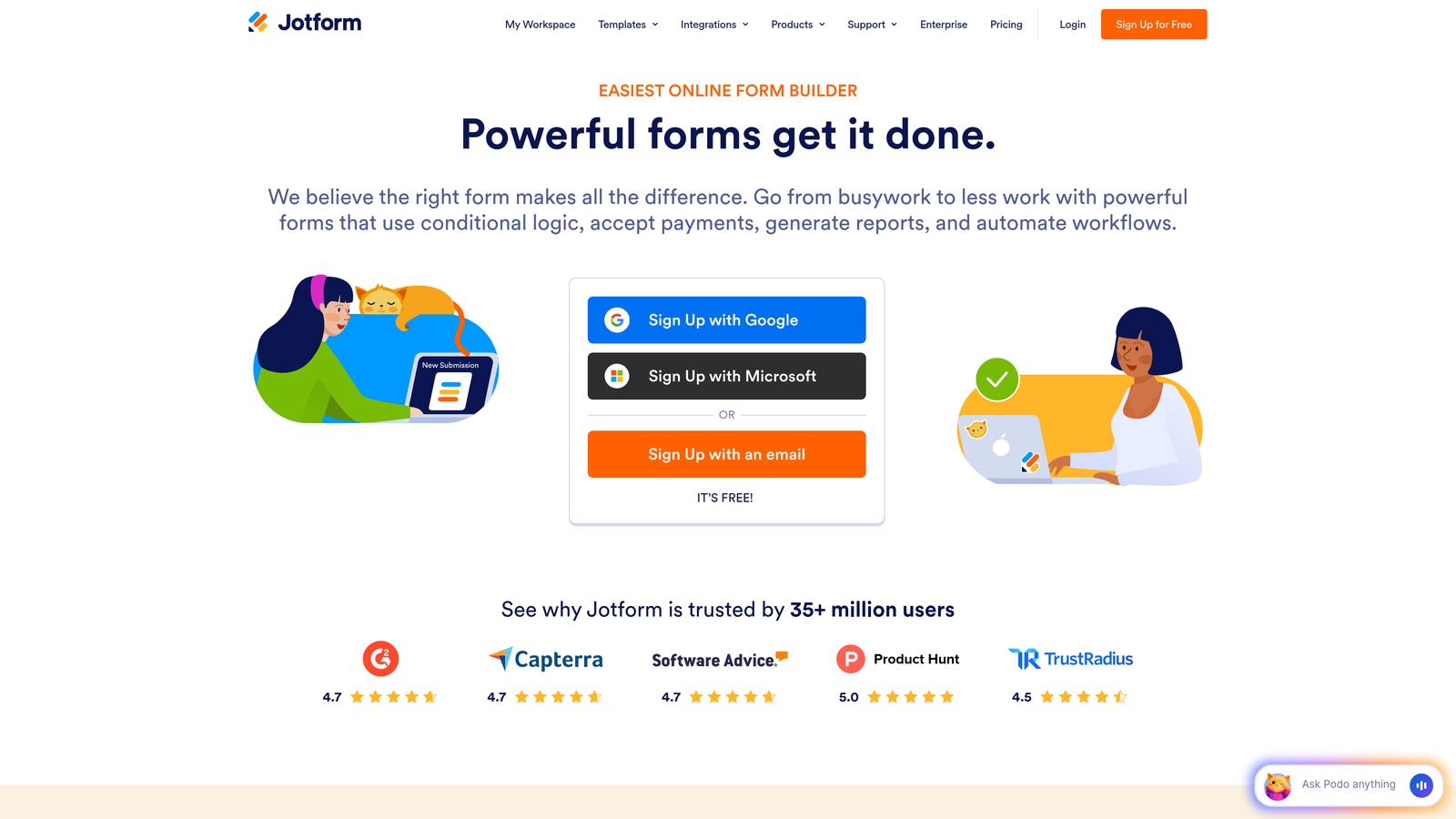
Jotform is a versatile form builder with a massive template library and straightforward drag-and-drop interface.
Where This Tool Shines
Jotform's superpower is its template library—over 10,000 pre-built forms covering virtually every use case imaginable. Need a signup form for a webinar? There's a template. Event registration? Covered. Lead capture for real estate? Already designed. This means you're rarely starting from scratch, saving hours of design and setup time.
The platform handles more than just data collection. Built-in payment processing lets you collect fees during signup, PDF generation creates instant receipts or confirmations, and e-signature functionality means you can handle contracts and agreements without leaving the form workflow.
Key Features
10,000+ Pre-Built Templates: Industry-specific form templates for nearly every use case, significantly reducing setup time and design work.
Drag-and-Drop Builder: Intuitive interface that requires zero coding knowledge, with visual customization of every form element.
Payment Collection: Native integrations with PayPal, Stripe, Square, and other processors for collecting fees during signup.
PDF Generation and E-Signatures: Automatically create PDF documents from submissions and collect legally binding electronic signatures.
Mobile App Management: iOS and Android apps let you manage forms, view submissions, and respond to entries from anywhere.
Best For
Jotform works well for small businesses, event organizers, and teams that need to create many different types of forms quickly. The template library and payment features make it especially valuable for registration and order forms.
Pricing
Free plan allows up to 5 forms with 100 monthly submissions. Bronze starts at $34/month, Silver at $39/month, and Gold at $99/month for higher limits and advanced features.
5. Gravity Forms
Best for: WordPress sites needing a premium form solution with extensive add-ons and deep platform integration
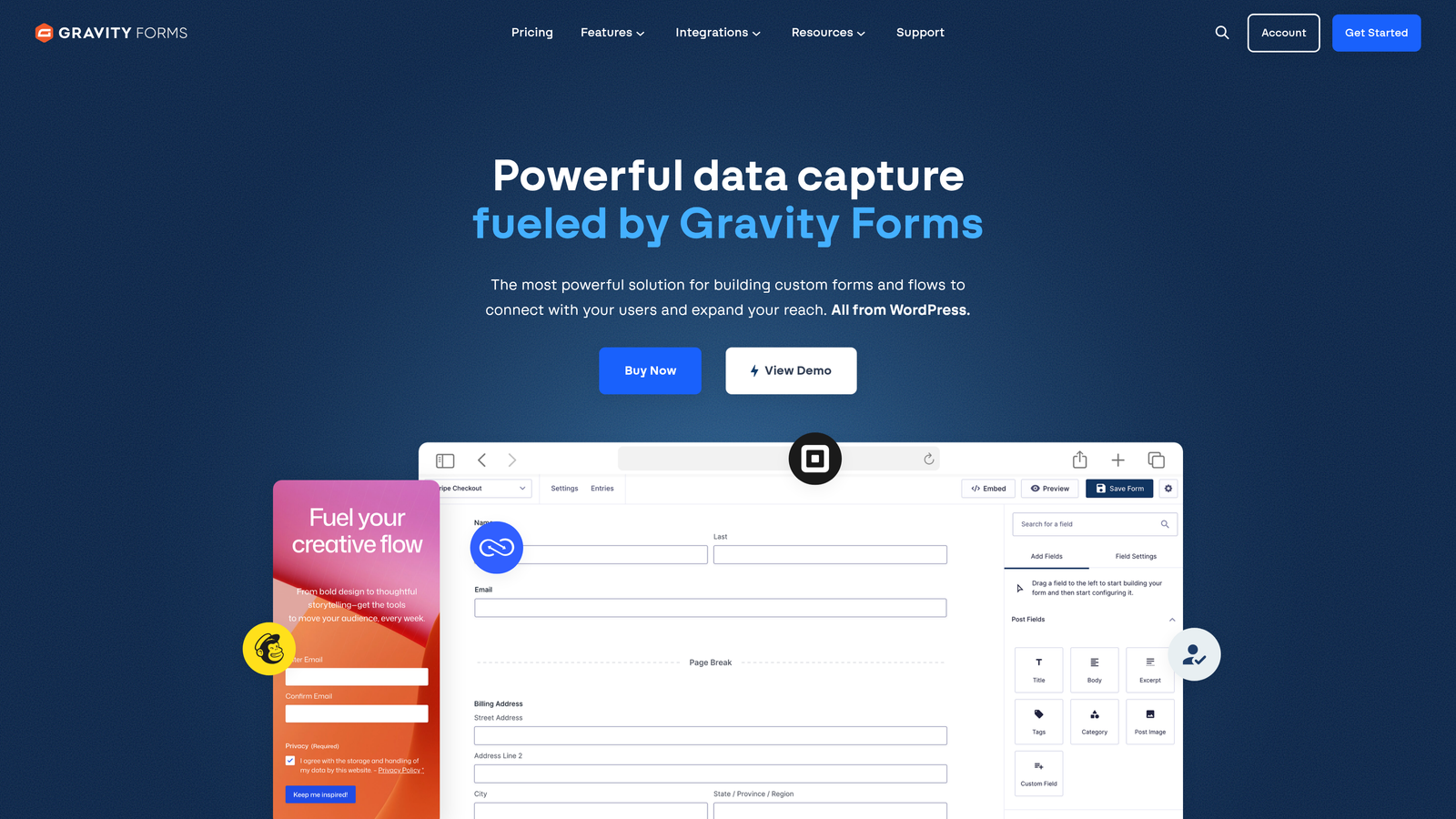
Gravity Forms is a premium WordPress plugin that's become the gold standard for WordPress form building.
Where This Tool Shines
For WordPress users, Gravity Forms offers something competitors can't match: truly native integration with your content management system. It's not an embed or iframe—it's built directly into your WordPress admin panel, using your theme's styling and working seamlessly with your existing plugins and workflows.
The add-on ecosystem is where Gravity Forms really pulls ahead. Over 30 official add-ons extend functionality to payment processors, email marketing platforms, CRMs, and specialized features like user registration and quiz functionality. Developers love it for the extensive hooks and filters that enable custom functionality without hacking core code.
Key Features
Native WordPress Integration: Built directly into WordPress admin with automatic theme styling and seamless plugin compatibility.
30+ Official Add-Ons: Extend functionality with payment processors, CRM connections, email marketing integrations, and specialized features.
Advanced Conditional Logic: Show or hide fields, pages, and entire sections based on user selections with complex rule combinations.
User Registration Forms: Create WordPress user accounts directly from form submissions with custom role assignment and profile field mapping.
Developer-Friendly Architecture: Extensive hooks, filters, and documentation enable custom functionality without modifying core plugin code.
Best For
Gravity Forms is ideal for WordPress-based businesses, agencies managing multiple client sites, and developers who need extensibility and control. If WordPress is your platform, this is the form builder to beat.
Pricing
Basic license starts at $59/year for one site. Pro license at $159/year adds advanced features and three sites. Elite at $259/year includes all add-ons and unlimited sites.
6. Formstack
Best for: Enterprise organizations requiring advanced workflow automation, approval routing, and compliance features
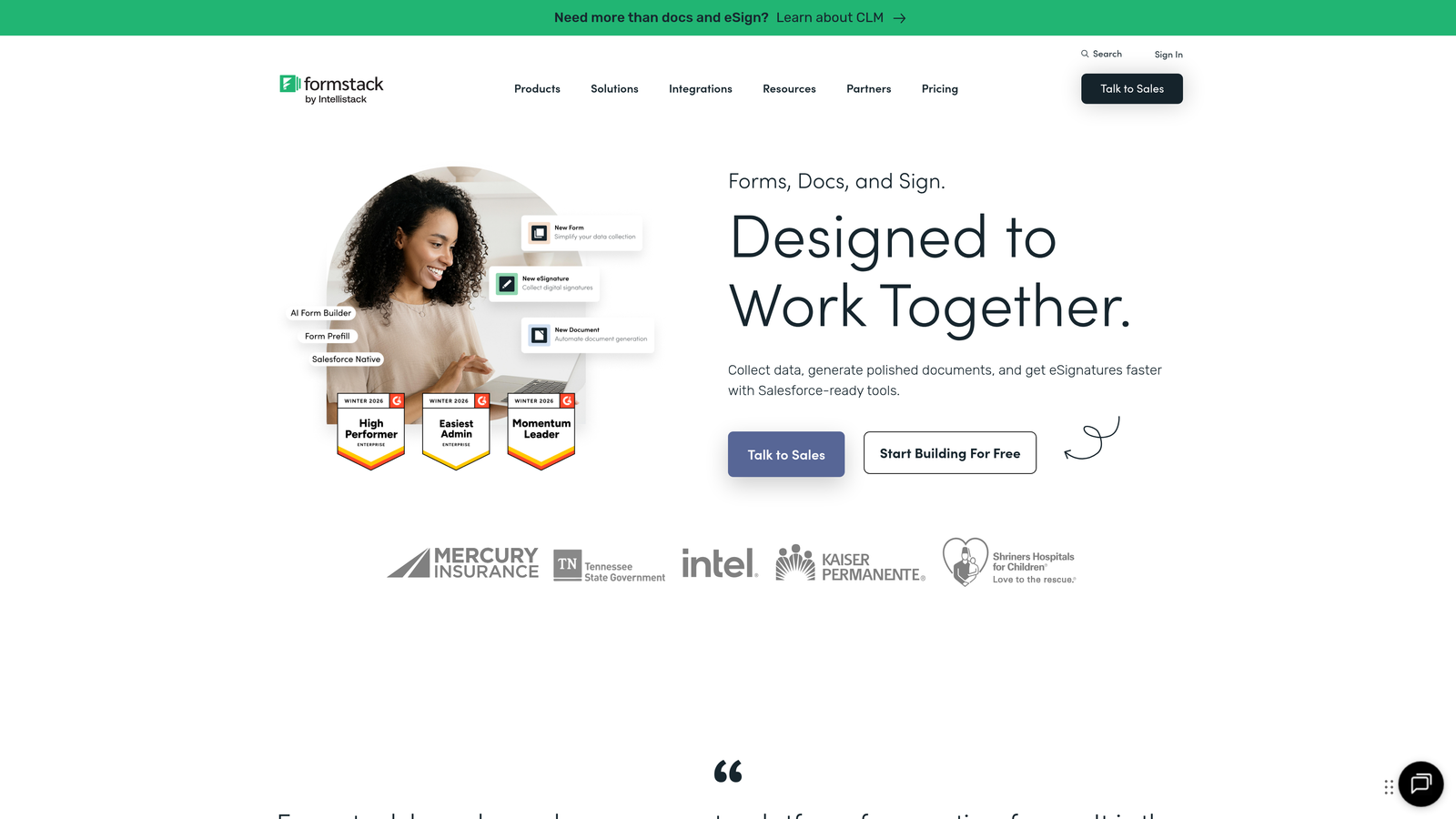
Formstack is an enterprise-grade form builder focused on workflow automation and regulatory compliance.
Where This Tool Shines
Formstack targets organizations where forms are just the beginning of complex business processes. After someone submits a signup form, Formstack can automatically route it through approval chains, generate documents, trigger notifications to multiple departments, and update records across different systems—all without manual intervention.
For regulated industries, Formstack offers HIPAA-compliant hosting, audit trails, and enterprise security features that consumer-focused form builders can't provide. The platform handles sensitive data collection with the security controls healthcare, finance, and legal organizations require.
Key Features
Advanced Workflow Automation: Multi-step approval processes with conditional routing, escalation rules, and automated notifications to stakeholders.
Approval Routing: Send submissions through customizable approval chains with tracking, commenting, and audit trail documentation.
HIPAA Compliance Options: Encrypted data storage, signed Business Associate Agreements, and security controls for healthcare data collection.
Document Generation: Automatically create PDFs, contracts, and reports from form data with custom templates and branding.
Enterprise Security Features: SSO integration, IP restrictions, advanced user permissions, and comprehensive audit logging for compliance requirements.
Best For
Formstack serves enterprises, healthcare organizations, financial services, and any business with complex approval workflows or strict compliance requirements. If forms trigger multi-step processes involving multiple departments, this platform handles that complexity.
Pricing
Starter plan at $50/month for basic features. Teams plan at $83/month adds workflow automation. Enterprise pricing is custom based on volume and compliance requirements.
7. Tally
Best for: Budget-conscious teams wanting unlimited forms with a clean, Notion-style interface
Tally is a simple form builder with a generous free tier and intuitive block-based editor.
Where This Tool Shines
Tally's free plan is remarkably generous—unlimited forms, unlimited submissions, no branding requirements. Most form builders severely restrict their free tiers to push users toward paid plans, but Tally lets you build and deploy professional forms without spending a dollar. This makes it perfect for bootstrapped startups, side projects, and teams testing ideas before committing to paid tools.
The Notion-style block editor feels immediately familiar if you've used modern document tools. You build forms by stacking blocks—text blocks, question blocks, media blocks—with a clean, minimal aesthetic that looks professional without customization work.
Key Features
Unlimited Free Plan: Create unlimited forms with unlimited submissions on the free tier, with no forced branding or artificial limits.
Notion-Style Block Editor: Intuitive building experience using stackable blocks that feel natural if you've used modern document tools.
Calculator and Payment Blocks: Add calculation fields for quotes or pricing, plus Stripe integration for collecting payments during signup.
Conditional Logic: Show or hide questions based on previous answers to create dynamic, personalized form experiences.
Clean Design Aesthetic: Minimal, modern styling that looks professional without requiring design skills or extensive customization.
Best For
Tally is perfect for startups, solopreneurs, and teams with limited budgets who still need professional-looking forms. The generous free tier makes it ideal for testing ideas or managing low-volume signup processes.
Pricing
Free for unlimited forms and submissions. Pro plan at $29/month adds custom domains, file uploads, priority support, and removes Tally branding.
8. Paperform
Best for: Creating beautiful landing page-style forms with rich media and e-commerce capabilities
Paperform is a form builder that creates landing page-style experiences with rich media support and payment processing.
Where This Tool Shines
Paperform blurs the line between forms and landing pages. Instead of traditional form layouts, you create full-page experiences with rich text, images, videos, and form fields mixed together in a natural flow. This makes signup forms feel less like data collection and more like interactive content experiences.
The e-commerce features are particularly strong. You can create product catalogs, calculate pricing based on selections, collect payments through multiple processors, and even handle subscriptions—all within what technically started as a form builder. This makes it valuable for businesses that need signup forms to also function as order forms or booking systems.
Key Features
Landing Page-Style Design: Create full-page experiences that mix rich content with form fields, making signup feel like part of a cohesive page rather than an isolated form.
Rich Media Embedding: Add images, videos, audio, and formatted text throughout your forms to create engaging, content-rich experiences.
E-Commerce and Payments: Built-in product catalogs, dynamic pricing calculations, and integration with Stripe, PayPal, and Square for payment collection.
Conditional Logic and Calculations: Show or hide sections based on answers, plus calculate totals, discounts, and custom pricing in real-time.
Custom Success Pages: Design branded confirmation pages with custom messaging, redirects, or additional content after form submission.
Best For
Paperform works well for creative businesses, service providers, and anyone who needs signup forms that double as booking systems or order forms. If visual presentation and payment collection are priorities, this tool delivers both.
Pricing
Essentials plan at $24/month for basic features. Pro at $49/month adds advanced logic and integrations. Agency at $159/month includes white-label options and priority support.
9. Google Forms
Best for: Basic data collection with zero budget and Google Workspace integration
Google Forms is a free, straightforward form builder integrated with Google Workspace for simple data collection.
Where This Tool Shines
Google Forms wins on simplicity and price—it's completely free with a Google account, no limits on forms or submissions. For basic signup forms that need to collect information and dump it into a spreadsheet, it gets the job done without complexity or cost.
The Google Sheets integration is seamless since both tools live in the same ecosystem. Submissions flow directly into a spreadsheet where you can analyze data, create pivot tables, or export to other tools. Real-time collaboration means multiple team members can edit forms simultaneously, just like Google Docs.
Key Features
Completely Free: Unlimited forms and submissions with no paid tiers, restrictions, or feature gates—everything is included at no cost.
Google Sheets Integration: Automatic submission syncing to Google Sheets for easy data analysis, filtering, and export to other tools.
Real-Time Collaboration: Multiple team members can edit forms simultaneously with automatic conflict resolution and version history.
Basic Conditional Logic: Show or hide sections based on previous answers to create simple branching paths through your form.
Quiz Functionality: Add answer keys, point values, and automatic grading for assessment or lead qualification scoring.
Best For
Google Forms serves small businesses, nonprofits, and teams with basic needs and zero budget. If you need simple data collection without advanced features or branding control, it's hard to beat free.
Pricing
Completely free with a Google account. No paid tiers or premium features—everything is included at no cost.
Finding Your Perfect Match
The right signup form software depends on what matters most to your business. If you're focused on lead quality and conversion optimization, Orbit AI delivers AI-powered qualification that ensures your sales team focuses on prospects actually ready to buy. For teams prioritizing conversational user experience, Typeform creates engaging one-question-at-a-time flows that feel more like conversations than interrogations.
Already invested in HubSpot? Their native forms eliminate integration headaches and unlock progressive profiling. WordPress users should look at Gravity Forms for deep platform integration and extensibility. Budget-conscious teams can start with Tally's generous free tier or Google Forms for basic needs, then upgrade as requirements grow.
For enterprise organizations with complex approval workflows or compliance requirements, Formstack handles the security and automation features regulated industries demand. Jotform's massive template library accelerates setup for teams creating many different form types, while Paperform excels when signup forms need to double as landing pages or order forms.
The common thread among successful signup forms? They reduce friction, respect user time, and collect the information you actually need—nothing more, nothing less. The best tool is the one that helps you do that while fitting naturally into your existing workflow and budget.
Transform your lead generation with AI-powered forms that qualify prospects automatically while delivering the modern, conversion-optimized experience your high-growth team needs. Start building free forms today and see how intelligent form design can elevate your conversion strategy.


