

Modern high-growth teams don't build forms in isolation. They iterate, review, and launch together, coordinating across marketing, sales, design, and operations before a single submission ever comes in. When form ownership is shared, the tool you choose either becomes a collaboration hub or a source of constant friction.
The challenge is that most form builders were designed for solo use. Sharing a link isn't the same as collaborating, and a tool that can't support multi-person workflows quickly becomes a bottleneck for teams moving fast on lead generation and conversion optimization.
This list covers the best collaborative form building tools available in 2026, evaluated on team workflow features, real-time editing, commenting and approval capabilities, role-based access, and overall suitability for conversion-focused teams. Whether you're building lead forms for B2B companies or refining how to build effective web forms, the right tool makes a real difference.
1. Orbit AI
Best for: High-growth SaaS and marketing teams that need AI-powered lead qualification built directly into their form workflow.
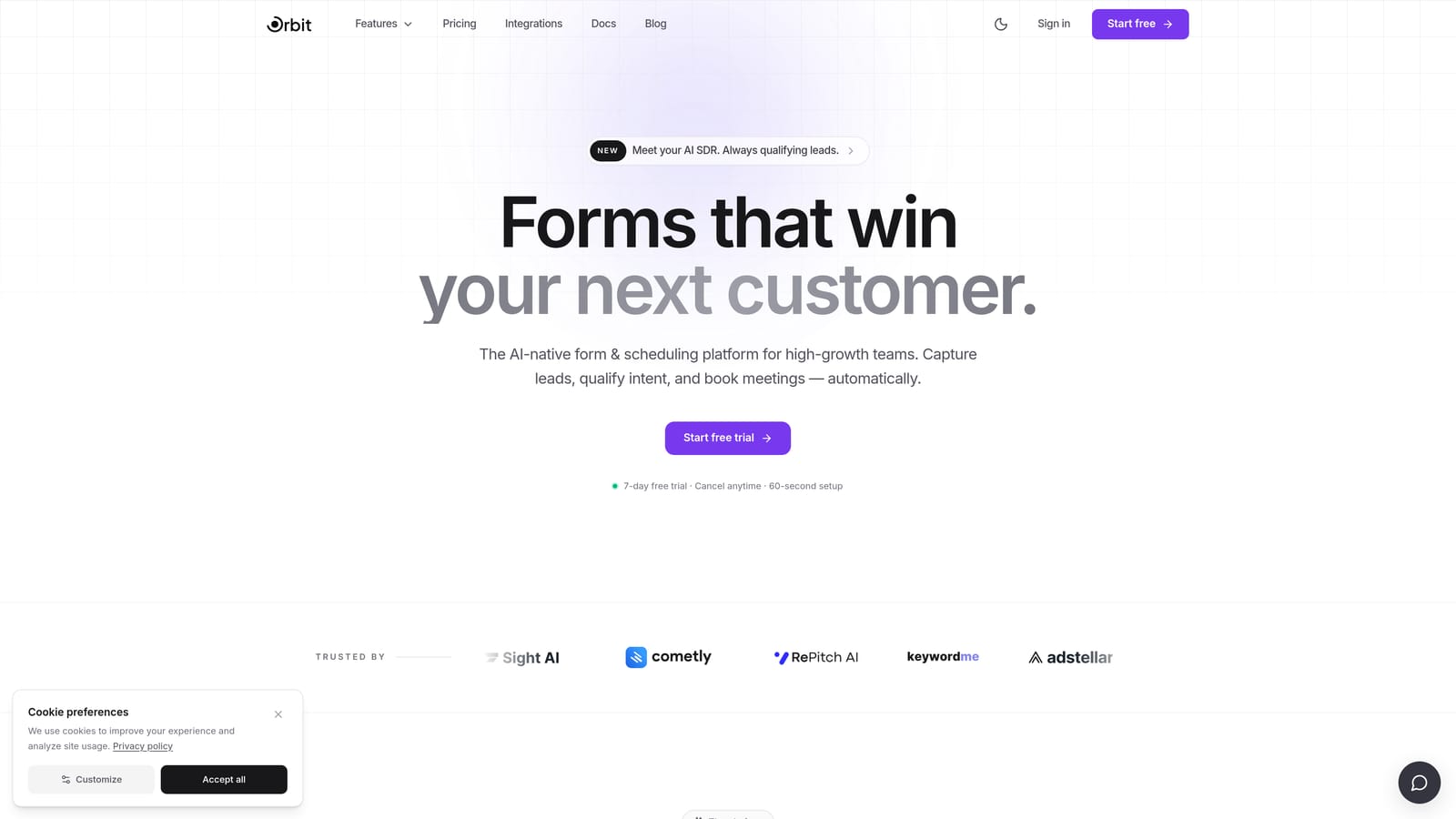
Orbit AI is an AI-powered form builder that combines collaborative form creation with intelligent lead qualification at the form layer itself.
Where This Tool Shines
Most form builders collect data and hand it off to your CRM to figure out what to do with it. Orbit AI flips that model. Lead qualification, scoring, and routing happen inside the form workflow, which means your team isn't waiting on downstream rules to identify high-value prospects.
For teams iterating on conversion-optimized forms, the collaborative features are built to match that pace. Marketing, sales, and design can work together on form logic and design without the usual handoff chaos, making it especially well-suited for teams where form performance is a shared KPI.
Key Features
AI-Powered Lead Qualification: Scores and routes leads automatically based on form responses, without relying on separate CRM logic.
Conversion-Optimized Templates: Modern, flexible templates designed specifically for lead generation and high-conversion outcomes.
Team Collaboration Tools: Enables cross-functional teams to iterate on form design, logic, and copy together in one place.
Lead Scoring at the Form Layer: Qualification happens before a lead ever reaches your sales team, improving response speed and prioritization.
SaaS-First Design: Built with the workflows and goals of high-growth SaaS and marketing teams in mind, not generic form use cases.
Best For
Teams where form performance directly ties to pipeline. If your marketing and sales teams share ownership of lead quality, and you want AI-driven qualification without bolting on extra tools, Orbit AI is purpose-built for that outcome. Particularly strong for SaaS companies running inbound lead gen at scale.
Pricing
Visit orbitforms.ai for current pricing and plan details. Plans are designed to scale with growing teams and submission volume.
2. Typeform
Best for: Teams that prioritize polished, conversational form experiences with strong brand customization.
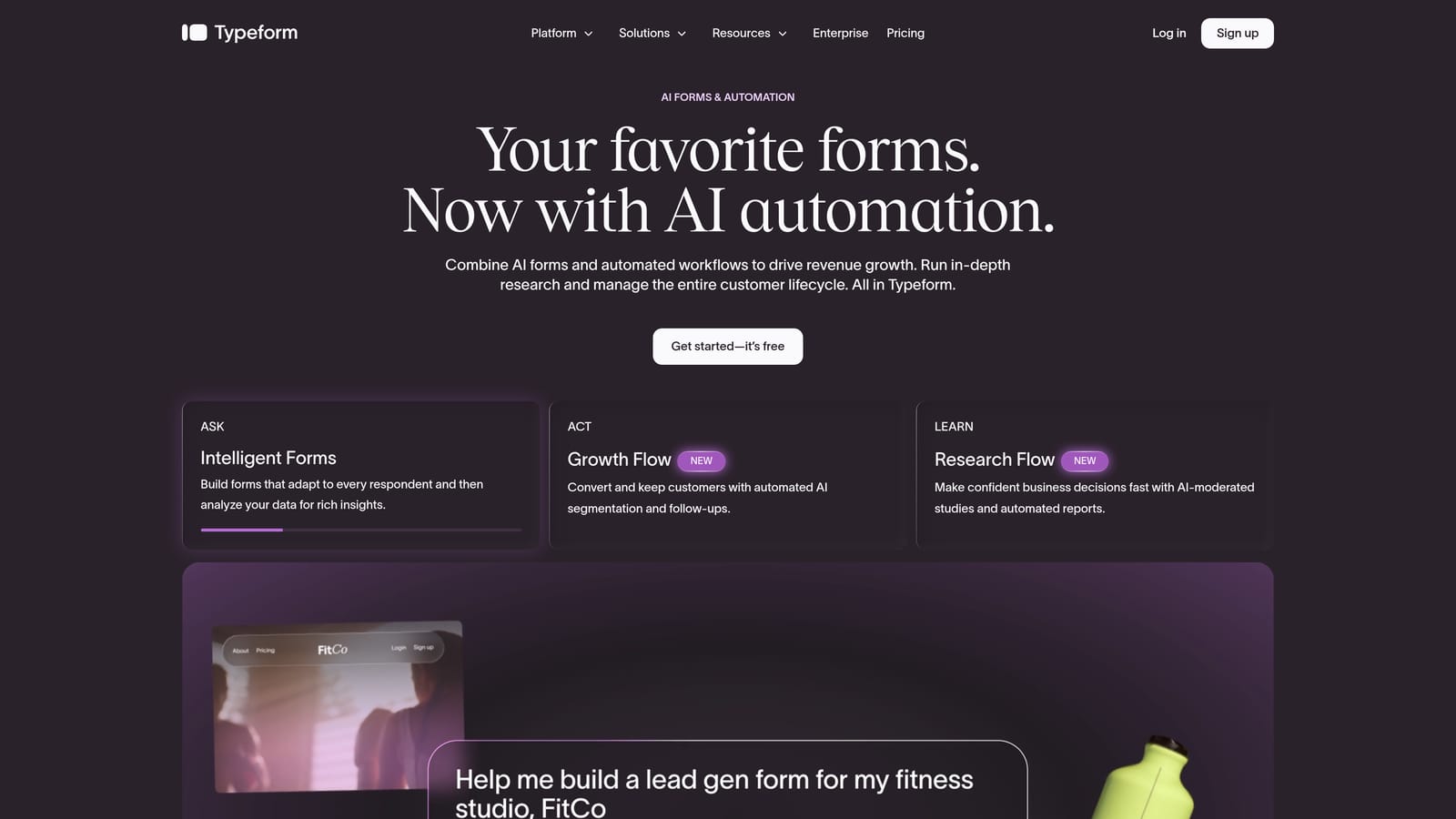
Typeform is a conversational form builder known for its one-question-at-a-time format and high-quality visual design.
Where This Tool Shines
Typeform's biggest strength is the respondent experience. Forms feel less like forms and more like guided conversations, which tends to improve completion rates for longer surveys, onboarding flows, and research questionnaires. The visual polish is genuinely best-in-class for teams where brand presentation matters.
On the collaboration side, Typeform offers team workspaces with shared form libraries, making it practical for marketing teams managing multiple campaigns or research teams running ongoing studies. It's not the deepest collaboration feature set, but it covers the essentials well.
Key Features
Conversational Format: One-question-at-a-time UX that keeps respondents engaged through longer form flows.
Team Workspaces: Shared libraries where teams can organize, access, and collaborate on forms across projects.
Conditional Logic: Branching and logic rules that personalize the form experience based on respondent answers.
Integration Ecosystem: Connects with HubSpot, Salesforce, Slack, and a wide range of marketing and sales tools.
Brand Customization: Strong design controls for matching forms to brand identity, including custom fonts, colors, and backgrounds.
Best For
Marketing and research teams that need visually impressive forms with a strong respondent experience. Also well-suited for teams already embedded in the HubSpot or Salesforce ecosystem who want clean native integrations.
Pricing
Free plan available. Paid plans start at a monthly fee that scales with features and response volume. Check typeform.com for current pricing.
3. Jotform
Best for: Enterprise and high-volume teams that need robust approval workflows, role-based access, and a massive template library.
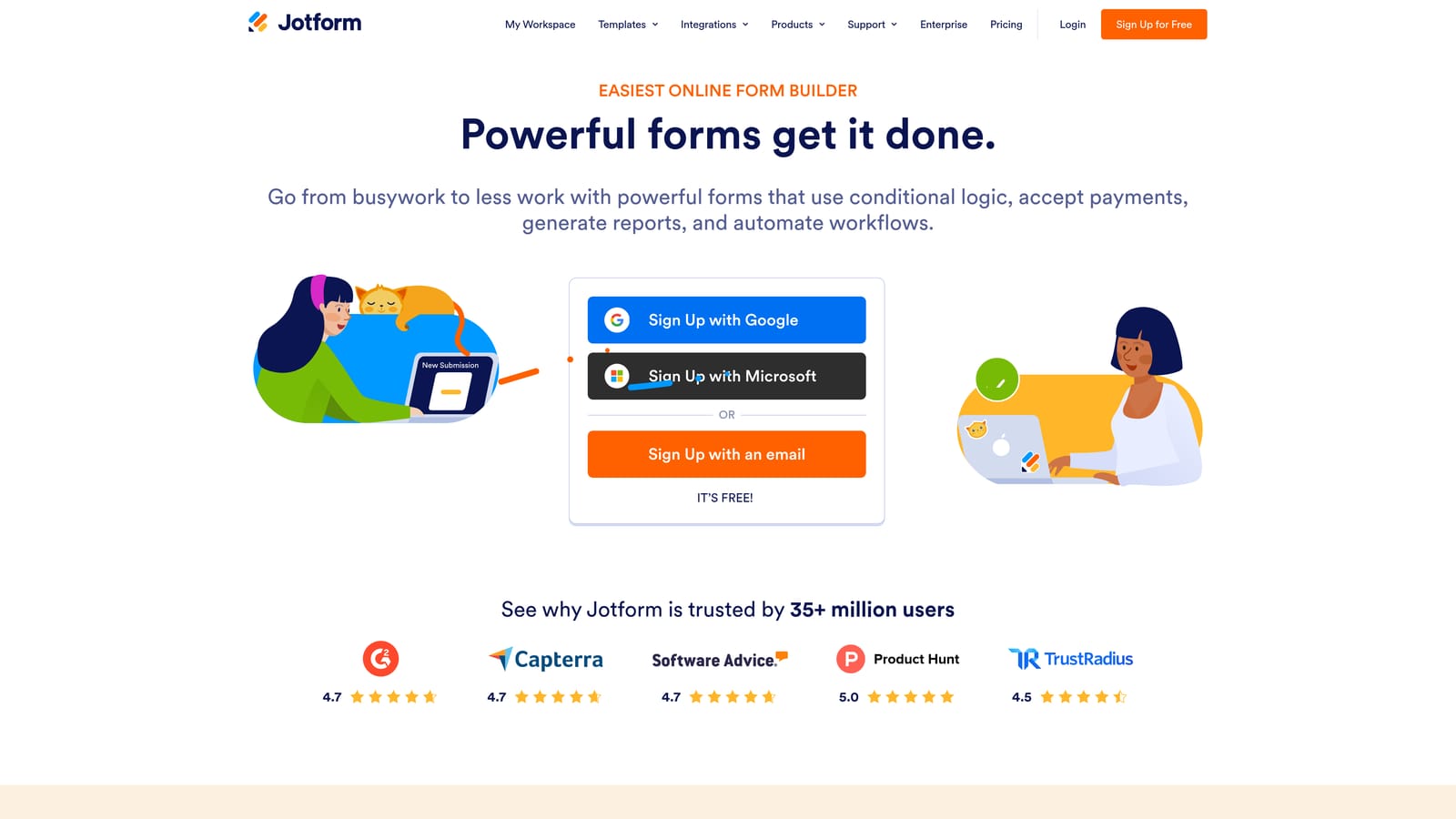
Jotform is one of the most feature-rich form builders available, with deep team management and multi-step approval capabilities built in.
Where This Tool Shines
Where Jotform stands out is in operational depth. The approval workflow builder lets teams create multi-step review processes on top of form submissions, which is genuinely useful for HR intake forms, procurement requests, event registrations, and any use case where a submission needs to move through an internal review chain.
The template library is one of the largest in the industry, spanning thousands of pre-built forms across virtually every industry vertical. For teams that need to spin up new forms quickly across multiple departments, this is a significant time saver.
Key Features
Role-Based Team Collaboration: Assign form ownership, set permissions, and manage access across team members and departments.
Approval Workflow Builder: Create multi-step review and approval chains that trigger automatically on form submission.
Extensive Template Library: Thousands of pre-built templates covering industries from healthcare to e-commerce to education.
HIPAA-Compliant Options: Enterprise-grade security and compliance features for regulated industries handling sensitive data.
Payment and Integration Support: Connects with payment processors, CRMs, and a broad range of third-party tools.
Best For
Organizations managing high form volume across multiple departments, especially where submissions need to flow through internal approval processes. Strong fit for enterprise teams in HR, legal, operations, and compliance-heavy industries.
Pricing
Free plan available. Paid plans scale based on submission volume and feature access. Check jotform.com for current pricing tiers.
4. Paperform
Best for: Creative teams that want forms to function as branded content experiences, not just data collection fields.
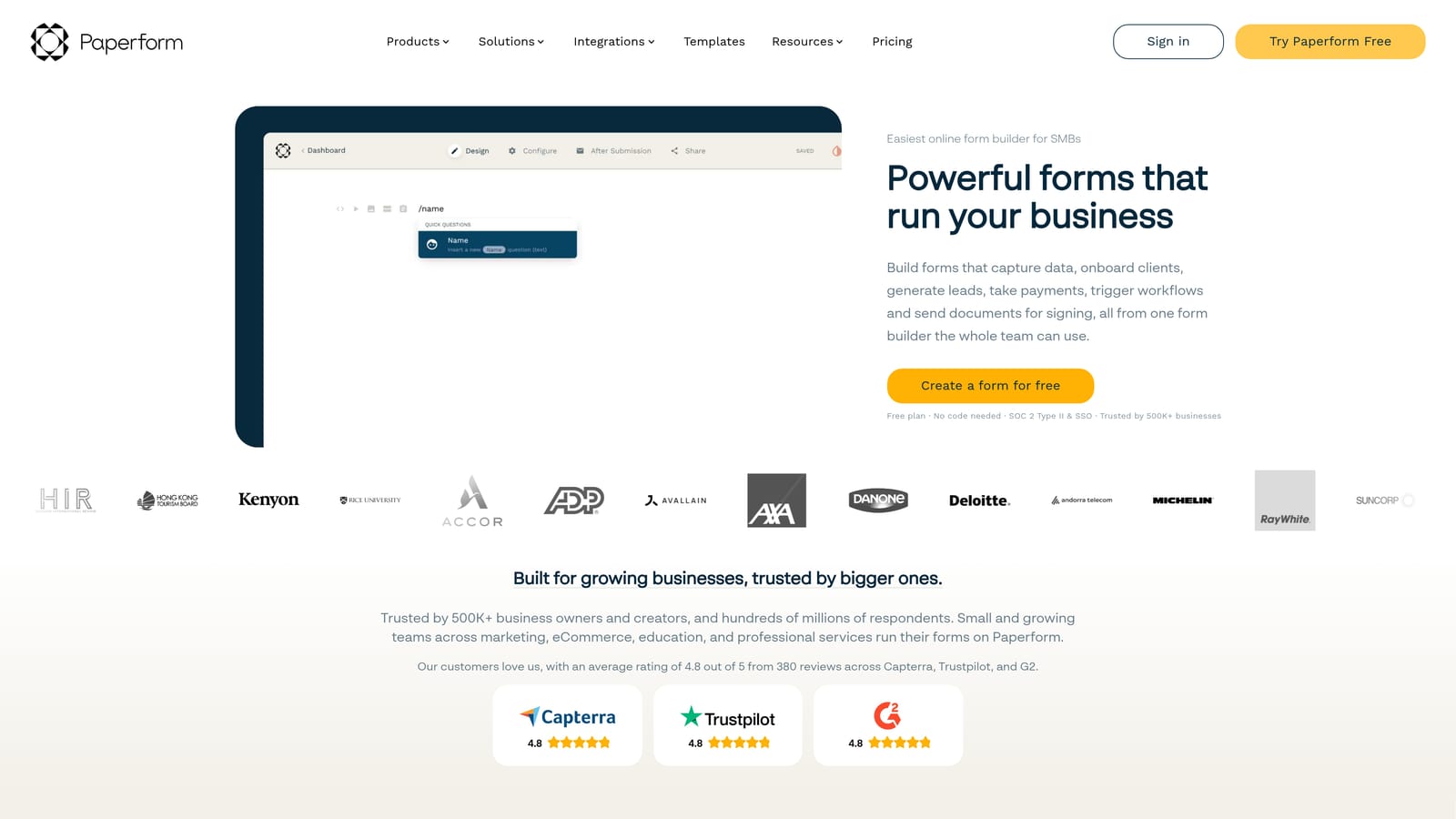
Paperform is a hybrid form builder and landing page tool with a document-style editor that blends rich content with form functionality.
Where This Tool Shines
Paperform's document-style editor is what sets it apart. Instead of building a form in isolation, you build a page where text, images, videos, and form fields coexist naturally. This makes it particularly effective for forms that need to tell a story, like product order pages, event registrations, or client intake flows that benefit from context and visual richness.
Team collaboration is available on higher-tier plans, which is worth factoring into your budget planning if you're evaluating it for a larger team. For smaller creative teams or agencies managing client work, the visual output alone often justifies the investment.
Key Features
Document-Style Editor: Blend text, media, and form fields on a single page for a richer, more engaging respondent experience.
Visual Customization: Strong branding controls including custom fonts, color schemes, and layout options.
Native Payments and Bookings: Accept payments, handle bookings, and run product quizzes without third-party tools.
Conditional Logic and Calculations: Advanced logic and calculation fields for pricing forms, quizzes, and dynamic content flows.
Team Collaboration: Workspace sharing and collaboration features available on higher-tier plans.
Best For
Creative teams, agencies, and small businesses that want forms to look and feel like premium branded content. Also well-suited for teams running product quizzes, booking flows, or payment-enabled forms that need a polished presentation.
Pricing
No permanent free plan. Paid plans are available at varying tiers. Check paperform.co for current pricing and plan details.
5. Tally
Best for: Lean startups and indie teams that need fast, clean forms with a generous free tier and minimal setup friction.
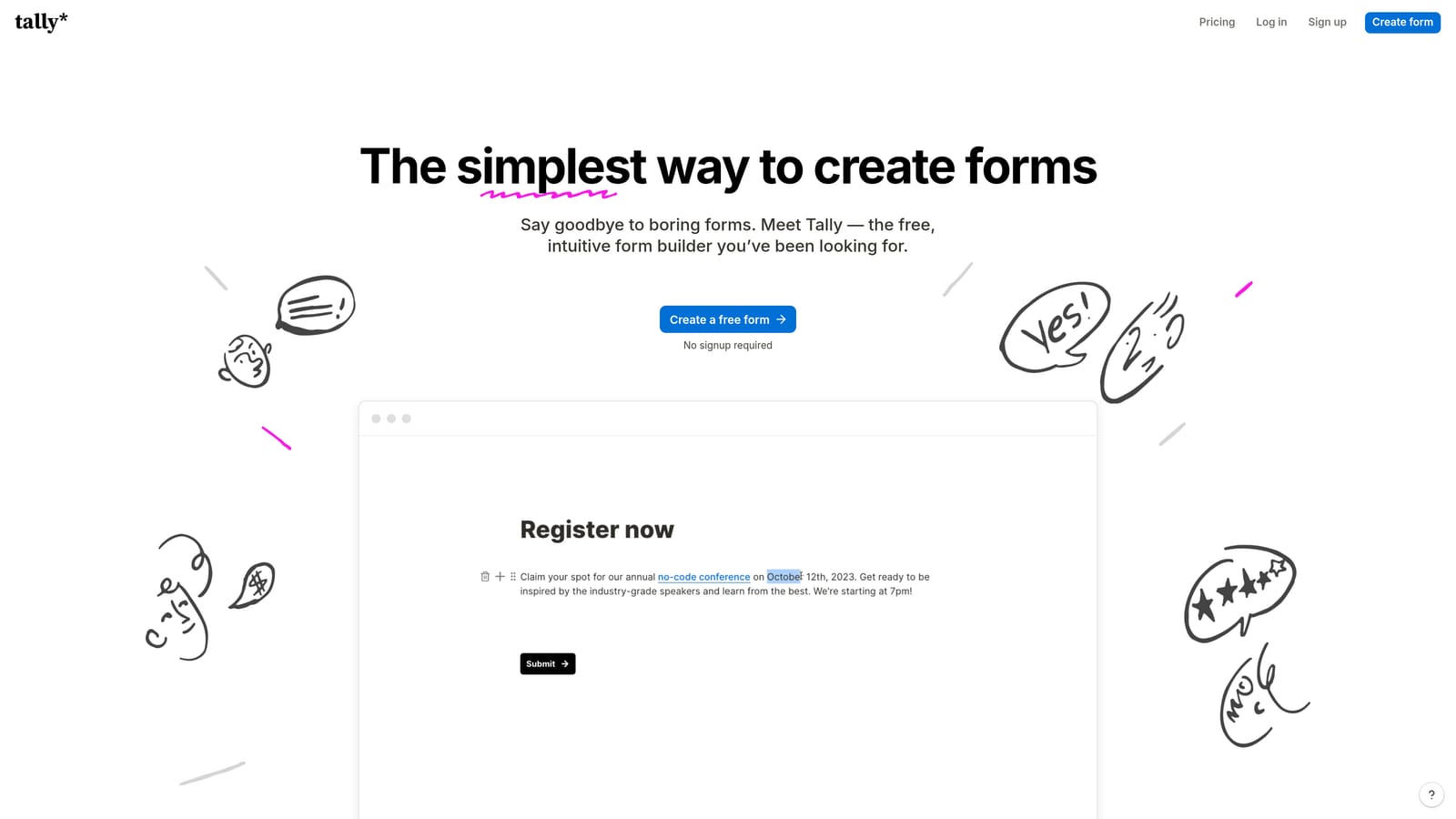
Tally is a lightweight, Notion-inspired form builder with a block-based editor, workspace sharing, and one of the most capable free tiers in the category.
Where This Tool Shines
Tally's appeal is speed and simplicity. The block editor feels immediately familiar to anyone who uses Notion, which means onboarding is nearly instant. You can have a clean, functional form live in minutes without navigating a complex settings panel or learning a new design system.
The free tier is genuinely impressive: unlimited forms and submissions without the artificial caps that most free plans impose. For lean teams or early-stage startups that need professional-looking forms without a tool budget, Tally is often the smartest starting point.
Key Features
Notion-Like Block Editor: Intuitive, block-based editing that feels familiar and requires almost no learning curve.
Generous Free Tier: Unlimited forms and submissions on the free plan, with no submission caps or form limits.
Workspace Sharing: Team access and workspace sharing for collaborative form management.
Logic Branching and Hidden Fields: Conditional logic and hidden field support for more dynamic form experiences.
Clean Embed Options: Embed forms cleanly into websites, Notion pages, and other content environments.
Best For
Early-stage startups, lean marketing teams, and individual contributors who need fast, clean forms without enterprise complexity. Also a strong choice for teams already working heavily in Notion who want a form tool that feels native to that environment.
Pricing
Free plan is highly capable and covers most use cases. A Pro plan is available for teams needing advanced features. Check tally.so for current pricing.
6. Formstack
Best for: Cross-functional mid-market and enterprise teams that need workflow automation, document generation, and e-signature alongside form building.
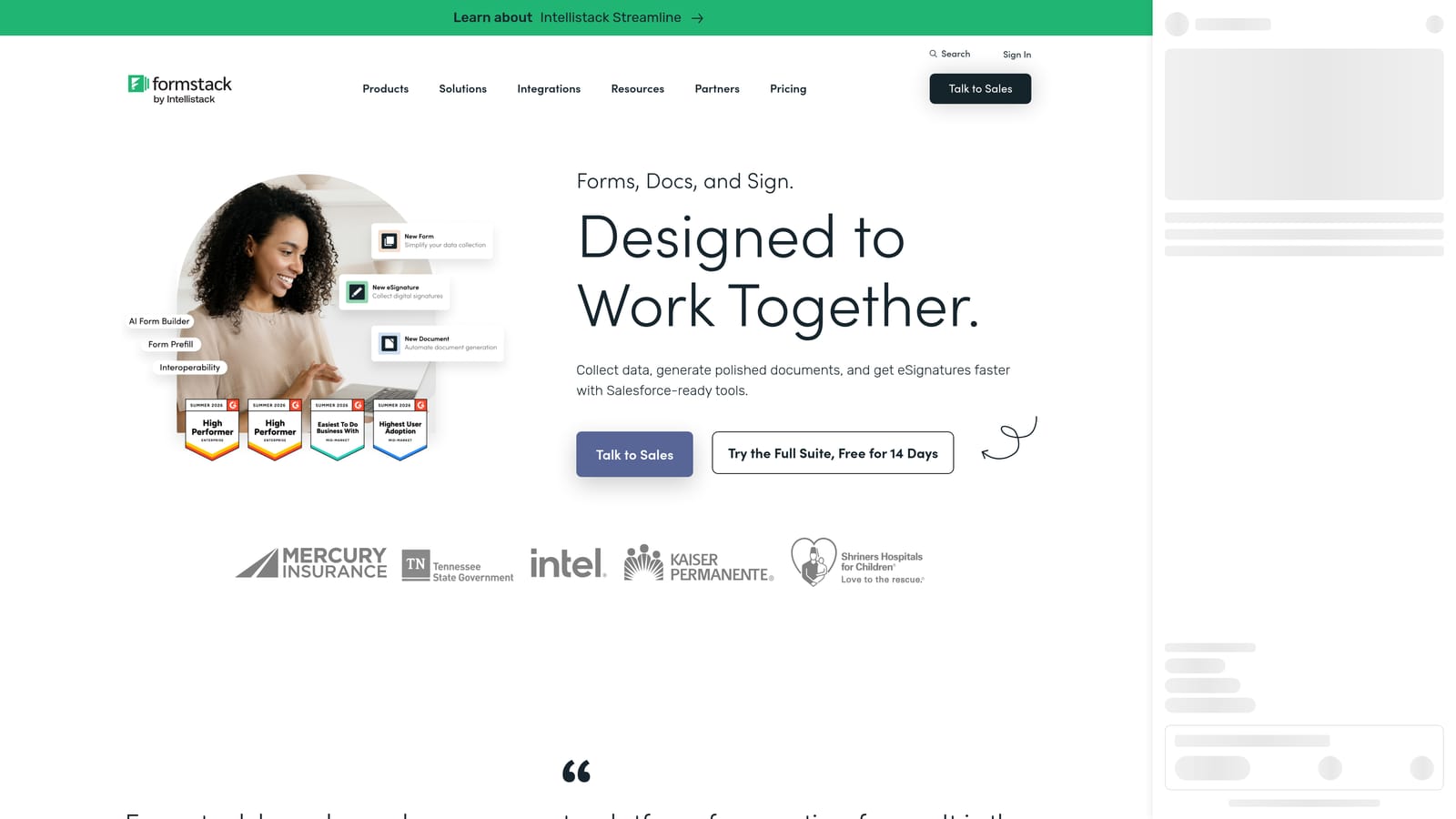
Formstack is a workflow-first platform that extends well beyond form building into document generation, e-signature, and multi-step approval routing.
Where This Tool Shines
Formstack is less a form builder and more a forms-powered workflow engine. Where other tools stop at collecting a submission, Formstack continues into what happens next: routing it through an approval chain, generating a document from the data, collecting a signature, and logging everything to your enterprise systems. For teams in HR, legal, finance, or operations, this end-to-end capability is a significant differentiator.
The collaboration features reflect an enterprise context, with role-based permissions, team access controls, and compliance-grade data handling. It integrates natively with Salesforce, Microsoft 365, and other enterprise toolchains, which makes it a natural fit for organizations already running on those platforms.
Key Features
Multi-Step Approval Routing: Build complex approval workflows that trigger automatically based on form submission data.
Document Generation: Convert form submissions into formatted documents automatically, eliminating manual data transfer.
E-Signature Support: Collect legally binding signatures as part of a connected form and document workflow.
Role-Based Permissions: Granular team access controls for managing who can build, edit, view, and approve forms.
Enterprise Integrations: Native connections with Salesforce, Microsoft 365, and other enterprise platforms for seamless data flow.
Best For
Mid-market and enterprise teams in HR, legal, compliance, and operations where form submissions need to trigger structured, multi-step workflows. Not the right fit for lean teams or those focused primarily on lead generation, but excellent for organizations where data collection and process automation need to be tightly connected.
Pricing
Pricing is team and feature-based, with plans designed for organizational scale. Check formstack.com for current plan details.
Which Tool Is Right for Your Team?
The honest answer is that the best collaborative form builder depends almost entirely on what you're trying to accomplish. Here's a quick way to think through it.
AI-powered lead gen teams: Orbit AI is the clear choice. It's the only tool on this list that qualifies and scores leads at the form layer, which means your team spends less time sorting through submissions and more time acting on the right ones.
Conversational UX focus: Typeform delivers the most polished respondent experience in the category, with strong integrations to match.
High-volume enterprise operations: Jotform's approval workflows, role-based access, and template depth make it the strongest option for organizations managing forms across multiple departments at scale.
Creative branded forms: Paperform's document-style editor gives creative teams a level of visual control that standard form builders simply don't offer.
Budget-conscious lean teams: Tally's free tier is genuinely hard to beat. Fast to set up, clean output, and no artificial limits on the free plan.
Workflow automation: Formstack goes furthest beyond the form itself, with document generation, e-signature, and multi-step routing built in for cross-functional enterprise teams.
If your team's primary goal is converting form submissions into qualified leads, one tool is purpose-built for exactly that. Start building free forms today with Orbit AI and see how AI-powered lead qualification at the form layer changes what's possible for your conversion strategy. You can also explore related resources on how to improve form conversion rates and building a lead qualification framework for sales to get the most out of your form strategy.


