

Forms and surveys are often the first real interaction a prospect has with your brand. Get that experience wrong and you lose them before the conversation even starts. Get it right and you have a qualified lead, a completed survey, or a booked meeting, all without lifting a finger.
The challenge is that most teams are still using basic form builders that collect data but do nothing with it. High-growth SaaS companies and marketing teams need tools that go further: scoring leads, triggering workflows, integrating with CRMs, and presenting a polished experience that reflects the quality of their product.
This list was built for exactly those teams. We evaluated each tool across six criteria: AI and automation capabilities, conversion optimization features, design flexibility, integration depth, pricing accessibility, and ease of use for non-technical users. Whether you're optimizing a lead capture funnel or running complex enterprise surveys, there's a tool here for you. You can also explore how these tools stack up against each other on our compare page.
1. Orbit AI
Best for: High-growth teams that want forms to qualify leads and trigger automations automatically.
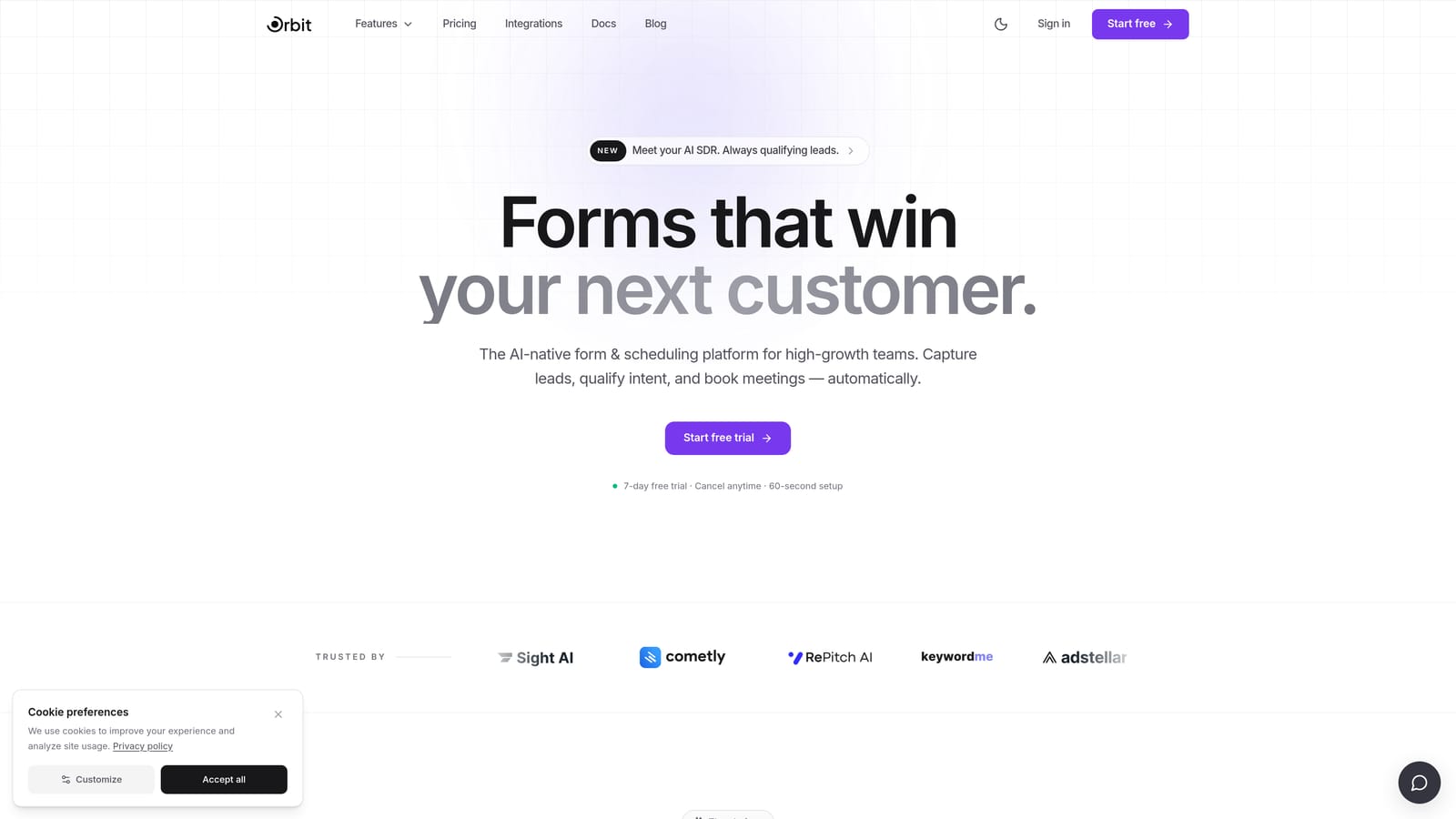
Orbit AI is an AI-powered form builder and lead qualification platform designed to turn every form submission into a conversion opportunity.
Where This Tool Shines
Most form builders stop at data collection. Orbit AI starts there and keeps going. Every form you build comes with built-in lead scoring and qualification logic, so your sales team receives pre-scored prospects rather than a raw list of names and email addresses. That shift alone changes how quickly a team can act on inbound interest.
The platform also includes AI agents that can engage respondents intelligently during and after form completion, plus workflow and sequence automation that handles follow-ups without manual intervention. The result is a form that behaves more like a mini CRM than a static data entry point.
Key Features
AI-Powered Lead Qualification: Every form scores and qualifies leads automatically based on responses, so your team focuses on the highest-value prospects first.
AI Agents: Intelligent agents handle form interactions and follow-up communications, creating a more responsive experience for respondents.
Workflow and Sequence Automation: Build automated nurture sequences and routing workflows directly from form submissions without needing a separate tool.
Analytics Dashboard: Track completion rates, drop-off points, and conversion performance across all your forms in one place.
Modern Form Design: Forms are built to be visually polished and conversion-optimized, with layouts that encourage completion rather than abandonment.
Contact Management: A built-in CRM-like contact database stores and organizes every lead captured through your forms.
Best For
Orbit AI is the right fit for SaaS companies, growth marketers, and sales teams who want their forms to do more than collect information. If lead qualification, automation, and conversion optimization are priorities, this platform is built with those outcomes in mind rather than bolted on as afterthoughts.
Pricing
Visit orbitforms.ai/pricing for current plan details. Multiple tiers are available to suit teams at different stages of growth.
2. Typeform
Best for: Teams that want a conversational, branded survey experience with strong completion rates.
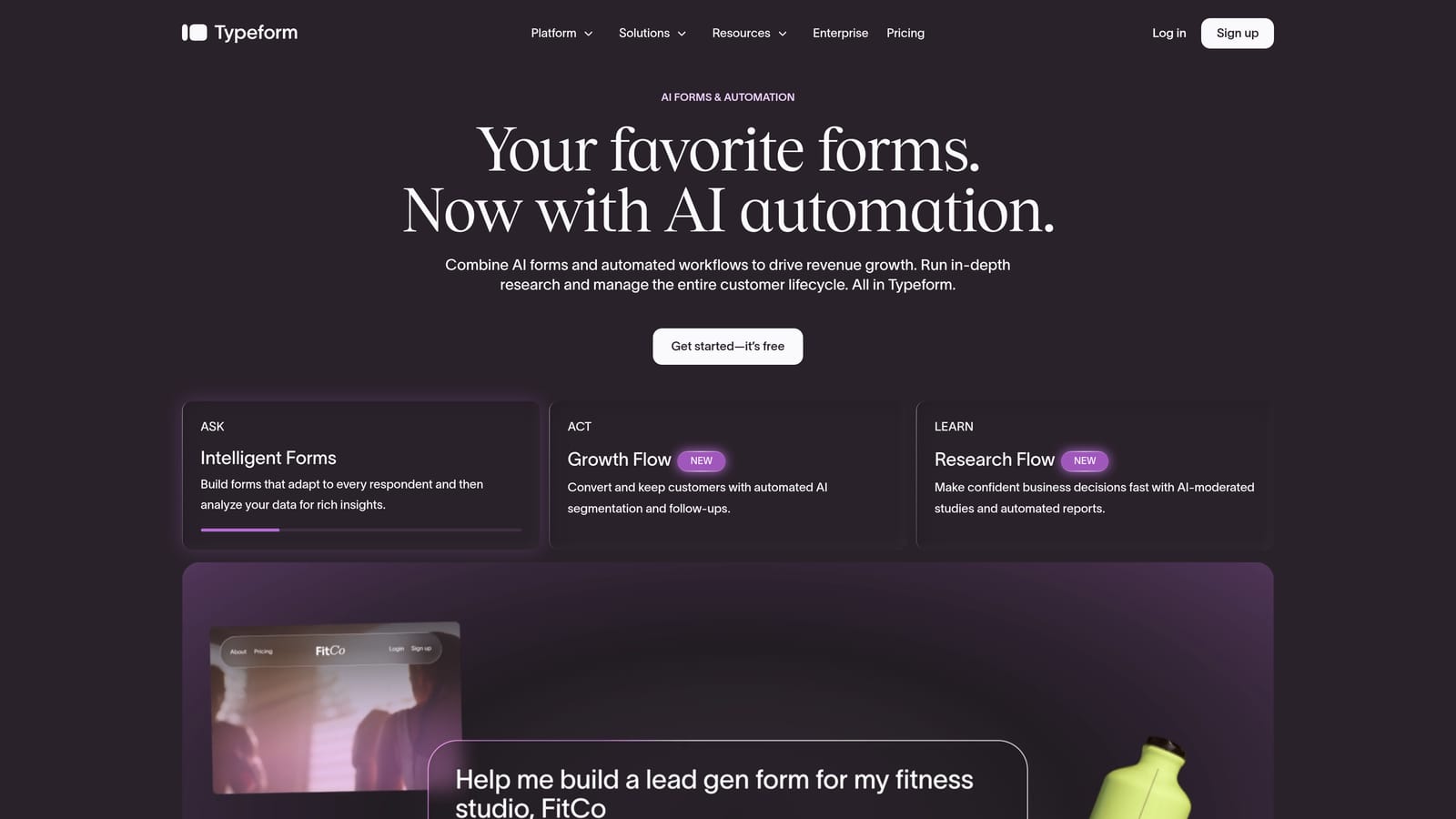
Typeform is a conversational form and survey builder known for its one-question-at-a-time format that makes surveys feel less like forms and more like dialogue.
Where This Tool Shines
Typeform's core innovation is its interface. By presenting one question at a time, it reduces the cognitive load on respondents and creates an experience that feels personal rather than bureaucratic. This approach is widely credited in the industry for improving completion rates, particularly for longer surveys and feedback forms.
The platform also has a mature integration ecosystem, connecting natively with tools like HubSpot, Salesforce, and Slack. For teams running NPS programs or customer feedback loops, Typeform's templates and logic capabilities make setup fast. Where it starts to show limitations is in complex lead qualification workflows, which often require additional tools or workarounds.
Key Features
Conversational Interface: One-question-at-a-time format creates a smoother respondent experience and reduces form abandonment.
Logic Jumps and Conditional Branching: Route respondents through different question paths based on their previous answers.
Native CRM Integrations: Direct connections to HubSpot, Salesforce, Slack, and a wide range of other platforms.
Video Forms: Embed video questions and responses directly within the form experience.
NPS and Feedback Templates: Ready-to-use templates for common survey use cases including Net Promoter Score programs.
Best For
Typeform works well for marketing teams running customer research, NPS surveys, and branded lead capture forms where the respondent experience is a priority. It is less suited for teams that need deep lead qualification logic or workflow automation without adding external tools.
Pricing
A free plan is available with core features. Paid plans unlock higher response limits and advanced functionality. Check typeform.com for current pricing tiers.
3. Jotform
Best for: Teams that need a versatile, feature-rich builder for payments, e-signatures, and data management.
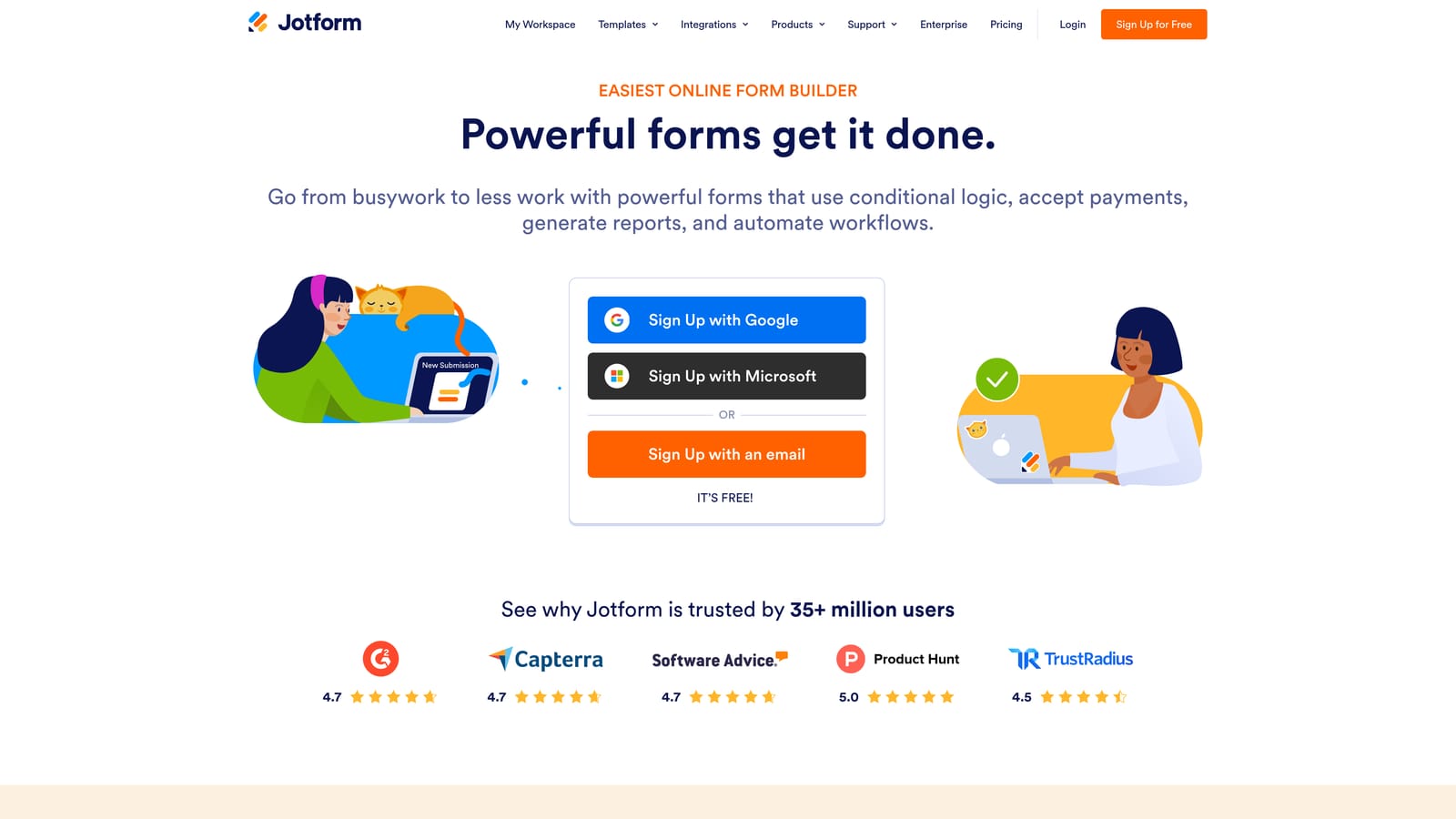
Jotform is one of the most comprehensive form builders available, offering an extensive template library alongside payment processing, e-signature tools, and spreadsheet-style data management.
Where This Tool Shines
Jotform's breadth is its biggest selling point. With over 10,000 templates spanning industries from healthcare to e-commerce, you can find a starting point for almost any use case. The platform also bundles capabilities that many competitors charge separately for, including payment collection, e-signatures through Jotform Sign, and a data management layer called Jotform Tables.
That said, the interface reflects the platform's age and breadth. It can feel cluttered compared to newer, more focused tools. Teams that need advanced automation will also find that those capabilities are locked behind higher-tier plans, which can make the total cost of ownership higher than it initially appears.
Key Features
10,000+ Templates: A vast library covering dozens of industries and use cases, making it easy to start quickly.
Built-In Payment Processing: Accept payments via Stripe, PayPal, and Square directly through your forms.
Jotform Tables: A spreadsheet-style interface for managing and analyzing form submission data.
Jotform Sign: Collect legally binding e-signatures as part of your form workflows.
Conditional Logic and Calculation Fields: Build dynamic forms that adapt based on user input and perform calculations in real time.
Best For
Jotform suits operations teams, small businesses, and organizations that need a single platform for forms, payments, and document workflows. It is a strong option when template variety and built-in payment support are top priorities.
Pricing
A generous free tier is available. Paid plans scale with submission volume and storage needs. Visit jotform.com for current plan details.
4. Tally
Best for: Indie makers, early-stage startups, and Notion-native teams that want a free, flexible form builder.
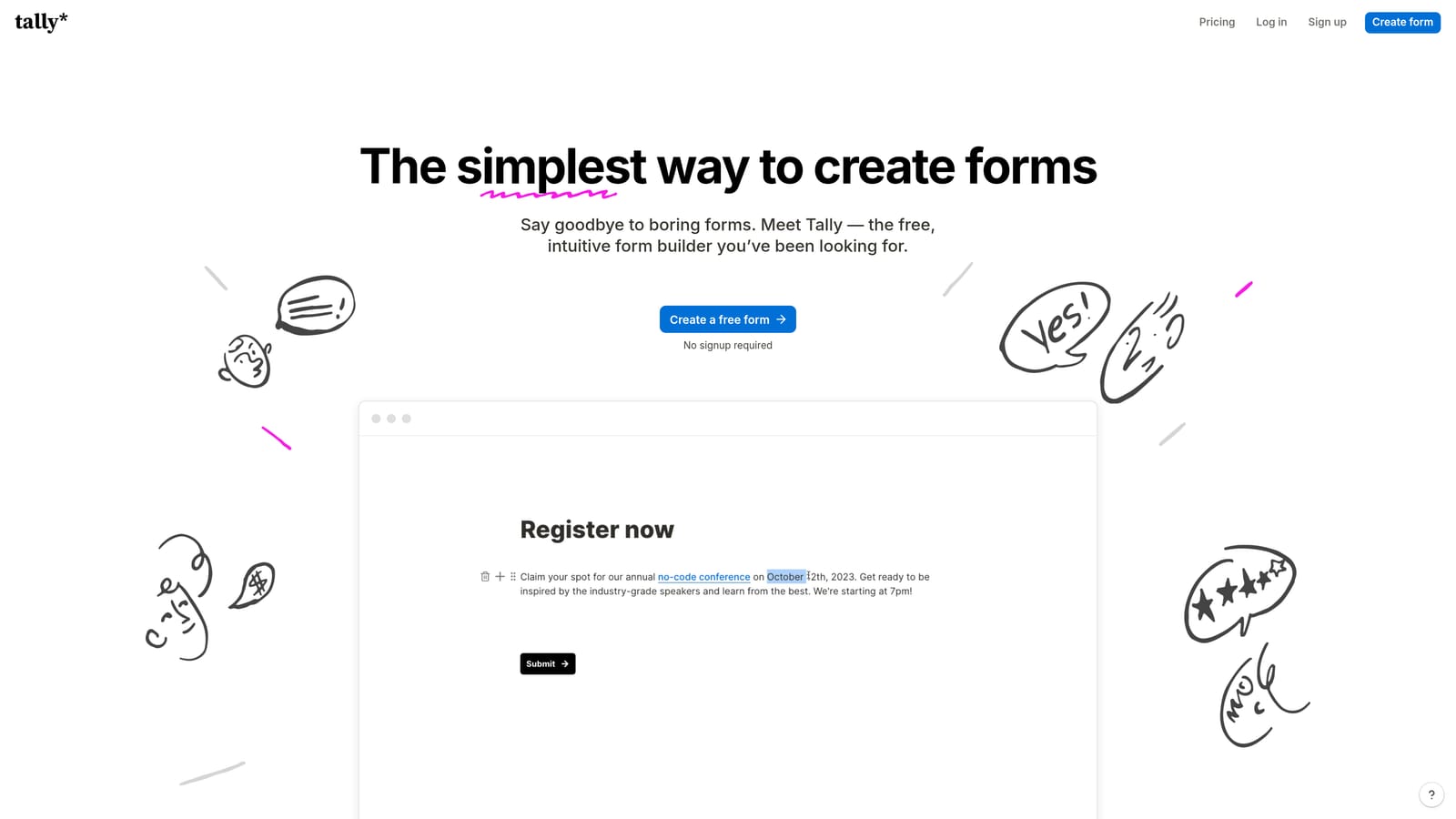
Tally is a free-first form builder with a Notion-style block editor, no per-response limits on its free plan, and a clean, minimal interface that prioritizes speed and simplicity.
Where This Tool Shines
Tally's free plan is genuinely generous. Unlike many tools that gate core functionality behind a paywall, Tally gives you unlimited responses on the free tier, which is a meaningful differentiator for teams watching their tool spend. The block-based editor will feel immediately familiar to anyone who uses Notion, making the learning curve almost nonexistent for that audience.
The platform supports conditional logic, file uploads, and payment collection, covering the basics well. Where Tally shows its limitations is in native integrations and lead qualification depth. Teams that need complex routing or CRM-level contact management will find themselves reaching for additional tools to fill the gaps.
Key Features
Notion-Style Block Editor: An intuitive, block-based editing experience that makes building forms fast and familiar.
No Per-Response Limits on Free Plan: Collect unlimited responses without hitting a paywall, a rare offering in this category.
Conditional Logic and File Uploads: Build dynamic forms that respond to user input and accept file submissions.
Payment Collection: Accept payments directly through Tally forms.
Custom Domain Support: Available on the Pro plan for teams that want to host forms on their own domain.
Best For
Tally is an excellent starting point for early-stage teams, solo operators, and anyone who wants a capable form builder without a monthly bill. It is less suited for growth-stage teams that need lead scoring, deep integrations, or enterprise-level automation.
Pricing
The free plan covers most core use cases. The Pro plan adds custom domains, white-labeling, and additional features. Check tally.so for current pricing.
5. Paperform
Best for: Creative teams and agencies that want forms to look and feel like branded landing pages.
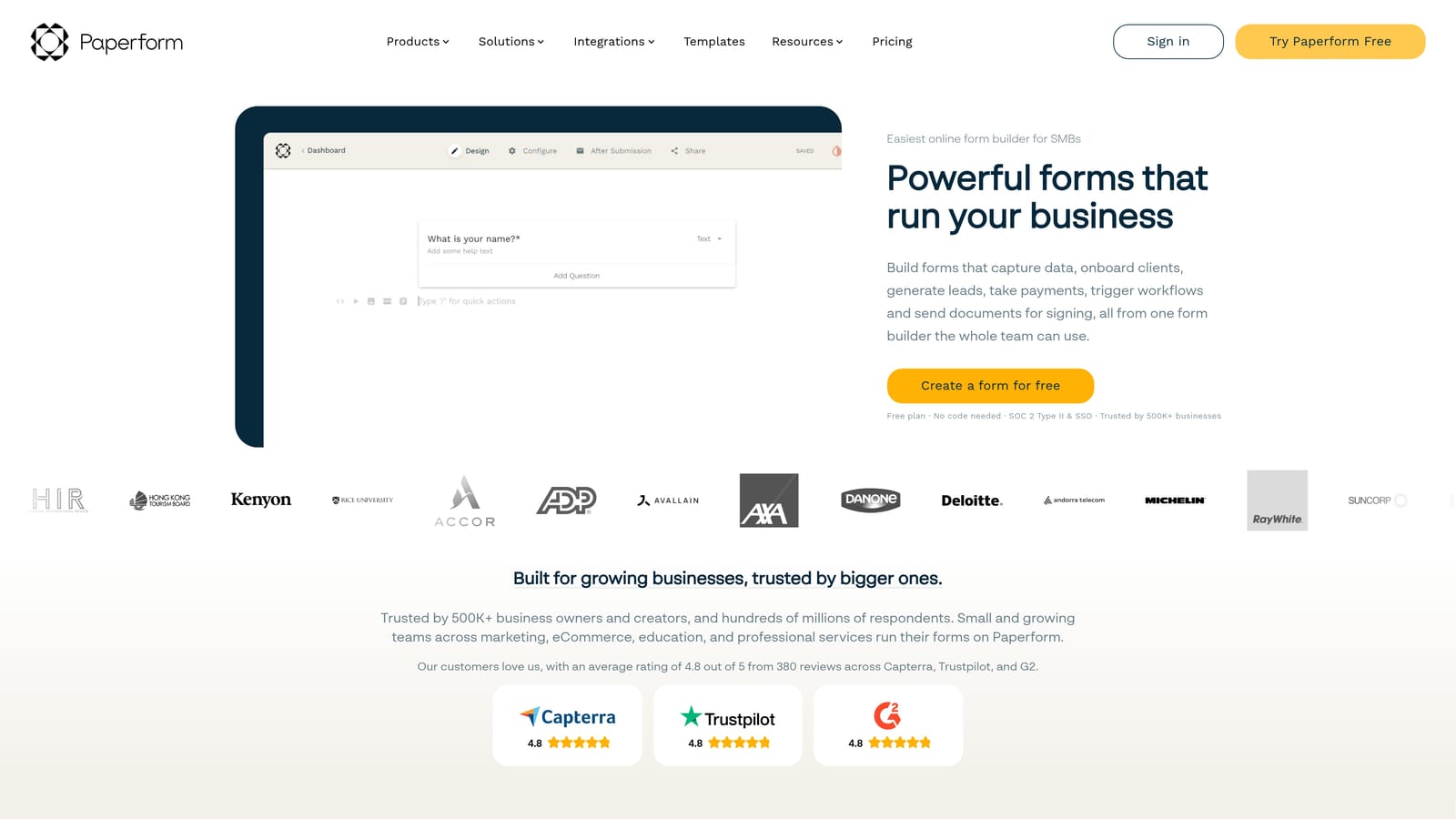
Paperform is a design-rich form builder with a document-style editor that lets teams mix text, images, video, and form fields freely, creating experiences that feel closer to a branded page than a traditional form.
Where This Tool Shines
Paperform gives you more visual control than almost any other tool on this list. The free-form layout means you are not locked into a rigid column structure. You can place descriptive copy next to a question, embed a product video above a booking field, or build a quiz that reads like a magazine article. For brands where aesthetics matter, this flexibility is a genuine advantage.
The platform also handles a wide range of use cases within a single tool: payments, bookings, quizzes, and surveys all live under one roof. The trade-off is pricing. Paperform does not offer a permanent free plan, and its paid tiers sit at a higher price point than some competitors offering comparable features. It is also less AI-native than newer platforms built with automation in mind from the ground up.
Key Features
Document-Style Editor: Free-form layout control lets you place any element anywhere, giving forms a landing page quality.
Multi-Purpose Platform: Supports payments, bookings, quizzes, and surveys without needing separate tools for each.
Strong Visual Customization: Extensive branding controls including fonts, colors, backgrounds, and custom CSS.
Conditional Logic and Calculation Fields: Dynamic form behavior based on user responses, including real-time calculations.
Integrations: Connects with Zapier, Slack, Notion, and a range of other platforms for workflow automation.
Best For
Paperform is the right choice for agencies, designers, and brand-conscious teams where visual presentation is as important as functionality. It suits teams running bookings, quizzes, or payment-enabled forms who want everything under one visually polished roof.
Pricing
No permanent free plan is available, though a trial lets you explore the platform before committing. Check paperform.co for current plan pricing.
6. Formstack
Best for: Enterprise and mid-market teams that need compliance-ready forms with complex approval workflows.
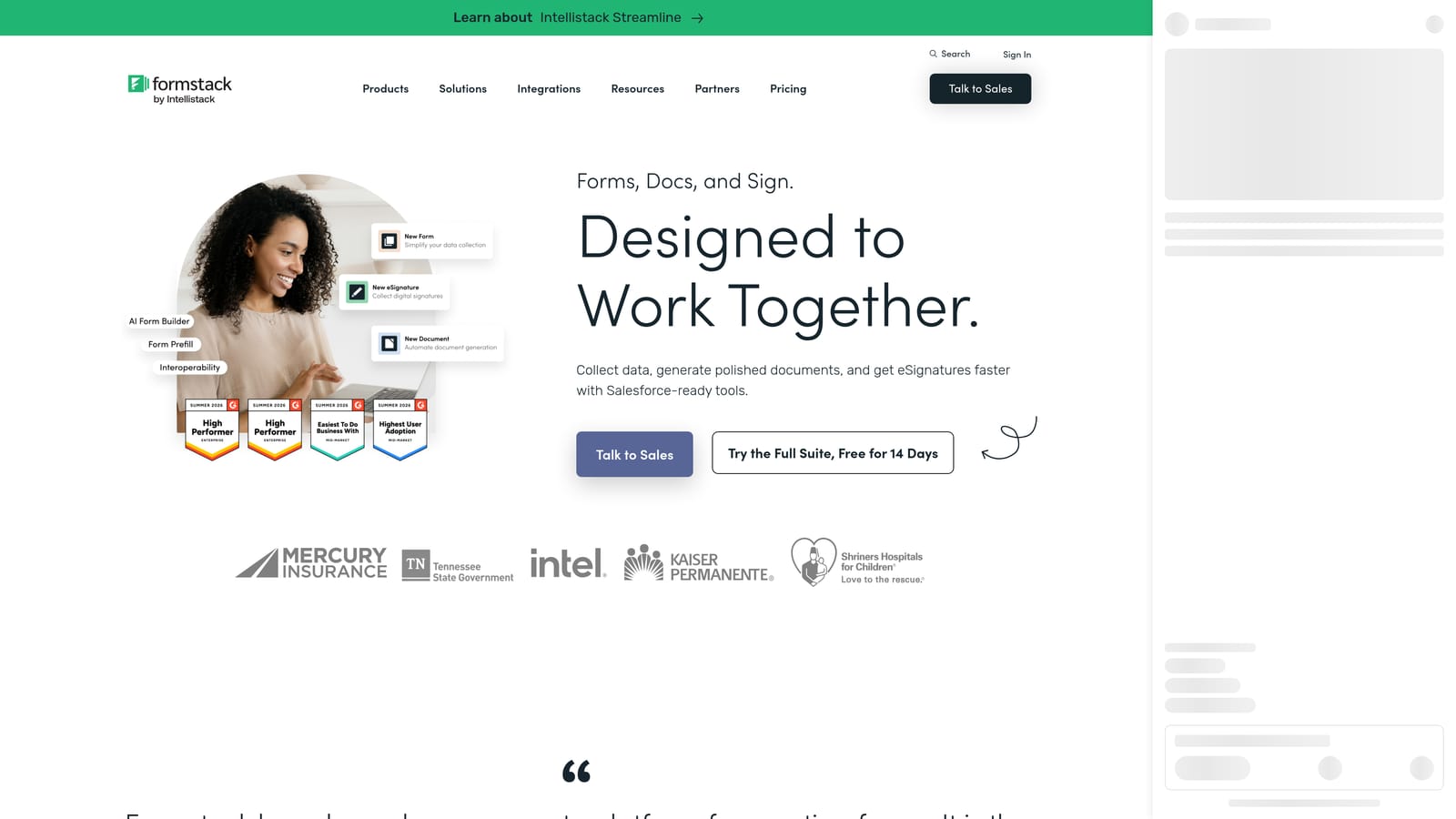
Formstack is an enterprise-grade platform that combines forms, document generation, and workflow automation into a single compliance-focused solution built for organizations with complex data handling requirements.
Where This Tool Shines
Formstack earns its place in regulated industries and large organizations where compliance is non-negotiable. HIPAA and GDPR-ready data handling, combined with advanced approval routing, makes it one of the few form platforms that can genuinely serve healthcare, legal, and financial services teams without requiring custom development.
The document generation capability is also a differentiator. Formstack can take form submission data and automatically populate contracts, agreements, or reports, creating a seamless handoff between data collection and document workflows. The platform's learning curve is steeper than most on this list, and its pricing reflects an enterprise positioning that makes it overkill for smaller teams with simpler needs.
Key Features
Advanced Workflow Routing: Multi-step approval flows that route submissions through the right people in the right order.
Document Generation: Automatically create populated documents from form submission data.
Compliance-Ready Data Handling: HIPAA and GDPR-compliant infrastructure for regulated industries.
Enterprise CRM Integrations: Deep Salesforce integration alongside connections to other enterprise systems.
Conditional Logic and Prefill: Dynamic form behavior and the ability to prefill fields from existing data sources.
Best For
Formstack is purpose-built for mid-market and enterprise teams in regulated industries that need compliance, approval routing, and document generation as core requirements rather than nice-to-haves. It is not the right fit for small teams or anyone looking for a lightweight, fast-to-deploy solution.
Pricing
Formstack is positioned at a higher price point reflecting its enterprise feature set. Visit formstack.com for current plan details.
Which Tool Is Right for Your Team?
Each tool on this list serves a different kind of team, and the right choice comes down to what you actually need your forms to do.
Orbit AI stands apart for high-growth teams that want forms to actively drive revenue. If lead qualification, automated follow-ups, and conversion optimization are your priorities, it is the only tool here built with those outcomes at its core rather than layered on top.
Typeform is the go-to for teams prioritizing respondent experience and branded surveys, particularly for NPS and customer research programs. Jotform wins on sheer versatility, making it a strong choice for operations teams that need payments, e-signatures, and data management in one place.
Tally is hard to beat for early-stage teams and solo operators who want a capable, Notion-friendly builder without a monthly cost. Paperform is the pick for design-forward teams and agencies where visual branding is a priority. And Formstack is the right fit when compliance and enterprise-grade workflow routing are non-negotiable.
If you are running a high-growth SaaS or marketing team and you are ready to move beyond basic data collection, Orbit AI is where that journey starts. Transform your lead generation with AI-powered forms that qualify prospects automatically while delivering the modern, conversion-optimized experience your team needs. Start building free forms today and see how intelligent form design can elevate your conversion strategy.


