

You've built a great form. You've optimized the copy, streamlined the fields, and placed it perfectly on your highest-traffic pages. Then you check the analytics and realize something frustrating: people are starting your form but not finishing it. They're clicking in, typing a few characters, and then... vanishing.
Form abandonment is one of the most common conversion killers in digital marketing. The right tracking solution helps you see exactly where prospects drop off, which fields cause friction, and what changes will actually move the needle on completions.
We've evaluated the leading form abandonment tracking solutions based on analytics depth, implementation ease, integration capabilities, and pricing accessibility. Here are the top tools that help high-growth teams diagnose and fix form abandonment issues.
1. Orbit AI
Best for: Teams wanting AI-powered form optimization with built-in abandonment tracking
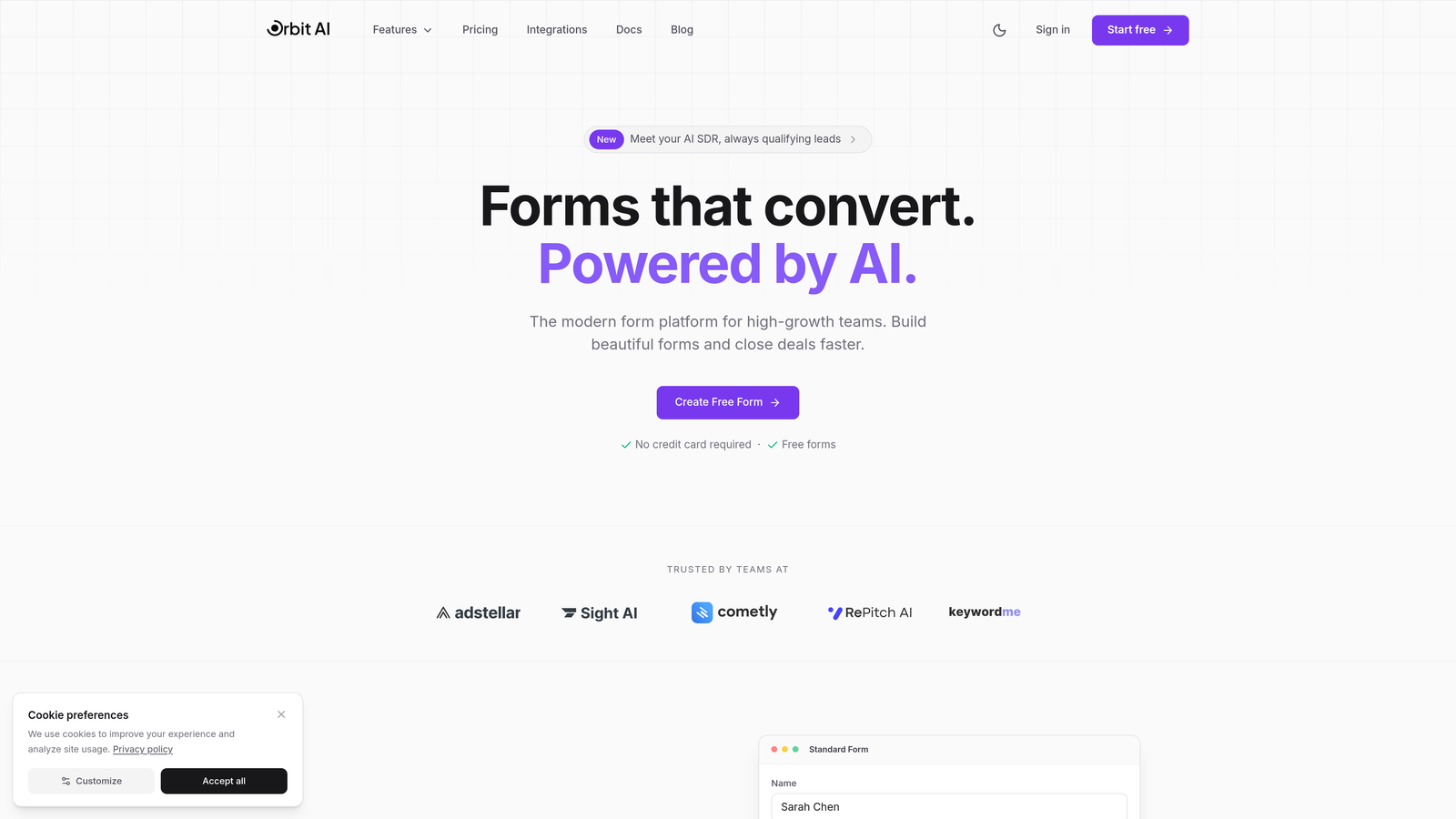
Orbit AI is an intelligent form builder platform that combines creation, tracking, and lead qualification in one modern solution.
Where This Tool Shines
Unlike standalone analytics tools that only show you problems, Orbit AI helps you build better forms from the start while tracking performance in real-time. The platform uses AI to qualify leads as they complete forms, so you're not just reducing abandonment—you're improving lead quality simultaneously.
The field-level drop-off insights show exactly which questions cause hesitation, letting you test alternatives quickly. For high-growth teams managing multiple forms across campaigns, having creation and analytics in one platform eliminates tool switching and speeds up optimization cycles.
Key Features
Real-time Form Abandonment Analytics: Track exactly where users drop off with field-by-field visibility into completion rates.
AI-Powered Lead Qualification: Automatically score and route leads based on form responses while tracking engagement patterns.
Conversion-Optimized Form Templates: Start with pre-built templates designed to minimize abandonment based on conversion best practices.
Integration with Major CRMs: Connect seamlessly to your existing marketing stack to correlate form data with downstream conversion metrics.
Field-Level Drop-Off Insights: Identify problematic fields causing friction and test improvements without developer resources.
Best For
High-growth B2B teams, marketing agencies, and SaaS companies that need both powerful form analytics and the ability to quickly iterate on form design. Particularly valuable if you're managing lead qualification workflows and want abandonment tracking integrated with your form creation process.
Pricing
Visit the pricing page for current plan options. Free tier available for teams getting started with intelligent form tracking.
2. Hotjar
Best for: Visual learners who want to watch session replays of form interactions
Hotjar is a behavior analytics platform that combines heatmaps, session recordings, and form analysis to show exactly how users interact with your forms.
Where This Tool Shines
Hotjar excels at making user behavior visual and intuitive. Instead of staring at spreadsheets of abandonment rates, you watch actual recordings of users struggling with specific fields. The heatmaps reveal which form elements attract attention and which get ignored entirely.
The combination of session replay with form-specific analytics means you can identify patterns quickly. When you see five users in a row hesitate at the same field, you know exactly what needs fixing. The feedback widgets let you ask users directly why they abandoned, adding qualitative context to quantitative data.
Key Features
Session Recordings with Form Focus: Watch replays filtered specifically for form interactions to see hesitation, confusion, and abandonment in real-time.
Heatmaps Showing Click and Scroll Behavior: Visualize where users click, move, and scroll on pages containing forms.
Form Analysis Dashboard: Get field-level metrics showing completion rates, time spent per field, and drop-off points.
User Feedback Widgets: Trigger surveys asking users why they didn't complete forms, capturing abandonment reasons directly.
Funnel Visualization: Track multi-step form progression and identify which steps cause the biggest drop-offs.
Best For
Marketing teams, UX designers, and product managers who prefer visual data and want to share compelling user behavior evidence with stakeholders. Especially useful if you need to convince others that form changes are necessary.
Pricing
Free plan available with basic features. Paid plans start at $32/month with increased session limits and advanced features.
3. Formisimo
Best for: Teams needing granular field-by-field data on form completion patterns
Formisimo is a dedicated form analytics platform providing detailed field-level data on how users complete or abandon forms.
Where This Tool Shines
Formisimo focuses exclusively on form analytics, which means it goes deeper than general behavior tools. You get time-per-field metrics showing exactly how long users spend on each question, revealing which fields cause confusion even if users eventually complete them.
The error and correction tracking is particularly valuable. You can see not just that users abandoned at a field, but that they made three attempts to correct their input before giving up. This level of detail helps you identify validation issues, unclear instructions, or overly restrictive field requirements that frustrate users.
Key Features
Field-Level Abandonment Tracking: See precise drop-off rates for every single field in your forms.
Time-Per-Field Analysis: Identify fields where users spend excessive time, indicating confusion or difficulty.
Error and Correction Tracking: Monitor validation errors and how many attempts users make before succeeding or abandoning.
A/B Testing Integration: Compare form variations to see which designs reduce abandonment most effectively.
Custom Event Tracking: Set up tracking for specific user actions beyond standard form interactions.
Best For
Conversion rate optimization specialists, data-driven marketers, and teams managing complex multi-field forms where understanding granular user behavior is critical for improvement.
Pricing
Custom pricing based on monthly form submission volume. Contact sales for specific quotes.
4. Mouseflow
Best for: Teams wanting automatic friction detection with minimal manual analysis
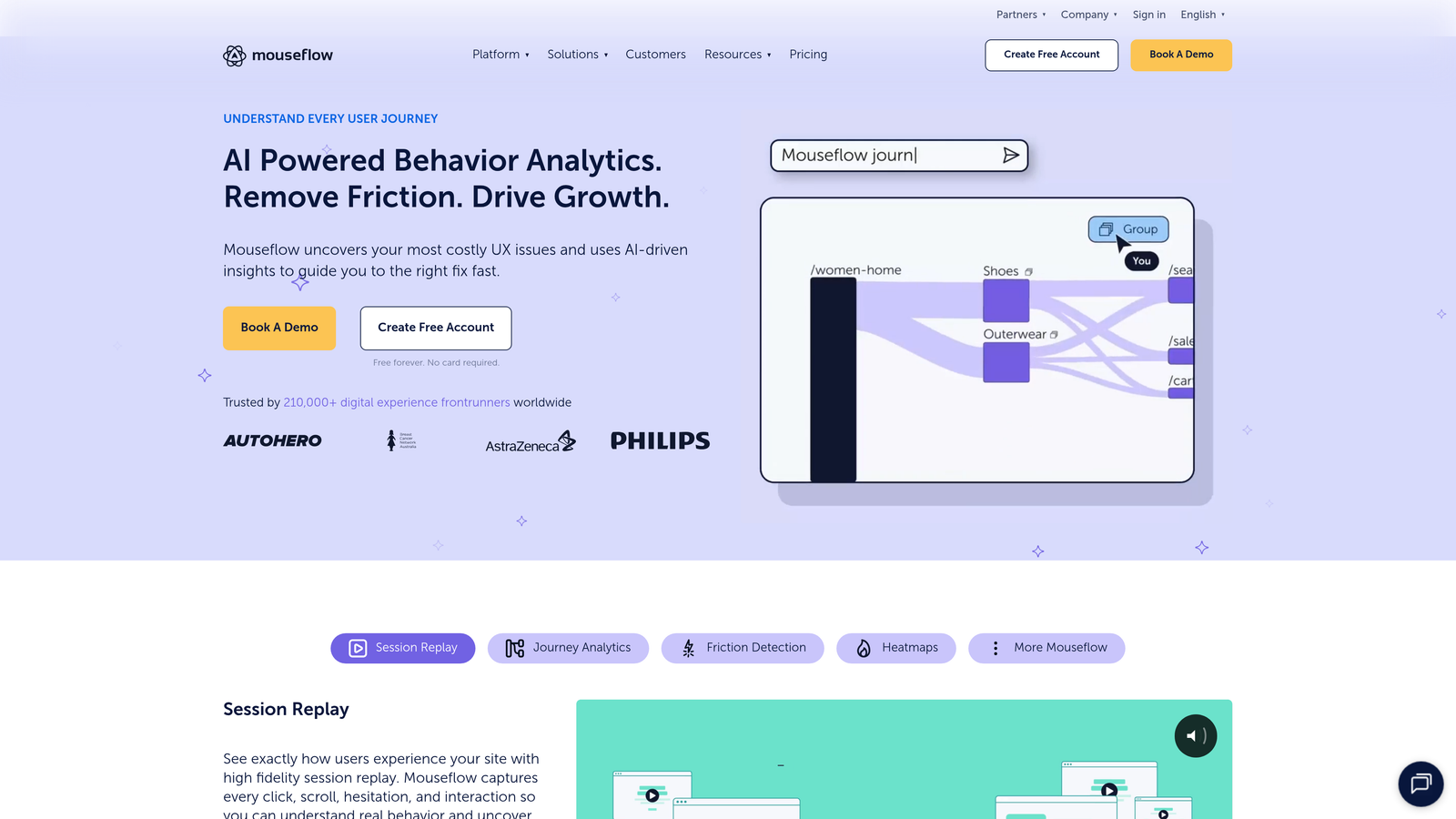
Mouseflow is a session replay and heatmap tool with dedicated form analytics features including friction scoring and automatic bottleneck detection.
Where This Tool Shines
Mouseflow's friction score is its standout feature. Instead of manually reviewing every form field's performance, the platform automatically calculates a score indicating where users struggle most. High friction scores flag problematic areas instantly, saving hours of analysis time.
The attention heatmaps show not just clicks but where users look and hover, revealing cognitive load. If users repeatedly hover over a field without clicking, it suggests confusion about what's being asked. This psychological layer of insight helps you optimize not just form structure but the clarity of your questions.
Key Features
Form Analytics Dashboard: Centralized view of all form performance metrics with field-level granularity.
Friction Score Calculation: Automatic scoring system highlighting fields causing the most user struggle.
Session Replay with Form Focus: Filter recordings to show only sessions where users interacted with specific forms.
Funnel Analysis: Track multi-step form completion rates and identify drop-off stages in complex workflows.
Click and Attention Heatmaps: Visualize both where users click and where they focus attention before interacting.
Best For
Teams with limited analytics resources who need automated insights, and organizations managing multiple forms across different pages who want quick identification of problem areas.
Pricing
Free plan available for up to 500 recordings per month. Paid plans start at $31/month with increased recording limits.
5. FullStory
Best for: Enterprise teams needing AI-powered frustration detection and comprehensive compliance
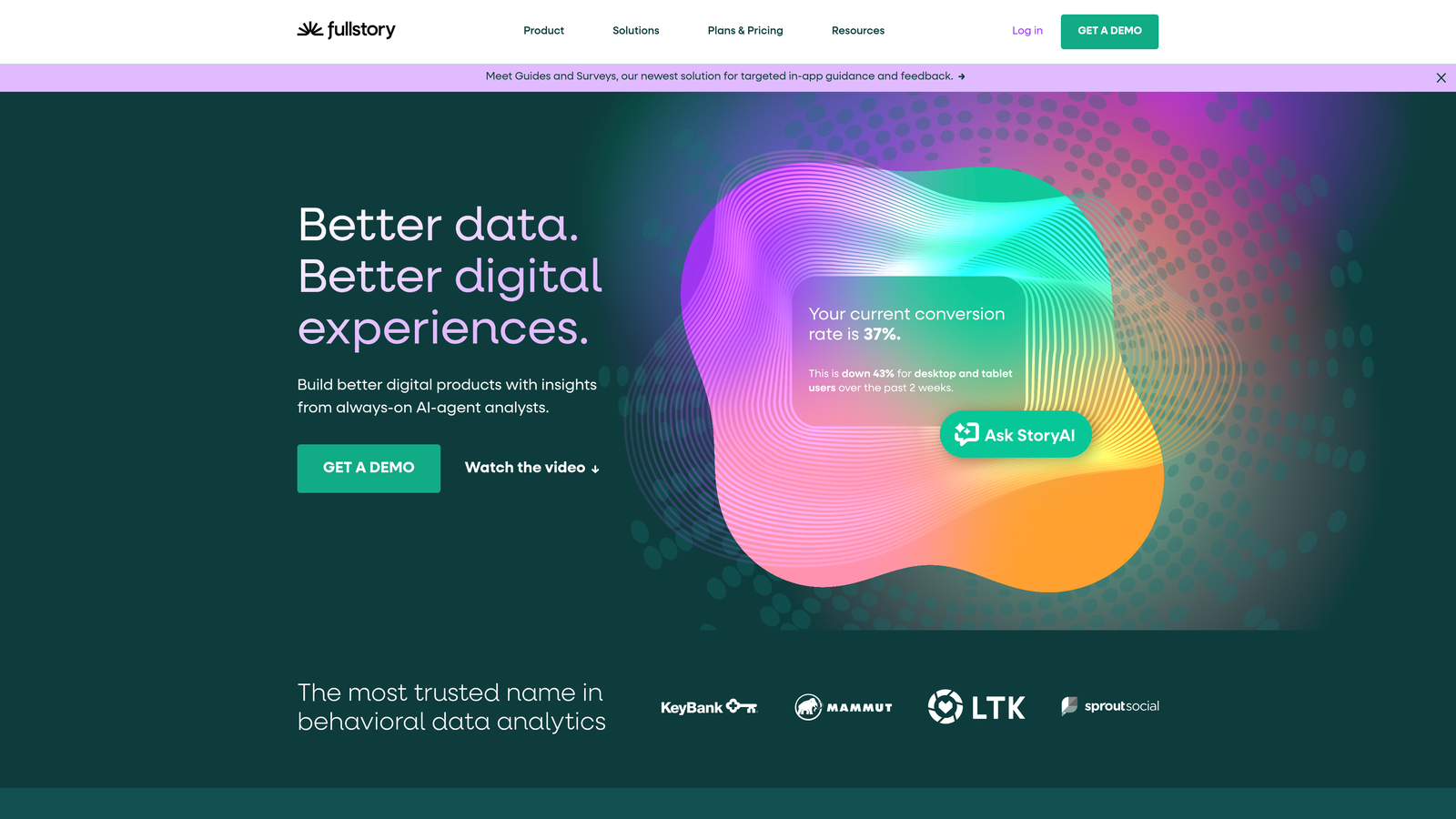
FullStory is an enterprise digital experience intelligence platform with AI-powered frustration detection and comprehensive form interaction analytics.
Where This Tool Shines
FullStory's AI-powered frustration signals automatically detect rage clicks, error clicks, and dead clicks on form fields. You don't need to manually search for problems—the platform surfaces sessions where users exhibited frustration behaviors, letting you prioritize the most impactful fixes first.
The searchable session replay capability is powerful for form optimization. You can query for specific scenarios like "users who clicked the email field three times but never submitted" and instantly find relevant sessions. For enterprise teams managing forms with sensitive data, FullStory's security and compliance features ensure tracking doesn't compromise privacy requirements.
Key Features
AI-Powered Frustration Signals: Automatic detection of user frustration behaviors like rage clicking and repeated error encounters.
Rage Click Detection: Identify form fields where users click repeatedly in frustration, indicating broken functionality or unclear design.
Searchable Session Replay: Query recordings using natural language to find specific form interaction patterns.
Custom Event Funnels: Build complex funnels tracking form abandonment across multi-page workflows and user journeys.
Enterprise Security and Compliance: GDPR, CCPA, and HIPAA compliance features with data masking for sensitive form fields.
Best For
Large enterprises, regulated industries handling sensitive data, and organizations with complex customer journeys where form abandonment is part of a broader experience optimization strategy.
Pricing
Custom enterprise pricing based on monthly session volume and feature requirements. Contact sales for quotes.
6. Lucky Orange
Best for: Small businesses wanting comprehensive conversion tools at accessible prices
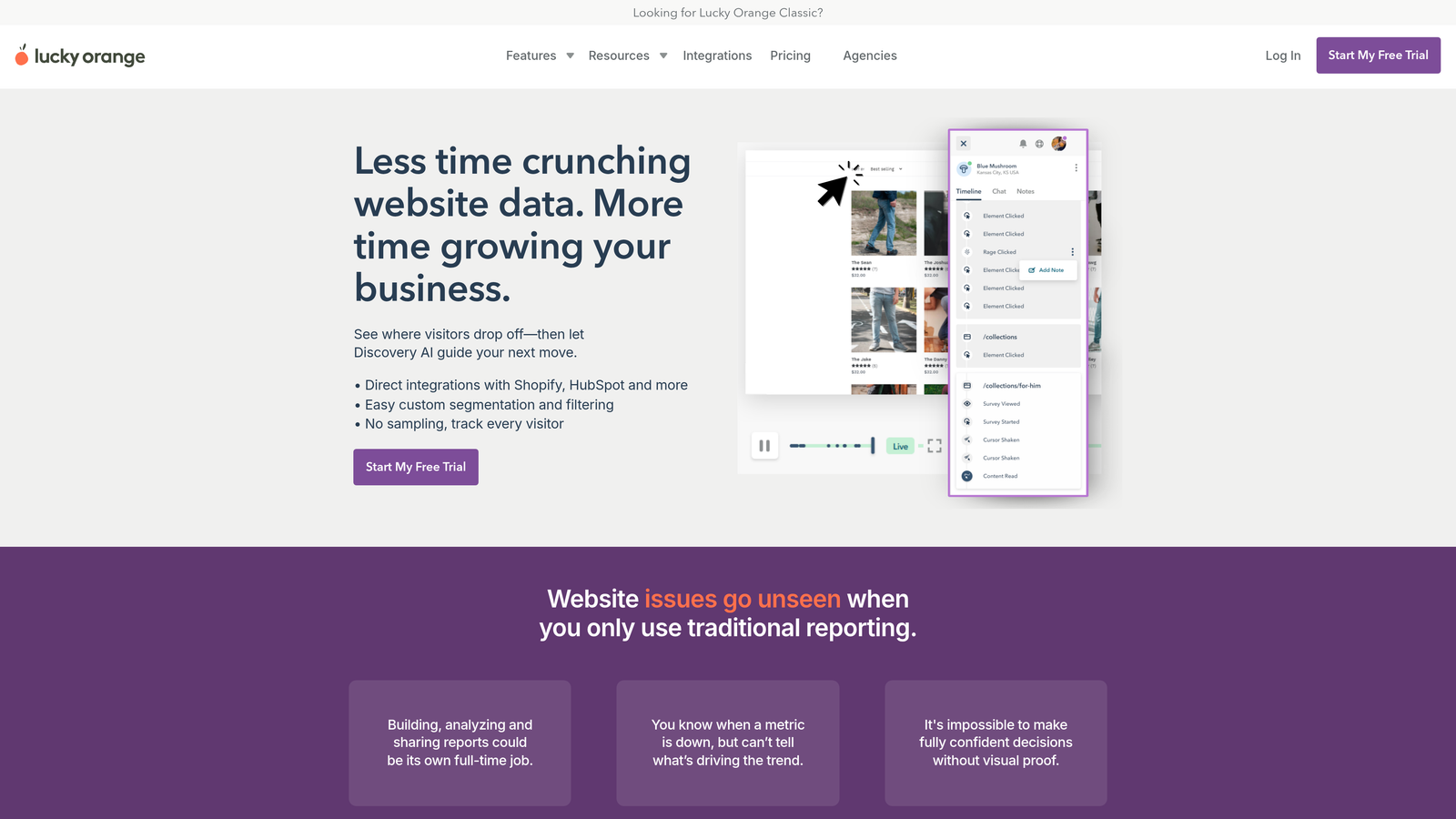
Lucky Orange is an all-in-one conversion optimization suite offering form analytics, session recordings, and live chat at budget-friendly price points.
Where This Tool Shines
Lucky Orange bundles form analytics with live chat, which creates a powerful combination for reducing abandonment in real-time. When you see someone struggling with your form in the live visitor dashboard, you can proactively offer help through chat before they abandon.
The real-time aspect extends to all features. You watch form interactions as they happen, not hours later in batch reports. For small teams running limited-time campaigns or promotions, this immediacy lets you spot and fix form issues before they tank an entire campaign.
Key Features
Real-Time Form Analytics: Monitor form performance with live data updates showing current abandonment patterns.
Live Visitor Dashboard: See who's on your site right now and whether they're interacting with forms.
Dynamic Heatmaps: Heatmaps that update in real-time as visitors interact with your forms.
Conversion Funnels: Track multi-step processes including form completion as part of broader conversion paths.
Surveys and Polls: Trigger exit surveys when users abandon forms to understand their reasoning.
Best For
Small businesses, startups, and agencies managing client sites who need multiple conversion optimization tools without enterprise budgets. Particularly valuable if you want to combine analytics with proactive visitor engagement.
Pricing
Free plan available with limited features. Paid plans start at $32/month with full feature access.
7. Zuko
Best for: Data-driven teams wanting industry benchmarking alongside form analytics
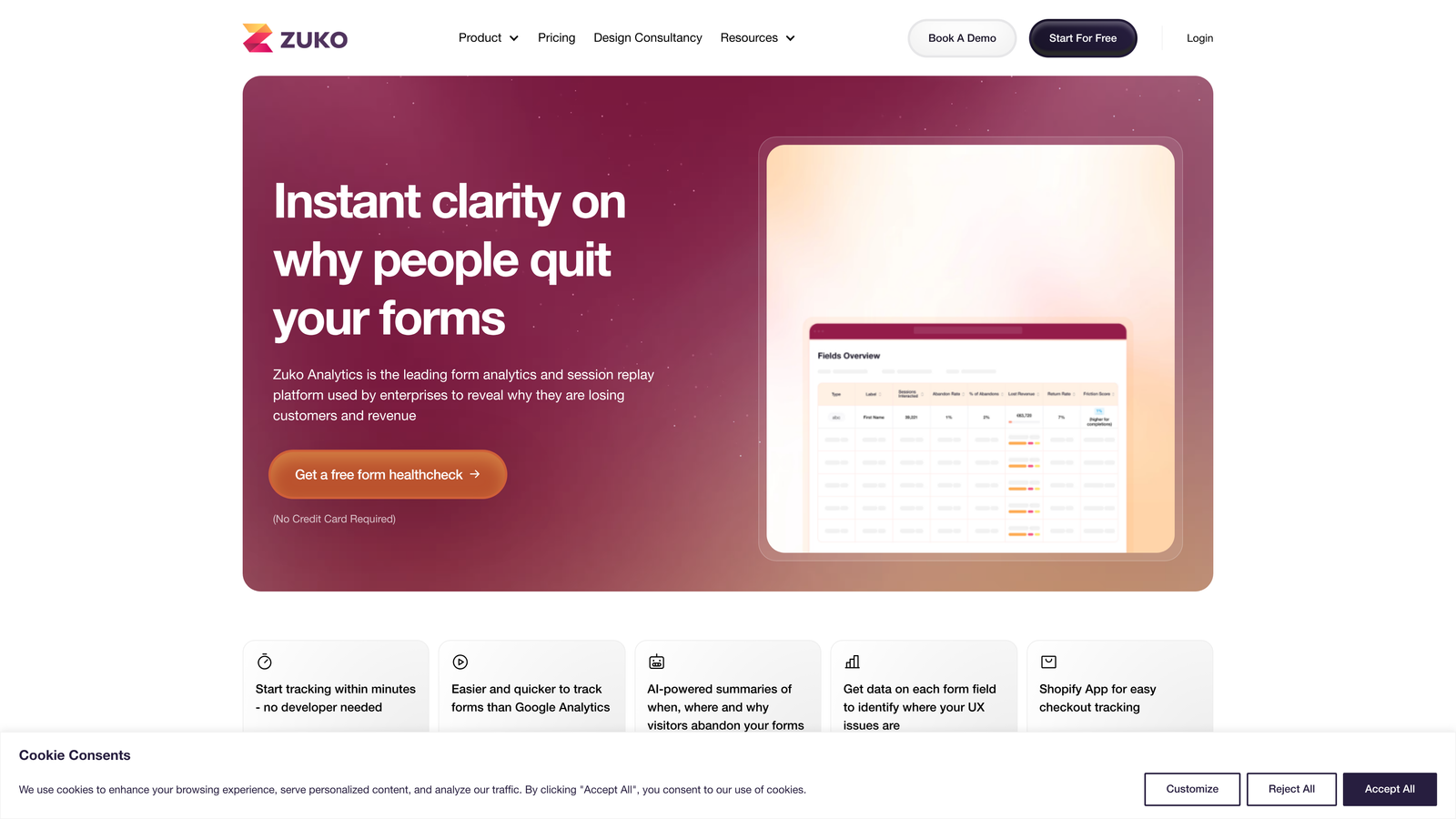
Zuko is a purpose-built form analytics platform offering deep insights into form performance with industry benchmarking data.
Where This Tool Shines
Zuko's industry benchmarking feature answers the critical question: "Is my 40% abandonment rate actually bad?" You can compare your form performance against industry averages, helping you set realistic optimization goals and prioritize improvements that matter most.
The problem field identification goes beyond simple abandonment rates. Zuko analyzes multiple signals—time spent, correction attempts, cursor movement patterns—to automatically flag fields likely causing issues. This multi-factor approach reduces false positives and helps you focus on fields genuinely harming conversions.
Key Features
Field-Level Analytics: Comprehensive metrics for every form field including completion rates, time spent, and interaction patterns.
Industry Benchmarking Data: Compare your form performance against industry standards to contextualize your metrics.
Problem Field Identification: Automatic flagging of fields causing disproportionate abandonment or friction.
Session Replay for Forms: Watch recordings filtered specifically for form interactions to see user behavior context.
Multi-Step Form Tracking: Track progression through complex multi-page form workflows with step-level granularity.
Best For
Marketing teams, CRO specialists, and organizations managing high-value forms where small improvements in completion rates drive significant revenue impact. Especially useful for teams needing to justify optimization investments with competitive context.
Pricing
Plans start at $140/month based on monthly form submission volume and number of forms tracked.
8. Microsoft Clarity
Best for: Teams needing solid form tracking without budget constraints
Microsoft Clarity is a free behavior analytics tool with unlimited traffic, session recordings, and heatmaps—ideal for teams needing form tracking without budget limitations.
Where This Tool Shines
The most remarkable thing about Clarity is that it's completely free with no traffic limits. Teams processing millions of sessions monthly get the same features as small sites, making it an incredible value proposition for growing businesses worried about analytics costs scaling with traffic.
The Google Analytics integration is seamless, letting you correlate form abandonment data with broader traffic patterns and conversion metrics. You can see which traffic sources send users who complete forms versus those who abandon, informing both form optimization and acquisition strategy.
Key Features
Completely Free with No Traffic Limits: Unlimited session recordings and heatmaps regardless of site traffic volume.
Session Recordings: Watch user interactions with forms to identify friction points and abandonment triggers.
Heatmaps: Visualize click patterns and scroll behavior on pages containing forms.
Google Analytics Integration: Connect Clarity data with GA4 for unified analysis of form performance and traffic quality.
GDPR and CCPA Compliant: Built-in privacy features and data handling that meets major regulatory requirements.
Best For
Startups, bootstrapped companies, non-profits, and any organization wanting solid form analytics without budget allocation. Also valuable as a secondary tool for teams using paid solutions but wanting unlimited recording capacity.
Pricing
Completely free. No paid tiers or usage limits.
9. Contentsquare
Best for: Enterprise organizations needing AI-driven insights with revenue attribution
Contentsquare is an enterprise digital experience analytics platform with AI-driven insights, anomaly detection, and revenue impact analysis for form optimization.
Where This Tool Shines
Contentsquare's AI-powered insight generation automatically surfaces form optimization opportunities without requiring manual analysis. The platform identifies patterns across millions of sessions, detecting subtle issues that would be impossible to spot through manual review.
The revenue impact quantification is particularly powerful for enterprise teams. Instead of just knowing that a form field causes abandonment, you see the actual revenue impact of fixing it. This ROI clarity makes it easier to prioritize optimization work and secure resources for form improvements from leadership.
Key Features
AI-Powered Insight Generation: Automatic identification of form optimization opportunities based on machine learning analysis of user behavior patterns.
Revenue Impact Quantification: Calculate the dollar value of form abandonment and potential revenue from improvements.
Zone-Based Analytics: Analyze form performance within the context of entire page zones and user journey stages.
Customer Journey Analysis: Track how form interactions fit into broader customer journeys from awareness to conversion.
Automatic Anomaly Alerts: Get notified immediately when form abandonment rates spike or drop significantly.
Best For
Large enterprises with complex digital ecosystems, e-commerce companies where form performance directly impacts revenue, and organizations needing executive-level reporting with business impact metrics rather than just technical analytics.
Pricing
Custom enterprise pricing based on traffic volume, number of properties tracked, and feature requirements. Contact sales for detailed quotes.
Making the Right Choice
The best form abandonment tracking solution depends on your team's size, budget, and analytical maturity. If you're just starting with form optimization, Microsoft Clarity offers surprisingly robust features at zero cost. It's perfect for validating whether form abandonment is actually a problem worth investing in solving.
For teams that think visually and need to convince stakeholders, Hotjar's session recordings and heatmaps make the case for optimization undeniable. Watching actual users struggle with your forms is far more persuasive than showing spreadsheets of drop-off rates.
If you want analytics integrated directly into your form building process, Orbit AI eliminates the friction of using separate tools. The AI-powered lead qualification means you're simultaneously reducing abandonment and improving lead quality—addressing two conversion challenges at once. Teams managing multiple forms across campaigns benefit from having creation, tracking, and optimization in one platform that's designed for speed.
Enterprise organizations handling sensitive data or needing revenue attribution should consider FullStory or Contentsquare. The AI-powered insights and compliance features justify the investment when form performance directly impacts significant revenue.
The most important step is simply starting to track. Many teams optimize forms based on assumptions rather than data, leading to changes that don't actually improve completion rates. Any of these tools will surface insights you're currently missing, helping you make evidence-based decisions about which form changes will actually move the needle on conversions.
Transform your lead generation with AI-powered forms that qualify prospects automatically while delivering the modern, conversion-optimized experience your high-growth team needs. Start building free forms today and see how intelligent form design can elevate your conversion strategy.


