

A low form completion rate is one of the most frustrating leaks in any conversion funnel. You're driving traffic, generating genuine interest, and then watching potential leads bail halfway through a form. The reasons vary: too many fields, a poor mobile experience, lack of trust signals, or simply a clunky design that kills momentum before the submit button is ever clicked.
The good news is that a new generation of tools tackles this problem from multiple angles. Some rebuild the form experience from the ground up. Others diagnose exactly where users drop off. A few eliminate unnecessary fields entirely by enriching data automatically. We evaluated these solutions based on ease of implementation, impact on completion rates, analytics depth, and pricing flexibility. Whether you need to rebuild your forms from scratch or just figure out what's going wrong with your current setup, this list covers the best options available right now.
1. Orbit AI
Best for: High-growth teams that want AI-powered forms with built-in lead qualification
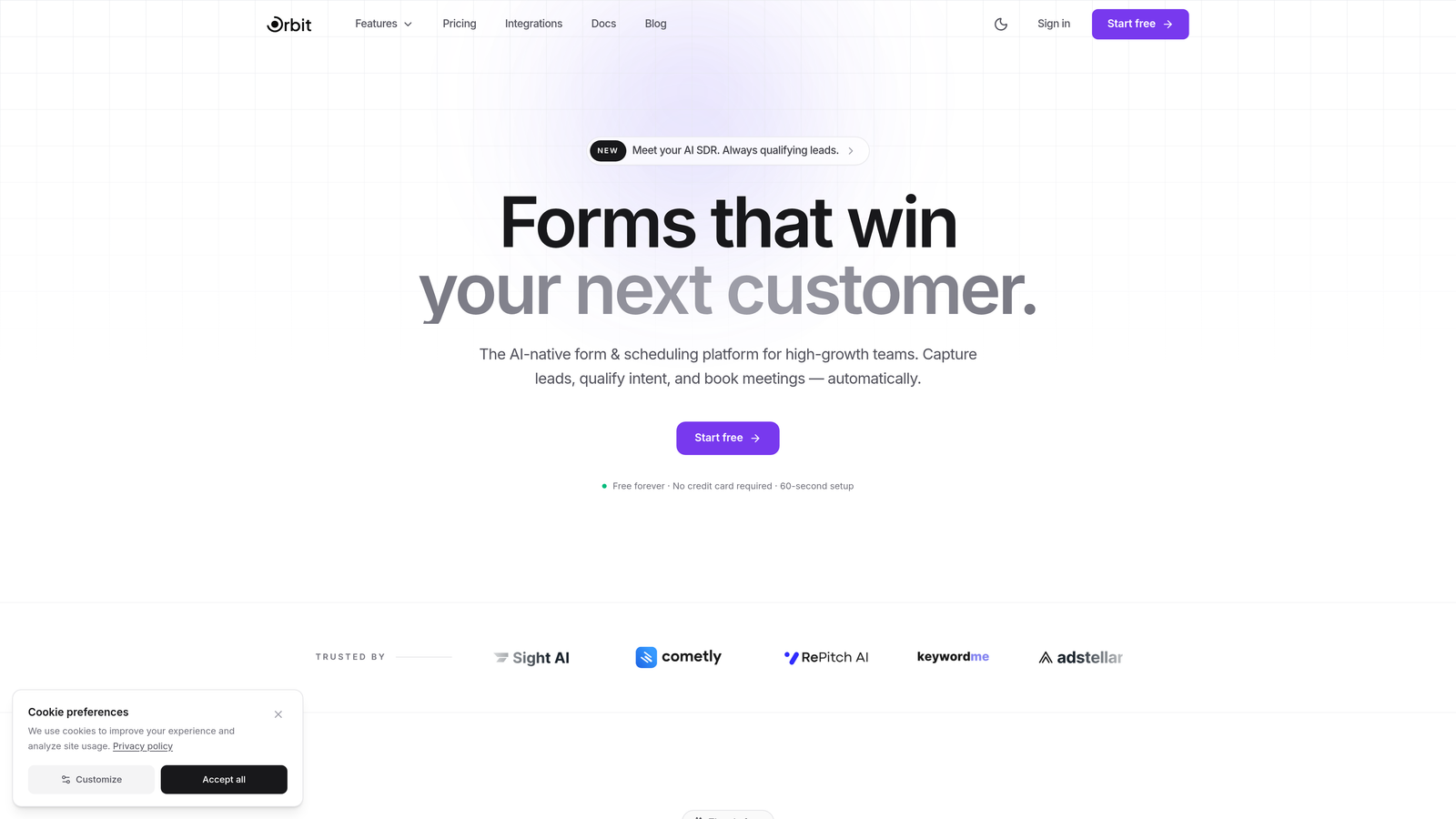
Orbit AI is an AI-powered form builder that creates conversion-optimized forms with built-in lead qualification, designed specifically for teams struggling with form abandonment.
Where This Tool Shines
Most form builders give you a static structure and leave optimization up to you. Orbit AI takes a different approach by dynamically adapting the form experience based on how each user is interacting in real time. If a user hesitates on a particular field or shows signs of dropping off, the form responds intelligently rather than just sitting there losing the lead.
The built-in lead qualification layer is particularly valuable for high-growth teams. Instead of collecting raw submissions and manually sorting quality later, Orbit AI scores leads as they fill out the form. You get better data, faster follow-up, and fewer wasted conversations with prospects who were never a fit.
Key Features
AI-Powered Dynamic Adaptation: The form adjusts in real time based on user behavior, reducing drop-off at the moments that matter most.
Built-In Lead Qualification: Scores and qualifies leads as they complete the form, so your sales team receives prioritized, high-quality submissions.
Conversion-Optimized Templates: Pre-built form designs engineered specifically to minimize abandonment and guide users toward completion.
Conditional Logic: Shows only the fields relevant to each individual user, keeping forms short and friction-free without sacrificing data collection.
Real-Time Field Analytics: Tracks completion and abandonment at the individual field level, so you always know exactly where users are falling off.
Best For
Orbit AI is the strongest fit for SaaS companies, agencies, and high-growth B2B teams that need forms to do more than collect data. If lead quality and conversion rate are both priorities, the combination of AI adaptation and built-in qualification makes this a standout choice.
Pricing
Visit orbitforms.ai for current pricing plans. A free starting option is available for teams ready to explore the platform.
2. Typeform
Best for: Teams that want a conversational form experience to reduce cognitive load
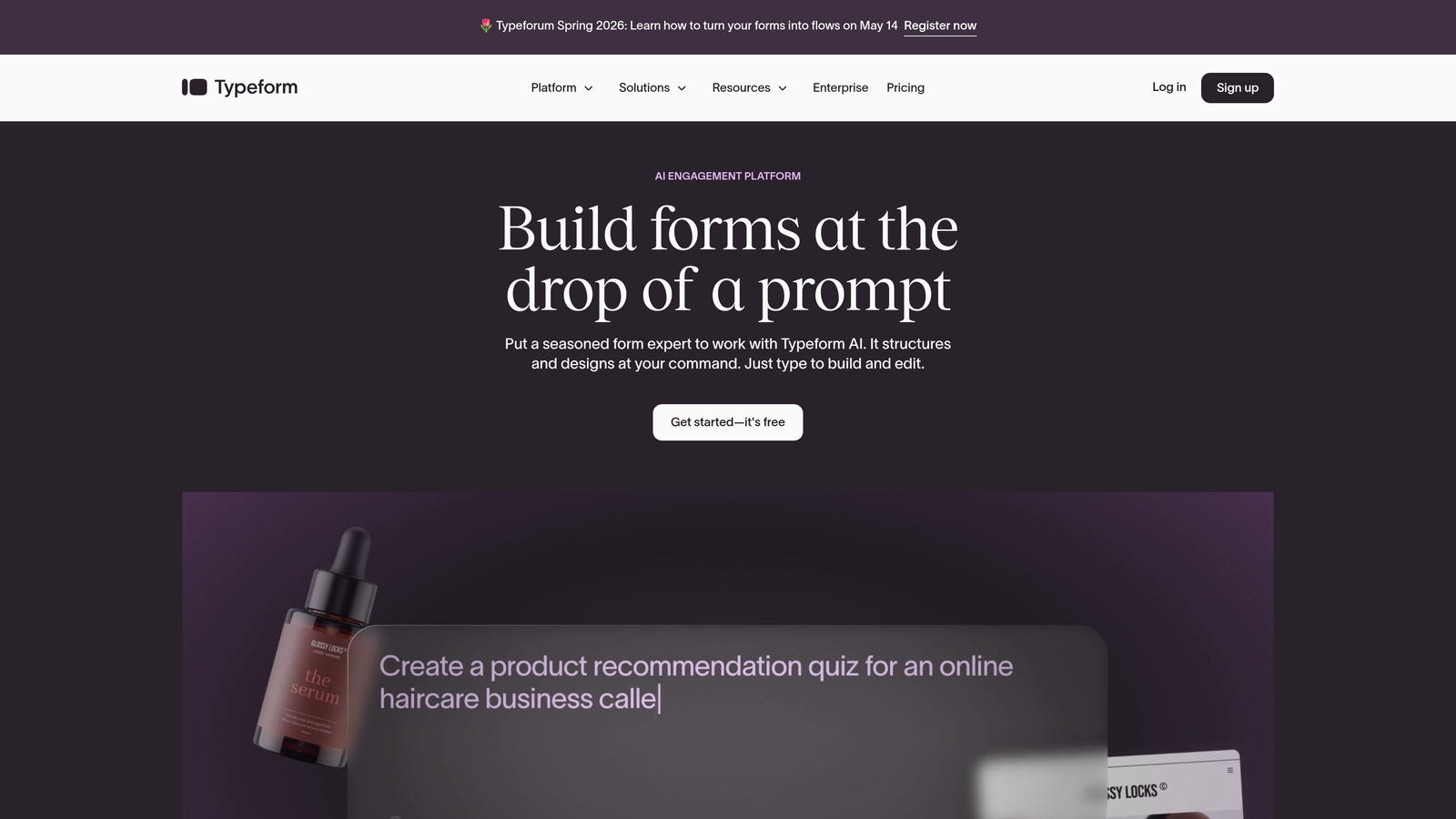
Typeform is a conversational form builder that presents one question at a time, creating an engaging, low-friction experience that keeps users moving toward completion.
Where This Tool Shines
The one-question-at-a-time format is Typeform's defining strength. Traditional forms that display every field simultaneously can feel overwhelming, especially on mobile. Typeform removes that wall of fields and replaces it with something that feels more like a conversation, which tends to reduce the psychological friction that causes abandonment.
The design quality is also genuinely strong. Typeform templates are polished and brand-customizable in ways that most form builders simply aren't, which matters when your form is a direct extension of your brand experience.
Key Features
Conversational Interface: Presents one question at a time to reduce overwhelm and keep users engaged through to submission.
Logic Jumps and Branching: Personalizes form paths based on previous answers, so users only see what's relevant to them.
Brand-Customizable Templates: Highly polished design options that align with your visual identity without requiring a designer.
Native CRM Integrations: Connects directly with major CRMs and marketing automation platforms for seamless data flow.
Built-In Completion Analytics: Tracks completion rates and drop-off points so you can identify and address friction in your forms.
Best For
Typeform works particularly well for lead generation forms, surveys, and onboarding flows where user experience quality directly influences completion. It's a strong choice for marketing teams that prioritize design and engagement over complex backend logic.
Pricing
Free plan available with limited responses. Paid plans start at $25/month, scaling with response volume and advanced features.
3. Hotjar
Best for: Teams that need to diagnose why users are abandoning existing forms
Hotjar is a behavior analytics platform with session recordings, heatmaps, and dedicated form analysis tools that reveal exactly where and why users drop off.
Where This Tool Shines
Hotjar doesn't build forms. What it does is show you, with remarkable clarity, what's going wrong with the forms you already have. Session recordings let you watch real users interact with your forms in real time, which often surfaces problems that no amount of quantitative data would reveal on its own.
The form analysis tool specifically tracks field-level interactions, showing you which fields users skip, which ones they return to repeatedly, and which ones cause them to abandon entirely. This level of granularity is what makes Hotjar genuinely useful for diagnosing completion rate problems rather than just guessing at them.
Key Features
Session Recordings: Watch real user interactions with your forms to identify friction points that data alone can't explain.
Heatmaps: Visualize click, scroll, and mouse movement behavior on form pages to understand attention and engagement patterns.
Form Analysis Tool: Tracks field-level interactions, drop-offs, and hesitation points across your entire form.
User Feedback Widgets: Collect qualitative insights directly from users about why they're not completing forms.
Conversion Funnels: Track the full path leading to your form page to identify drop-off points before users even reach the form.
Best For
Hotjar is ideal for teams that suspect their existing forms have specific friction points but aren't sure where. It's a diagnostic tool first, and it pairs well with any form builder on this list when you're in optimization mode.
Pricing
Free plan available with basic features. Paid plans start at $32/month, with pricing scaling based on daily sessions tracked.
4. Zuko
Best for: Data-driven teams that need granular, field-level form analytics
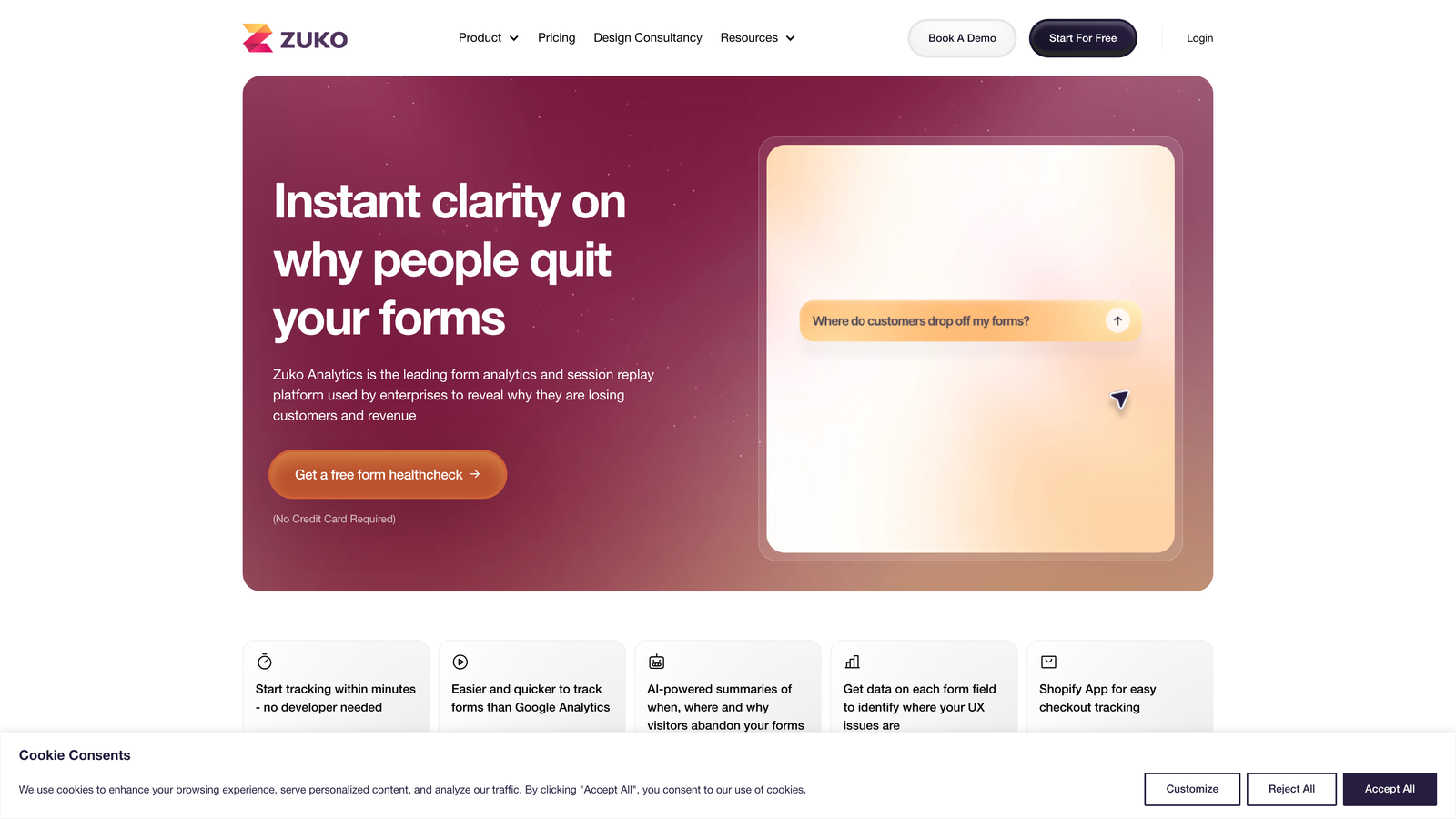
Zuko is a dedicated form analytics platform purpose-built for diagnosing and fixing completion rate issues with field-by-field precision.
Where This Tool Shines
Where Hotjar provides broad behavioral analytics with form analysis as one component, Zuko is entirely focused on forms. That specialization shows. The depth of field-level data Zuko provides goes beyond what general analytics tools offer, making it the strongest pure diagnostic option for teams where form performance is a core business metric.
One particularly useful aspect is that Zuko works with any form regardless of the builder used. You don't need to switch platforms to get the data. Just add the tracking script and start collecting insights on your existing forms immediately.
Key Features
Field-Level Drop-Off Analysis: Identifies exactly which fields cause users to abandon, with precise data for each step in the form.
Time-Per-Field Metrics: Shows how long users spend on each field, revealing where confusion or hesitation is slowing them down.
Segmentation: Breaks down form performance by device type, traffic source, and user segment for targeted optimization.
Real-Time Dashboards: Monitors form performance as it happens, so you can catch sudden drops in completion rate quickly.
Platform-Agnostic Tracking: Works with any form on any platform, making it easy to add without changing your existing stack.
Best For
Zuko is best suited for e-commerce, financial services, and enterprise teams where form complexity is high and even small improvements in completion rate translate to significant revenue impact.
Pricing
Plans start at approximately £100/month. Custom enterprise pricing is available for high-volume needs.
5. Jotform
Best for: Teams that need to quickly replace underperforming forms with a flexible, template-rich builder
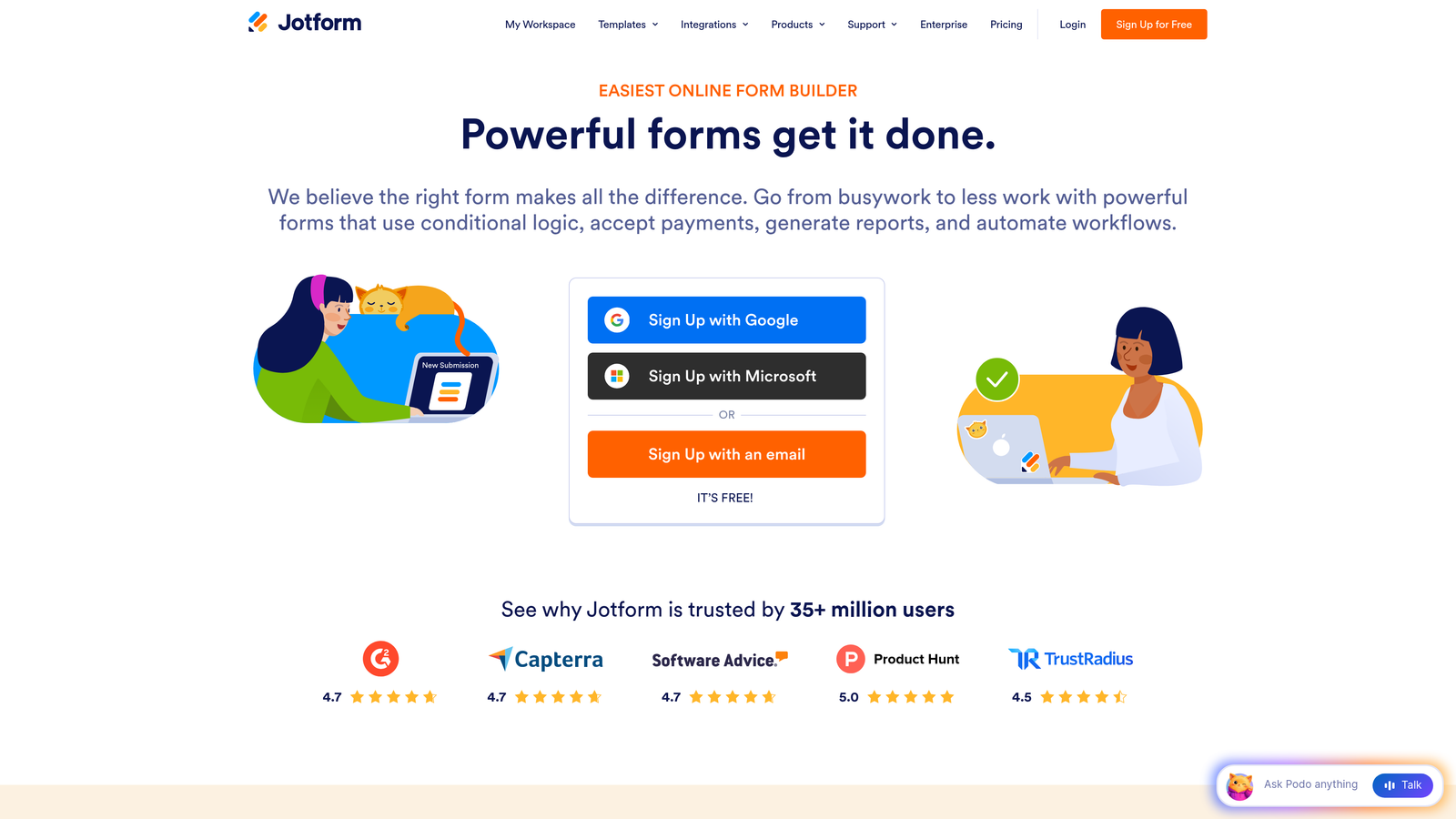
Jotform is a versatile drag-and-drop form builder with an extensive template library, conditional logic, and mobile-responsive designs built in by default.
Where This Tool Shines
Jotform's primary advantage is breadth. With over 10,000 templates across virtually every industry and use case, it's often the fastest path from a broken form to a functional replacement. The no-code drag-and-drop interface means non-technical team members can build and iterate without waiting on developers.
The conditional logic capabilities are solid, allowing you to show or hide fields dynamically based on user responses. This keeps forms feeling shorter and more relevant, which directly addresses one of the most common causes of low completion rates.
Key Features
10,000+ Templates: A massive library of pre-built forms across industries, reducing time-to-launch significantly.
Drag-and-Drop Builder: No-code interface that any team member can use to build and modify forms without technical help.
Conditional Logic: Dynamically shows or hides fields based on user answers, keeping forms concise and relevant.
Mobile-Responsive by Default: All forms automatically adapt to mobile screens, addressing one of the most common completion rate killers.
Payment and E-Signature Support: Built-in integrations for collecting payments and signatures without adding extra steps or tools.
Best For
Jotform is a strong fit for small to mid-sized businesses, nonprofits, and operations teams that need a reliable, flexible form builder without a steep learning curve or a large budget.
Pricing
Free plan available for up to 5 forms. Paid plans start at $34/month with higher submission limits and advanced features.
6. Unbounce Smart Builder
Best for: Teams that want to optimize the entire page context around their forms
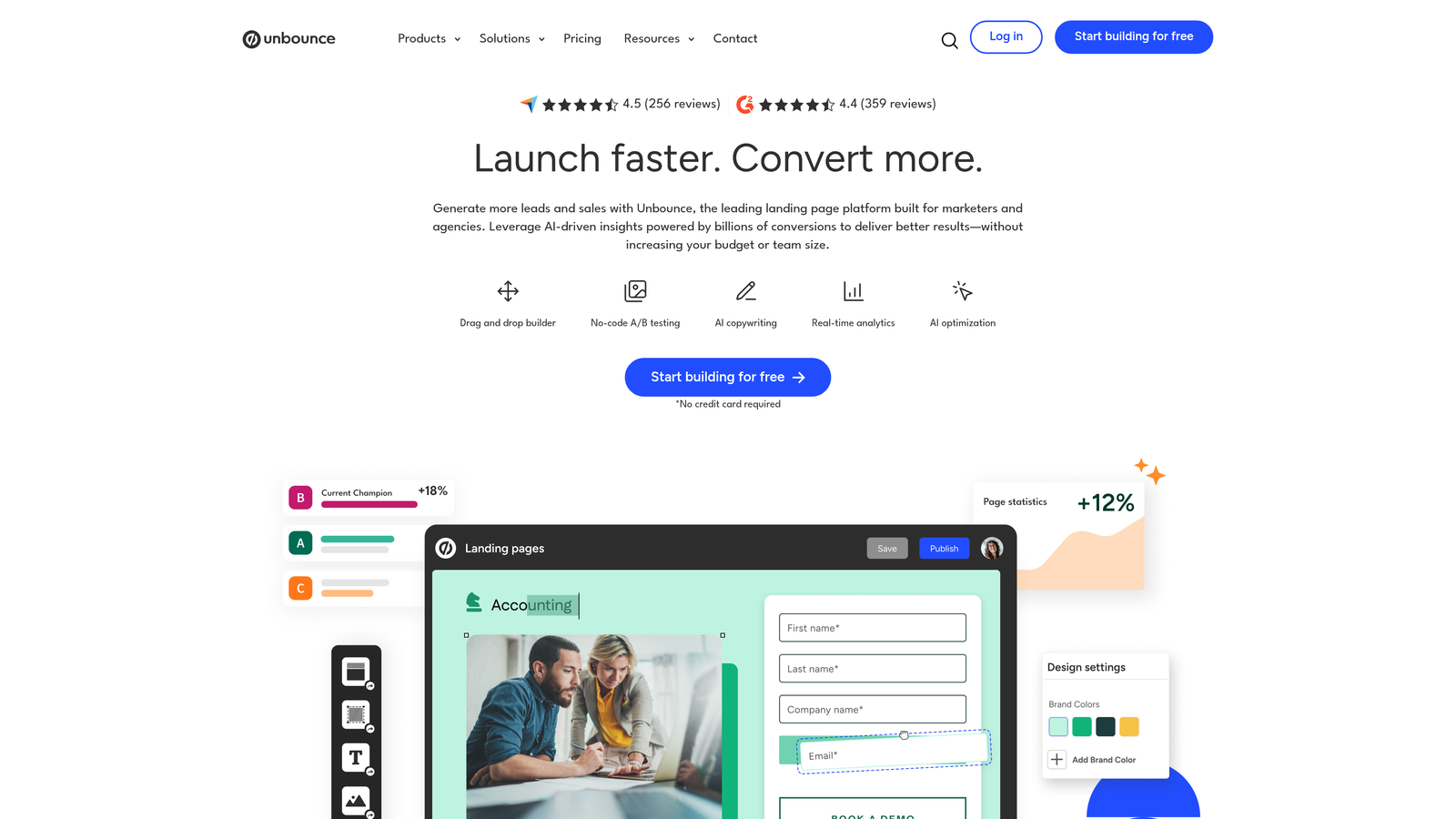
Unbounce Smart Builder is an AI-powered landing page and form builder that treats form completion as part of a broader, page-level conversion system.
Where This Tool Shines
Unbounce operates on a premise that's easy to overlook: the form itself isn't always the problem. Sometimes the page surrounding the form is what's killing conversions. Weak headline copy, mismatched messaging, or a cluttered layout can undermine an otherwise solid form. Unbounce addresses the full picture rather than just the form fields.
The Smart Traffic feature is genuinely useful. It automatically routes visitors to whichever page variant is most likely to convert for that specific visitor, based on behavioral signals. This means your A/B tests can work harder without requiring manual analysis and intervention.
Key Features
AI-Driven Layout Recommendations: Suggests page structures and copy adjustments designed to increase overall conversion rates.
Smart Traffic: Automatically routes visitors to the best-performing page variant based on real-time behavioral data.
Drag-and-Drop Page Builder: Build and embed forms within fully optimized landing pages without writing code.
Built-In A/B Testing: Test page and form variations directly within the platform with statistical tracking included.
Popups and Sticky Bars: Alternative form presentation formats for capturing leads without requiring a full page visit.
Best For
Unbounce is best for performance marketing teams and growth marketers running paid campaigns where landing page and form performance are tightly linked and every percentage point of conversion rate matters.
Pricing
Plans start at $74/month. Higher tiers unlock more conversions, domains, and advanced AI features.
7. Clearbit (Now Part of HubSpot)
Best for: B2B teams that want to shorten forms by auto-filling known contact and company data
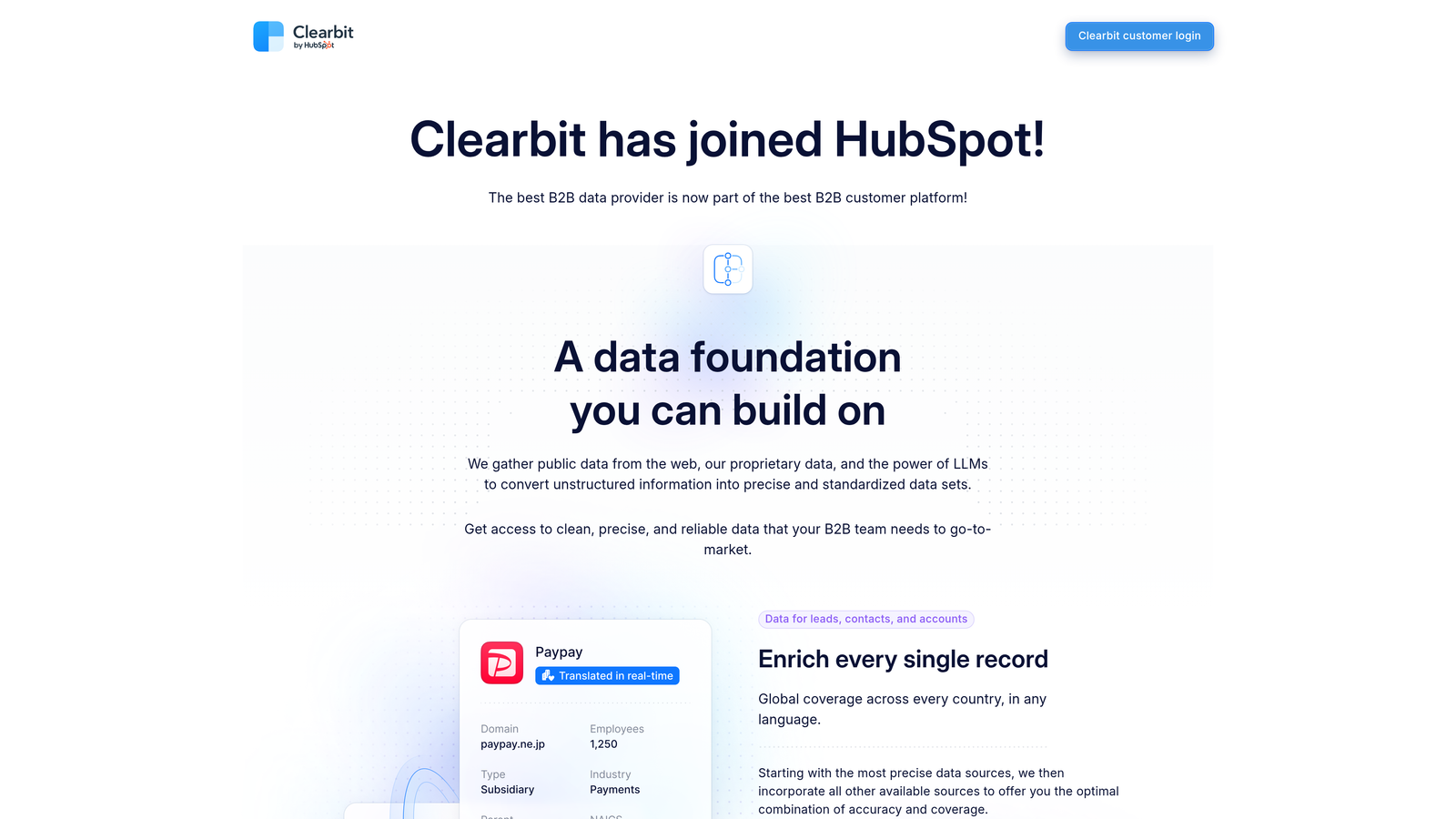
Clearbit is a data enrichment platform that reduces the number of form fields needed by automatically filling in company and contact details for known visitors.
Where This Tool Shines
Clearbit approaches the completion rate problem from a completely different angle than the other tools on this list. Instead of redesigning the form or analyzing user behavior, it simply removes fields that don't need to be asked because the data already exists. Asking a B2B visitor for their company name, industry, and employee count when you can auto-populate all three is unnecessary friction.
Since its acquisition by HubSpot, Clearbit's enrichment capabilities are now more deeply integrated into the HubSpot ecosystem, making it particularly powerful for teams already running on HubSpot CRM.
Key Features
Real-Time Data Enrichment: Automatically pre-fills form fields with company and contact data as users begin interacting with the form.
Extensive B2B Database: Draws from a large database of company and contact records to populate fields accurately.
Form Shortening: Eliminates fields you can auto-populate, reducing perceived form length without losing data quality.
Intent Data: Surfaces signals about which visitors are actively researching solutions, helping prioritize follow-up.
Native HubSpot Integration: Deep integration with HubSpot CRM and Marketing Hub for seamless data flow post-acquisition.
Best For
Clearbit is most valuable for B2B SaaS companies and enterprise sales teams where form length is a known barrier and data enrichment can meaningfully reduce the number of required fields without sacrificing lead intelligence.
Pricing
Pricing is now managed through HubSpot. Contact HubSpot sales for current package details and enrichment volume pricing.
8. VWO (Visual Website Optimizer)
Best for: Teams that want to test form variations systematically to find the highest-converting version
VWO is an A/B testing and experimentation platform built for testing form variations, including field count, layout, CTA copy, and placement, to find what actually converts.
Where This Tool Shines
VWO is for teams that don't want to guess at what's causing low completion rates. The visual editor lets you create form test variants without touching code, which dramatically lowers the barrier to running experiments. You can test whether removing two fields improves completion, whether a different CTA label performs better, or whether moving the form above the fold changes behavior.
The multivariate testing capability is particularly useful for forms with multiple elements worth testing simultaneously. Instead of running sequential tests over months, you can test combinations of changes and identify the winning configuration faster.
Key Features
Visual Editor: Create A/B test variants for forms without writing code, making experimentation accessible to non-developers.
Multivariate Testing: Test multiple form elements simultaneously to find the highest-converting combination of changes.
Heatmaps and Session Recordings: Qualitative data layers that complement test results with behavioral context.
Statistical Significance Engine: Ensures test results are reliable before declaring a winner, preventing premature optimization decisions.
Segmentation and Targeting: Deliver personalized form experiences to different audience segments within the same test framework.
Best For
VWO is best for growth and optimization teams at mid-market and enterprise companies that have enough traffic to run statistically valid experiments and want a rigorous, data-driven approach to form improvement.
Pricing
The Testing product starts at $173/month. Pricing scales with monthly tracked users and additional product modules.
9. HubSpot Forms
Best for: HubSpot-centric teams that want progressive profiling to reduce friction for returning visitors
HubSpot Forms is a CRM-connected form builder with progressive profiling that automatically shortens forms for returning visitors, reducing friction while building richer contact profiles over time.
Where This Tool Shines
Progressive profiling is HubSpot Forms' standout feature. Rather than asking the same questions every time a known contact fills out a form, HubSpot automatically swaps out fields it already has data for and replaces them with new questions. This means returning visitors see shorter, more relevant forms, which meaningfully improves completion rates without sacrificing data completeness over time.
The CRM integration is seamless in a way that third-party form builders connected via Zapier simply can't replicate. Every form submission enriches the contact record directly, with full timeline visibility and automated follow-up sequences triggered immediately.
Key Features
Progressive Profiling: Automatically replaces already-known fields with new questions for returning contacts, keeping forms short and fresh.
Smart Fields: Adapts field display based on existing CRM data, personalizing the form experience for each visitor.
Drag-and-Drop Builder: Build forms with dependent fields and conditional logic without coding.
Automatic CRM Sync: Every submission updates the contact record in real time with full timeline history.
Submission-Triggered Automation: Launch follow-up sequences, notifications, and workflows automatically the moment a form is submitted.
Best For
HubSpot Forms is the natural choice for teams already running on HubSpot CRM who want native, deeply integrated form functionality. The progressive profiling feature makes it especially valuable for businesses with a high percentage of returning visitors or multi-touch lead nurture journeys.
Pricing
Basic forms are free with any HubSpot account. Advanced features including progressive profiling are available in Marketing Hub, with paid tiers starting at $800/month.
Which Tool Is Right for Your Situation
The right solution depends almost entirely on what's actually causing your low completion rate. The tools on this list solve different problems, so matching the tool to the root cause matters more than picking the most popular option.
If you're starting from scratch or want to rebuild with conversion in mind from the ground up, Orbit AI is the strongest starting point. The combination of AI-powered dynamic adaptation, built-in lead qualification, and field-level analytics means you're addressing the problem at the design level rather than patching it afterward.
If you need to diagnose what's wrong before changing anything, start with Hotjar or Zuko. Hotjar gives you broad behavioral context across the full page experience. Zuko goes deeper on form-specific metrics if granular field data is what you need.
For teams with an established form stack looking to optimize through testing, VWO brings the experimental rigor to validate changes before rolling them out. And if your forms are simply too long because you're asking for data you could auto-populate, Clearbit is the most direct fix available.
For teams already inside the HubSpot ecosystem, HubSpot Forms with progressive profiling is a natural, low-friction upgrade. For everyone else who wants a conversational, design-forward experience, Typeform remains a proven choice.
The common thread across all of these solutions is that low form completion rates are fixable. The problem is almost never the traffic. It's the form experience itself, and every tool here gives you a concrete lever to pull.
If you're ready to tackle the problem at its source with intelligent, adaptive form design, start building free forms today with Orbit AI and see how AI-powered lead qualification can transform your conversion strategy from the first interaction forward.


