

Your forms are often the first real interaction prospects have with your business—and a clunky, outdated form can kill conversions before they start. Professional form builder subscriptions offer the design flexibility, integration capabilities, and analytics that free tools simply can't match. But with dozens of options on the market, choosing the right platform means understanding what actually moves the needle for your specific use case.
We evaluated these top form builders based on conversion optimization features, integration ecosystems, pricing transparency, and real-world usability for growth-focused teams. Here's what stood out.
1. Orbit AI
Best for: High-growth teams prioritizing lead quality and AI-powered conversion optimization
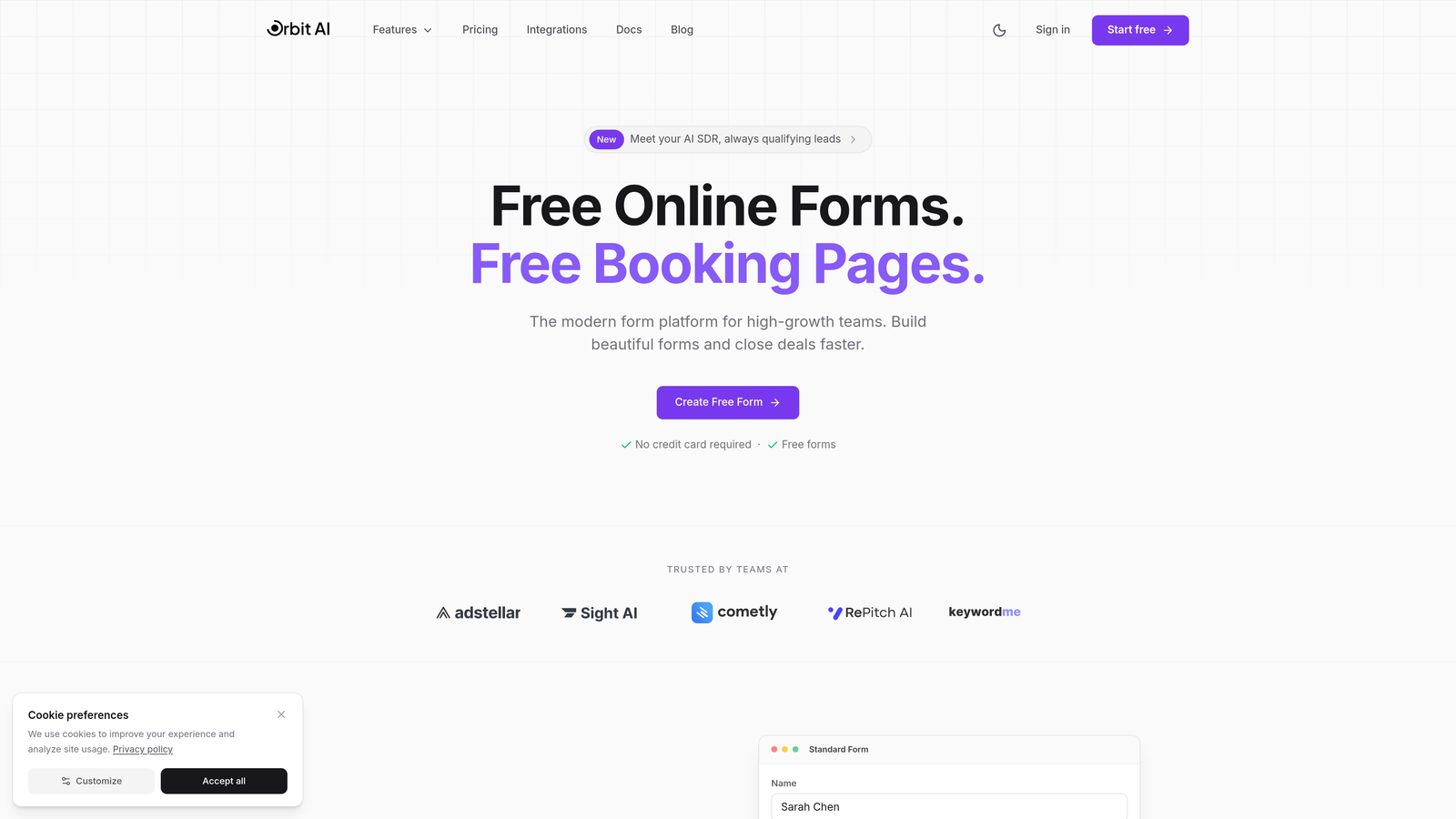
Orbit AI combines beautiful, conversion-optimized form design with intelligent lead qualification that automatically scores and routes prospects based on their responses.
Where This Tool Shines
The standout feature here is the AI-powered lead qualification engine. Instead of collecting raw form submissions and manually sorting through them later, Orbit AI analyzes responses in real-time to identify your highest-value prospects. This means your sales team spends time on qualified leads while lower-priority submissions get routed to nurture sequences automatically.
The platform's modern design system creates forms that actually look good—a detail that matters more than many teams realize. When your form feels current and professional, prospects trust you more. Combine that with native CRM integrations for HubSpot, Salesforce, and Pipedrive, and you've got a system that fits seamlessly into existing workflows without forcing your team to adopt yet another disconnected tool.
Key Features
AI-Powered Lead Qualification: Automatically scores and prioritizes leads based on response patterns and predefined criteria.
Conversion-Optimized Templates: Pre-built form designs tested for maximum completion rates across industries.
Native CRM Integrations: Direct connections to HubSpot, Salesforce, and Pipedrive eliminate manual data transfer.
Advanced Analytics Dashboard: Track completion rates, drop-off points, and lead quality metrics in one unified view.
Workflow Automation: Route qualified leads to sales, trigger email sequences, and update CRM records automatically.
Best For
Growth-focused teams that need to qualify leads at scale without adding headcount. If your sales team is drowning in unqualified form submissions, or if you're running paid acquisition campaigns where lead quality directly impacts ROI, this platform solves those problems specifically. It's built for companies where conversion optimization and lead intelligence matter more than just collecting contact information.
Pricing
Subscription tiers available with different feature sets and submission volumes. Visit orbitforms.ai/pricing for current plan details and a free trial option to test the platform with your specific use case.
2. Typeform
Best for: Brand-first companies prioritizing engaging, conversational user experiences
Typeform pioneered the one-question-at-a-time format that makes forms feel more like conversations than interrogations.

Where This Tool Shines
The conversational approach reduces form abandonment by making the experience feel less overwhelming. Instead of staring at a wall of fields, respondents answer one question, then move to the next. This creates psychological momentum—once someone starts, they're more likely to finish.
Brand customization options are exceptional. You can match fonts, colors, and imagery to your brand guidelines with precision, making forms feel like a natural extension of your website rather than a generic embedded widget. For companies where brand consistency matters, this attention to design detail justifies the investment.
Key Features
Conversational Format: One-question-at-a-time interface reduces cognitive load and improves completion rates.
Logic Jumps: Show different questions based on previous answers to create personalized experiences.
Rich Media Support: Embed videos, images, and GIFs to make forms more engaging and contextual.
Brand Customization: Deep control over fonts, colors, backgrounds, and button styles.
Integration Ecosystem: Native connections to popular tools plus extensive Zapier support.
Best For
Companies where form aesthetics and user experience directly impact brand perception. If you're in design, creative services, or consumer-facing industries where first impressions matter, Typeform's polished interface helps maintain that premium feel throughout the customer journey.
Pricing
Free tier available with Typeform branding. Basic plan starts at $25/month, Plus at $50/month, and Business at $83/month with advanced features like custom subdomains and hidden fields.
3. Jotform
Best for: Teams needing extensive template variety and healthcare/compliance-focused features
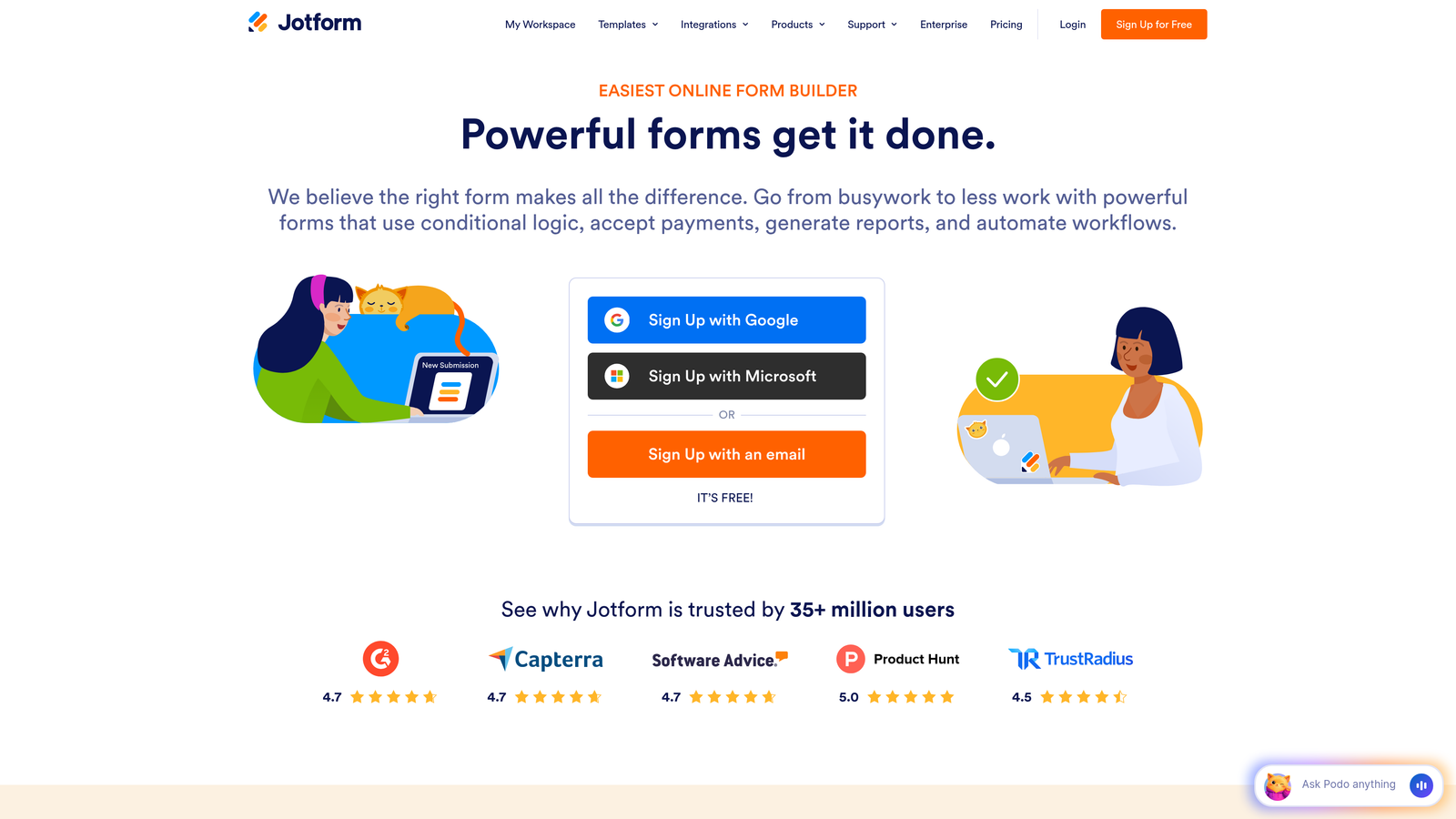
Jotform offers over 10,000 pre-built templates covering virtually every industry and use case imaginable.
Where This Tool Shines
The template library alone saves hours of setup time. Whether you need patient intake forms, event registrations, job applications, or donation forms, there's a tested template ready to customize. This matters when you're launching forms quickly across multiple departments or use cases.
HIPAA compliance options make this a go-to choice for healthcare organizations. The platform offers Business Associate Agreements and encryption features required for handling protected health information—capabilities that many competitors don't provide at any price point.
Key Features
10,000+ Templates: Pre-built forms for every industry eliminate starting from scratch.
HIPAA Compliance: Business Associate Agreements and encryption for healthcare data handling.
PDF Form Conversion: Upload existing PDF forms and convert them to fillable web forms automatically.
Payment Processing: Integrated payment collection through major processors for orders and donations.
Approval Workflows: Route submissions through approval chains with notifications and status tracking.
Best For
Healthcare providers, educational institutions, and organizations with diverse form needs across departments. The combination of compliance features and template variety makes it practical for teams managing dozens of different form types simultaneously.
Pricing
Free tier includes 5 forms and 100 monthly submissions. Bronze starts at $34/month, Silver at $39/month, and Gold at $99/month with increased submission limits and advanced features.
4. Tally
Best for: Budget-conscious teams wanting unlimited forms without subscription costs
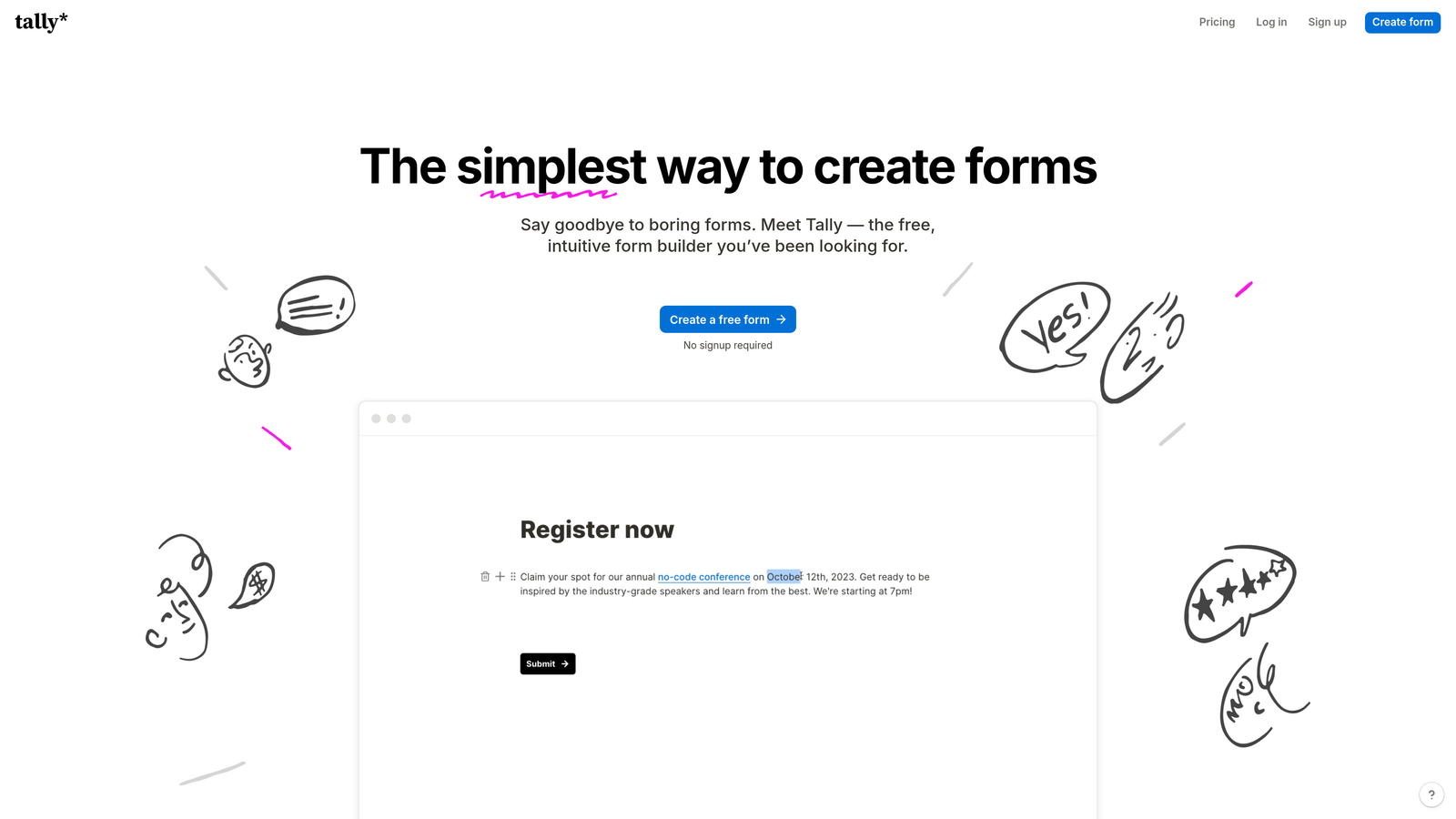
Tally brings Notion's block-based editing philosophy to form building with a remarkably generous free tier.
Where This Tool Shines
The free plan includes unlimited forms—not a trial, not a limited-time offer, but genuinely unlimited forms with no expiration. For startups, nonprofits, or teams testing multiple lead generation strategies simultaneously, this removes the artificial constraint of "form limits" that plague other platforms.
The Notion-style interface feels immediately familiar if you're already using Notion for documentation or project management. You build forms by adding blocks—text blocks, question blocks, media blocks—with the same drag-and-drop simplicity. There's almost no learning curve.
Key Features
Unlimited Free Forms: No artificial limits on form creation or basic functionality.
Block-Based Editor: Notion-style interface for intuitive form building without complex menus.
Conditional Logic: Show or hide questions based on responses, included in the free tier.
File Uploads: Accept document submissions and attachments from respondents.
Calculations: Perform math operations on numeric responses for quotes or assessments.
Best For
Early-stage startups, content creators, and teams running multiple campaigns where form volume matters more than advanced enterprise features. If you need clean, functional forms without monthly fees eating into tight budgets, this delivers surprising value.
Pricing
Generous free tier with unlimited forms. Pro plan at $29/month removes Tally branding and adds custom domains—worth upgrading for client-facing professional use.
5. Fillout
Best for: Teams using Airtable or Notion as their primary database
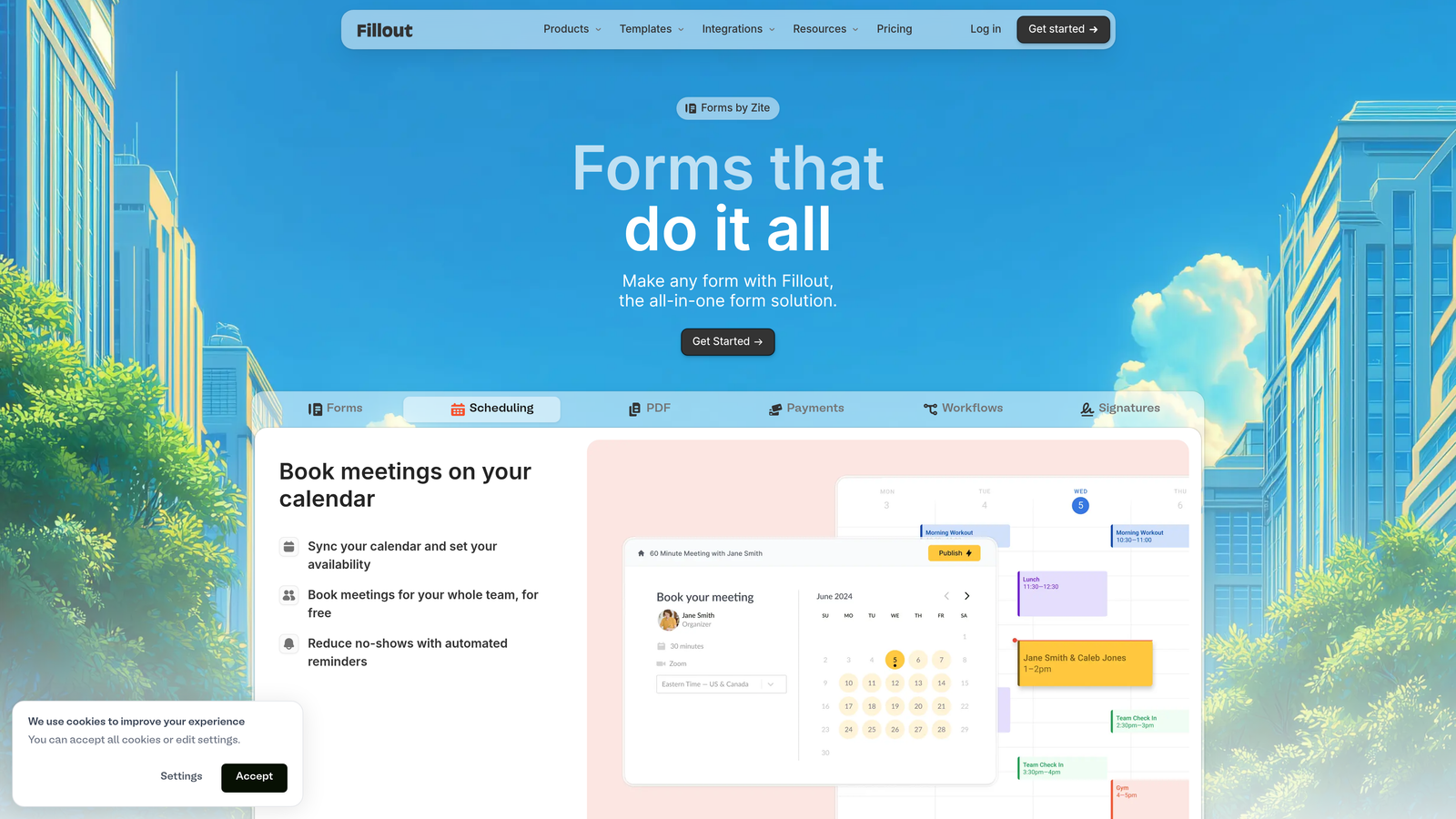
Fillout treats forms as a database interface rather than a standalone data collection tool.
Where This Tool Shines
The native Airtable and Notion synchronization is bidirectional and real-time. Forms can populate existing database records, update them based on submissions, or create new entries—all without Zapier middleware or manual exports. This matters when your team already lives in Airtable for project management or customer tracking.
The ability to update existing records via forms unlocks use cases other platforms struggle with. Think customer profile updates, order status changes, or event registration modifications where you need to edit existing data rather than just collect new submissions.
Key Features
Native Database Sync: Direct two-way integration with Airtable and Notion databases.
Record Updates: Edit existing database entries through form submissions, not just create new ones.
Scheduling Integration: Built-in calendar booking for appointments and meetings.
Conditional Logic: Show different form sections based on user responses or database values.
Multi-Page Forms: Split long forms across pages with progress indicators to reduce abandonment.
Best For
Operations teams managing workflows in Airtable or Notion who need public-facing forms that feed directly into existing databases. If you're already paying for Airtable and want forms that feel like a natural extension rather than a separate tool, this integration depth justifies the subscription.
Pricing
Free tier available for basic use. Starter plan at $15/month, Pro at $40/month with advanced features and higher submission limits.
6. Paperform
Best for: Creating form-based landing pages with payment processing
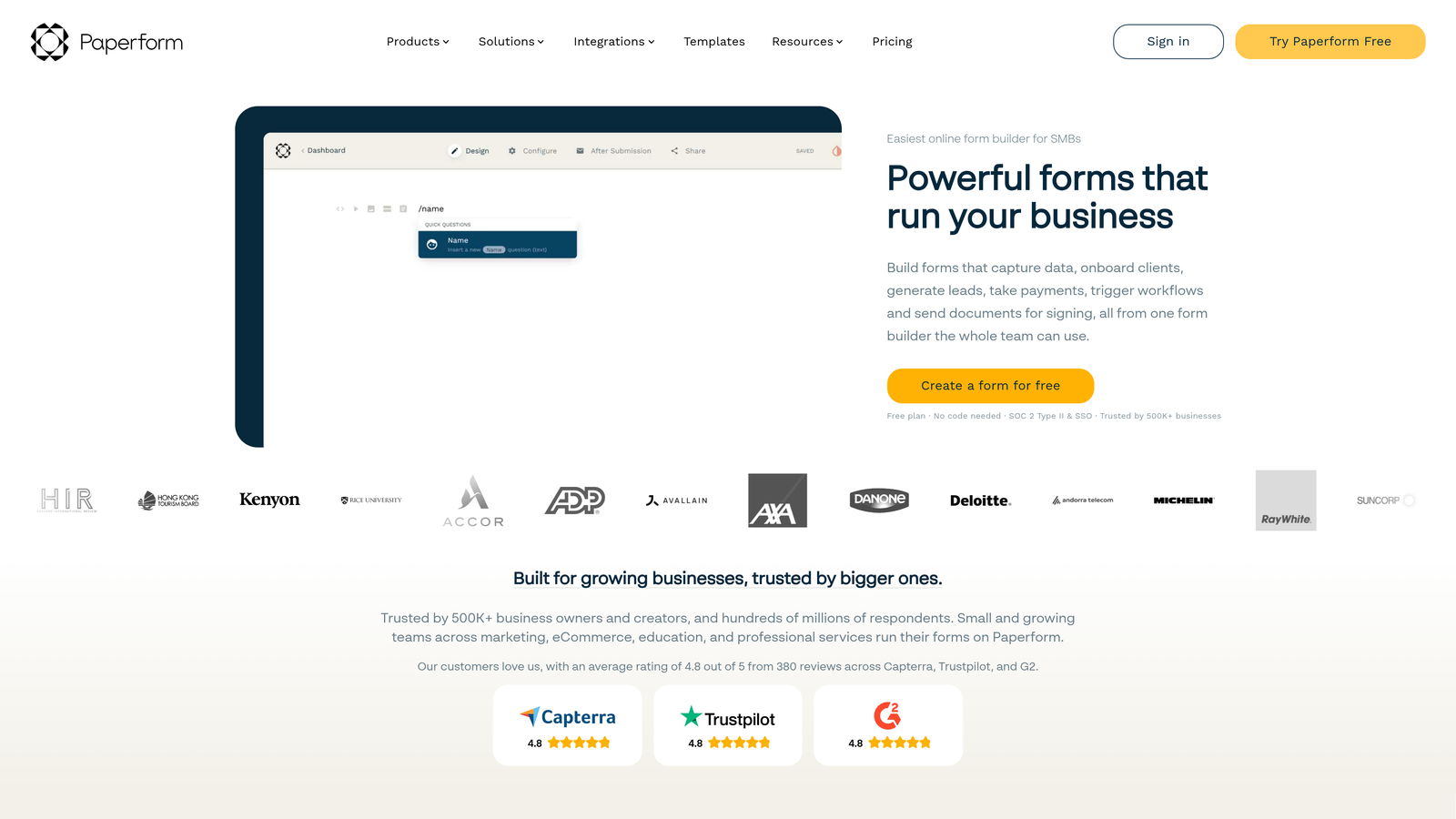
Paperform blurs the line between forms and landing pages with rich media embedding and e-commerce capabilities.
Where This Tool Shines
The landing page-style design lets you build complete product pages, booking systems, or registration experiences that don't feel like traditional forms. You can embed videos, add marketing copy, include product images, and process payments—all in one cohesive experience without redirecting users to separate checkout pages.
Built-in payment processing through Stripe, PayPal, and Square means you can sell products, accept deposits, or collect event fees directly through forms. The product catalog functionality even supports inventory tracking and variant options, making this viable for simple e-commerce use cases.
Key Features
Landing Page Design: Create full-page experiences with marketing copy, images, and calls-to-action.
Payment Processing: Accept payments through Stripe, PayPal, and Square without external integrations.
Product Catalogs: Display multiple products with variants, pricing tiers, and inventory tracking.
Rich Media Embedding: Add videos, images, and custom HTML to create engaging experiences.
Calculation Fields: Build quote calculators, pricing estimators, and assessment tools.
Best For
Service businesses, event organizers, and small e-commerce operations that need to collect information and process payments in a single, branded experience. If you're currently using separate tools for landing pages and payment collection, consolidating into Paperform simplifies your tech stack.
Pricing
Essentials plan at $24/month, Pro at $49/month, and Business at $99/month. The mid-tier Pro plan hits the sweet spot for most teams needing payment processing and custom branding.
7. Formstack
Best for: Enterprise organizations requiring advanced compliance and workflow automation
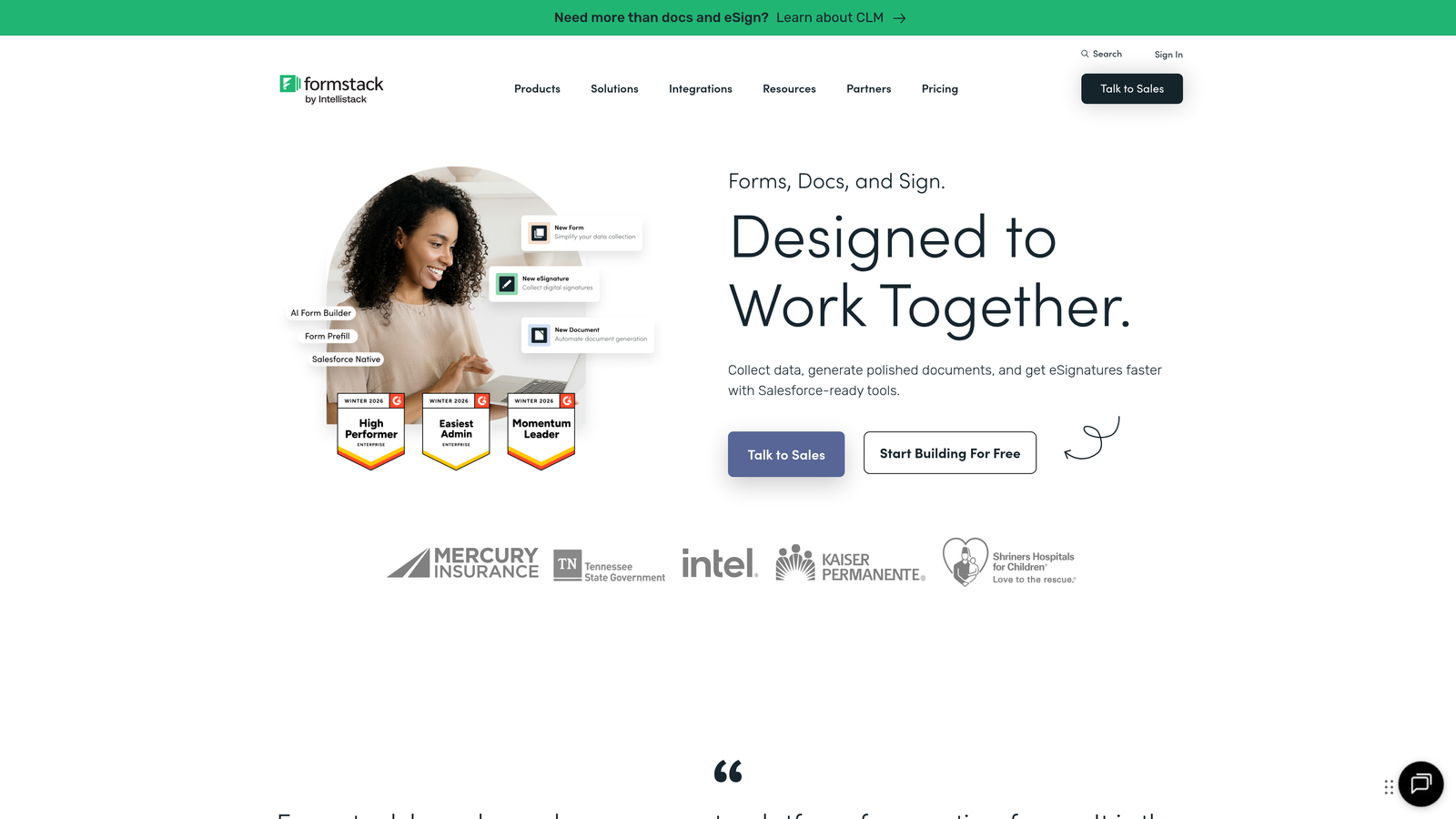
Formstack positions itself as an enterprise-grade form platform with security certifications and workflow capabilities that justify higher price points.
Where This Tool Shines
The compliance certifications are comprehensive: HIPAA, GDPR, SOC 2, and PCI DSS. For regulated industries where data handling requirements are non-negotiable, these certifications aren't nice-to-haves—they're prerequisites. Formstack provides the documentation and infrastructure that compliance teams demand.
Document generation from form submissions automates contract creation, proposal generation, and report building. Submit a form, and the platform automatically populates a PDF template with the submission data. This eliminates manual copy-paste workflows that plague teams handling high submission volumes.
Key Features
Enterprise Compliance: HIPAA, GDPR, SOC 2, and PCI DSS certifications with supporting documentation.
Document Generation: Automatically create PDFs from submission data using custom templates.
Electronic Signatures: Integrated e-signature collection for contracts and agreements.
Approval Workflows: Route submissions through multi-step approval chains with notifications.
Advanced Conditional Logic: Complex branching and field dependencies for sophisticated forms.
Best For
Healthcare systems, financial services firms, and large enterprises where compliance requirements and workflow automation complexity justify premium pricing. If you're currently managing approval processes through email chains and manual document creation, the efficiency gains here are measurable.
Pricing
Starter plan at $50/month, Teams at $83/month. Enterprise pricing requires custom quotes based on user count and feature requirements—expect significantly higher costs for large deployments.
8. Cognito Forms
Best for: Building forms with complex calculations and affordable payment processing
Cognito Forms specializes in calculation-heavy forms with a powerful computation engine and competitive pricing.
Where This Tool Shines
The calculation capabilities go beyond basic math. You can build quote calculators that factor in multiple variables, create assessment tools that score responses across categories, or design order forms that calculate totals including tax and shipping based on location. The formula builder supports complex logic without requiring custom code.
Payment processing fees are notably lower than competitors—the platform doesn't add markup on top of Stripe or PayPal fees. When you're processing significant payment volume, this difference becomes meaningful. A form collecting $10,000 monthly saves hundreds in processing fees compared to platforms charging additional percentage points.
Key Features
Advanced Calculations: Build complex formulas using form data, conditional logic, and mathematical operations.
Low Payment Fees: Process payments through Stripe or PayPal without additional platform markup.
Repeating Sections: Allow users to add multiple entries of the same field group for complex data collection.
Conditional Logic: Show or hide fields and sections based on calculated values or user responses.
Workflow Routing: Send submissions to different recipients or systems based on form data.
Best For
Professional services firms building quote calculators, educational institutions creating assessment forms, or any organization where calculation accuracy and payment processing volume matter. The combination of powerful calculations and cost-effective payment processing creates compelling economics for high-volume use cases.
Pricing
Free tier available for basic forms. Pro plan at $15/month, Team at $35/month, and Enterprise at $99/month. The pricing structure scales well for growing teams without dramatic cost jumps.
9. HubSpot Forms
Best for: Teams already using HubSpot CRM and Marketing Hub
HubSpot Forms is the native form builder within HubSpot's marketing platform with seamless CRM integration.
Where This Tool Shines
The CRM integration isn't just a connection—it's native. Form submissions automatically create contact records, update existing contacts, trigger workflows, and populate deal stages without any middleware. If your sales and marketing teams already live in HubSpot, this eliminates the data synchronization headaches that plague multi-platform setups.
Progressive profiling changes which fields appear based on what HubSpot already knows about a contact. Return visitors see different questions than first-time visitors, letting you gather more information over time without overwhelming people with long forms on their first interaction. This sophistication is difficult to replicate with standalone form builders.
Key Features
Native CRM Integration: Automatic contact creation, updates, and workflow triggers within HubSpot.
Progressive Profiling: Show different form fields to known contacts versus new visitors.
Smart Fields: Pre-populate fields with existing contact data to reduce friction.
A/B Testing: Test different form variations to optimize conversion rates systematically.
Embedded and Popup Forms: Multiple deployment options including standalone pages, website embeds, and exit-intent popups.
Best For
Companies already invested in the HubSpot ecosystem where adding a separate form tool creates unnecessary complexity. If you're paying for HubSpot Marketing Hub, using the native form builder leverages your existing investment rather than adding another subscription to manage.
Pricing
Basic forms included free with HubSpot CRM. Advanced features like progressive profiling and A/B testing require Marketing Hub Starter ($45/month) or higher tiers. The value proposition depends entirely on your existing HubSpot commitment.
Making the Right Choice for Your Team
The right form builder depends less on feature lists and more on your specific constraints and priorities. Here's how to think through the decision:
If lead quality matters more than lead volume—if you're running paid acquisition campaigns or managing a sales team that needs qualified prospects, not raw contact lists—Orbit AI's lead qualification engine solves the filtering problem before it reaches your team. The AI scoring means your sales reps spend time on conversations that actually convert rather than chasing unqualified submissions.
For brand-conscious companies where form aesthetics impact trust and conversion, Typeform's conversational interface and design flexibility justify the premium pricing. If you're in creative services, design, or consumer-facing industries, the polished experience maintains brand consistency throughout the customer journey.
Teams managing diverse use cases across departments—healthcare organizations needing HIPAA compliance, educational institutions with varied registration needs, or companies running dozens of different forms simultaneously—find value in Jotform's template library and compliance certifications. The breadth of pre-built solutions reduces setup time across multiple use cases.
Budget-constrained startups or teams testing multiple lead generation strategies benefit from Tally's unlimited free forms. When you're experimenting with different campaign approaches and need to spin up forms quickly without worrying about subscription limits, the generous free tier removes artificial constraints.
Organizations already committed to Airtable or Notion as their operational backbone should evaluate Fillout's native database integration. If your team already manages workflows in these platforms, having forms that feel like a natural extension rather than a separate tool simplifies your tech stack and reduces context switching.
The calculation and payment processing combination in Cognito Forms creates compelling economics for professional services firms, consultants, and anyone building quote calculators or processing significant payment volume. The lower payment fees alone can justify the subscription cost when you're handling thousands in monthly transactions.
For HubSpot users, the decision is straightforward: use HubSpot Forms. The native integration and progressive profiling capabilities aren't worth sacrificing for standalone features. You're already paying for the platform—leverage what you have rather than adding complexity.
The professional form builder market has matured significantly, with AI-powered features and native integrations becoming standard expectations rather than premium add-ons. The platforms that win in 2026 aren't just collecting data—they're qualifying leads, automating workflows, and integrating seamlessly into existing tech stacks. Choose the tool that solves your specific bottleneck, whether that's lead quality, compliance requirements, payment processing, or database integration.
Start building free forms today and see how intelligent form design can elevate your conversion strategy. Transform your lead generation with AI-powered forms that qualify prospects automatically while delivering the modern, conversion-optimized experience your high-growth team needs.


