

Your landing page design is flawless. Your copy is compelling. But your form? It's quietly killing your conversion rate.
The right form builder doesn't just collect data—it guides visitors through a frictionless experience that turns curiosity into commitment. Whether you need AI-powered lead qualification, conditional logic that adapts in real-time, or simply beautiful forms that match your brand, the tool you choose matters more than most marketers realize.
We evaluated dozens of form builders based on conversion-focused features, ease of use, integration capabilities, and pricing to bring you this curated list of the best options for building high-converting pages in 2026.
1. Orbit AI
Best for: High-growth teams that need intelligent lead qualification built directly into their forms
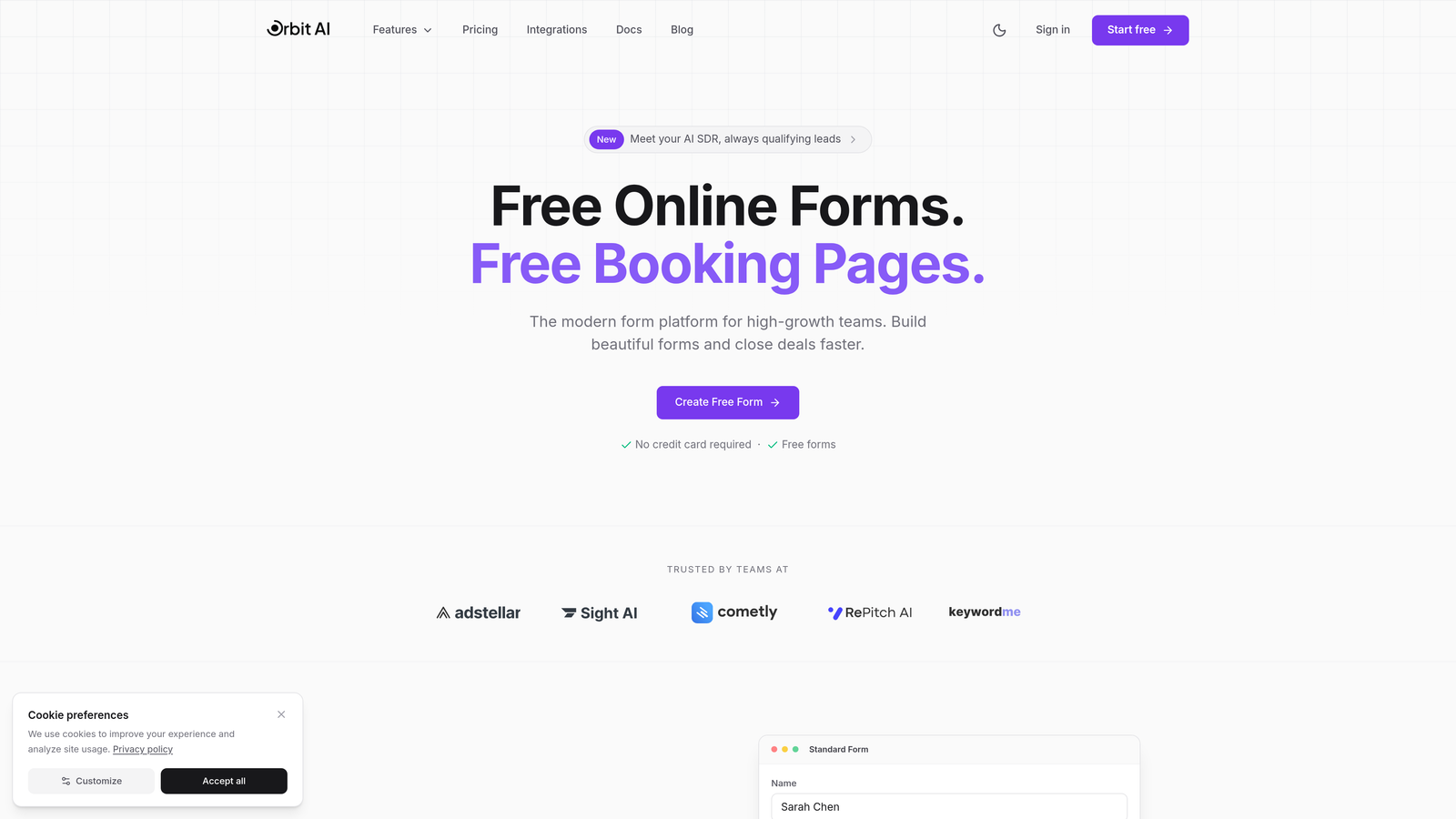
Orbit AI is an AI-powered form builder designed specifically for teams obsessed with conversion optimization and lead quality.
Where This Tool Shines
What sets Orbit AI apart is its intelligent approach to lead qualification. Instead of waiting until after form submission to score leads, the platform analyzes responses in real-time and adapts the form experience accordingly. High-intent prospects get streamlined paths to conversion, while lower-quality leads are filtered appropriately.
The platform combines beautiful, modern form design with sophisticated branching logic that feels natural to users. Forms load fast, look exceptional on mobile devices, and integrate seamlessly with the tools your team already uses.
Key Features
AI-Powered Lead Qualification: Automatically scores and routes leads based on response patterns and behavioral signals.
Multi-Step Forms with Intelligent Branching: Creates personalized form paths that adapt based on user responses without feeling robotic.
Real-Time Analytics and Conversion Tracking: Shows exactly where prospects drop off and which form variations drive the highest conversion rates.
Native CRM and Marketing Tool Integrations: Connects directly to major platforms so qualified leads flow automatically into your sales pipeline.
Mobile-Optimized Design System: Forms that look beautiful and function flawlessly on every device without additional configuration.
Best For
Orbit AI works best for high-growth SaaS teams, B2B companies with complex sales processes, and marketing teams that need to prove ROI from lead generation efforts. If you're tired of sorting through unqualified leads manually, this platform handles that intelligence layer automatically.
Pricing
Free tier available for teams getting started. Paid plans start at competitive rates designed for growing teams that need advanced lead qualification capabilities.
2. Typeform
Best for: Maximizing engagement through conversational, one-question-at-a-time form experiences
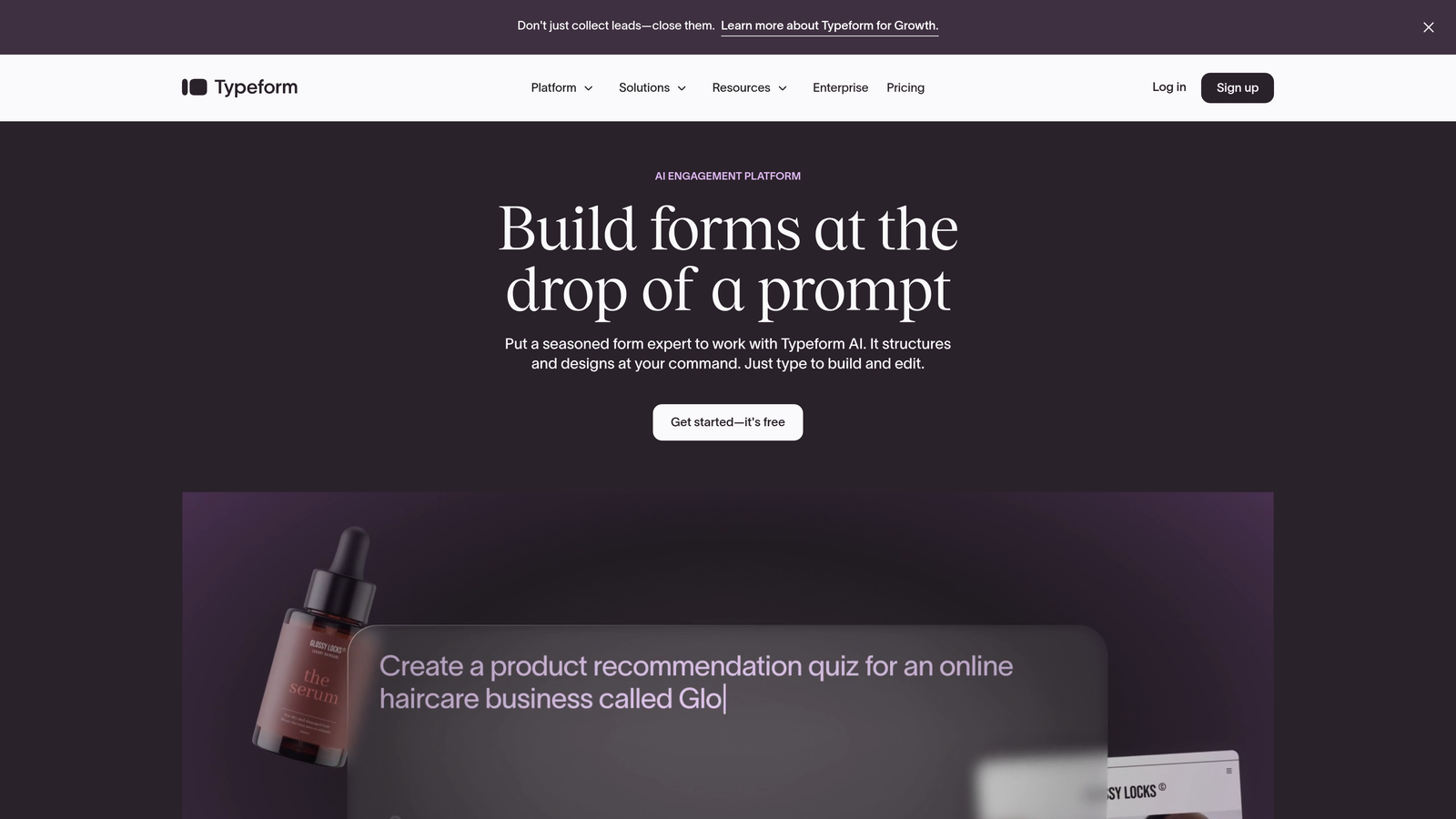
Typeform pioneered the conversational form approach that keeps users focused on one question at a time.
Where This Tool Shines
Typeform's signature one-question-at-a-time interface dramatically reduces cognitive load. Instead of overwhelming visitors with a wall of form fields, it creates a conversation-like flow that feels more like a chat than a traditional form. This approach consistently delivers higher completion rates, especially for longer forms.
The platform excels at brand customization. You can embed videos, images, and GIFs throughout the form experience, creating something that feels uniquely yours rather than generic.
Key Features
Conversational Interface: One question per screen keeps users focused and reduces abandonment on multi-step forms.
Logic Jumps and Branching: Creates personalized paths through your form based on previous answers.
Rich Media Embedding: Add videos, images, and animations to create engaging, memorable form experiences.
Brand Customization: Complete control over colors, fonts, and visual styling to match your brand identity.
Native Integrations: Connects to popular marketing tools, CRMs, and analytics platforms without middleware.
Best For
Typeform works exceptionally well for surveys, quizzes, and lead qualification forms where engagement matters more than speed. It's ideal for consumer brands, agencies, and teams that want forms to feel like part of their brand experience.
Pricing
Free tier includes basic features with limited monthly responses. Basic plan starts at $25/month for increased responses and removes Typeform branding.
3. Jotform
Best for: Teams that need sophisticated conditional logic and extensive template options without coding
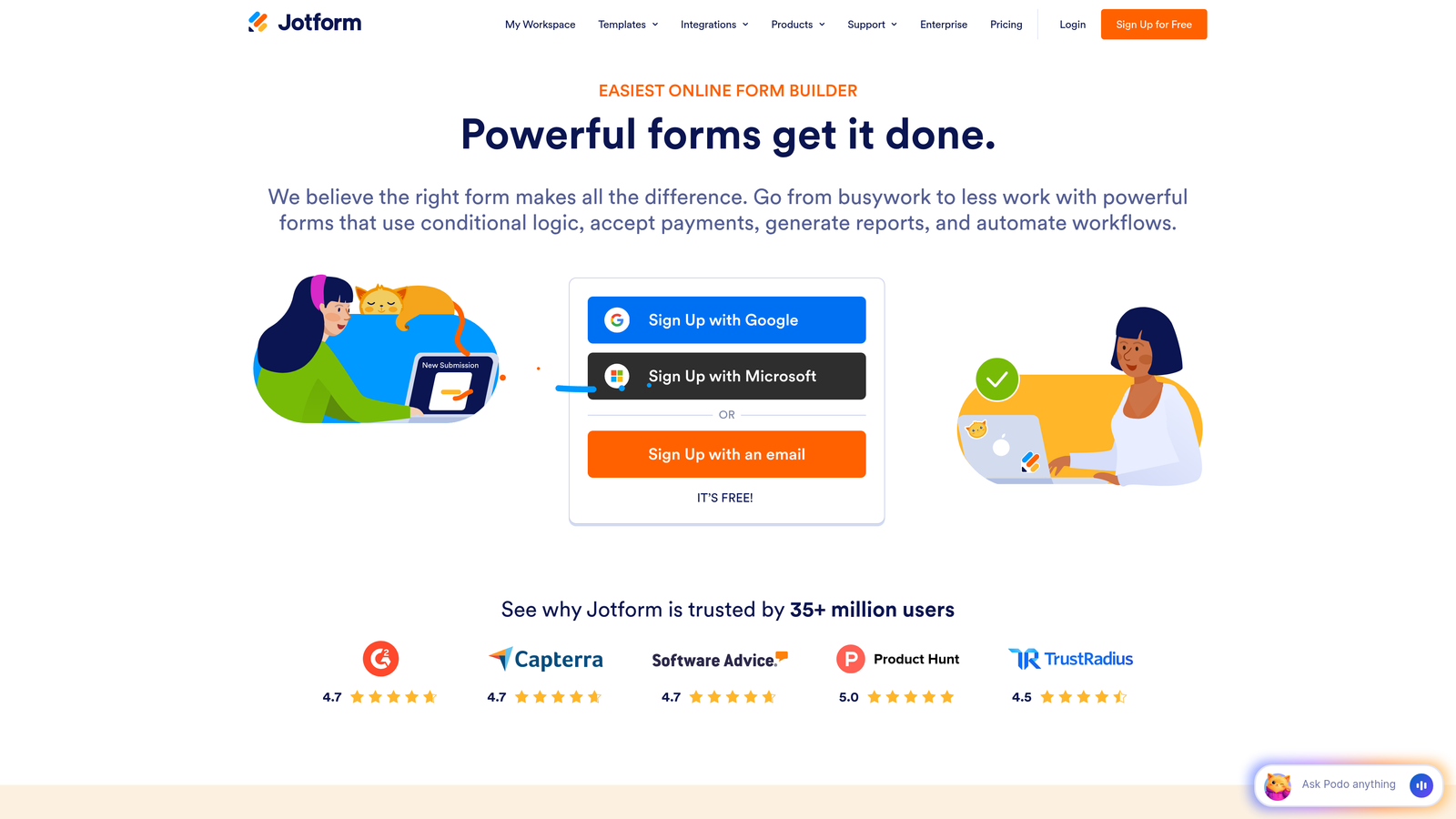
Jotform offers one of the most comprehensive template libraries in the form builder space with over 10,000 pre-built options.
Where This Tool Shines
Jotform's conditional logic capabilities rival custom-coded solutions. You can create complex form workflows that show or hide fields, calculate values, and route submissions based on intricate rule sets—all through a visual interface. This makes it possible to build sophisticated intake forms, applications, and multi-step processes without developer resources.
The platform's versatility extends to payment collection, PDF generation, and team collaboration features that make it a complete solution for organizations with diverse form needs.
Key Features
10,000+ Form Templates: Pre-built forms for virtually every use case, from event registration to job applications.
Advanced Conditional Logic: Create sophisticated form workflows with show/hide rules, calculations, and dynamic field population.
Payment Collection: Integrated payment processing through major gateways for orders, donations, and registrations.
PDF Form Generation: Automatically convert submissions into formatted PDF documents for records or client delivery.
Team Collaboration: Multiple users can edit forms, view submissions, and manage workflows with permission controls.
Best For
Jotform suits organizations that need one platform to handle diverse form requirements—from simple contact forms to complex application processes. It's particularly strong for educational institutions, healthcare providers, and businesses with compliance requirements.
Pricing
Free tier includes up to 5 forms with 100 monthly submissions. Bronze plan starts at $34/month for 25 forms and increased submission limits.
4. Unbounce Smart Builder
Best for: Creating complete high-converting landing pages with AI-optimized forms in one platform
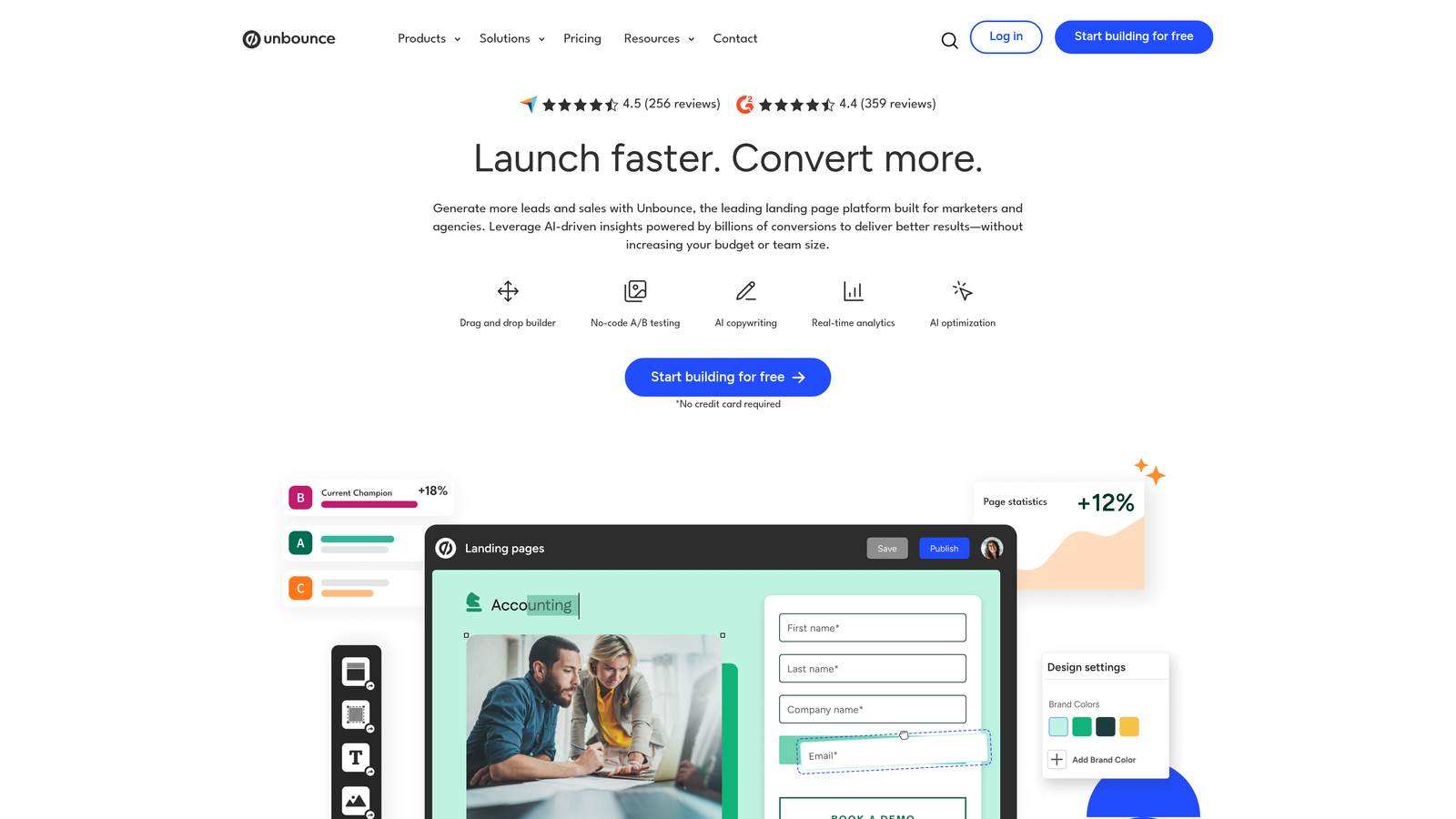
Unbounce combines landing page building with form optimization, using AI to automatically improve conversion rates over time.
Where This Tool Shines
Unbounce's Smart Builder uses AI to optimize your entire landing page, including form placement, field order, and button styling. The platform's Smart Traffic feature automatically routes visitors to the page variant most likely to convert them based on behavioral signals—no manual A/B test analysis required.
Because the landing page and form live in the same platform, you get cohesive design and unified analytics. Dynamic text replacement lets you personalize form copy based on the ad or link that brought visitors to your page.
Key Features
AI-Powered Conversion Optimization: Machine learning automatically improves page and form performance without manual intervention.
Built-In A/B Testing: Test different form layouts, field combinations, and button copy to find what converts best.
Smart Traffic: Automatically shows each visitor the landing page variant most likely to convert them.
Unified Landing Page and Form Platform: Design cohesive experiences without juggling multiple tools or embed codes.
Dynamic Text Replacement: Personalize form headlines and copy based on the visitor's source or search terms.
Best For
Unbounce works best for marketing teams running paid advertising campaigns who need landing pages and forms that maximize return on ad spend. It's ideal when you want the entire conversion experience optimized as a unit.
Pricing
Launch plan starts at $99/month, including landing pages, popups, and sticky bars with conversion optimization features.
5. Leadpages
Best for: Small businesses and entrepreneurs who need simple, conversion-focused lead capture without complexity
Leadpages focuses on making high-converting landing pages and forms accessible to non-technical users with limited budgets.
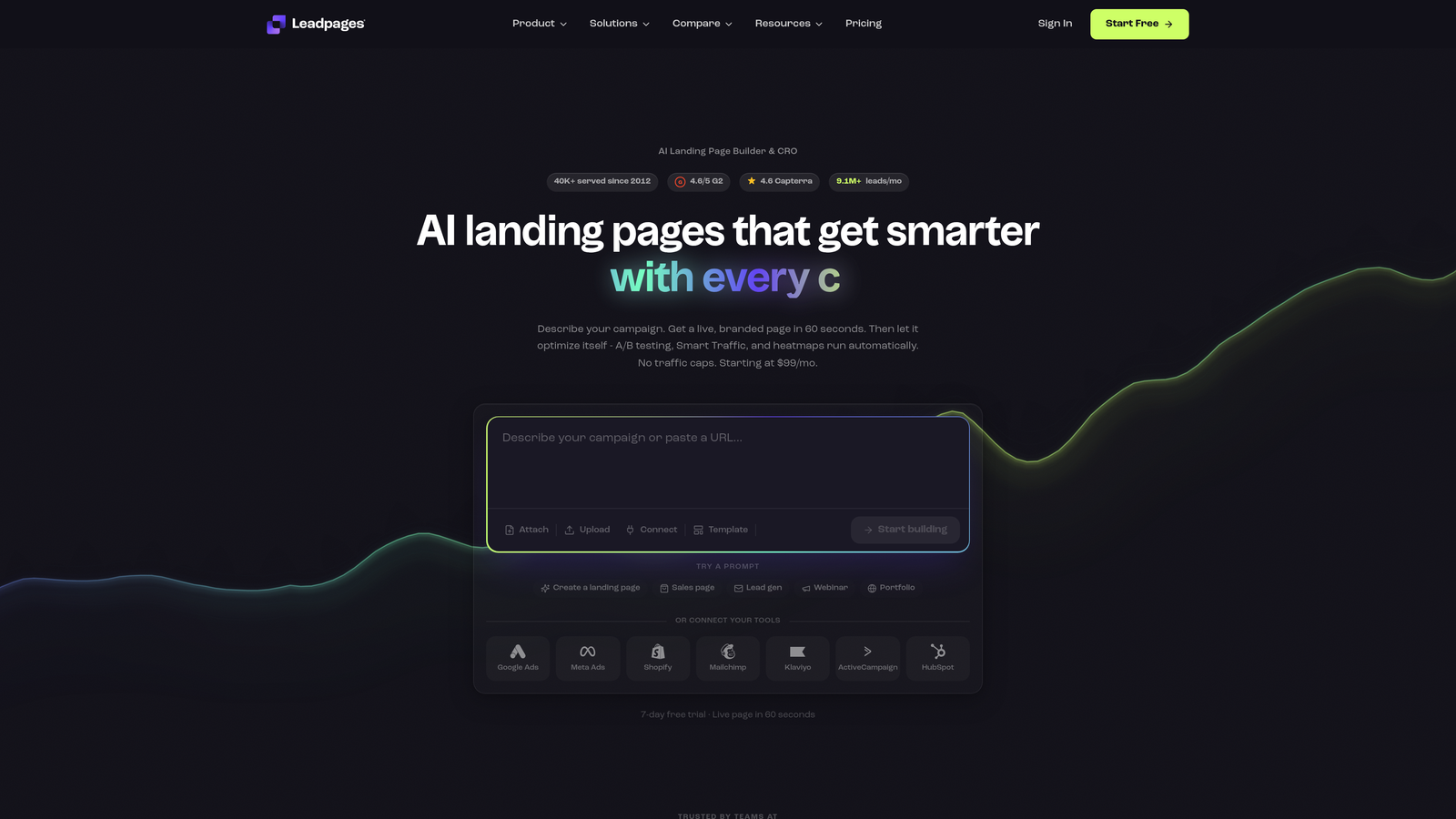
Where This Tool Shines
Leadpages prioritizes ease of use without sacrificing conversion optimization. The drag-and-drop builder is genuinely intuitive—most users can create professional-looking forms and landing pages within minutes of signing up. Templates are specifically designed around conversion best practices, so even beginners start with solid foundations.
The platform includes built-in payment processing and pop-up forms, giving small businesses multiple lead capture options without additional tools or subscriptions.
Key Features
Drag-and-Drop Builder: Intuitive interface that requires zero coding knowledge to create professional forms and pages.
Conversion-Optimized Templates: Pre-designed templates based on proven conversion principles for faster time to launch.
Built-In Payment Processing: Accept payments directly through forms without third-party integrations.
Pop-Up and Alert Bar Forms: Multiple lead capture formats beyond traditional embedded forms.
Real-Time Analytics: Track conversion rates, traffic sources, and form performance in straightforward dashboards.
Best For
Leadpages suits solopreneurs, coaches, consultants, and small businesses that need professional lead generation without the learning curve or budget of enterprise platforms. It's particularly strong for digital product sellers and service providers.
Pricing
Standard plan starts at $49/month with unlimited landing pages, pop-ups, and alert bars included.
6. HubSpot Forms
Best for: Teams already using HubSpot CRM who need forms that connect directly to sales and marketing workflows
HubSpot Forms is the native form builder within the HubSpot ecosystem, designed for seamless CRM integration.
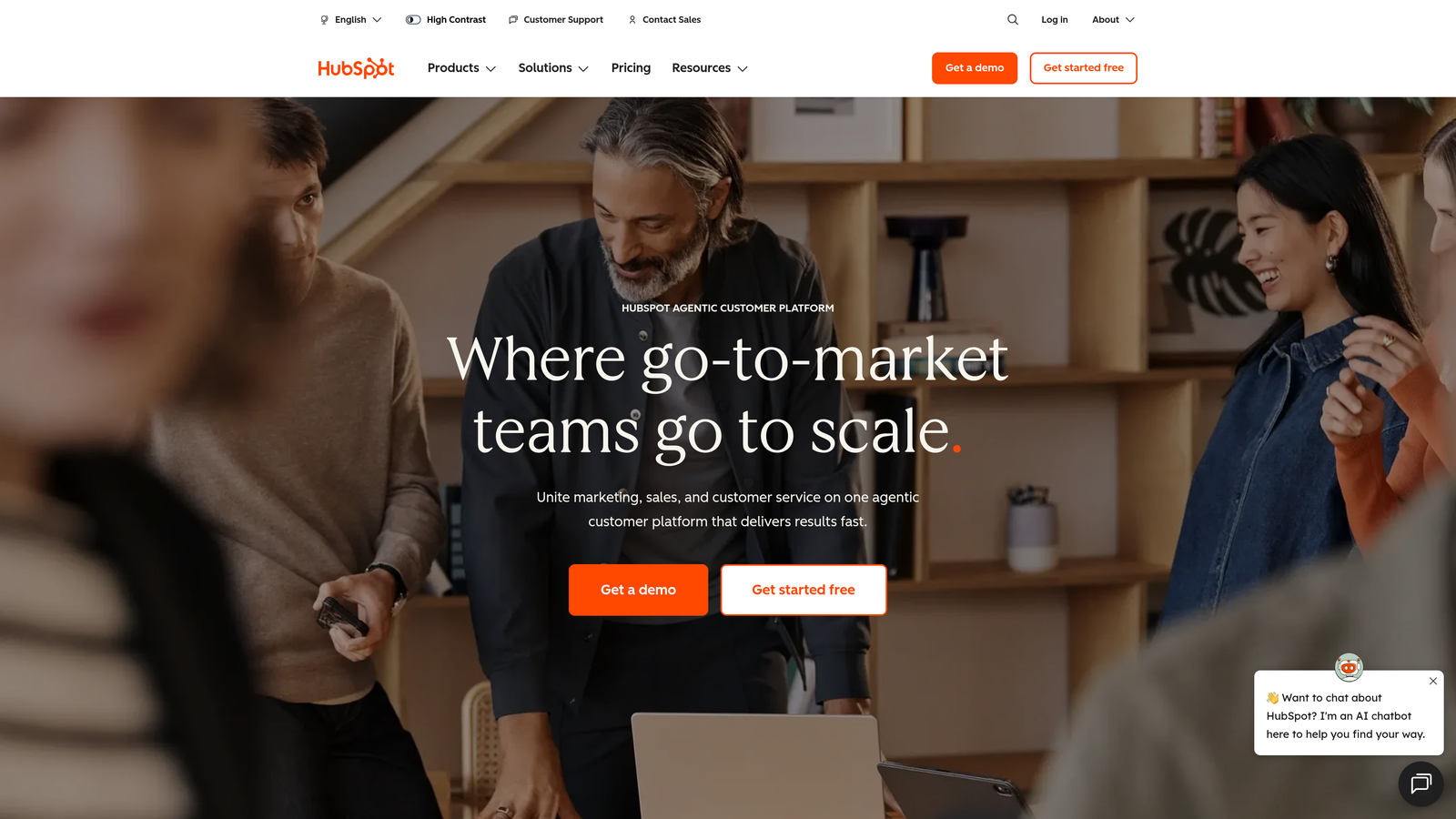
Where This Tool Shines
HubSpot Forms' killer feature is progressive profiling. When a known contact returns to fill out another form, the system automatically hides fields you already have data for and asks new questions instead. This reduces friction for repeat visitors while continuously enriching your contact database.
Because forms are native to the CRM, every submission automatically creates or updates contact records, triggers workflows, and scores leads based on your criteria. There's no integration setup, no data sync delays, and no middleware to maintain.
Key Features
Direct CRM Integration: Forms connect natively to contact records, deals, and company data without third-party tools.
Progressive Profiling: Automatically adapts form fields based on what information you already have about the contact.
Smart Fields: Pre-populate known information for returning visitors to reduce form friction.
Automatic Lead Scoring: Form submissions trigger lead scoring rules and qualification workflows instantly.
Marketing Automation Integration: Form fills automatically enroll contacts in nurture sequences and trigger follow-up actions.
Best For
HubSpot Forms makes sense exclusively for teams already committed to the HubSpot ecosystem. If you're using HubSpot CRM or Marketing Hub, the native integration and progressive profiling capabilities are difficult to replicate with external form tools.
Pricing
Free with HubSpot CRM, including basic form features. Advanced capabilities like progressive profiling and automation require Marketing Hub starting at $800/month.
7. Paperform
Best for: Design-conscious brands that want forms to feel like beautiful, interactive documents
Paperform creates forms that look more like rich documents than traditional web forms, with extensive media support and visual customization.
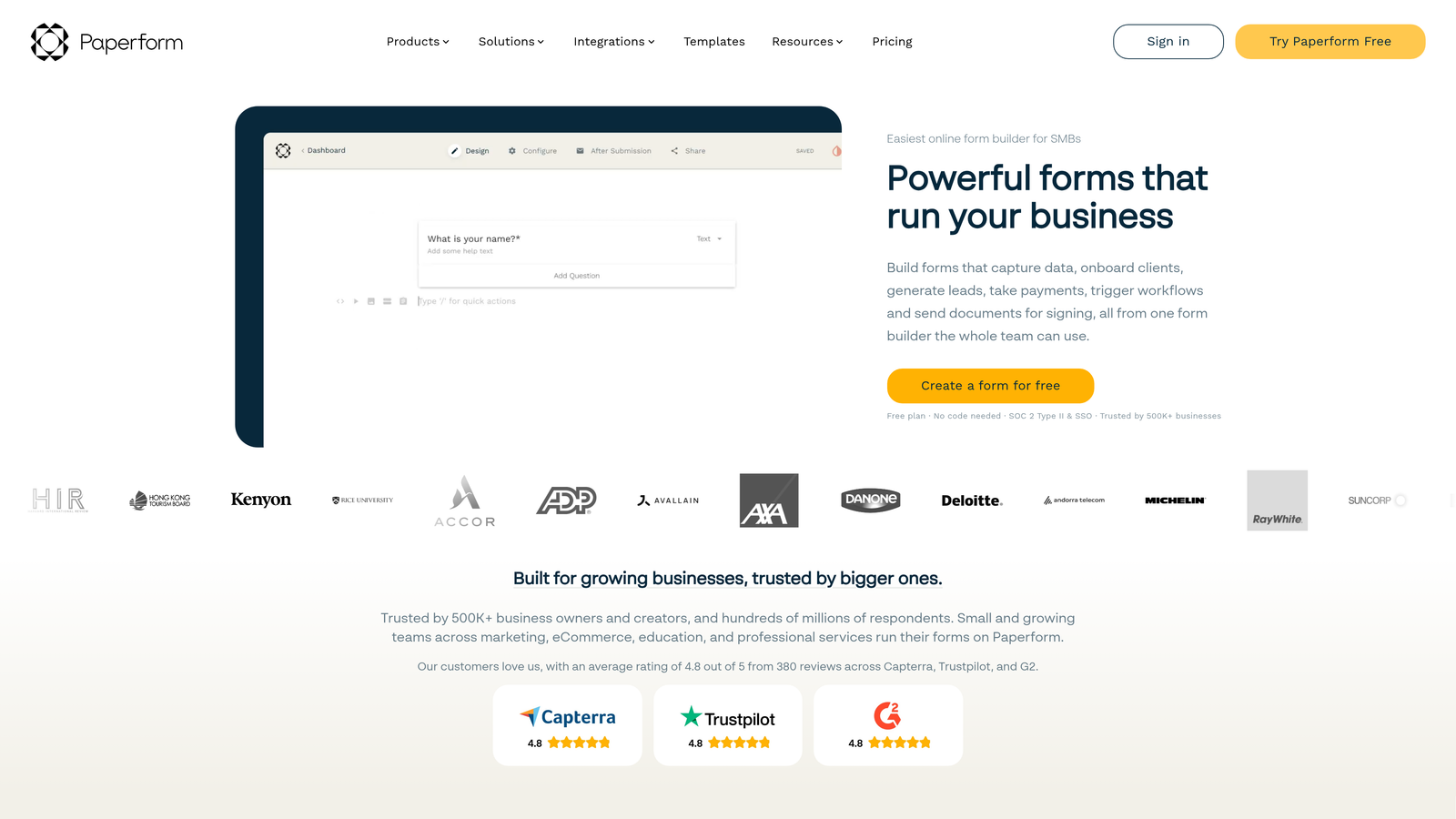
Where This Tool Shines
Paperform's document-style approach makes forms feel less transactional and more engaging. You can embed videos, images, and formatted text throughout the form, creating experiences that tell a story while collecting information. This works exceptionally well for applications, bookings, and intake forms where context matters.
The platform includes robust e-commerce capabilities, letting you sell products, accept bookings, and process payments within beautifully designed forms that maintain your brand aesthetic throughout.
Key Features
Document-Style Design: Forms that look like interactive documents rather than traditional web forms.
Rich Media Embedding: Add videos, images, and formatted text blocks anywhere within your forms.
E-Commerce and Payment Integration: Sell products, accept bookings, and process payments with custom pricing logic.
Conditional Logic and Calculations: Show/hide sections and calculate totals based on user responses.
Complete Brand Customization: Control every visual element to match your brand guidelines precisely.
Best For
Paperform excels for creative agencies, professional services firms, event planners, and any business where the form itself is part of the brand experience. It's ideal when aesthetics matter as much as functionality.
Pricing
Essentials plan starts at $24/month with unlimited forms and submissions included.
8. Formstack
Best for: Enterprise organizations that need advanced security, compliance features, and complex workflow automation
Formstack is an enterprise-grade form platform built for organizations with strict security, compliance, and workflow requirements.
Where This Tool Shines
Formstack's enterprise security features set it apart from consumer-focused form builders. The platform offers HIPAA-compliant forms for healthcare organizations, advanced encryption, and audit trails that meet regulatory requirements. For organizations handling sensitive data, these aren't nice-to-have features—they're mandatory.
The workflow automation capabilities extend beyond simple email notifications. You can route submissions through approval processes, trigger document generation, and integrate with enterprise systems through robust APIs and pre-built connectors.
Key Features
HIPAA Compliance Options: Forms that meet healthcare data security requirements with business associate agreements.
Advanced Workflow Automation: Route submissions through multi-step approval processes and trigger complex business logic.
Digital Signature Collection: Legally binding e-signatures integrated directly into forms.
Offline Form Capabilities: Collect data even without internet connectivity and sync when connection returns.
Enterprise Security Features: Advanced encryption, audit trails, and access controls for regulated industries.
Best For
Formstack suits healthcare organizations, financial services firms, government agencies, and any enterprise with strict compliance requirements. It's the right choice when security and regulatory adherence are non-negotiable.
Pricing
Starter plan at $50/month for basic features. Teams plan at $83/month adds advanced security and workflow capabilities.
9. Tally
Best for: Budget-conscious teams that need unlimited forms and responses without compromising on essential features
Tally offers a remarkably generous free tier with unlimited forms and responses, making professional form building accessible to everyone.
Where This Tool Shines
Tally's Notion-like editing experience feels immediately familiar to anyone who's used modern productivity tools. You build forms by simply typing and formatting, with no drag-and-drop complexity. This approach is surprisingly fast once you get the hang of it—many users create forms faster in Tally than in traditional builders.
The free tier includes features that other platforms reserve for paid plans, including conditional logic, file uploads, and payment collection. Forms load exceptionally fast and look clean on all devices without additional optimization.
Key Features
Unlimited Forms on Free Tier: No artificial limits on form creation or monthly submissions, even on the free plan.
Notion-Like Editing: Familiar keyboard-driven interface that feels more like writing than building.
Conditional Logic Included Free: Show/hide fields and create branching logic without upgrading to paid plans.
Custom Domains: Use your own domain for forms on paid plans to maintain brand consistency.
Fast-Loading Forms: Minimal, clean code ensures forms load quickly even on slower connections.
Best For
Tally works well for startups, nonprofits, students, and small teams with limited budgets who still need professional-looking forms. It's also excellent for individuals running side projects or testing ideas before committing to paid tools.
Pricing
Free tier includes most features with unlimited forms and responses. Pro plan at $29/month adds custom domains, remove branding, and priority support.
Making the Right Choice
The form builder you choose shapes how prospects experience your brand at the most critical moment—when they're deciding whether to trust you with their information.
If lead qualification and conversion optimization are your top priorities, Orbit AI delivers intelligent form experiences that separate high-intent prospects from tire-kickers automatically. For maximum engagement through conversational design, Typeform's one-question-at-a-time approach consistently outperforms traditional forms. Teams already invested in HubSpot should use HubSpot Forms to leverage progressive profiling and native CRM integration. And if budget constraints are real but you still want professional results, Tally's generous free tier makes it possible.
Think about your specific workflow needs. Do you need forms to integrate with your existing CRM and marketing tools? How important is mobile optimization for your audience? Will you need conditional logic to create personalized form paths? Are you collecting payments or just lead information?
The answers to these questions matter more than feature checklists. A form builder that's perfect for an e-commerce brand might frustrate a B2B SaaS team, and vice versa.
Most of these platforms offer free trials or free tiers. The smartest approach? Test two or three tools with your actual landing pages and real traffic before committing. What converts well in theory doesn't always convert well in practice, and you'll learn more from a week of real-world testing than from months of feature comparison.
Transform your lead generation with AI-powered forms that qualify prospects automatically while delivering the modern, conversion-optimized experience your high-growth team needs. Start building free forms today and see how intelligent form design can elevate your conversion strategy.


